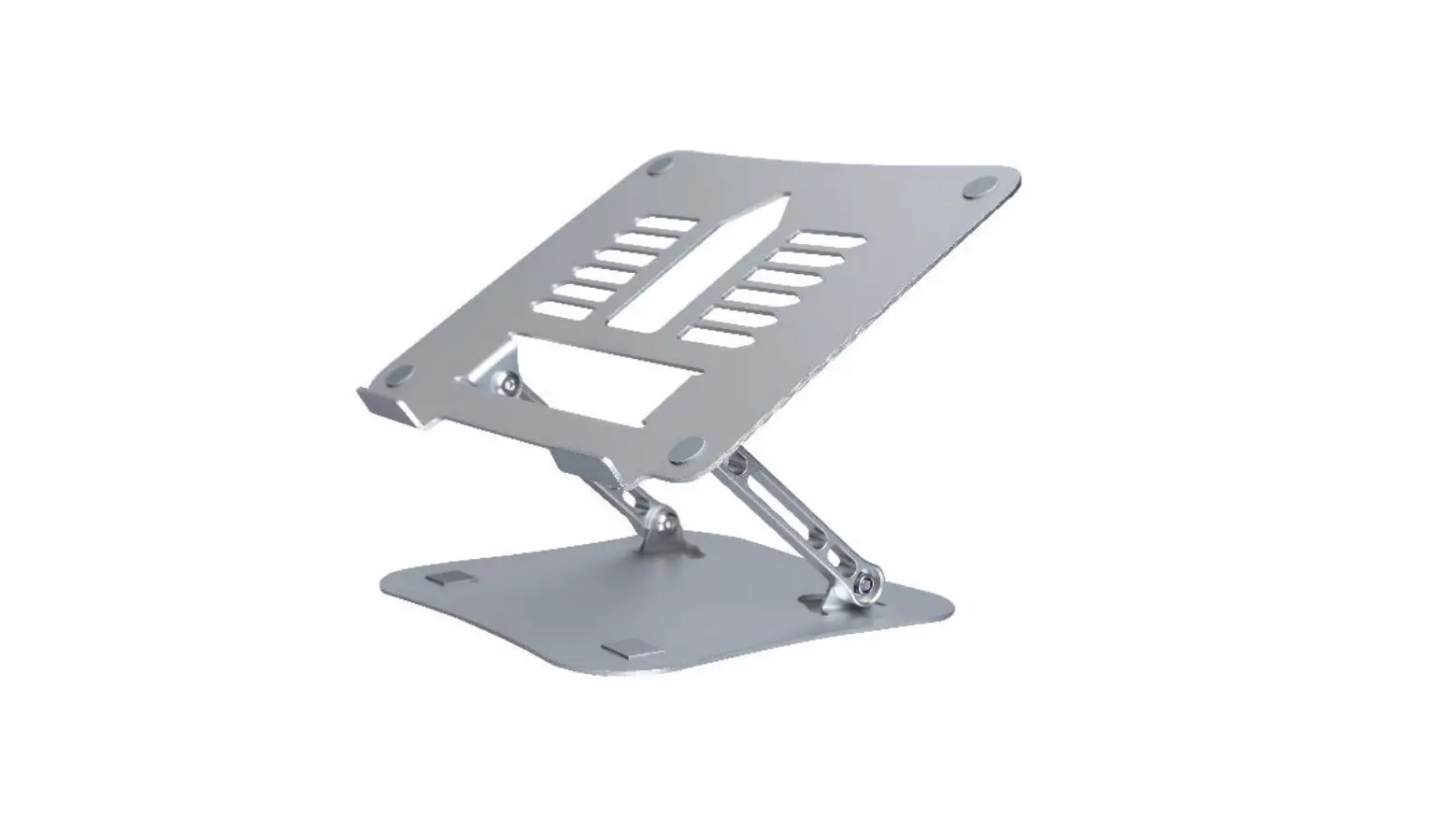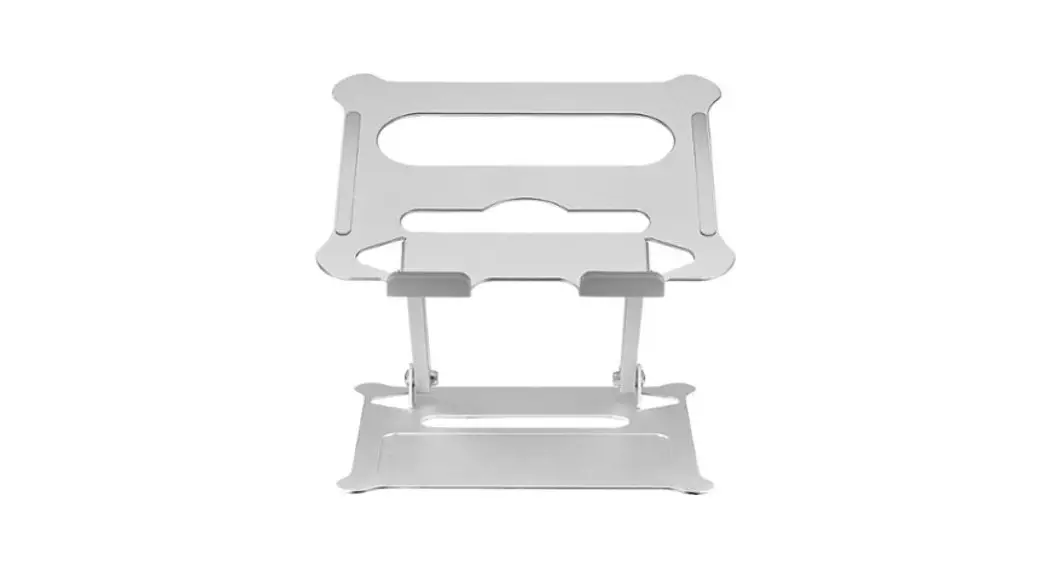

Stradivarius Oryx evo H Laptop Stand
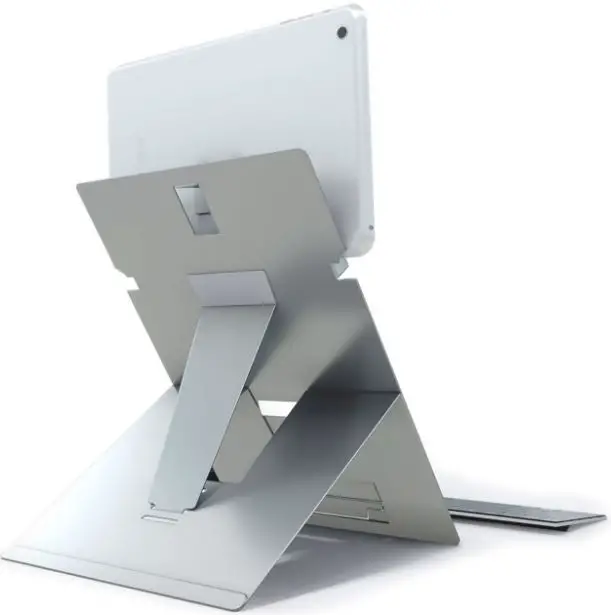
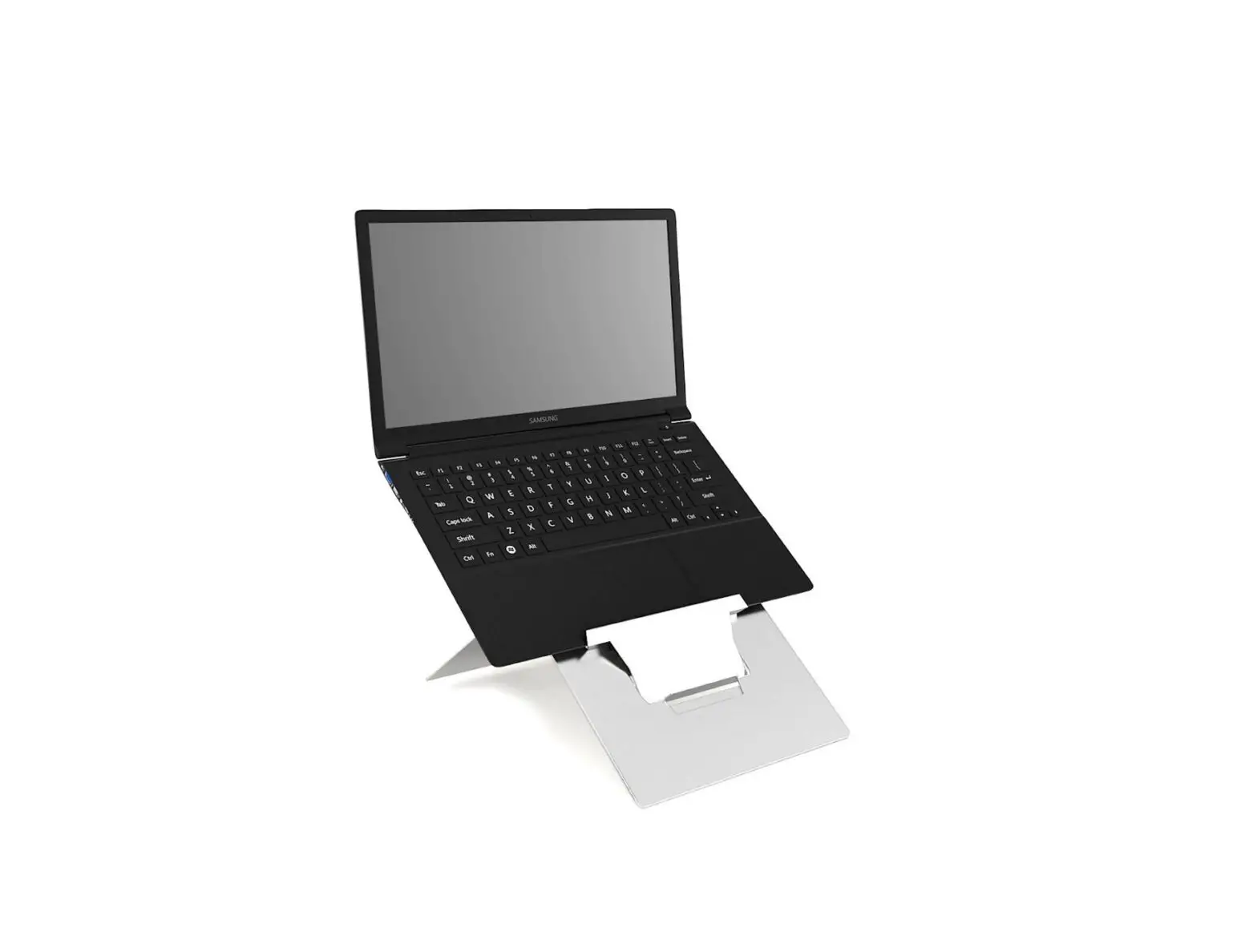
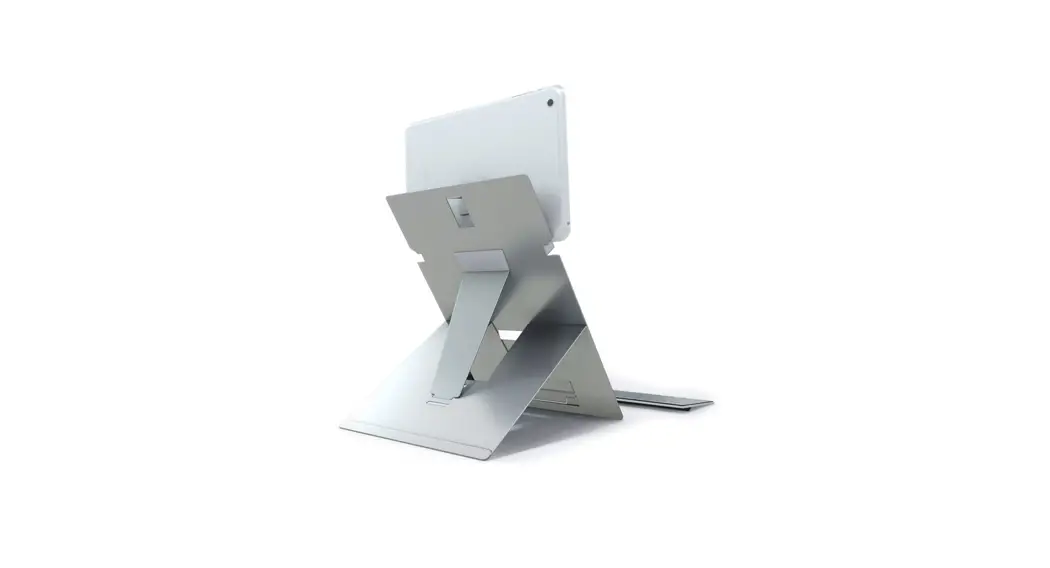
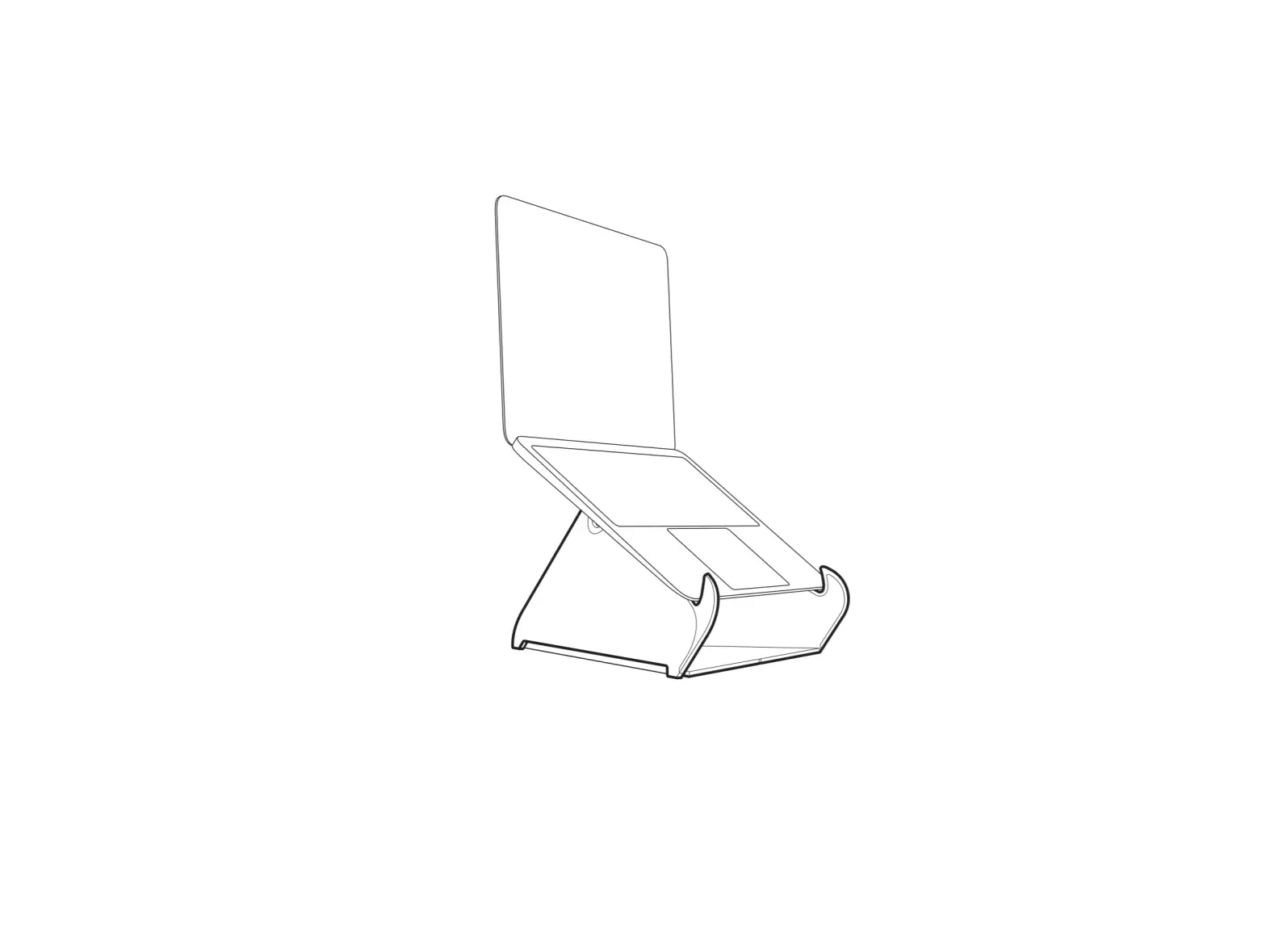
How to set up your ORYX evo H laptop stand
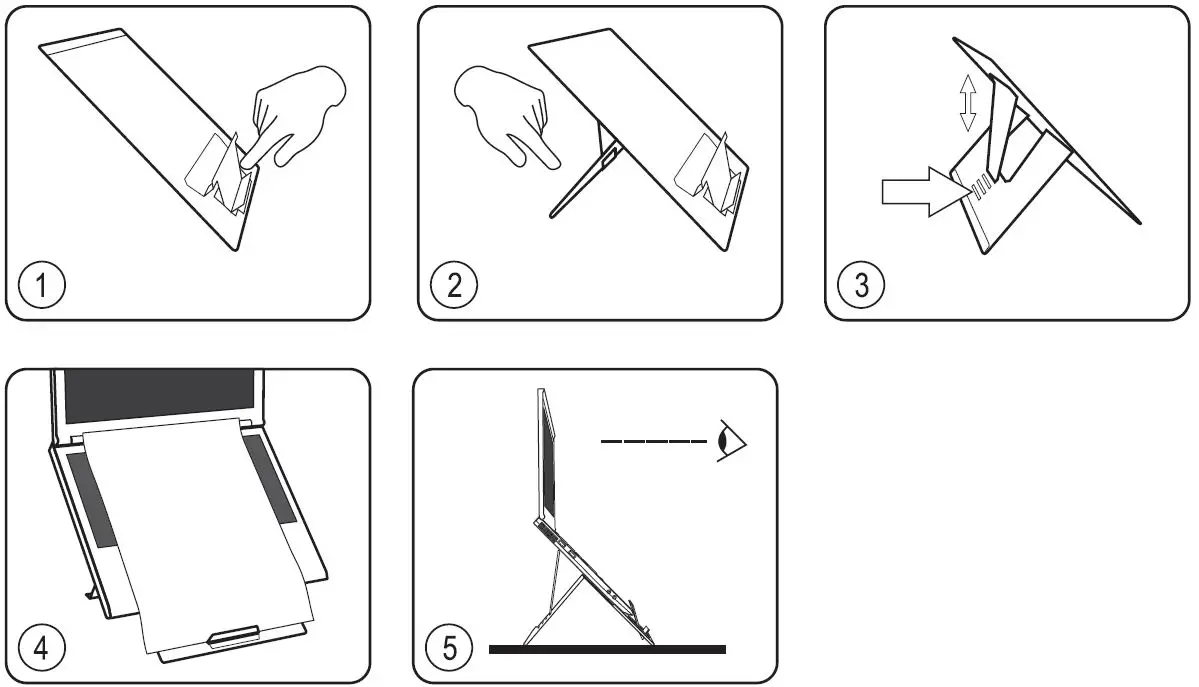
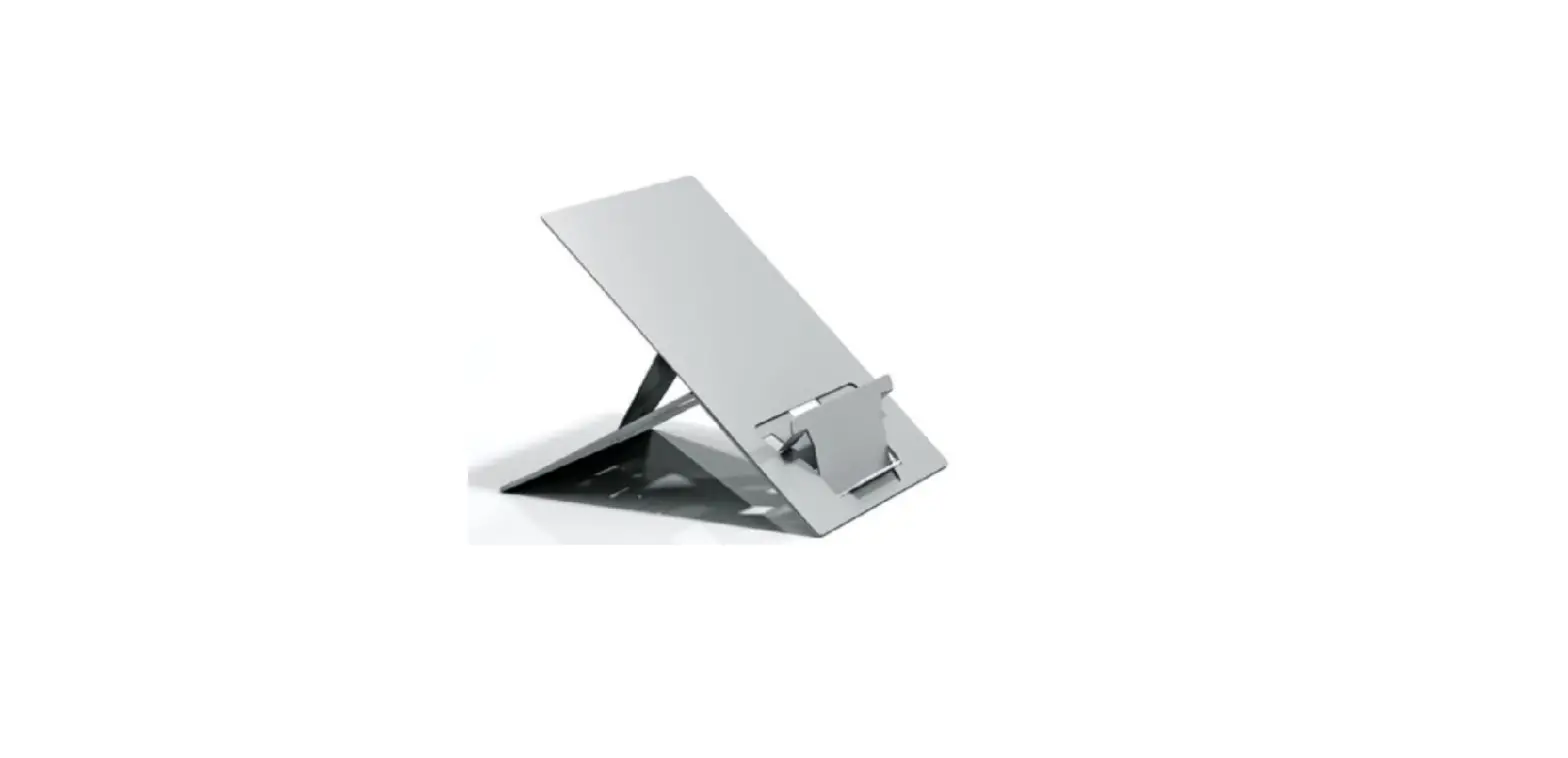
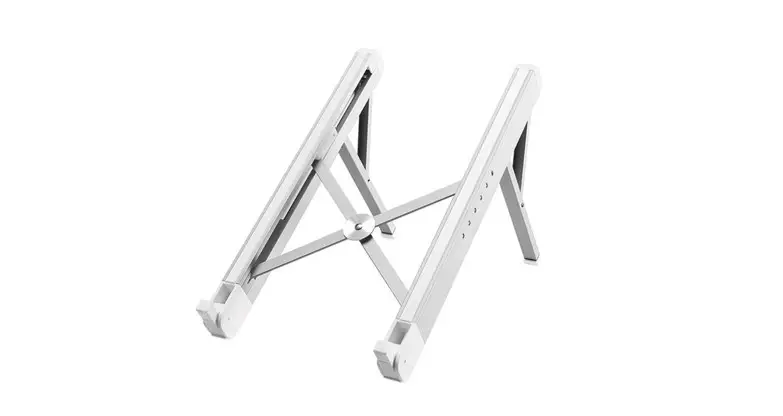
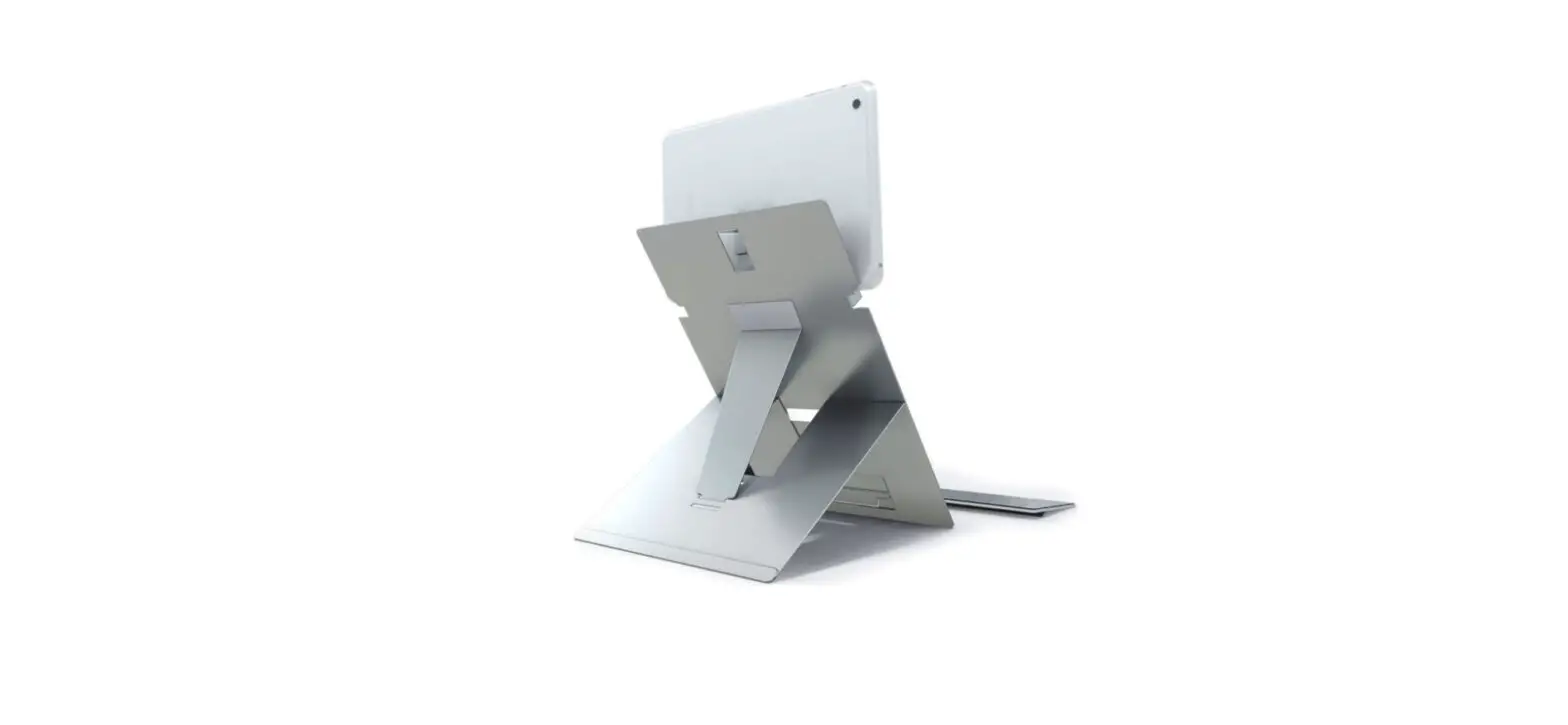
- Push here to form laptop/document support.
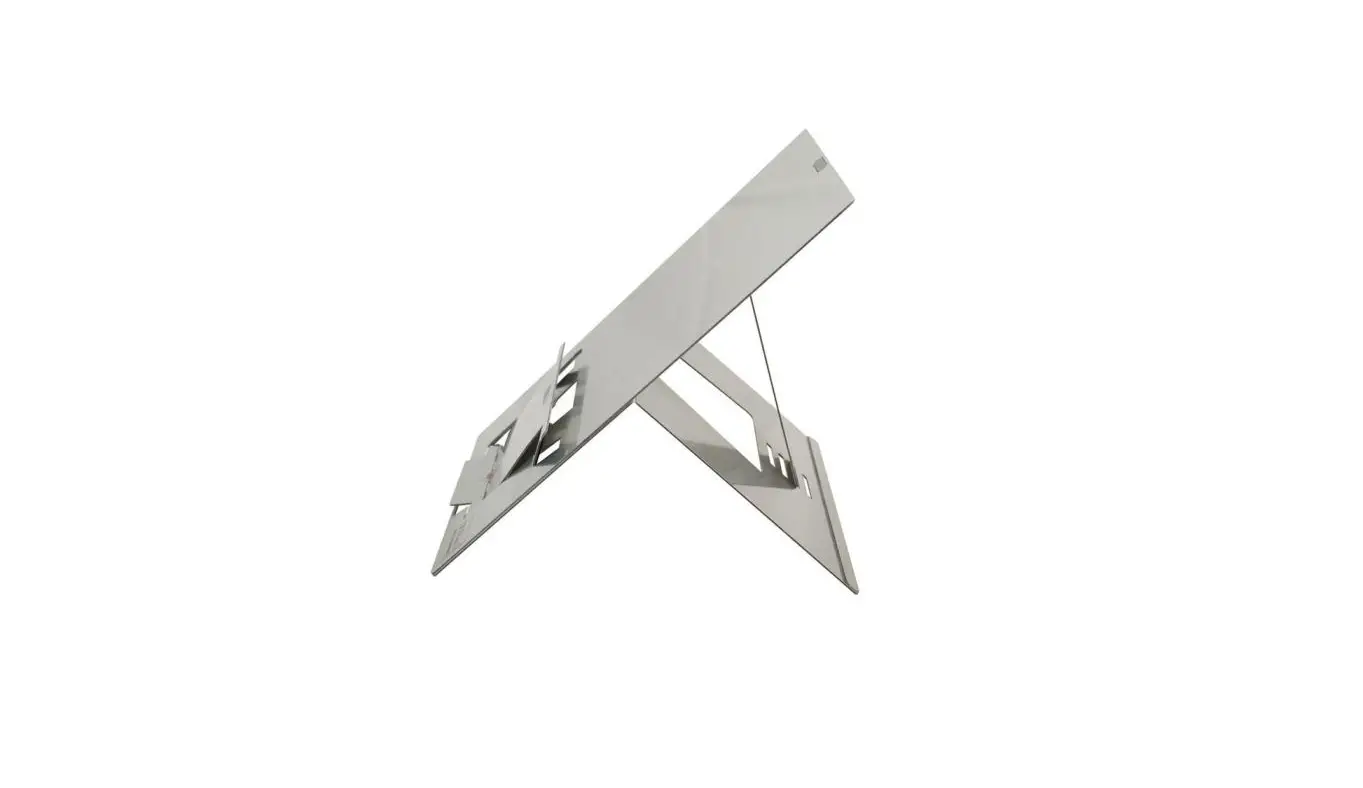
- Unfold rear support.
- Select one of four angle settings.
- Place the laptop and document on the stand.
- Position your laptop stand on your desk about an arm’s length away with the screen raised. Add an external mouse and keyboard to create an ergonomic workstation.

 standivarius.com/h-i