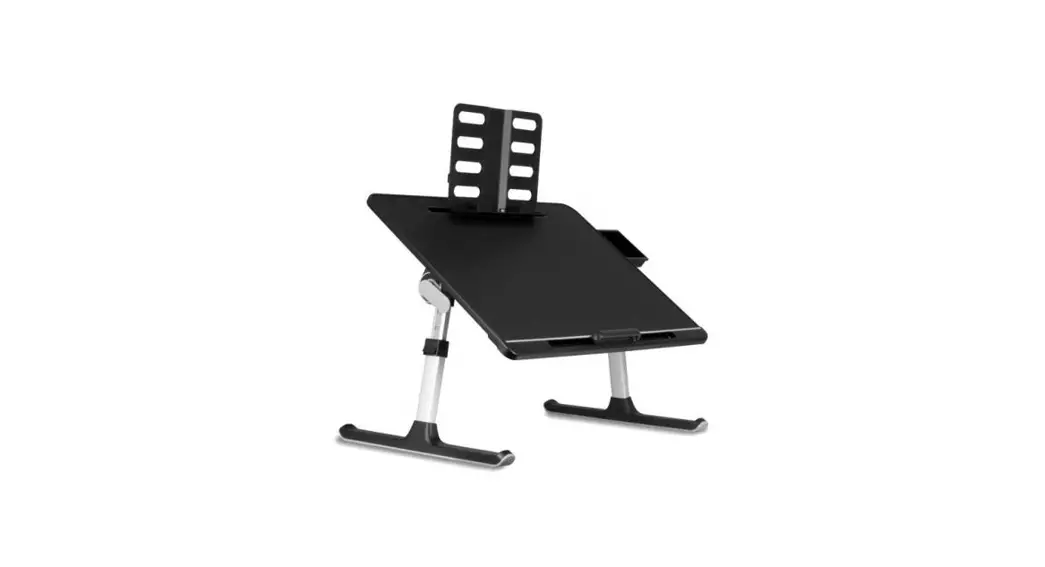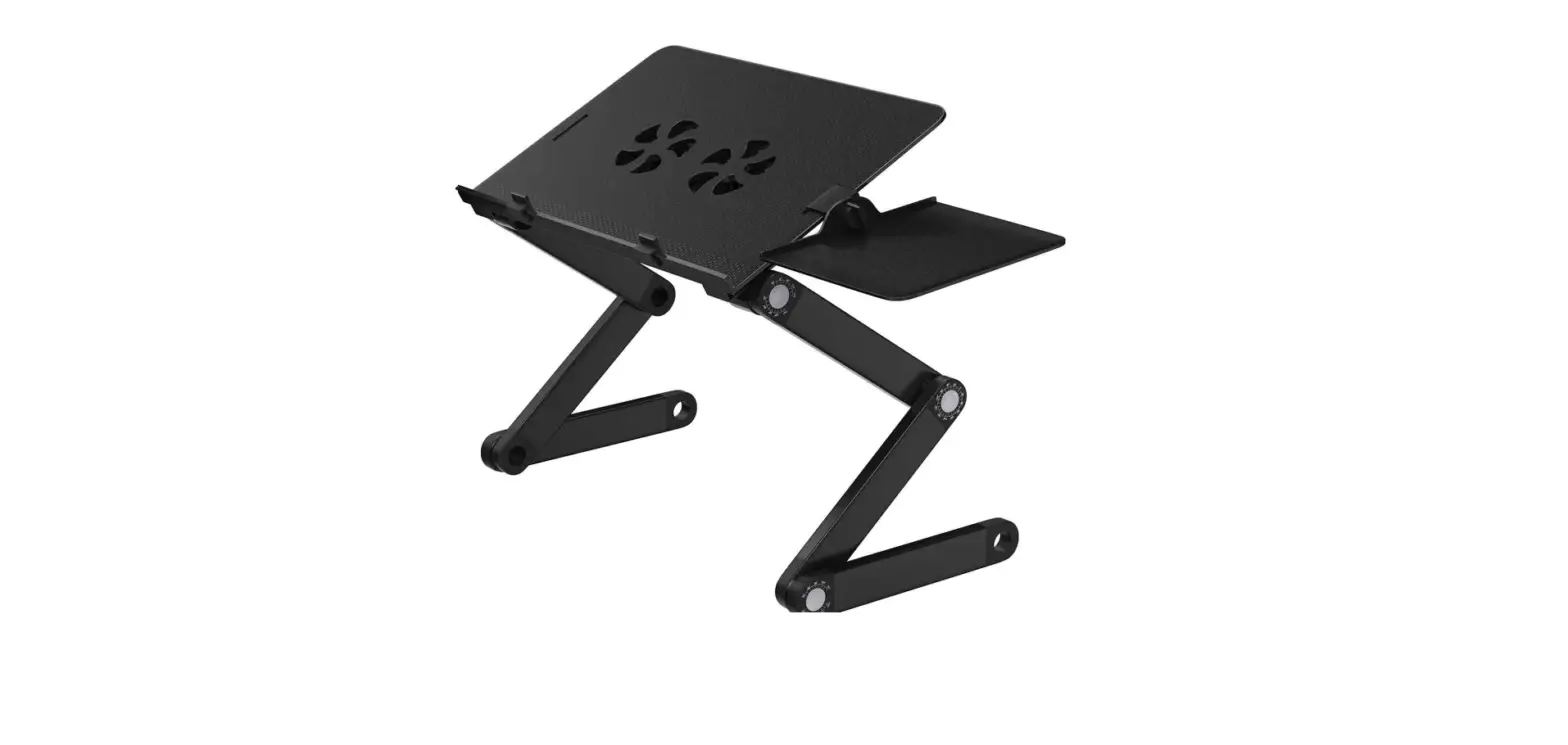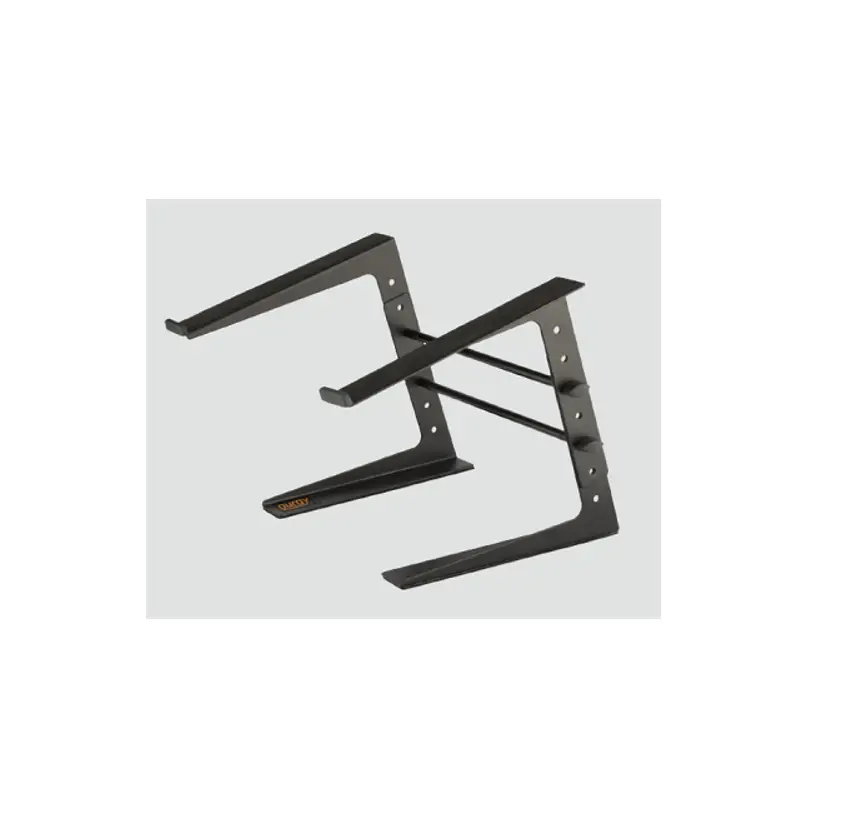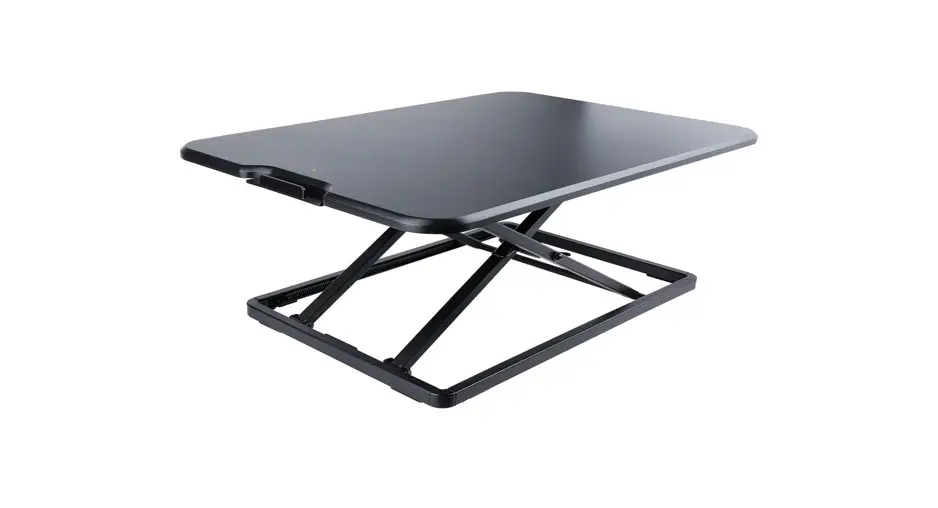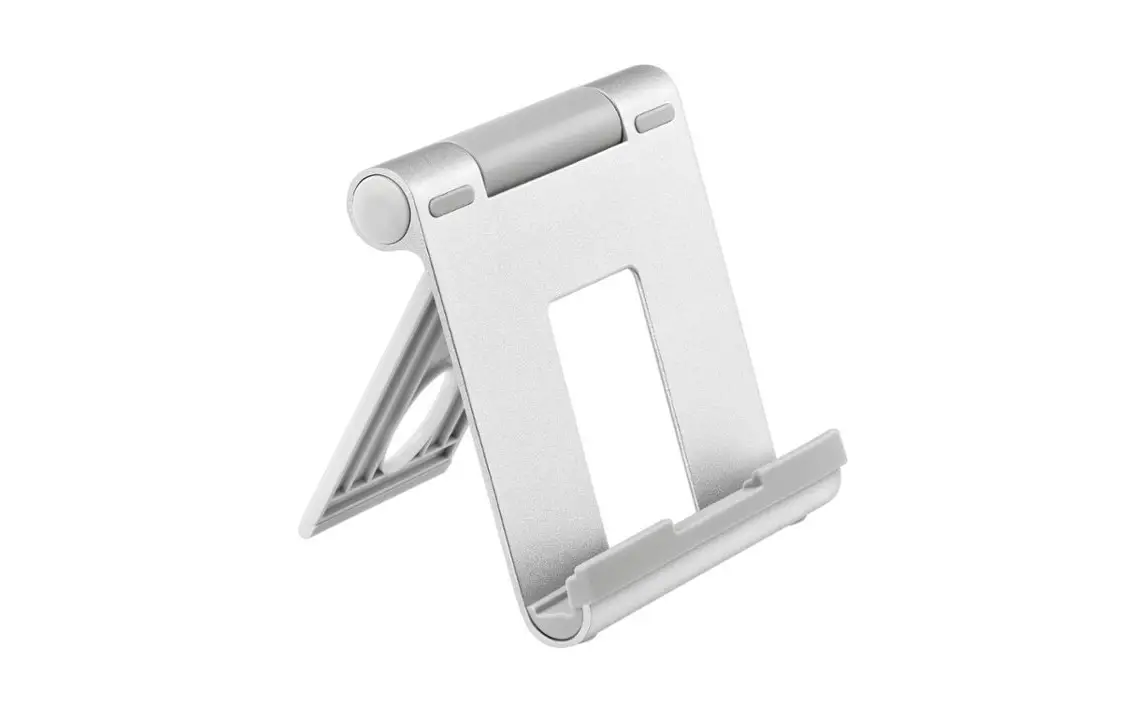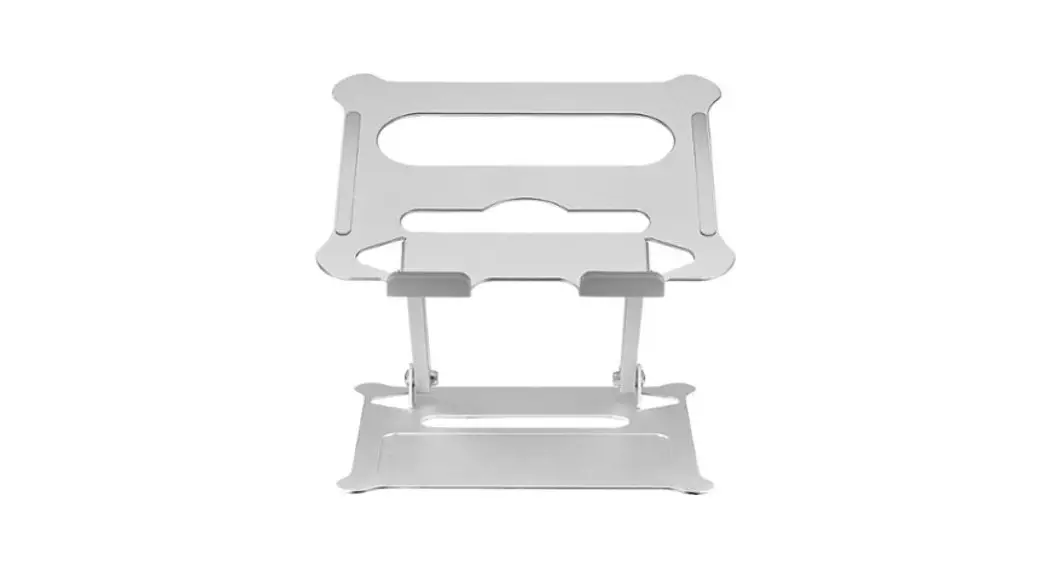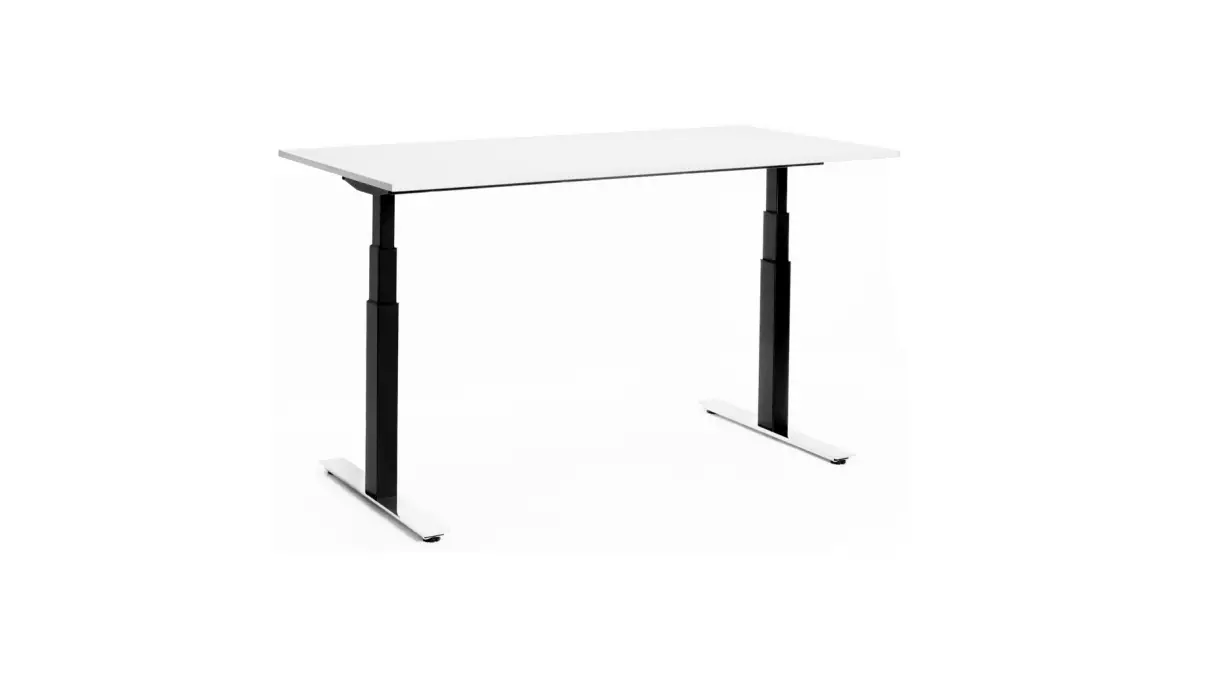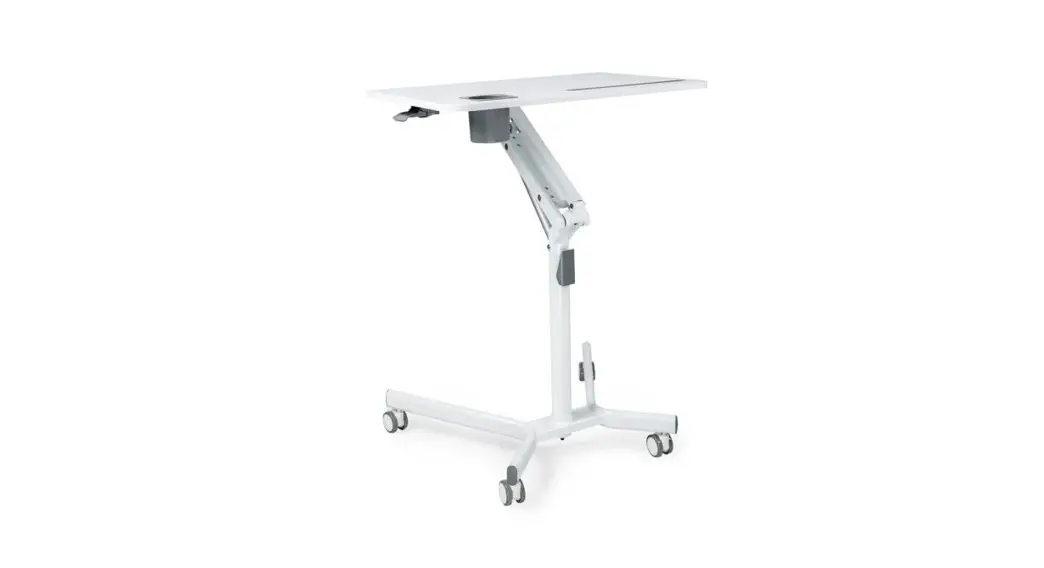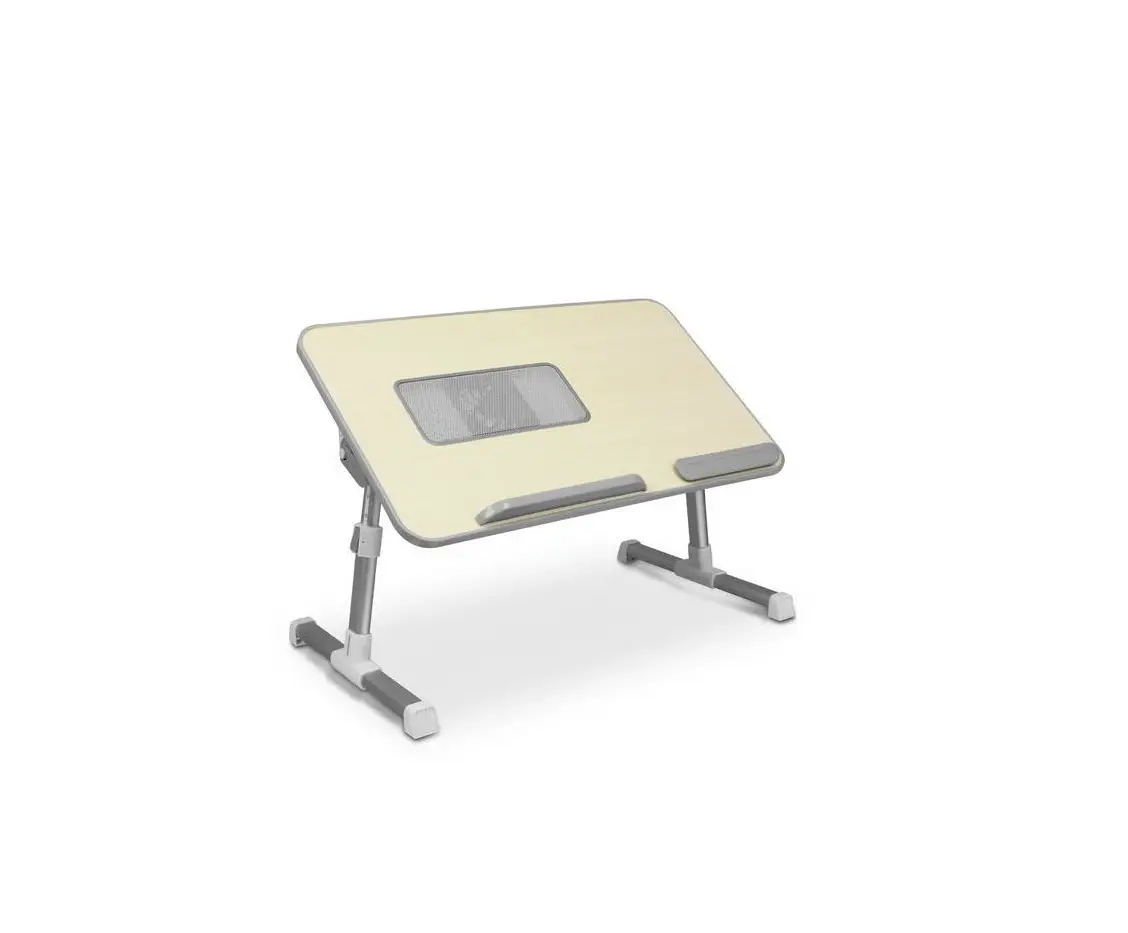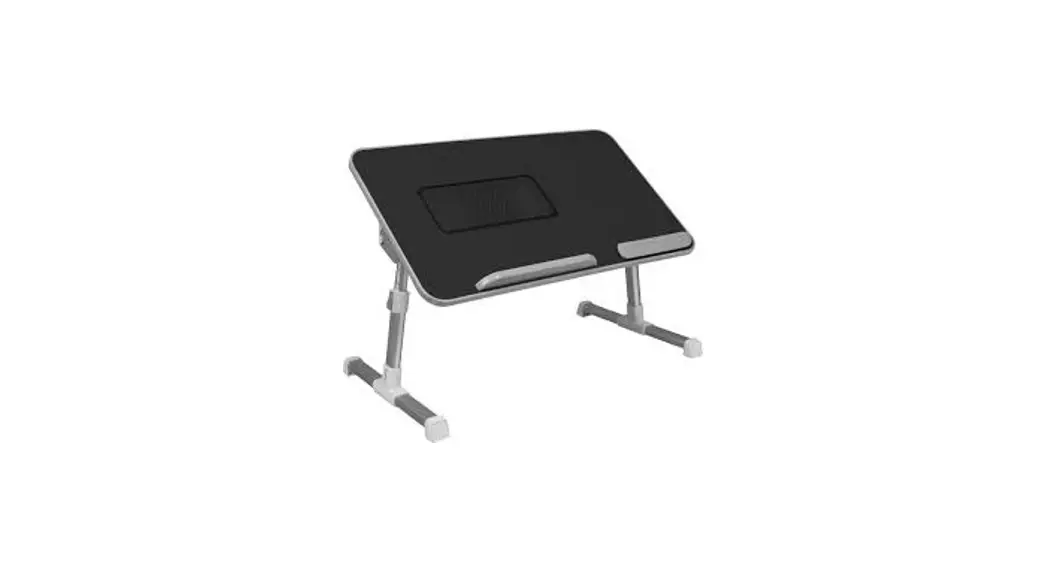

Adjustable non-slip Laptop Stand/Table with Drawer and Book Holder
Quick Start Guide
aluratek.com
model ACT02F
qsg Q10415 Copyright © 2022 Aluratek, Inc. All Rights Reserved.
Product Highlights
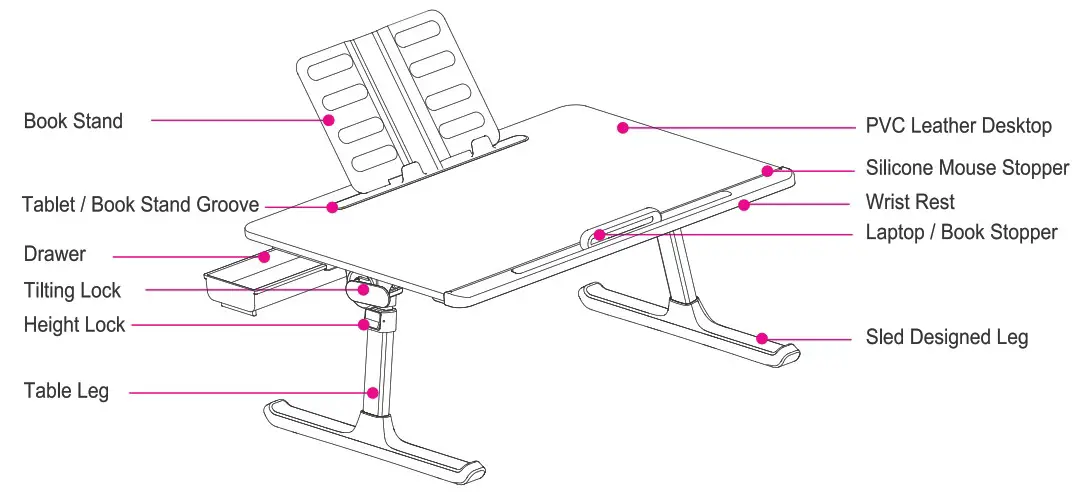
Folding / Unfolding Legs Instructions
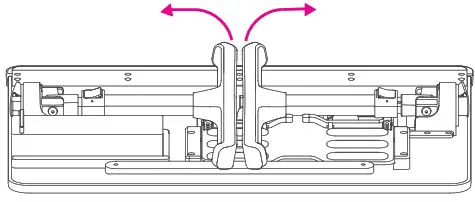 Pull up the legs to unfold the table legs.
There is some resistance when unfolding and folding to prevent desktop shaking.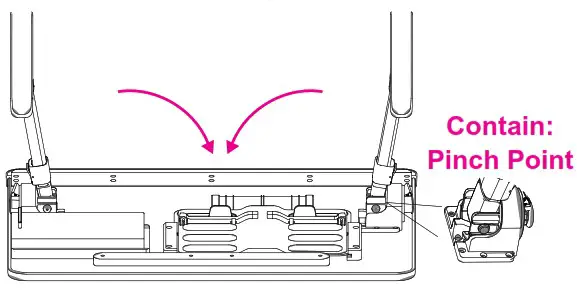 Push down the legs to fold the table legs.
Height Adjustment
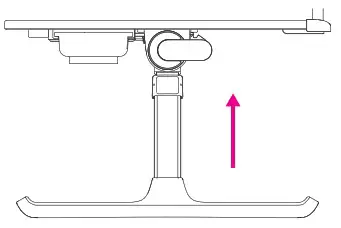 Pull up the table to the required height and it will be locked automatically.
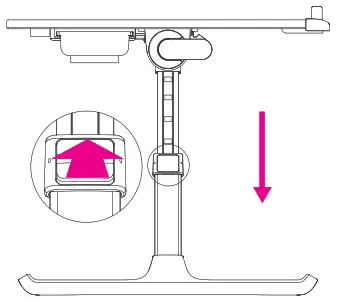 Press down the 2 lock buttons as illustrated and lower the table to the required height, then release the button and it will lock automatically.
Tilt Adjustment
Swivel the latches as illustrated, then adjust the laptop to the desired angle. Swivel the latches again to lock.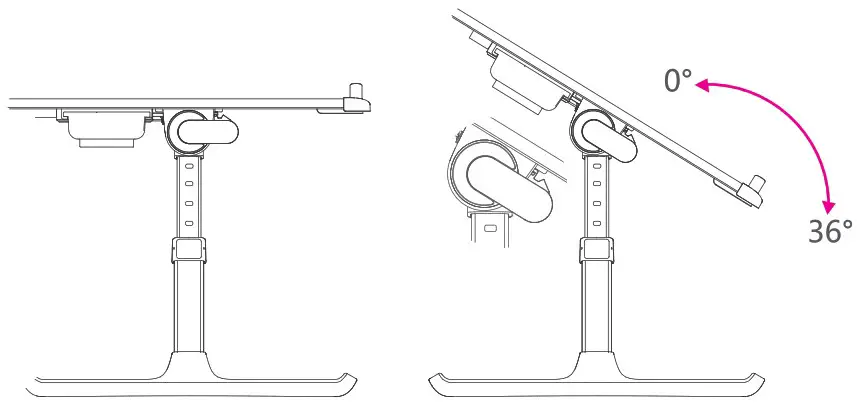
How to Use Laptop / Book Stopper
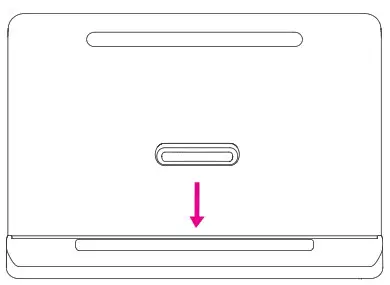 There is a Laptop / Book Stopper in the accessory.
Please insert the Laptop / Book Stopper into the wrist rest groove when the table is tilted.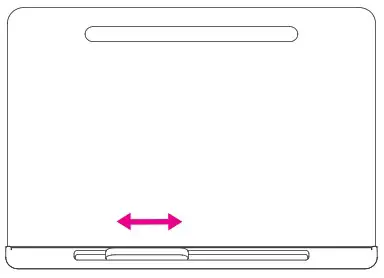 The Laptop / Book Stopper can be fixed in any position of the wrist rest groove as needed.
Technical Support
If you need further assistance, please contact the Aluratek support department for troubleshooting prior to returning this device.
E-mail: [email protected]
Web: www.aluratek.com/helpdesk
Local (Irvine, CA): 714-586-8730
Toll free: 1-866-580-1978
Warranty
Aluratek warrants this product against defect in material or workmanship for 1 YEAR from the date of purchase.
This warranty becomes invalid if the factory-supplied serial number or “warranty void” sticker has been removed or altered on the product.
This warranty does not cover:
A) Cosmetic damage or damage due to acts of God
B) Accident, misuse, abuse, negligence or modification of any part of the product.
C) Damage due to improper operation or maintenance, connection to improper equipment, or attempted repair by anyone other than Aluratek.
D) Products sold AS IS or WITH FAULTS.
IN NO EVENT SHALL ALURATEK’S LIABILITY EXCEED THE PRICE PAID FOR THE PRODUCT FROM DIRECT, INDIRECT, SPECIAL, INCIDENTAL, OR CONSEQUENTIAL DAMAGES RESULTING FROM THE USE OF THE PRODUCT, IT’S ACCOMPANYING SOFTWARE, OR IT’S DOCUMENTATION.
Aluratek makes no warranty or representation, expressed, implied, or statutory, with respect to it’s products, contents or use of this documentation and all accompanying software, and specifically disclaims it’s quality, performance, merchantability, or fitness for any particular purpose. Aluratek reserves the right to revise or update it’s product, software or documentation without obligation to notify any individual or entity.
 Digital Frames, Bluetooth & Mobile Accessories | Aluratek
 Customer Service Help Desk