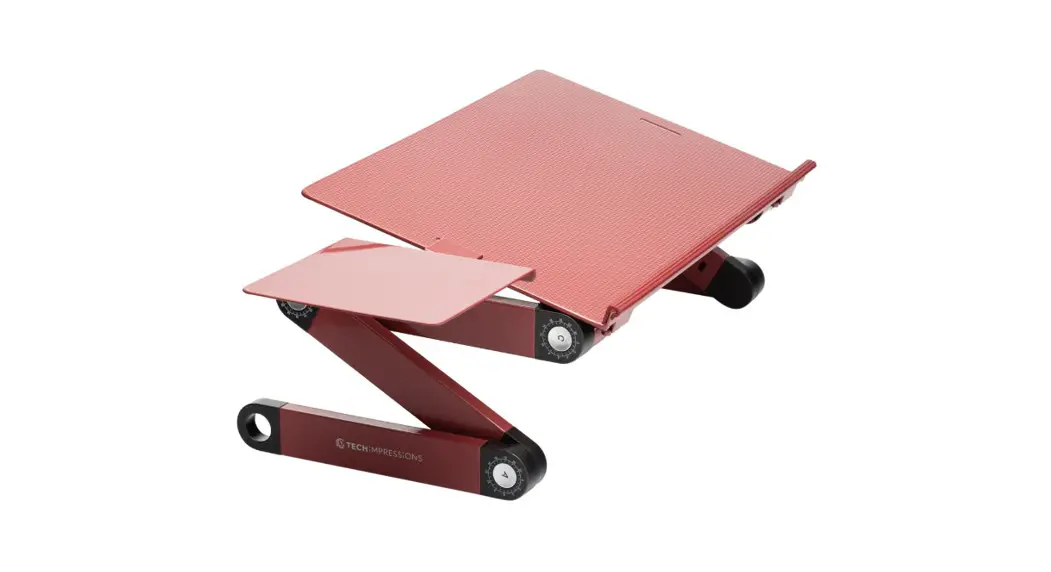
 Adjustable & Portable Laptop Stand
Instructions Manual
OVERVIEW:
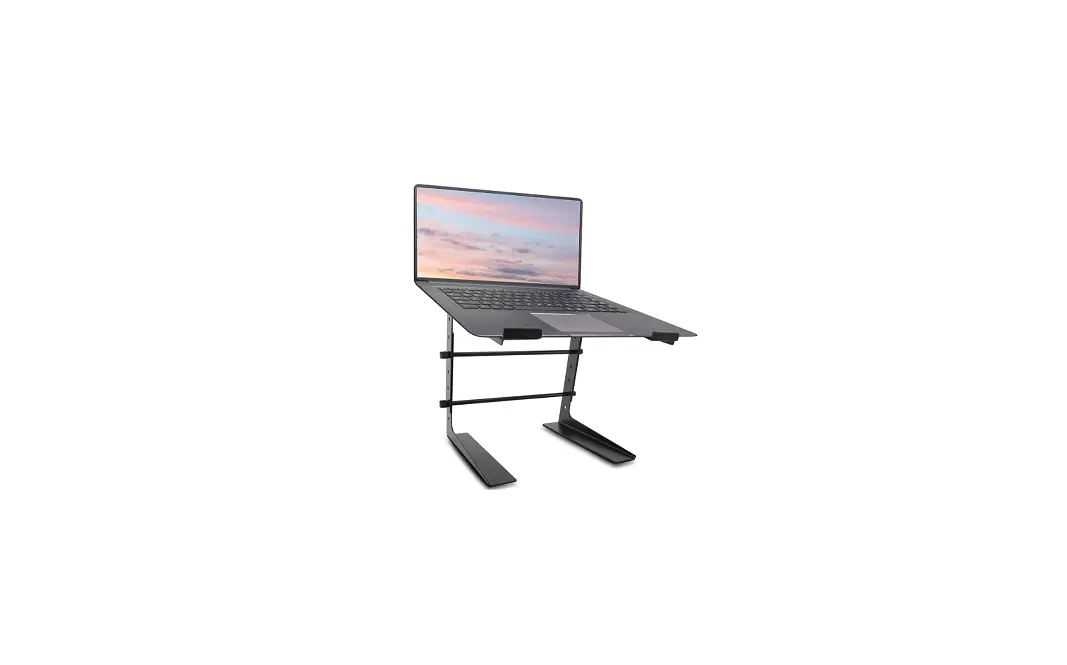
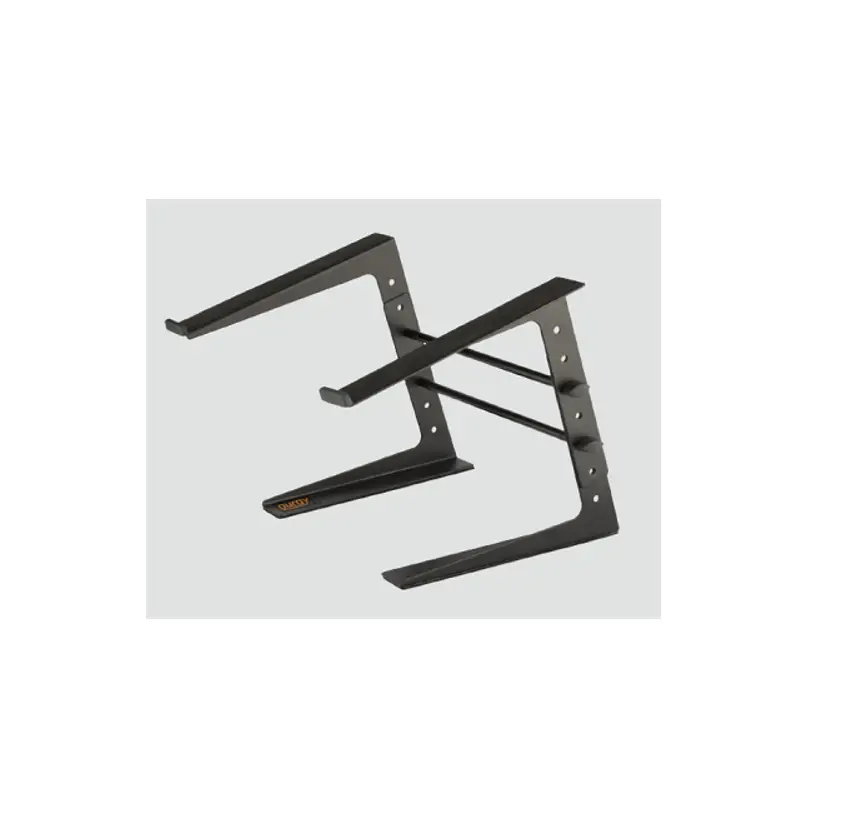
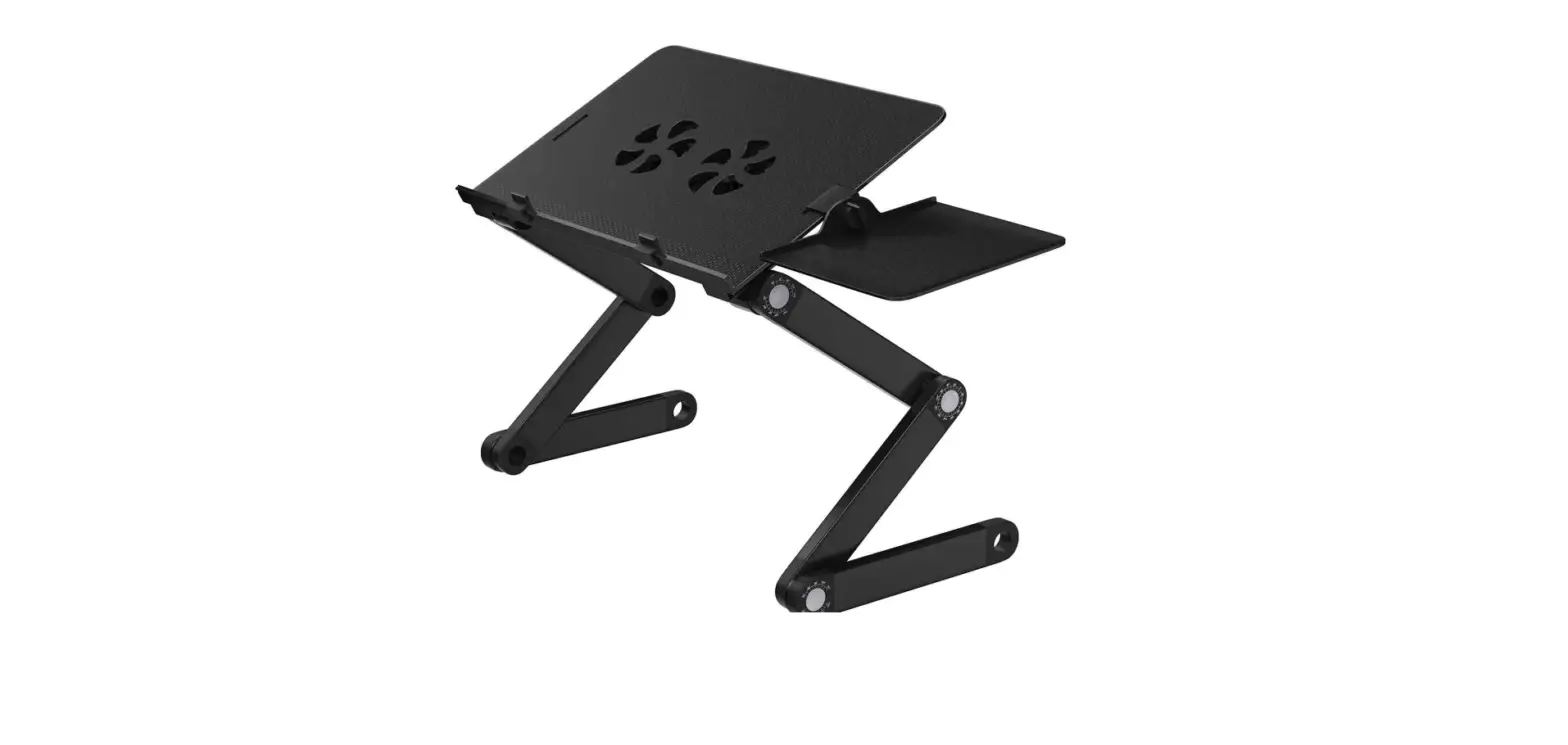
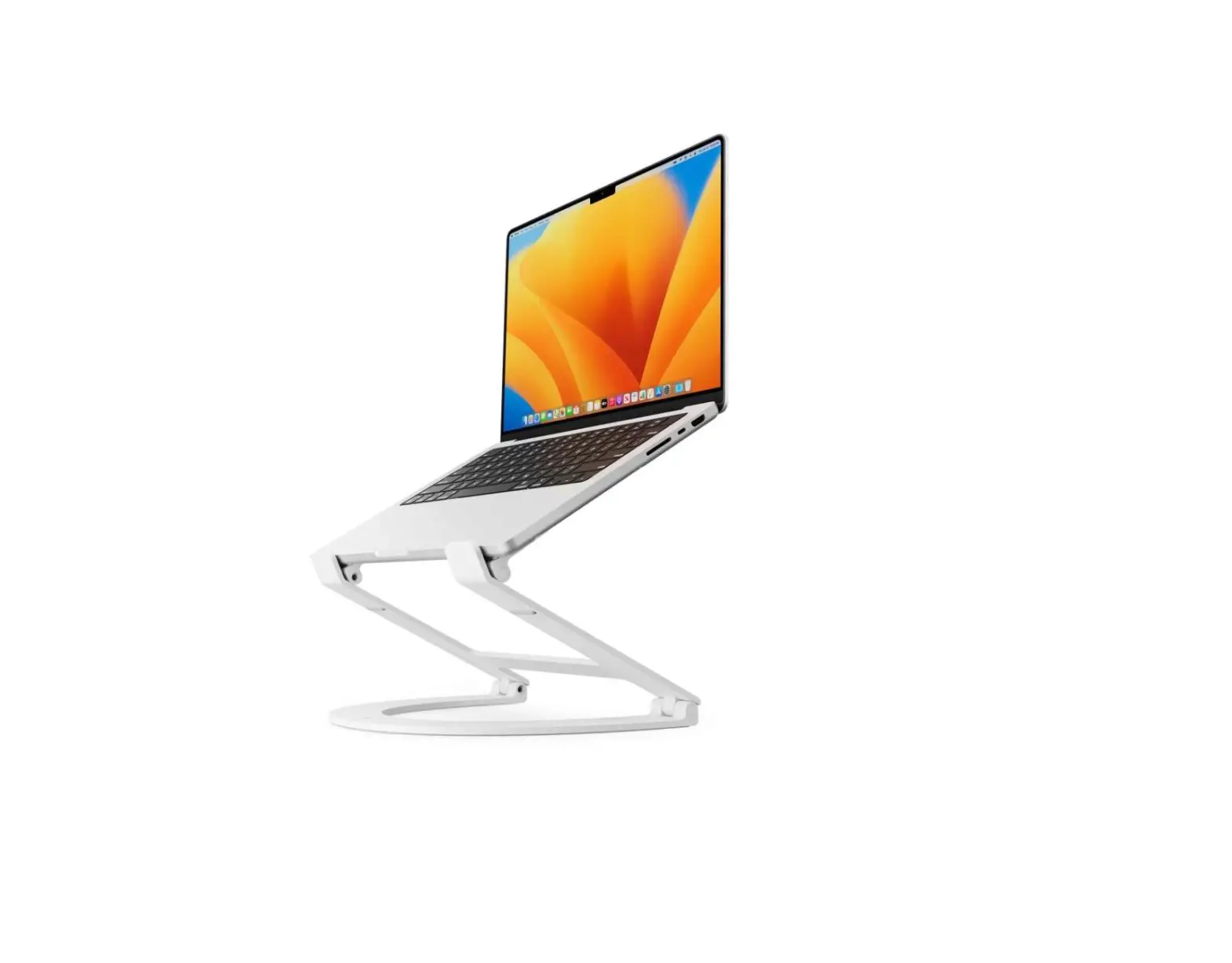
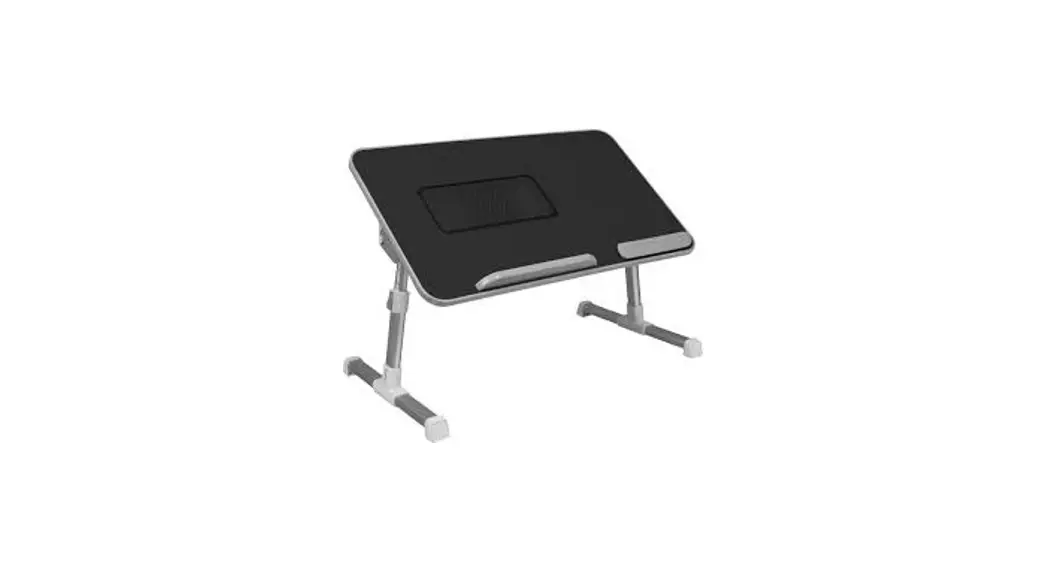
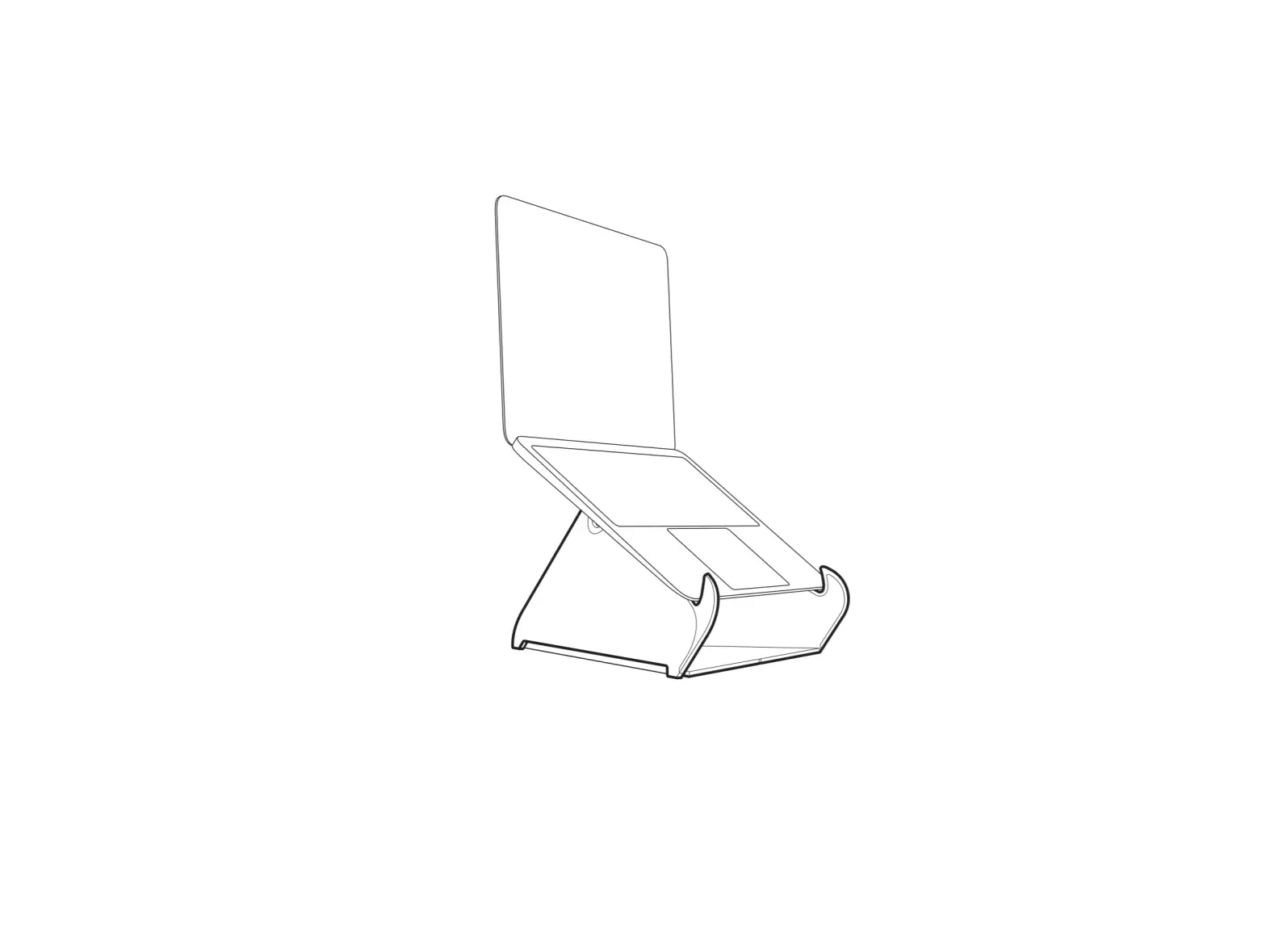
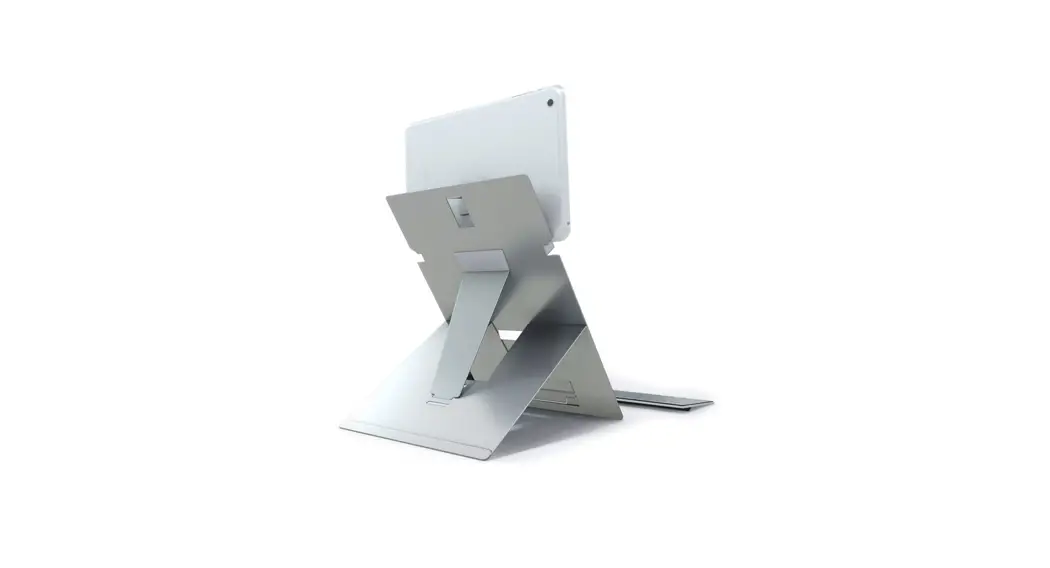
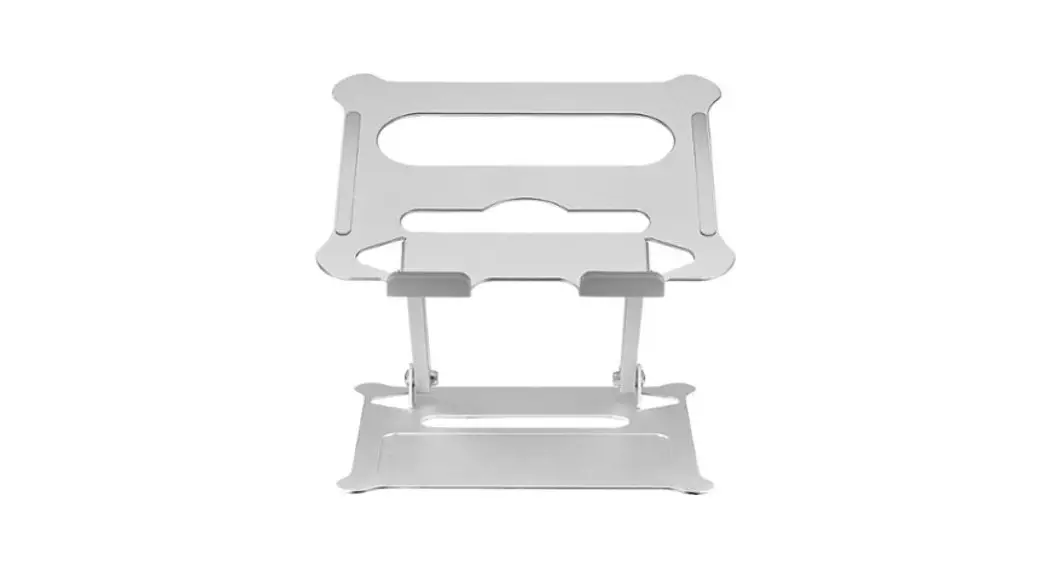
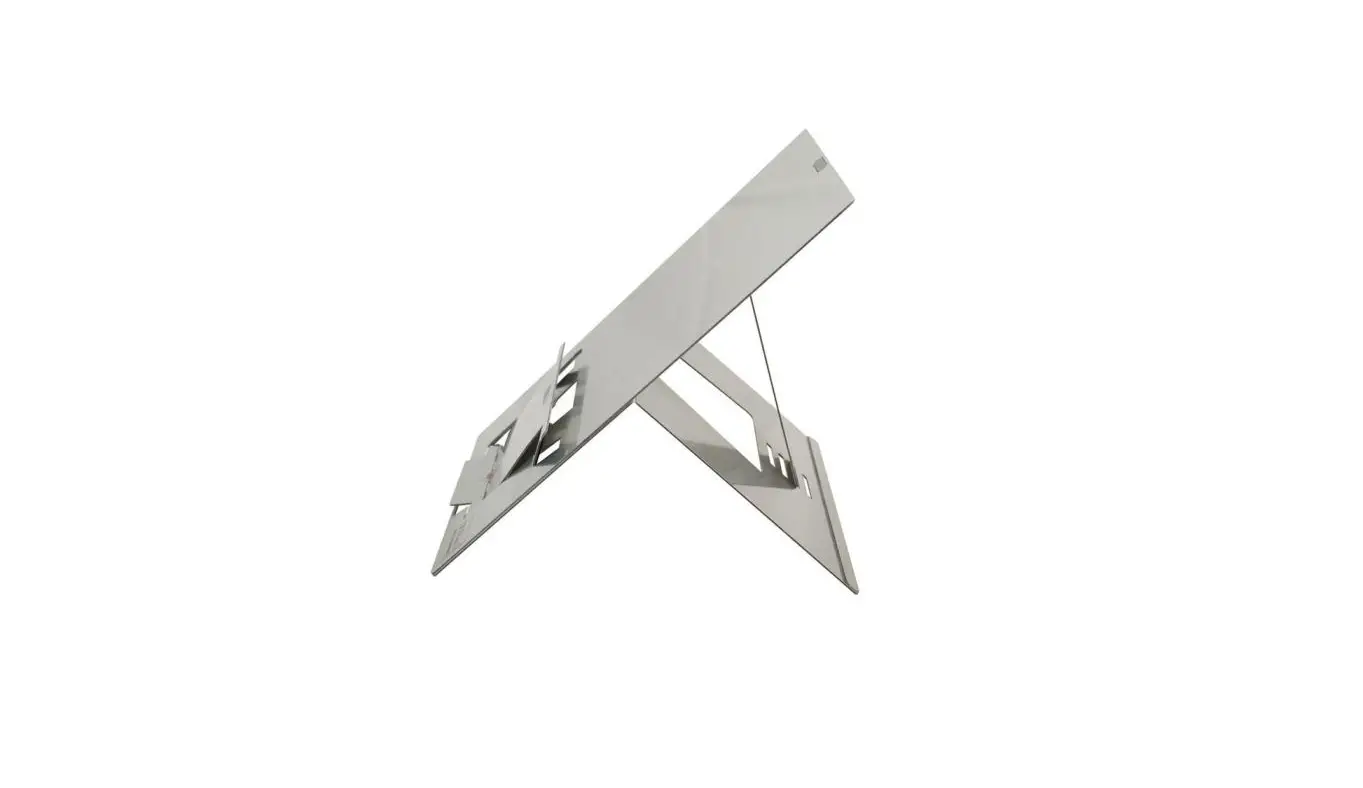
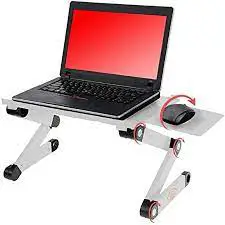
Tech Impressions adjustable and portable laptop stand with mouse pad “accordions” up and down, holding laptops at a comfortable height and viewing angle. The aluminum panel dissipates heat to help cool laptops.
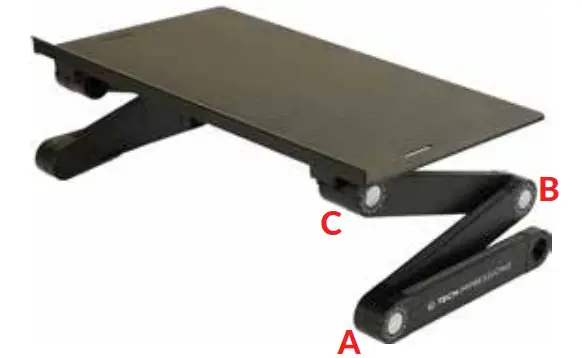
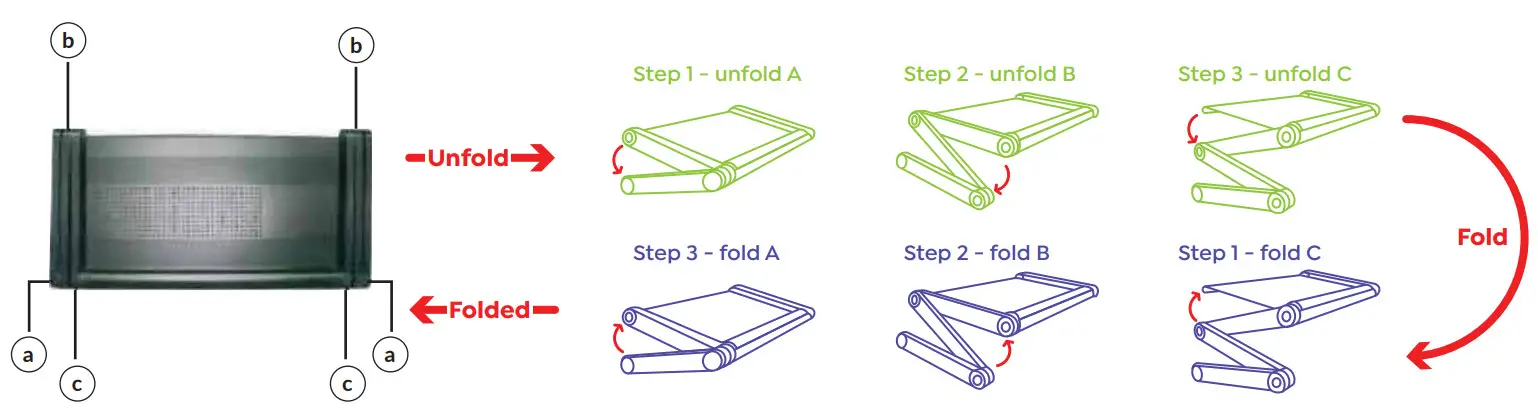
- Each stand has 2 legs.
- Each leg has 3 segments.
- Each segment is connected with a push-button joint.
HOW TO OPERATE A LEG SEGMENT:
- To adjust a leg: press the button, rotate the leg to the desired setting and release the button.
- Once the button is depressed, joints rotate in a complete circle or 360°.
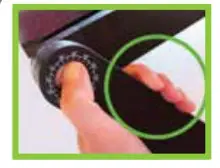
- The joint is locked when the button is extended. Only use a laptop stand when all joints are locked.
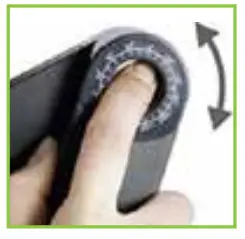 |  |
| Depress the button to adjust the leg. | An extended button means the joint is locked. |
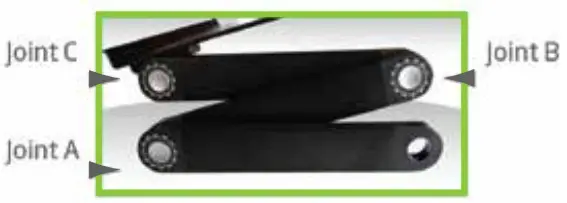
- Joints lock in ~15˚ increments (marked with the numbers 0-23).
- Each joint button has an arrow that points to the locked setting.
GUIDELINES:
- Max Load < 13 lbs
- Before use, ensure that:
1. All joints are locked (extended).
2. The platform is level.
3. Both legs are adjusted identically and evenly.
4. Laptop stand is stable.
5. The platform weight is centered over the bottom leg. - Do not place any devices on the panel until you affirm the above 5 steps and have pressed down firmly on the panel to ensure the Laptop stand is stable.
WARNING!
PINCH POINT.
Keep hands and fingers clear when adjusting.
ADJUSTMENT TIPS & TRICKS:
USING THE MOUSE PAD:
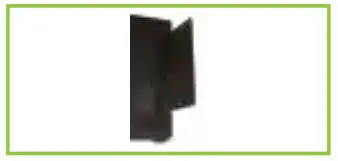 | 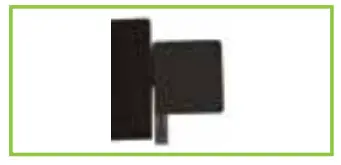 | 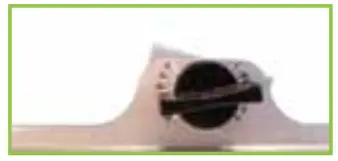 |
| Insert the mouse pad vertically into the hole on the side of the panel. | Roll the mouse pad to the outside of the panel | Adjust the screw so the mouse pad is level. |
Disclaimer:
Buyer accepts full liability for any injury or loss to themselves, their property, and anyone else at any time and from any cause while using this product. Buyer expressly releases Tech Impressions and its agents from any liability for such loss or injury. In no event shall Tech Impressions or its agents be liable for any direct, indirect, punitive, incidental, damages or injury whatsoever arising out of or connected with the use or misuse of its products.
SITTING OR STANDING AT A DESK
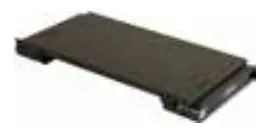 | 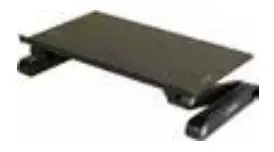 | 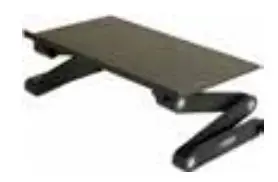 | 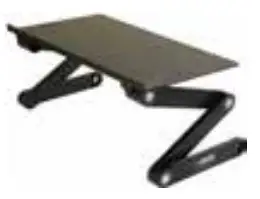 | 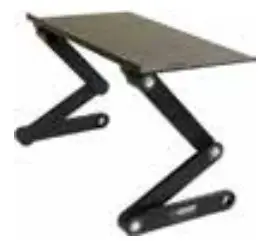 |
| PANEL HEIGHT: 1.75” JOINT A:0 JOINT B:0 JOINT C:0 | PANEL HEIGHT: 3.75” JOINT A:0 JOINT B:21 JOINT C: 1 | PANEL HEIGHT: 5.75” JOINT A: 1 JOINT B: 22 JOINT C: 1 | PANEL HEIGHT: 8” JOINT A; 3 JOINT B: 21 JOINT C: 1 | PANEL HEIGHT: 11.5” JOINT A: 2 JOINT B: 19 JOINT C: 2 |
| | 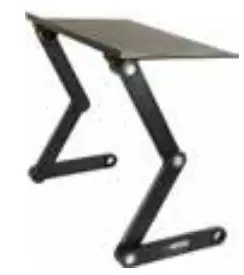 | 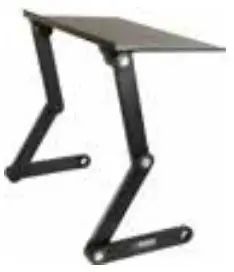 | 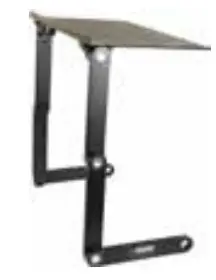 |
| PANEL HEIGHT: 13” JOINT A: 3 JOINT B: 18 JOINT C: 2 | PANEL HEIGHT: 14.5” JOINT A: 3 JOINT B: 17 JOINT C: 4 | PANEL HEIGHT: 16” JOINT A: 4 JOINT B: 16 JOINT C: 4 | PANEL HEIGHT: 17” JOINT A: 4 JOINT B: 15 JOINT C: 5 | PANEL HEIGHT: 18” JOINT A: 6 JOINT B: 12 JOINT C: 6 |
SITTING ON THE COUCH OR BED
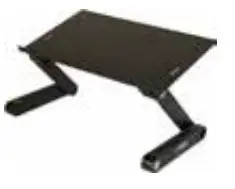 | 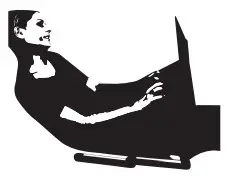 | 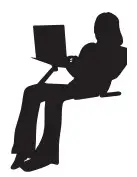 |
| JOINT A: 0 JOINT B: 21 JOINT C: 4 | JOINT A: 21 JOINT B: 22 JOINT C: 3 | JOINT A: 12 JOINT B: 23 JOINT C: 5 |
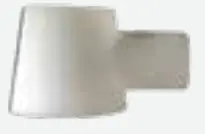
NAIL SAVER 
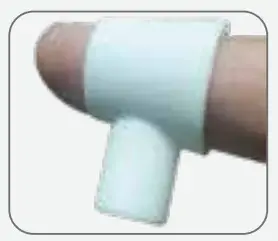 | 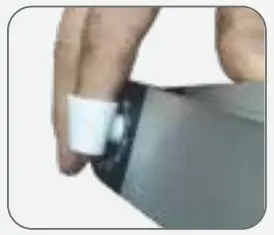 |
| How To Use Slide over your index finger. | What It Does Facilitates pressing joint buttons. Keeps finger nails off the joints. Facilitates pressing joint buttons. Keeps finger nails off the joints. |
Your stand has a seemingly infinite number of configurations. Feel free to adjust the stand to any height or angle you’d like. Be sure that all joints are locked and the stan is stable before use.
CUSTOMIZING THE PANEL ANGLE
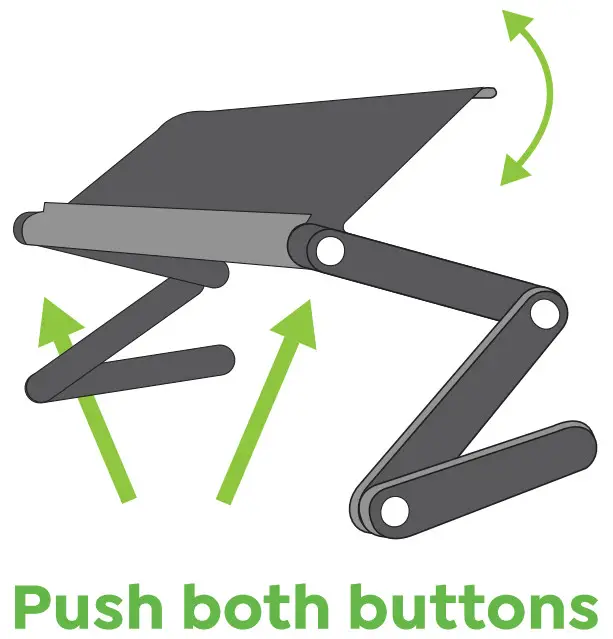
- TIP! Quickly Adjust Panel Tilt
Simultaneously pressing the same joint on each leg lets you quickly adjust the platform angle. - TIP! Need A Little More Height?
Tilting the panel ~ 15˚ elevates screens about 2.5”.
WARRANTY INFORMATION:
1-year limited manufacturer warranty.