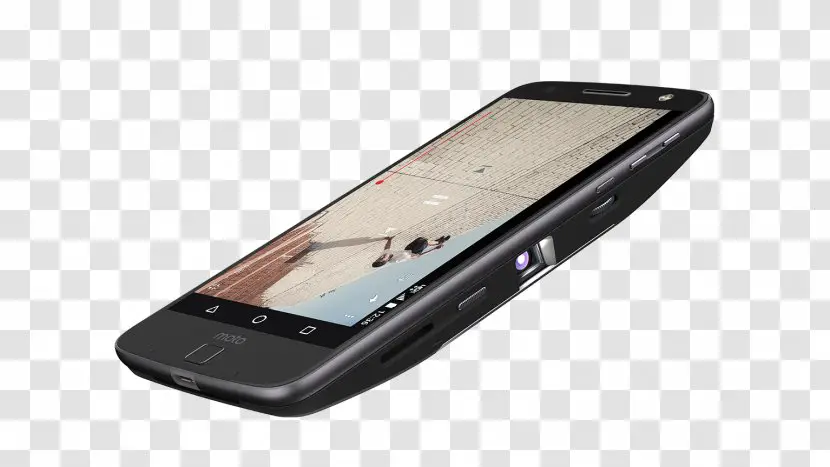
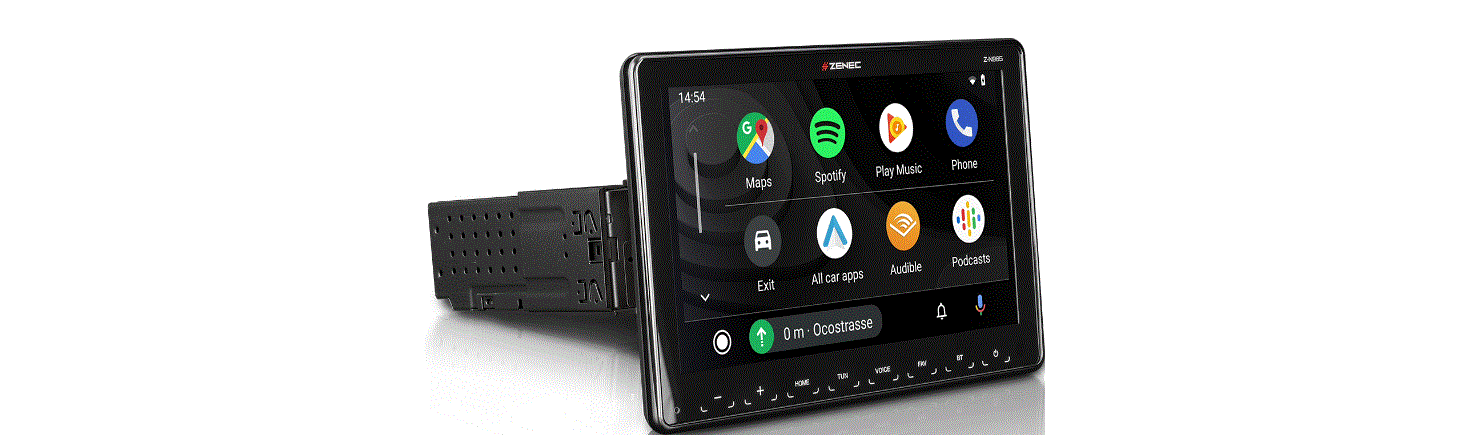
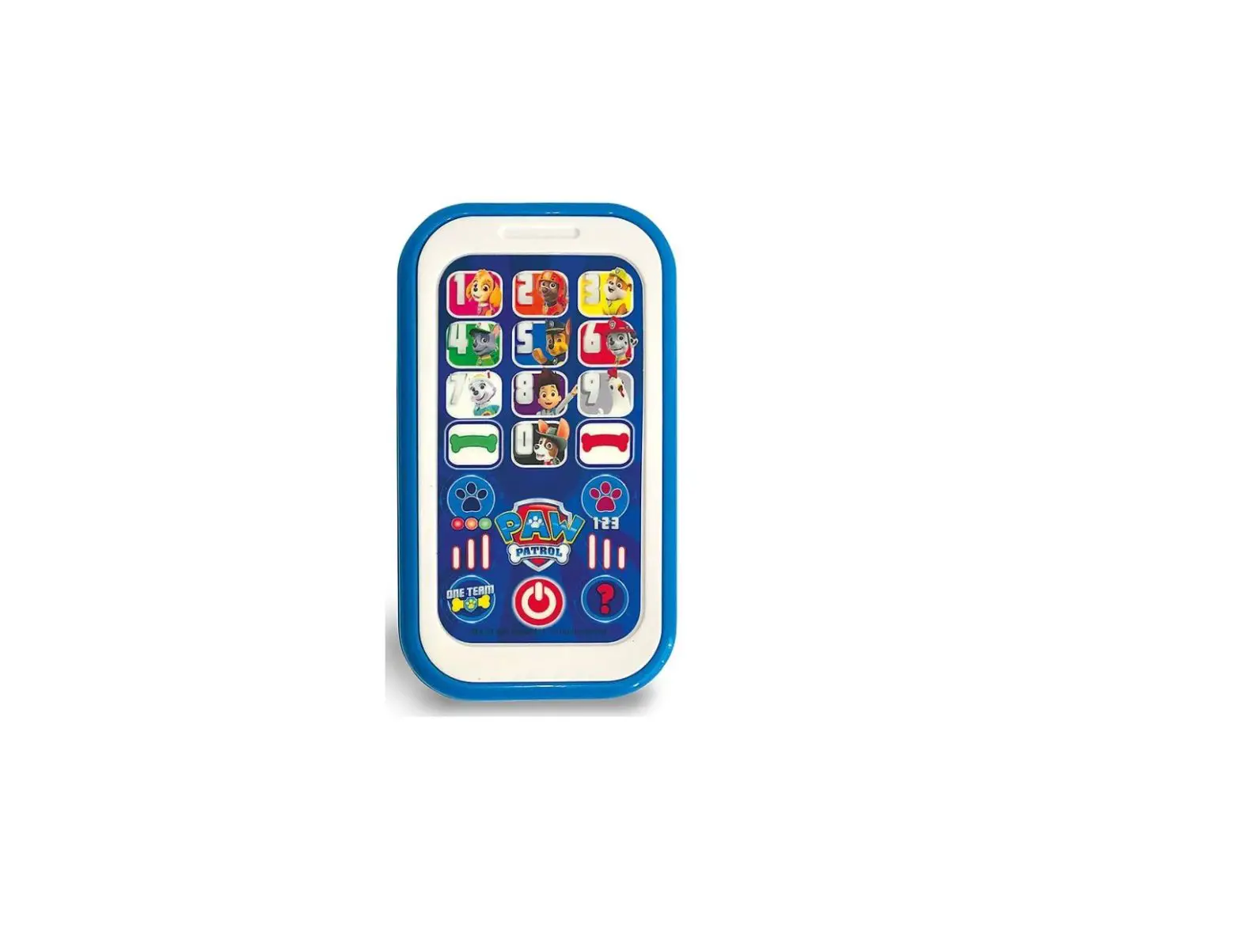
CCP-Z1 Mobile Smart Screen
Product Information
Product Name: Mobile Smart Screen
Product Type: Handheld intelligent
eco-controller
Purchase date: [insert purchase date]
Warranty Period: 2 years
Dealer Information: [insert dealer
information]
Customer’s Name: [insert customer’s name]
Customer Phone: [insert customer’s phone
number]
Customer Address: [insert customer’s
address]
Product Specification
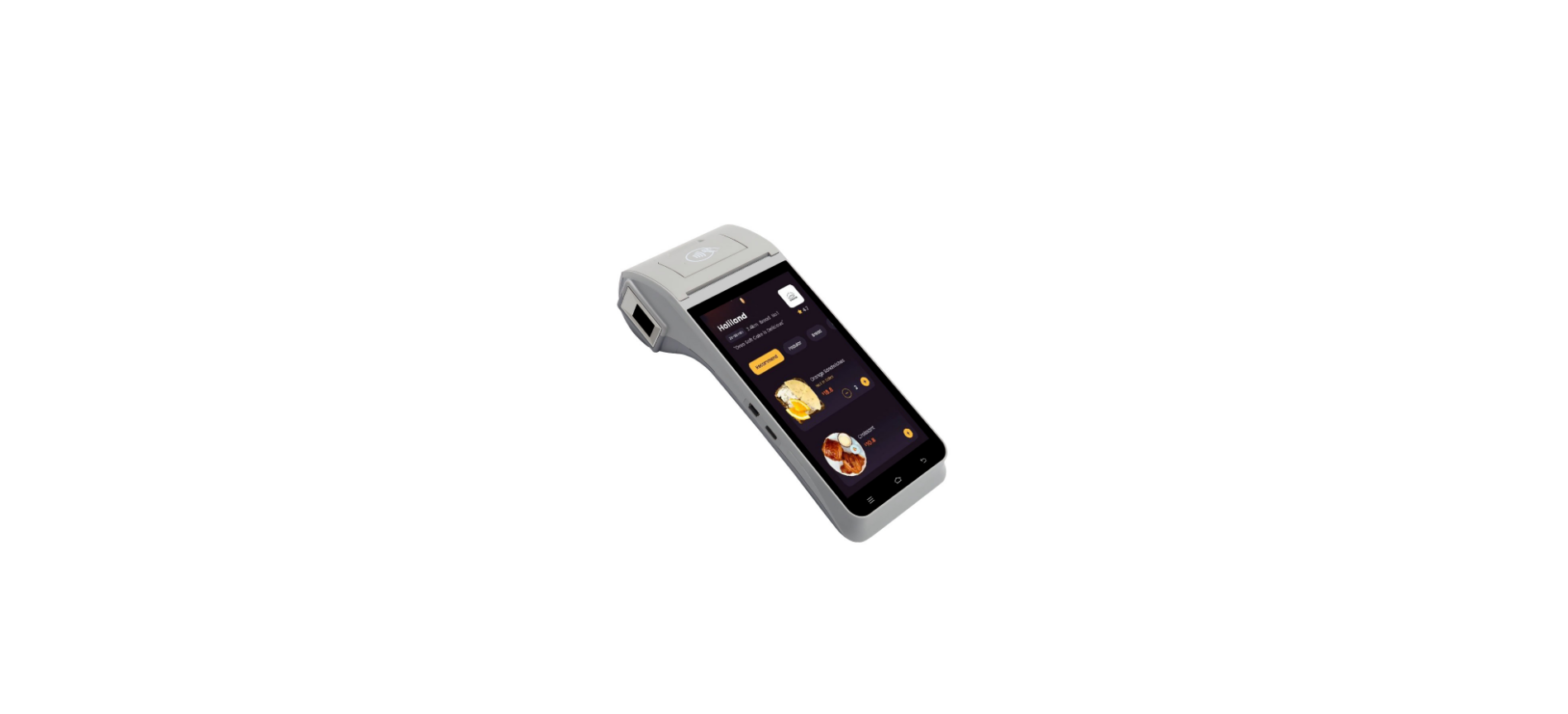
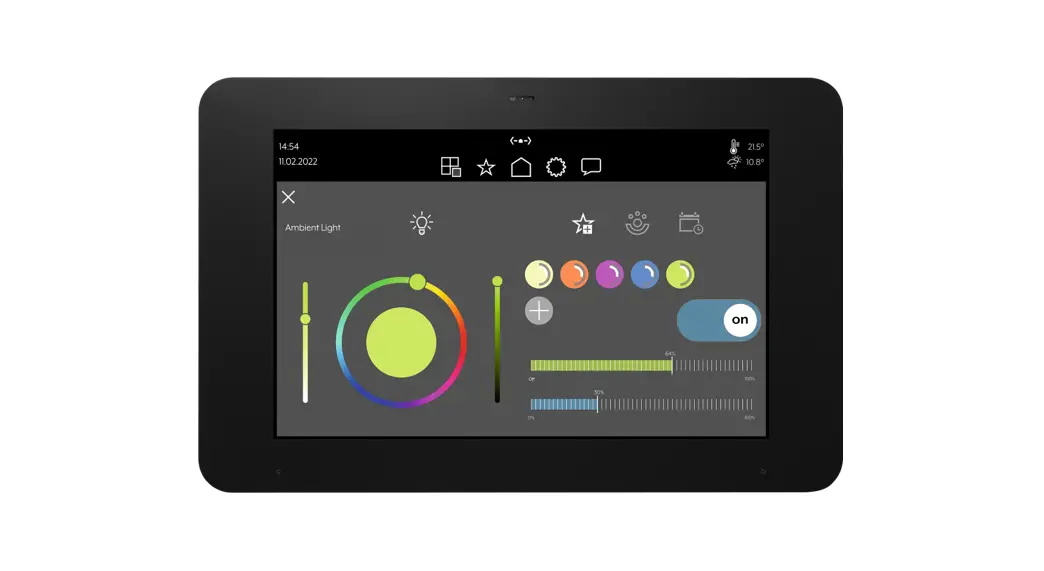
A visually controllable and movable handheld intelligent
eco-controller. Users can manage the traditional infrared home
appliance as well as the controllable devices in the Tuya ecosystem
through screen, button, and other interactive methods.
- Screen area: Supports touch screen control
- Physical button control area: Power, Home, Back, and Arrow
keys - Charging base: Supports Micro USB cable direct power
supply
MOES APP Instructions
To use the Mobile Smart Screen, you need to download the MOES
App. You can find the app on the App Store or scan the provided QR
code.
How to Reset/Re-pair WiFi Device
If the network configuration fails, follow these steps to reset
the device before configuring the network:
- Touch screen operation process: Settings -> Device and
system -> Device Reset. - Button operation process: Press the Back key and Down key at
the same time for 3 seconds. The device will reboot and re-match
the network.
Add Device
Follow these steps to add a device to the Mobile Smart
Screen:
- Make sure Bluetooth is turned on. If not, turn on
Bluetooth. - Verify that the device is in the distribution state. If not,
follow the previous reset steps. - Open the MOES App and click the “+” icon to add a device.
- Enter the Wi-Fi password and click Next.
- Wait for the connection to be completed.
- Click “Done” to enter the device page and start enjoying your
smart life with home automation.
Recycling Information
Please dispose of this product responsibly according to your
local recycling guidelines.
Service
Thank you for choosing our product. We provide a two-year
worry-free after-sales service (freight not included). Please do
not alter this warranty service card to safeguard your legitimate
rights and interests.
If you need service or have any questions, please consult the
distributor or contact us.
In case of product quality problems within 24 months from the
date of receipt, please prepare the product and packaging and apply
for after-sales maintenance at the site or store where you made the
purchase.
If the product is damaged due to personal reasons, a certain
amount of maintenance fee will be charged for repair. We reserve
the right to refuse warranty service if:
- The product has a damaged appearance, missing logo, or is
beyond the service term. - The product has been disassembled, injured, privately repaired,
modified, or has missing parts. - The circuit is burned or the data cable or power interface is
damaged. - The product is damaged by foreign matter intrusion (including
but not limited to various forms of fluid, sand, dust, soot,
etc.).
55x55mm
HOME, SMART MOES HOME
Instruction Manual
Mobile Smart Screen
Bitte scannen Sie den QR-Code, um das deutsche Handbuch, das Installationsvideo und die Funktionsein-führung zu erhalten Escanee el código QR para obtener el manual en español, el video de instalación y la introducción de la función Veuillez scanner le code QR pour obtenir le manuel en français, la vidéo d’installation et l’introduction des fonctions QR-, , Leia o código QR para obter o manual em português, o vídeo de instalação e a introdução das funções
Product Specification
Product Model: CCP-Z1 Power Input: DC5V 1A Working Temperature: 0+40 Working Humidity: 5%- 85%RH(Non-Condensing) Standby Power: 0.5W Infrared Frequency: 38K Infrared Angle: 60° Infrared Range: 8m(Affected By Environment) Product Size: Main body:185mm×52mm×15.5mm Base: 84.2mm×28.8mm Net Weight: About 266.9g Wireless Protocol: Wi-Fi, Bluetooth, IR
01
Production Introduction
A visually controllable and movable handheld intelligent eco-controller. Users can manage the traditional infrared home appliance as well as the controllable devices in the Tuya ecosystem through screen, button and other interactive methods.
Screen area: Support touch screen control Physical button control area: Power, Home, Back, and Arrow keys
Charging base
Support Micro USBcable direct power supply
02
MOES APP Instructions
Download MOES App on App store or scan the QR code
MOES App is upgraded as much more compatibility than Tuya Smart/ Smart Life App, functional well for scene controlled by Siri, widget and scene recommendations as the fully new customized service. (Note : Tuya Smart/Smart Life App still works, but MOES App is highly recommended) Registration or Log in. · Download “MOES” Application. · Enter the Register/Login interface; tap “Register” to create an account by entering your phone number to get verification code and “Set password”. Choose “Log in” if you already have a MOES account.
03
How to Reset/Re-pair WiFi Device
Note: If the network configuration fails, reset the device as follows before configuring the network. Touch screen operation process: Settings->Device and system->Device Reset. Button operation process: Press the “Back” key and “Down” key at the same time for 3 seconds, the device will reboot and re-match the network.
Add Device
1.First, make sure that Bluetooth is turned on. If not, turn on Bluetooth. 2.Verify that the device is in the distribution state. If not, follow the previous reset steps. 3.Open MOES App and Click”+” Choice”Add Device”, then the prompt page will automatically show on the screen. Click “Add”. Enter Wi-Fi Password and click “Next”, waiting for the connection completed.
04
5.Click”Done”to enter the device page to enjoy your smart life with home automation.
Plastic parts
Metal parts
×
PCBA
This table is prepared according to SJ/T 11364-2014. : indicates that the content of the toxic and harmful substance in all homogeneous materials of the component is below the limit specified in GB/T 26572-2011. ×: indicates that the content of the toxic and harmful substance in at least one homogeneous material of the component exceeds the limit specified in GB/T 26572-2011.
The figures in this label indicate that the product has an environmental protection use period of 10 years under conditions of normal use, and some parts may also have an environmentally friendly use period mark. The environmental protection use period is based on the number indicated by the mark.
07
08
SERVICE
Thank you for your trust and support to our products, we will provide you with a two-year worry-free after-sales service (freight is not included), please do not alter this warranty service card, to safeguard your legitimate rights and interests. If you need service or have any questions, please consult the distributor or contact us.
Product quality problems occur within 24 months from the date of receipt, please prepare the product and the packaging, applying for after-sales maintenance in the site or store where you purchase; If the product is damaged due to personal reasons, a certain amount of maintenance fee shall be charged for repair. We have the right to refuse to provide warranty service
if:
1. Products with damaged appearance, missing LOGO or beyond the service term 2. Products that are disassembled, injured, privately repaired, modified or have missing parts 3. The circuit is burned or the data cable or power interface is damaged 4. Products damaged by foreign matter intrusion (including but not limited to various forms of fluid, sand, dust, soot, etc.)
09
RECYCLING INFORMATION
All products marked with the symbol for separate collection of waste electrical and electronic equipment (WEEE Directive 2012/19 / EU) must be disposed of separately from unsorted municipal waste. To protect your health and the environment, this equipment must be disposed of at designated collection points for electrical and electronic equipment designated by the government or local authorities. Correct disposal and recycling will help prevent potential negative consequences for the environment and human health. To find out where these collection points are and how they work, contact the installer or your local authority.
10
Product Information
Product Name_________________________________________ Product Type__________________________________________ Purchase date_________________________________________ Warranty Period_______________________________________ Dealer Information_____________________________________ Customer’s Name______________________________________ Customer Phone_______________________________________ Customer Address_____________________________________ ______________________________________________________
Maintenance Records
Failure date
Cause Of Issue
Fault Content
Principal
11
Thank you for your support and purchase at we Moes,we are always here for your complete satisfaction,just feel free to share your great shopping experience with us. If you have any other need,please do not hesitate to contact us first,we will try to meet your demand.
@moessmart @moes_smart @moes_smart
MOES.Official @moes_smart www.moes.net
12
4.Add the device successfully, you can edit the name of the device to enter the device page by click “Next”
05
06
EVATOST CONSULTING LTD Address: Suite 11, First Floor, Moy Road Business Centre, Taffs Well, Cardiff, Wales, CF15 7QR Tel: +44-292-1680945 Email: [email protected]
AMZLAB GmbH Laubenhof 23, 45326 Essen Made In China
Maker: WENZHOU NOVA NEW ENERGY CO.,LTD Address: Power Science and Technology Innovation Center, NO.238, Wei 11 Road, Yueqing Economic Development Zone, Yueqing, Zhejiang, China Tel: +86-577-57186815 After Service Email: [email protected]
13
BM01
 MOES Smart WiFi ZigBee Smart 2/3 Way Switch Socket Thermostat Sensor