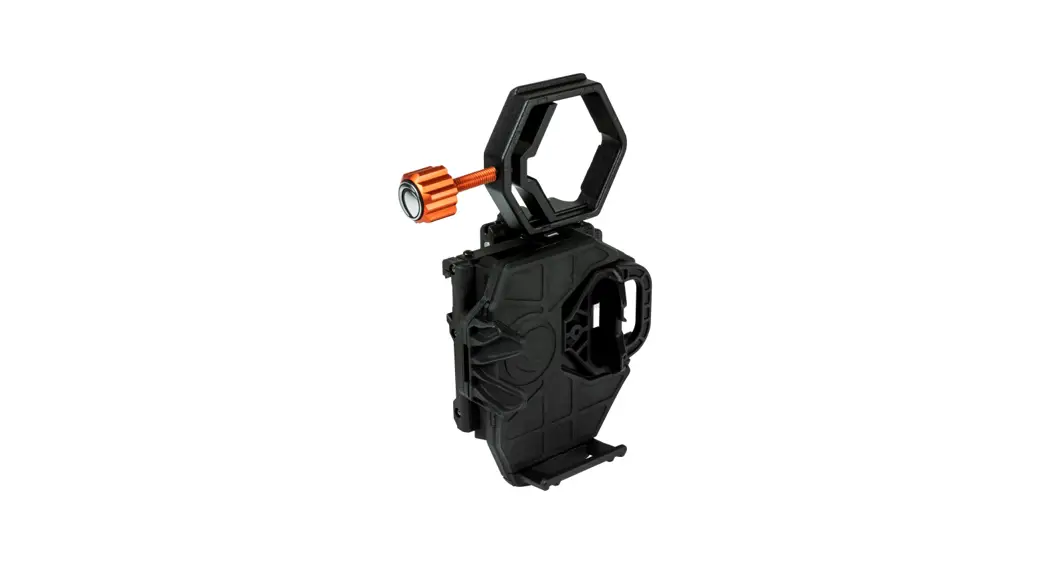
 UNIVERSAL SMARTPHONE ADAPTER
Instruction Manual
#81036
1036 NexGO Universal Smartphone
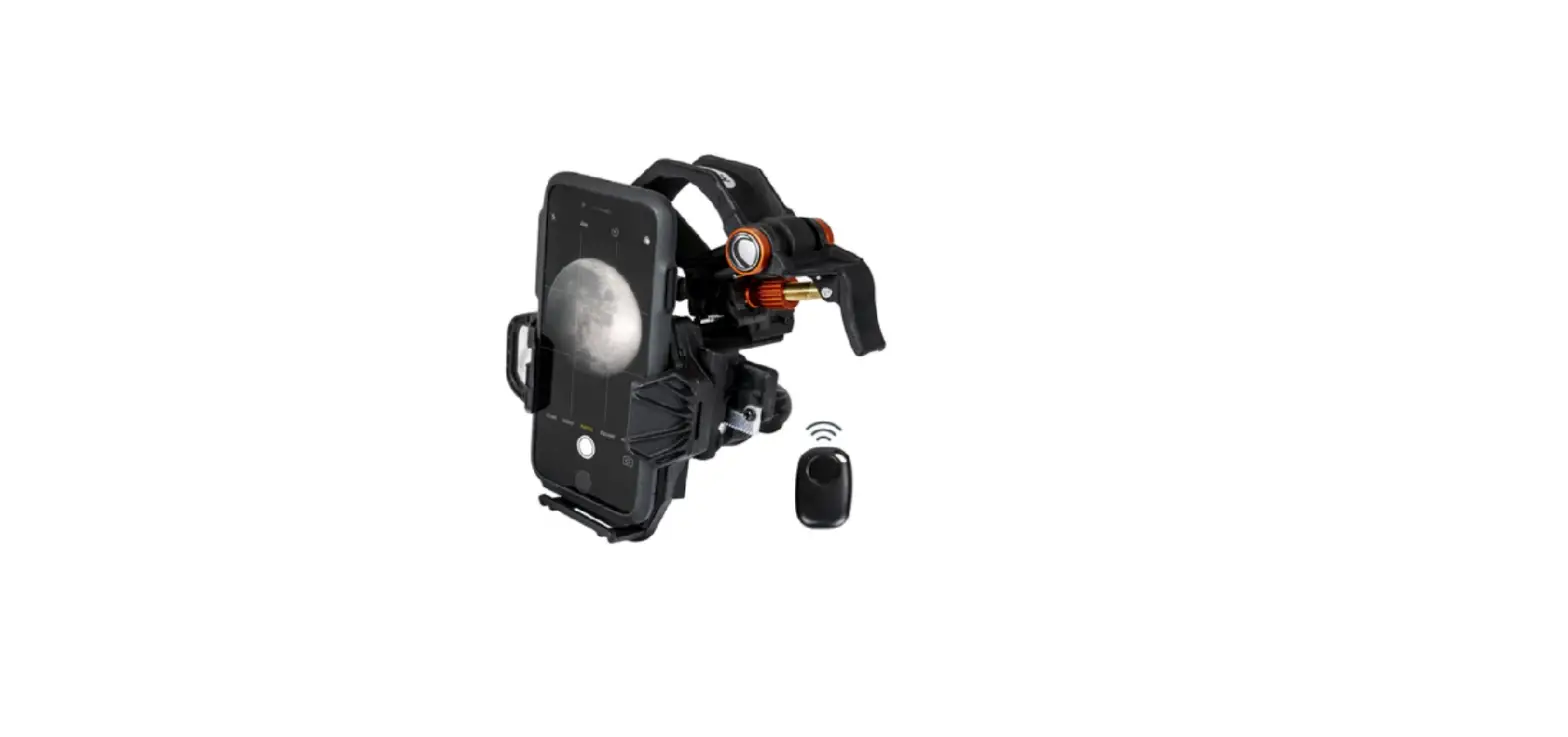
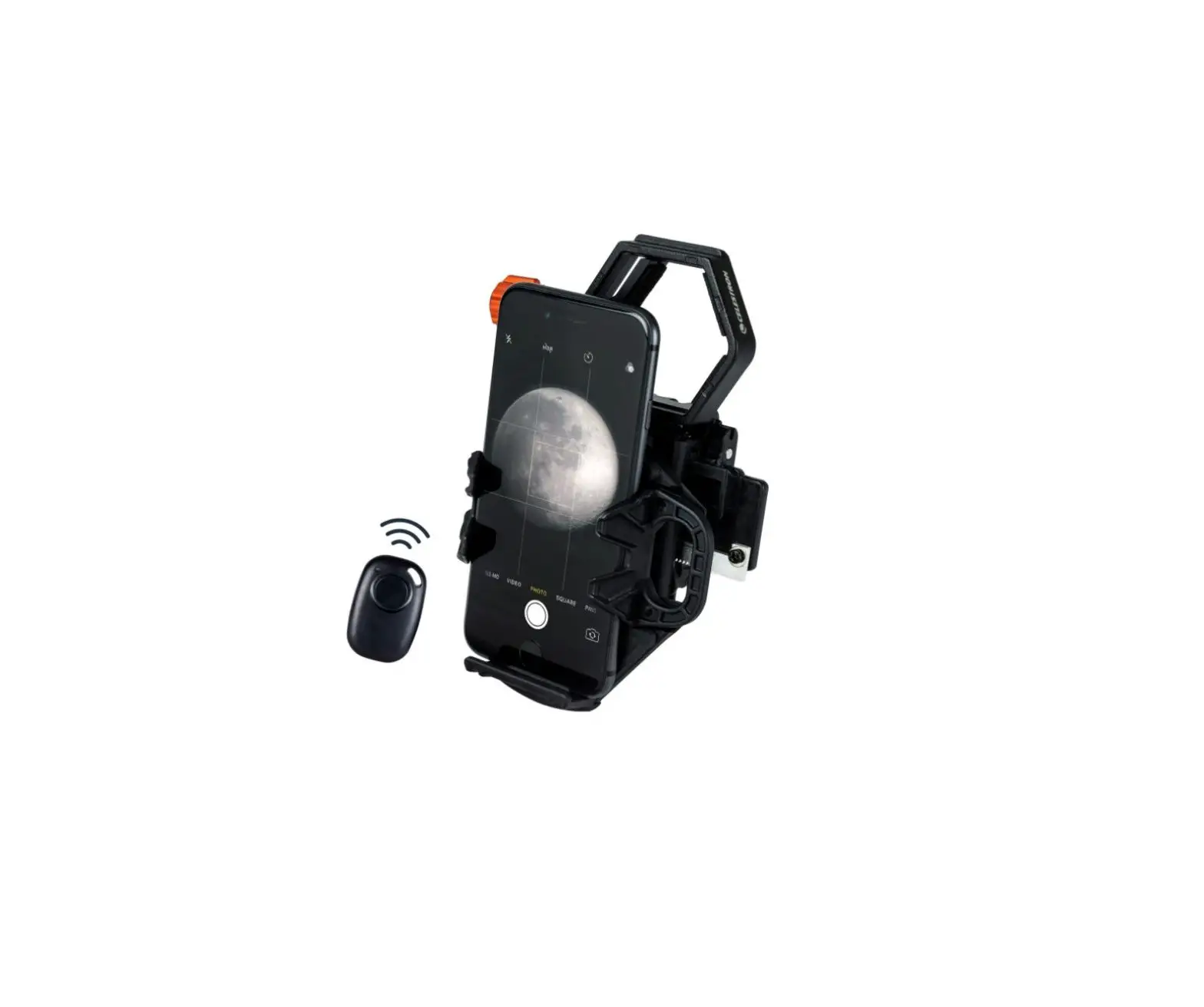
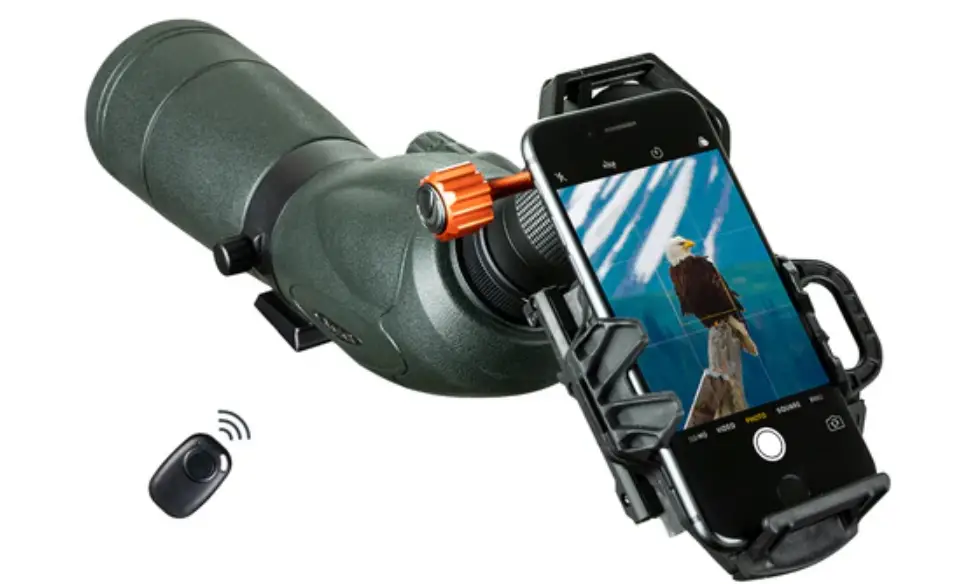
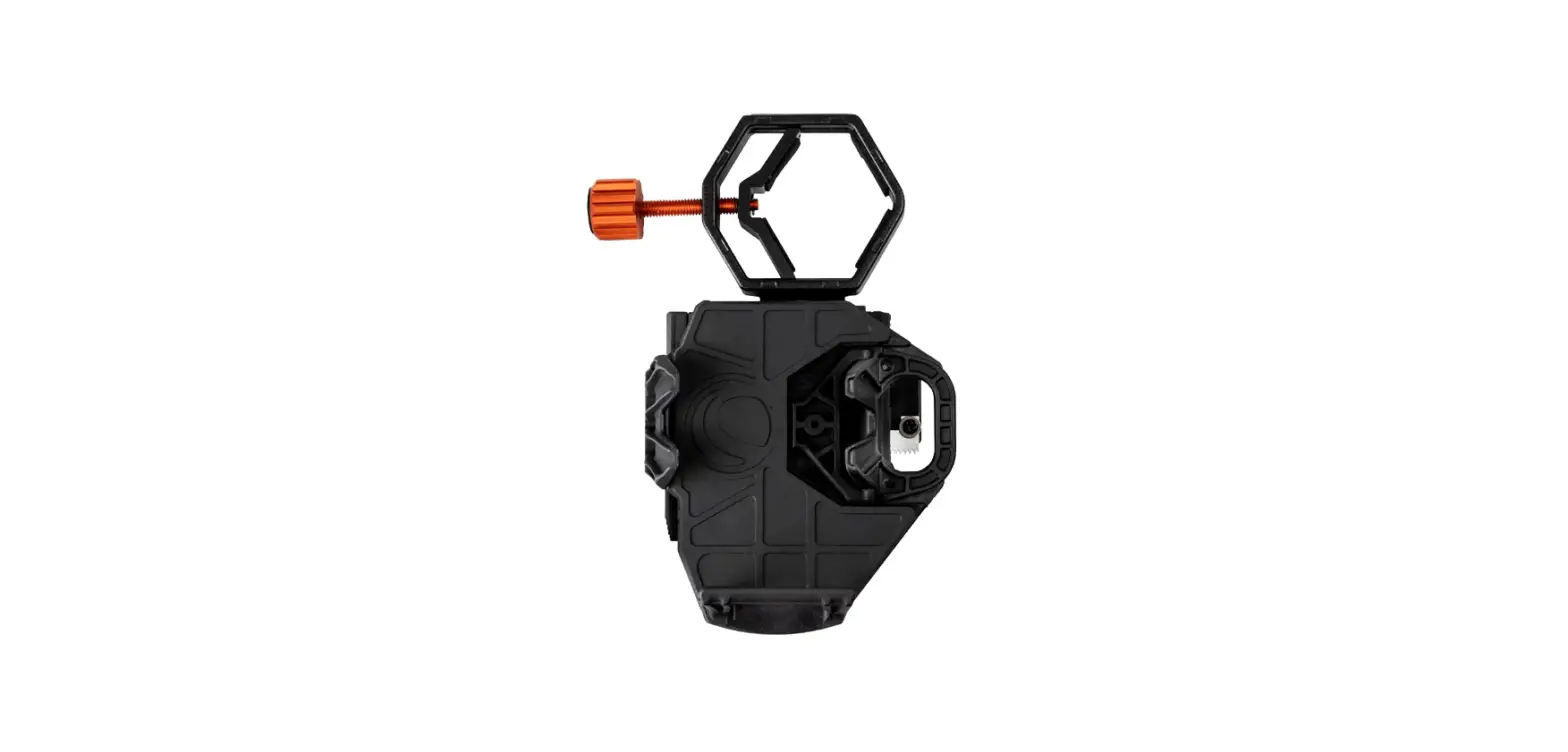
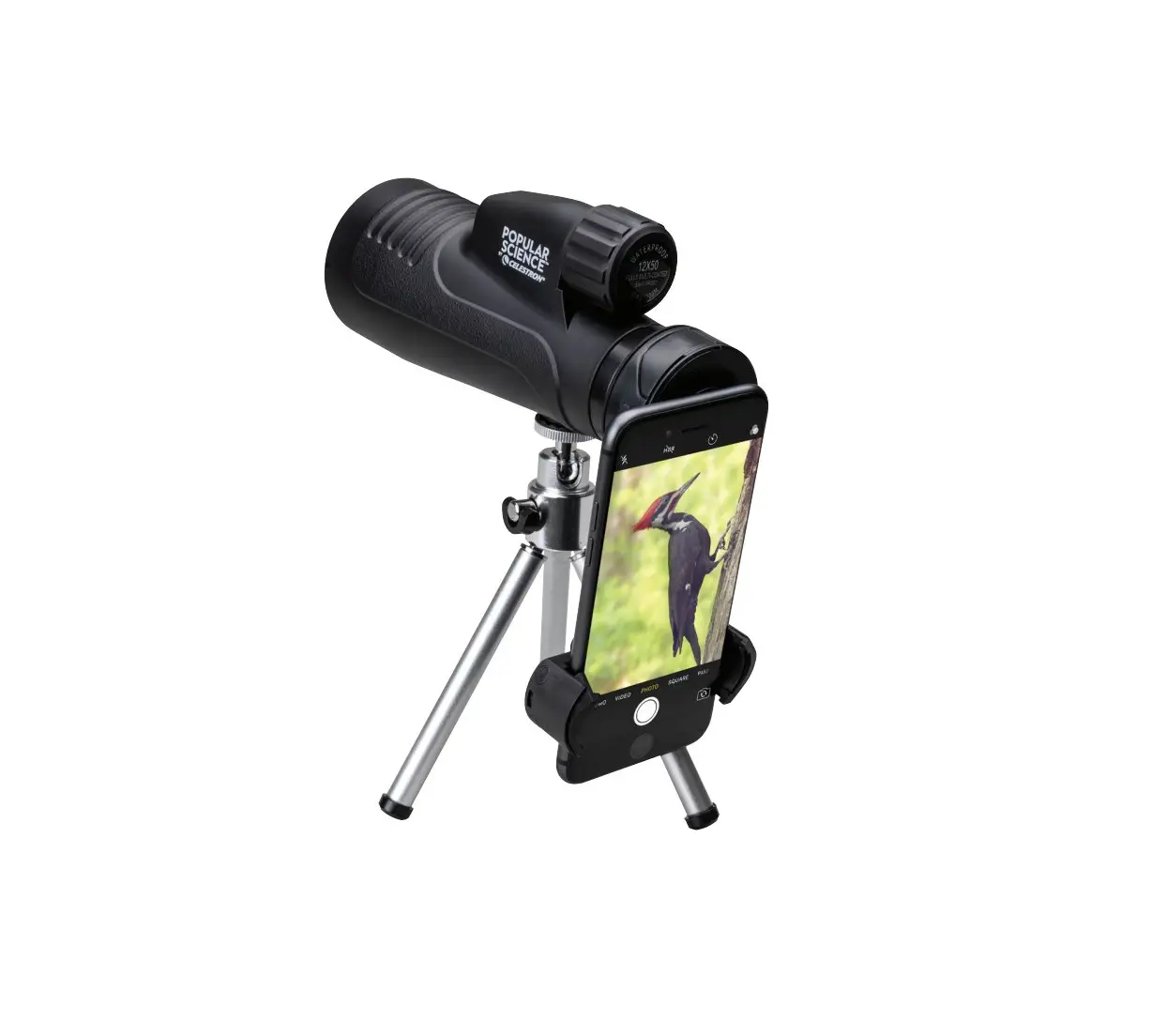
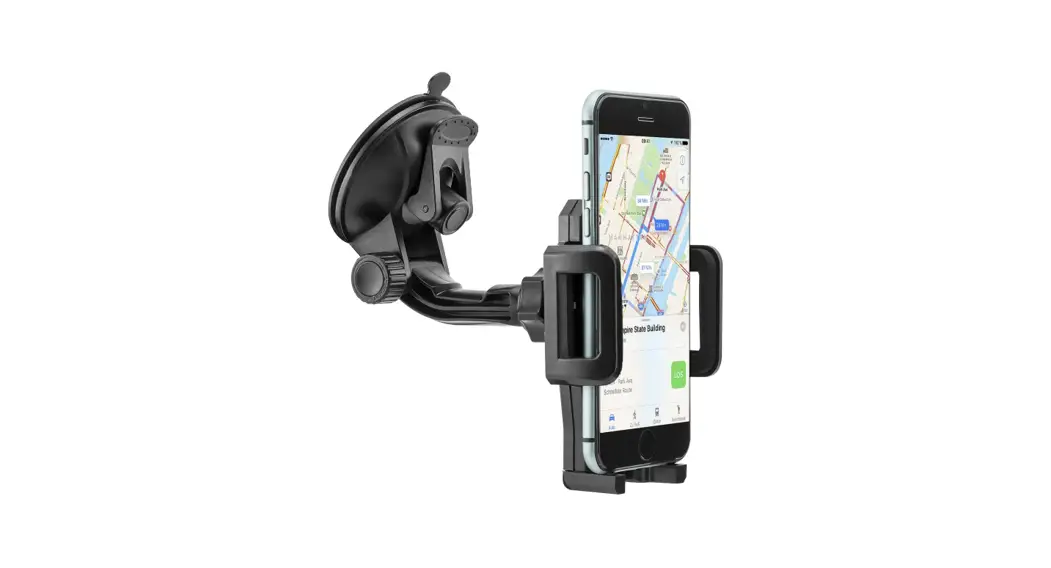
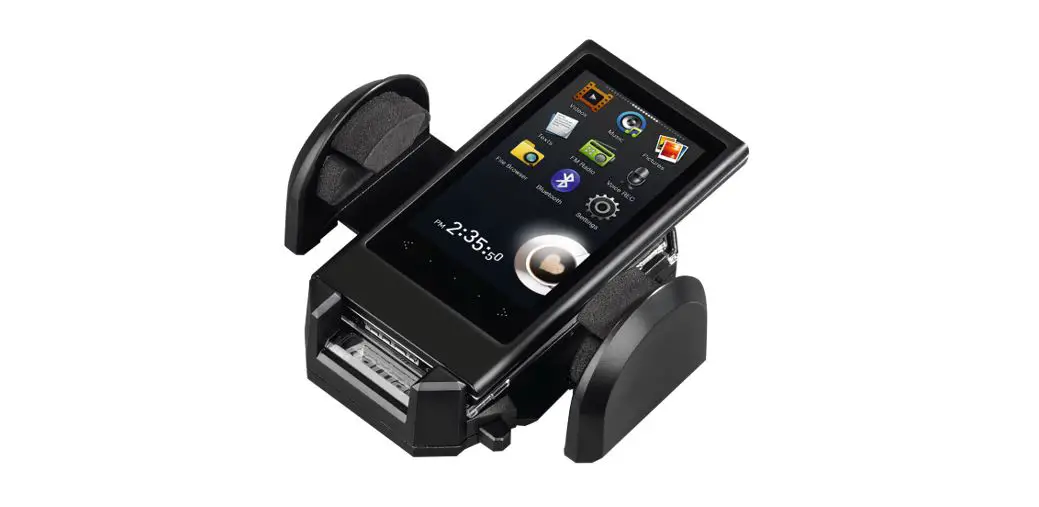
Thank you for purchasing the NexGO Universal Smartphone Adapter. NexGen is a great first step into the world of digiscoping or astroimaging. This easy-to-use adapter will help you capture sharp, detailed images and video through your optic’s eyepiece.
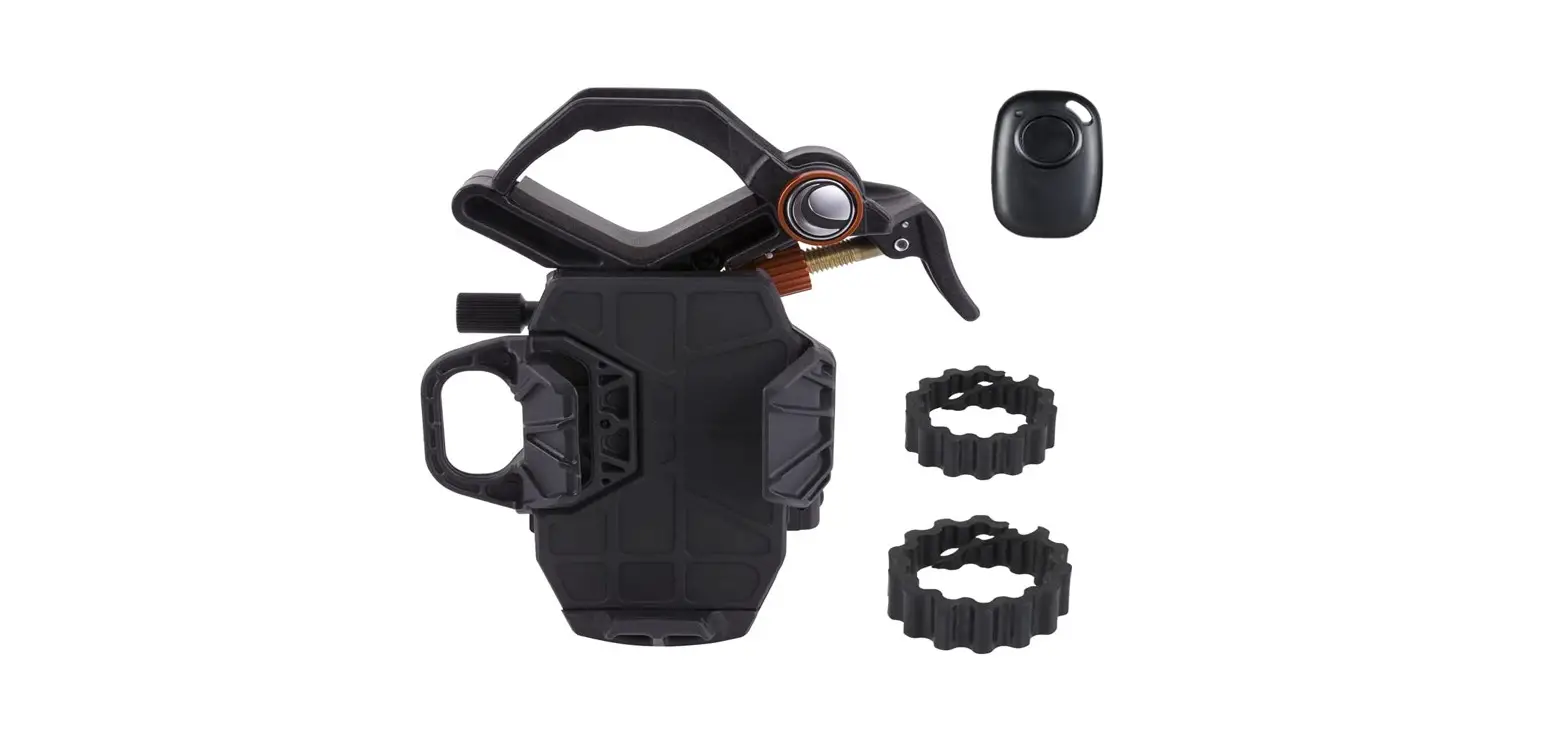
What’s in the Box
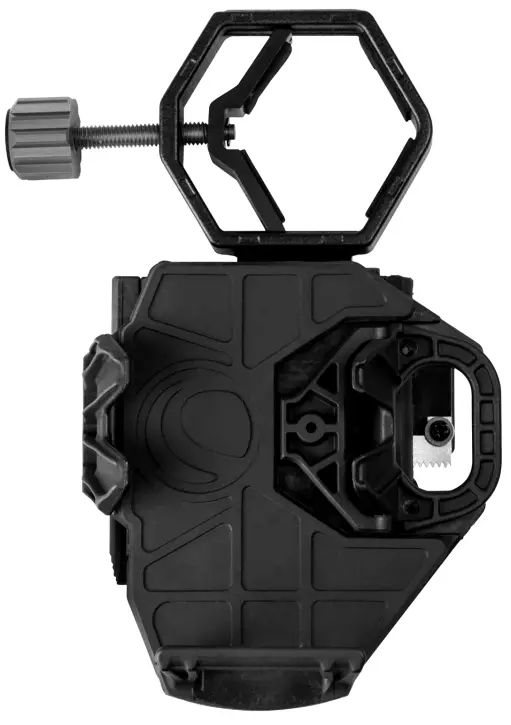
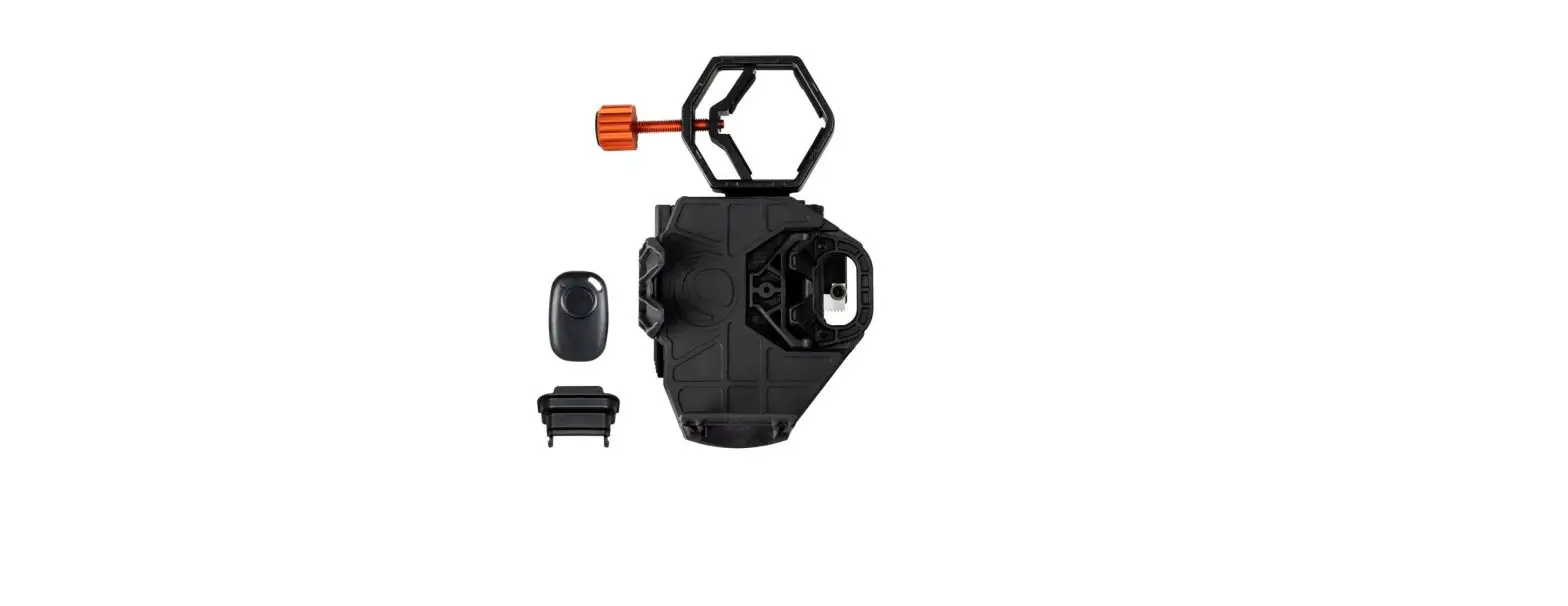
NexGO Smartphone Adapter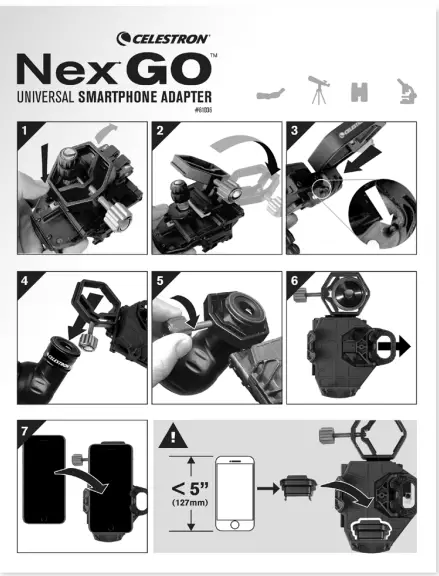
Quick Setup Guide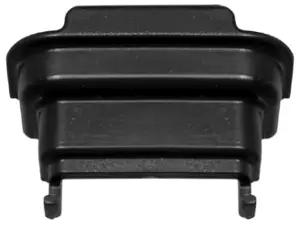
Phone Booster
Unfolding NexGO
The NexGO ships in the folded position. To use it, you’ll first need to unfold NexGO and lock the clamp into the main body.
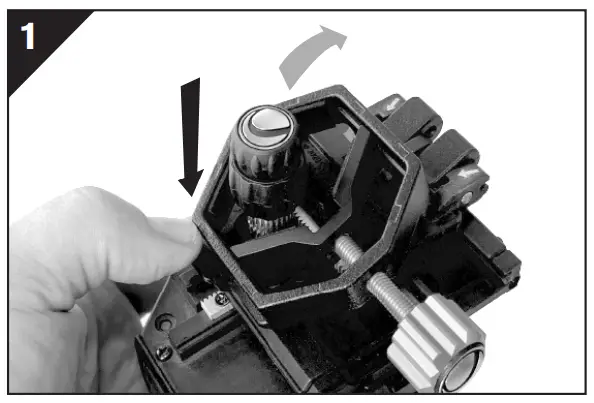 | Press the lock tab to release the clamp. |
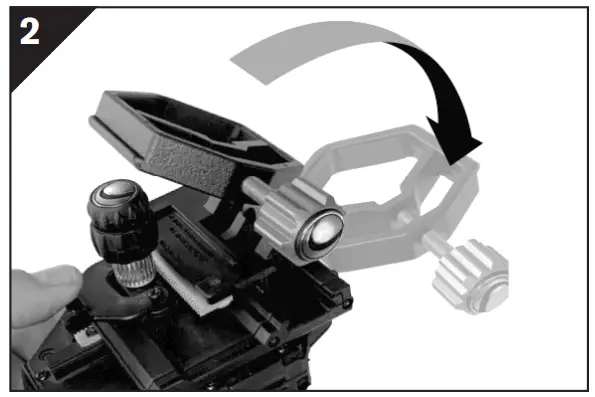 | Press the lock tab to release the clamp. |
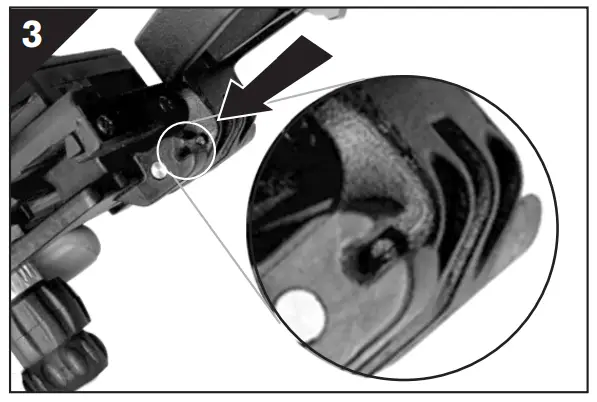 | Align the tab on the clamp with the “C”-shaped opening on the phone bed assembly. Once aligned, push the clamp in towards the bed assembly, locking the clamp in place. You should feel a slight “click” when the clamp engages properly. |
YOU ARE NOW READY TO USE YOUR NexGO!
Attaching NexGO To Your Optic
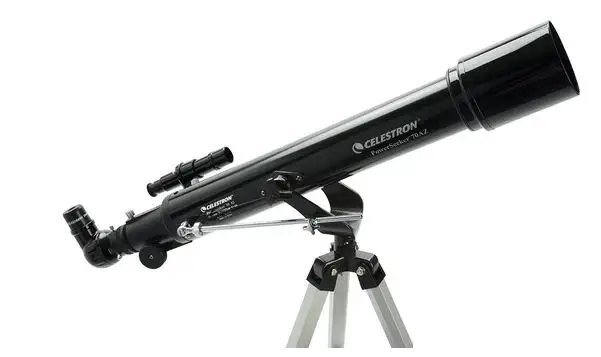
NexGO is designed to work with many different optics, including telescopes, binoculars, spotting scopes, and even microscopes.
All these optics have different size eyepieces. NGO’s clamp range can open from 25.4mm (1.0”) to 44.45mm (1.75”) to accommodate a variety of eyepieces.
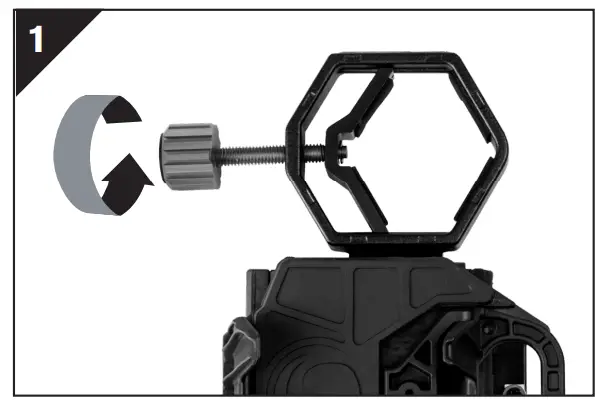 | To attach NexGO to your eyepiece, first, open the clamp (if needed) by rotating the clamp knob. |
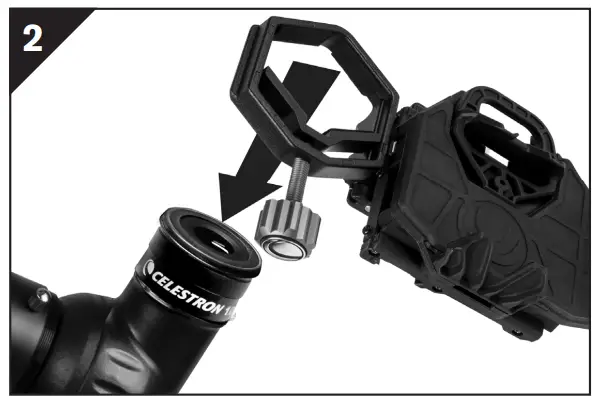 | Then position the clamp over your eyepiece. |
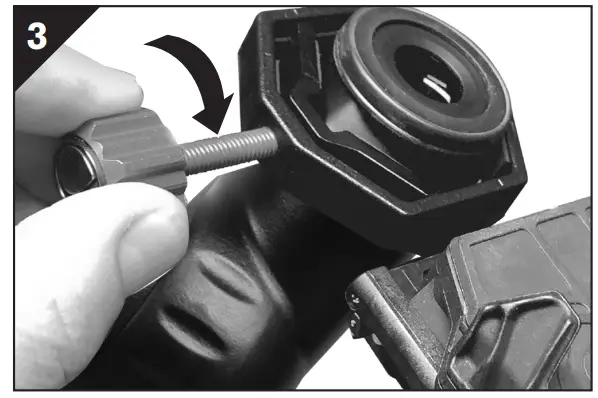 | Tighten the clamp and assembly onto the eyepiece by rotating the clamp knob clockwise. |
Securing Your Phone on the Phone Bed
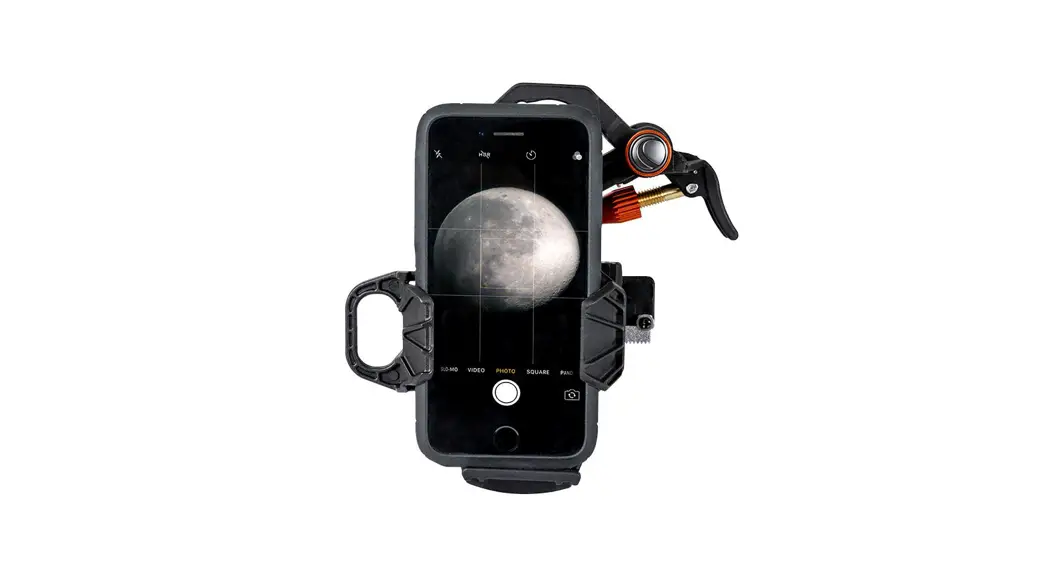
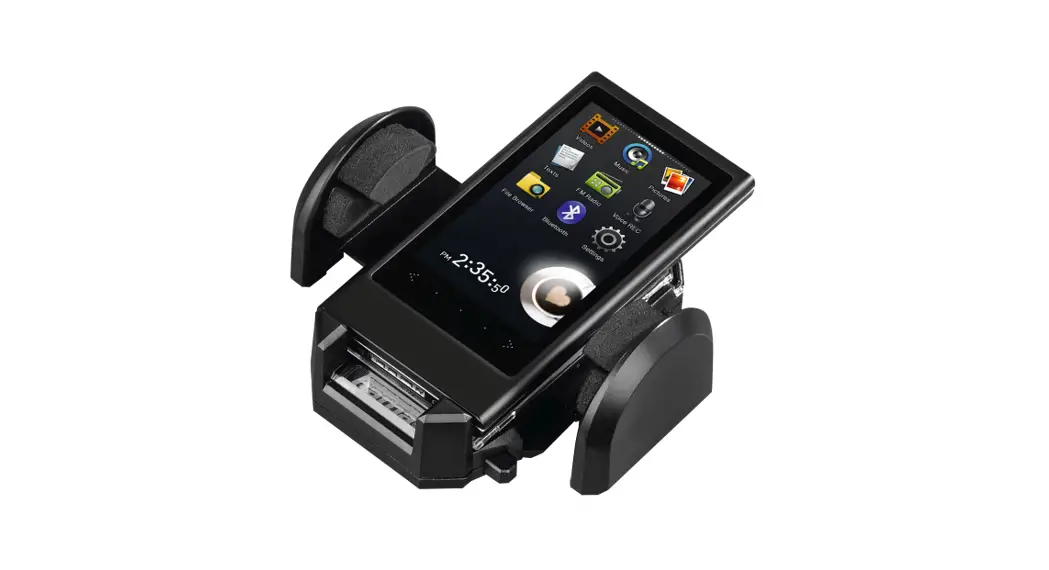
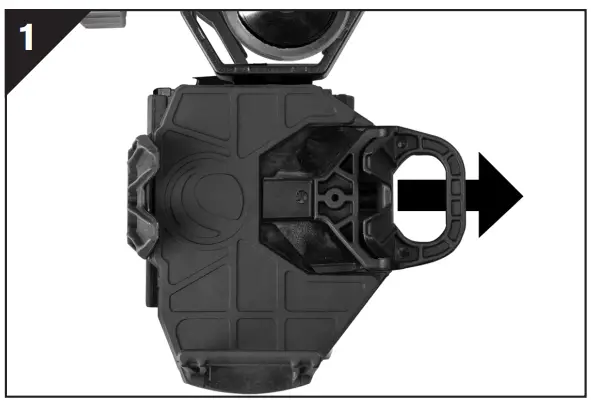 | Pull the spring-loaded arm on the phone bed outward. |
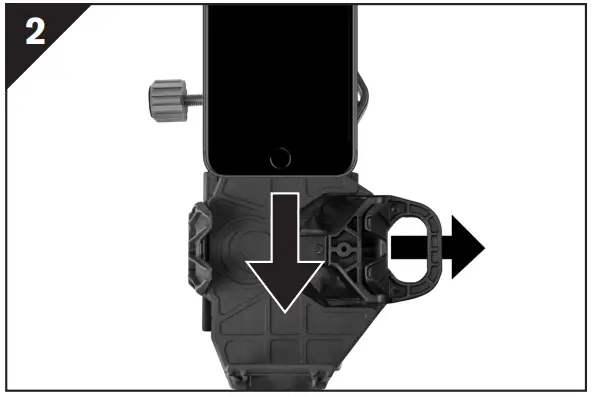 | While holding the arms open, place your phone on the bed. Make sure the phone is resting flat on the bed. |
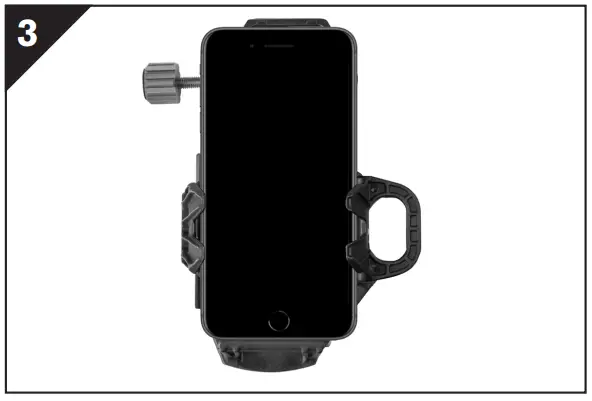 | Slowly release the spring-loaded arm to secure the phone in place. |
NOTE:
We have included a booster to raise up smaller phones that measure less than 5” in length. If you need to use the booster, place it in the phone bed first, and then place
your phone on top of the booster.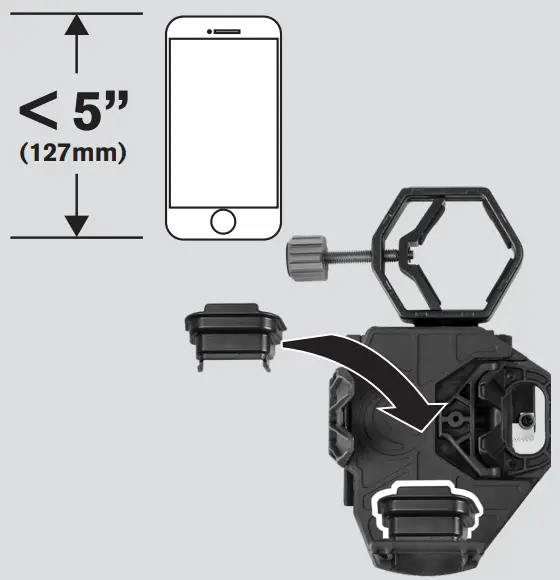
Aligning Your Smartphone Camera
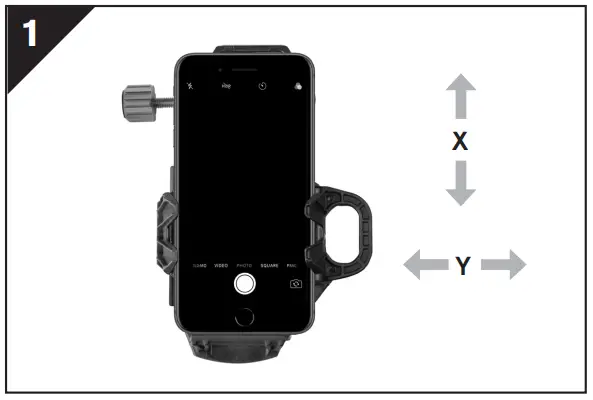 | Turn on your smartphone camera. |
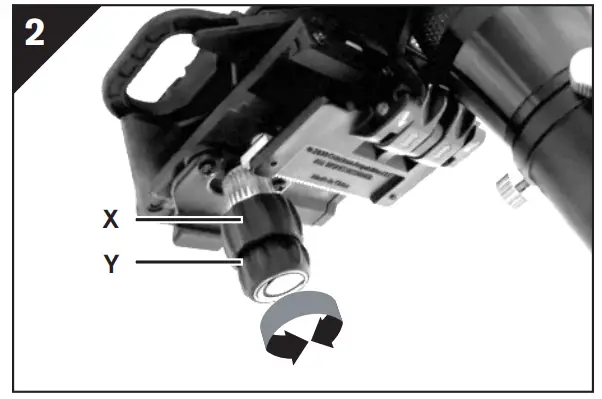 | Use the X and Y adjustment knobs to move your phone and adjust the field of view until it is centered over the eyepiece. |
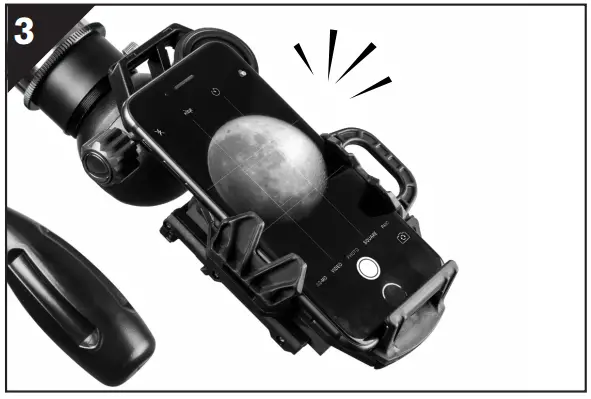 | NOTE: You may need to zoom in slightly to remove any dark edges or “vignetting.” |
You are now ready to shoot great images through your optics!
Folding NexGO for Storage
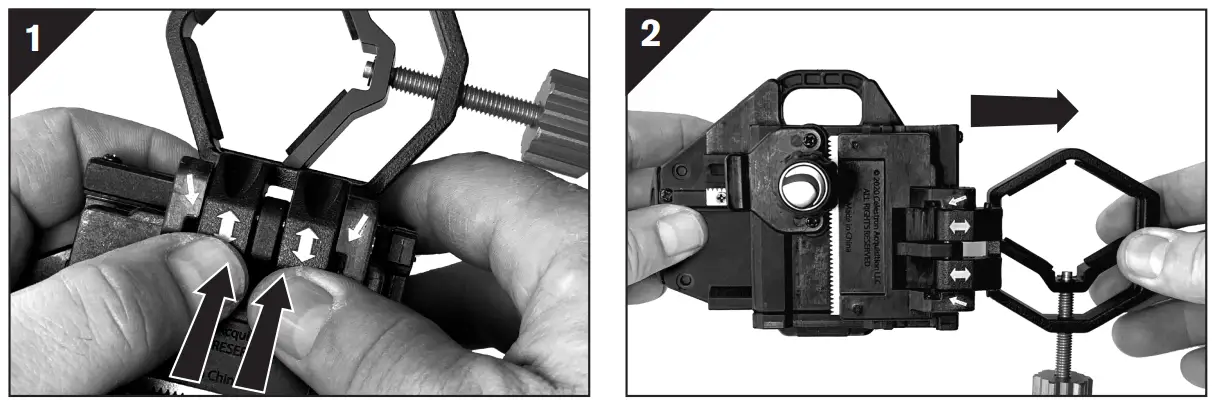 | |
| On the underside of the unit, you will see two white arrows. Use both thumbs to push out and disengage the clamp from the main assembly. | Make sure the clamp is all the way out. |
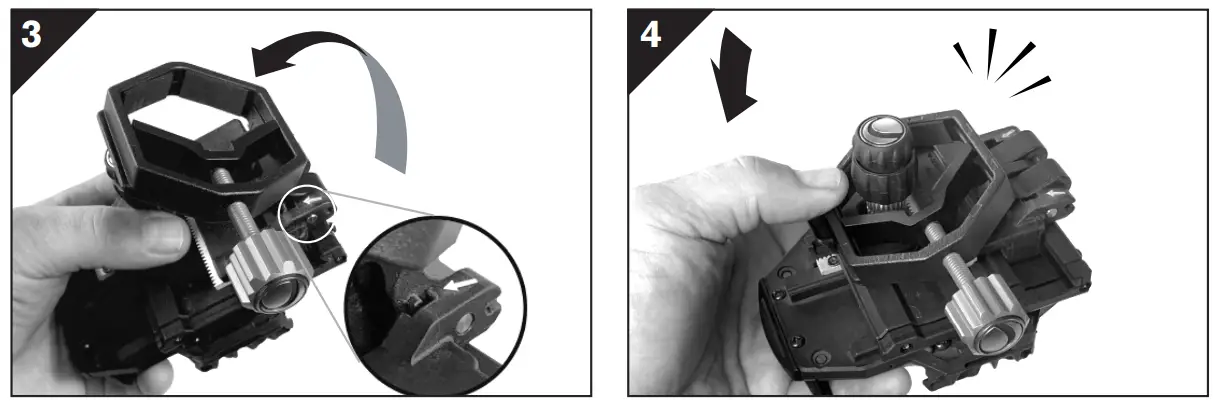 | |
| Hinge the clamp back and align the tabs on the clamp with the openings on the main assembly as shown. | Slide the clamp into place and press until it snaps into place with the lock tab. |
WARRANTY
celestron.com © 2021 Celestron •
All rights reserved celestron.com/support/warranties
 Warranty | Celestron