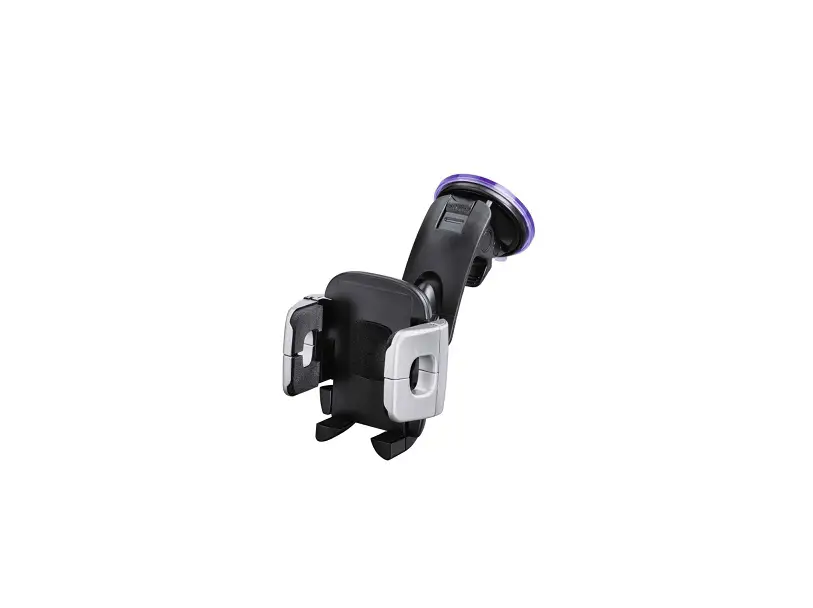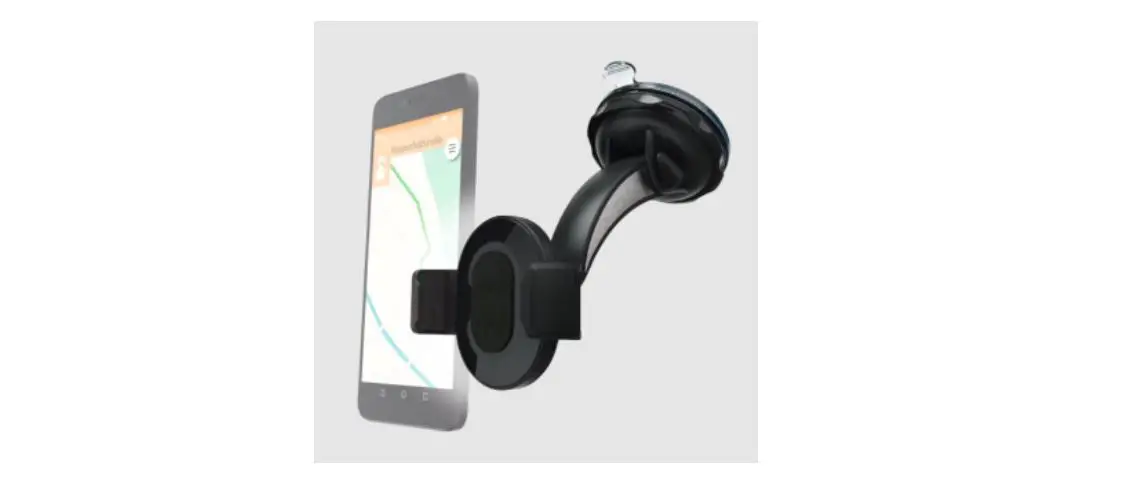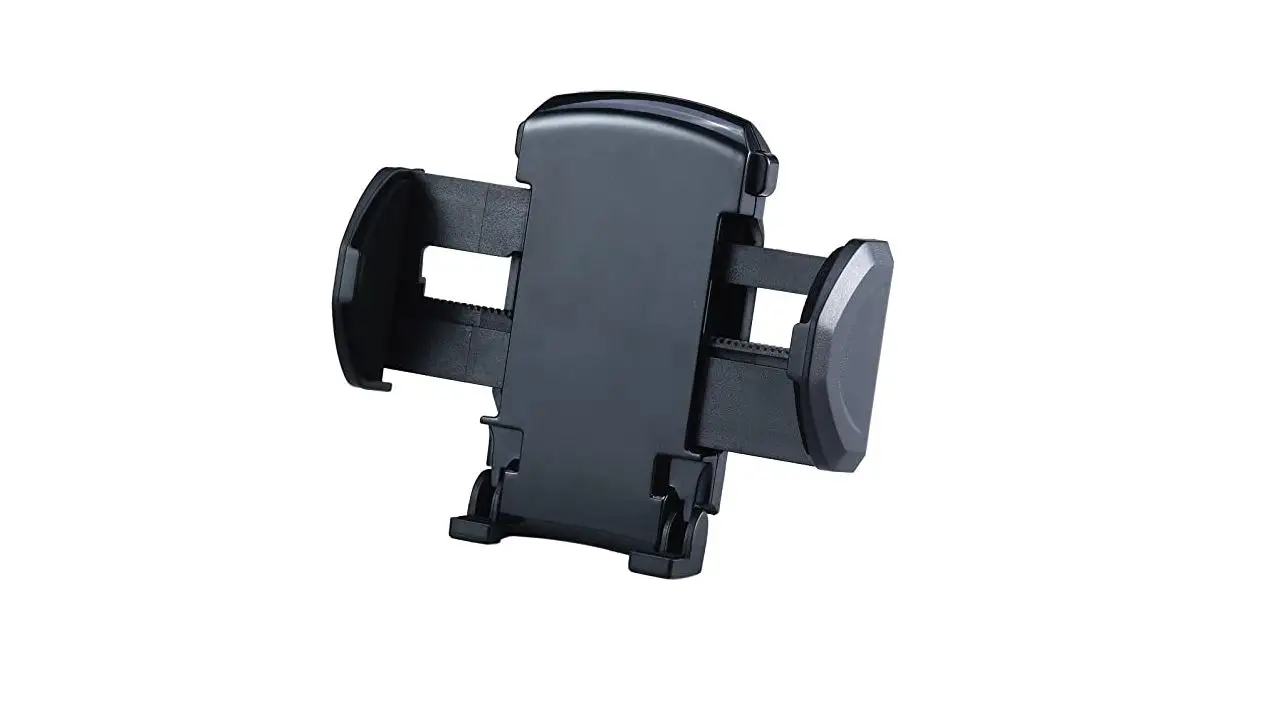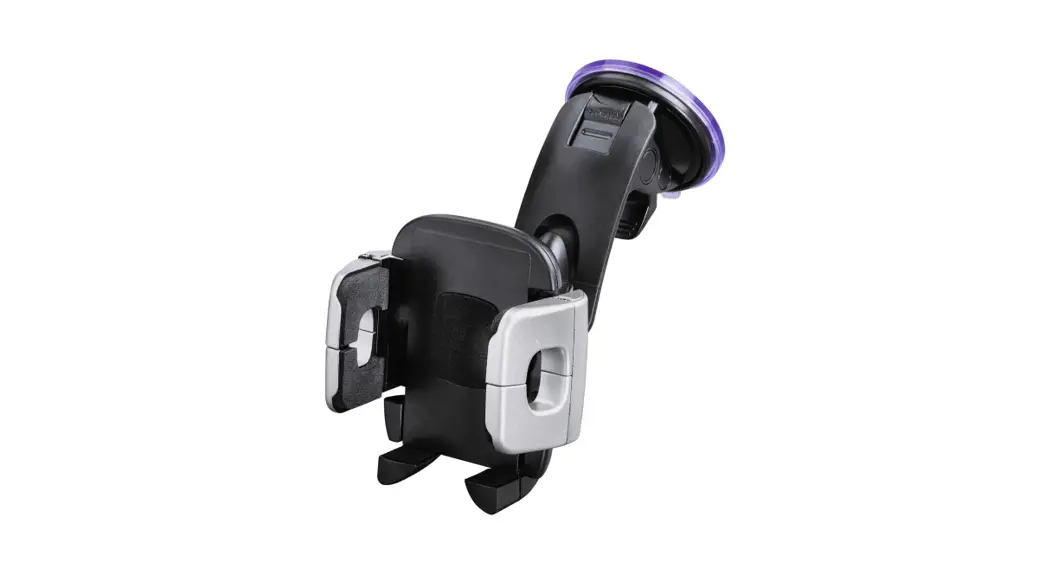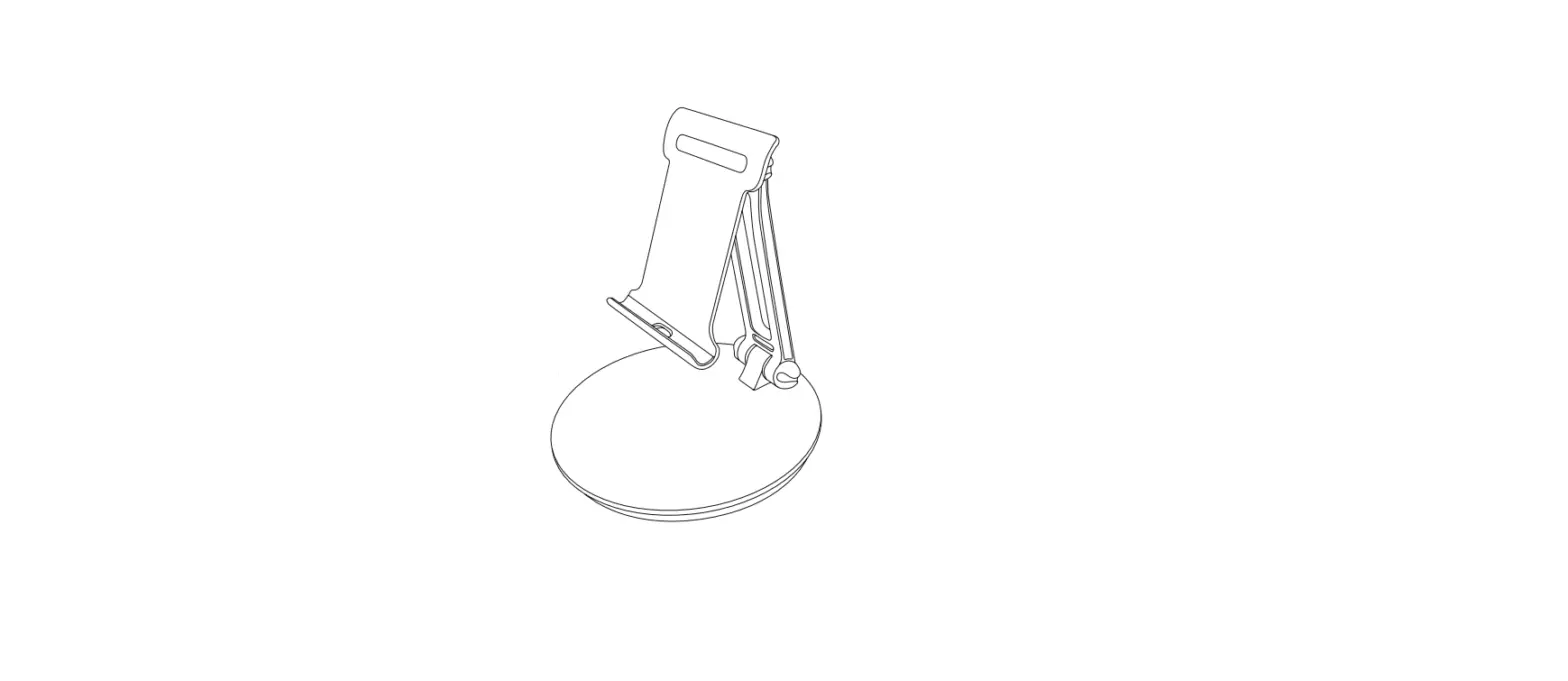

hama 00 125123 Universal Smartphone Holder
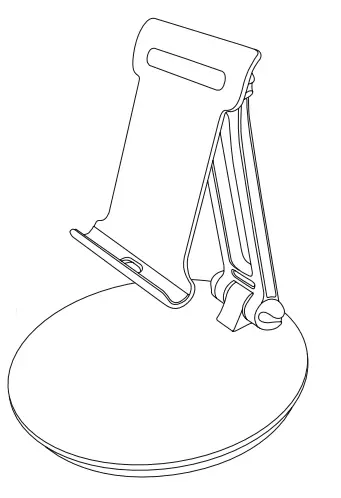
Thank you for choosing a Hama product. Take your time and read the following instructions and information completely. Please keep these instructions in a safe place for future reference. If you sell the device, please pass these operating instructions on to the new owner.
Explanation of warning symbols and notes
Warning: This symbol is used to indicate safety instructions or to draw your attention to specific hazards and risks.
Note: This symbol is used to indicate additional information or important notes.
Package contents
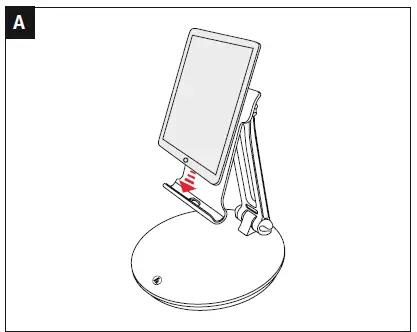
- Smartphone/tablet holder
- These operating instructions
Note: Please check the package contents for completeness before installing the holder and ensure that there are no faulty or damaged parts.
Safety instructions
- The product is intended for private, non-commercial use only.
- Use the product only for the intended purpose.
- Do not use the product in a damp environment and avoid splashing water.
- Do not use the product in the immediate vicinity of heaters, other heat sources or in direct sunlight.
- Do not attach any additional objects to the product.
- Keep the packaging material out of the reach of children due to the risk of suffocation.
- Dispose of packaging material immediately in accordance with the locally applicable regulations.
- Do not modify the product in any way. Doing so voids the warranty.
- Observe the other warnings and safety instructions.
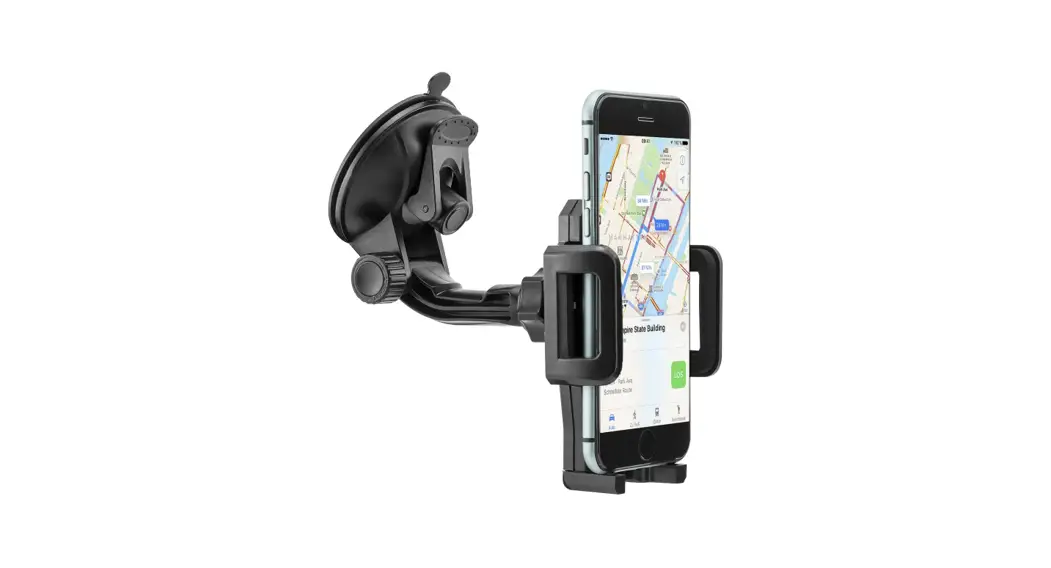
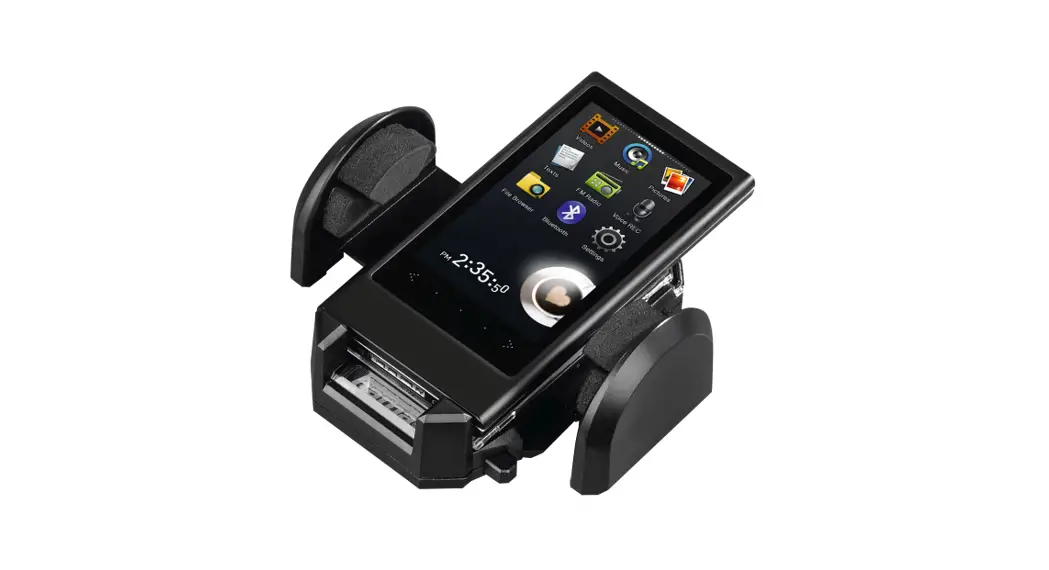
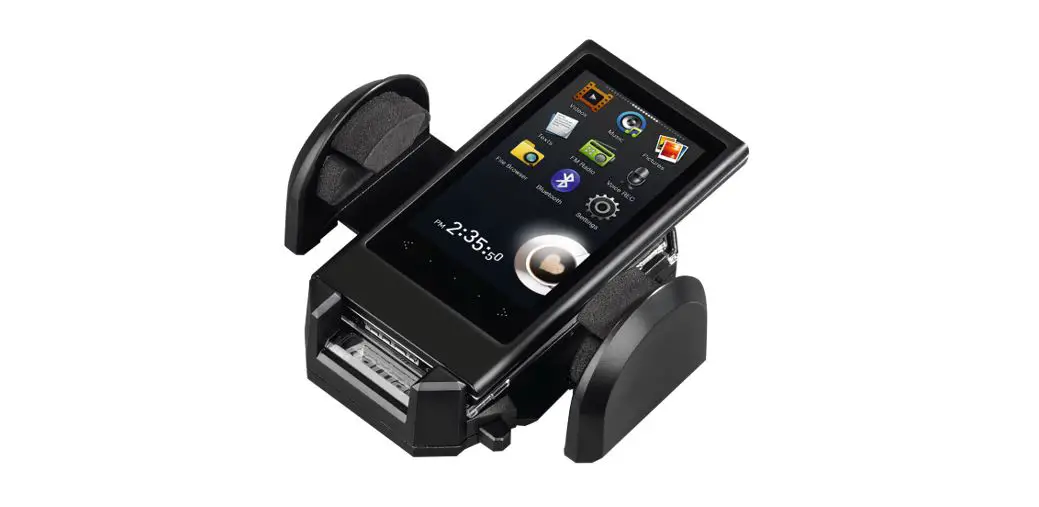
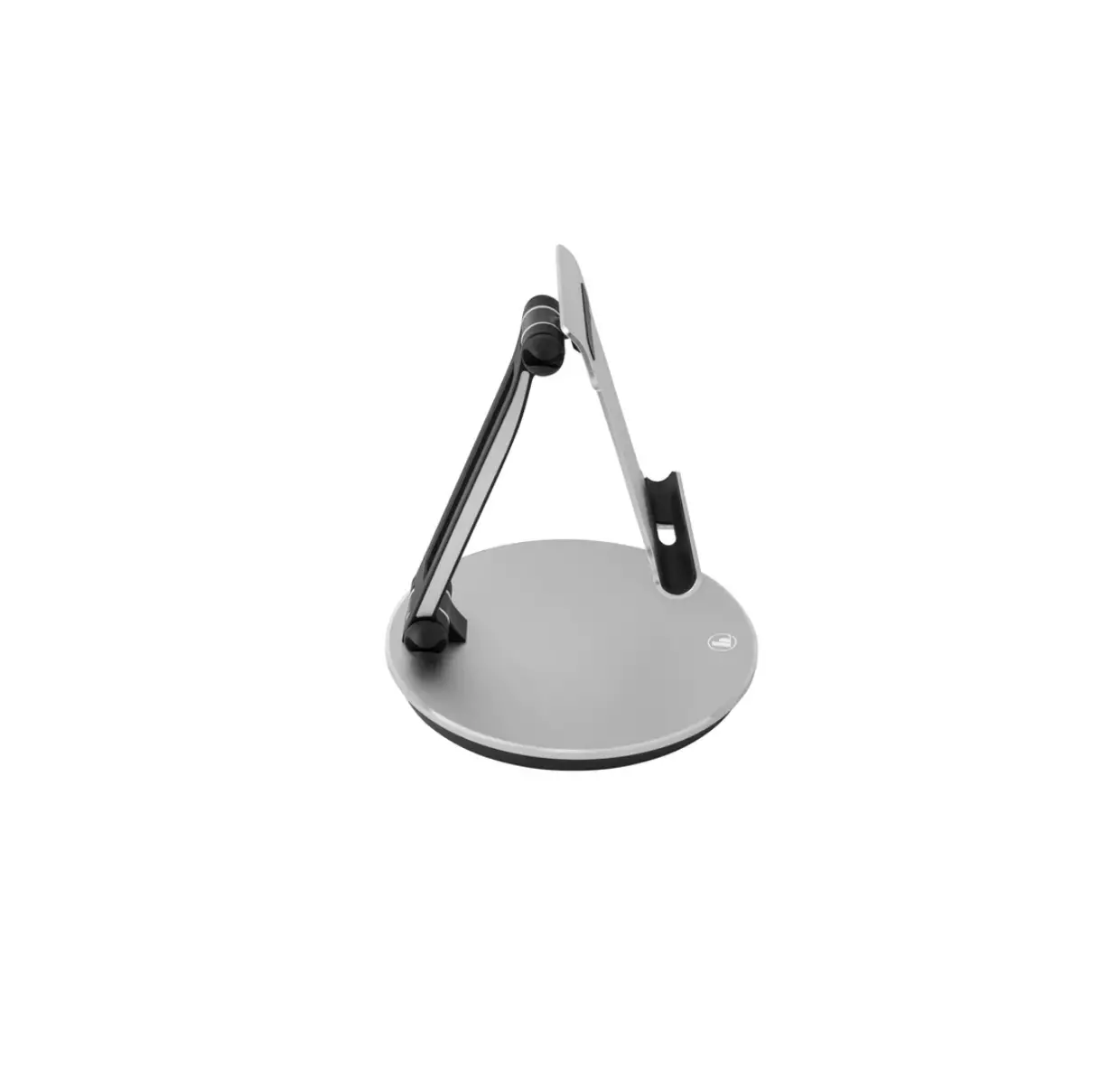
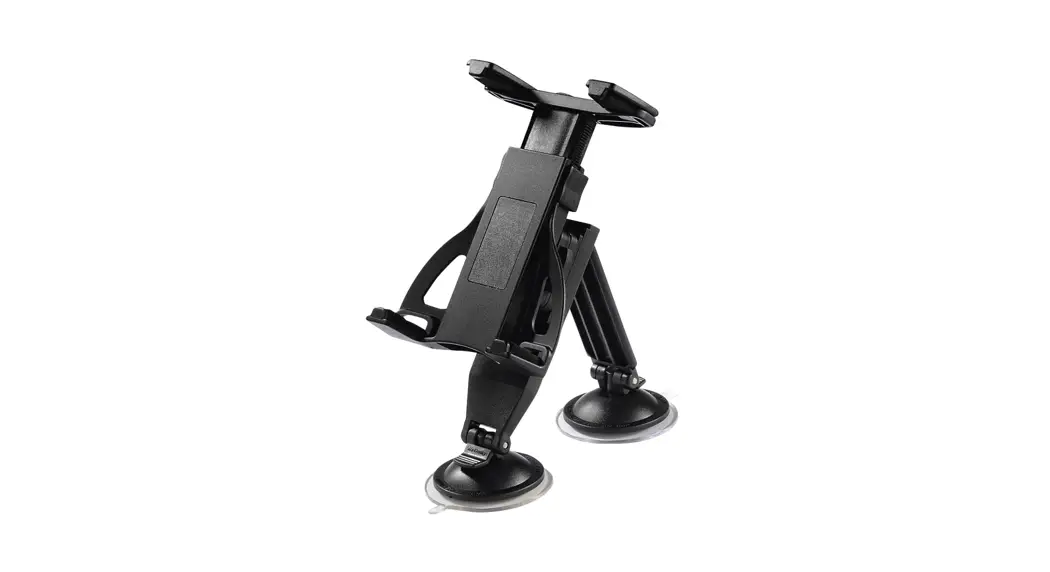
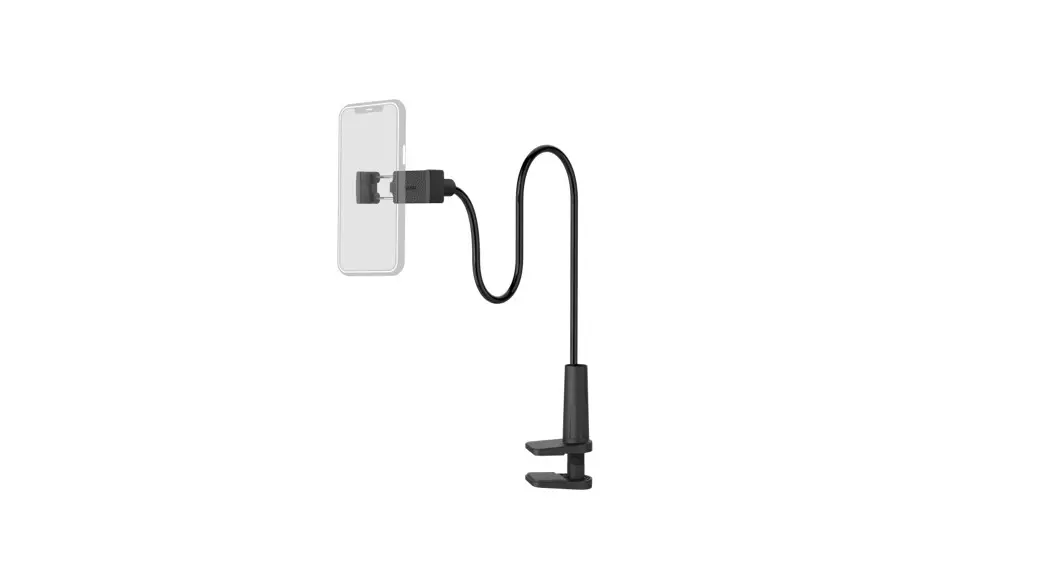
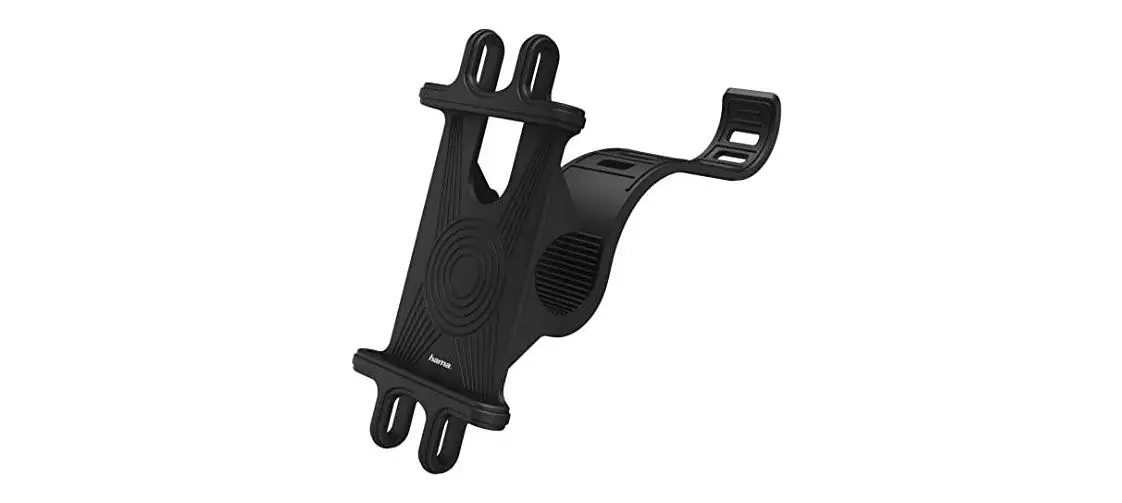
- The product is used to set up smartphones, tablet PCs, etc.
Installation
Warning Mounting
- Only set the product up on even, non-slip surfaces with a sufficient load-bearing capacity for the product and the device attached to it.
- Never apply force during installation. This can damage your device or the holder.
Adjusting the angle and tilt
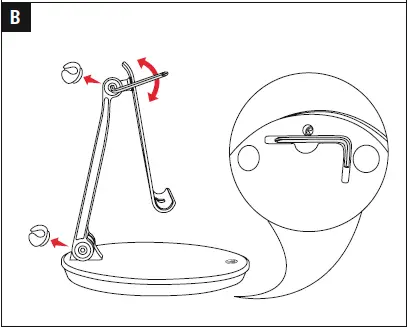
- The angle of the holder can be adjusted using the Allen key, which is located on the underside of the holder. (see Figure B)
- Remove the rubber plug on the arm holder.
- The screw can be permanently loosened slightly in order to facilitate flexible and easy adjustment of the angle.
- Alternatively, the tilt of the holder can be permanently fixed in a particularly position by carefully tightening the screw by hand.
Technical data
- Up to max. tablet size: 7 – 12.9″ ( 17.78 – 32.76 cm)
Warranty Disclaimer
Hama GmbH & Co KG assumes no liability and provides no warranty for damage resulting from improper installation/ mounting, improper use of the product or failure to observe the operating instructions and/or safety notes.
Hama GmbH & Co KG
- 86652 Monheim/Germany
- Service & Support
- www.hama.com
- +49 9091 502-0
All listed brands are trademarks of the corresponding companies. Errors and omissions excepted, and subject to technical changes. Our general terms of delivery and payment are applied.
 hama.com