hama 201511 Universal Smartphone Holder
Instruction Manual
Operating Instructions
Thank you for choosing a Hama product.
Take your time and read the following instructions and information completely. Please keep these instructions in a safe place for future reference. If you sell the device, please pass these operating instructions on to the new owner.
1. Explanation of warning symbols and notes
Warning 
This symbol is used to indicate safety instructions or to draw your attention to specific hazards and risks.
Note 
This symbol is used to indicate additional information or important notes.
2. Package contents
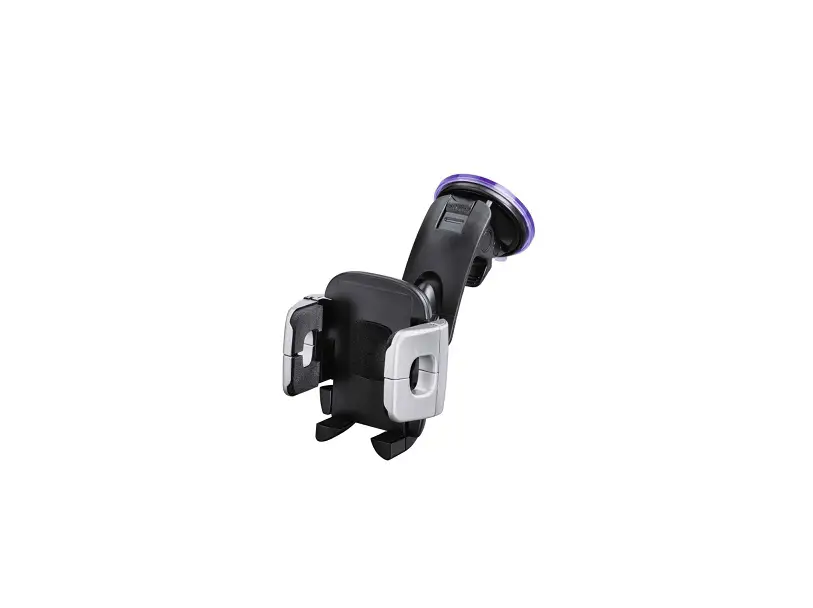
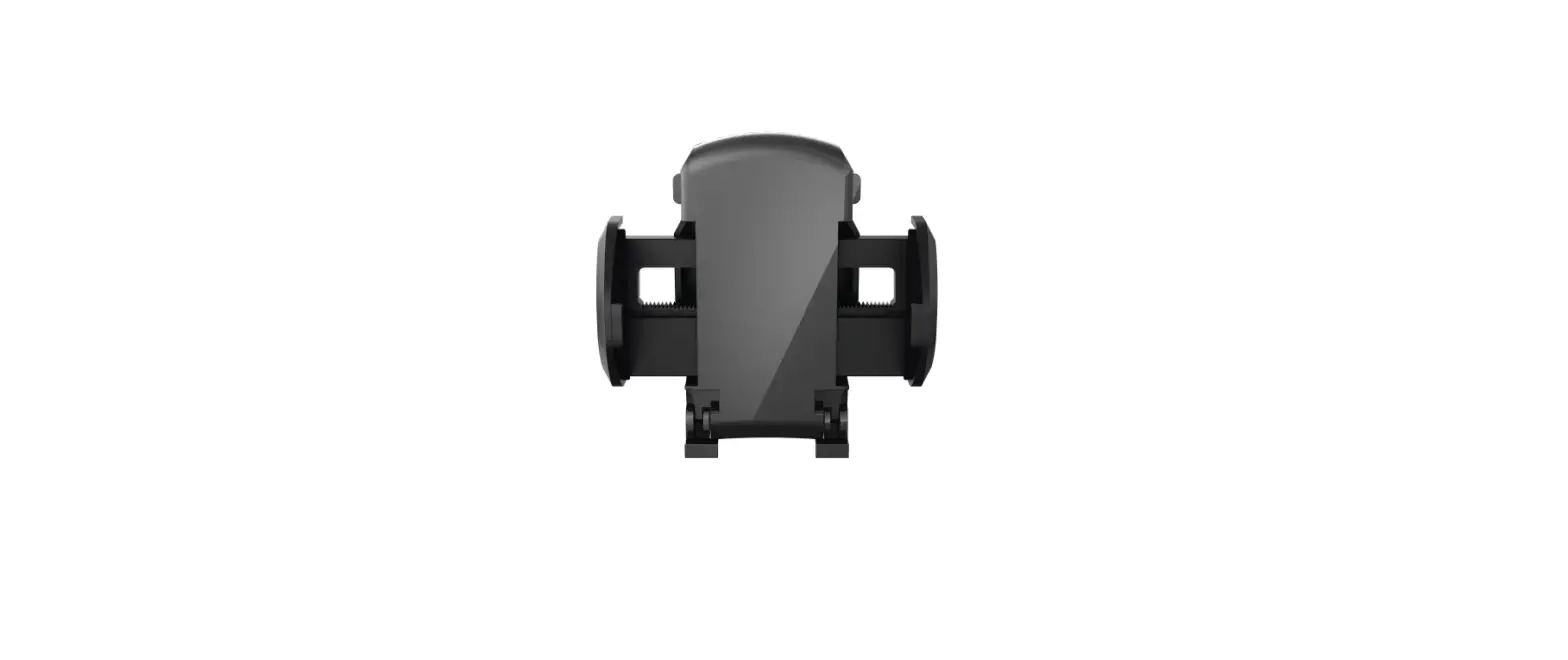
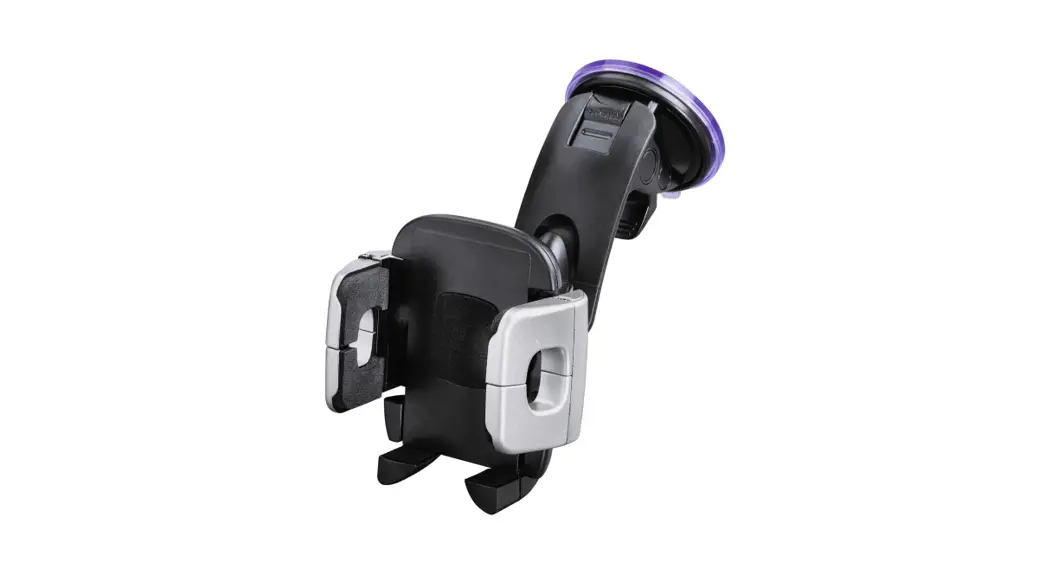
- Universal smartphone bracket
- these operating instructions
3. Safety instructions
- Use the product only for the intended purpose.
- Protect the product from dirt, moisture and overheating and use it in dry environments only.
- When using this product, observe the applicable local traffic laws and regulations.
- Do not drop the product and do not expose it to any major shocks.
- Keep the packaging material out of the reach of children due to the risk of suffocation.
- Dispose of packaging material immediately in accordance with the locally applicable regulations.
- Do not modify the product in any way. Doing so voids the warranty
4. Installation
Warning
- Take care that components such as airbags, safety areas, controls, instruments, etc. and visibility are not blocked or restricted.
- While driving a car or using sports equipment, do not allow yourself to be distracted by your product and keep an eye on the traffic situation and your surroundings.
Note
- Before installing the bracket, check the installation options in your vehicle. If in doubt, check the vehicle’s instruction manual or contact the vehicle manufacturer.
- Check the load-bearing capacity of the slats before inserting a device into the bracket. This installation version is only recommended for devices < 300 g.
- Never apply force when using the product or during installation.
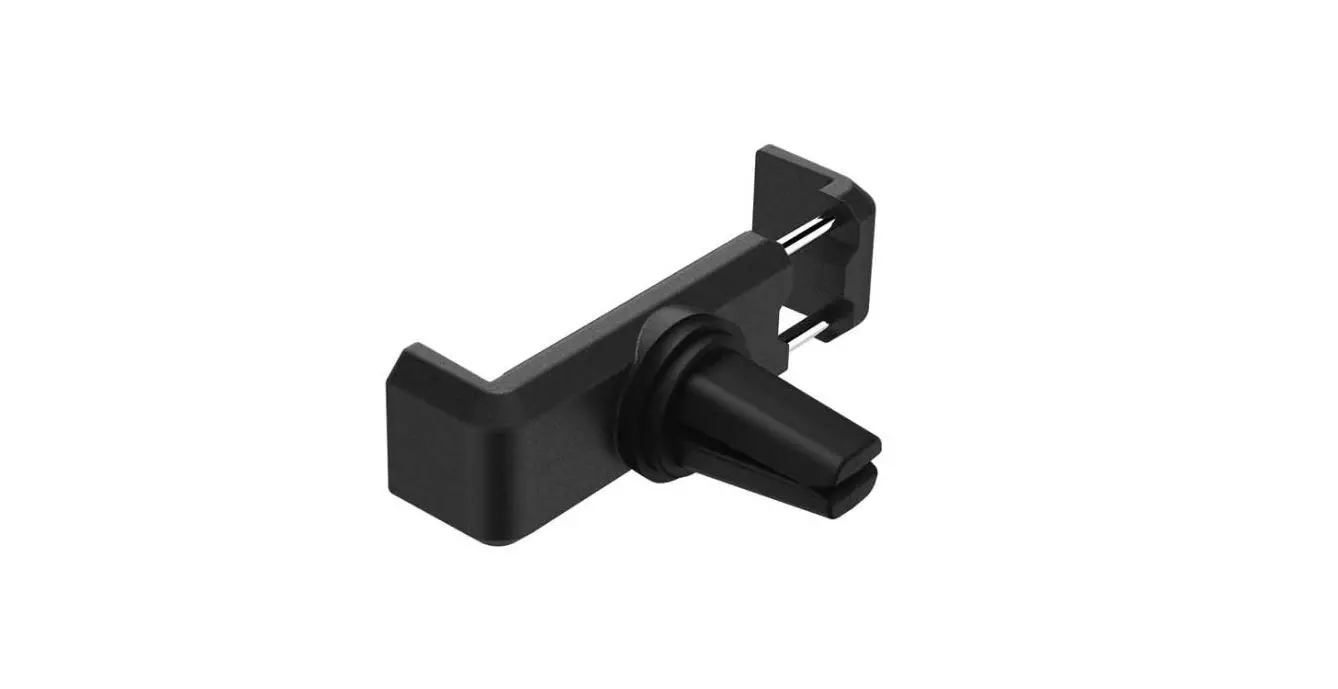
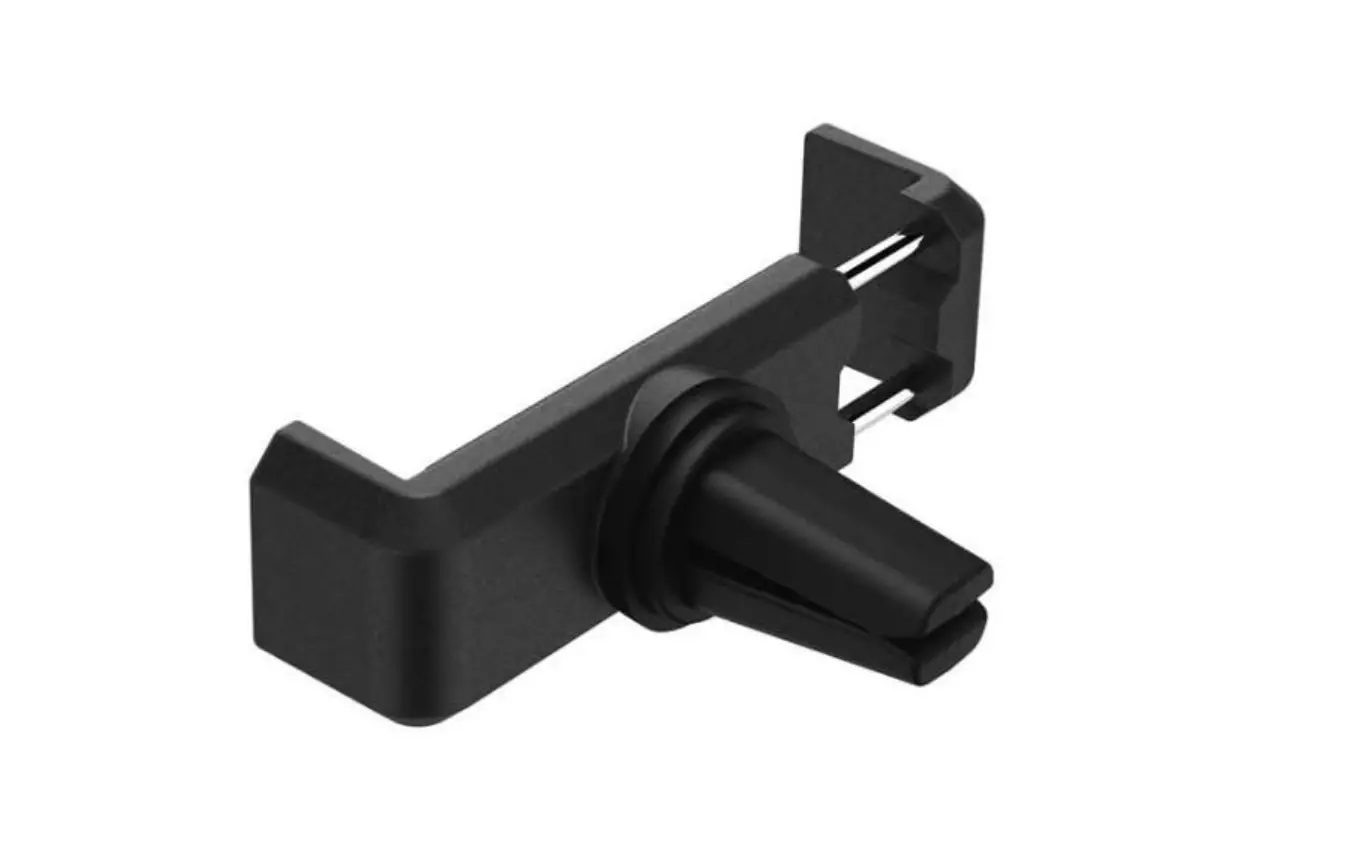
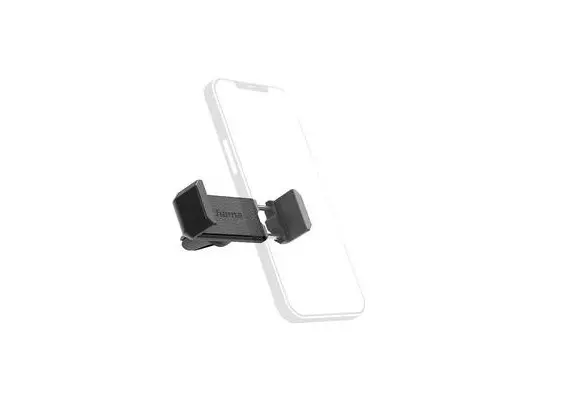
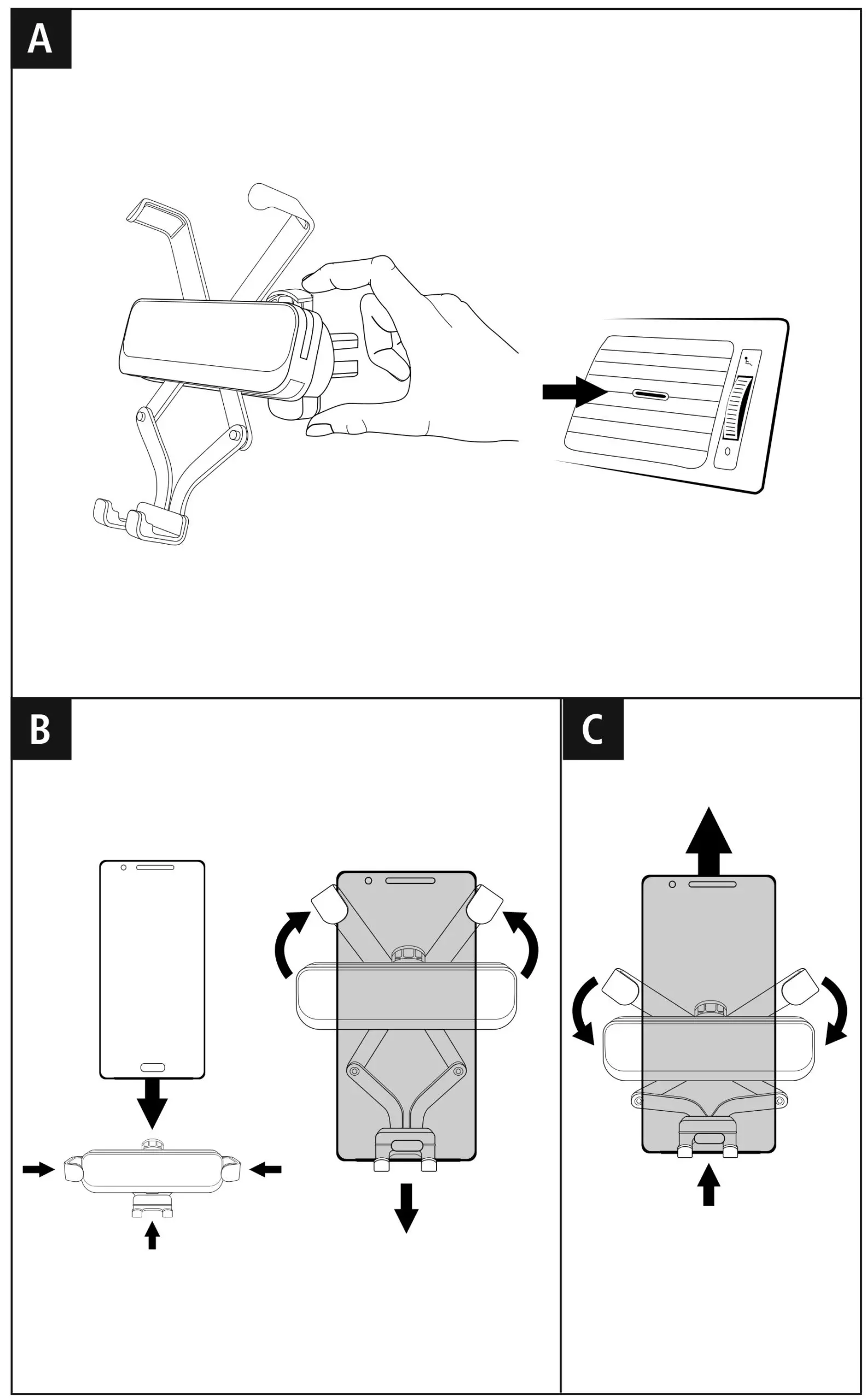
- Press and hold the open button (A) on the grating clamp.
- Push the open clamp carefully onto the ventilation slats and release the open button.
- To remove, hold the open button down and pull the holder carefully out of the grating.
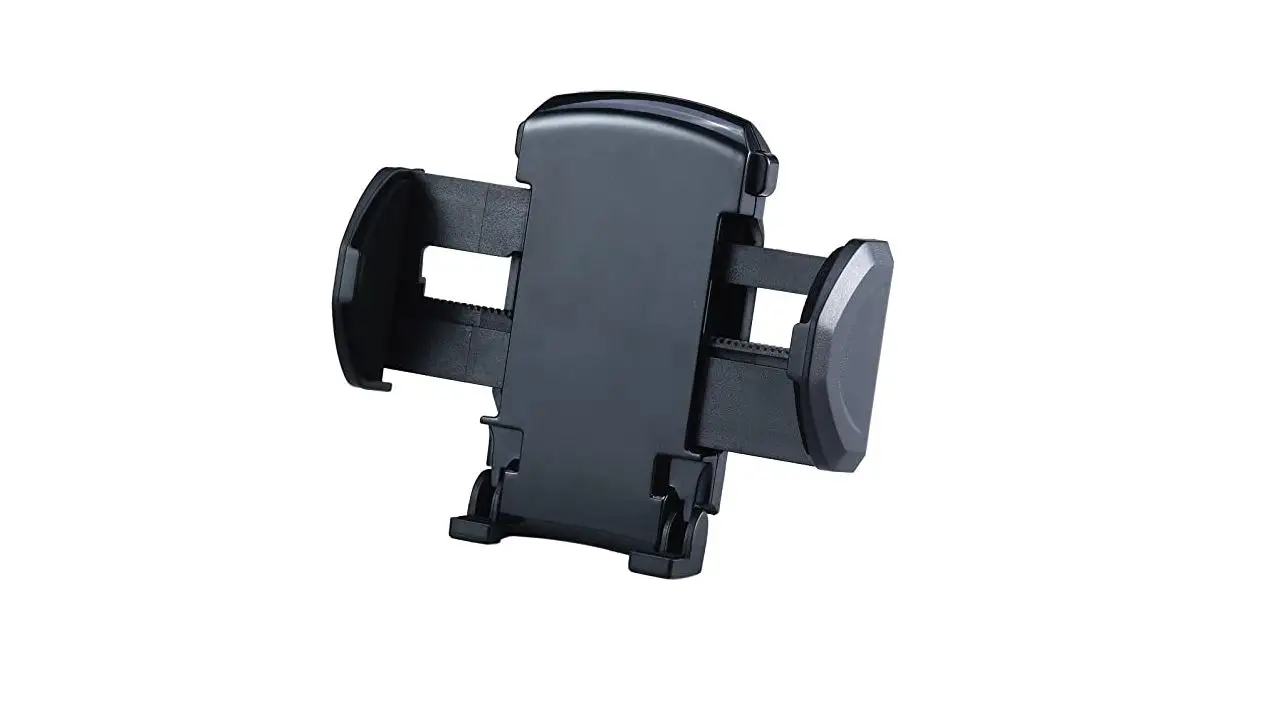
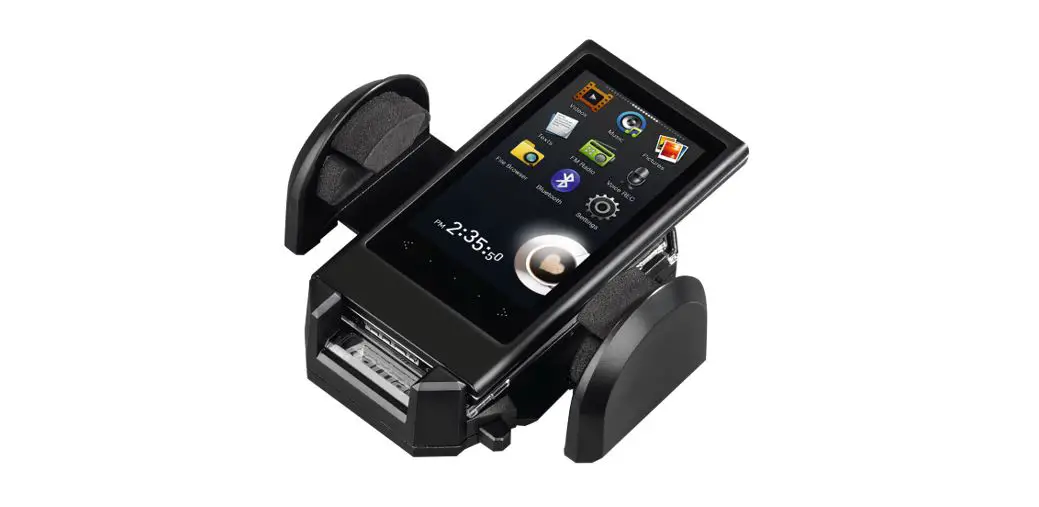
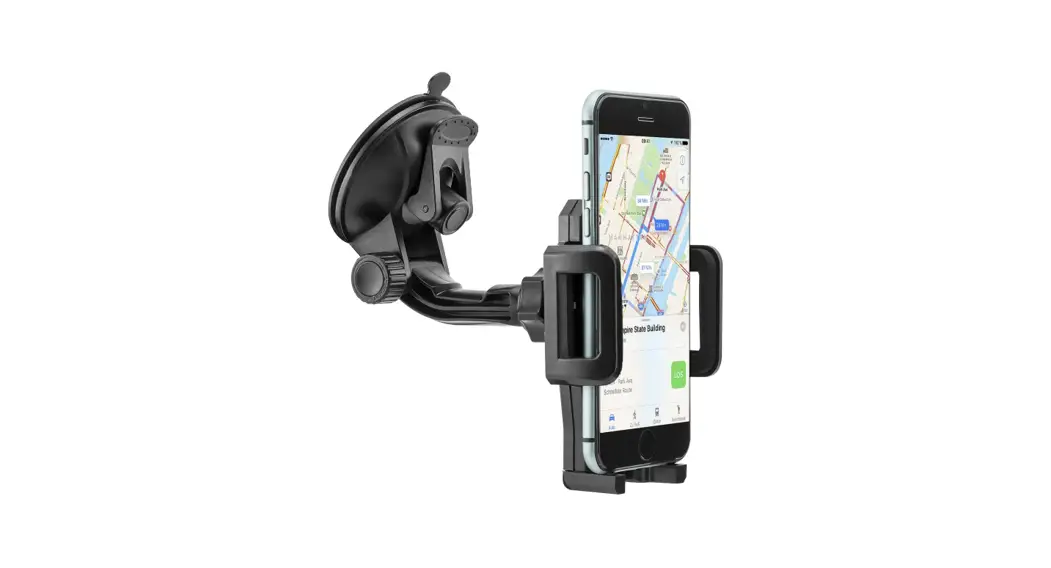
- Insert the smartphone into the bracket (B). The side clamps close automatically under their own weight and hold the device in place.
- Pull the smartphone outwards and upwards (C). The side clamps release automatically and let go of the smartphone.
5. Warranty disclaimer
Hama GmbH & Co KG assumes no liability and provides no warranty for damage resulting from improper installation/mounting, improper use of the product or from failure to observe the operating instructions and/or safety notes.

Hama GmbH & Co KG
86652 Monheim/ Germany
Service & Support

 +49 9091 502-0

All listed brands are trademarks of the corresponding companies. Errors and omissions excepted, and subject to technical changes. Our general terms of delivery and payment are applied.
 hama.com