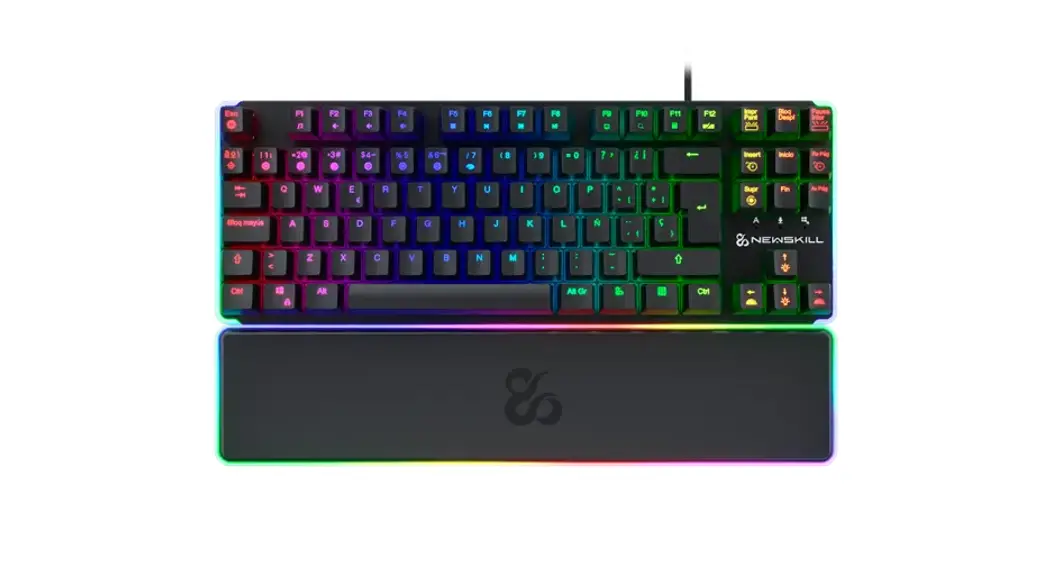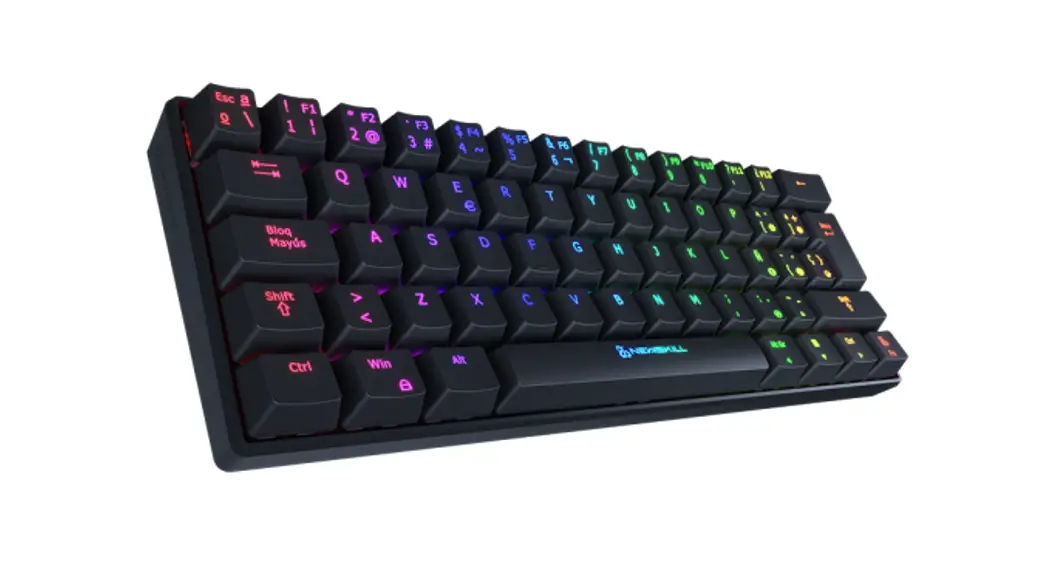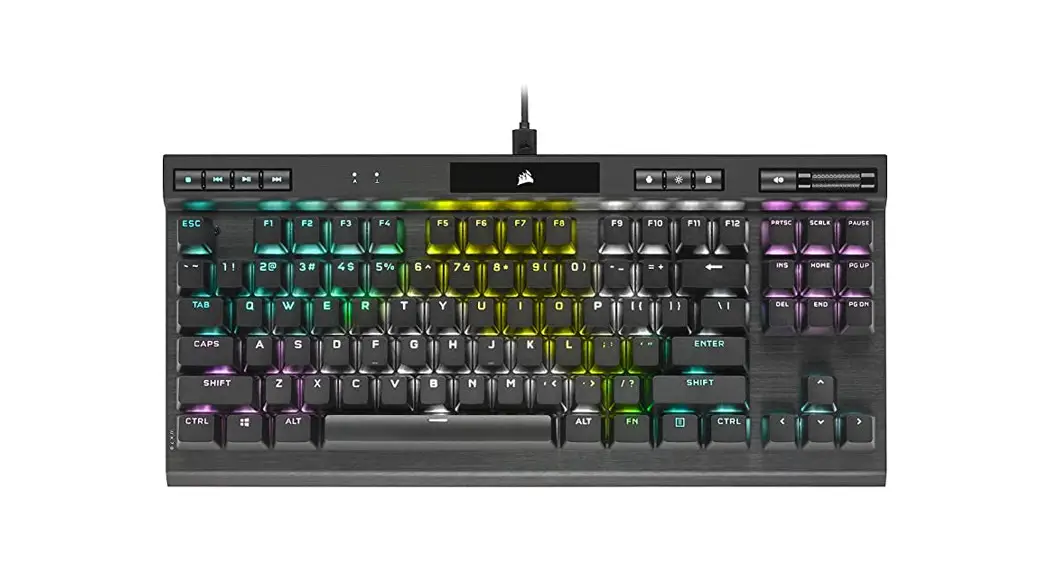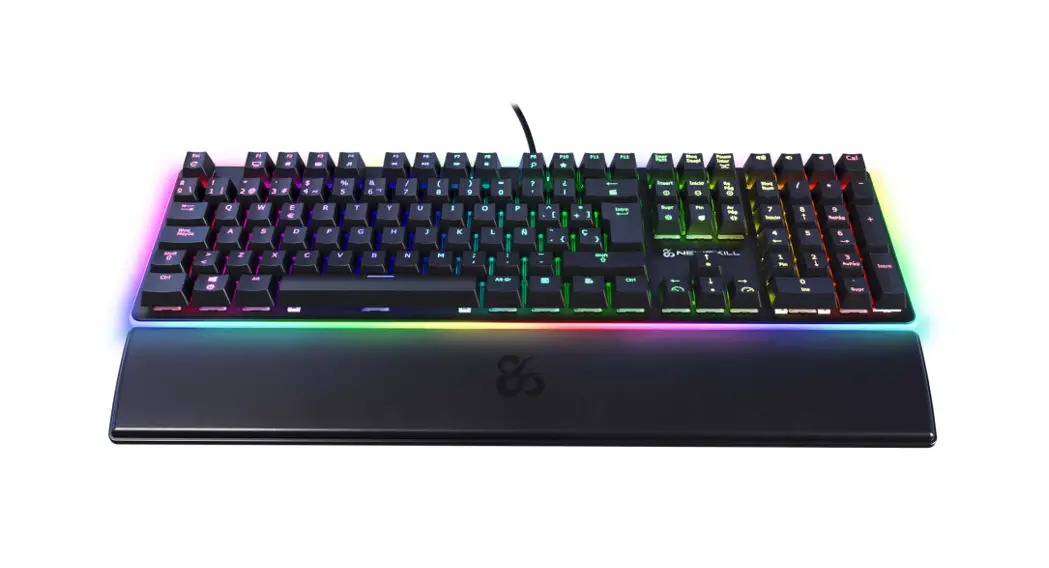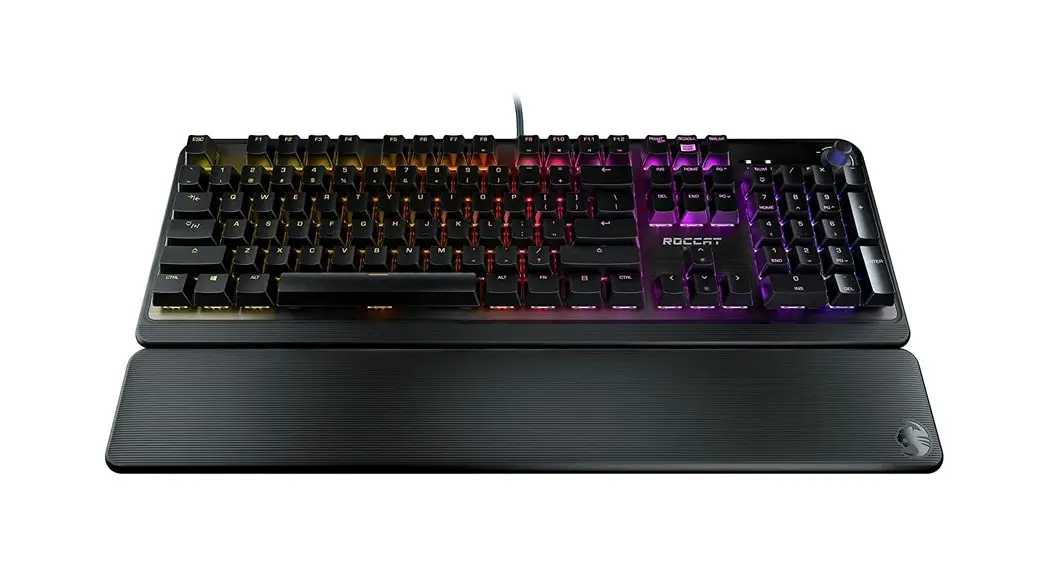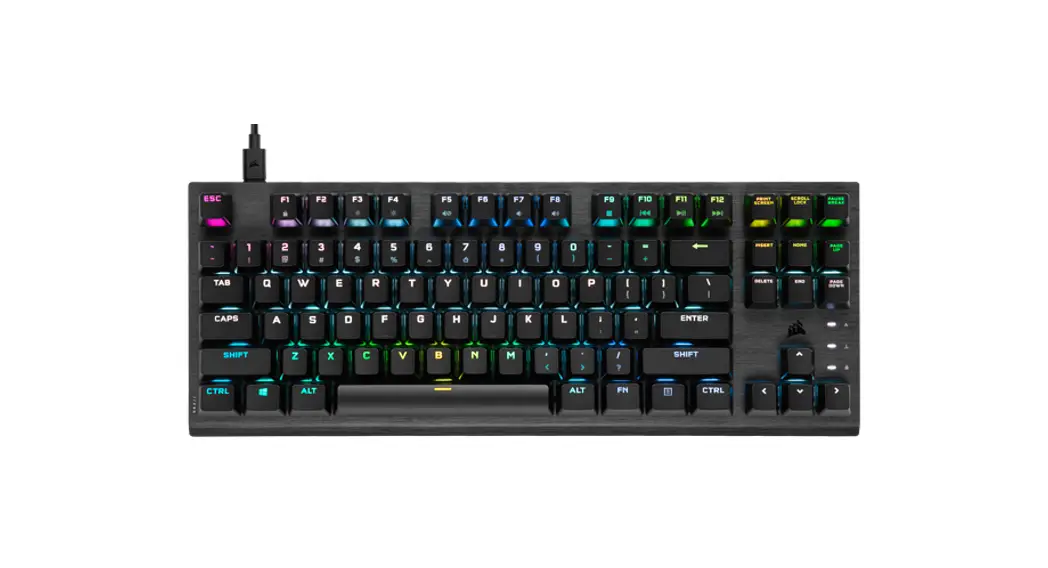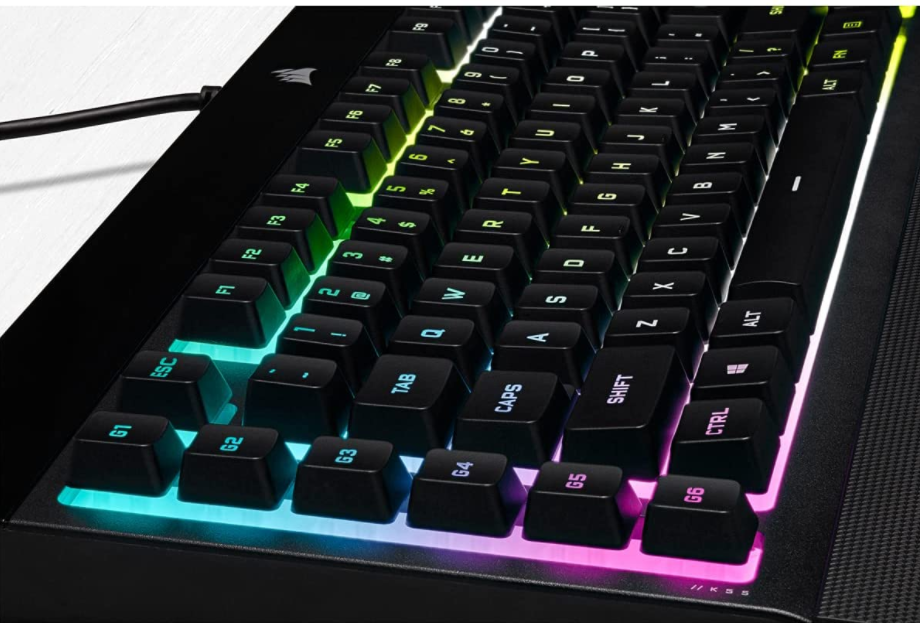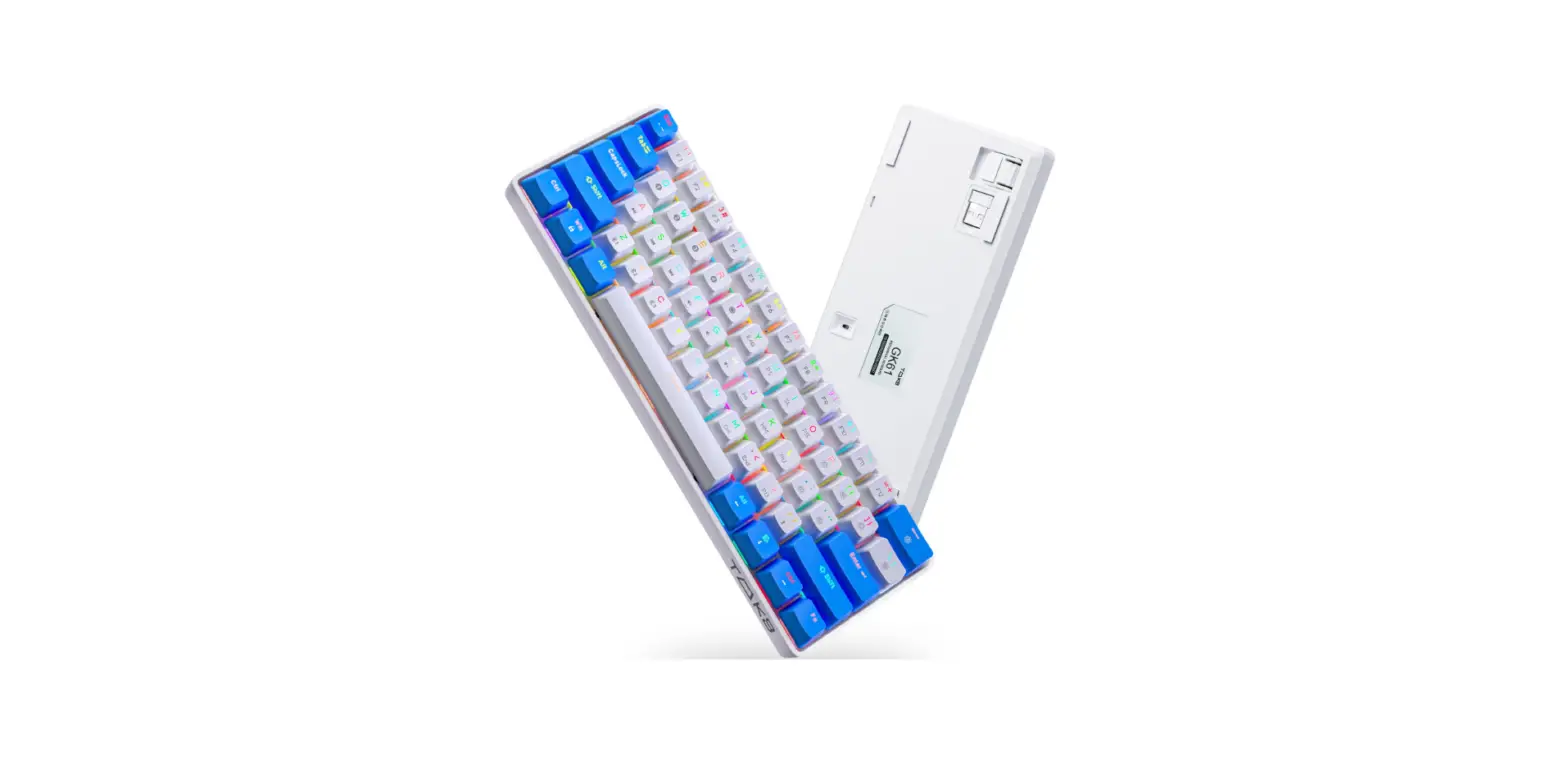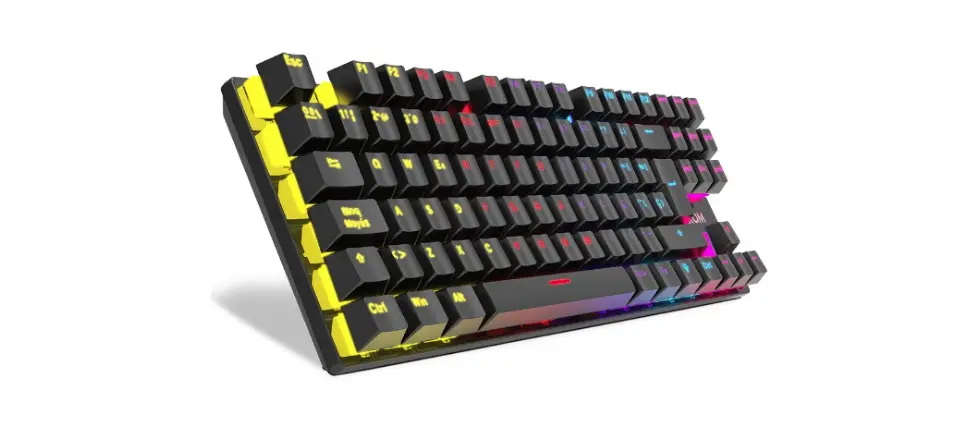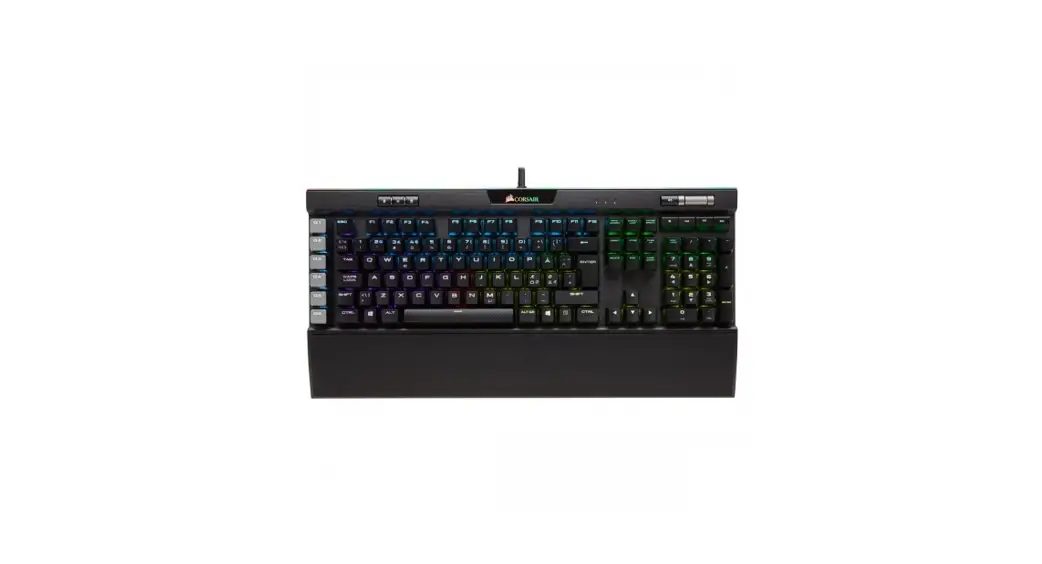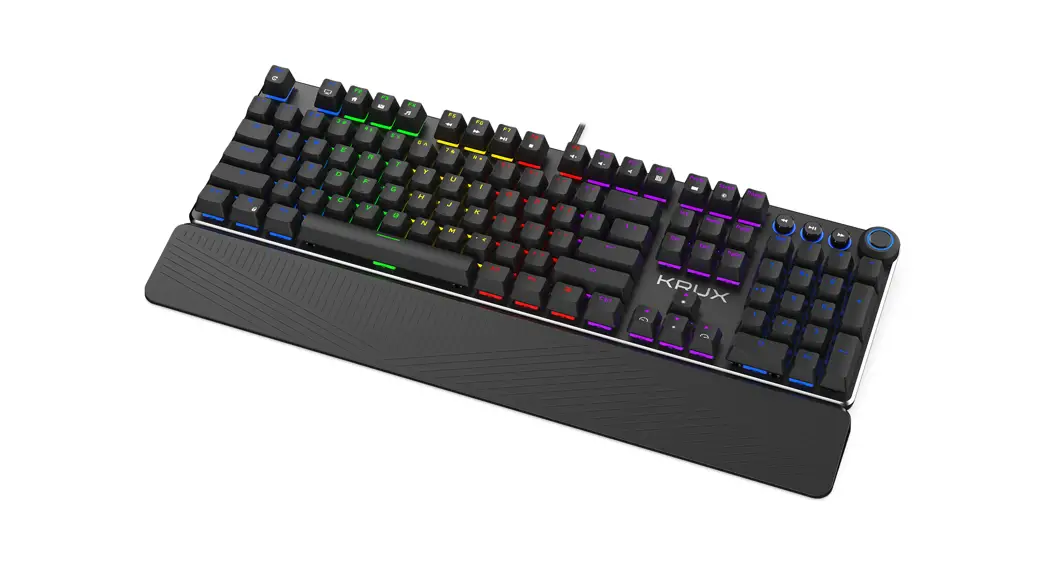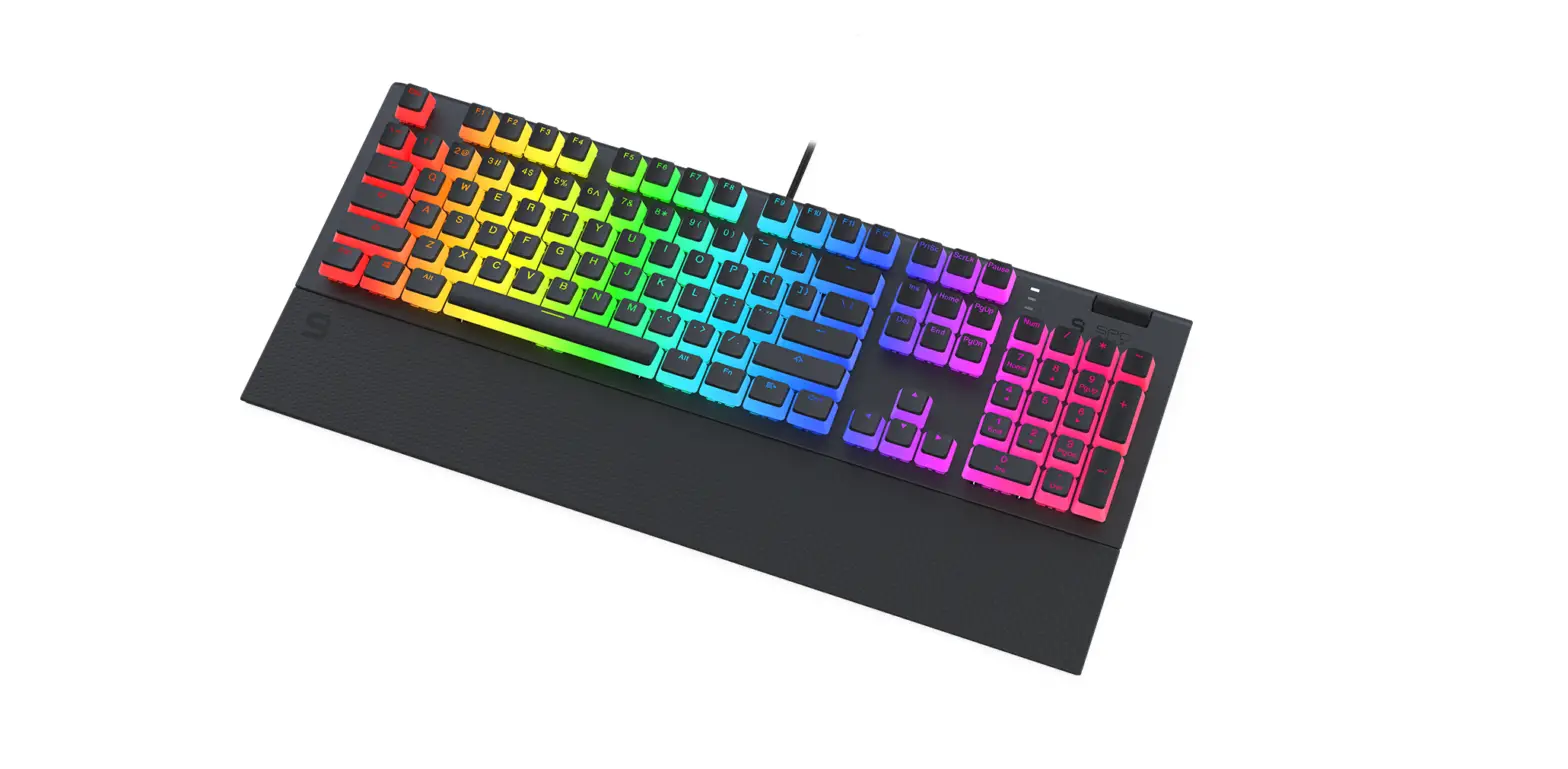
 CHRONOS TKL
QUICK GUIDE
PROFESSIONAL RGB GAMING KEYBOARD
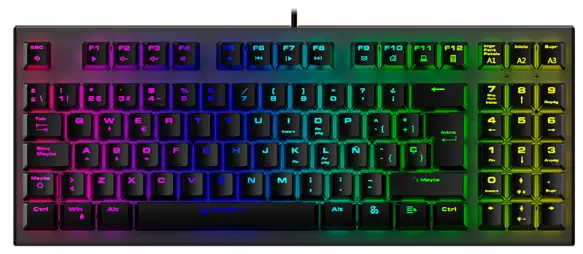
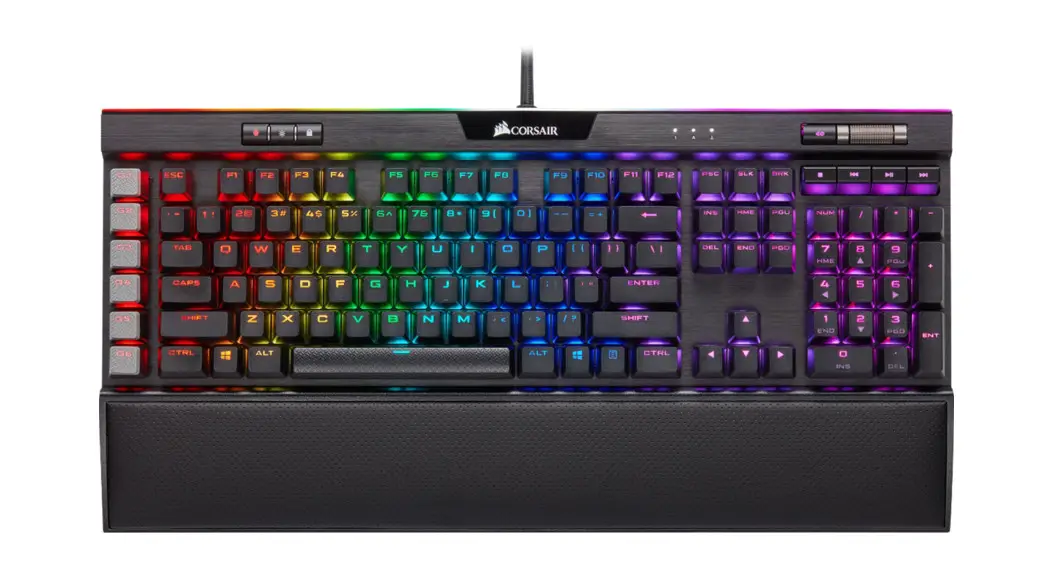
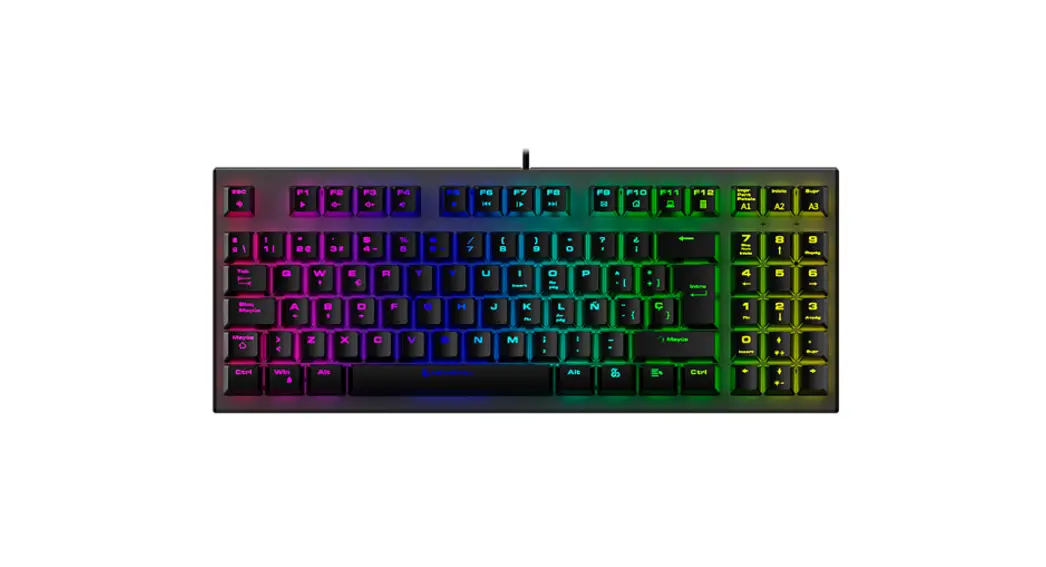
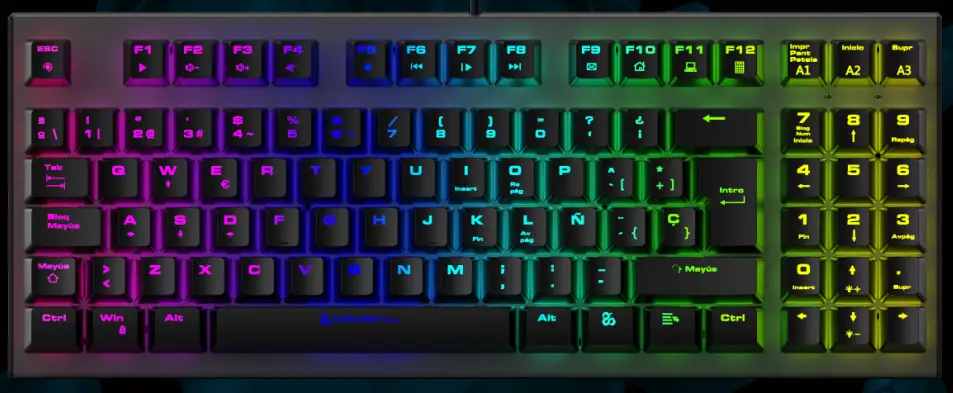
Chronos TKL RGB Mechanical Gaming Keyboard
FULL-SPEED TRANSMISSION RATE
SUPPORT CUSTOMIZED CUSTOMIZATION
WITH NUMBER PAD
RGB BACKLIT SUPPORT SOFTWARE
POWER OFF MEMORY
SPECIFICATIONS
System: Win7/ Win8/ Win10, iOS etc.
Full keys anti-ghosting
Switch working life: OUTEMU 50 million times
Key number: 93keys ES layout
Key stroke: 2.0±0.6mm
Product interface: 2.0USB
Cable: 1.8M braided cable with magnet ring, Gold plated USB
Current consumption: >300mA
Size: (L) 359mm x (W)141mm x (H) 37.2mm±0.3mm
Weight: 850g±20g

 Fn combination keys
 + F1 + F1 | Media | + F7 | Play/Pause | + I | INSERT |
| + F2 | Volume – | + F8 | Next | + K | END |
| + F3 | Volume + | + F9 | + , | DEL | |
| + F4 | Mute | + F10 | Home page | + O | PgUP |
| + F5 | Stop | + F11 | My Computer | + L | PgDN |
| + F6 | Previous | + F12 | Calculator | + . | HOME |
+ WIN_L
Lock/Open WINDOWS, The LED indicator in the upper right corner lights up/out. + W
W S A D can be exchange to ↑↓← →,the default is with normal function + 7
Numer lock function
(When the NUM lock light is on, the 7 key light is white color ; when the NUM lock light is off, the 7 key light is synchronized with the backlight)
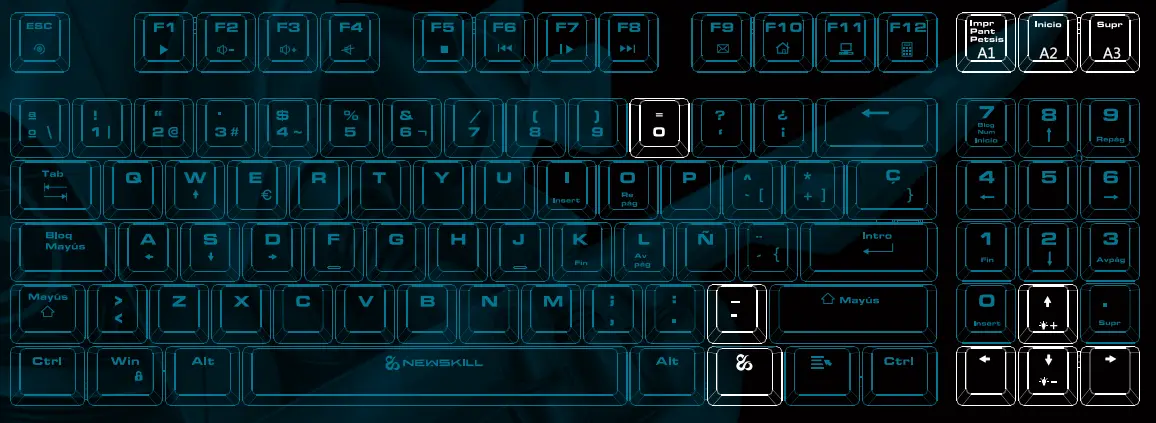
18 kinds of Backlight modes
+ Impr 6 kinds of backlights + Inicio 6 kinds of backlights + Supr 6kinds of backlights + ← Change the backlight effect direction + → Change the backlit color+ ↑ Increase backllight brightness(0%-20%-40%-60%-80%-100% )+ ↓ Decrease backlight brightness, total 6 levels(100%-80%-60%-40%-20%-0% )+ = Increase backlight speed, 5level+ – Decrease backlight speed
When backlight brightness set to the limit gear, all indicators blink for 3 times.
When backlight speed set to the limit gear, all indicators blink for 3 times
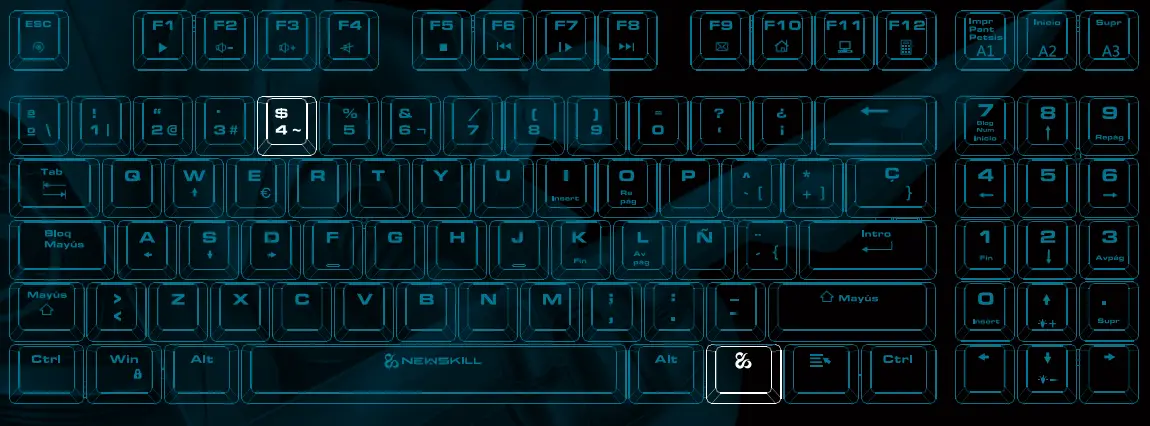
Custom backlit recording and storage
Press Fn + `~ to enter the corresponding custom mode, then press Fn +`~ to enter the custom light recording state. and 5 indicator in the upper right corner are flashing, Click the button to record, press the keys you want to record first time, it would be in Red. Press twice, then it would be Orange; Press again, it would be Yellow ; Press fourth time, it would be Green, press again, then it would be Cyan; Press sixth time, it would be Blue; Press seventh time, it would be Purple; Press again, the keys would be in White, Press nighth times, then it would be colorless; Cycle. After recording, press FN+ `~ to save and exit. The first group is recorded and replaced.