
SUIKO
Q UIC K GUI D E
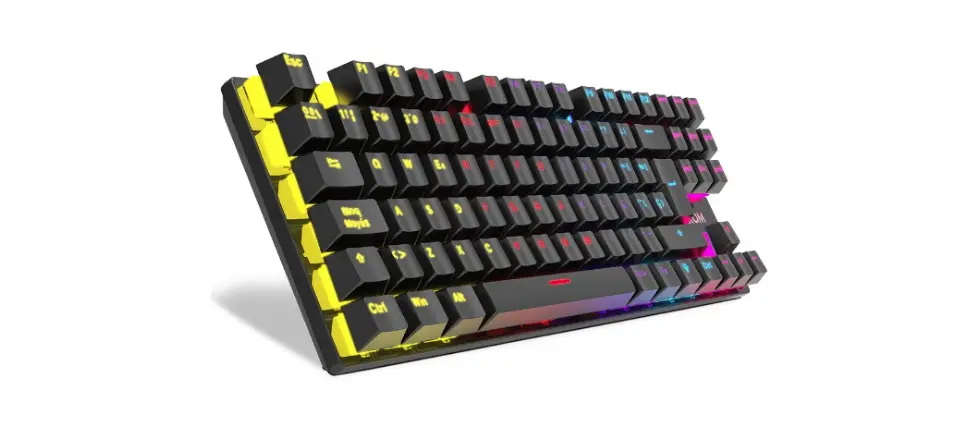
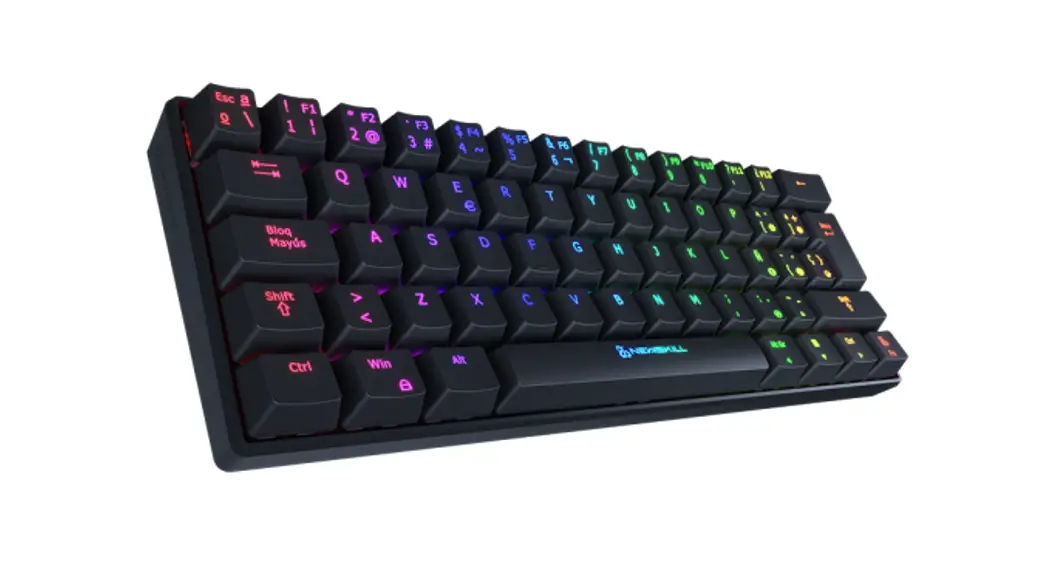
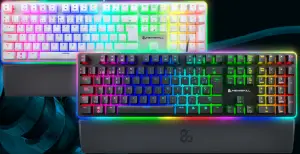
R G B M E C H A NNIC A LL K E YB OOAR D
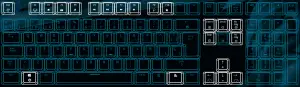
K E Y F U N C T ION
 + F1 Computer+ F2 Web+ F3 E-mail+ F4 Music+ F5 Previous track+ F6 Star / Pause+ F7 Next track + F1 Computer+ F2 Web+ F3 E-mail+ F4 Music+ F5 Previous track+ F6 Star / Pause+ F7 Next track | + F8 Stop+ F9+ F10 Collection+ Esc Press for 3 seconds. Restore factory settings+ Lock Win Key |
B A C K L IGH T S E T T I N G
| + Ins Interactive backlight mode Support for 5 modes of backlight switching. + Del RGB backlight mode Supportfor 11 RGB mode cycle handover. + Home Backlight breathing modeSupport 8 breathing mode cycle switching. | + PgUp Backlight color-switching Single color backlight switching (except for individual modes can not be switched, other modes can be).  Increase brightness, 5 level setting Increase brightness, 5 level setting Reduce brightness, 5 level setting Reduce brightness, 5 level setting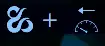 Reduce dynamic speed, 5 level setting Reduce dynamic speed, 5 level setting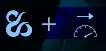 Increase dynamic speed, 5 level setting Increase dynamic speed, 5 level setting |
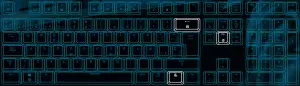
C U S T OM B A C K LIG H T SE T T I N GS
+ End Custom backlight mode switching Support 5 sets of custom backlight switching. When pressing +END, the full keyboard goes out. When of lighting recording odes has been entered. Press +END again. Number key 2 backlight light up, indicates entering the second set of lighting recording modes, and so on.
+ ← (Del) Custom backlit recording
- Select any set of custom backlight modes through + End
- Press
 + ← (Del), at this time the Caps Win Scrlk Num Fore keys
 - Click on the button to change the color of the button lights, and so on, setting a satisfactory backlight effect.
- After recording, press + ← (Del) again to save.
- Complete, and so on through the + End can be switched and set 5 different sets of custom backlight effects. The keyboard has a memory function. After the USB is plugged in twice, the lamp effect set before remains unchanged.
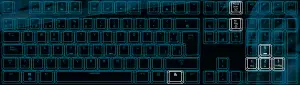
SID E L AMP SE T T I N G
+ RePag Side lamp mode switch Support 6 kinds of dynamic sidelights+ Pause Side lamp color/direction Set the color and dynamic direction of sidelights.+ 5 Increase the brightness of sidelights, 5 level setting+ 2 ↓ Reduce side lights brightness, 5 level settings+ 1 Reduce side lamp dynamic speed, 5 level setting+ 3 Increase side lights dynamic speed, 5 level settings