Klim 8541666873 Gaming Keyboard User Guide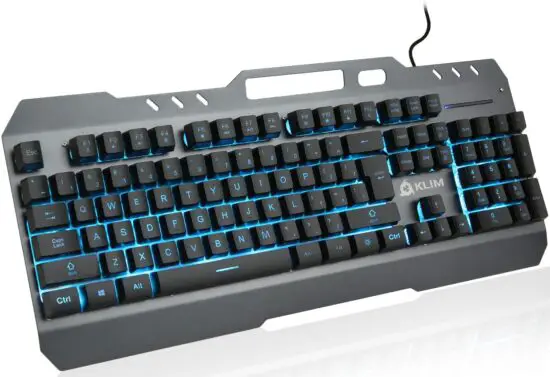
THANK YOU!
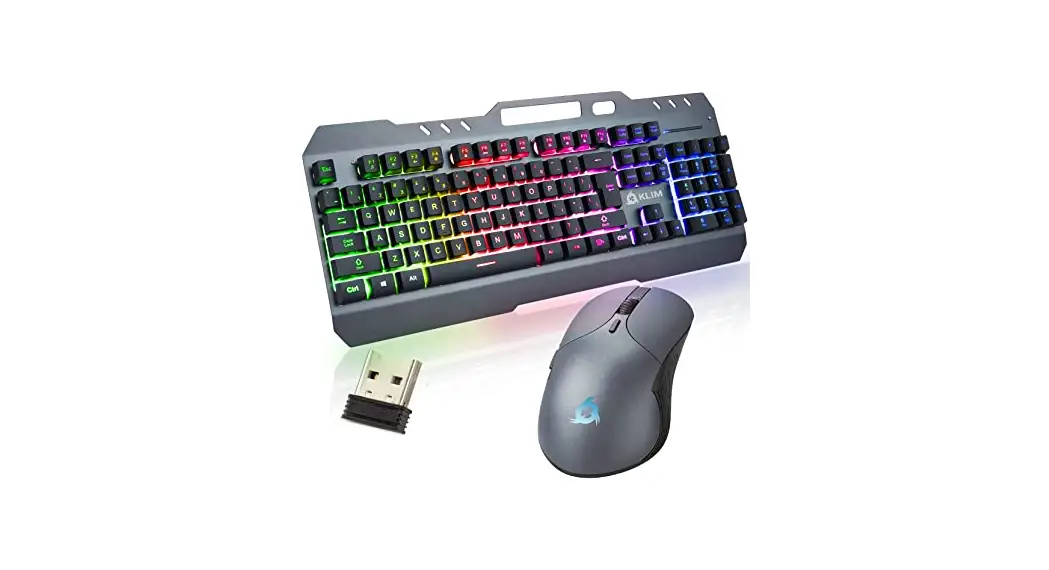
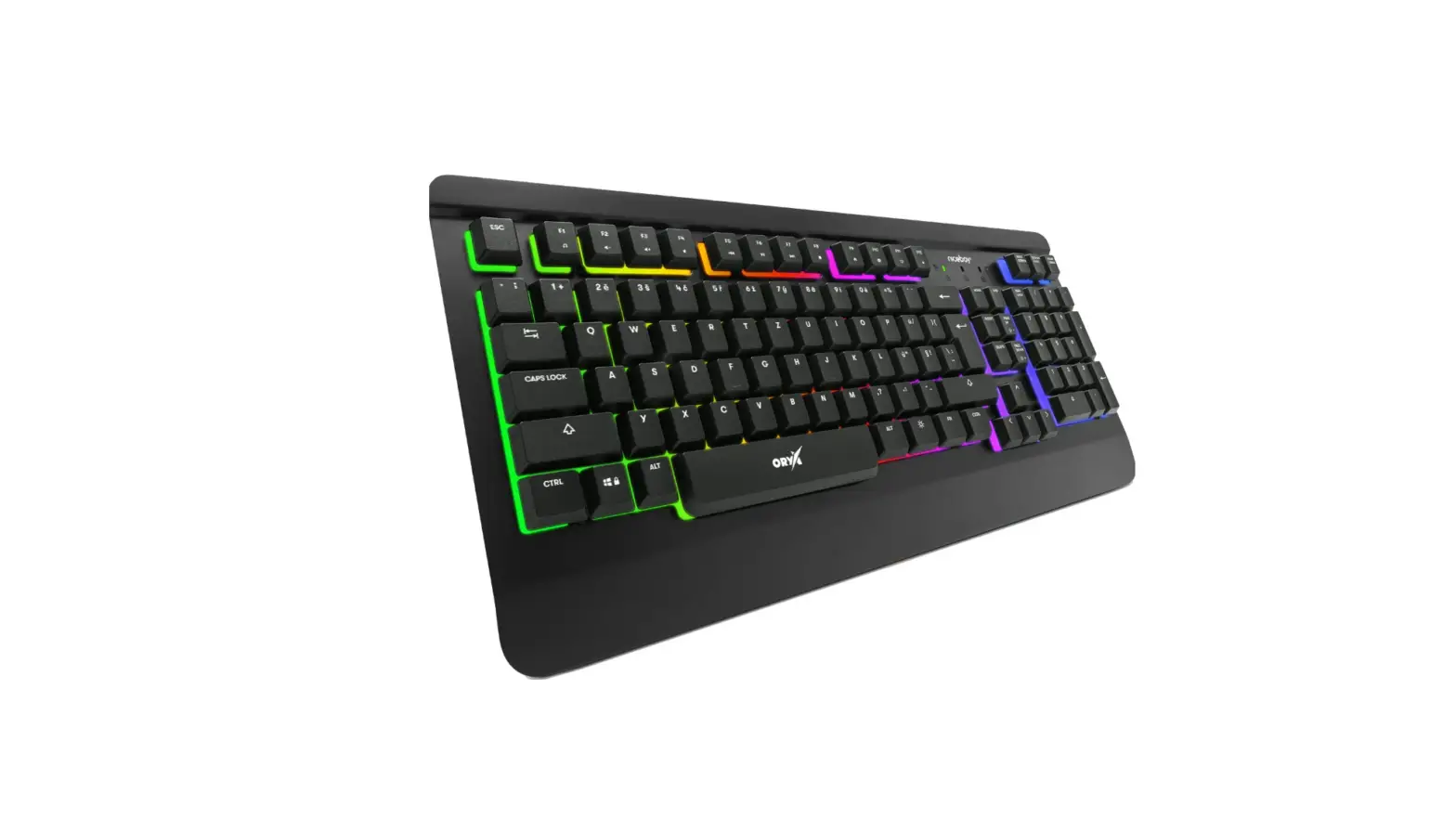
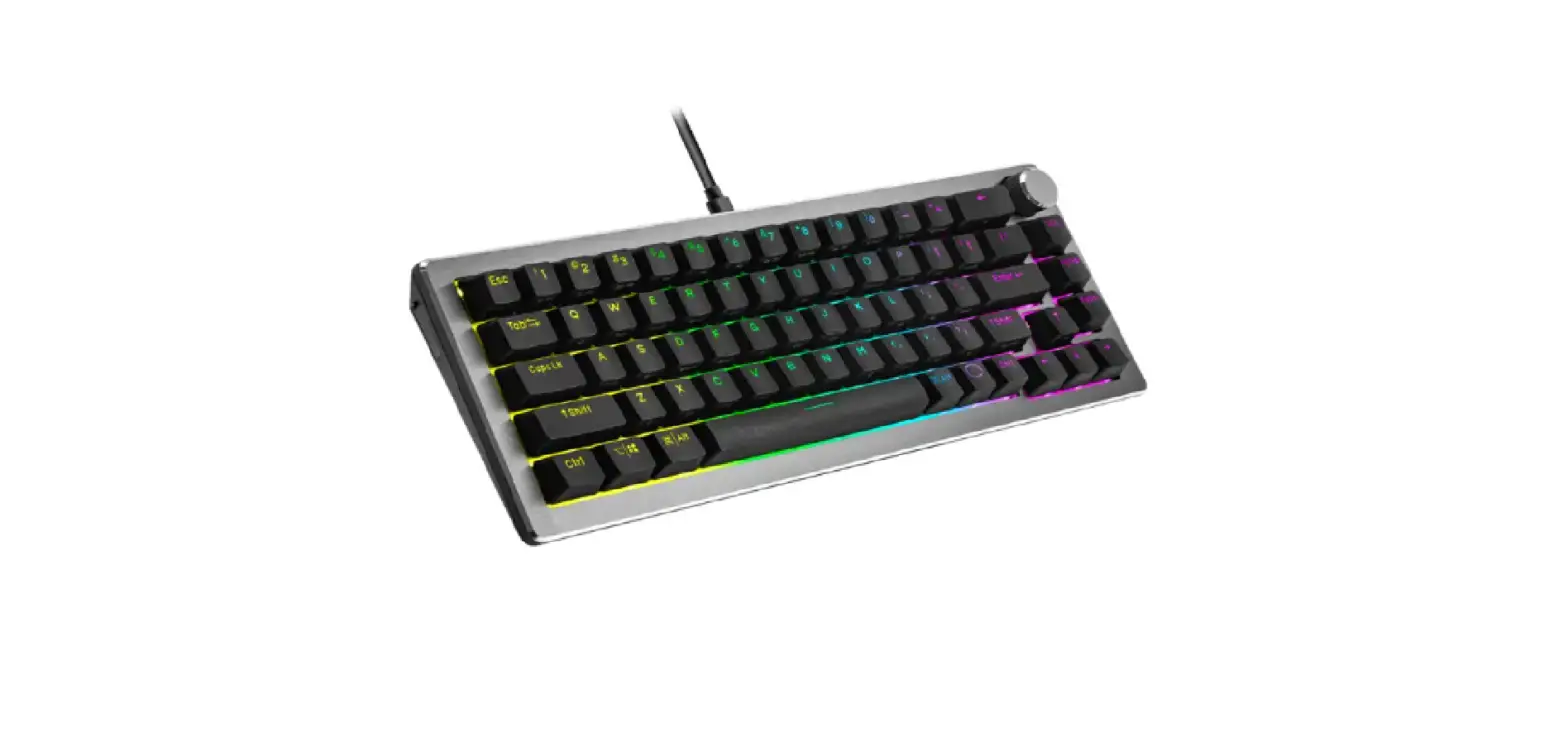
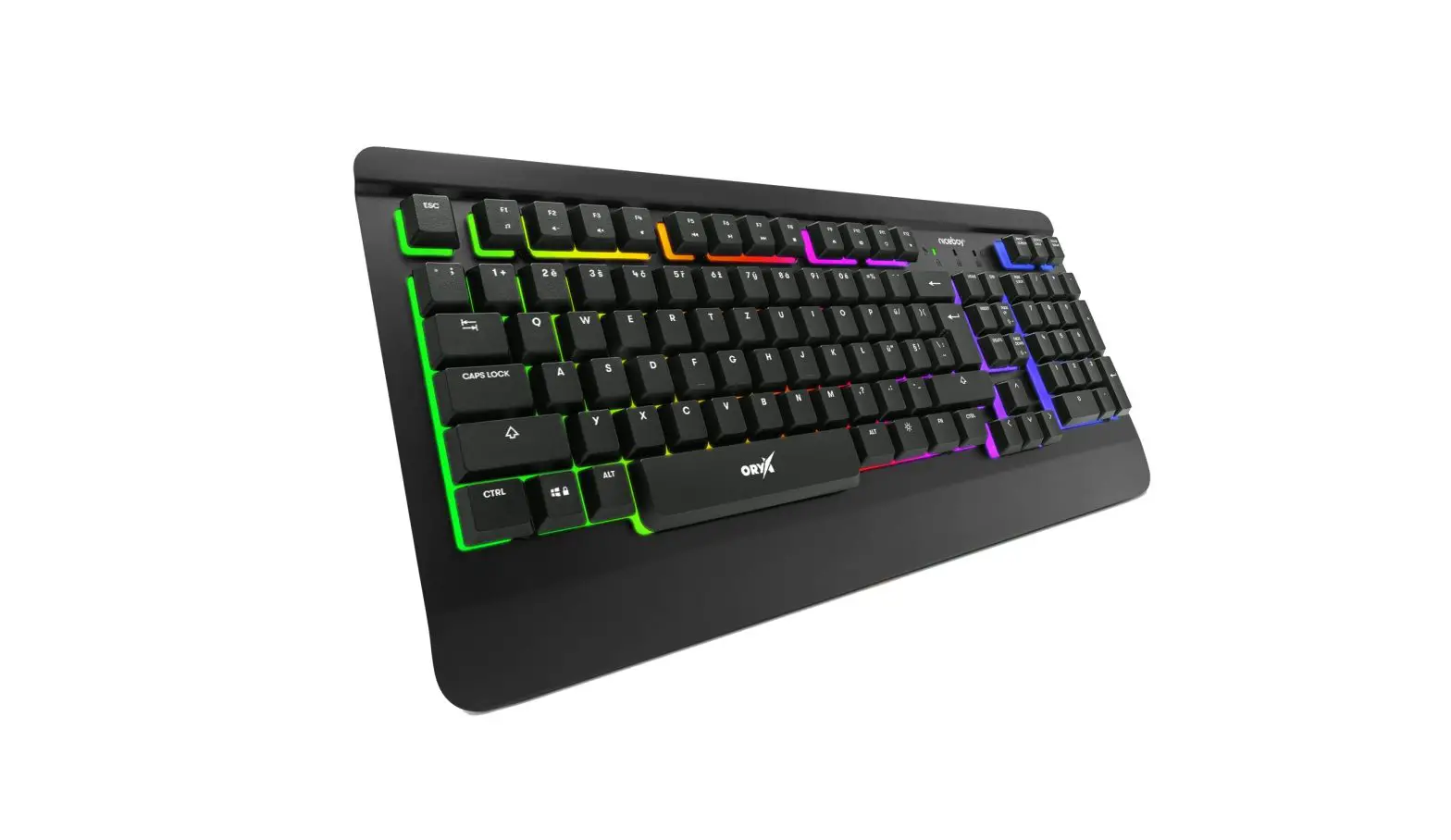
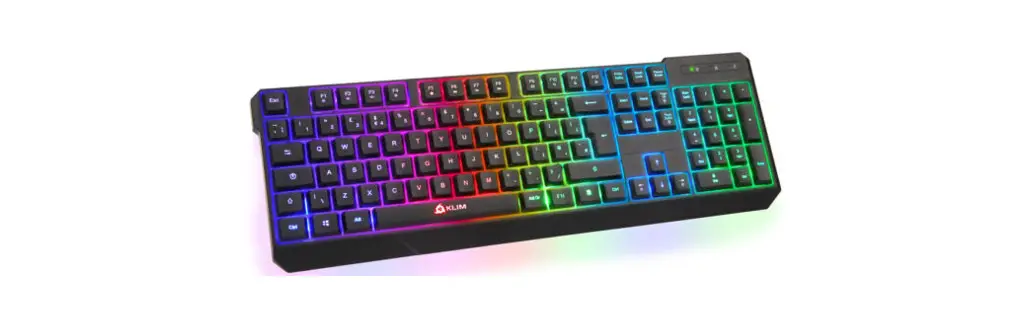
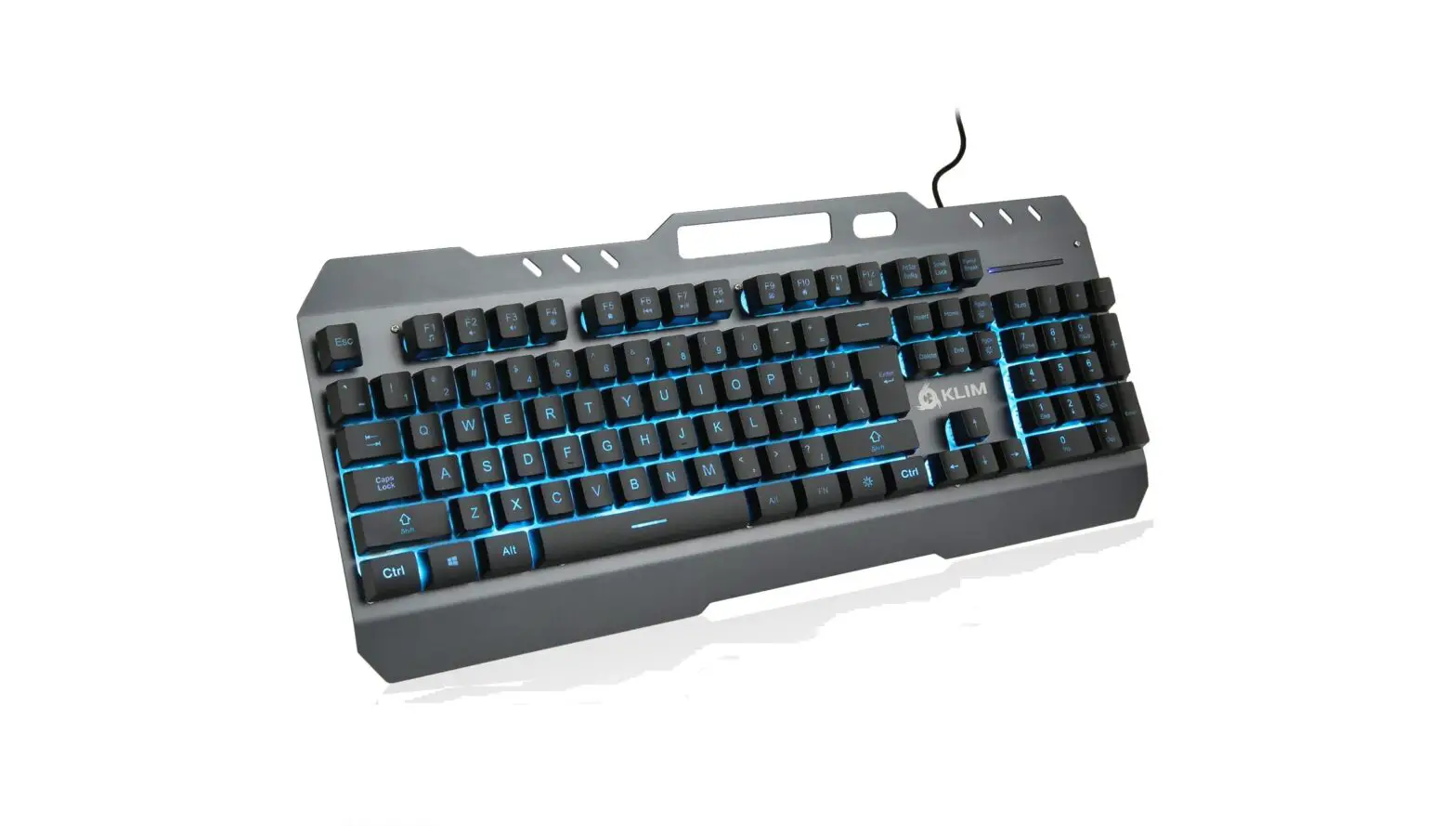
On behalf of the entire KLIM Team, we thank you for purchasing our KLIM Lightning semi-mechanical keyboard. We hope it meets your expectations and that you enjoy using this device.
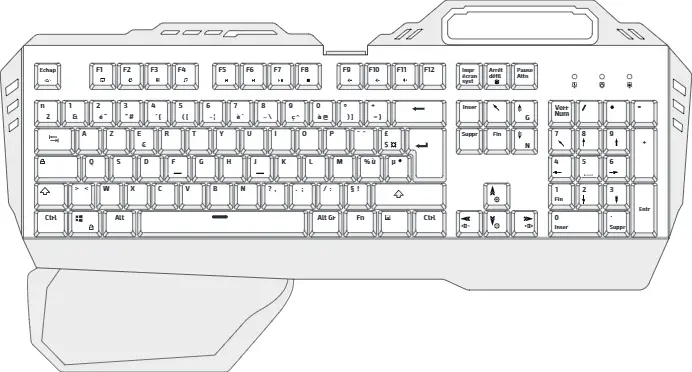
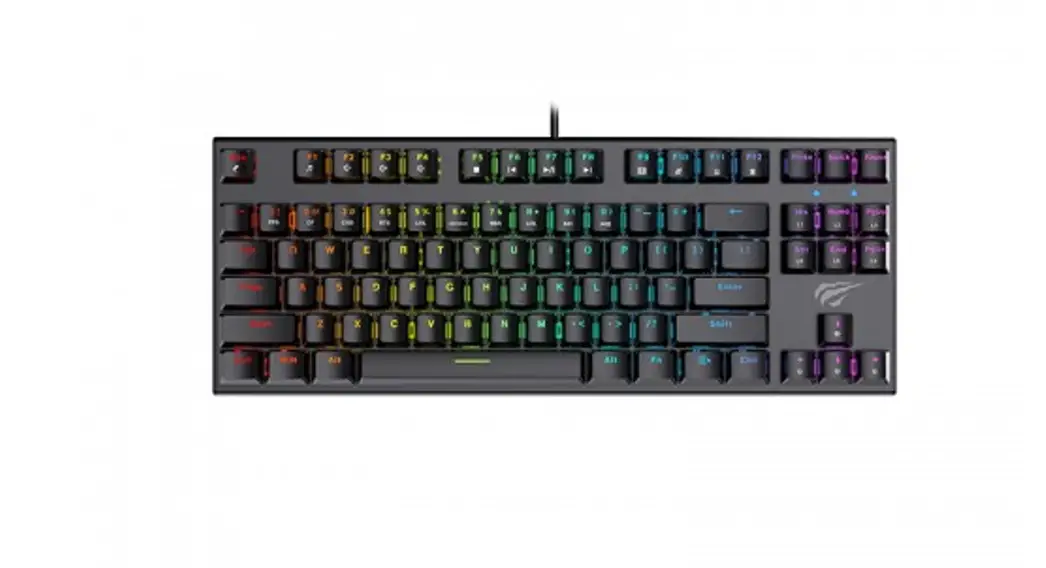
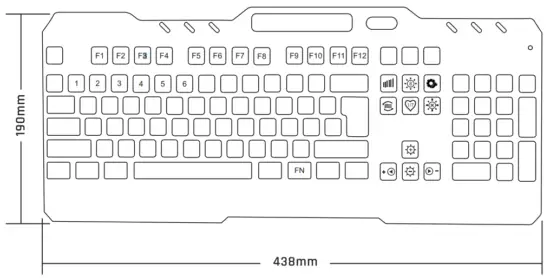
The KLIM Lightning features a Function key (FN) which can be combined with certain keys to change lighting effects or activate different functions on your computer.
Special function keys
Multimedia keys
| FN + F1: Media player | FN + F7: Play/Pause |
| FN + F2: Volume – | FN + F8: Next track |
| FN + F3: Volume + | FN + F9: E-mail client |
| FN + F4: Mute sound | FN + F10: Home (browser) |
| FN + F5: Stop | FN + F11: Keyboard lock |
| FN + F6: Previous track | FN + F12: Calculator |
NOTE: some function shortcuts are not available on MacOS.
Windows key lock and WASD swap
Press FN + WIN to lock or unlock the Windows key.
Press FN + W to swap the WASD and Cursor Arrow keys.
BACKLIGHTING CONTROLS
Use FN plus the keys indicated below to select your preferred lighting options.
- FN +
 : activate automatic color cycling mode.
 - FN +
 : swap between two multi-colored lighting effects.
 - FN +
 : fixed lighting mode. Press again to change colors.
 - FN +
 : breathing mode. Press again to change colors.
 - FN +
 : turn the lights on/off.
 - FN +
 / : increase/decrease brightness.
 - FN +
 : decrease/increase effect speed.
 : activate automatic color cycling mode.
 : swap between two multi-colored lighting effects.
 : fixed lighting mode. Press again to change colors.
 : breathing mode. Press again to change colors.
 : turn the lights on/off.
 /
/ : increase/decrease brightness.
 : decrease/increase effect speed.
Custom mode
You can customize each of the 6 lighting sections of the keyboard.
- Step 1: Press FN +
 to enter Custom mode.
 - Step 2: Press FN + while in Custom mode to edit the lights. The 3 lights on the top right start blinking to indicate you may start.
- Step 3: Press FN + 1-6 (number keys) to change each section’s color.
Press multiple times to cycle colors. - Step 4: Once you have finished customizing the lights, press FN + .
 to enter Custom mode.
TROUBLESHOOTING & CONTACT
If you ever encounter any problems with the keyboard, remember that we remain at your disposal to help you with any issues. Do not hesitate to contact us at [email protected] for additional support.