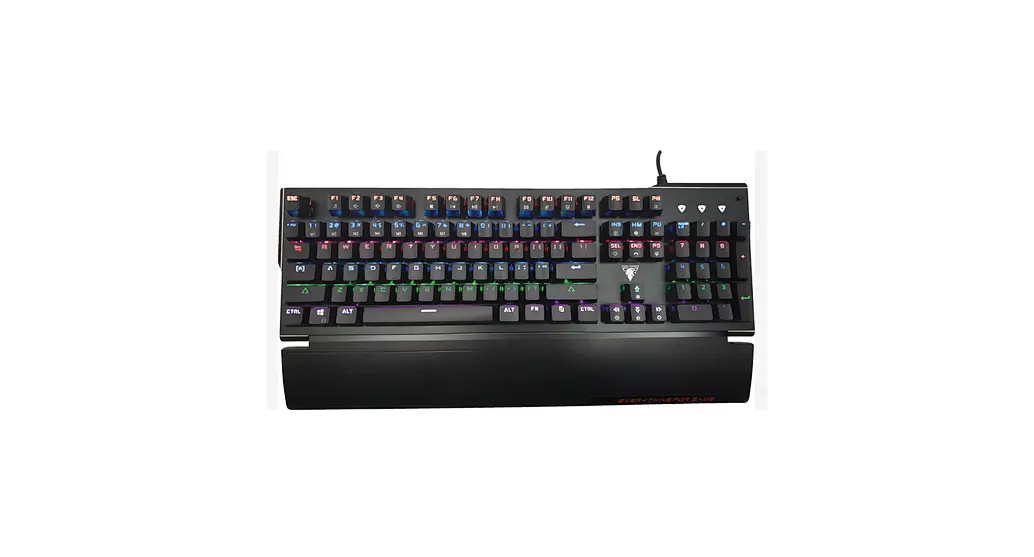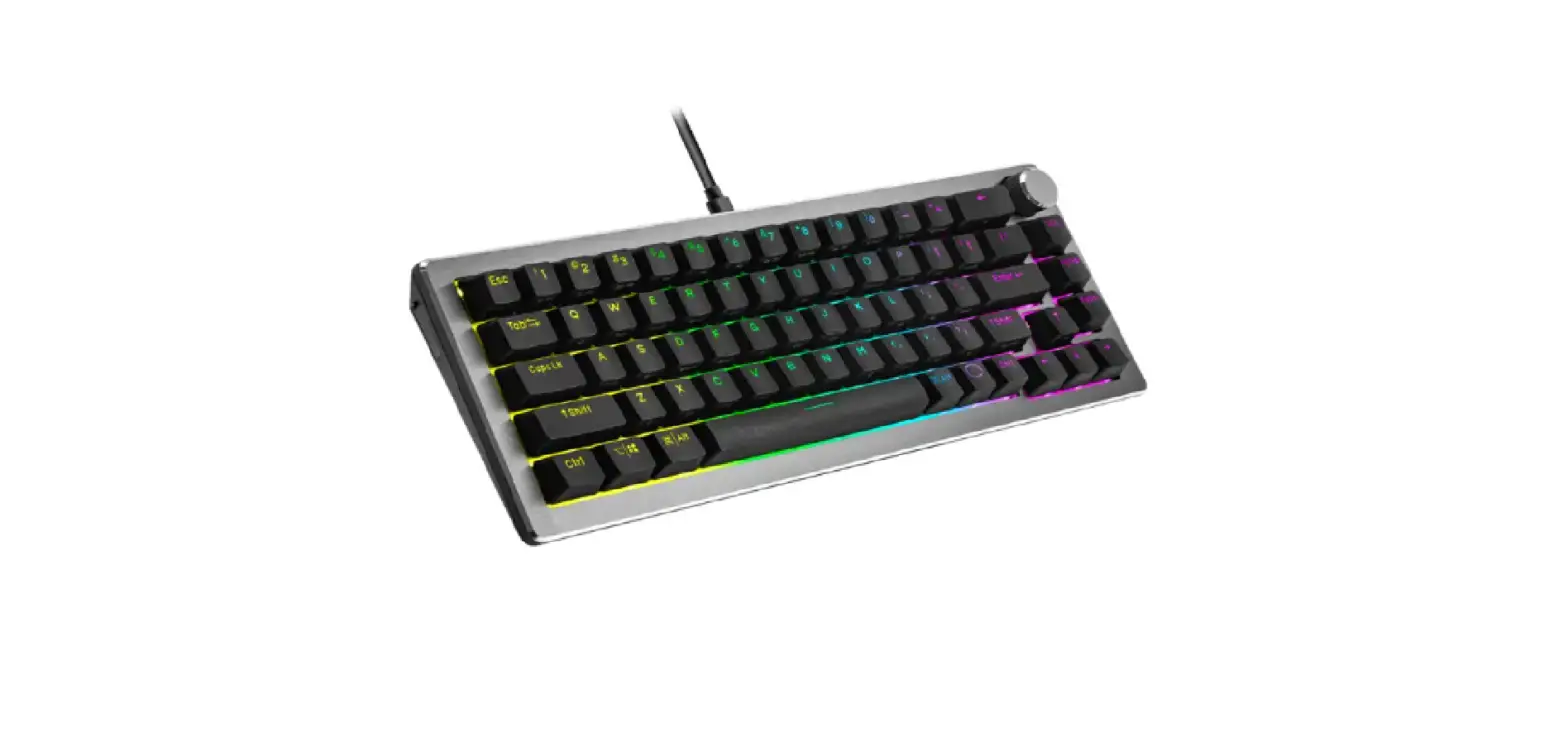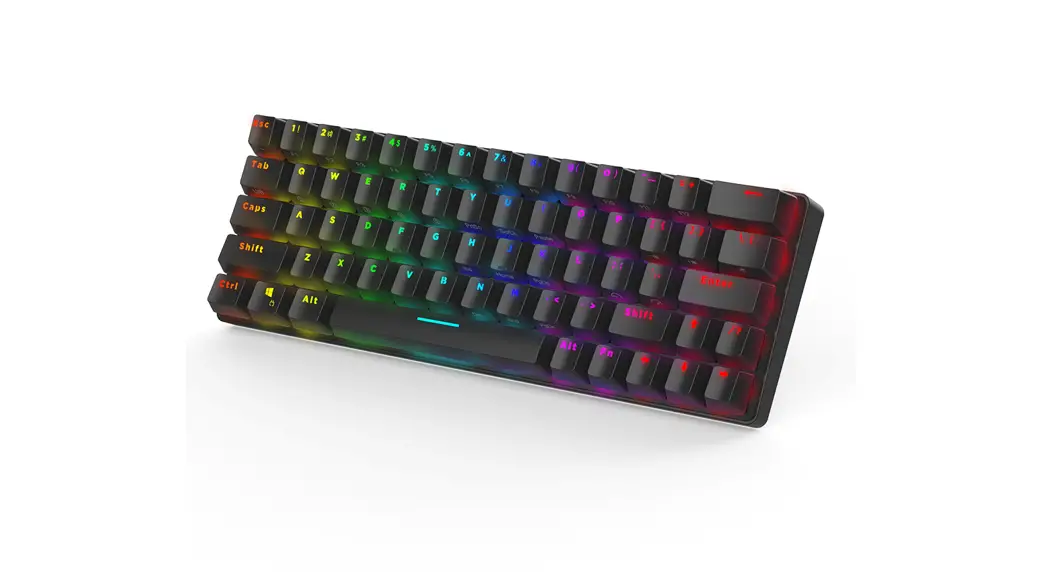

User Manual
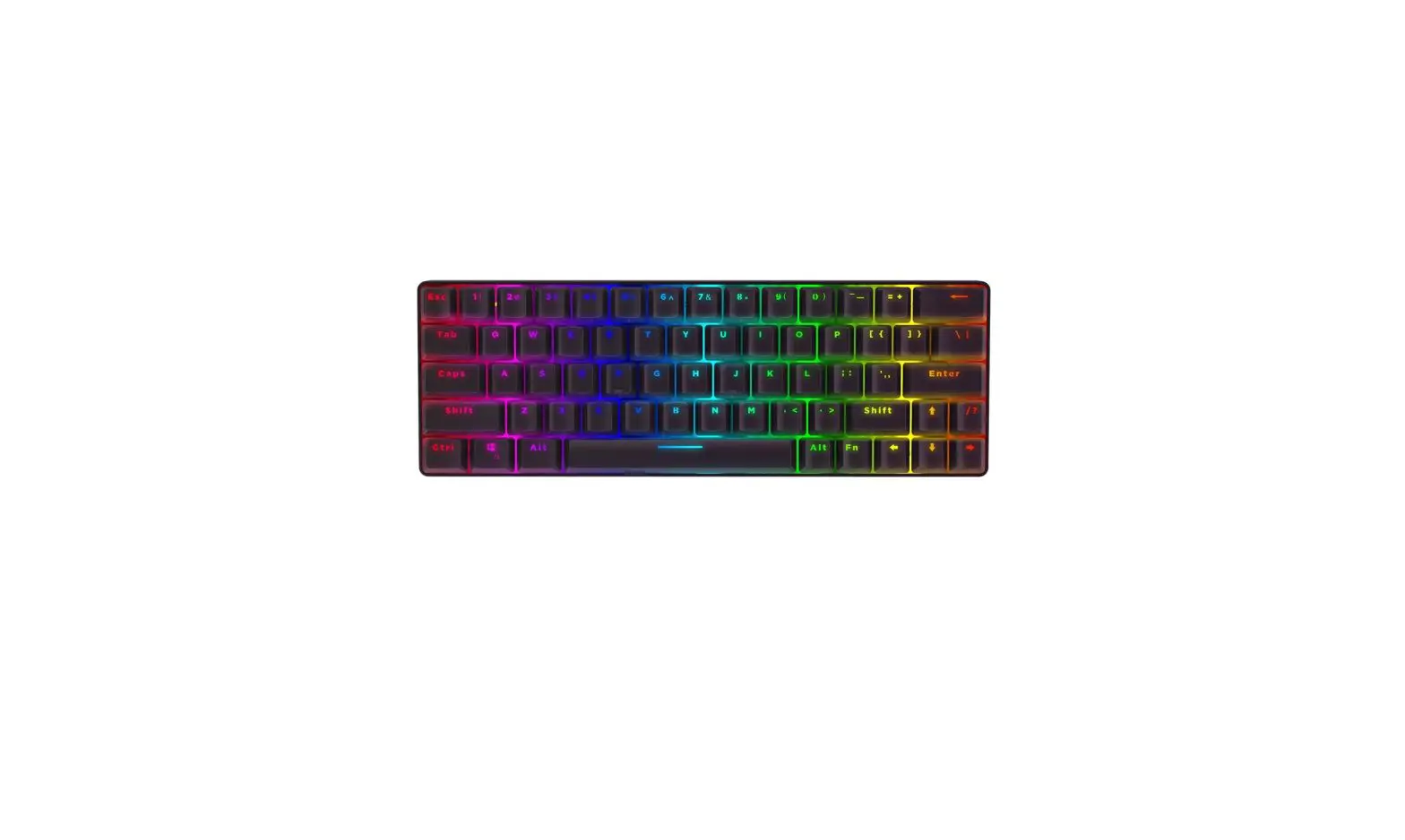
BW-KB1
Connect the computer through USB
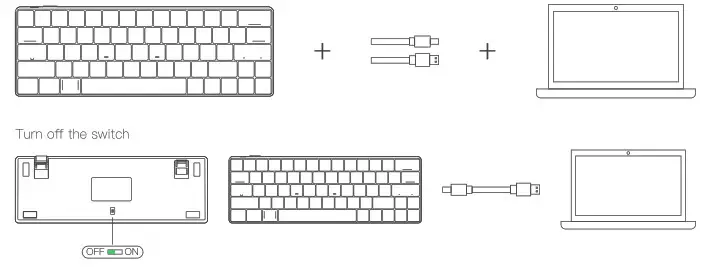
Connect the computer through Bluetooth
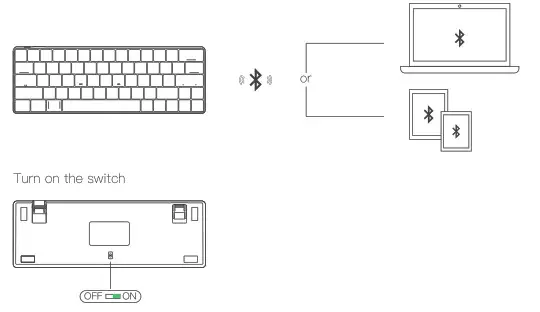
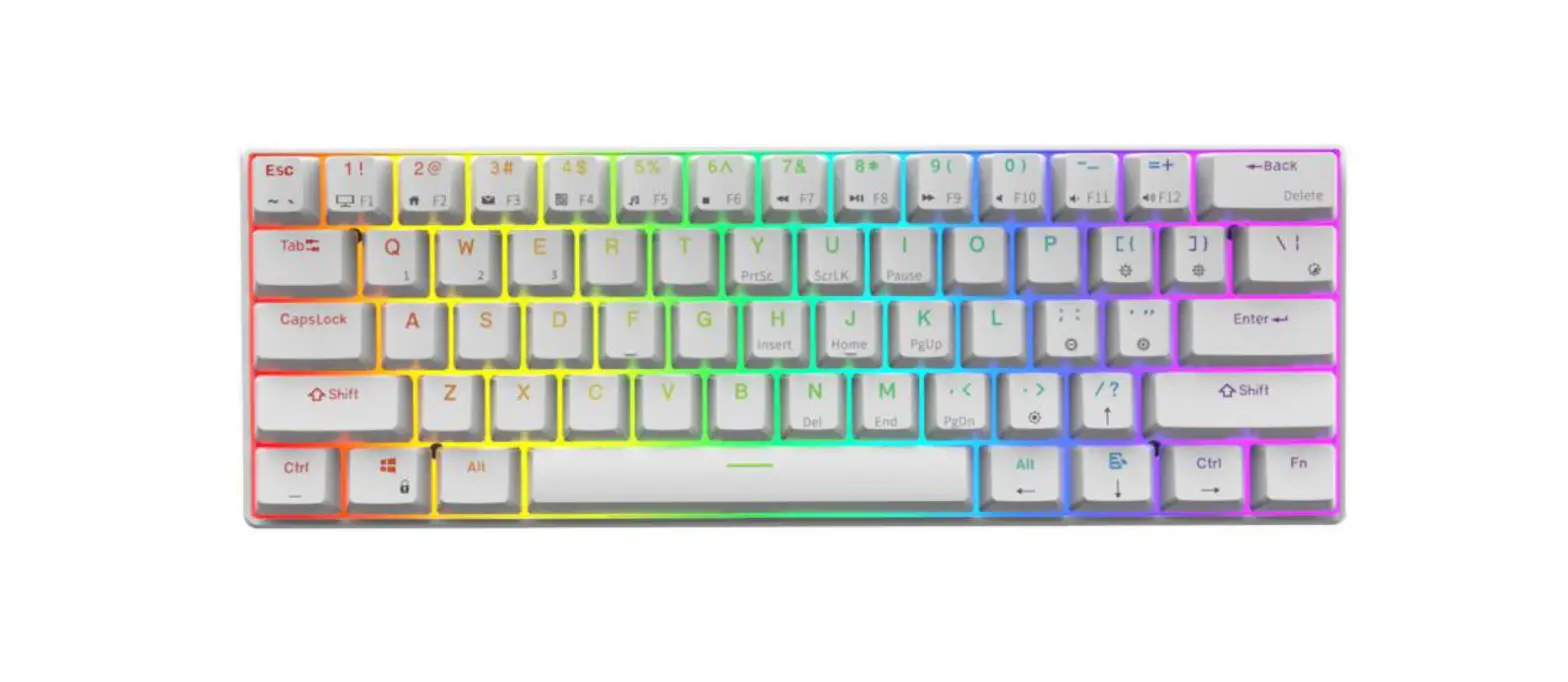
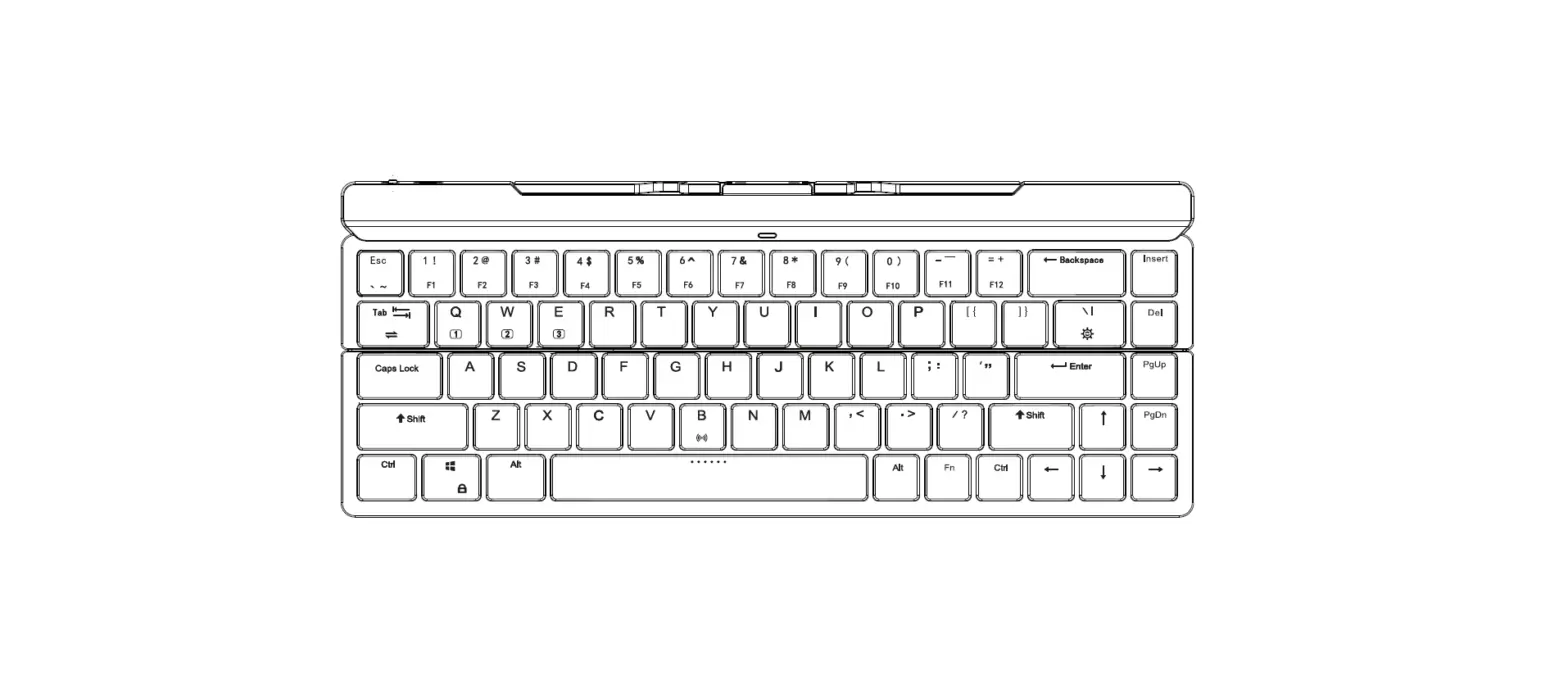
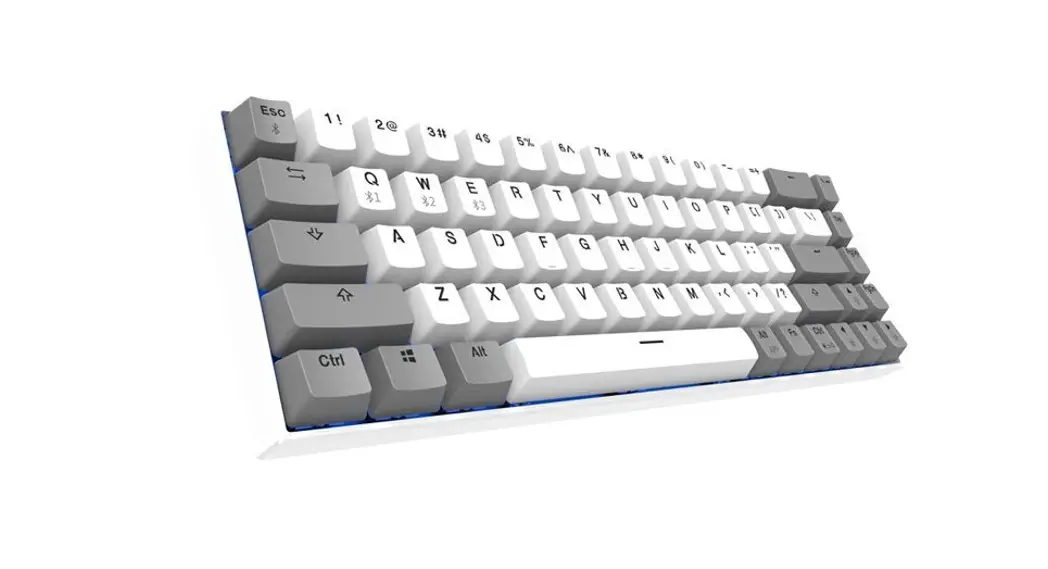
Hold down [Fn]+[Q]/[E]/[R]/[T] for 3 seconds, until [Q]/[W]/E]/[R]/[T] flashing
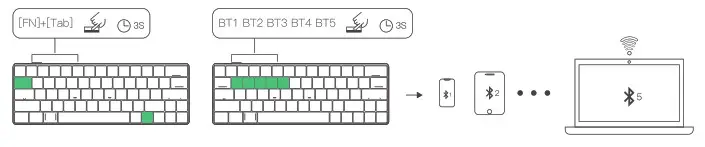
 Switch Host
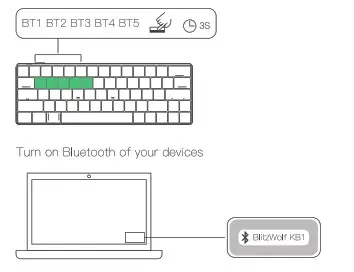 Switch Host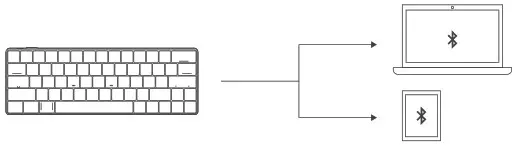
Hold down [Fn]+[Tab] for 3 seconds, press [FN] while hold down [Q]/[Q]/[E]/[R]/[T] to connect the host that has been bounded by Bluetooth
Specification
| Model | BW-KB1 |
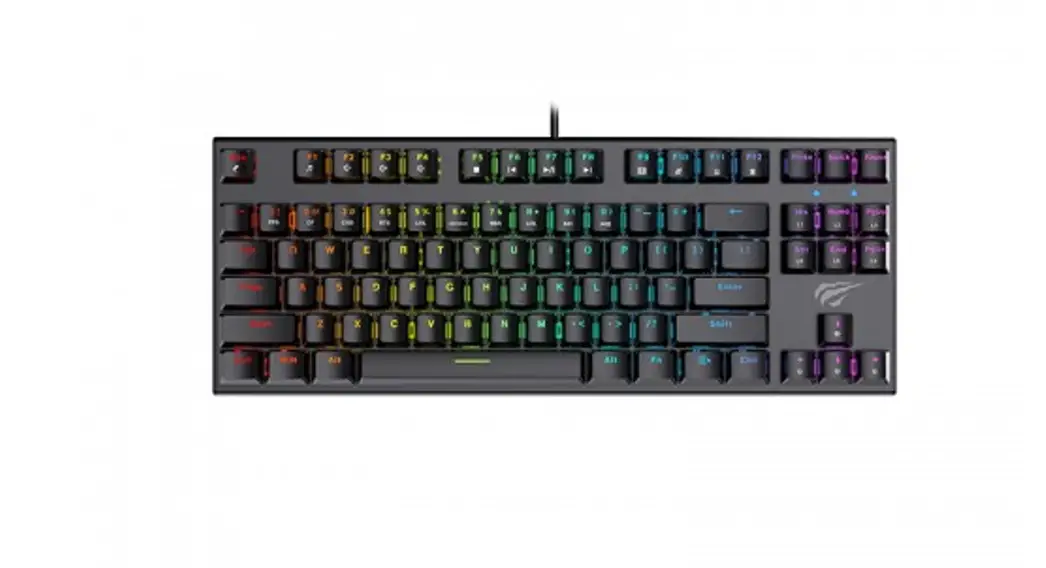
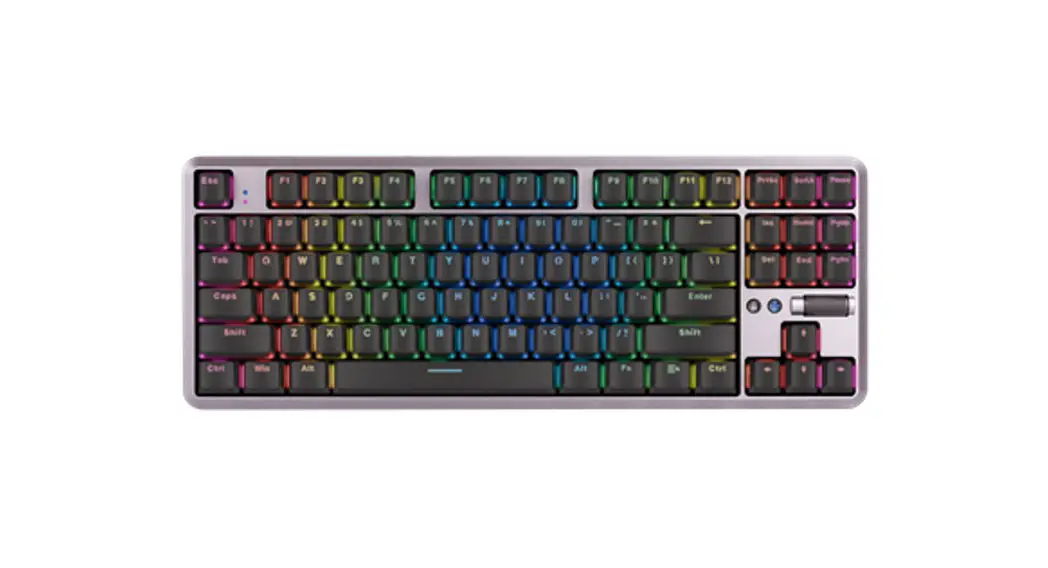
| Layout | 63 Key |
| Connection | Type C |
| Battery Capacity | 1900mAh |
| Bluetooth Version | Bluetooth 5.0 |
| Key Cap | ABS Double Shot |
| Back Light Effect | Full RGB Back Light |
| Mechanical Switch | Gateron (Red /Brown/Blue Switch) |
| Support System | Win?/8/10, Android, 10S, Mac |
| Size | 11.4 * 3.9 * 1.5in / 290 * 100 * 39mm |
| Package Contents | Keyboard, USB Cable, Key Puller, User Manual |
Function Key
| Function Key | Function |
| FN + Tab | Wired / Bluetooth switch |
| FN + Y/U/I | Print Scr/Scroll Lock/Pause Break |
| FN + ]}/[{ | Back light effect brightness increase / brightness decrease |
| FN + \I | 19 groups of back light effect switching |
| FN + H/J/K | Insert/Home/Page Up |
| FN + N/M/,< | DEL/End/Page Down |
| FN + ;:/’ “ | Back light effect speed increase and decrease, five gears, with memory |
| FN + ↓ | APP key, the right mouse button |
| EN + > | Cut back light effect color |
| FN + WIN | Lock WIN |
| FN + Space Bar | Reset, long press the 3s keyboard to restore the factory |
| EN + A/ S | Win system / MAC system |
| FN + CTRL | Press the first time: Change “ESC … =+” to “.~… F12”,”Y U I H J K N M ,< Down Left Right’ to “PrtSc SorLk Pause Insert Home PgUp Del End PgDn ALT-R APP CTRL-R” |
| Press the second time: Change “PrtSc SorLk Pause Insert Home PgUp Del End PgDn ALT-R APP CTRL-R” to “Y U I H J K N M , <“ | |
| Press the third time: Back to default |
Indicator light
| Function | Instruction |
| Caps LED | The light indicator under the Caps key.Light is on, off when it runs with the light effect. |
| Lock WIN | The light indicator under the WIN key.Light is on, off when it runs with the light effect. |
| Charge | The light indicator Next to the space bar.Charge when light, off when it fully charged. |
| Low Battery | The light indicator under the FN key.The lamp blinks when the voltage is lower than 3.5V. |
Note
The back light tums off after 1 minute of inactivity.
Enter deep sleep after 30 minutes of no operation. Bluetooh disconnected, press the button to automatically reconnect.

Company: Lotus NL B.V.
Address: Koningin Julianaplein 10, 1e Verd, 2595AA, The Hague, Netherlands.
E-mail: [email protected]
Tel: +31644168999