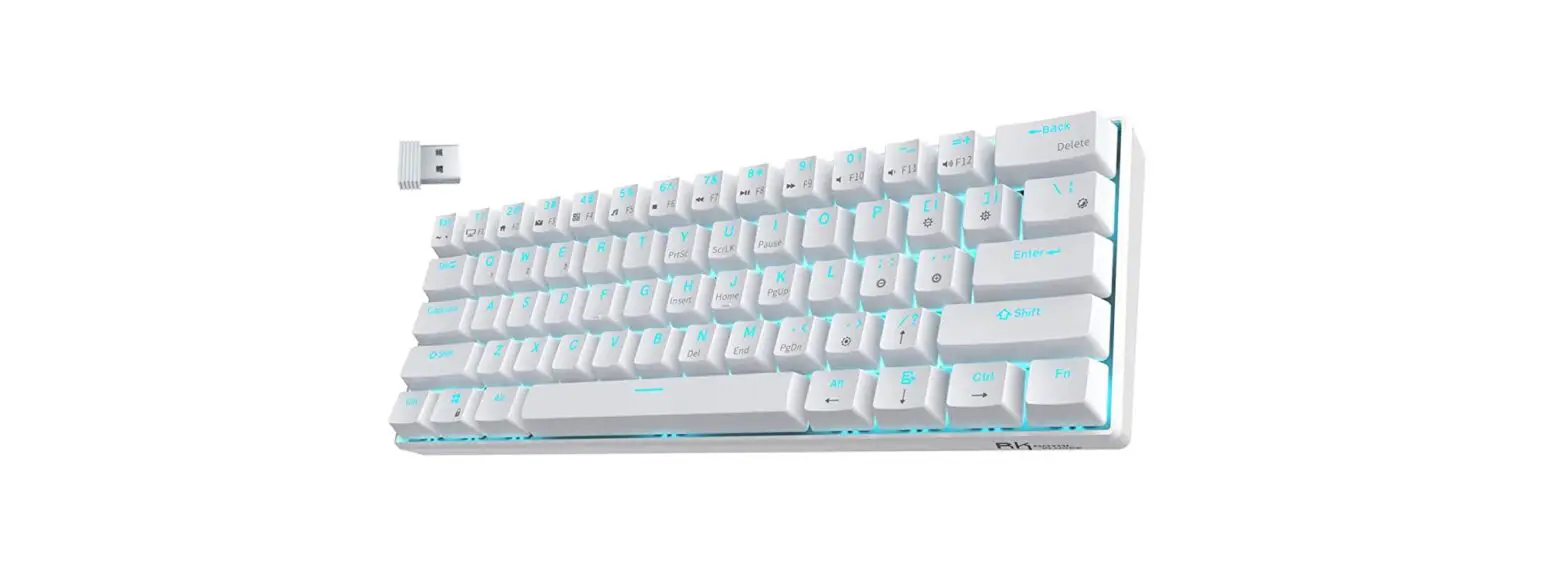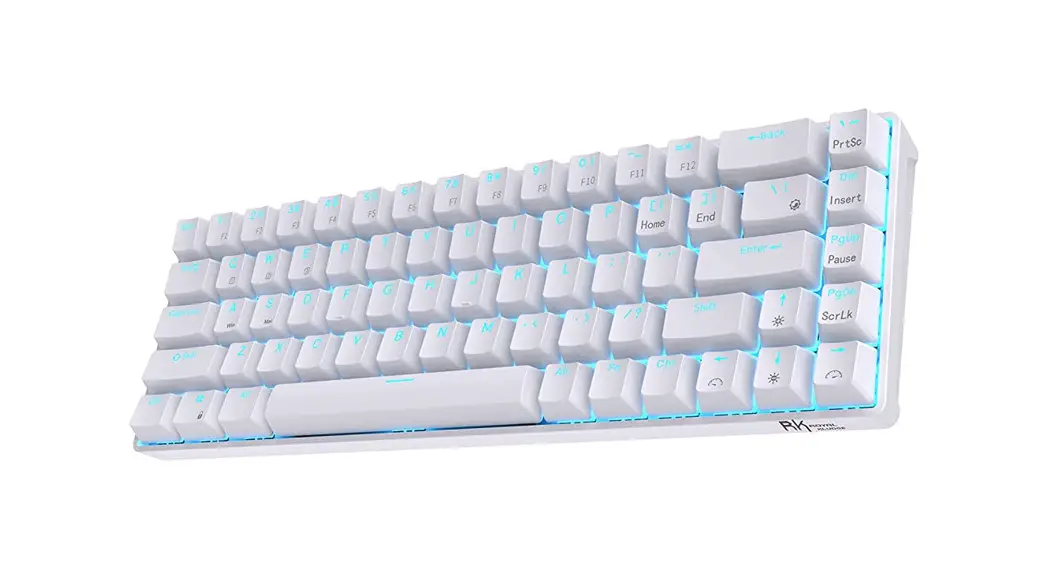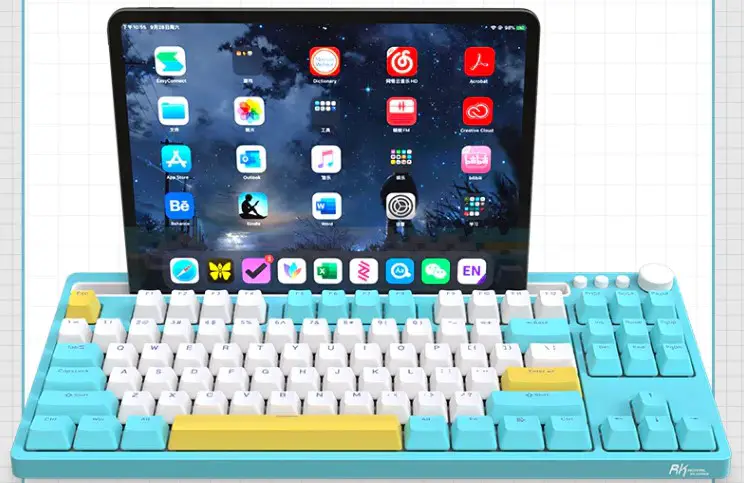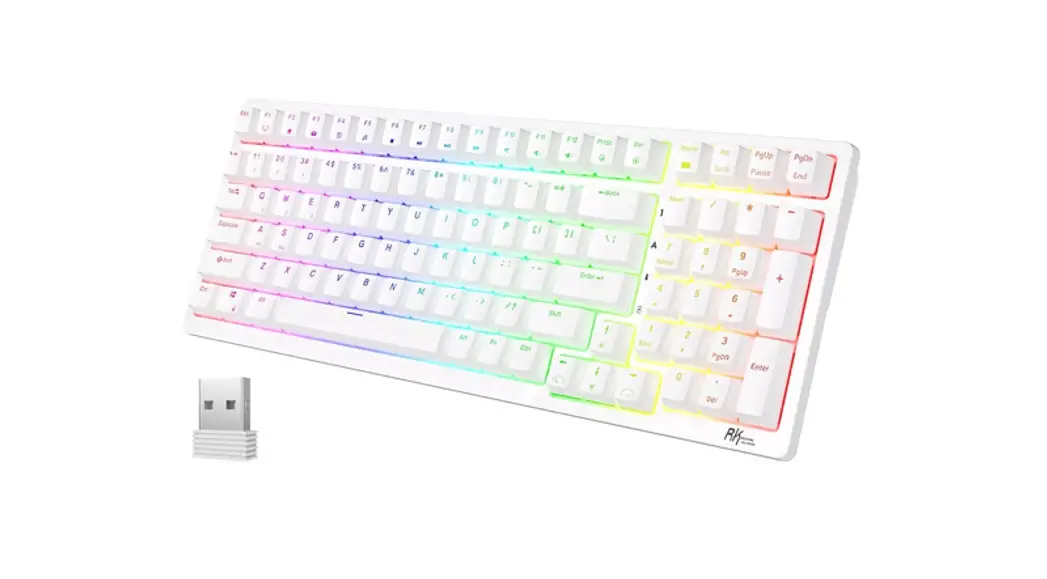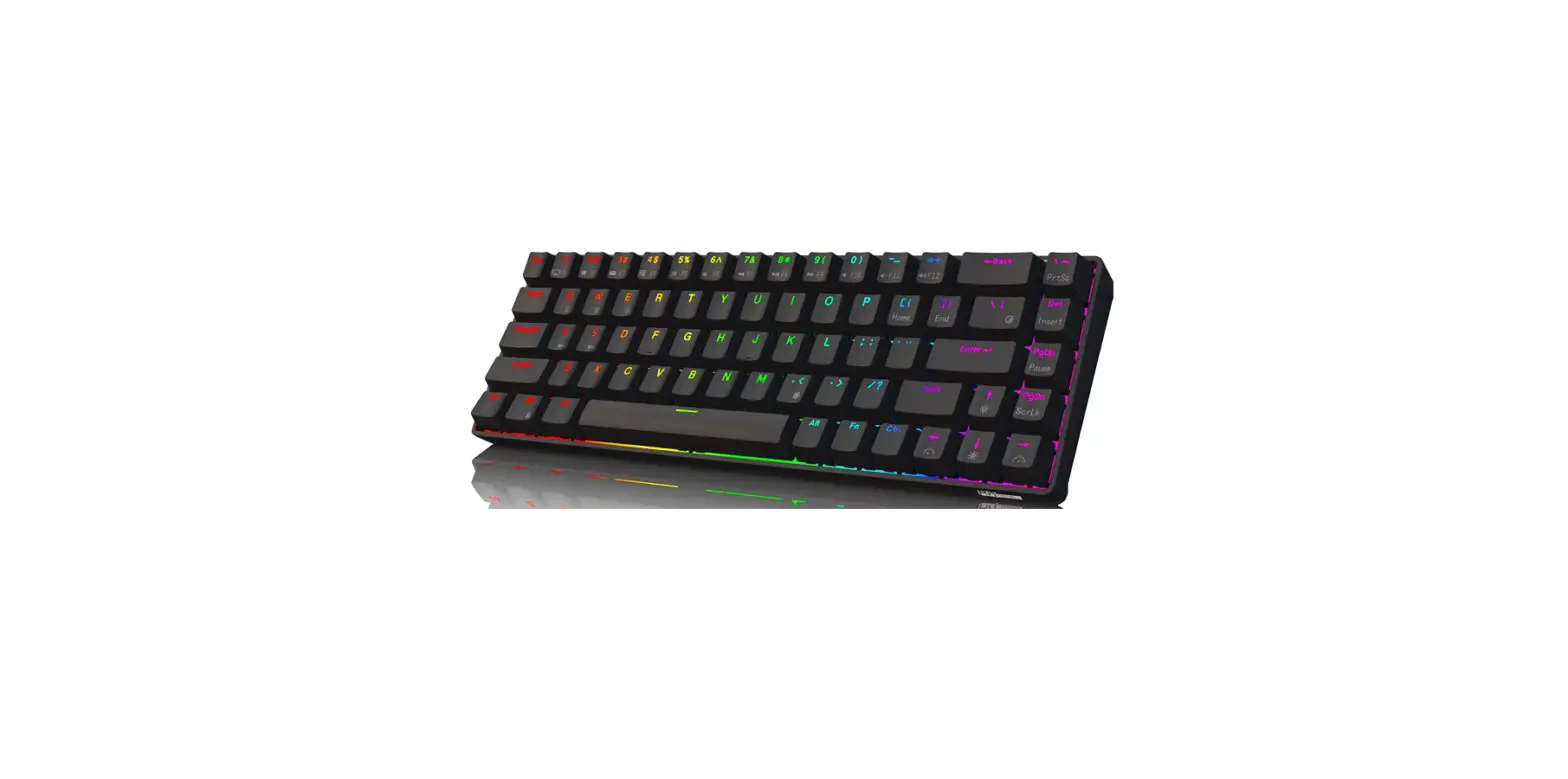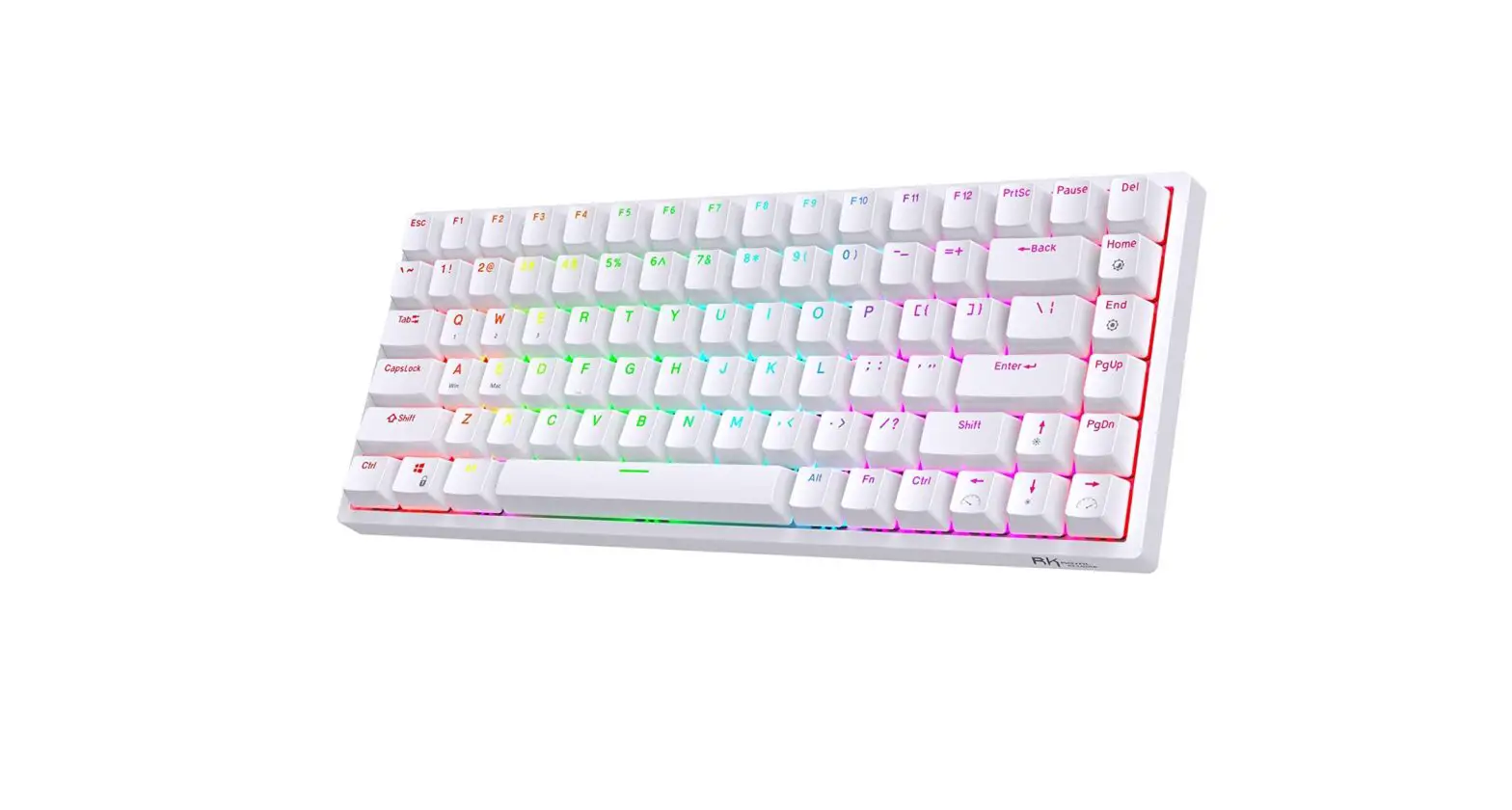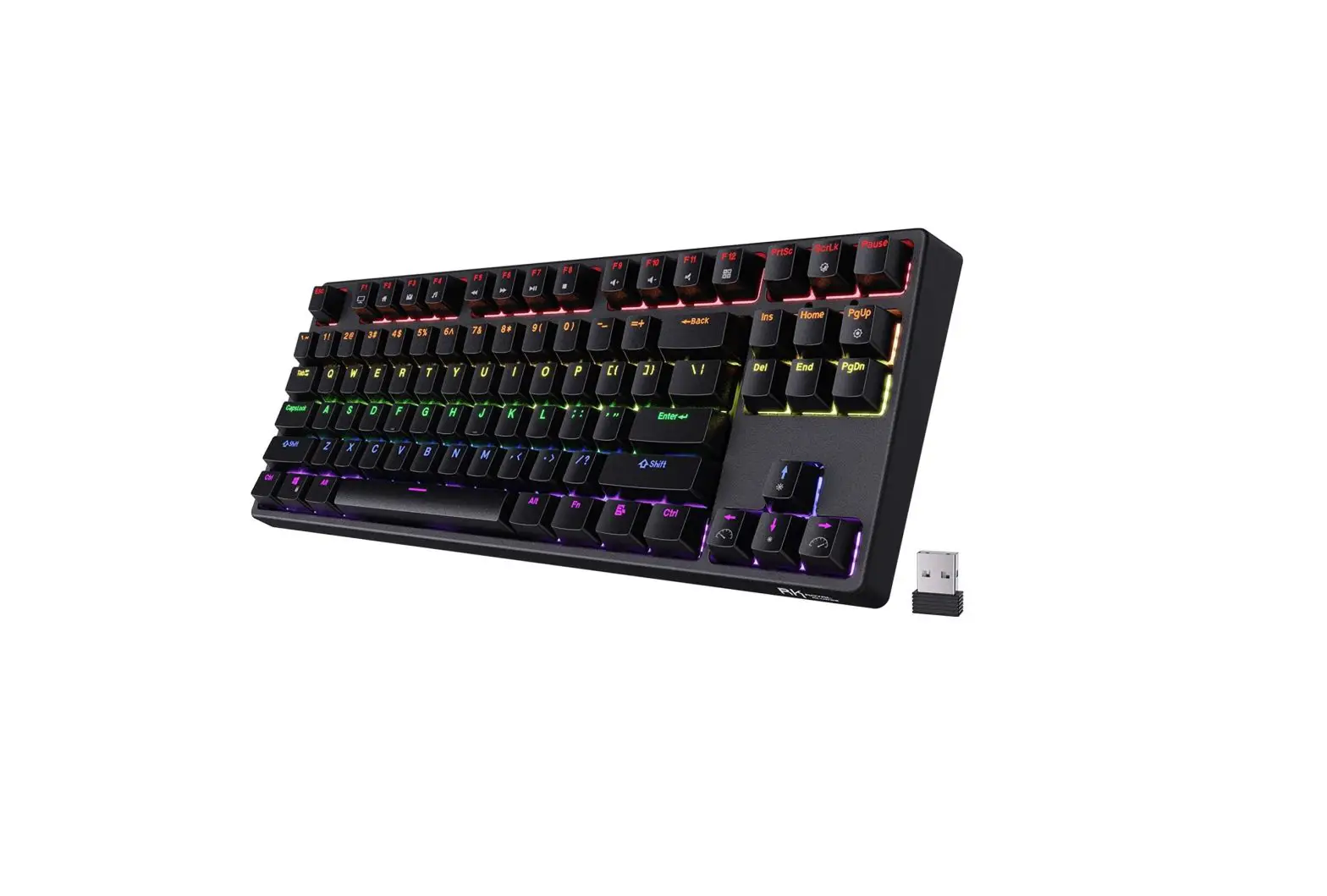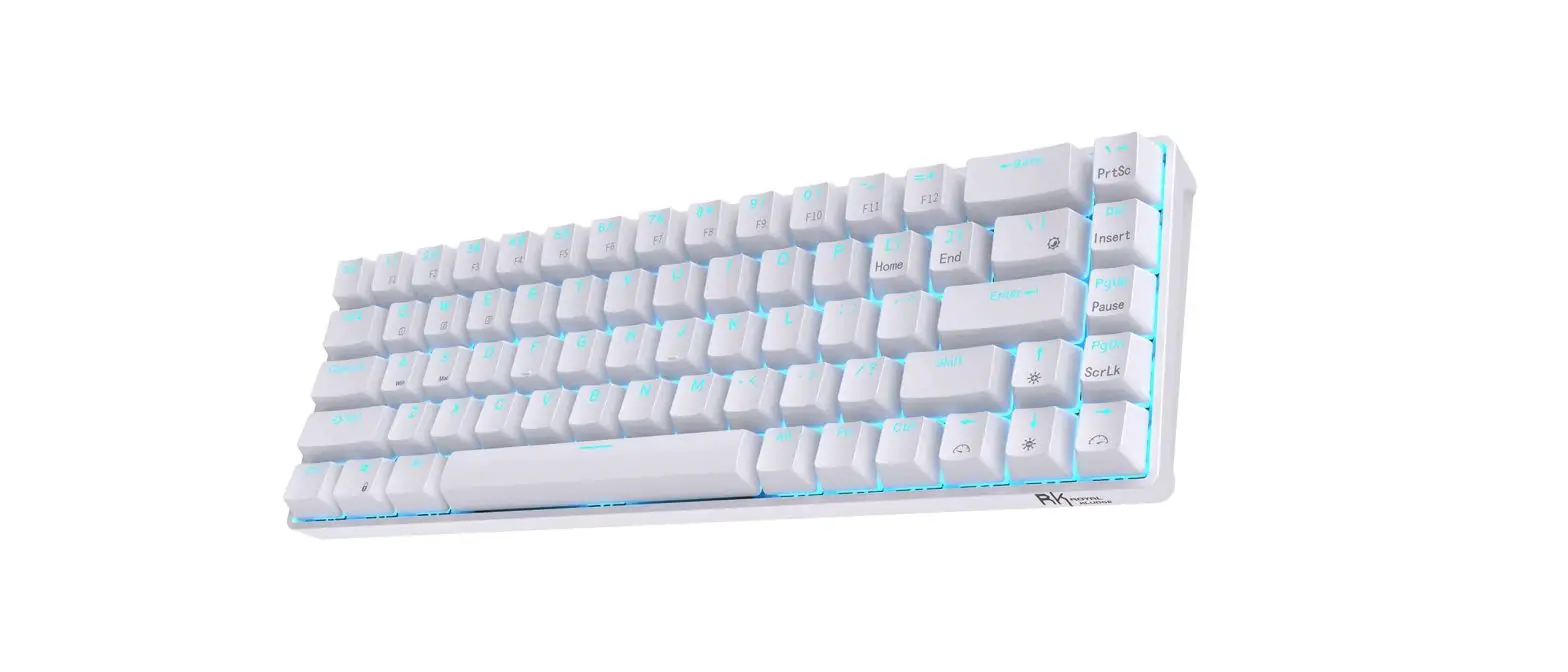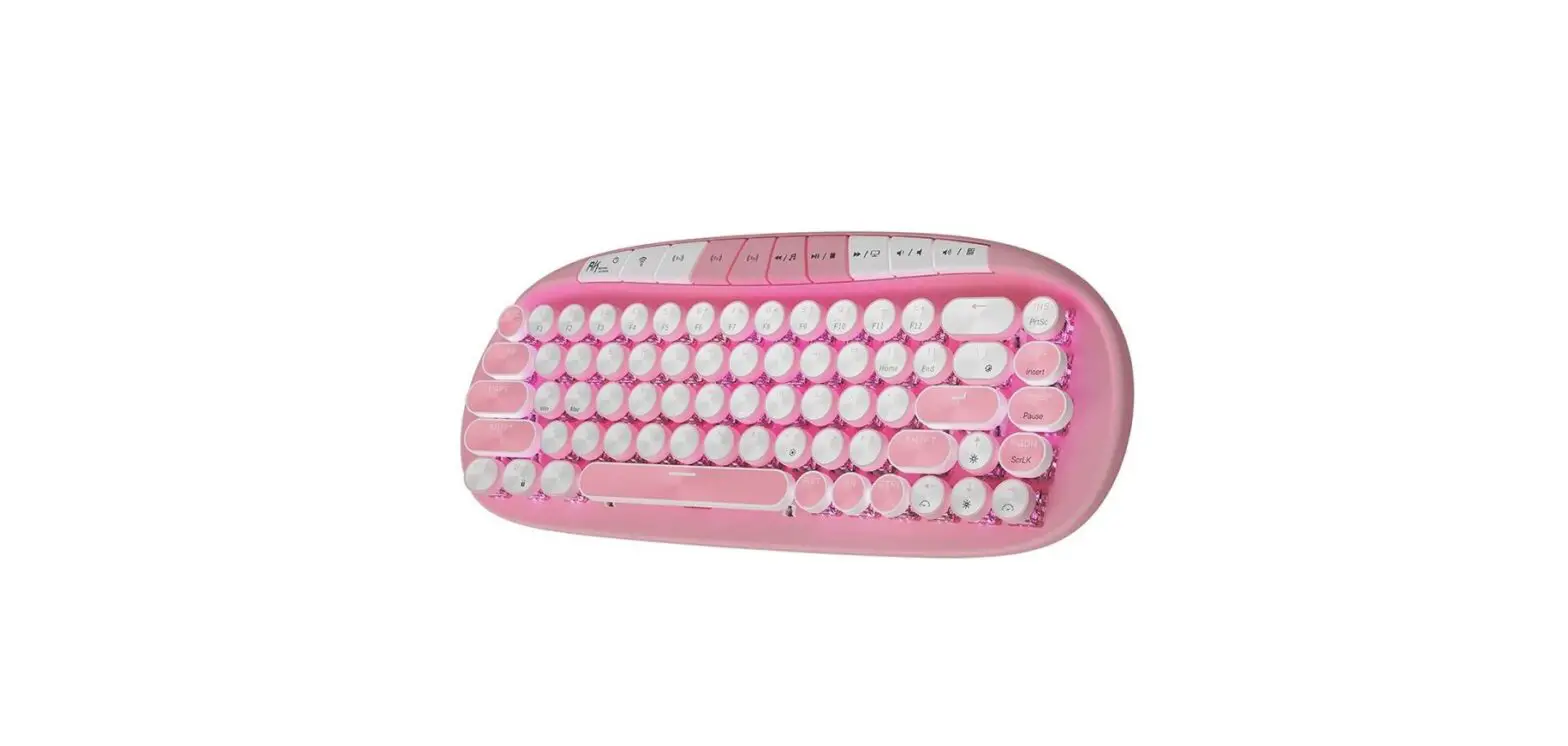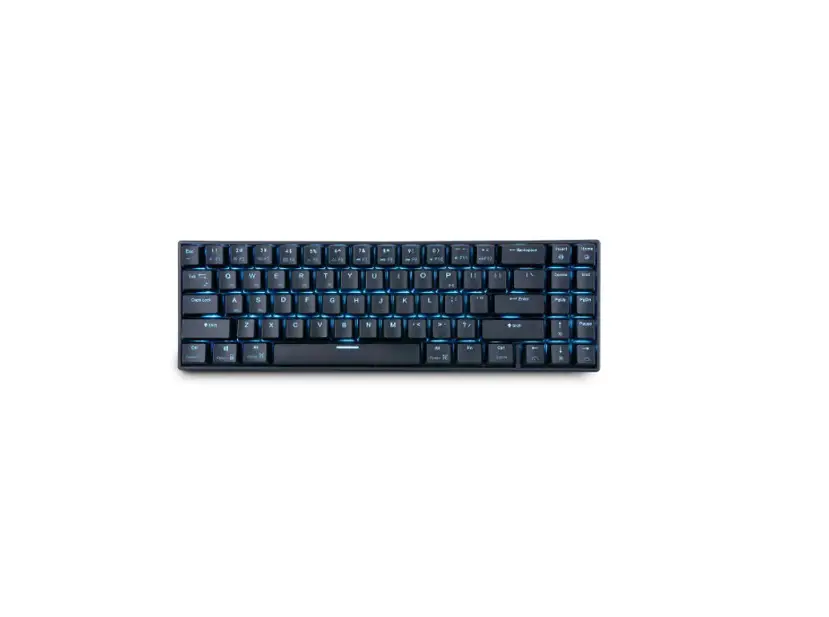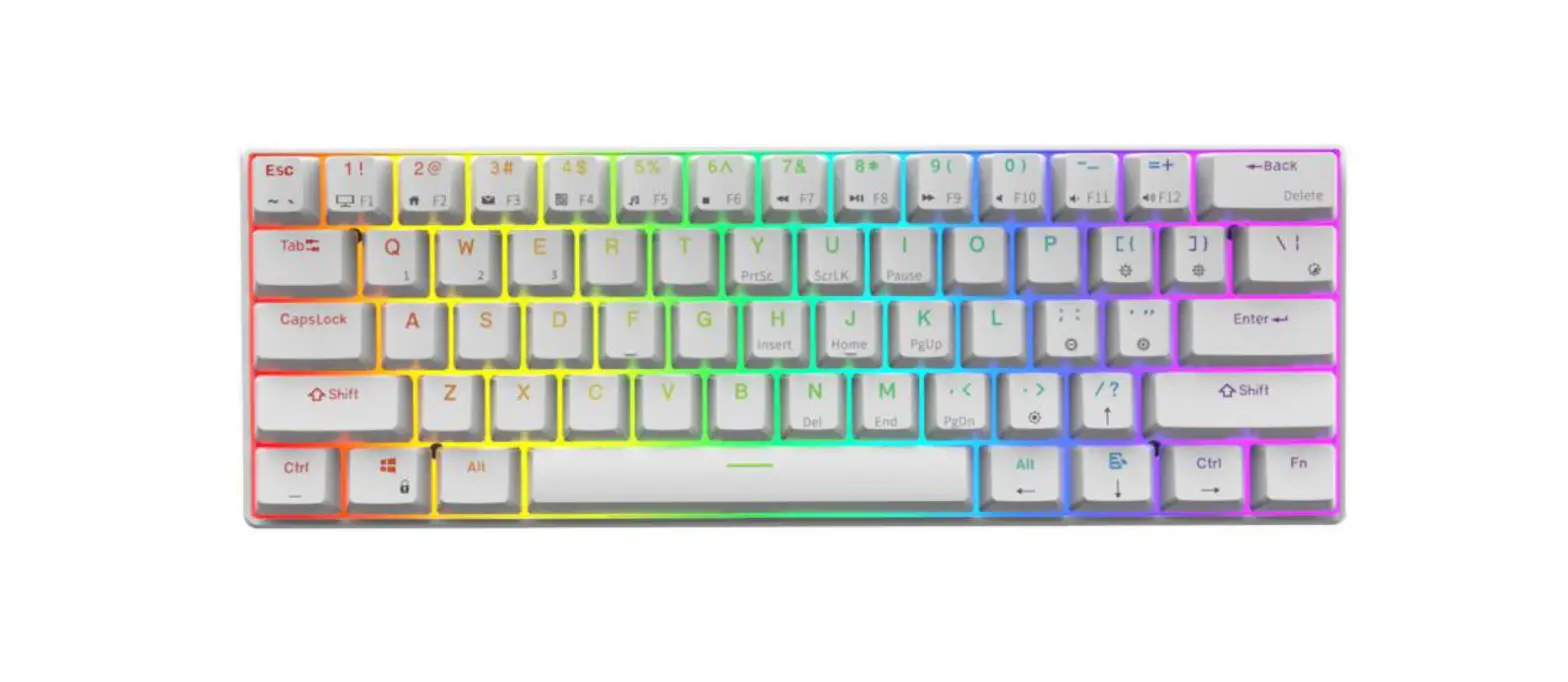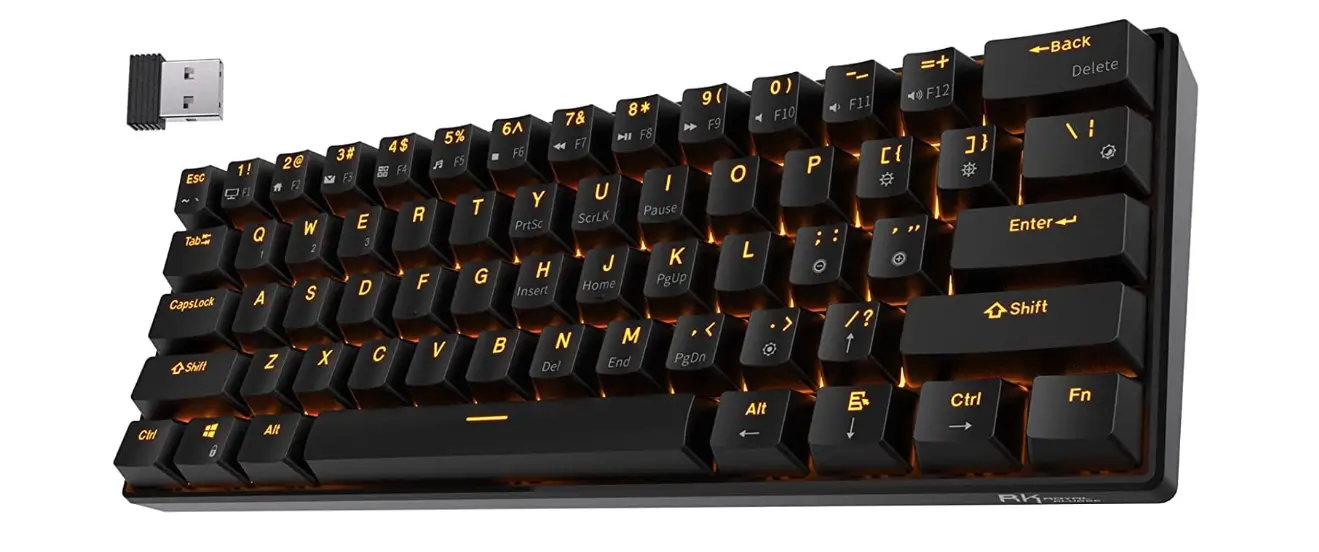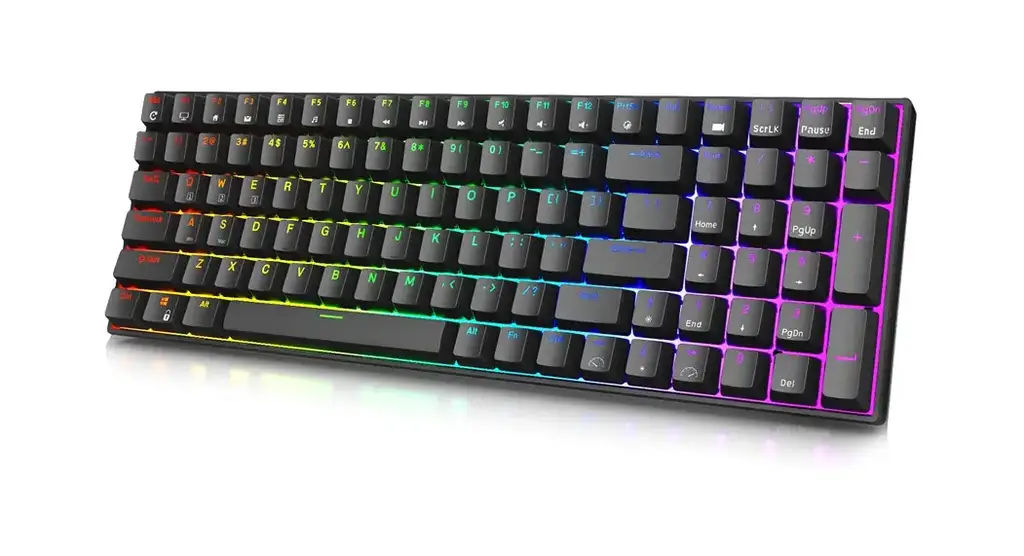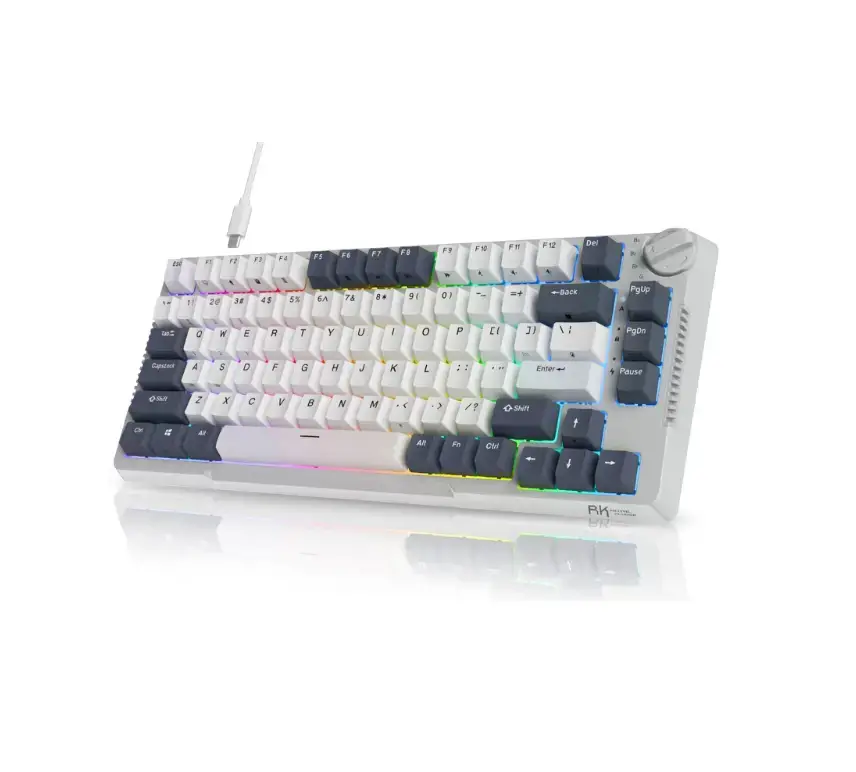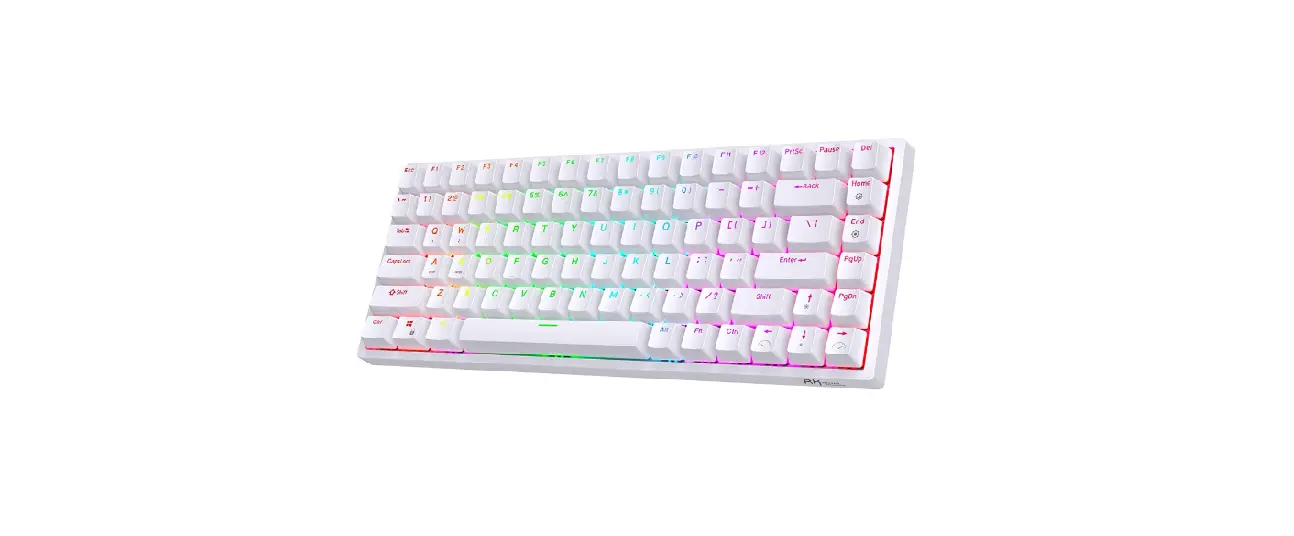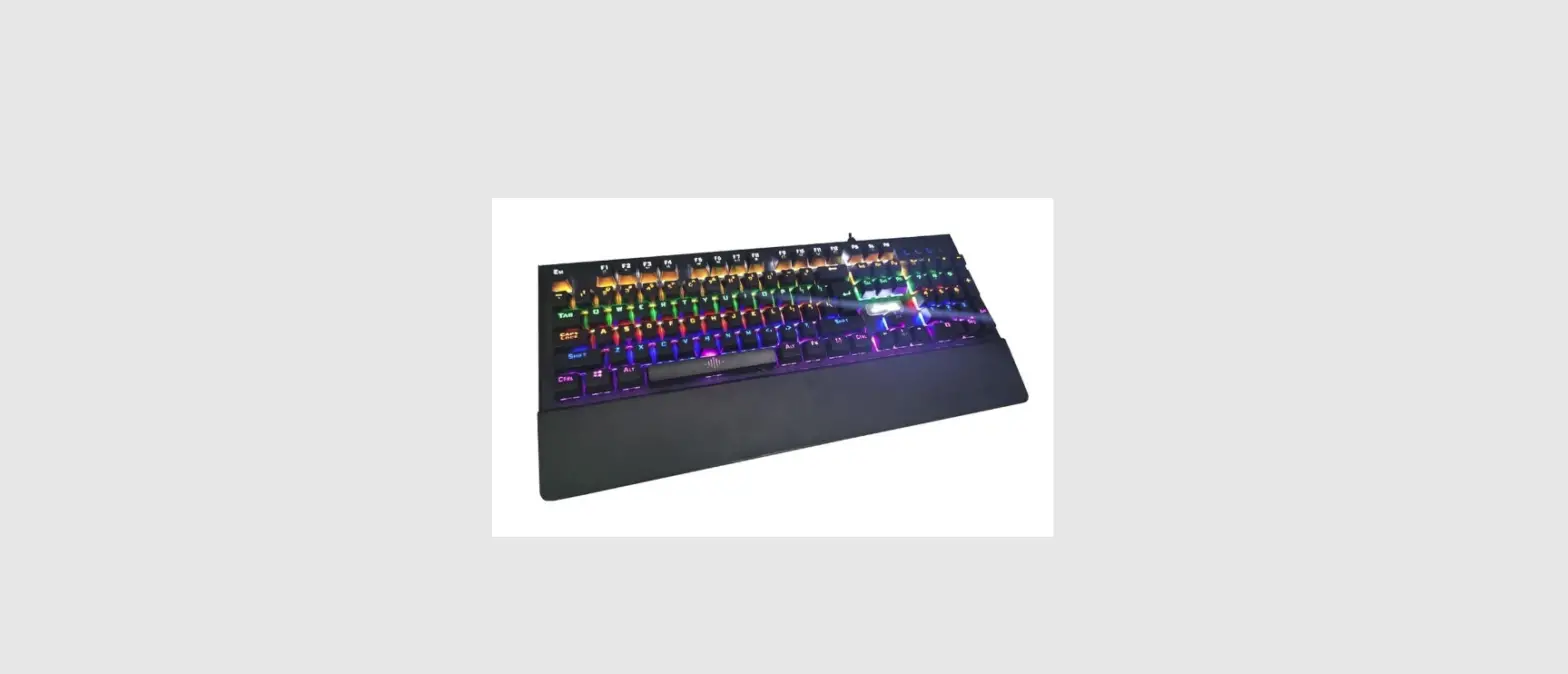

ROYAL KLUDGE RK925 Mechanical Keyboard
INTRODUCTION
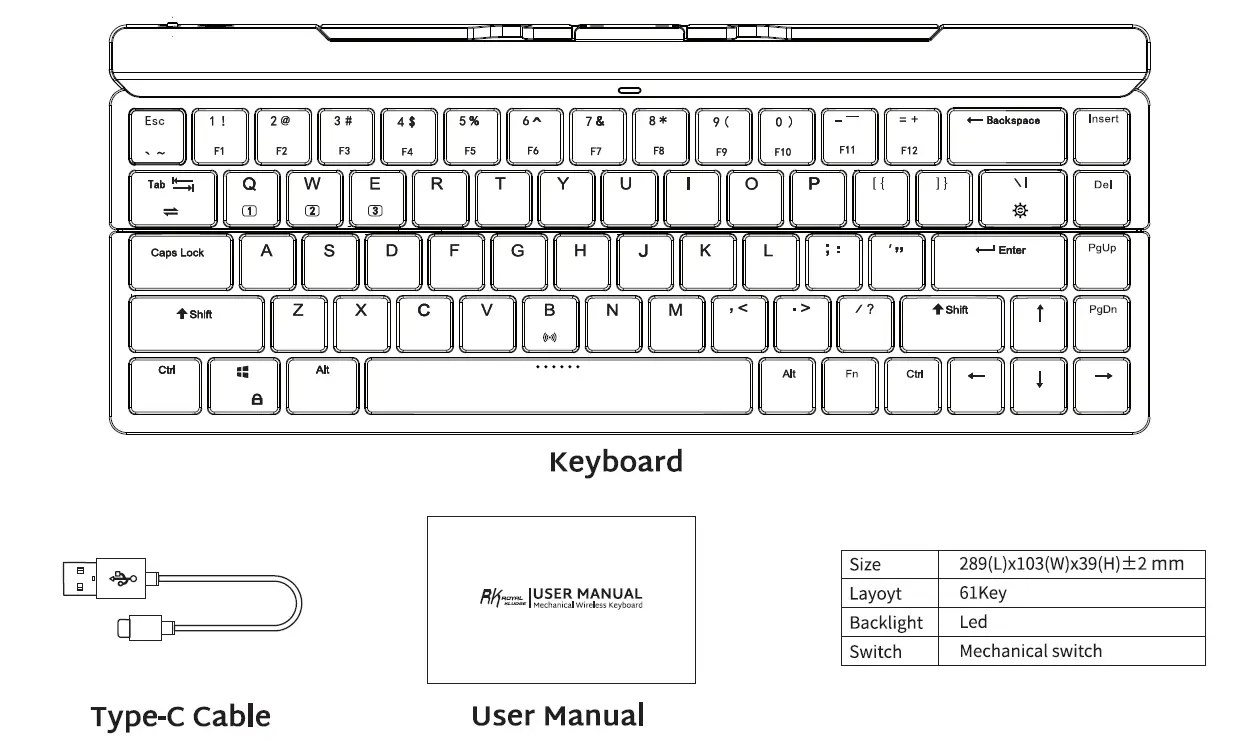
WIRED MODE & CHARGING
CHARGING
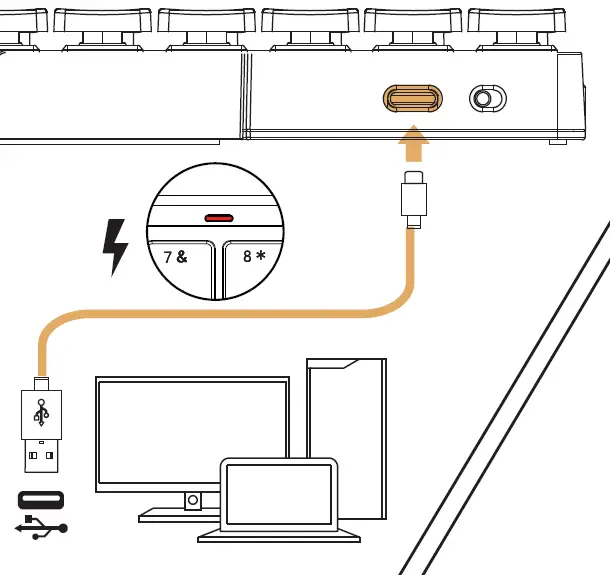
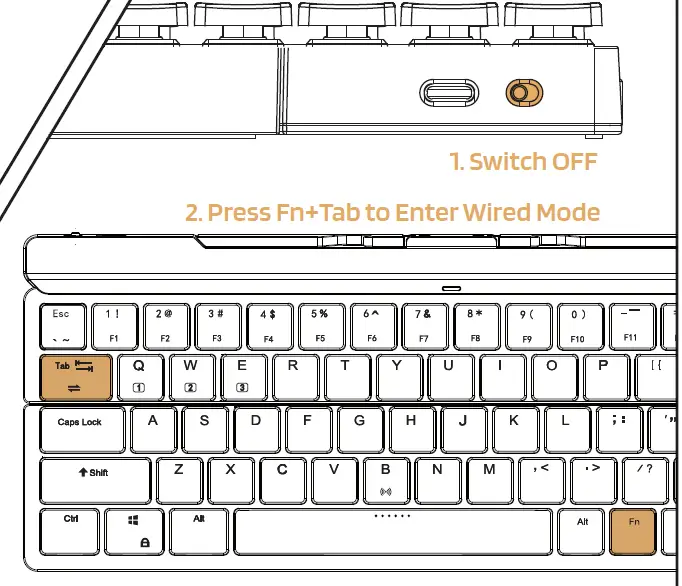
WIRED MODE
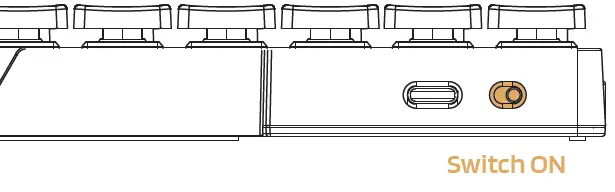
WIRELESS MODES
BT Connection
STEP 1
STEP 2
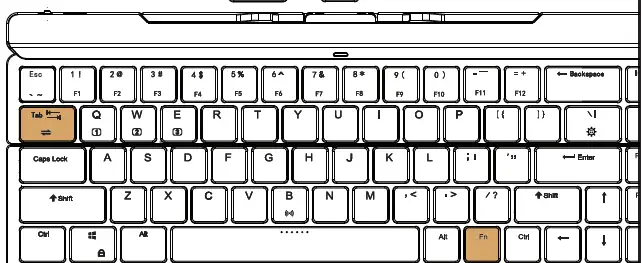
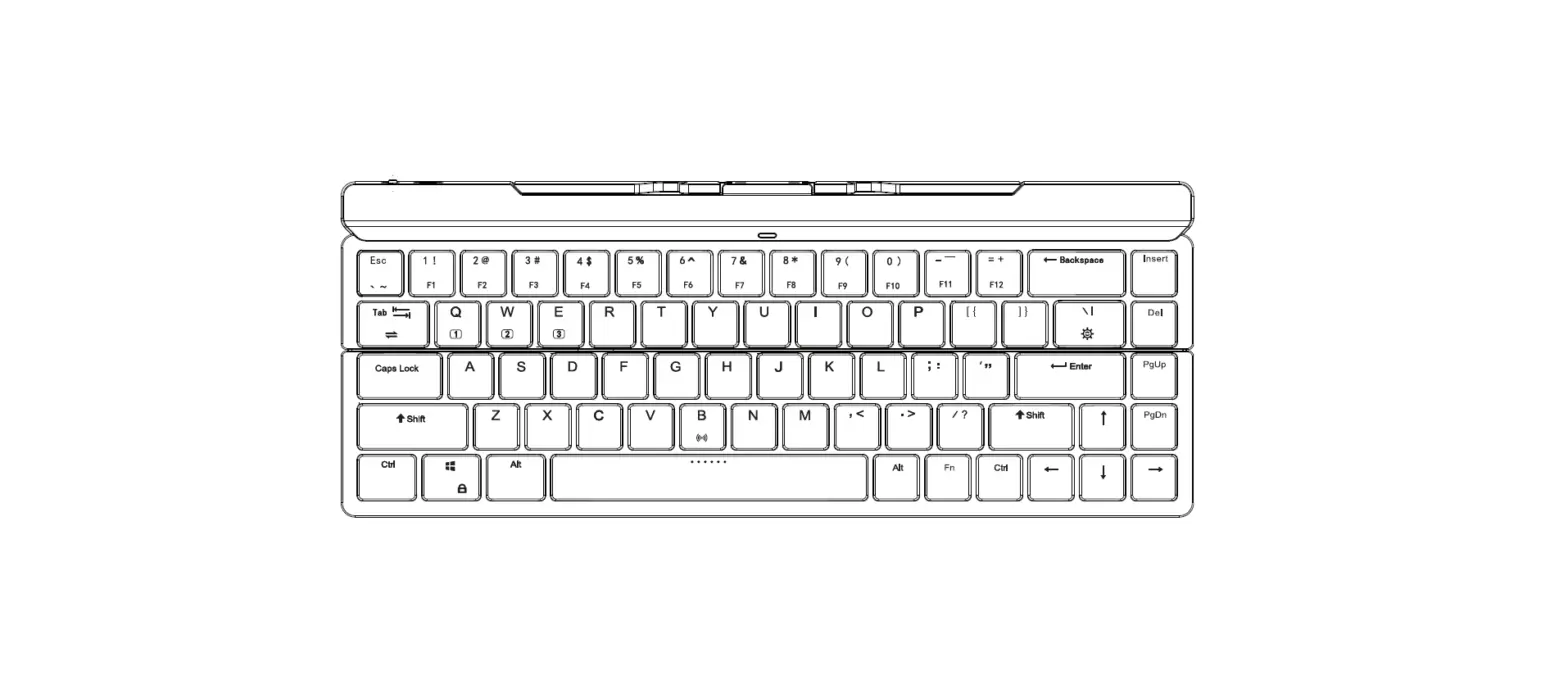
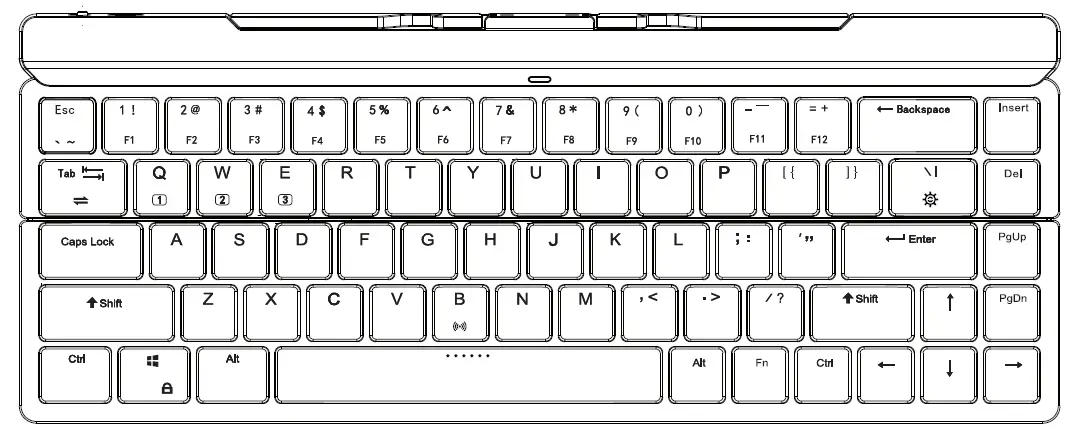
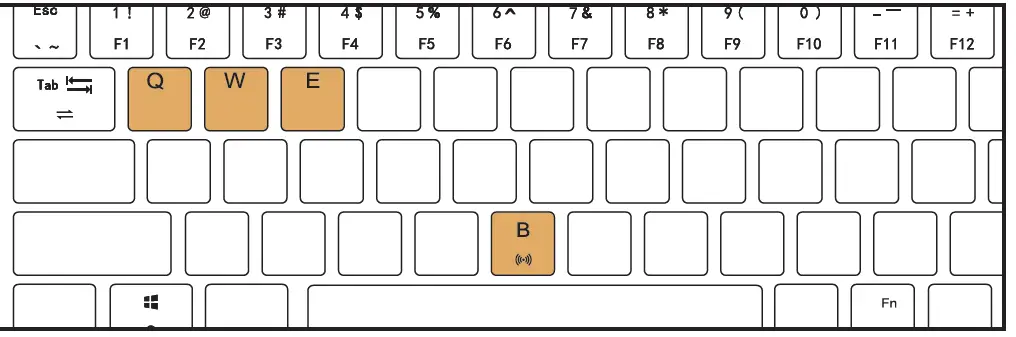
- SHORT PRESS Fn+Q/w/E/ to Switch
- LONG PRESS Fn+B to Pairing
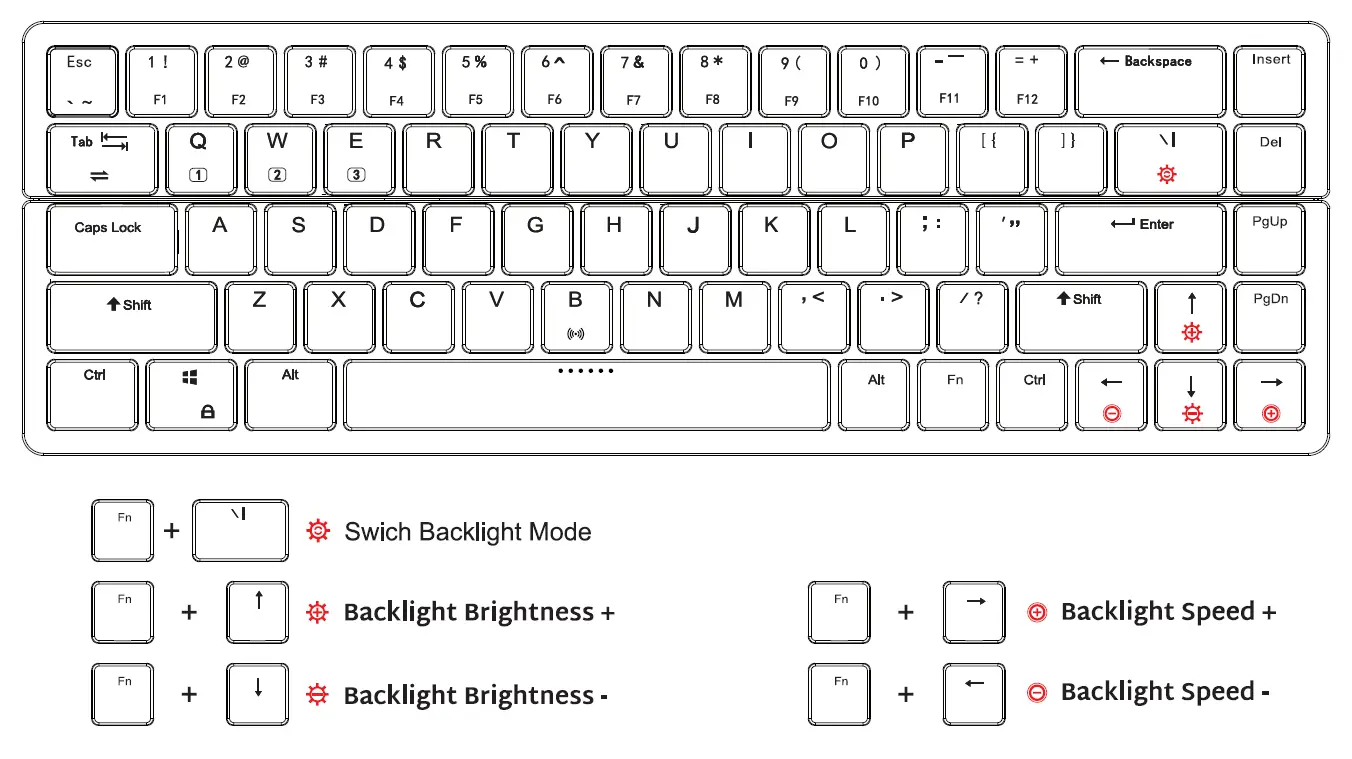
BACKLIGHT CONTROL
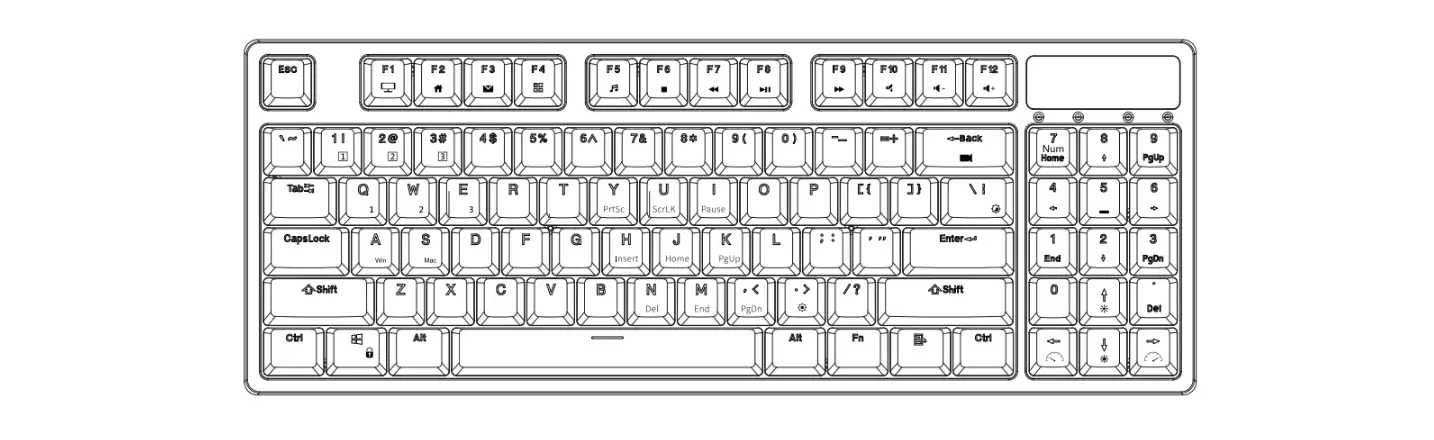
 SPECAIAL FUNCTION KEYS
 SPECAIAL FUNCTION KEYS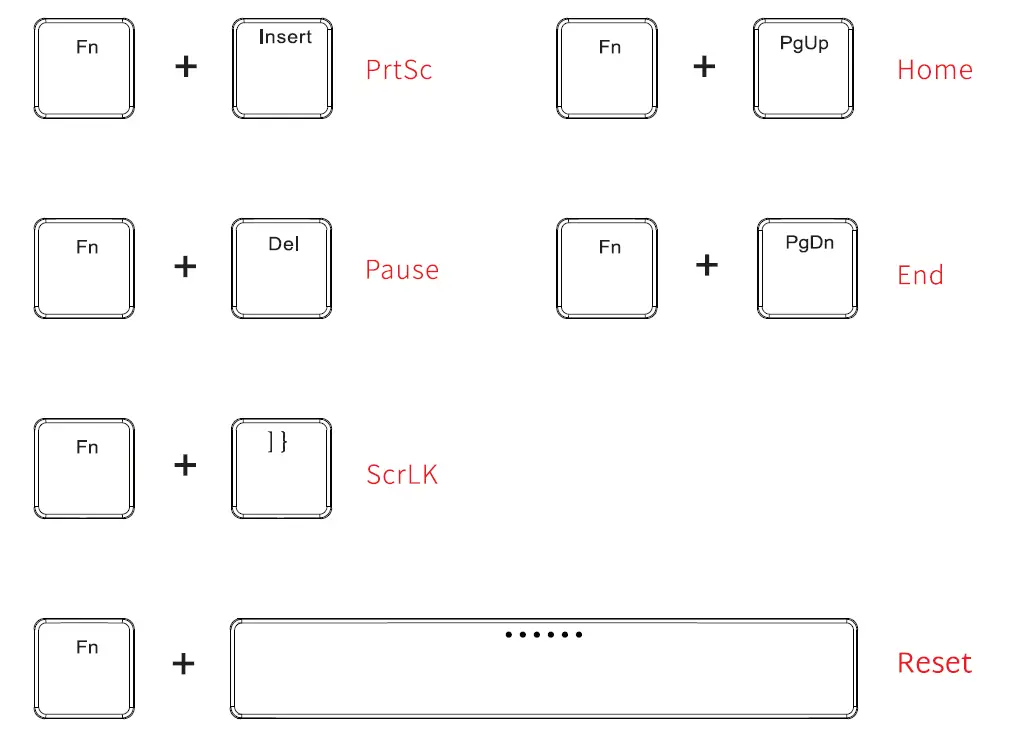
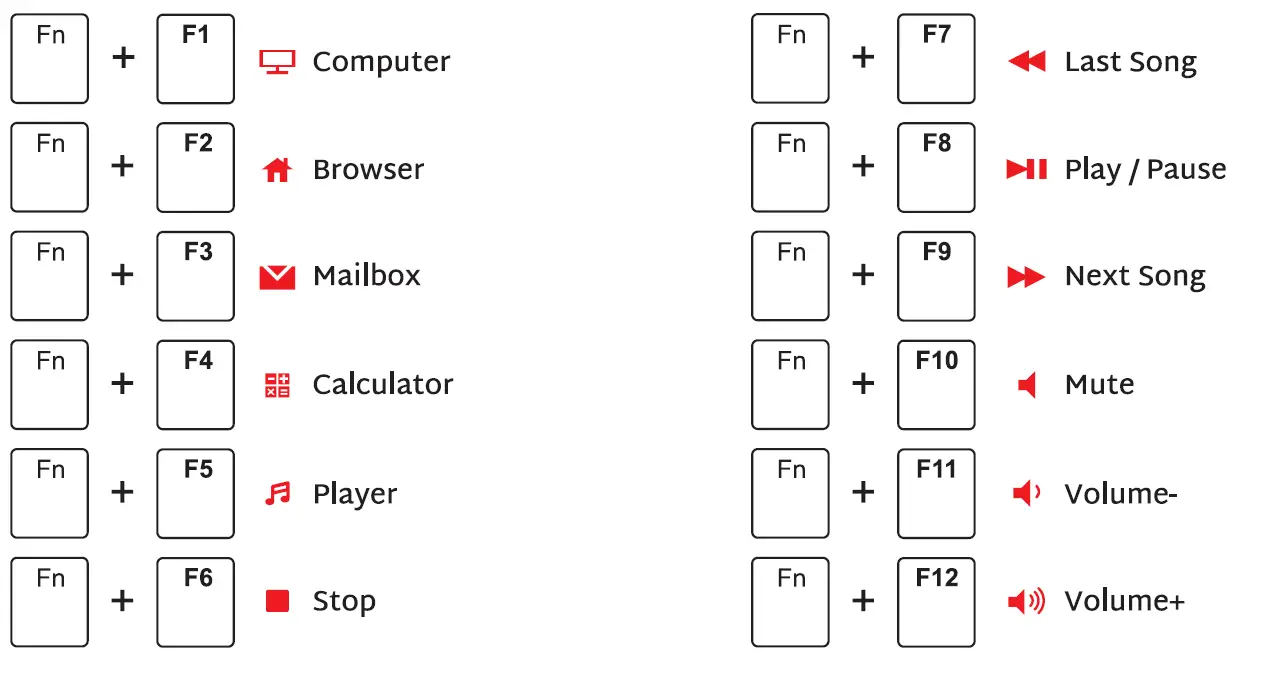
MULTIMEDIA KEY FOR WINODWS
In Windows mode FN + A: switch In Windows system
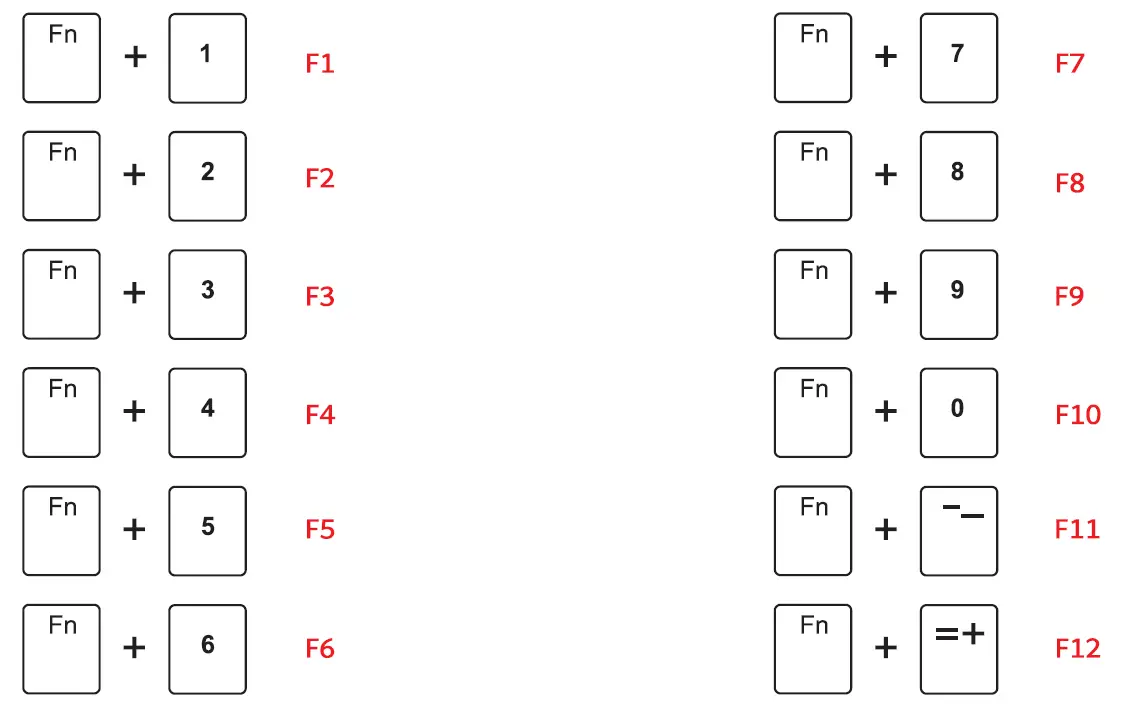
Windows System FN + A: switch to Windows system FN + Left Ctrl (The primary key function and the second function of the composite key are interchanged)
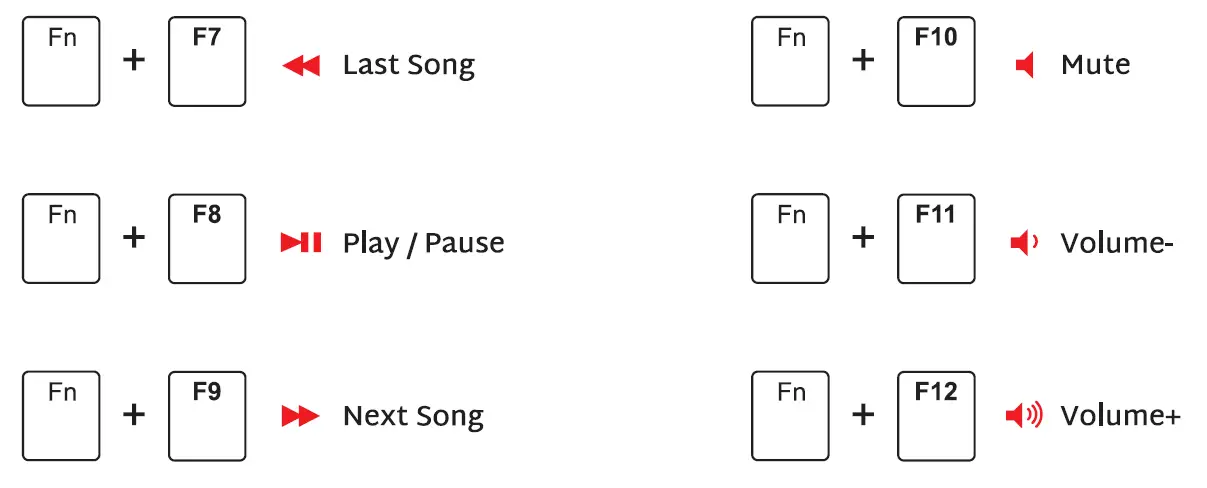
MULTIMEDIA KEYS FOR MAC
MAC System FN + S: switch to MAC system FN + Left Ctrl (The primary key function and the second function of the composite key are interchanged)
SYSTEM REQUIREMENTS
BT Mode
- Device with Bluetooth 3.0 or later
- PC: Windows 7 or Later
- Mac: macOS X 10.6 Snow Leopard or Later
- ios: All iPads / iPhone 5 or Later
- Android: 5.0 Lollipop or Later
Wired/2.4Ghz Mode
- Computer With Available USB port
- PC: Windows 7 or Later
- Mac: macos X 10.6 Snow Leopard or Later