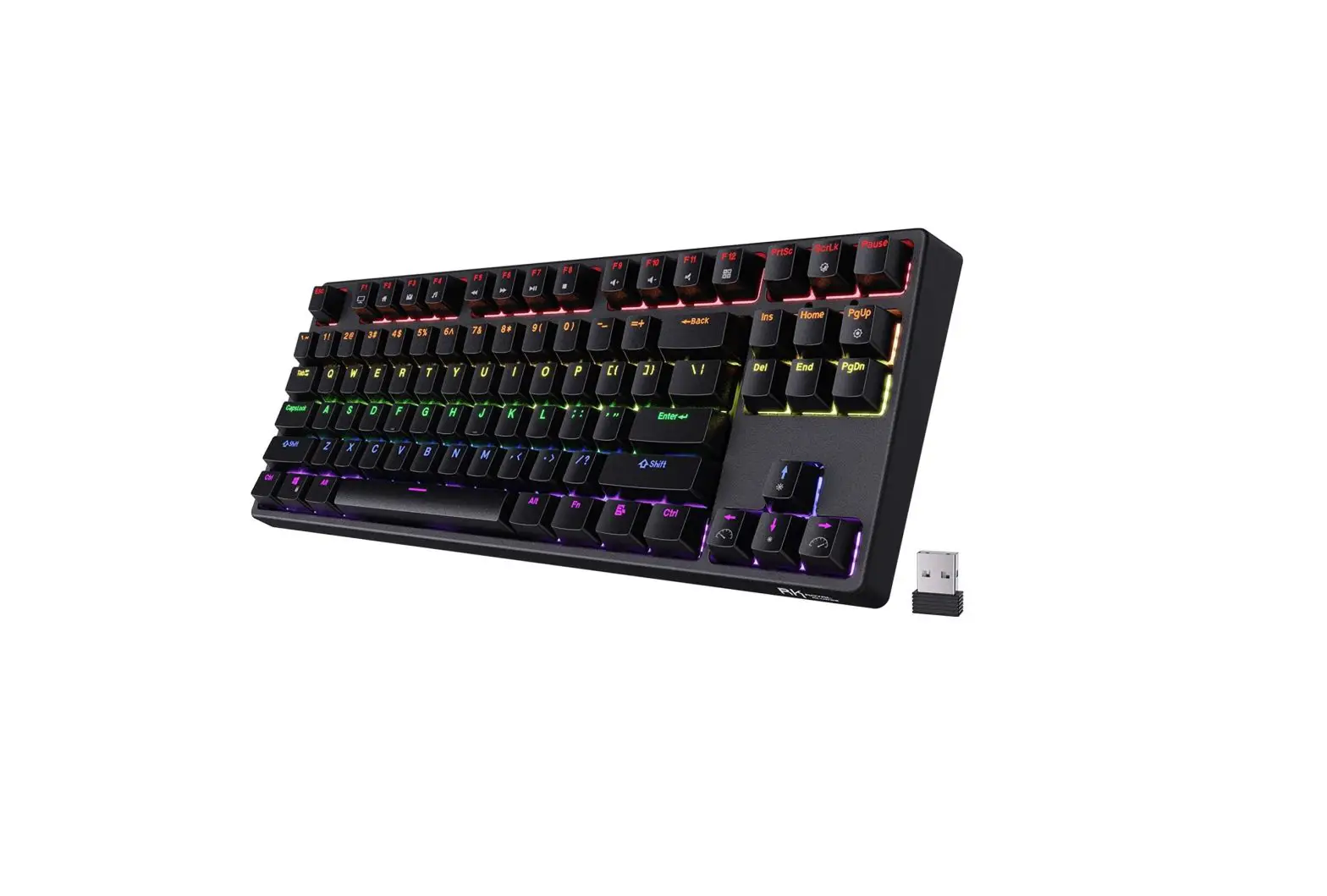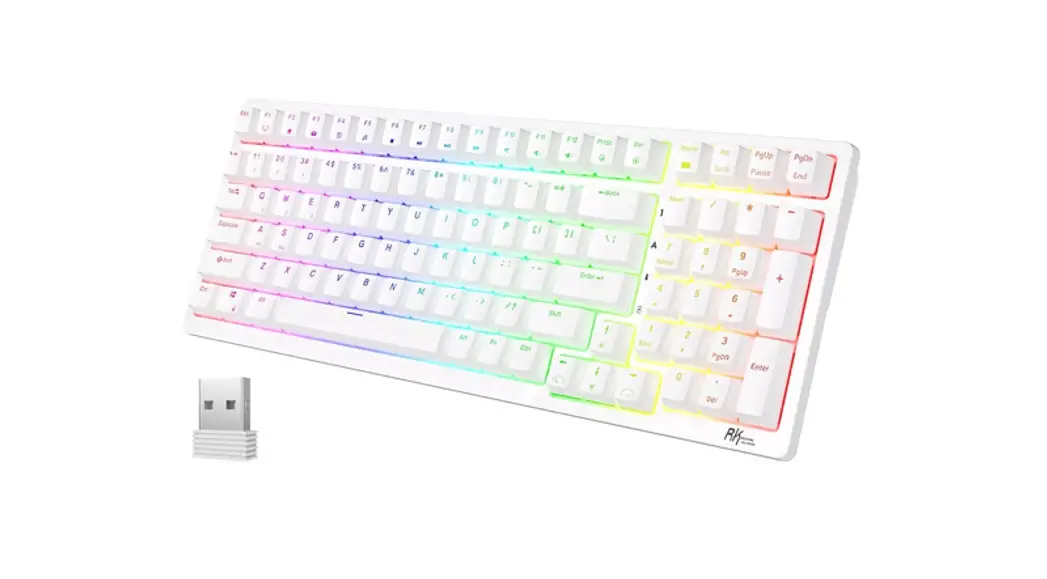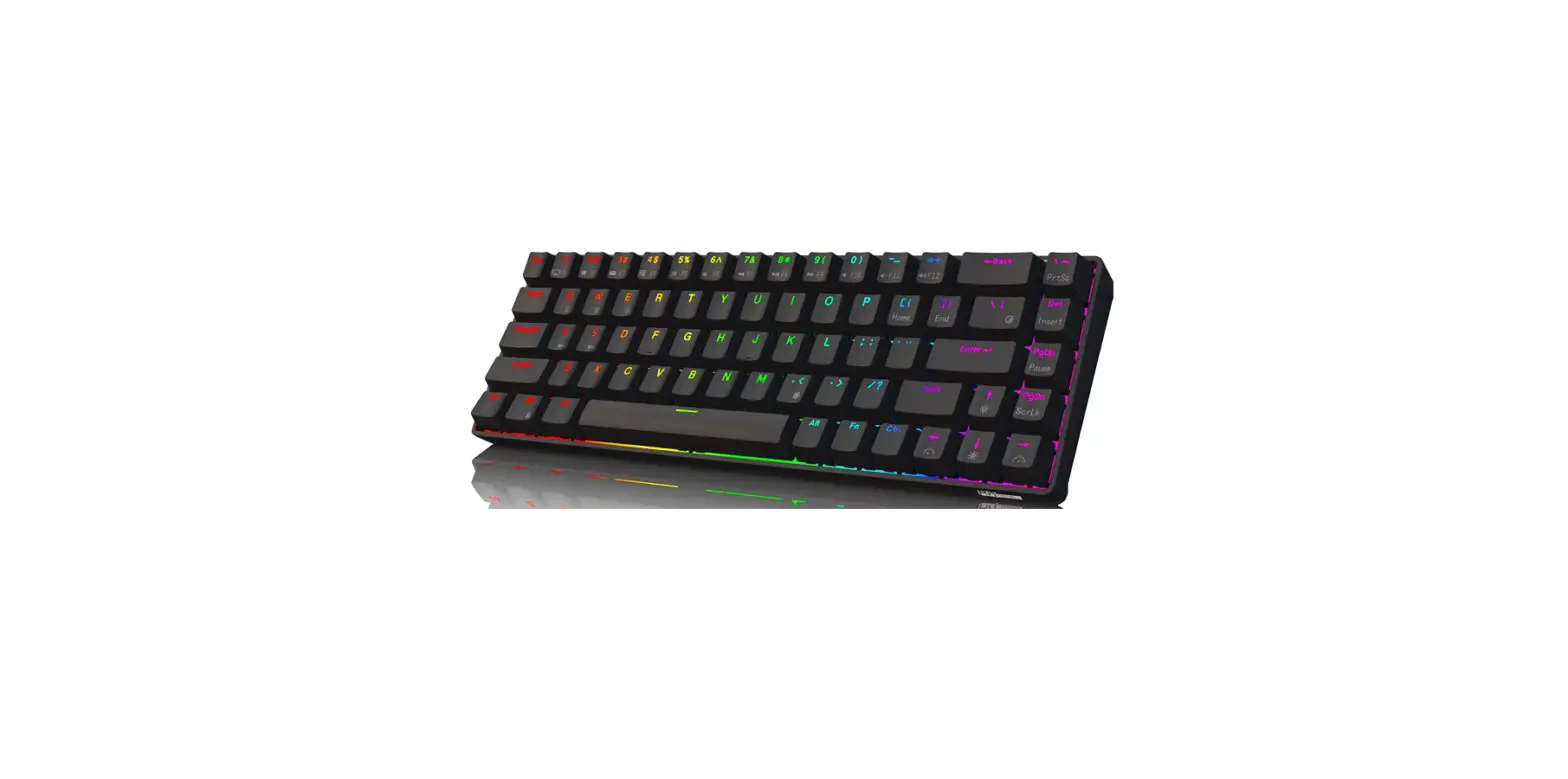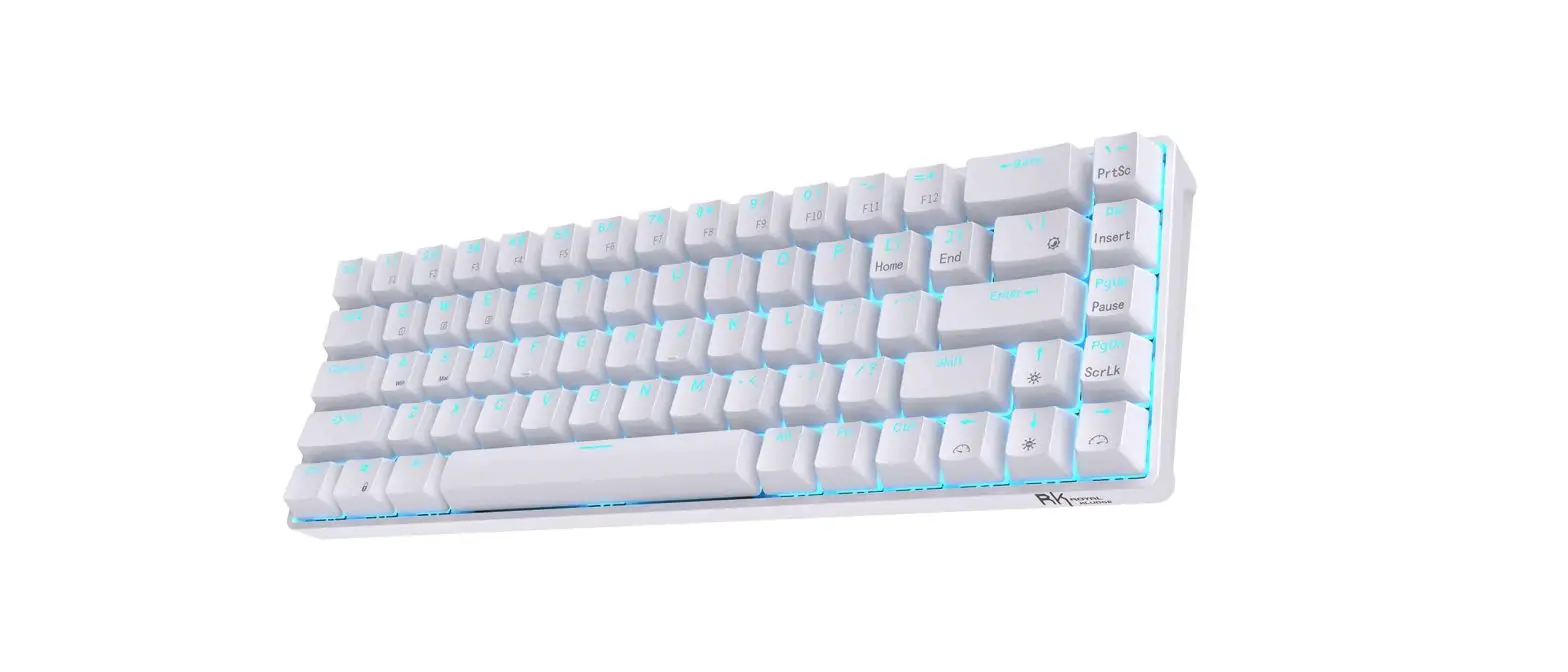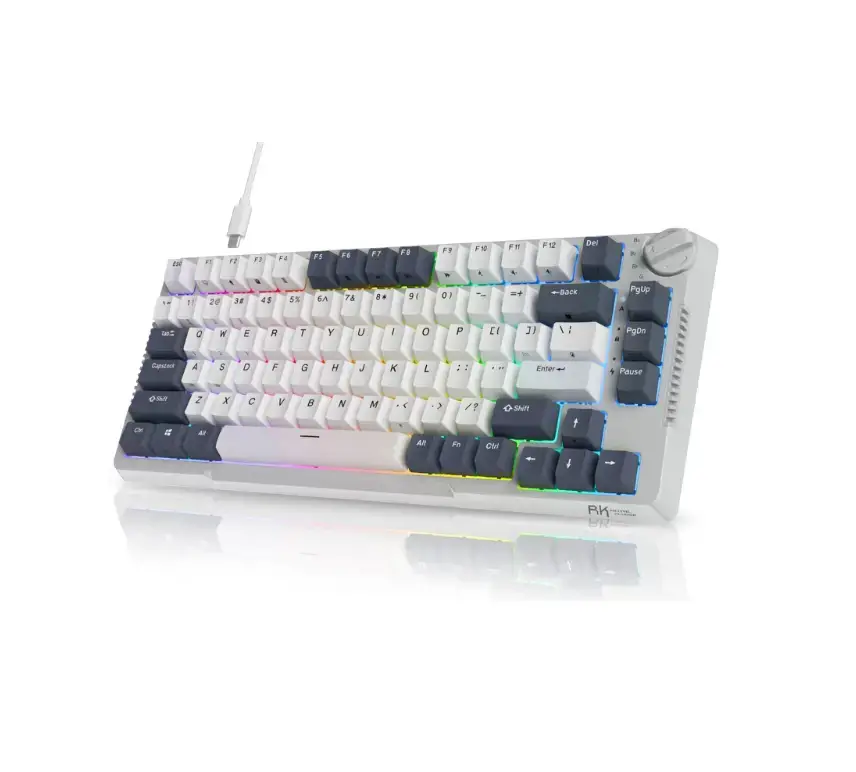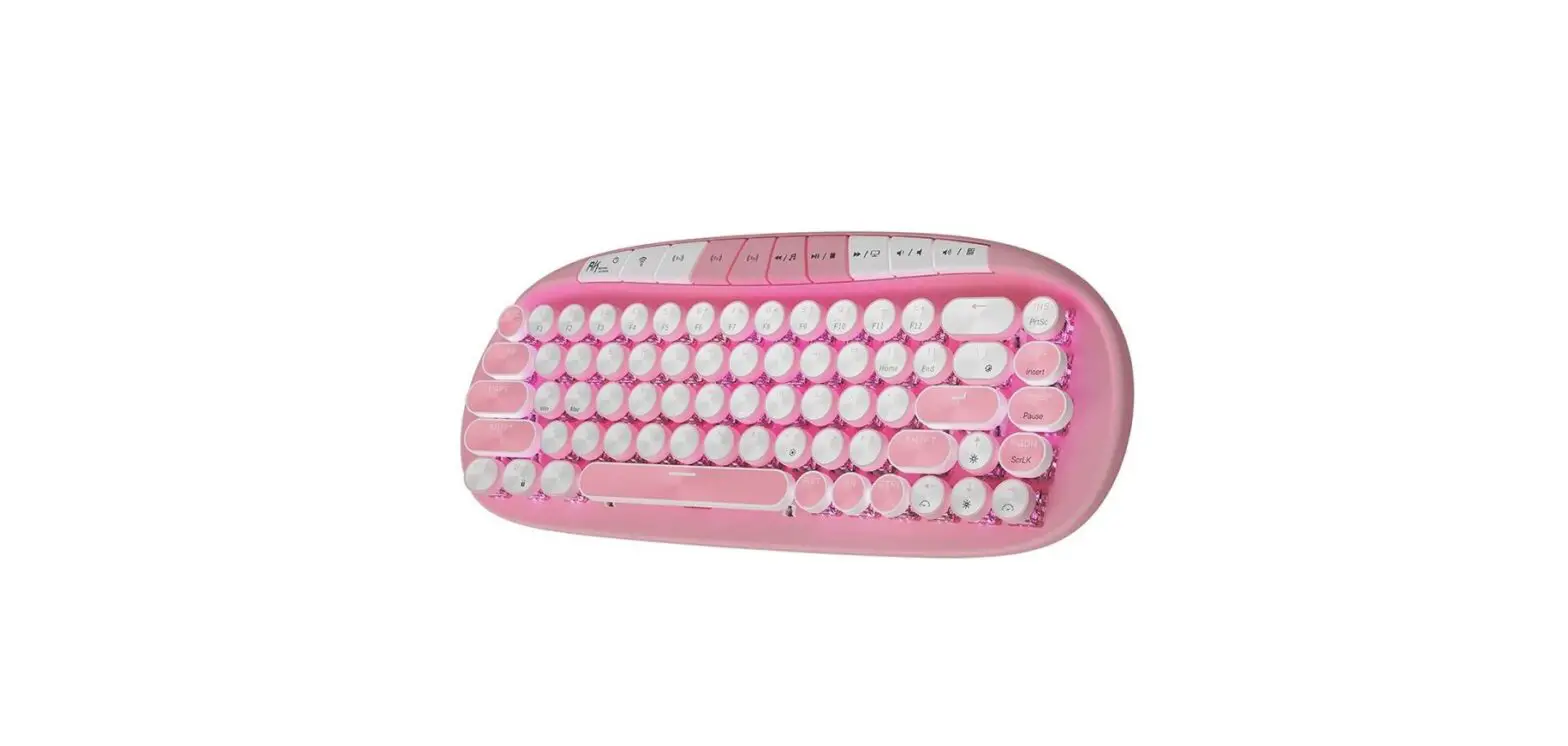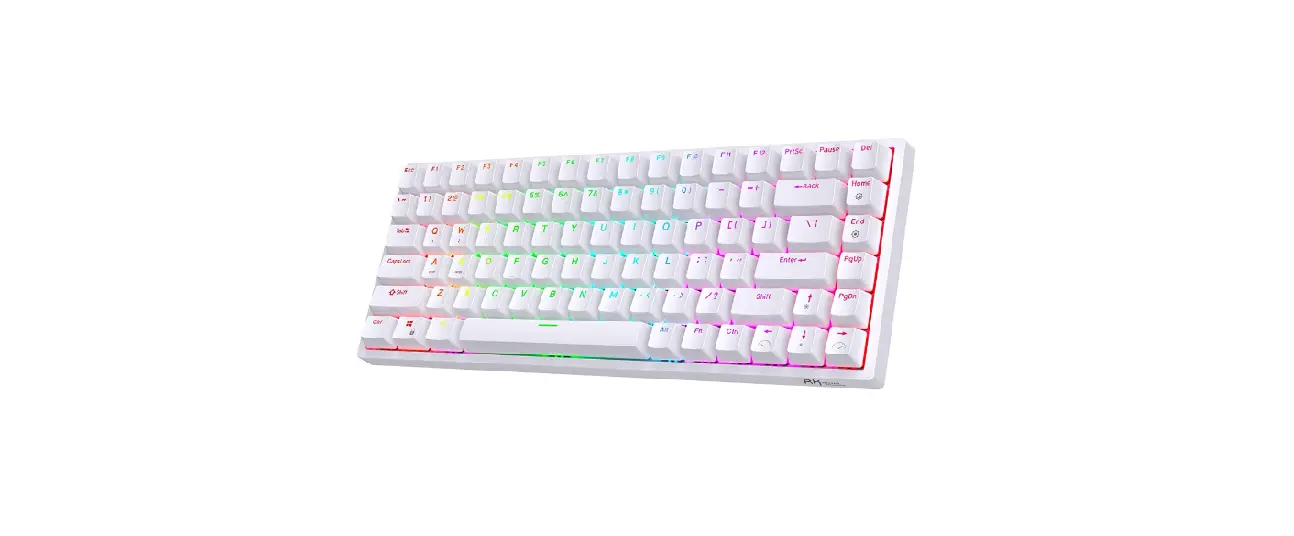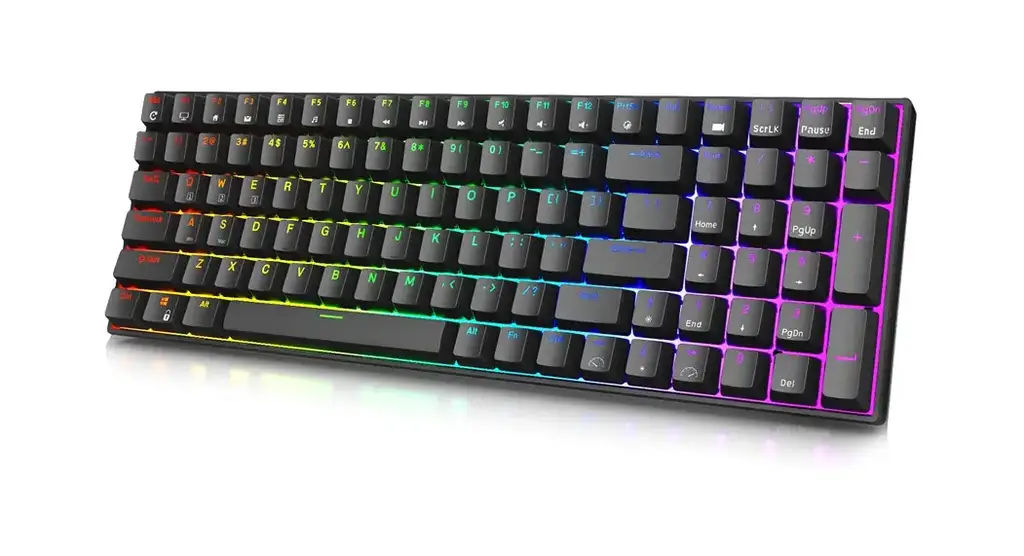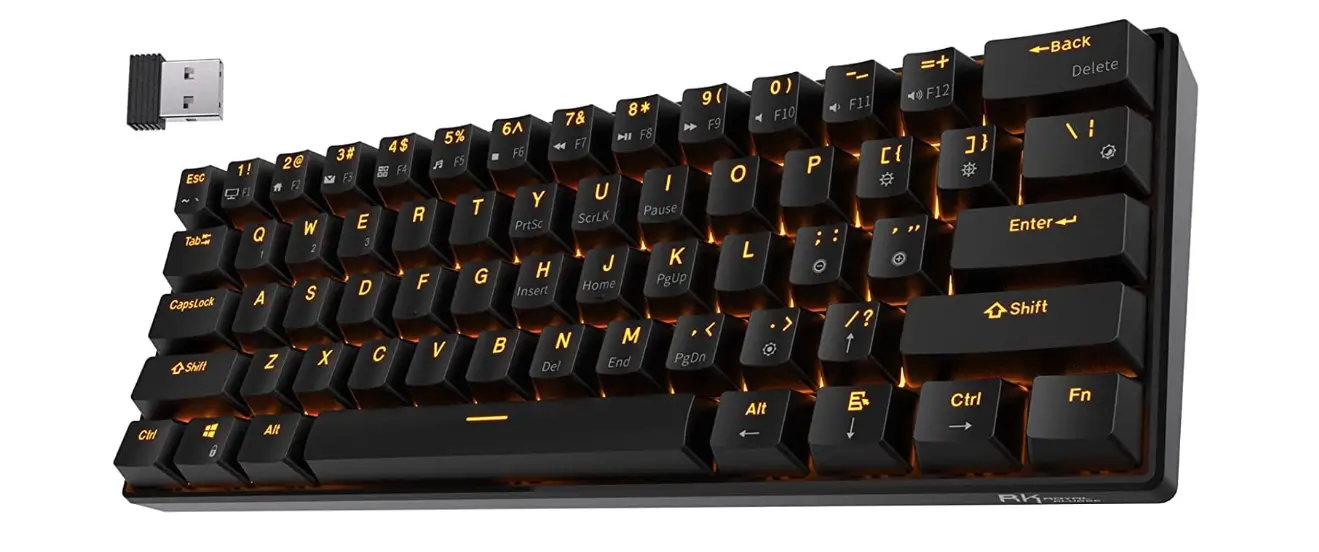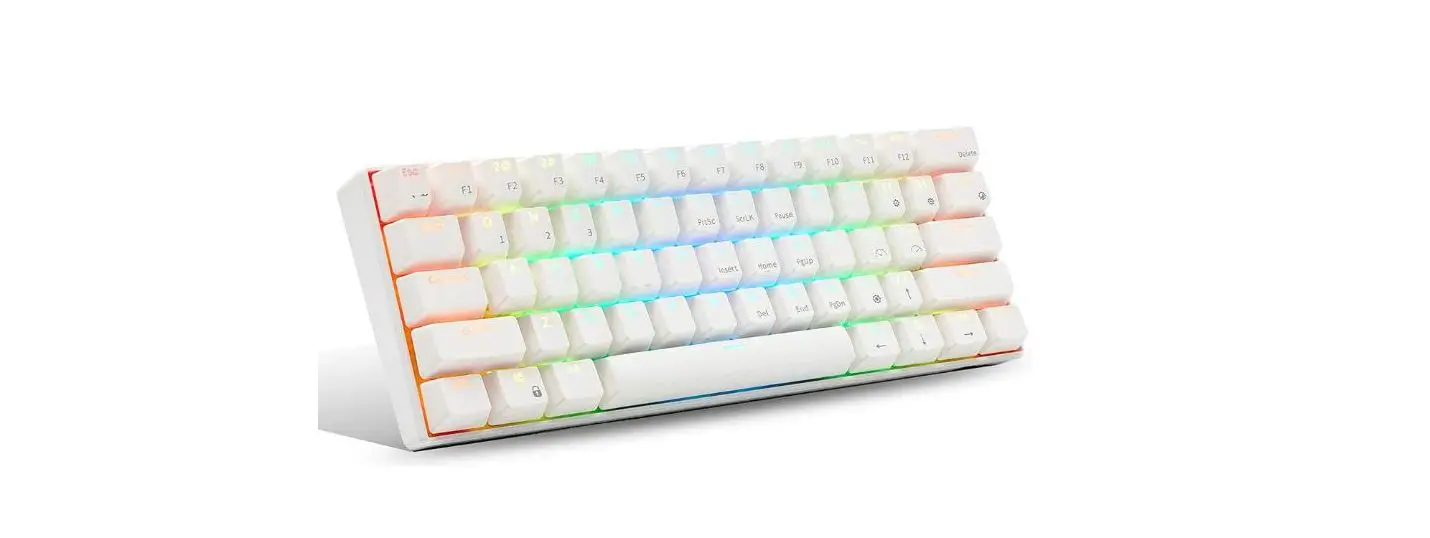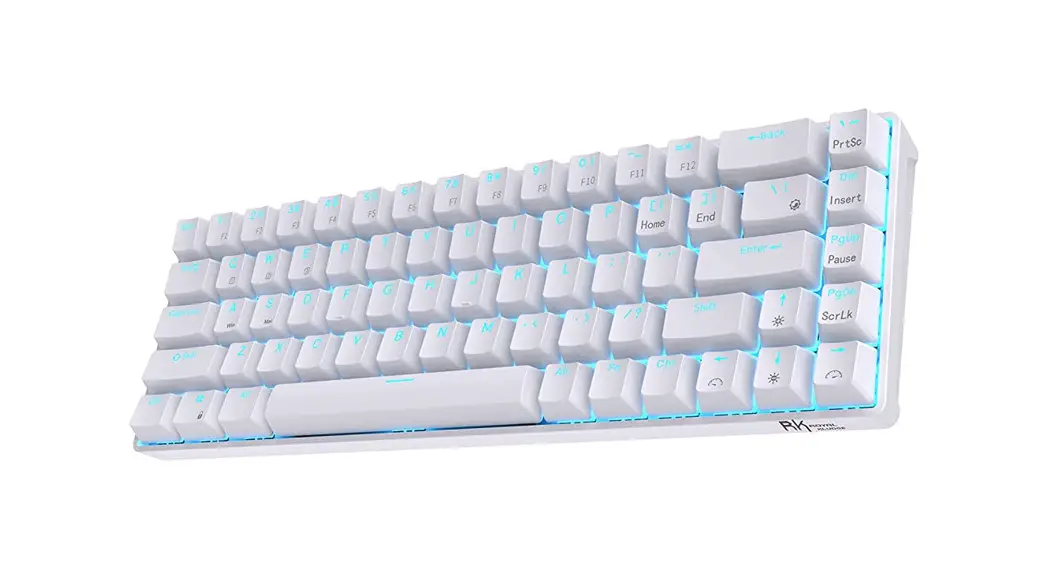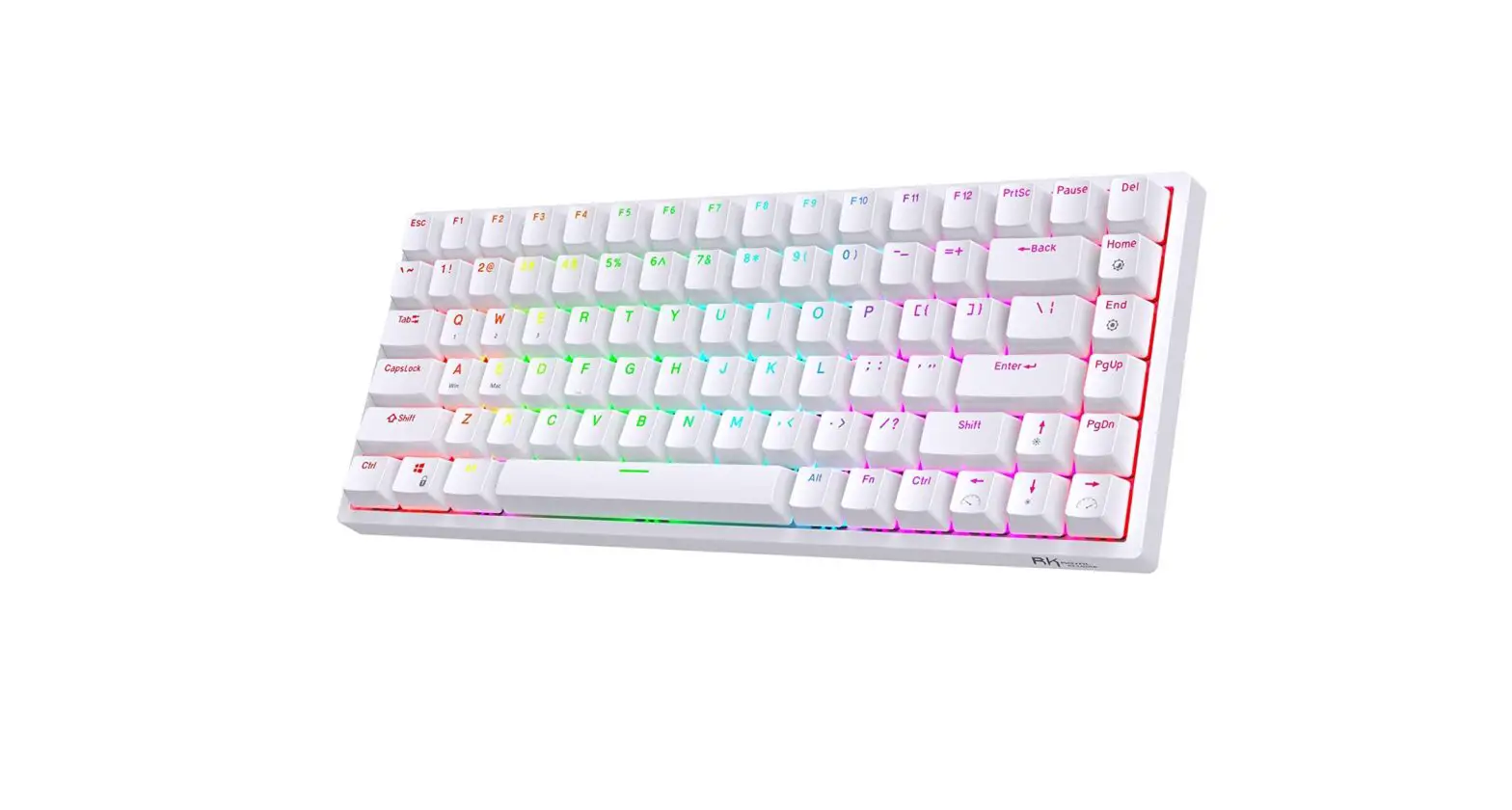
ROYAL KLUDGE RK84 Mechanical Wireless Keyboard User Manual
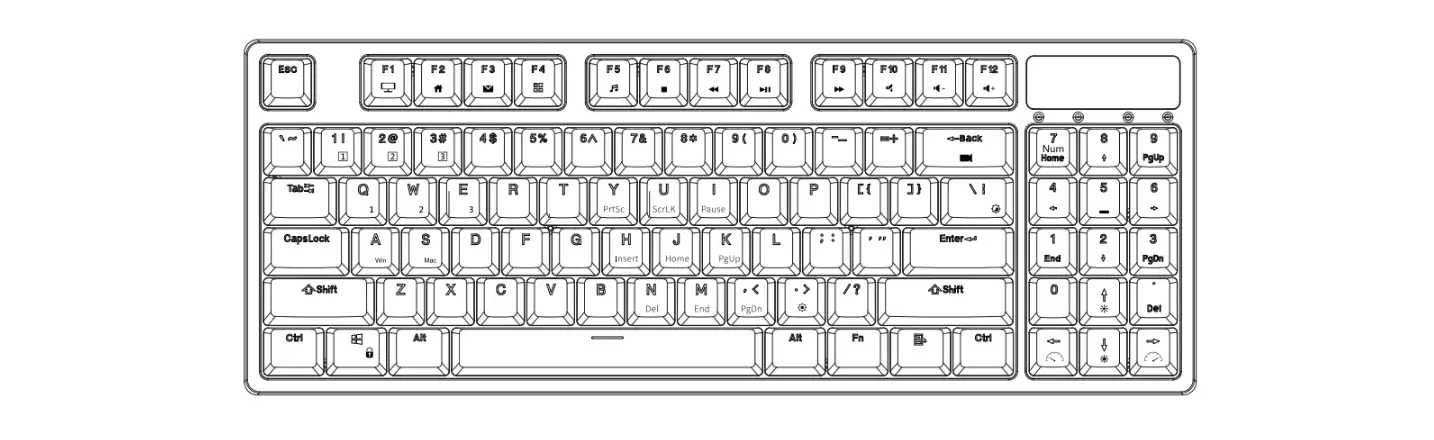
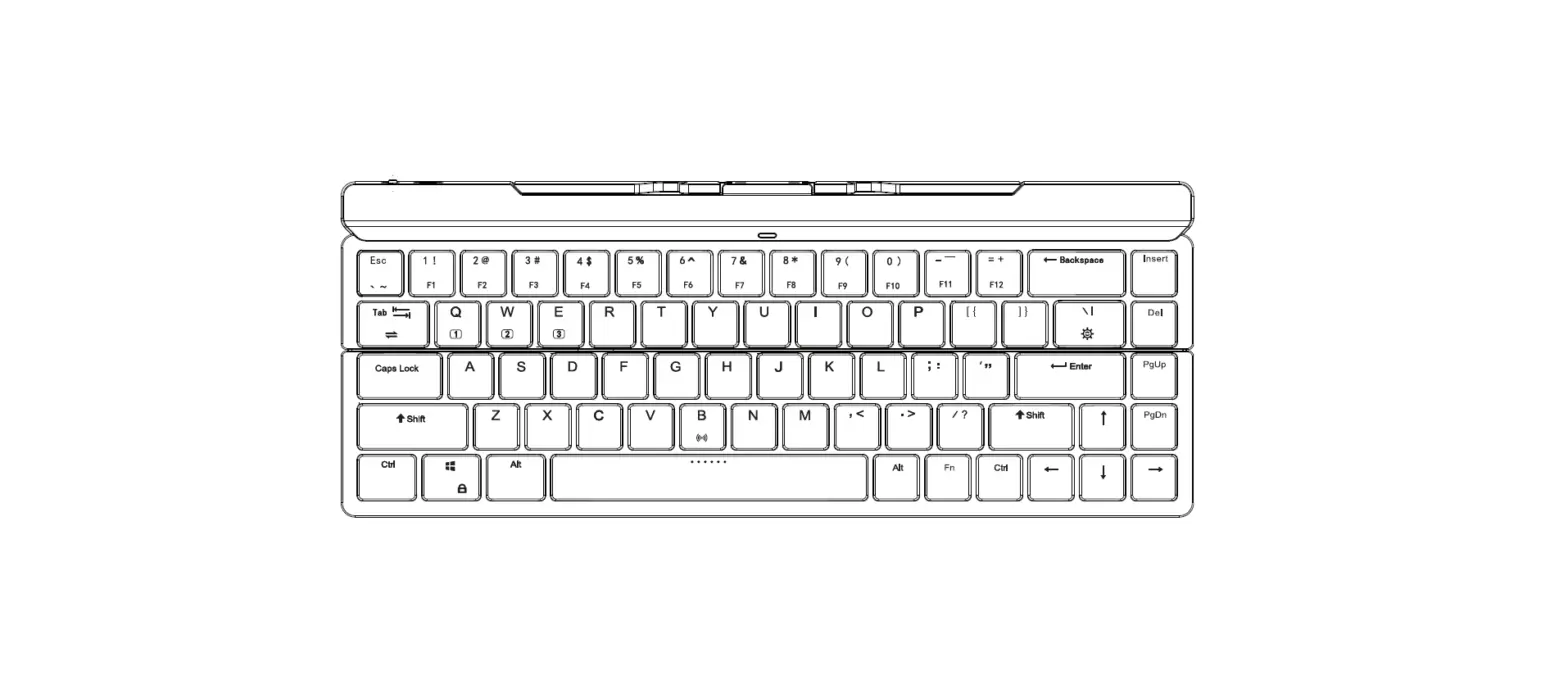
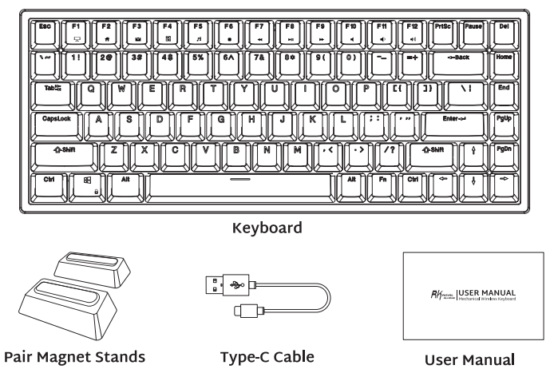
PRODUCT BASIC
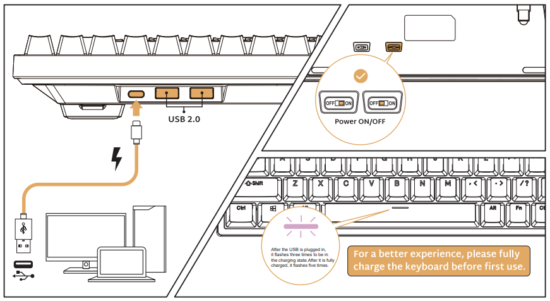
WIRED MODE & CHARGING
HOW TO USE
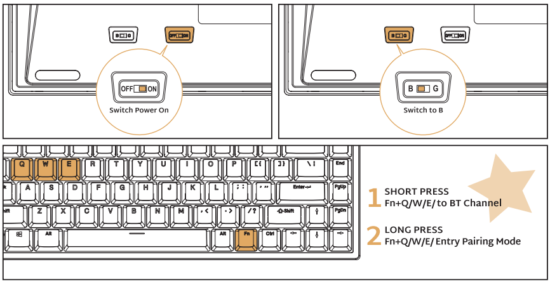
BT Connection
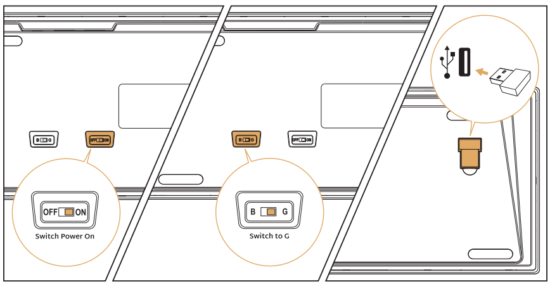
2.4Ghz
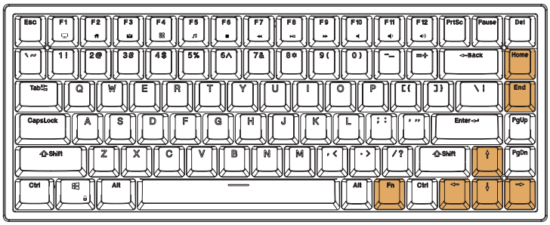
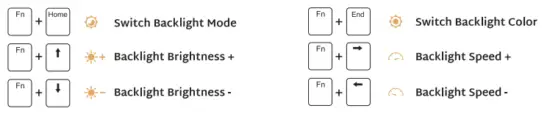
BACKLIGHT CONTROL
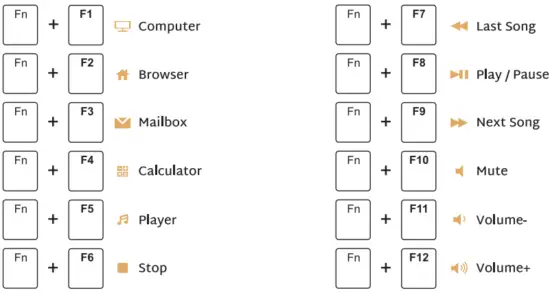
MULTIMEDIA KEY FOR WINDOWS
Windows System FN+ A Switch to Window System
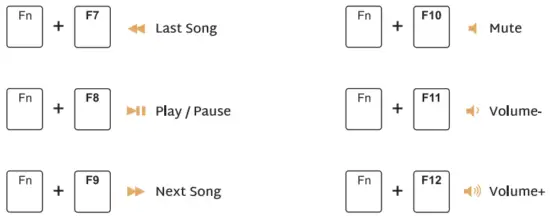
MULTIMEDIA KEY FOR MAC
MAC System FN+ S Switch to MAC System
SYSTEM REQUIREMENTS
BT Mode
- Device With Bluetooth 3.0 or later
- PC: Windows 7 or Later
- Mac: macOS X 10.6 Snow Leopard or Later
- i0S: All iPads/iPhone 5 or Later
- Android: 5.0 I rirrop or Later
Wired/2.4Ghz Mode
- Computer with Available USB port
- PC: Windows 7 or Later
- Mac: macOS X 10.6 Snow Leopard or Later
In wireless state, the backlight will not be operated for 5 minutes to sleep. In wired mode, the backlight goes into sleep aXer 5 minutes without operation.
Have an issue with one of our RK products?
Feel free to contact us with any product issues or questions. we will reply as quickly as possible to ensure all your needs are handled. Please contact the seller