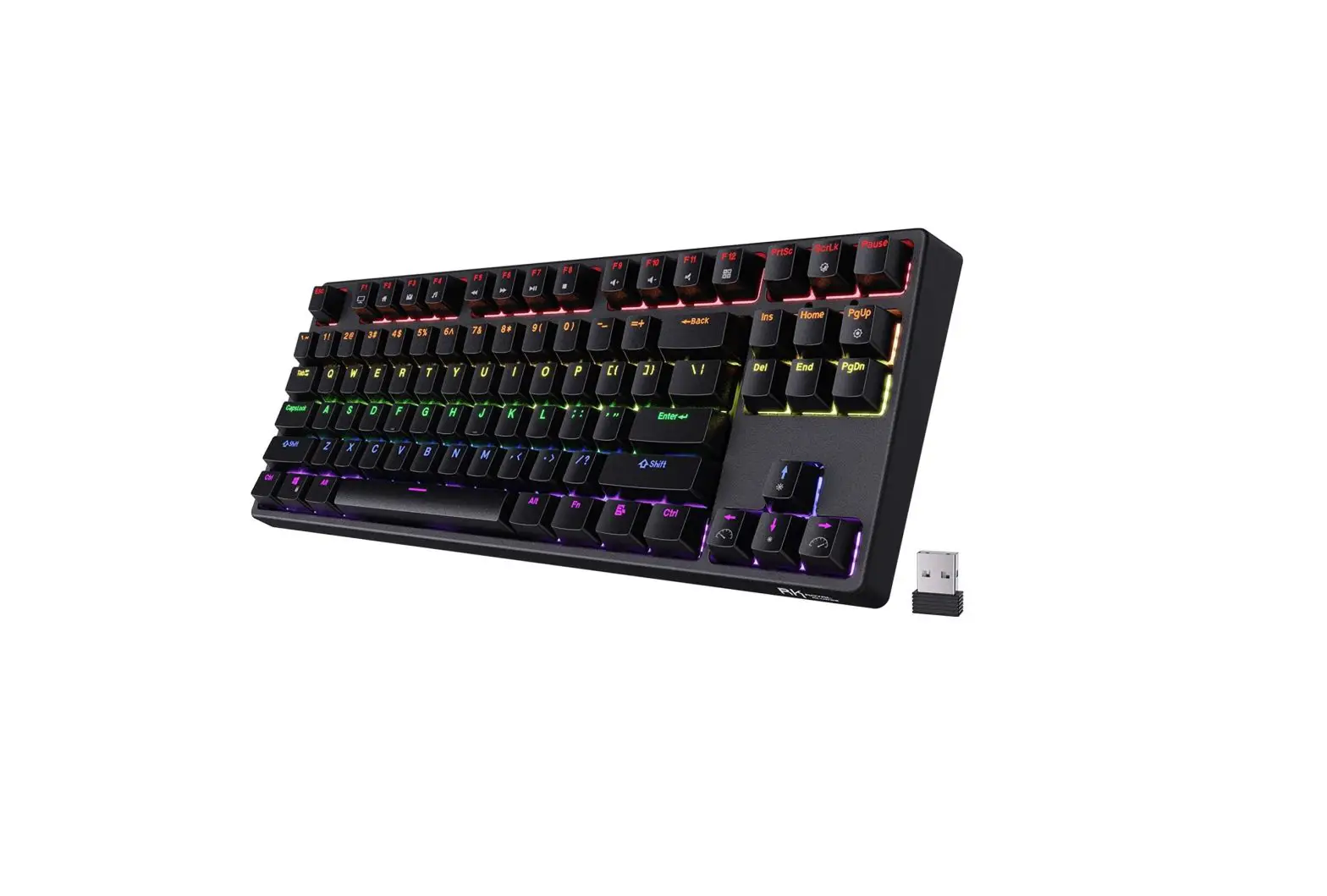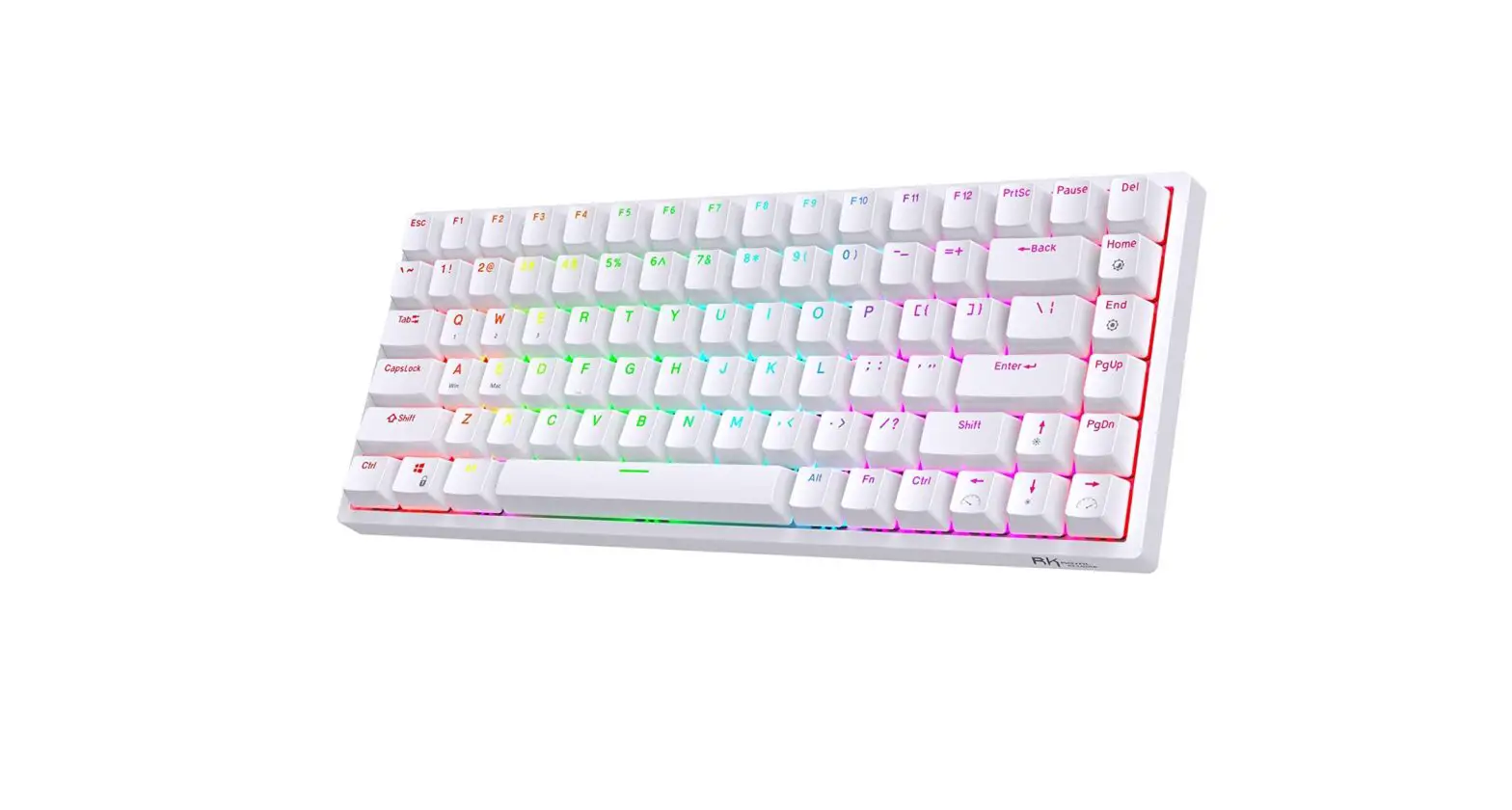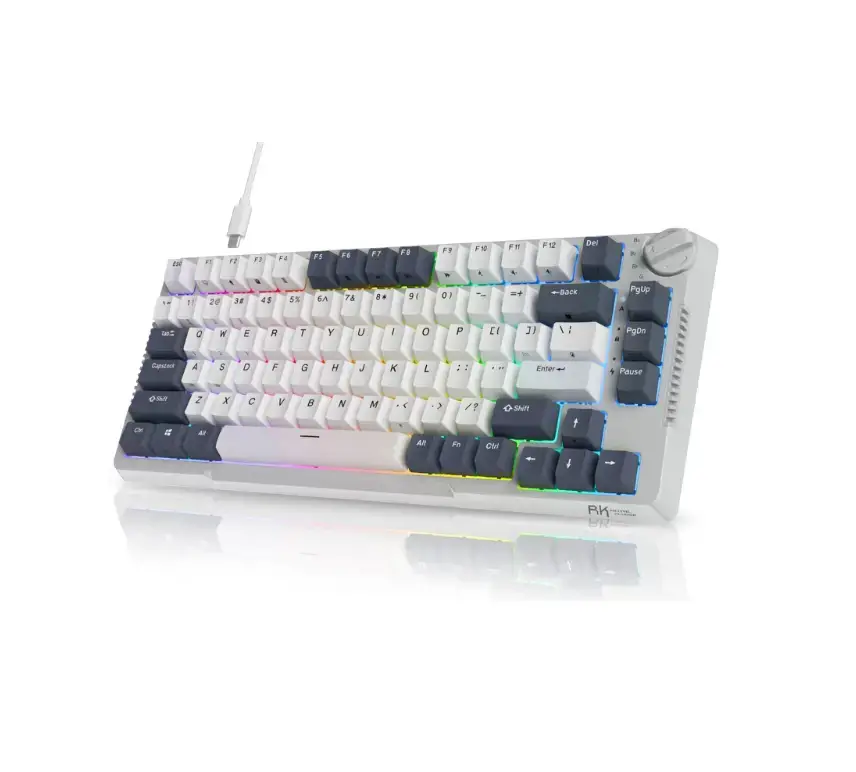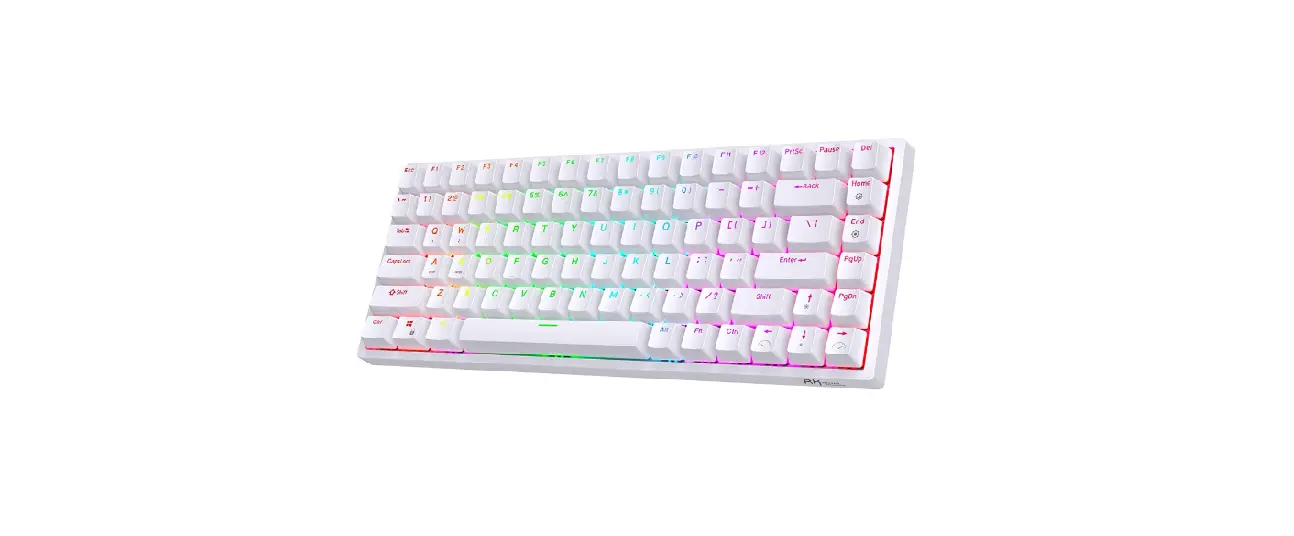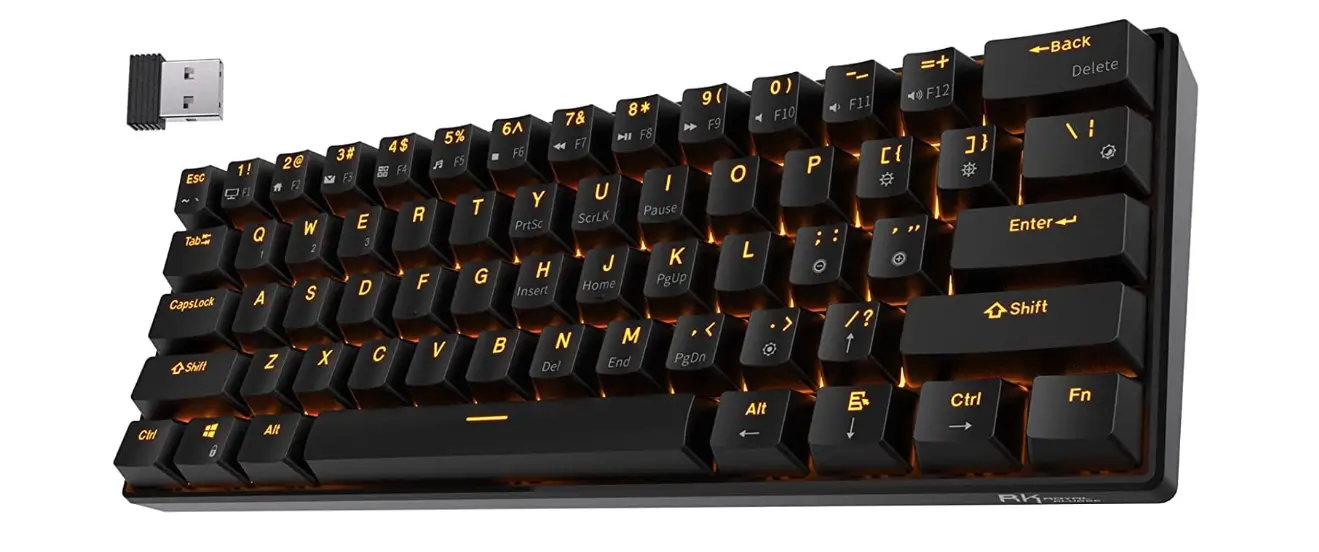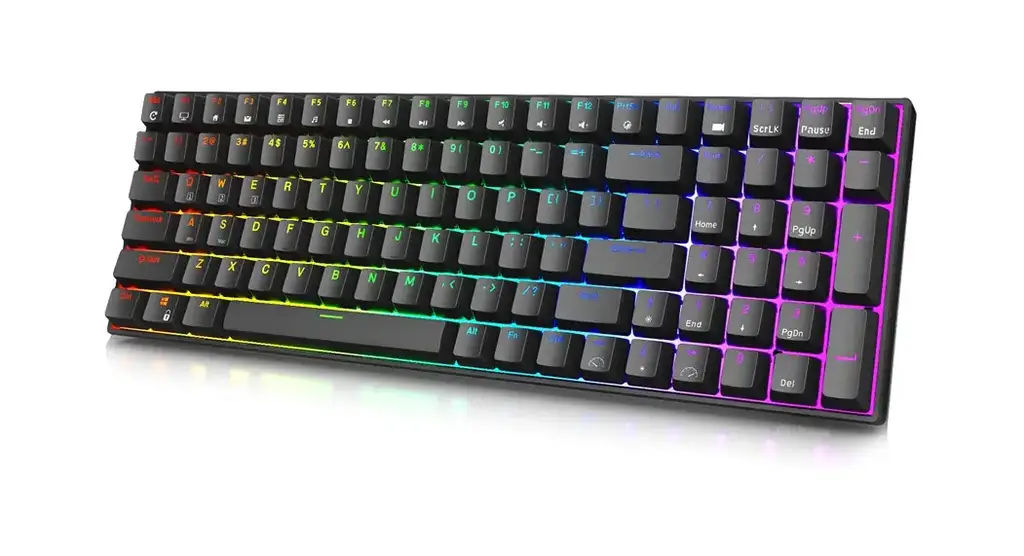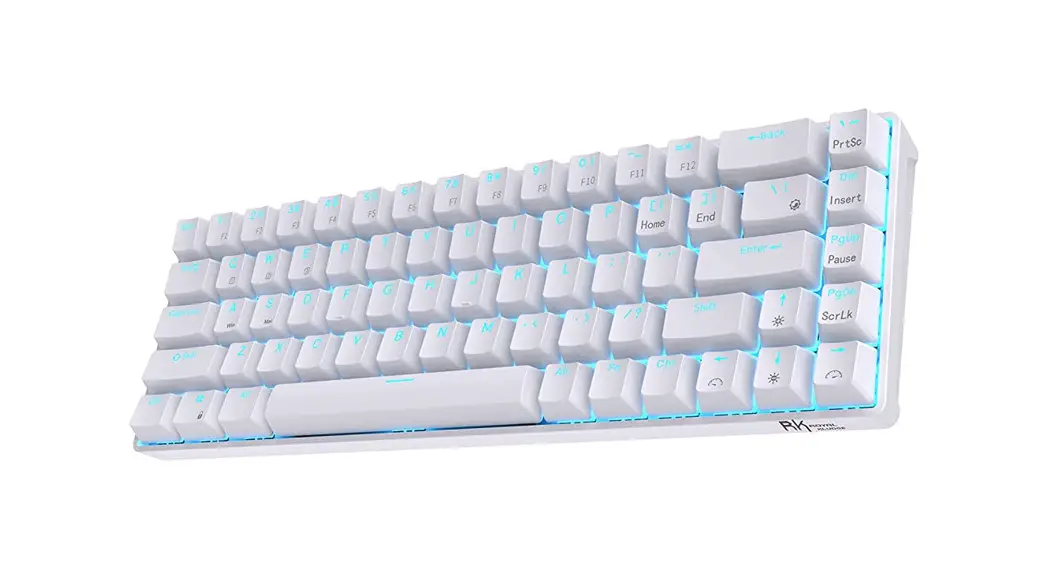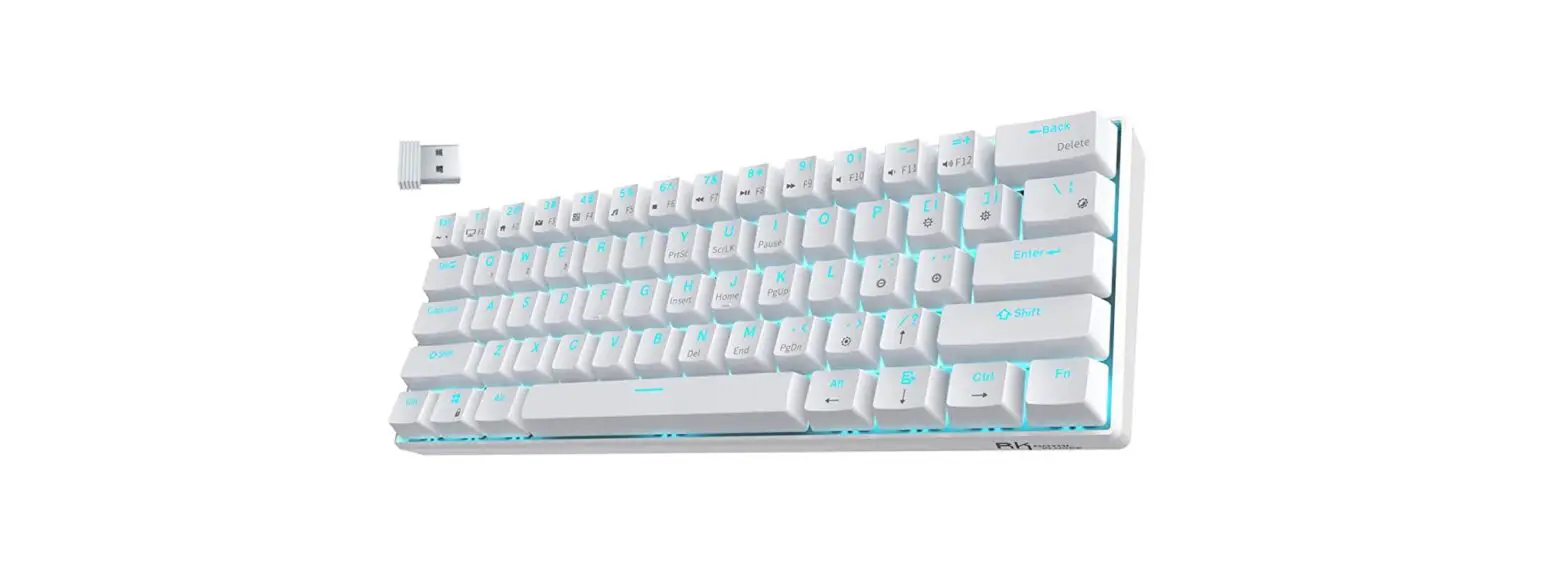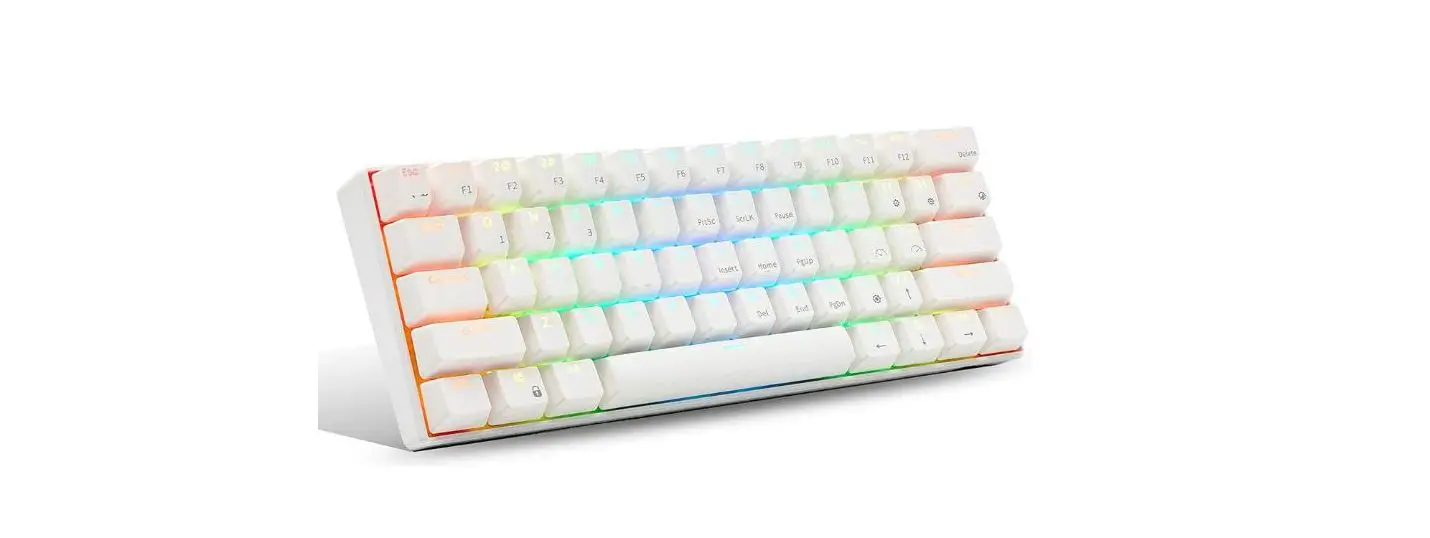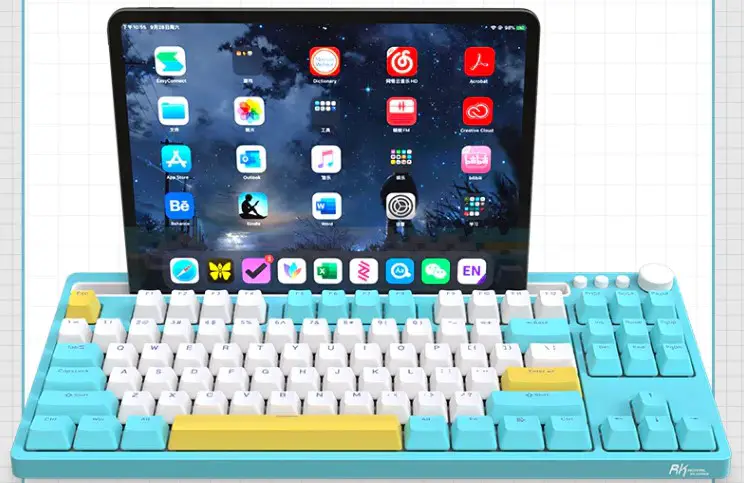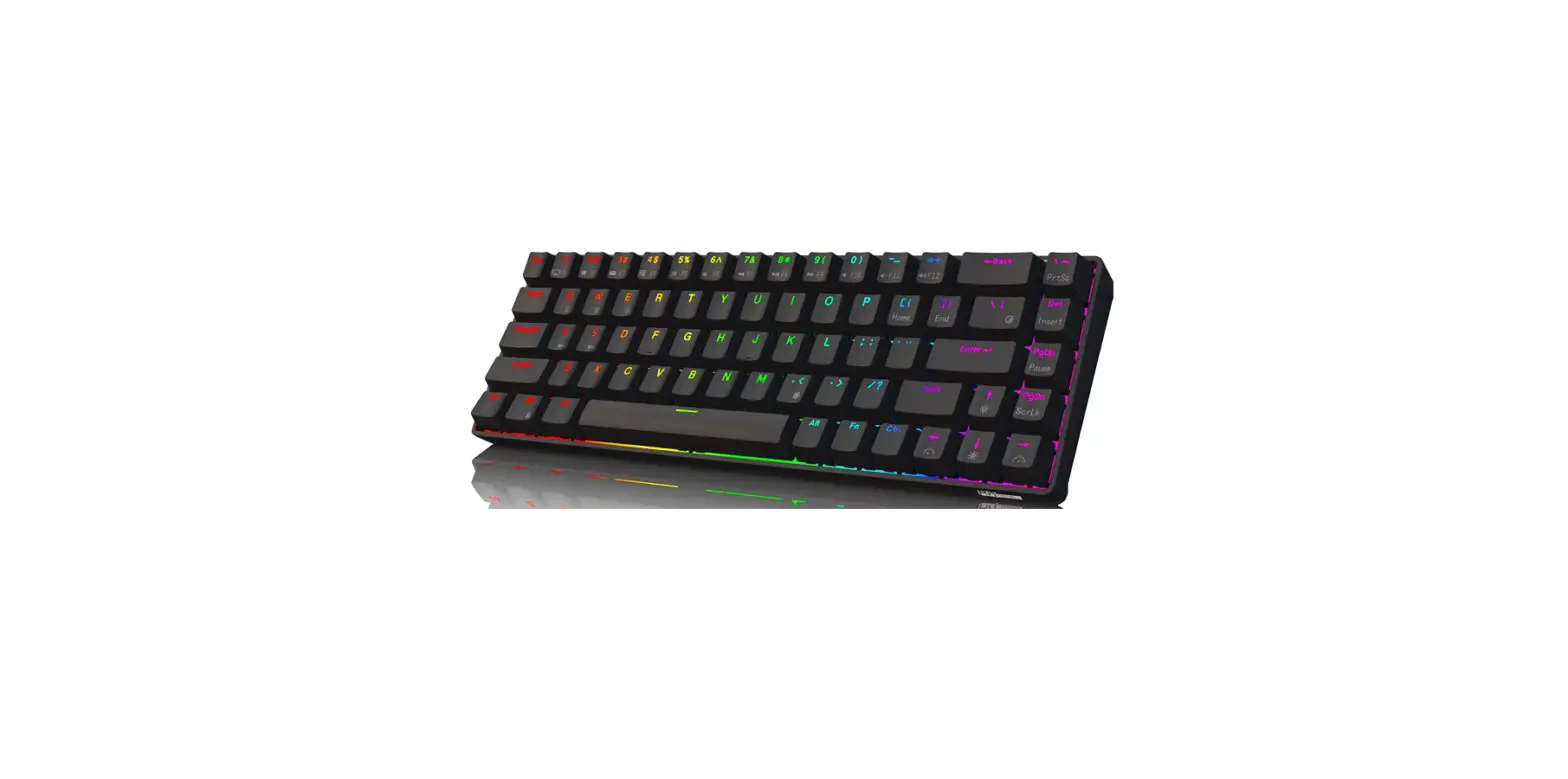

Royal Kludge Rk68 Mechanical Wireless Keyboard User Manual

Royal Kludge Rk68 Mechanical Wireless Keyboard User Manual

ROYAL-KLUDGE-RK68-Mechanical-Wireless-Keyboard-LOGO

ROYAL KLUDGE RK68 Mechanical Wireless Keyboard
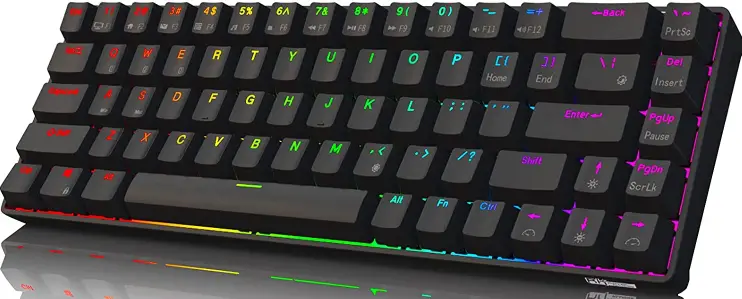
ROYAL-KLUDGE-RK68-Mechanical-Wireless-Keyboard-PRO

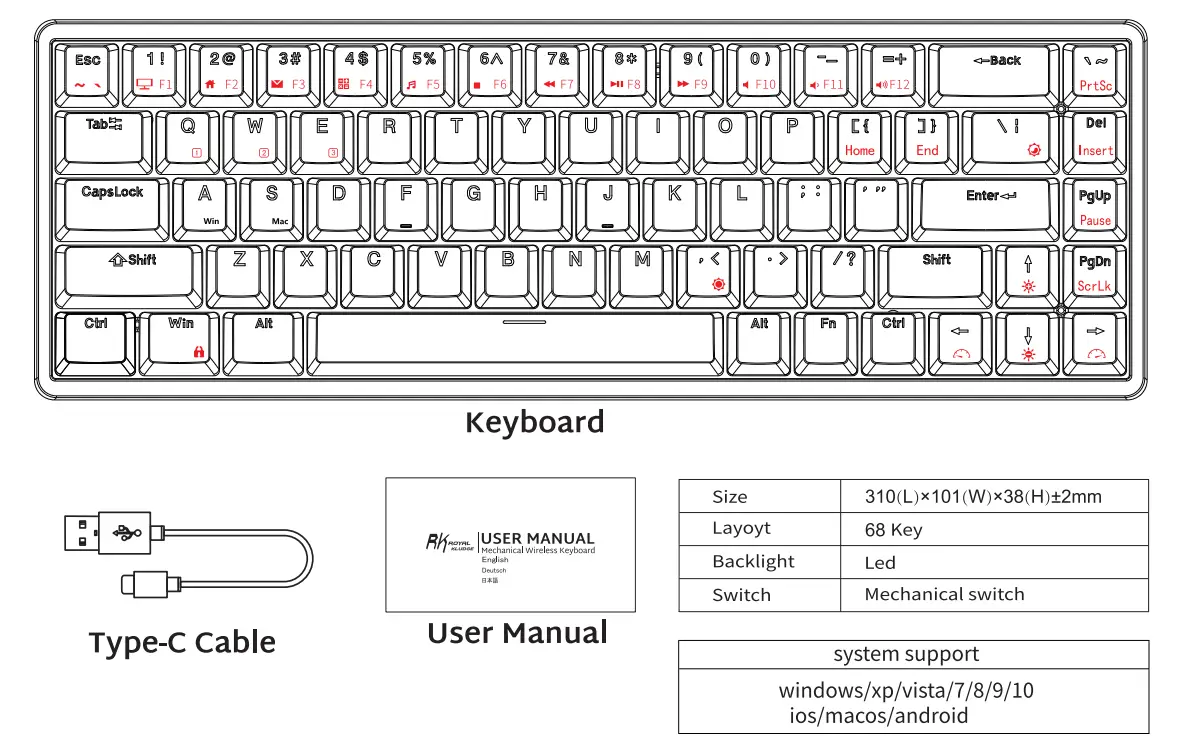
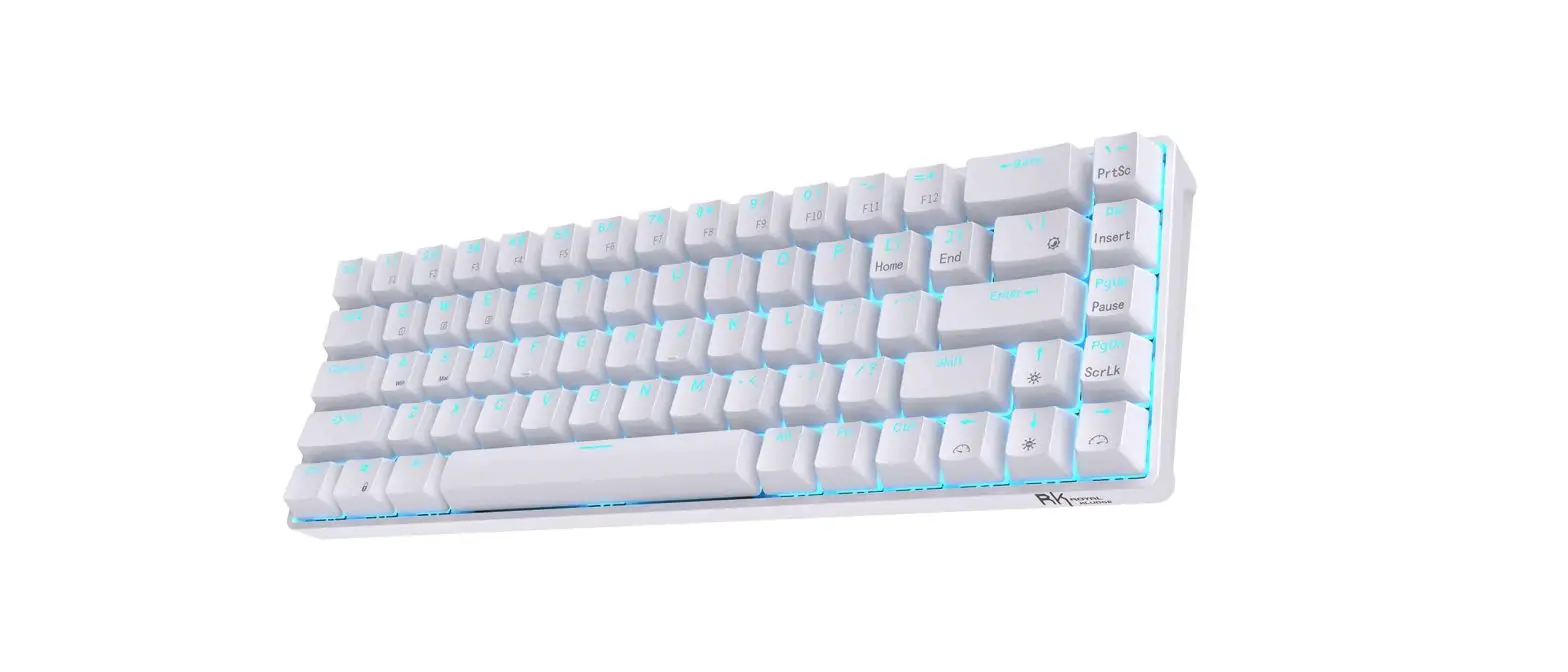
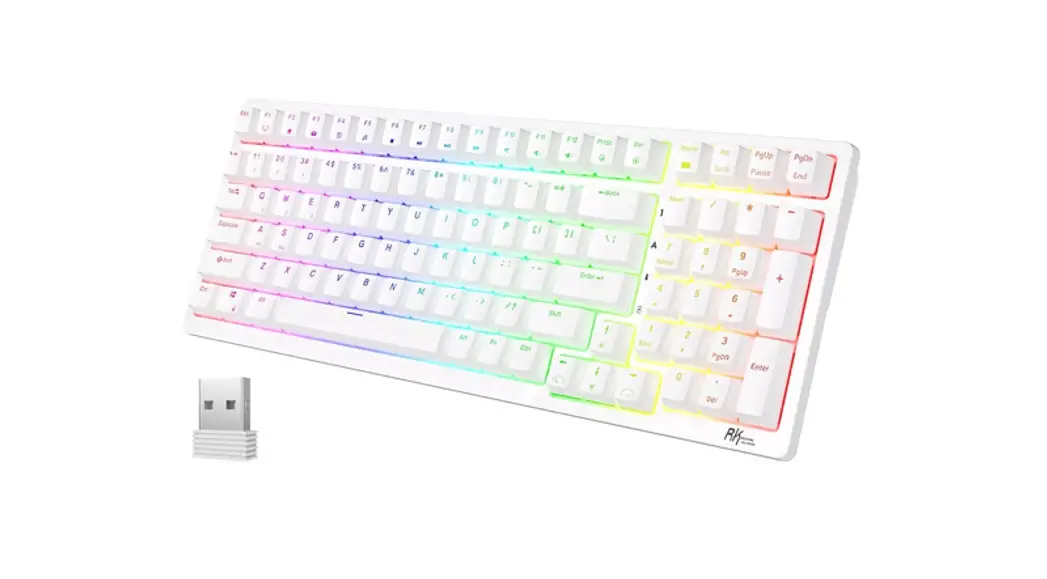
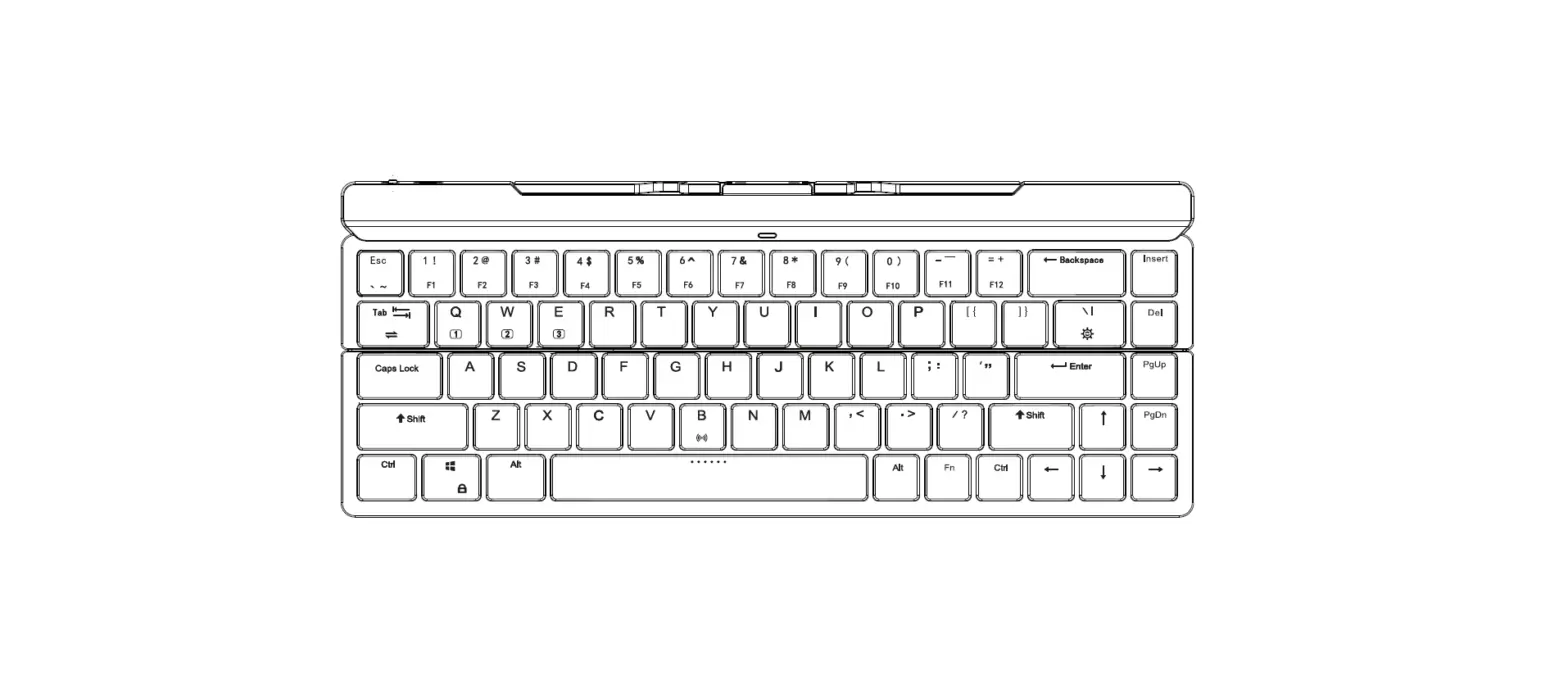
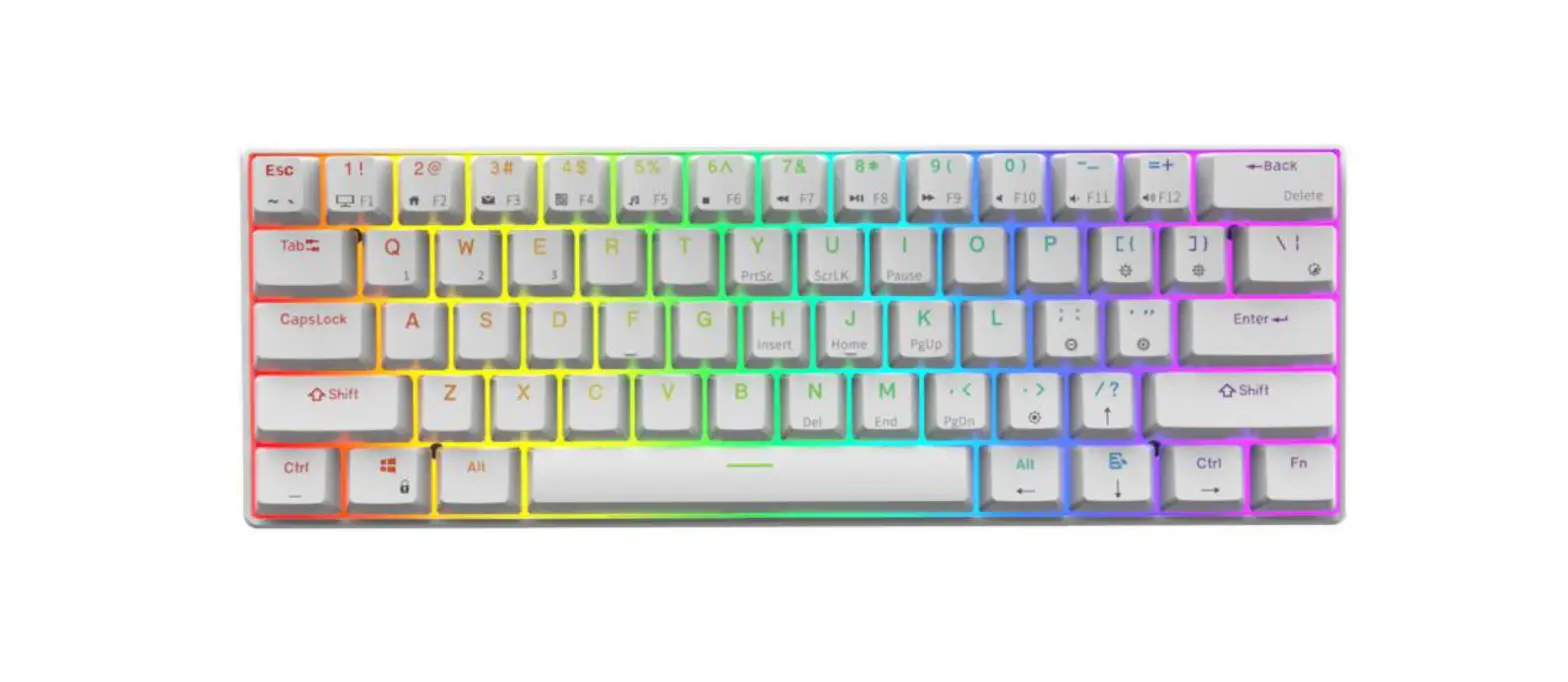
PRODUCT BASICROYAL-KLUDGE-RK68-Mechanical-Wireless-Keyboard-1

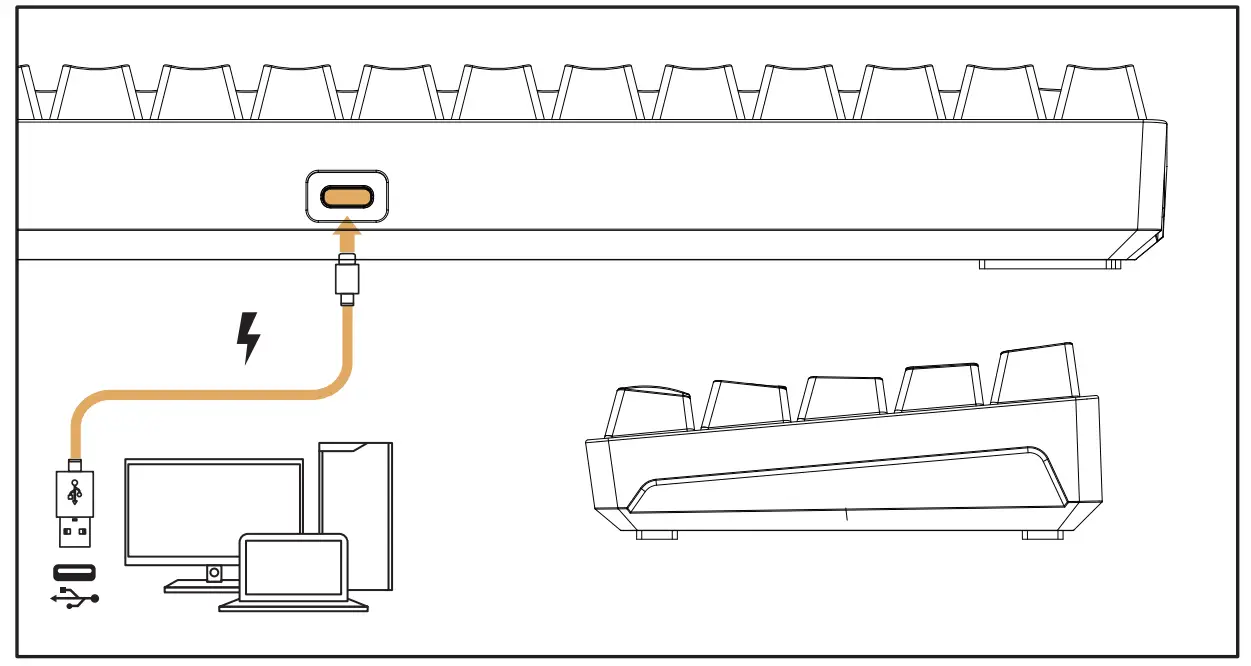
WIRED MODEROYAL-KLUDGE-RK68-Mechanical-Wireless-Keyboard-2

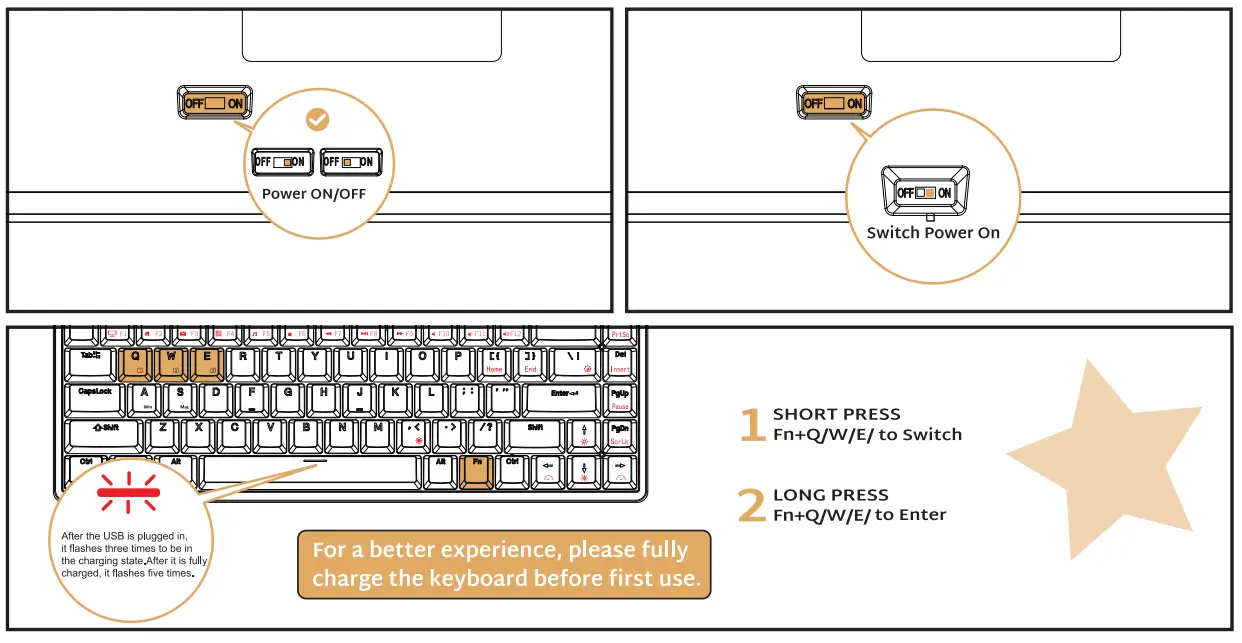
WIRELESS MODES & CHARGING

BT Connection (BT function keyboard only)ROYAL-KLUDGE-RK68-Mechanical-Wireless-Keyboard-3
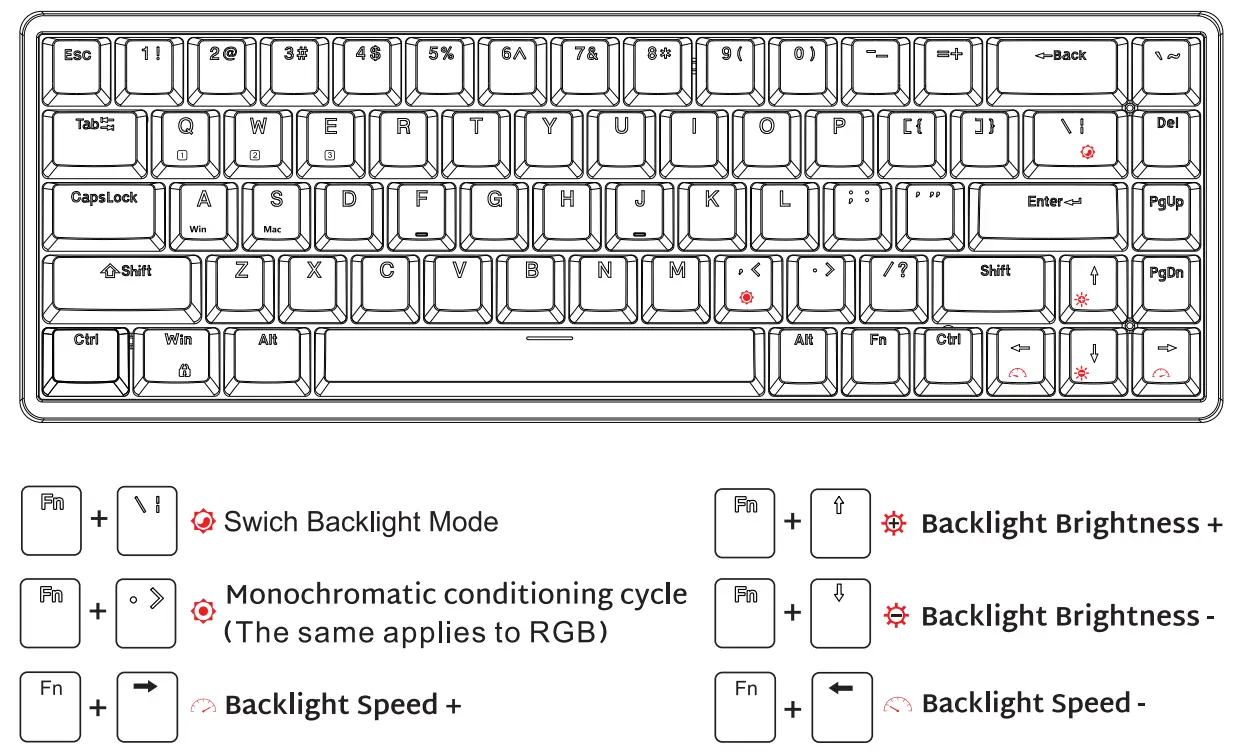
BACKLIGHT CONTROLROYAL-KLUDGE-RK68-Mechanical-Wireless-Keyboard-4

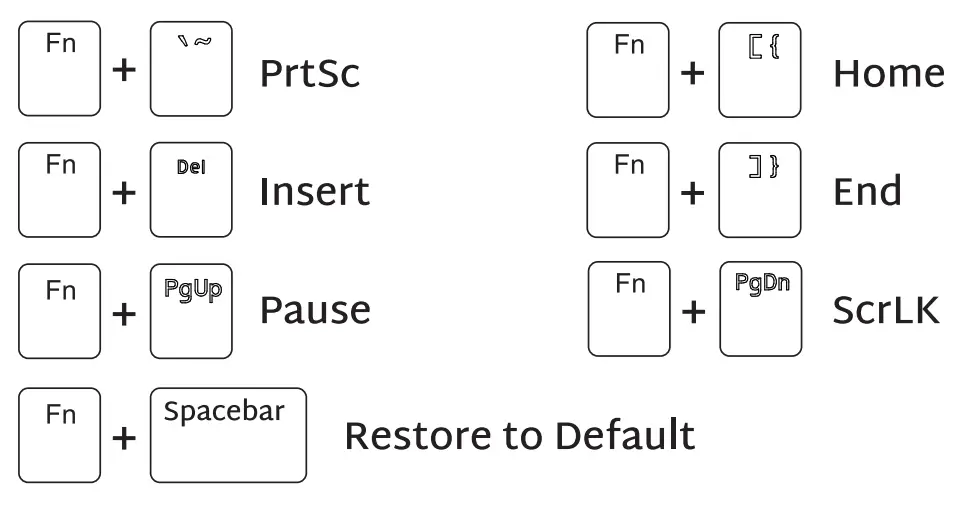
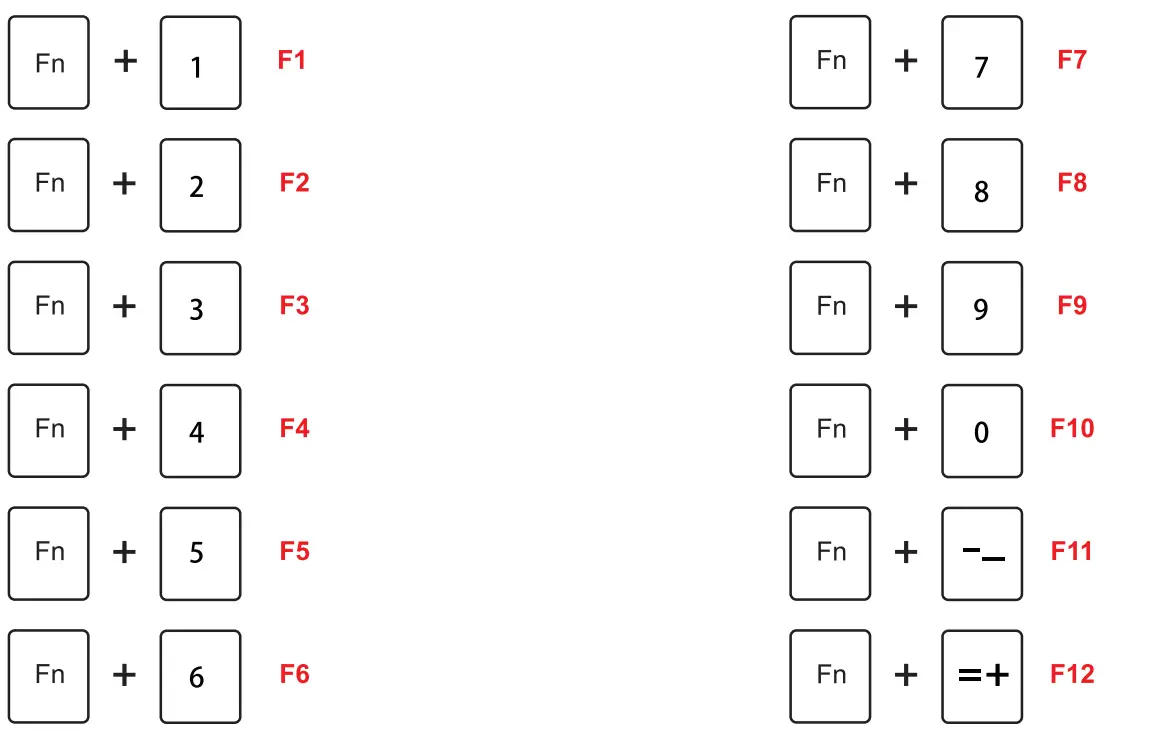
SPECIAL FUNCTION KEYSROYAL-KLUDGE-RK68-Mechanical-Wireless-Keyboard-5ROYAL-KLUDGE-RK68-Mechanical-Wireless-Keyboard-6

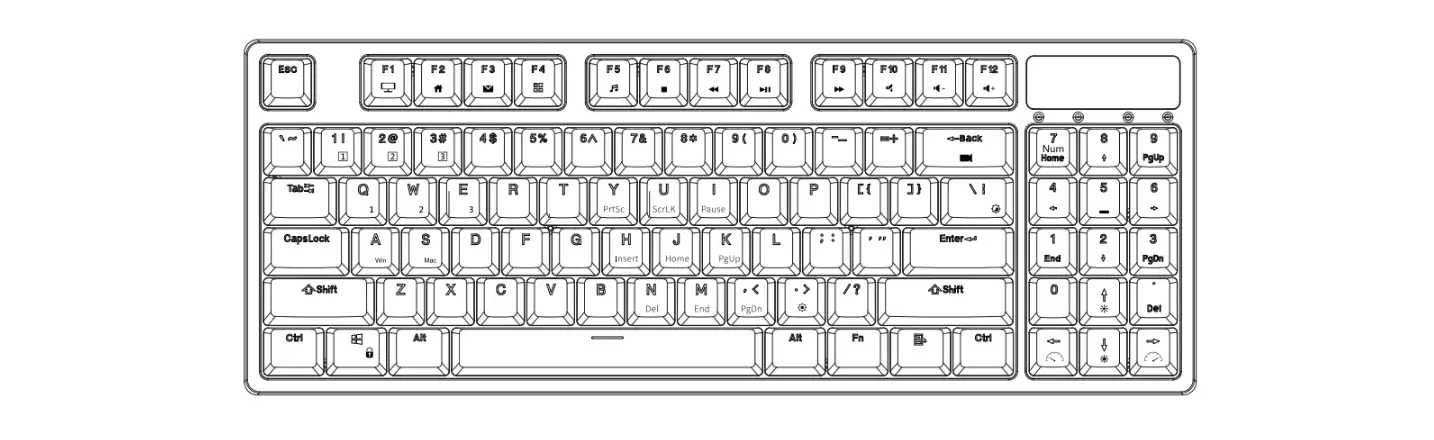
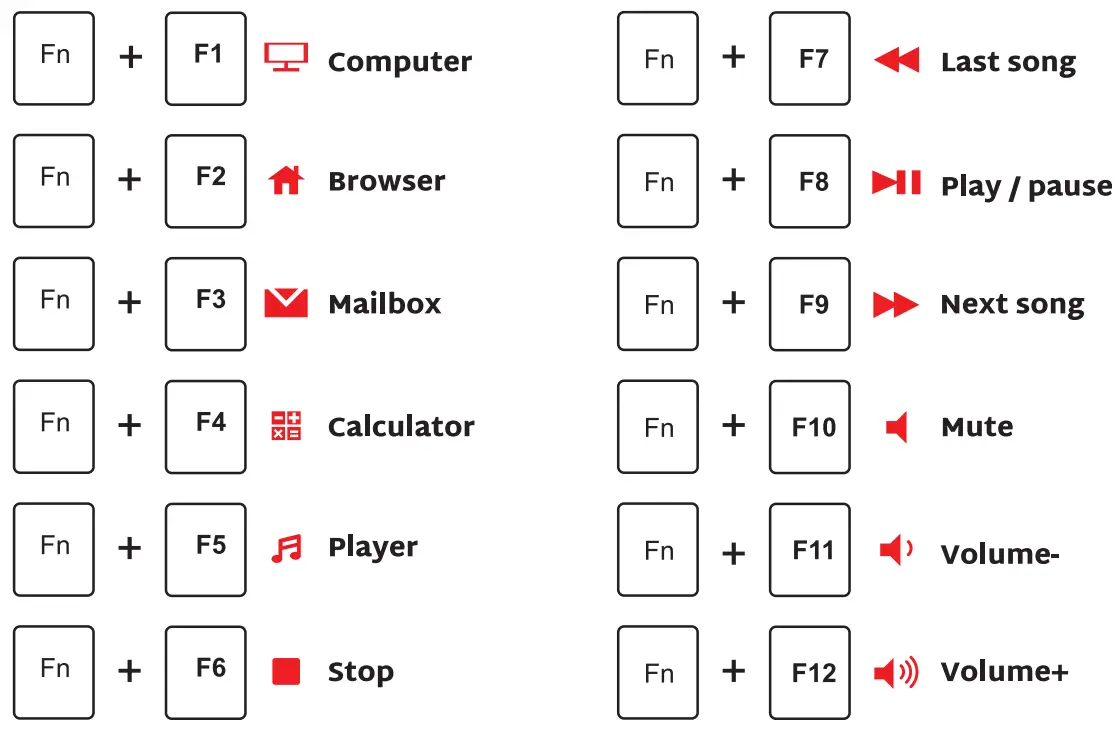
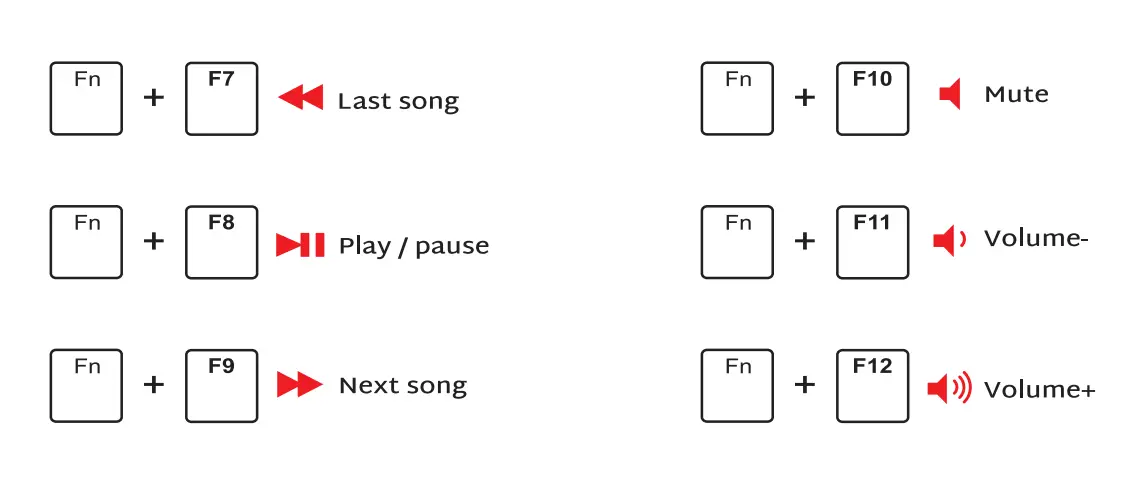
MULTIMEDIA KEY FOR WINDOWS

Windows System FN + A: Switch to Windows system FN+Left Ctrl (The primary key function and the second function of the composite key are interchanged)ROYAL-KLUDGE-RK68-Mechanical-Wireless-Keyboard-7
MULTIMEDIA KEY FOR MAC

MAC System FN + S: switch to MAC system FN+Left Ctrl (The primary key function and the second function of the composite key are interchanged)ROYAL-KLUDGE-RK68-Mechanical-Wireless-Keyboard-8
Documents / Resouces

Download manual
Here you can download full pdf version of manual, it may contain additional safety instructions, warranty information, FCC rules, etc.


Related Manuals