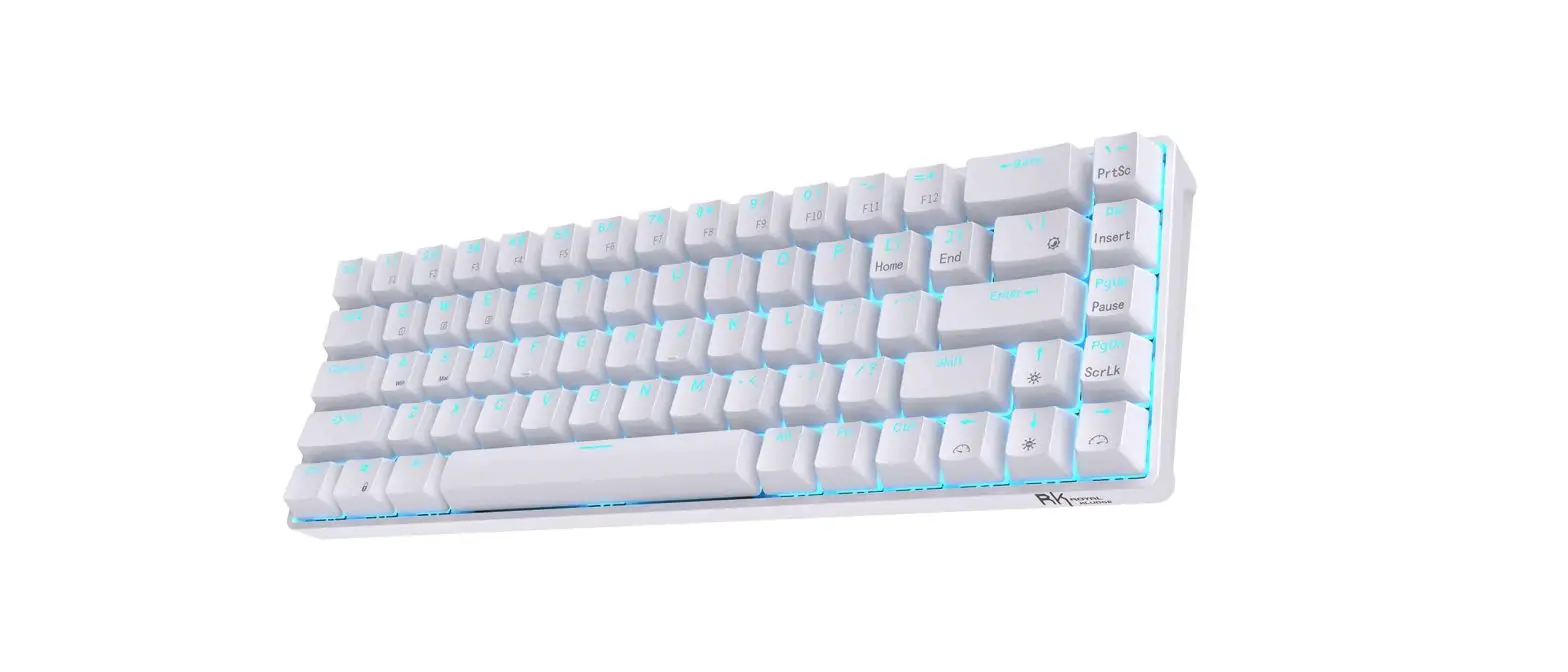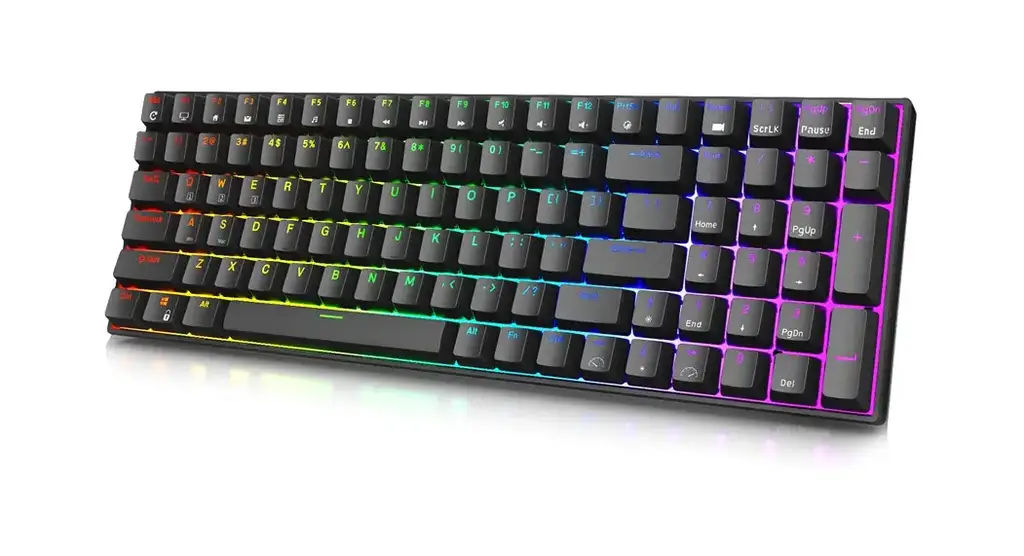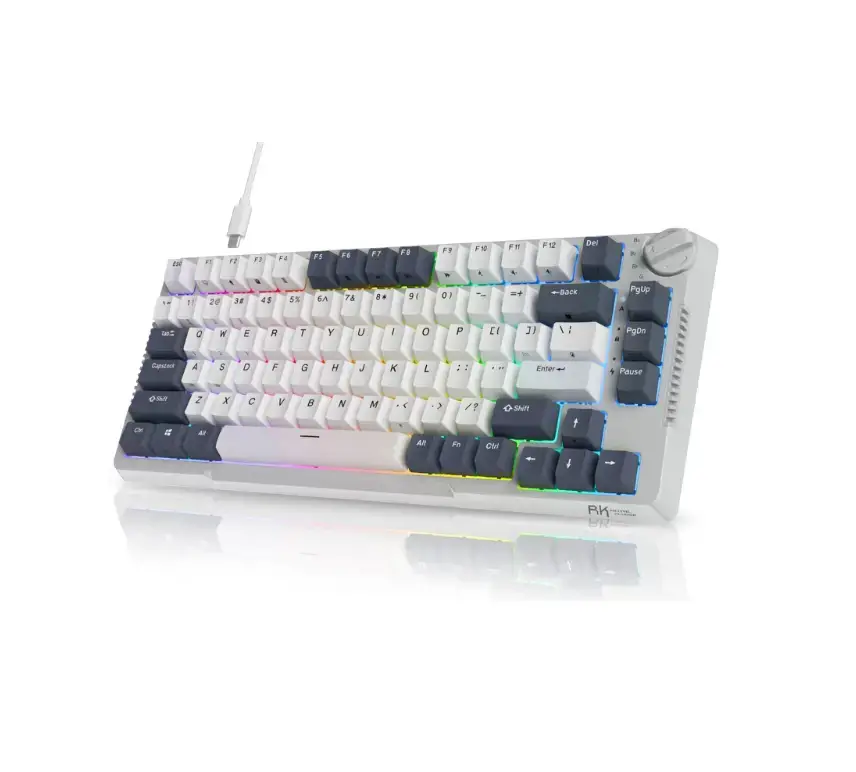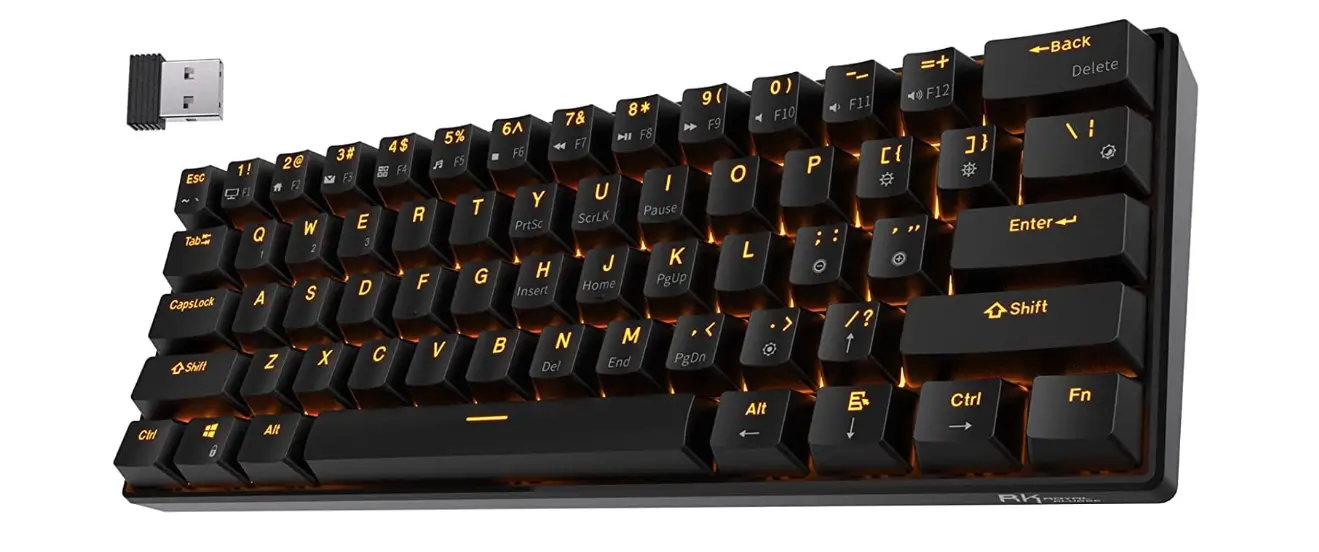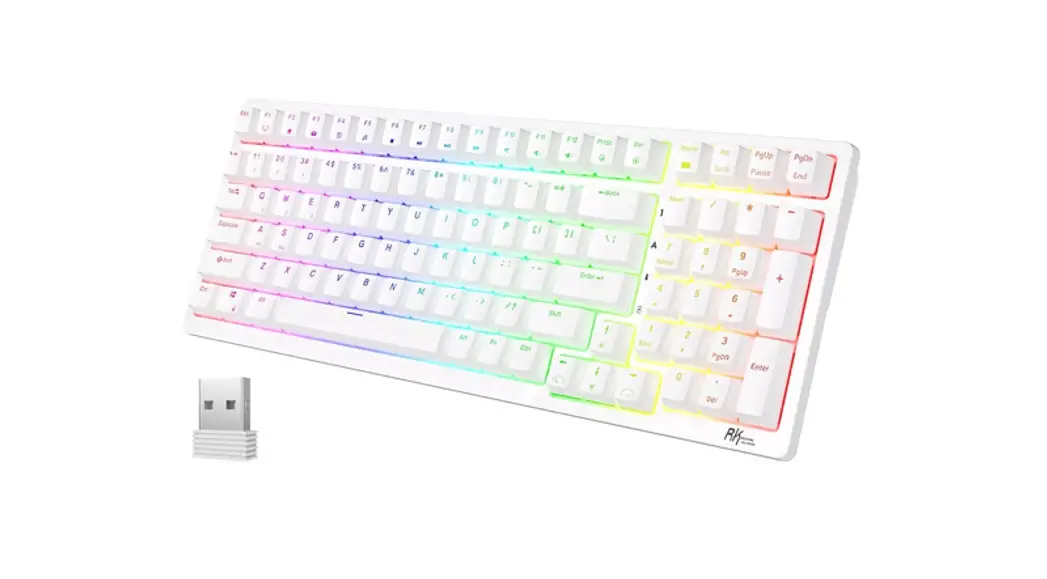

Royal Kludge Rk98 Mechanical Wireless Keyboard User Manual

Royal Kludge Rk98 Mechanical Wireless Keyboard User Manual

ROYAL KLUDGE logo

Mechanical Wireless Keyboard
User Manual

PRODUCT BASIC
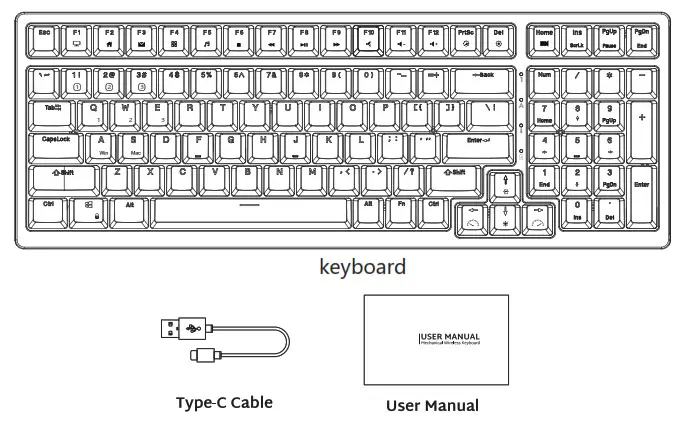
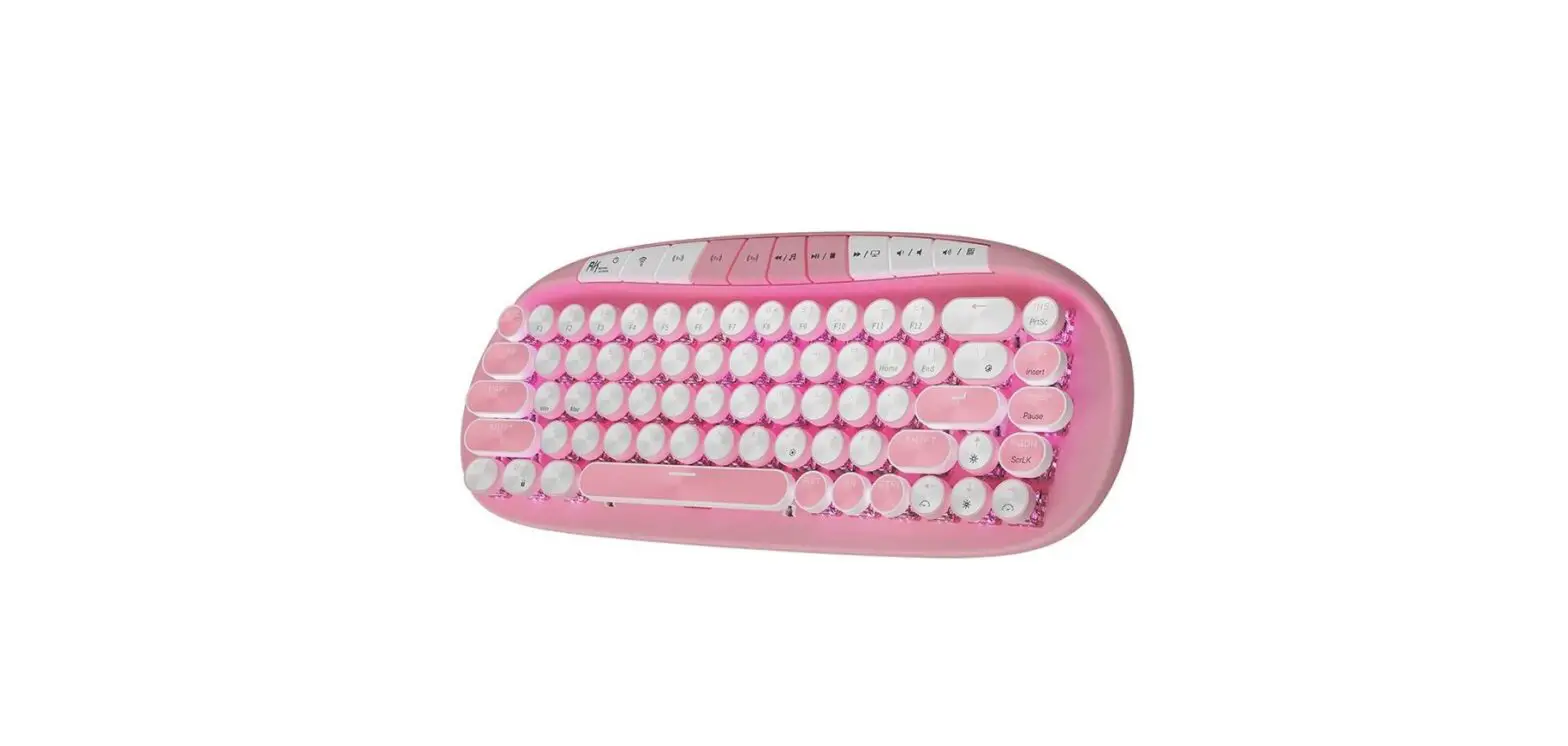
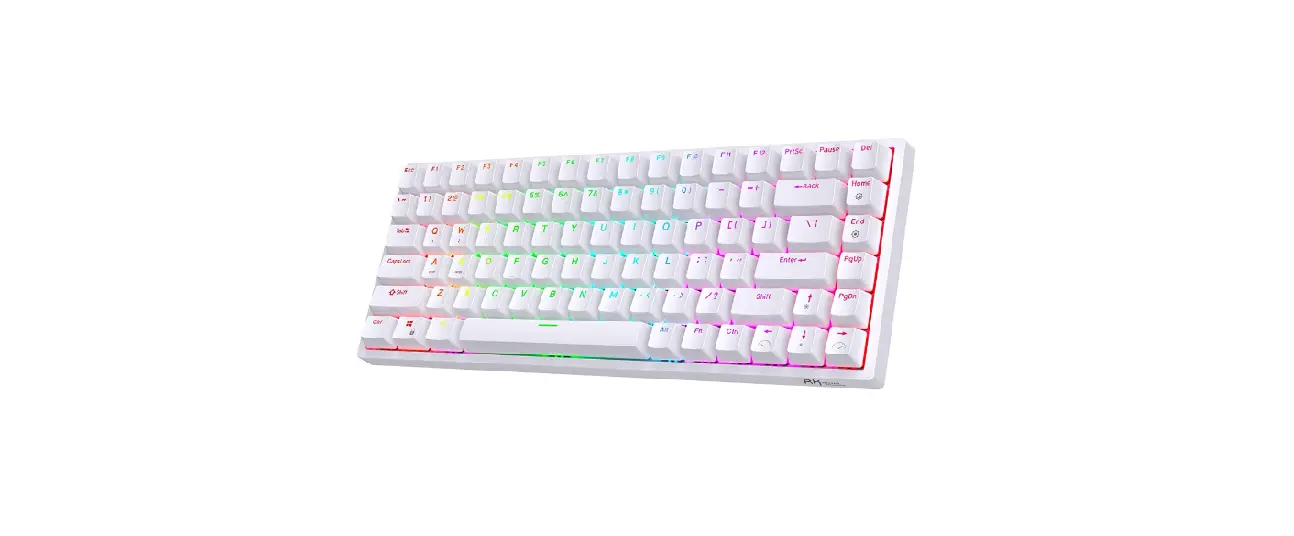
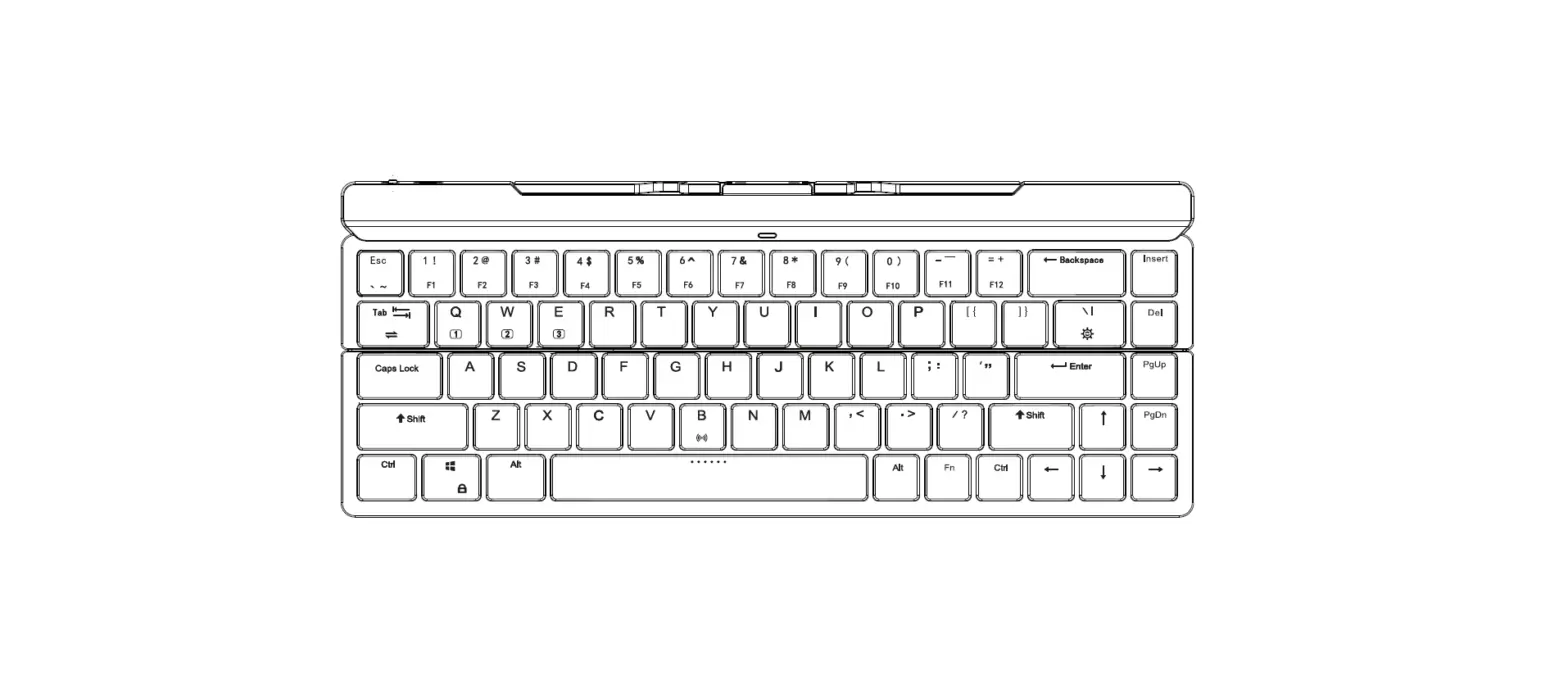
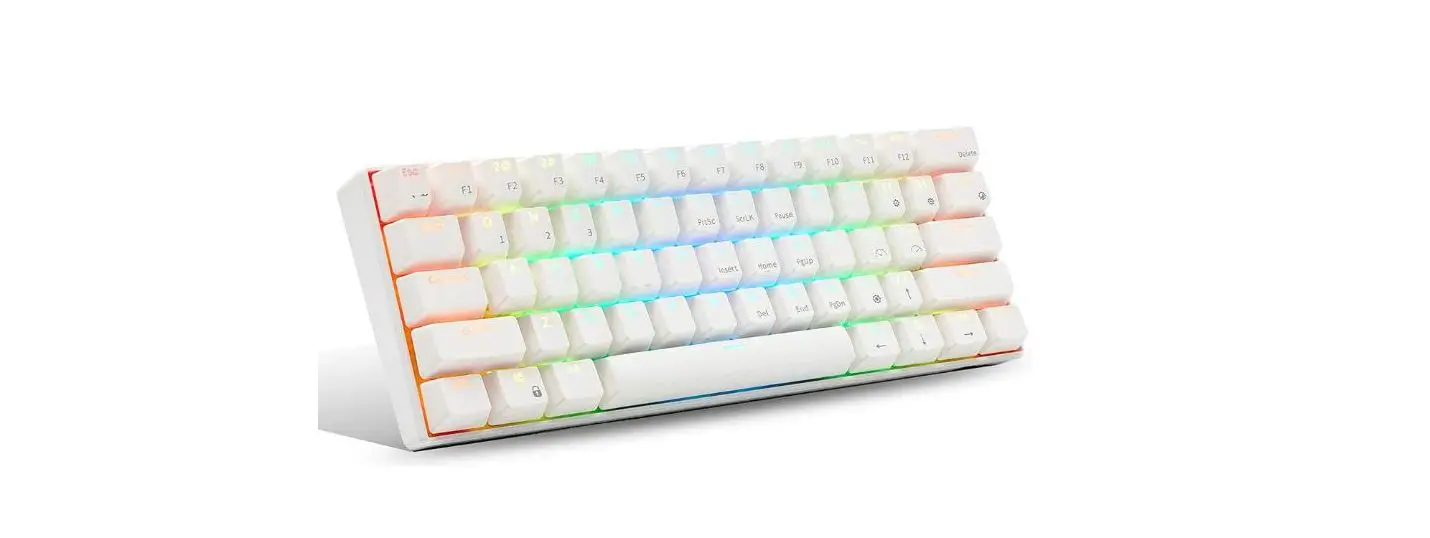
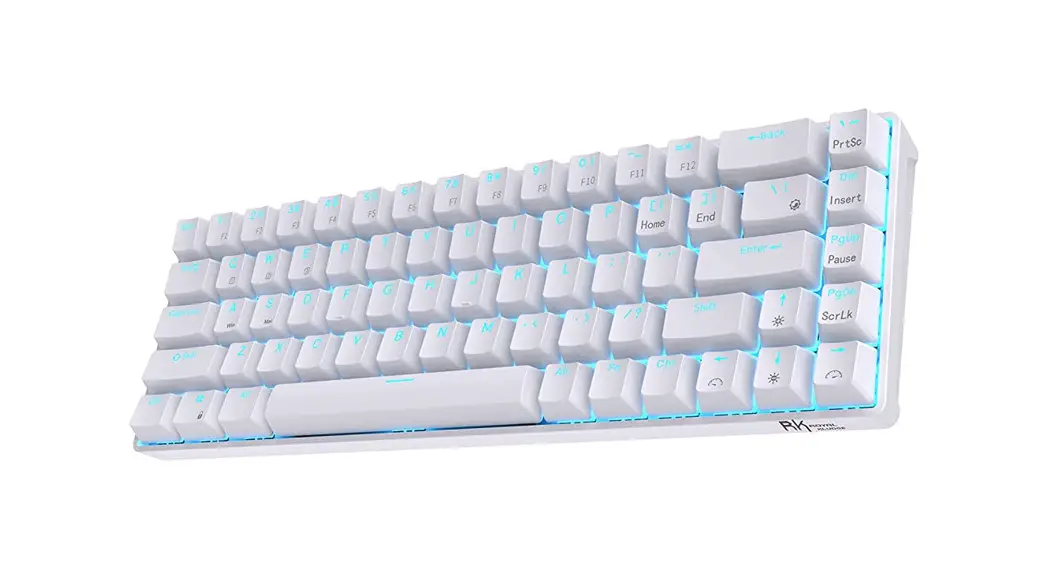
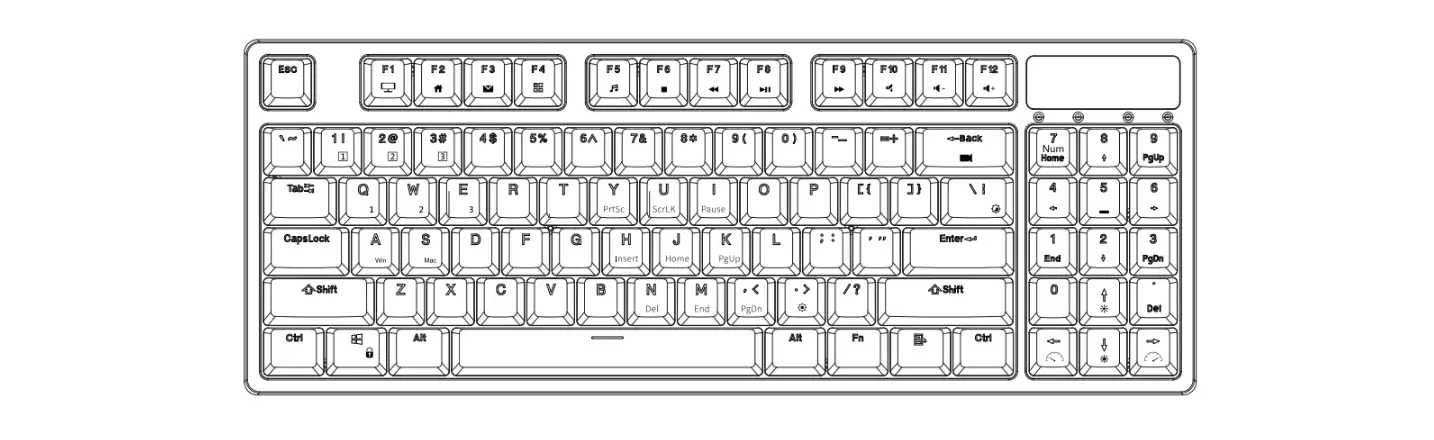
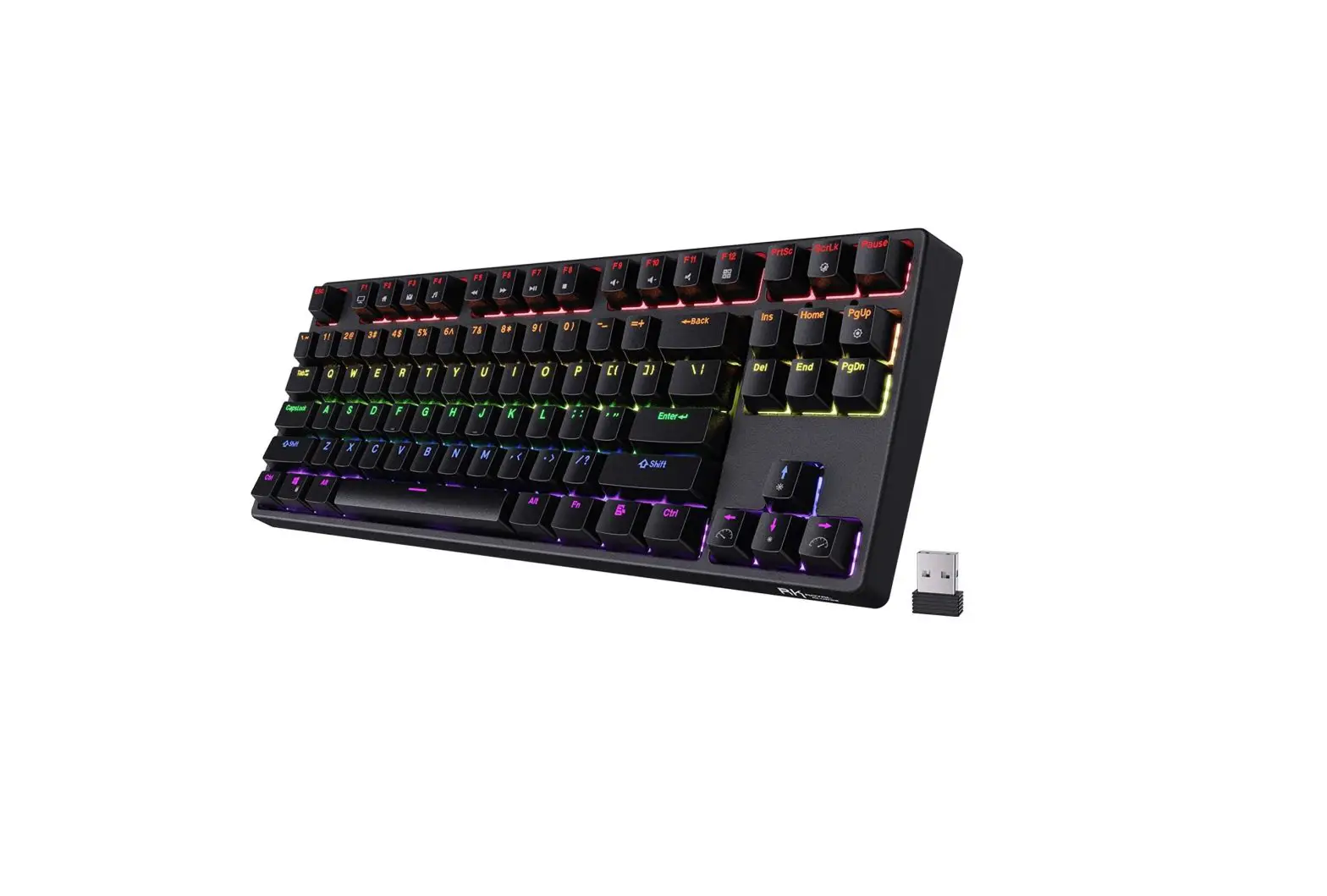
ROYAL KLUDGE RK98 Mechanical Wireless Keyboard

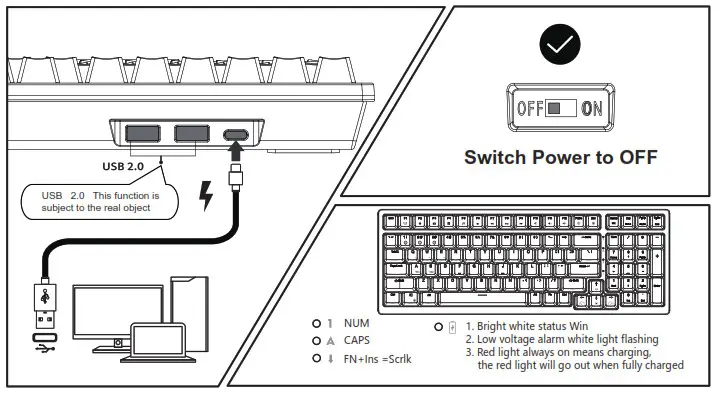
WIRED MODE & CHARGING

ROYAL KLUDGE RK98 Mechanical Wireless Keyboard- Charging

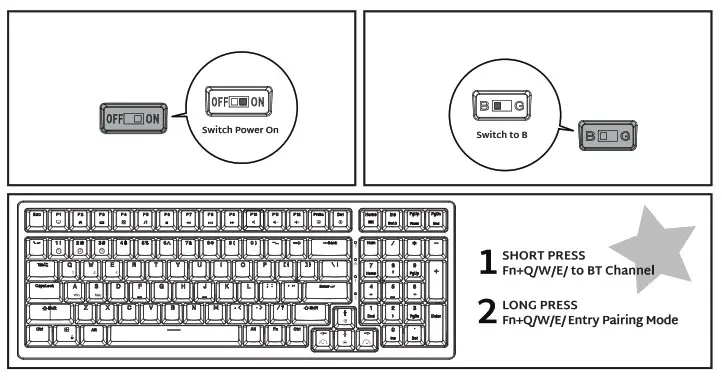
HOW TO USE

BT ConnectionROYAL KLUDGE RK98 Mechanical Wireless Keyboard- BT Connection

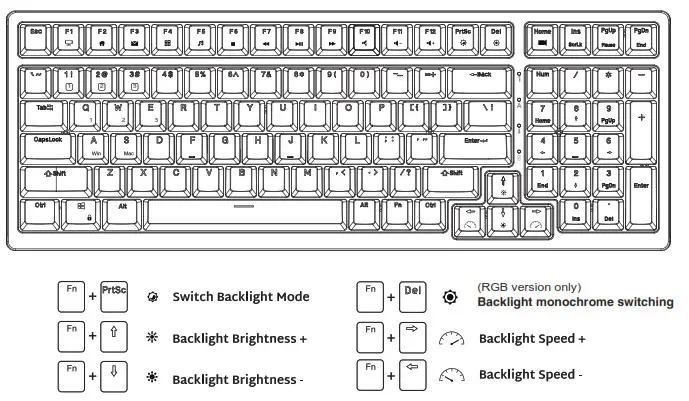
BACKLIGHT CONTROL

ROYAL KLUDGE RK98 Mechanical Wireless Keyboard- Back light Control

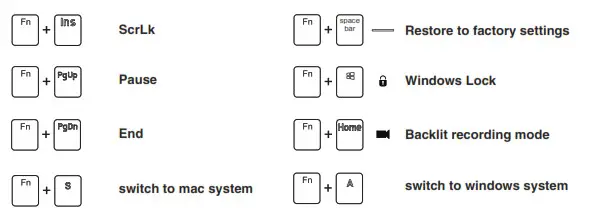
SPECIAL FUNCTION KEYS

ROYAL KLUDGE RK98 Mechanical Wireless Keyboard- Special Funcrion

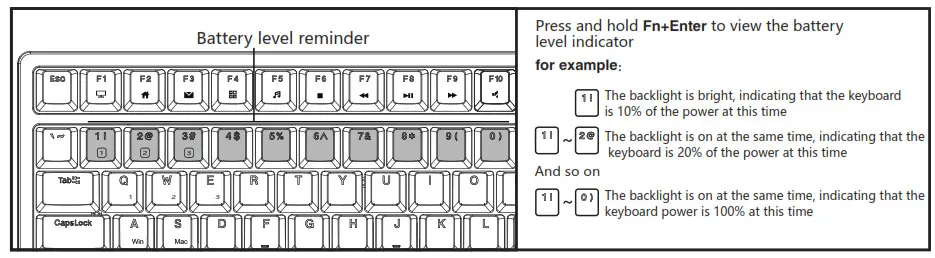
BATTERY REMINDER

ROYAL KLUDGE RK98 Mechanical Wireless Keyboard- Battery Reminder

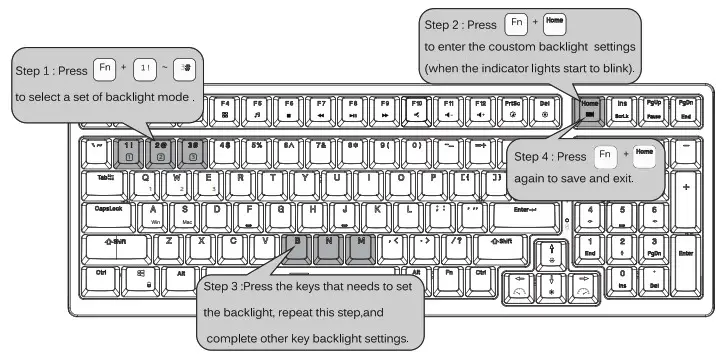
CUSTOM BACKLIGHT SET

ROYAL KLUDGE RK98 Mechanical Wireless Keyboard- Coustom Backlight set

MULTIMEDIA KEY FOR WINDOWS

In Windows mode(FN+A: switch to Windows System)
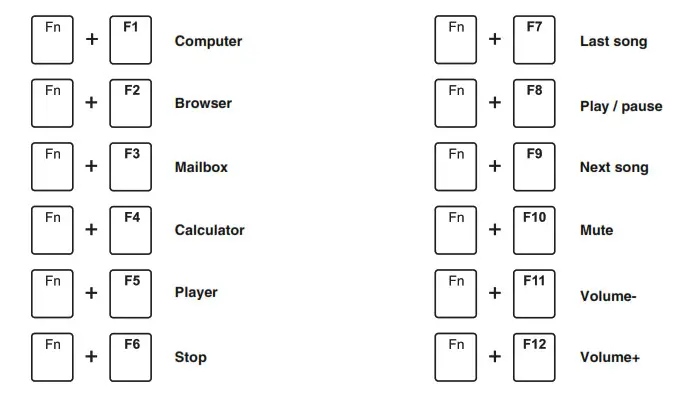
ROYAL KLUDGE RK98 Mechanical Wireless Keyboard- Multimedia key

MULTIMEDIA KEY FOR MAC

MAC system(FN+s: switch to MAC system)
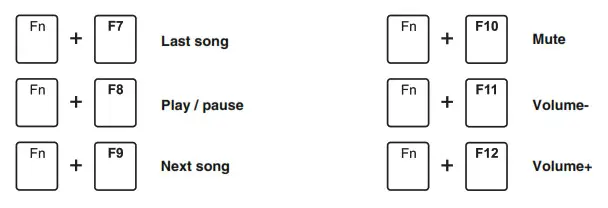
ROYAL KLUDGE RK98 Mechanical Wireless Keyboard- Multimedia key 2

SYSTEM REQUIREMENTS

BT Mode

  • Device With Bluetooth 5.1 or later
  • PC: Windows 7 or Later
  • Mac: macOS X 10.6 Snow Leopard or Later
  • iOS: All iPads/iPhone 5 or Later
  • Android: 5.0 Lollipop or Later

Have an issue with one of our RK products?
Feel free to contact us with any product issues or questions. we will reply as quickly as possible to ensure all your needs are handled. Please contact the seller
ROYAL KLUDGE logo

Documents / Resouces

Download manual
Here you can download full pdf version of manual, it may contain additional safety instructions, warranty information, FCC rules, etc.


Related Manuals