Contents hide
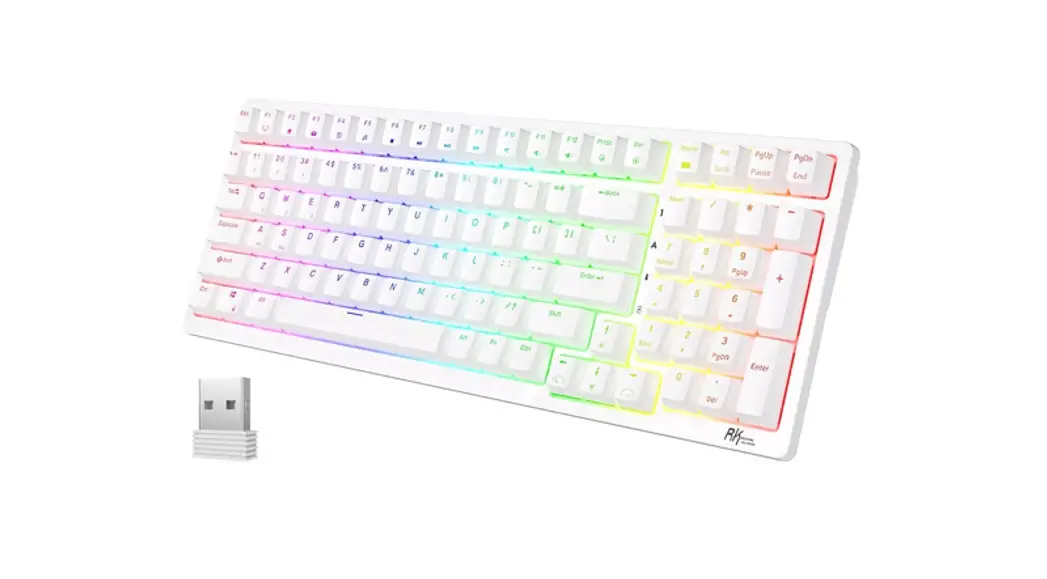
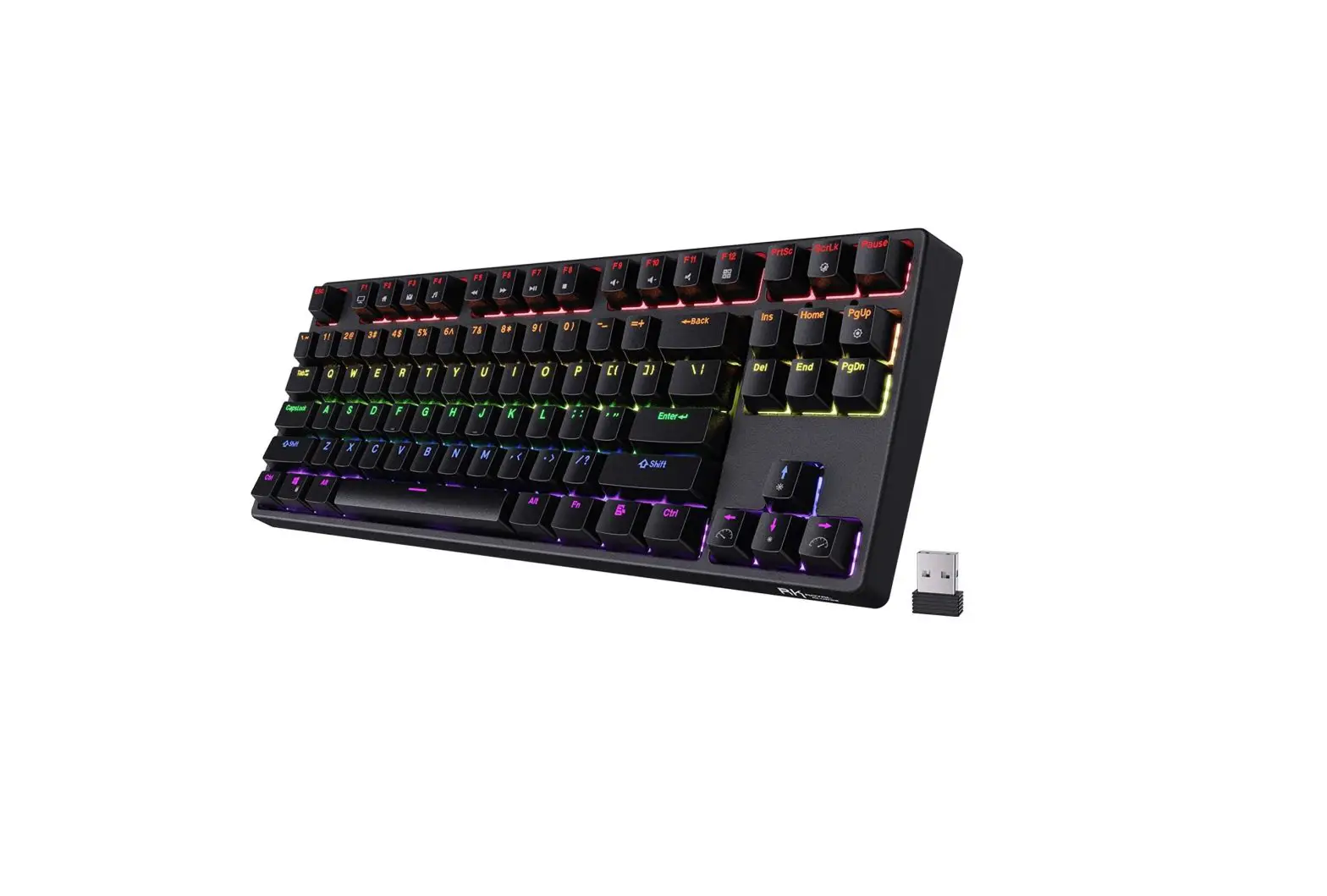
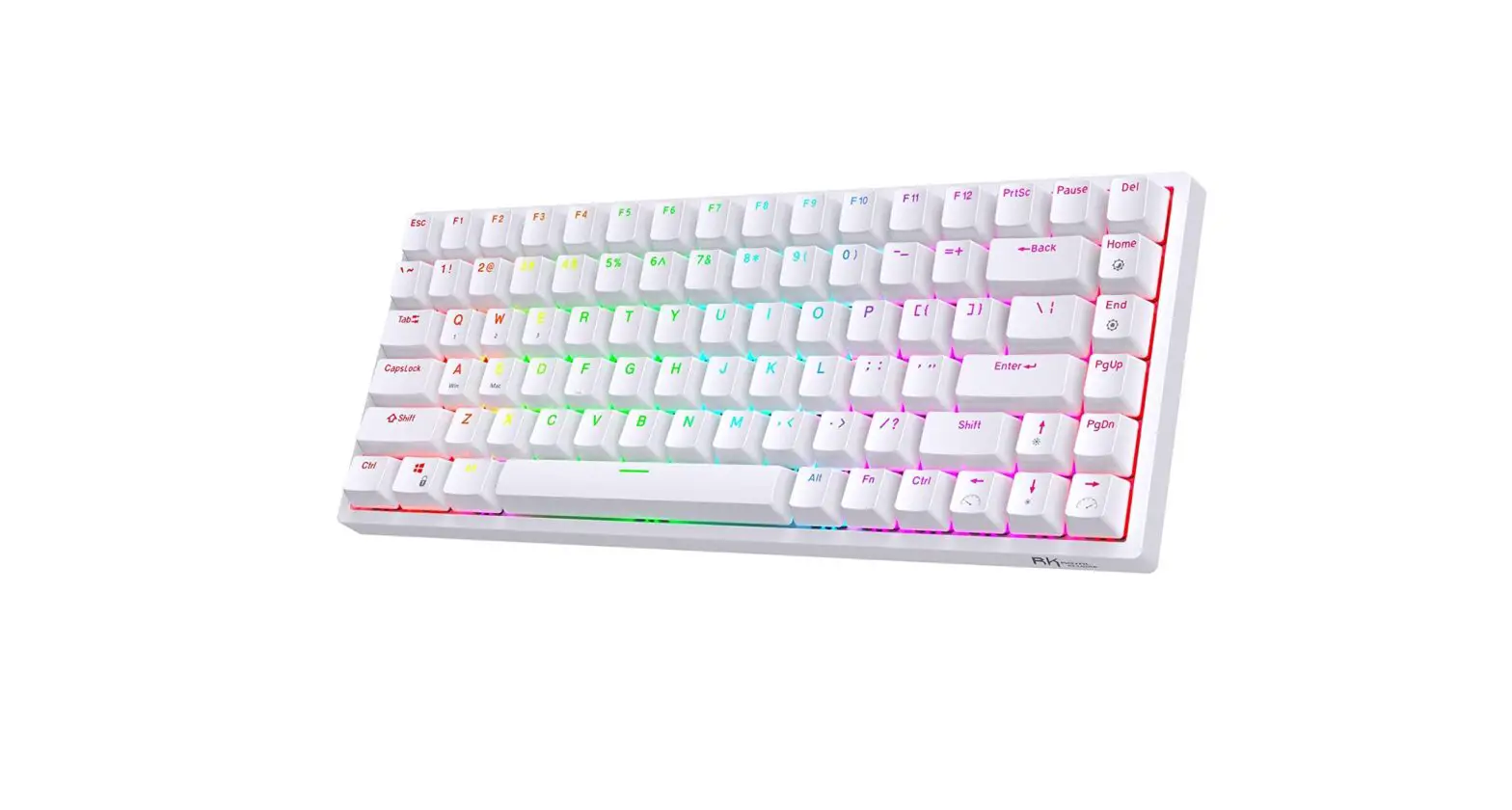
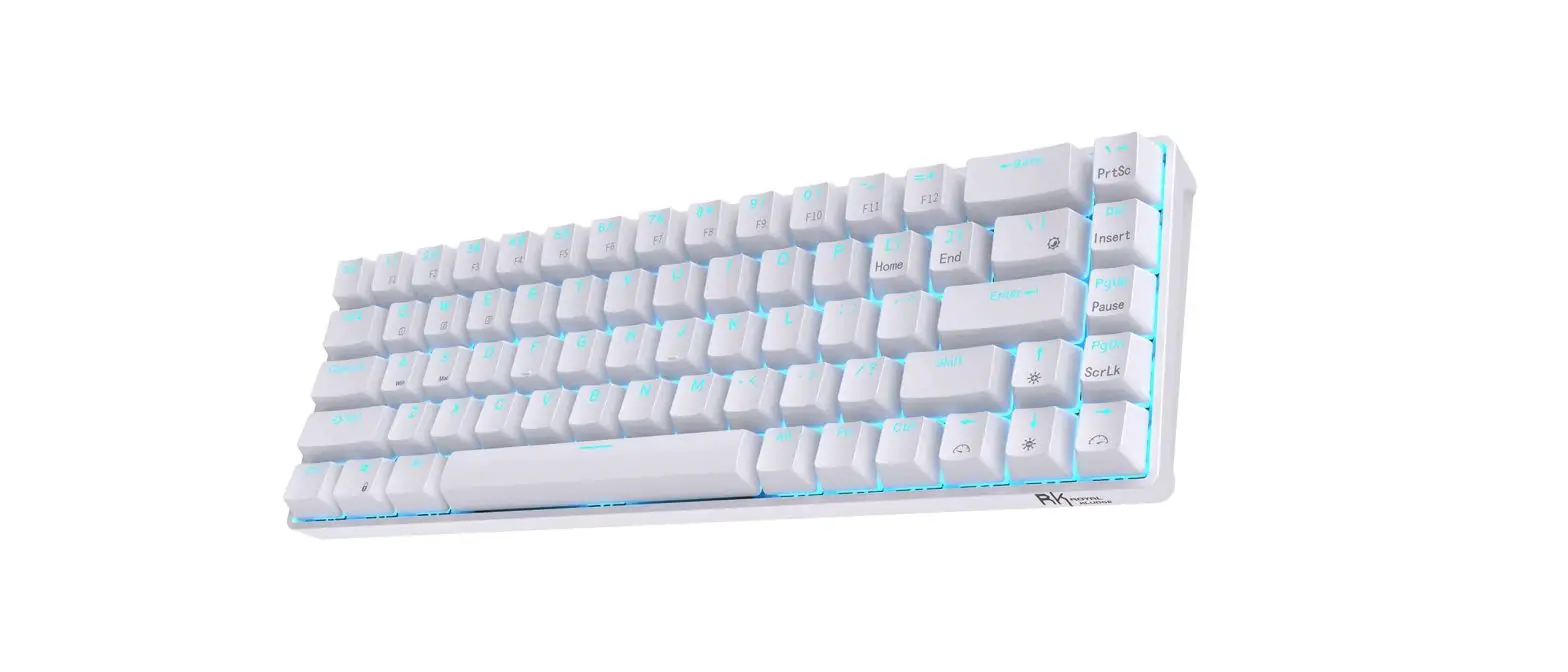
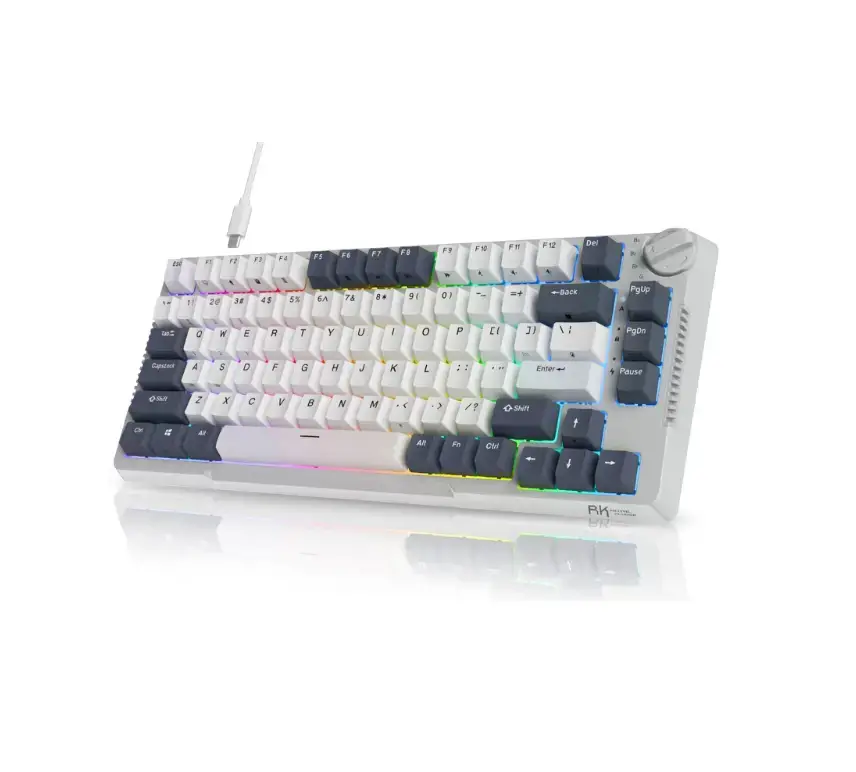
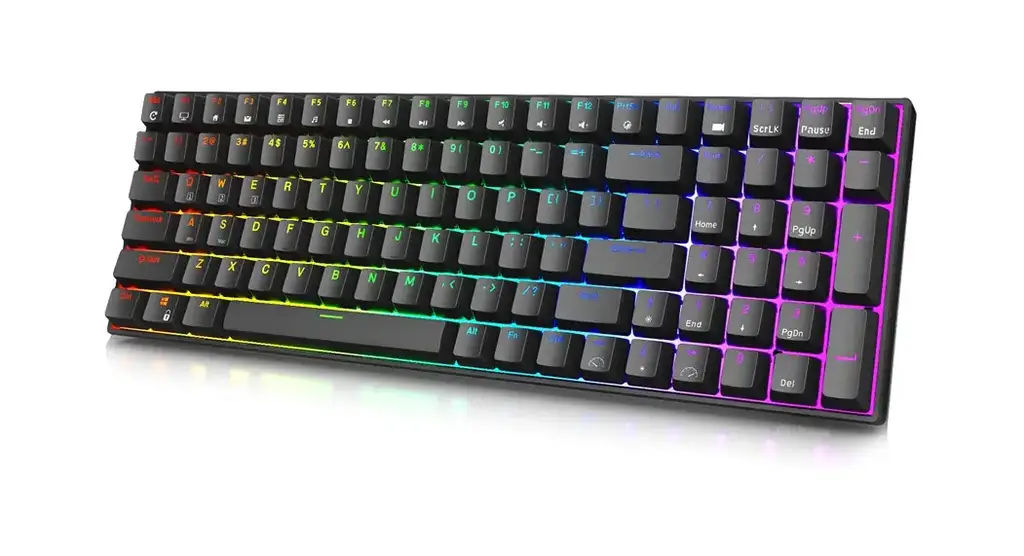
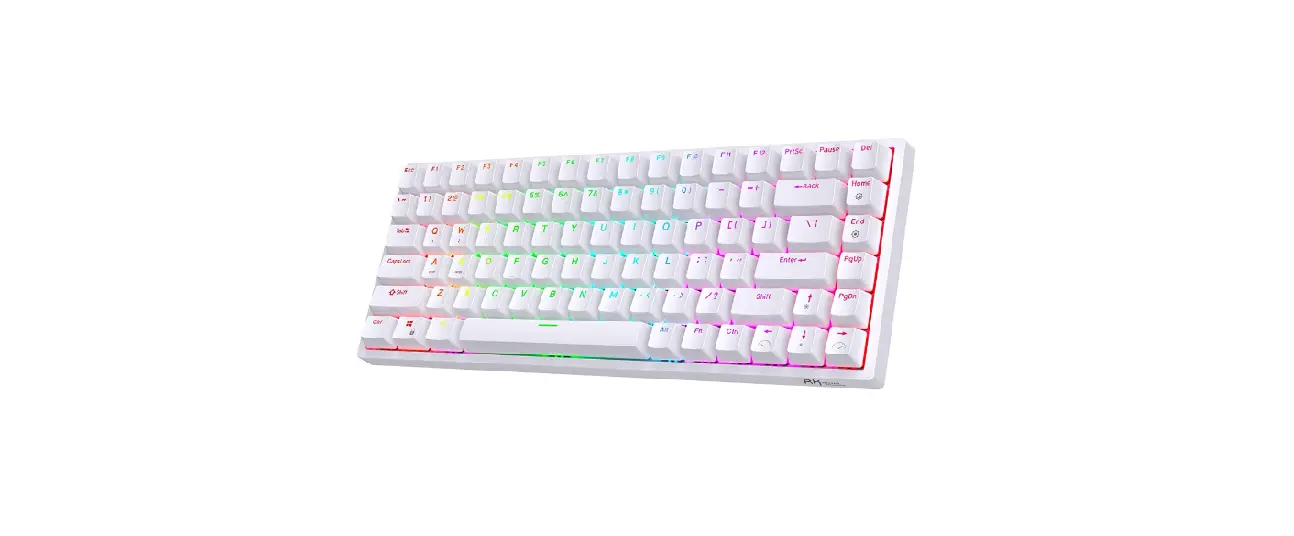
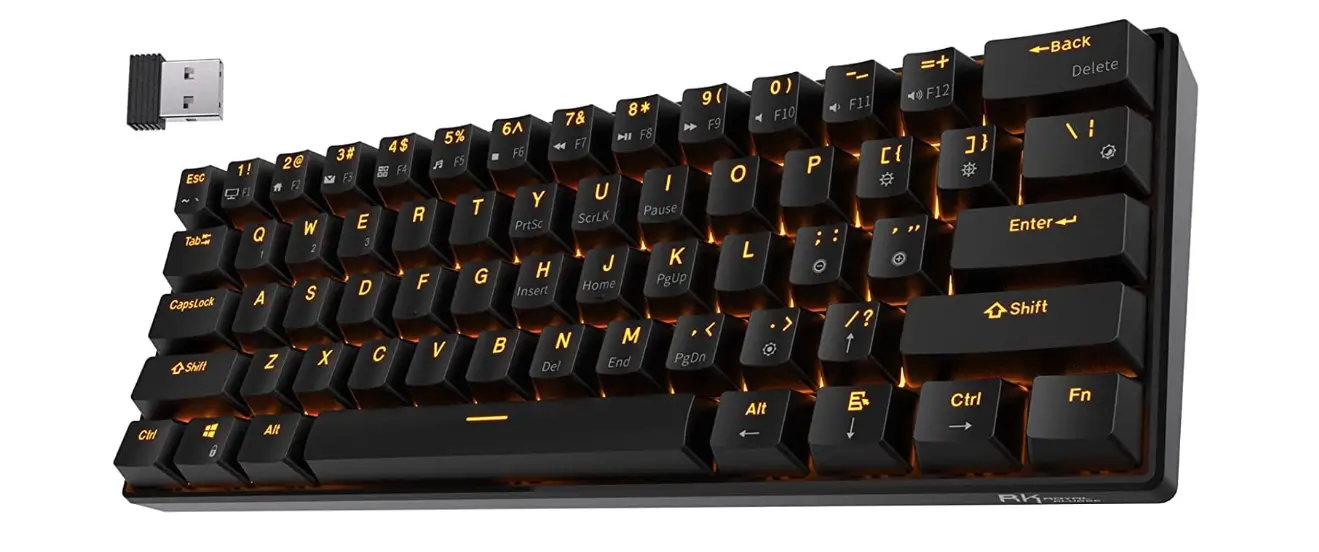
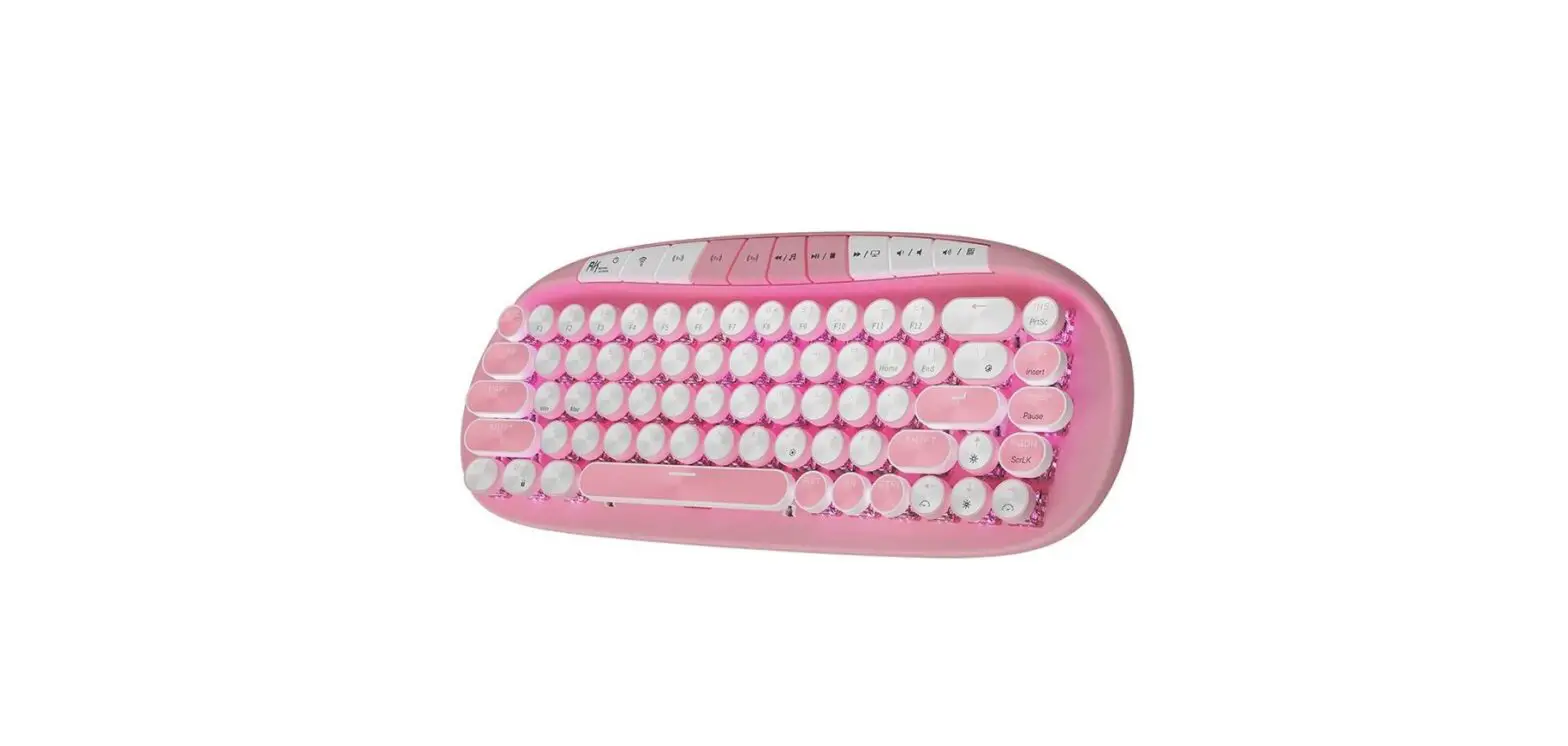
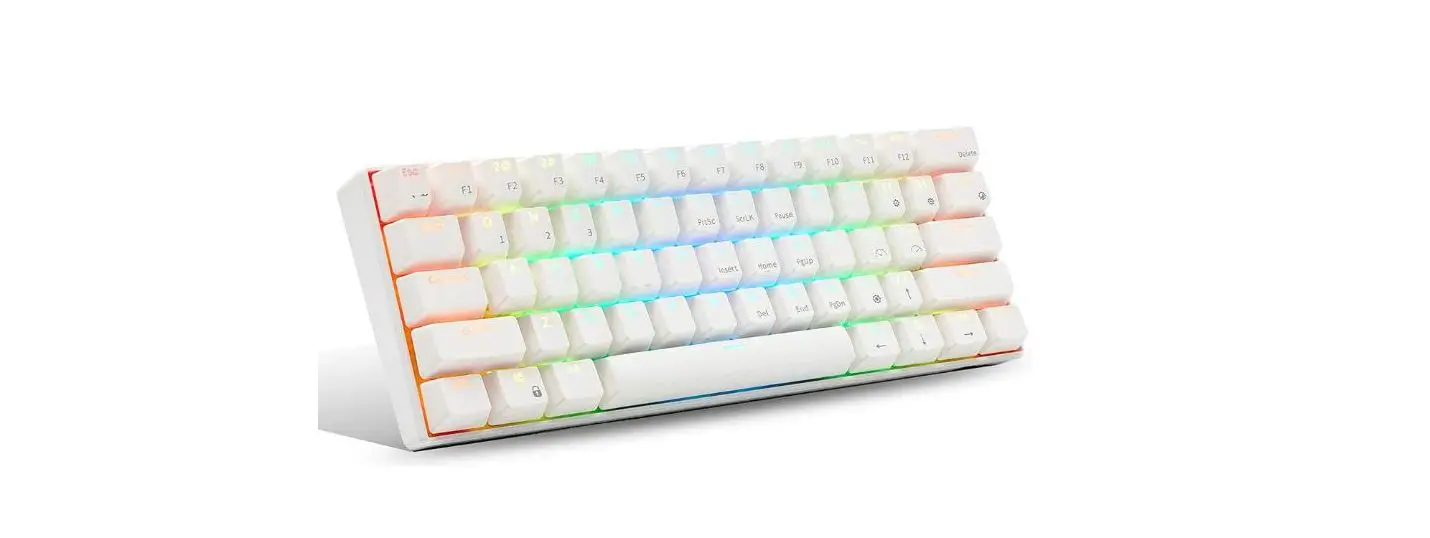
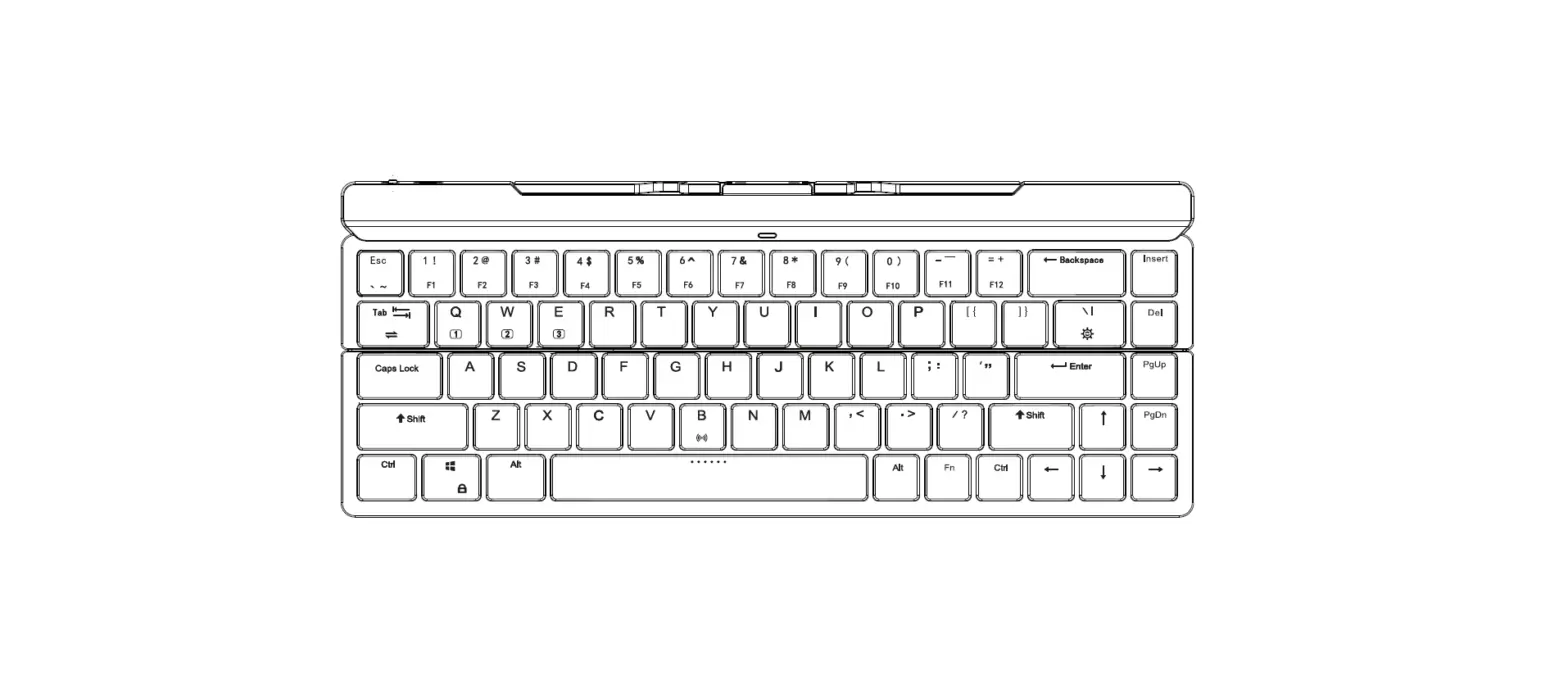
 ROYAL KLUDGE RK89 Mechanical Wireless Keyboard
 ROYAL KLUDGE RK89 Mechanical Wireless Keyboard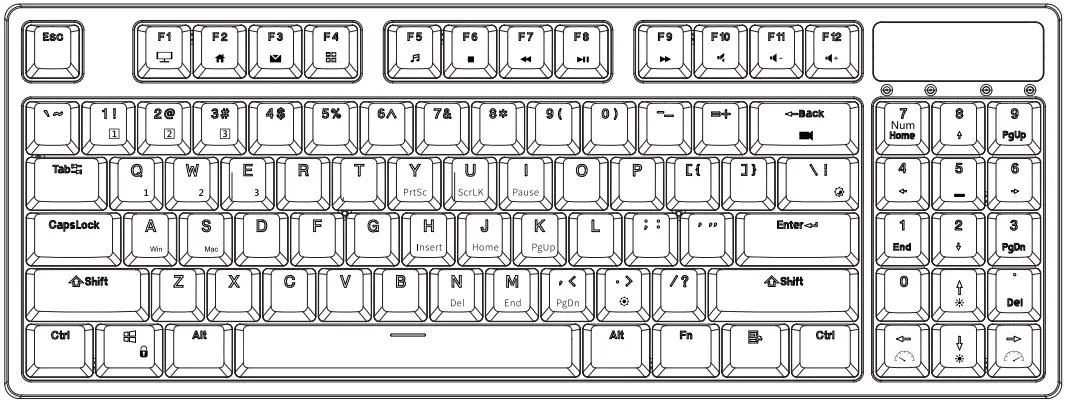
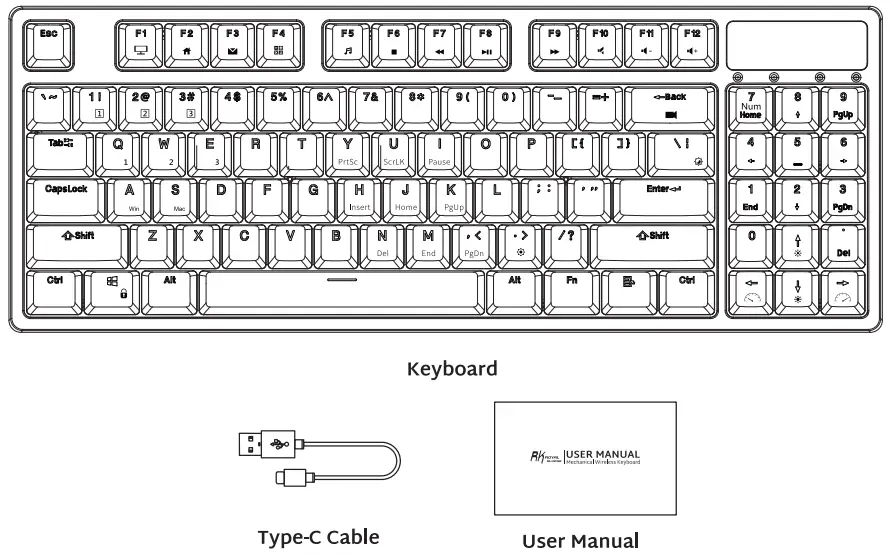
PRODUCT BASIC
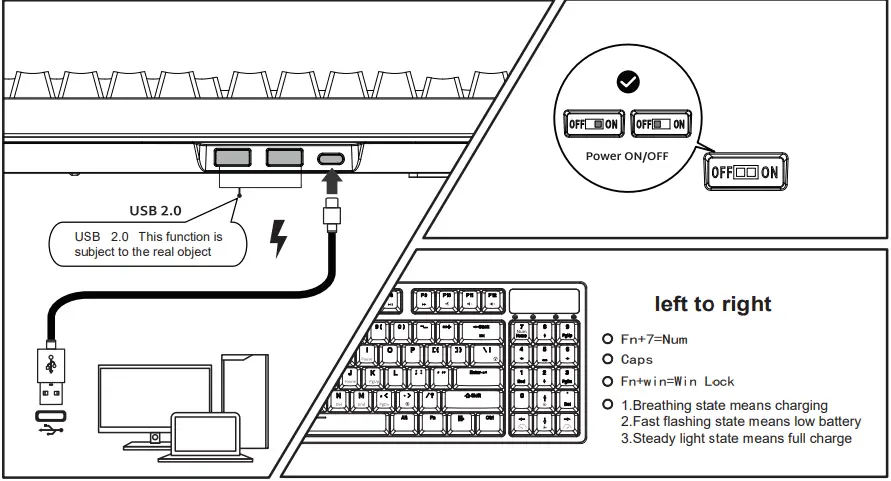
WIRED MODE & INDICATOR FUNCTION
BATTERY REMINDER
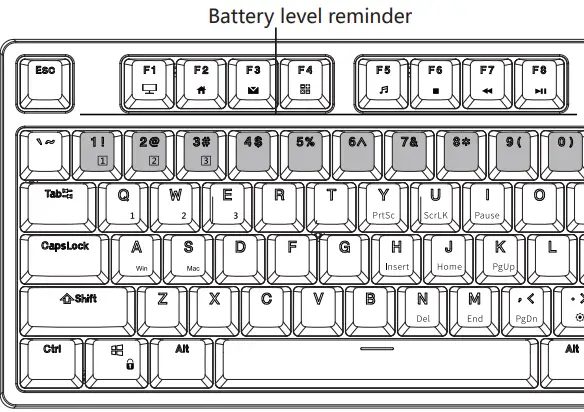
Press and hold Fn+Enter to view the battery level indicator for example:
The backlight is bright, indicating that the keyboard is 10% of the power at this time
The backlight is on at the same time, indicating that the keyboard is 20% of the power at this time
And so on
The backlight is on at the same time, indicating that the keyboard power is 100% at this time
HOW TO USE
BT Connection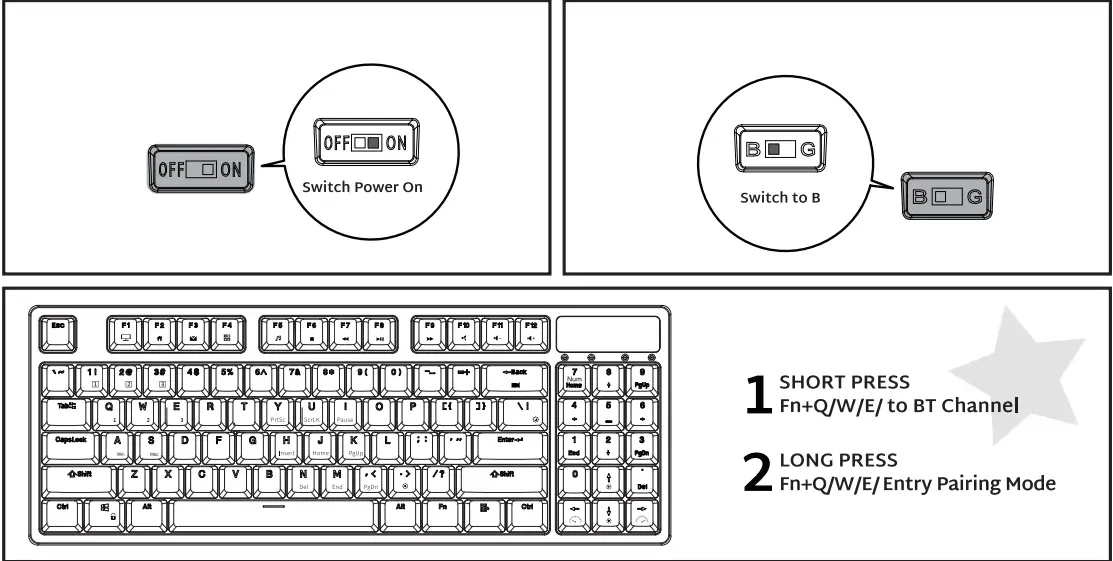
HOW TO USE
2.4Ghz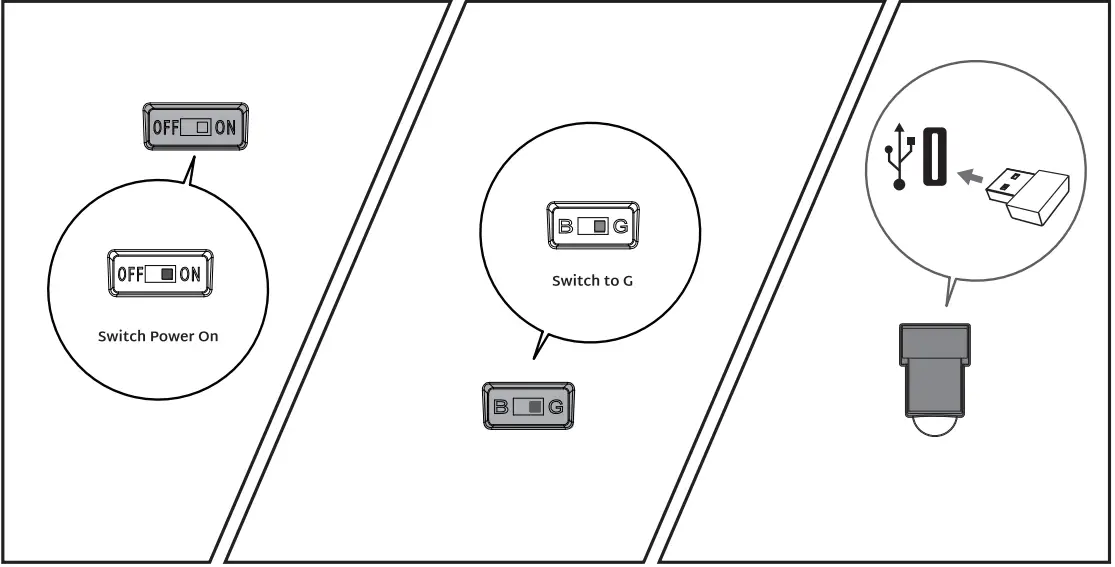
BACKLIGHT CONTROL
- Switch Backlight Mode

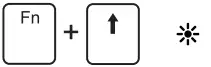
- Backlight Brightness +

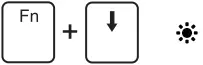
- Backlight Brightness

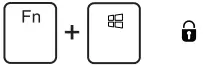
- Windows Lock

- (The same applies to RGB)
 Monochrome switching
- Backlight Speed+

- Backlight Speed-
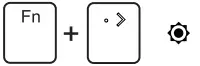
- Restore to factory settings

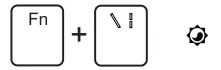
 Monochrome switching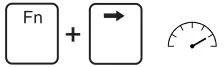
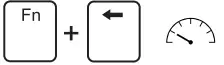
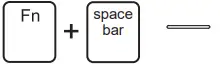
CUSTOM BACKLIGHT SET
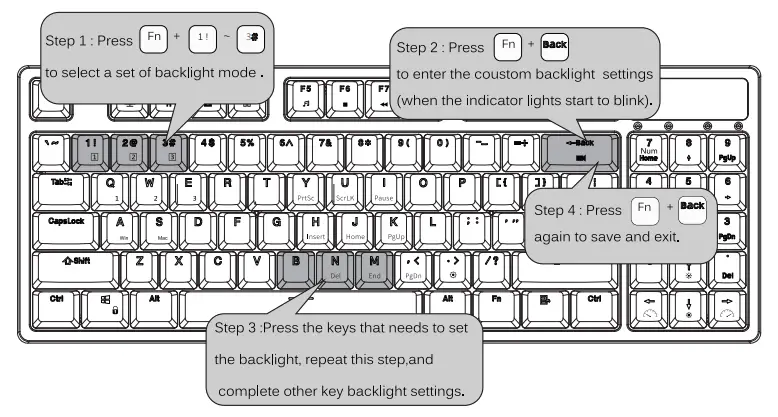 BACKLIGHT SET
MULTIMEDIA KEY FOR WINDOWS
In Windows mode(FN+ A: switch to Windows system)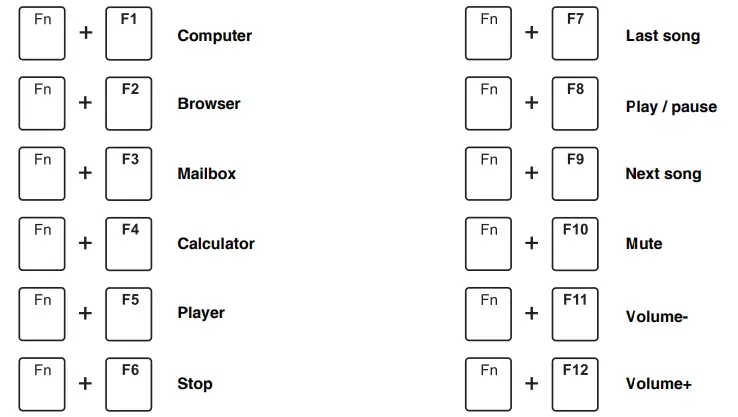
MULTIMEDIA KEY FOR MAC
MAC system(FN +S: switch to MAC system)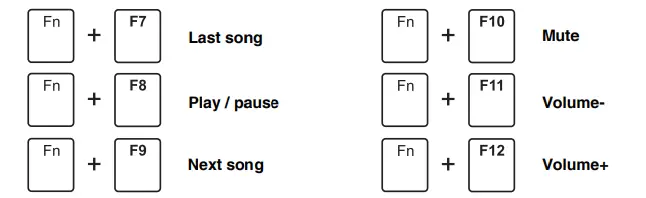
SPECIAL FUNCTION KEYS
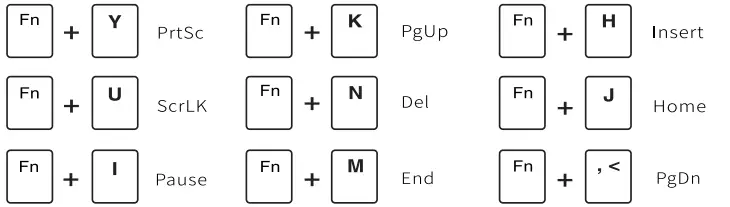
SYSTEM REQUIREMENTS
BT Mode
- Device with Bluetooth 5.1 or later
- PC: Windows 7 or Later
- Mac: macos X 10.6 Snow Leopard or Later
- ios: All iPads/iPhone 5 or Later
- Android: 5.0 Lollipop or Later
Wired/2.4Ghz Mode
- Computer With Available USB port
- PC: Windows 7 or Later
- Mac: macoS X 10.6 Snow Leopard or Later
Have an issue with one of our RK products?
Feel free to contact us with any product issues or questions.
We will reply as quickly as possible to ensure all your needs are handled.
Please contact the seller