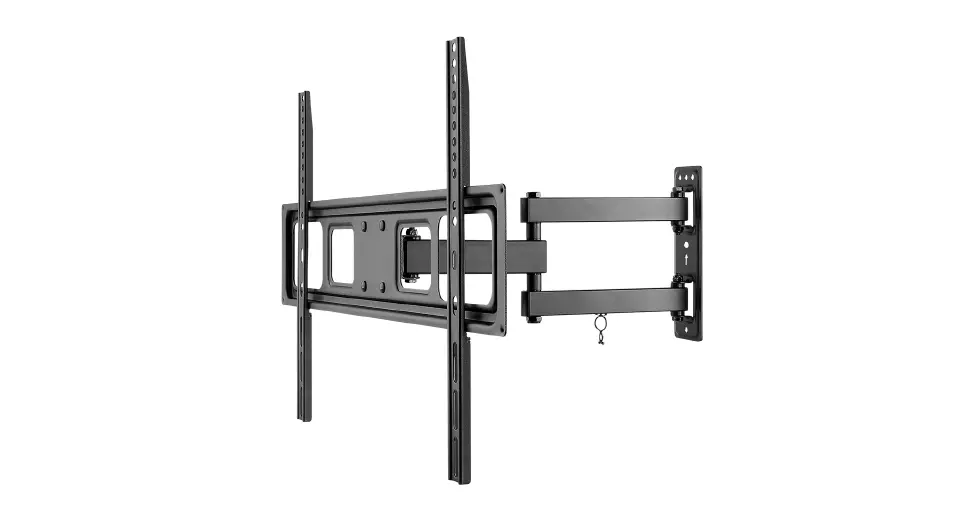
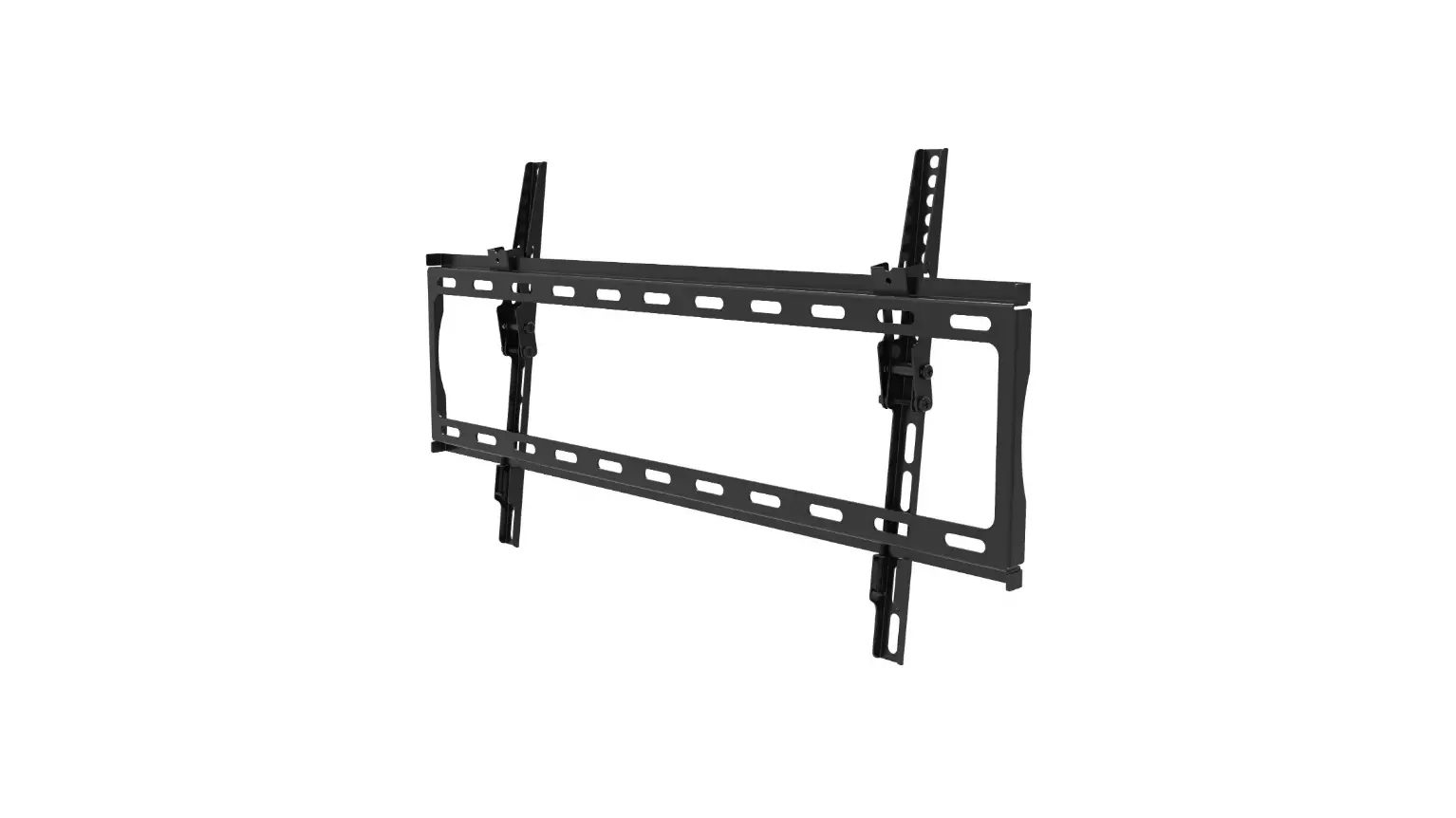
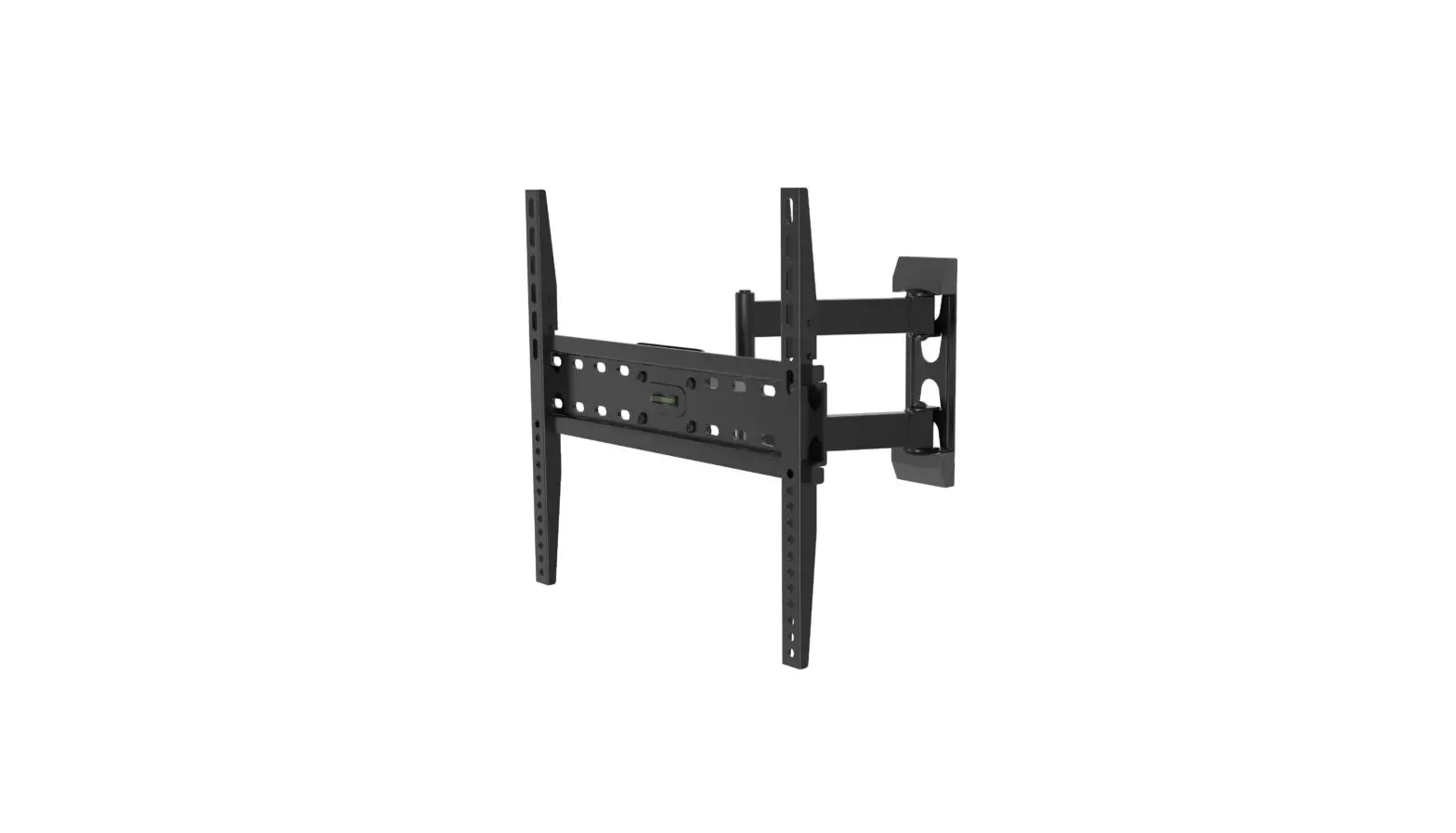
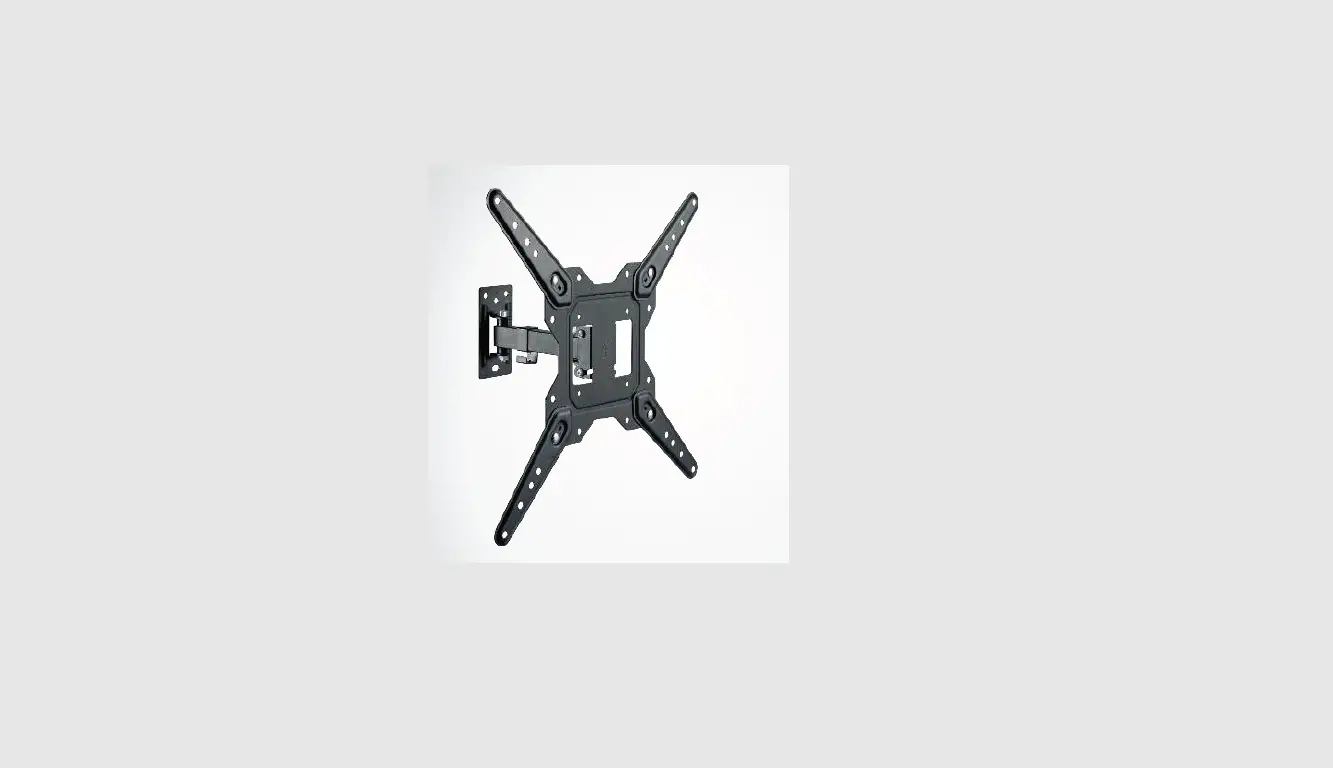
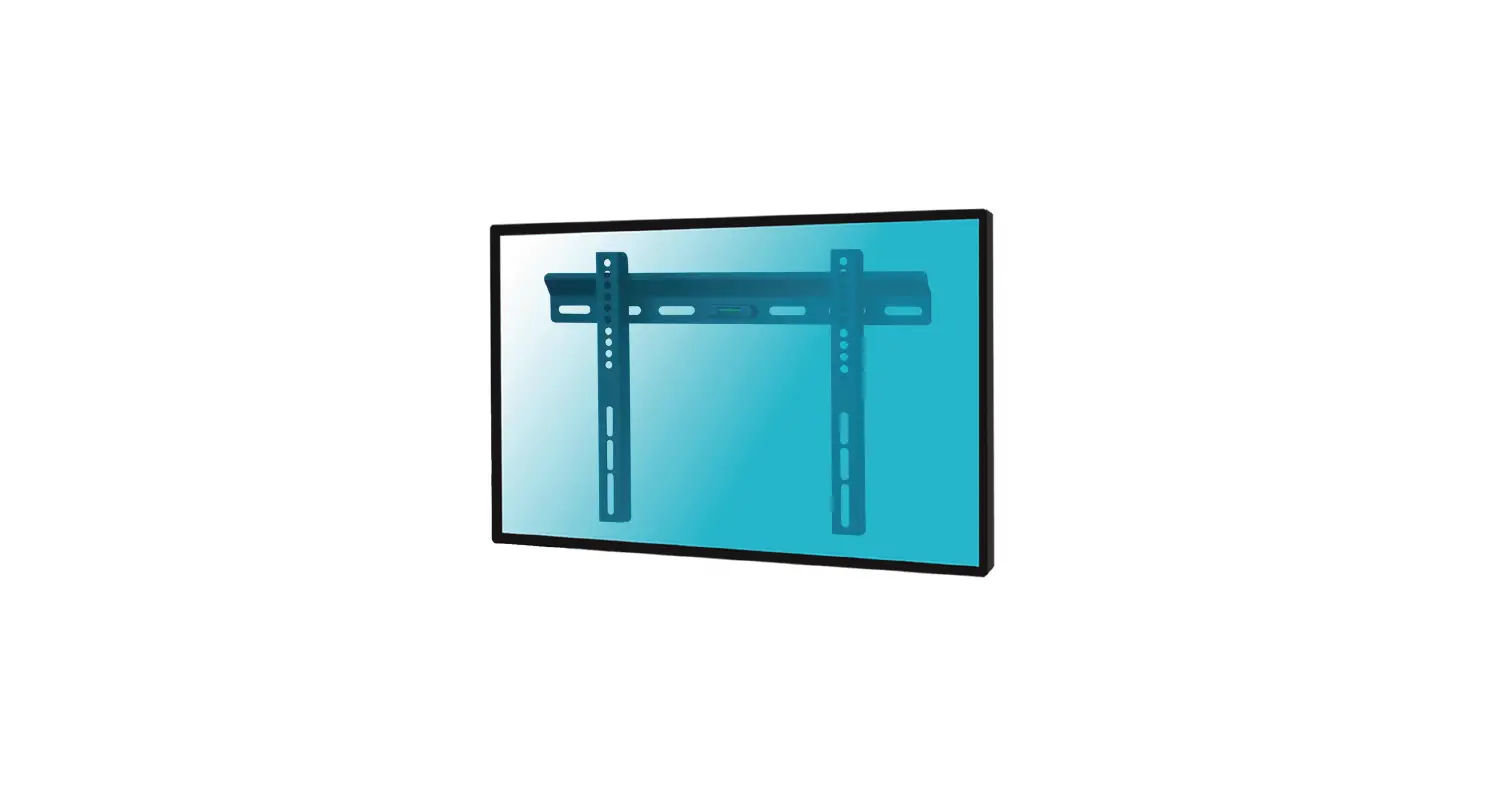
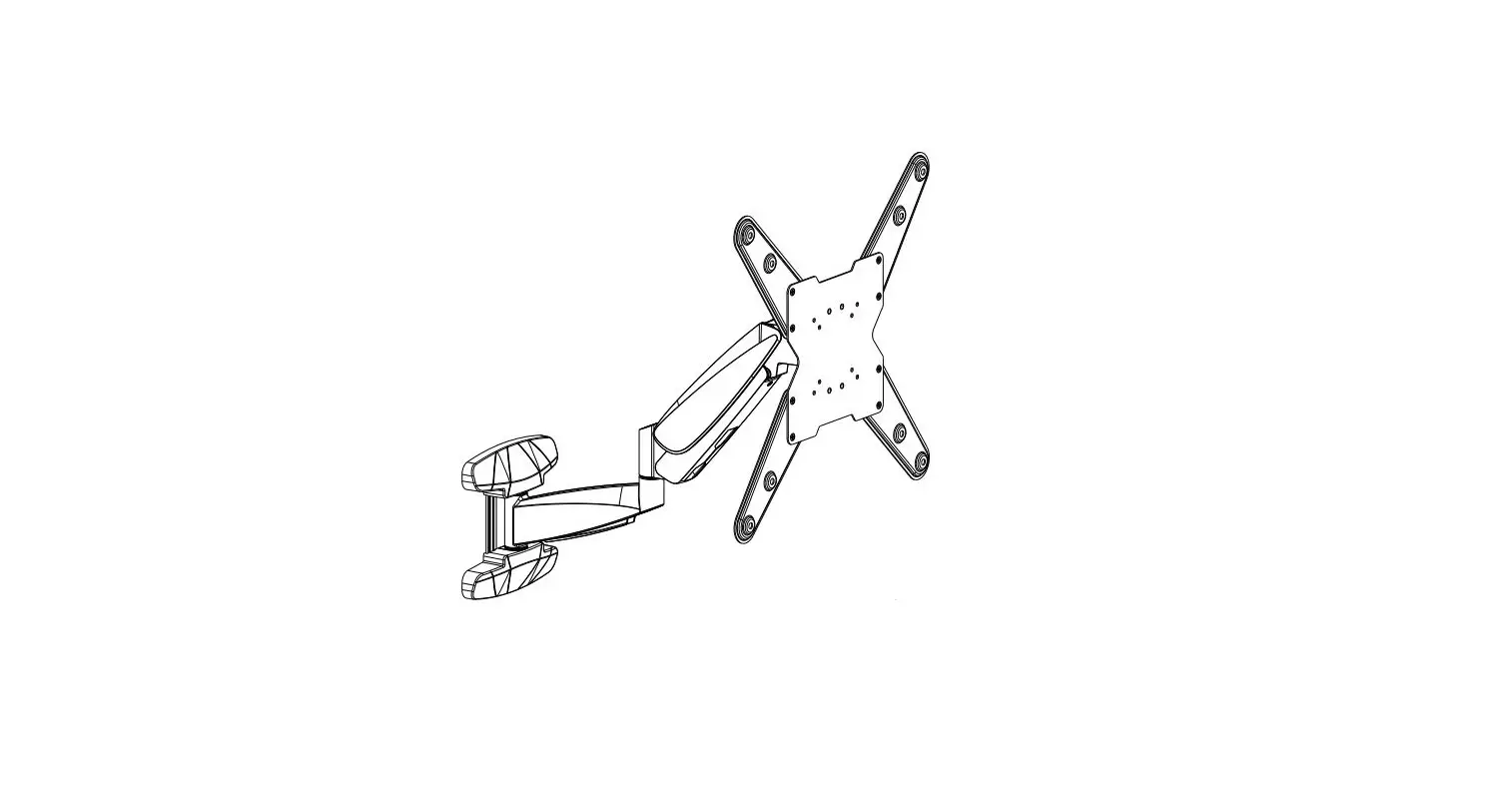
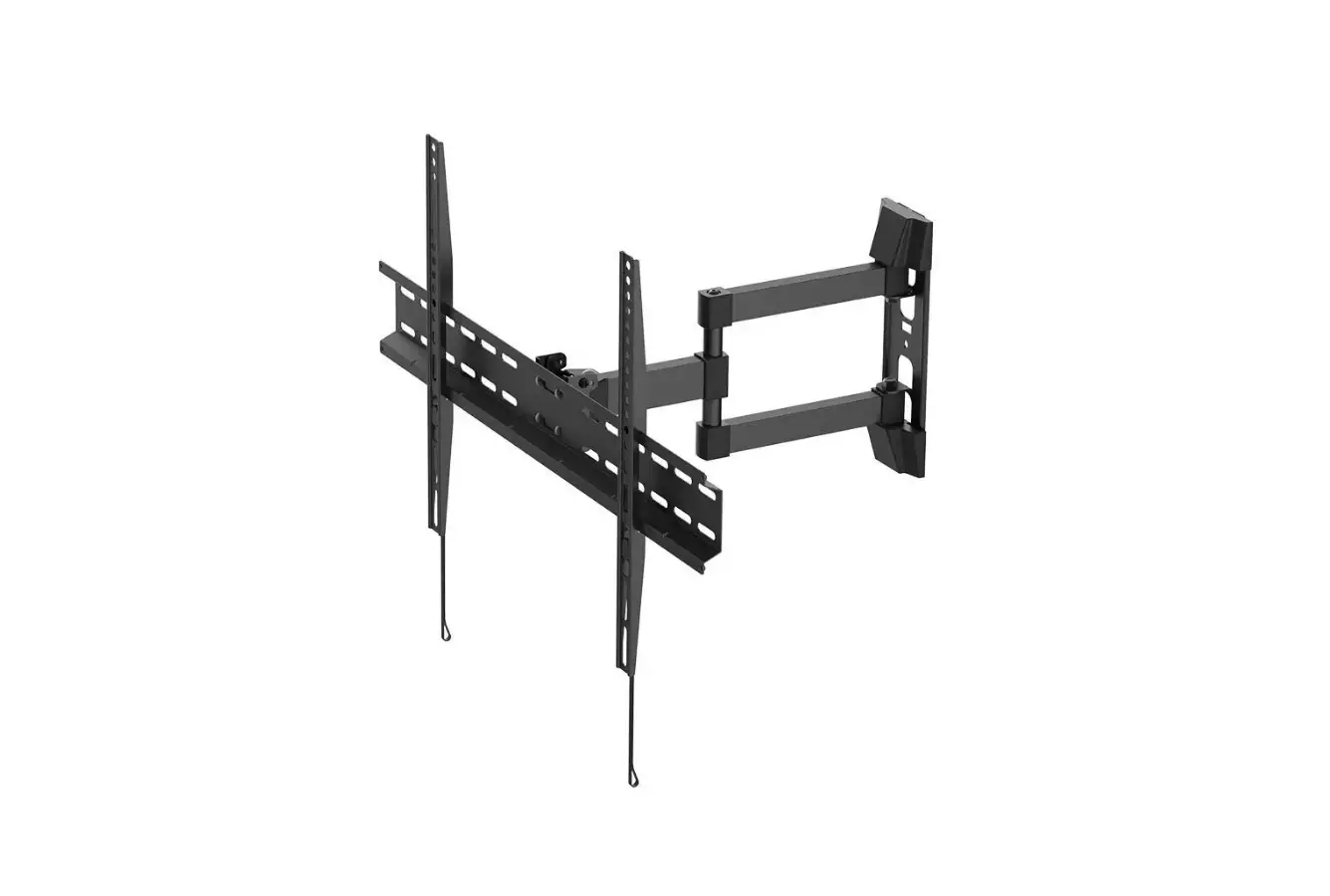
SBOX LCD-2903 TV Wall Mount Instruction Manual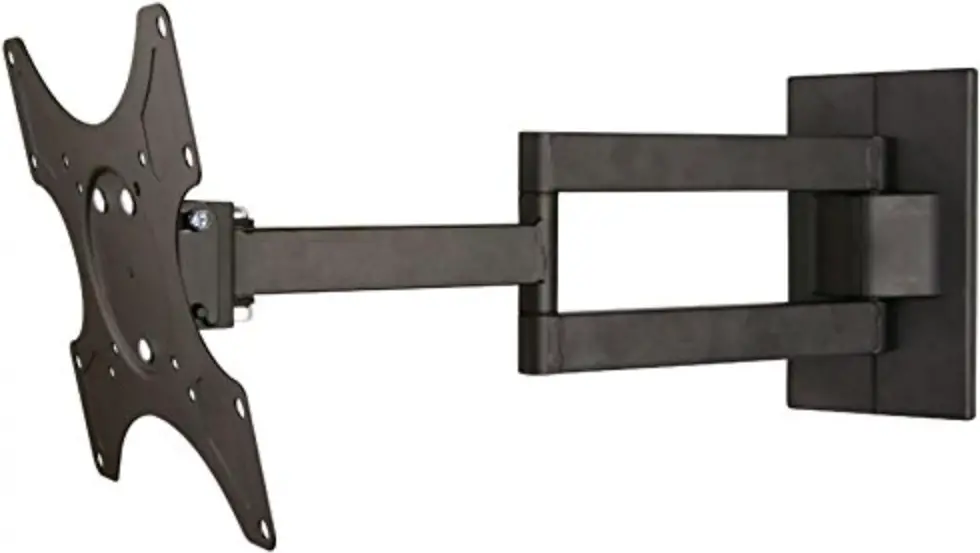
UNPACKING INSTRUCTIONS
- Carefully open the carton, remove contents and lay out on cardboard or other protective surface to avoid damage.
- Check package contents against the Supplied Parts List in the next page to assure that all components were received undamaged. Do not use damaged or defective parts.
- Carefully read all instructions before attempting installation
IMPORTANT SAFETY INFORMATION
Install and operate this device with care. Please read this instruction before beginning the installation, and carefully follow all instructions contained herein. Use proper safety equipment during installation.
Please call a qualified installation contractor for help if you:
- If you don’t understand these directions or have any doubts about the safety of the installation.
- If you are uncertain about the nature of your wall, consult a qualified installation contractor.
Do not use this product for any purpose or in any configuration not explicitly specified in this instruction. We hereby disclaims any and all liability for injury or damage arising from incorrect assembly, incorrect mounting, or incorrect use of this product.
Supplied Parts List
- (1)Wall Plate-a

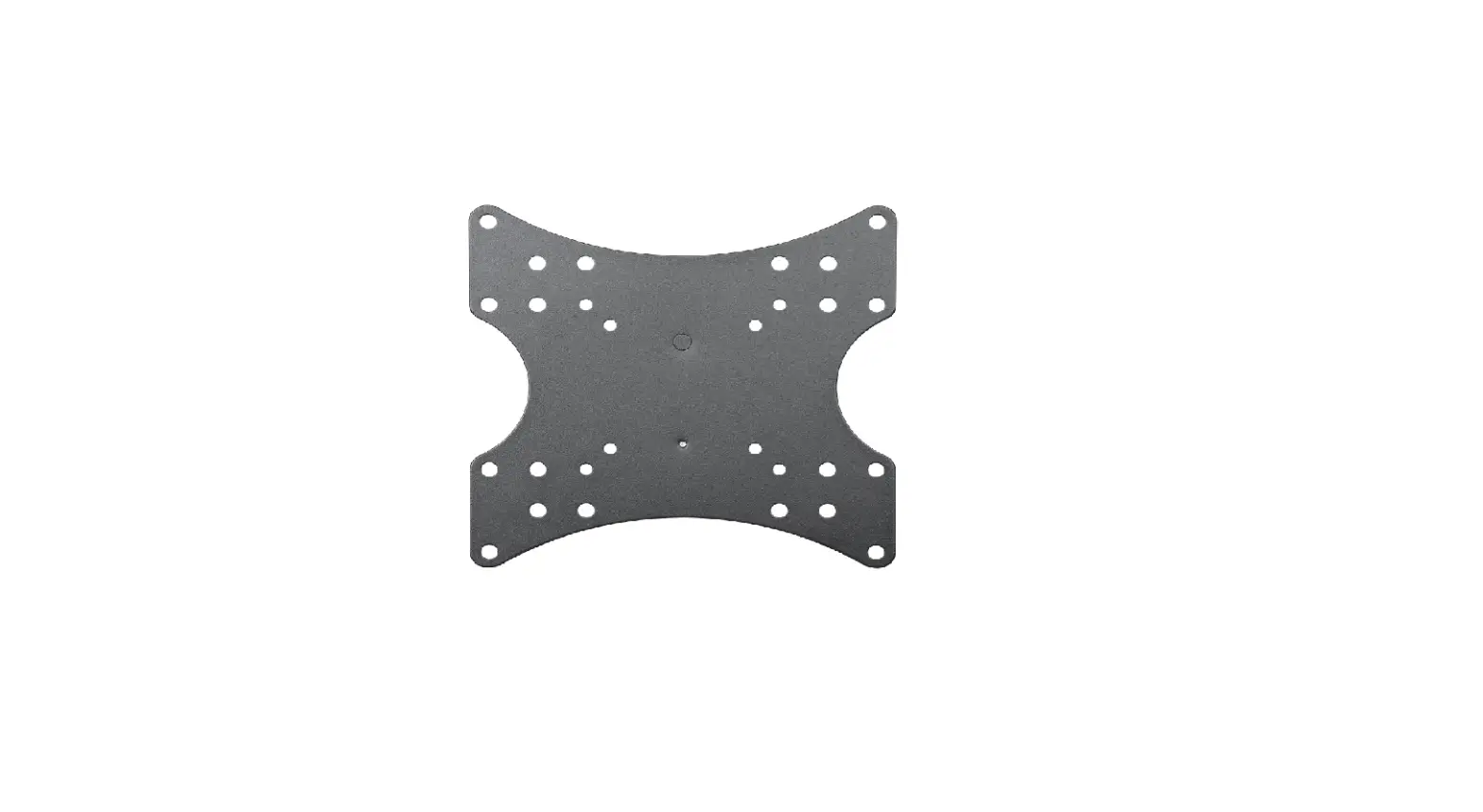
- (1)VESA 200 Plate-b

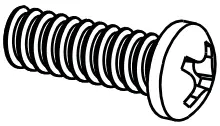
- (4)M4x12 Bolt-c

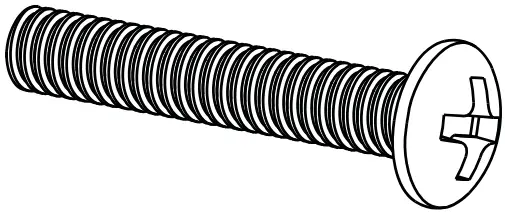
- (4)M4x30 Bolt-d

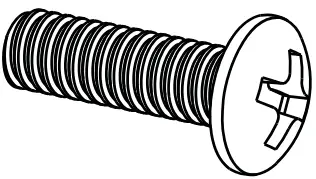
- (4)M6x12 Bolt-e

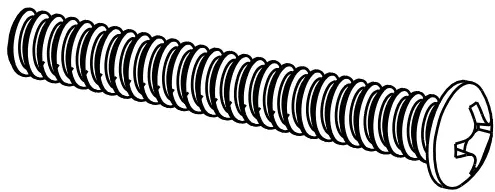
- (4)M6x35 Bolt-f

- (8)M4 Washer-g

- (6)M6 Washer-h

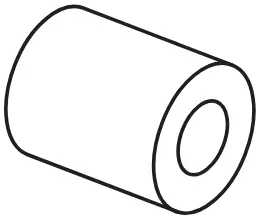
- (4)M4/M6 Space-i

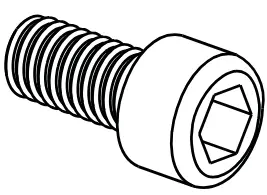
- (2)Allen Bolt-j

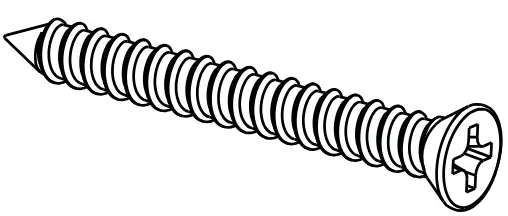
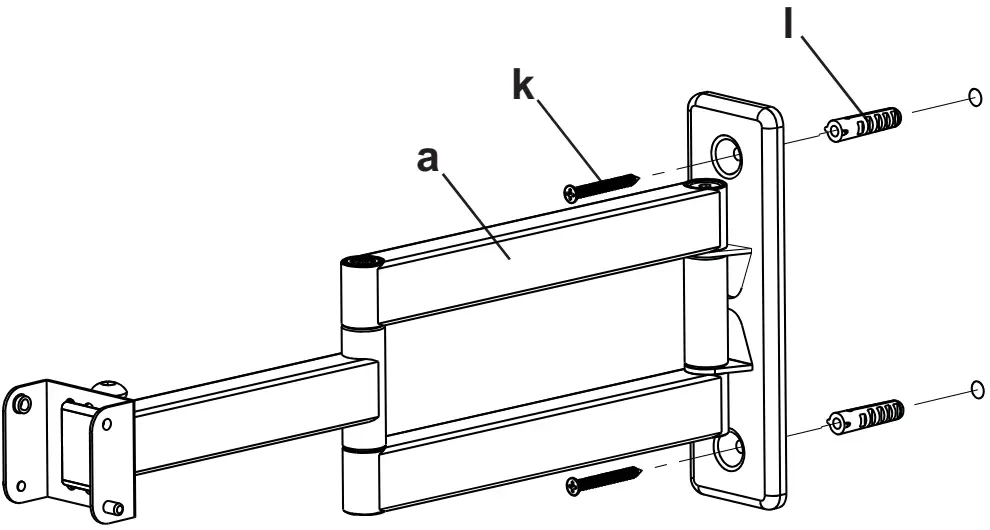
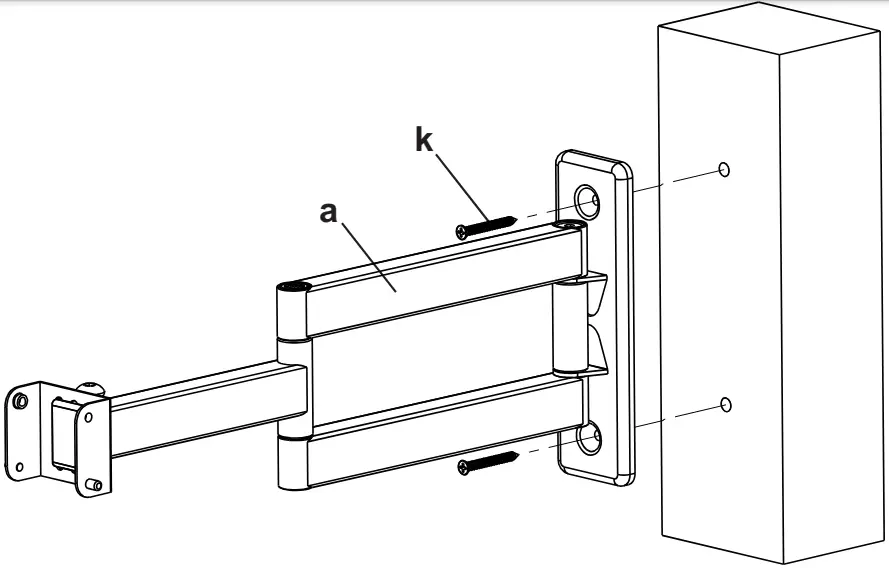
- (2)Lag Bolt-k

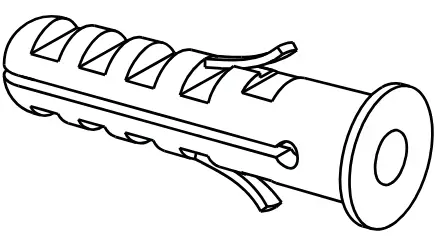
- (2)Concrete Anchor-l

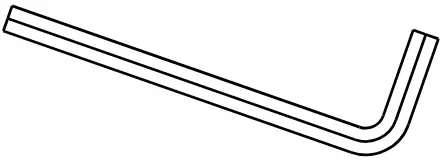
- (1)Allen Key
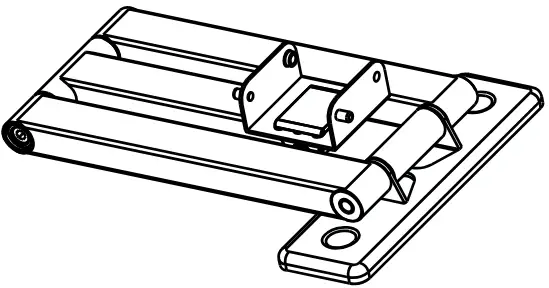
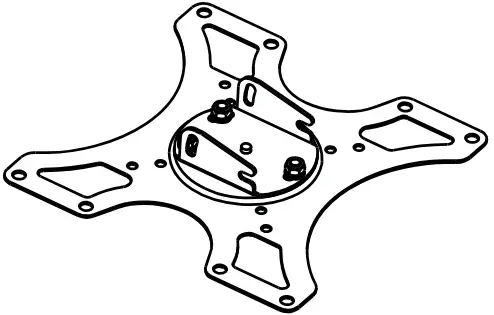


CAUTION
 WARNING
This TV mount must be securely attached to the vertical wall. If the mount is not properly installed it may fall, resulting in possible injury and/or damage.
Tools Required
- 3.8mm Drill Bit
- Phillips Screwdriver
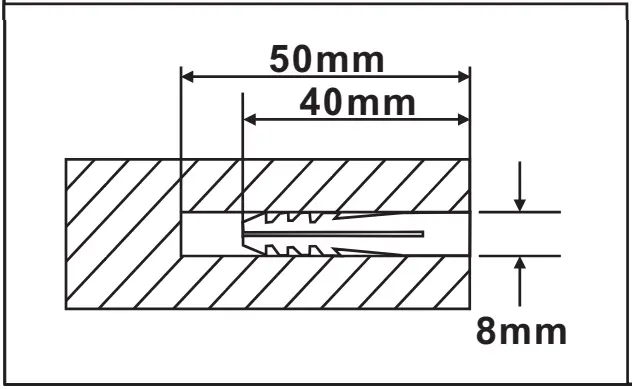
- 8mm Masonry Bit
- Carpenter’s Level
Note: The mounting components and hardware supplied in this package are not designed for installations to walls with steel studs or to cinder block walls. If the hardware you need for your installation is not included, please consult our local hardware store for proper mounting hardware for the application.
Step 1 Mounting the Wall Plate to the Wall
Brick Mount
Wood Mount
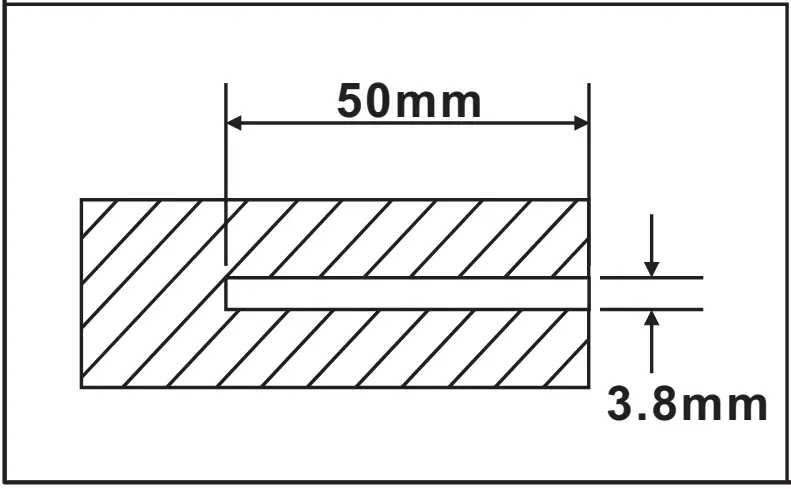
Step 2 Mounting the VESA 200 Plate to a TV
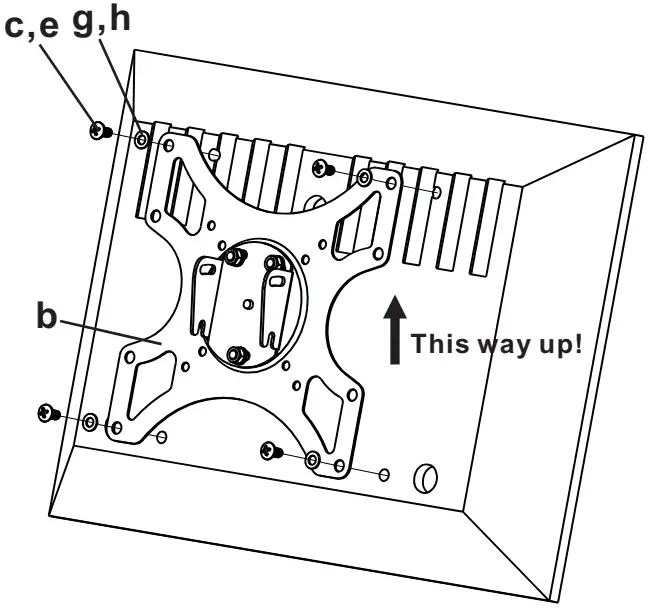
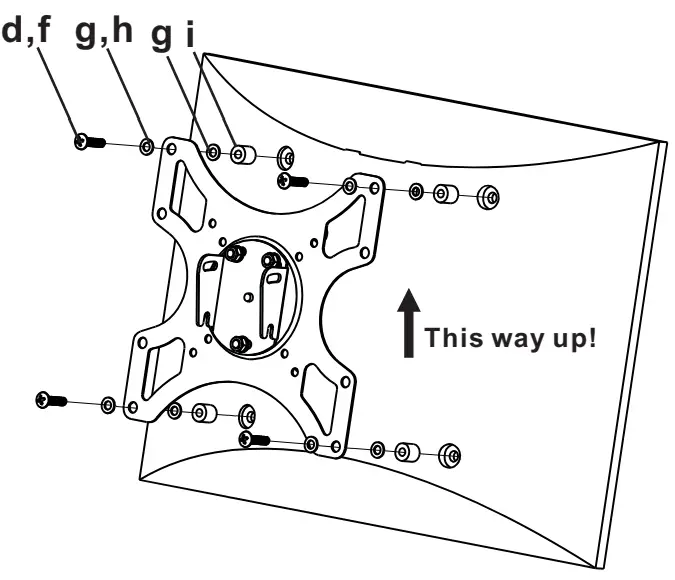
Step 3 Attaching TV to Wall Plate
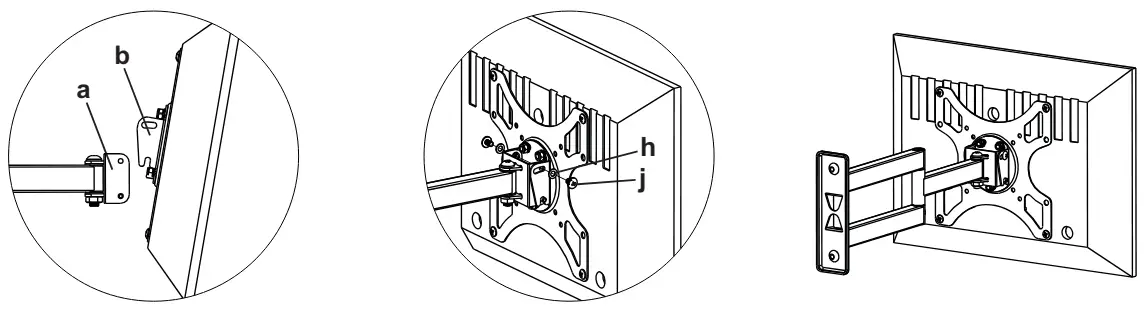
Step 4 Levelling Mount
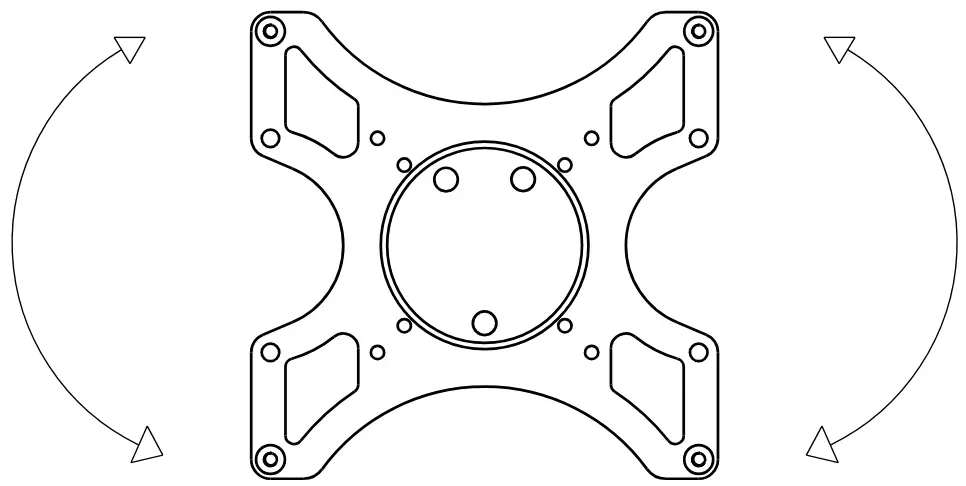
You can re-level the mount after the mount has been installed on the wall. Leveling is achieved by rotating the front plate the TV sits on, just hold the TV and do the adjustment.
Thanks for choosing our products, enjoy the using.