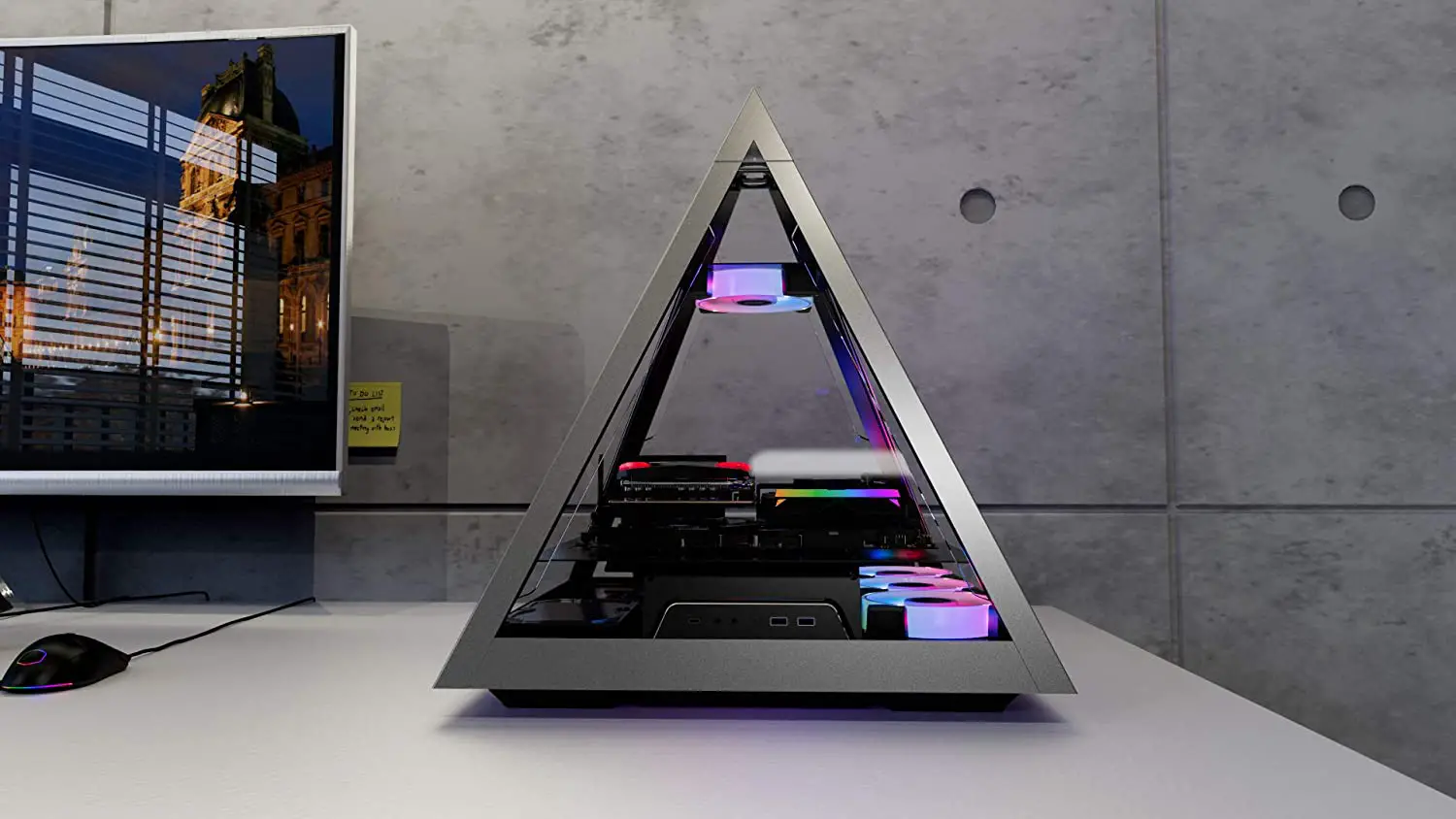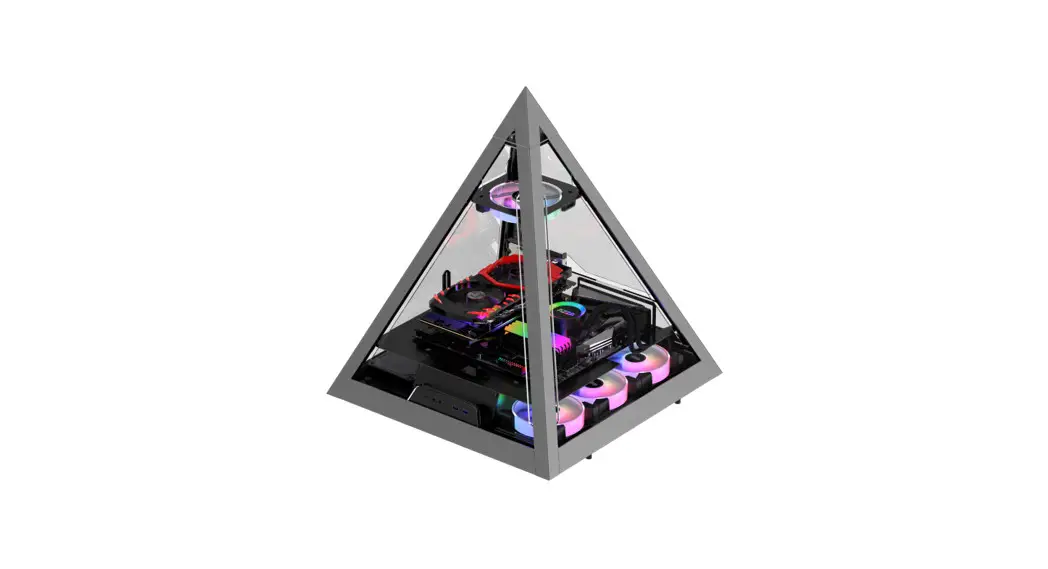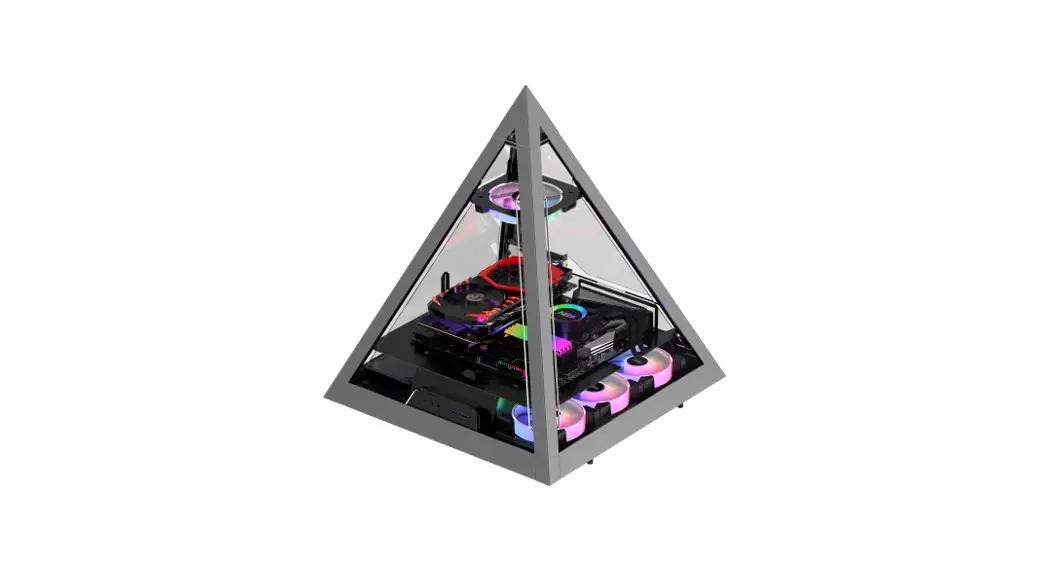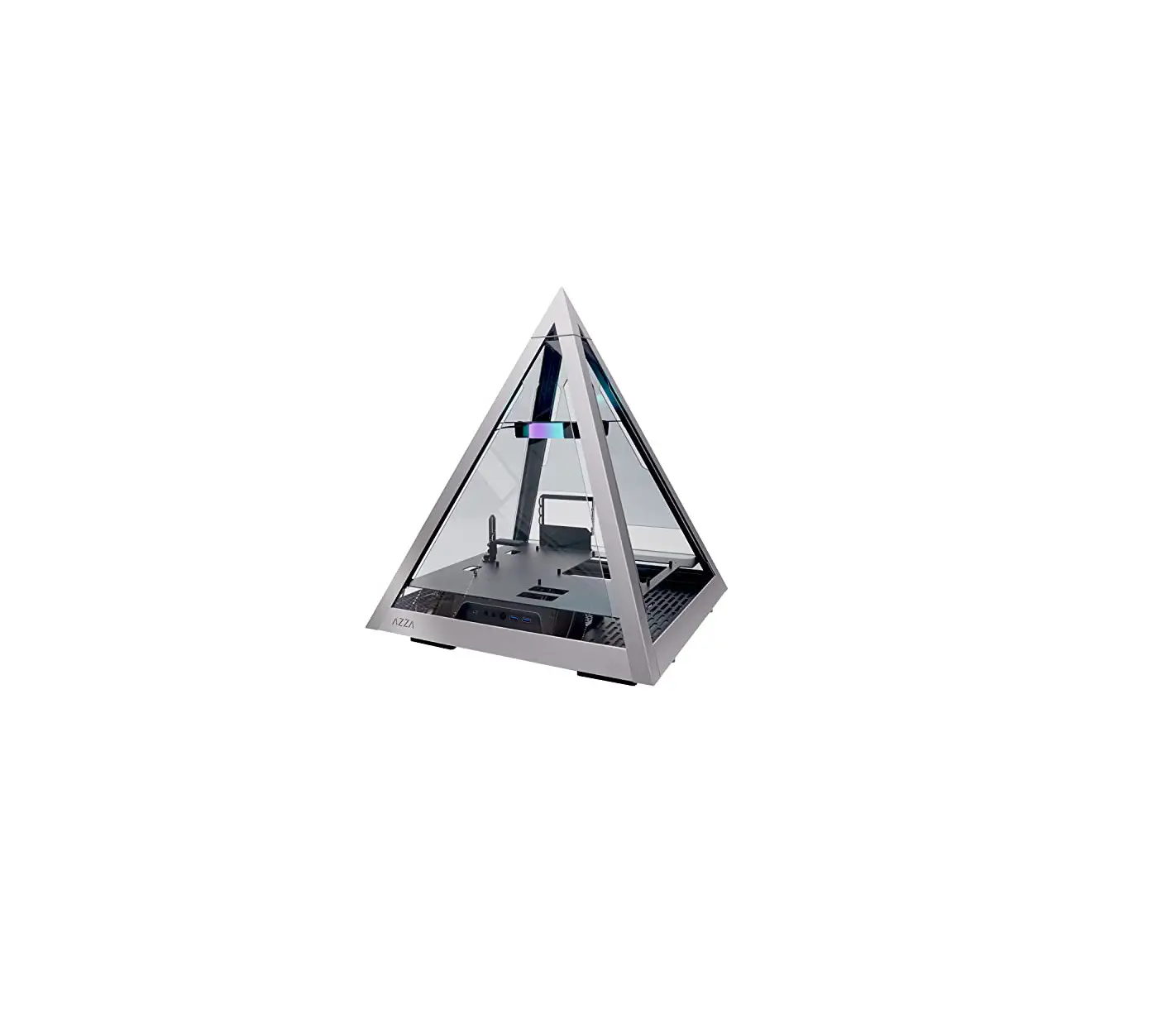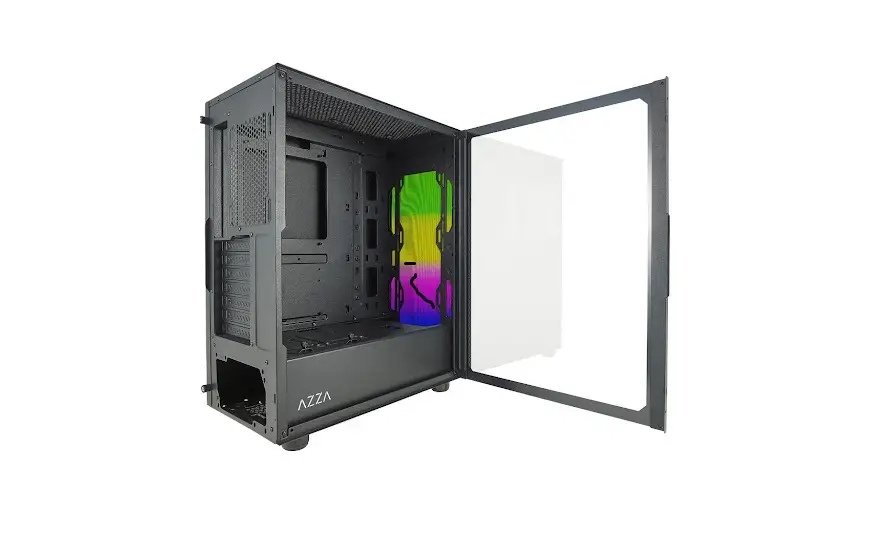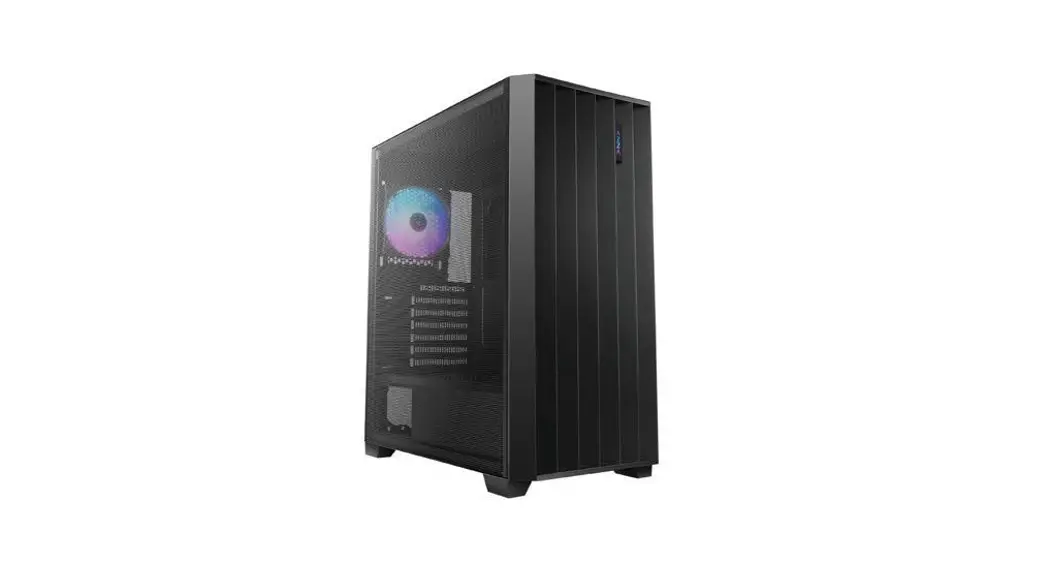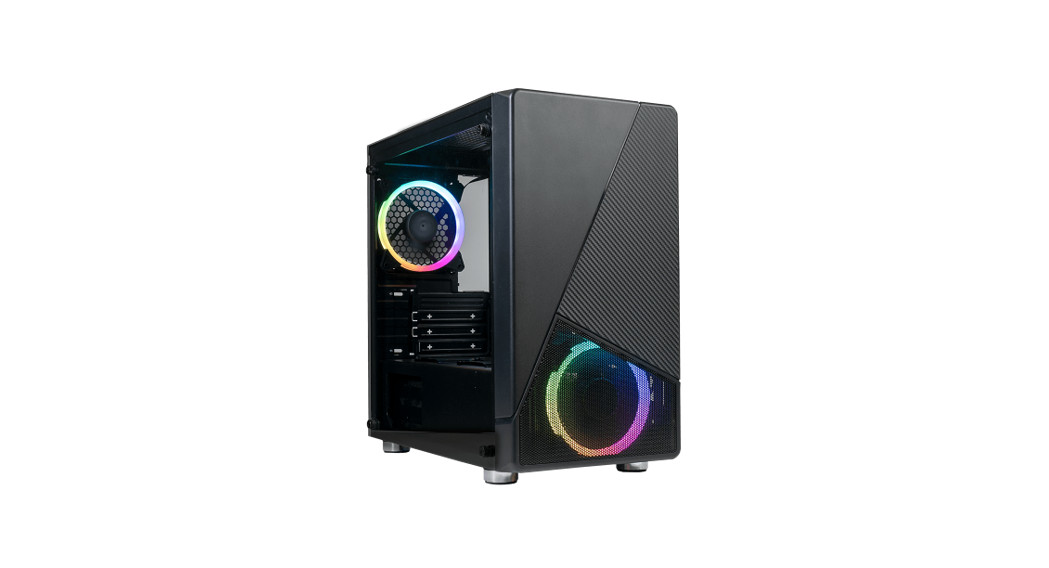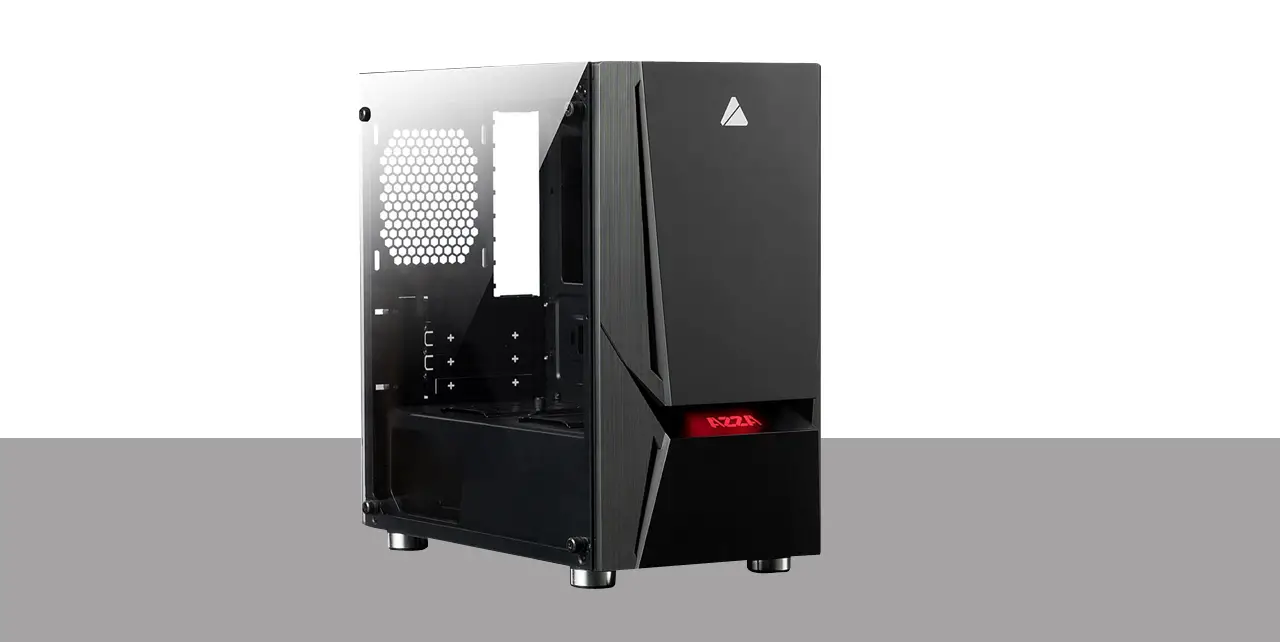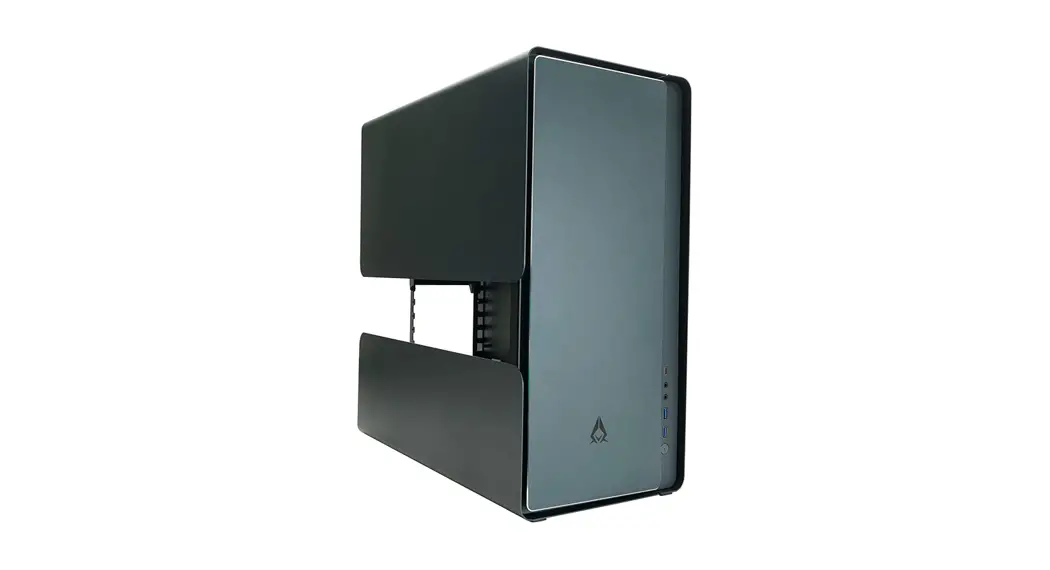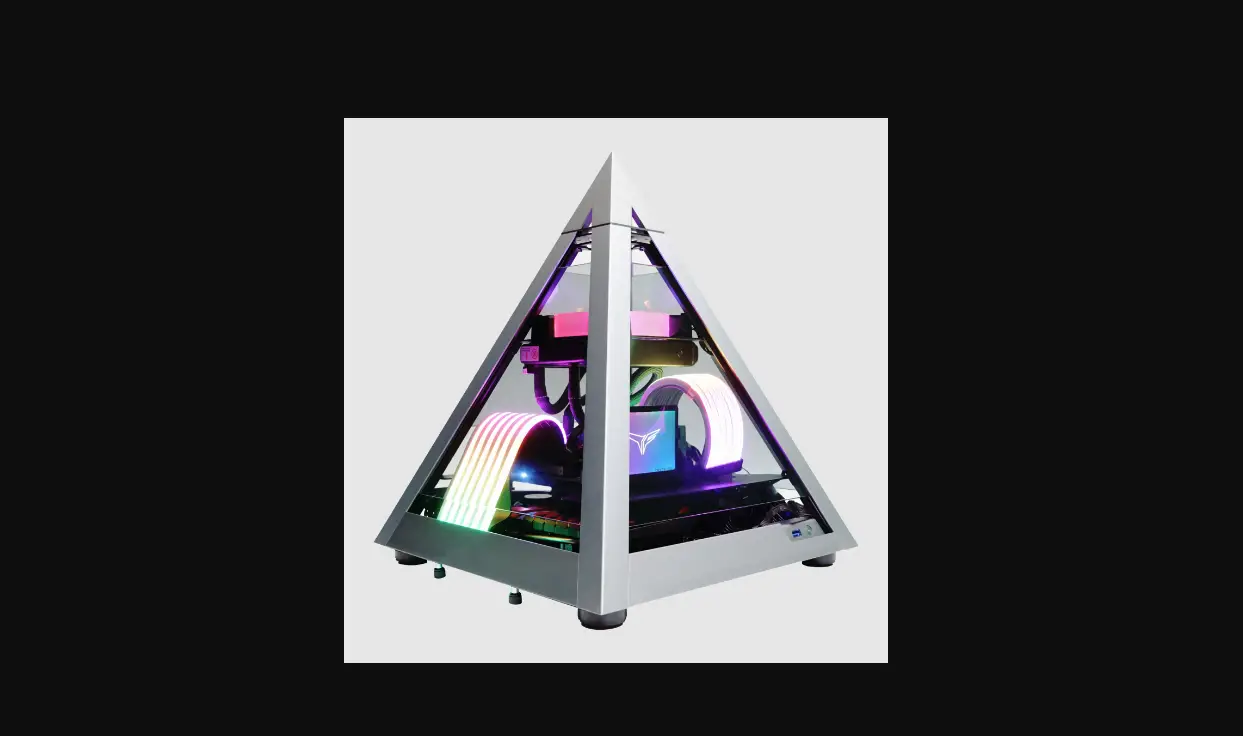

PYRAMID MINI 806
USER MANUAL
Installation Instructions
Specifications
| Model | |
| Model Name: | PYRAMID MINI 806 |
| Model Number: | CSAZ-806 |
| Specifications | |
| Type: | MINI ITX Tower |
| Material: | 1.5mm SPCC+ 2.0mm Aluminum |
| Side Panel Window: | 4 sides panel are tempered glass |
| Max CPU Cooler Height: | UP to 85mm |
| Max Video Card Length: | Up to 280mm long video card (Horizontal) |
| Power Supply: | Support SFX power supply only |
| Motherboard Compatibility: | Mini ITX |
| Expansion | |
| External 5.25″ Drive Bays: | 0 |
| Internal 2.5″ Drive Bays: | Up to 2 |
| Internal 3.5″ Drive Bays: | 0 |
| Expansion Slots: | 2 |
| Front Ports: | Power Button、 1xUSB 3.0、 HD Audio |
| Physical Specifications | |
| Metal Chassis Dimensions (HxWxD) | 435 x 368 x 368 mm/17.1 x 14.5 x 14.5 inches |
| Weight: | 6.3kg/13.9lbs |
| Features | |
| Tempered Glass Side Window: | High-quality tempered glass side window allows for clear visuals to inner components |
| Available Fan Ports: | 1x120mm Fan port in the Top(1x 120mm Hurricane II Digital RGB Fan included ) |
| Water Cooling: | Supports radiators up to 120mm on the Top |
| Isolated Chamber: | SFX power is on the bottom Prevent its heat from affecting other components |
| Easy Installation Cooler: | A pre-cut hole for easy installation of CPU Cooler, eliminating the need to remove the motherboard |
| Accessories: | 20cm PCI-E 3.0 Extend cable for VGA card (included) |
Chassis Parts
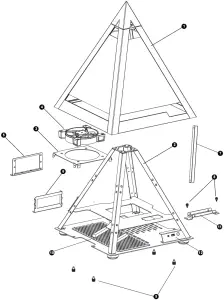
| 1 | TOP tempered glass panel cover | 7 | Fan cable management cover |
| 2 | Pyramid structure | 8 | Screws for 2.5″ SSD bracket |
| 3 | Fan bracket | 9 | Spring bolt screw of top panel cover |
| 4 | 12cm ARGB Fan | 10 | Removable(magnetic) dust proof mesh |
| 5 | Power supply rack | 11 | 2.5″ SSD bracket |
| 6 | PCIe slot | 12 | I/O Ports: Power button, USB 3.0 x 1 , HD Audio |
Removing The Top Glass Panel
Lift to remove top panel
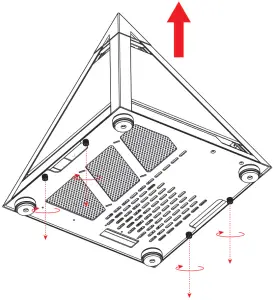
Loosen the four screws
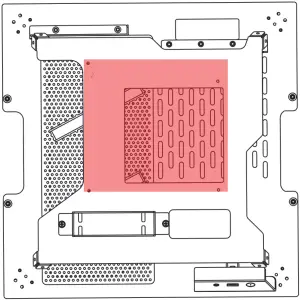
ITX Motherboard Mount
Power Supply Installation
SFX Power Supply
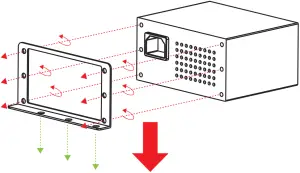
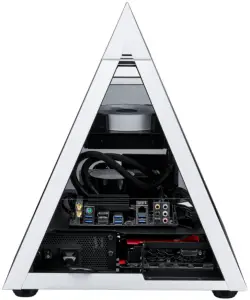
* Product photos are for reference only.
2.5″SSD Installation
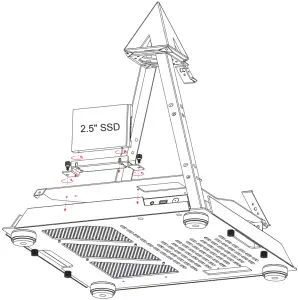

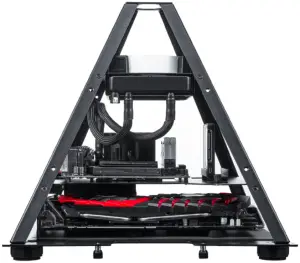
* Product photos are for reference only.
Fan Installation
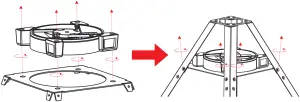
- Fasten the fan screws
- Secure the fan to the top of the Pyramid.
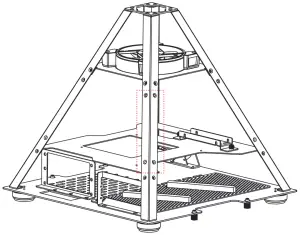
* Manage the fan cables by hiding cable cover
Digital RGB Fan Installation For Motherboard
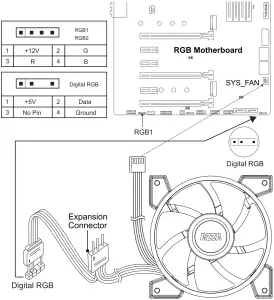
The addressable RGB fans can connect directly to the 5V addressable RGB headers of compatible motherboards, such as those from MSI™, ASUS™, Gigabyte™ and AsRock™.
Please note: Only 5V addressable headers from compatible motherboards are supported. Please do NOT connect the fan to a 12V non-addressable header.
Please check your motherboard’s specifications before use. Do not go past the motherboard’s allowed limits on power rating and LED count when connecting multiple fans/LED strips.
PCI-E Cable
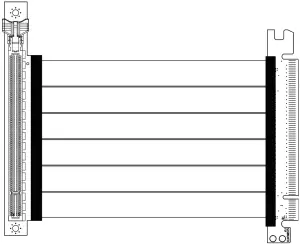
200mm PCI-E 3.0 Extend cable for VGA card
To fix potential compatibility issues with PCI-e Gen 4.0, please connect your graphics card directly to the motherboard, enter the BIOS, and change the PCI-e x16 mode to 3.0 before using the RGB PCI-e cable.