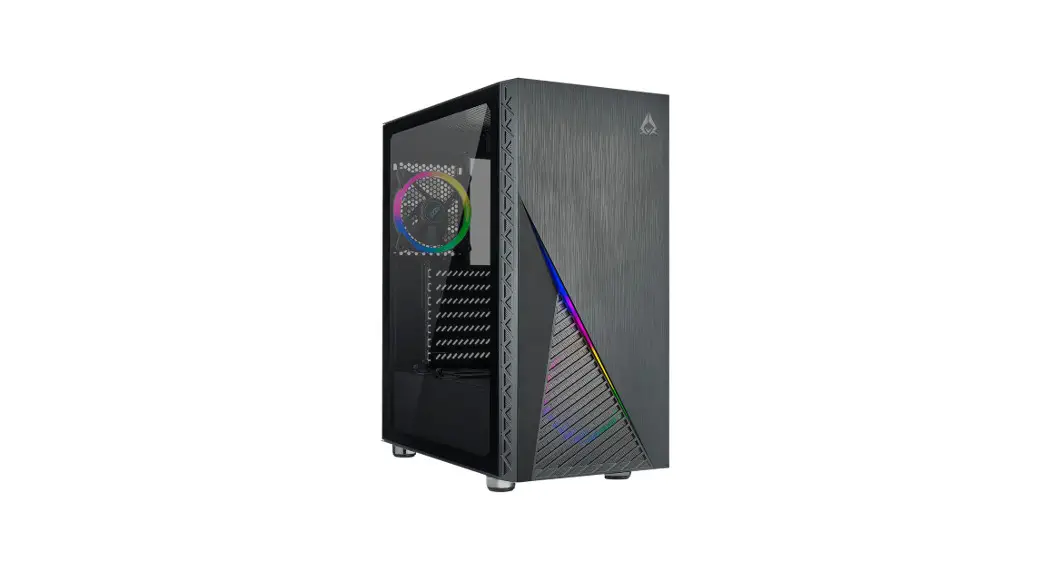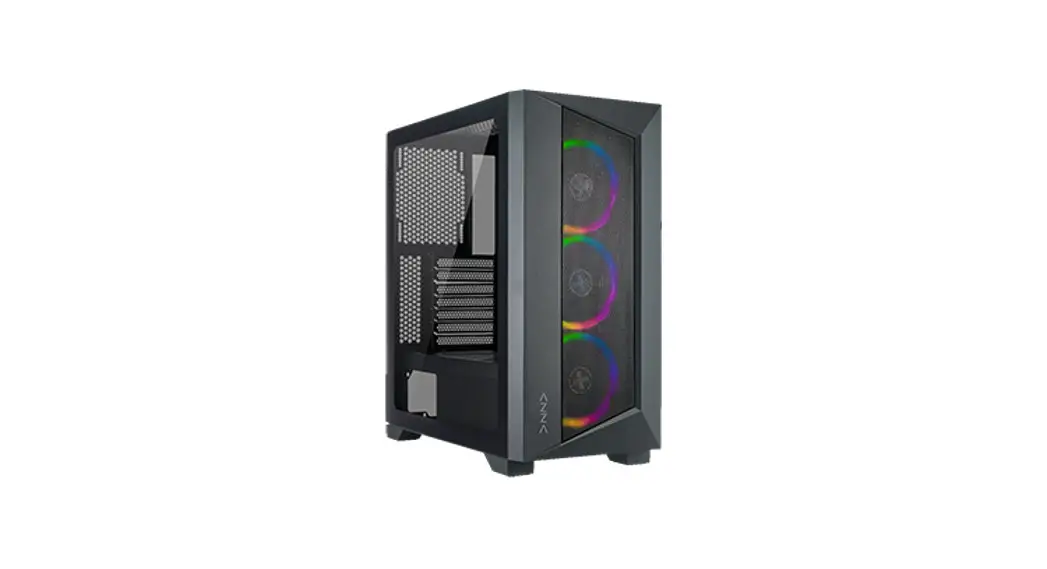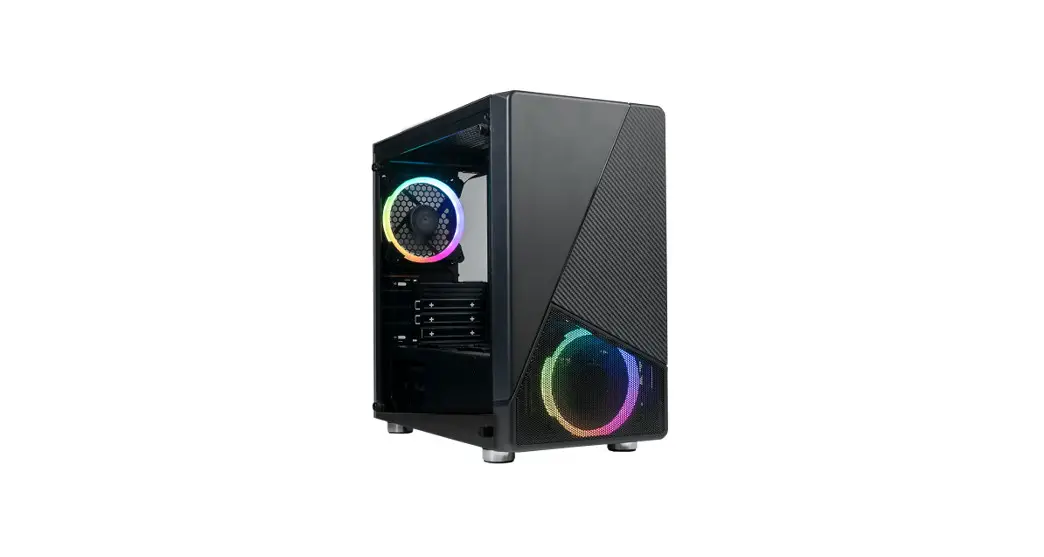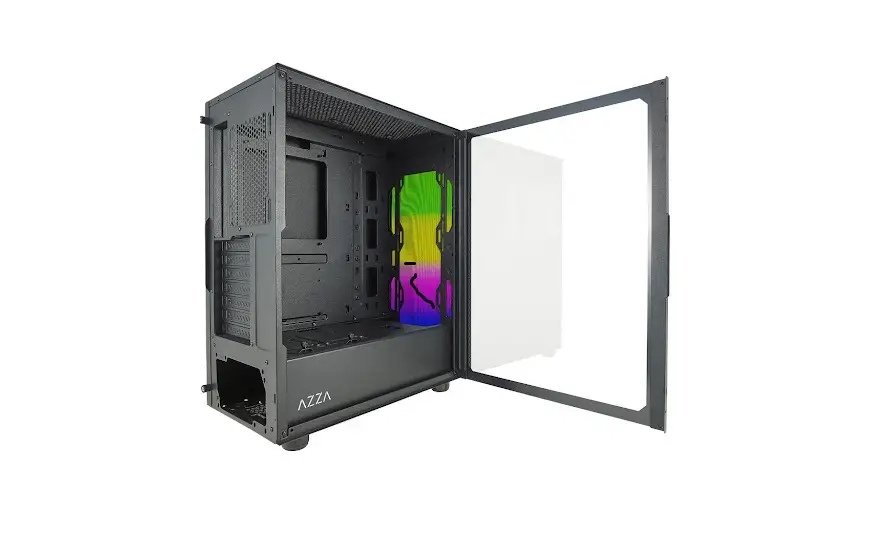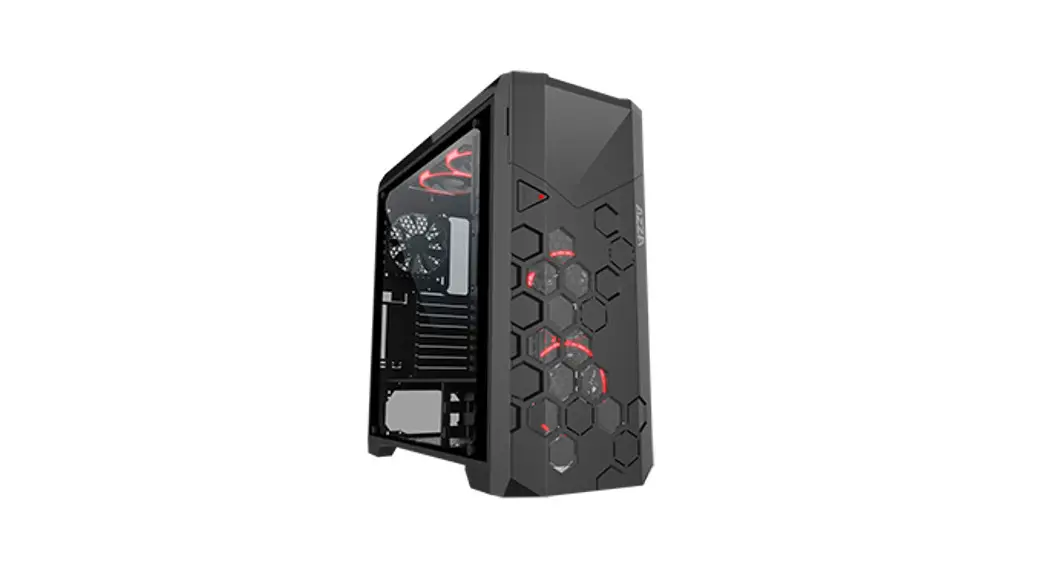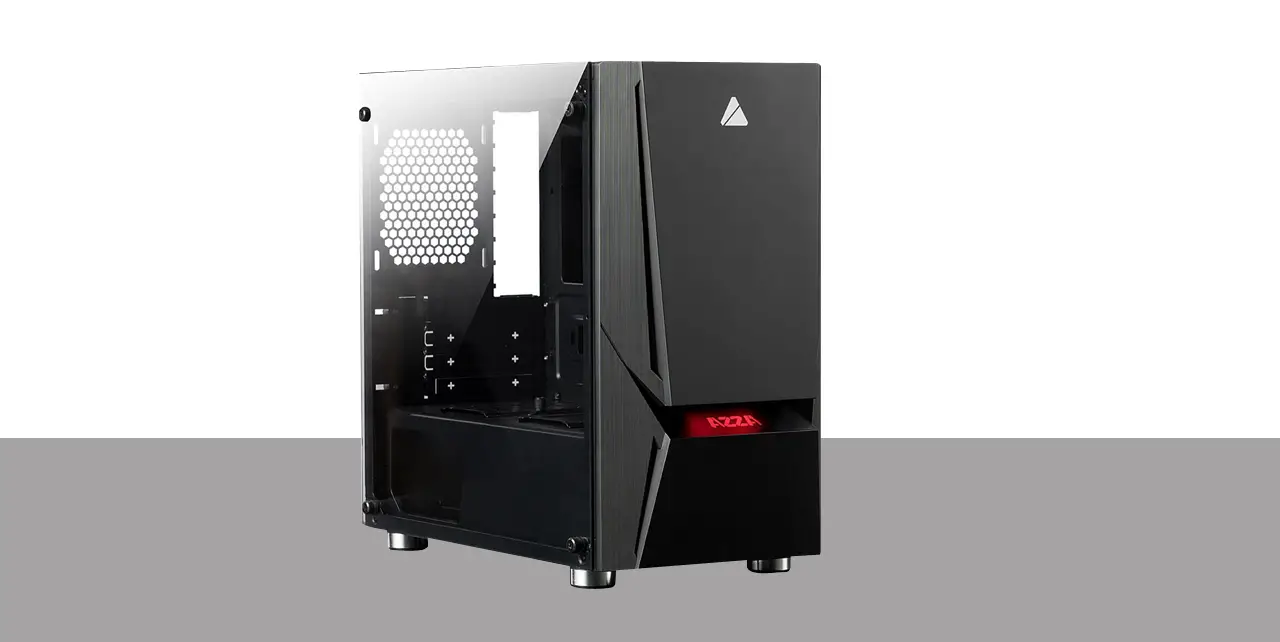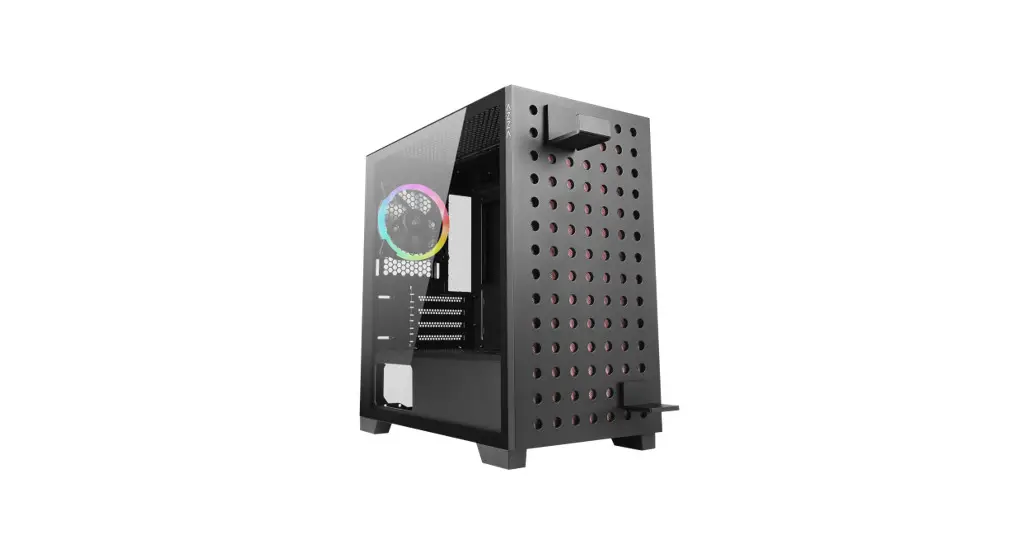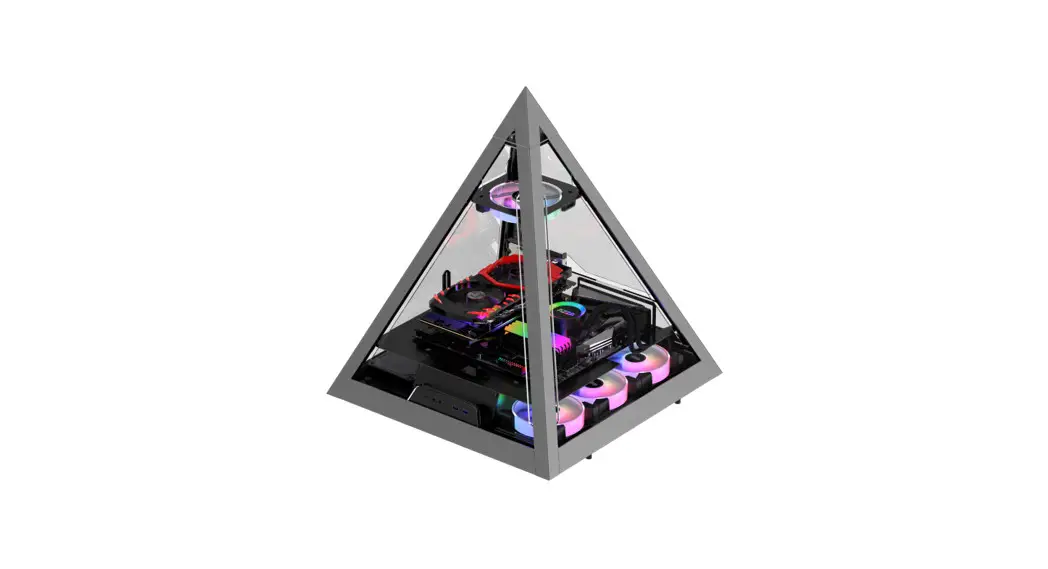

NOIR
User Manual
Installation Instructions
- Specifications
- Chassis Parts
- Control Panel Functions
- 3.5″HDD/ 2.5″ SSD Installation
- Cooling System Installation
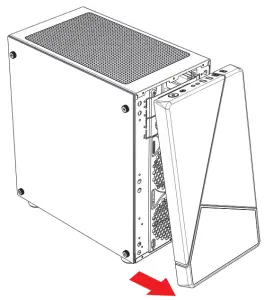
- Remove the Front Panel Instructions
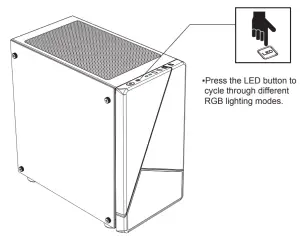
- RGB Lighting Switching
- Fan Installation
Specifications
| Model | |
| Model Name: | NOIR |
| Model Number | CSAZ-130 |
| Specifications | |
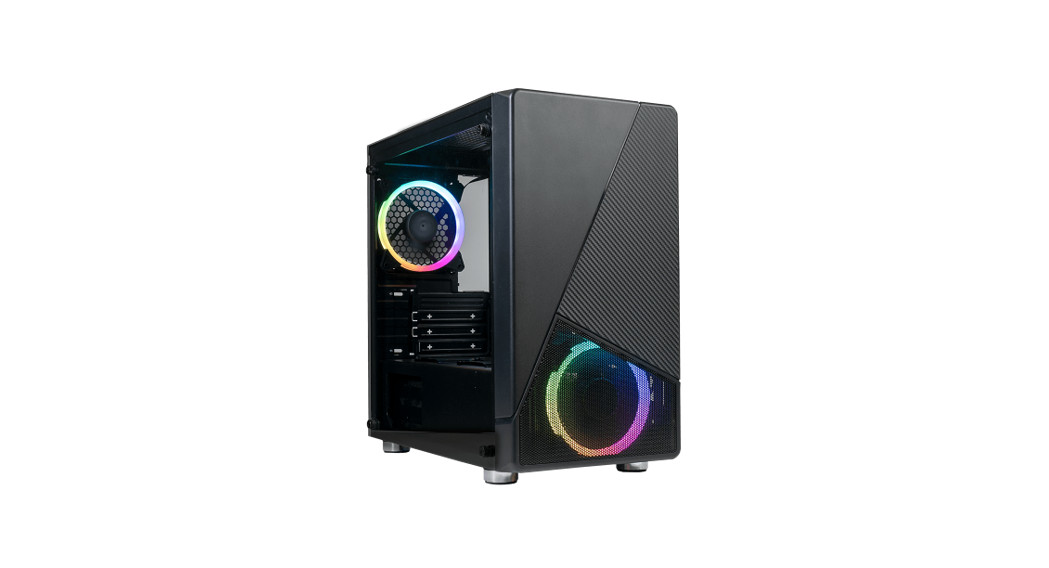
| Type: | Micro ATX Mid Tower |
| Color: | Black(exterior)/black(interior) |
| Side Panel Window: | Left side panel: tempered glass with rubber mounts |
| Max CPU Cooler Height: | UP to 165mm |
| Max GPU Length | Up to 300mm long video card |
| Power Supply Support: | Bottom mounted ATX Power Supply |
| Motherboard Compatibility: | Micro ATX |
| Expansion | |
| External 5.25″ Drive Bays: | 0 |
| Internal 2.5″ Drive Bays: | Up to 6 |
| Internal 3.5″ Drive Bays: | Up to 2 |
| Expansion Slots: | 4 |
| Top Ports: | Power button, LED button, HD Audio, USB 3.0 x 1, USB2.0x2 |
| Physical Specifications | |
| Case Dimension (HxWxD) | 397x215x404mm/15.6×8.5×16 inches |
| Weight: | 4.3kg /9.51bs |
| Features | |
| Outer Appearance: | High-quality tempered glass side window allows for clear visuals to inner components |
| Addressable RGB Light Effects: | All ARGB light devices sync with the motherboard, allowing the motherboard software or LED button to directly control the lighting. |
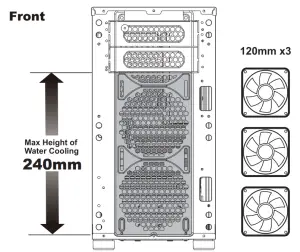
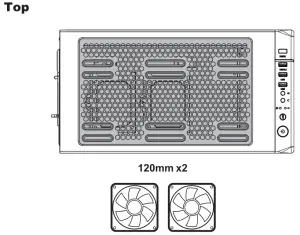
| Available Fan Ports: | 3x120mm fan ports in the front (1 x 120mm LFO-3212D ARGB fan included) 2x120mm or 2x140mm fan ports on the top lx120mm fan port in the rear(‘ x 120mm LFO-3212D ARGB fan included) |
| Water Cooling: | Supports radiators up to 240mm in the front |
| Dust Filters | Removable (magnetic) dustproof net on the top, iron net on the bottom of chassis. |
Chassis Parts
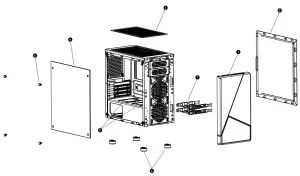
| 1 | Front panel |
| 2 | Right side panel |
| 3 | Removable (magnetic) dustproof net |
| 4 | The left side tempered glass panel |
| 5 | Screws for side glass panel |
| 6 | Case feet |
| 7 | 3.5″HDD brackets X2 |
| 8 | 2.5″SSD brackets X2 |
Control Panel Functions
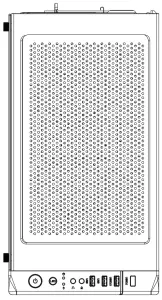
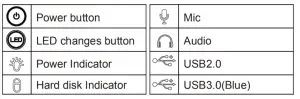
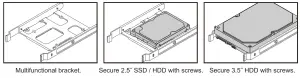
3.5″HDD/ 2.5″ SSD Installation
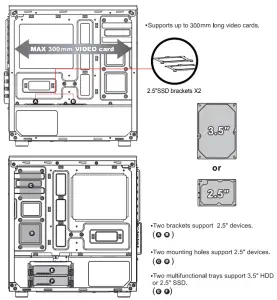
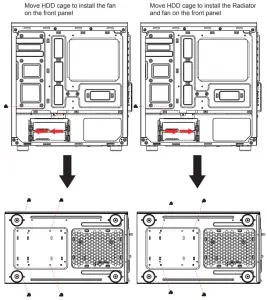
Cooling System Installation
 |  |
Remove the Front Panel Instructions
RGB Lighting Switching
Fan Installation
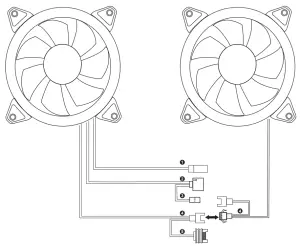
| CONNECTOR | CONNECTION | |
| 1 | LED S/W (2p n) | LED Botton |
| 2 | ARGB LED 5V (3pin) | Motherboard: MSITM, ASUSTM, and ASROCKTM |
| 3 | ARGB LED 5V (VDG) | Motherboard: GigabyteThi |
| 4 | Fan Connector | 1st fan connect to 2nd fan |
| 5 | SANTA | Power Supply |
※Press the LED button to cycle through different RGB lighting modes, controlled by the LED button.
※Hold the LED button for 3 seconds to switch the RGB control function between motherboard RGB software and LED button.