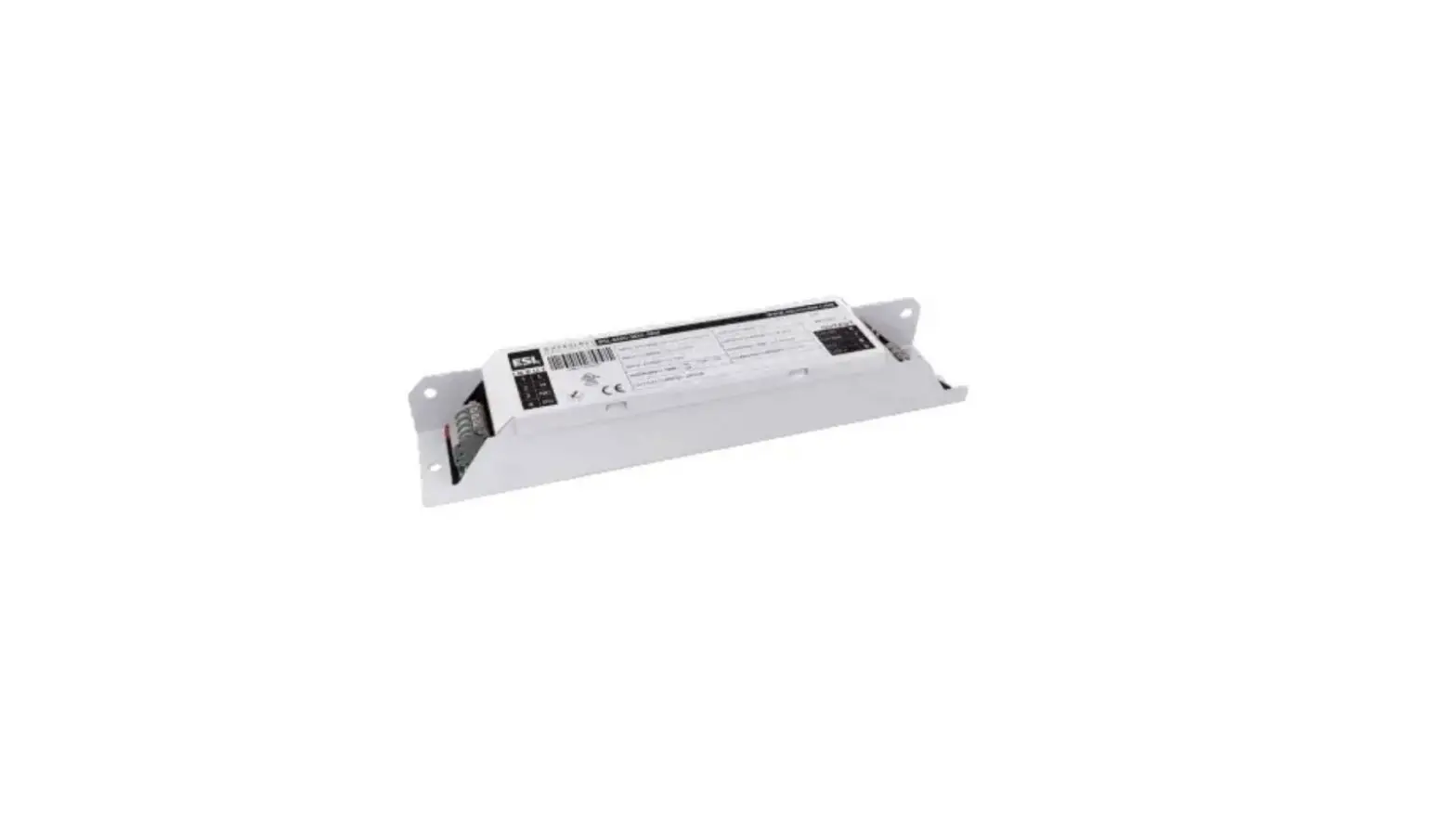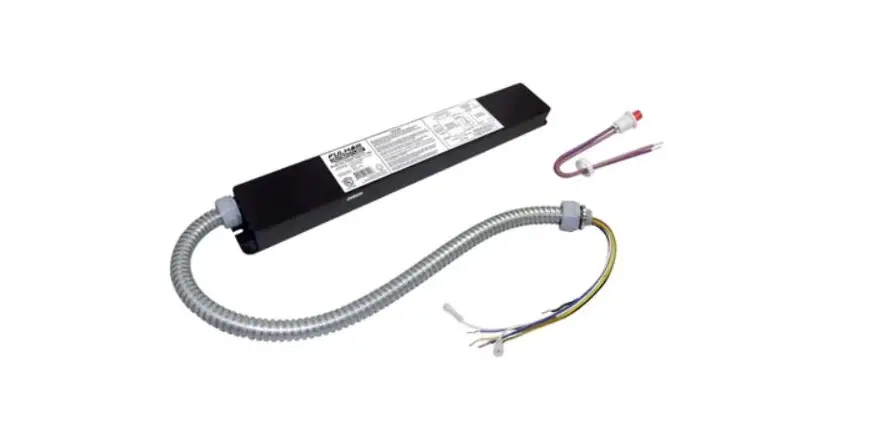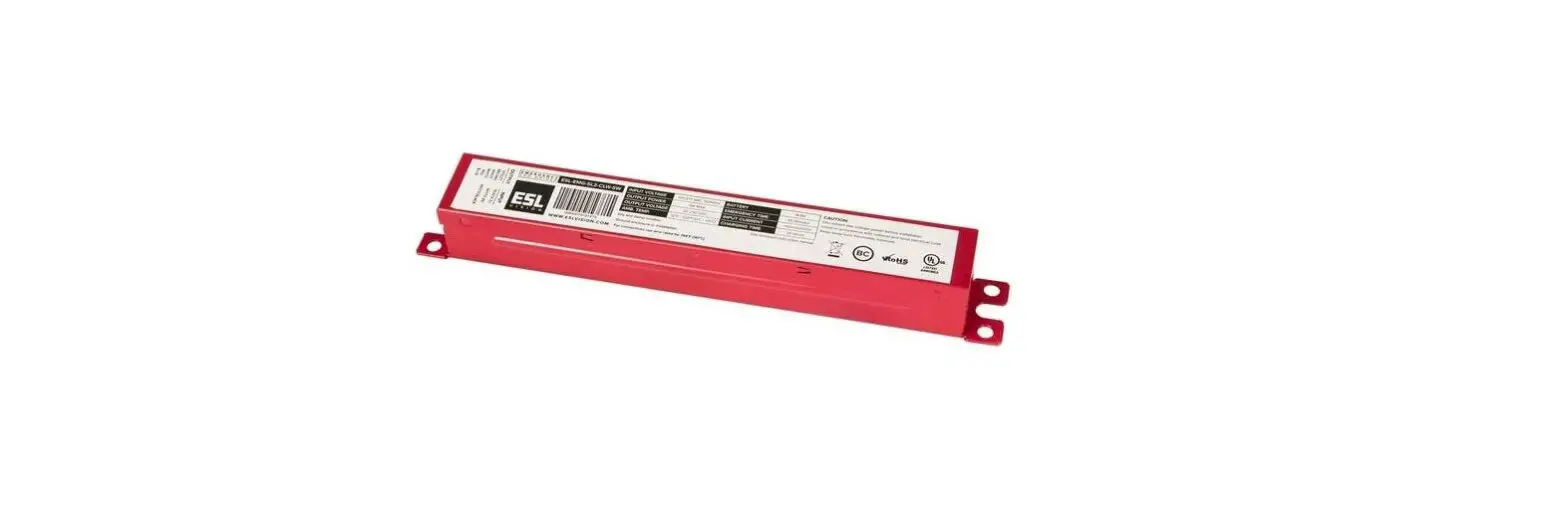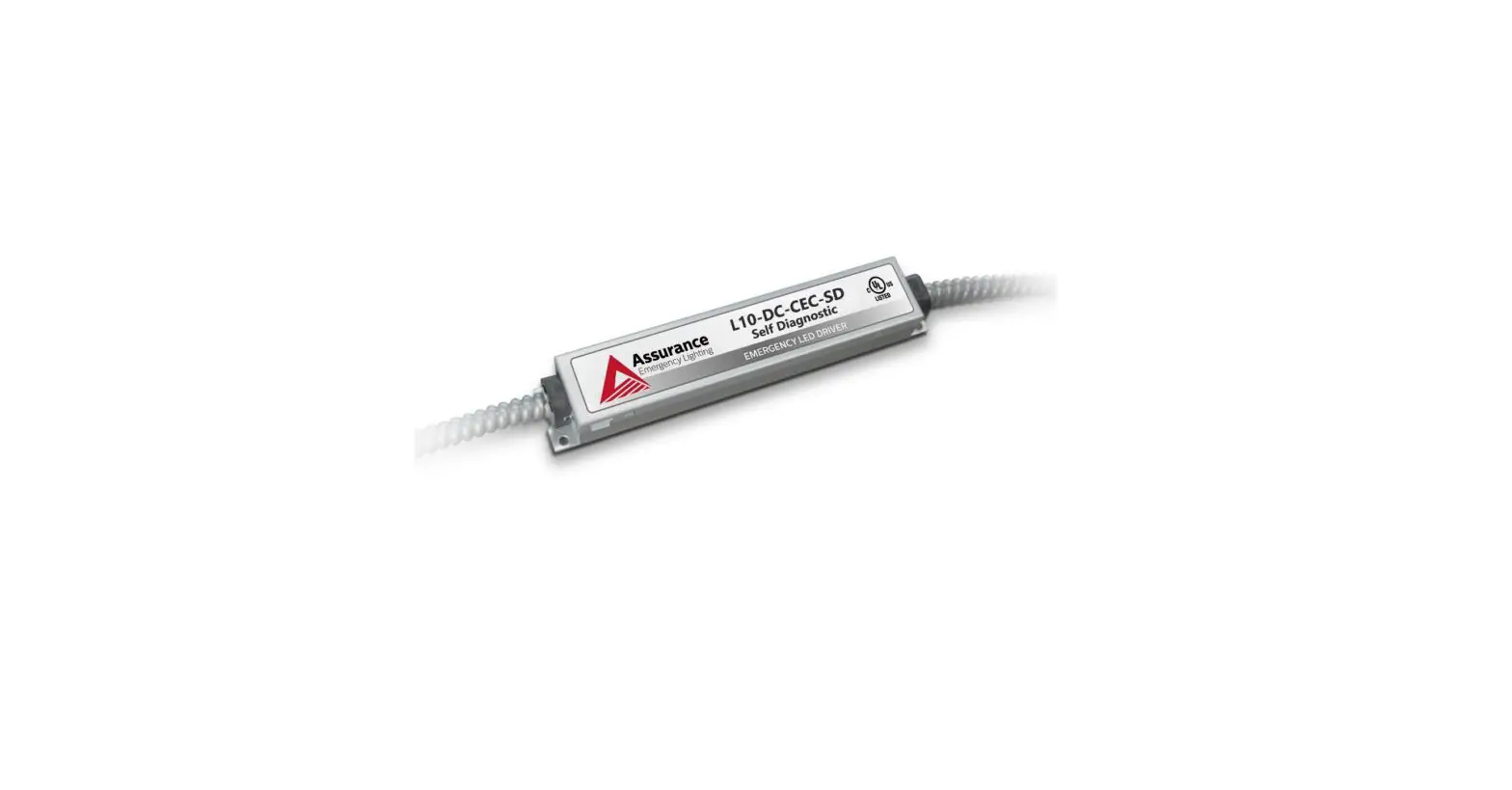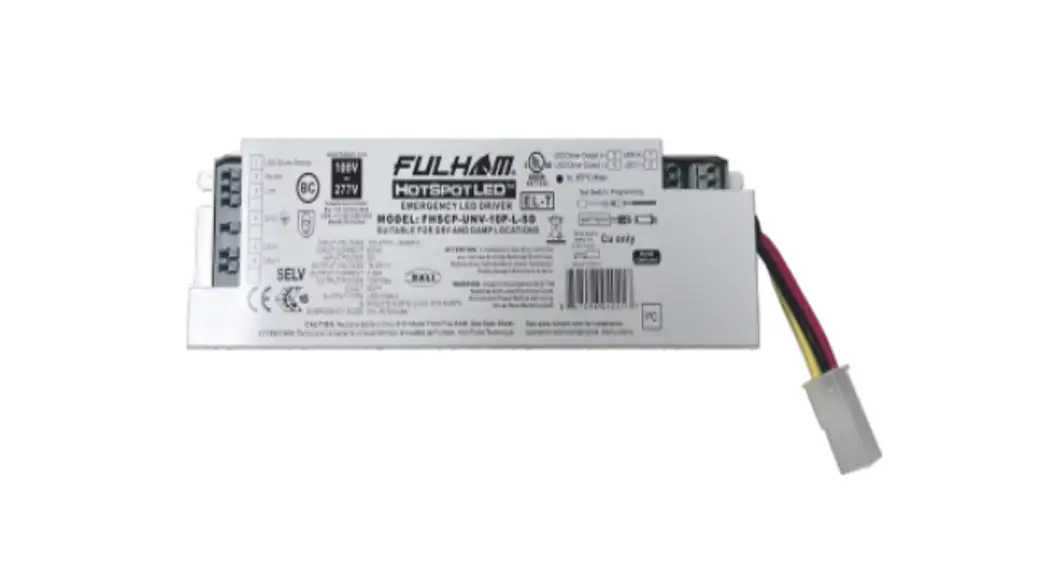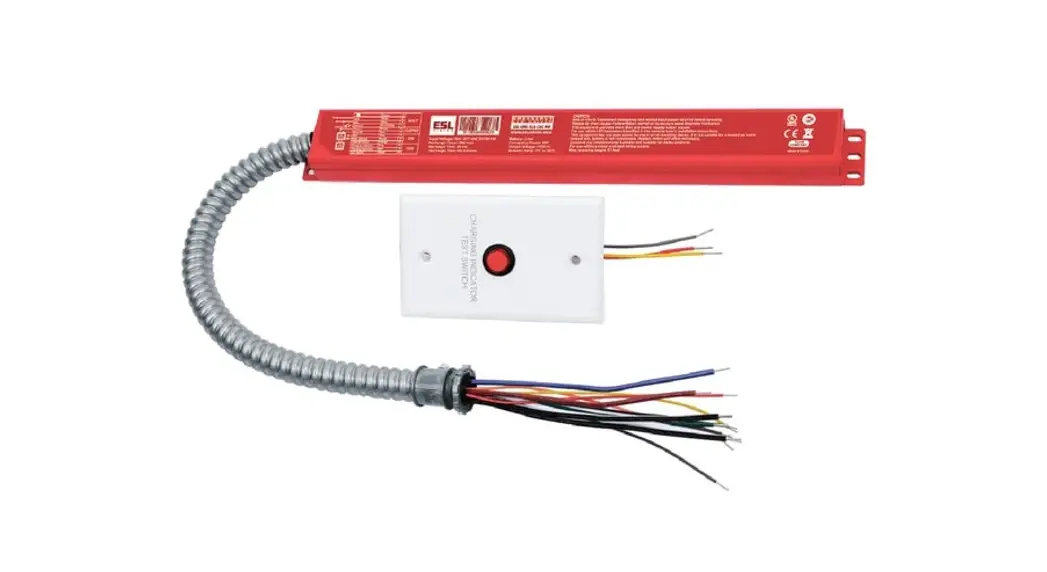
 SL6 18Watt Emergency Driver
Installation Guide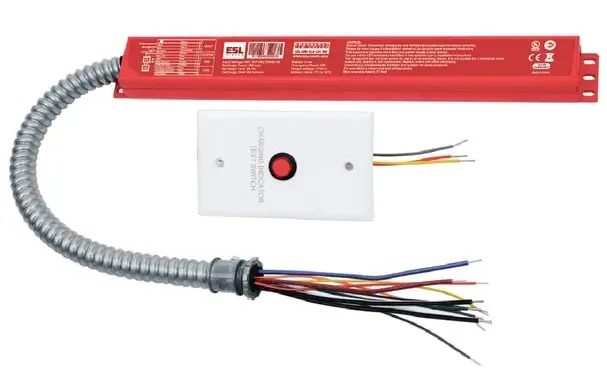 EMERGENCY DRIVER SERIES
SL6 Installation Guide
SL6 18Watt Emergency Driver
 WARNING
- This emergency driver provides more than one power supply output source. To avoid electric shock, disconnect power at source prior to installation.
- The installation should be performed by qualified electricians or lighting technicians.
- Do not attempt to service the battery. A sealed, no-maintenance battery is used and is not field replaceable. Replace the entire unit when necessary.
- The emergency driver requires a constant AC power source of 100–347VAC, 50/60Hz.
- Battery pack should be charged for 24 hours every 6 months during storage.
- Battery in this unit may not be fully charged. After electricity is connected to the unit for at least 24 hours before normal operation.
- Do not mount near gas or electric heaters. Do not let power supply cords touch hot surfaces.
- Not for outdoor use.
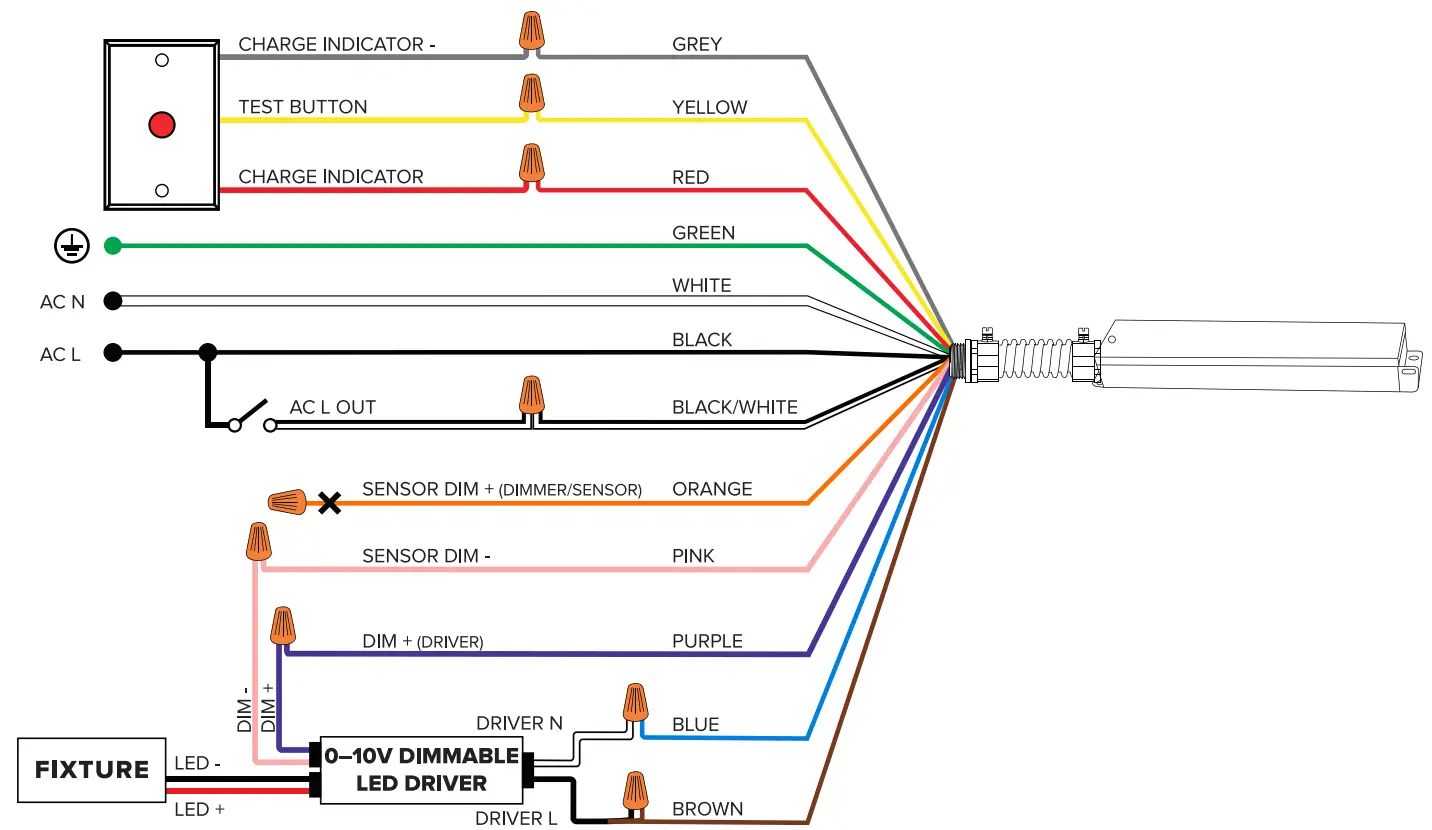
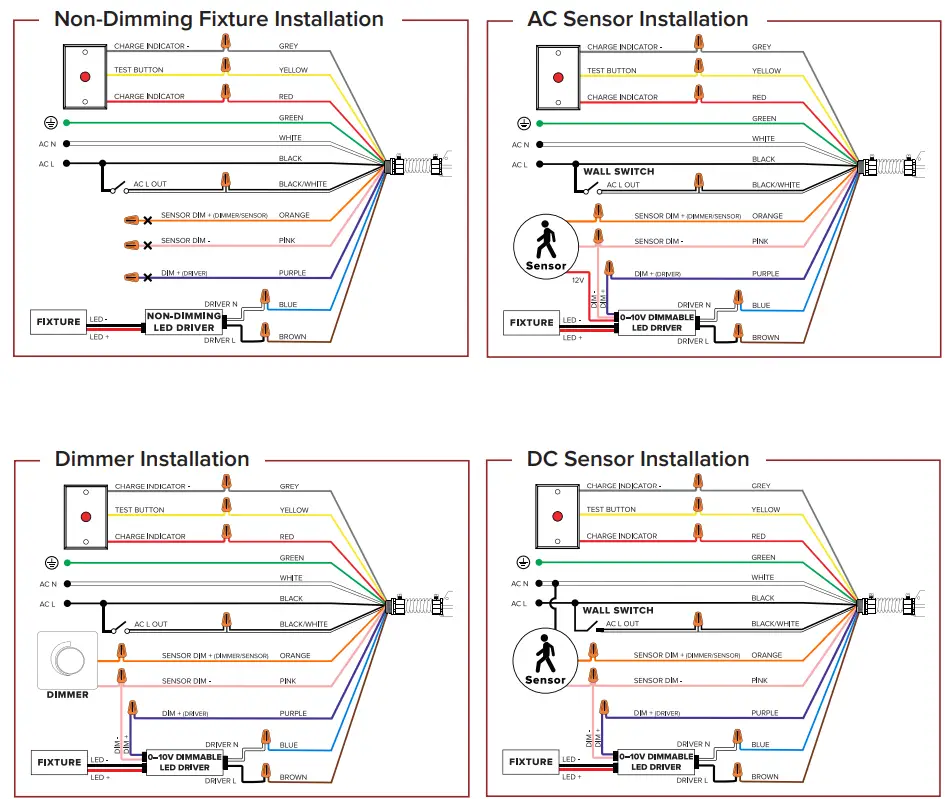
Standard Installation to 0–10V Dimmable Fixture
Copyright © 2023 ESL Vision, LLC.
All rights reserved. Rev: 03/03/23 888.493.5559
 [email protected]
 www.eslvision.com