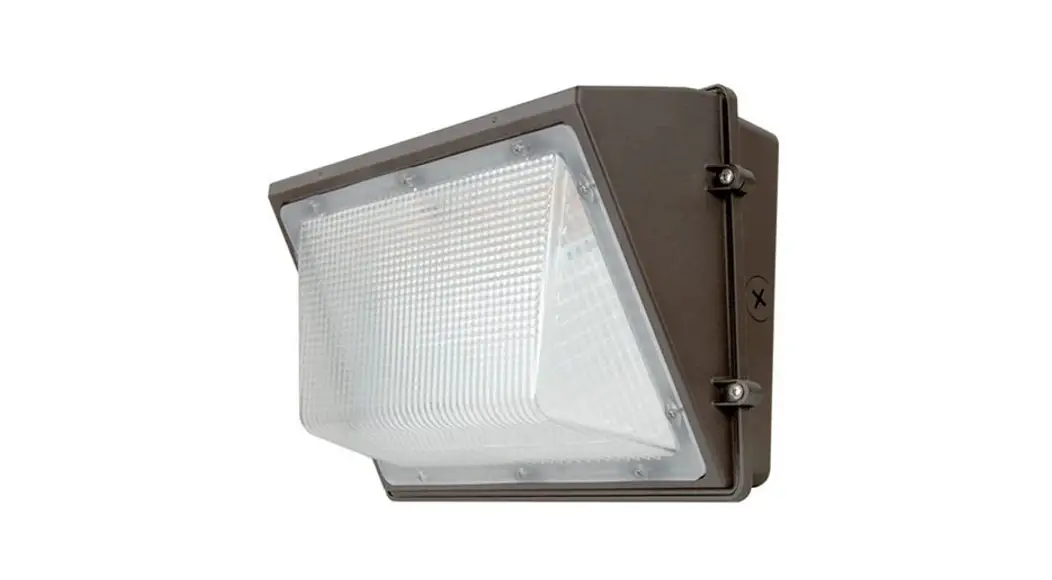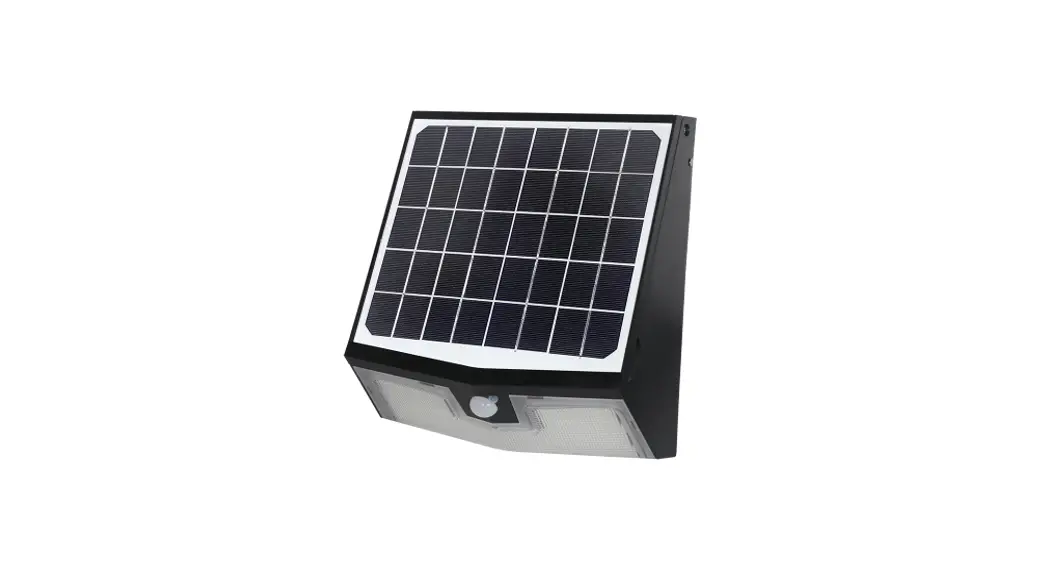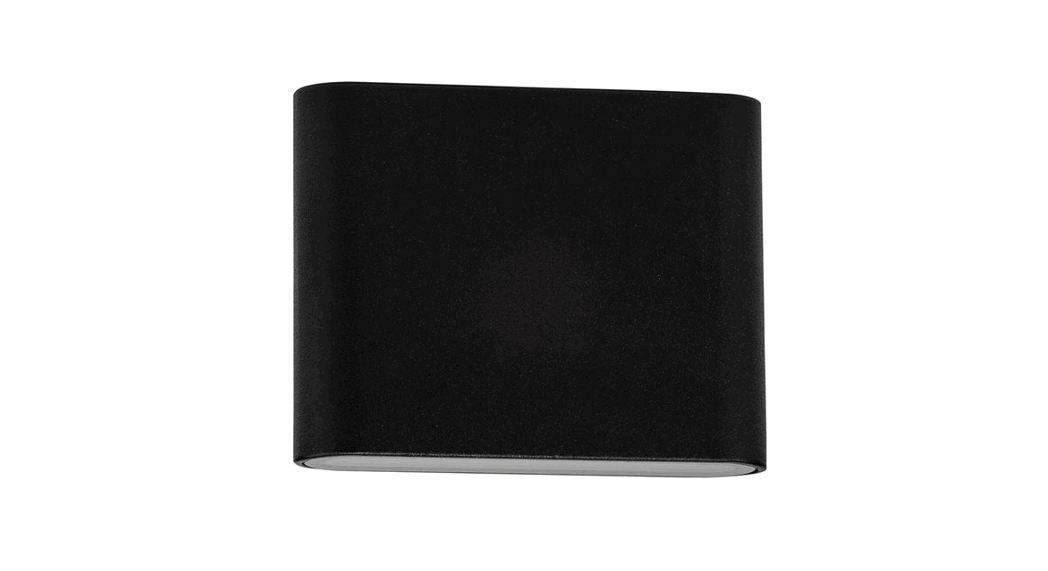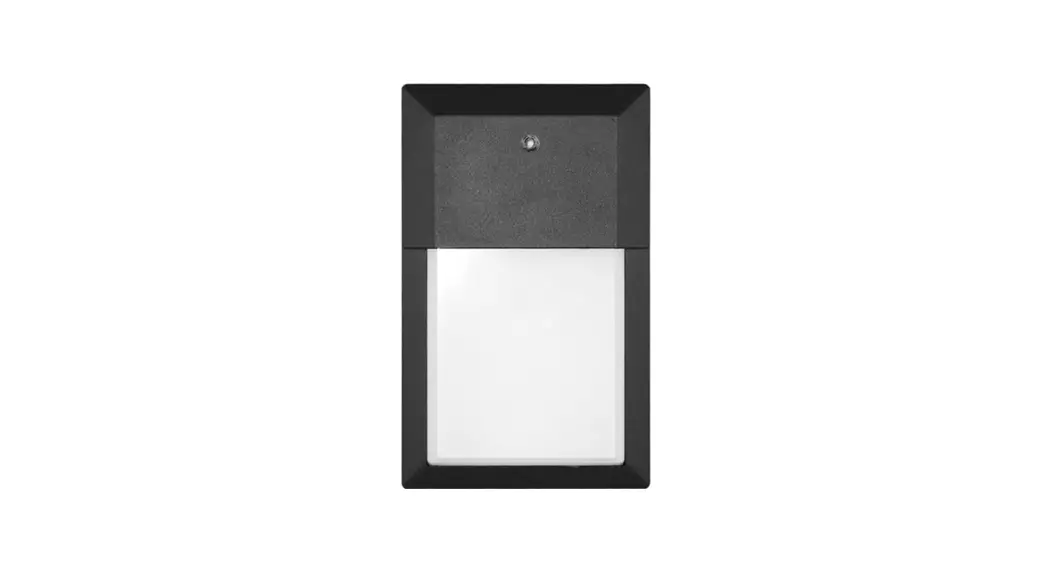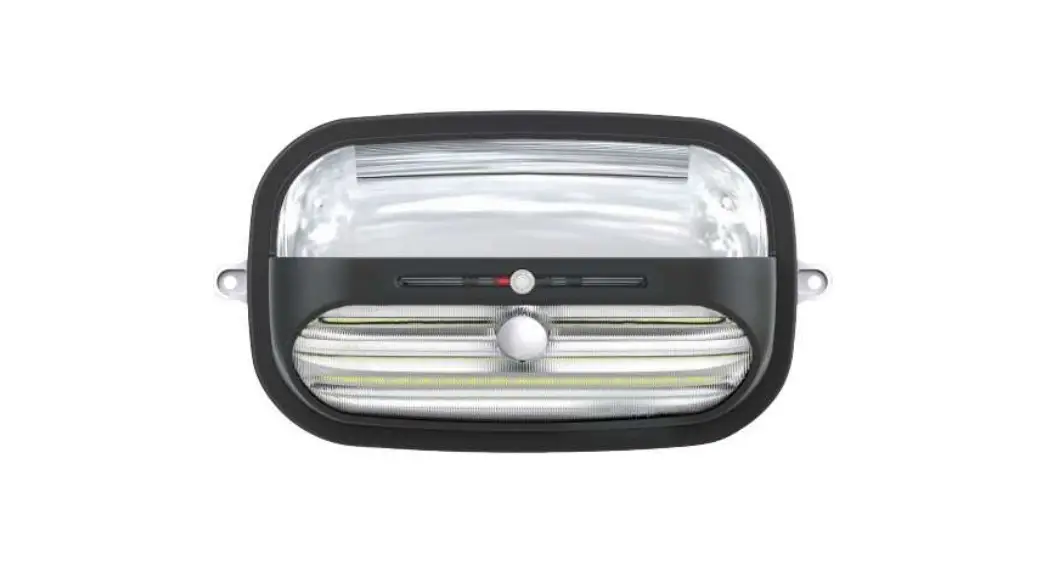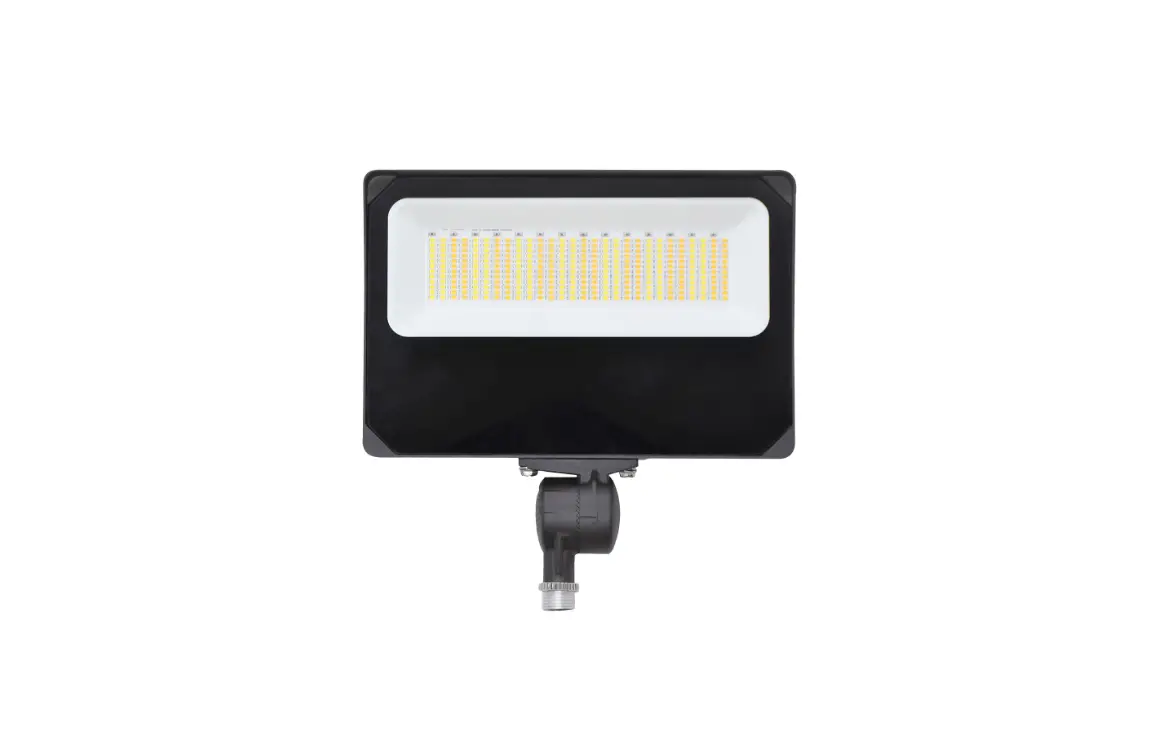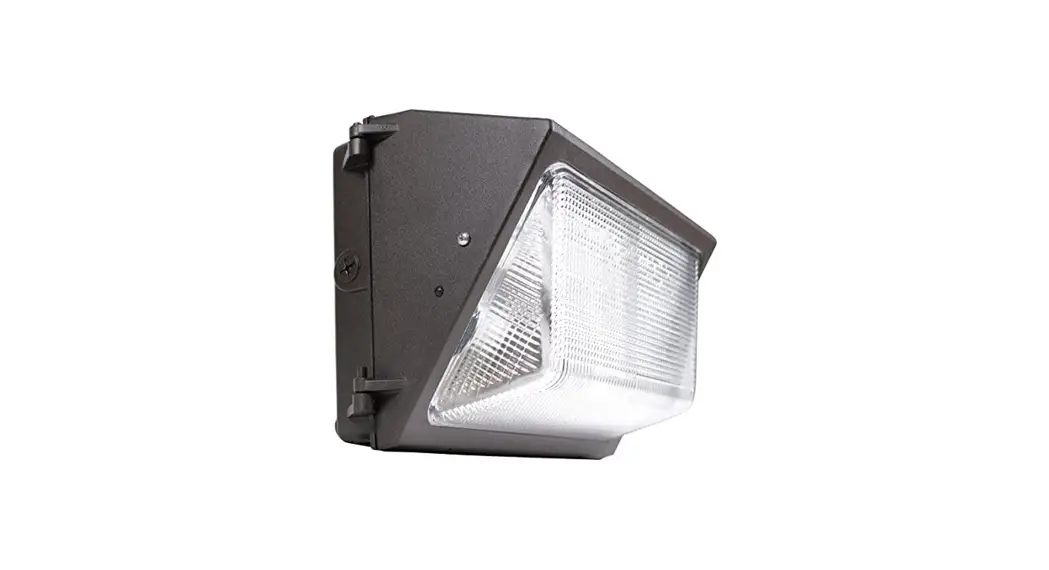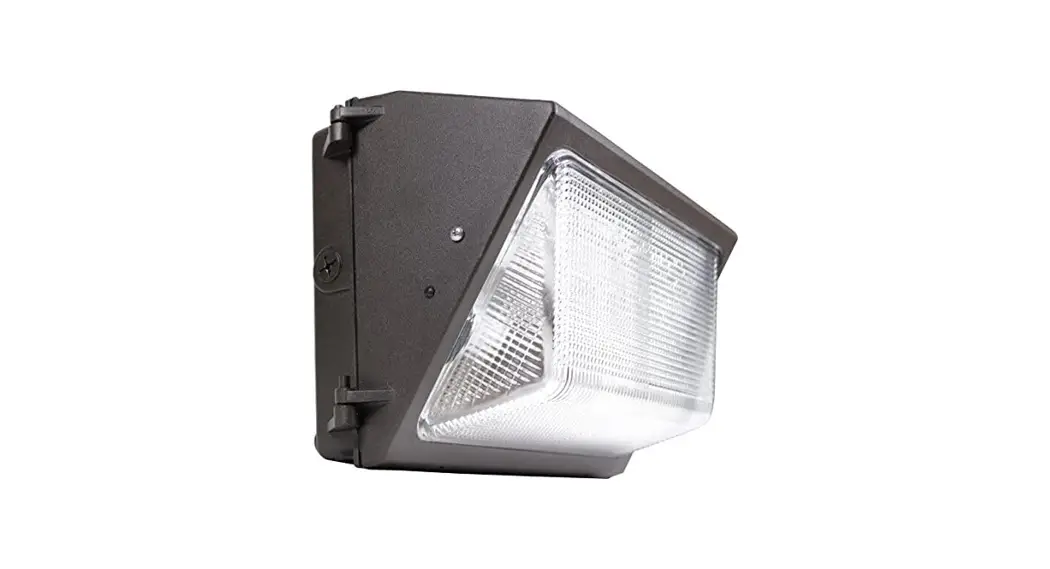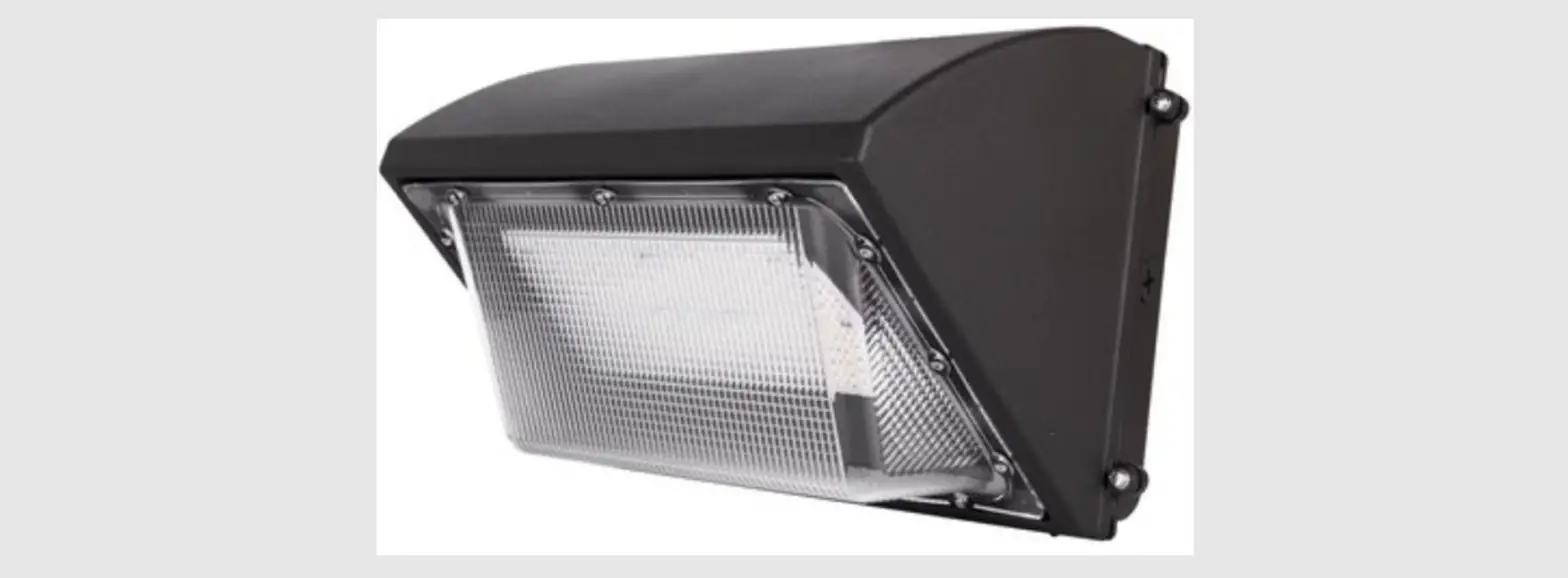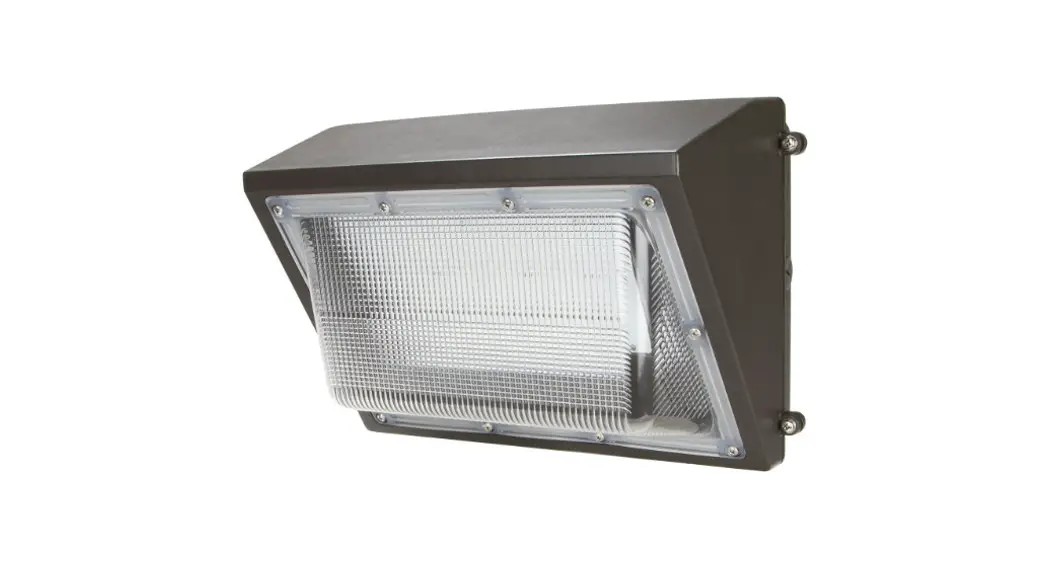
 Wall Pack Series Wall Light Gen 5
Installation Guide
Wall Pack Series Wall Light
 WARNING
- To avoid electric shock, disconnect power at source prior to installation.
- The installation should be performed by qualified electricians or lighting technicians.
- Before conducting any installation, maintenance, or removal, disable all power.
- Do not touch the fixture while it is in service.
- If there is any problem with the fixture, turn off power and DO NOT attempt repair unless you are a qualified technician or the customer service member.
Junction Box Mounting
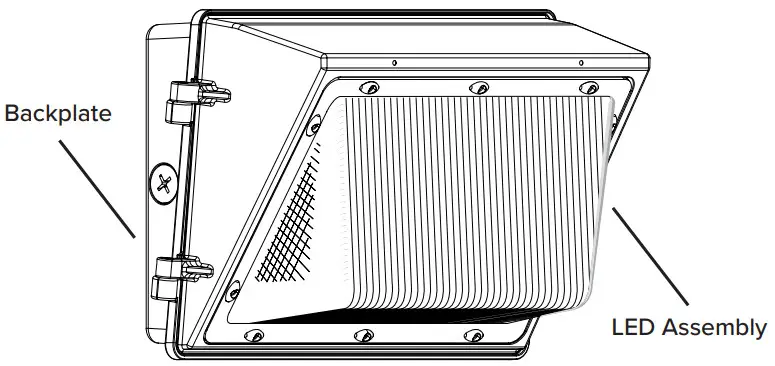
- Loosen the two (2) screws on the side of the housing to open fixture.
- Prepare the back plate for mounting by drilling or knocking out the appropriate holes. Refer to the backplate diagram section.
- Line up the back plate in the desired location and mount securely using mounting bolts. Caulk the bolt heads.
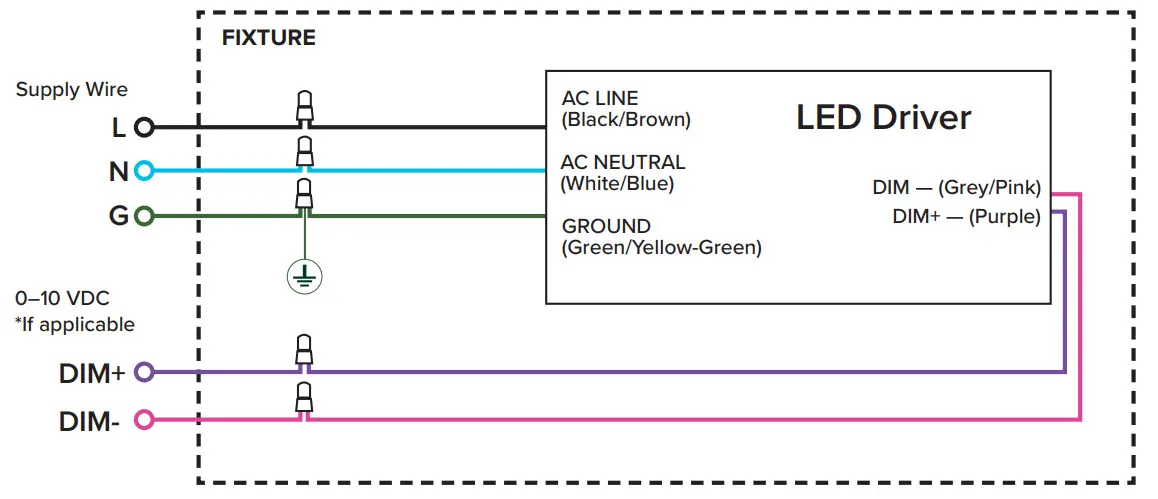
- Complete the wiring to the supply wires & ground (refer to wiring diagrams).
- Set the kelvin & wattage to the desired levels.
- Close the door & tighten the two (2) screws on the side of the housing
 Electrical Wiring Diagram
 Electrical Wiring Diagram (With EM Backup)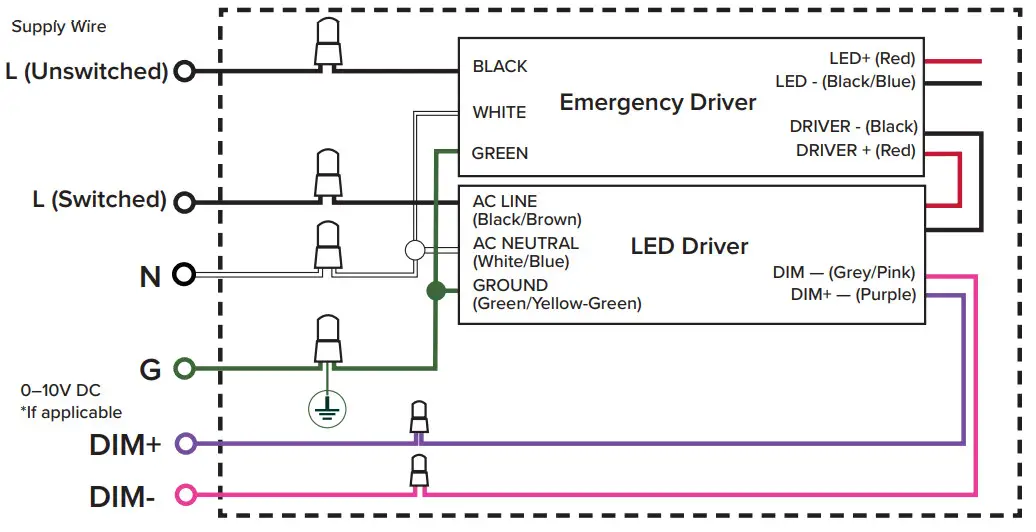
Backplate Diagram
A — 5/16″ dia. Knockouts
B — 9/16″ dia. Knockouts
C — Knockouts for #10 screw
D — 1/2″ NPS tapped holes.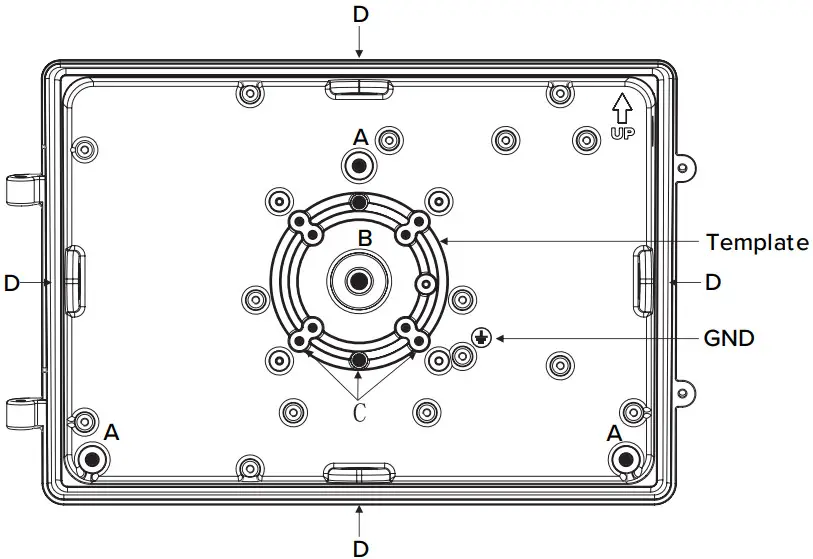
Copyright © 2021 ESL Vision, LLC. All rights reserved. Rev: 11/18/21 888.493.5559
 [email protected]
 www.eslvision.com