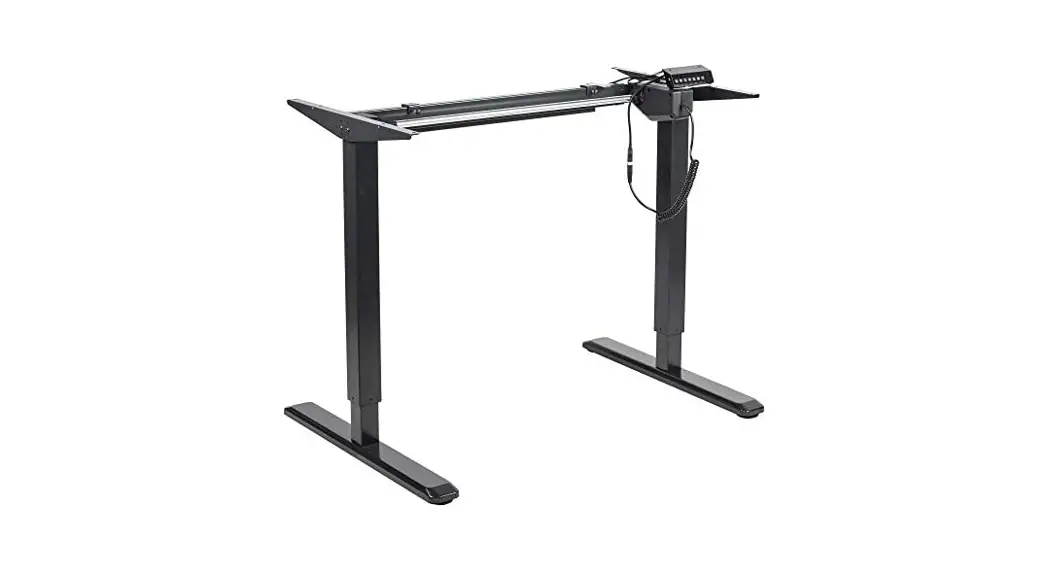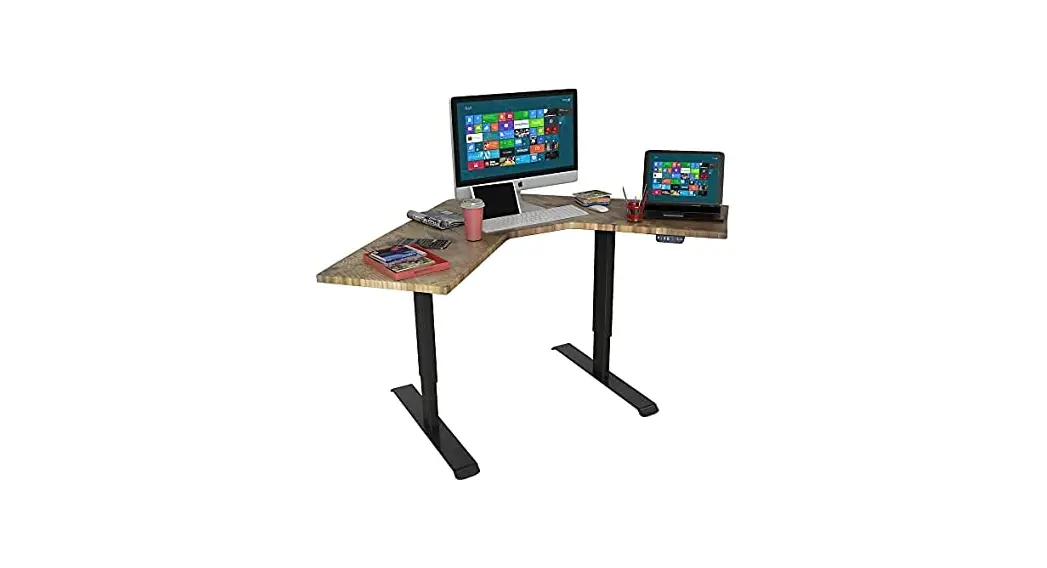
 Instruction Manual
HEIGHT-ADJUSTABLE DESK
DML1000
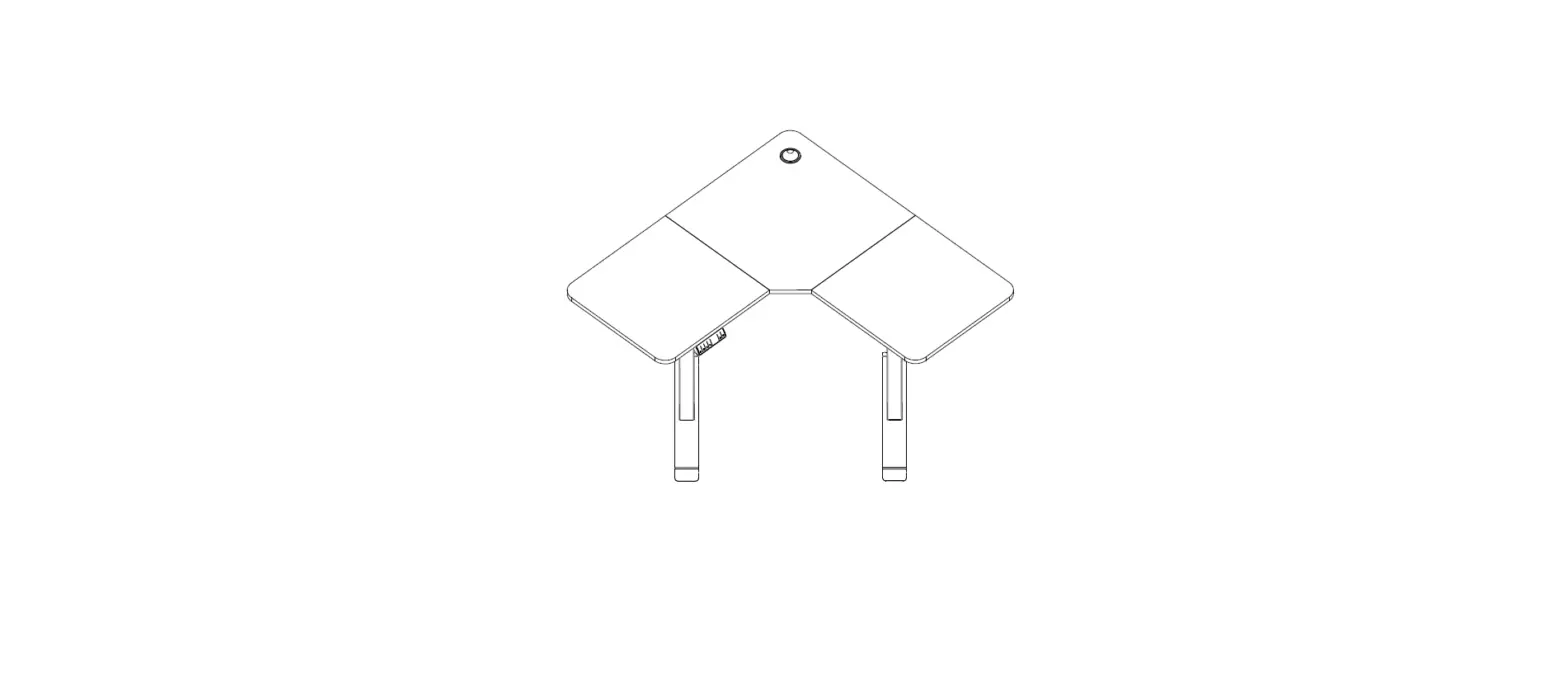
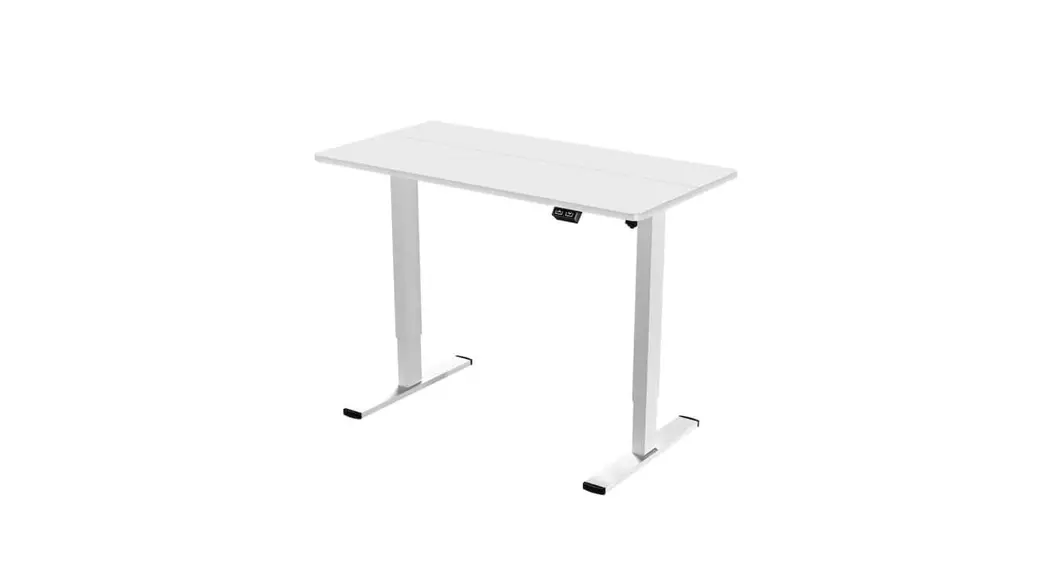
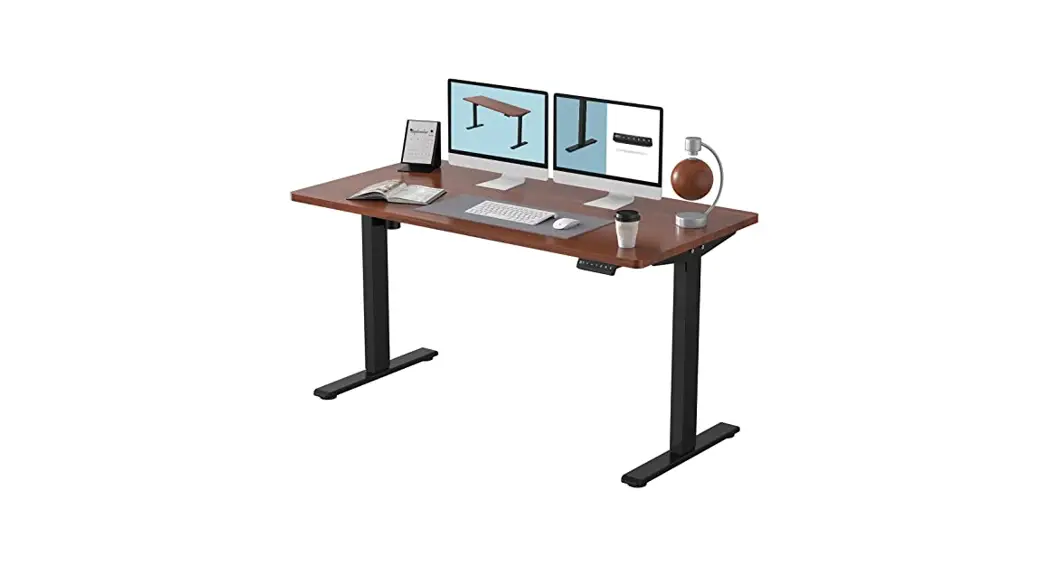
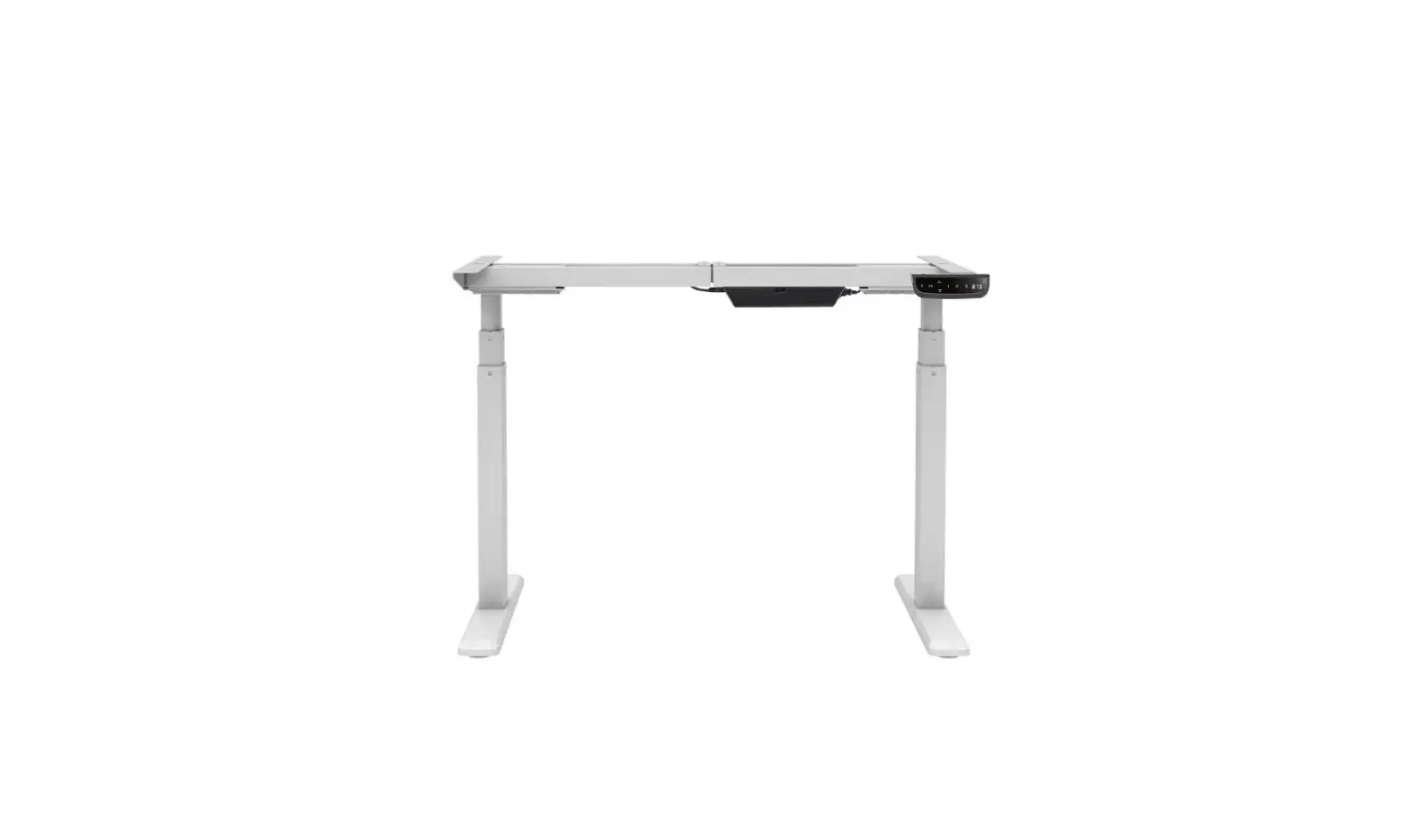
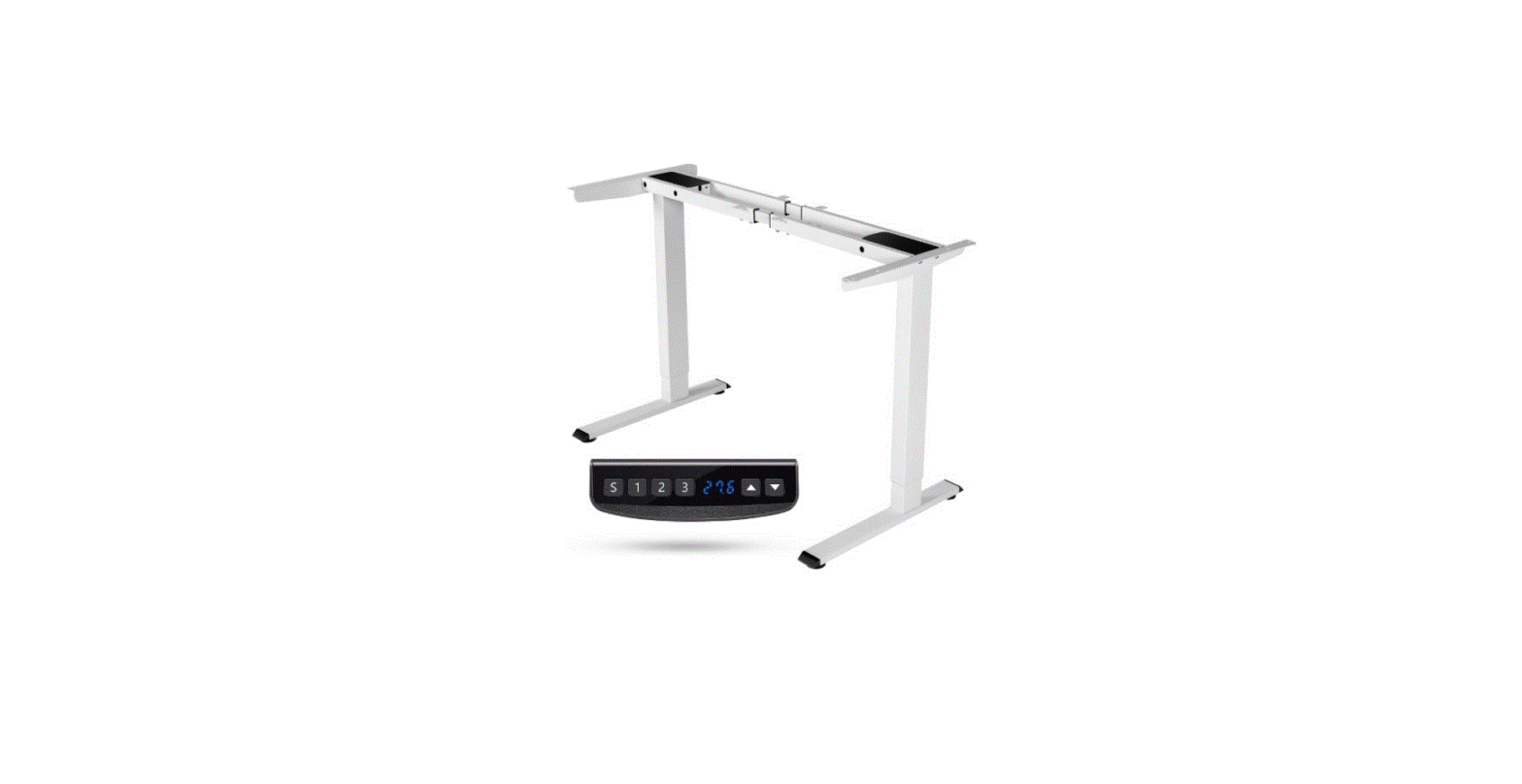
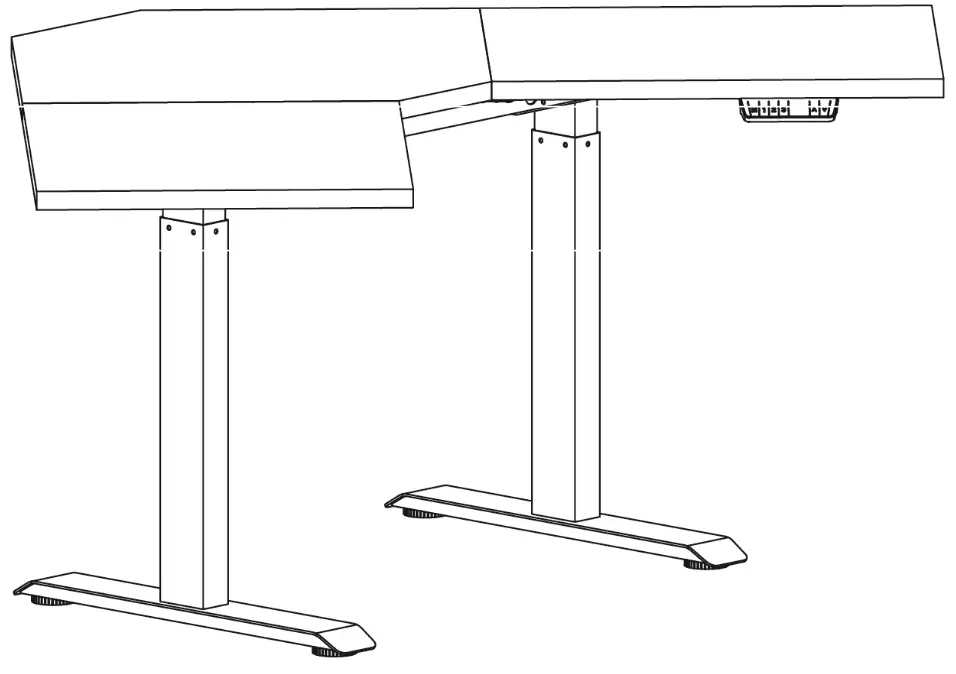
DML1000 Dual Motor L-Shaped Standing Desk
Rife Technologies
www.rifeindia.com
Tel: 9899250704
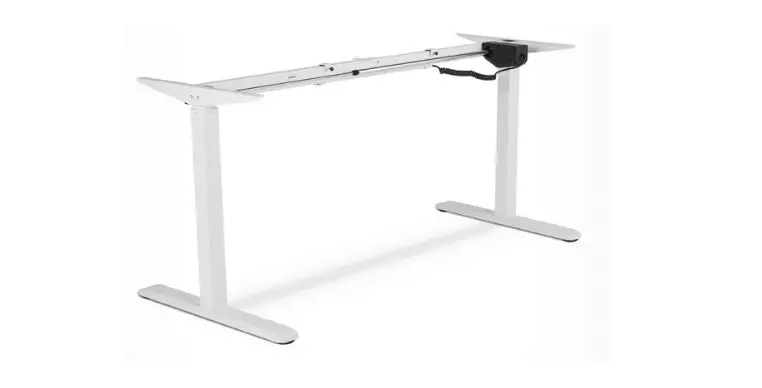
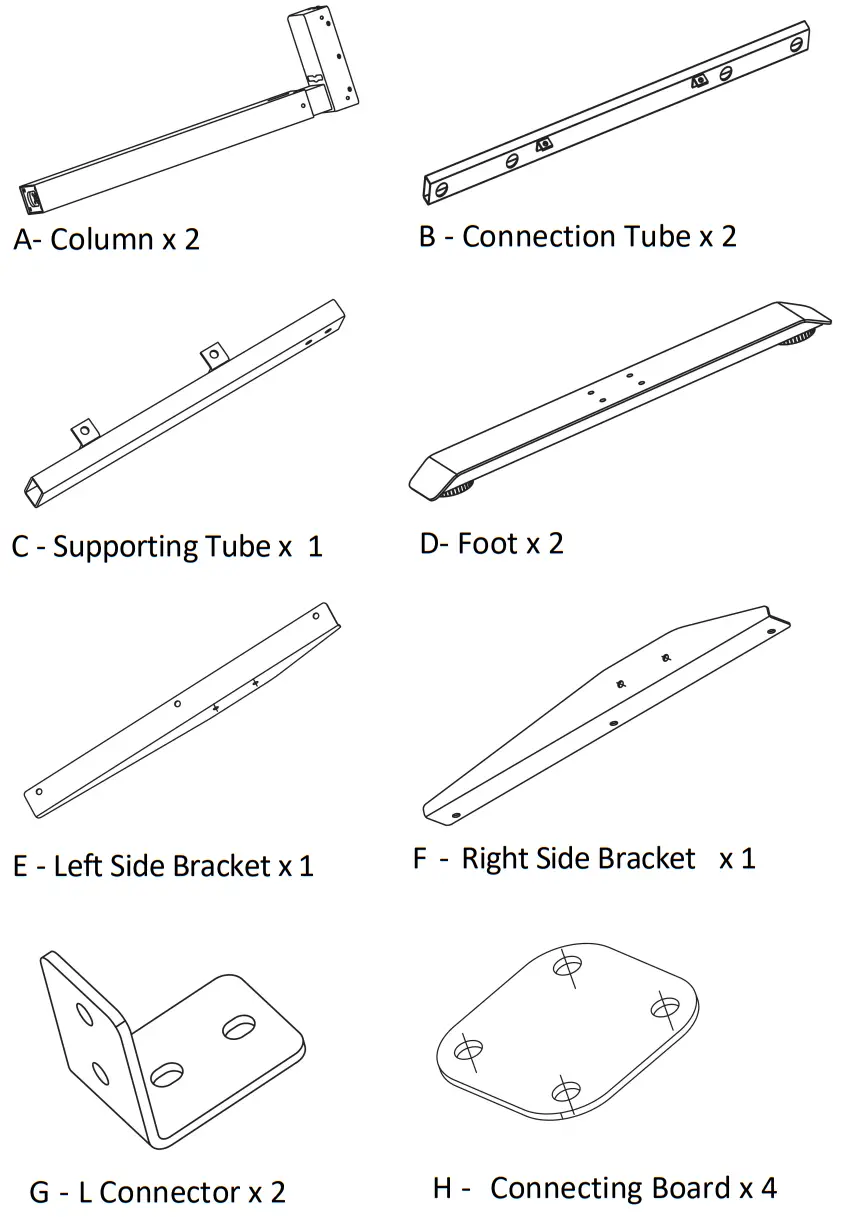
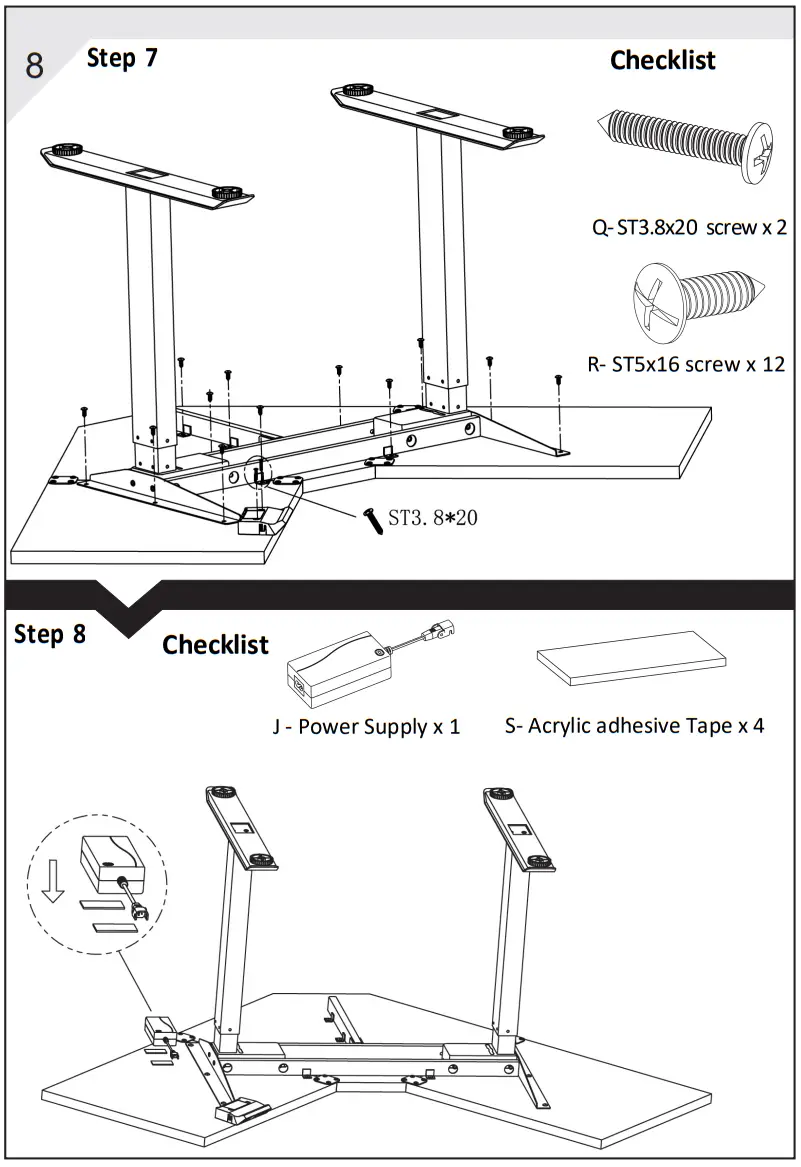
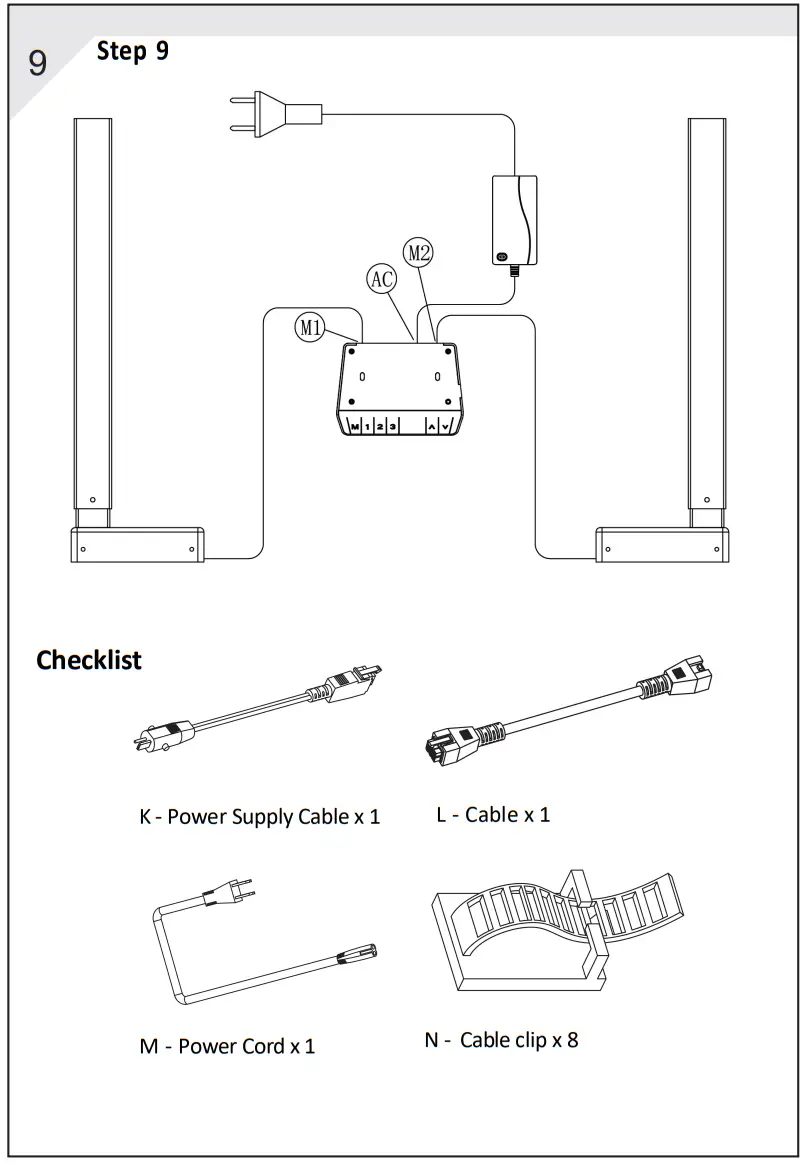
PART LIST
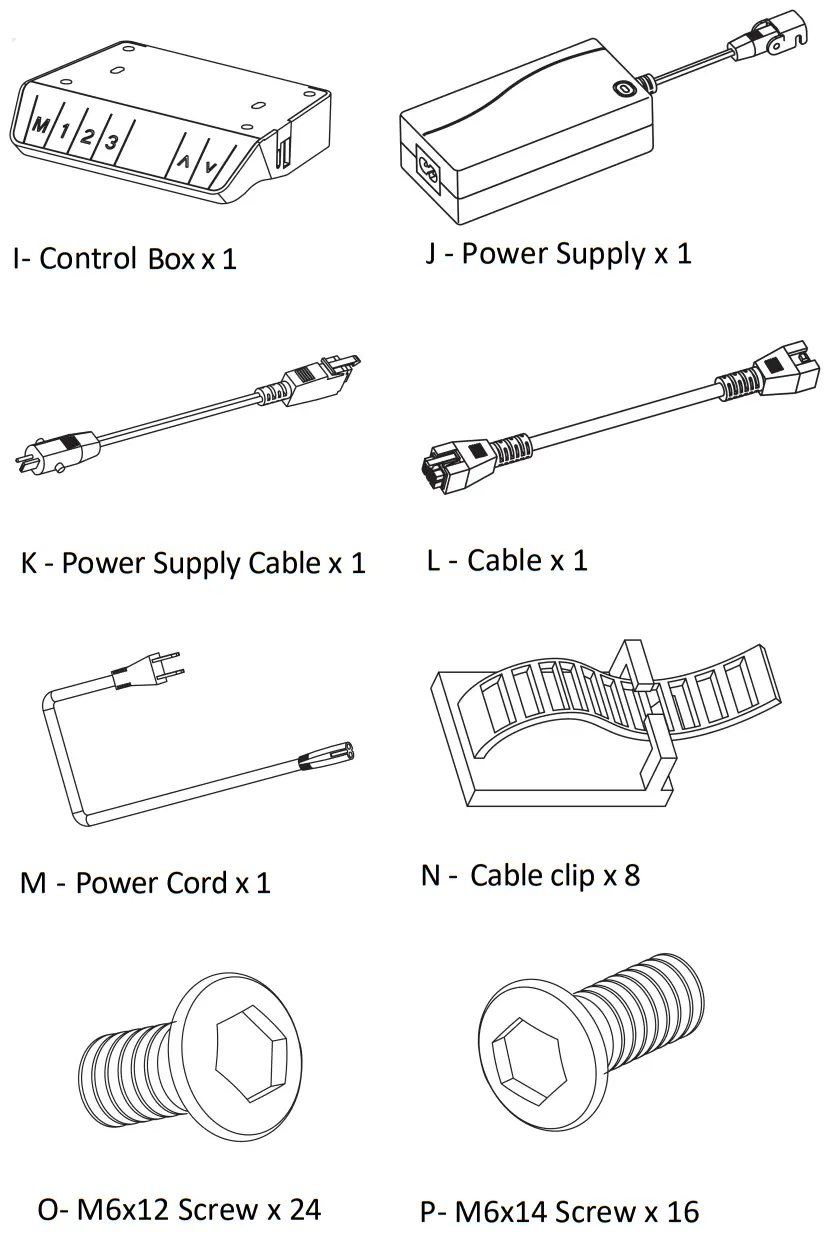
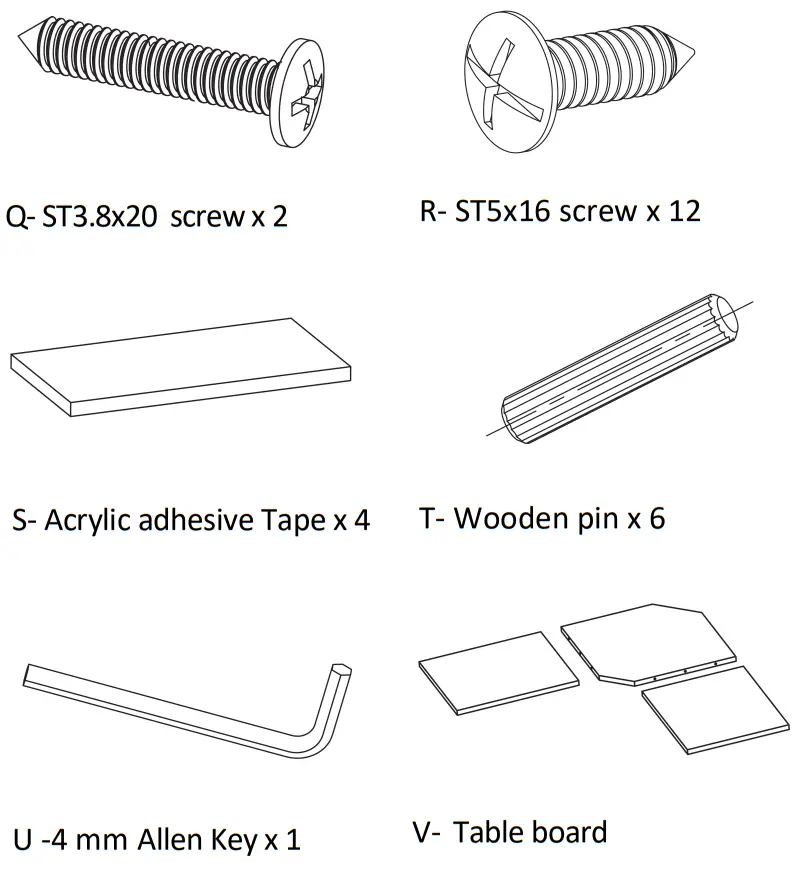
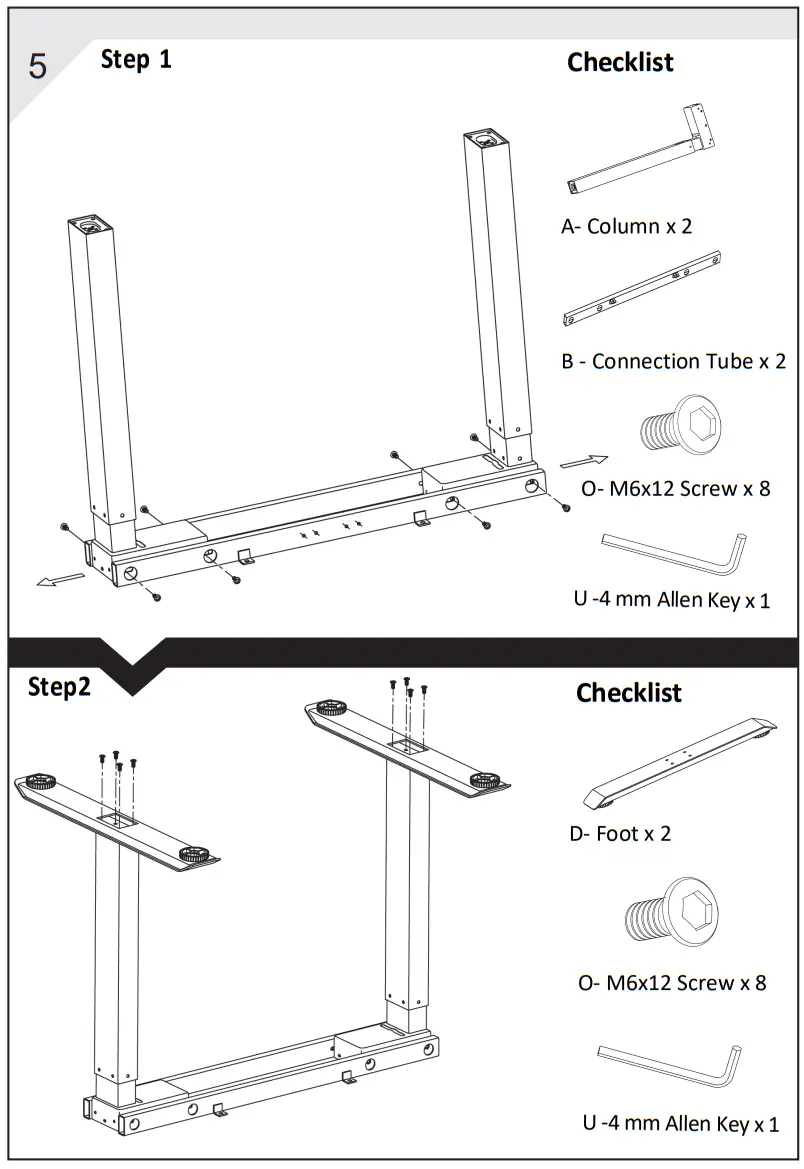

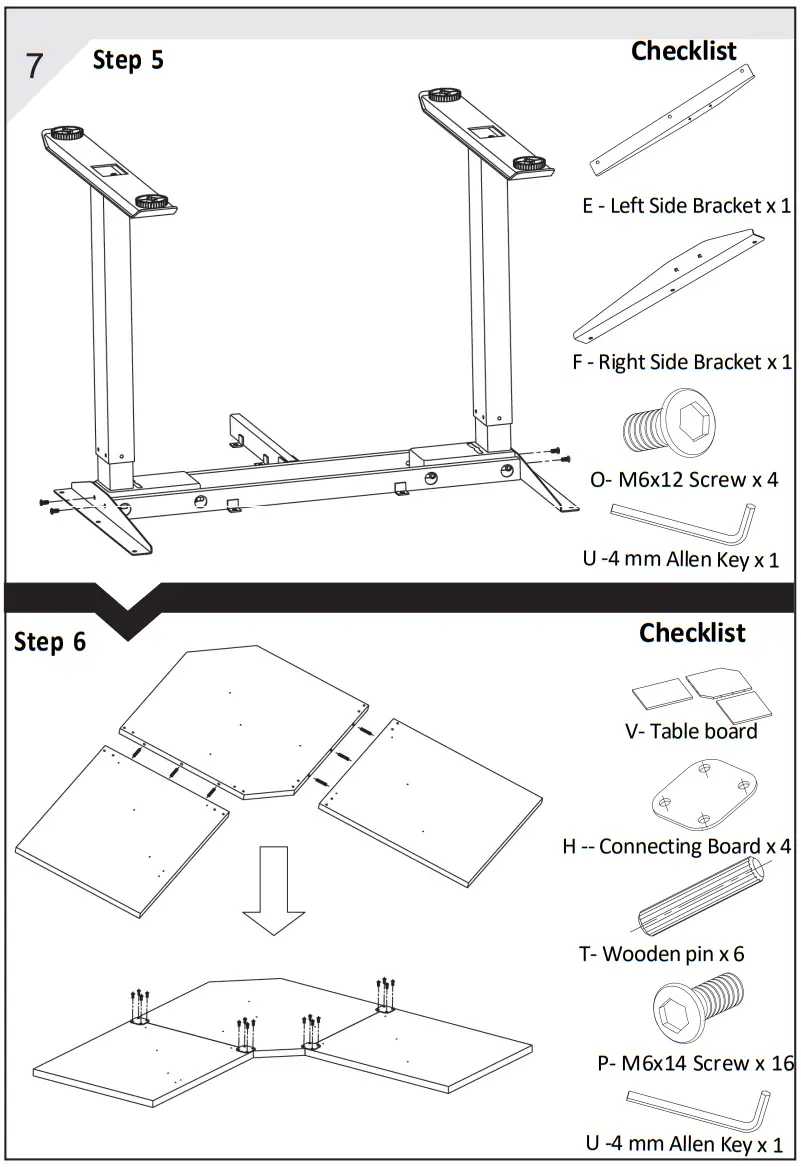
USE INSTRUCTIONS
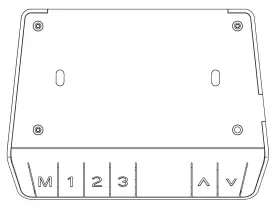
Up & Down Movement:
Press the UP arrow continuously, the legs will move up Press the DOWN arrow continuously, the legs will move down Release arrows to stop movement.
Memory Preset Positions:
Use the UP and DOWN arrows to set table at the desired height.
Press the POSITION SETTING BUTTON (M) followed by one of the 3PRESET POSITION BUTTONS(1 2 3) buttons. The memory position is set.
There are up to 3 presets available. To return to a memory preset press the desired number.
Reset:
Press the DOWN button and lower the desk to its lowest setting. Press the DOWN Button again for ~ 5 seconds until the LED reads “RST” Press the DOWN button & hold it while the legs move up & down to level and stop. Release the DOWN button as the reset is now complete and your table is ready to use.
Child lock
Press the up arrow and down arrow at the same time for 5 seconds, and then release
the sound when the control box makes a “Bi–” sound. The handset displays “—” and the table enters the Child lock mode.
Unlock
Press the up arrow and down arrow at the same time for 5 seconds, and then release the sound when the control box makes a “Bi–” sound. The handset displays the number and the table exit the lock mode.
Error Code Key
| Code | Meaning | Suggested Actions |
| E01 | Power supply Troubles | Change the Control box |
| E03 | Unbalance more than 10mm | Reset the desk |
| E04 | Unconnected to the handset | Plug into the control box |
| E05 | Anti-collision stop | Release then use again |
| E06 | Main power damage | Change the Control box |
| E07 | Active power protection | Re-plug the power |
| E08 | Unbalance of the desktop | Reset the desk |
| E09 | Overheated | Let the desk cool down for 20 minutes |
| E11/21 | Unconnected with motor M1/M2 | Check the cables connection |
| E12/22 | Communication error M1/M2 | Change the control box |
| E13/23 | Motor power cable connection issue M1/M2 | Replace the motor or control box |
| E14/24 | Motor sensor errorM1/M2 | Change the Motor |
| E15/25 | Motor damage M1/M2 | Change the Motor |
| E16/26 | Motor blocked M1/M2 | Reset the desk |
| E17/27 | Motor errorM1/M2 | Change the Motor |
| E18/28 | Overloaded | Reduce weight on the desk |
 Shop Ergonomic Furniture | Standing Desks | Monitor Arms | Tv trolley - Rife Technologies