EPROPULSION Solar Charge Controller User Manual
Introduction
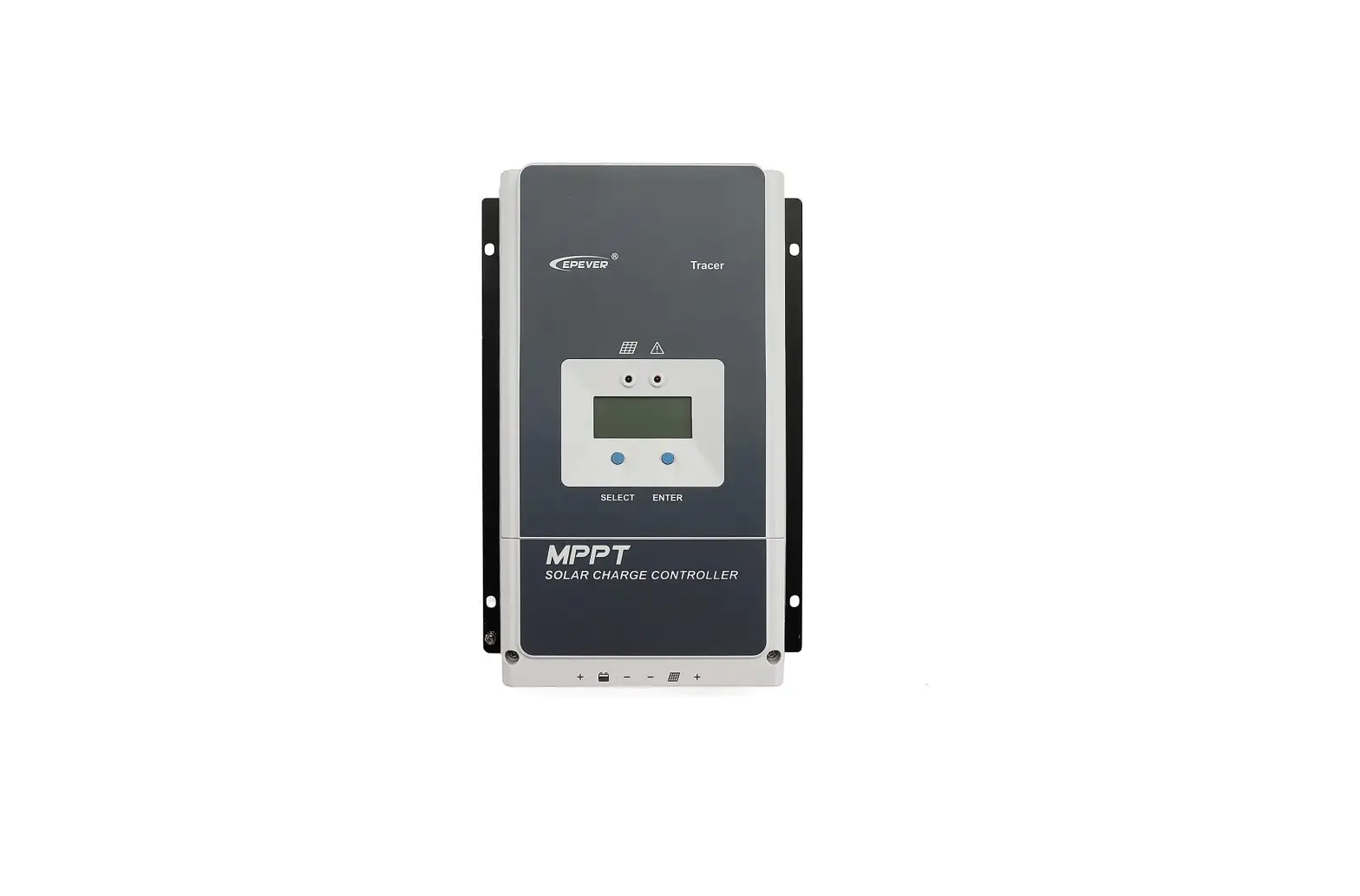
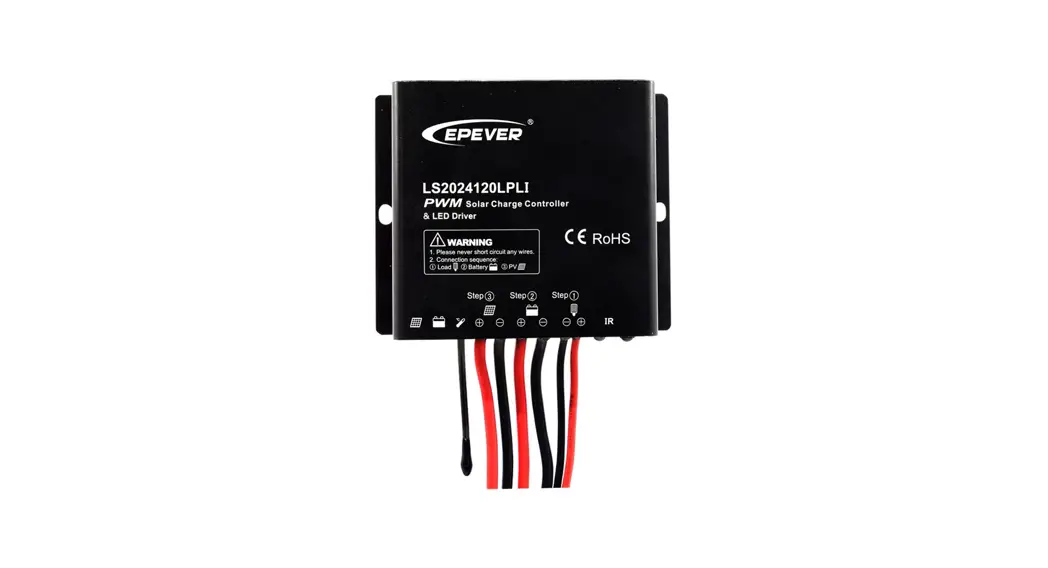
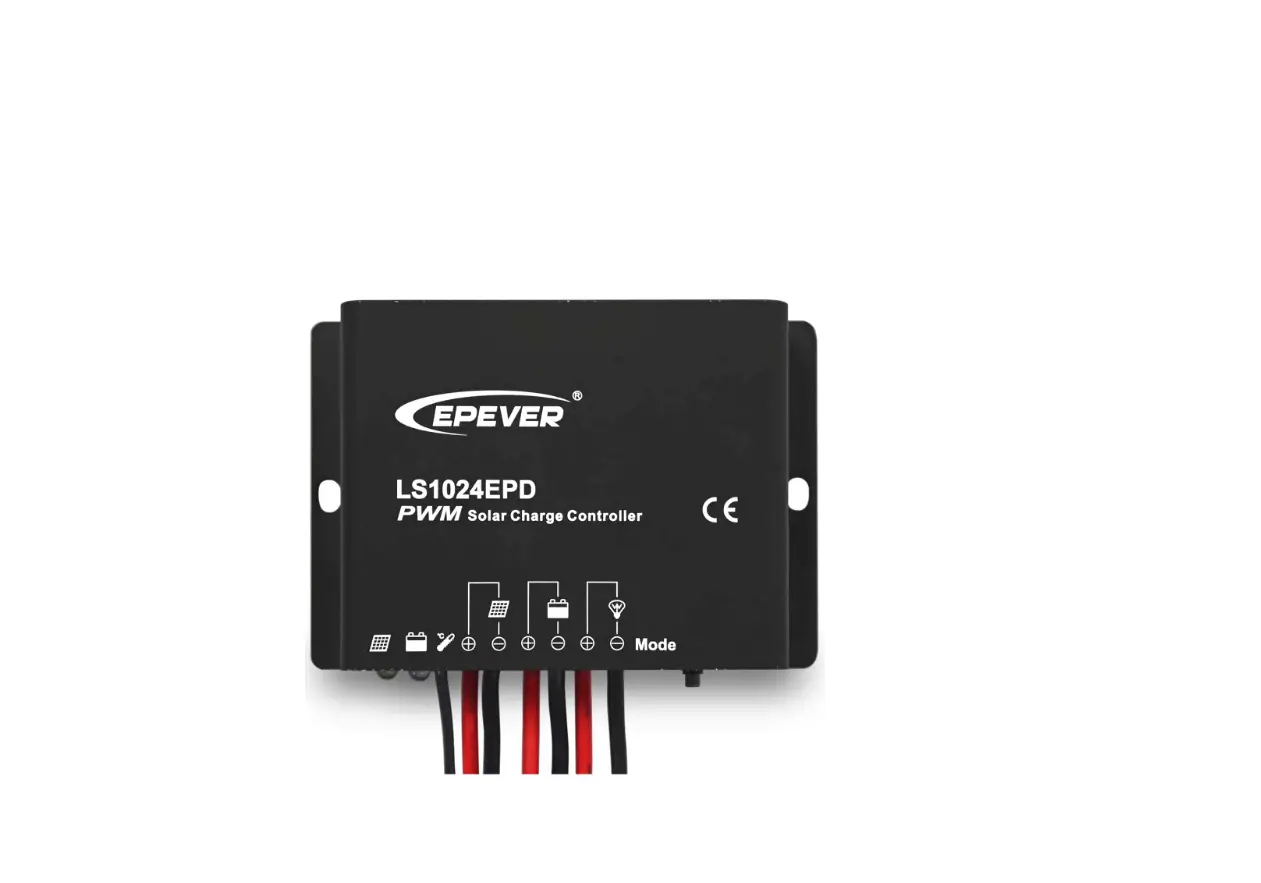
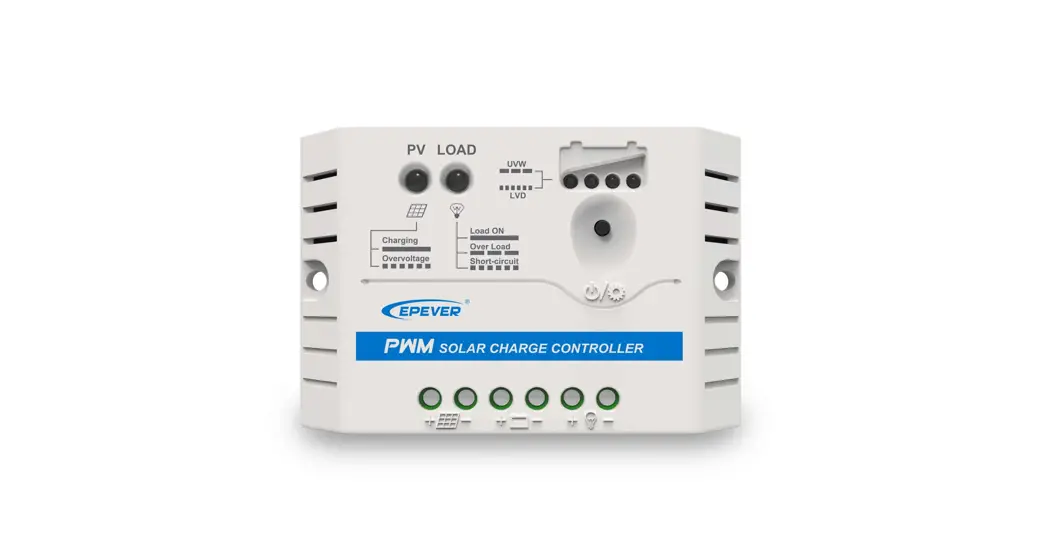
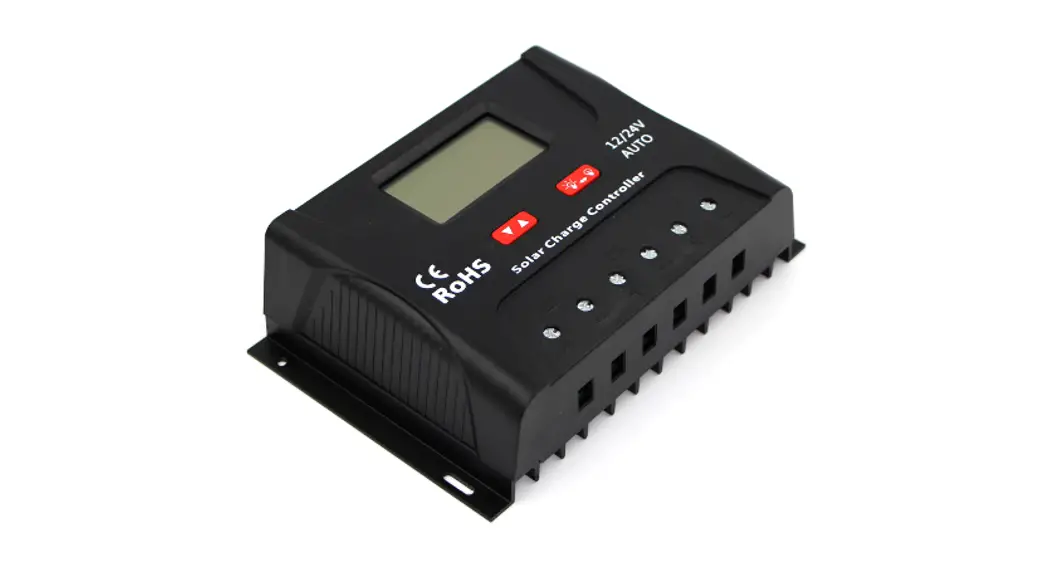
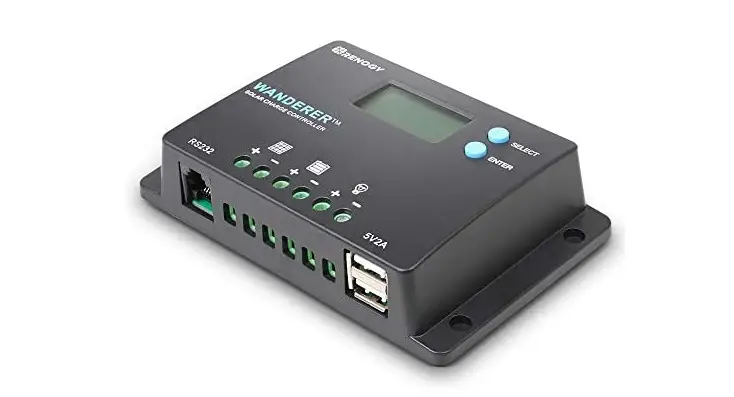
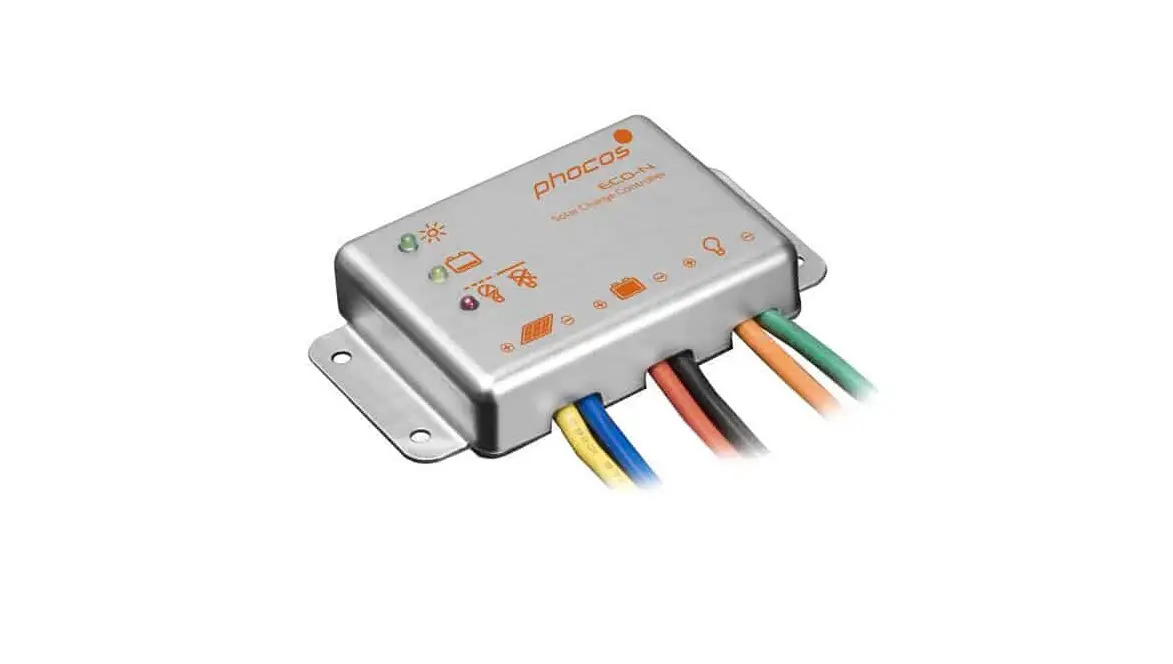
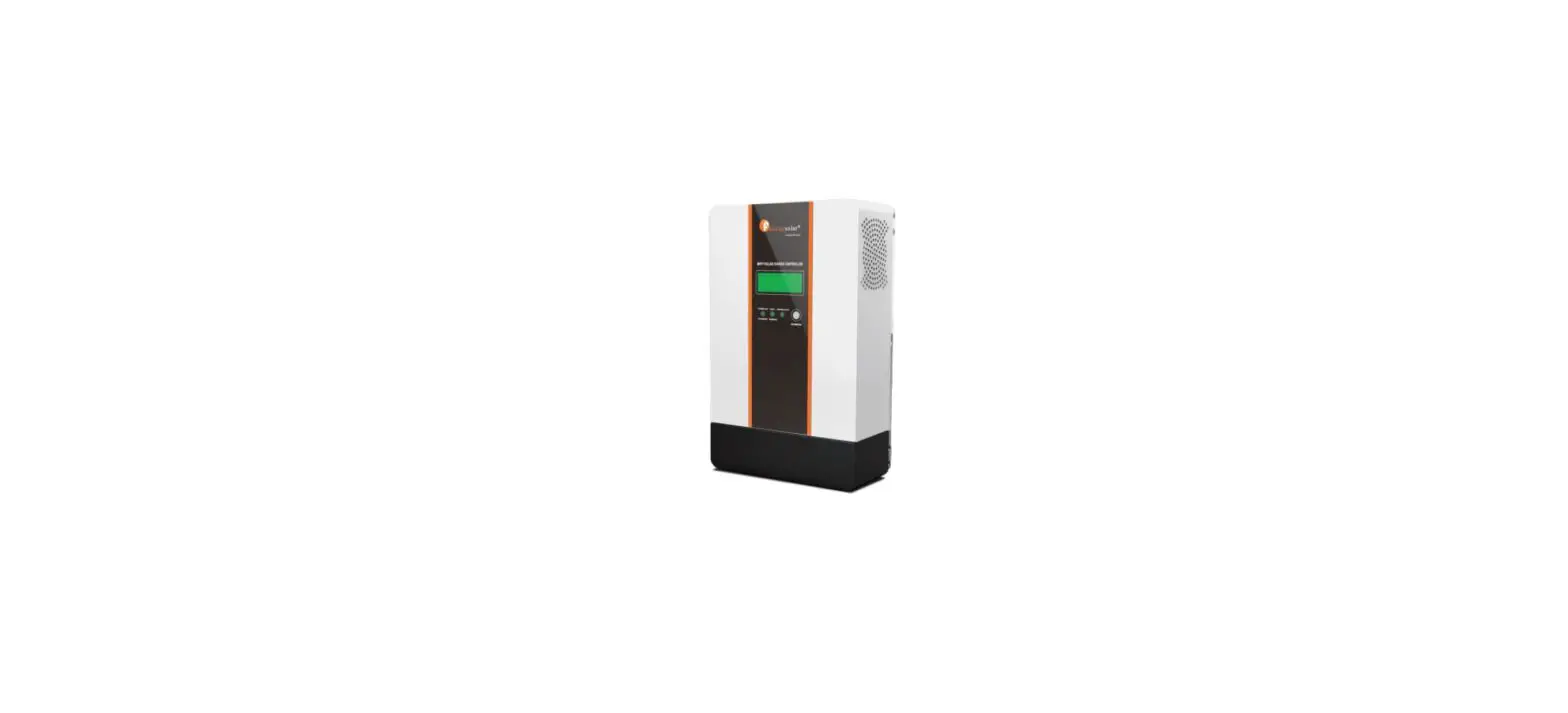
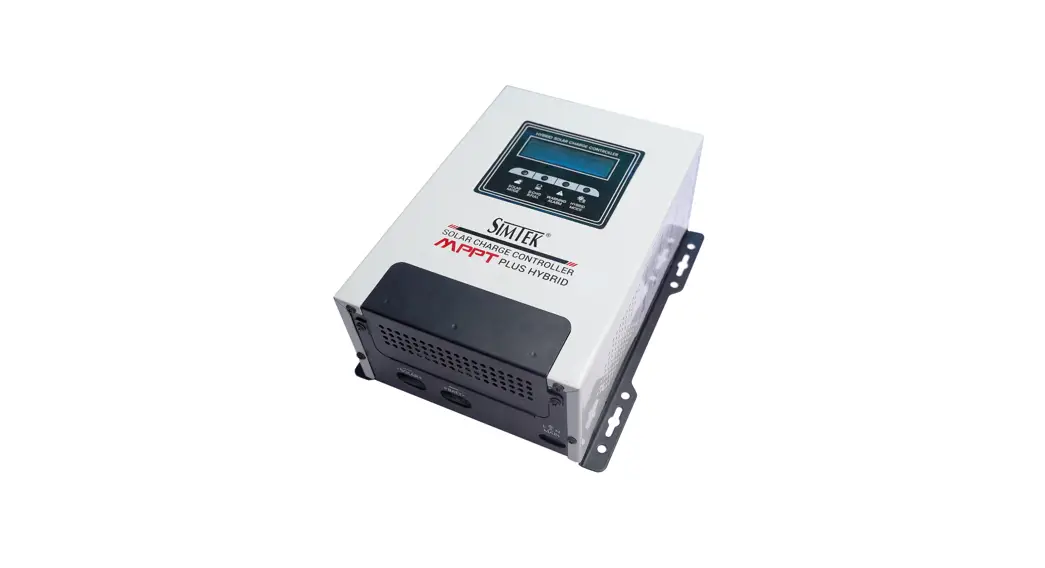
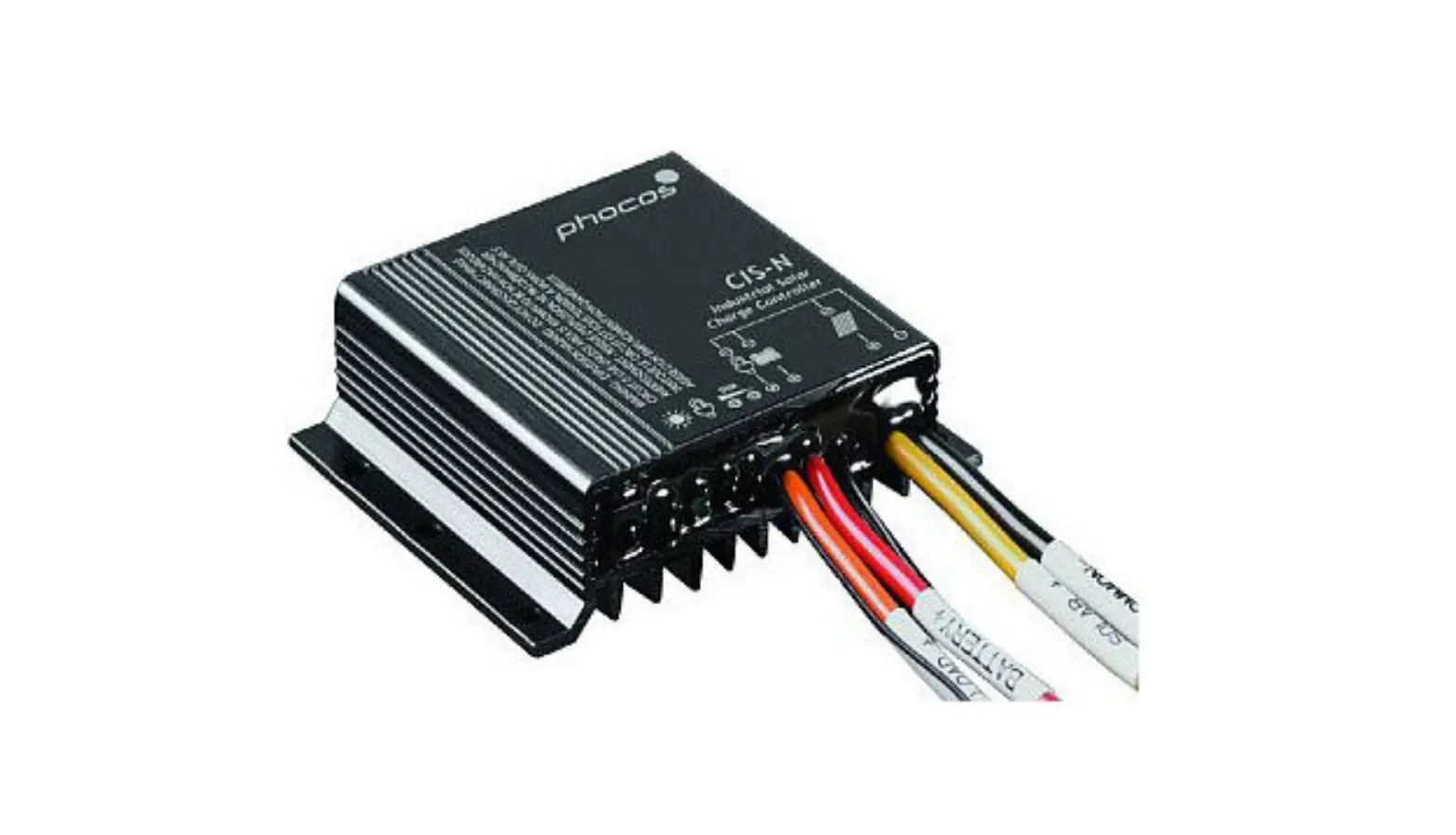
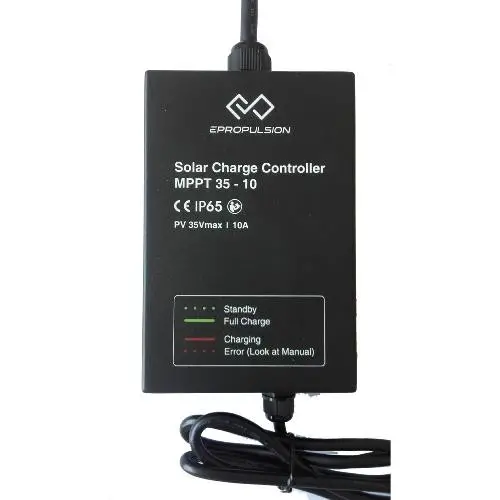
Thank you for purchasing ePropulsion Solar Charge Controller. This solar charge controller is specially designed for SPIRIT Battery. Fast Maximum Power Point Tracking (MPPT) technology (efficiency ≥99.9%) precisely positions the maximum power point of PV cells thus drawing more Photovoltaic energy. With improved system efficiency, the charging conversion efficiency reaches as high as 90%. The controller is not only designed to work perfectly with a wide variety of solar panels with input voltage ≤ 35V eg.e Propulsion Foldable Solar Panel, but also can get power from other sources with input voltage of 12V DC.
Packing List
Item | Qty |
| Solar Charge Controller | 1 Set |
12V Input Cable | 1 PC |
| Manual | 1 PC |
Specifications
| Battery | |
| Rated system voltage | 46.2V |
| Charging Voltage Range | 39 – 46.2V |
| MPPT Charging Voltage @25C | 46.2V |
| CV Charging Voltage @25 C | 46.2V |
| Maximum CC Charging Current | 3A |
| PV | |
| Power | 180W |
| Maximum Input Charging Current | 10A |
| Open Voltage | 35V |
| MPPT Tracking Range | 12V .‘if>.fl5V |
| System | |
| MPPT Efficiency | a.99.9% |
| Power Consumption | < 20mA |
| Temperature Protection | > 80 C |
| Storage/Operation Temperature | -35 – 60 C |
| Storage/Operation Humidity | 65°/0±25%RH |
| Altitude | 3000m |
| Protection Grade | IP65 |
| Certification | CE |
| Power Display | 1 Bi-colored LED |
| Weight | 1.25kg |
| Dimensions | 153 x 101 x 49 mm |
| 12V Cable length | Approx. 0.5m |
Operations
- Step 1: Connecting to SPIRIT Battery.

- Step 2: Connecting to Power Source
- Connecting to a Solar Panel
Connect the solar charge controller to the solar panel.
 Input voltage of solar panel should be ≤ 35V
 - Connecting to 12V Power Source
First Connect the solar charge controller with the 12V Input Cable, then connect the 12V Input Cable to the 12V power source on your boat or car.
- Connecting to a Solar Panel



 If the red light blinks when well connected, it indicates the charger is in charging mode. When fully charged, the light turns steady green.
The maximum input charging current is 10A, so if connected to a 12V power source, the maximum input power will be 120w.
LED Indicator
There is a bio-colored LED indicating mode of the solar charger.
LED Color | LED Status | Mode |
Green | Flashing light | Standby |
| Green | Steady light | Fully Charged |
Red | Flashing Light | Abnormal |
| Red | Steady Light | Charging |
Notes
- Do not puncture, throw, drop, bend or modify the Solar Charge Controller.
- The controller should be used in well ventilated, dry, particle free environment.
- The controller should avoid direct sun exposure.
- The aluminum case is an important means of heat dissipation, thus should not be covered.
- Opening the housing of the charger without prior written consent of the manufacturer voids the manufacturer’s warranty immediately.
Warranty
ePropulsion Solar Charge Controller is guaranteed against any manufacturing defects for TWO years from date of purchase. Free warranty is only validated upon the presentation of legal serial number, Warranty Card, and evidence of purchase from an authorized ePropulsion dealer.
Conditions:
Valid date of purchase should be established by the first-hand purchaser with original sales slip. Free warranty is not transferable and will not be reissued. The warranty is valid only when the information is correct and complete.
Warranty does not cover:
- Minor faults producing no influence on the intended function of the product.
- Faults resulting from any improper operation that contradicts the user manual. Accessories supplied with the product.
- Damage caused by accident, misuse or unauthorized repair.
- Damage caused by dropping, improper care or storage.
If warranty expires, users can still enjoy maintenance services from ePropulsion authorized dealers with minimum maintenance charge.