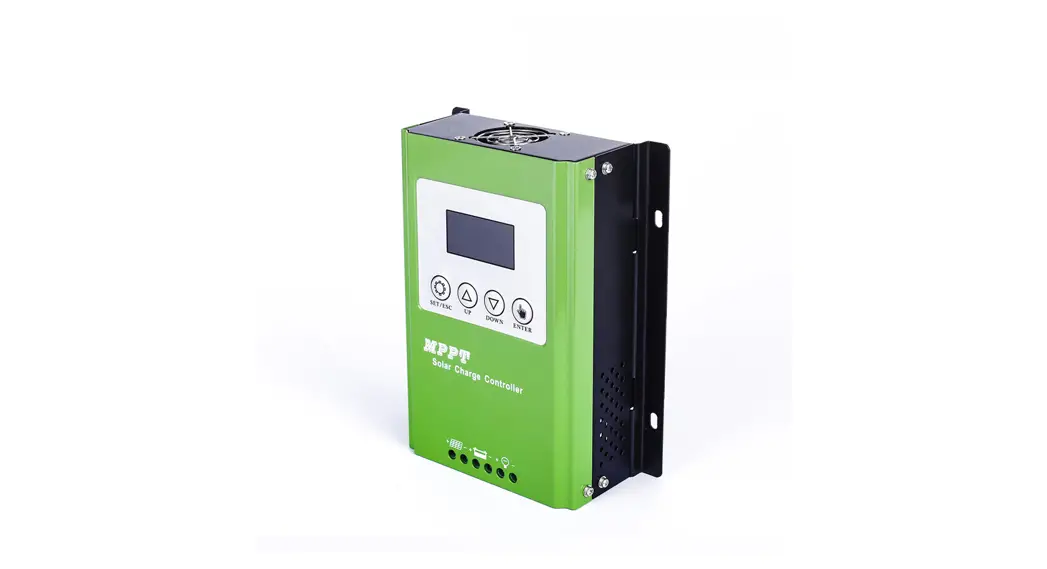
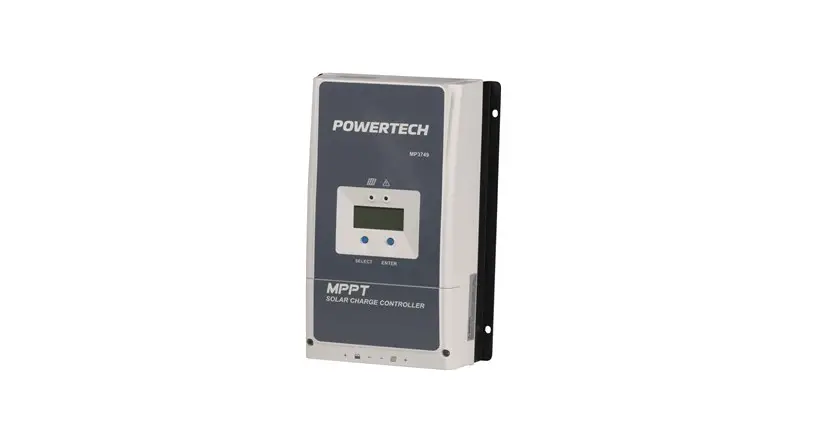
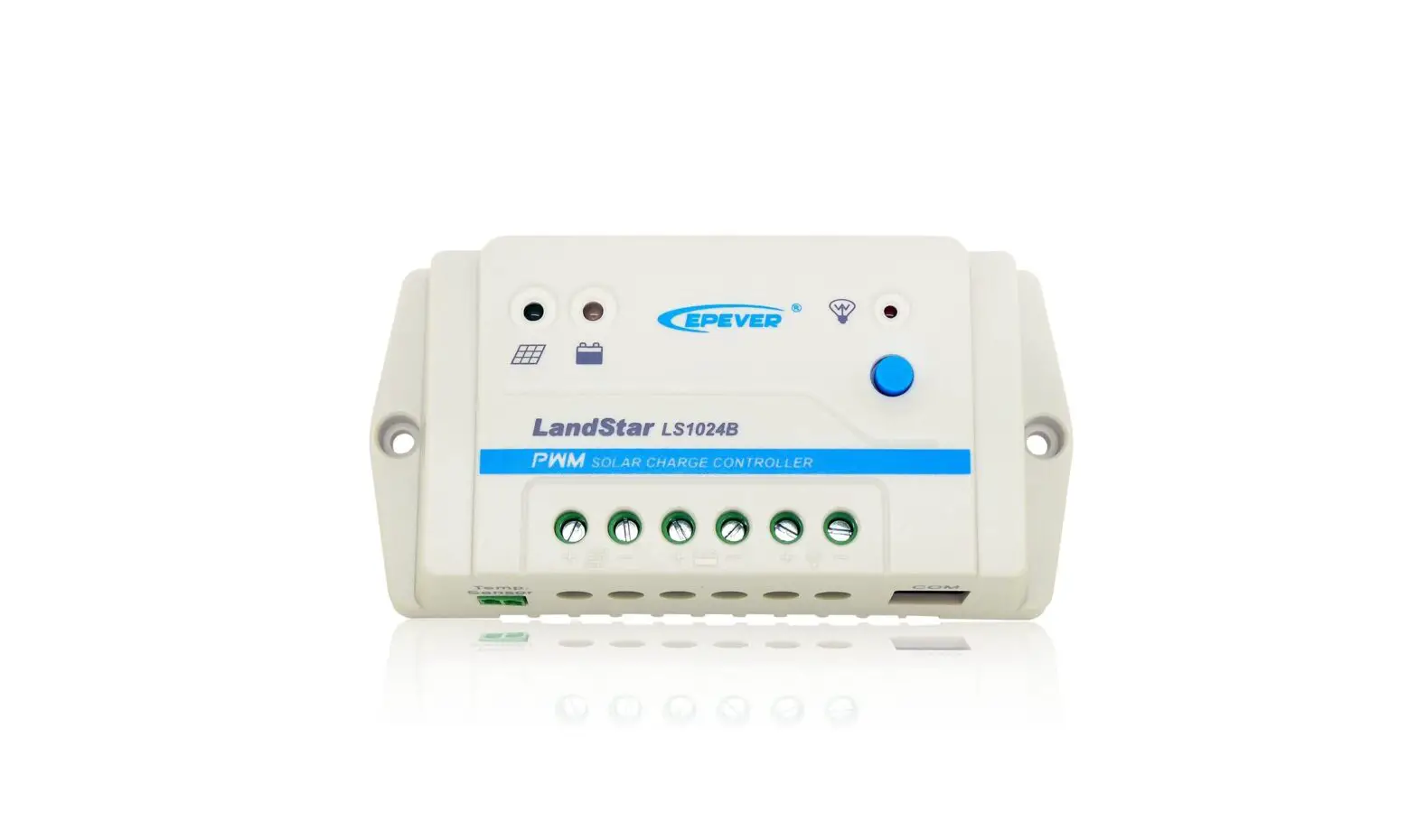
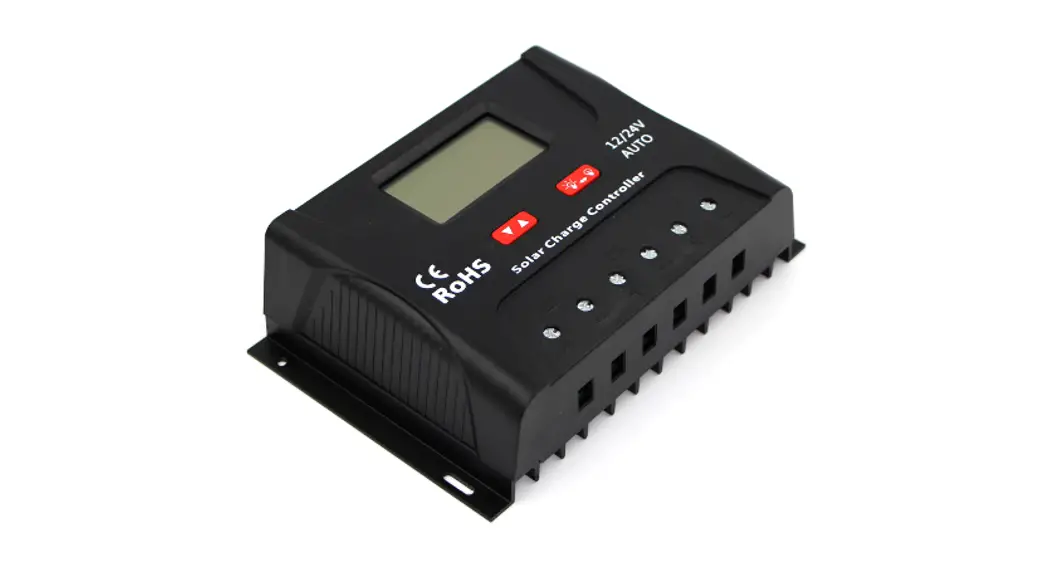
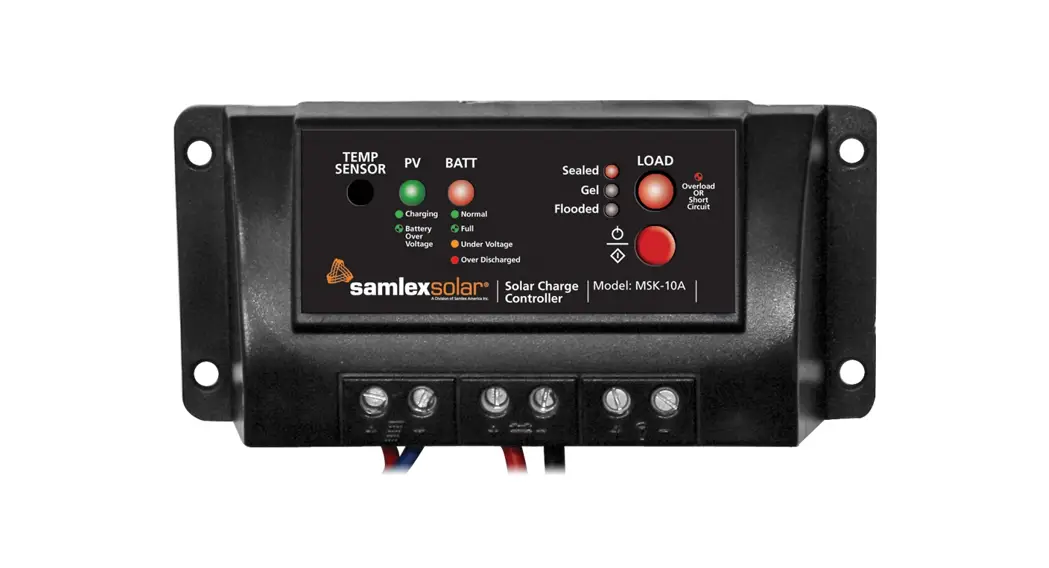
MSC-1010 Solar Charge Controller
Product Information
The Solar charge controller PWM is designed to regulate the
charging of batteries in a solar power system. It is compatible
with 12V and 24V systems and is equipped with various features to
ensure efficient and safe charging.
Key Features:
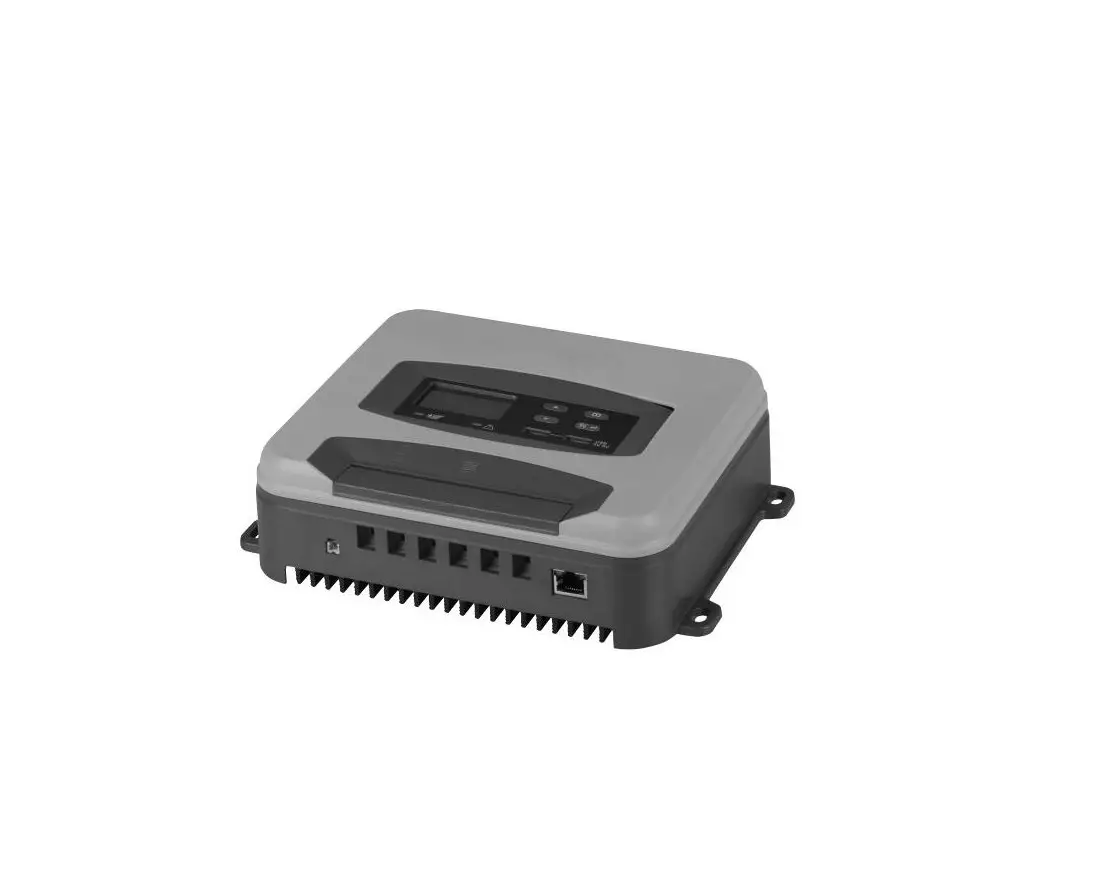
- LCD display: Provides real-time information about the charging
status and battery voltage. - Temperatuursensor: Monitors the temperature to optimize
charging performance. - Menu-knop: Allows access to different settings and
functions. - Set-knop: Used to configure and adjust various parameters.
- USB-uitgang: Provides a USB port for charging devices directly
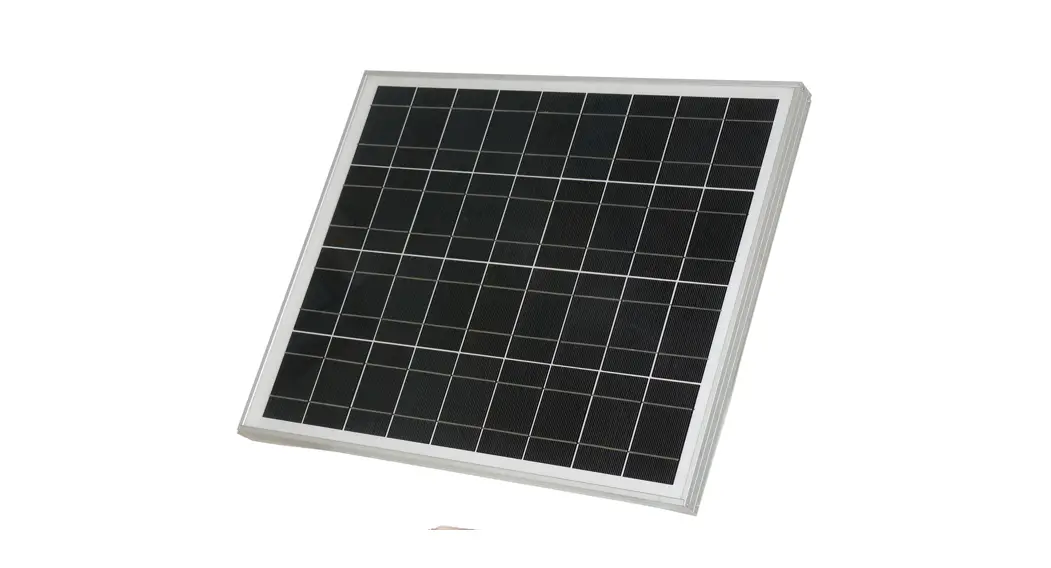
from the controller. - Solar paneel: Connects to the solar panels to convert sunlight
into electricity. - Accu: Connects to the battery for storing the generated
energy. - Verbruikers: Connects to the load or appliances that consume
power from the battery.
Product Usage Instructions
- Prepare the necessary tools and cables for installation. Use
appropriate cables that can handle the current load. - Ensure that the solar charge controller is compatible with your
system’s voltage (12V or 24V). - Mount the solar charge controller in a suitable location,
ensuring proper ventilation and protection from moisture. - Connect the solar panels to the designated solar panel
terminals on the controller. Make sure to observe the correct
polarity. - Connect the battery to the battery terminals on the controller,
again observing the correct polarity. - If applicable, connect the load or appliances to the designated
load terminals on the controller. - Use the LCD display and menu buttons to navigate through the
settings and configure the desired parameters, such as charging
voltage and load control. - Monitor the LCD display for real-time information about the
charging status, battery voltage, and other relevant data. - Regularly check the connections and ensure they are secure and
free from corrosion. - Refer to the user manual for more detailed instructions on
advanced settings and troubleshooting.
Solar charge controller PWM
12/24 V
Share your
POWER
Gebruiksaanwijzing NL
Instruction for use EN
SMART ADVENTURE
Solar charge controller PWM
Solar charge controller PWM MSC-1010 PWM MSC-1020
NEDERLANDS
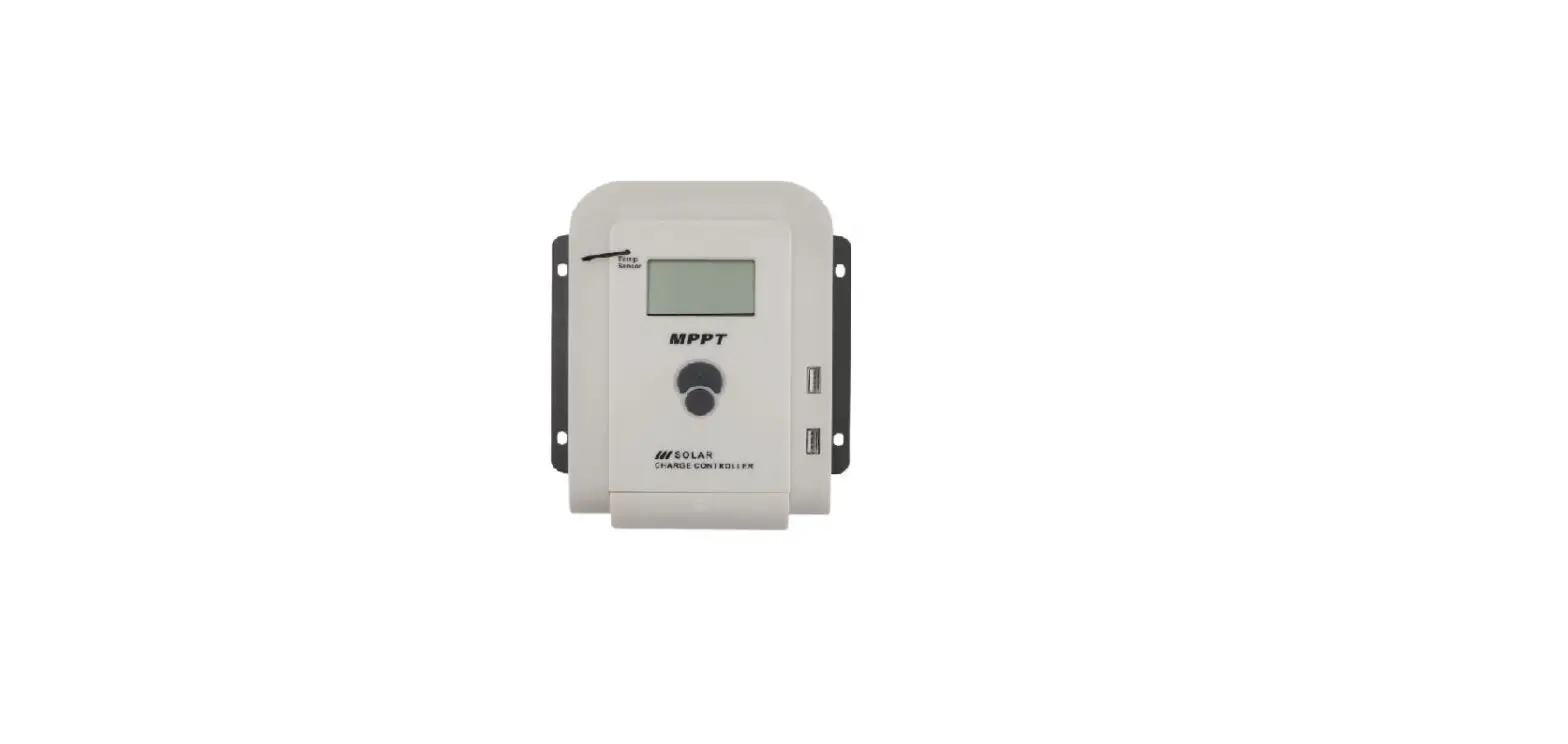
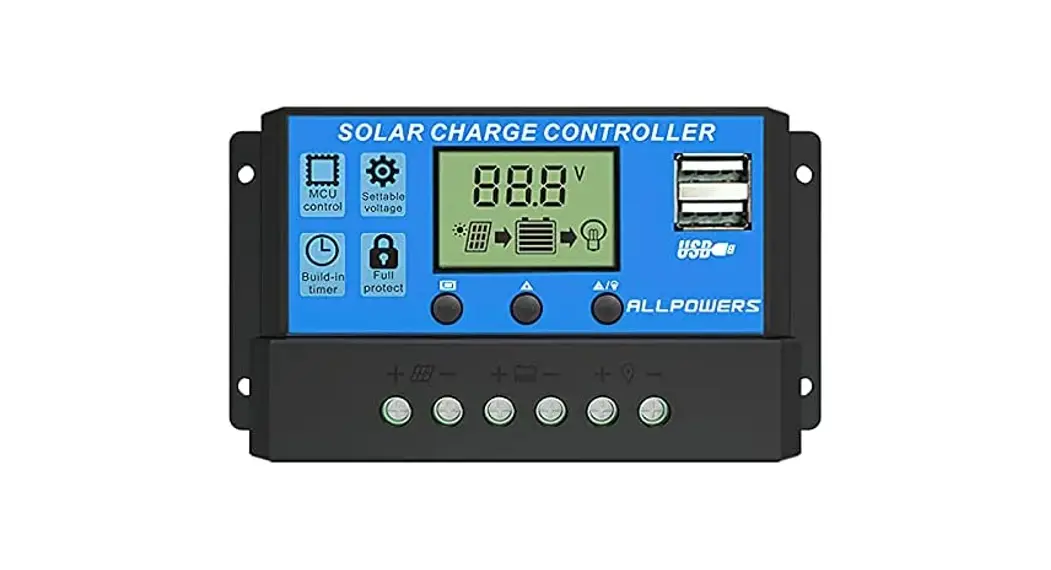
Kenmerken 1. LCD display 2. Temperatuursensor 3. Menu-knop 4. Set-knop 5. USB-uitgang 6. Solar paneel 7. Accu 8. Verbruikers
2 1
3
4
5 678
Installatie 1. Leg gereedschap en kabels klaar. Gebruik de juiste kabels. Zorg ervoor dat de stroomdichtheid <4 mm2 en
geleidend is, om de daling van de lijnspanning te verminderen. Bij de 20A laadregelaar is een kabel van 6mm2 aan te raden. 2. Zorg ervoor dat de locatie waar de regelaar wordt geïnstalleerd, voldoet aan de geldende veiligheidseisen. Vermijd het gebruik of de installatie van de regelaar op vochtige of stoffige plaatsen, of plaatsen met ontvlambare, explosieve en/of corrosieve gassen. 3. Installeer de regelaar op een vast verticaal oppervlak. Houd een ruimte van 10 cm vrij rondom de regelaar, om een goede ventilatie en warmteafvoer te garanderen. 4. Verbind de regelaar en de batterij met kabels die de juiste polariteit hebben. Als de verbinding tot stand is gebracht, gaat het batterij-indicatielampje branden. Zo niet, dan moet de verbinding worden gecontroleerd en/ of moeten de kabels opnieuw worden aangesloten. 5. Zorg er bij het aansluiten van de regelaar op de verbruikers voor dat u kabels met de juiste polariteit gebruikt. Let vooral op de + en polariteit, om een omgekeerde aansluiting te voorkomen. Anders kunnen de verbruikers beschadigd raken. Koppel in geval van een ongeval het zonnepaneel, de batterij en de verbruikers achter elkaar los van de regelaar. Opmerking: Omgekeerde batterijpolariteit zal de regelaar niet beschadigen, maar kan veiligheidsrisico’s opleveren voor uw aangesloten apparaten (verbruikers).
Bediening
Beschrijving van de symbolen op het LCD-scherm
P1
P8
P7
P2 P6
P3
P4
P5
NEDERLANDS 1. Digitale parameters 2. Oplaadindicatie. Dit symbool geeft aan dat de batterij wordt opgeladen door het zonnepaneel. Als dit symbool
niet zichtbaar is, kan de batterij niet worden opgeladen vanwege een lage spanning. Als het symbool knippert, is de accu volledig opgeladen en is hij overgeschakeld naar de float-laadfase. 3. Aanduiding van het zonnepaneel. Dit symbool geeft aan dat de regelaar de verbinding met het zonnepaneel heeft gedetecteerd. Als dit symbool niet zichtbaar is, kan het zonnepaneel ofwel niet worden gedetecteerd, of komt er geen zonlicht op het zonnepaneel. 4. Indicatie van de batterijstatus (5 streepjes). 5. Ontladingsindicatie. Dit symbool geeft aan dat de regelaar zich in de uitvoermodus bevindt. Wanneer dit symbool niet zichtbaar is, is de uitgaande spanning uitgeschakeld. Als dit symbool knippert, kunnen de interne controlemechanismen beschadigd zijn. 6. Indicatie van de verbruikers. Dit symbool geeft aan dat de regelaar zich in de uitvoermodus bevindt. Wanneer dit symbool niet zichtbaar is, is de uitgaande spanning uitgeschakeld. Als dit symbool knippert, is de last overladen of beschadigd. 7. A staat voor ampère; H staat voor uur. 8. V staat voor volt
Beschrijving van de knopfuncties
MENU: knop om tussen de menu-interfaces te wisselen. Gebruik de knop om de interfaces in volgorde te doorlopen (zoals weergegeven in figuur 1). Bovendien kan de knop de functie van “plus” vervullen in de parameterinstellingsmodus. SET: In de hoofdinterface kan deze knop de verbinding met de verbruikers in- of uitschakelen. Bovendien kan het de functie van “min” uitvoeren in de parameterinstellingsmodus.
NEDERLANDS De parameters bekijken en instellen Na het inschakelen van de regelaar wordt de standaard batterijspanning-interface weergegeven. Dit is de hoofdinterface. Gebruik vervolgens de MENU-knop om door de verschillende parameterinterfaces te gaan. Om een parameter in te stellen, houdt u de MENU-knop >5 seconden ingedrukt totdat de cijfers beginnen te knipperen. Gebruik nu de SET- en MENU-knoppen om de parameter aan te passen, waardoor deze lager (SET) of hoger (MENU) wordt. Wanneer de aanpassing is voltooid, drukt u nogmaals op de MENU-knop en houdt u deze een paar seconden ingedrukt totdat de cijfers stoppen met knipperen. De aanpassingen zijn nu opgeslagen. 1. De standaardinterface met een overzicht van de belangrijkste symbolen: Na het inschakelen van de regelaar wordt de standaardinterface weergegeven. Het toont de laad- en ontlaadstatus, de batterijstatus (5 streepjes) en de batterijspanning.
2. De verbinding met de verbruikers in- of uitschakelen: De SET-knop kan worden gebruikt om de verbruikers in of uit te schakelen. Let op: In de andere interfaces heeft deze knop deze functie niet.
3. De floatspanning bekijken en instellen: In de tweede interface wordt de float-laadspanning weergegeven. Wanneer de batterij de floatspanning heeft bereikt, handhaaft de regelaar de spanningswaarde met zijn PWM-oplaadmodus om overladen van de batterij te voorkomen. Om de instellingen aan te passen, gebruikt u de SET- en MENU-knop zoals hierboven uitgelegd, aan het begin van dit hoofdstuk.
4. Het herstel na onderspanning bekijken en instellen: De volgende interface toont de herstelde spanning. Nadat de regelaar zijn functie van onderspanningsbeveiliging heeft uitgevoerd, zal de uitvoer van de verbruikers worden hersteld zodra de batterijspanning terugkeert naar een waarde die hoger is dan de onderspanningsbeveiligingswaarde. Om de instellingen aan te passen, gebruikt u de SET- en MENU-knop zoals hierboven uitgelegd, aan het begin van dit hoofdstuk.
NEDERLANDS 5. De onderspanningsbeveiliging bekijken en instellen:
In de volgende interface wordt de waarde voor onderspanningsbeveiliging weergegeven. Wanneer de batterijspanning lager is dan de waarde die hier wordt weergegeven, worden de verbruikers los gekoppeld om overmatige ontlading van de batterij te voorkomen. Om de instellingen aan te passen, gebruikt u de SETen MENU-knop zoals hierboven uitgelegd, aan het begin van dit hoofdstuk.
6. De werkmodus van de verbruikers bekijken en instellen: De volgende interface toont de laadmodus. Verschillende nummers vertegenwoordigen de verschillende modi. 24h is de standaardmodus. In deze modus blijven de verbruikers alle 24 uur werken, als er geen error is. 1h-23h is de `lichtregeling-` samen met de `tijdregelingmodus’ . In deze modus zal de regelaar de verbruikers na zonsondergang inschakelen en uitschakelen na het tijdstip waarop de timer is ingesteld. 0h is de `lichtregelingmodus’, waarbij de verbruikers na zonsondergang worden ingeschakeld en na zonsopgang wordt uitgeschakeld. Om de instellingen aan te passen, gebruikt u de SET- en MENU-knop zoals hierboven uitgelegd, aan het begin van dit hoofdstuk.
7. Batterijtypes bekijken en instellen: Binnen de volgende interface vertegenwoordigen verschillende nummers verschillende batterijtypes. b00: lithiumbatterij (let op: andere parameters moeten worden aangepast aan deze batterij) b01: verzegelde batterij (standaardtype) b02: geventileerde batterij b03: gelbatterij Om de instellingen aan te passen, gebruikt u de SET- en MENU-knop zoals hierboven uitgelegd, aan het begin van dit hoofdstuk.
NEDERLANDS
Problemen oplossen
1. Onderspanning bescherming: Wanneer dit symbool op het scherm verschijnt en knippert, is de accuspanning lager dan de onderspanningsbeveiliging. De regelaar is nu in de onderspanningsbeveiligingsstatus en de uitvoer is gestopt. Oplossing: gebruik het zonnepaneel of de acculader om de accu op te laden. Wanneer de accuspanning de herstelwaarde heeft bereikt, worden de verbruikers weer ingeschakeld.
2. Overstroombeveiliging van de verbruikers: Wanneer dit symbool op het scherm verschijnt en knippert, is er sprake van overstroom of kortsluiting. De regelaar is nu in de overstroom-beveiligingsmodus en de uitvoer is gestopt. Oplossing: Na het oplossen van een kortsluiting en het verminderen van de verbruikerslast, drukt u op de SET-knop om de verbruikers weer in te schakelen.
3. Input overvoltage: Wanneer dit symbool op het scherm verschijnt en knippert, is de accu-ingangsspanning de regelaar hoger dan de nominale ingangsspanning. De regelaar schakelt de uitvoer uit en activeert de overspanningsbeveiligingsmodus. Oplossing: Kies een batterij met de juiste spanning om op de regelaar aan te sluiten. Bovendien moeten eventuele andere batterijladers worden verwijderd.
Technische specificaties
Model
PWM MSC-1010
Max. laadstroom
10A
Systeemspanning
12/14V
Max. ingangsspanning Geschikt batterijtype Laagspanningsontkoppeling (LVD) Laagspanningherkoppeling (LVR) Floatspanning Boost-laden
55V Verzegeld, gel, nat 11V (9V – 12V) 12,6V (11V – 13,5V) 13,8V (13V – 15V) 14,4V
Overspanningsontkoppeling (OVD) Temperatuur compensatie Bescherming omgekeerde polariteit
16,5V -24V/°C voor 12V systeem Ja
Overstroombeveiliging verbruikers (OCP) Laadtype Bedrijfstemperatuur Terminal-schaal Waterbestendigheid
Ja, elke 2 minuten een keer herstarten PWM -20°C tot +55°C 28 – 10 AWG IP32
Afmetingen Netto gewicht
13,7 x 8,5 x 3,2 cm 0,22 kg
PWM MSC-1020 20A
0,23 kg
NEDERLANDS
Correcte wegwerp wijze van dit product Dit symbool betekent dat dit product niet bij het gewone huishoudelijk afval mag worden weggegooid (2012/19/EU). Om mogelijke schade te voorkomen aan de omgeving of menselijk gezondheid van ongecontroleerd afvalverwijdering, recycle het verantwoord om duurzame hergebruik van materiële hulpbronnen te bevorderen. Om je gebruikte apparaat terug te brengen, lees de garantievoorwaarden van waar het product gekocht is. Zij kunnen het product terugnemen voor omgevingsveilige recycling.
Conformiteitsverklaring Hiermee verklaart Gimeg Nederland B.V., dat het apparaat PWM MSC-1010/PWM MSC-1020 aan de basiseisen en andere relevante voorschriften die in de Europese richtlijn voor elektromagnetische compatibiliteit (2014/30/EU) en laagspanningsrichtlijn (2014/35/EU) worden genoemd. Een volledige conformiteitsverklaring kunt u aanvragen op het adres dat op de achterzijde is vermeld.
ENGLISH
Features 1. LCD display 2. Temperature sensor 3. Menu Button 4. Set Button 5. USB output 6. Solar system terminals 7. Battery terminals 8. Load terminals
2 1
3
4
5 678
Installation 1. Ready tools and cables. Use the correct cables. Ensure that the current density is <4mm2, and conductive, to
reduce the line voltage drop. With the 20A charge controller a cable of 6mm2 is recommended. 2. Make sure the location where the controller is installed, meets the applicable safety requirements. Please avoid using
or installing the controller in damp or dusty places, or places with flammable, explosive and/or corrosive gases. 3. Install the controller onto a fixed vertical surface. Please keep a space of 10 cm free around the controller, in
order to ensure good ventilation and heat dissipation. 4. Connect the controller and the battery with cables which have the right polarity. When the connection is
successful, the battery indicator light will turn on. Otherwise the connection will need to be checked and/or the cables will need to be reconnected. 5. When connecting the controller to the load, make sure to use cables with the right polarity. Pay special attention to + and polarity, to avoid reversed connection. Otherwise the load may be damaged. In case of an accident, please disconnect the solar panel, battery and load from the controller in sequence. Note: Reversed battery polarity will not damage the controller, but may produce security risks for your load appliances.
Operation
Description of the symbols on the LCD display
P8 P1
P7
P2 P6
P3
P4
P5
ENGLISH 1. Digital parameters 2. Charging indication. This symbol shows that the battery is being charged by the solar panel. When this symbol
is not visible, the battery cannot be charged because of a low voltage. When the symbol is flashing, the battery is fully charged and has entered the float charging phase. 3. Indication of the solar panel. This symbol indicates that the controller has detected the connection to the solar panel. When this symbol is not visible, either the solar panel cannot be detected, or there is no sunlight reaching the solar panel. 4. Battery status indication (5 bars). 5. Discharging indication. This symbol shows that the controller is in output mode. When this symbol is not visible, the output has been turned off. If this symbol is flashing, internal control mechanisms may be damaged. 6. Load indication. This symbol shows that the controller is in output mode. When this symbol is not visible, the output has been turned off. If this symbol is flashing, the load is overloaded or damaged. 7. A stands for ampere; H stands for hour. 8. V stands for volt
Description of button function
MENU: button to switch between the menu interfaces. Use the button to go through the interfaces in sequence (as shown in figure 1). Furthermore, the button can perform the function of “add” in the parameter setting mode. SET: In the main interface, this button can turn on or shut off the connection to the load. In addition, it can perform the function of “minus” in the parameter setting mode.
ENGLISH Viewing and setting the parameters After turning on the controller, the default “battery voltage” interface will be shown. This is the main interface. Next, use the MENU button, to go through the different parameter interfaces. To set a parameter, press the MENU button for >5 seconds, until the numbers start flashing. Now, use the SET and MENU buttons to adjust the parameter, making it lower (SET) or higher (MENU). When the adjustment is finished, press the MENU button again and hold it down for a few seconds, until the numbers stop flashing. The adjustments have now been saved. 1. The default interface with an overview of the main symbols: After turning on the controller, the default interface will be shown. It shows the charging and discharging state, battery status (5 bars) and the battery voltage.
2. Turning on or shutting off the connection to the load: The SET button can be used to turn on or shut off the load. Note: In the other interfaces, this button does not have this function.
3. Viewing and setting the float voltage: In the second interface, the float charging voltage is shown. When the battery has reached the float voltage, the controller will maintain the voltage value with its PWM charging mode, to avoid overcharging the battery. To adjust the settings, use the SET and MENU button as explained above, at the beginning of this chapter.
4. Viewing and setting the recovery after undervoltage: The next interface shows the recovered voltage. After the controller has conducted its function of under voltage protection, the output of the load will be recovered as soon as the battery voltage returns to a value higher than the under voltage protection value. To adjust the settings, use the SET and MENU button as explained above, at the beginning of this chapter.
ENGLISH 5. Viewing and setting the under voltage protection:
In the next interface, the value for under voltage protection is showed. When the battery voltage is lower than the value that is shown here, the load will be cut off to avoid an over discharge of the battery. To adjust the settings, use the SET and MENU button as explained above, at the beginning of this chapter.
6. Viewing and setting the load working mode: The next interface shows the load mode. Different numbers represent the different modes. 24h is the `Normal Mode’ or default mode. In this mode, the load will keep operating all 24 hours, when there is no error. 1h-23h is the `Light Control’ together with the `Time Control’ mode. In this mode the controller will turn on the load after sunset and will turn it off after the time at which the timer has been set. 0h is `Light Control Mode’, at which the load is turned on after sunset and turned off after dawn. To adjust the settings, use the SET and MENU button as explained above, at the beginning of this chapter.
7. Viewing and setting battery types: Within the next interface, different numbers represent different battery types. b00: lithium battery (note: other control parameters need to be adjusted to match the battery) b01: sealed battery (default type) b02: vented battery b03: gel battery To adjust the settings, use the SET and MENU button as explained above, at the beginning of this chapter.
ENGLISH
Troubleshooting
1. Under voltage protection: When this symbol appears on the screen and is flashing, the battery voltage is lower than the under voltage protection. The controller has now entered the under voltage protection state and the output has been stopped. Solution: Use the solar panel or battery charger to charge the battery. When the battery voltage has reached the recovery value, the load will be turned on again.
2. Overload protection: When this symbol appears on the screen and is flashing, there is an overcurrent or short circuit. The controller has now entered the overload protection state and the output has been stopped. Solution: After solving the problem of a short circuit and reducing the load, press the SET button to turn the load back on.
3. Input overvoltage: When this symbol appears on the screen and is flashing, the battery input voltage of the controller is higher than the rated input voltage. The controller will turn off the output and activate the overvoltage protection mode. Solution: Please choose a battery with the right voltage to connect to the controller. Furthermore, any other battery chargers need to be removed.
Technical specifications
Model Max. charge current System voltage Max. input voltage Suitable battery type Low Voltage Disconnection (LVD) Low Voltage Reconnect (LVR) Float voltage Boost charging Over Voltage Disconnection (OVD) Temperature compensation Reverse connection protection Load: Over Current Protection (OCP) Charge type Working temperature Terminal scale Water resistance Dimensions Net weight
PWM MSC-1010 10A 12/14V 55V Sealed, gel, flooded 11V adj. 9V – 12V 12,6V adj. 11V – 13,5V 13,8V adj. 13V – 15V 14,4V 16,5V -24V/°C for 12V system Yes Yes, every 2 minutes restart once PWM -20°C to +55°C 28 – 10 AWG IP32 13,7 x 8,5 x 3,2 cm 0,22 kg
PWM MSC-1020 20A
0,23 kg
ENGLISH
Correct disposal of this product This symbol means that this product must not be disposed of with normal household waste (2012/19/ EU). To prevent possible harm to the environment or human health from uncontrolled waste disposal, recycle responsibly to promote sustainable reuse of material resources. To return your used device, read the warranty conditions from where the product was purchased. They can take the product back for environmentally safe recycling.
Declaration of Conformity Gimeg Nederland BV hereby declares that the device PWM MSC-1010/PWM MSC-1020 complies with the basic requirements and other relevant regulations specified in the European Electromagnetic Compatibility Directive (2014/30/EU) and Low Voltage Directive (2014/35/EU). You can request a full declaration of conformity at the address on the back.
Importer: Gimeg Nederland B.V.
Strijkviertel 27 3454 PH De Meern The Netherlands