MPPT Series Solar Charge Controller
Product Information
The product is a solar charge controller equipped with advanced
MPPT (Maximum Power Point Tracking) technology for efficient power
tracking. The controller uses high-quality components to improve
system performance and has a maximum conversion efficiency of up to
97%. It features a super-fast maximum power tracking speed and
accurate identification and tracking of the maximum power point of
multi-wave peak. The controller has a reliable maximum input power
of PV array to ensure equipment safety and a wide PV array maximum
power point operating voltage range. It also has a 12/24v automatic
voltage identification system. The LCD display shows operation data
and working status of the equipment. The controller has various
load control modes including general mode, light control mode, dual
time mode, pure charger mode, and timing mode. It supports Seal,
GEL, Flooded, LifeP04, and Li (NiCoMn) 02 charging processes. The
controller has a battery temperature compensation function, power
statistics recording function, and uses RS485 methods to maximize
communication needs of different occasions. It supports PC monitor,
external display unit, and other peripherals to realize real-time
data view and parameter setting function.
Product Appearance
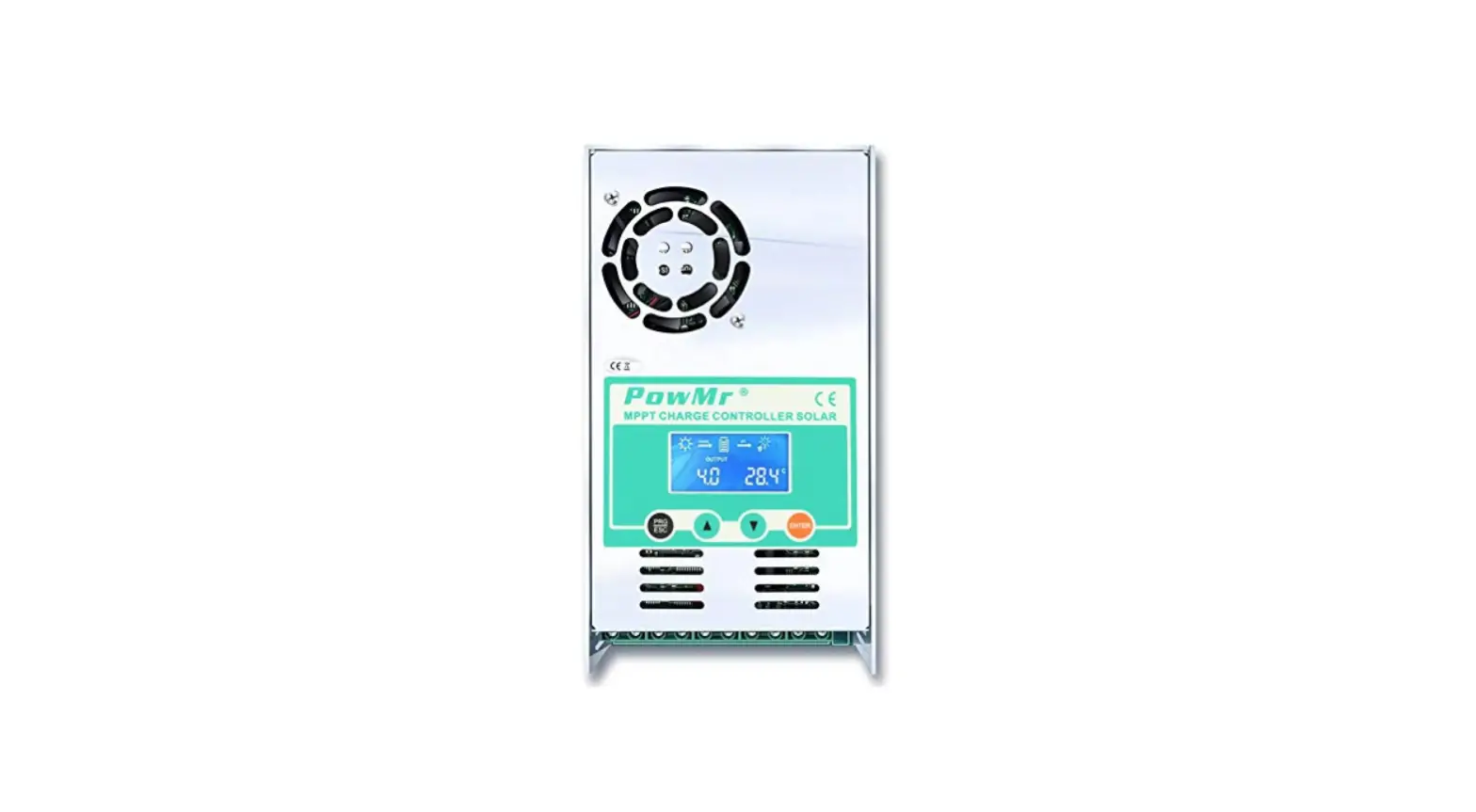
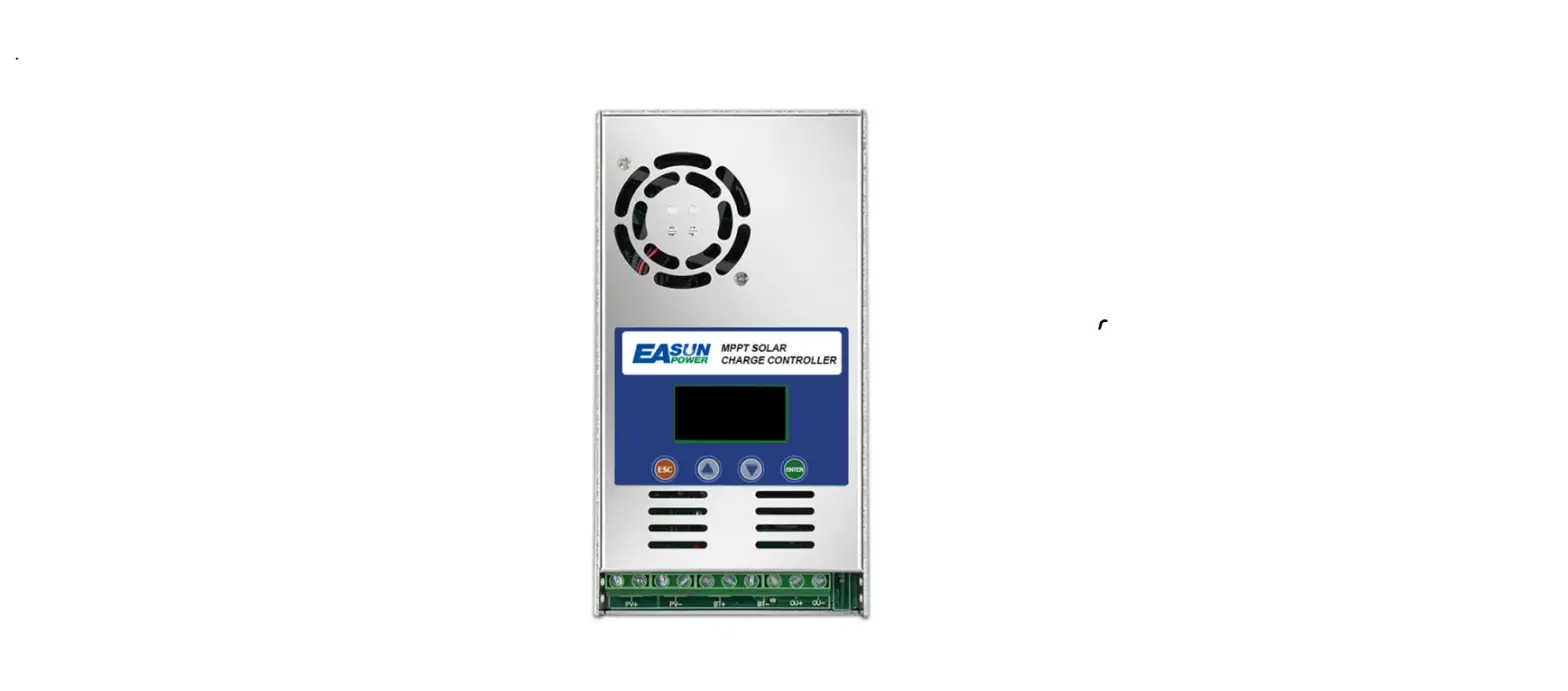
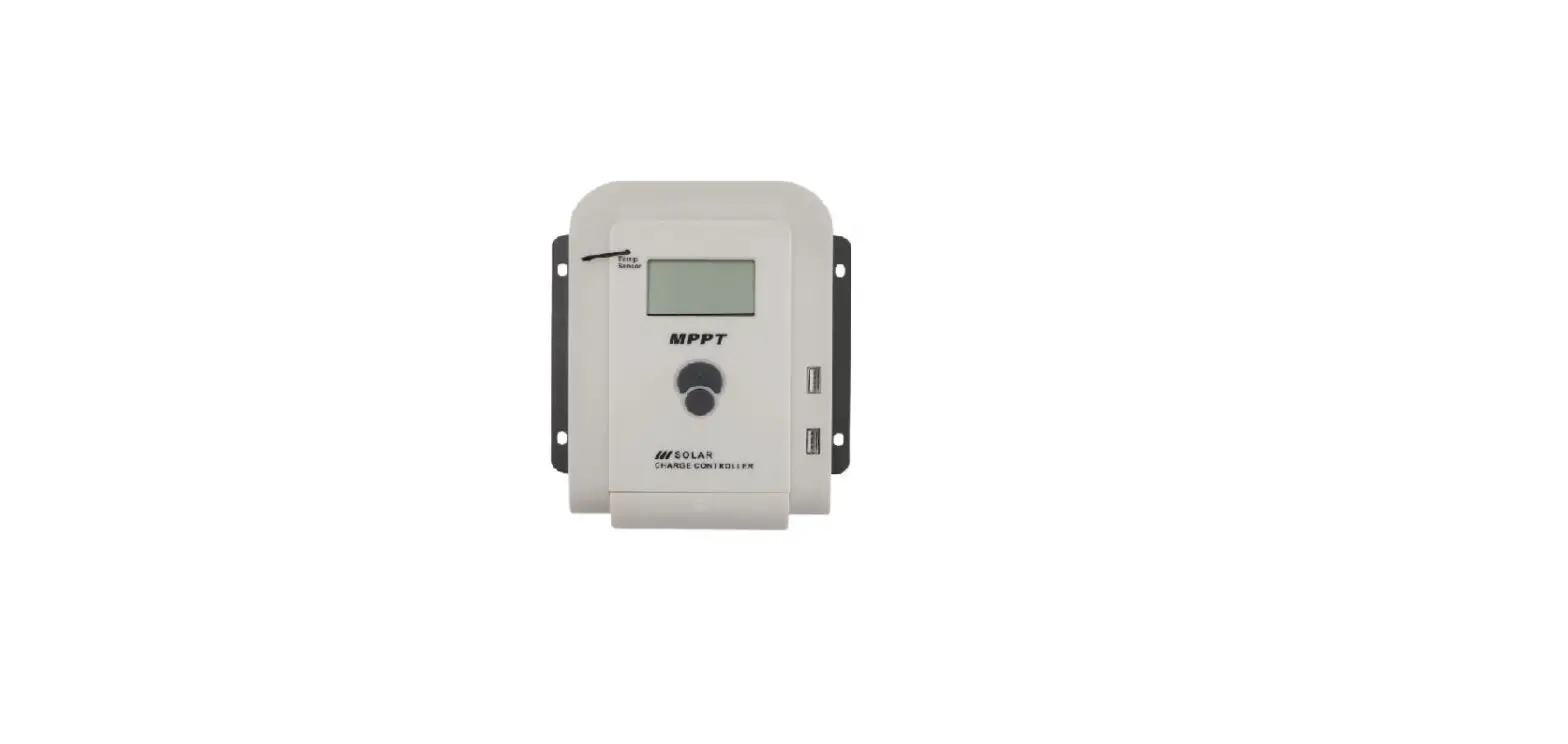
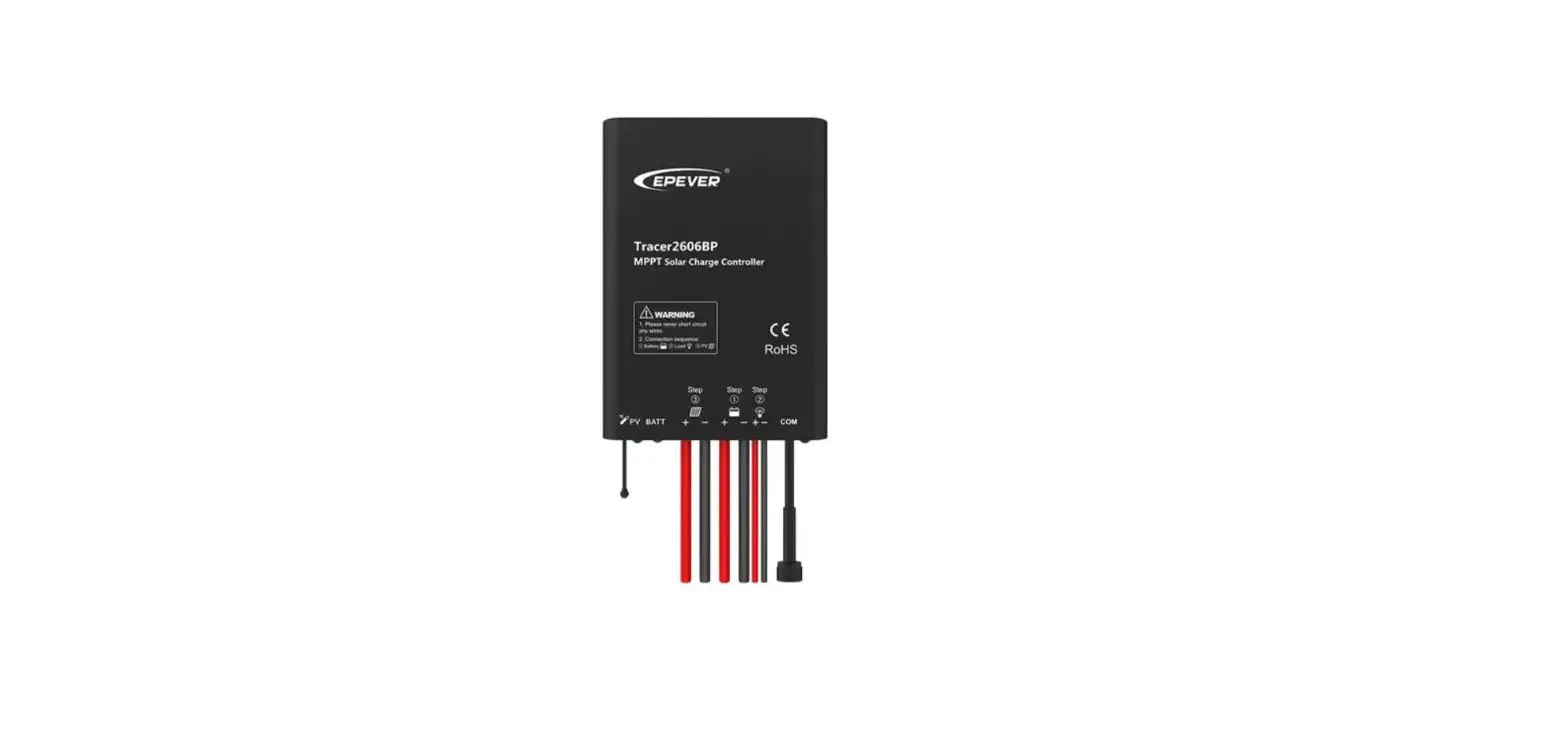
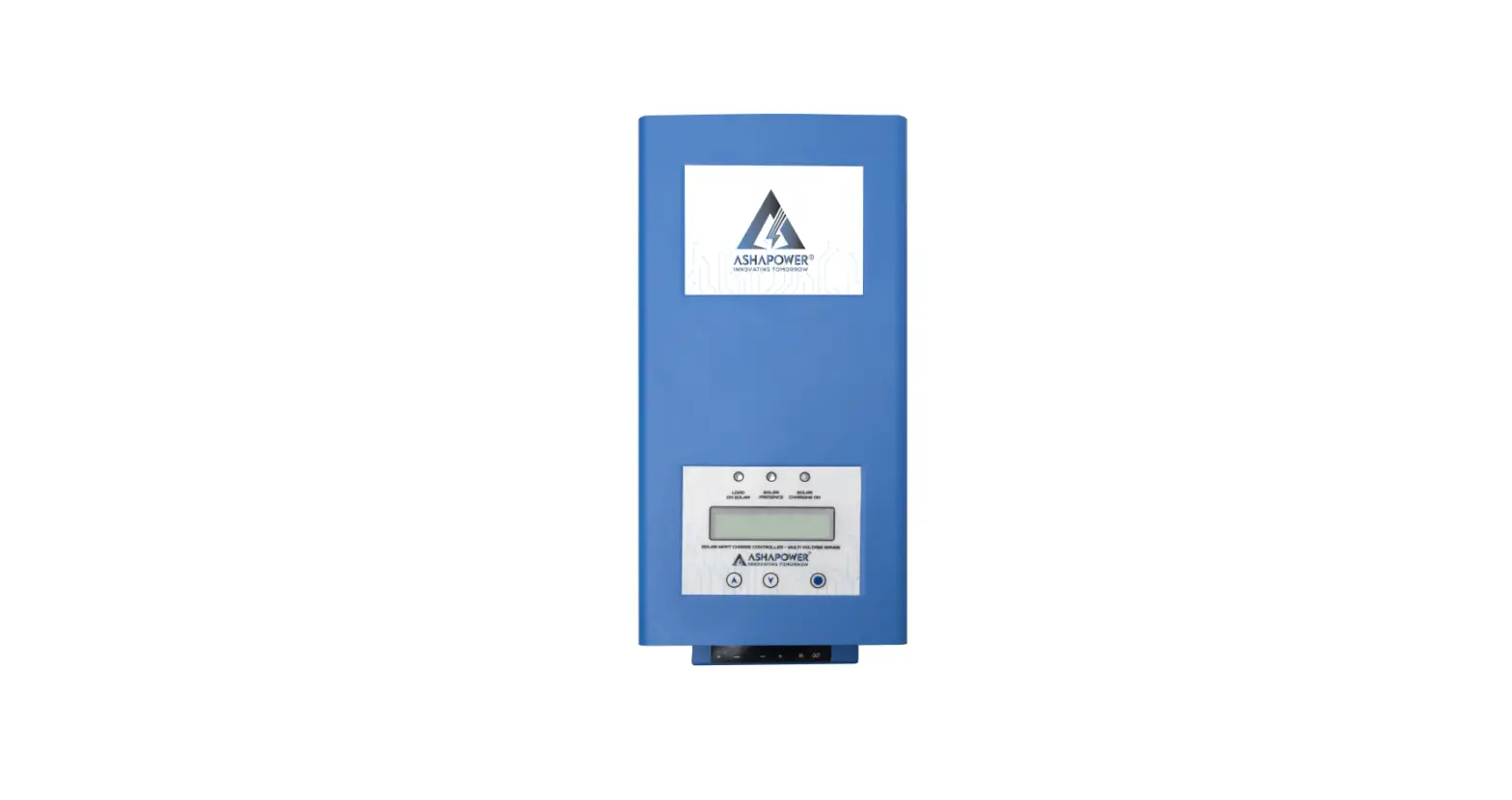
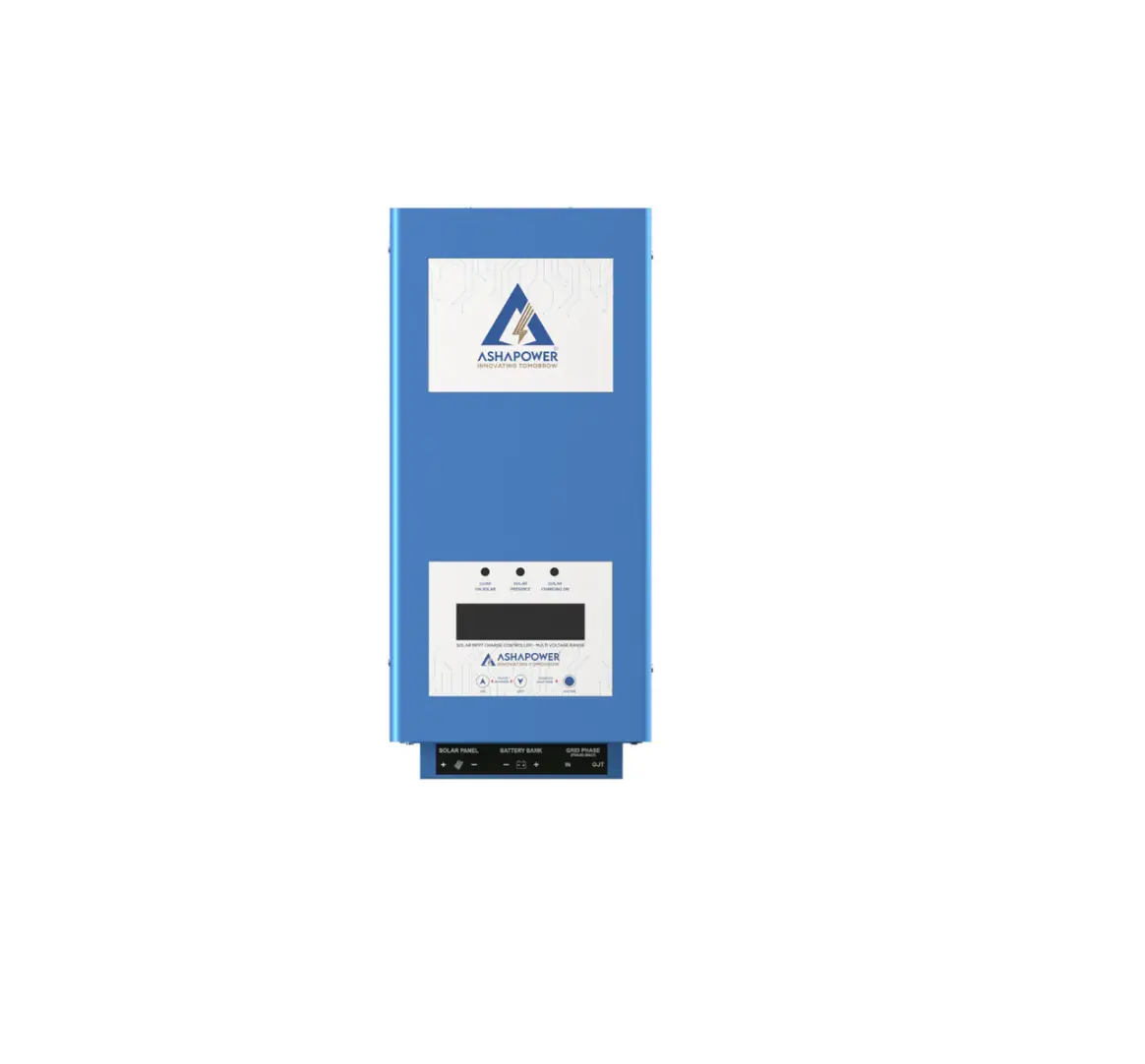
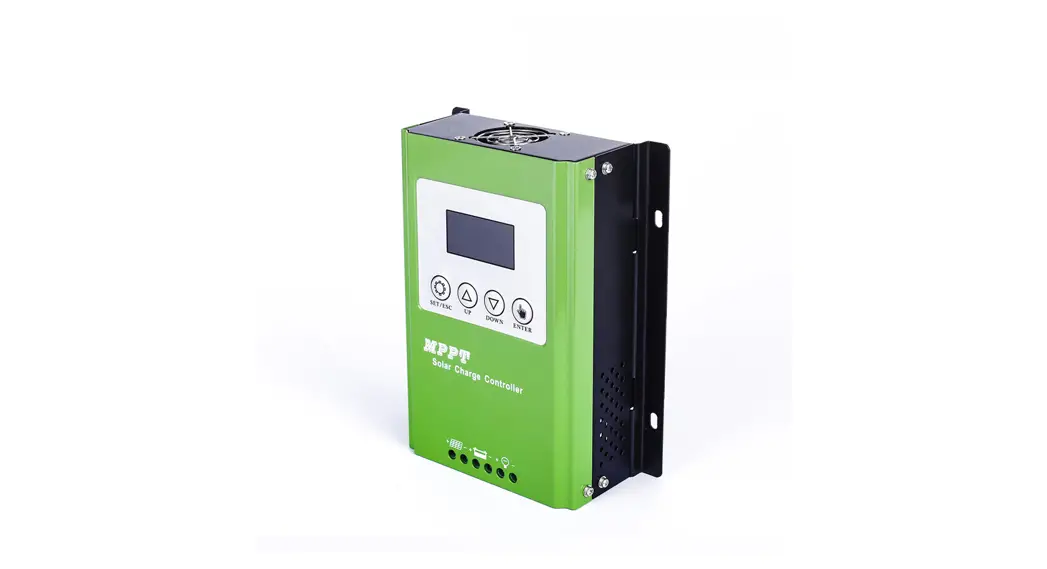
The product has an LCD display and temperature sensor interface.
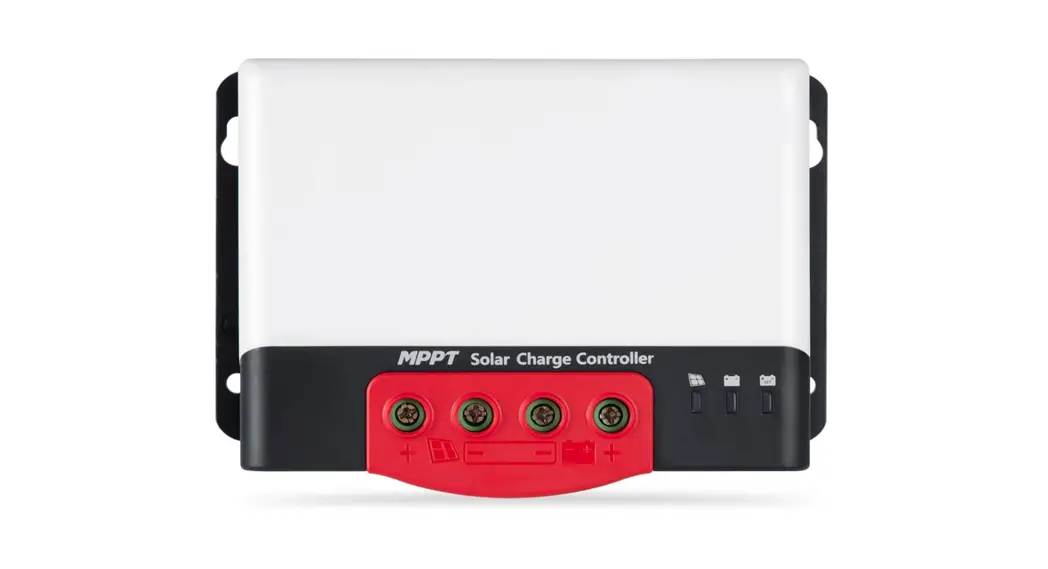
It has photovoltaic array terminals, battery terminals, and load
terminals. The product has a menu button, set button, and USB
output.
Wiring
The connection diagram for the product is as follows:

The order of connection is as follows:
- Connect the battery: The battery terminal should be installed
with insurance, and the installation distance should not exceed
50mm. - Connect the load.
- Connect the PV array.
- Power on the controller: Connect the battery, identify the
voltage of the control system, and observe whether the display
screen is lighted. If it doesn’t work or the display is abnormal,
refer to section 6 for troubleshooting.
NOTICE: This series of MPPT is a common positive; controller, PV
array, battery, and load of the positive pole can be grounded at
the same time. If the inverter or other starting current is loaded
in the system, please connect the inverter directly to the battery.
Do not connect with the controller’s load terminal.
Description
| Mode | Remarks |
|---|---|
| Load Switch | |
| Breakdown Browse Mode | |
| Setting Mode |
LCD
The LCD display shows the indicator of battery parameters such
as voltage and temperature.
Installation Important Note
- The controller should be installed in a well-ventilated place,
avoid direct sunlight, high temperature, and do not install in a
location where water can enter the controller. - Please select the correct screw to fix the controller on the
wall or other platforms. The screw M4 or M5, screw cap diameter is
less than 10mm. - Please reserve enough space between the wall and controller to
allow for cooling and cable connection. - The mounting holes distance is 155.8mm*63mm, the diameter of
the hole is 5mm. - Connect components to the charge controller in sequence and pay
much attention to the wiring.
Product Usage Instructions
- Connect the battery to the battery terminal with insurance, and
the installation distance should not exceed 50mm. - Connect the load to the load terminal.
- Connect the PV array to the photovoltaic array terminals.
- Power on the controller and identify the voltage of the control
system. Observe whether the display screen is lighted. If it
doesn’t work or the display is abnormal, refer to section 6 for
troubleshooting. - Select the charging process for the battery type to be charged,
such as Seal, GEL, Flooded, LifeP04, and Li (NiCoMn) 02 charging
processes. - Select the load control mode according to your needs, such as
general mode, light control mode, dual time mode, pure charger
mode, and timing mode. - If necessary, connect a temperature sensor to the temperature
sensor interface. - If necessary, connect an external display unit or other
peripherals to realize real-time data view and parameter setting
function.
1
CONTENTS
1 OVERVIEW………………………………………………………………………………………………………………1 2 PRODUCT APPEARANCE………………………………………………………………………………………2 3 WIRING …………………………………………………………………………………………………………………… 3 4 DESCRlPTlON ………………………………………………………………………………………………………… 4 5 INSTALLATION IMPORTANT NOTE ……………………………………………………………………. 5 6 OPERATION STEPS ……………………………………………………………………………………………….. 6 7 PROTECTION ………………………………………………………………………………………………………..10 8 COMMON FAULT ………………………………………………………………………………………………..11 9 TECHNICAL SPECIFICATIONS …………………………………………………………………………….12
2
1 OVERVIEW
Thank you for selecting MPPT series solar charge controller with the most advanced MPPT control algorithm and the maximum power point of the PV array can be quickly tracked in any environment so that it can get the maximum energy from the solar panel and significantly improve the utilization of energy in solar system. The machine has the dual display function of LCD and Remote header (optional) and standard communication interface, convenient for user extension application and satisfy different monitoring needs to the maximum extent. It can be used in communication base station, home power supply system, traffic light, solar street lamp, courtyard lamp system, etc.
Advanced MPPT maximum power point tracking technology, the tracking efficiency is no less than 99.5%.
High quality components are used to improve the system performance, and the maximum conversion efficiency can reach 97%.
Super fast maximum power tracking speed while ensuring tracking efficiency. Accurate identification and tracking of the maximum power point of multi-wave peak. Reliable maximum input power of PV array to ensure the safety of equipment. Wide PV array maximum power point operating voltage range. 12/24v automatic voltage
identification The LCD is designed to dynamically display the operation data and working status of the
equipment. Various load control modes: general mode, light control mode, dual time mode, pure charger
mode and timing mode. Seal, GEL, Flooded, LifeP04 and Li (NiCoMn) 02 charging process can be selected. The function of battery temperature compensation. Power statistics recording function. Use the RS485methods to maximize the communication needs of different occasions. Support PC monitor, external display unit and other peripherals, realize real-time data view and
parameter setting function.
1
2 PRODUCT APPEARANCE
Photo 1 Appearance
LCD
Temperature sensor interface(Selection)
Photovoltaic array terminals
Battery terminal
Load terminal Menu Button
Set Button USB output
NOTICE: In the case of the remote temperature sensor not connected, the controller will compensate the charging parameters by 25 for the battery temperature.
2
3 WIRING
PV Array
Breaker AC output
Fuse
Fuse
Fuse
Load
Inverter
Photo 2 Connection diagram
Order of connection:
1. Connect battery Notice: The battery terminal shall be installed with insurance, and the installation distance shall not exceed 50mm. 2. Connected Load 3. Connect PV array 4. Controller is powered on Connect the battery identify the voltage of the control system and observe whether the display screen is lighted. If it doesn’t work or the display is abnormal, refer to section 6 for troubleshooting.
NOTICE: This series of MPPT is a common positive: controller, PV array, battery and load of the positive pole can be grounded at the same time. NOTICE: If the inverter or other starting current is loaded. Sin the system, please connect the inverter directly to the battery. Do not connect with the controller’s load terminal.
3
4 DESCRlPTlON
4.1 Buttons Mode
load switch Breakdown Browse mode
Setting mode
Remarks
When the load is manual mode, by short pressing set button can switch the load. Pressing the set button shortly Pressing the menu or set button shortly Long press menu button enter the secondary browsing interface and then press menu or set button to browse interface, long press menu again to enter the setting mode, short press menu or set button to set parameters then long press menu button to save the setting. Long press set button or 20s without keystroke operation will exit secondary browsing interface (parameter not saved)
4.2 LCD
1. The default night display of controller: When the solar panel input voltage have been detected by controller less than sensor identification point voltage, this graphic symbol will be light. 2. The default daytime display of controller: When the solar panel input voltage have been detected by controller more than sensor identification point voltage, this graphic symbol will be light. 3. The indicator of PV array parameter: When the solar panels data was displaying, this graphic symbol will be light, for example the voltage of solar panel.
4
4. The indicator of battery parameter: When the battery parameter was displaying, this graphic symbol will be light, for example the voltage of battery, temperature of battery
5. The indicator of load parameter: When the load parameter was displaying, this graphic symbol will be light. 6. System voltage: When the LCD shows different system voltage controller will adjust the technical data automatically. 7. Numerical display area 8. Timer setting function 9. Switch graphic symbol 10. Unit symbol value 11. Warning: When there is fault, this graphic symbol will be light. 12. The indicator of load status: Load on, Load off. 13. The indicator of output power: When the load terminal have output, this graphic symbol will be light. 14. The indicator of capacity of battery: When the battery was in different capacity, the strip-type will show. 15. The indicator of charge status: When the controller is charging, the symbol will be light, float charge will be flash, no charging no display.
5 INSTALLATION IMPORTANT NOTE
1) The controller should be installed well-ventilated place, avoid direct sunlight, high temperature and do not install in location where water can enter the controller.
2) Please select correct screw to fix the controller on the wall or other platform. Screw M4 or M5, screw cap diameter less than 10mm
3) Please reserve enough space between the wall and controller, to allow for cooling and cable connection.
4) The mounting holes distance is 155.8mm*63mm, diameter of the hole is 5mm. 5) Connect components to the charge controller in the sequence, please pay much attention to the
positive” and “negative”, don’t insert the fuse or turn on the breaker during the installation. When disconnecting the system, the order will be reserved.
5
6) Always connect the battery first, in order to allow the controller recognize the system voltage. 7) The battery fuse should be installed as close to battery as possible. 8) The distance between the battery fuse to battery group is within 150mm 9) Positive grounding controller, any positive connection of solar load or battery can be earth
grounded as required. 10) AII terminals are in tight status after leaving factory, in order to well connected, please loose all
terminals at first. 11) The sequence of connection please do not free change, otherwise cause system voltage
recognition fault. 12) The length of cable between battery and controller as shorter as possible. Suggest 30cm to
100cm. 13) lf short circuit happened on the terminals of controller, it will be result in fire or explode. Please
be careful. (We strongly suggest to connecting a fuse at the battery side 1.5 time of rated current of controller) 14) If the battery reverse connection, the output of controller also same with battery polarity, please do not connect any load with controller at that time, or the load and controller will be destroyed. 15) The voltage of solar panel is very high under sunshine, high voltage can cause injury or destroy controller, make sure PVmax under required safety MPP range. 16) Avoiding injury from load voltage, please close to the output of controller with button at first, then connected the load on the controller. The controller do not offer reverse connection protection for load, so please take care, reverse connection for load will be destroy bulb.
6 OPERATION STEPS
Main interface 1) The controller will have Is initialization interface after electrified, then go into main interface.
1s laterb
6
2) If no operation at main interface inner 20s, the main interface will be auto exchange during voltage of battery, voltage of solar panel, temperature of environment, each interface keep 3s. Long press “set” more than 5s at main interface, it will speed auto exchange. Loose button will stop speed.
3) Press “set” under main interface could open or close
4) Press “menu’ button could join into next menu under main interface.
MENU
MENU
Main interface
Total charge power
Total Charge power MENU
MENU
MENU
Load disconnect voltage MENU
Load reconnect voltage
MENU
MENU
Float voltage
Load Mode
Total load usage 7
System voltage select
a) Float voltage set up
Long press MENU 5s
20s later
This parameter is high voltage disconnection (HVD) voltage. (Boost state voltage will be increase 0.6V base on HVD). The controller will be started PWM function at this point (HVD), limited voltage rising. Press “menu” button join in float voltage menu. Long press “menu” button more than 5st the parameter on the interface will be flash, here is set up state. Loose the button, press “menu” button again could operate plus data, press “set” button could operate minus data. After finish required technical data, long press “menu” button again more than 5s, the parameter save and come out set up state, if 20s no any operation, automatically back to main interface. b) Low Voltage Reconnect Voltage (LVR) When the voltage of battery is low, the control will stop offer power to the load. If the controller needs reconnected the output, the voltage of battery must be higher than LVD voltage or press ‘”set” button force to release, The procedure is same with (a). c) Low Voltage Disconnect Voltage (LVD) When the voltage of battery is low, the load output will be cut off. When the controller detected the battery voltage was less than LVD point, the cut off function will be immediately working. At the same time, the status of controller is in lock. Users have to charge the battery, when the battery voltage is higher than LVD voltage or press “set” button force to release. The load output will be back. The procedure is same with (a).
8
Above a, b, c three parameter default data was fully considered by designer according to the actual use. Generally users don’t need to adjust. Please must be refer to battery supplier’s suggestion, or the battery will be damaged or irreparable destroy.
d) Load Working Mode Selection The control default load working 24hours. When the load working time set to 24hours, the load will keep working 24hours in no fault status. When the load working time set to less than 23Hours, it means the load start timer or sensor function. If the battery capacity is enough, the load will be started at sunset. The load will work under timer setting hours or stop working till sunrise.
Load mode When the load join into timer or sensor mode, if the reset working time more than actual night
time, the load output will be closed at sunrise, although the working time is not reach to setting hours, for example, the local actual nighttime is 10hours, user reset the working time at night is 12hours, but 10hours later the output will be closed automatically, the balance hours will be back to zero. The load will be working with next sunset signal. e) System Voltage Select This parameter designed for customers wide range voltage requiring, the default display “UTO” system voltage 12V/24V Auto. When battery voltage is more than 18Vt the controller will be auto change to 24V system with 24 control data. When battery voltage is less than 18V, the controller will be auto change to 12V system with 12V control data. If the system voltage is set to “q”, the controller will be work under 12V version forever. The battery voltage is not valid. The reset data will be working after reconnection. If the system voltage is set to “2”, the controller will be work under 24V version forever, The battery voltage is not valid. The reset data will be working after reconnection.
System voltage select
9
7 PROTECTION
Battery Low Voltage Protection (LYD) When the battery voltage less than 11 V, the LVD protection started, The output cut off, at the same time the battery symbol and warning flash. Please increase charge current or increase charge time. When the battery voltage more than 12.6V, the protection will be closed. The load output is come back or press “menu” button force to unlock main interface. Battery Over Voltage Disconnection (OVD) When the voltage of battery more than 16.5V, the over voltage protection will be started, The load cut off, at the same time the load and warning symbol flash. When the voltage of battery was decreased to 1 5V, the protection will be release. The output of the load is back. Load Over Current Protection When the load is short circuit or overload, the output cut off, at the same time the load symbol and warning flash. Please confirm if there is short circuit on the load terminal, decrease the power of the load. 30s later the controller will be auto restart with unlock, or press “menu” button force to unlock at main interface.
High Voltage Disconnection Protection When the battery was charged to 13.8V, the PWM function will be started, the charge symbol will be flash, and the voltage of battery has been limited.
10
8 COMMON FAULT
Cause
Correction
Solar panel is disconnected 1. Battery voltage is less then 8V 2. Voltage of solar panel is less than
battery voltage Battery Over-discharge Overvoltage of storage battery Over-load Over temperature Charging current of solar panel is too large The Controller display LVD
The Controller display HWO
The controller display OCP Over current protection
Check if connection of solar input is right and contact is reliable. 1. Check battery voltage. Controller will start only
battery voltage is more than 8V 2. Voltage of solar panel must be more than battery
voltage. Load Output is turned off automatically and recovers when battery electricity is enough Please check whether the battery voltage exceeds the voltage and reconnect the solar panel Reduce load or check load connection Make the controller cool down and restart charging automatically Check power of solar panel and reduce quantities of solar panel in parallel; Restart after 2 minutes The battery is over discharge, check the system designs reasonable or not, there is discharging capacity more than charging capacity. The voltage of battery is high, cut off the solar panel and see if the voltage drop down normal, if the fault still exist, then cut off the battery and reconnect it again. The load is short circuit or over load or high surge power check the load cables have short circuit, the power of the load over rated design, the surge power of load too high
11
9 TECHNICAL SPECIFICATIONS
Model
Rated charge current System rated voltage Voltage range of battery Max open voltage of PV module Max. Input Power: For 12V system For 24V system Battery type
Equalized charging voltage
Absorption charging voltage
Floating charging voltage Low voltage re-connection (LVR) Low voltage disconnection (LVD) Static loss High voltage disconnection (HVD) Duration Of absorption charging Light control voltage Charge loop voltage drop LCD Temperature Operating Temperature Working humidity Protection class Dimension (LxWxH) mm Installation hole size(LxW)mm
Keeper1220 20A
60V
Keeper1230 30A
12V/24V Auto detect 8~32V 75V
Keeper1240 40A
100V
260W 520W
390W 780W
520W 1040W
User default, Sealed, Flooded, GEL, LiFeP04
Maintenance-fee lead acid battery: 14.6V; GEL: No; Lead acid flooded battery: 14.8 Maintenance-fee lead acid battery: 14.4V; GEL: 14.2; Lead acid flooded battery: 14.6
Maintenance-fee lead acid battery, GEL, Lead acid flooded battery: 13.8 Maintenance-fee lead acid battery, GEL, Lead acid flooded battery: 12.6 Maintenance-fee lead acid battery, GEL, Lead acid flooded battery: 10.8
9.2mA 12V; 11.7mA 24V
16V (24V x 2)
2 Hours
5V
0.29V -20~+70
-20~+55(To run at full rated current continuously)
95%, NO condensation
IP30
123x178x48
133x195x55
150x220x67
108×120Ø5
116×140Ø5
132×130Ø5
12
13