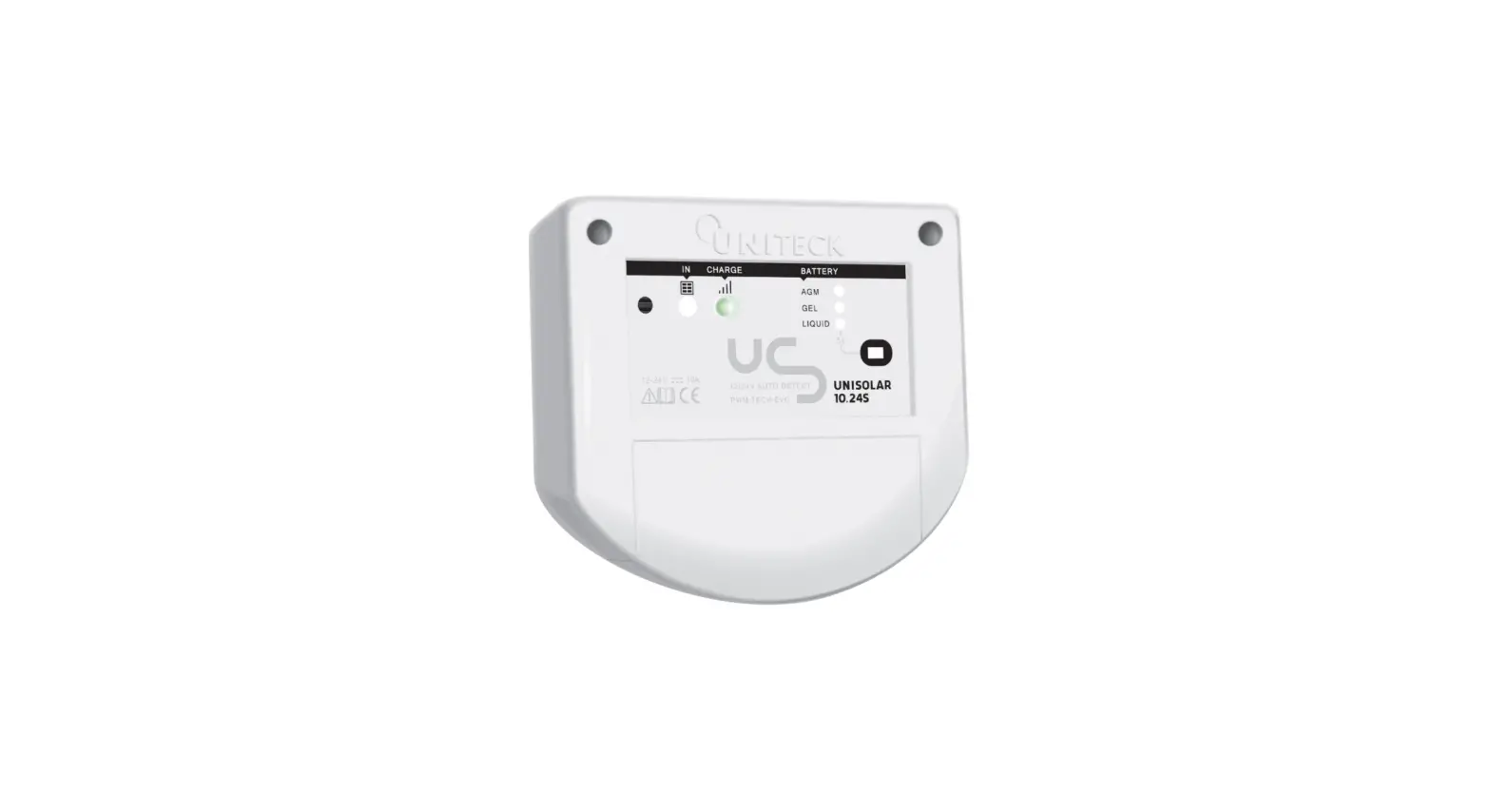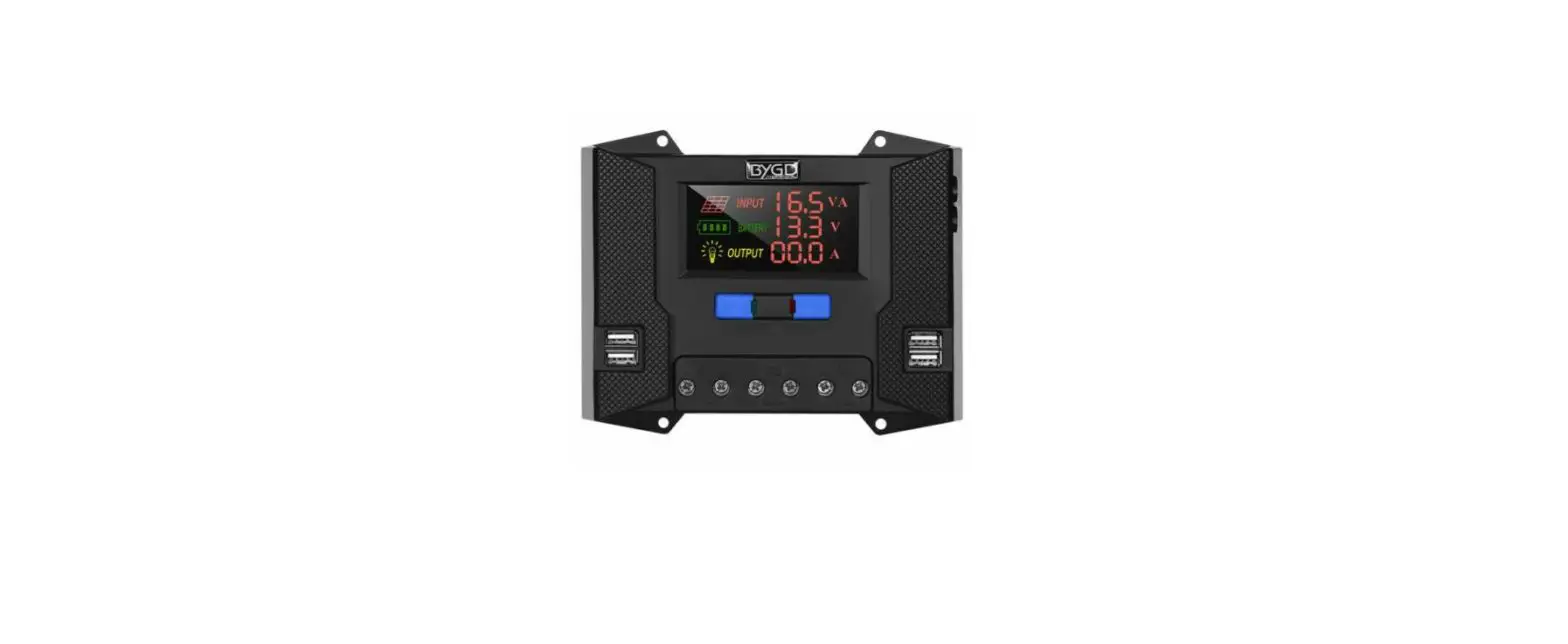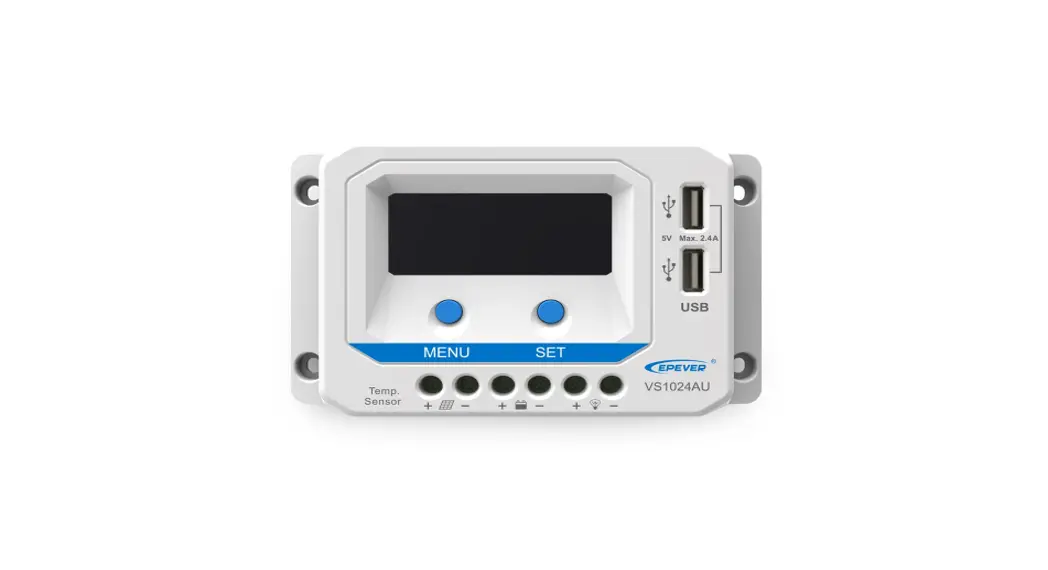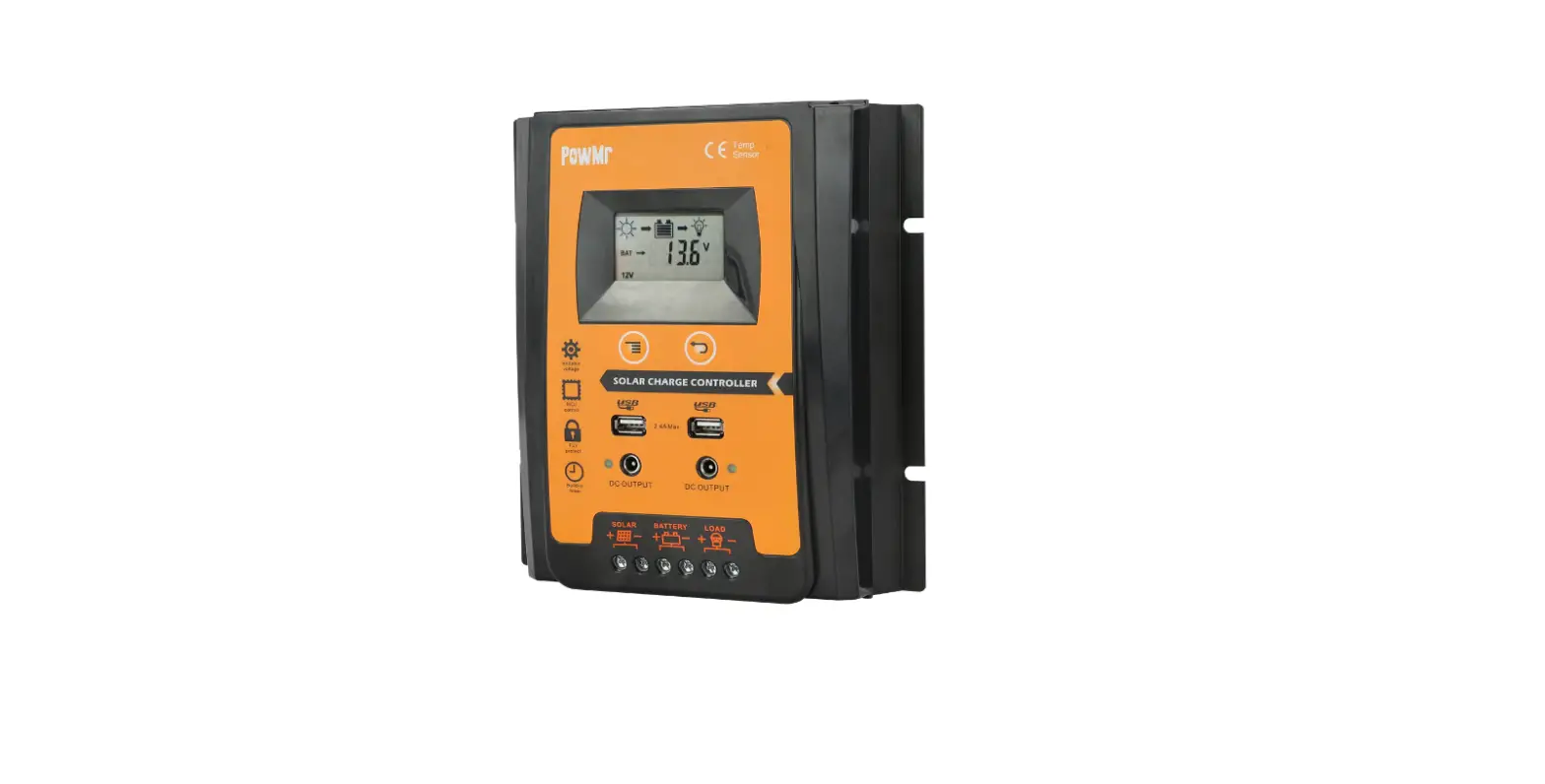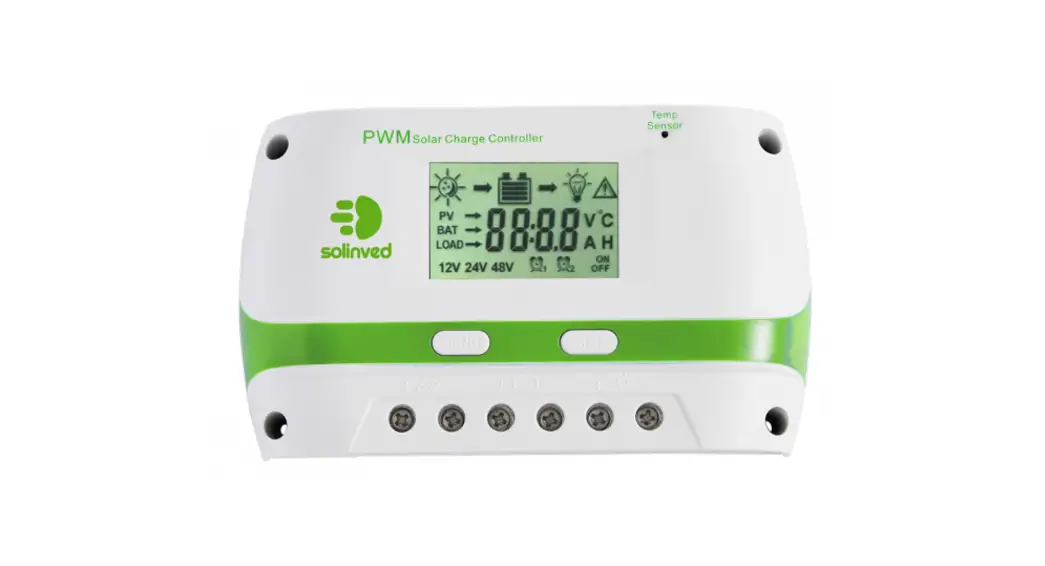
 PWM Series Solar Charge Controller
User Manual
SAFETY INSTRUCTIONS
- Make sure your battery has enough voltage for the controller to recognize the battery type before first installation.
- The battery cable should be as short as possible to minimize loss.
- The regulator is only suitable for lead acid batteries: OPEN, AGM, GEL it is not suited for nickel metal hydride, lithium ions or other batteries.
- The charge regulator is only suitable for regulating solar modules. Never connect another charging source to the charge regulator.
PRODUCT FEATURES
- Build-in industrial micro controller.
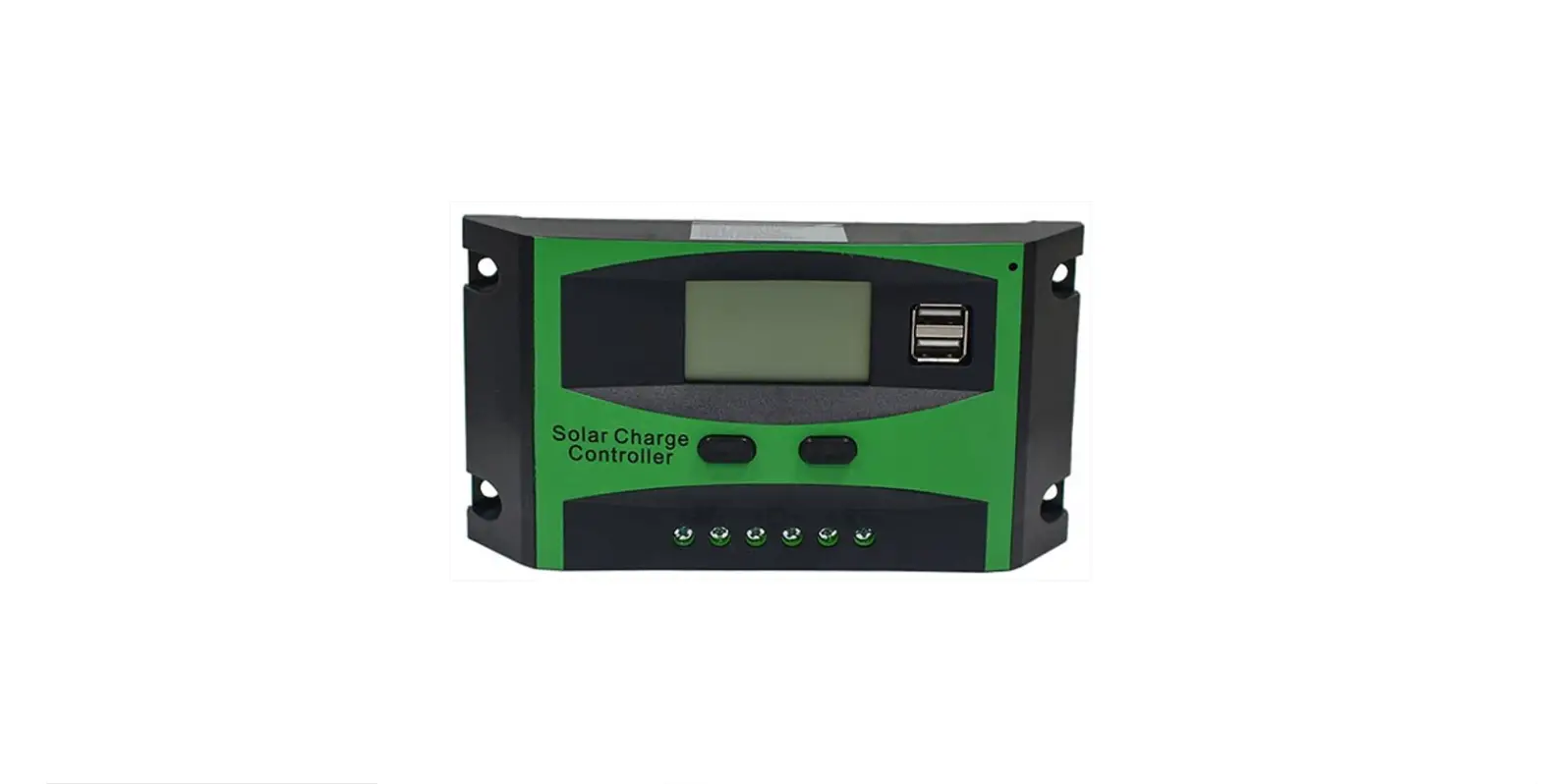
- Big LCD display,all adjustable parameter.
- Fully 3-stage charge management. 4.Build-in short-circuit protection, open-circuit protection, reverse protection. Over-load protection.
- Dual USB output, the maximum current of 2.5A, to support Apple’s mobile phone charging.
- .Duai misfit Reverse current protection,low heat production.
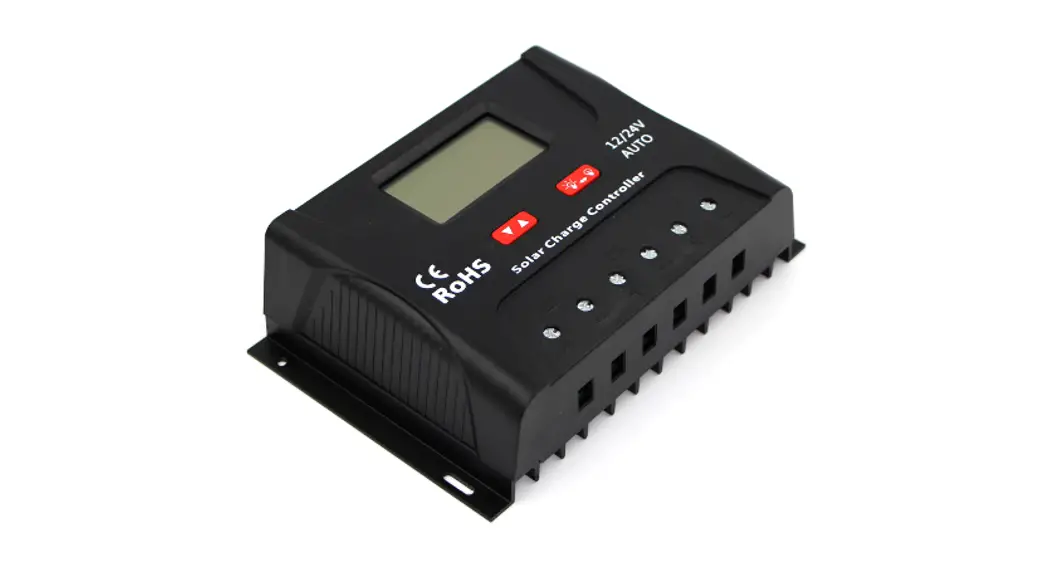
LCD DISPLAY/KEY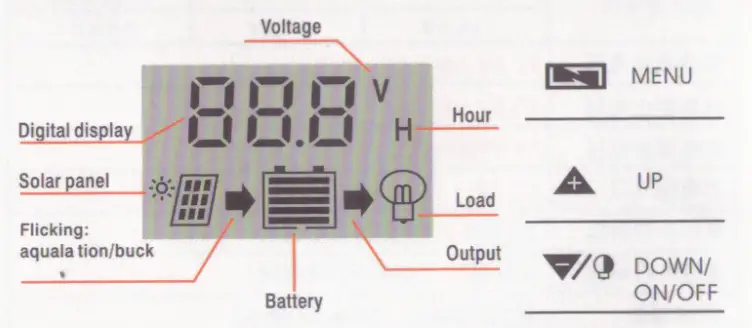 MENU: Switch between different display or to enter/exjt setting by long press. Up :press to increaae value. DOWN:Press to decrease value.
SYSTEM CONNECTION
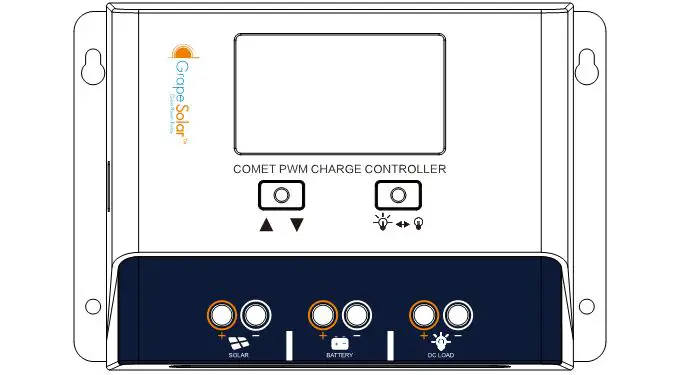
- connect the battery to the charge regulator-plus and minus.
- Connect the photovoltaic module to the regulator-plus and minus.
- Connect the consumer to the charge regulator-plus and minus.
The reverse order applies when reinstalling! An improper sequence order can damage the controller!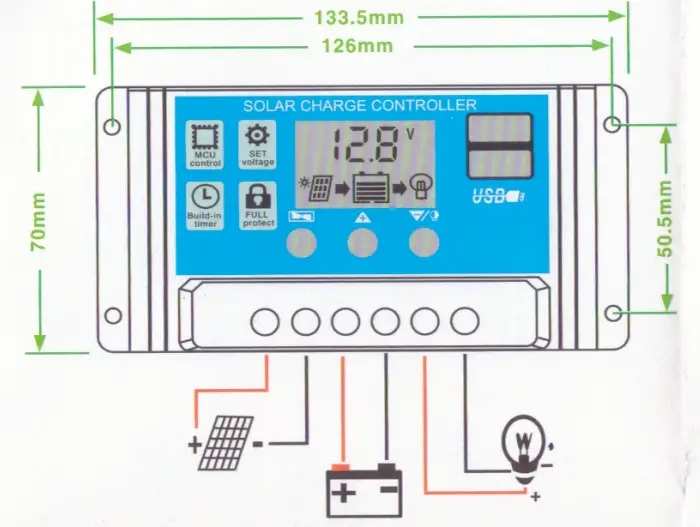 Note :12V battery with 18V solar pane1,24V battery with 36V solar panel
LCD DISPLAY/SEETING 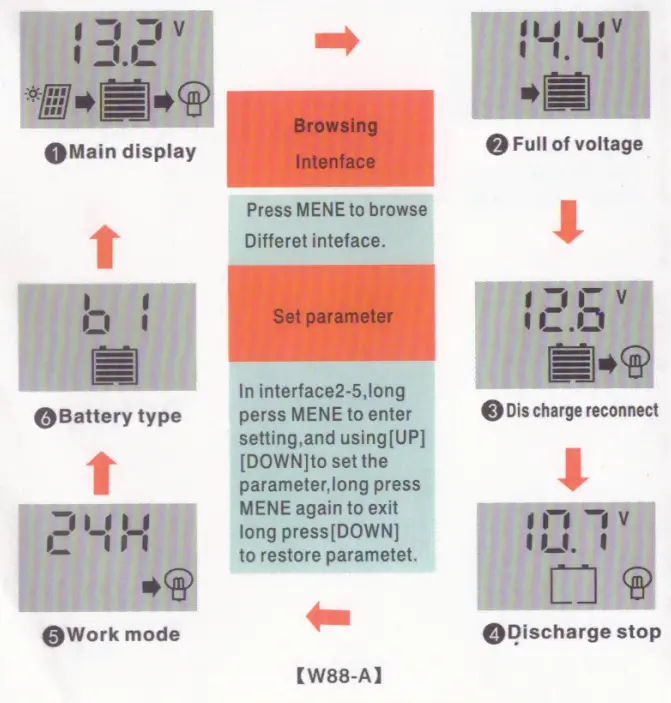 Attn: 1 .Press the [DOWN] button to ON/OF load manfully at main display. 2.The work mode is working as below.
[24H] load output 24 hours [1-23H] load on after sunset and dosed atfer setting hours [OH] Dusk to dawn
TROUBLE SHOOTING
| Situation | Probable cause | Solution |
| Charge icon not on when sunny | Solar panel opened or reversed | Reconnect |
| Load icon off | Mode setting wrong | Set again |
| Battery low | Recharge | |
| Load icon slow flashing | Over load | Reduce load watt |
| Short circuit prelection | Remove short circuit, 1 minutes or so automatic recovery | |
| Power off | Battery too low! reverse | Check battery/connection |
TECHNICAL PARAMETER
| Batt voltage | 12V/24V auto | |||||||
| MODEL | W88-A | W88-8 | W88-C | W88-D | W88-E | W88-F | ||
| Charge current | 10A | 20A | 30A | 40A | 50A | 60A | ||
| Discharge current | WA | 10A | t0A | 30A | 30A | 30A | ||
| Max solar input | 12V battery, thghi highest 23c24vbatecwenl highest 46V | |||||||
| Equalization | B1 sealed | B2 gel | B3 flood | |||||
| 14.4V | 14. 2V | 14 6V | ||||||
| Float charge | 14.4V defaul,adjustable | |||||||
| Discharge stop | 10.7V ldefaul,adjustable | |||||||
| Discharge reconnect | 12.6V(defaul,adjustable) | |||||||
| Charge reconnect | 13.2V | |||||||
| Voltage of open light | Solar panel 8V(Light lights delay) | |||||||
| Voltage of close light | Solar panel 8V(Light off delay) | |||||||
| USB output | 2 way USB output, 5V/2.5A(MAX) | |||||||
| Self-consume | <10mA | |||||||
| Operating temperature | -35 — +60C | |||||||
| Size/Weight | 133.5 • 70 * 35mm / 165g | |||||||
- All red color voltage x2 while using 24V system
- This instruction is a general manual, such as a slight difference in the physical.
- Product specifications are subject to change without prior notice