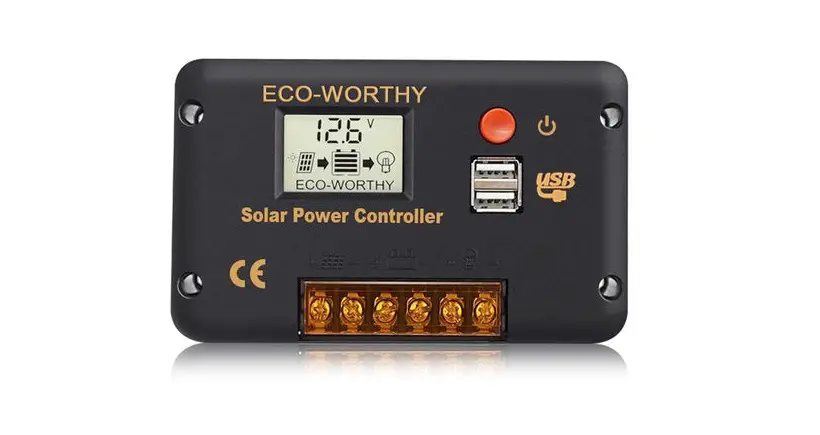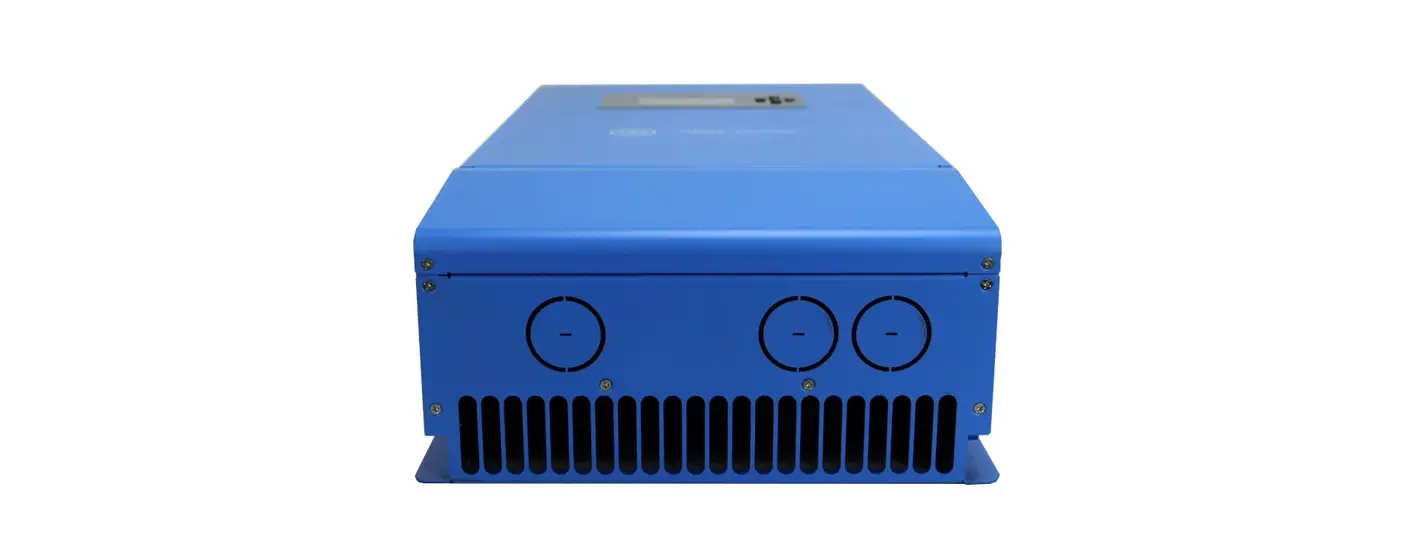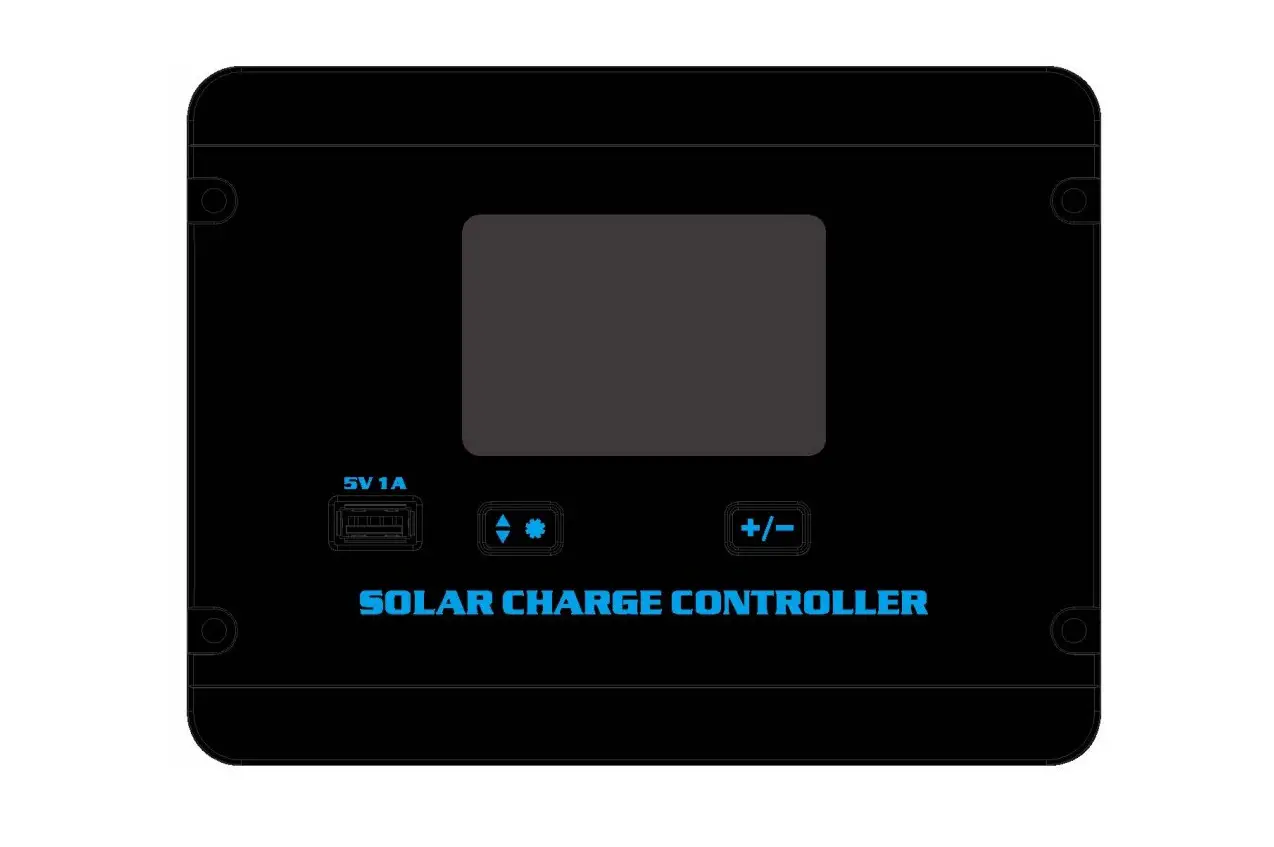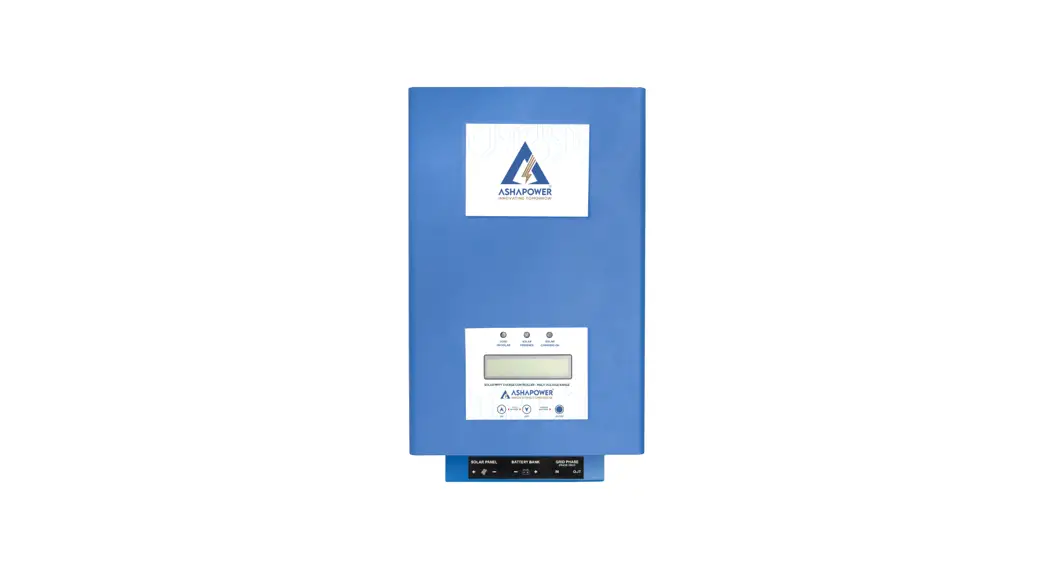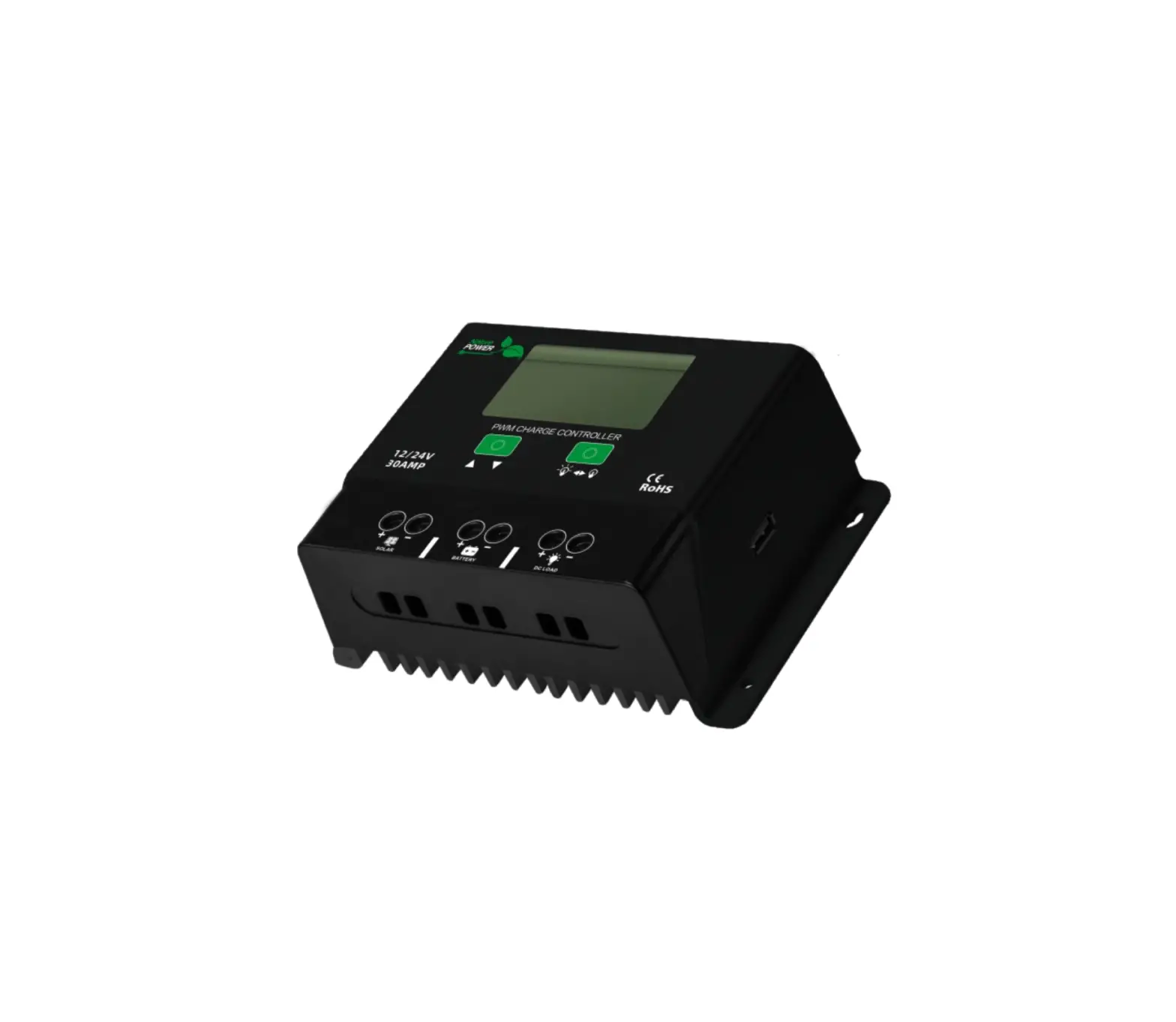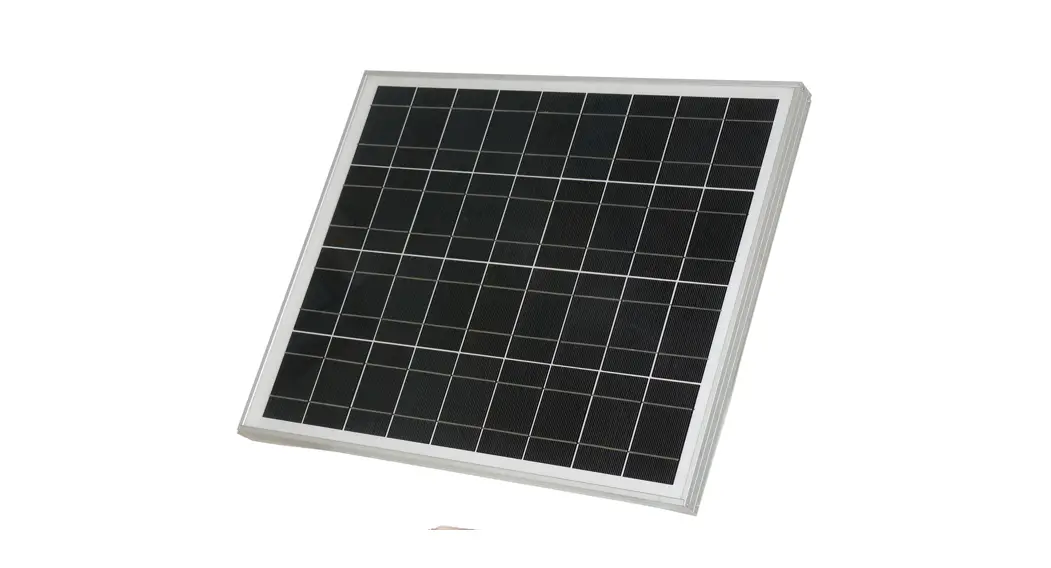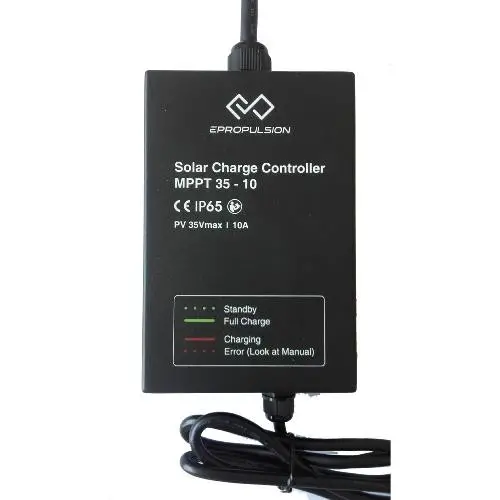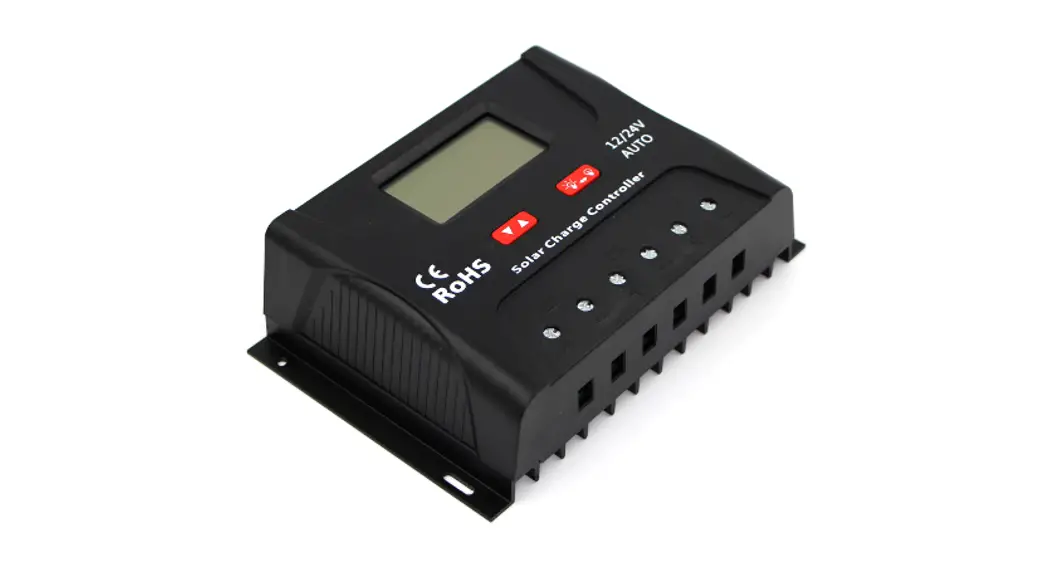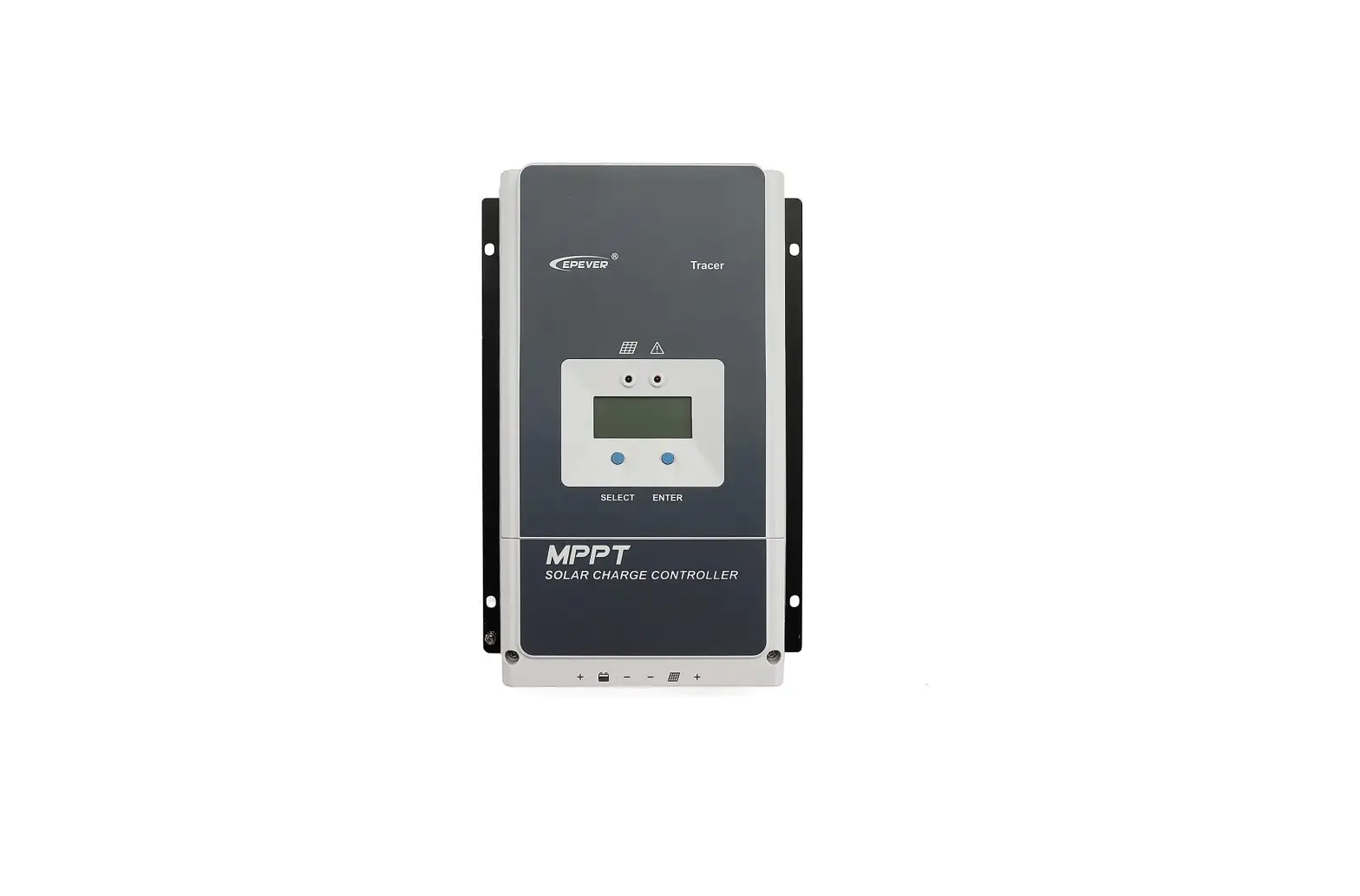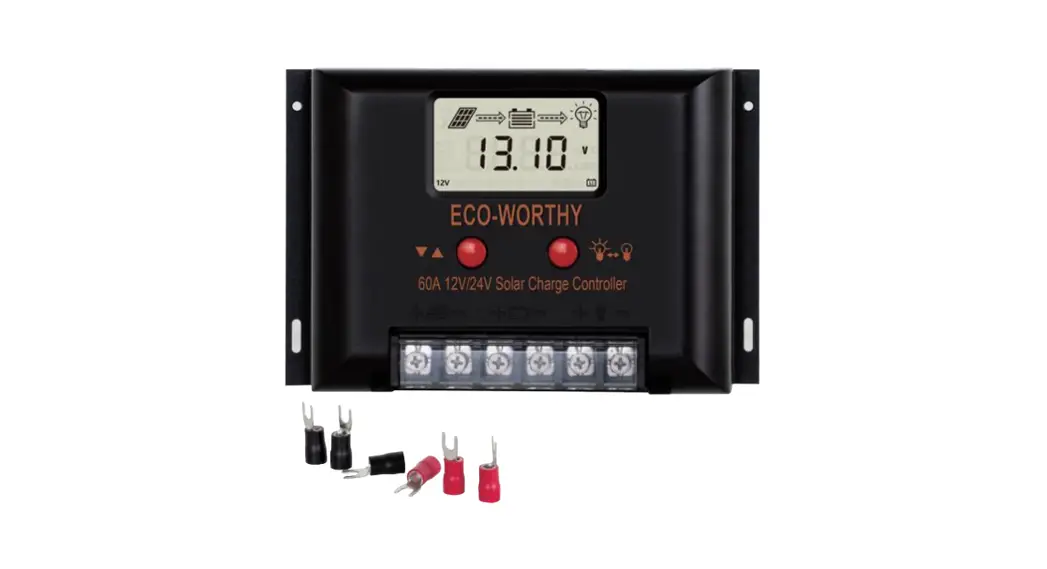
 60A Solar Charge Controller
User Manual 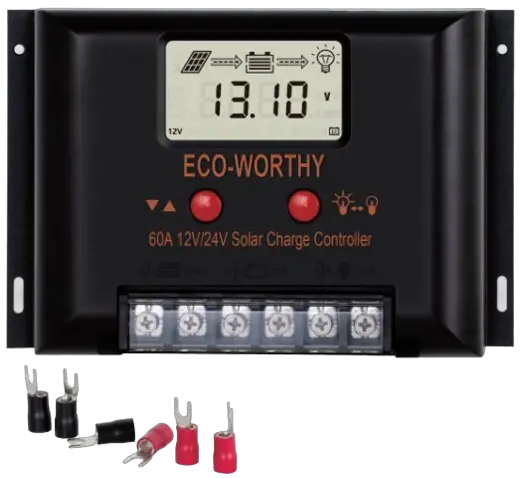 60A Solar Charge Controller
User Manual
SUPPORT
If you are experiencing technical problems and cannot find a solution in this manual, please contact ECO-WORTHY for further assistance.
Product Features
- Automatic system voltage identification.
- Charging program options for sealed, GEL and flooded lead-acid batteries and lithium batteries are available.
- Automatically activate “dead” batteries that cannot start charging directly due to low voltage.
- An upgraded 3-stage PWM charging algorithm is adopted. Application of an equalizing charge to the battery periodically or when over discharged, can effectively prevent the battery from non-equalization and sulfuration, thus extending the battery’s service life (with the exception of GEL and lithium batteries).
- With temperature compensation employed, charging parameters can be automatically adjusted (with the exception of lithium batteries).
- A wide range of load working modes facilitate the product’s application to different types of street lights and monitoring devices.
- The product provides overcharge, over-discharge, overload protection, as well as short-circuit and reverse connection protection.
- By virtue of an advanced load starting method, large-capacitance loads can be started smoothly.
- A range of parameter settings and power-down saving functions are available ,thus requiring no repeated setting.
- The product provides a dot matrix graphic LCD screen and a human-machine interface with 2 keys.
- The user-friendly design of browser and dynamic interfaces ensures convenient and intuitive operations.
- (An optional communication function) provides a RJ12 data port (output of TTL232 level or bluetooth signals), with the data adopting the standard Modbus protocol, can be used together with our upper computer monitoring software or mobile phone APP.
- Boasting an industrial grade design, the product can function well in various tough conditions.
- TVS lighting protection is adopted.
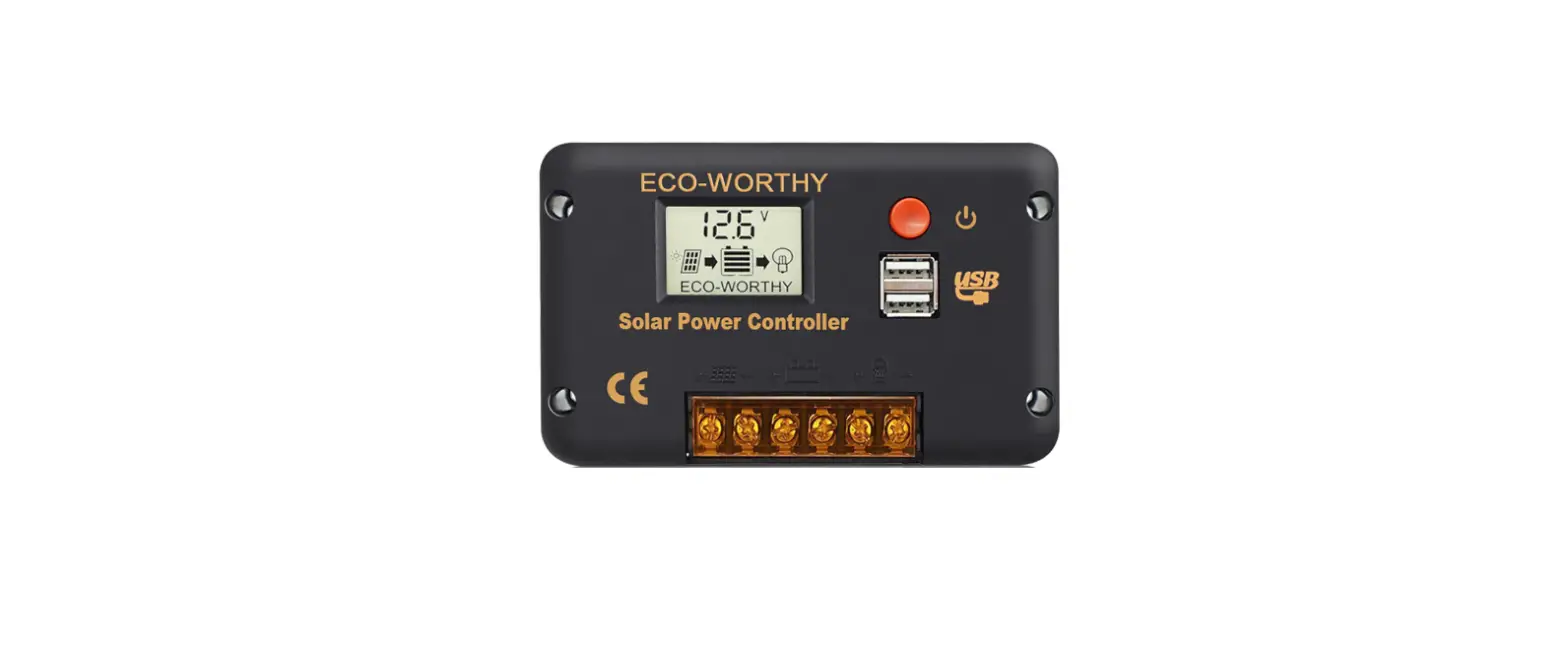
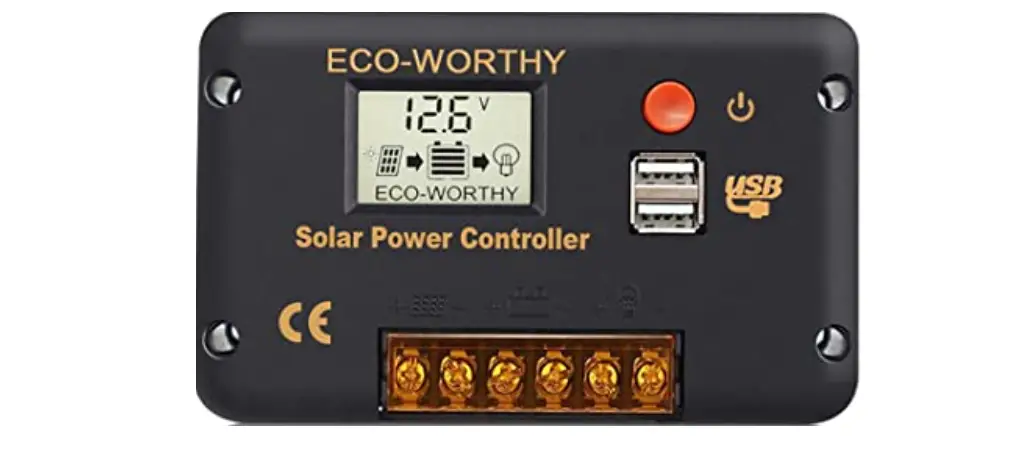
Panel Structure
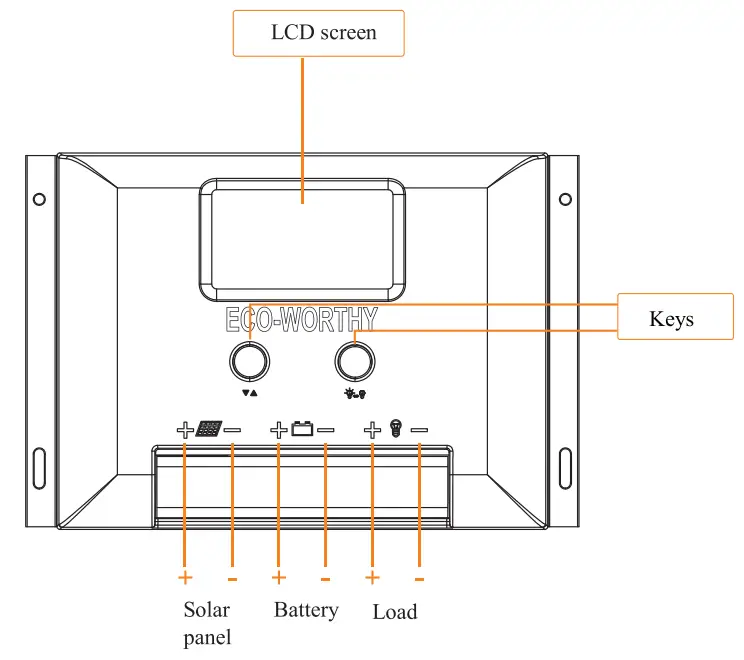
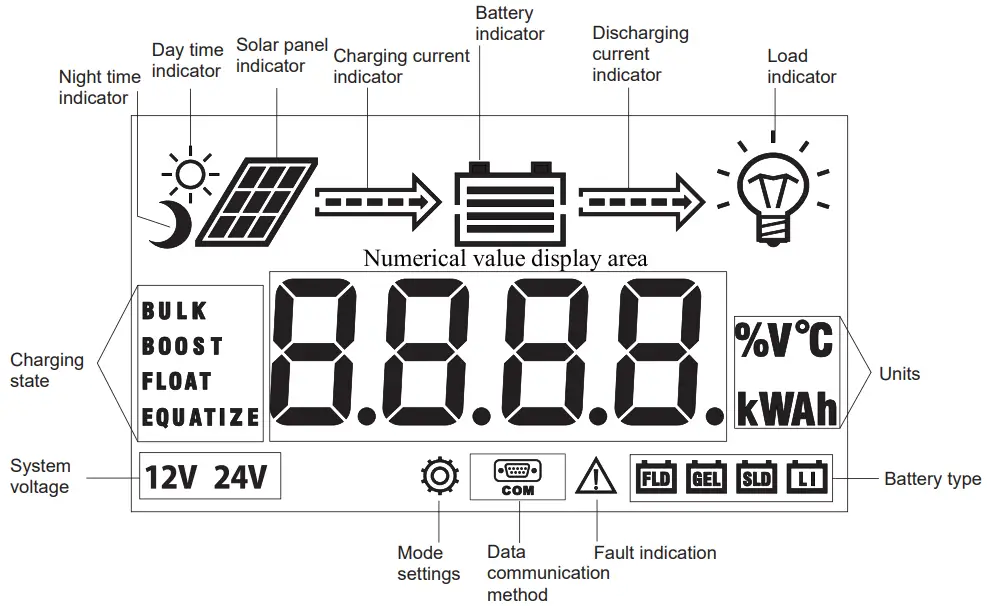
State Indicators
| LCD Icon | Indicated Object | State | Meaning |
 | Day recognition | Steady on | Day time |
 | Night recognition | Steady on | Night time |
 | Solar panel | Steady on | Solar panel indication |
| BOOST | Charging state | Steady on | Boost charging |
| FLOAT | Steady on | Floating charging | |
| EQUATIZE | Steady on | Equalizing charging | |
 | Battery | Quick flashing | Battery overvoltage |
 | Slow flashing | Battery over discharge | |
 | Load | Steady on | Load tumed on |
 | Steady on | Load turned off | |
| Quick flashing | Overload or short-circuit protection |
Five load Working Modes
- Pure light control (0): When sunlight disappears and the light intensity drops to the starting point (light control off), the controller initiates a 10-minute delay (settable) to confirm the starting signal, and then switches on the load for operation. When sunlight emerges and the light intensity reaches the starting point, the controller initiates a 1-minute (fixed) delay to confirm the shutting-down signal, and then shuts down the output to stop the load’s operation.
- Light control + time control (1 to 14): The starting process is the same as pure light control. After operating for a preset period of time (settable from 1 to 14 hours), the load stops operation automatically.
- Manual mode (1 5):In this mode, the user can switch the load on or off by the keys, no matter whether it’s day or night.
- Debugging mode (16): When the solar panel voltage is higher than the “light control off” voltage, switch off the load immediately; when the solar panel voltage is lower than the “light control on” voltage, switch on the load immediately.
- Normal on (17): The energized load keeps in output state.
| LCD Display | Mode | LCD Display | Mode |
| 0 | Pure light control mode | 9 | Light control + time control (9 hours) |
| 1 | Light control + time control (1 hour) | 10 | Light control + time control (10 hours) |
| 7 | Light control + time control (2 hours) | 11 | Light control + time control (11 hours) |
| 3 | Light control + time control (3 hours) | 12 | Light control + time control (12 hours) |
| 4 | Light control + time control (4 hours) | 13 | Light control + time control (13 hours) |
| 5 | Light control + time control (5 hours) | 14 | con Light control + time control (14 hours) |
| 6 | Light control + time control (6 hours) | 15 | Manual mode |
| 7 | Light control + time control (7 hours) | 16 | Debugging mode (default) |
| 8 | Light control + time control (8 hours) | 17 | Normal on mode |
Load Working Mode Settings
In the load mode menu, long press  for 2s, and the number (e.g. 15) will begin to flash. Press
 to adjust the mode (from 0 to 17), and then long press again for 2s to complete and save the setting.
Note:
- After parameter adjustment, if
 is not pressed and held long enough for exiting , the system exits to the main menu after 1 2s, and the parameter that was set is not saved.
 - When the system is saving data, the screen may shake slightly. This is normal and the user may ignore it.
Safety Advice
- When connected to a 24 V or 48V system, the solar panel terminal voltage may exceed the limit for human safety. If operation is to be performed, be sure to use insulation tools and keep your hands dry.
- If the battery is reversely connected, the controller itself wont be damaged, but the load end will have a negative voltage output, which may damage your load device. Take care not to let this happen.
- In the 48V system, separate reverse connect battery or separate reverse connection of solar panel controller will not damage; but if in reverse connection of the battery and is connected solar panels, or solar panels on the reverse connection is connected to the battery may cause damage to the controller.
- The battery contains a large amount of energy. Therefore, in no cases should the battery be short circuited. It’s recommended that a fuse be serially connected to the battery.
- Keep the battery away from fire sparks, as the battery may produce flammable gas.
- Keep children away from the battery and controller.
- Follow the safety advice provided by the battery manufacturer.
LCD Screen Illustration
1).Continuously press , the screen will display the following in order: “main menu”—”solar panel voltage1’—” solar panel current”—”battery capacity”— “discharging current”—”charging amphrs”–dischargingamp-hrs”—” temperature inside controllert’—” load mode”—” load modesettings”—”errorcode”, and then back to “main menu”. If the keys are not operated for 12s, the system will automatically return to display the “main menu”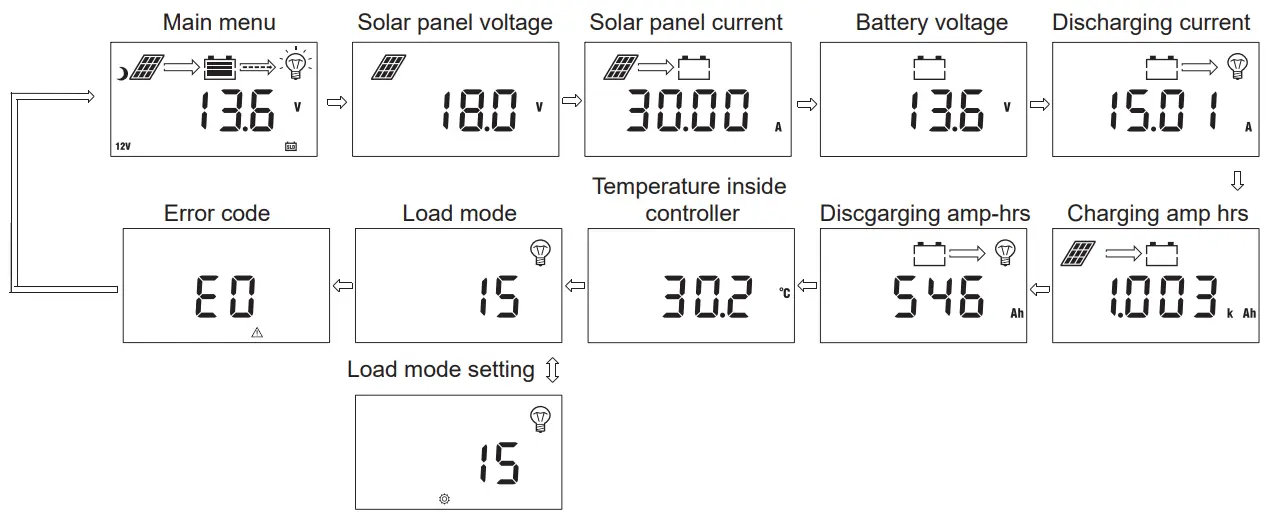
2). When “load mode” is displayed, long press to enter into the load mode setting. Press to adjust the mode, and long press for 2s to save and exit; or else, the system will not save the setting that was just made and automatically exits the setting after 12s.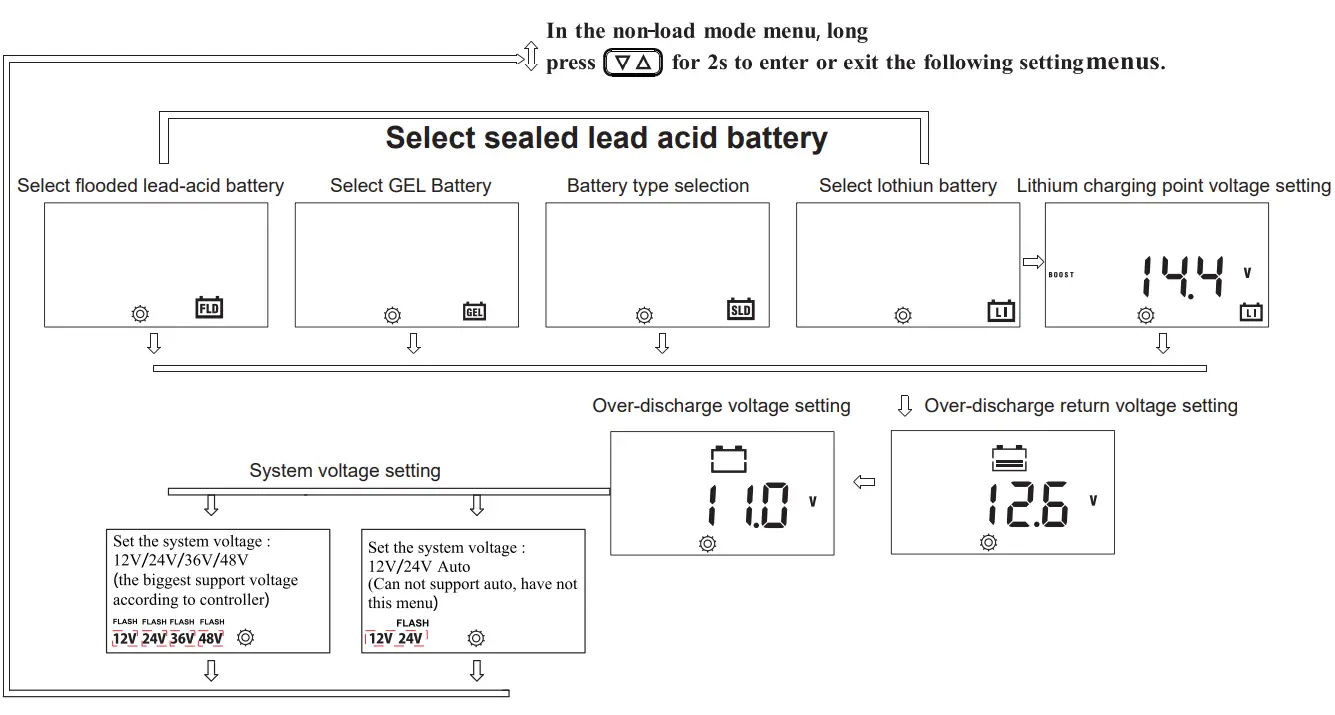 Battery Types, Charging Voltages (Lithium Battery), Over-Discharge Return ant’ Over-Discharge Voltage Settings
In the non-load mode menu:
- When is long pressed, the first interface entered is for battery type setting, and the flashing one is the battery type currently selected. Press
 to select among FLD/GEL/SLD/LI.
 - After selection, short press to enter into over-discharge return and over-discharge voltage settings; or the first to enter charging voltage setting menu for lithium battery.
- After parameters have been set, long press for 2 s to save and exit.
Parameters shall be set according to the following rule: over-discharge voltage adjacent values shall have a difference greater than 0.5 V.
Charging and Discharging Overload Protection and Recovery Time
In the charging and discharging overload protection mechanism, the relation between overload current and protection time is as follows: An overload current 1.25 times of the rated current initiates a delay of 30s before starting protection; similarly, 1.5 times, 5s and 2 times, 1 s.
Overload recovery: automatic recovery after 1 minute.
Load Short Circuit and Recovery
Short-circuit automatic recovery time: 1st time, 5 s; 2nd time, 10 s; 3rd time, 15 s; 4th time, 20 s; 5th time, 4 hours or automatic recovery the next day; or long press to make the load resume output.
Installation Instructions and Precautions
1) The controller shall be installed securely, and its dimensions are as follows:
ECO-SC60A External dimensions:
1893x128x53.1(mm)
Installation dimensions: 180×92.2 (mm)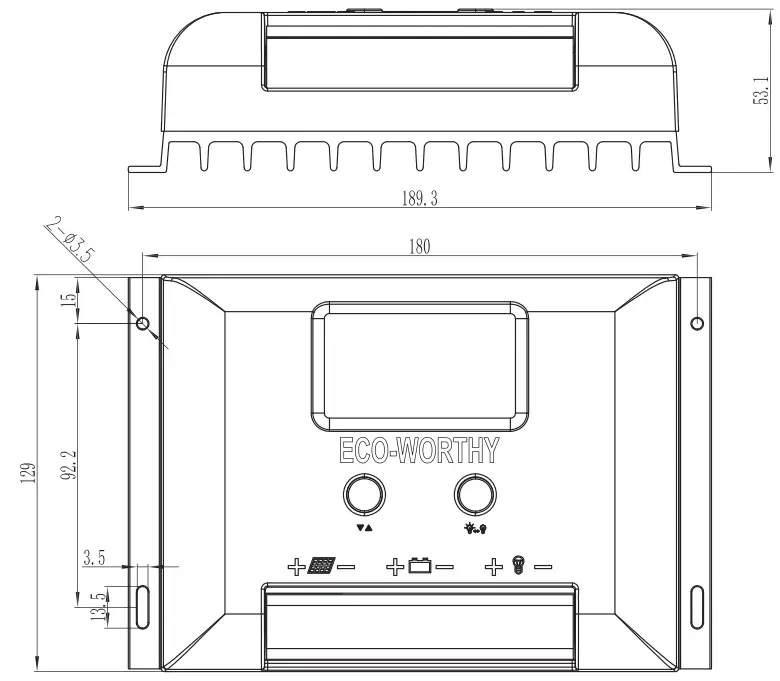 Precautions
- If it is 12V system, the bottom left corner of LCD display will show ‘12V’, 24V system will show’ 24V’,36V system will show ‘36V’, 48v system will show ‘48V’.
- The first step is to connect the battery. If the connection is made correctly, the controller screen will light up; otherwise, check whether the connection is correct.
- The second step is to connect the solar panel. If sunlight is present and strong enough (the solar panel voltage is greater than battery voltage), the sun icon on the LCD screen is on; otherwise, check whether the connection is correct (it’s recommended that the operation be performed under the debugging mode).
- The third step is to connect the load. Connect the load leads to the controller’s load output terminal, and the current shall not exceed the controller’s rated current.
- As the controller will generate heat during operation, it’s recommended that the controller be installed in an environment with good ventilation conditions.
- Choose cables with large enough capacity for connection, in case too much loss incurred on the lines causes the controller to misjudge.
- The controller has a common positive pole inside. If grounding is needed, ground the positive pole.
- It’s important to fully charge the battery regularly. At least once full charging every month is recommended, and failure to do that may cause permanent damage to the battery. Only when in-flow energy outpaces that out-flow energy can the battery be charged fully. Users shall bear this in mind when configuring the system.
- Check whether the controller’s each connection terminal is tightened securely; if not, it may suffer damage when large current passes.
Error Code List
| Code on LCD screen | Corresponding error |
| EO | No error |
| El | Battery over discharge |
| E2 | Battery overvoltage |
| E3 | Undervoltage warning |
| E4 | Load short circuit |
| E5 | Load overload |
| E6 | Temperature too high inside controller |
| E8 | Charging current too high |
| 0.00E+00 | Solar panel input voltage is too high |
Common Problems and Solutions
| Symptoms | Causes and Solutions |
| LCD screen does not light up | Check whether the battery is correctly connected. |
| Incomplete display or no renewal on LCD screen | Check whether the ambient temperature is too low and whether the display recovers when the temperature rises. |
| No charging with sunlight present | Check whether the solar panel is correctly connected and contact is good and reliable. Check whether the solar panel voltage falls below the battery voltage. |
| The sun icon does not light up, while the solar panel icon does. The battery voltage is normal, but there is no output. | The load will be switched on automatically after 10 minutes (set by the user). |
| The battery icon flashes quickly, and there is no output. | System overvoltage. Check whether the battery voltage is too high. |
| The battery icon flashes slowly, and there is no output. | tt The battery is over-discharged, and will recover when recharged adequately. |
| The load icon flashes quickly, and there is no output. | The load’s power exceeds the rated value or it’s short-circuited. After removing the problem, long press the key or wait until it recovers automatically. |
| The load and the encircling light ring stays lit, and there is no output. | Check whether the power-consuming device is connected correctly and reliably. |
| Other symptoms | Check whether wiring is sound and reliable, and system voltage is correctly recognized. |
| The charging and discharging amp-hrs displays: 9999.K Ah | The decimal point flashes indicating that the displayed value has reached its upper limit. Long press to reset it. |
Details Parameter
| Model | PCO-WMA | Remarks | |||
| Rated current | 60A | ||||
| System voltage | Automatic recognition of I2V/24V | Default automatic identification | |||
| Manual setup | |||||
| Rated power | 12V/900W 24V/1800W | ||||
| No-load loss | < 13mAII2V ; < 15mAI24V | The lower the system voltage, the smaller the no-load loss. | |||
| Max. Solar energy input voltage | <55V | ||||
| Max. voltage at the battery end | c341/ | ||||
| Battery type | Parameters | Default SI. I ) | |||
| Flooded FLD | I Sealed SLD | I GEL GEL | I Lithium LI | ||
| Overvoltagc protection | 16.0V | x 1/12V ; x2f24V ; | |||
| Equalizing charging voltage | 14.8V | I4.6V | — | — | |
| Boost charging voltage | I4.6V | 14.4V | 14.2V | I4.4V | |
| Floating charging voltage | I3.8V | 13.8V | 13.8V | ||
| Charging recovery voltage | 13 21./ | ||||
| Over-discharge recovery voltage | 12.5V ( salable with the keys ) | ||||
| Over-discharge voltage | 11.0V ( settable w th the keys ) | ||||
| Equalizing charging interval | 30days | — | — | ||
| Equalizing charging time | Ill | — | — | ||
| Boost charging time | 2H | — | |||
| Temperature compensation | -3.0mV,Q2V | — | |||
| Light control voltage | Light control on 5V, light control of 6 V (light control on plus I V) | x 1/12V; x 2/24V ; | |||
| Light control Judgment time | 10minutes | ||||
| Operating temperature | -25°Cto+55°C ; | ||||
| IP protection degree | IP30 | ||||
| Net weight | 650g | ||||
| Protection functions | Battery plate reverse connection protectiorP , a battery reverse connection protection°, charging battery board short circuit protection. charging the battery open circuit protection. charging over current protection, overload protection, load short-circuit protection controller and over temperature protection. | ||||
| Dimensions | 189.3x128x53.1(mm) | ||||
Tel : E-mail:customer
+44 20 7570 0328(EU)
1-866-939-8222(US)
E-mail:[email protected]
Web:www.eco-worthy.com
 worthy.com
 ECO-WORTHY: Solar Panel Kits & Lithium Battery &DIY Solar Power System