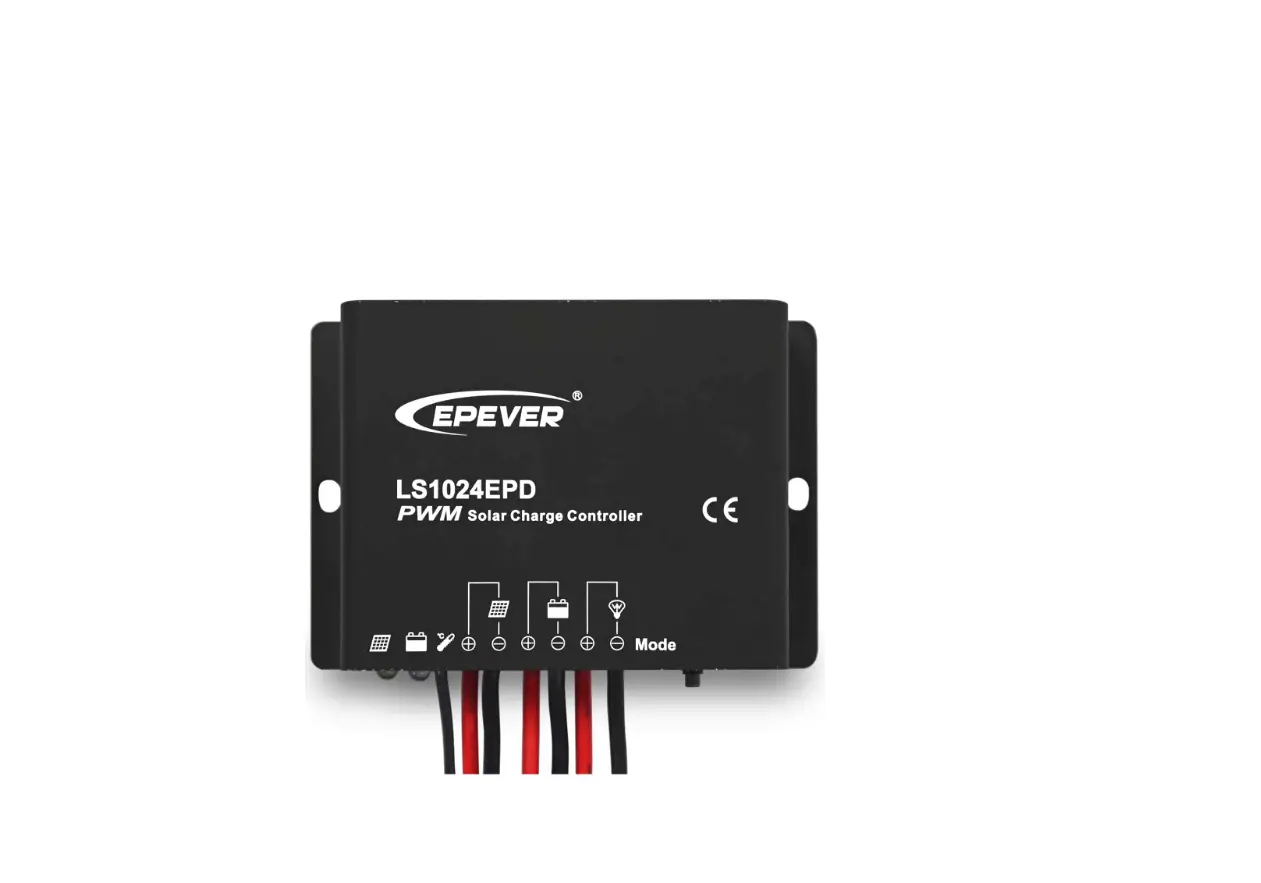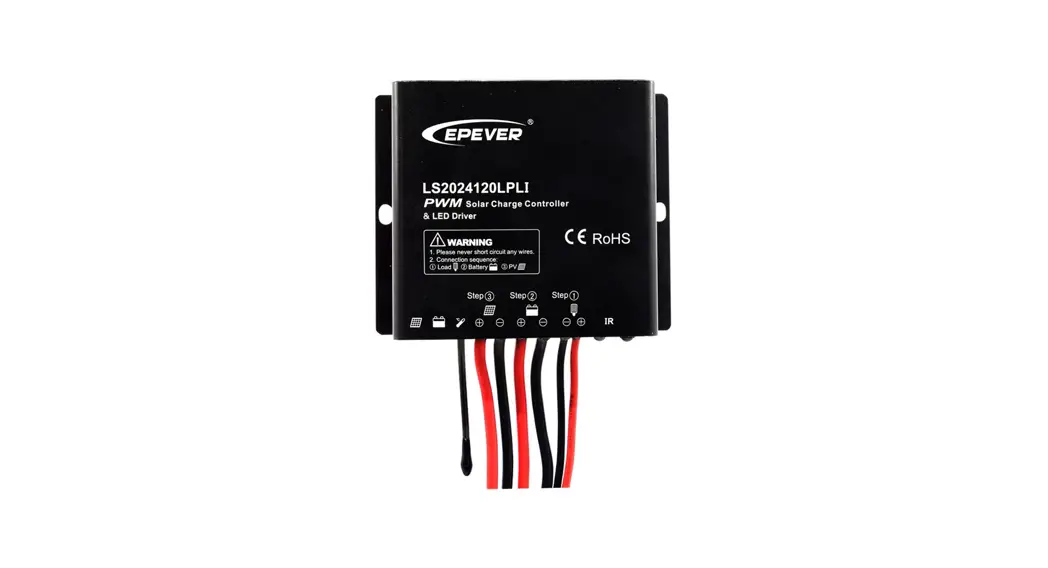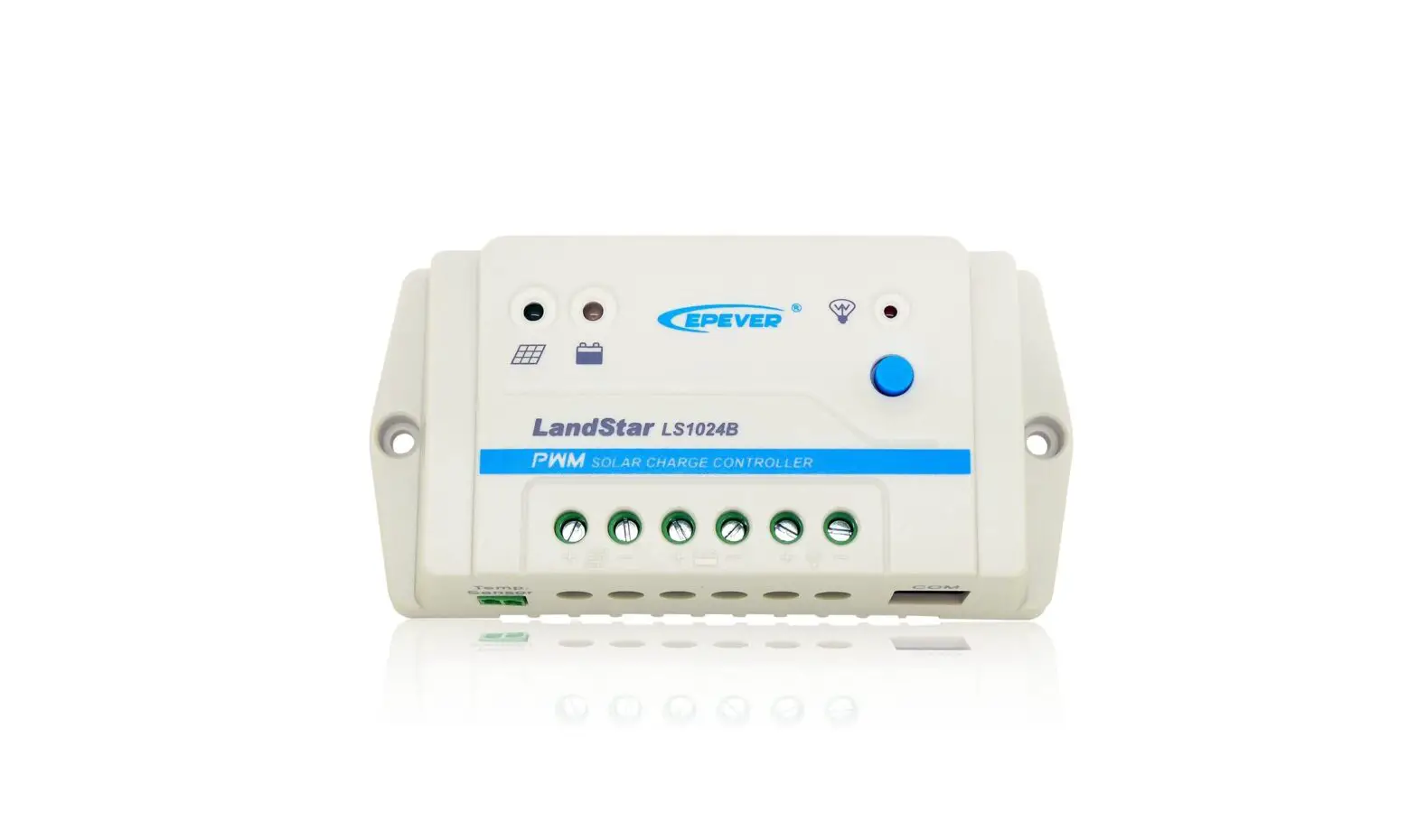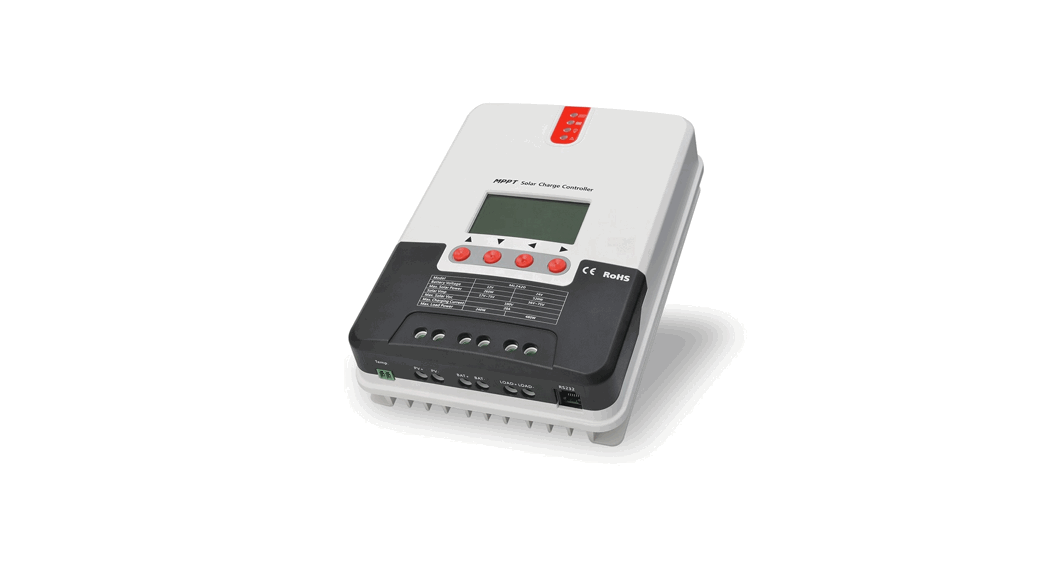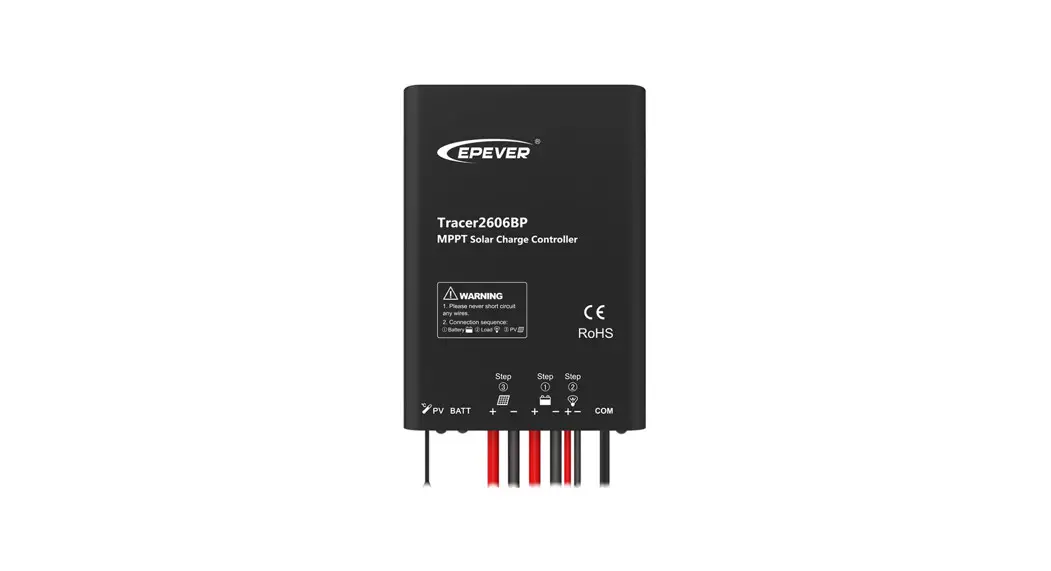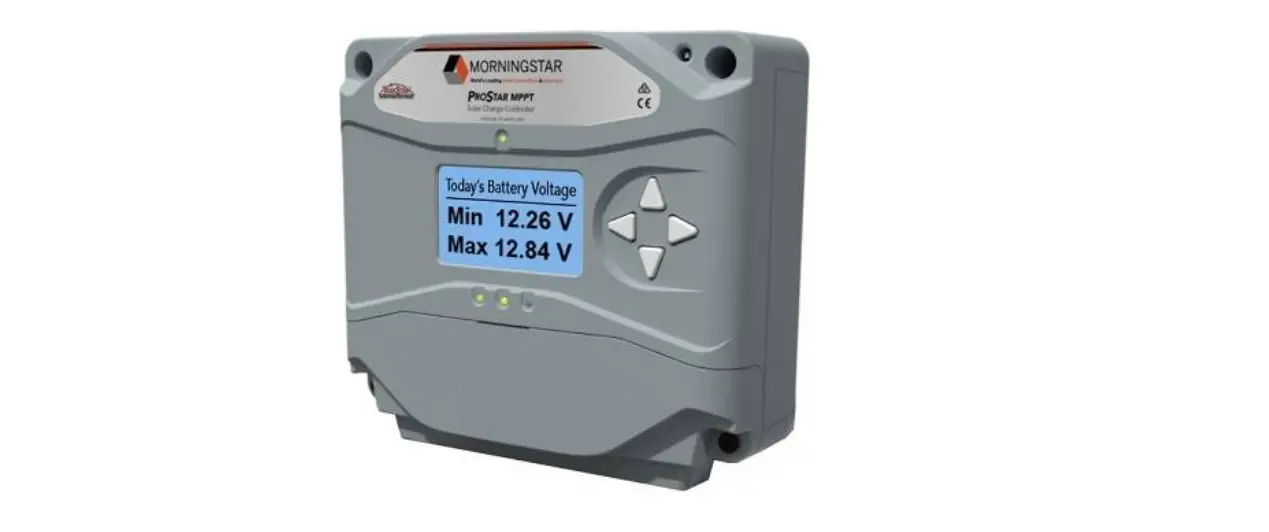
 LS-B Series Solar Charge Controller
User Guide
- Thank you for selecting the LS-B series, solar charge controller. Please read this manual carefully before using the product and pay attention to the safety information.
Overview
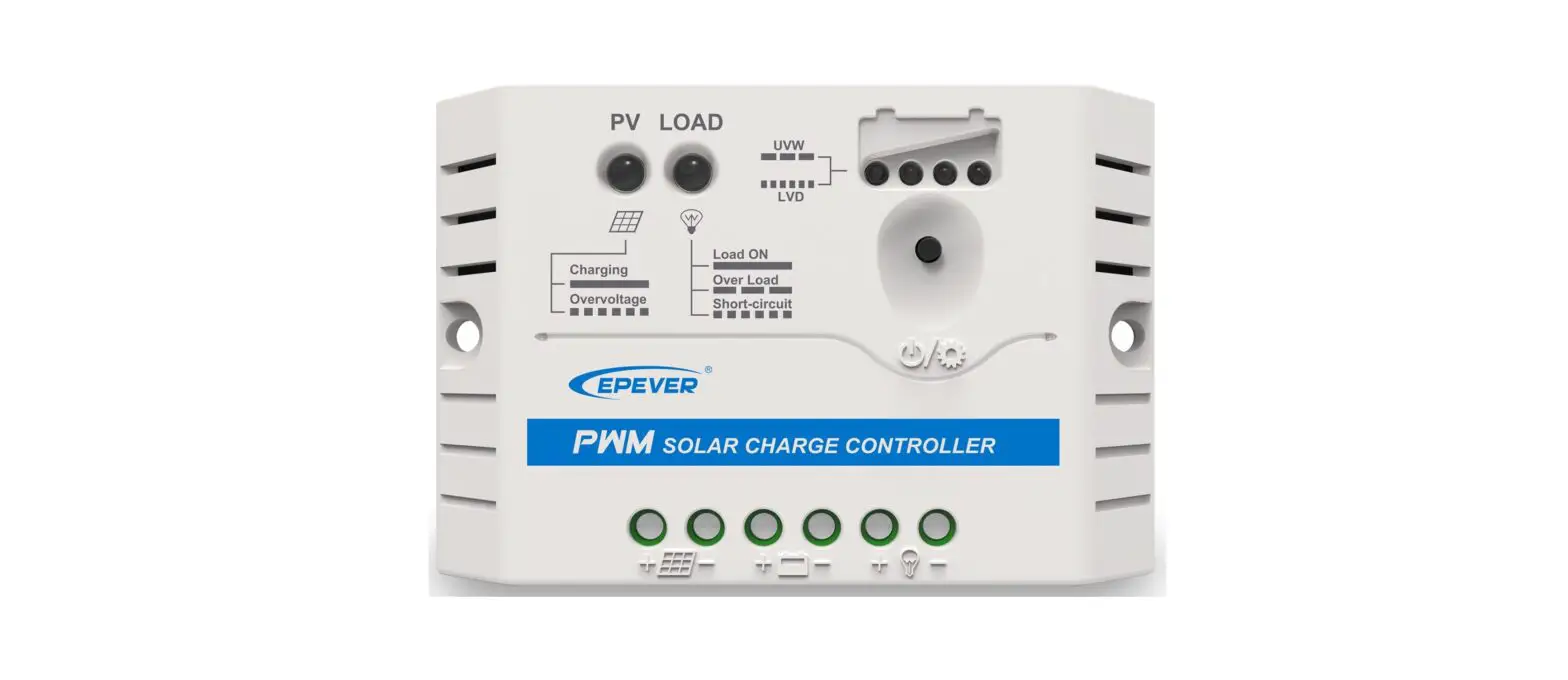
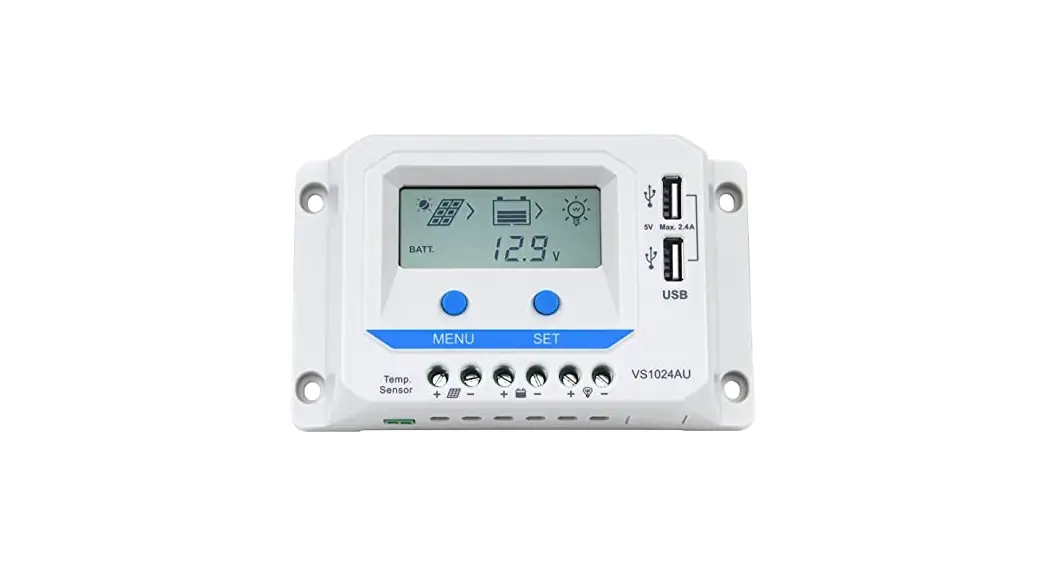
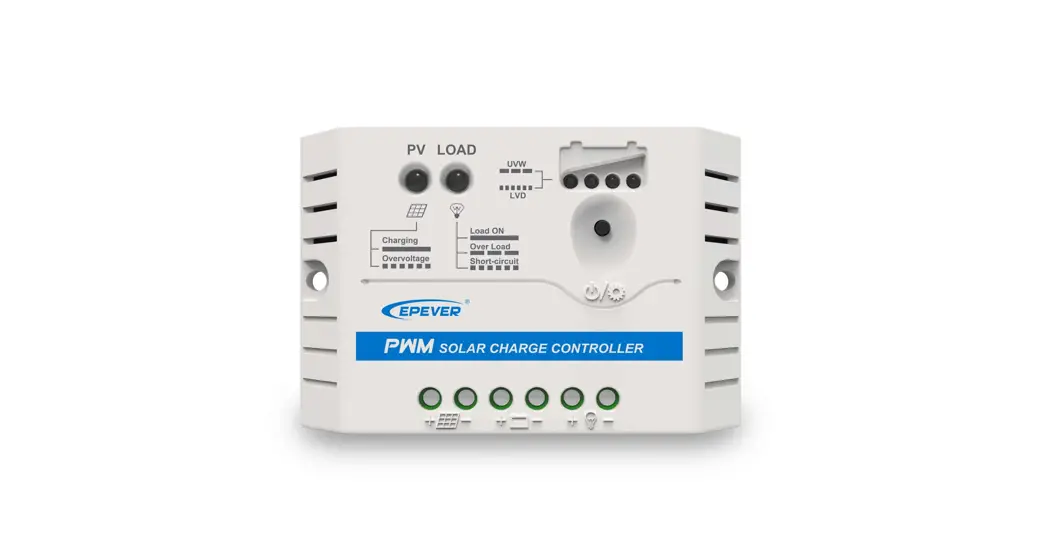
LS-B series is a PWM common positive solar charge controller that adopts the advanced digital technique. The multiple load control modes make it suitable for a solar home system, traffic signal, solar street light, solar garden lamp, etc.
Features:
- Adopt high-quality components of ST, and IR, ensure product lifespan
- UL and VDE certification for terminals, make the product safer and more reliable
- Full load running in the environment temperature range
- 3-stage intelligent PWM charging: Bulk, Boost/Equalize, Float
- Optional four battery types: Sealed, Gel, Flooded, and User
- Battery temperature compensation function
- Real-energy statistics function
- Standard Modbus protocol based on RS485 bus, longer communication distance
- Multiple load control modes
- Extensive electronic protection
Identification of parts
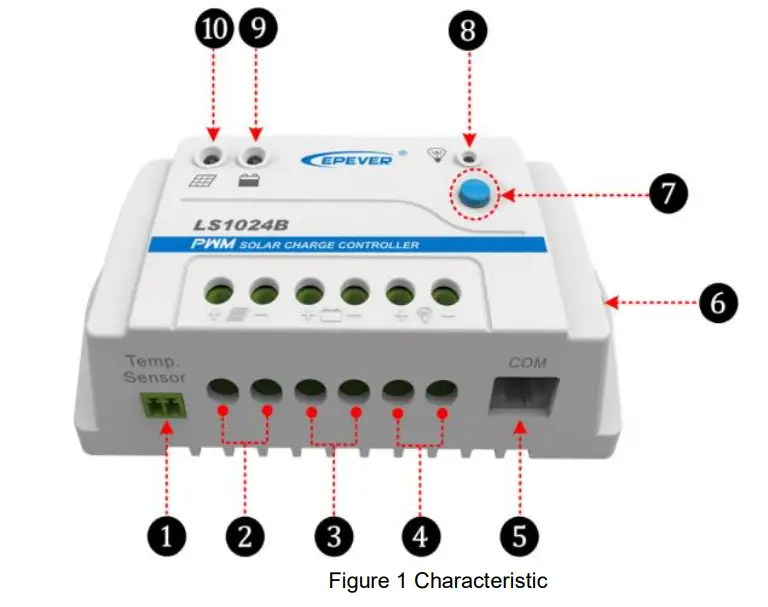
| 1 | Remote temperature(RTS)port★ | 6 | Mounting hole |
| 2 | PV terminals | 7 | Load ON/OFF button |
| 3 | Battery terminals | 8 | Load status indicator |
| 4 | Load terminals | 9 | Battery status indicator |
| 5 | RS485 communication port | 10 | Charge status indicator |
★ If the temperature sensor is short-circuited or damaged, the controller will charge or discharge at the default temperature setting of 25 ºC (no temperature compensation).
Wiring
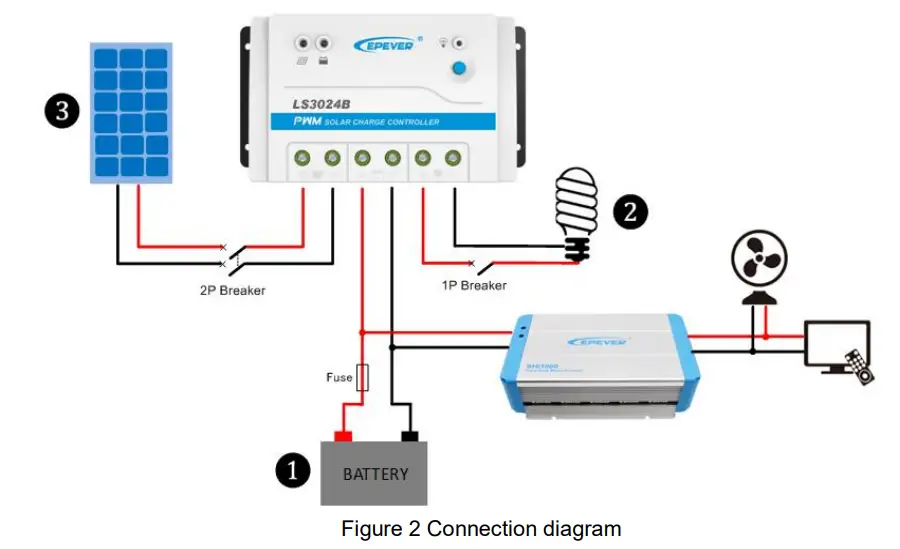
Installation Procedure:
Connect the system in the order of ❶battery load
load PV array as shown in figure 2 and disconnect the system in reverse order❸❷❶.
 NOTE: While wiring the controller, please do not switch off the circuit breaker or fuse, and make sure that the leads of the “+” and “-” poles are connected correctly.NOTE: A fuse which current is 1.25 to 2 times the rated current of the controller must be installed on the battery side with a distance from the battery not greater than 150 mm.NOTE: The LS-B series is a positive ground controller. Any positive connection of solar, load, or battery shall be earth grounded as required.NOTE: If an inverter is to be connected to the system, connect the inverter directly to the battery, not to the load side of the controller.
Indicator
| Indicator | Color | Status | Information |
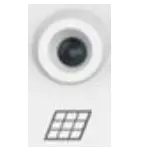 | Green | On solid | PV connection normal ,but low voltage(low irradiance) from PV, no charging |
| Green | OFF | No PV voltage(night time) or PV connection problem | |
| Green | Slowly flashing(1 Hz) | In charging | |
| Green | Fast flashing(4Hz) | PV over voltage | |
 | Green | On solid | Battery normal |
| Green | Slowly flashing(1 Hz) | Battery full | |
| Green | Fast flashing(4Hz) | Battery over voltage | |
| Orange | On solid | Battery under voltage | |
| Red | On solid | Battery over-discharged | |
| Red | Slowly flashing(1 Hz) | Battery over temperature | |
 | Red | On solid | Load ON |
| Red | OFF | Load OFF | |
| Red | Slowly flashing(1 Hz) | Overload | |
| Red | Fast flashing(4Hz) | Load short circuit | |
| Charge, Load and Battery(orange)indicator flashing | Controller over temperature | ||
| Charge, Load and Battery(red)indicator flashing | System voltage error | ||
(2) Button
- The load is turned ON/OFF via the button when the operating mode is Manual Control.
- Clear the faults for the overload and load short circuit.
Setting
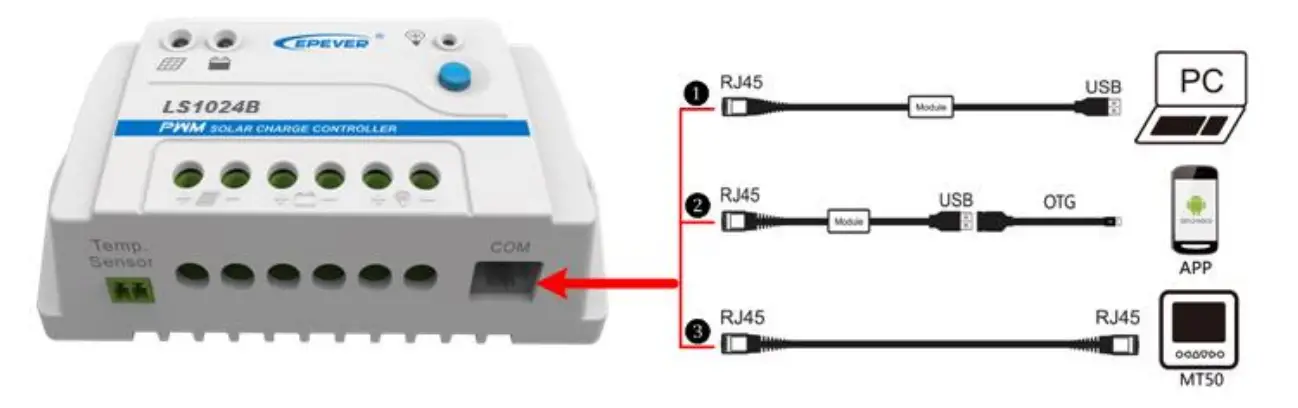
- USB to RS485 converter cable: CC- RS485-RS485-150U
Download PC software: www.epever.com (PC Software for the Solar Charge Controller) - USB to RS485 converter cable: CC- RS485-RS485-150U OTG cable: OTG-12CM
Download phone APP (support Andriod system only) www.epever.com(Andriod APP for the Solar Charge Controller) - RS485 to RS485 converter cable: CC-RS485-RS485-200U-MT)
Battery type
Battery voltage control parameters (Below values are measured in the 12V/25 ºC system; please double the values in the 24V system.)
| Battery type | Sealed | Gel | Flooded | User |
| Over Voltage Disconnect Voltage | 16.0V | 16.0V | 16.0V | 9— 17V |
| Charging Limit Voltage | 15.0V | 15.0V | 15.0V | 9—17V |
| Over Voltage Reconnect Voltage | 15.0V | 15.0V | 15.0V | 9—17V |
| Equalize Charging Voltage | 14.6V | 14.8V | 9—17V | |
| Boost Charging Voltage | 14.4V | 14.2V | 14.6V | 9—17V |
| Float Charging Voltage | 13.8V | 13.8V | 13.8V | 9—17V |
| Boost Reconnect Charging Voltage | 13.2V | 13.2V | 13.2V | 9—17V |
| Low Voltage Reconnect Voltage | 12.6V | 12.6V | 12.6V | 9—17V |
| Under Voltage Warning Reconnect Voltage | 12.2V | 12.2V | 12.2V | 9—17V |
| Under Voltage Warning Voltage | 12.0V | 12.0V | 12.0V | 9-17V |
| Low Voltage Disconnect Voltage | 11.1V | 11.1V | 11.1V | 9-17V |
| Discharging Limit Voltage | 10.6V | 10.6V | 10.6V | 9-17V |
| Equalize Duration | 120 min | 120 min | 0-180 min | |
| Boost Duration | 120 min | 120 min | 120 min | 10-180 min |
NOTE:
- When the battery type is sealed, gel, or flooded, the adjusting range of equalizing duration is 0 to180 minutes, and boost duration is 10 to180 minutes.
- The following rules must be observed when modifying the value of the parameter in the user battery type (factory default value is the same as the sealed type):
A. Over Voltage Disconnect Voltage > Charging Limit Voltage ≥ Equalize Charging Voltage ≥ Boost Charging Voltage ≥ Float Charging Voltage > Boost Reconnect Charging Voltage.
B. Over Voltage Disconnect Voltage > Over Voltage Reconnect Voltage.
C. Low Voltage Reconnect Voltage > Low Voltage Disconnect Voltage ≥ Discharging Limit Voltage.
D. Under Voltage Warning Reconnect Voltage > Under Voltage Warning Voltage ≥ Discharging Limit Voltage.
E. Boost Reconnect Charging voltage > Low Voltage Disconnect Voltage.CAUTION: Please refer to the user manual or contact the sales for the details of the setting operation.
Load Set Mode
- Manual Control(default ON)
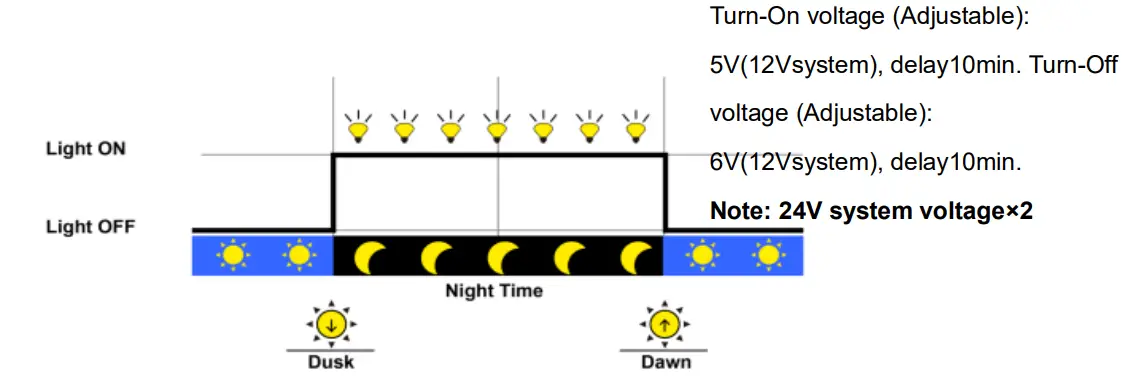
The load is turned ON/OFF via the button or remote command. - Light ON/OFF

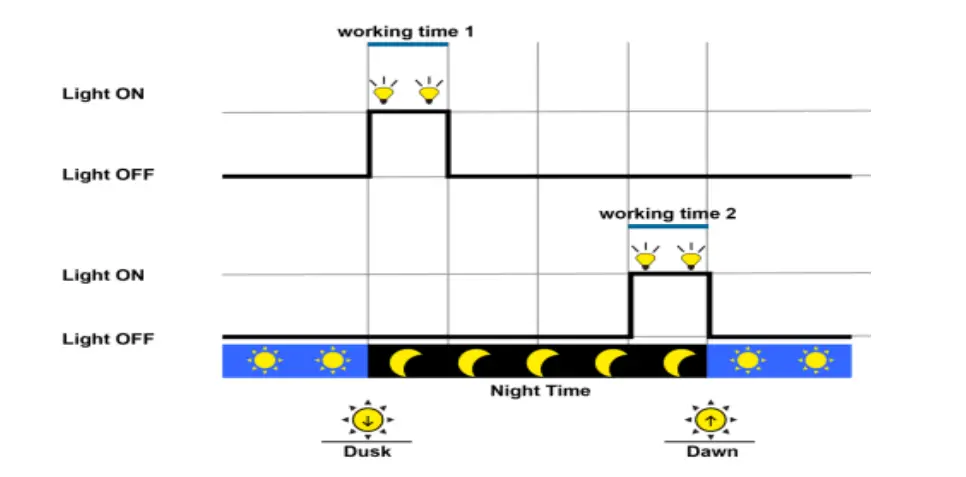
- Light ON/OFF + Timer

- Time Control
Control the load on/off time by setting a real-time clock.
Protections
- PV over current
When the charging power of the PV array exceeds its rated charging power, it will be charged at the rated charging power. - PV short circuit
The controller will stop charging when the input terminal of the PV array is shortcircuited.
After clearing the faults, the charging will resume automatically. - PV reverse polarity
When the polarity of the PV array is reversed, the controller may not be damaged and can continue to operate normally after the polarity is corrected. - Battery reverse polarity
When the polarity of the battery is reversed, the controller may not be damaged and can continue to operate normally after the polarity is corrected. - Battery over voltage
When the battery voltage reaches the overvoltage disconnect voltage, the controller will automatically stop charging the battery to prevent battery damage caused by overcharging. - Battery over-discharge
When the battery voltage reaches the low voltage disconnect voltage, the controller will automatically stop discharging the battery to prevent battery damage caused by over-discharging. (Any controller-connected loads will be disconnected.
Loads directly connected to the battery will not be affected and may continue to discharge the battery.) - Battery over temperature
The controller detects the battery temperature through an external temperature sensor.
The battery will stop working when its temperature exceeds 65 °C and resume when its temperature is below 55 °C. - Overload
When the load current is higher than 1.05 times the rated discharge current, the controller will automatically cut off the output. After the load reconnects automatically five times (delay of 5s, 10s, 15s, the 20s, 25s), please reduce the electrical equipment. And then press the load ON/OFF button or restart the controller or wait for one night-day cycle (night time > 3 hours) to eliminate the overload fault. - Load short circuit
When the load is short-circuited (The short circuit current is higher than or equal to 2 times the rated discharge current), the controller will automatically cut off the output.
After the load reconnects automatically five times (delay of 5s, 10s, 15s, 20s, 25s), please press the load ON/OFF button, or restart the controller, or wait for one night-day cycle (night time > 3 hours). Then the load reconnection automatically will resume. - Controller over temperature
An internal temperature sensor can detect the internal temperature of the controller.
The controller stops working when its internal temperature exceeds 85 °C and resumes when the internal temperature is below 75 °C. - TVS high voltage transients
The internal circuitry of the controller is designed with Transient Voltage Suppressors (TVS), which can only protect against the high-voltage surge pulses with less energy. If the controller is to be used in an area with frequent lightning strikes, it is recommended to install an external surge arrester.
Troubleshooting
| Faults | Possible reasons | Troubleshooting |
| When there is sufficient direct sunlight on the PV array, the charging indicator does not light up. | PV array disconnection | Confirm that PV and battery wire connections are correct and tight |
| The wire connection is correct, but the controller is not working. | voltage is Battery voltage lower than 8V | check the voltage of the battery. At least 8V voltage to activate the controller. |
| Battery green indicator fast flashing | Battery over voltage | Check whether the battery voltage is higher than OVD (over-voltage disconnect voltage), and disconnect the PV. |
| Battery red indicator on solid | Battery over discharged | Waiting for the battery voltage restore to or above LVR (low voltage reconnect voltage) or changing the power supply in other ways. |
| The battery red indicator slowly flashing | Battery over temperature | When the battery temperature declines to below 55 °C, the controller will resume. |
| Charge, Load, and Battery(orange)indicator flashing | Controller over temperature | When the heat sink of the controller exceeds 85 °C, the controller will automatically cut off the input and output circuit. When the temperature bellows to 75°C, the controller will resume work. |
| Load red indicator slowly flashing | Overload | 1) Please reduce the number of electric equipment. 2) Restart the controller or press the load ON/OFF button. ‘3) Wait for one night-day cycle (night time>3 hours). |
| Load red indicator fast flashing | Load short circuit | 1) Check carefully the load connection, and clear the fault. 2) Restart the controller or press the load ON/OFF button. 73) Wait for one night-day cycle (night time>3 hours). |
Technical Specifications
| Item | LS1024B | I LS2024B | I LS3024B |
| System nominal voltage | 12/24VDC Auto | ||
| Battery type | Sealed/Gel/Flooded/User | ||
| Rated charge current | 10A | 20A | 30A |
| Rated discharge current | 10A | 20A | 30A |
| Working voltage range of controller | 8 -32V | ||
| Max. PV open circuit voltage | 50V | ||
| Self-consumption | <_8.4mA/12V;7.8mA/24V | ||
| Charge circuit voltage drop | 0.28V | ||
| Discharge circuit voltage drop | ‹).20V | ||
| Temperature compensate coefficient | -3mV/C/2V (default) | ||
| Working environment temperature | -35°C -+50°C | ||
| Relative humidity | 95°/0 (N.C.) | ||
| Enclosure | IP30 | ||
| Grounding | Common positive | ||
| Dimension(mm) | 138.6×69.3×37 | 159.6×81.4×47.8 | 200.6×101.3×57 |
| Mounting size | 126mm | 147x50mm | 190x7Omm |
| Mounting hole size | 04.3 | 04.3 | 04.5 |
| Terminal | 4mm’ | 10mm’ | 10mm2 |
| Weight | 0.13kg | 0.3kg | 0.5kg |
Disclaimer
This warranty does not apply under the following conditions:
- Damage from improper use or use in an unsuitable environment.
- PV or load current, voltage, or power exceeds the rated value of the controller.
- The controller’s working temperature exceeds the limit working environment temperature.
- User disassembly or attempted to repair the controller without permission.
- The controller is damaged due to natural elements such as lighting.
- The controller is damaged during transportation and shipment.
Any changes without prior notice! Version number: V3.2
 Home - EPEVER
 汇能精电-创造精准电源