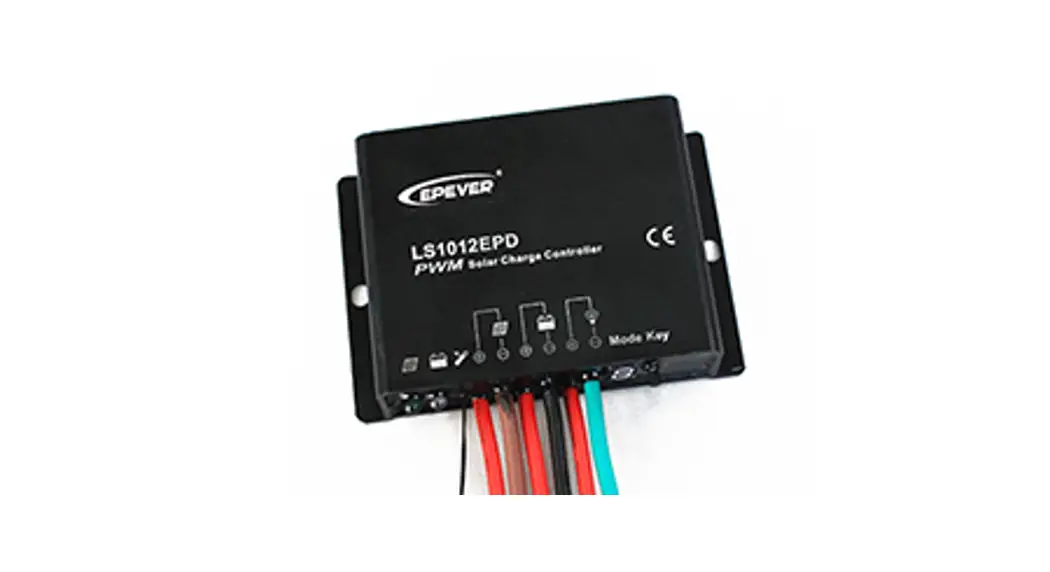

Solar Charge Controller
General Information
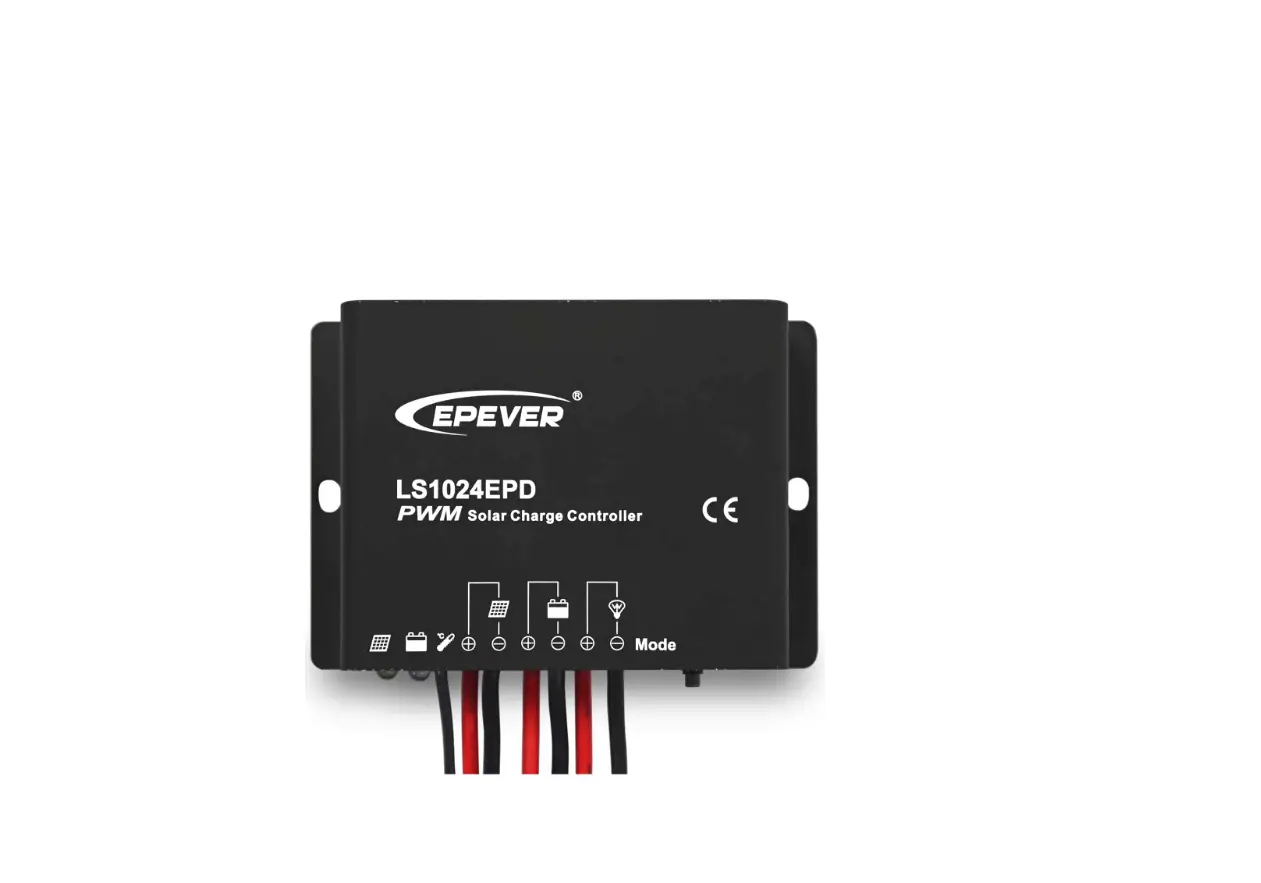
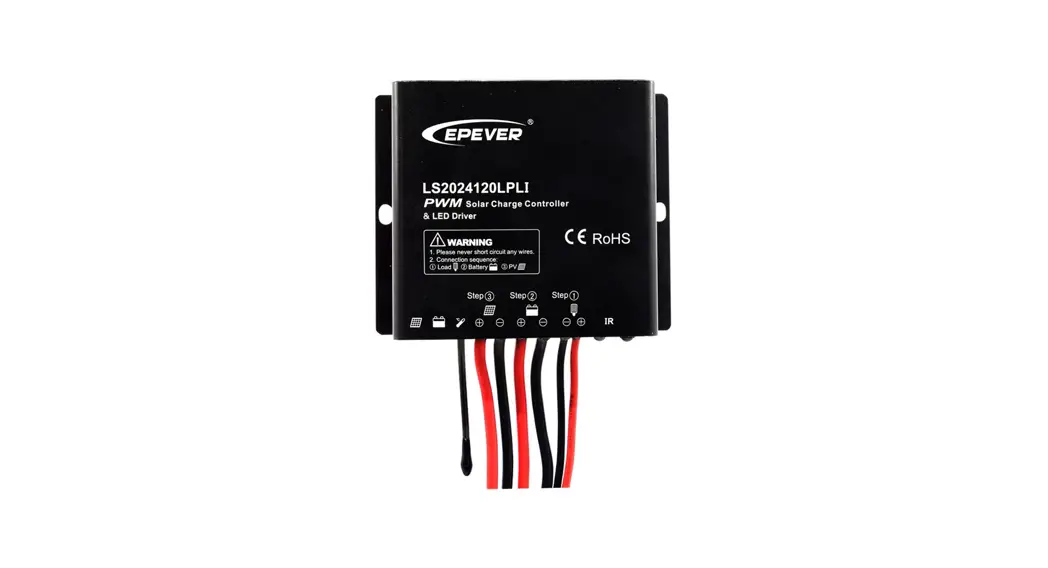
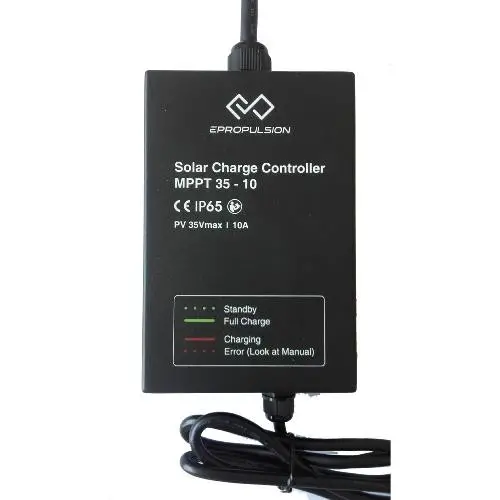
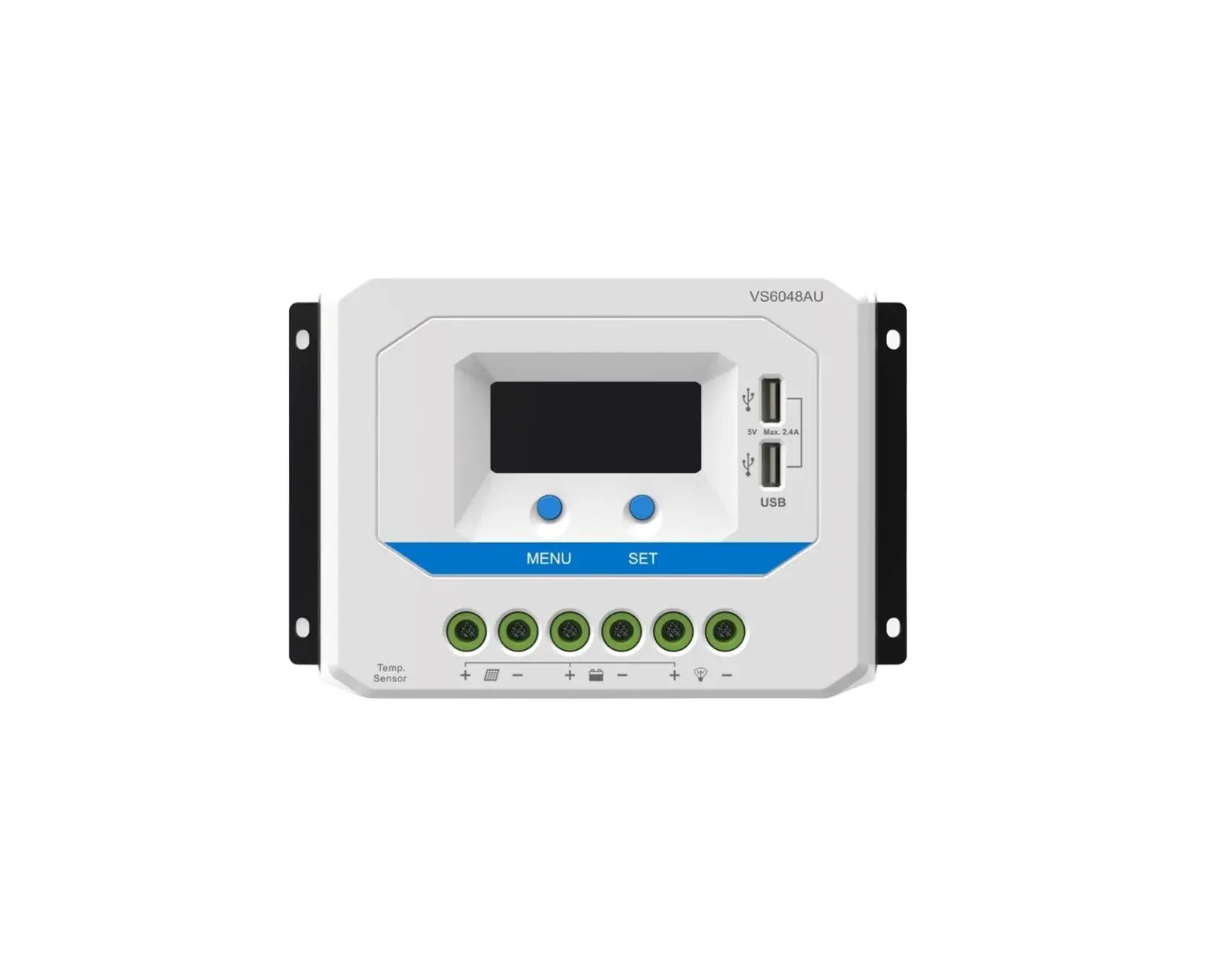
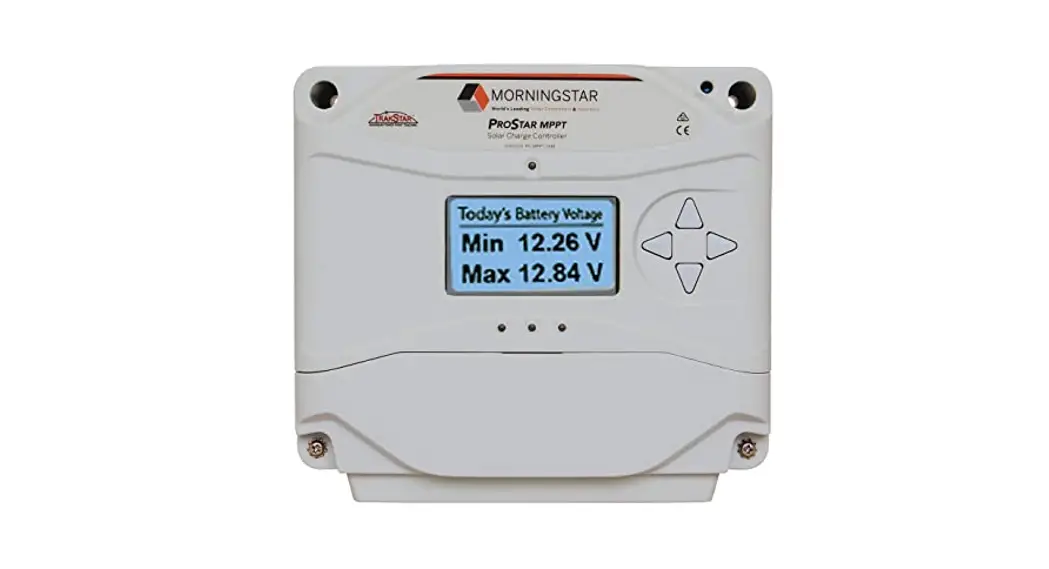
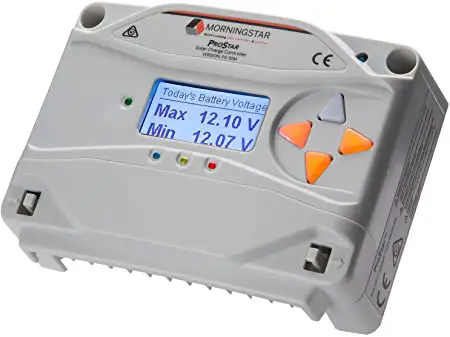
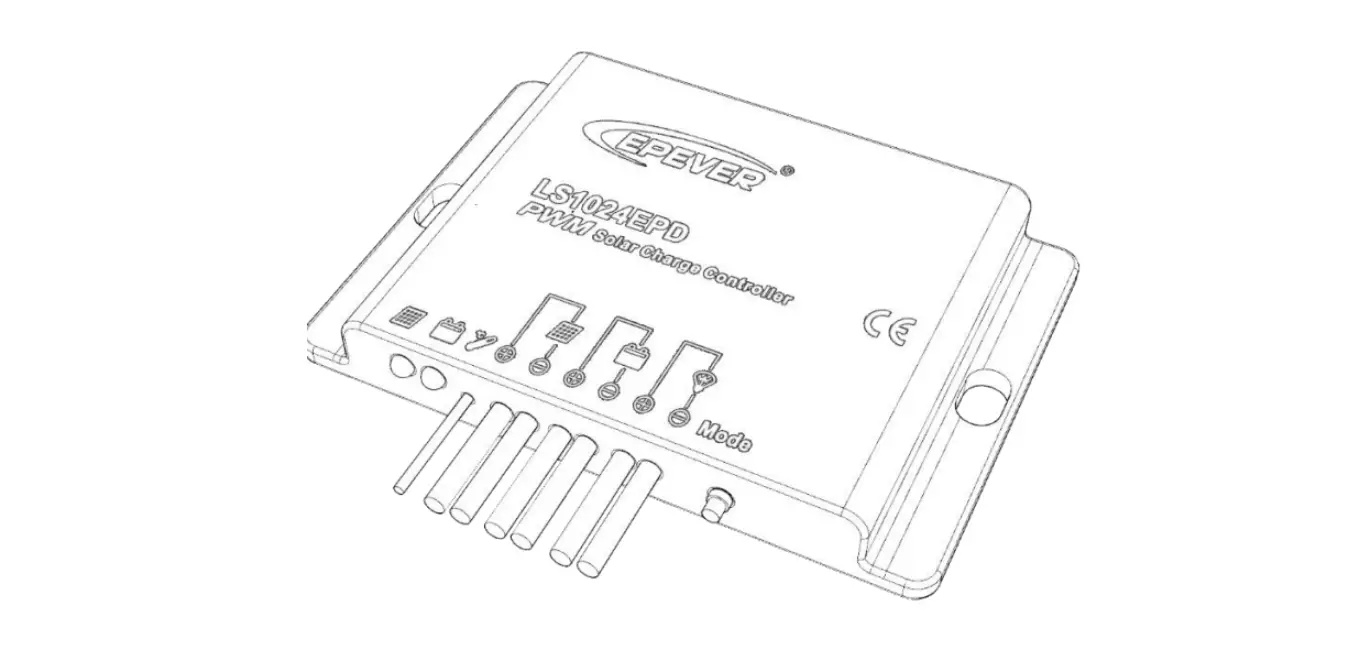
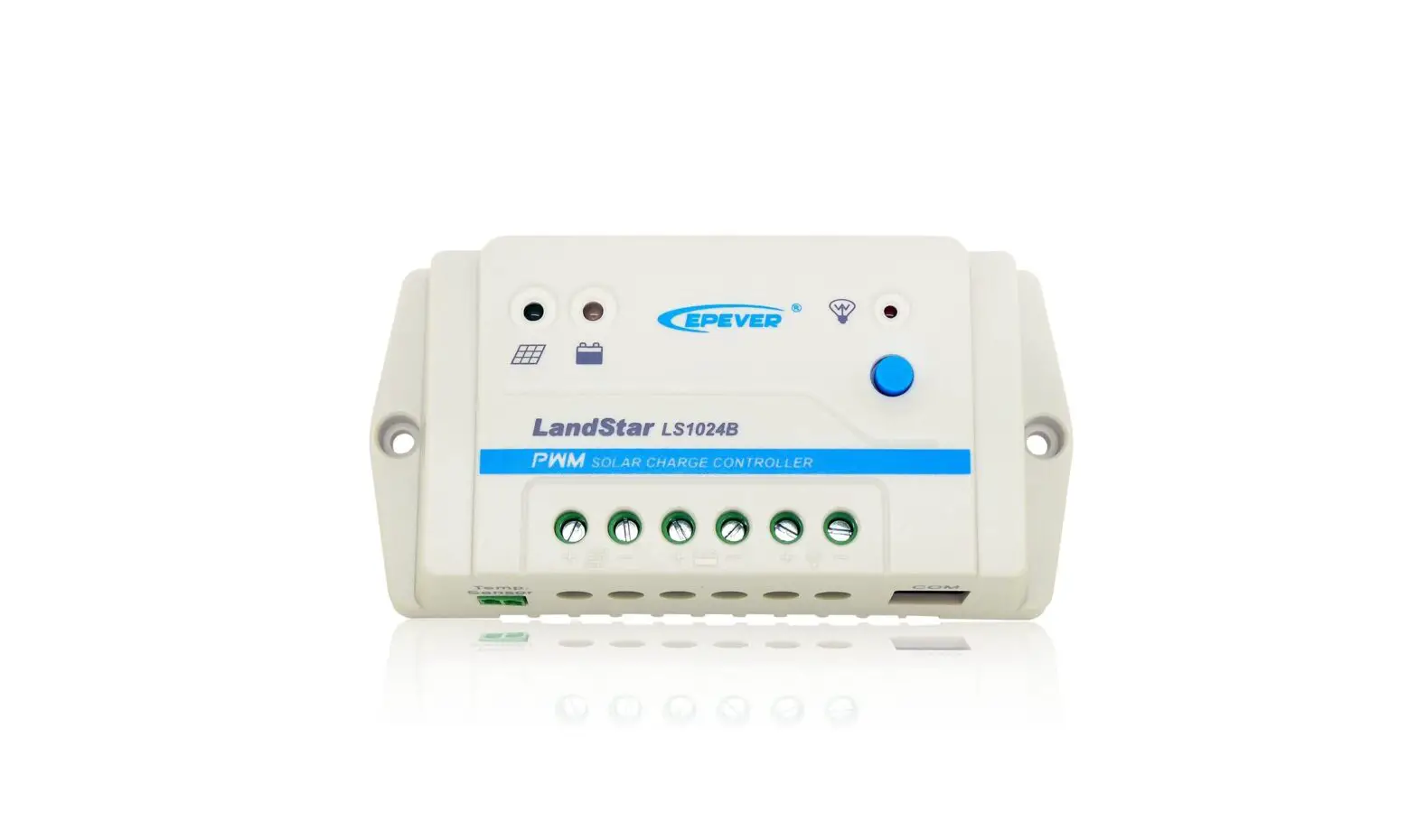
LS EPD series solar charge controller adopts the most advanced digital technique and operates fully automatically. It is ideal for extreme environments with corrosion, dust, water etc and has various unique functions:
- Electronic protection: Over charging, over discharging, overload, short circuit and reverse protection of solar module
- High efficient Series PWM charging, increase the battery lifetime and improve the solar system performance
- Widely used, automatically recognize day/night
- Battery LED indicate battery status
- Industrial design, wide application range
- Digital tube menu, only one key solve all setting simply
- Intelligent timer function with 1~13 hours option
- IP67 protection
Features and Mounting
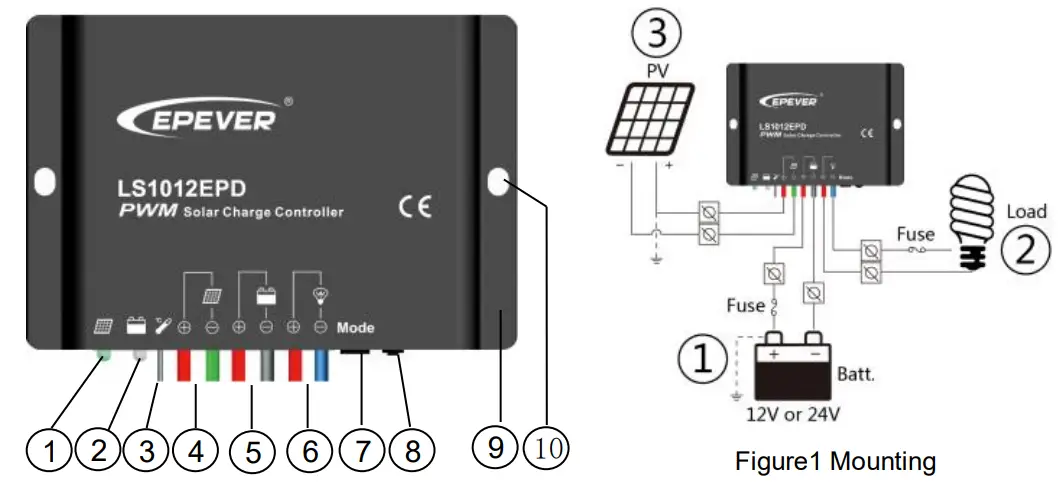
| 1 | Charging Status LED indicator |
| 2 | Battery Status LED indicator |
| 3 | Temperature Sensor |
| 4 | Solar Module Terminals |
| 5 | Battery Terminals |
| 6 | Load Terminals |
| 7 | Digital tube |
| 8 | Key |
| 9 | Aluminum housing |
| 10 | Mounting hole Φ5 |
Mounting
- Connect components to the charge controller in the sequence as shown above picture and pay much attention to the “+” and “-”. Always power the battery firstly.
- After power the battery, check the battery indicator on the controller, it will be green. If it’s not green, please refer to chapter 4.
- The battery fuse should be installed as close to battery as possible. The suggested distance is within 150mm.
Indicators Description and Operation
- Indicator Status Description
Charging Status LED indicator Green On Solid Normal Green Fast Flashing Over voltage Battery Status LED
indicatorGreen On Solid Normal Green Slowly Flashing Full Orange On Solid Under voltage Red On Solid Over discharged Radix Point of Digital
tube
(Load indicator)Red On Solid Load ON Red Slowly Flashing Over Load Red Fast Flashing Short Circuit - Operation
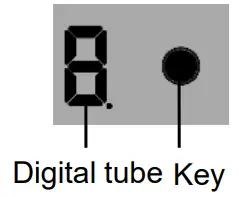
- After Powering on, disconnect the PV or connect the PV(Voltage<5V) , the light of the digital tube point go on; Connect the PV(Voltage>6V) ,the light of the digital tube point go off.
- The key can be used to operate switching on/off the load (Manual control) or clearing the faults
- Keeping pressing the button over 5S, It will go to the parameter in browsing mode which can cycle through the parameter item by clicking the button ,after the light of the digital tube point going on.
- After the digital tube displaying the value what you want to configure, releasing the key and waiting 15S, Digital Tube stop flashing, then the configuration is successful.
Load mode
- Manual Control:Control the load via the button.
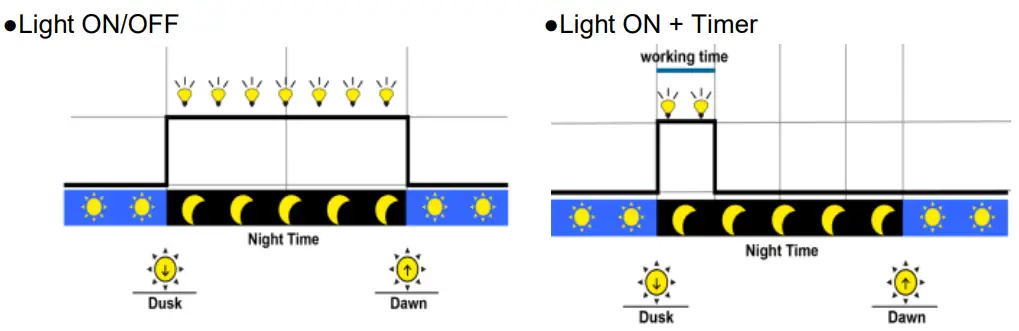
Note: In the mode of Light ON/OFF and Light ON/Timer, the Load is turned on after 10Min. delay.
- Test Mode (Default):Test Mode is as same as Light Control Mode but no delay.
The correspondence table of Load Work Mode & LED digital tube value
| Value | Working mode | Value | Working mode |
| 0 | Light ON/OFF | O. | Light ON + 8 hours |
| 1 | Light ON + 1 hours | 1. | Light ON + 9 hours |
| 2 | Light ON + 2hours | 2. | Light ON + 10 hours |
| 3 | Light ON + 3hours | 3. | Light ON + 11 hours |
| 4 | Light ON + 4 hours | 4. | Light ON + 12 hours |
| 5 | Light ON + 5 hours | 5. | Light ON + 13 hours |
| 6 | Light ON + 6 hours | 6. | Manual Control |
| 7 | Light ON + 7 hours | 7. | Test Mode |
Troubleshooting
| Faults | Possible reasons | Troubleshooting |
| Charging LED indicator off during daytime when sunshine falls on PV modules properly | PV array disconnection | Check that PV and battery wire connections are correct and tight |
| Battery indicator green fast flashing | Battery voltage higher than over voltage disconnect voltage | 1. Disconnect the solar array and measure the battery voltage whether is too high; 2. Change the controller; 3. Change the battery |
| Battery LED indicators red color and loads not working | Battery over discharged | The controller cut off the output automatically. LED indicator will return to green automatically when fully |
| The radix point of digital tube fast flashing and load not working | Short circuit | Clear short circuit. It is reactivated after delayed 10 seconds for the first time, If over 1 time,press the key to clear error and the controller will resume to work after 3s or restart the controller |
| The radix point of digital tube slowly flashing and load not working | Over load | Please reduce the number of electric equipments. When load power reaches 1.25-1.5 times, 1.5-2 times and 2 times more than nominal value, controller will automatically close loads in 60 seconds, 5 seconds and 1 second, respectively. Please press the key to clear error and the controller will resume to work after 3s or restart the controller |
Technical Specifications
| Item | LS1024EPD | LS2024EPD | |
| Nominal system voltage | 12/24VDC Auto | 12/24VDC Auto | |
| Max. PV input voltage | 50V | 50V | |
| Rated current | 10A | 20A | |
| Equalize Voltage | 14.8V(12V);29.6V(24V) | ||
| Boost Voltage | 14.4V(12V);28.8V(24V) | ||
| Float Voltage | 13.7V(12V);27.4V(24V) | ||
| Low Voltage Reconnect Voltage | 12.6V(12V);25.2V(24V) | ||
| Low Voltage Disconnect Voltage | 11.2V(12V);22.4V(24V) | ||
| Self-consumption | 12V: s-4.58mA: 24V: .6.01mA | ||
| Temperature compensation coefficient | -5mV/t/2V ( 25°C ) | ||
| Working temperature | -35°C —+50 C | ||
| Enclosure | IP67 | ||
| Dimension | 108.5mmx75mmx25.6mm | ||
| Mounting size | 100.5mm | ||
| Mounting hole size | 5 | ||
| Power cable | PV/BAT/LOAD:4.0mm2 | PV/BAT/LOAD:6.0mm2 | |
| Net weight | 410g | 435g | |
Any changes without prior notice!
HUIZHOU EPEVER TECHNOLOGY CO., LTD.
Tel:+86-10-82894112/82894962/+86-752-3889706
Website:www.epever.com
 Home - EPEVER
 汇能精电-创造精准电源