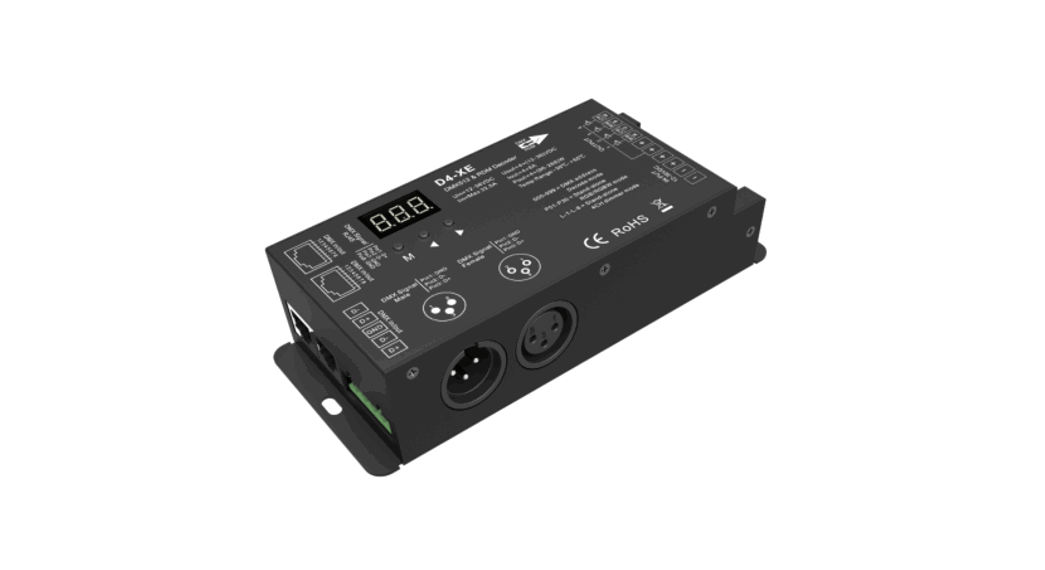
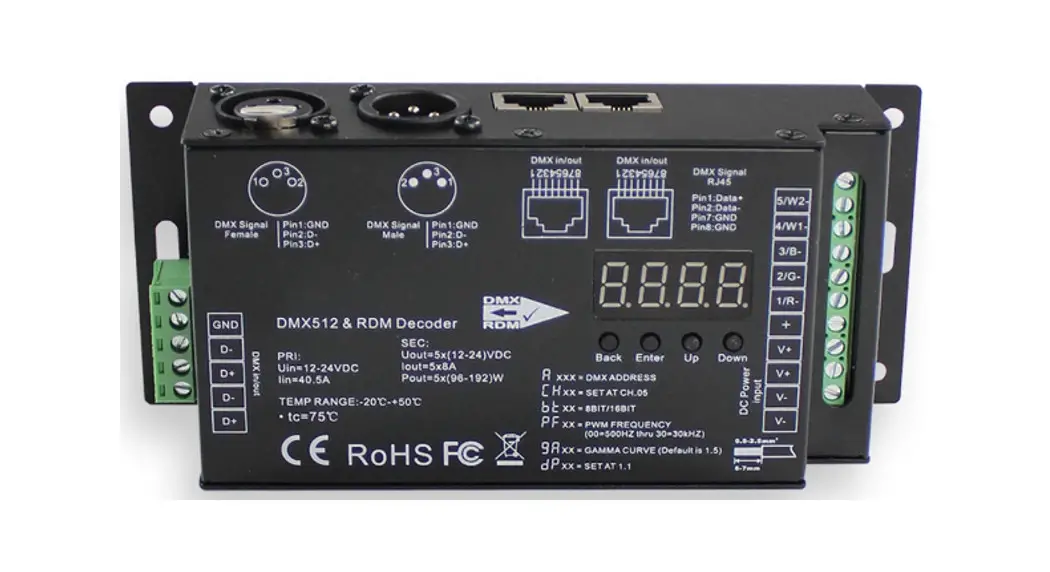
D5-CX Constant Voltage and RDM Decoder
Product Information
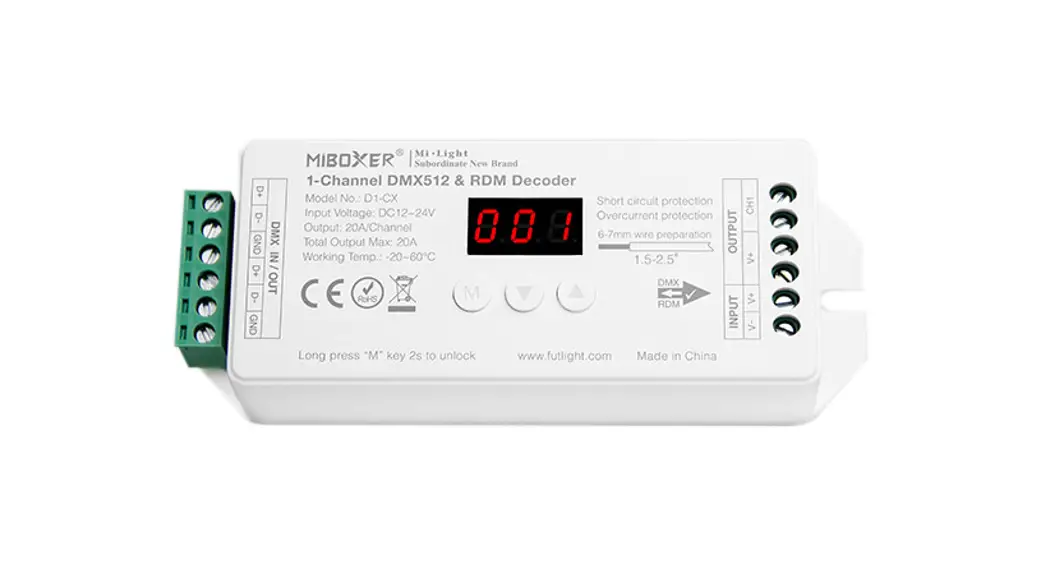
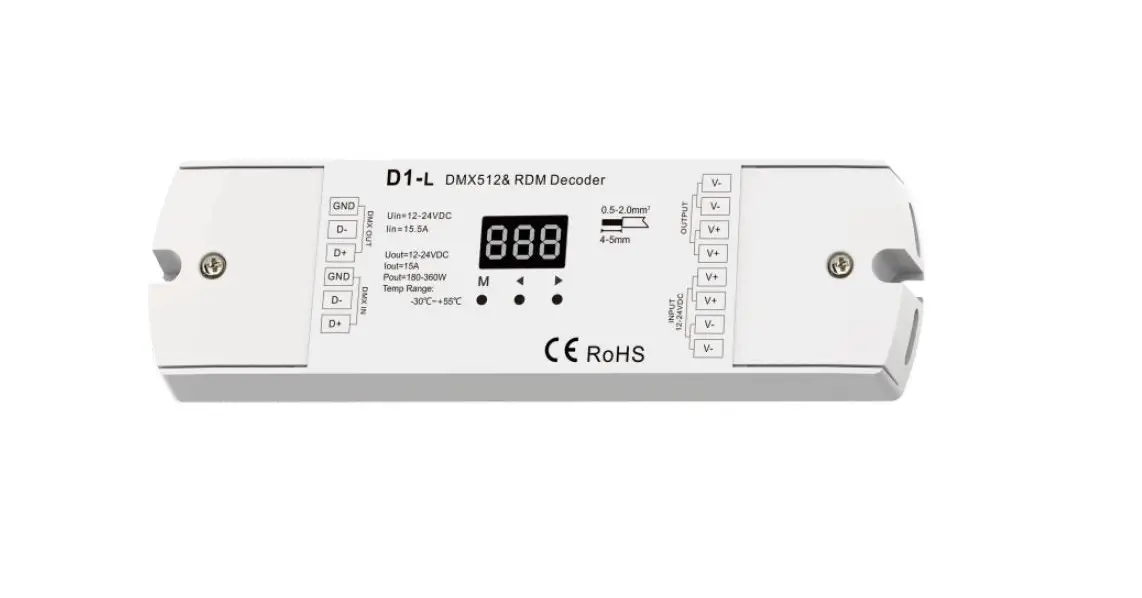
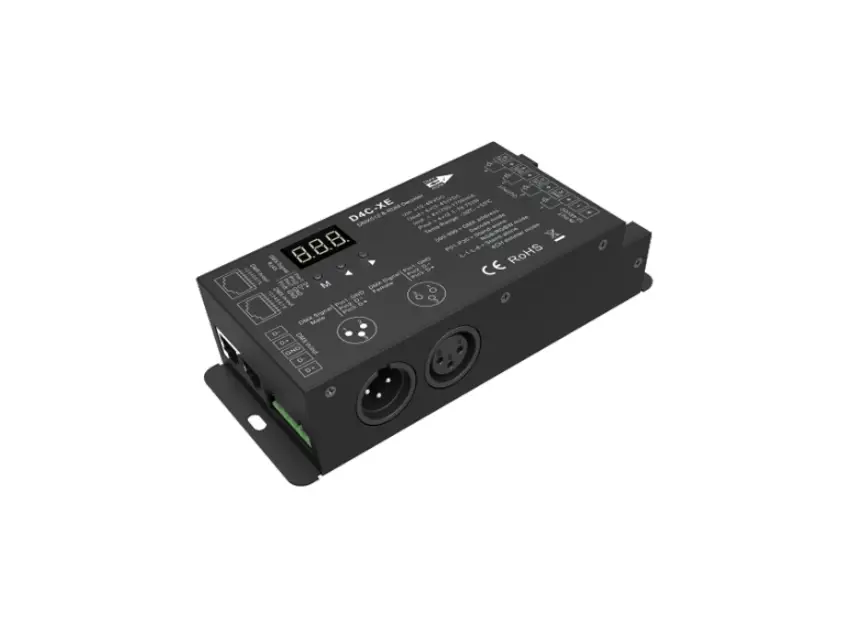
The Subordinate New Brand Constant Voltage DMX512 & RDM
Decoder, Model No.: D5-CX, is a versatile device that allows for
easy control and management of LED lighting systems. It is designed
to comply with the DMX512 standard protocol and supports RDM
functionality. With various optional features such as adjustable
PWM frequency, dimming curve options, and protective functions,
this decoder provides a reliable and flexible solution for your
lighting needs.
Features:
- Accord with DMX512 standard protocol.
- Digital Display: Allows for easy configuration and setup.
- Supports RDM function: Enables bidirectional communication
between the decoder and the controller. - Optional Output PWM Frequency: Choose between 2000 Hz or 500 Hz
for optimal performance. - Optional Dimming Curve: Select between logarithmic or linear
dimming for desired lighting effects. - Anti-reverse protection function: Safeguards against reverse
polarity connection. - Short circuit and overcurrent protection: Ensures the safety of
the connected devices. - Self-testing protection function: Automatically tests the
system upon power-on to detect any issues.
Parameter:
- Model No.: D5-CX
- Output (A/Channel): 4A
- Total Output: 27mm
- Input Voltage: Input DC12~24V
- Input Signal Connection: DMX512
- Working Temperature: –
Product Usage Instructions
1. Digital Display Status Description:
The digital display provides status information about the
decoder. Here are the different status indications:
- Self-locking: The display locks when there is no operation for
30 seconds. - Unlock: Long press the “M” button for 2 seconds to make the
digital display high light and exit the self-locking state. - Address always ON: Indicates that the DMX signal is valid.
- Address flickering: Indicates that the DMX signal is
invalid. - Err: Indicates a short circuit/overcurrent protection issue,
which will automatically recover after 10 seconds.
2. DMX Initial Address Setting:
To set the DMX initial address, follow these steps:
- Under unlock status, observe the digital display showing
“001-512” (e.g., “001”). - Press the “M” button to change the DMX initial address. Long
press for quick address change. - For example, set the initial address to 100. The D5-CX decoder
will occupy 5 addresses (100-104).
3. System Parameter Setting Instruction:
To adjust system parameters, follow these steps:
- Under unlock status, long press the “M” button for 3 seconds to
enter the system parameter setting mode. - The digital display will show either
“<1>” or “<2>“. - Short press the “M” button to switch between 4 different
parameter settings. - Parameter 1: PWM frequency setting
(“<1>” shows 2000 Hz,
“<2>” shows 500 Hz). - Parameter 2: Dimming Curve setting
(“<1>” shows logarithmic dimming,
“<2>” shows linear dimming). - Parameter 3: Dimming smoothness setting
(“<1>” shows smooth dimming,
“<2>” shows standard dimming). - Parameter 4: Digital display showing setting
(“<1>” shows always ON,
“<2>” shows OFF). - To exit the system mode, long press the “M” button for 1
second. The system will also self-exit after 8 seconds of no
operation.
4. Restore Factory Default:
To restore the decoder to factory default settings, follow these
steps:
- Under unlock status, long press the “M” button for 10 seconds
until the digital display shows
“<RST>“.
Connection Diagram:
Refer to the diagram below for proper connections:

Important Notes:
- This product should be debugged and installed by
professionals. - Ensure that the output voltage of the power supply meets the
product’s voltage range. - The product is not weatherproof, so install it in a
weatherproof or waterproof box when used outdoors. - Before switching on the power, verify that all wiring is
correct to prevent damage to connected devices.
DMX and RDM are trademarks of their respective owners.
Made in China.
Subordinate New Brand
Constant Voltage DMX512 & RDM Decoder
Model No.: D5-CX
130mm
Features
1. Accord with DMX512 standard protocol. 2. Digital Display, Set DMX inial address through buon. 3. Support RDM funcon. 4. 2000 Hz/500 Hz Output PWM frequency is oponal. 5. Logarithm/Linear dimming curve is oponal. 6. An-reverse protecon funcon 7. Short circuit, overcurrent protecon, and recover funcon. 8. Self-tesng protecon funcon when power on.
49mm
Parameter
Model No. Output (A/Channel) Total Output Input Voltage Input Signal Connecon Working Temp.
D5-CX 4A
Max 20A DC12~24V DMX512, RDM Common anode -20~60°C
27mm
Funcon Sengs
1. Digital Display status descripon Self-locking: Display locks when there is no operaon for 30 seconds. Unlock: Long press M buon 2 seconds to make digital display with high light, quit self-locking state. Address always ON: DMX signal valid. Address flickering: DMX signal invalid. Err: Short circuit/overcurrent protecon; self-recover aer 10 seconds.
2. DMX inial address seng
Under unlock status, when digital display show 001-512( for example
), Short press · buon or
buom, you can change the DMX inial address; Long press, you can change it quickly.
For Example: Set Inial address to 100
D5-CX Occupy 5 address
100-104
3. System Parameter Seng Instrucon
Under unlock status: Long press M buon 3 seconds to make digital display show
or
, then
get into system parameter seng. By this me, short press M buon to switch 4 different parameter
seng circularly.
Parameter 1: PWM frequency seng(show
or
), short press · buon or buon
to switch.
Set to PWM high frequency output, 2000 Hz. (Factory default
parameter) Set to PWM low frequency output, 500 Hz.
Parameter 2: Dimming Curve seng(show
or
), short press · buon or buon
to switch.
Dimming curve is logarithm dimming. (Factory default parameter)
Dimming curve is linear dimming.
Parameter 3: Dimming smoothness seng(show
or
buon to switch.
Smooth dimming. (Factory defaut seng)
Standard dimming.
), short press · buon or
Parameter 4: Digital display showing seng(show
or
), short press · buon or
buon to switch.
Under self-locking status, digital display always ON (low lighng showing). (Factory default parameter)
Under self-locking status, digital display OFF.
Exit system mode: long press M buon 1 second to exit. Or it will be self exit if there is no operaon over 8 seconds.
4. Restore factory default.
Under unlock status, long press M buom 10 seconds unl digital display show
.
PWM duty(%) PWM duty(%)
Dimming curve diagram
Logarithmic dimming curve
100
Gamma=1.6
90 80 70 60 50 40 30 20 10
10 20 30 40 50 60 70 80 90 100
Brightness(%)
Linear dimming curve
100
Gamma=1.0
90 80 70 60 50 40 30 20 10
10 20 30 40 50 60 70 80 90 100
Brightness(%)
Connecon diagram
DMX512 Console D5-CX
DMX512
Dimming Panel
M
INPUT
OUTPUT CH1 CH2 CH3 CH4 CH5
V- V+ Input DC12~24V
W
C
B G
R v+
RGB+CCT LED Strip
Aenon
1. This product should be debugged and installed by professionals. 2. Please check whether the output voltage of the power supply meets the requirements of the
product voltage range. 3. The product is not weatherproof, please install it in the weatherproof or waterproof box when
installing outdoors. 4. Before switching on the power, please ensure that all wiring is correct, so as not to cause
damage to any connected device.
DMX
RDM
Made in China