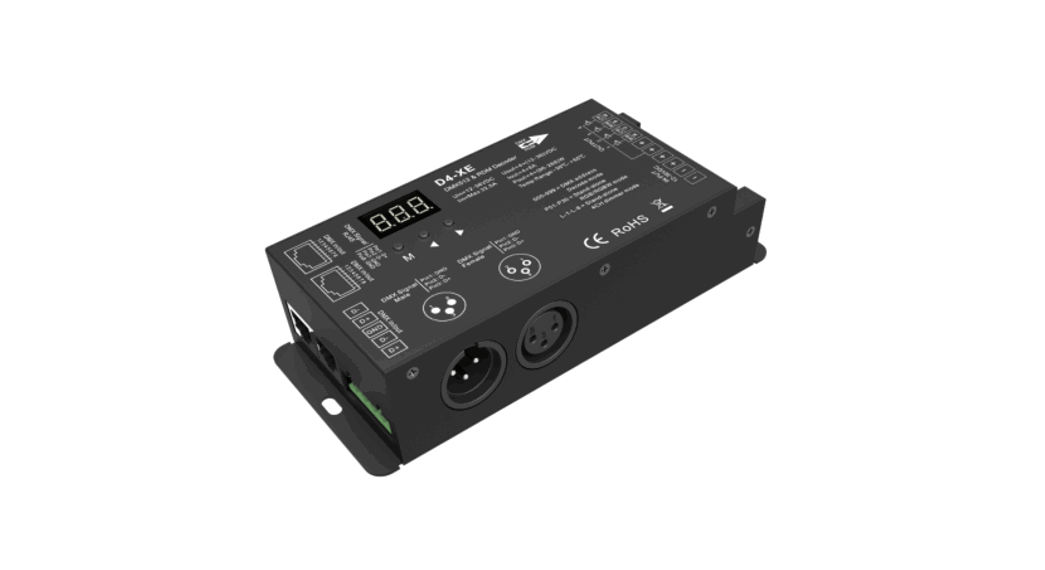
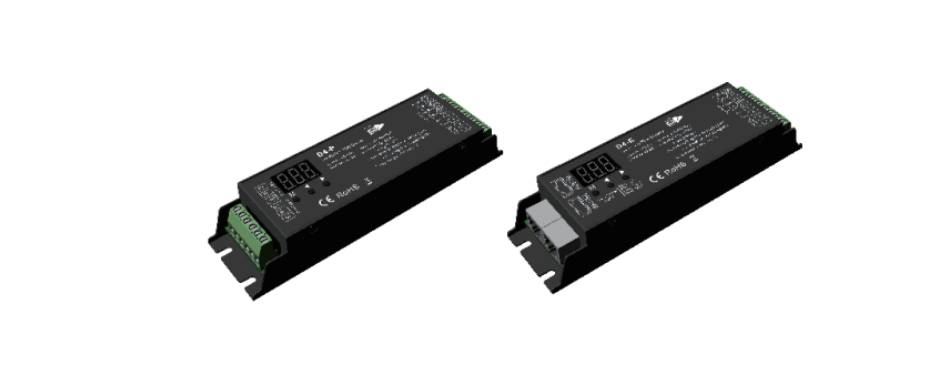
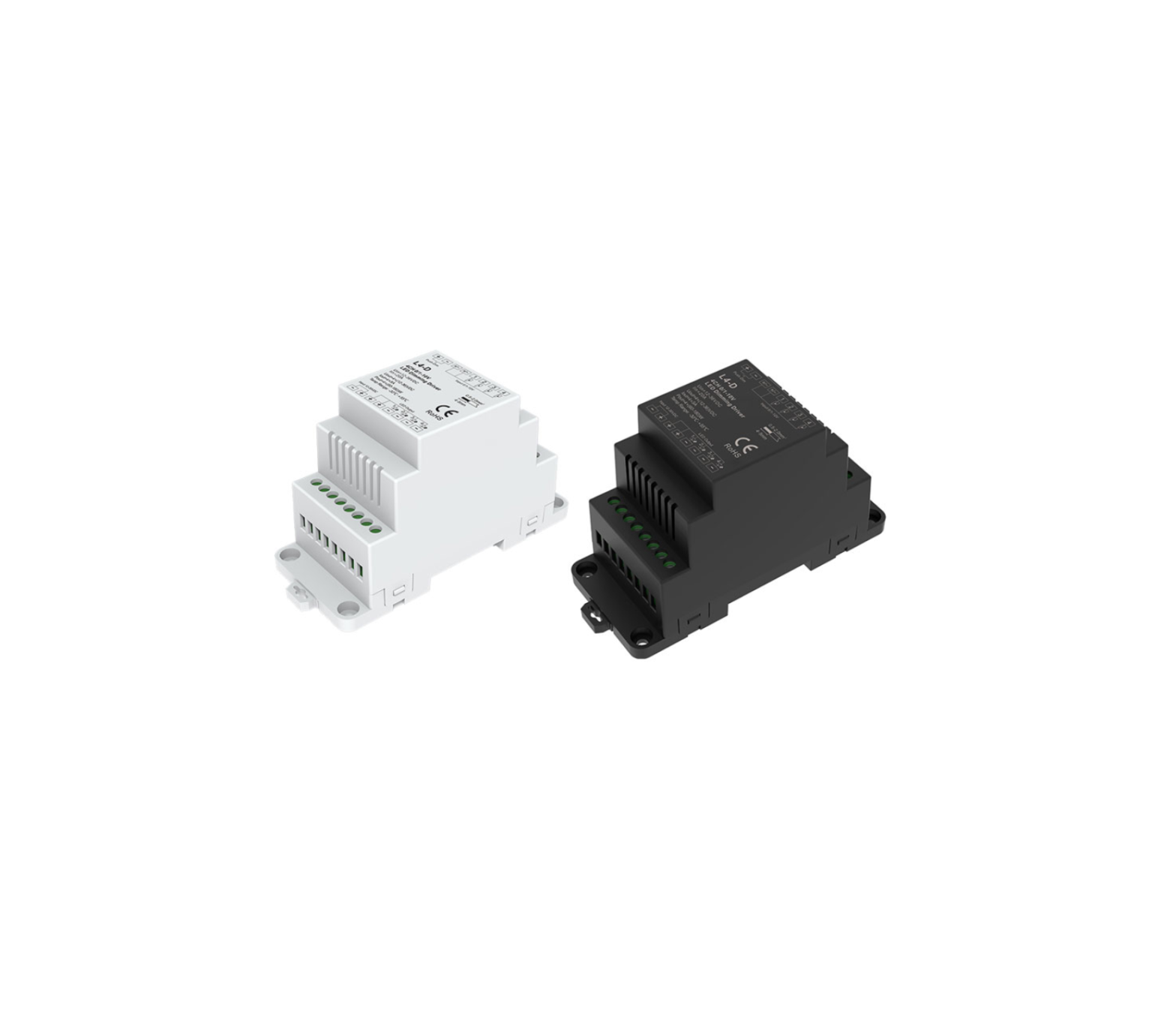
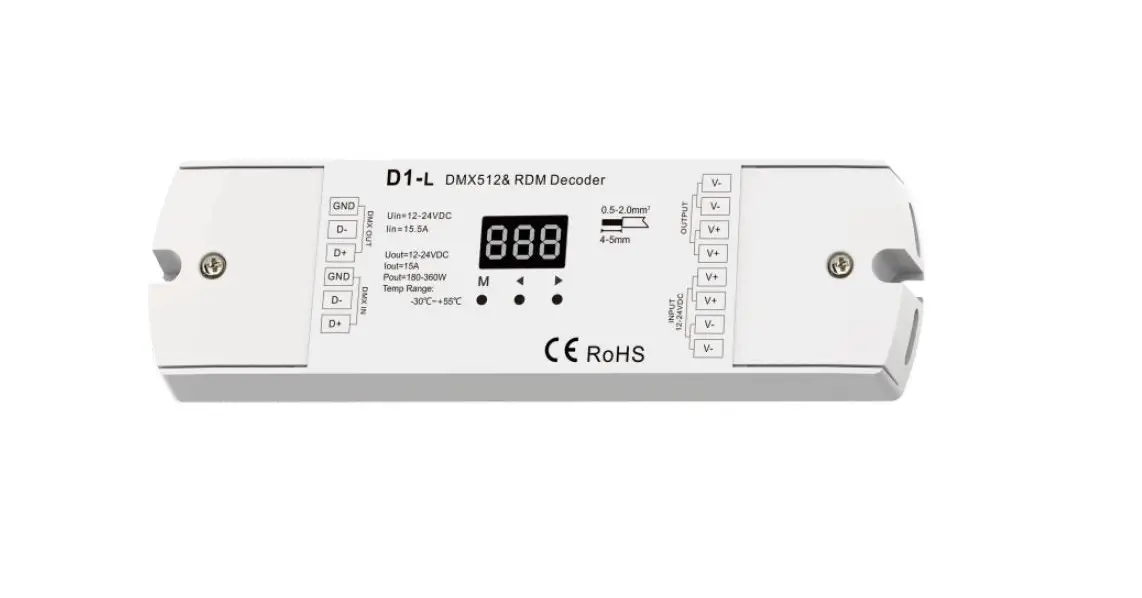
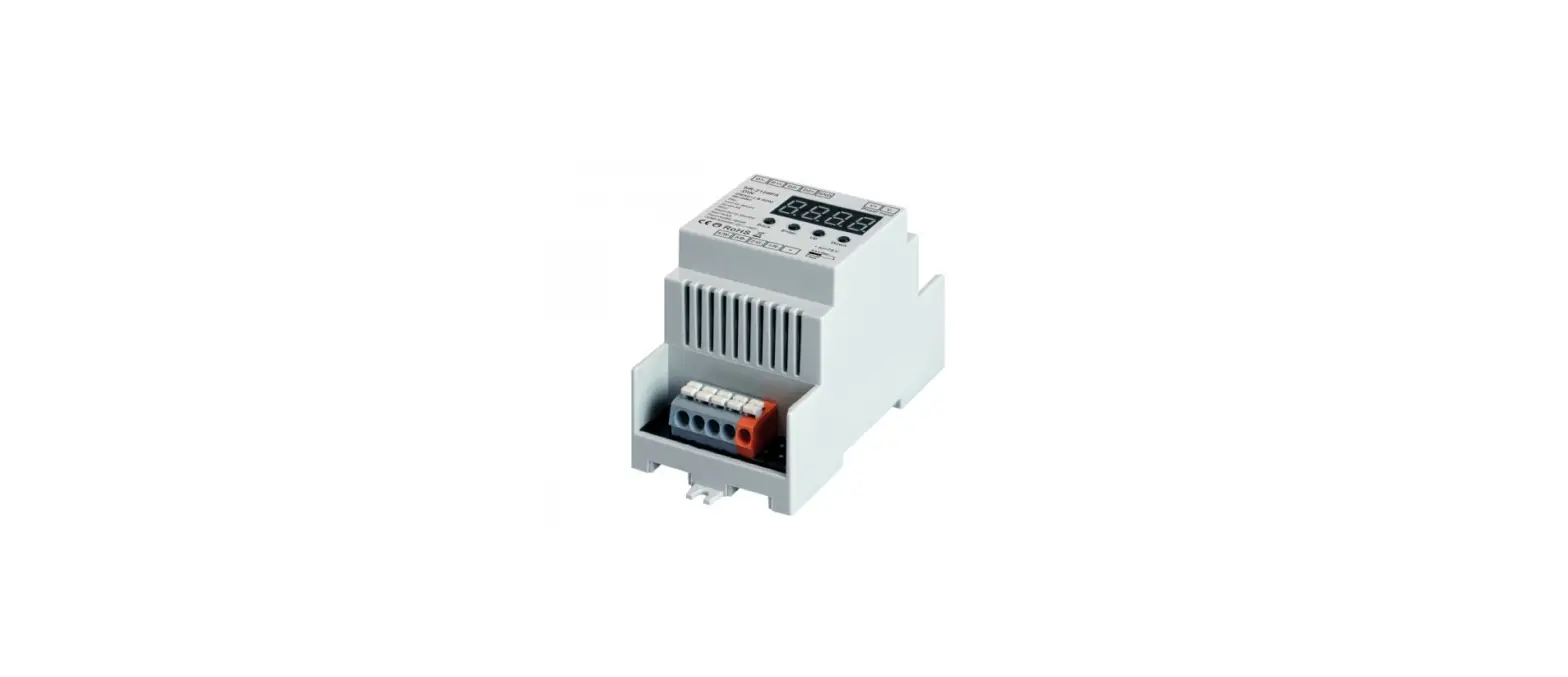
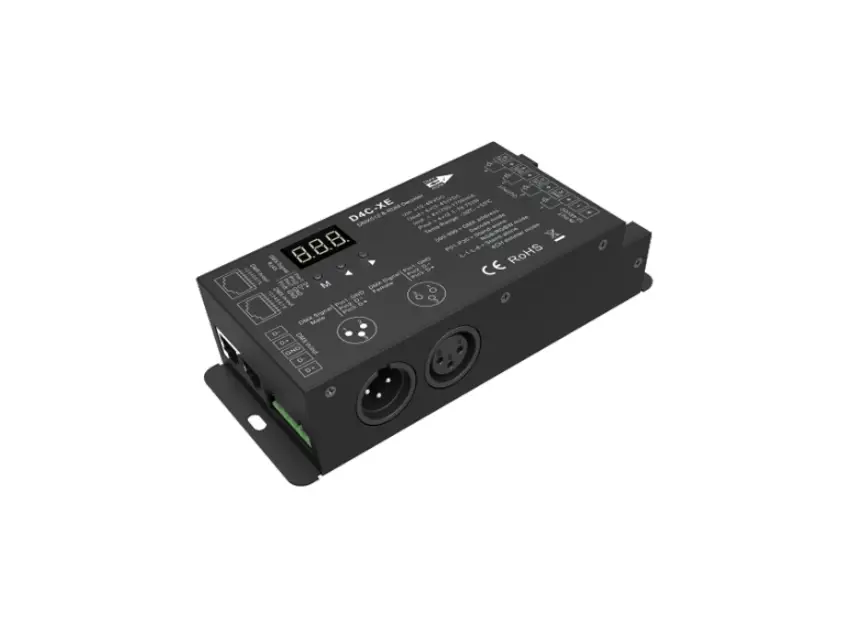
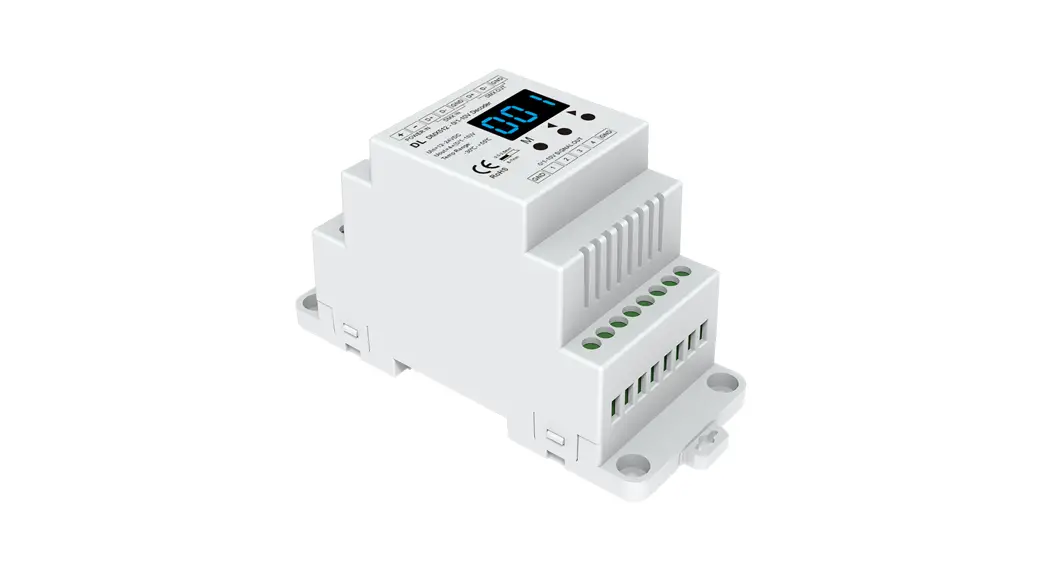
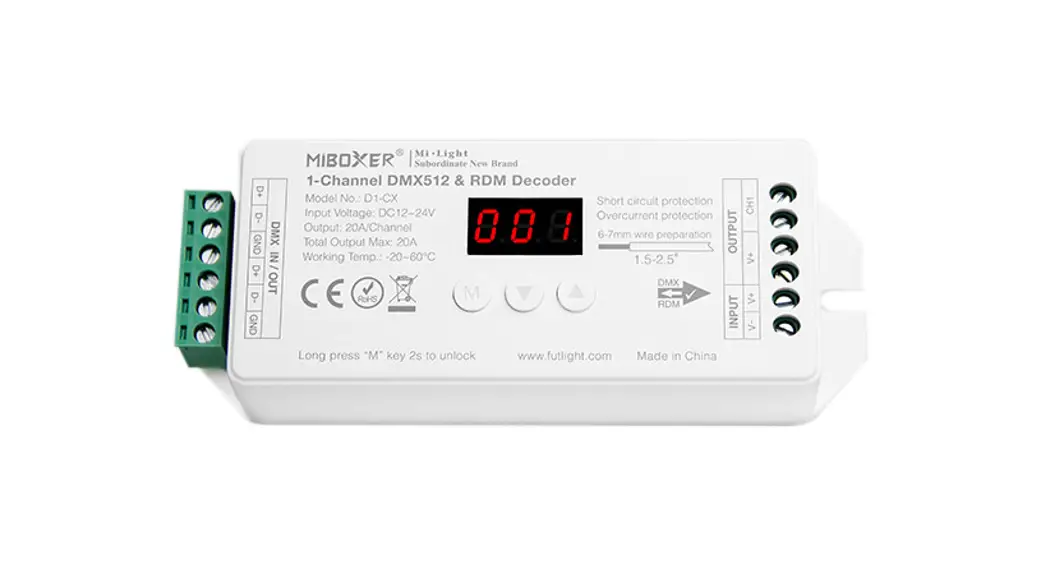
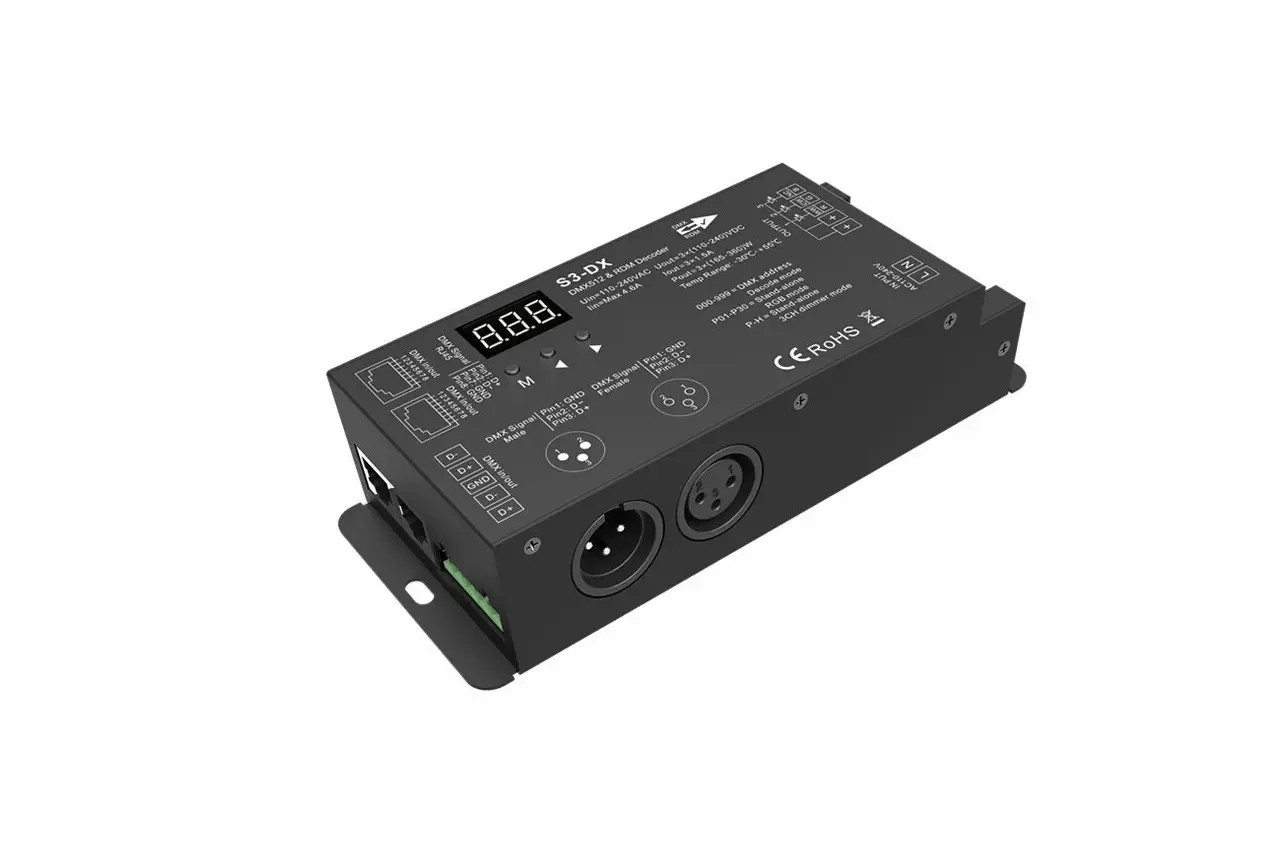
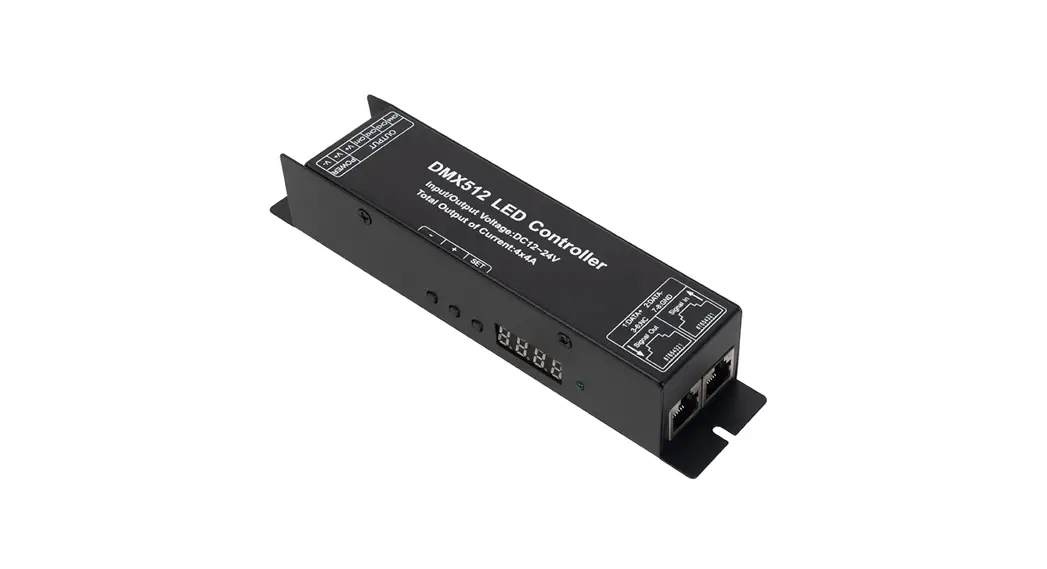
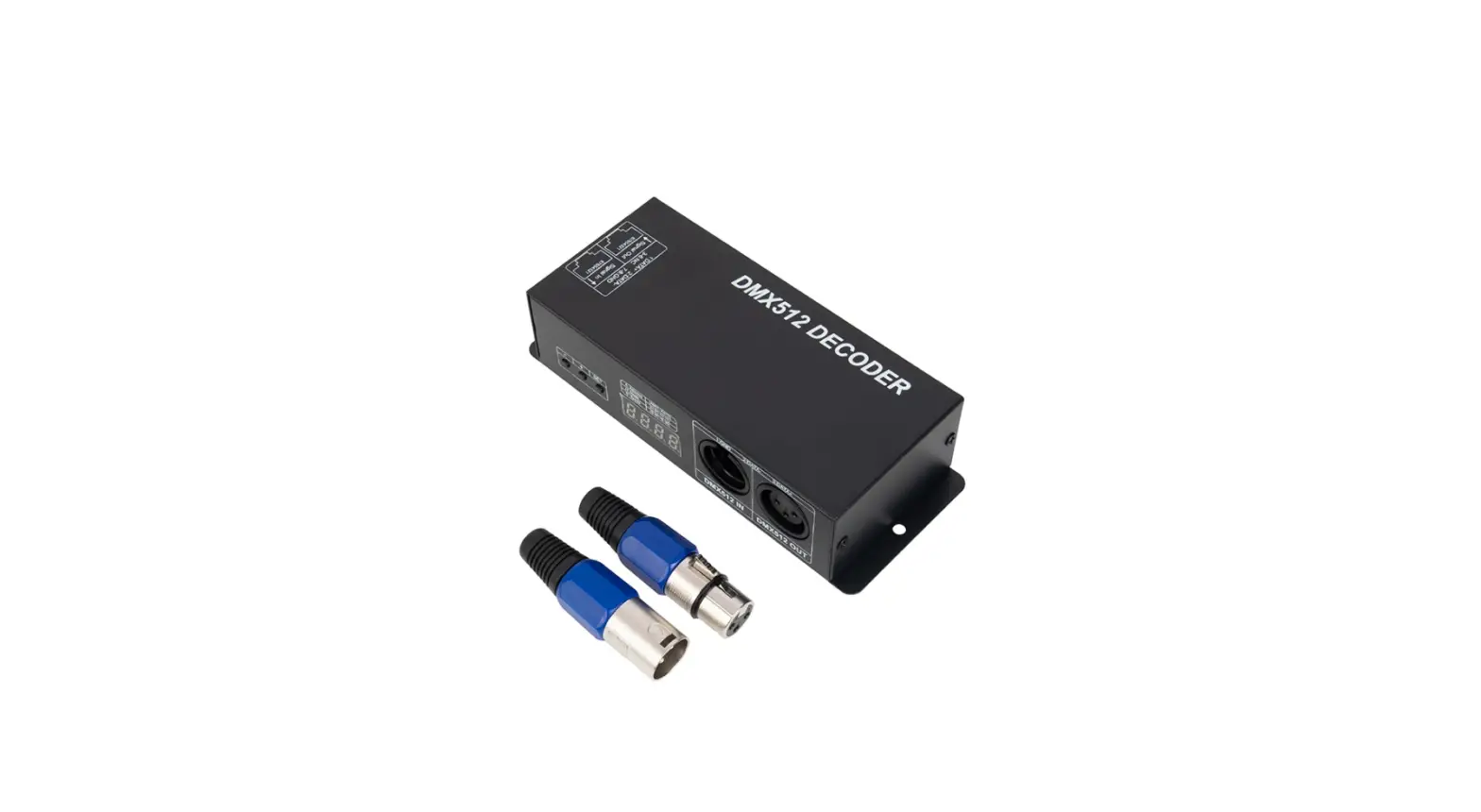
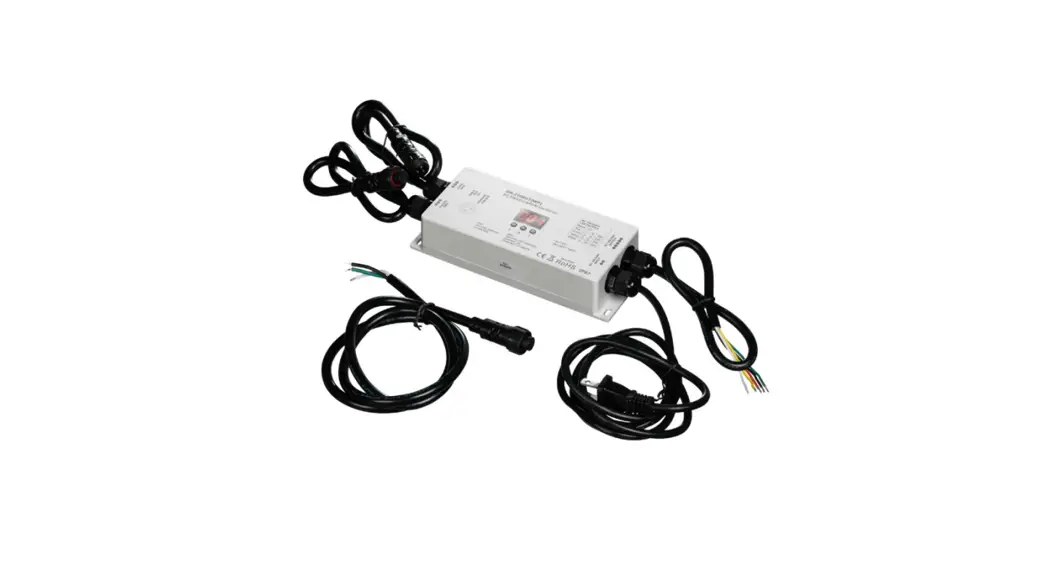
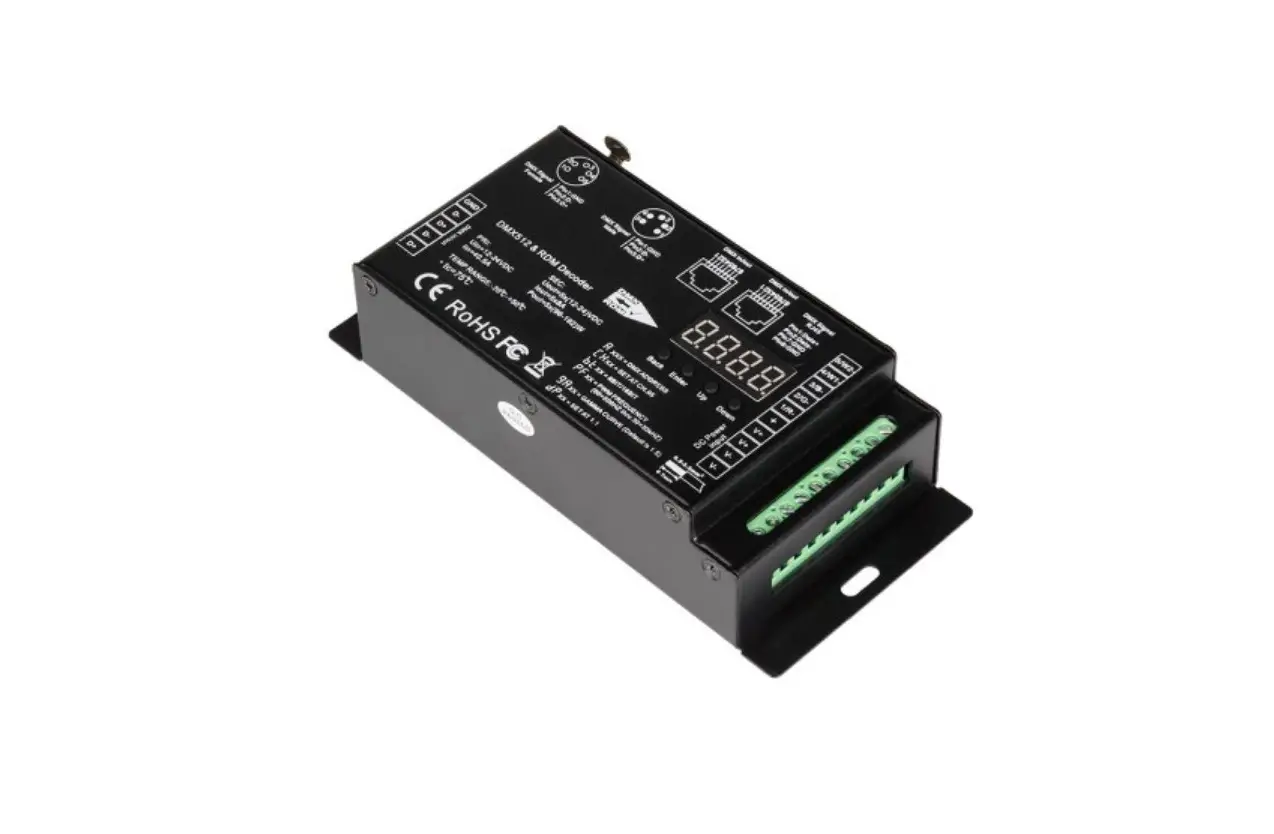
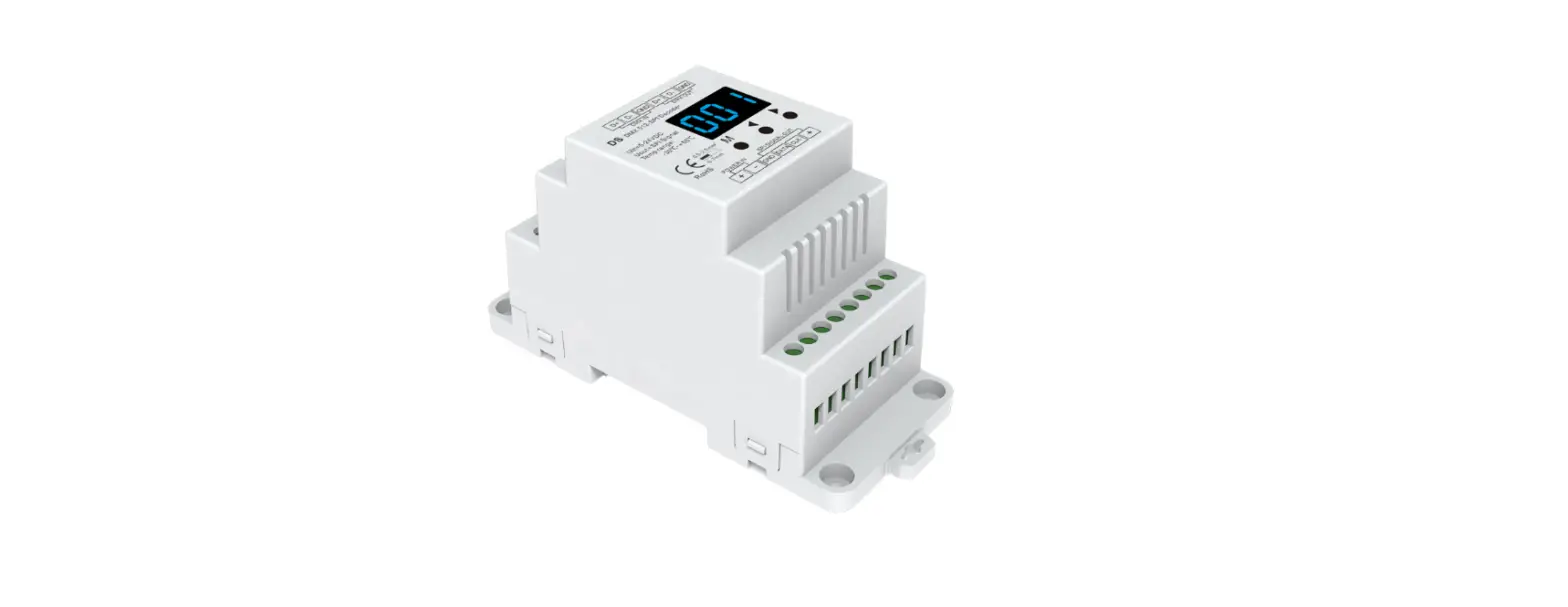
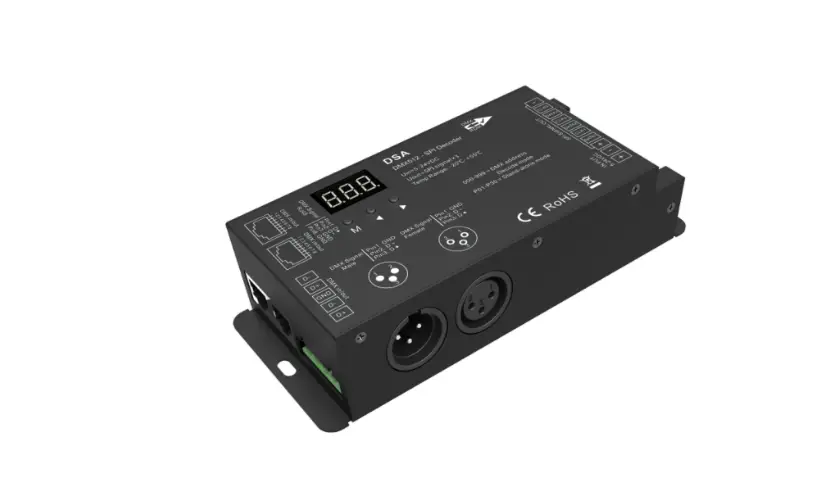
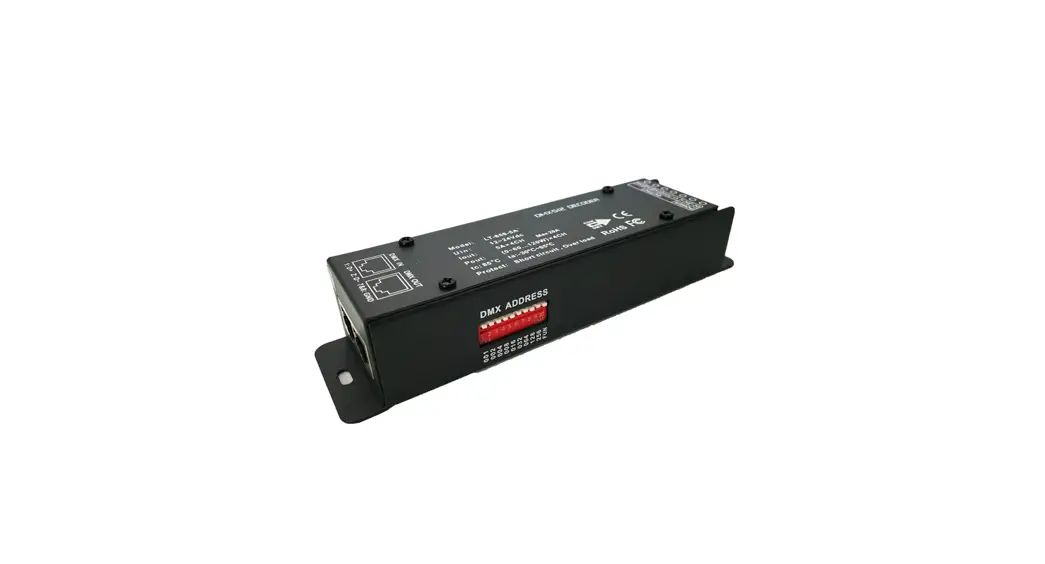
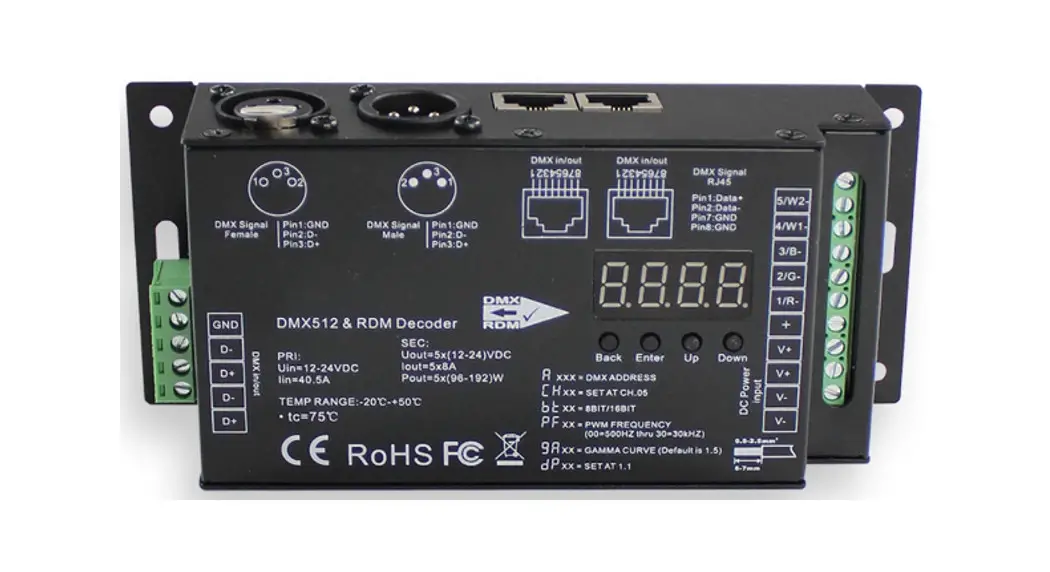
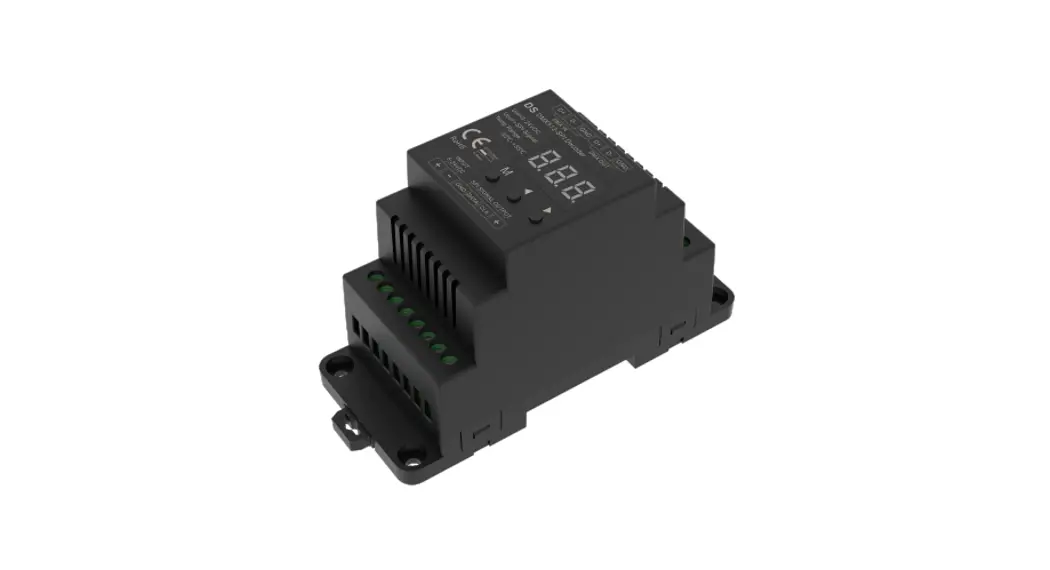
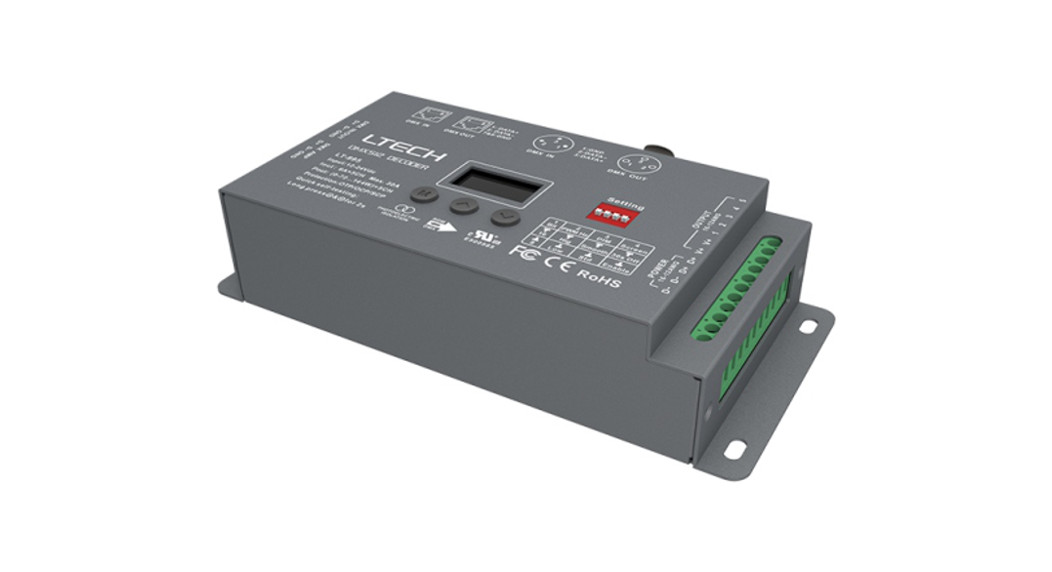
D4-L 4 Channel Constant Voltage DMX512 and RDM Decoder
Product Information: 4 Channel Constant Voltage DMX512 &
RDM Decoder
Model No.: D4-L
Features:
- Comply with the DMX512 standard protocols
- Digital numeric display, set DMX decode start address by
buttons - RDM function for intercommunication between DMX master and
decoder - 1/2/4 DMX channel output selectable
- 16bit (65536 levels) /8bit (256 levels) grey level
selectable - PWM frequency 250/500/1000/2000/4000/8000/16000Hz
selectable - Logarithmic or linear dimming curve selectable
- Stand-alone RGB/RGBW mode and 4 channel dimmer mode selectable
with built-in programs - Over-heat / Short circuit protection, recover
automatically
Technical Parameters:
- Input voltage: 12-24VDC
- Input current: 20.5A
- Output voltage: 4 x (12-24)VDC
- Output current: 4CH,5A/CH
- Output power: 4 x (60-120)W
- Output type: Constant voltage
Safety and EMC:
- EMC standard (EMC)
- Safety standard(LVD)
- Radio Equipment(RED)
- Certification: ETSI EN 301 489-1 V2.2.3, ETSI EN 301 489-17
V3.2.4, EN 62368-1:2020+A11:2020, ETSI EN 300 328 V2.2.2, CE, EMC,
LVD - Warranty: 5 years
Environment:
- Operation temperature: -30°C ~ +55°C
- Case temperature (Max.): +70°C
- IP rating: IP20
- Package Size: L175x W54 x H27mm
- Gross weight: 0.130kg
Mechanical Structures and Installations:
Wiring Diagram:
AC100-240V Power Supply -> 12-24VDC Constant Voltage ->
DMX Master -> D4-L DMX512 & RDM Decoder -> RGBW LED
strip
Note:
- An DMX signal amplifier is needed if more than 32 decoders are
connected, or use overlong signal line, signal amplification should
not be more than 5 times continuously. - If the recoil effect occurs because of longer signal line or
bad line quality, please try to connect 0.25W 90-120 terminal
resistor at the end of each DMX signal line.
Product Usage Instructions:
System parameter setting:
1. Long press M and key in the same time for 2s to prepare for
setting up system parameters.
2. Short press M key to switch between six items:
- Decode mode: Use short press or key to switch 1/2/4 channel
decode mode (d-1, d-2, or d-4). When set as 1 channel decode, the
decoder occupies only 1 DMX address, and the four channels output
the same brightness of this DMX address. - Grey level: Use short press or key to switch between 8bit (b08)
or 16bit (b16). Choose 16bit if the DMX master supports 16bit. - Output PWM frequency: Use short press or key to switch between
different frequencies: 250Hz (F02), 500Hz (F05), 1000Hz (F10),
2000Hz (F20), 4000Hz (F40), 8000Hz (F80). - Output brightness curve: Use short press or key to switch
between logarithmic or linear dimming curve. - Default output level
- Automatic blank screen
DMX mode:
1. Short press M key, when display shows 001~512, enter DMX
mode.
2. Press or key to change DMX decode start address (001~512),
long press for fast adjustment.
3. If there is a DMX signal input, the decoder will enter DMX
mode automatically.
4. DMX Dimming: Each D4-L DMX decoder occupies 4 DMX addresses
when connecting to the DMX console.
4 Channel Constant Voltage DMX512 & RDM Decoder
Model No.: D4-L
RDM/Stand-alone function/Seven PWM frequency/Linear or logarithmic dimming/Numeric display
Features
Comply with the DMX512 standard protocols. Digital numeric display, set DMX decode start address by buttons. RDM function can realize intercommunication between DMX master and decoder.
For example, DMX decoder address can be set by DMX master console. 1/2/4 DMX channel output selectable. 16bit (65536 levels) /8bit (256 levels) grey level selectable. PWM frequency 250/500/1000/2000/4000/8000/16000Hz selectable. Logarithmic or linear dimming curve selectable. Stand-alone RGB/RGBW mode and 4 channel dimmer mode selectable,
which be controlled by buttons with built-in programs, instead of DMX signal. Over-heat / Short circuit protection, recover automatically.
LVD
Technical Parameters
Input and Output Input voltage Input current Output voltage Output current Output power Output type
12-24VDC 20.5A 4 x (12-24)VDC 4CH,5A/CH 4 x (60-120)W Constant voltage
Safety and EMC
EMC standard (EMC) Safety standard(LVD) Radio Equipment(RED) Certi cation Warranty
ETSI EN 301 489-1 V2.2.3 ETSI EN 301 489-17 V3.2.4 EN 62368-1:2020+A11:2020 ETSI EN 300 328 V2.2.2 CE,EMC,LVD 5 years
Environment Operation temperature Case temperature (Max.) IP rating Package Size Gross weight
Ta: -30 OC ~ +55 OC Ta: +70 OC IP20
L175x W54 x H27mm 0.130kg
Mechanical Structures and Installations
DMX input +
DMX input –
DMX output + DMX output –
Installation rack GND/Power input Power input –
Power input + Power input +
Setting key
Digital display
Output White LED Output LED + Output Blue LED Output LED + Installation rack Output Green LED Output LED + Output Red LED –
Output LED +
50mm
170mm 23mm
D+ D- D+ DD+ D- D+ D-
Wiring Diagram
AC100-240V
Power Supply 12-24VDC Constant Voltage
DMX Master
D4-L
DMX512 & RDM Decoder
W
RGBW LED strip
Note: 1. An DMX signal amplifier is needed if more than 32 decoders are connected, or use overlong signal line, signal amplification should not be more than
5 times continuously. 2. If the recoil effect occurs because of longer signal line or bad line quality, please try to connect 0.25W 90-120 terminal resistor at the end of each
DMX signal line.
Operation
System parameter setting
Long press M and key in the same time for 2s, prepare for setup system parameter: decode mode, grey level, output PWM frequence, output brightness curve, default output level, automatic blank screen. short press M key to switch six item.
Decode mode: short press or key to switch 1/2/4 channel decode mode(“d-1″,”d-2” or “d-4”). When set as 1 channel decode, the decoder occupy only 1 DMX address, and four channel output the same brightness of this DMX address.
Grey level: short press or key to switch 8bit(“b08”) or 16 bit(“b16”). choose 16 bit if the DMX master support 16 bit. Output PWM frequency: short press or key to switch 250Hz(“F02”), 500Hz(“F05”), 1000Hz(“F10”), 2000Hz(“F20”), 4000Hz(“F40”), 8000Hz(“F80”)
or 16000Hz(“F16”). Higher PWM frequency, will cause lower output current, higher power noise, but more suitable for camera(No ickers for video). Output brightness curve: short press or key to switch linear curve(“C-L”) or logarithmic curve(“C-E”). Default output level: press or key to change default 0-100% level (“d00” to “dFF” ) when no DMX input signal. Automatic blank screen: short press or key to switch enable (“bon”) or disable(“boF”) automatic blank screen. Long press M key for 2s or timeout 10s, quit system parameter setting.
User Manual Ver 1.1.4
1
DMX mode Short press M key, when display 001~512, enter DMX mode. Press or key to change DMX decode start address(001~512), long press for fast adjustment. If there is a DMX signal input, will enter DMX mode automatically. DMX Dimming: Each D4-L DMX decoder occupy 4 DMX address when connecting the DMX console.
For example, the defaulted start address is 1, their corresponding relationship in the form:
Stand-alone RGB/RGBW mode Enter stand-alone RGB/RGBW mode only when DMX signal is disconnected or lost. Short press M key, when display P01~P30, enter stand-alone RGB/RGBW mode. Press or key to change dynamic mode number(P01~P30). Each mode can adjust speed and brightness.
Long press M key for 2s, prepare for setup mode speed, brightness, W channel brightness. Short press M key to switch three item. Press or key to setup value of each item. Mode speed: 1-10 level speed(S-1, S-9, S-F). Mode brightness: 1-10 level brightness(b-1, b-9, b-F). W channel brightness: 0-255 level brightness(400-4FF). Long press M key for 2s, or timeout 10s, quit setting.
DMX Console CH1 0-255 CH2 0-255 CH3 0-255 CH4 0-255
DMX mode (001~512)
DMX Decoder Output CH1 PWM 0-100% (LED R) CH2 PWM 0-100% (LED G) CH3 PWM 0-100% (LED B) CH4 PWM 0-100% (LED W)
Stand-alone RGB/RGBW mode (P01~P30)
Stand-alone dimmer mode Enter stand-alone dimmer mode only when DMX signal is disconnected or lost. Short press M key, when display L-1~L-8, enter stand-alone dimmer mode.
Press or key to change dimmer mode number(L-1~L-8). Each dimmer mode can adjust each channel brightness independently.
Long press M key for 2s, prepare for setup four channel brightness. Short press M key to switch four channel(100~1FF, 200~2FF, 300~3FF, 400~4FF).
Press or key to setup brightness value of each channel. Long press M key for 2s, or timeout 10s, quit setting.
Speed
Brightness
(8 level) (10 level,100)
Stand-alone dimmer mode (L-1~L-8)
Restore factory default parameter
Long press and key for 2s, restore factory default parameter, display”RES”. Factory default parameter: DMX decode mode, DMX decode start address is 1, four channel decode, 8 bit grey level, 2000Hz PWM frequence output,
logarithmic brightness curve, output 100% level when no DMX input, RGB mode number is 1, dimmer mode number is 1, disable automatic blank screen.
RGB change mode list
No.
Name
P01
Static red
P02
Static green
P03
Static blue
P04
Static yellow
P05
Static cyan
P06
Static purple
P07
Static white
P08
RGB jump
P09
7 color jump
P10
Red strobe
No. P11 P12 P13 P14 P15 P16 P17 P18 P19 P20
Name Green strobe Blue strobe White strobe RGB strobe 7 color strobe Red fade in and out Green fade in and out Blue fade in and out White fade in and out RGBW fade in and out
No. P21 P22 P23 P24 P25 P26 P27 P28 P29 P30
Name Red yellow smooth Green cyan smooth Blue purple smooth Blue white smooth RGB+W smooth RGBW smooth RGBY smooth Yellow cyan purple smooth RGB smooth 6 color smooth
PPW WMM dduuttyy((%%))
Dimming curve setting
Linear dimming curve
110000 9900 8800 7700 6600 5500 4400 3300 2200 1100
Gamma=1.0
10 20 30 40 50 60 70 80 90 100
Brightness(%)
Malfunctions analysis & troubleshooting
Malfunctions
No light
Wrong color
Uneven intensity between front and rear,with voltage drop
Causes
1. No power. 2. Wrong connection or insecure. 1. Wrong connection of R/G/B/W wires. 2. DMX decode address error.
1. Output cable is too long. 2. Wire diameter is too small. 3. Overload beyond power supply capability. 4. Overload beyond controller capability.
Troubleshooting
1. Check the power. 2. Check the connection. 1. Reconnect R/G/B/W wires. 2. Set corrrect decode address.
1. Reduce cable or loop supply. 2. Change wider wire. 3. Replace higher power supply. 4. Add power repeater.
PWM duty(%)
Logarithmic dimming curve
100
Gamma=1.6
90 80 70 60 50 40 30 20 10
10 20 30 40 50 60 70 80 90 100
Brightness(%)
User Manual Ver 1.1.4
2