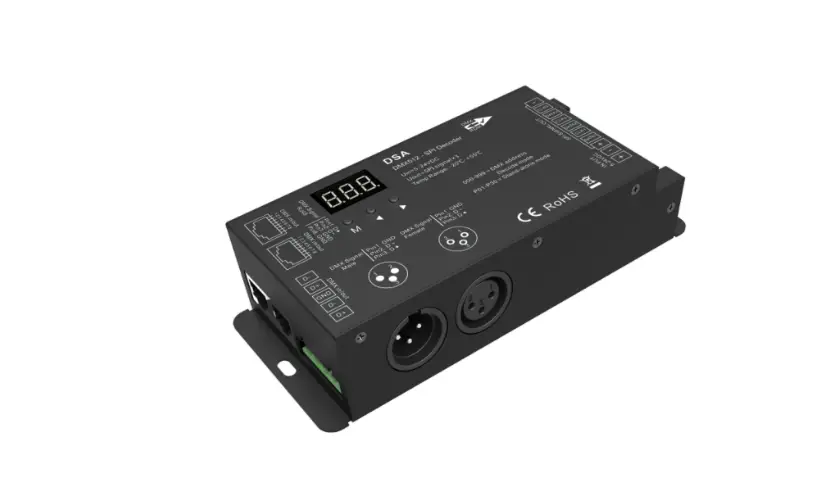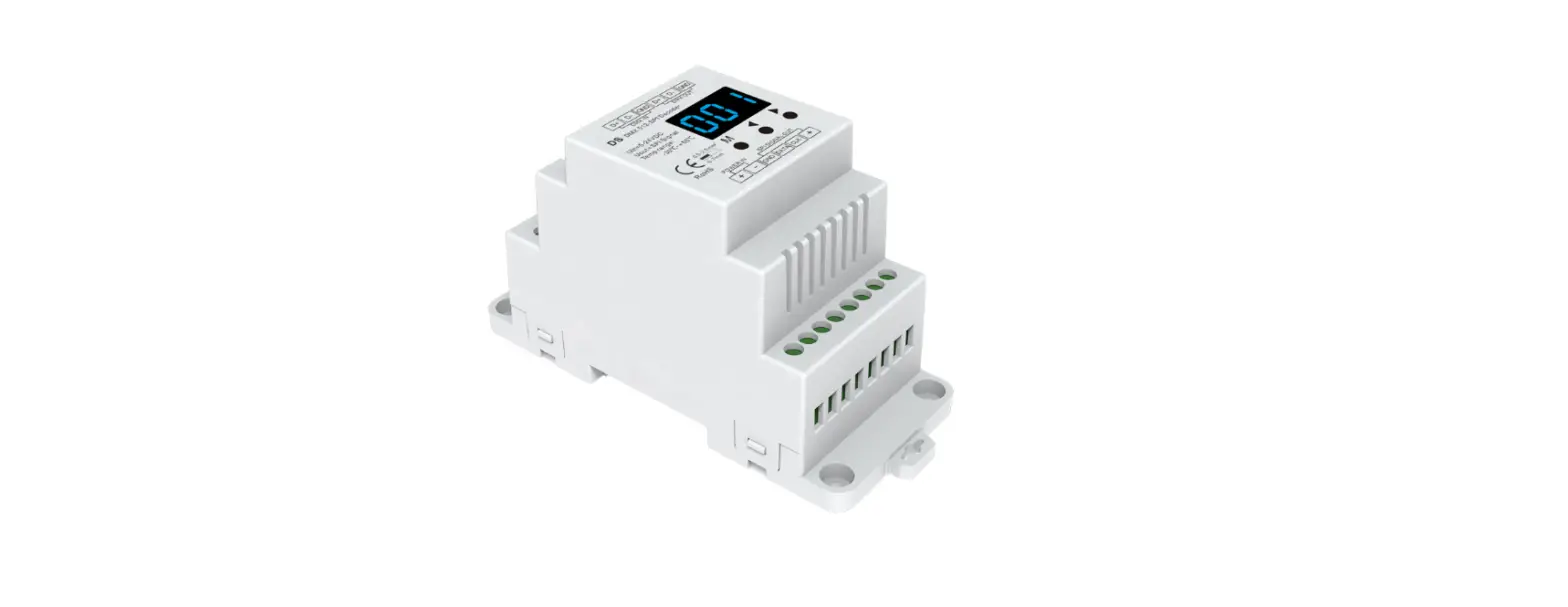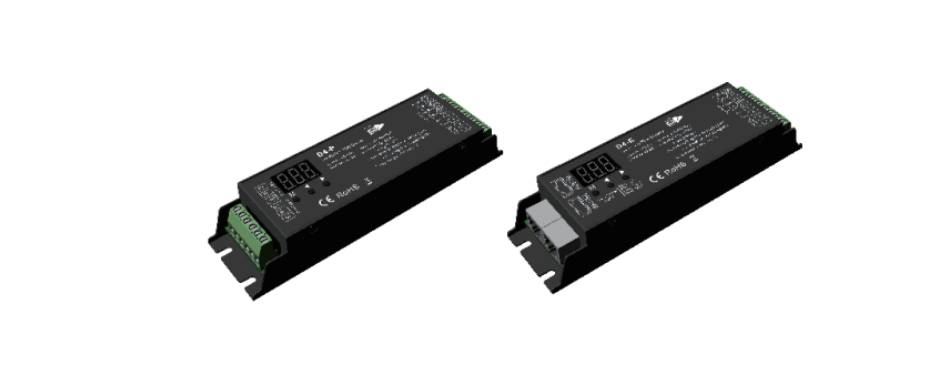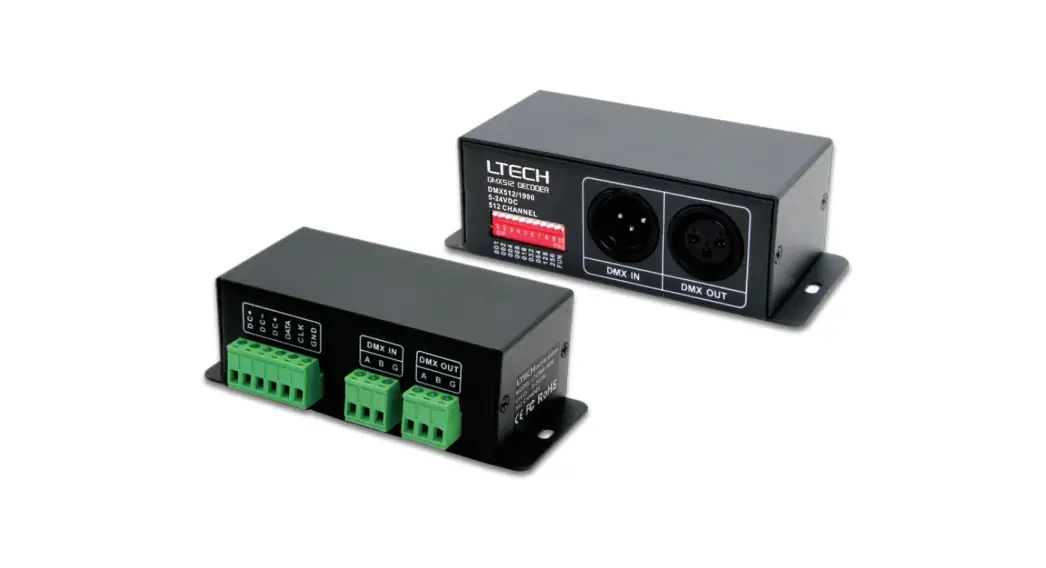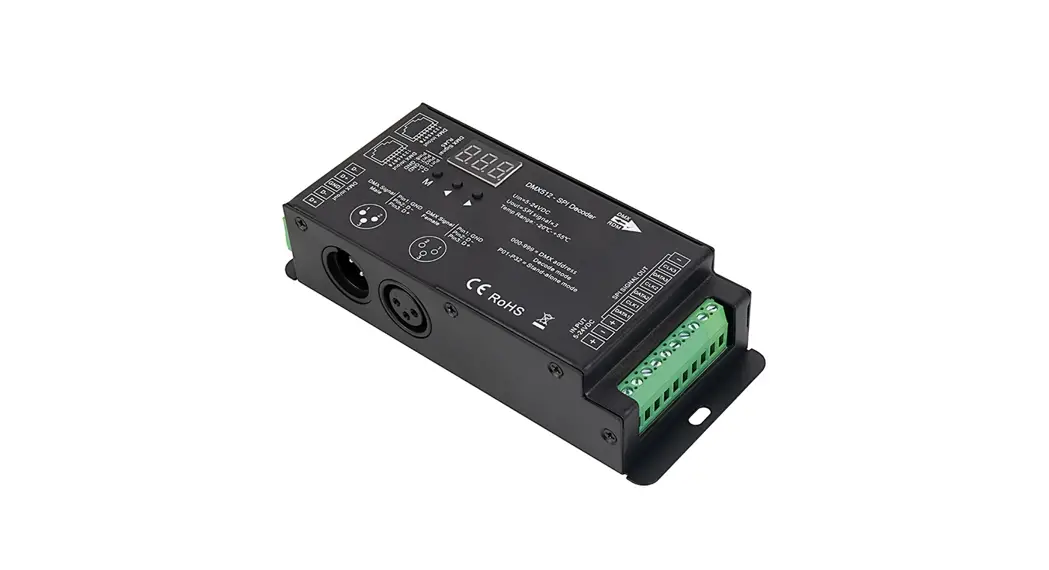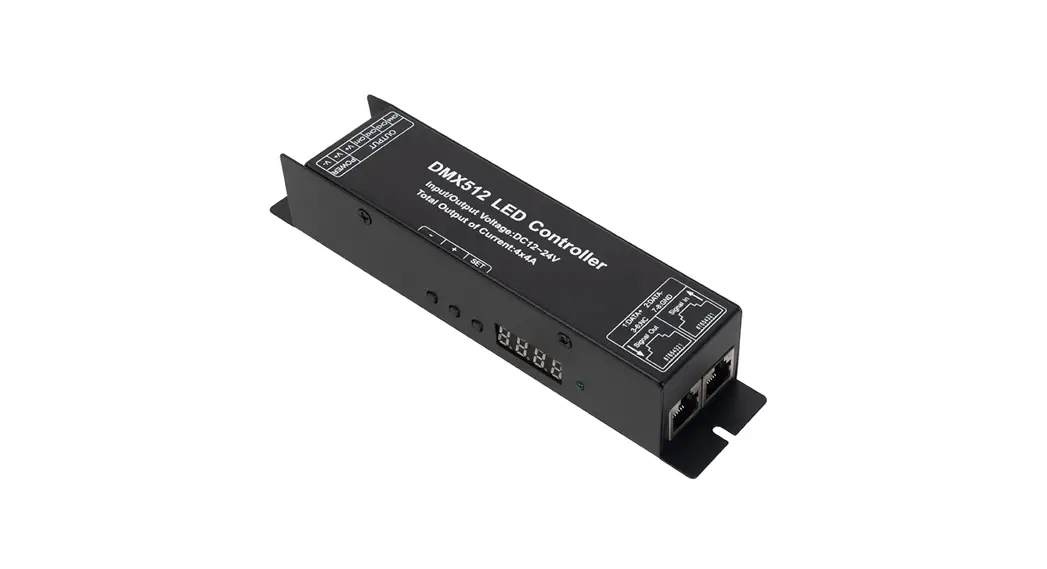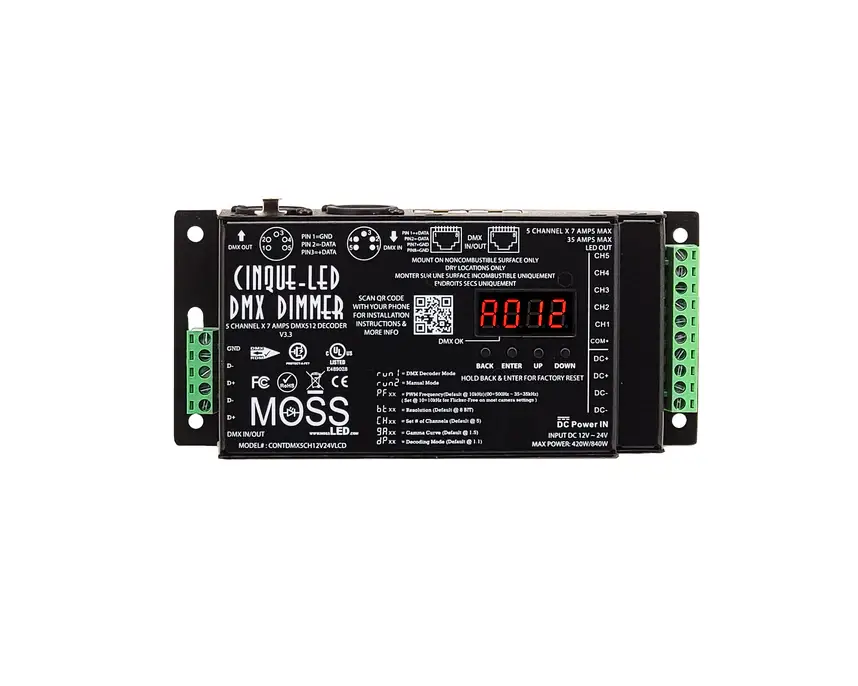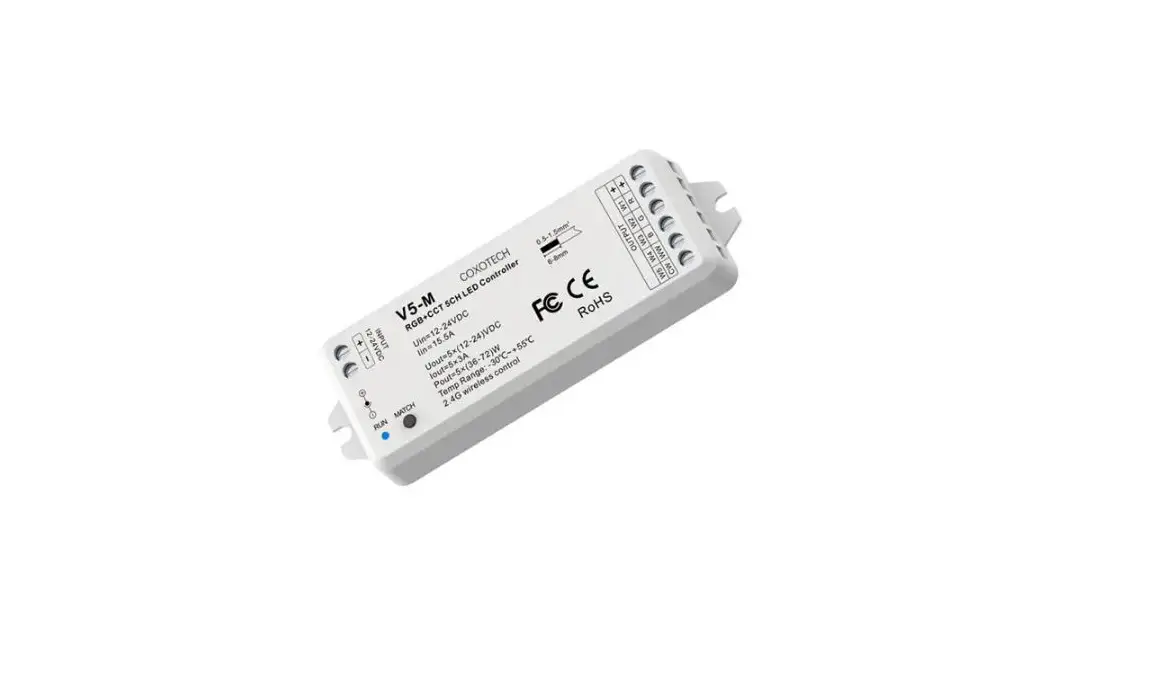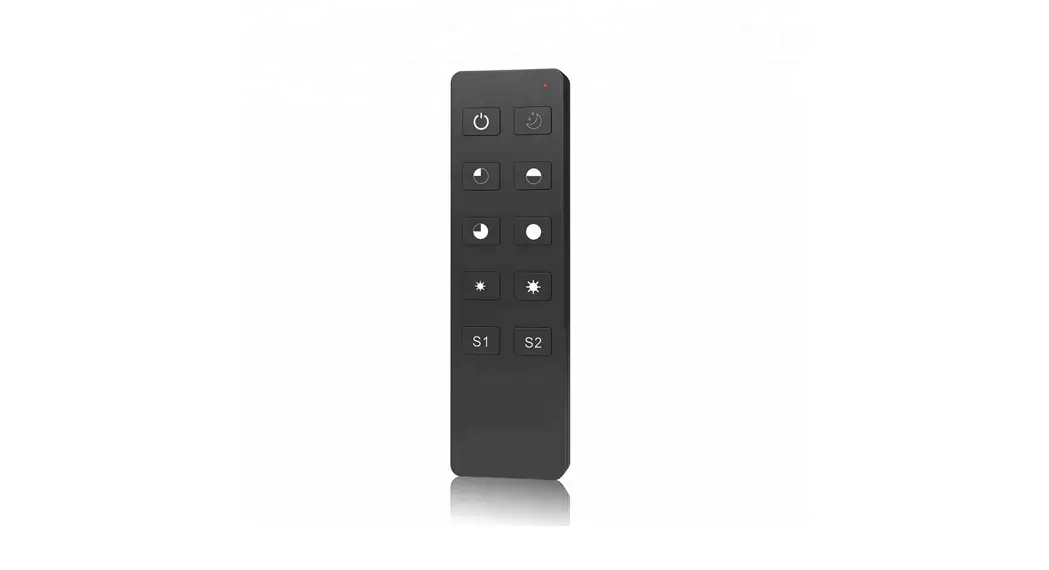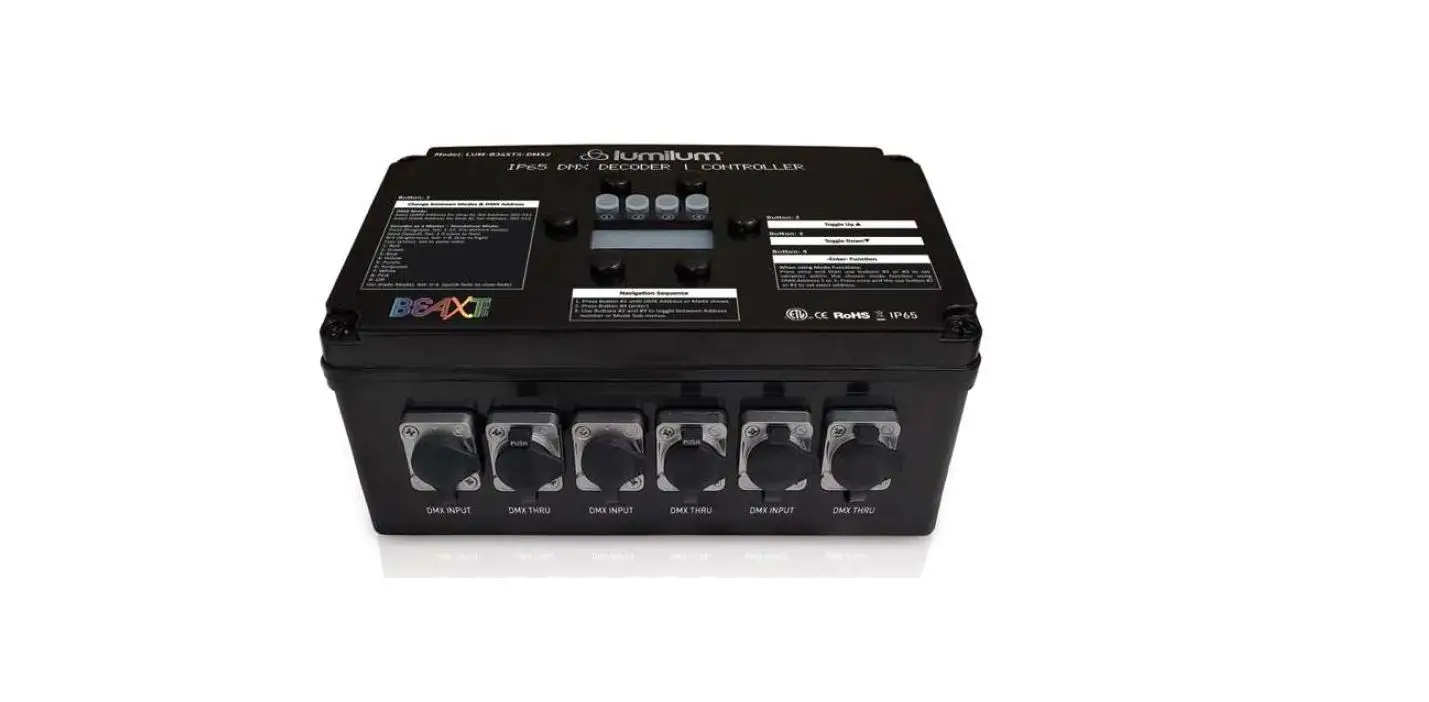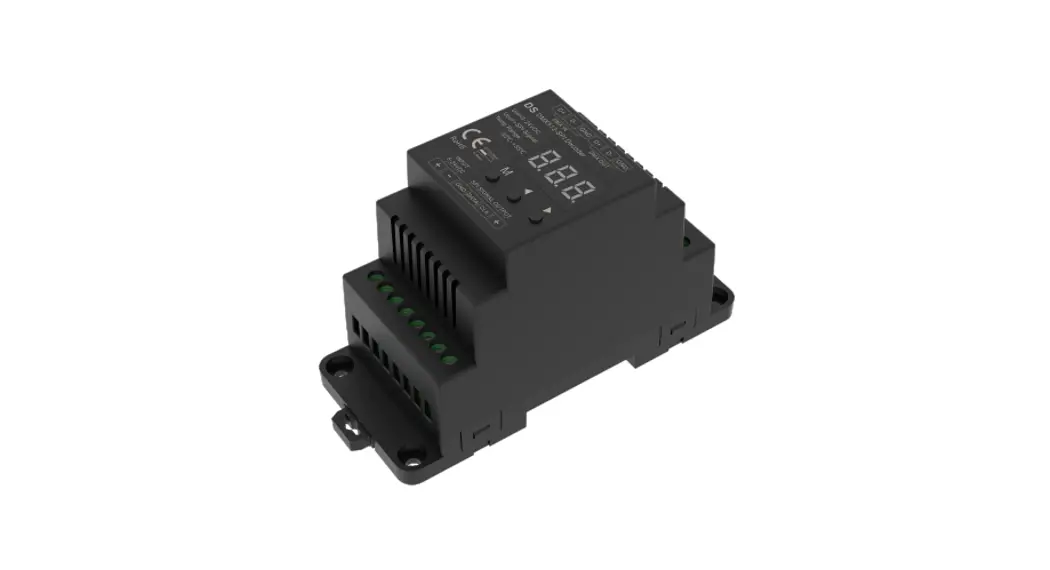
 DMX512-SPI Decoder and RF Controller
User Manual
DMX512-SPI Decoder and RF Controller
Model No.: DS
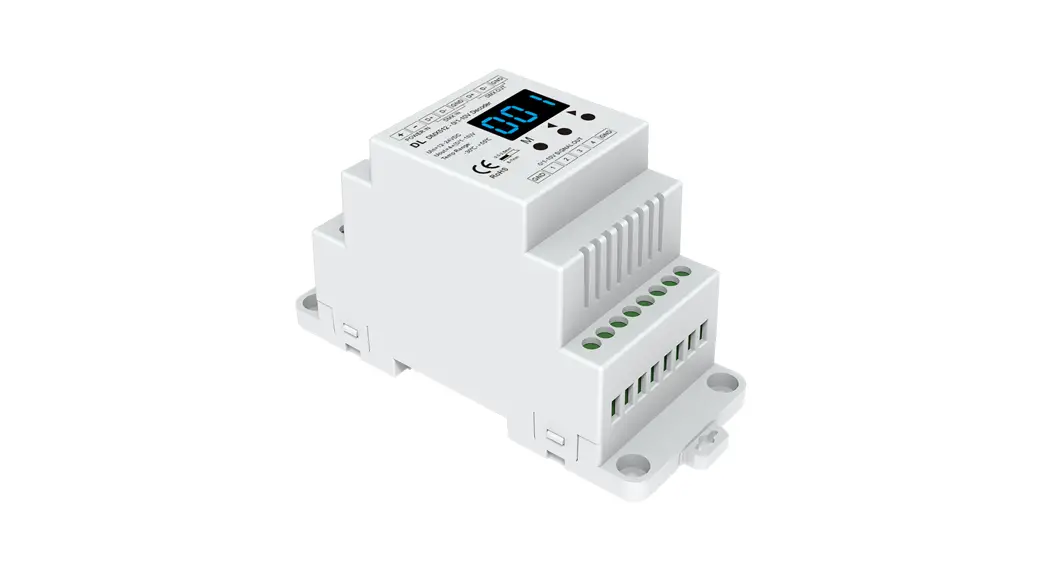
Compatible with 45 kinds of chips / Digital display / Stand-alone function/ Wireless remote control / Din rail 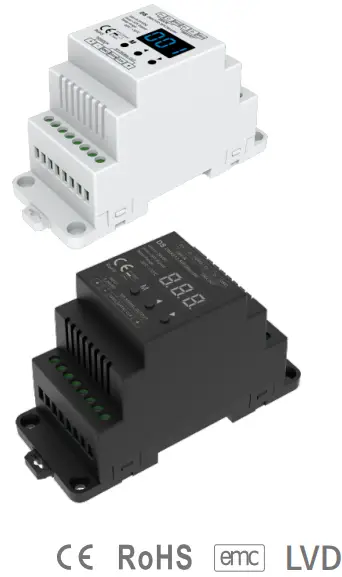
Features
- DMX512 to SPI decoder and RF controller with digital display.
- Compatible with 45 kinds of digital IC RGB or RGBW LED strips,
IC type and R/G/B order can be set.
Compatible chips: TM1803,TM1804,TM1809,TM1812,UCS1903,UCS1909,UCS1912,SK6813,UCS2903,UCS2909,UCS2912,WS2811,WS2812,WS2813,WS2815,TM1829,TLS3001,TLS3002,GW6205,MBI6120,TM1814B(RGBW),SK6812(RGBW),WS2813(RGBW),WS2814(RGBW),UCS8904B(RGBW),SM16714(RGBW),LPD6803,LPD1101,D705,UCS6909,UCS6912,LPD8803,LPD8806,WS2801,WS2803,P9813,SK9822,TM1914A,GS8206,GS8208,UCS2904,SM16804,SM16825,UCS2603,UCS5603. - DMX decode mode, stand-alone mode and RF mode selectable.
- Standard DMX512 compliant interface, set DMX decode start address by buttons.
- Under stand-alone mode, change mode, speed or brightness by bottons.
- Under RF mode, match with RF 2.4G RGB/RGBW remote control.
- 32 kinds dynamic mode, include horse-race, chase, flow, trail or gradual change style.
Technical Parameters
| Input and Output | |
| Input voltage | 5-24VDC |
| Power consumption | 1W |
| Input signal | DMX512 + RF 2.4GHz |
| Output signal | SPI(TTL) |
| The number of Dynamic mode | 32 |
| Control dots | 170 pixels (RGB 510 CH) Max 900 pixels |
| Safety and EMC | |
| EMC standard (EMC) | ETSI EN 301 489-1 V2.2.3 ETSI EN 301 489-17 V3.2.4 |
| Safety standard(LVD) | EN 62368-1:2020+A11:2020 |
| Certification | CE,EMC,LVD,RED |
| Environment | |
| Operation temperature | Ta: -30ºC ~ +55ºC |
| Case temperature (Max.) | T c: +65ºC |
| IP rating | IP20 |
Warranty and Protection
| Warranty | 5 years |
| Protection | Reverse Polarity |
Weight
| Gross weight | 0.098kg |
| Net weight | 0.129kg |
Mechanical Structures and Installations
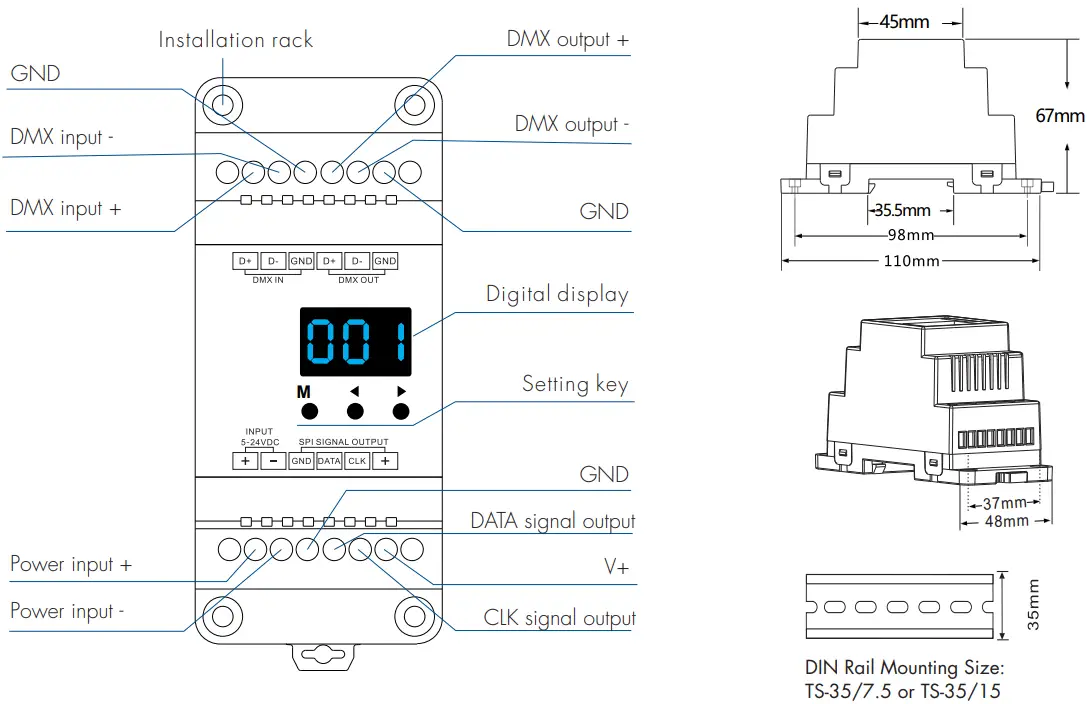 Wiring Diagram
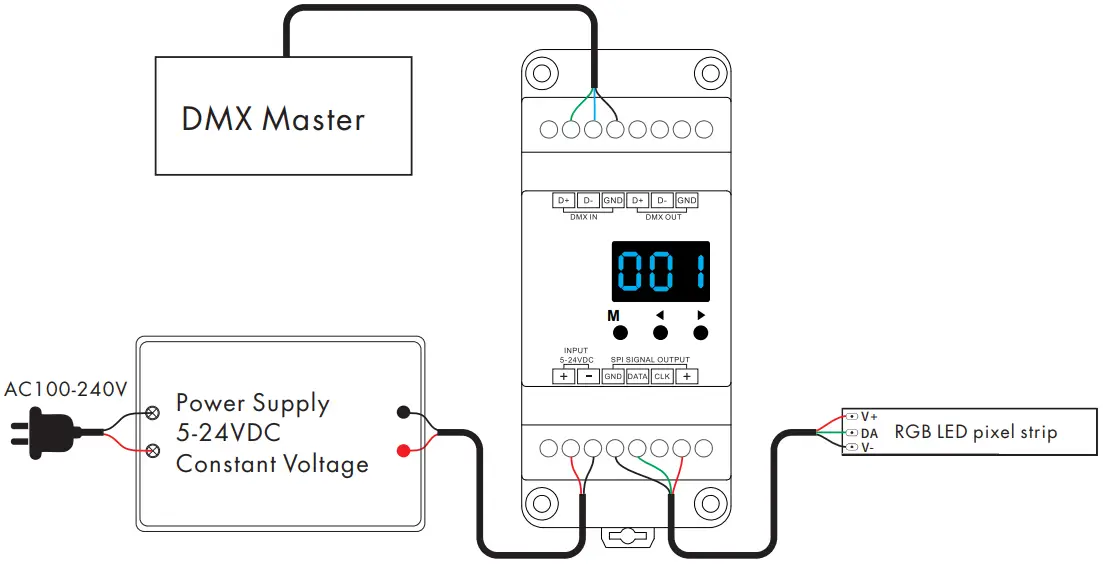 Note:
Note:
● If the SPI LED pixel strip is single-wire control, the DATA and CLK output is same, we can connect up to 2 LED strips.
Operation
IC type, RGB order and pixel length length setting
- You must rst assure IC type, RGB order and pixel length of the LED strip is correct.
- Long press M and ◀ key, prepare for setup IC type, RGB order, pixel length, automatic blank screen, Short press M key to switch four item.
Press ◀ or ▶ key to setup value of each item.
Long press M key for 2s, or timeout 10s, quit setting.
- IC type table:
No. IC type Output signal C11 TM1803 DATA C12 TM1809,TM1804,TM1812,UCS1903,UCS1909,UCS1912,SK6813
UCS2903,UCS2909,UCS2912,WS2811,WS2812,WS2813,WS2815DATA C13 TM1829 DATA C14 TLS3001,TLS3002 DATA C15 Gw6205 DATA C16 MBI6120 DATA C17 TM1814B(RGBW) DATA C18 SK6812(RGBW),WS2813(RGBW),WS2814(RGBW) DATA C19 UCS8904B(RGBW) DATA C21 LPD6803,LPD1101,D705,UCS6909,UCS6912 DATA,CLK C22 LPD8803,LPD8806 DATA,CLK C23 WS2801,WS2803 DATA,CLK C24 P9813 DATA,CLK C25 SK9822 DATA,CLK C31 TM1914A DATA C32 GS8206,GS8208 DATA C33 UCS2904 DATA C34 SM16804 DATA C35 SM16825 DATA C36 SM16714(RGBW) DATA C37 UCS5603 DATA C38 UCS2603 DATA - RGB order: O-1 – O-6 indicate six order (RGB, RBG, GRB, GBR, BRG, BGR).
- Pixel length: Range is 008-900.
- Automatic blank screen: enable (“bon”) or disable(“boF”) automatic blank screen.

DMX decode mode
There are two DMX decode modes selectable.
DMX decode mode1: change light color by setting DMX decode address ;
DMX decode mod 2: switch light dynamic modes, control brightness and dynamic mode speed via 3 different DMX decode addresses.
Long press M, ◀ and ▶ key at the same time to switch DMX decode mode (display”d-1″ ) and DMX decode mode (display”d-2″ ).
Long press M key for 2s, and then return to DMX address interface.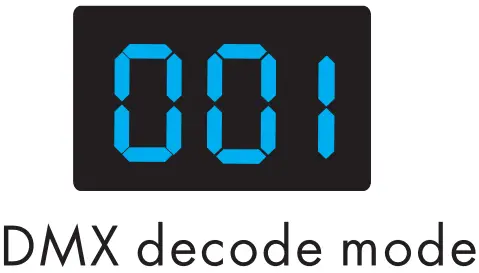
- mode 1:
- Short press M key, when display 001-512, enter DMX decode mode.
- Press ◀ or ▶ key to change DMX decode start address(001-512), long press for fast adjustment.
- Long press M key for 2s, prepare for setup decode number and multiple of pixels.
Short press M key to switch two item.
Press ◀ or ▶ key to setup value of each item.
Decode number(display “dno”) : DMX decode channel number, range is 003-600(for RGB).
Multiple of pixels(display “Pno”) : Each 3 DMX channel control length(for RGB), range is 001- pixel length.
Long press M key for 2s, or timeout 10s, quit setting. - If there is a DMX signal input, will enter DMX decode mode automatically.
For example, the DMX-SPI decoder connect with RGB strip:
DMX data from DMX512 console: DMX-SPI decoder output (start address: 001, decode channel number: 18, each 3 channel control length: 1):
 DMX-SPI decoder output (start address: 001, decode channel number: 18, each 3 channel control length: 3):
- mode 2:
- Short press M key, when display 001-512, Press ◀ or ▶ key to change DMX decode start address(001-512), long press for fast adjustment.
For example, when the DMX start address is set to 001. The address 1 of DMX console is for dynamic light type setting (32 modes), address 2 is for brightness setting (10 levels), address 3 is for speed setting (10 levels).
Long press M key for 2s, or timeout 10s, quit setting. - Address 1 of DMX console : dynamic light mode
1: 0-8
2: 9-16
3: 17-24
4: 25-32
5: 33-40
6: 41-48
7: 49-56
8: 57-649: 65-72
10: 73-80
11: 81-88
12: 89-96
13: 97-104
14: 105-112
15: 113-120
16: 121-12817: 129-136
18: 137-144
19: 145-152
20: 153-160
21: 161-168
22: 169-176
23: 177-184
24: 185-19225: 193-200
26: 201-208
27: 209-216
28: 217-224
29: 225-232
30: 233-240
31: 241-248
32: 249-255 - Address 2 of DMX console : Brightness (when address 2<5, turn off the light)
1: 5-25 (10%)
2: 26-50 (20%)
3: 51-75(30%)
4: 76-100(40%)
5: 101-125(50%)6: 126-150(60%)
7: 151-175(70%)
8: 176-200(80%)
9: 201-225(90%)
10: 226-255(100%) - Address 3 of DMX console : Speed
1: 0-25(10%)
2: 26-50(20%)
3: 51-75(30%)
4: 76-100(40%)
5: 101-125(50%)6: 126-150(60%)
7: 151-175(70%)
8: 176-200(80%)
9: 201-225(90%)
10: 226-255(100%)
Stand-alone mode
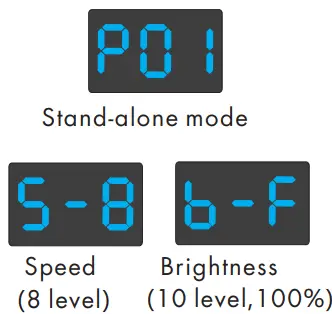
- Short press M key, when display P01-P32, enter stand-alone mode.
- Press ◀ or ▶ key to change dynamic mode number(P01-P32).
- Each mode can adjust speed and brightness.
Long press M key for 2s, prepare for setup mode speed and brightness.
Short press M key to switch two item.
Press ◀ or ▶ key to setup value of each item.
Mode speed: 1-10 level speed(S-1, S-9, S-F).
Mode brightness: 1-10 level brightness(b-1, b-9, b-F).
Long press M key for 2s, or timeout 10s, quit setting. - Enter stand-alone mode only when DMX signal is disconnected or lost.
Dynamic mode list
| No. | Name | No. | Name | No. | Name |
| P01 | Red horse race white ground | P12 | Blue White chase | P23 | Purple float |
| P02 | Green horse race white ground | P13 | Green Cyan chase | P24 | RGBW float |
| P03 | Blue horse race white ground | P14 | RGB chase | P25 | Red Yellow float |
| PO4 | Yellow horse race blue ground | P15 | 7 color chase | P26 | Green Cyan float |
| P05 | Cyan horse race blue ground | P16 | Blue meteor | P27 | Blue Purple float |
| P06 | Purple horse race blue ground | P17 | Purple meteor | P28 | Blue White float |
| P07 | 7 color multi horse race | P18 | White meteor | P29 | 6 color float |
| P08 | 7 color horse race close + open | P19 | 7 color meteor | P30 | 6 color smooth sectionally |
| P09 | 7 color multi horse race close + on | P20 | Red float | P31 | 7 color jump sectionally |
| P10 | 7 color scan close + open | P21 | Green float | P32 | 7 color strobe sectionally |
| P11 | 7 color multi-scan close + open | P22 | Blue float |
Restore factory default parameter
- Long press ◀ and ▶ key, restore factory default parameter, display”RES”.
- Factory default parameter: DMX decode mode 1, DMX decode start address is 1, decode number is 510, multiple of pixels 1, dynamic mode number is 1, chip type is TM1809, RGB order, pixel length is 170, disable automatic blank screen, without matched RF remote.
RF mode
Match: Long press M and ▶ key for 2s, display “RLS”, within 5s, press on/off key of the RGB remote, display “RLO”, match is successful, then use the RF remote to change mode number, adjust speed or brightness.
Delete: Long press M and ▶ key for 5s, until display “RLE”, delete all matched RF remote.