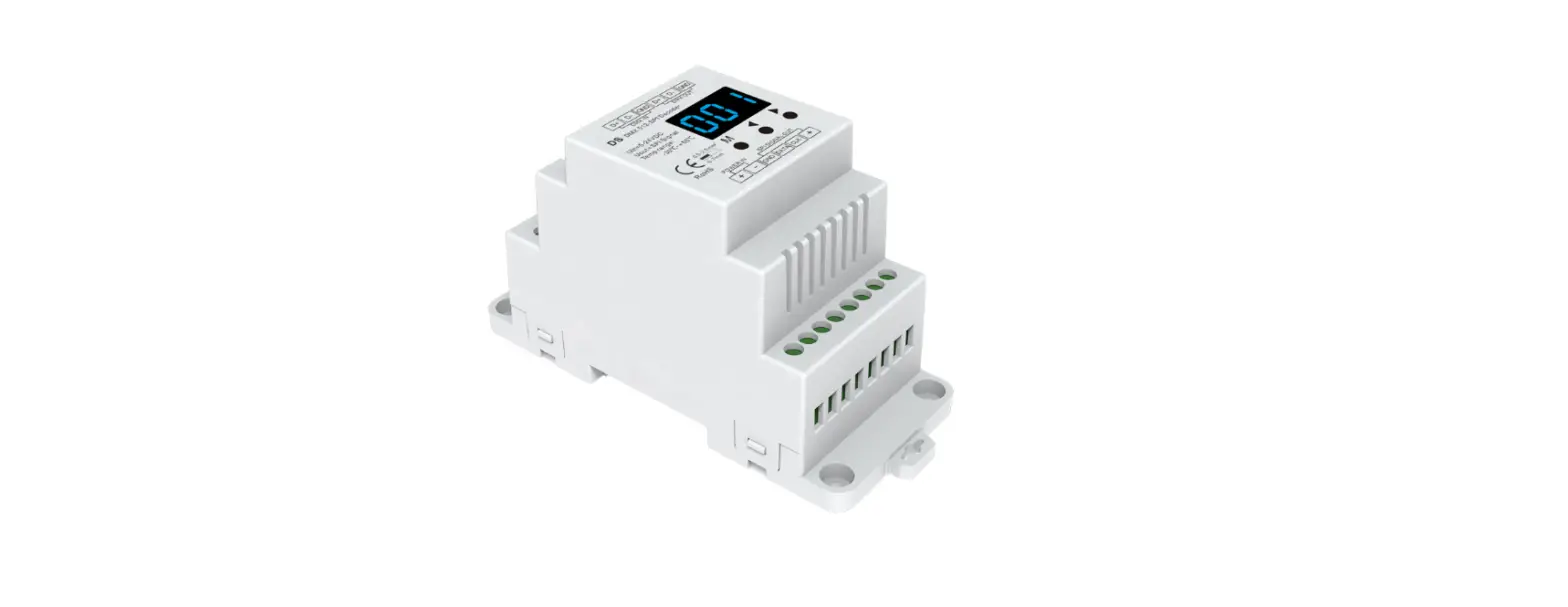
WT-SPI Digital Pixel RGB Controller
WT-SPI RGB/RGBW SPI LED Controller
The WT-SPI RGB/RGBW SPI LED Controller is a multi-pixel LED
strip controller that supports SPI signal output. It allows for
Tuya APP cloud control, voice control, and is compatible with 45
kinds of RGB or RGBW LED strips. The controller also features
customized dynamic scenario mode, multiple music rhythms, and
wireless remote control.
Features:
- Multi-pixel RGB/RGBW LED strip controller with SPI signal
output - Tuya APP cloud control
- Voice control, support for Amazon ECHO, Google, Tmall Genie and
Xiaodu smart speakers - Compatible with 45 kinds of RGB or RGBW LED strips
- Customized dynamic scenario mode
- Multiple music rhythms
- Wireless remote control
Technical Parameters:
- LVD Input and Output
- Input voltage: 5-24VDC
- Input Current: 8A
- Input signal: Tuya APP + RF 2.4GHz
- Output signal: SPI(TTL) x 2
- Scenario Mode: 44 default and 10+ customizations
- Pixel Dots: MAX.1000
Safety and EMC:
- EMC standard (EMC): ETSI EN 301 489-1 V2.2.3 ETSI EN 301 489-17
V3.2.4 - Safety standard(LVD): EN 62368-1:2020+A11:2020
- Certification: CE, EMC, LVD
- Warranty: 5 years
Environment:
- Operation temperature: Ta: -30 OC ~ +55OC
- Case temperature (Max.): T c:+65OC
- IP rating: IP20
- Package Size: L120 x W43 x H35mm
- Gross weight: 0.066kg
Mechanical Structures and Installations:
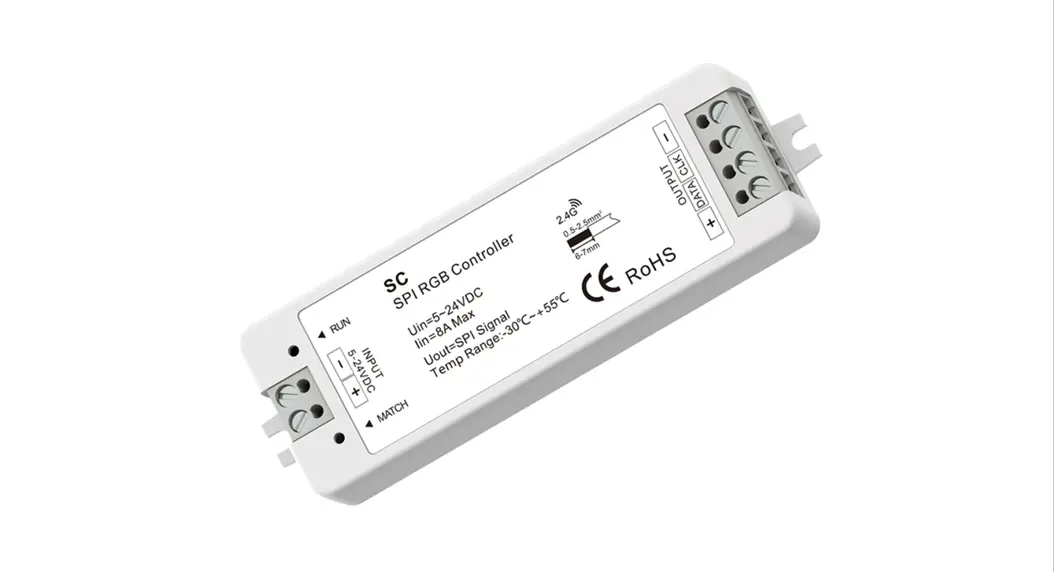
- Power input +
- Power input –
- Installation rack
- DC socket input
- LED indicator
- Match/Set key
System Wiring:
- V+
- Output + DATA1 CLK1
- Installation rack DATA2 CLK2
- GND
Wiring Diagram:
To connect the WT-SPI with SPI spotlights (TM1803), use a power
supply of AC100-240V with a constant voltage of 5-24VDC. Connect
the V+ and SPI Signal cables to the SPI spotlights.
To connect the WT-SPI with SPI pixel strips (LPD6803), use a
power supply of AC100-240V with a constant voltage of 5-24VDC.
Connect the V+ and SPI Signal cables to the LED Pixel Strip.
To connect the WiFi-SPI with SPI digital light tube (TM1809),
use a power supply of AC100-240V with a constant voltage of
5-24VDC. Connect the V+, CK, DA, and V- cables to the SPI Digital
Light Tube.
Note: When the load exceeds 8A, the light strip needs to be
powered by other power supplies. Only DATA/CLK and GND cables are
connected between the controller and the light strip.
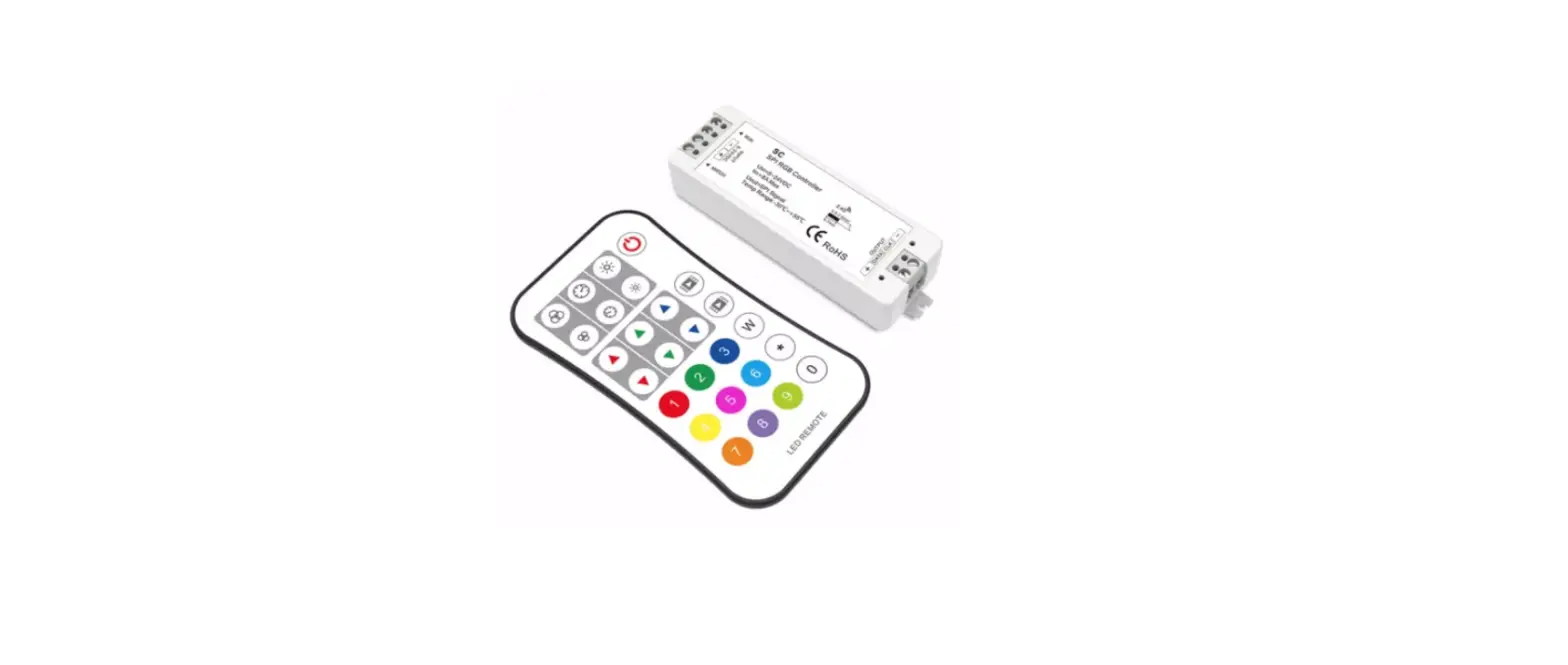
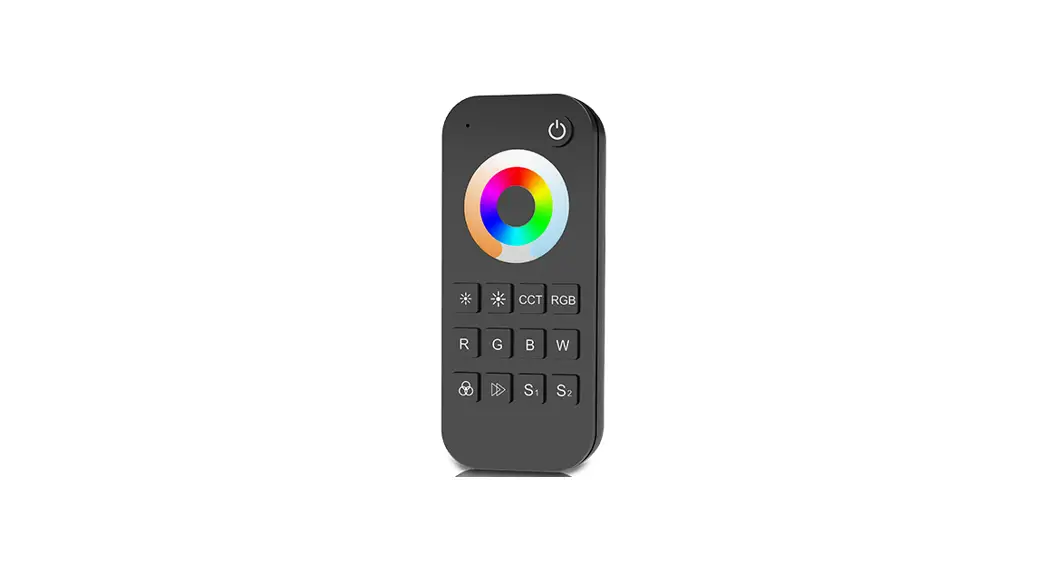
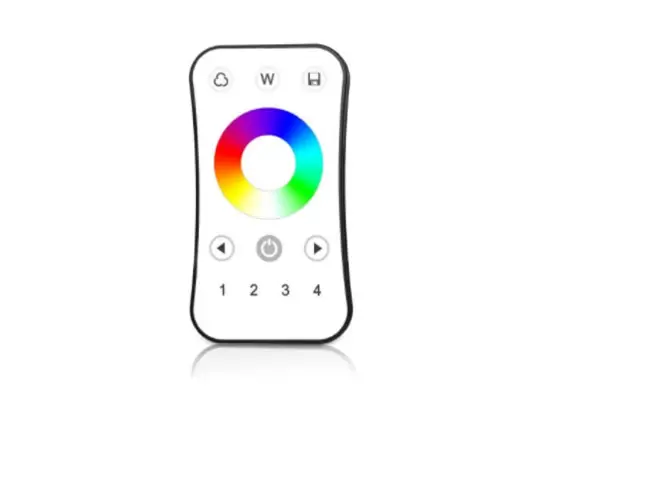
Match R9 remote control:
To match the R9 remote control, short press on the match key,
immediately press on/off key of the remote. The LED indicator fast
flash a few times means match is successful. To delete all match,
press and hold match key for 10s. The LED indicator fast flash a
few times means all matched remotes were deleted.
Set the length, chip type and RGB order of the SPI LED strip
using R9 remote control:
Refer to the user manual for instructions on setting up the
length, chip type and RGB order of the SPI LED strip using the R9
remote control.
WT-SPI RGB/RGBW SPI LED Controller Model No.: WT-SPI
Tuya APP cloud control/Voice control/Compatible with 45 kinds IC/Customized dynamic scenario mode/Multiple music rhythms/Wireless remote control
Features
Multi-pixel RGB/RGBW LED strip controller with SPI signal output, Tuya APP cloud control. Voice control, support for Amazon ECHO, Google, Tmall Genie and Xiaodu smart speakers. Compatible with 45 kinds of RGB or RGBW LED strips. Factory default controllable chip types of light strips:
TM1809, TM1804, TM1812, UCS1903, UCS1909, UCS1912, SK6813,UCS2903, UCS2909, UCS2912, WS2811, WS2812, WS2813, WS2815. Need to purchase a separate R9 remote control to set the chip type of light strips: TM1803, TM1829, TLS3001, TLS3002, GW6205, MBI6120, TM1814B(RGBW), SK6812(RGBW), WS2813(RGBW), WS2814(RGBW), UCS8904B(RGBW), LPD6803, LPD1101, D705, UCS6909, UCS6912, LPD8803, LPD8806, WS2801, WS2803, P9813, SK9822, TM1914A, GS8206, GS8208, UCS2904, SM16804, SM16825, SM16714(RGBW), UCS2603, UCS5603. Painted segment color mixing: full color lling, color pencil segment painting, eraser segment light off. Rich dynamic effects: 44 default and 10+ custom dynamic scenarios, 16 variations. Multiple music rhythms: 6 local music rhythms, 3 APP music rhythms. Match with RF 2.4G RGB remote control.
Technical Parameters
LVD
Input and Output Input voltage Input Current Input signal Output signal Scenario Mode Pixel Dots
5-24VDC 8A Tuya APP + RF 2.4GHz SPI(TTL) x 2 44 default and 10+ customizations MAX.1000
Safety and EMC
EMC standard (EMC)
Safety standard(LVD) Certi cation Warranty Warranty
ETSI EN 301 489-1 V2.2.3 ETSI EN 301 489-17 V3.2.4 EN 62368-1:2020+A11:2020 CE,EMC,LVD
5 years
Environment Operation temperature Case temperature (Max.) IP rating Package Size Gross weight
Ta: -30 OC ~ +55OC T c:+65OC IP20
L120 x W43 x H35mm 0.066kg
38.00 mm
INPUT 5-24VDC
Mechanical Structures and Installations
Power input + Power input –
Installation rack DC socket input LED indicator Match/Set key
Systemwiring
V+
Output + DATA1 CLK1
Installation rack DATA2 CLK2
GND
114.00 mm 20.00 mm
3G/4G/5G WiFi
Tuya Cloud
RGB-SPI
WiFi Mobile Phone
WiFiRouter
15m
RGB pixel LED strip
Wiredconnection Wirelessconnection
30m
RGBW pixel LED strip
Note: 1.Theabovedistanceismeasuredinspacious(noobstacle)environment, Pleaserefertotheactualtestdistancebeforeinstallation. 2.PleasecheckiftheWiFi routernetin2.4Gband, the5Gband isnotavailable, and donothideyourrouternetwork. 3. PleasekeepthedistancebetweenWT-SPI devicesandrouterclose, andchecktheWiFisignals. 4. WiFi signal strength detection: open the main interface of social security, click enter the device interface, click “check device network” for testing.
User Manual Ver 1.0.2
1
Wiring Diagram
WT-SPI connect with SPI spotlights (TM1803)
AC100-240V
Power Supply 5-24VDC Constant Voltage
INPUT 5-24VDC
V+
SPI Signal
SPI Spotlights
WT-SPI connect with SPI pixel strips (LPD6803)
AC100-240V
Power Supply 5-24VDC Constant Voltage
WiFi-SPI connect with SPI digital light tube (TM1809)
AC100-240V
Power Supply 5-24VDC Constant Voltage
INPUT 5-24VDC
INPUT 5-24VDC
V+
V+
SPI Signal
V+ CK DA V-
LED Pixel Strip
SPI Signal SPIDigital Light Tube
SPIDigital Light Tube
Note: 1. If the SPI LED strip is a single-wire control method, the DATA and CLK signal line outputs of the controller are same, and one controller can connect 4 LED strips. 2. When the load exceeds 8A, the light strip needs to be powered by other power supplies.
Only DATA/CLK and GND cables are connected between the controller and the light strip.
Match R9 remote control
Match:Short press on thematch key, immediately press on/off key of the remote. The LED indicator fast flash a few times means match is successful. Delete: Press and hold match key for 10s to delete all match, The LED indicator fast flash a few times means all matched remotes were deleted.
Set the length, chip type and RGB order of the SPI LED strip using R9 remote control
Set the LED strip length[number of pixels(10~1000)]:* + 3 digits +* Example: *032*,set the number of pixels 32. *600*,set the number of pixels 600. *1000*,set the number of pixels 1000. Set the LED strip chip type:* +2 digits +* *11*TM1803
*12*TM1809, TM1804, TM1812, UCS1903, UCS1909, UCS1912, SK6813, UCS2903, UCS2909, UCS2912, WS2811, WS2812, WS2813, WS2815
*13*TM1829 *14*TLS3001, TLS3002 *15*GW6205 *16*MBI6120 *17*TM1814B(RGBW) *18*SK6812(RGBW), WS2813(RGBW), WS2814(RGBW) *19*UCS8904B(RGBW) *21*LPD6803, LPD1101, D705, UCS6909, UCS6912 *22*LPD8803, LPD8806 *23*WS2801, WS2803 *24*P9813 *25*SK9822 *31*TM1914A *32*GS8206,GS8208 *33* UCS2904 *34* SM16804 *35* SM16825 *36* SM16714(RGBW) *37* UCS5603 *38* UCS2603 Set LED strip RGB order* +1 digit+* *1*RGB,*2*RBG,*3*GRB,*4*GBR,*5*BRG,*6*BGR. Note: The factory default light strip chip type is *12*, if you need to change the chip type or RGB order, you must use the R9 remote control.
User Manual Ver 1.0.2
2
Tuya APP network connection
Push twice Match key fastly, or press and hold Match key for 2s: clear previous network connection, enter Smart config mode, LED indicator flash fastly.
Press and hold Match key for 5s: Clear previous network connection, enter AP config mode, LED indicator flash slowly. If smart config failed, please try AP config.
If Tuya APP network connection succeed, the RUN LED indicator will stop flash, and in Tuya APP, you can find RGB-SPI device .
Tuya APP interface
RGB-SPI
RGB-SPI
RGB-SPI
RGB-SPI
Colour: Touch the color rectangle to adjust color and saturation. Touch the brightness slide to adjust brightness.
White: Touch the color rectangle to adjust color temperature. Touch the brightness slide to adjust brightness.
Color Fill: Change the color of the full segment of the LED strip.
ColorCard: Touch the color card array to select many different colors. Touch the brightness slide to adjust brightness.
Combination: Select a proportional distribution of multi-color circle, evenly distribute these colors on the LED strip.
Color pen: change the color of a single segment of the LED strip. Eraser: Erase the color of a single segment of the LED strip, i.e., turn off the light. Color transition: When there are multiple colors in the LED strip, you can set to turn on or off the color gradient transition.
Scene interface
44 predefined scenarios and 10+ custom dynamic scenarios selectable. The custom scenarios can select 16 types variations (fade, jump, breath, flash, flow, rainbow, shooting star, pile-up, floating down, chasing light, floating, flashing, bouncing, shuttle, chaotic flashing, open and close), the 1-8 colors, full or segment control, forward or reverse motion direction, adjustable brightness and speed.
Music rhythm interface
6 local music modes (rock, jazz, classical, rolling, energy, spectrum) selectable. 3 APP modes (music rhythm, game, romance) selectable. Adjustable sensitivity of the received sound. The light follows the rhythm according to the music collected by the phone microphone. Note: the controller only supports App mode.
User Manual Ver 1.0.2
3
Plan interface
Countdown: Customize the countdown time (Max.24 hours) to perform the on/off action. Timer: Customize multiple times (days of the week) to perform the on/off light action.
Light Strip Length interface Strip length setting: Select the appropriate number of pixels according to the actual length of the strip, 10 -1000. Notes. 1. In APP, a light strip is fixed with 20 segments,
Strip length (total number of pixel points) ÷ 20 segments = number of pixel points per segment. 2. The maximum length of the light strip is 1000 pixels, for example, a light strip of 5 meters long with 60 pixels per meter,
you can set the length to 300 pixels. The whole light strip is divided into 20 segments, each segment has 15 pixels. 3. When the light strip length is less than or equal to 20 pixels, for example, 10-20, each pixel sequentially corresponds to each
segment from the beginning. 4. When the light strip length is not an integer multiple of 20, the remainder of the strip will display the color of the last segment. 5. When the actual light strip length is not an integer multiple of 20, it is recommended to set the length longer and increase
the value to a multiple of 20. 6. When the set of the light strip length is less than the actual length, the back part of the light strip can not be controlled.
User Manual Ver 1.0.2
4