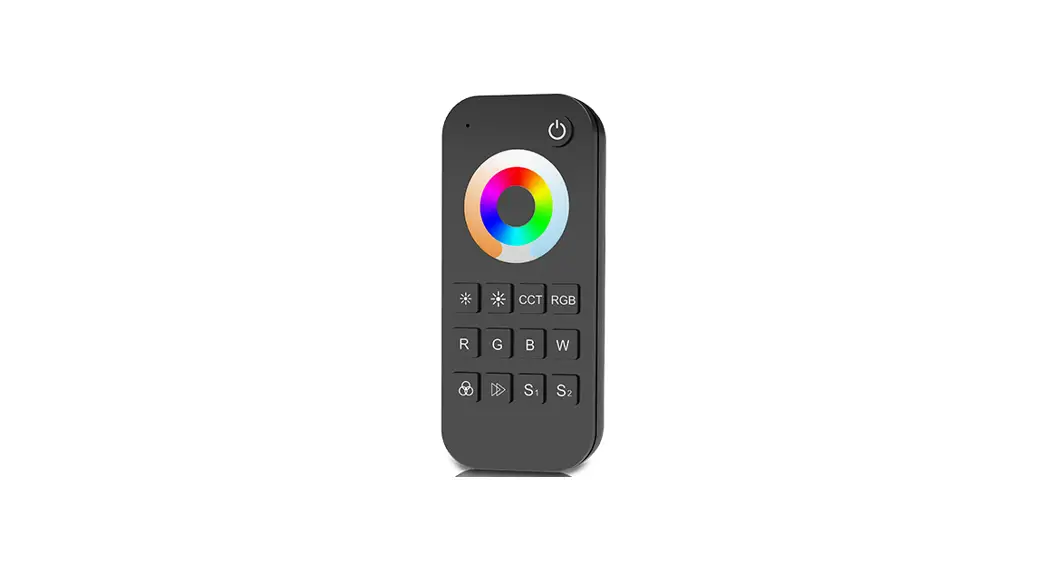
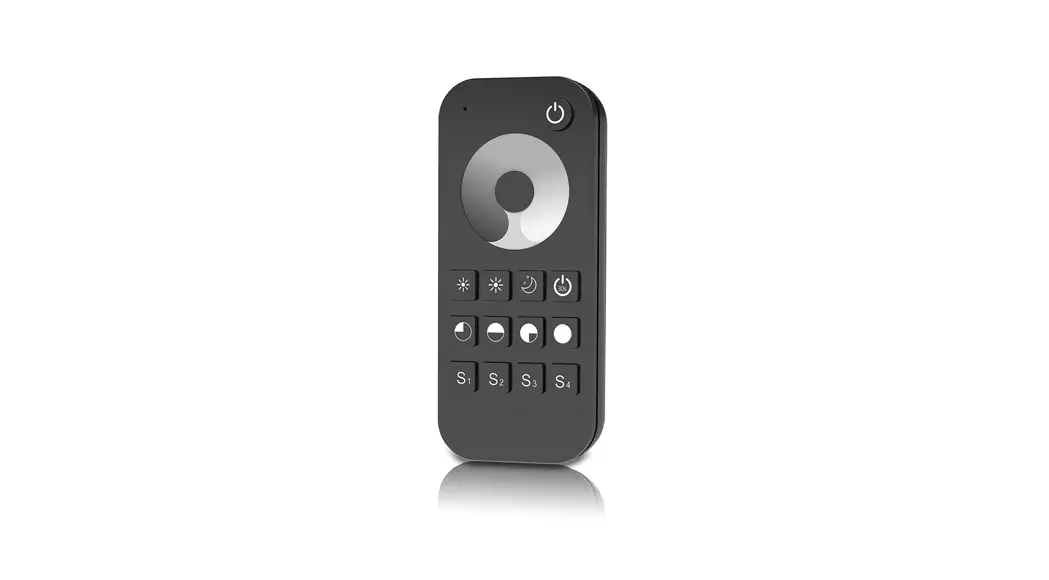
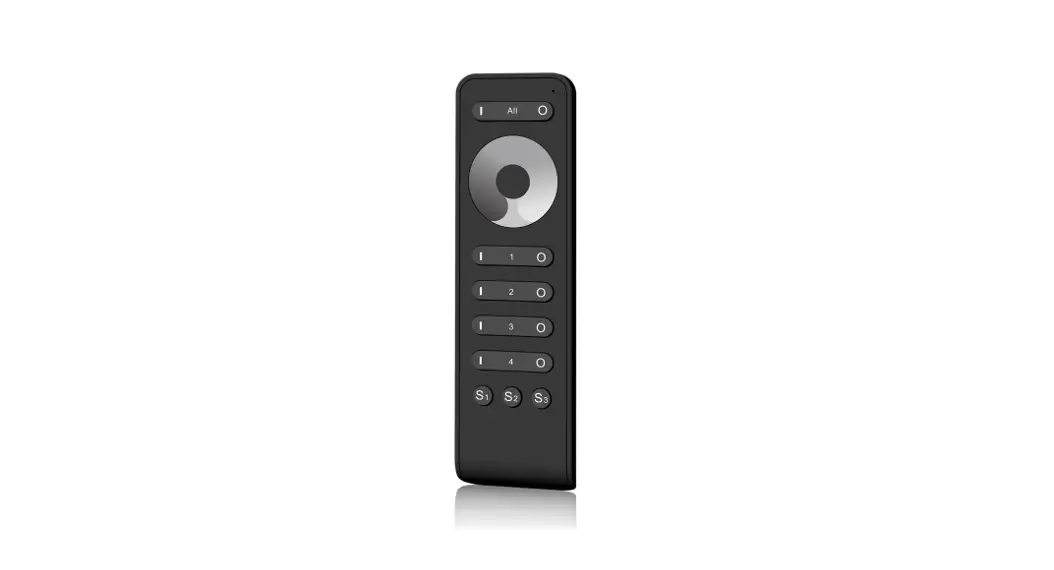
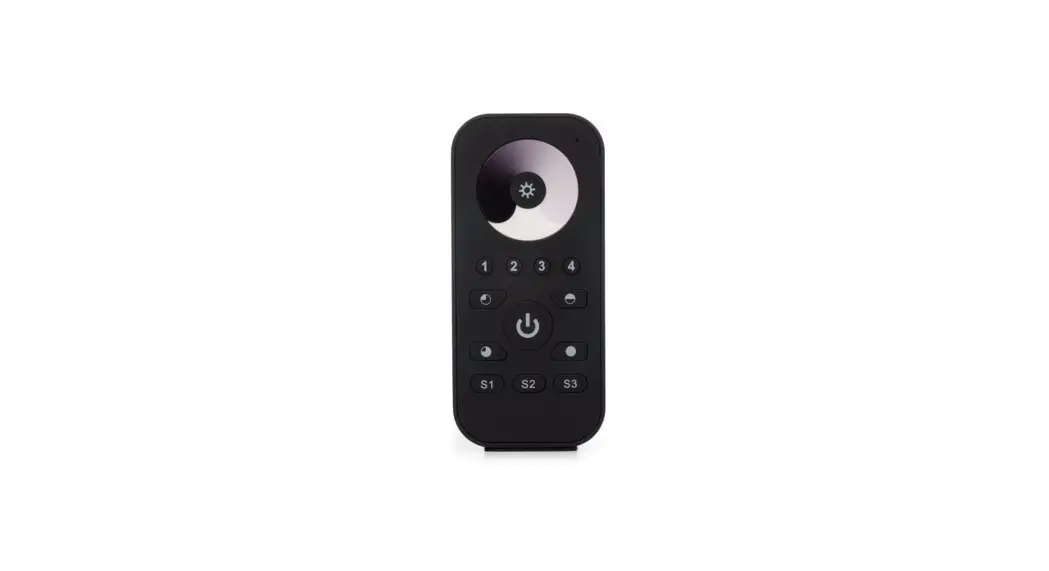
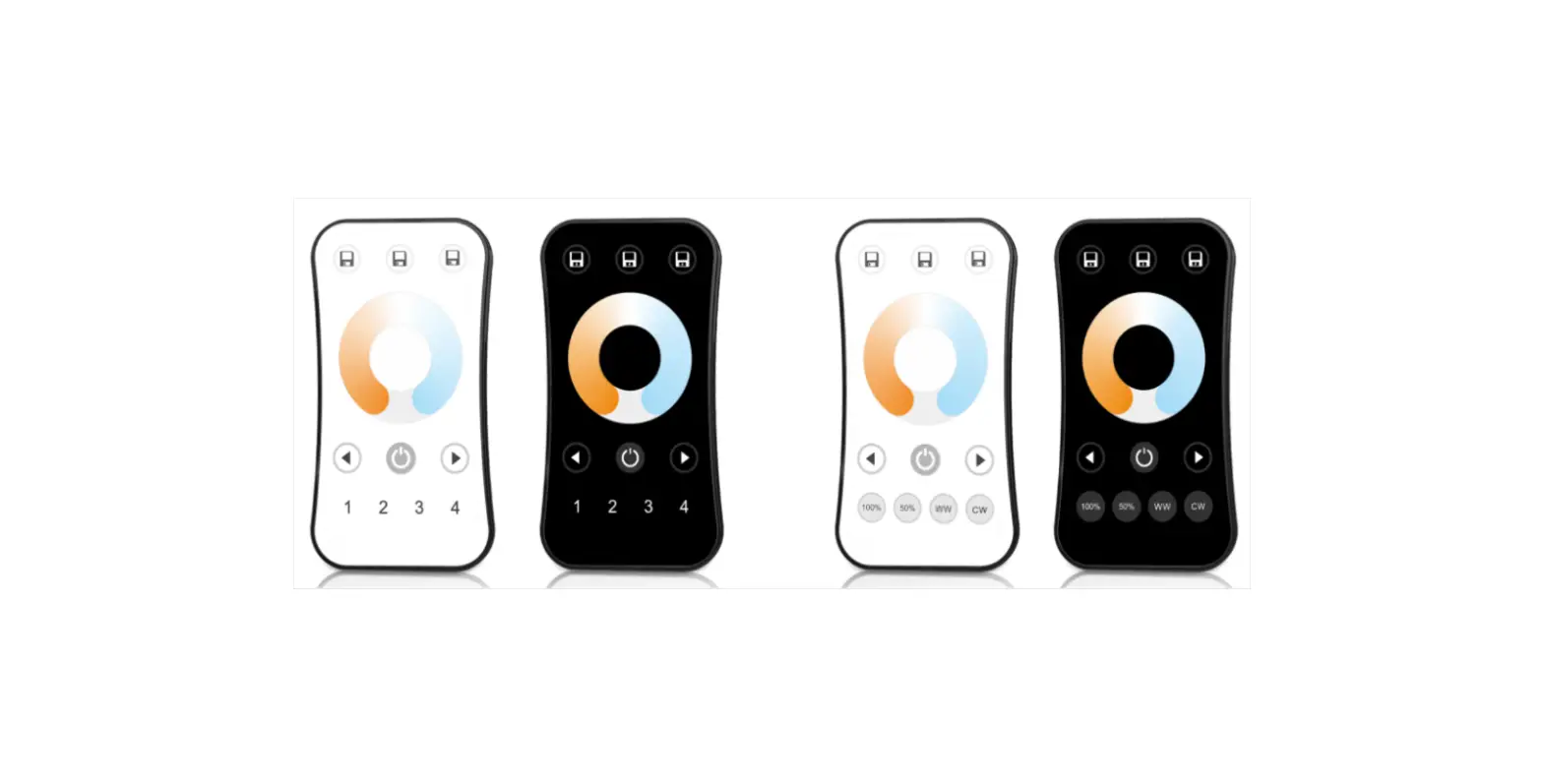
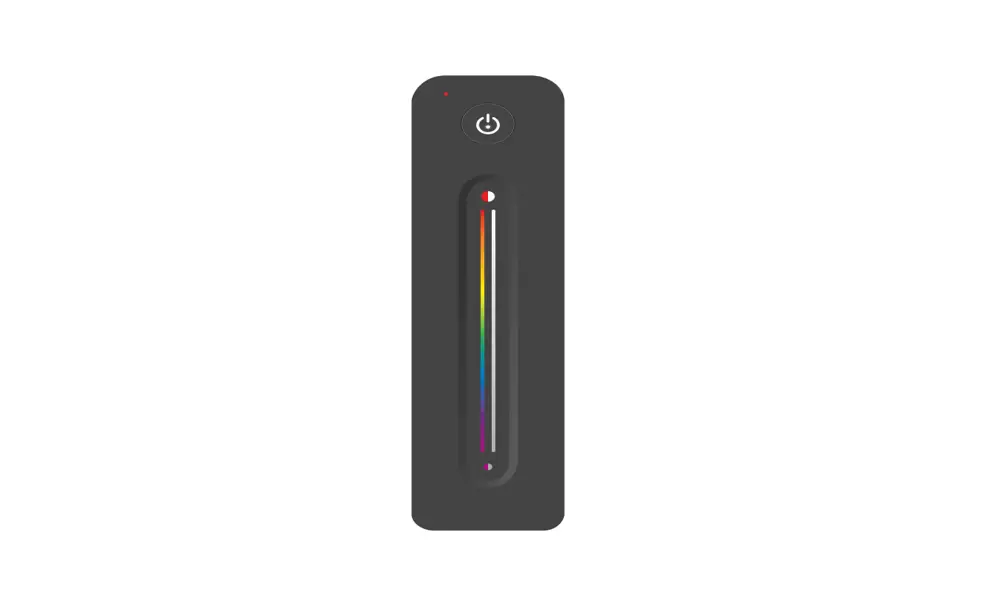
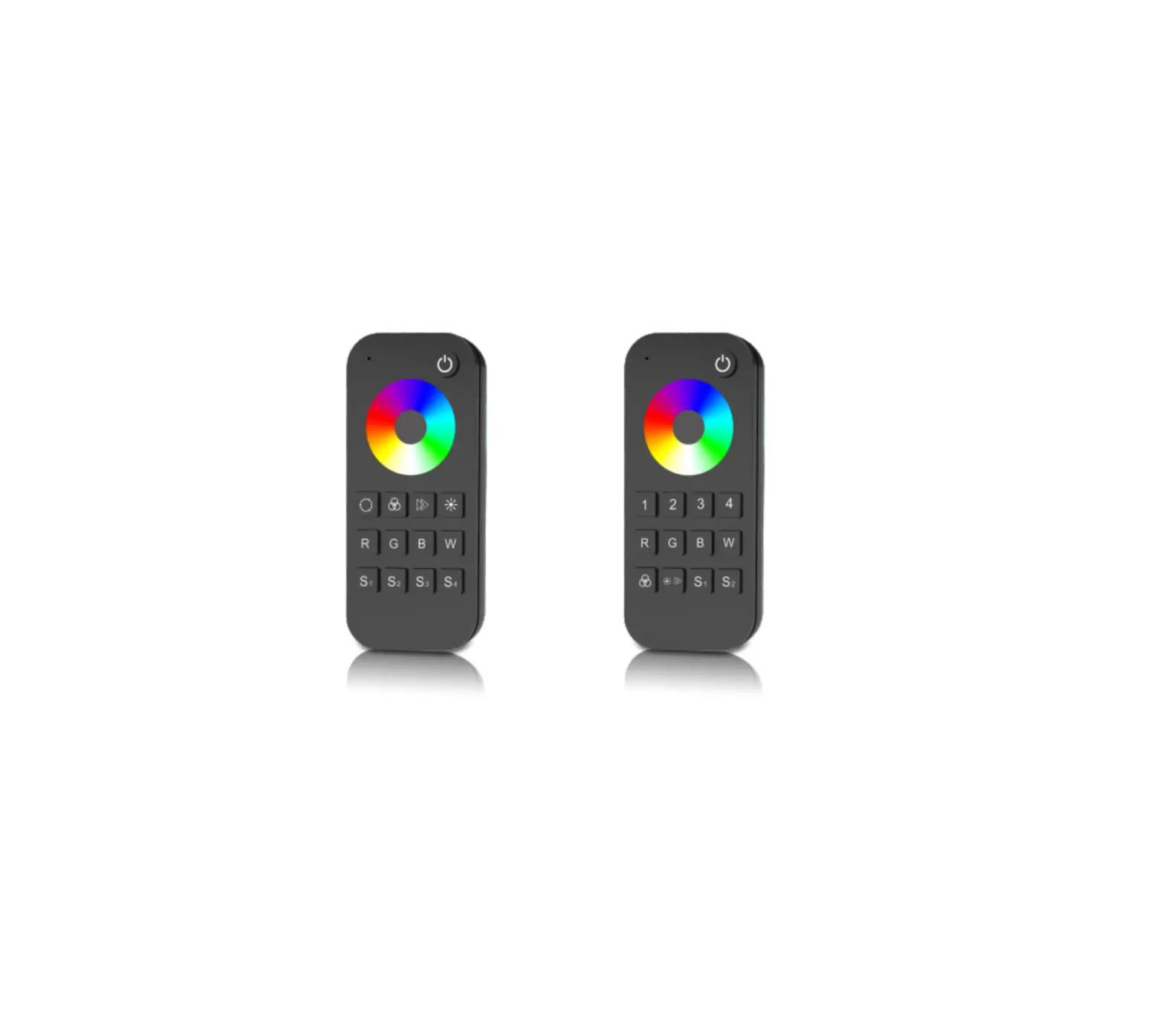
RT4 RGB/RGBW Touch Wheel RF Remote Controller
Product Information
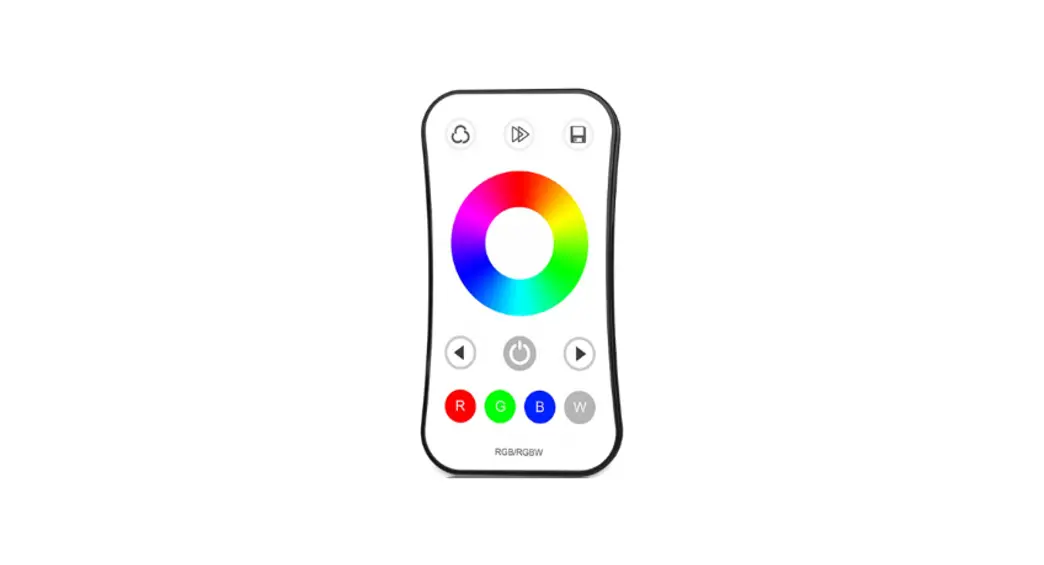
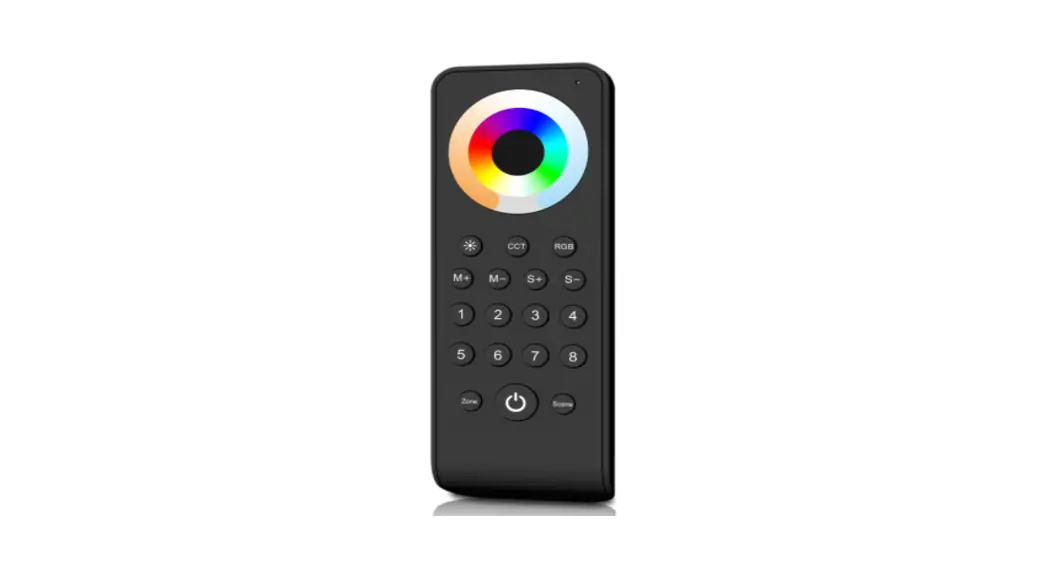
The RGB/RGBW Touch Wheel RF Remote Controller is a wireless
remote control designed for use with RGB or RGBW LED controllers.
It is capable of controlling up to 1 or 4 zones, depending on the
model (RT4 or RT9). The remote has an ultra-sensitive color
adjustment touch wheel, allowing users to achieve millions of
colors. It also features independent dimming function for each R,
G, B, and W channel.
The remote operates on a 2.4GHz RF signal and has a range of up
to 30 meters. It is powered by two AAA batteries and comes with a
LED indicator light to indicate its operation status. Additionally,
the remote has a magnet on the back, allowing it to be easily stuck
on a back holder.
Technical Parameters:
- RT4: 1 Zone RGB/RGBW
- RT9: 4 Zone RGB/RGBW
- LVD RED
- Input and Output: Output signal
- Working voltage: 3VDC (AAAx2)
- Working current: [Not provided]
- Standby current: [Not provided]
- Standby time: [Not provided]
- Remote distance: Up to 30 meters
Product Usage Instructions
To use the RGB/RGBW Touch Wheel RF Remote Controller, please
follow these steps:
- Insert two AAA batteries into the battery compartment of the
remote. Ensure that the batteries are correctly inserted with the
correct polarity. - Turn on the LED controllers that you wish to control using the
remote. - To adjust the color, swipe your finger on the touch wheel in a
clockwise or counterclockwise direction. The color will change
accordingly. - To dim the lights, press the corresponding R, G, B, or W button
on the remote and use the touch wheel to adjust the
brightness. - To switch between different zones (if applicable), use the zone
selection buttons on the remote. - If you have multiple LED controllers, make sure each remote is
paired with the correct receiver. Refer to the LED controller’s
user manual for instructions on how to pair them. - To check the battery level, observe the LED indicator light on
the remote. If it starts to blink or becomes dim, replace the
batteries with new ones. - To store the remote, use the magnet on the back to stick it
onto a back holder or any metal surface.
RGB/RGBW Touch Wheel RF Remote Controller Model No.: RT4, RT9
1 and 4 zone RGB or RGBW/Touch color wheel/Wireless remote 30m distance/AAAx2 battery/Magnet stuck fix
Features
Apply to RGB or RGBW LED controller. Ultra sensitive color adjustment touch wheel. Independent dimming function of each R, G, B, W
channel to achieve millions of colors. Each remote can match one or more receiver. AAAx2 battery powered. Operate with LED indicator light. Magnet on the back which can be stuck on back holder.
Technical Parameters
RT4 1 Zone RGB/RGBW
RT9 4 Zone RGB/RGBW
LVD RED
Input and Output Output signal Working voltage Working current Standby current Standby time Remote distance
RF(2.4GHz) 3VDC(AAAx2) <5mA <10A 1 year 30m(Barrier-free space)
Safety and EMC
EMC standard (EMC)
Safety standard(LVD) Radio Equipment(RED) Certi cation
ETSI EN 301 489-1 V2.2.3 ETSI EN 301 489-17 V3.2.4
EN 62368-1:2020+A11:2020 ETSI EN 300 328 V2.2.2 CE,EMC,LVD,RED
Environment Operation temperature
Package Size Gross weight Warranty Warranty
Ta: -30 OC ~ +55 OC
L140 x W60 x H26mm 0.088kg
5 years
Mechanical Structures and Installations
53.00 mm
17.50 mm
122.00 mm 53.50 mm
To x the remote, three options are offered for selection: Option 1: stuck the remote on any metal surfaces directly. Option 2: x the remote’ back holder on the wall with two screws. Option 3: adhere the remote’ back holder to the wall with paster.
Operation
3VDC(AAAx2) Battery
Back holder with magnet
When turn on light, the indicator display blue. when turn off light, the indicator display red. When touch the color wheel, the indicator will display the same color. When press or touch operation is invalid (If the light is off), the indicator display red. To extend battery life, no touch or press key operation after a few seconds, the touch wheel will enter sleep state, you need press any key to make touch
wheel quit sleep state.
Match Remote Control (two match ways)
End user can choose the suitable match/delete ways. Two options are offered for selection:
Use the controller’s Match key Match: Short press match key, immediately press on/off key (single zone remote) or zone key (multiple zone remote) of the remote. The LED indicator fast flash a few times means match is successful.
Delete: Press and hold match key for 5s to delete all match, The LED indicator fast flash a few times means all matched remotes were deleted.
Use Power Restart Match: Switch off the power, then switch on power, repeat again. Immediately short press on/off key (single zone remote) or zone key (multiple zone remote) 3 times on the remote. The light blinks 3 times means match is successful.
Delete: Switch off the power, then switch on power, repeat again. Immediately short press on/off key (single zone remote) or zone key (multiple zone remote) 5 times on the remote. The light blinks 5 times means all matched remotes were deleted.
User Manual Ver 1.0.9
1
Key function
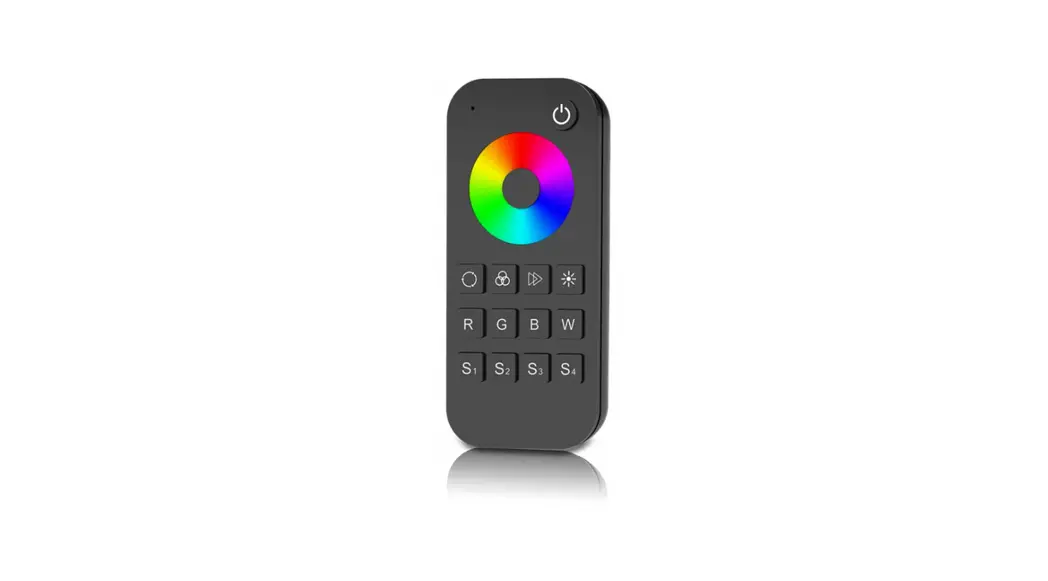
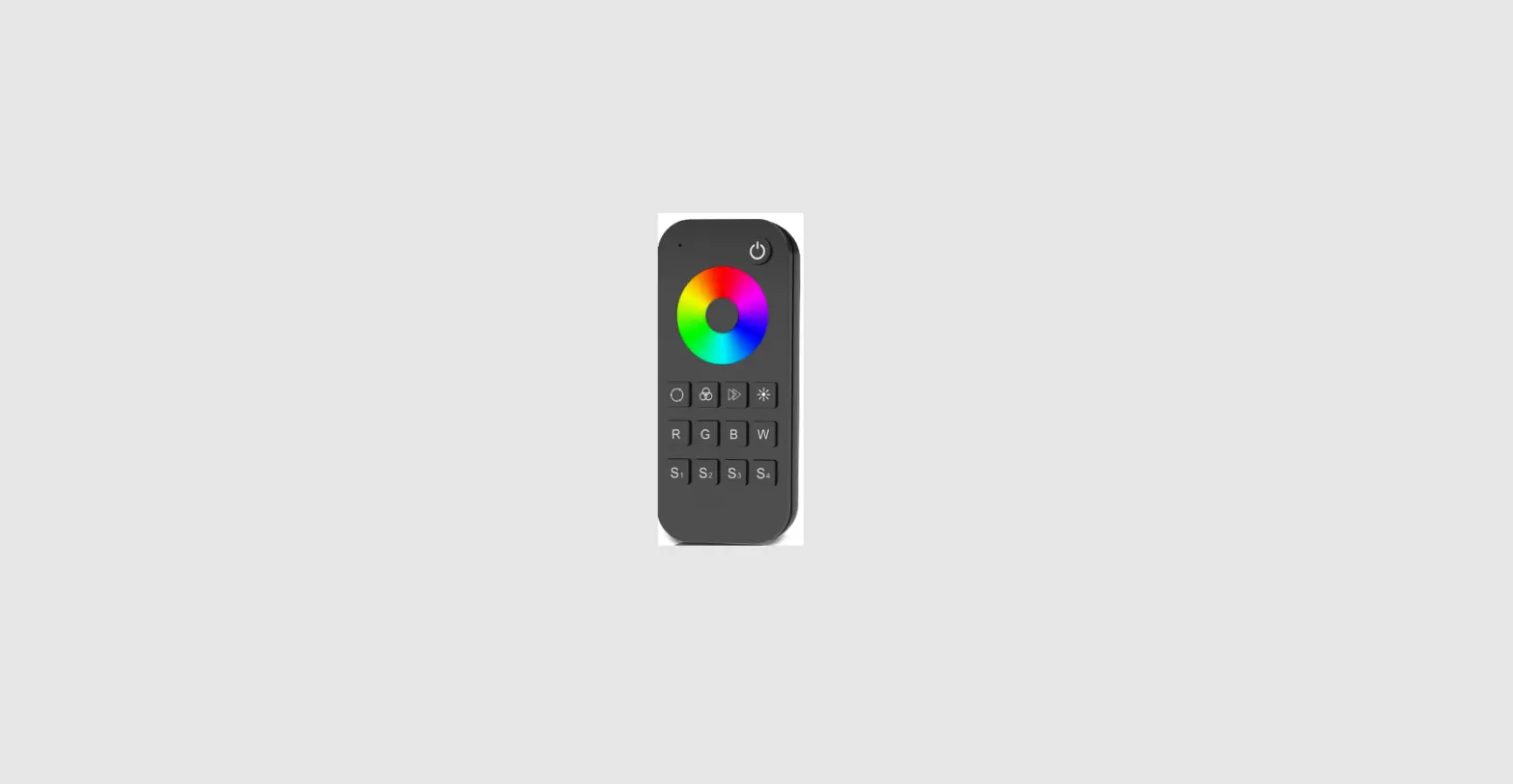
RT4 1 zone RGB/RGBW remote
:Turn on/off light. :Touch to change static RGB color. : Short press get 24 kinds static RGB color, long press for continuous static color adjustment.
R G BW
S1 S2 S3 S4
1 R 100%
9 G 100%
17 B 100%
25(1) R 100%
5 R 100% G 100%
13 G 100% B 100%
21 R 100% B 100%
: Short press run next dynamic mode, long press 2s run mode-cycle.
: For dynamic RGB mode, adjust speed, short press 10 levels, long press 2s get the default speed. For static RGB color, adjust saturation, namely change current static RGB color to mixed white slowly, short press 11 levels, long press 1-6s for continuous 256 levels adjustment.
: Adjust brightness, short press 10 levels, long press 1-6s for continuous 256 levels adjustment.
R G B : Short press get red, green or blue color directly. long press 1-6s to adjust R/G/B brightness continuously to achieve millions of colors.
W : For RGB light, short press turn on/off white(RGB mix), long press 1-6s to adjust saturation continuously, namely change current static color to mixed white slowly. For RGBW light, short press turn on/off W channel, long press 1-6s to adjust W brightness continuously, namely change saturation by add white color slowly.
S1 S2 S3 S4 : Short press recall the scene, long press 2s save current color into S1/2/3/4. the LED indicator display green when save OK.
RT9 4 zone RGB/RGBW remote
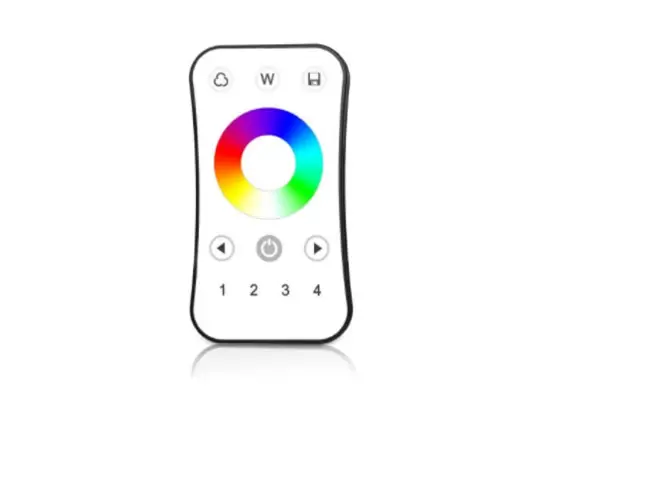
: Short press turn on/off all zone light. : Touch to change current zone static RGB color.
1234 R G BW
S1 S2
1 2 3 4 : Short press select and turn on zone light, long press 2s turn off zone light. Short press multiple zone key fastly, will select multiple zone synchronously.
R G B : Short press get red, green or blue color directly. long press 1-6s adjust R/G/B brightness continuously to achieve millions of colors.
W : For RGB light, short press turn on/off white(RGB mix), long press 1-6s adjust saturation continuously, namely change current static RGB color to mixed white slowly. For RGBW light, short press turn on/off W channel, long press 1-6s adjust W brightness continuously,namely change saturation by add white color slowly.
: Adjust dynamic mode for current selected zone, Short press run next dynamic mode, long press 2s run mode-cycle.
: For static color, adjust brightness, short press 10 levels, long press 1-6s for continuous 256 levels adjustment. For dynamic mode, adjust speed, short press 10 levels, long press 2s get the default speed.
S1 S2 : Short press recall the scene, long press 2s save current state into S1/S2. the LED indicator display green when save OK. 4 zone recall or save synchronously.
Safety information
1. Read all instructions carefully before you begin this installation. 2. When installing battery, pay attention to the battery positive and negative polarity.
A long time without the remote control, remove the battery. When remote distance becomes smaller and insensitive, replace the battery. 3. If no response from the receiver, please re-match the remote. 4. Gently handle remote, beware of falling. 5. For indoor and dry location use only.
User Manual Ver 1.0.9
2