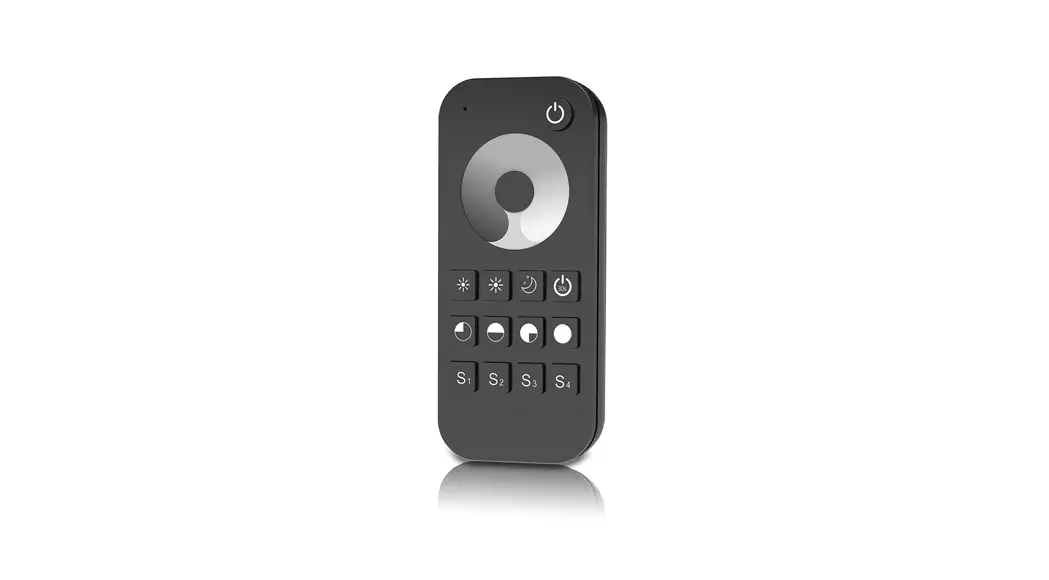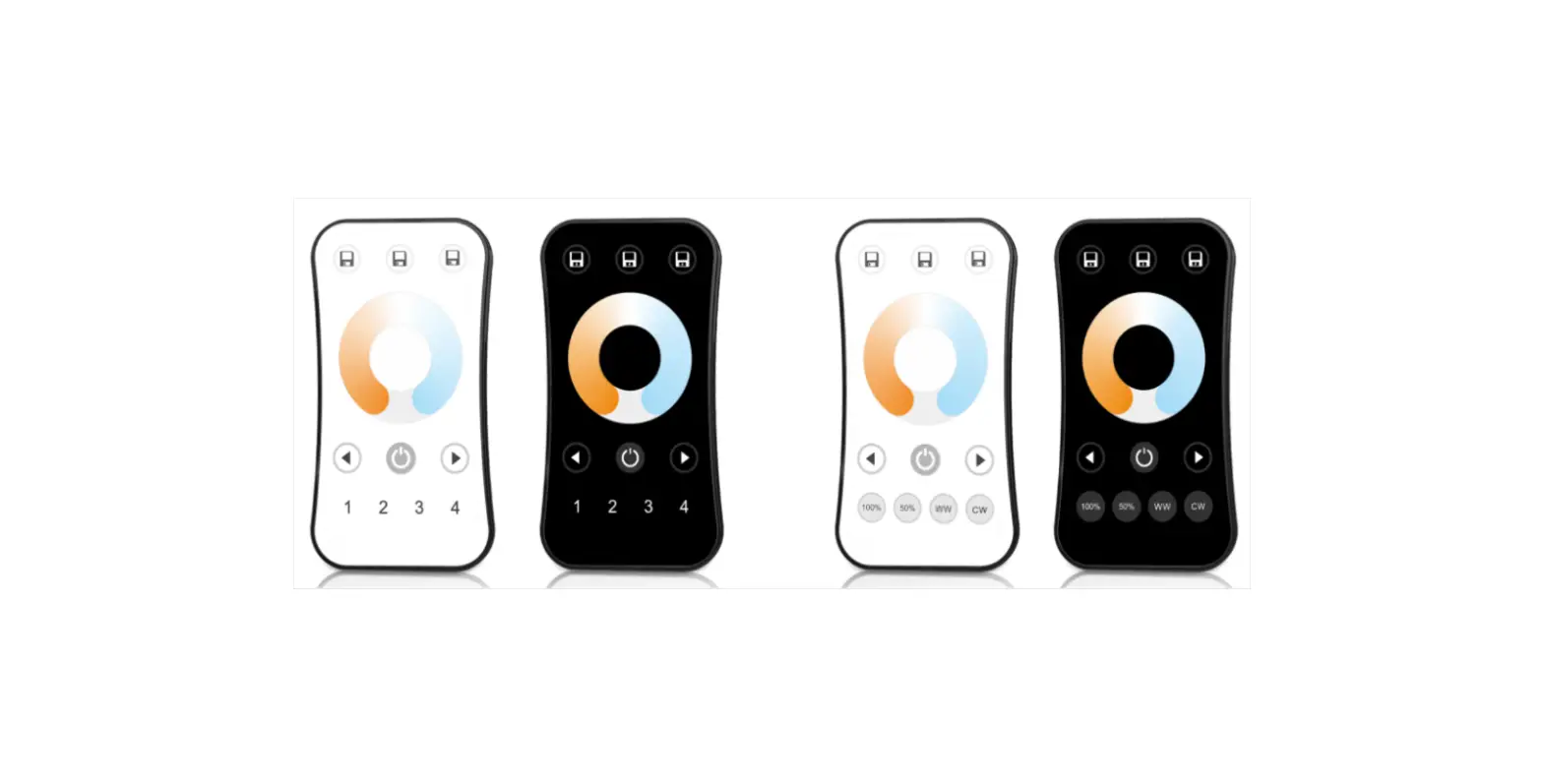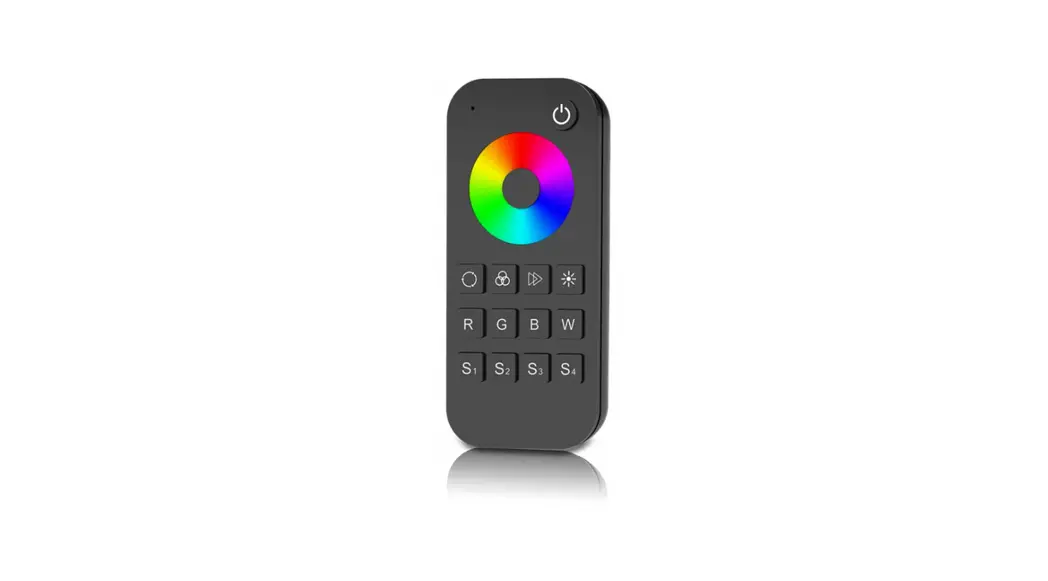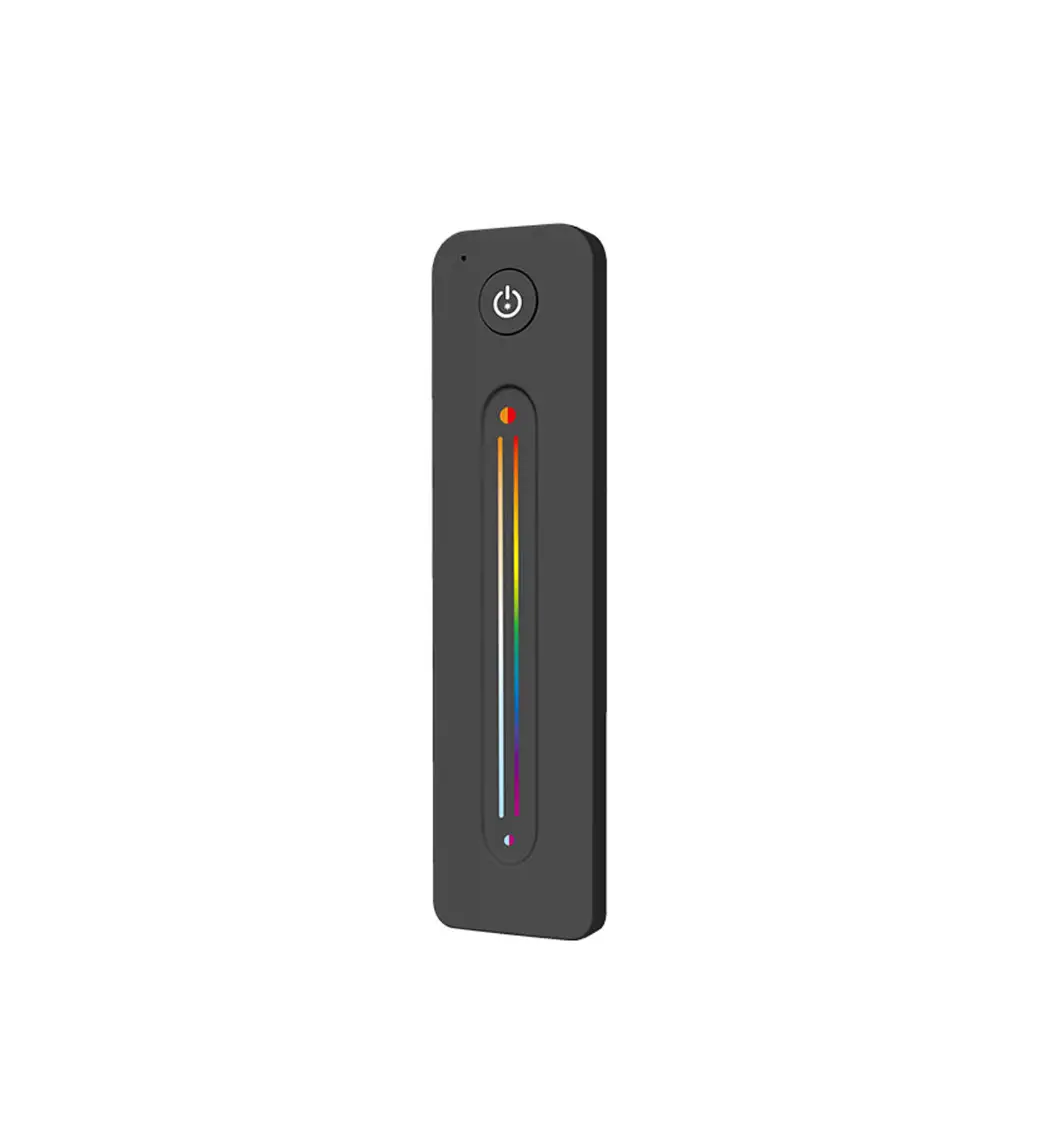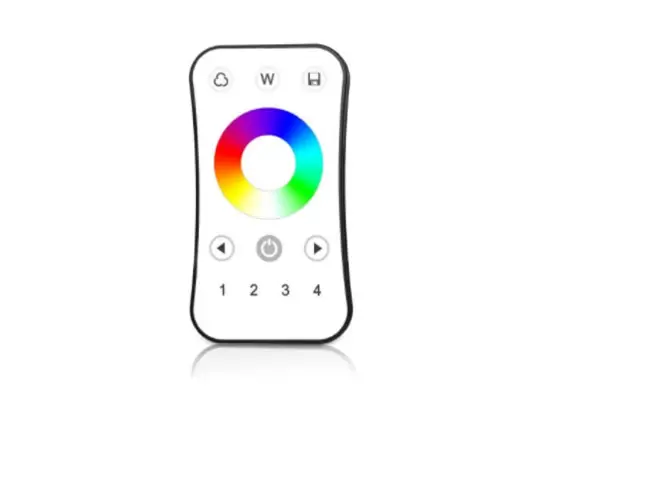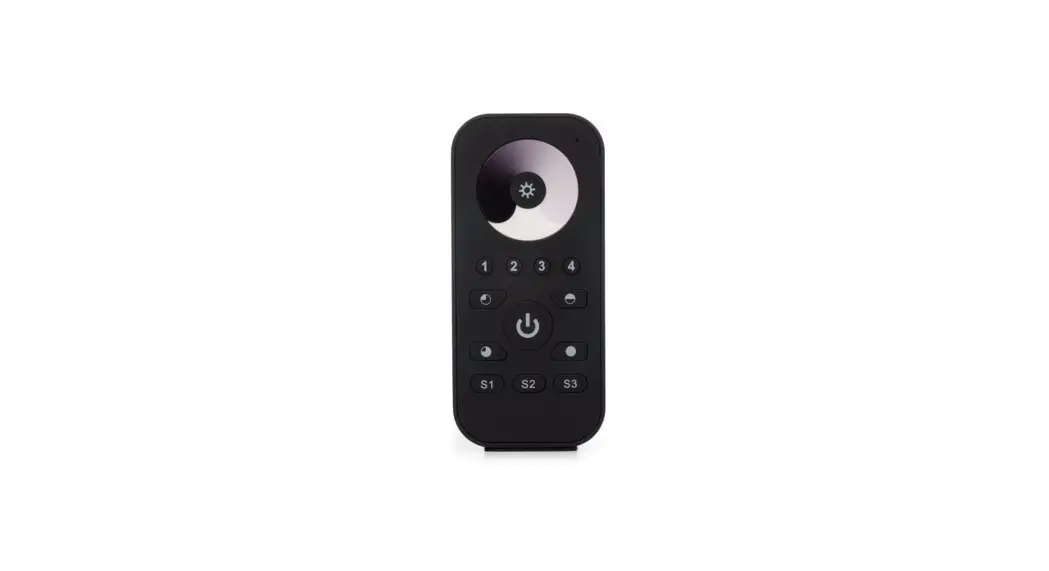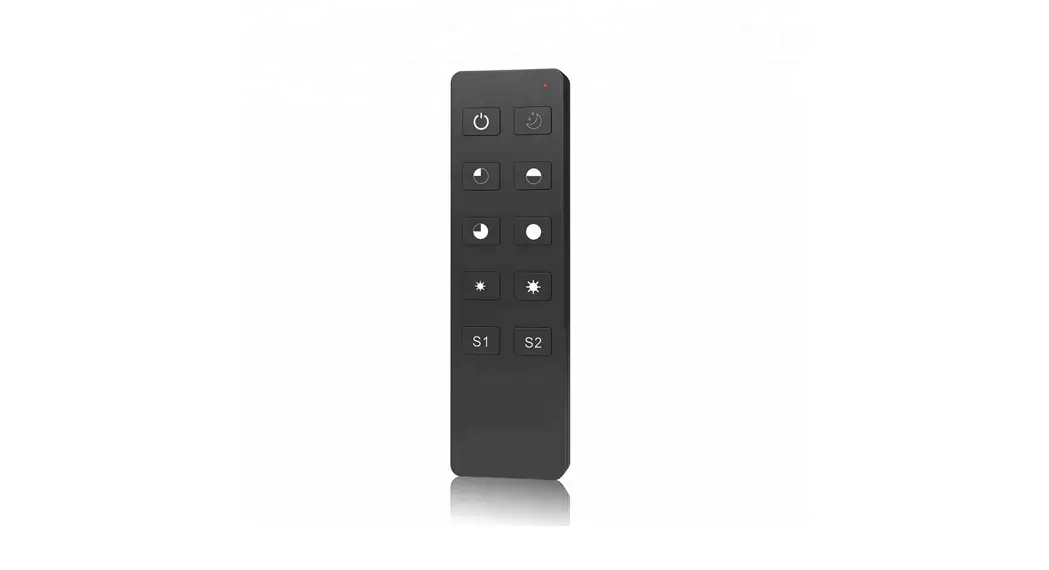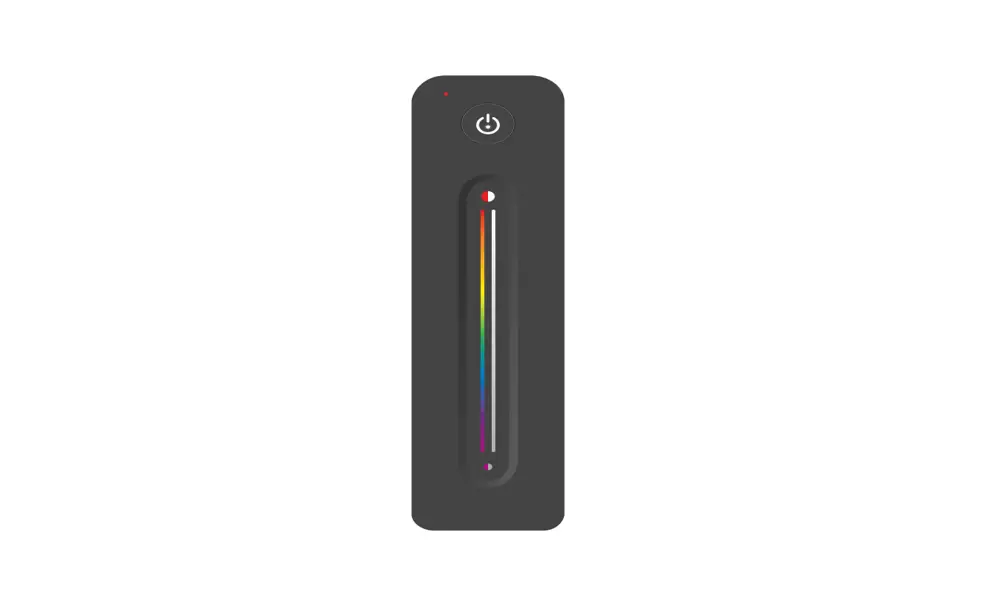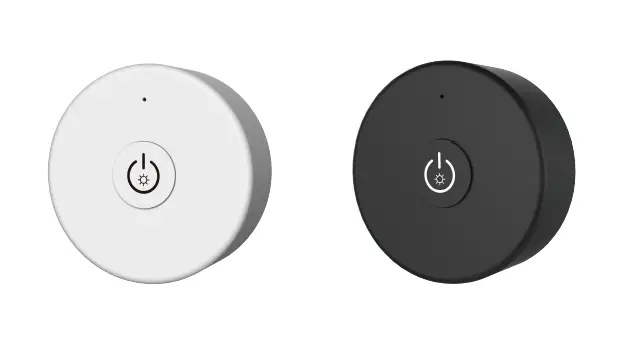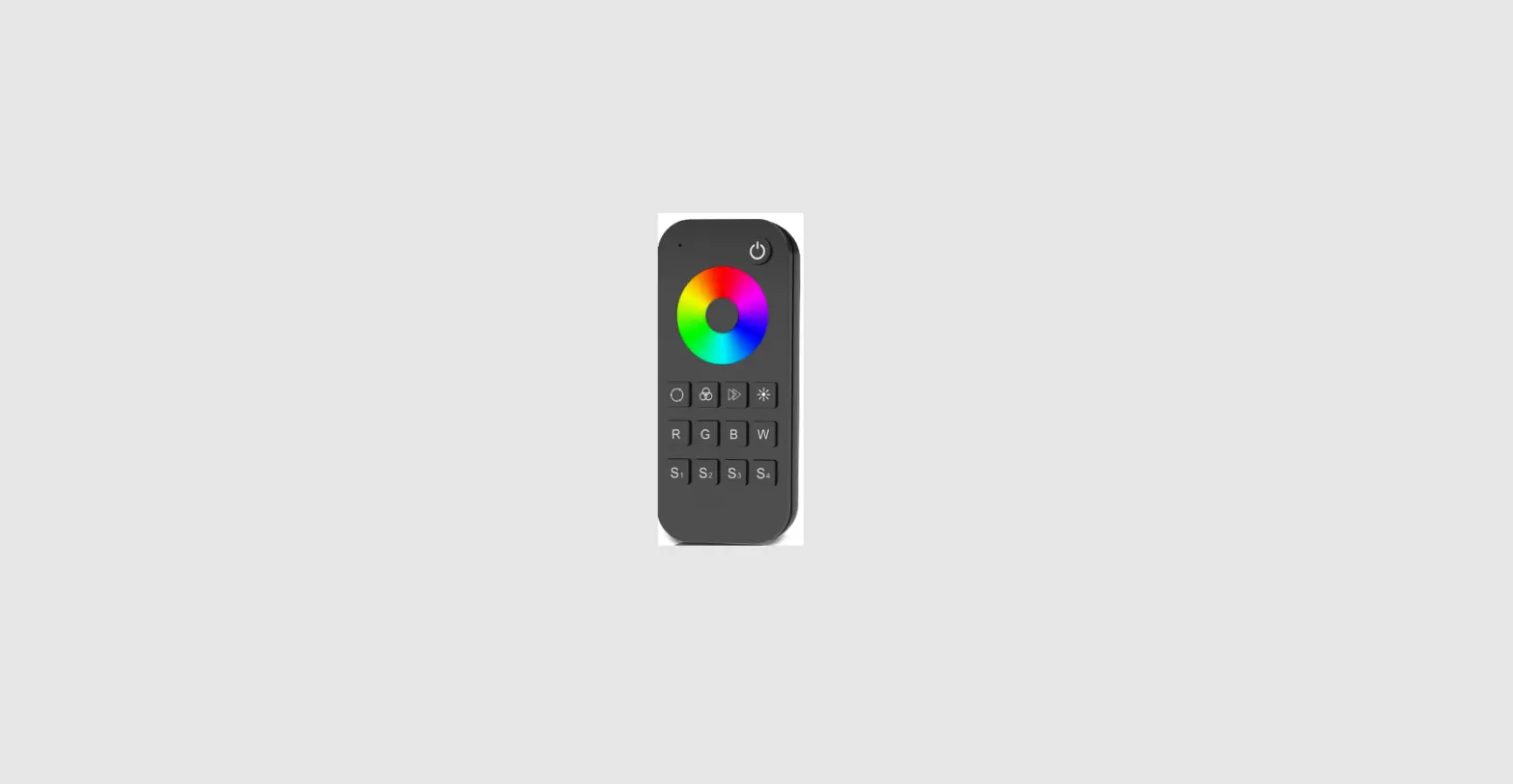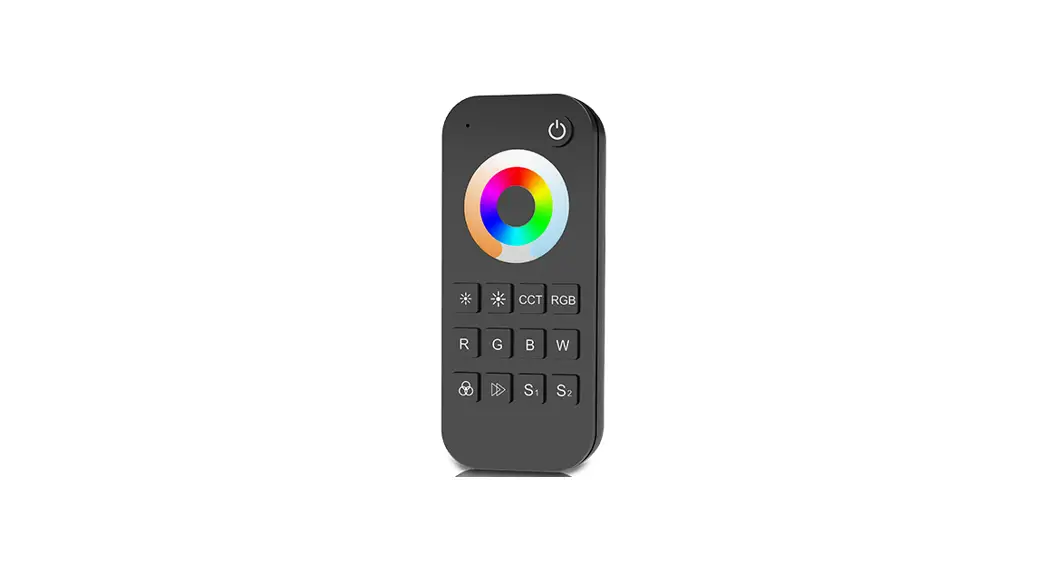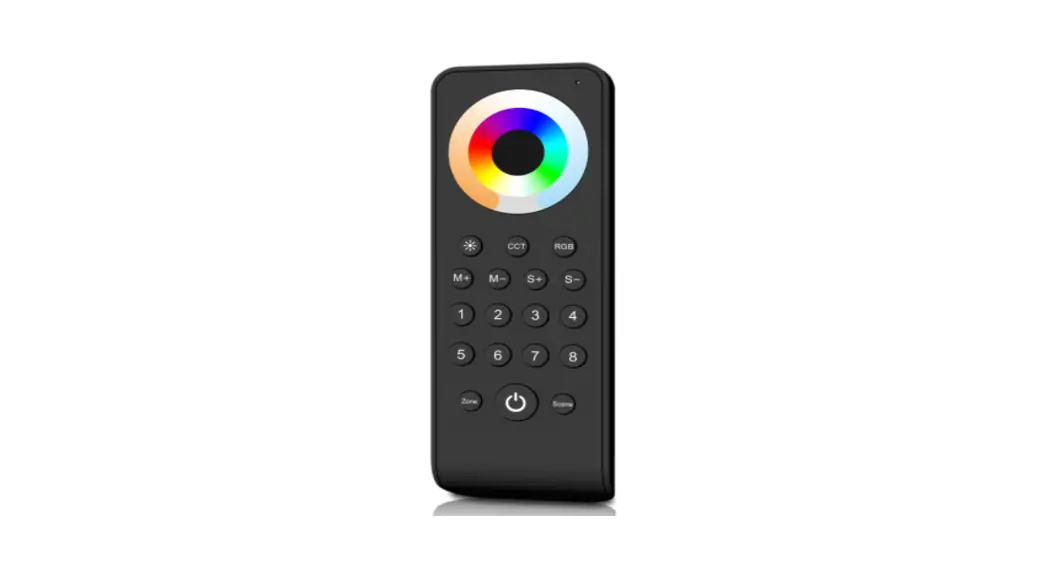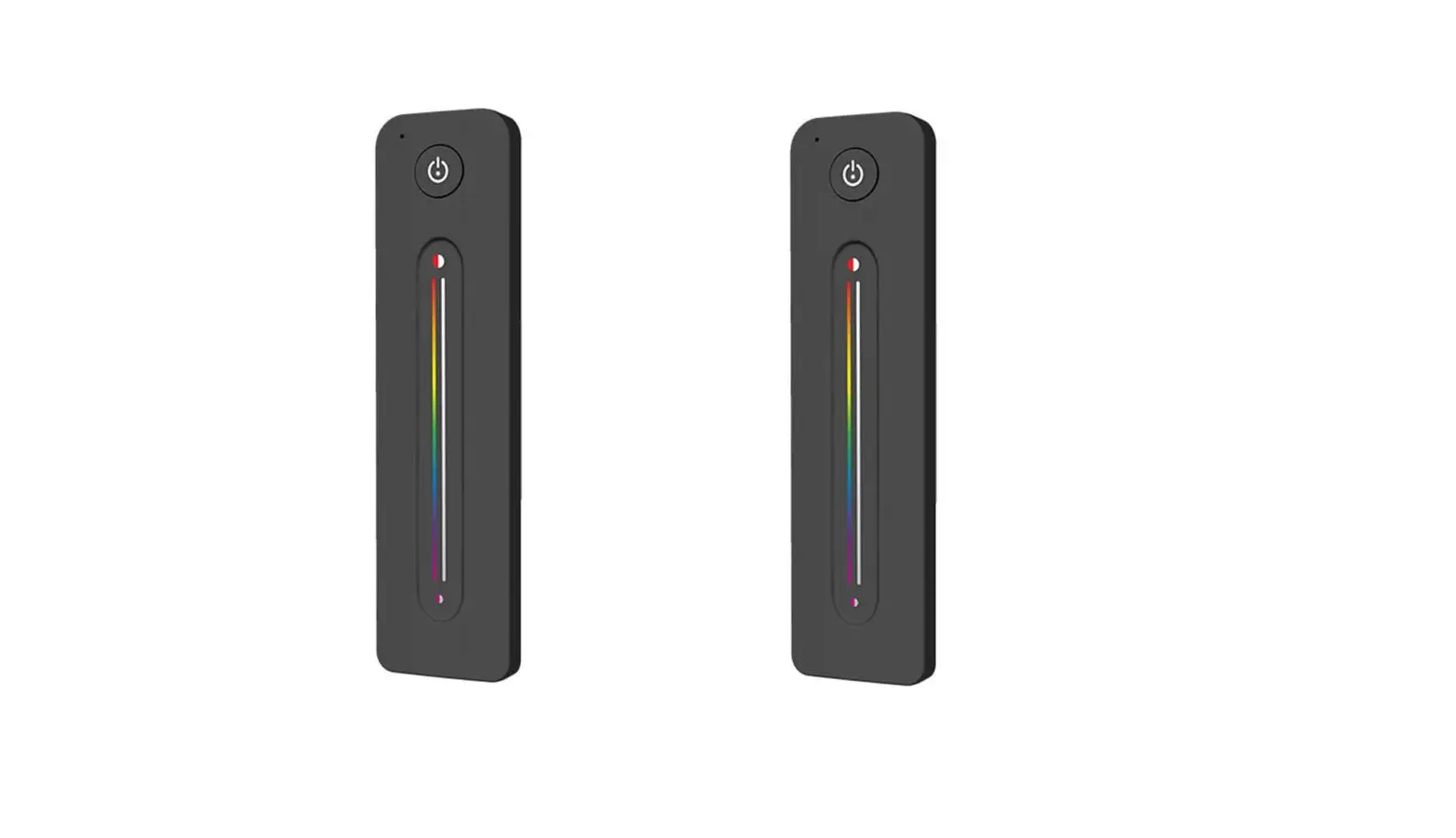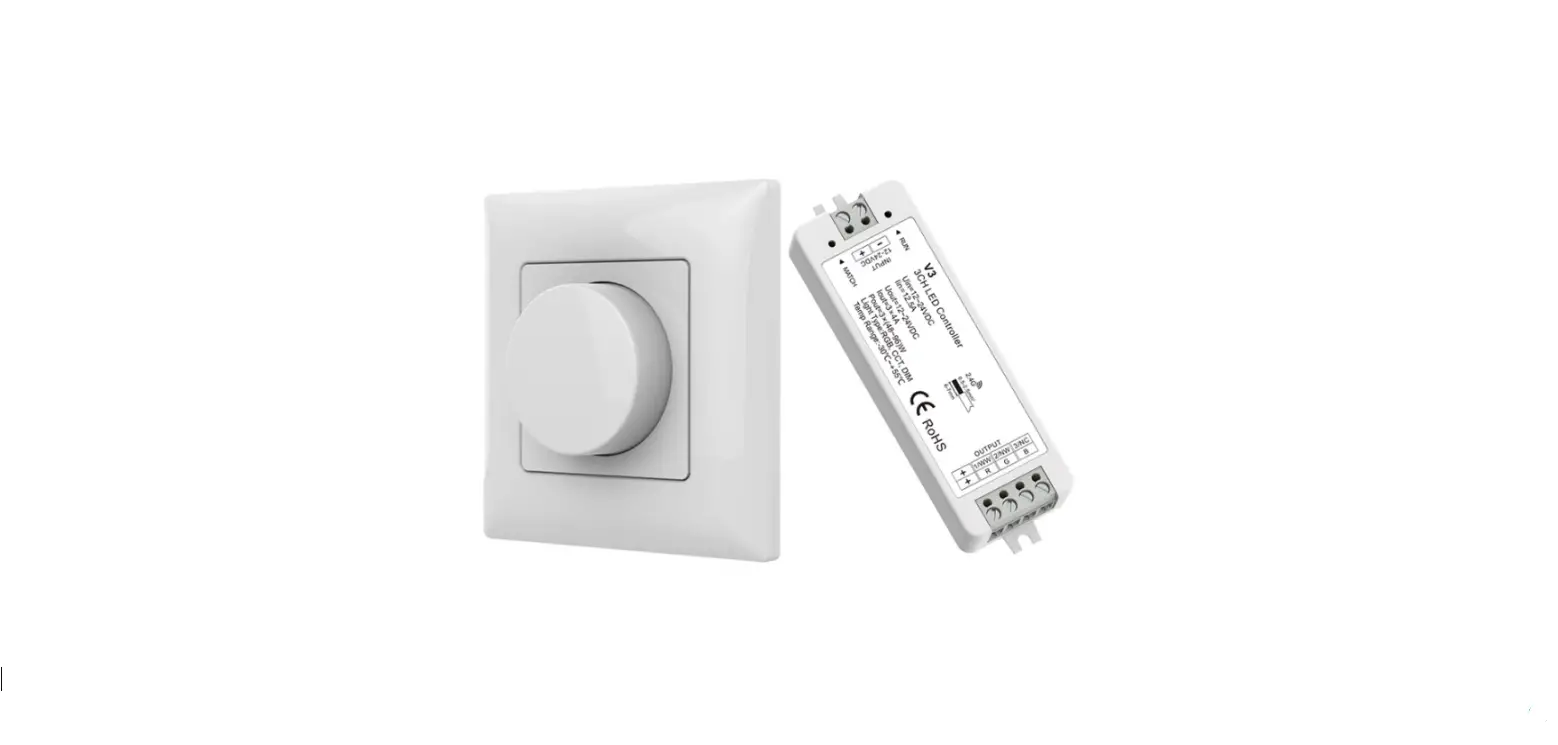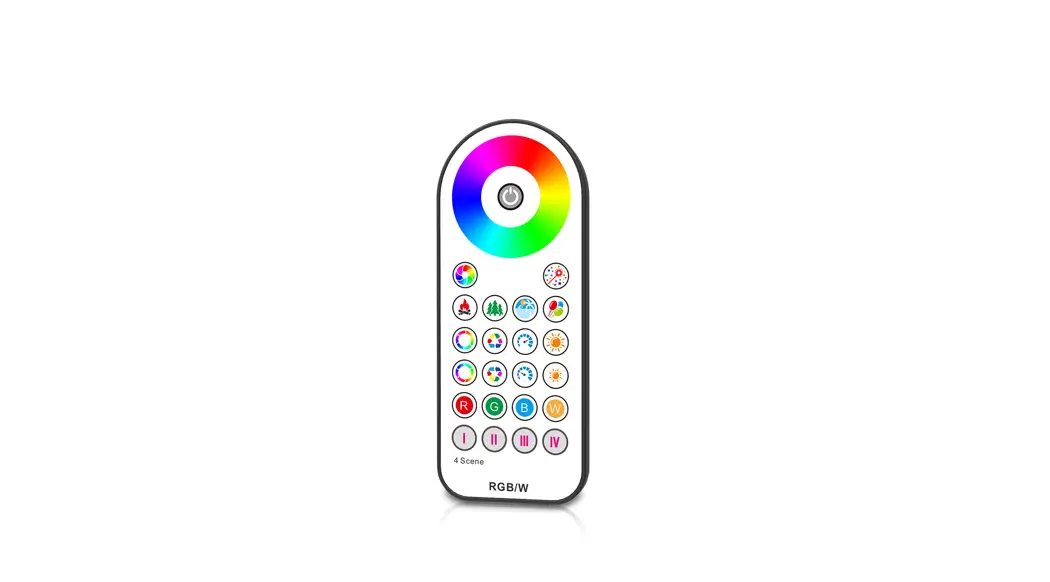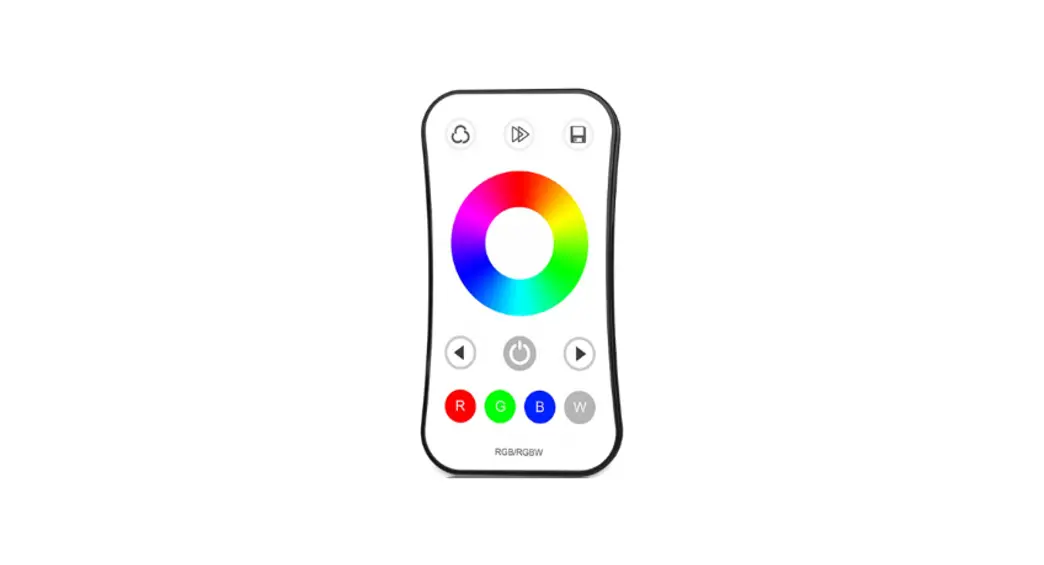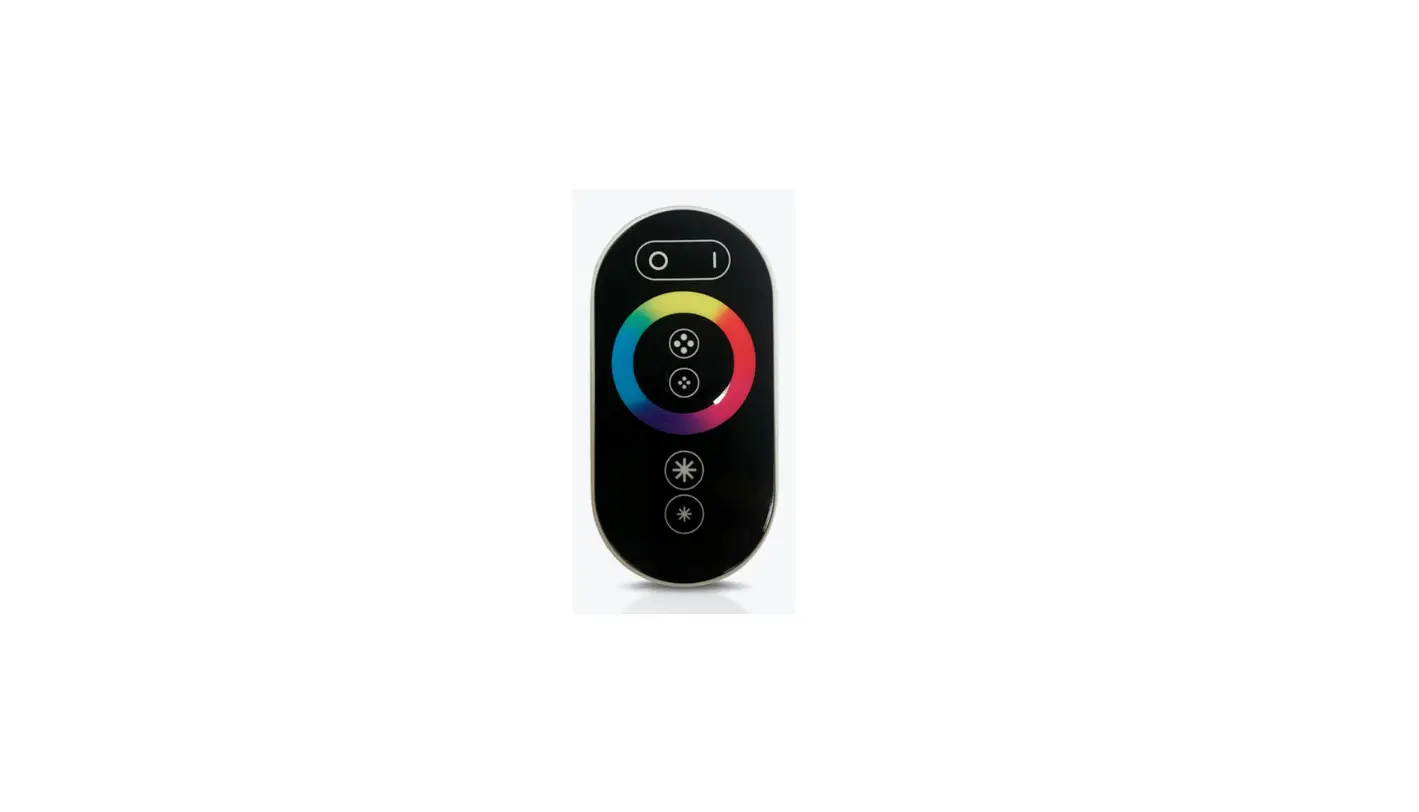
Touch Wheel RF Remote Controller
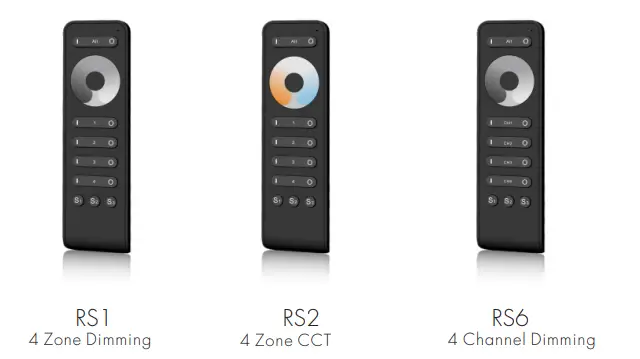
Model No.: RS1/RS2/RS6
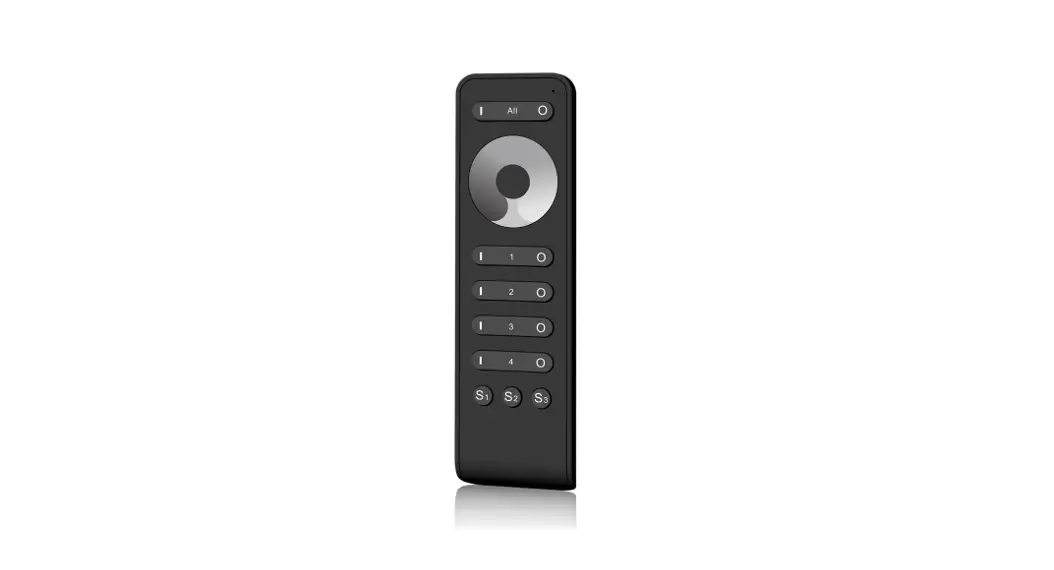
13-Key/4 Zone/Touch color wheel/Wireless remote 30m distance/AAAx2 battery/Magnet stuck fix

Features
- Apply to a single color or dual color LED controller.
- Ultra sensitive color adjustment touch wheel.
- Each remote can match one or more receivers.
- AAAx2 battery powered.
- Operate with LED indicator light.
- Magnet on the back which can be stuck on the back holder.
Technical Parameters
| Input and Output | |
| Output signal | RF 2(.4GHz) |
| Working voltage | 3VDC (AAAx2) |
| Working current | <5mA |
| Standby current | <10μA |
| Standby time | 1 year |
| Remote distance | 30m(Barrier-free space) |
| Environment | |
| Operation temperature | Ta: -30ºC ~ +55ºC |
| Case temperature (Max.) | T c: +85ºC |
| IP rating | IP20 |
| Safety and EMC | |
| EMC standard (EMC) | EN301 489,EN 62479 |
| Safety standard(LVD) | EN60950 |
| Radio Equipment(RED) | EN300 328 |
| Certification | CE,EMC,LVD,RED |
| Warranty | |
| Warranty | 5 years |
| Weight | |
| Gross weight | 0.057kg |
| Net weight | 0.111kg |
Mechanical Structures and Installations
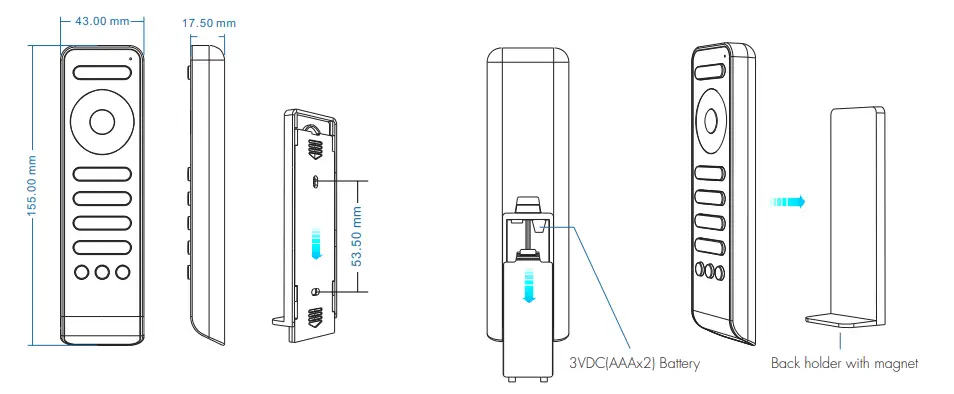
To fix the remote, three options are offered for selection:
Option 1: stuck the remote on any metal surfaces directly.
Option 2: fix the remote’ bock holder on the wall with two screws.
Option 3: adhere the remote bock holder to the wall with a poster.
Operation
- When turning on the light, the indicator displays blue. when turning off the light, the indicator display red.
- When touching the color wheel, the indicator will display the some
- When the press or touch operation is invalid (If the light is off), the indicator display red.
- To extend battery life, no touch or press key operation after a few seconds, the touch wheel will enter a sleep state, you need to press any key to make the touch wheel quit sleep stole.
Match Remote Control (two-match ways)
End-user can choose the suitable match/delete way. Two options are offered for selection:
Use the controller’s Match key Match: Short press match key, immediately press zone on the key of the remote. The LED indicator fast flash o few times means the match is successful. Delete: Press and hold the match key for 5s to delete all match, The LED indicator fast flash a few times means all matched remotes were deleted. | Use Power Restart Moth: Switch off the power, then switch on power again, immediately short press zone on key 3 times on the remote. The light blinks 3 times means the match is successful. Delete: Switch off the power, then switch on power again, immediately short press zone on key 5 times on the remote. The light blinks 5 times means all matched remotes were deleted. |
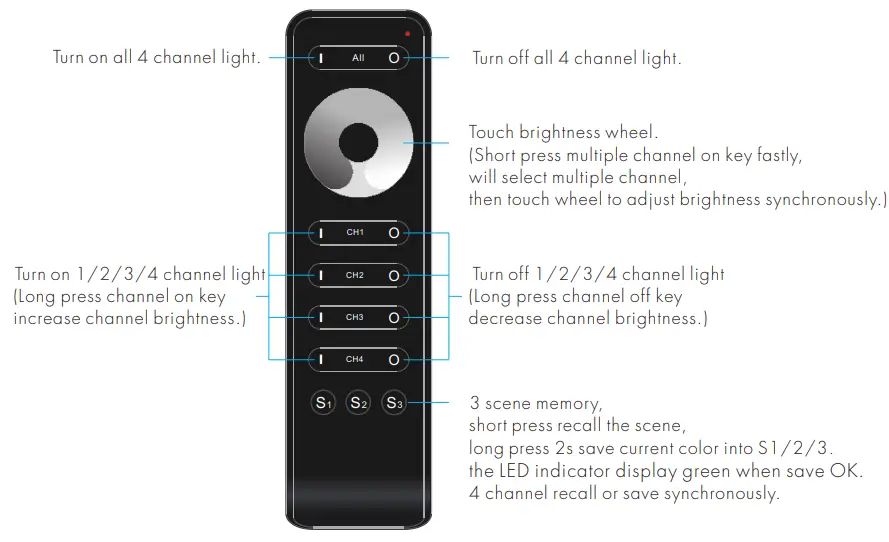
Key function
- RS1 4 zone dimmer remote
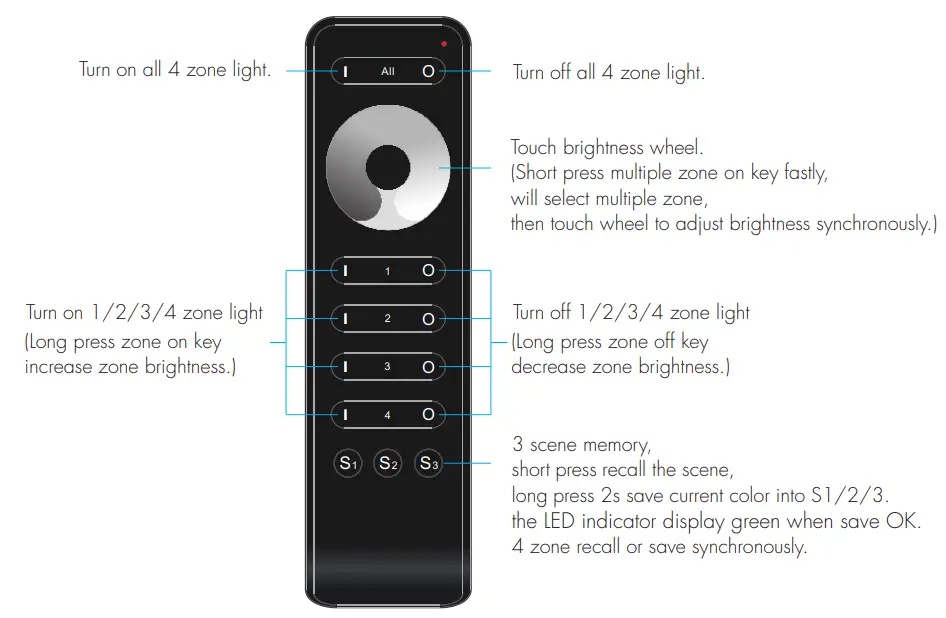
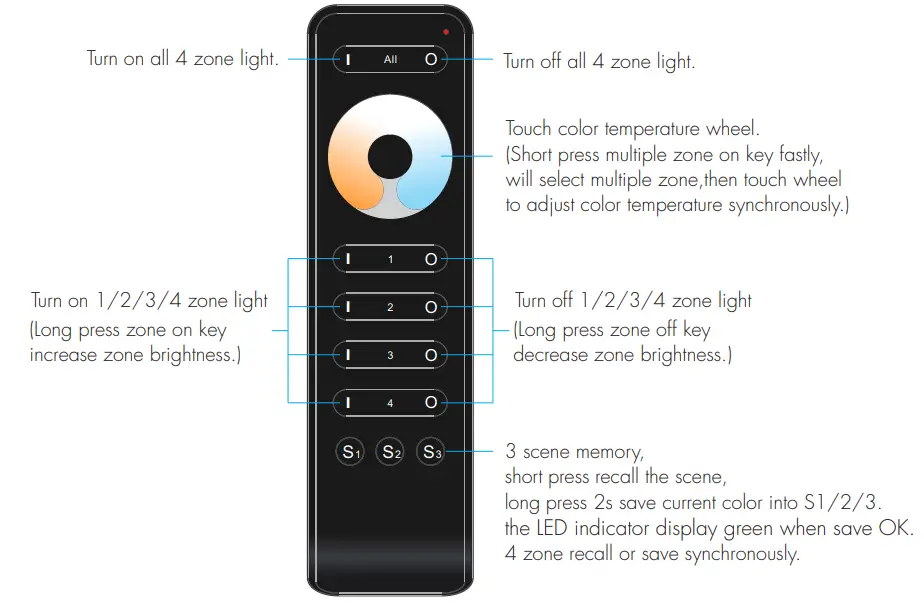
- RS2 4 zone color temperature remote

- RS6 4 channel dimming remote
Safety information
- Read all instructions carefully before you begin this installation.
- When installing the battery, pay attention to the battery’s positive and negative polarity.
A long time without the remote control, remove the battery.
When remote distance becomes smaller and insensitive, replace the battery. - If no response from the receiver, please re-match the remote.
- Gently handle the remote, beware of falling.
- For indoor and dry location use only.
User Manual
Ver 1.0.4