Contents hide

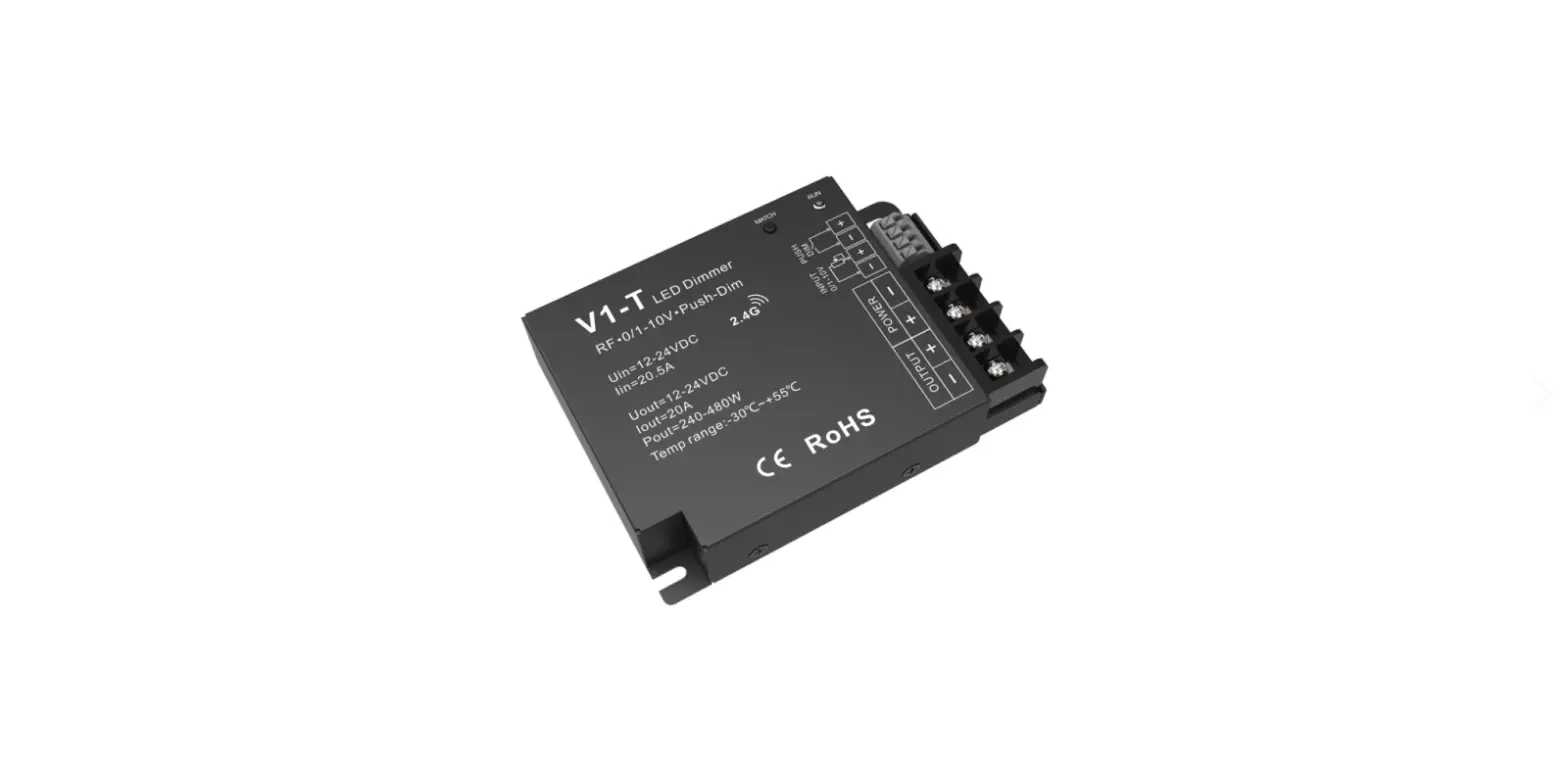
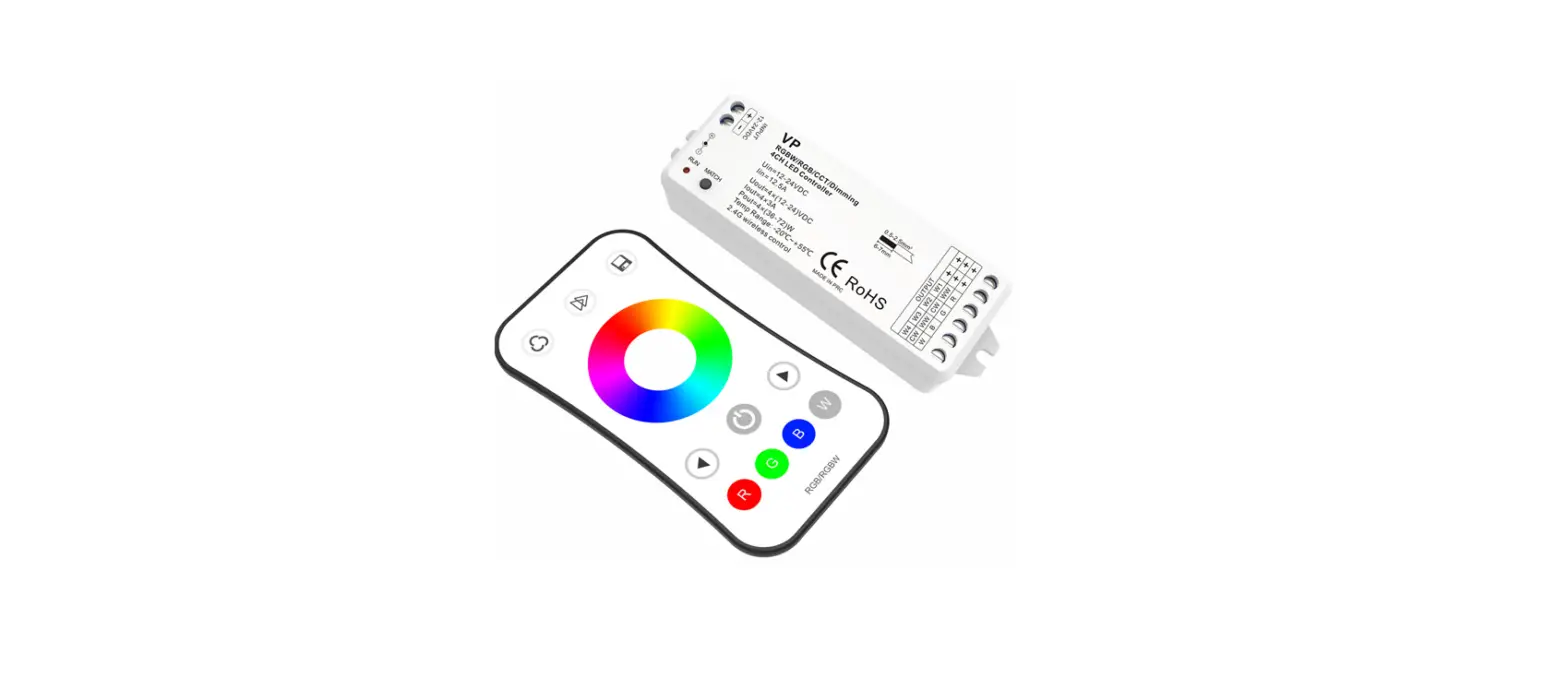
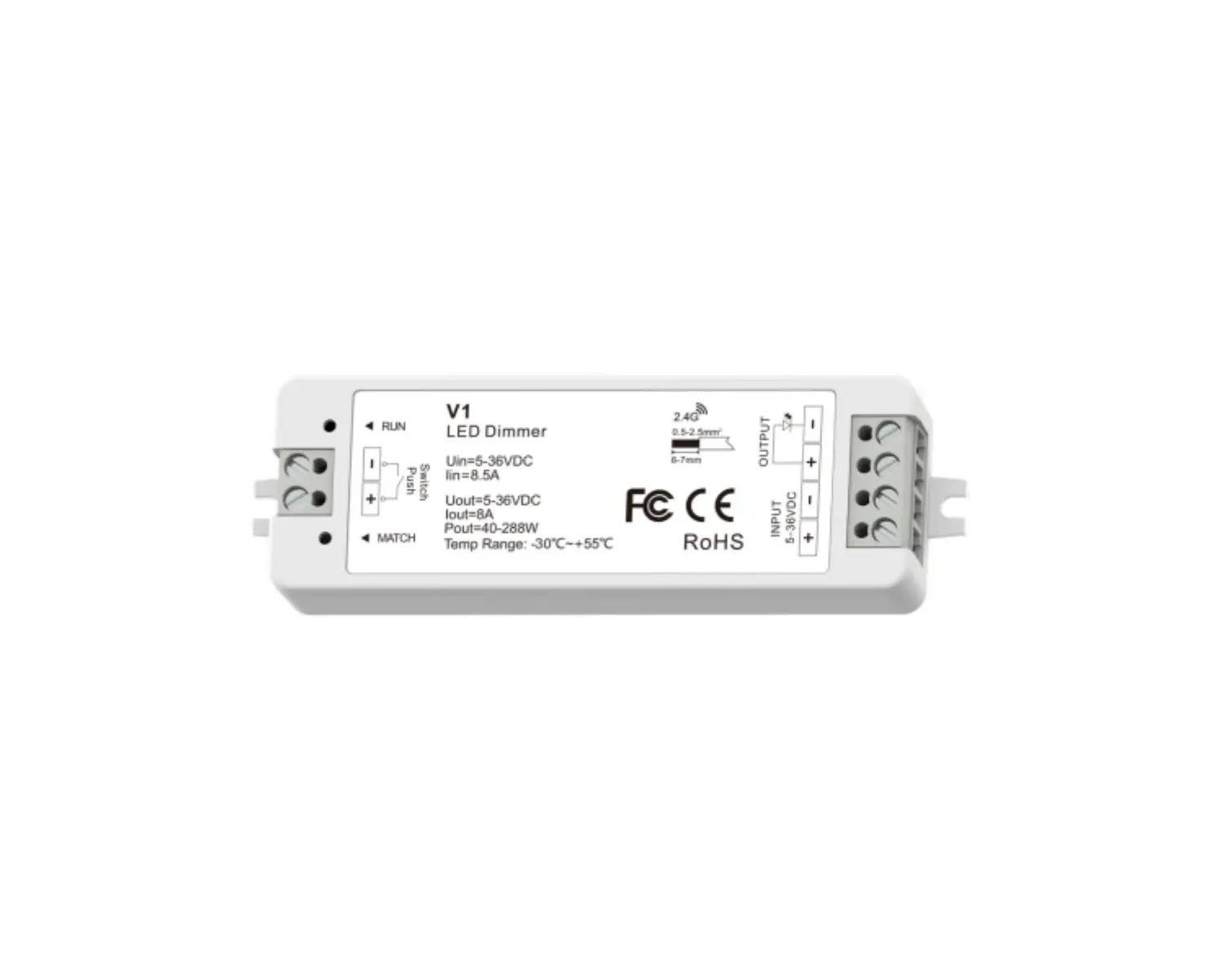
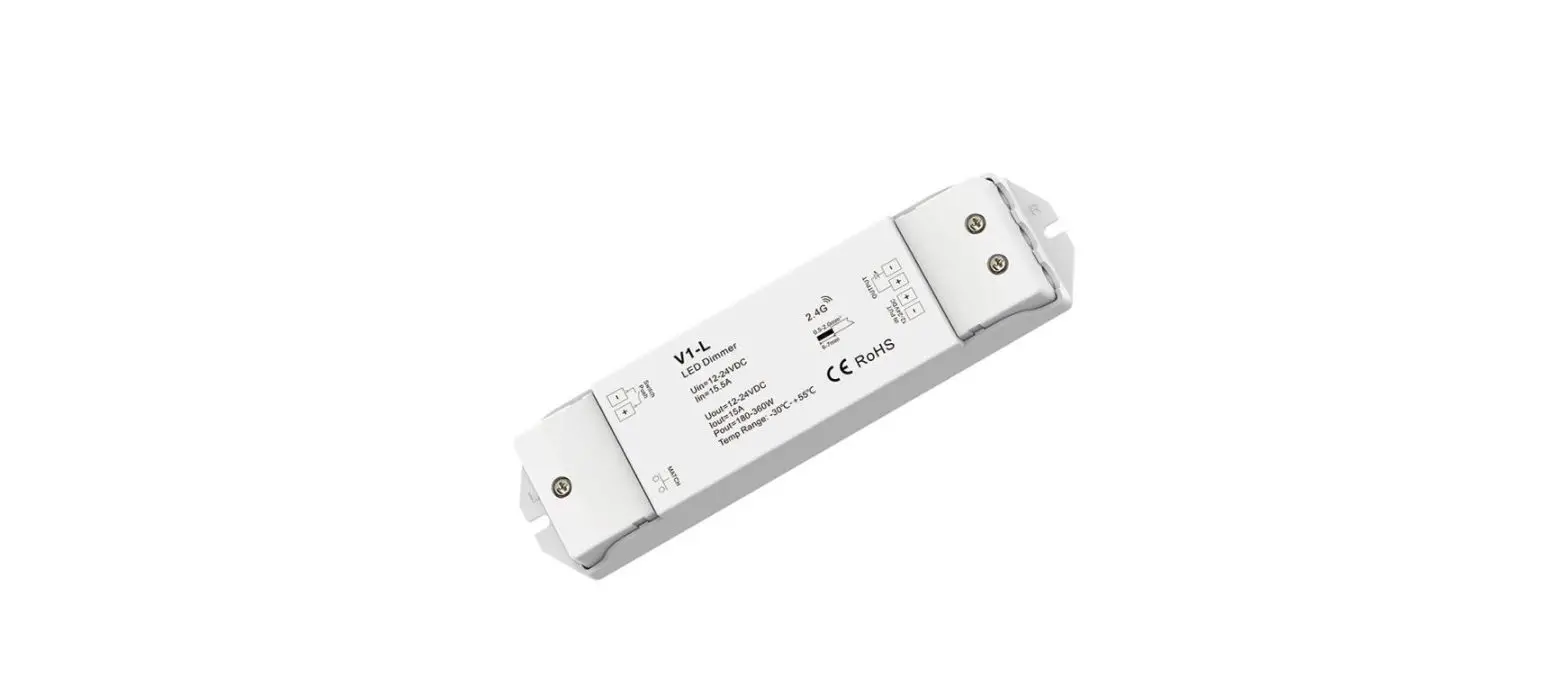
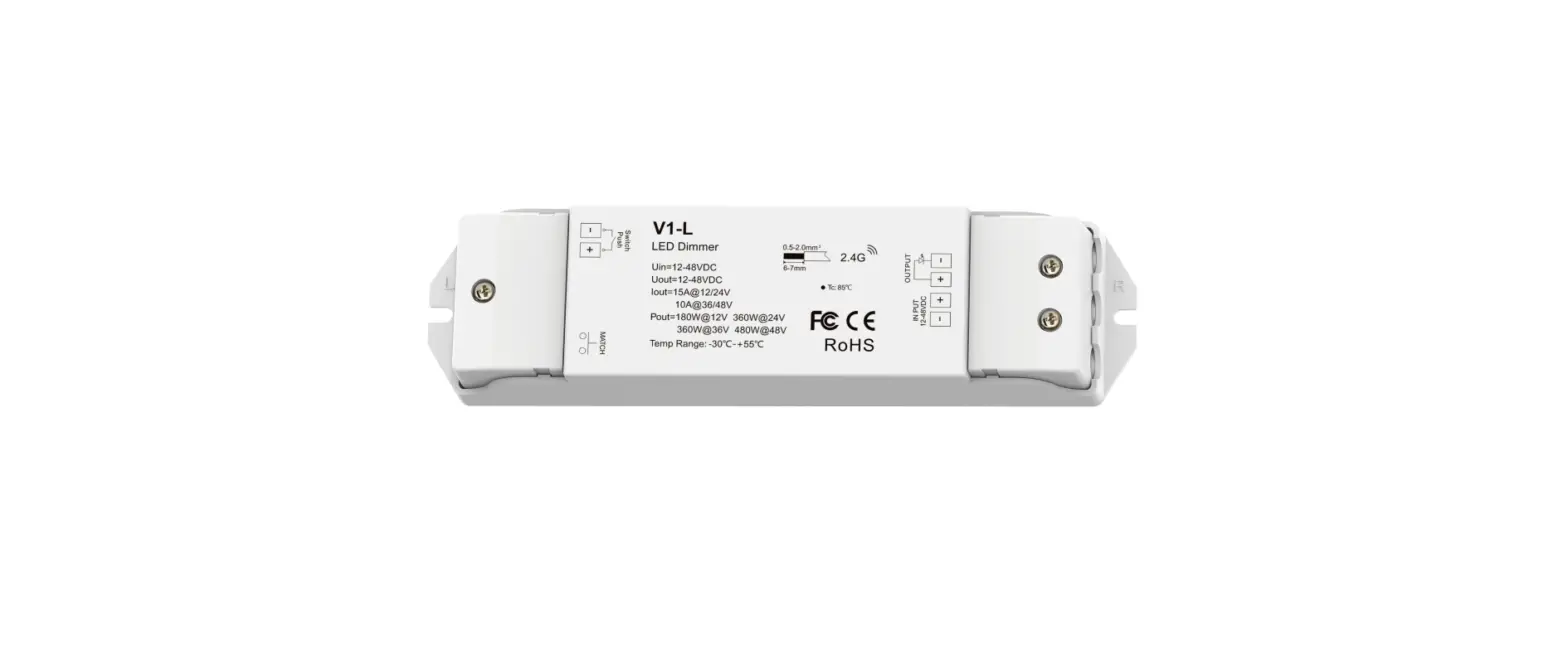
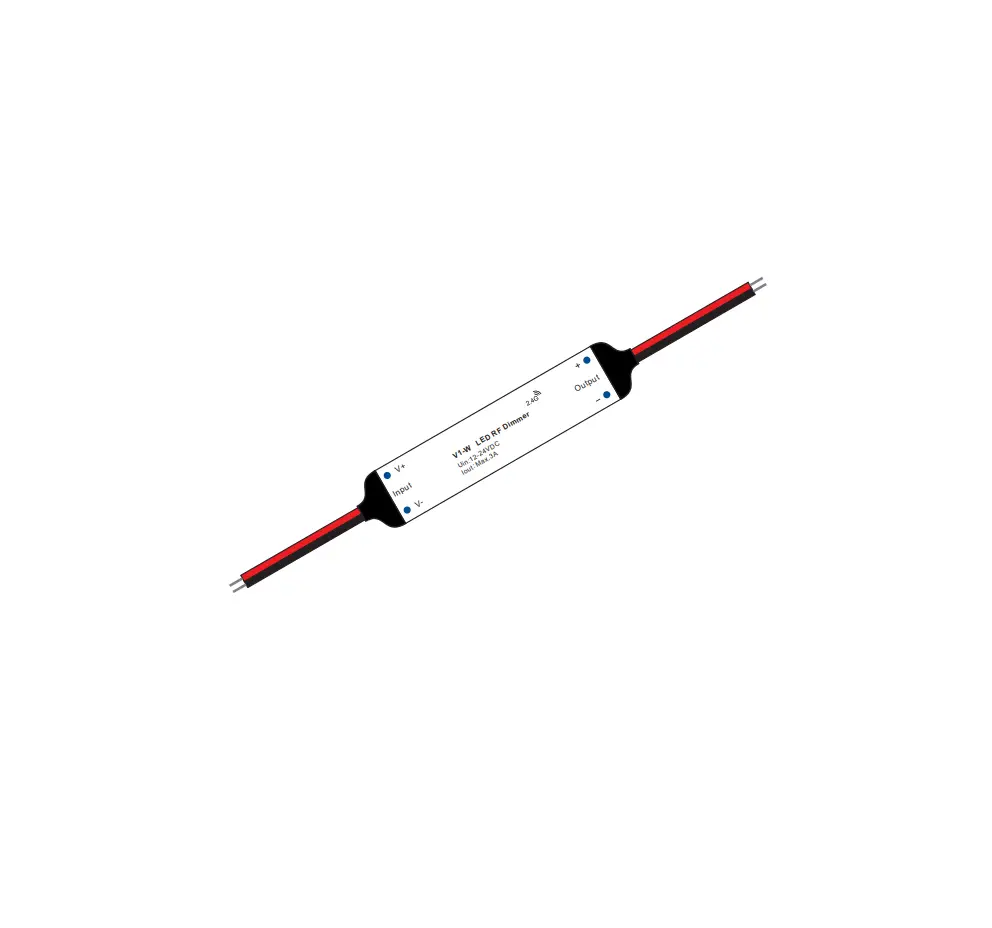
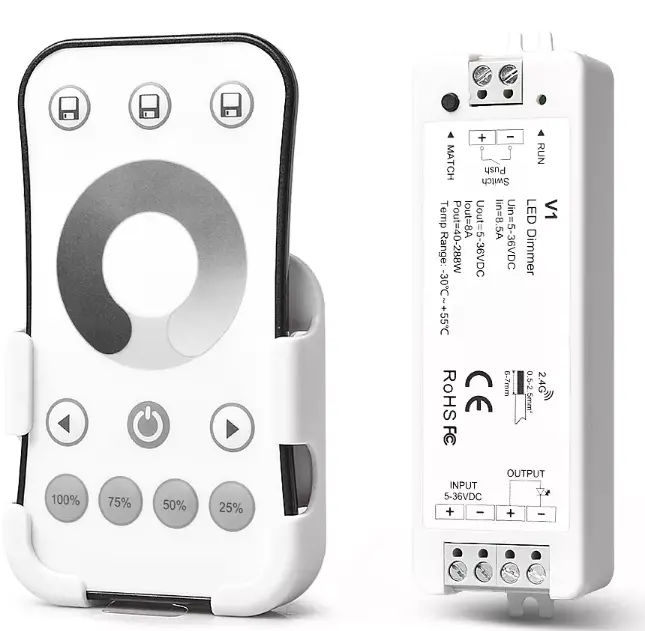
SKYDANCE V1 + R6-1 Single Color LED Controller Kit
Feature
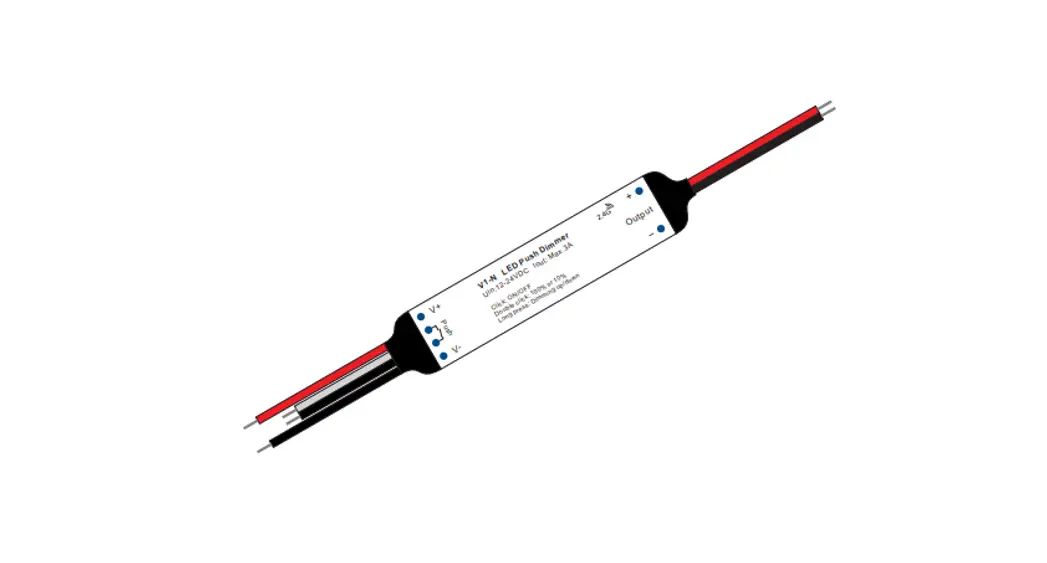
- Remote control or connected with external push switch to achieve on/off and dimming function
- Ultra sensitive brightness adjustment touch wheel
- Smooth dimming and switch without any flickering
- Auto-transmitting function: Controller automaticlly transmit signal to another controller with 30m control distance
- Light on/off fade time 3s selectable
Technical Parameters
| LED Receiver’s Input and Output | |
| Input voltage | 5-36VDC |
| Input current | 8.5A |
| Output voltage | 5-36VDC |
| Output current | 1CH,8A |
| Output power | 40W/96W/192W/288W (5V/12V/24V/36V) |
| Output type | Constant voltage |
| LED Remote’s Input and Output | |
| Output signal | RF(2.4GHz) |
| Working voltage | 3VDC(CR2032) |
| Working current | <5mA |
| Standby current | <10μA |
| Standby time | 1 year |
| Remote distance | 30m |
| Dimming data | |
| Dimming level | 4096 levels |
| Dimming range | 0 -100% |
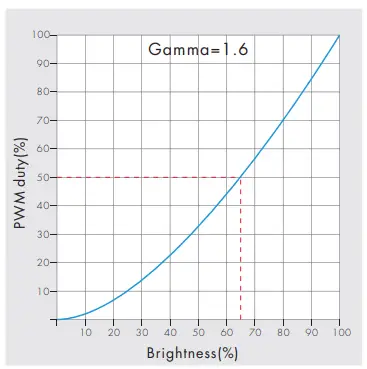
| Dimming curve | Logarithmic |
| PWM Frequency | 2000Hz |
| Safety and EMC | |
| EMC standard (EMC) | ETSI EN 301 489-1 V2.2.3 ETSI EN 301 489-17 V3.2.4 |
| Safety standard(LVD) | EN 62368-1:2020+A11:2020 |
| Radio Equipment(RED) | ETSI EN 300 328 V2.2.2 |
| Certification | CE,EMC,LVD,RED |
| Warranty and Protection | |
| Warranty | 5 years |
| Protection | Reverse Polarity |
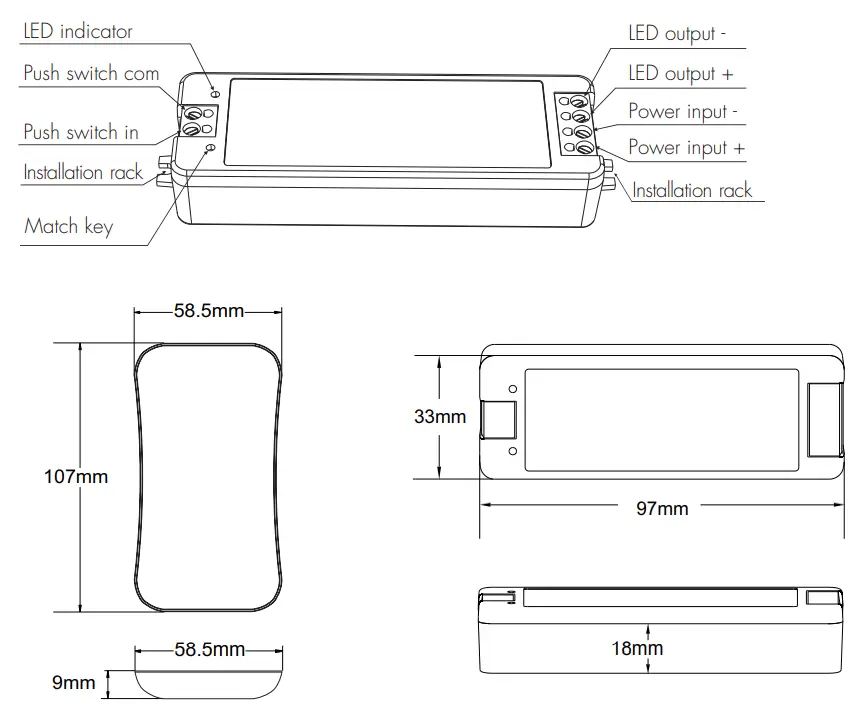
Mechanical Structures and Installations
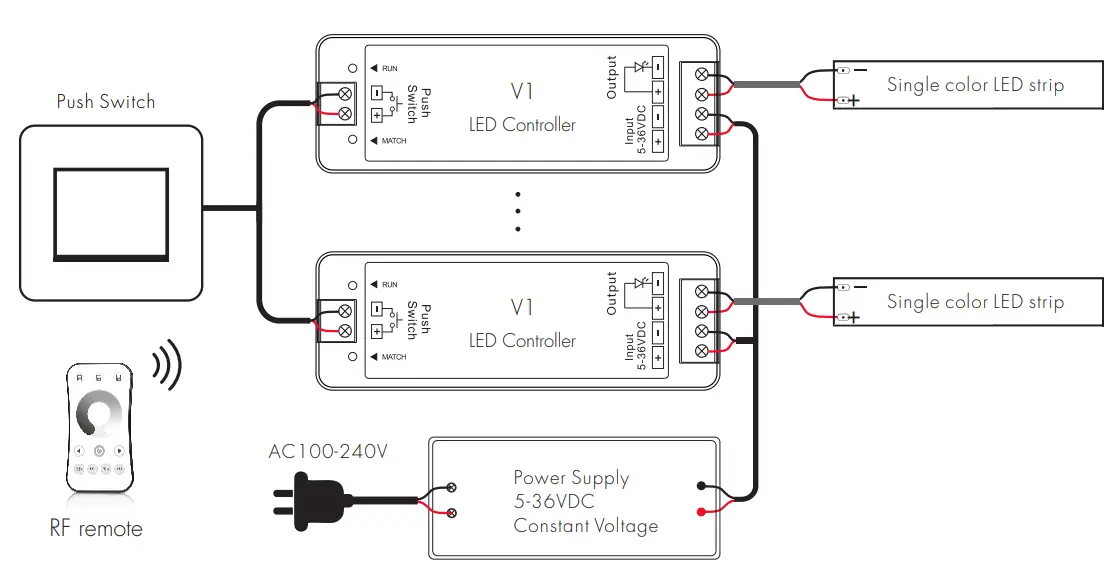
Wiring Diagram
Remote function
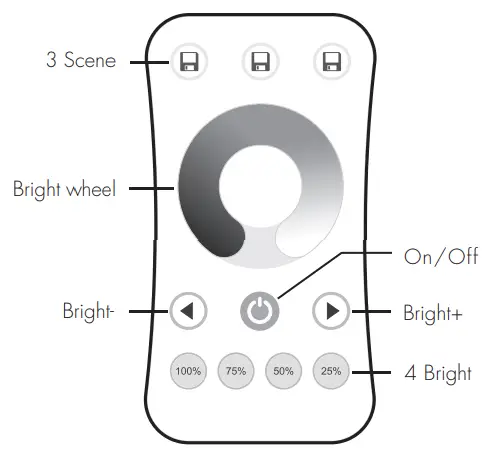
- On/Off: Turn on/off light.
- Bright wheel: Touch to change brightness.
- Bright+/-: Adjust brightness, short press 10 levels, long press 1-6s for continuous 256 levels adjustment.
- 100%,75%,50%,25%: Get 4 kinds brightness directly.
- 3 Scene: Brightness memory, short press recall the scene, long press 2s save current brightness into the scene.
Match Remote Control (two match ways)
End user can choose the suitable match/delete ways. Two options are offered for selection:
Use the controller’s Match key
- Match:
Short press match key, immediately press on/off key of the remote. - Delete:
Press and hold match key for 5s to delete all match, The light blinks 5 times means all matched remotes were deleted.
Use Power Restart
- Match:
Switch off the power, then switch on power, repeat again. Immediately short press on/off key 3 times on the remote. The light blinks 3 times means match is successful. - Delete:
Switch off the power, then switch on power, repeat again, Immediately short press on/off key 5 times on the remote. The light blinks 5 times means all matched remotes were deleted.
Light on/off fade time
- Long press match key 5s, then short press match key 3 times, the light on/off time will be set to 3s, the indicator light blink 3 times.
- Long press match key 10s, restore factory default parameter, the light on/off time also restore to 0.5s.
Dimming Curve
Malfunctions analysis & troubleshooting
| Malfunctions | Causes | Troubleshooting |
| No light | 1. No power. 2. Wrong connection or insecure. | 1. Check the power. 2. Check the connection. |
| Uneven intensity between front and rear,with voltage drop | 1. Output cable is too long. 2. Wire diameter is too small. 3. Overload beyond power supply capability. 4. Overload beyond controller capability. | 1. Reduce cable or loop supply. 2. Change wider wire. 3. Replace higher power supply. 4. Add power repeater. |
| No response from the remote | 1. The battery has no power. 2. Beyond controllable distance. 3. The controller did not match the remote. | 1. Replace battery. 2. Reduce remote distance. 3. Re-match the remote. |
Safety information
- The product shall be installed and serviced by a qualified person.
- The product is non-waterproof. Please avoid the sun and rain.
- Good heat dissipation will prolong the working life of the controller. Please ensure good ventilation.
- Please check if the output voltage of any power supplies used comply with the working voltage of the product.
- Ensure all wire connections and polarities are correct and secure before applying power to avoid any damages to the LED lights.
- If a fault occurs please return the product to your supplier. Do not attempt to fix this product by yourself.