Contents hide

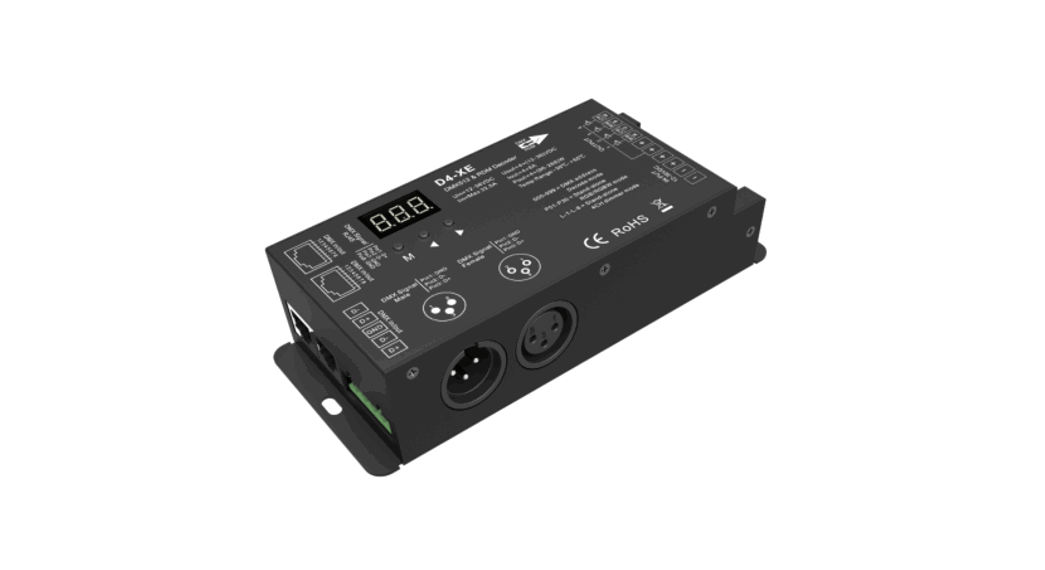
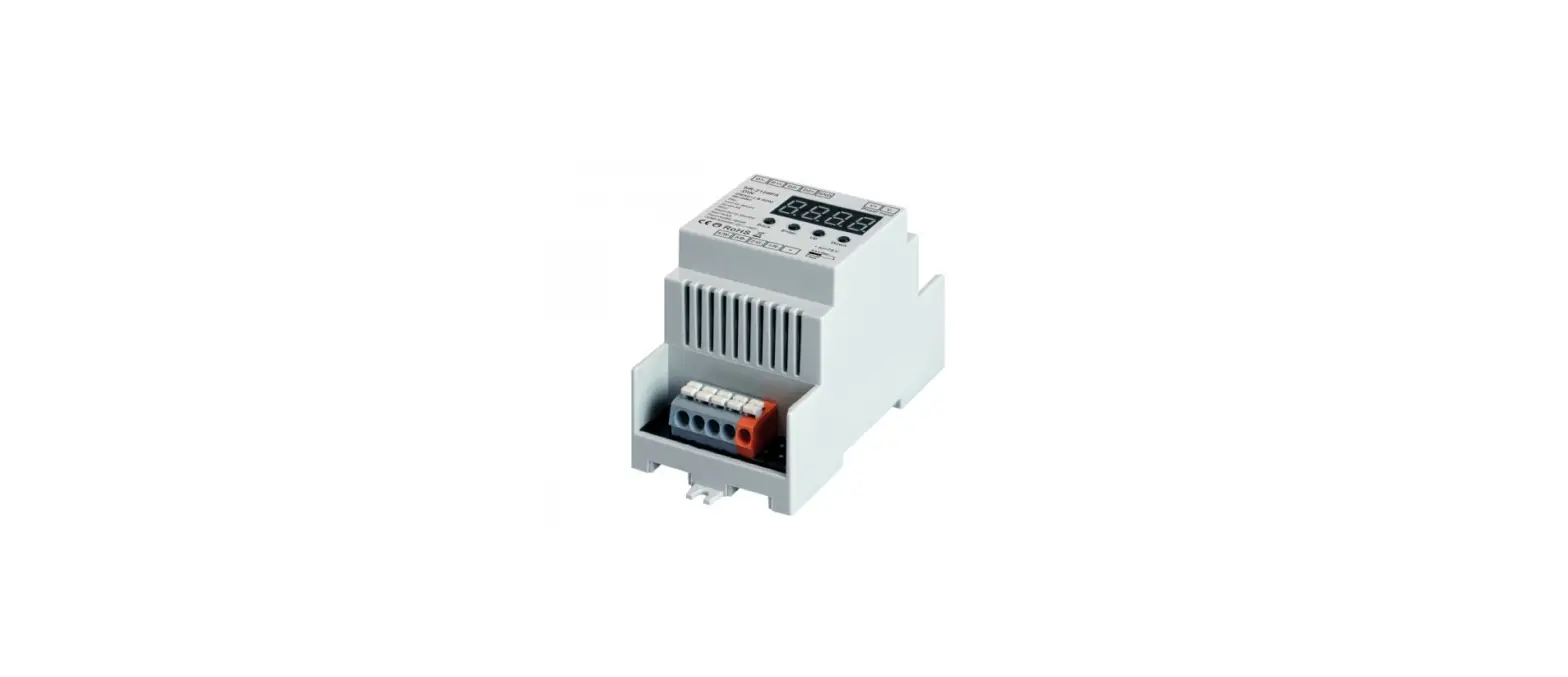
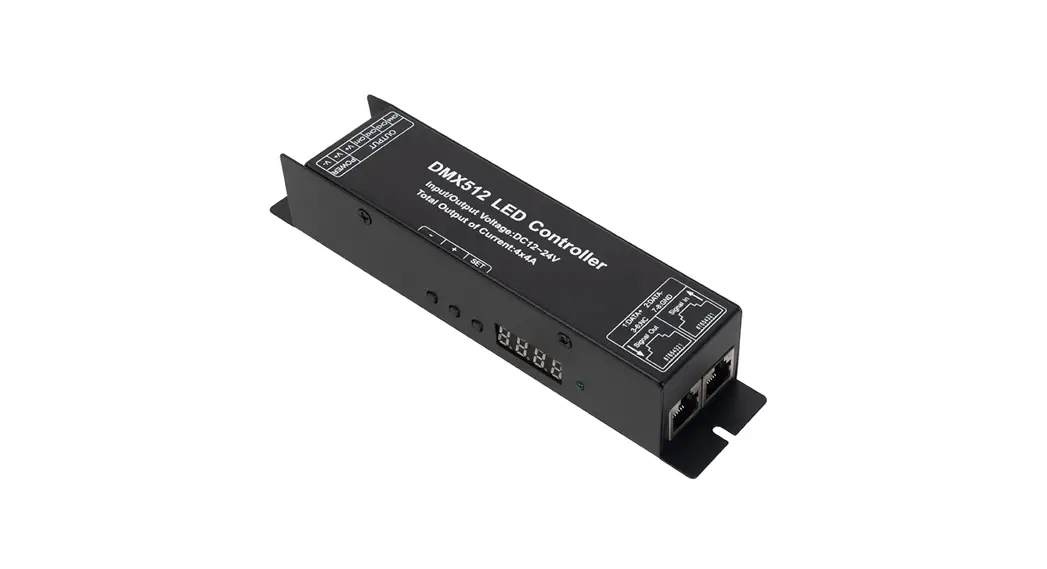
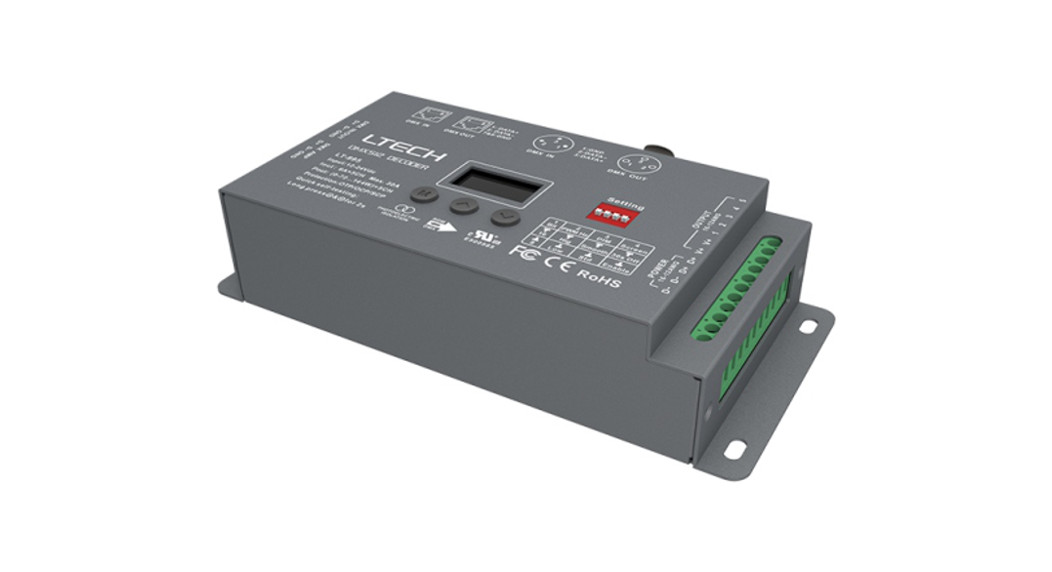
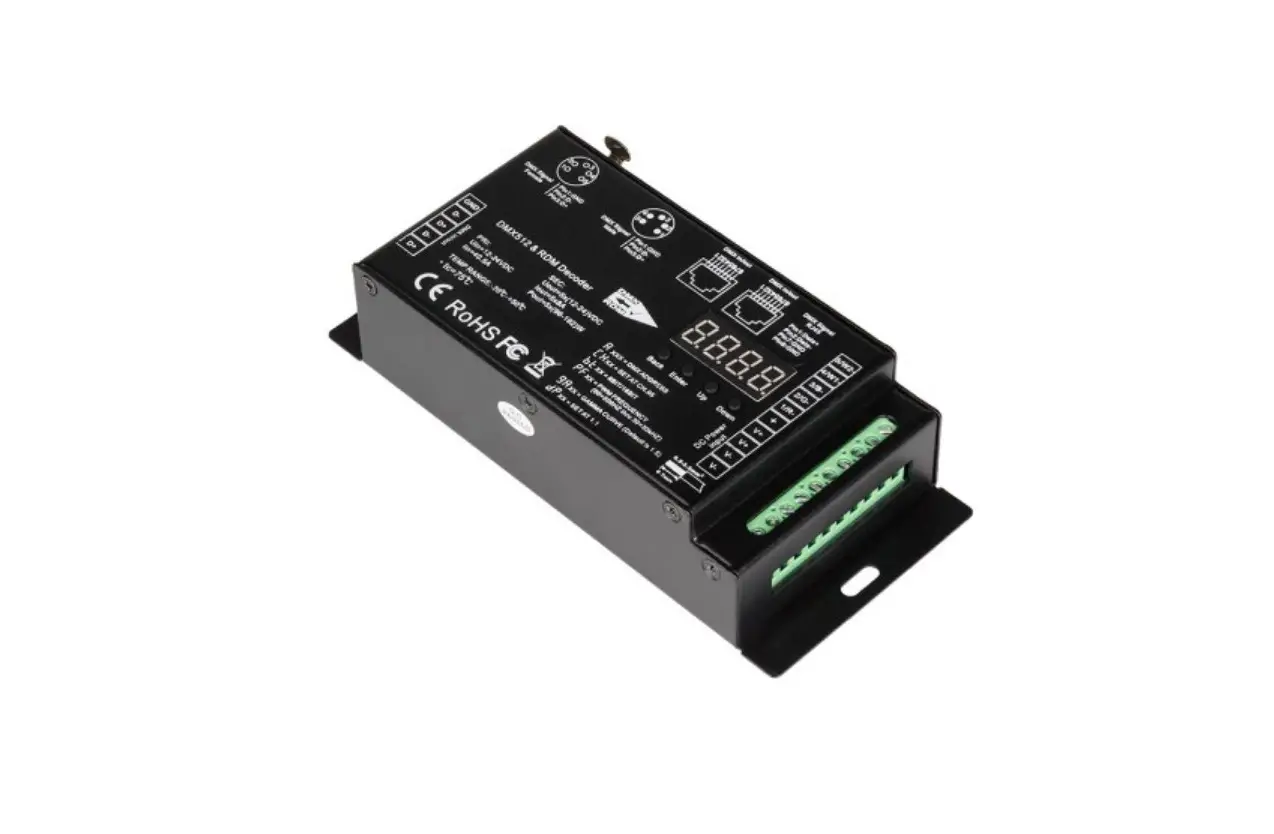
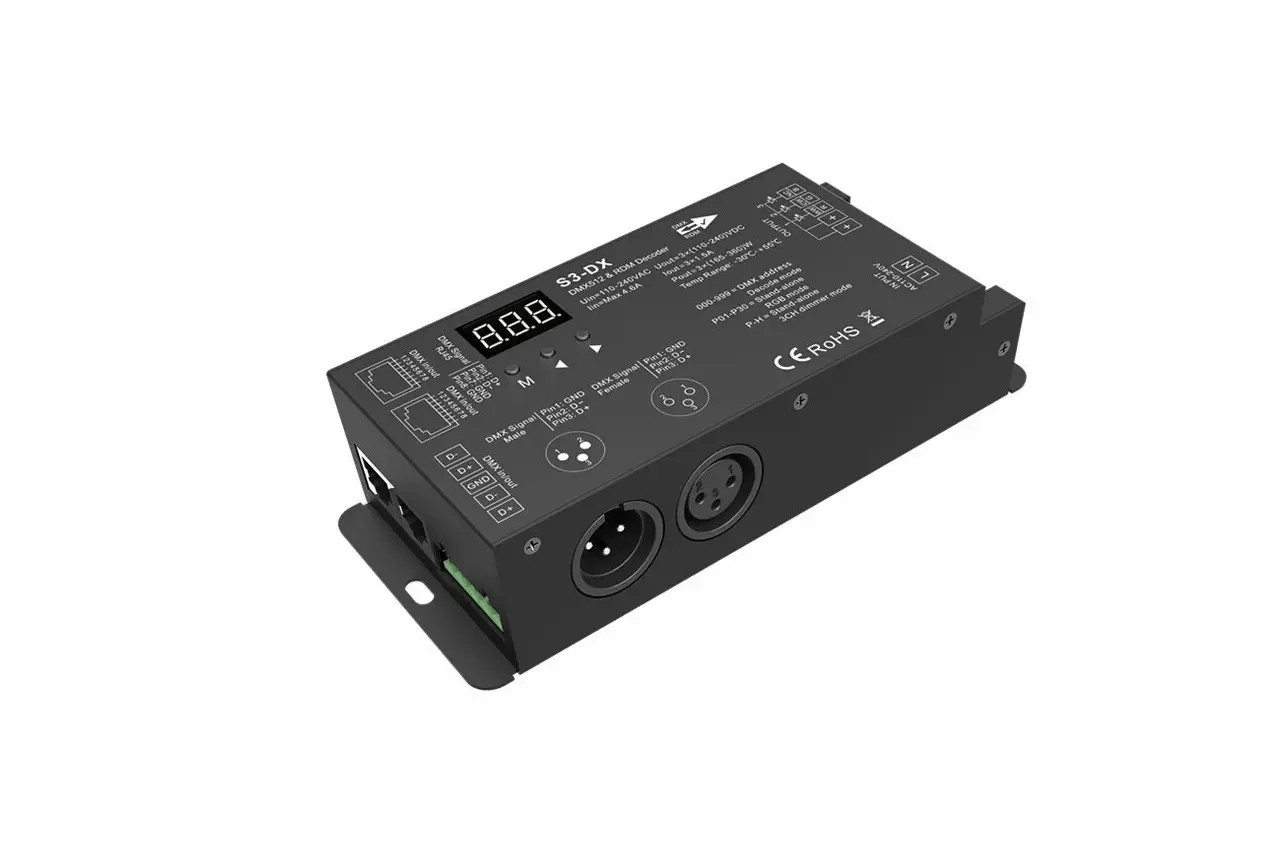
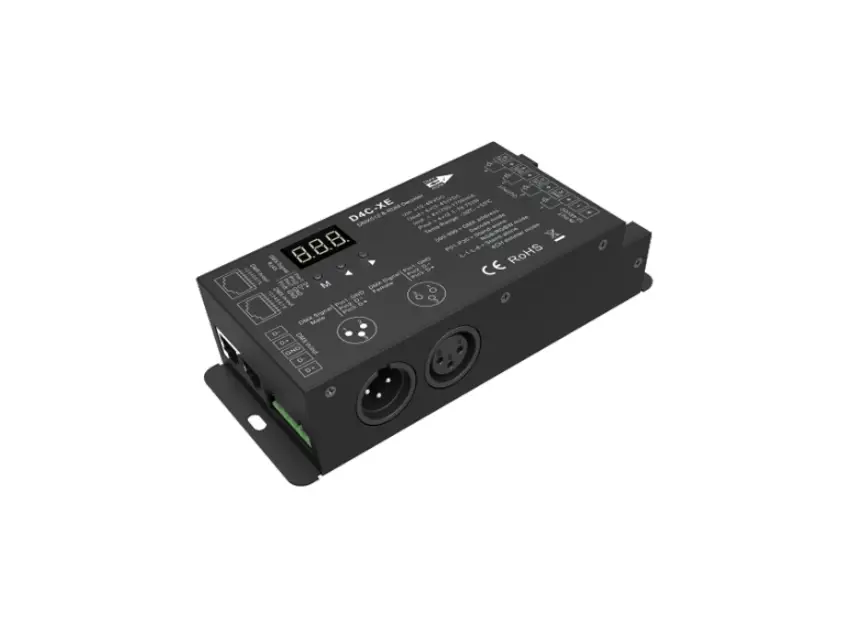
superlighting D4C-XE 4 Channel Constant Current DMX512 and RDM Decoder
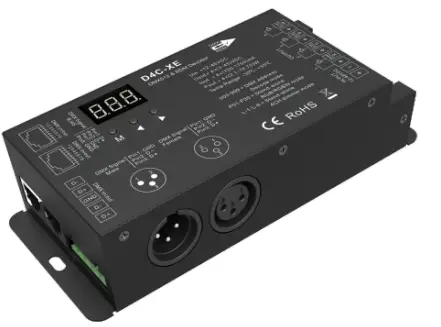
4 Channel Constant Current DMX512 & RDM Decoder
Model No.: D4C-XE(700-1750mA)
Multiple current/RDM/Stand-alone function/Seven PWM frequency/Linear or logarithmic dimming/Numeric display
Features
- DC to DC constant current output, multiple output current settings.
- Comply with the DMX512 standard protocols.
- Digital numeric display, set DMX decode start address by buttons.
- RDM function can realize intercommunication between
- DMX master and decoder. For example,
- DMX decoder address can be set by DMX master console.
- 1/2/4 DMX channel output selectable.
- 16bit (65536 levels) /8bit (256 levels) grey level selectable.
- PWM frequency 250/500/1000/2000/4000/8000/16000Hz selectable.
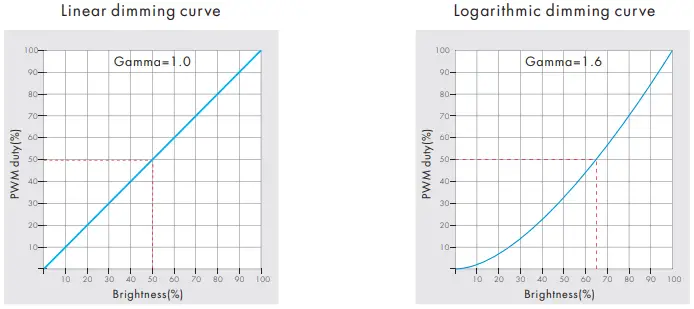
- Logarithmic or linear dimming curve selectable.
- Stand-alone RGB/RGBW mode and 4 channel dimmer mode selectable, which be controlled by buttons with built-in programs, instead of DMX signal.
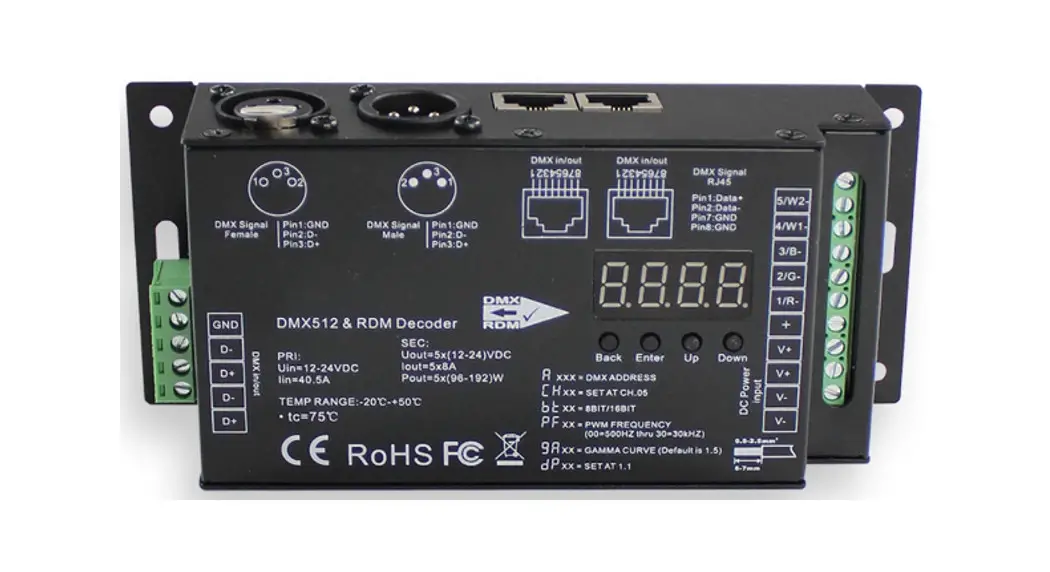
- Green terminal, XLR3 and RJ45 port DMX signal input.
Technical Parameters
| Input and Output | |
| Input voltage | 12-48VDC |
| Output voltage | 4 x (3-45)VDC |
| Output current | 4CH,700-1750mA/CH |
| Output power | 4 x (2.1-78.75)W |
| Output type | Constant current |
| Safety and EMC | |
| EMC standard (EMC) | ETSI EN 301 489-1 V2.2.3 ETSI EN 301 489-17 V3.2.4 |
| Safety standard(LVD) | EN 62368-1:2020+A11:2020 |
| Certification | CE,EMC,LVD |
| Environment | |
| Operation temperature | Ta: -30 OC ~ +55 OC |
| Case temperature (Max.) | T c: +85OC |
| IP rating | IP20 |
| Warranty and Protection | |
| Warranty | 5 years |
| Protection | Reverse Polarity Short circuit |
LED Current Selection
| D4C-XE (700-1750mA) | Output Current | 700mA | 900mA | 1050mA | 1200mA | 1400mA | 1500mA | 1600mA | 1750mA |
| Output Voltage | 3-45V | 3-45V | 3-45V | 3-45V | 3-45V | 3-45V | 3-45V | 3-45V | |
| Output Power/CH | 2.1-31.5W | 2.7-40.5W | 3.15-47.25W | 3.6-54W | 4.2-63W | 4.5-40.5W | 4.8-72W | 5.25-78.75W |
Mechanical Structures and Installations
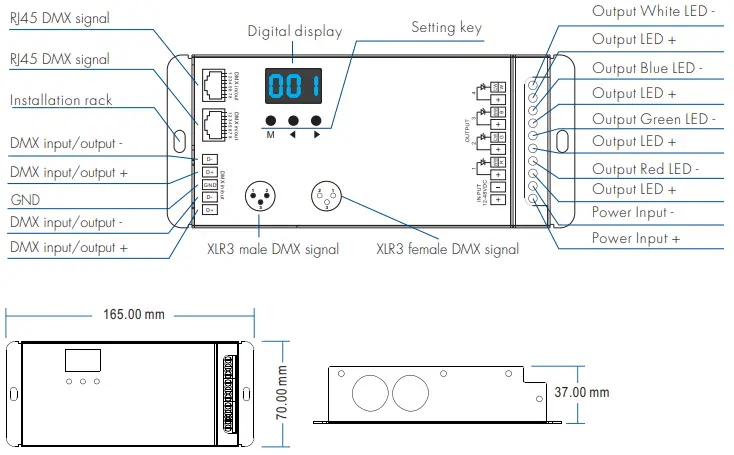
Wiring Diagram
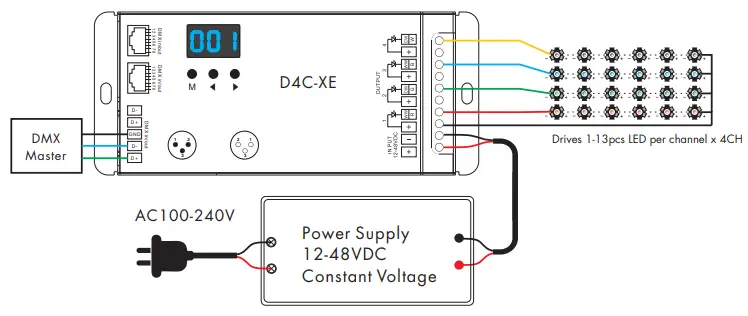
- The LED quantity at each channel can be different, the decoder could auto check and output a proper voltage to each channel according to its LED quantities.
- The decoder works on buck mode, the voltage of power supply should be greater than the total voltage of the seried LEDs.
- An DMX signal amplifier is needed if more than 32 decoders are connected, or use overlong signal line, signal amplification should not be more than 5 times continuously.
- If the recoil effect occurs because of longer signal line or bad line quality, please try to connect 0.25W 90-120Ω terminal resistor at the end of each DMX signal line.
Operation
- System parameter setting
- Long press M and ◀ key in the same time for 2s, prepare for setup system parameter: decode mode, grey level, output PWM frequency, output brightness curve, default output level, automatic blank screen. short press M key to switch six item.
- Decode mode: short press ◀ or ▶ key to switch 1/2/4 channel decode mode(“d-1″,”d-2” or “d-4”).When set as 1 channel decode, the decoder occupy only 1 DMX address, and four channel output the same brightness of this DMX address.
- Grey level: short press ◀ or ▶ key to switch 8bit(“b08”) or 16 bit(“b16”). choose 16 bit if the DMX master support 16 bit.
- Output PWM frequency: short press ◀ or ▶ key to switch 250Hz(“F02”), 500Hz(“F05”), 1000Hz(“F10”), 2000Hz(“F20”), 4000Hz(“F40”), 8000Hz(“F80”) or 16000Hz(“F16”).
- Output brightness curve: short press ◀ or ▶ key to switch linear curve(“C-L”) or logarithmic curve(“C-E”).
- Default output level: press ◀ or ▶ key to change default 0-100% level (“d00” to “dFF” ) when no DMX input signal.
- Automatic blank screen: short press ◀ or ▶ key to switch enable (“bon”) or disable(“boF”) automatic blank screen.
- Long press M key for 2s or timeout 10s, quit system parameter setting.
- Output current setting
- Please select the correct current firstly when the LED load is disconnected.
- Long press M and ▶ key in the same time for 2s, prepare for setup output current.
- For D4C-XE(700-1750mA): short press ◀ or ▶ key to switch 700mA(“C07”), 900mA(“C09”), 1050mA(“C10”),1200mA(“C12”), 1400mA(“C14”), 1500mA(“C15”) , 1600mA(“C16”) or 1750mA(“C17”).
- Press M key or timeout 10s, quit output current setting.
- DMX mode
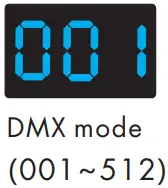
- Short press M key, when display 001~512, enter DMX mode.
- Press ◀ or ▶ key to change DMX decode start address(001~512), long press for fast adjustment.
- If there is a DMX signal input, will enter DMX mode automatically.
- DMX Dimming: Each D4C-XE DMX decoder occupy 4 DMX address when connecting the DMX console. For example, the defaulted start address is 1, their corresponding relationship in the form:

DMX Console DMX Decoder Output CH1 0-255 CH1 PWM 0-100% (LED R) CH2 0-255 CH2 PWM 0-100% (LED G) CH3 0-255 CH3 PWM 0-100% (LED B) CH4 0-255 CH4 PWM 0-100% (LED W)
- Stand-alone RGB/RGBW mode
- Enter stand-alone RGB/RGBW mode only when DMX signal is disconnected or lost.
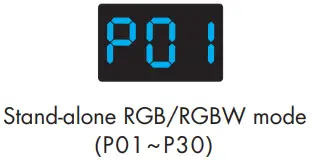
- Short press M key, when display P01~P30, enter stand-alone RGB/RGBW mode.
- Press ◀ or ▶ key to change dynamic mode number(P01~P30).
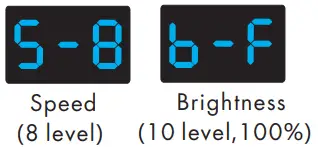
- Each mode can adjust speed and brightness.
- Long press M key for 2s, prepare for setup mode speed,
- brightness, W channel brightness.
- Short press M key to switch three item.
- Press ◀ or ▶ key to setup value of each item.
- Mode speed: 1-10 level speed(S-1, S-9, S-F).
- Mode brightness: 1-10 level brightness(b-1, b-9, b-F).
- W channel brightness: 0-255 level brightness(400-4FF).
- Long press M key for 2s, or timeout 10s, quit setting.


- Stand-alone dimmer mode
- Enter stand-alone dimmer mode only when DMX signal is disconnected or lost.
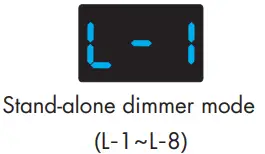
- Short press M key, when display L-1~L-8, enter stand-alone dimmer mode.
- Press ◀ or ▶ key to change dimmer mode number(L-1~L-8).
- Each dimmer mode can adjust each channel brightness independently.
- Long press M key for 2s, prepare for setup four channel brightness.
- Short press M key to switch four channel(100~1FF, 200~2FF, 300~3FF, 400~4FF). Press ◀ or ▶ key to setup brightness value of each channel.
- Long press M key for 2s, or timeout 10s, quit setting.

- Restore factory default parameter
- Long press ◀ and ▶ key for 2s, restore factory default parameter, display”RES”.
- Factory default parameter: DMX decode mode, DMX decode start address is 1, four channel decode, 8 bit grey level, 4000Hz PWM frequence output, 1050mA output current, logarithmic brightness curve, output 100% level when no DMX input, RGB mode number is 1, dimmer mode number is 1, disable automatic blank screen.
RGB change mode list
| No. | Name | No. | Name | No. | Name |
| P01 | Static red | P11 | Green strobe | P21 | Red yellow smooth |
| P02 | Static green | P12 | Blue strobe | P22 | Green cyan smooth |
| P03 | Static blue | P13 | White strobe | P23 | Blue purple smooth |
| P04 | Static yellow | P14 | RGB strobe | P24 | Blue white smooth |
| P05 | Static cyan | P15 | 7 color strobe | P25 | RGB+W smooth |
| P06 | Static purple | P16 | Red fade in and out | P26 | RGBW smooth |
| P07 | Static white | P17 | Green fade in and out | P27 | RGBY smooth |
| P08 | RGB jump | P18 | Blue fade in and out | P28 | Yellow cyan purple smooth |
| P09 | 7 color jump | P19 | White fade in and out | P29 | RGB smooth |
| P10 | Red strobe | P20 | RGBW fade in and out | P30 | 6 color smooth |
Dimming curve setting
Malfunctions analysis & troubleshooting
| Malfunctions | Causes | Troubleshooting |
| No light | 1. No power. 2. Wrong connection or insecure. | 1. Check the power. 2. Check the connection. |
| Wrong color | 1. Wrong connection of R/G/B/W wires. 2. DMX decode address error. | 1. Reconnect R/G/B/W wires. 2. Set corrrect decode address. |