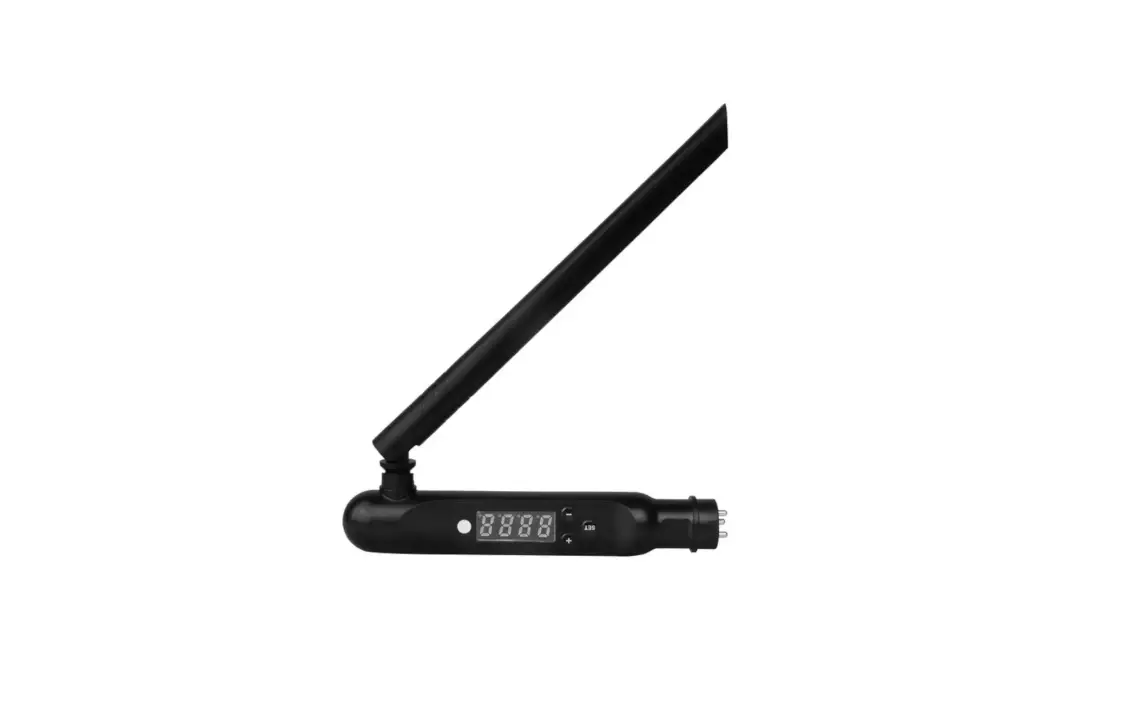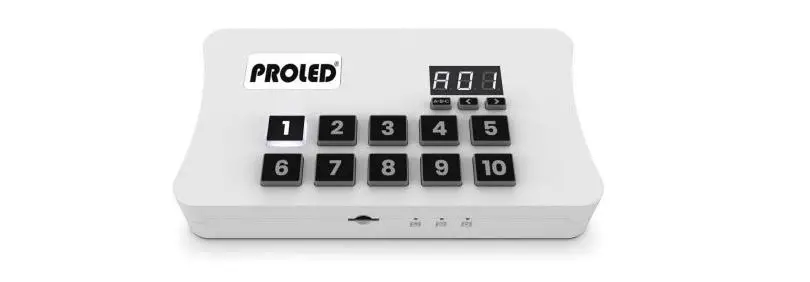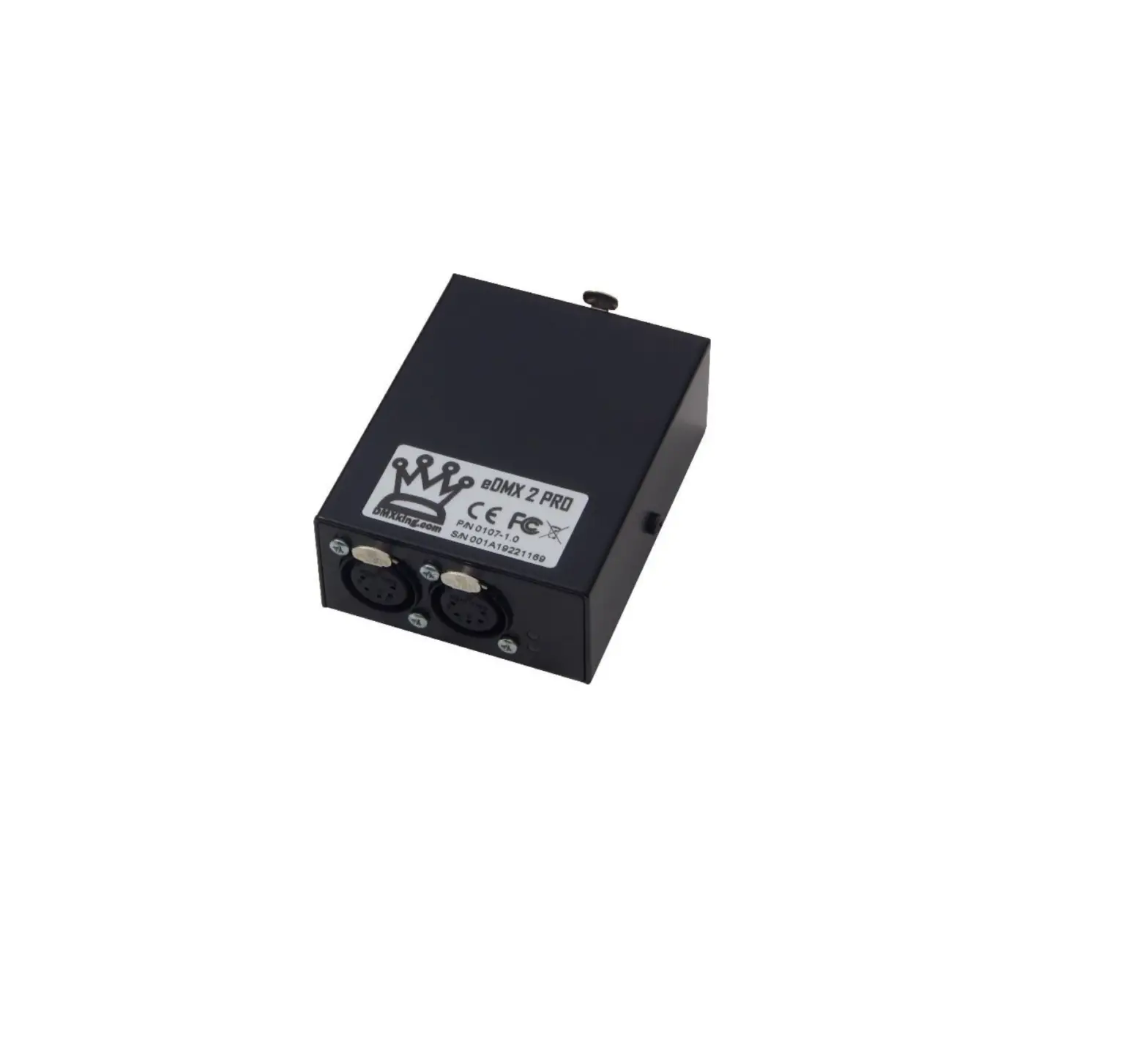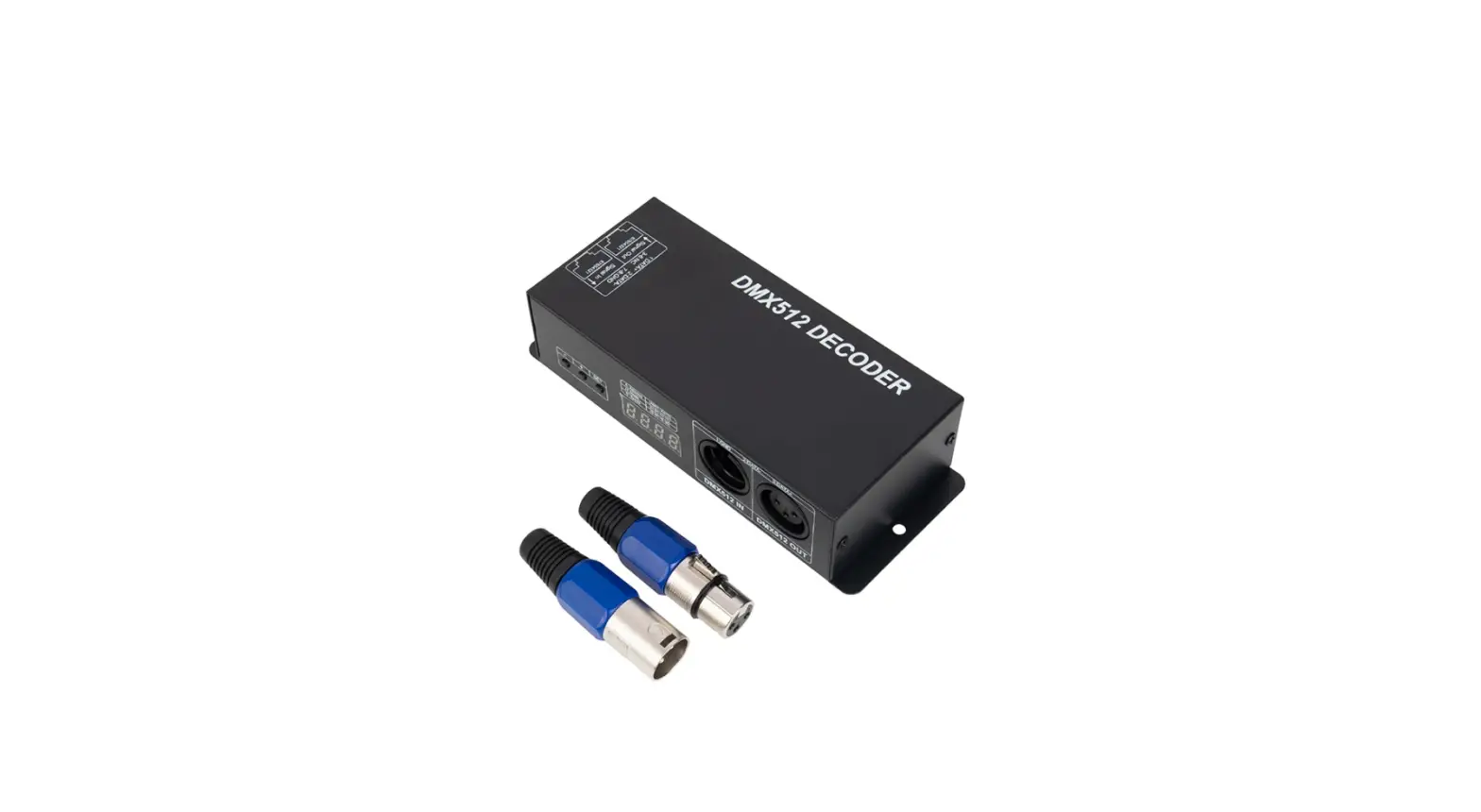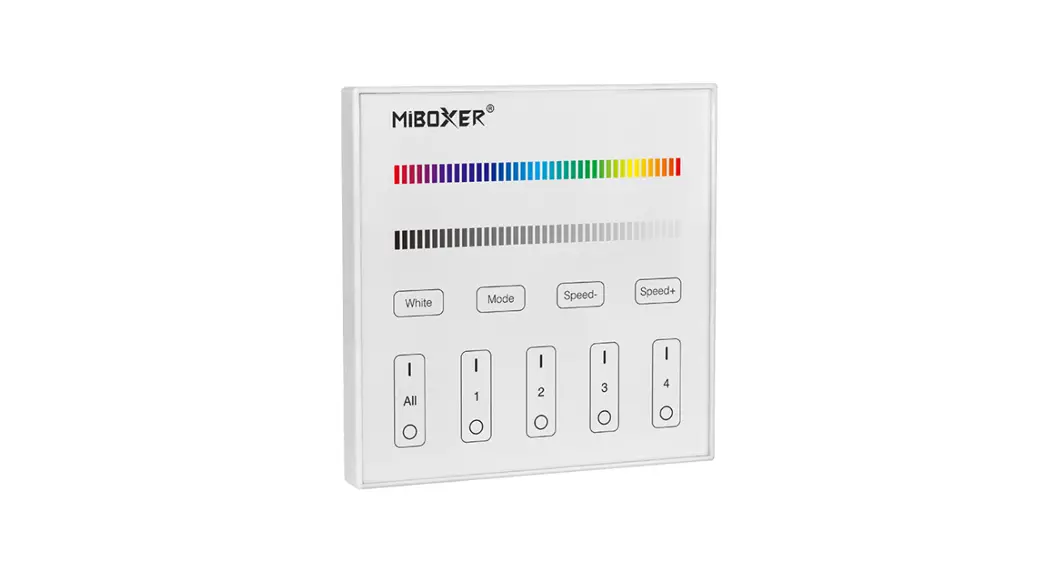
 Mi-Light
Subordinate New Brand
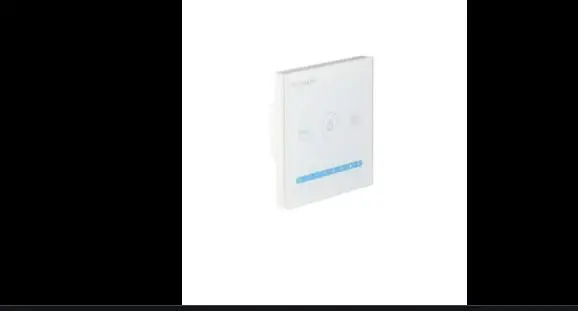
DMX512 Master ( RGB+CCT )
Model No.: X5
Features
- Accord with standard DMX512 protocol.
- Output DMX512 signal and wireless 2.4G signal; More flexible application.
- Support 4 channels control.
- Support multi DMX512 master to control same decoder (Note: need same type, DMX512 master).
- Button with sound and LED indicating lamp.
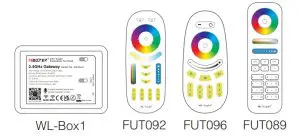
- This product can be controlled by Mi-Light/Miboxer RF remote, and smartphone ( need WL-Box1 WiFi gateway ).
- This product can be used as RF remote to control MiBoxer 2.4GHz lamps.
Parameters
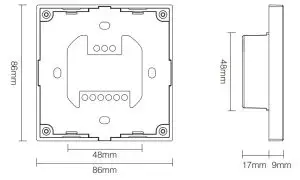
| Model No.: X3 Input Voltage: AC100~240V 50/60Hz Output: DMX512+2.4G Wireless | RF Transmitting Power: 6dBm RF Control Distance: 30m Working Temp.: -20~60°C |
 | |
Connection Diagram
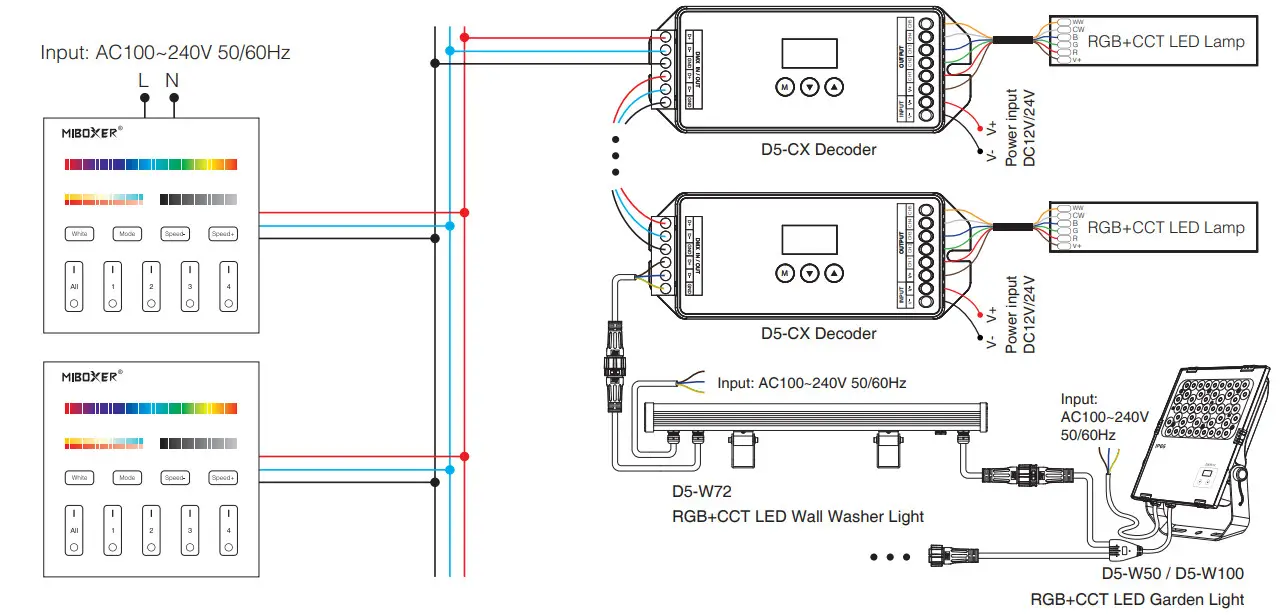
DMX512 master dimming channel comparison table:
| Zone 1 | Zone 2 | Zone 3 | Zone 4 | |
| R | 1 | 4 | 7 | 10 |
| G | 2 | 5 | 8 | 11 |
| B | 3 | 6 | 9 | 12 |
After connecting with the DMX decoder, pls set the DMX decoder address as below:
| Zone 1 DMX decoders address | 1 |
| Zone 2 DMX decoders address | 4 |
| Zone 3 DMX decoders address | 7 |
| Zone 4 DMX decoders address | 10 |
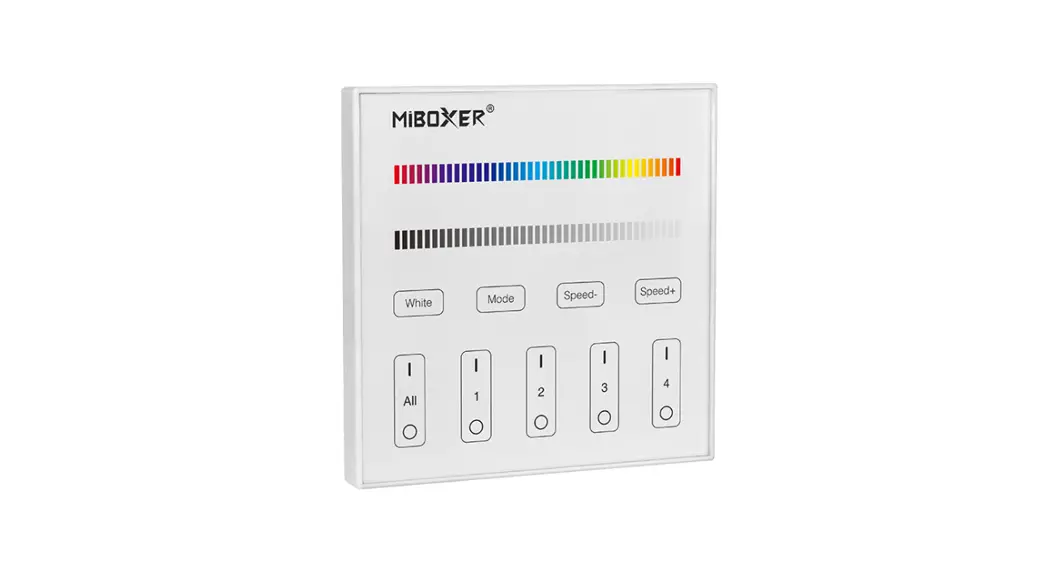
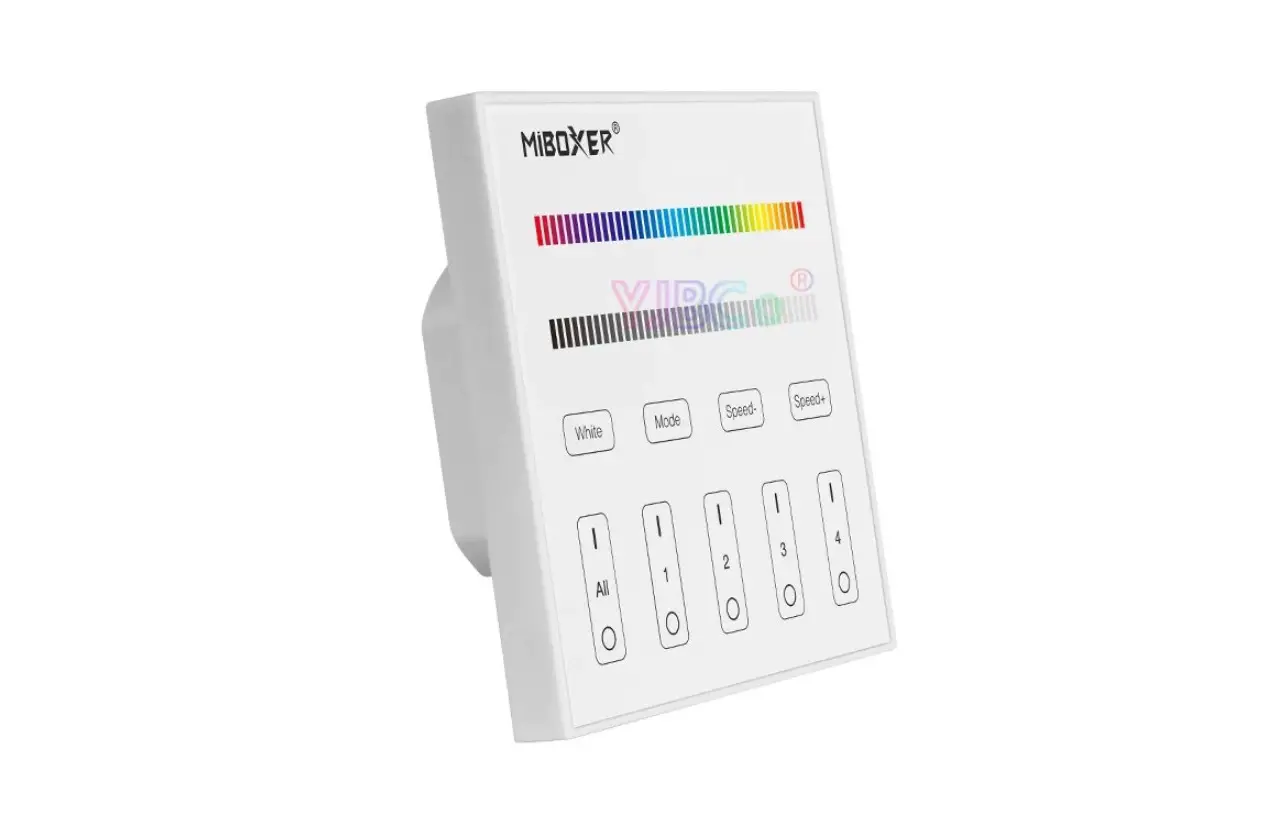
Function of keys
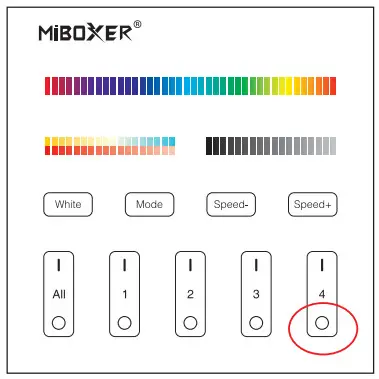
Remark: When touching the button, the LED indicating the lamp will flash once with a different sound (Touch slider with no sound).
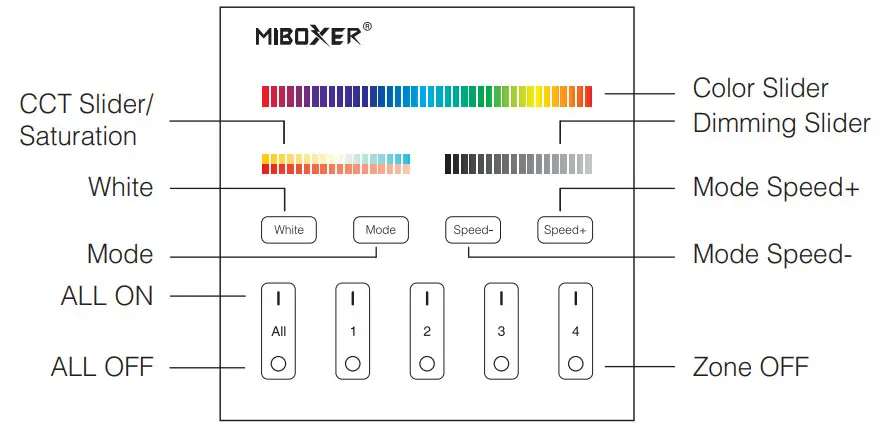
 | Touch the color slider, choose the color you want. |
 | Touch dimming slider to change the brightness from 1~100%. |
| White | Touch white button to white light mode. |
| Mode | Switching modes. |
| Speed- | Slow the speed on the present dynamic mode. |
| Speed+ | Accelerate the speed on present dynamic mode |
 | ALL ON: Touch to turn on all linked lights. Long press 5 seconds to turn ON the indicating sound. Zone(1-4) ON: Touch zone ON, turn on zone-linked lights. |
 | ALL OFF: Touch to turn off all linked lights. Long press 5 seconds to turn OFF the indicating sound. Zone(1-4) OFF: Touch zone OFF, turn off zone-linked lights. |
Dynamic Mode Sheet
| Number | Dynamic Mode | Brightness / Saturation / Speed |
| 1 | Mardi Gras | Adjustable |
| 2 | Automatic color change | |
| 3 | Sam | |
| 4 | Gemstone | |
| 5 | Twilight | |
| 6 | American | |
| 7 | Fat Tuesday | |
| 8 | Party | |
| 9 | Slow Color Splash |
DMX512 master as RF remote Instruction
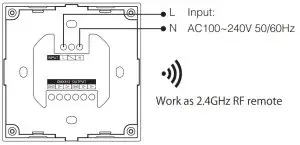
When using as a remote, you have to link to Miboxer 2.4GHz series lamps, then you can control the lamps.
Linking Instructions
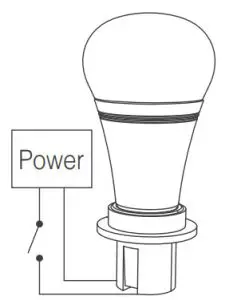 | 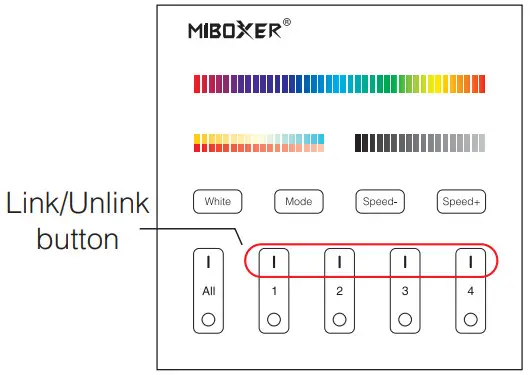 | 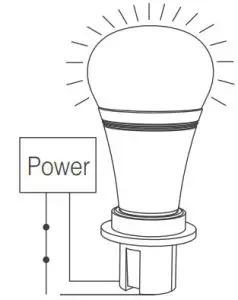 |
| 1. Switch off the light, after 10 seconds switch on again. | 2. When the light on, short press any zone of “ ” 3 times within 3 seconds. ” 3 times within 3 seconds. | The light blink 3 times slowly means the linking is done successfully. |
 If the light does not blink slowly, the linking failed, pls switch off the light again, and follow the above steps again.
Unlinking Instructions
| | 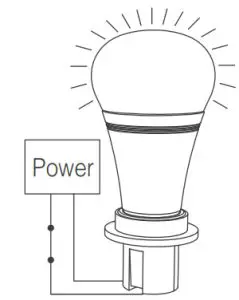 |
| 1. Switch off the light, after 10 seconds switch on again. | 2. When the light is on, short press ” “ 5 times within 3 seconds. Unlinking must be the same zone with the Linking | 3. The light blinking 10 times quickly, means unlinking successfully. |
If the light does not blink quickly, the unlink failed, pls switch off the light again, and follow the above steps to unlink again.
DMX512 master used as RF receiver Instruction
DMX512 master can receive RF remote signal, and transform it to DMX control signal to control the lamps.
Note: When RF remote control DMX512 master, RF remote needs to link the master; after linking, RF remote 1-4 channel corresponds to DMX512 master 1-4 channels.
Linking Instruction:
- Long press 4th channel “
 ” button 5 seconds until DMX512 master indicating lamp blinking quickly.
- Short press any channel “
 ” 3 times, when linking successfully, DMX512 master indicating lamp will blink 3 times slowly.
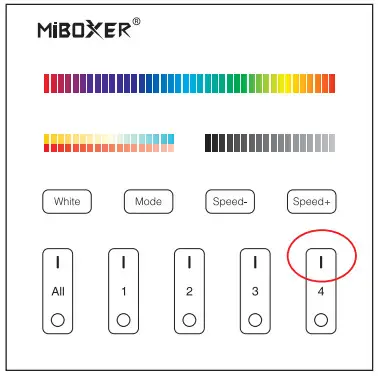
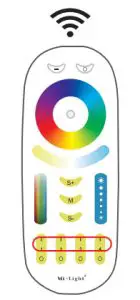
Unlink Instruction:
Long press DMX512 master 4th channel “ ” button 5 seconds until DMX512 master indicating lamp blinking 10 times fast. that means unlinking successfully.
Compatible with these remote controls ( Purchased separately )
Installation/ Dismantlement
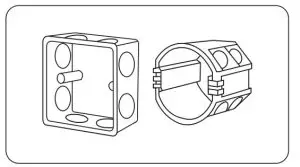 | 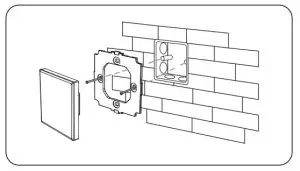 |
| Install the bottom case into the wall; Above are the standard bottom cases. | Fix the controller base on the bottom case with a screw. |
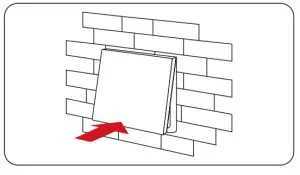 | 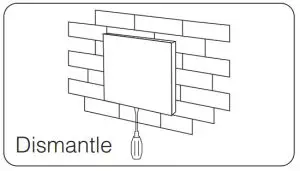 |
| Clicks into the upper side of the glass panel on the controller base, then press the lower side slightly to make it click into the controller base. | Plug into the below bayonet with a screwdriver, and upwarp screwdriver, then you can dismantle the controller. |
Attention
- The product shall be debugged and installed by professionals.
During installation, ensure that the power is cut off to avoid the electric shock by the wrong operation. - Please check whether the input voltage meets the product voltage requirements.
- Before switching on the power, please ensure that all wiring is correct, so as not to cause damage to the DMX512 master.
- If there is faults, non-professional please do not repair without permission, otherwise, the device may be damaged.
 Made in China