 Mi. Light
Subordinate New Brand
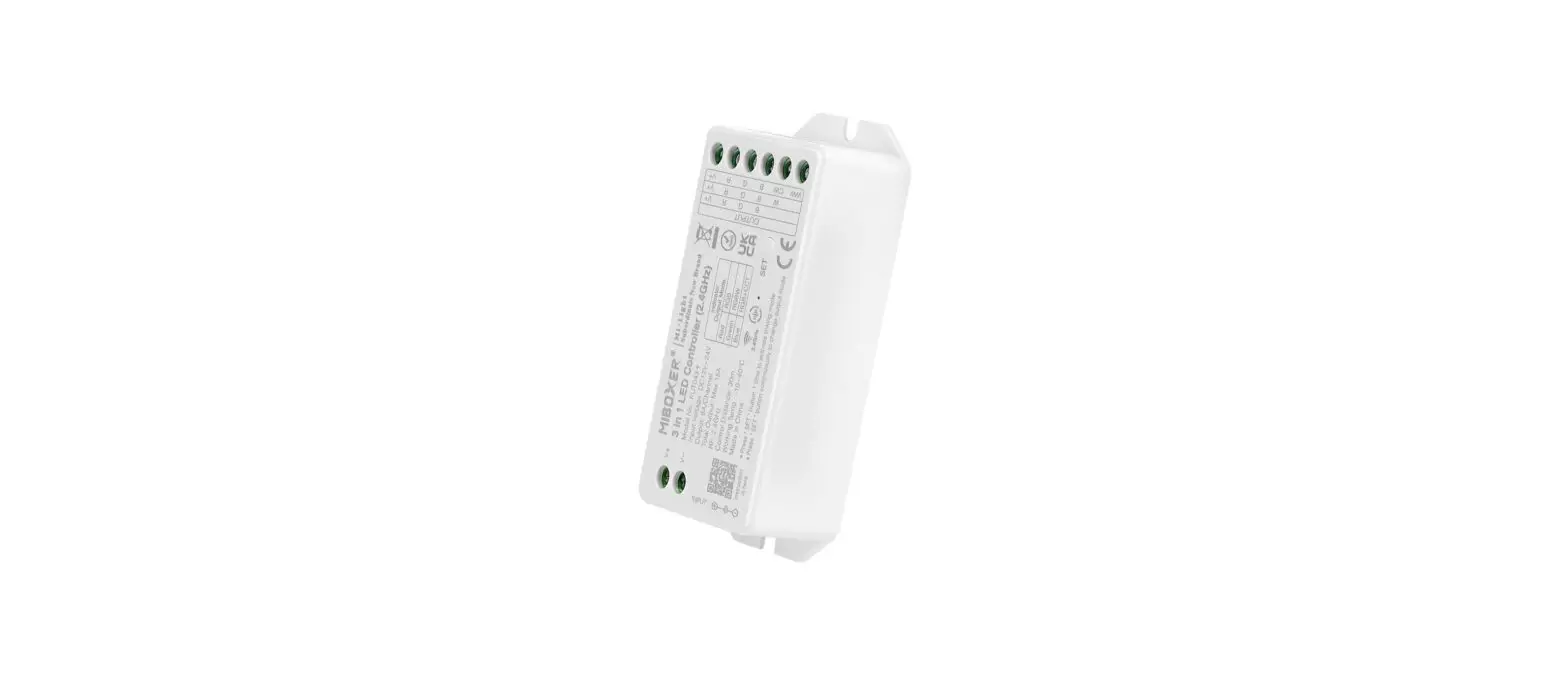
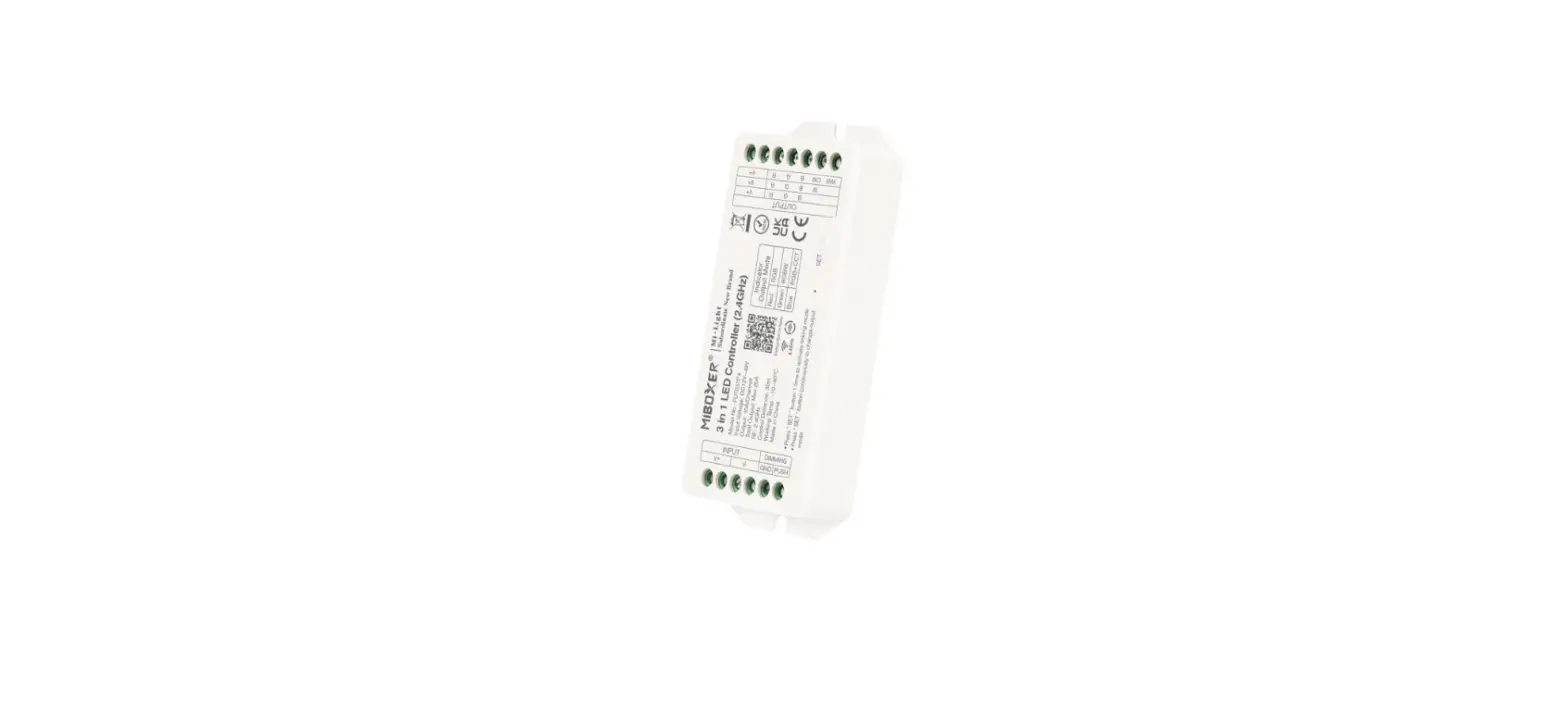
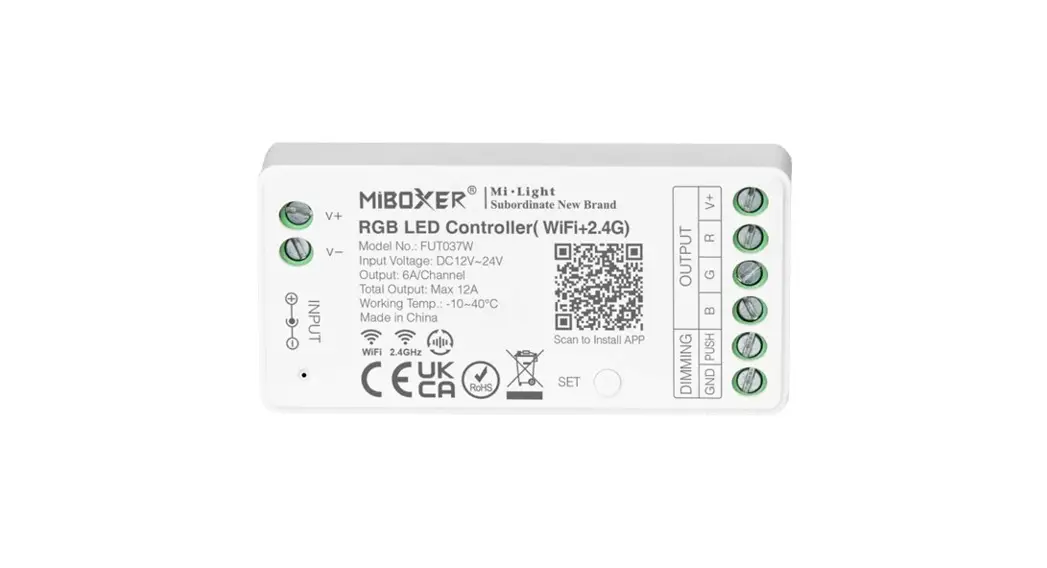
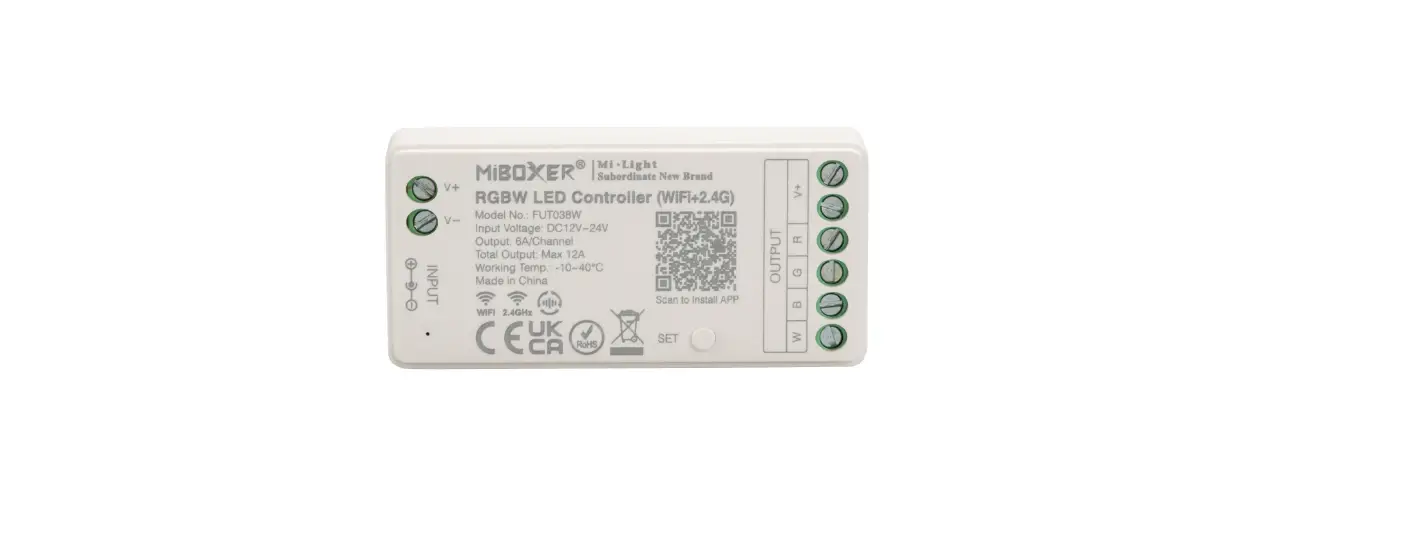
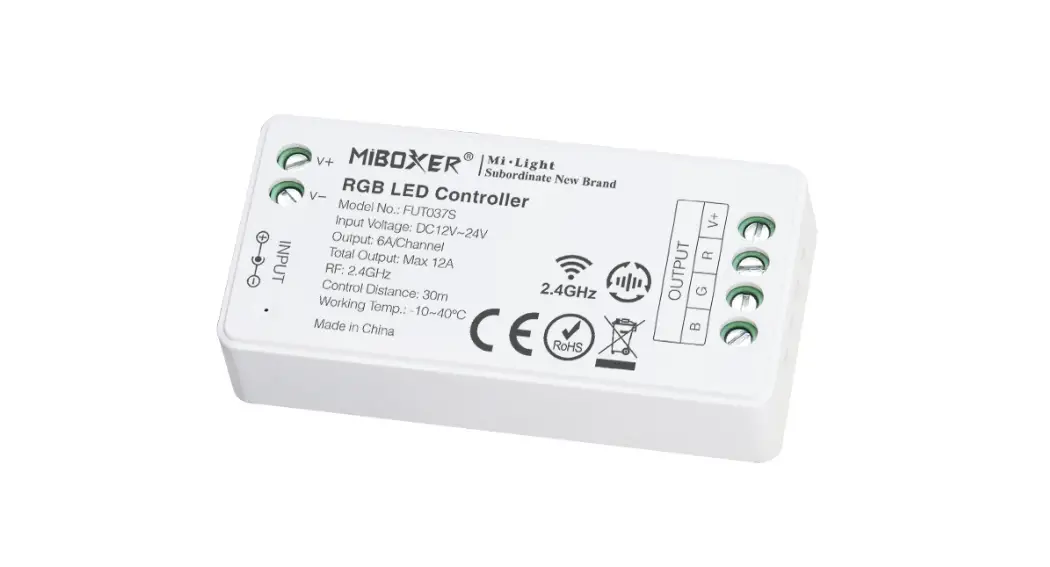
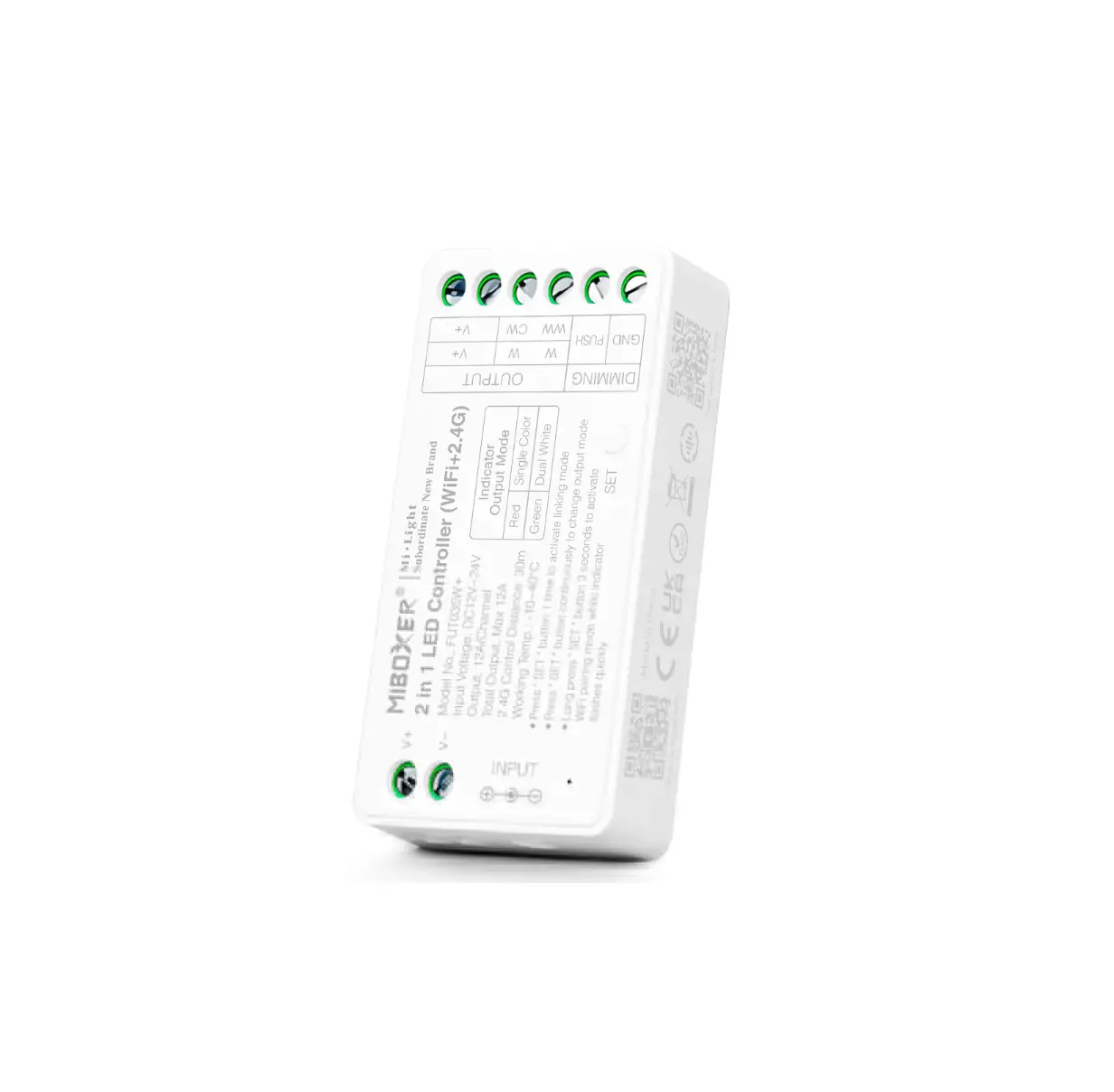
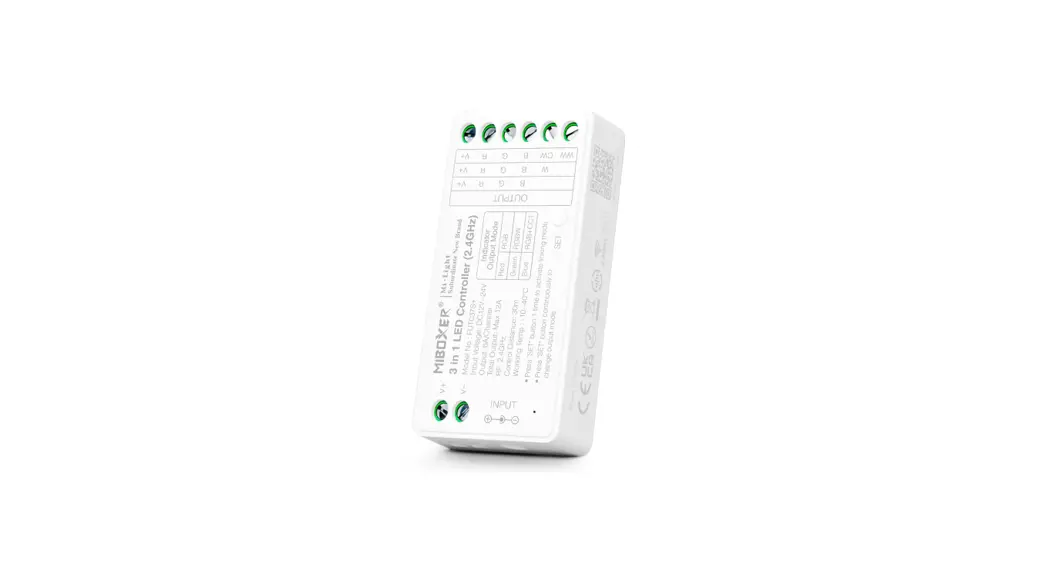
3 in 1 LED Controller ( 2.4G )
Instruction Manual
Product features
Made by new 2.4GHz wireless transmitting technology with low power consumption, strong ability to build network automatically and anti-interference. with MiBoxer 2.4GHz gateway to get wireless dimming color, remote control, timing control, group control, music rhythm function. Support 2.4G RF remote control.
 | 16 Millions of colors to choose |
 | Color temperature adjustable |
 | Dim brightness / Saturation |
 | 2.4G RF wireless transmission technology |
 | Remote control distance 30m |
 | Auto-transmitting & Synchronization |
 | Support Smartphone app control (2.4GHz gateway is needed) |
 | Support third party voice control (2.4GHz gateway is needed) |
 | DMX512 controllable (Only for RGB+CCT output mode DMX512 LED transmitter is needed) |
Set up output mode
Set up correct output mode based on the feature of lights Setting method: Press “SET” button continuously to switch output mode (attention: it will log out without operation within 3 seconds)
Output mode sheet ( confirm output mode based on color of indicator)
| Indicator color | Red Light | Green Light | Blue Light |
| Output | RGB | RGBW | RGB+CCT |
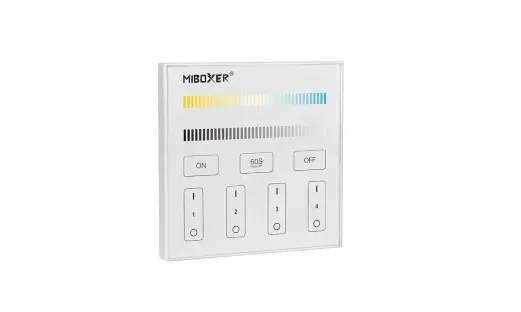
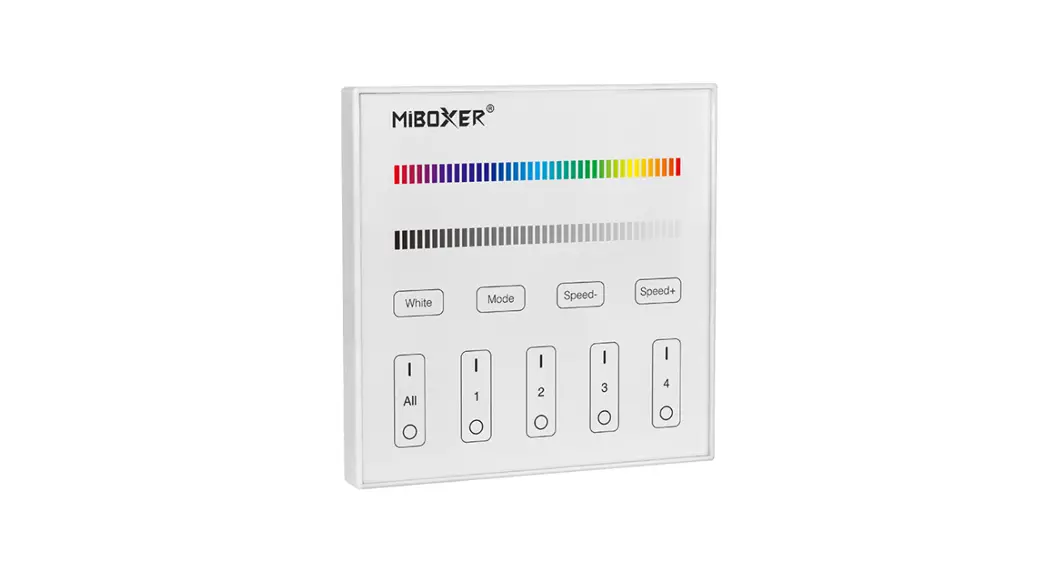
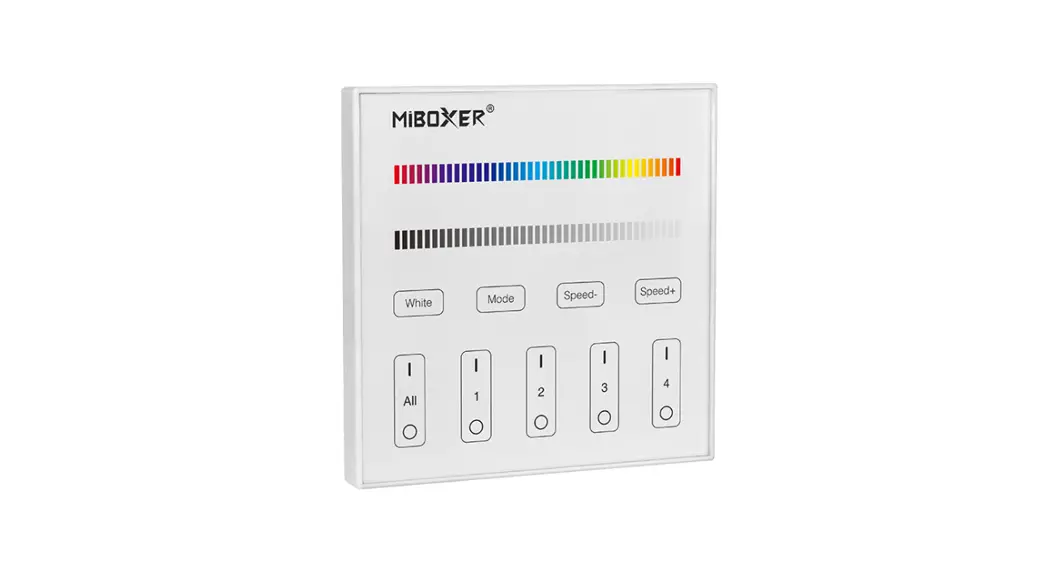
Compatible with these 2.4G RF remote controls (Purchased separately)
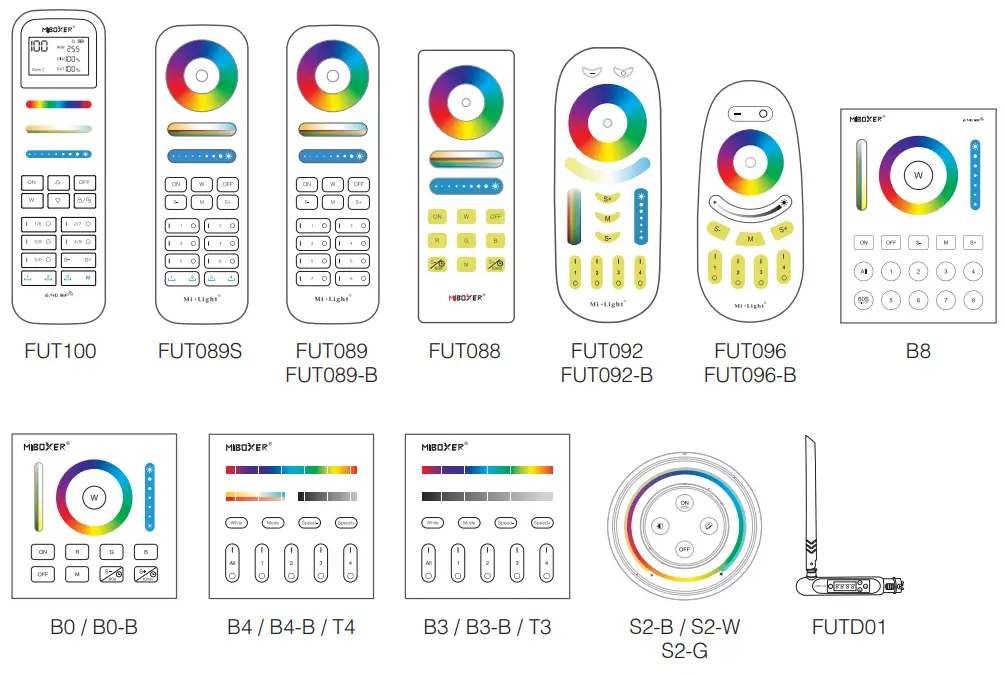
2.4G RF Remote control instruction
- Linking Code Instructions
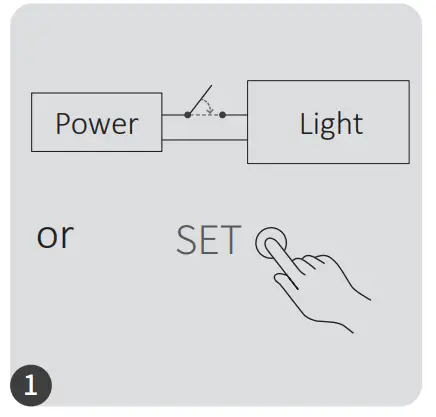
Power off 10 seconds andpower on again or short press “SET” one time.
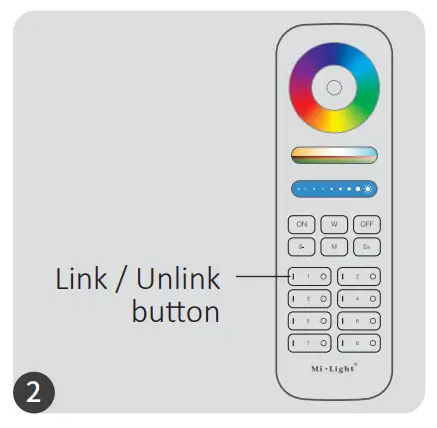
Short press ” I ” button 3 times within 3 seconds.
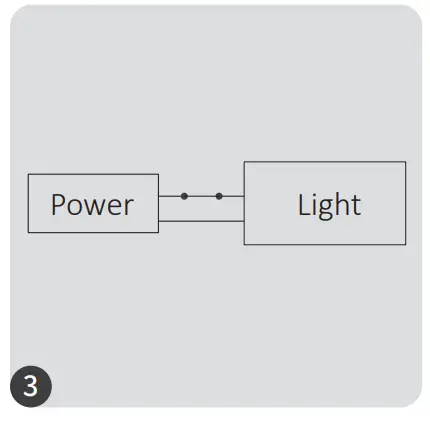
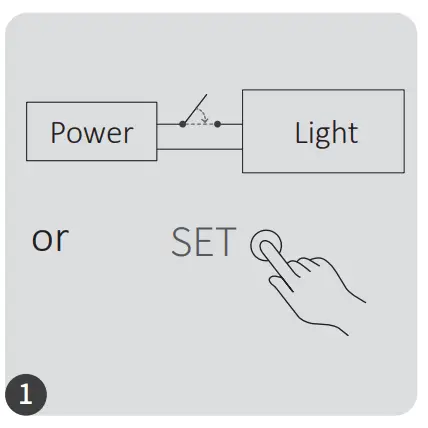
Lights blink 3 times slowly means linking is done successfully.
 Linking failed if light is not blinking slowly, Please follow above steps again.
(Note: Light that have linked can’t link again)
Power off 10 seconds and power on again or short press “SET” one time.
Short press ” I ” button 5 times within 3 seconds.
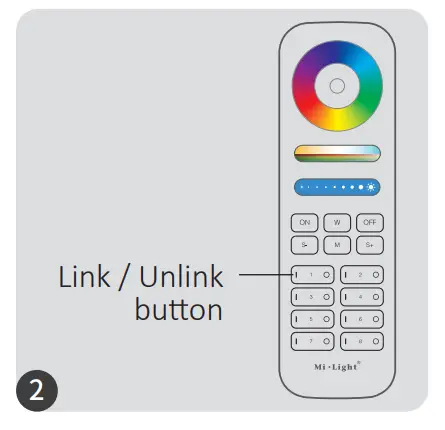
Lights blink 10 times quickly means unlinking is done successfully.
Unlinking failed if light is not blinking quickly, Please follow above steps again.
(Note: Light haven’t linked that don’t need to unlink)
3). Auto transmitting & Synchronization (only for remote control)
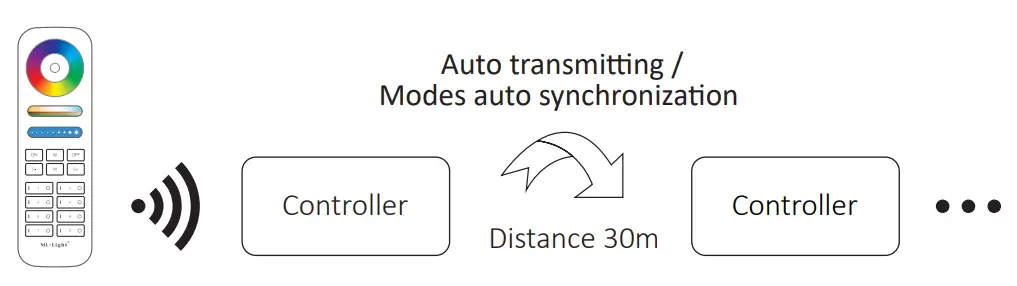
Remote signal auto transmitting
One light can transmit the signals from the remote control to another light within 30m, as long as there is a light within 30m, the remote control distance can be limitless.
Dynamic modes auto synchronization
Multi lights can synchronize if they are in same dynamic mode and linked with same remote (distance between each light is within 30m)
4). Dynamic mode table selection (only for remote control)
Select dynamic mode table 1:
While the light is in static mode, short press “S+” button 5 times quickly until Hue light flashes 3 times slowly, static mode is activated successfully.
Select dynamic mode table 2:
While the light is in static mode, short press ” S- ” button 5 times quickly until yellow light flashes 3 times slowly, static mode is activated successfully.
Dynamic mode table 1 (default)
| Number | Dynamic Mode | Brightness / Saturation / Speed |
| 1 | Mardi Gras | Adjustable |
| 2 | Automatic color change | |
| 3 | Sam | |
| 4 | Gemstone | |
| 5 | Twilight | |
| 6 | American | |
| 7 | Fat Tuesday | |
| 8 | Party | |
| 9 | Slow Color Splash |
Dynamic mode table 2 (need to switch manually)
| Number | Dynamic Mode | Brightness / Saturation / Speed |
| 1 | Seven colors gradual change | Adjustable |
| 2 | White light Gradual change | |
| 3 | RGB gradual change | |
| 4 | Seven colors jump to change | |
| S | Jump to change randomly | |
| 6 | Red light gradual change +Flash 3 times | |
| 7 | Green light gradual change +Flash 3 times | |
| 8 | Blue light gradual change +Flash 3 times | |
| 9 | White light gradual change +Flash 3 times |
5). PWM high frequency / low frequency switching (only for remote control)
Switch to high frequency (16KHz):
Press “OFF” button 1 time within three seconds and press “ON” button S times, Activated successfully once led light flashes 2 times quickly.
Switch to low frequency (250Hz):
Press “ON” button 1 time within three seconds and press “OFF” button 5 times, Activated successfully once led light flashes 2 times slowly.
6). “Do Not Disturb” mode is activated and shut down (default activated)
Turn on “Do Not Disturb” mode (wide using in the area which have power failure frequently to save energy)
2.4G RF Remote turn on and turn off instruction
Turn on “Do Not Disturb” mode:
Press “OFF” button three times within three seconds and press “ON” button three times, Activated successfully once led light flashes four times quickly.
Attention: Do not disturb mode is activated
- When the light is OFF status (For example: Use app or remote to turn off light) The light is OFF status once you turn off power and turn on again. (User must turn off and turn on power twice times to activate light or use APP / remote to activate light)
- When the light is ON status The light is ON status once you turn off and turn on power one time.
Turn off “Do Not Disturb” mode:
Press “ON” button three times within three seconds and press “OFF” button three times, closed successfully once led light flashes four times slowly.
Attention: The light will be always “ON” status if you turn on and turn off power once user closed “Do Not Disturb” mode.
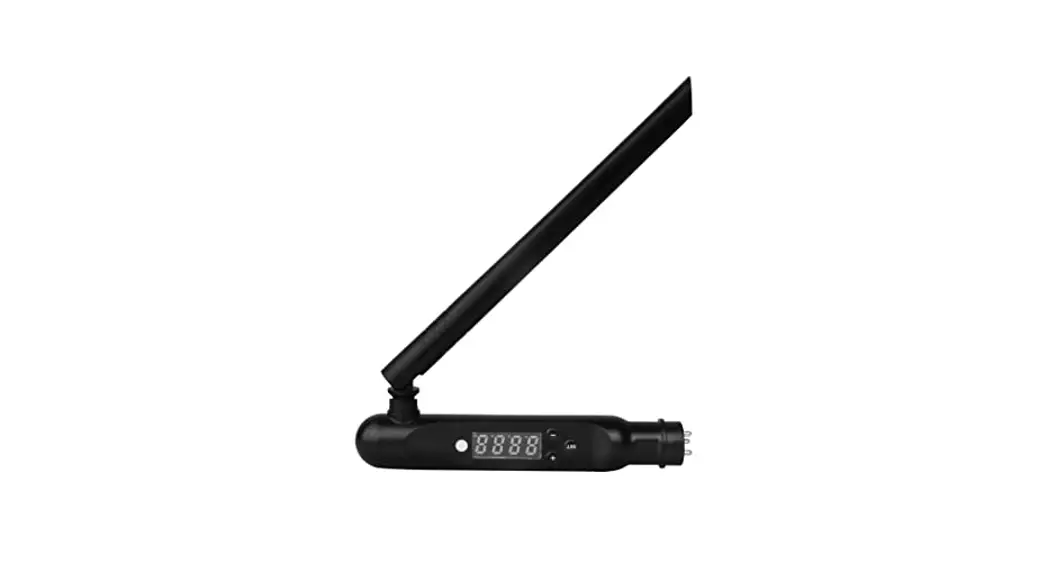
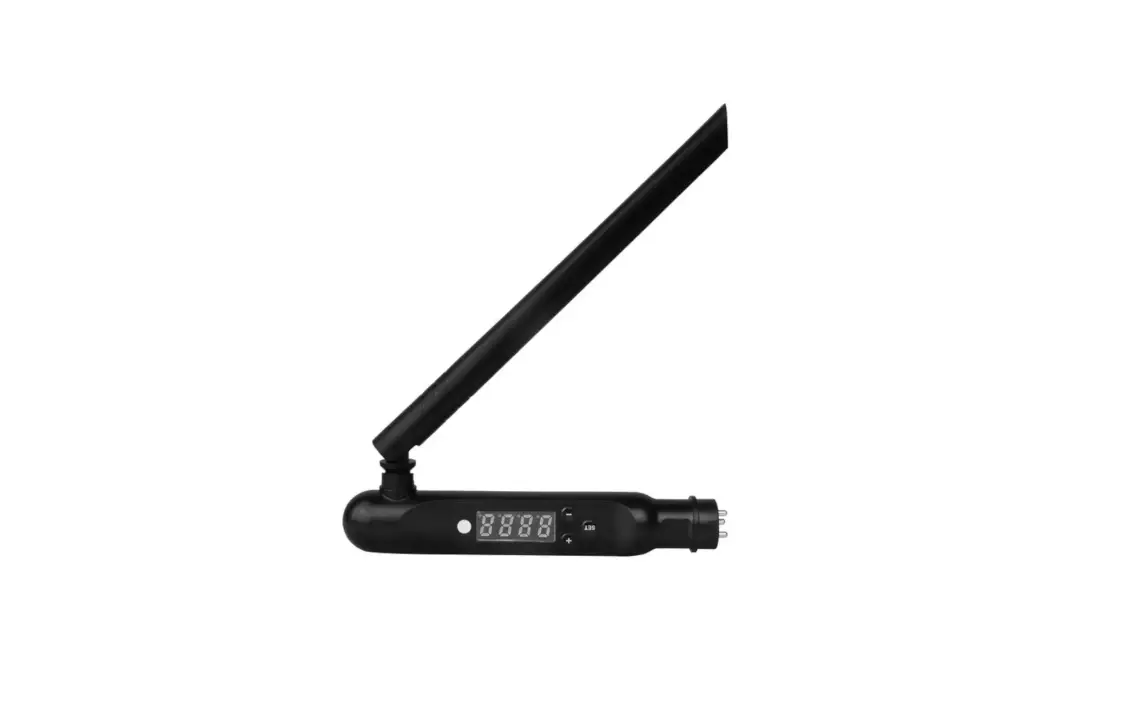
DMX512 LED Transmitter Control (Purchased separately)
Only for RGB+CCT output mode
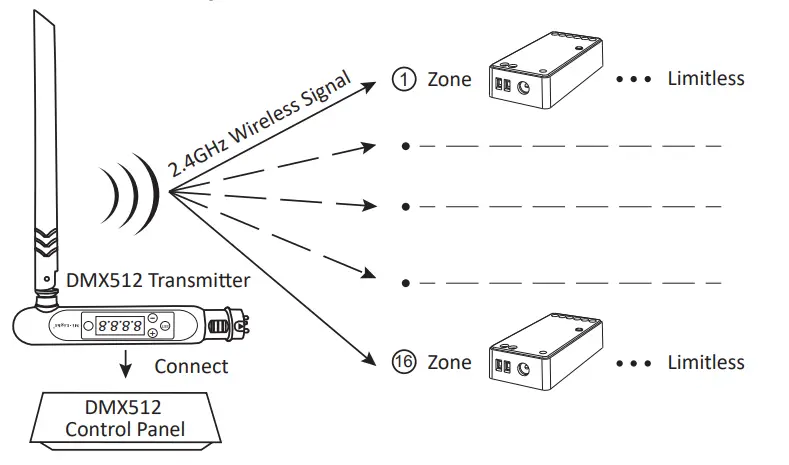
DMX512 LED Transmitter Link/Unlink
- Follow instruction of DMX512 transmitter (FUTD01), Choose the zone for the light by pressing “ + ” or “ – ” (e.g. “CH12” means zone 12)

Link
The controller is powered off for 10 seconds and then powered on, or press “ SET ” button 1 time.
Short press “ ” 3 times within 3 seconds while the indicator of controller is ON SET
Link is done once indicator of controller flashes 3 times slowly
Unlink
The controller is powered off for 10 seconds and then powered on, or press “ SET ” button 1 time.
Short press “ ” 5 times within 3 seconds while the indicator of controller is ON SET
Unlink is done once indicator of controller flashes 10 times quickly
If the link or unlink failed, please follow the above steps again.
Attention
- Please turn off power supply before installation.
- Please ensure input voltage to be same as requirements from device.
- Don’t disassemble device if you are not expert, otherwise it will damage it.
- Please do not use the light in the place with widely range metal area or strong electromagnetic wave nearby, otherwise, the remote distance will be seriously affected.
 Scan QR code to watch 2.4GHz series video instruction Or enter into following link directly
https://miboxer.com/light/video/1pc_remote.html Made in China
 Remote Series Video - MiBoxer