 Mi-Light
Subordinate New Brand
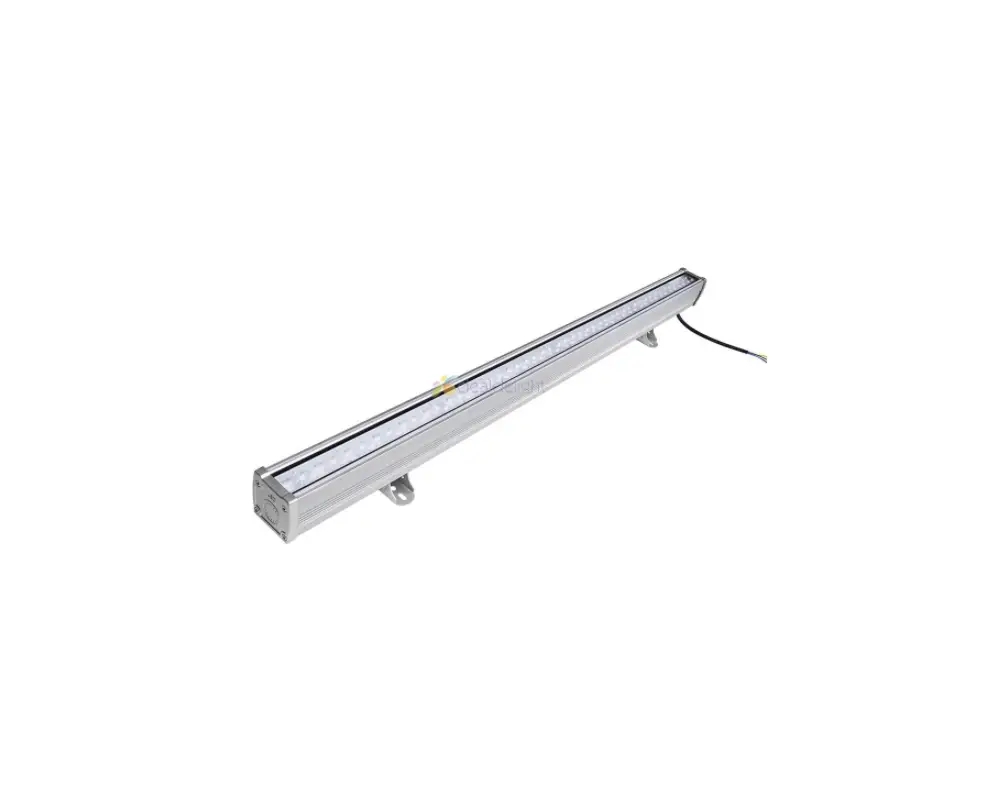
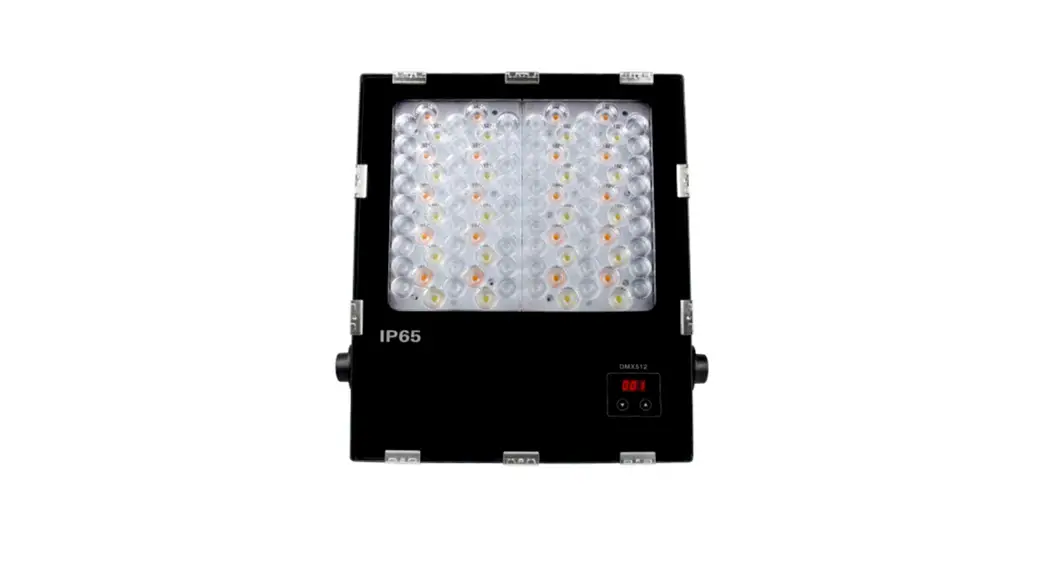
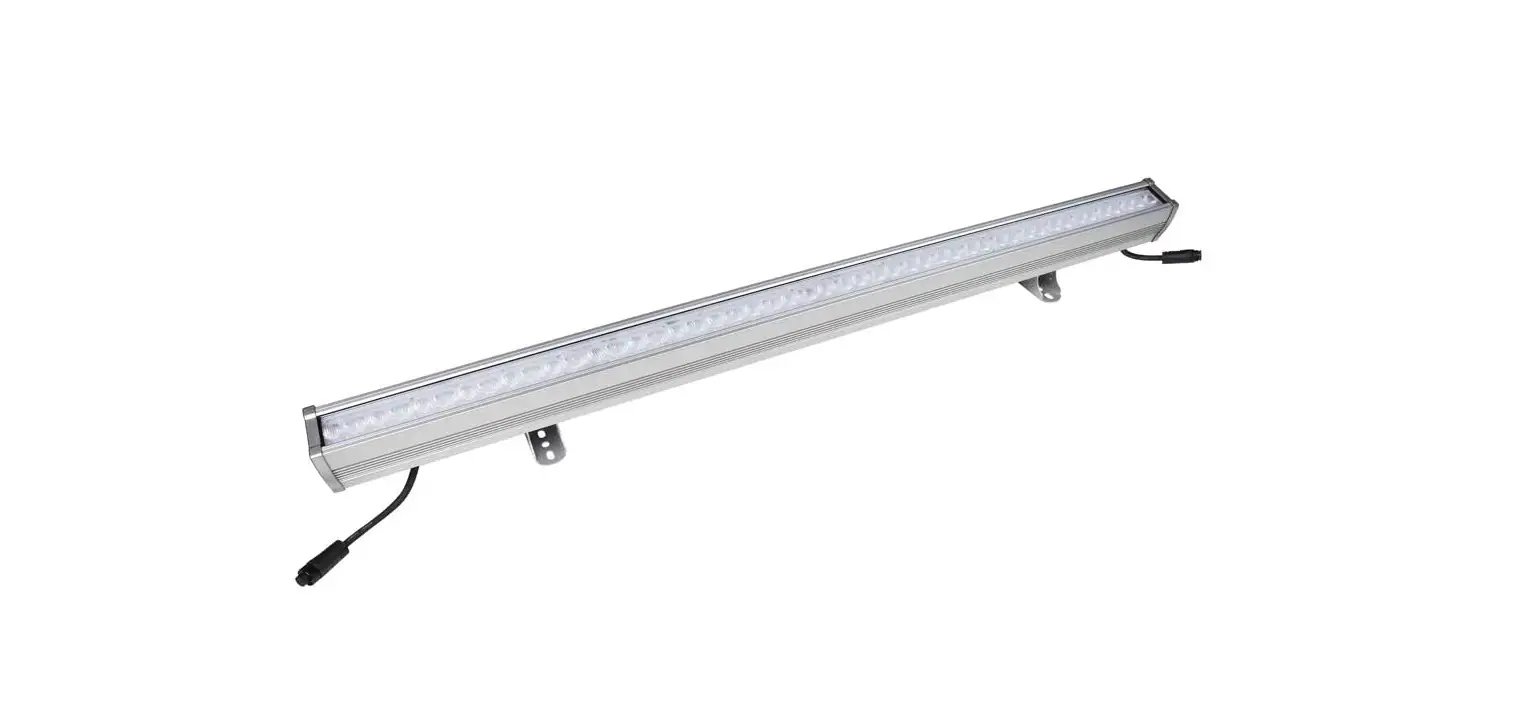
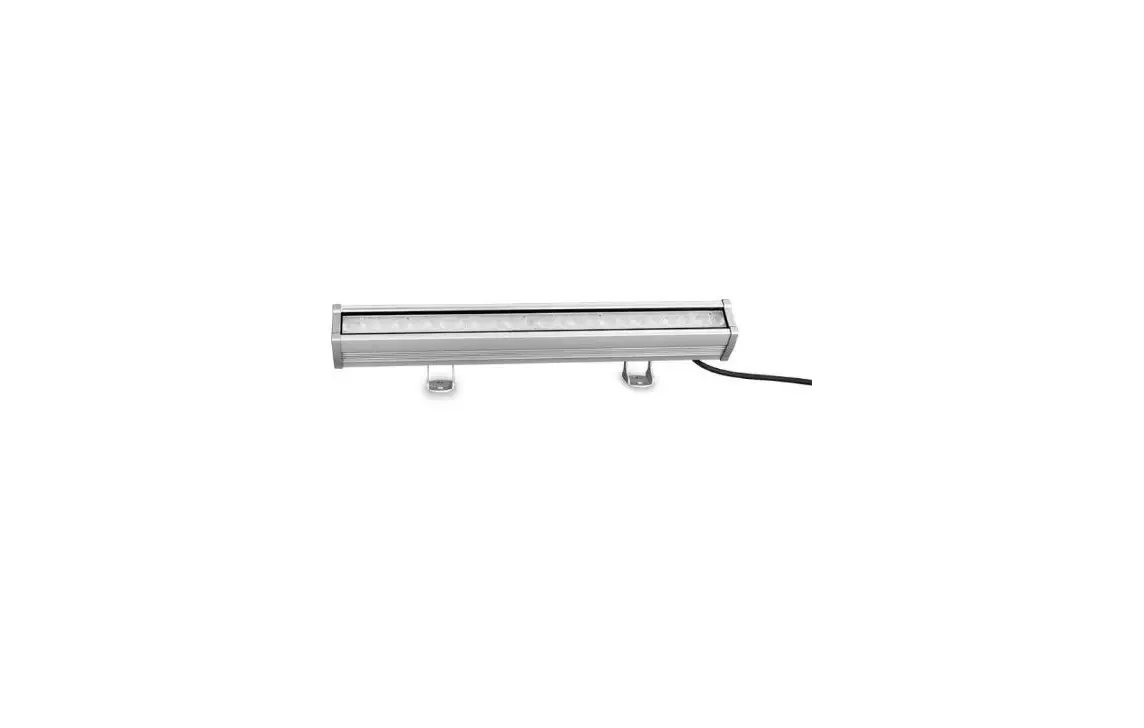
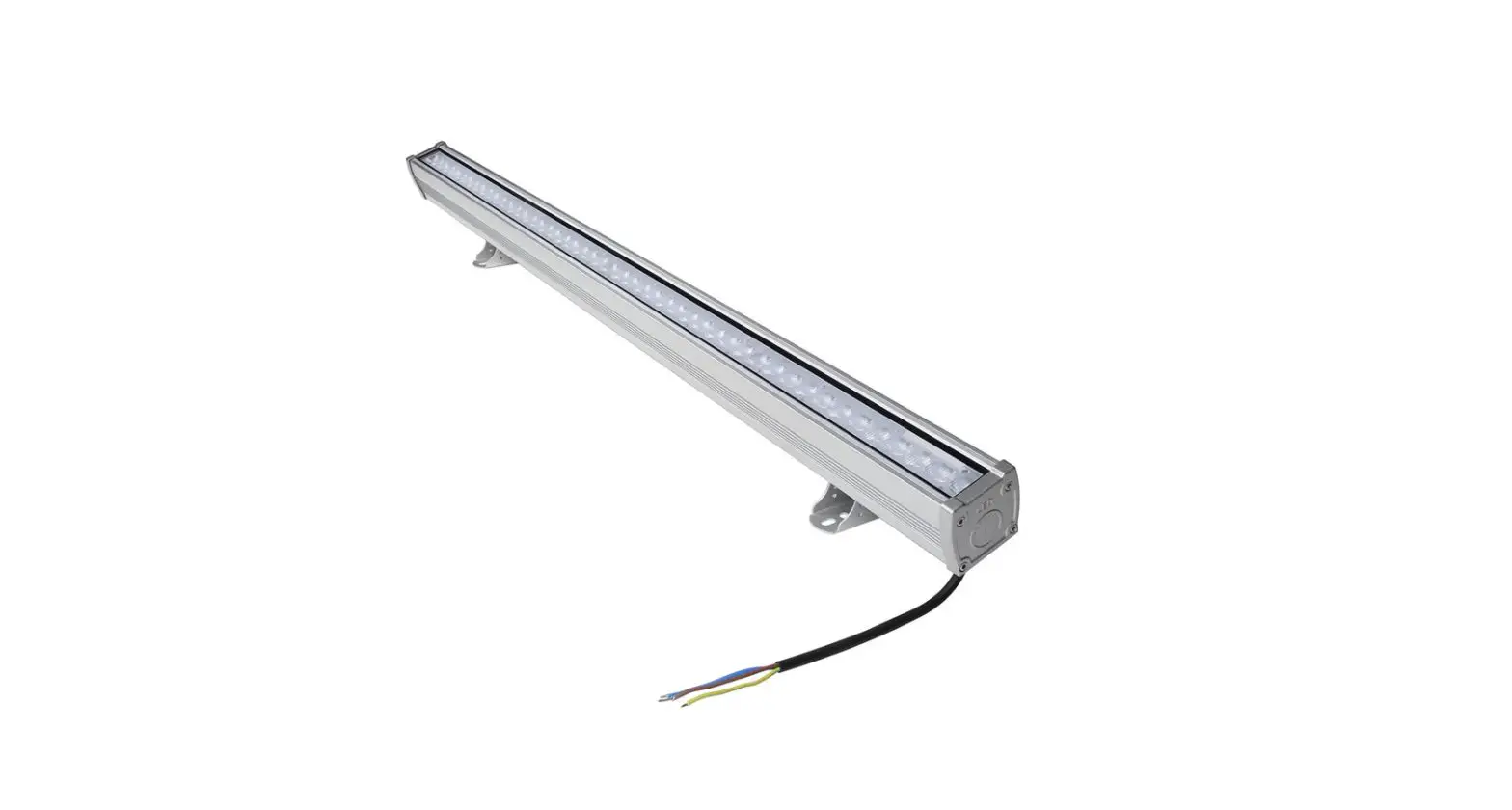
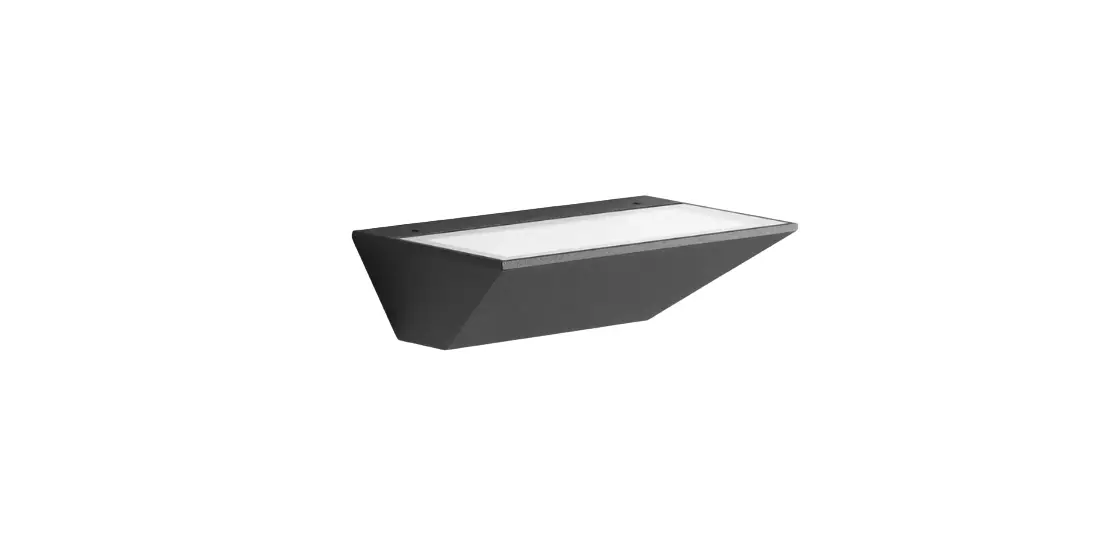
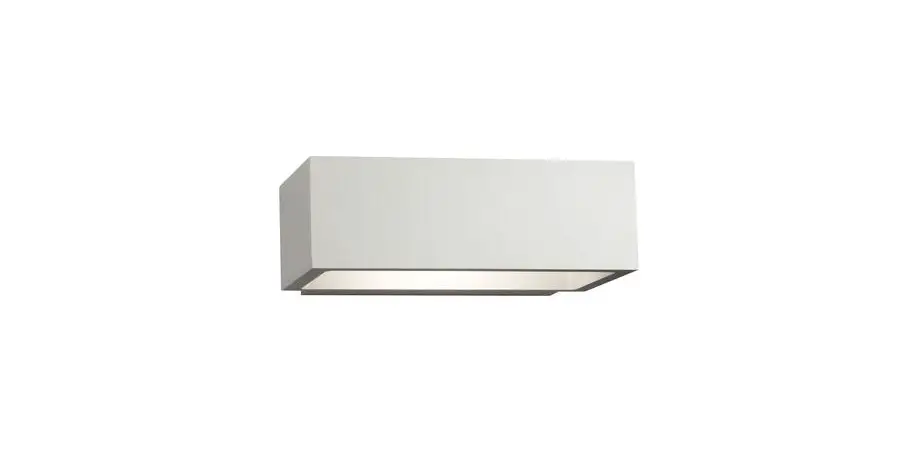
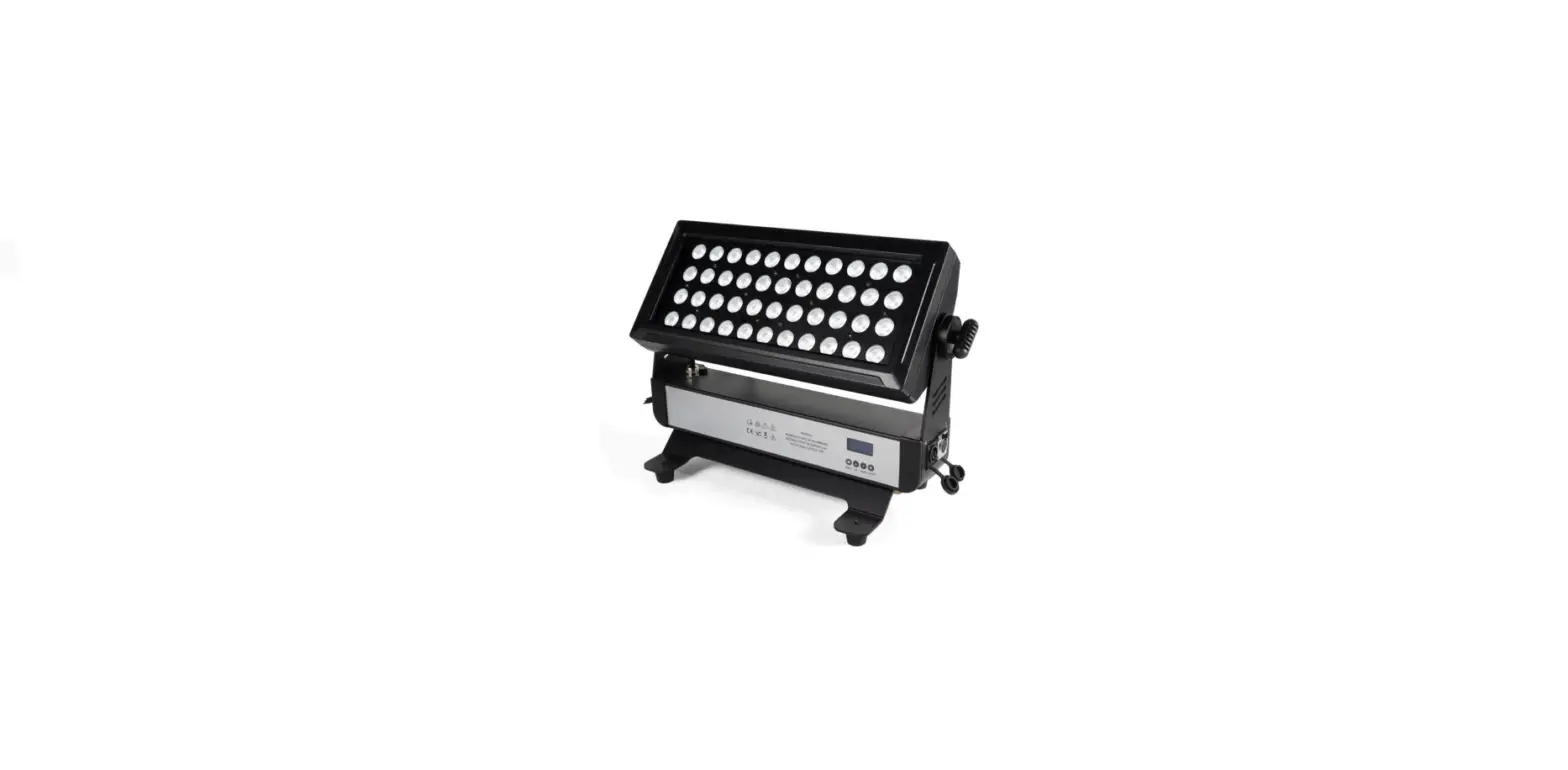
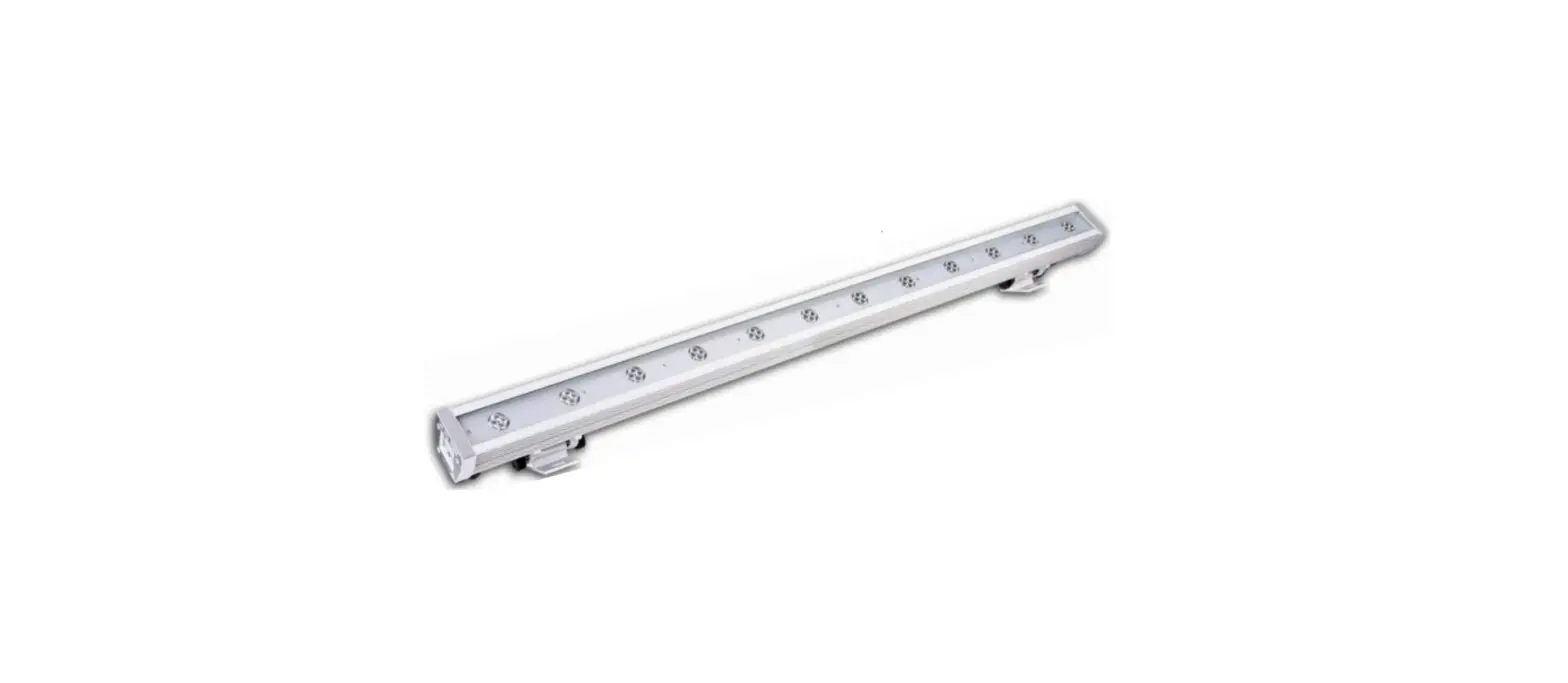
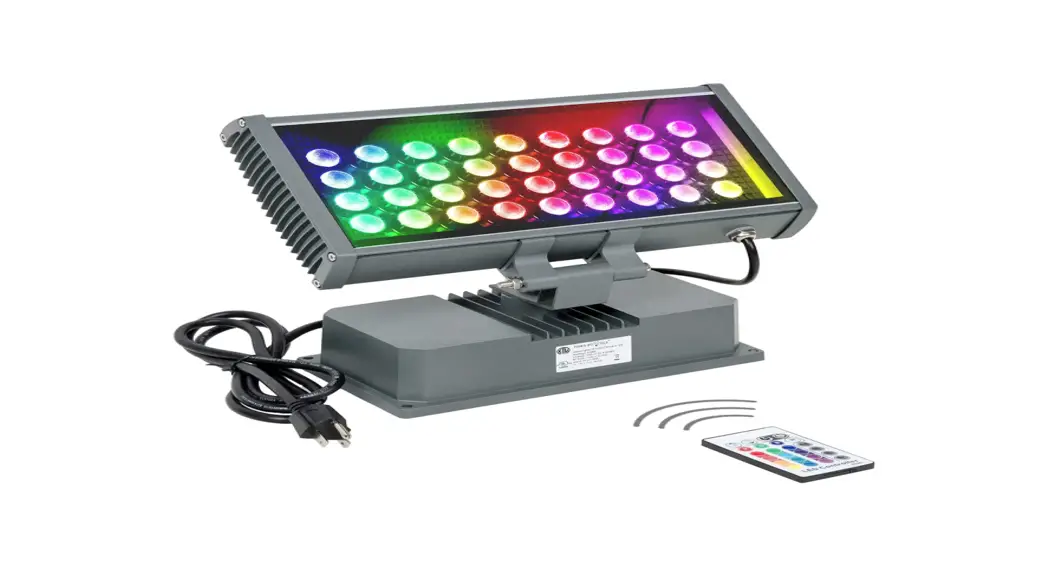
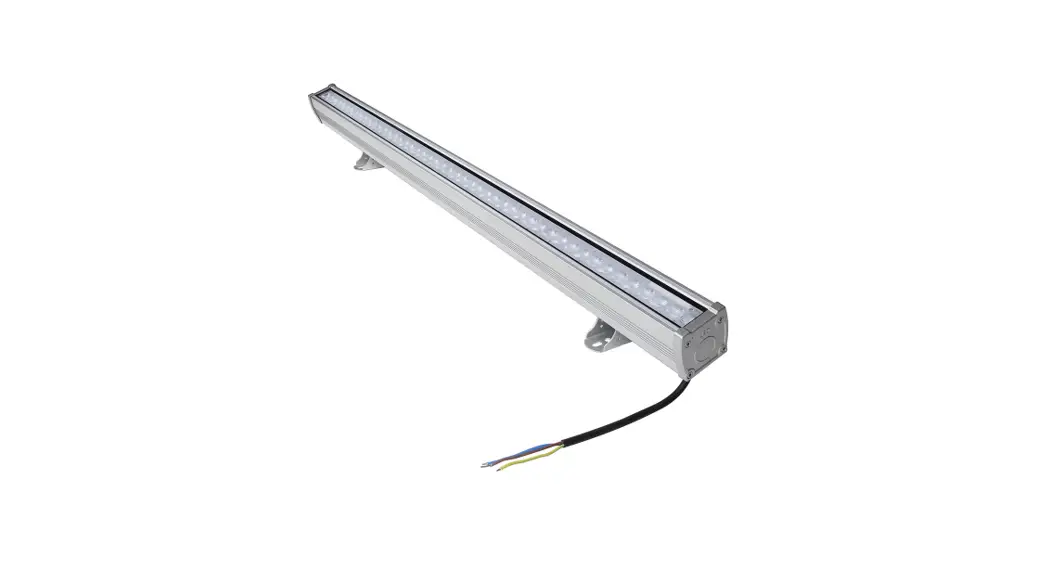
LED-Wall Washer Light ( DMX512&RDM)
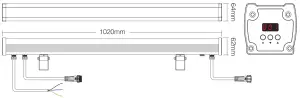
Model No.: D4-W72 / D5-W72
Features
- Accord with DMX512 standard protocol.
- Digital Display, Set DMX initial address through the button.
- Support RDM function.
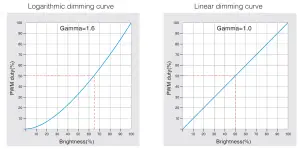
- Logarithm/Linear dimming curve is optional.
- 16 million colors to change, color temperature, and brightness adjustable.
- IP66 waterproof rated
Parameter
D4-W72
72W RGBW LED Wall Washer Light
| Input Voltage: | AC100~240V 50/60Hz |
| Power: | 72W |
| CRI: | >80 |
| PF: | >0.9 |
| Color Temp.: | 2700~3000K |
| Beam Angle: | 15*60° |
| Working Temp.: | -20~45°C |
Luminous Flux:
| R | G | B | WW |
| 560LM | 1080LM | 300LM | 2600LM |
D5-W72
72W RGB+CCT LED Wall Washer Light
| Input Voltage: | AC100~240V 50/60Hz |
| Power: | 72W |
| CRI: | >80 |
| PF: | >0.9 |
| Color Temp.: | 2700~6500K |
| Beam Angle: | 15*60° |
| Working Temp.: | -20~45°C |
Luminous Flux:
| R | G | B | CW | WW |
| 280LM | 540LM | 150LM | 1800LM | 1650LM |
Function Settings
- Digital Display status description
Self-locking: Get into locking state when there is no operation over 30 seconds, digital display with low light or OFF.
Unlock the Long press M button for 2 seconds to make a digital display with high light, quit self-locking state.
The address is always ON: DMX signal valid.
Address flickering: DMX signal invalid. - DMX initial address setting
Under unlock status, when the digital display shows 001-512( for example ) Short press ▲ button or ▼ button, you can change the DMX initial address; Long press, you can change it quickly.
For Example Set the Initial address to 100D4-W72 D5-W72 Occupy 4 address 100-103 Occupy 5 address 100-104 - System Parameter Setting Instruction
Under unlock status: Long press the M button 3 seconds to make the digital display show or,
or,  then get into the system parameter setting. By this time, short press the M button to switch 3 different parameters setting circularly.
Parameter 1: Dimming Curve setting (Showor ), short press ▲ button or ▼ button to switch.The dimming curve is logarithm dimming. (Factory default parameter)The dimming curve is linear dimming.
Parameter 2: Dimming smoothness setting(show or
or  ), short press ▲ button or ▼ button to switch.Smooth dimming. (Factory default setting)Standard dimming.
Parameter 3: Digital display showing setting(show or
or  ) short press ▲ button or ▼ button to switch.Under self-locking status, the digital display is always ON (low lighting showing). (Factory default parameter)Under self-locking status, digital display OFF.
Exit system mode: long press M button 1 second to exit. Or it will be self exit if there is no operation over 8 seconds. - Restore factory default.
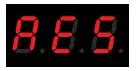
Under unlock status, long-press the M button for 10 seconds until digital display shows .
.
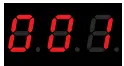 Short press ▲ button or ▼ button, you can change the DMX initial address; Long press, you can change it quickly.
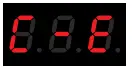 or,
or, 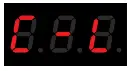 then get into the system parameter setting. By this time, short press the M button to switch 3 different parameters setting circularly.
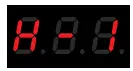 or
or 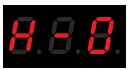 ), short press ▲ button or ▼ button to switch.
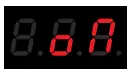 or
or 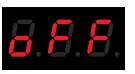 ) short press ▲ button or ▼ button to switch.
 .
.Dimming Curve Diagram
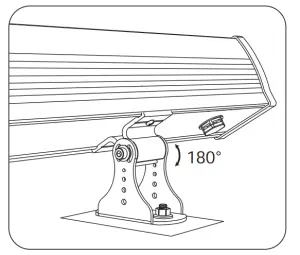
Installation Diagram
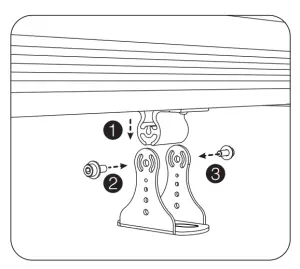
- Fix the lamp body on the base, and rotate the screws.

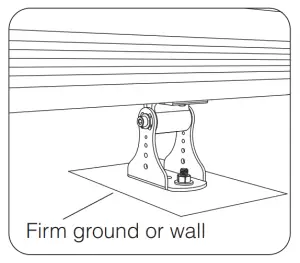
- Select the installation place, and fix the base.

- Adjust the illuminating angle, and tighten the screws.
Connection Diagram
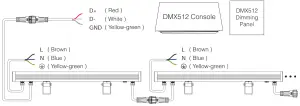
Attention: If the DMX wall washer light is over 32pcs, or using the super long signal cable, you need a DMX signal amplifier. Amplify signal cannot be over 5 times.
Attention
- This product should be debugged and installed by professionals.
- Please check whether the input voltage meets the requirements of the product voltage range.
- Before switching on the power, please ensure that all wiring is correct, so as not to cause damage to the devices.
- Please do not install the devices in the low-lying and easy inundated areas.
- If a fault has occurred, non-professionals do not repair it without permission, otherwise, the devices will be damaged.
 Made in China