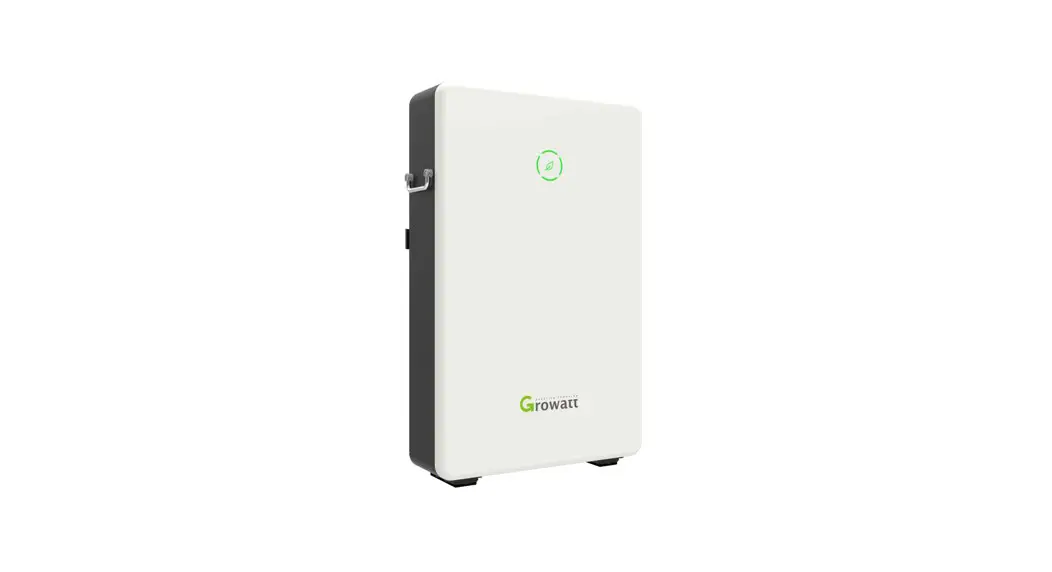
JKS-B5150-BI Energy Storage
Product Information
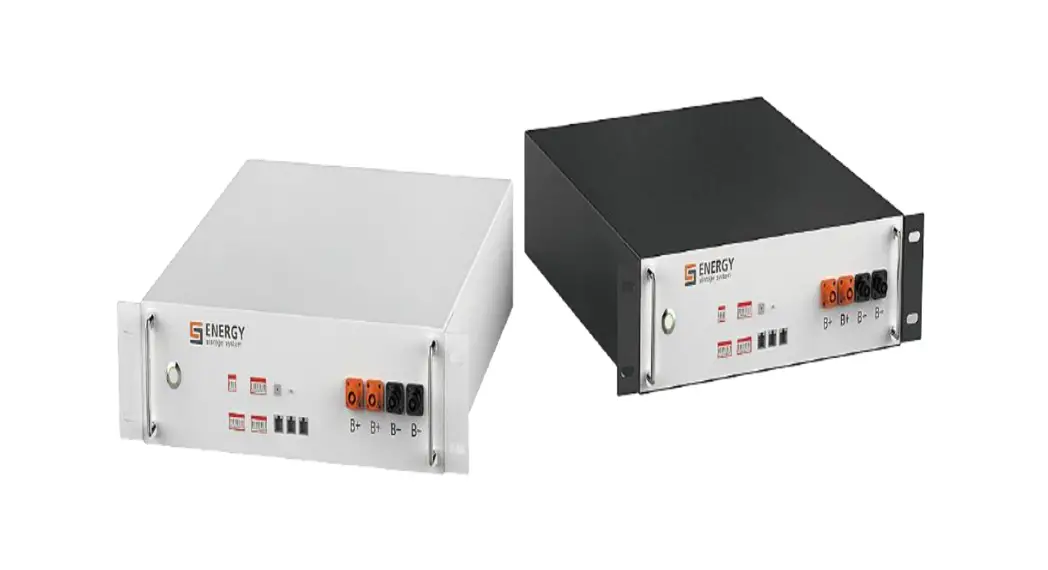
The product is the JKS-B5150-BI, a battery system designed for
both wall-mounted and floor installation. It is recommended to use
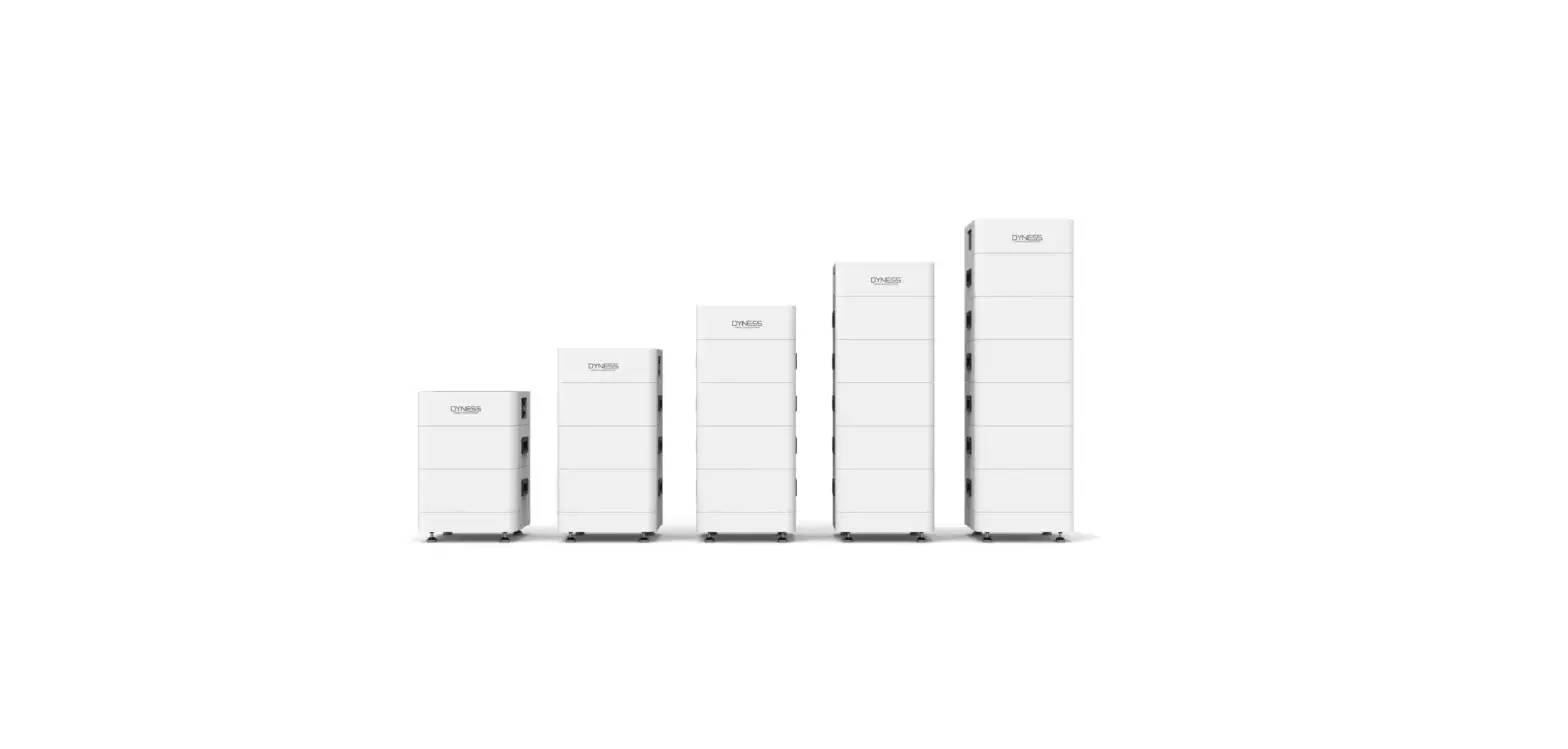
base mounting for floor installation when more than 4 batteries are
used. The maximum stack number for floor installation with base is
ten, but if the battery number exceeds six, it is recommended to
stack them in two stacks.
The battery system has various features and components,
including CAN communication ports, a USB interface, LED indicator,
power button, safety vent, circuit breaker, and terminal
connections for power and communication.
For power connection, it is recommended to use a molded case
circuit breaker with a rated working voltage greater than 80V and
rated working current greater than 125A.
The battery system can be easily operated using the power
button. Pressing the power button for 3 seconds turns on the
battery system, indicated by the LED indicator lighting up. To turn
off the battery system, simply press the power button. The LED
indicator will turn off to indicate that the battery has been
turned off.
Product Usage Instructions
- Installation Environment Installation Tools
- Check Accessories
- Installation Location Requirements
- If more than 4 batteries are used, base mounting is
recommended. - For floor installation with base, the maximum stack number of
the battery is ten. If the battery number exceeds six, stack them
in two stacks.
- Avoid drilling holes in water pipes and cables buried in the
wall.
- Build sun & rain shade to avoid direct exposure to sunlight
and rain.
- Connect the switch between PCS and JKS-B5150-BI using a molded
case circuit breaker with a rated working voltage greater than 80V
and rated working current greater than 125A.
- Press the power button for 3 seconds to turn on the battery
system. The LED indicator will light up. - Press the power button to turn off the battery system. The LED
indicator will turn off.
Service and Contact
If you require any further assistance or have any questions,
please contact Jinko Solar Co., Ltd. at:
No.1, Jinko Road, Shangrao Economic Development Zone
Shangrao City, Jiangxi Province, 334100, P.R. China
Website: www.jinkosolar.com
Email: [email protected]
Installation Environment Installation Tools
Check Accessories
JKS-B5150-BI
Cable to PCS
Standard wall-mounted installation Standard floor installation Wall-mounted battery system stacked in two line Floor installation battery system stacked in two line
System Size
JKS-B5150-BI
Quick Installation Manual
1.Check
Check Packing List
JKS-B5150-BI
Operationmanual
Quickinstallation manual
Warrantycard Certification
Quickinstallationmanual×1 Operationmanual×1 Warrantycard×1 Certification×1
Wallhangers×1 Positiveparallelpowerline×1 Negativeparallelpowerline×1
Parallelcommunicationline×1 Groundwire×1
M6Explosivescrew×2 M6Flangenut×1
M4×10Combinationscrew×2
2.Floor Installation with Base
Installation Location Requirements
1. If more than 4 batteries are used, base mounting is recommended. 2. For floor installation with base, the maximum stack number of the battery is ten. But if the battery number
is greater than six, we recommend stacking two stacks.
3-2 Installation Procedure
4.Installation Environment
Note: Avoid drilling holes in the water pipes and cables buried in the wall.
5.Wire Connection
5-1 Connection End Face Introduction
Note: Build sun& rain shade to avoid direct exposure to sunlight and rain.
5-2 Diagram of Wiring Connection
11
1 PCS CAN communication
7 Positive terminal
2 LINK-IN CAN communication
8 USB interface
3 LINK-OUT CAN communication 9 LED indicator
4 Safety vent
10 Power button
5 Negative terminal
11 Circuit breaker
6 GND terminal
6.Terminal Connection
6-1 Power Terminal
Note: The switch connect PCS to JKS-B5150-BI, we recommend the use of molded case circuit breaker with rated working voltage greater than 80V and rated working current greater than 125A.
7.Battery System Switch Operation
6-2 Communication Terminal
8.Key Operation
Power Button
Situation System of f System on
Touch Press(2S) Press(2S) Press once
No reaction Power on Shut down
Note: When multiple battery modules are used in parallel connection, you only need to press one key of any module to start the system, and also press one key to shut down the battery system. ALM/RUN light turns green when powered on
Power ON Battery System
Turn the circuit breaker to the “ON” position. Press the power button for 3 seconds to turn on the battery. The battery LED indicator lights up to indicate that the battery has been turned on.
Power OFF Battery System
Turn the circuit breaker to the “OFF” position. Press the power button to turn of f the battery. The battery LED indicator is off , and the battery has been turned off .
9.Service and Contact
Jinko Solar Co., Ltd.
No.1, Jinko Road, Shangrao Economic Development Zone Shangrao City, Jiangxi Province, 334100, P.R. China
www.jinkosolar.com [email protected]
 Jinko Solar-首页