Contents hide

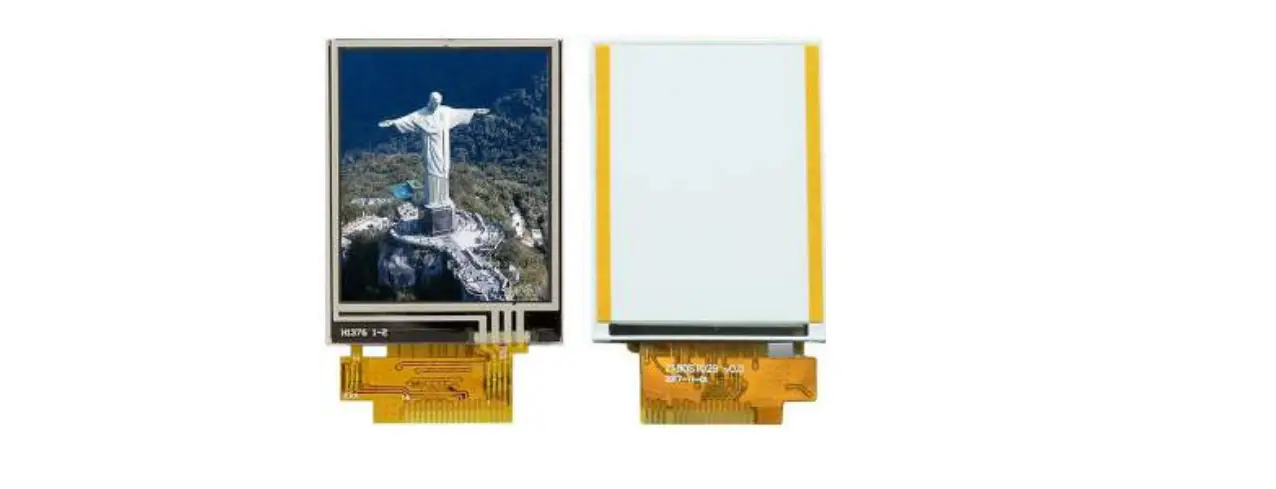
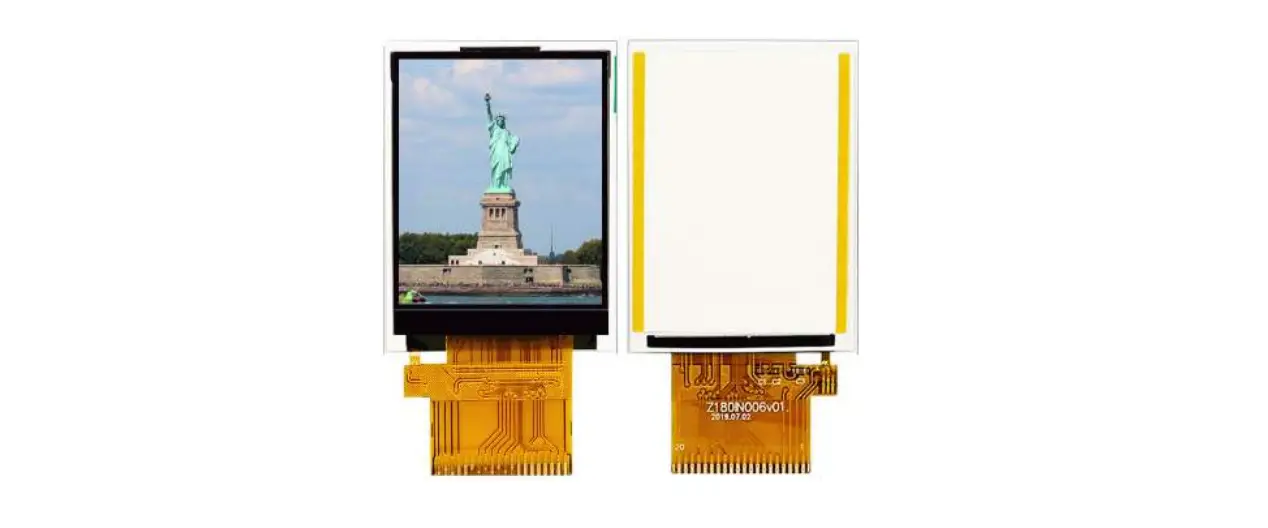
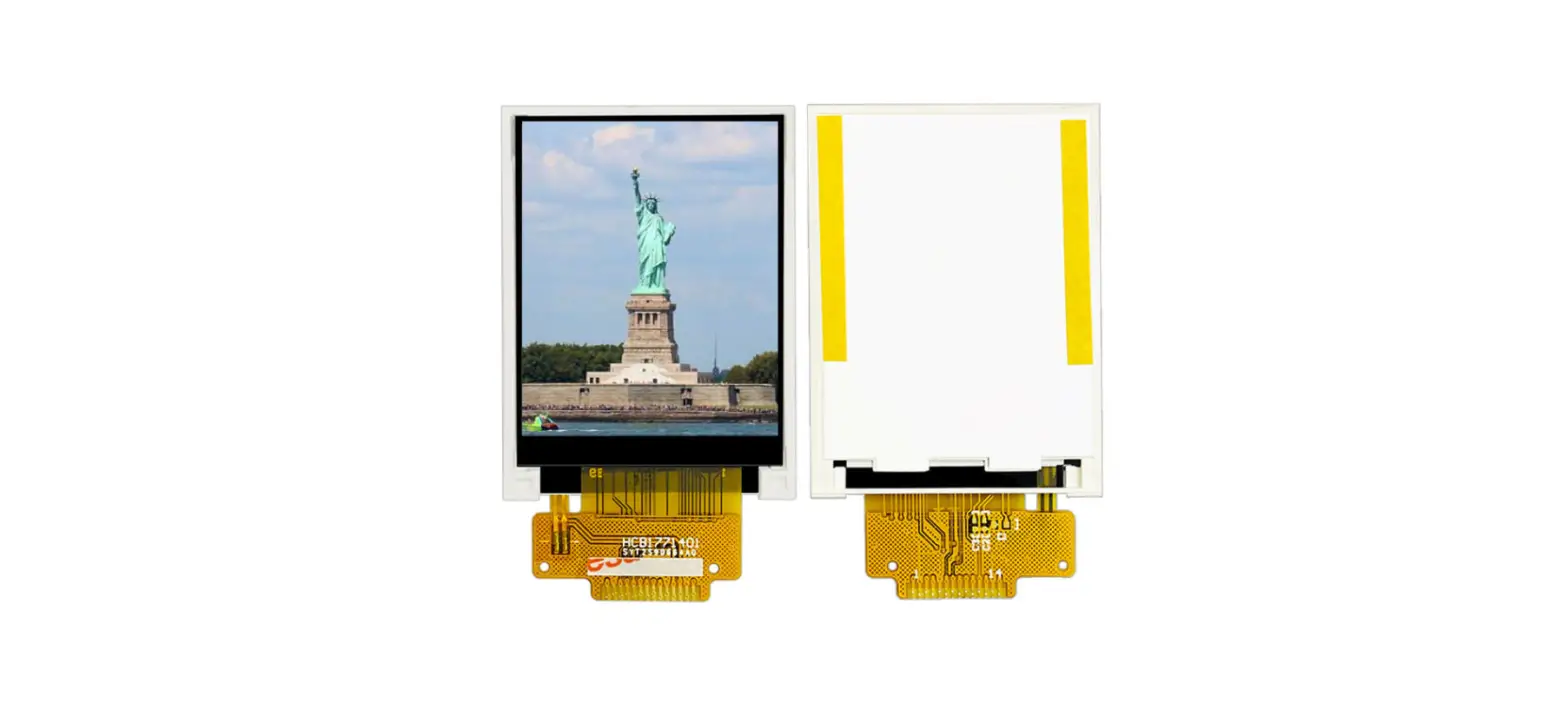
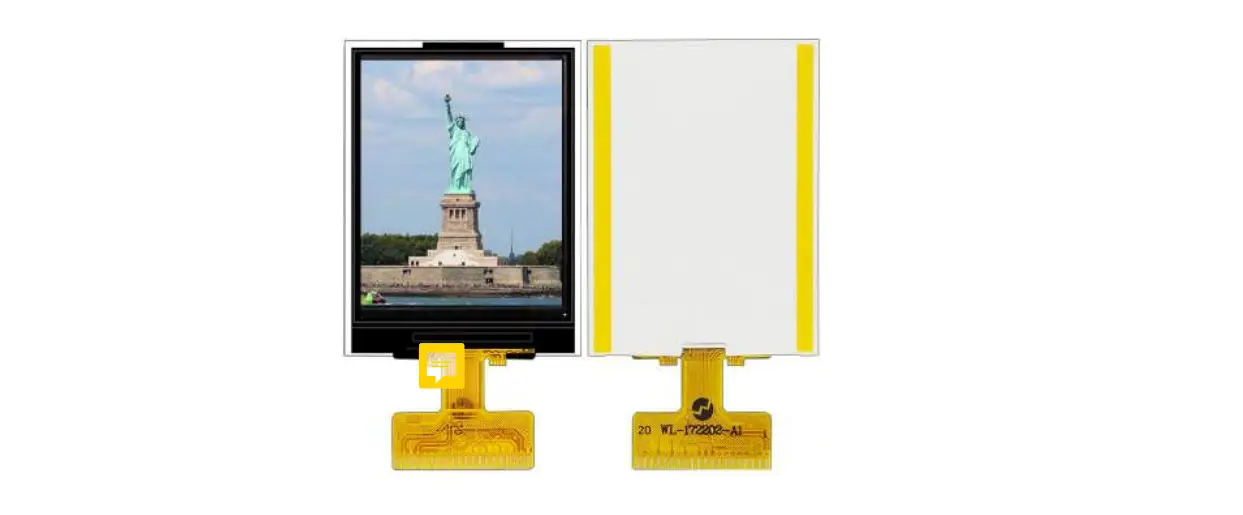
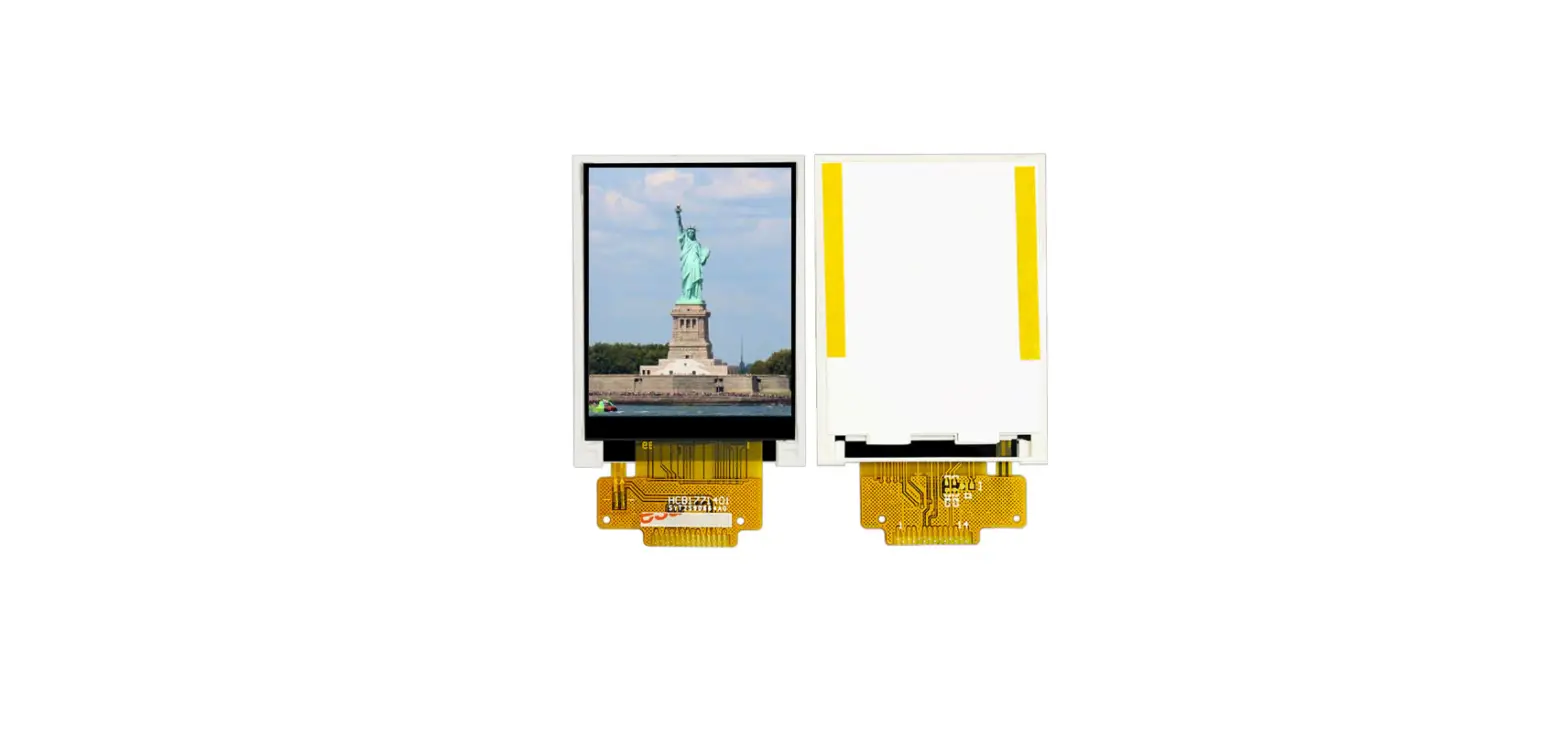
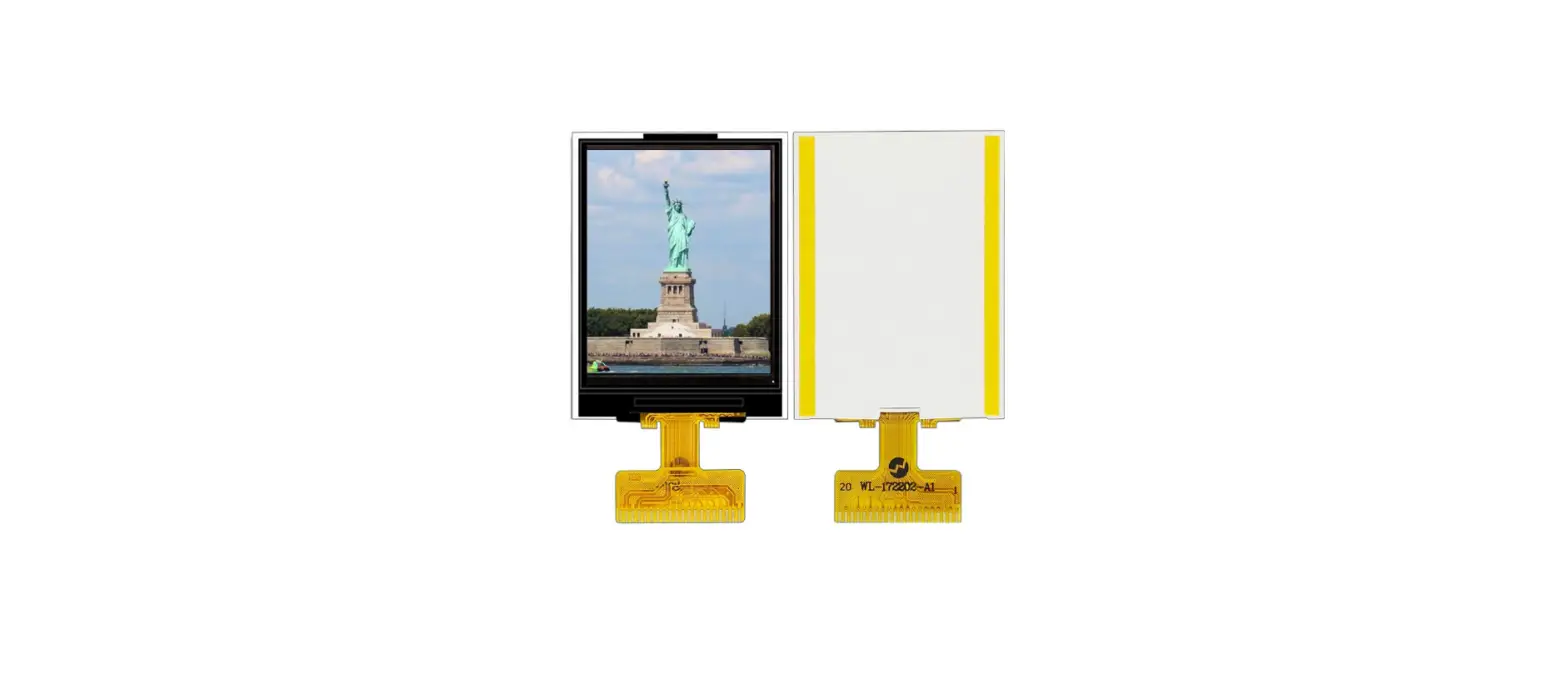
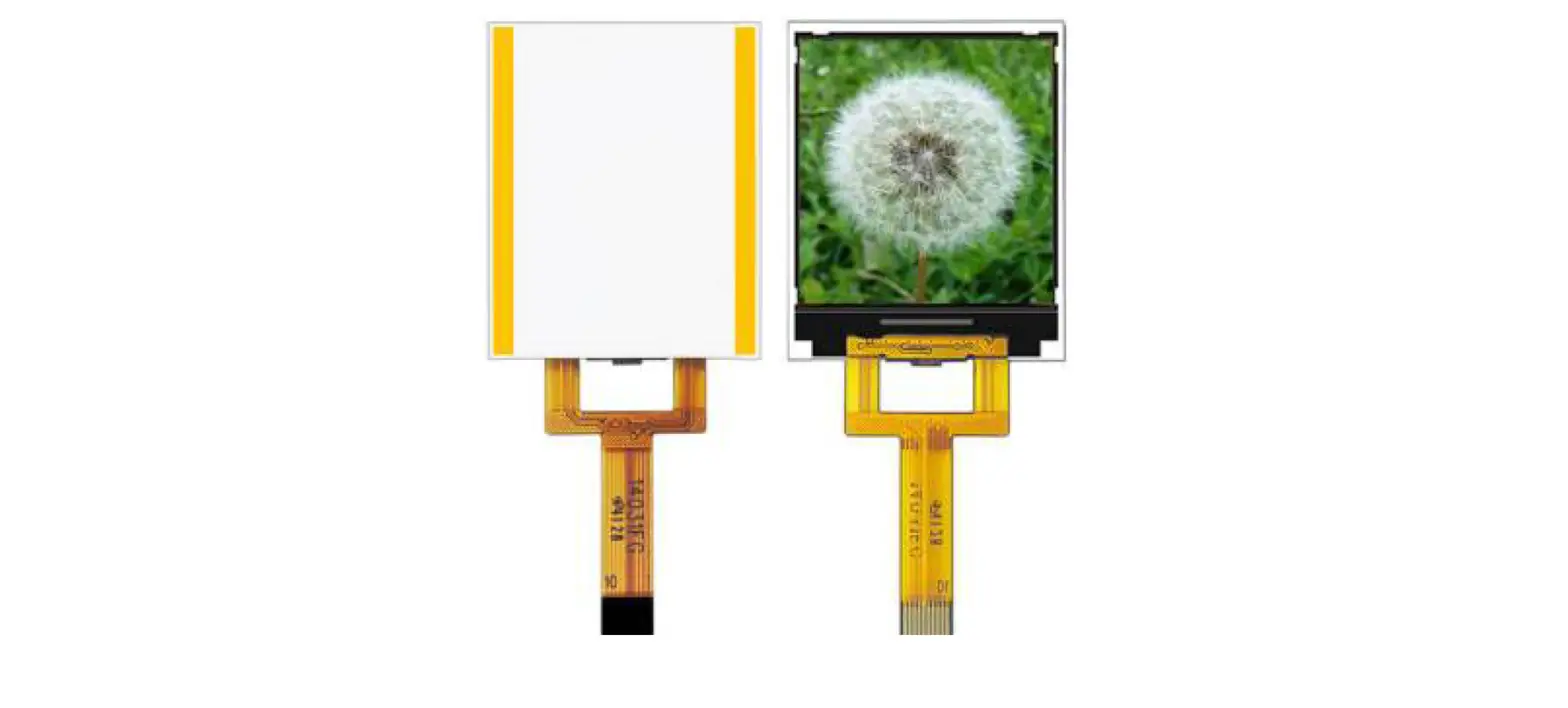
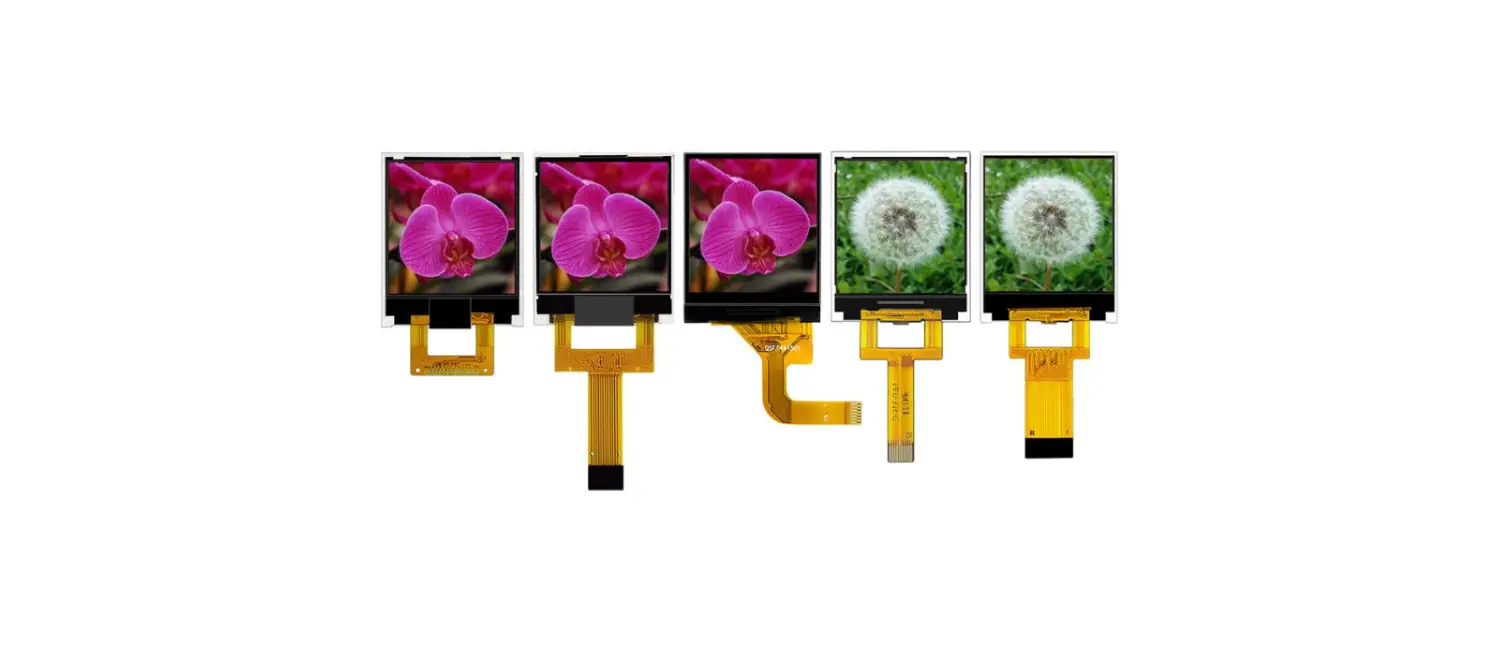
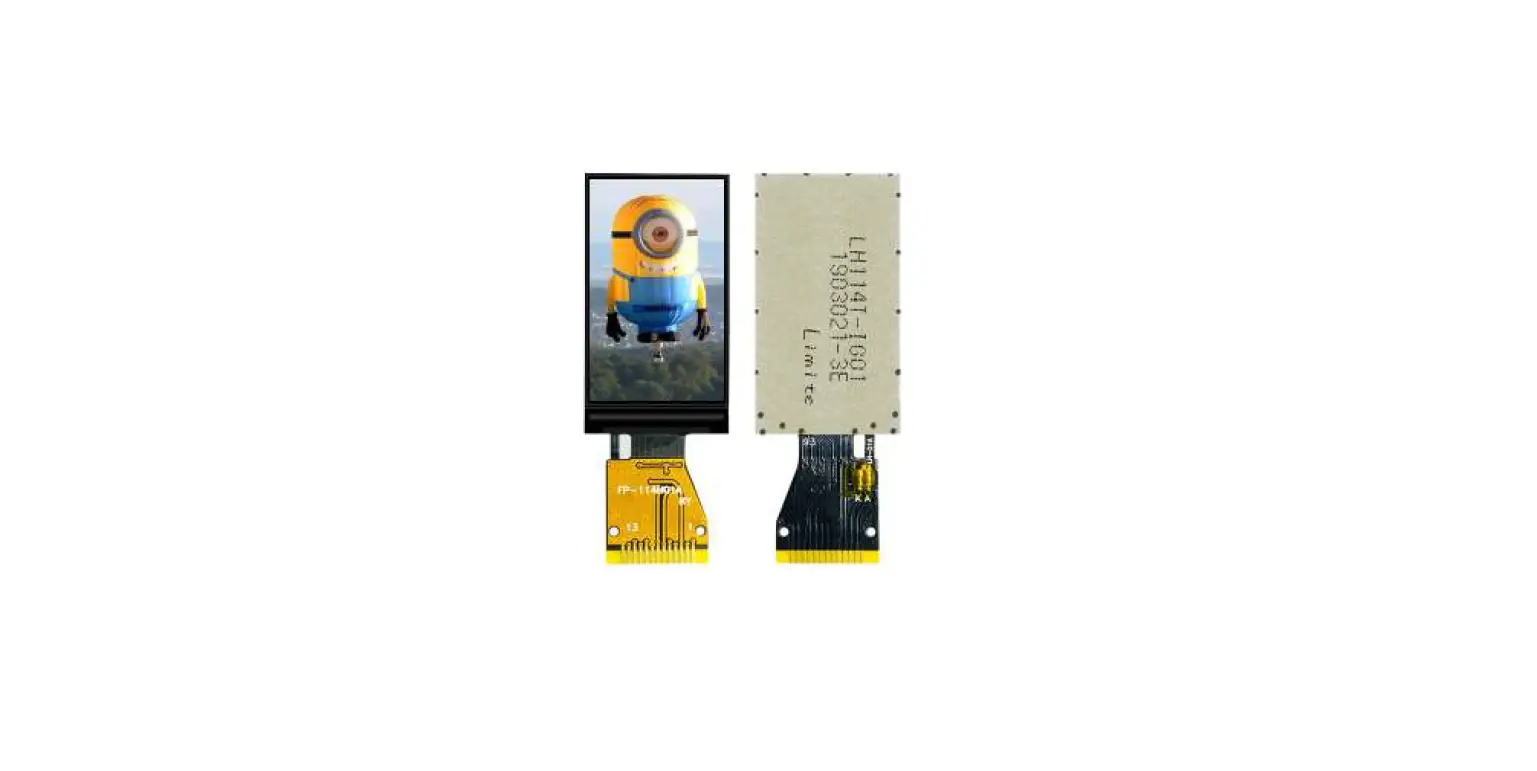
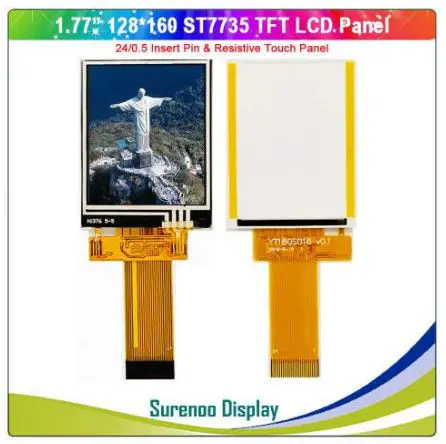
Surenoo STP0177G-128160 Series TFT Touch LCD Panel
General Description
| MODEL NO | STP0177G-128160 |
| Display Mode | Transmissive |
| Display Format | Graphic 128RGB*160 Dot-matrix 128xRGBx160 |
| Input Data | 8080-8 |
| Viewing Direction | 12 o’clock 12 |
| Drive | ST7735S |
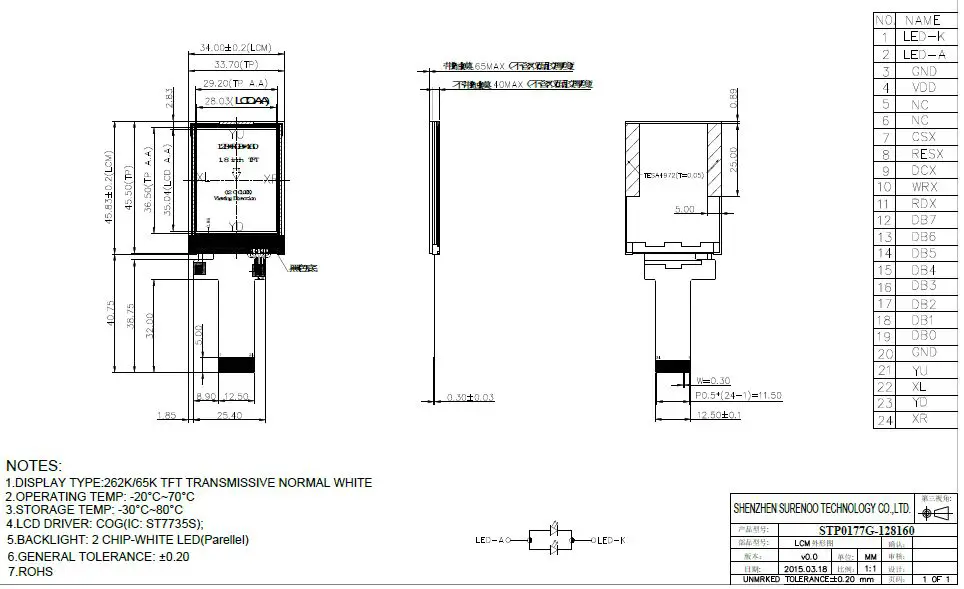
Mechanical Specification
| Item | Specifications | Unit |
| Dimensional outline1 | 34.00(W)*45.83(H)*2.40MAX(T) 34.00(W)*45.83(H)*3.65MAX(T) | mm |
| Resolution | 128RGB*160 | dots |
| LCD Active area | 28.03 (W)*35.04 (H) | mm |
| Pixel size | 0.219(W)*0.219(H) | mm |
Mechanical Dimension
Electrical Maximum Ratings
| Item | Symbol | Min | Max | Unit | Note |
| Supply voltage(VDDI) | V | 1.8 | 3.3 | V | – |
| Supply voltage(VDD) | V | 2.8 | 3.3 | V | – |
| Operating temperature 工 | TOPR | –20 | 70 | ℃ | – |
| Storage temperature | TSTR | –30 | 80 | ℃ | – |
Brightness characteristic & Power dissipation
| Item | Symbol | Min | Typical | Max | Unit |
| LED module Forward voltage | VLED | 2.9 | 3.1 | 3.3 | V |
| LED module current | ILED | – | 18 | – | mA |
| LCD Surface Luminance | LS | 180 | 200 | – | Cd/m2 |
| LCD Surface brightness uniform | LD | 80 | – | – | % |
| LCD power dissipation | PLCD | – | 0.11 | – | W |
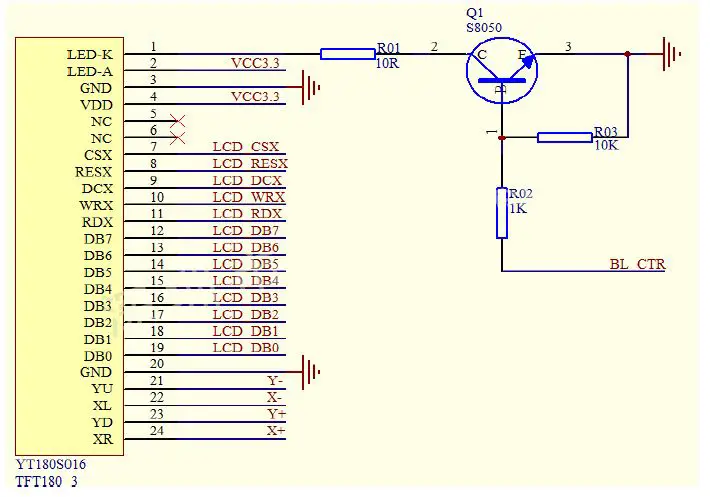
Module Function Description
| PIN No. | Symbol | Description | Notes |
| 1 | LED-K | Cathode of Backlight | |
| 2 | LED-A | Anode of Backlight (2.9V-3.3V Typical:3.1V) | |
| 3 | GND | Ground | |
| 4 | VDD | Power Supply for LCD. | |
| 5-6 | NC | No connection | |
| 7 | CSX | Chip selection pin Low enable. High disable. | |
| 8 | RESX | -This signal will reset the device and it must be applied to properly initialize the chip. -Signal is active low. | |
| 9 | DCX | -Display data/command Selection Pin in MCU Interface. DCX=’1’: display data or parameter. DCX=’0’: command data | |
| 10 | WRX | -Write enable in MCU parallel interface. | |
| 11 | RDX | -Read enable in 8080 MCU parallel interface. -If not used, please fix this pin at VDDI or GND. | |
| 12-19 | DB7-DB0 | MCU parallel interface data bus. | |
| 20 | GND | Ground |
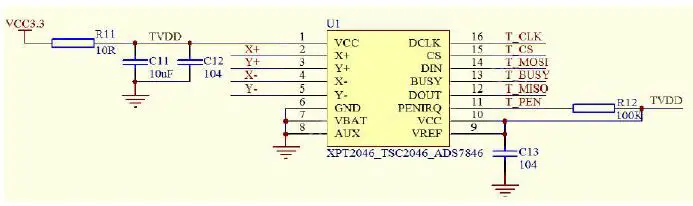
| 21 | YU | Touch panel Logical foot | |
| 22 | XL | Touch panel Logical foot | |
| 23 | YD | Touch panel Logical foot | |
| 24 | XR | Touch panel Logical foot |
Response time & Contrast ratio
| Item | Symbol | Condition | Remark | Unit | ||
| Min. | Typ. | Max. | ||||
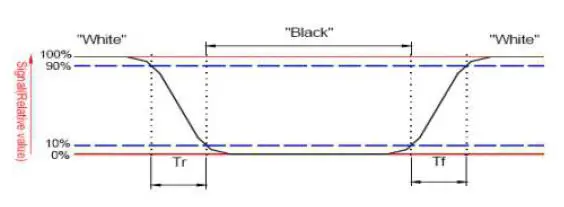
| Response time | Tr+Tf | θ=0° | – | 30 | 60 | ms |
| Contrast ratio | CR | θ=0° | 200 | 300 | – | – |

Viewing Angle
| Item | Symbol | Condition | Remark | Unit | ||
| Min. | Typ. | Max. | ||||
|
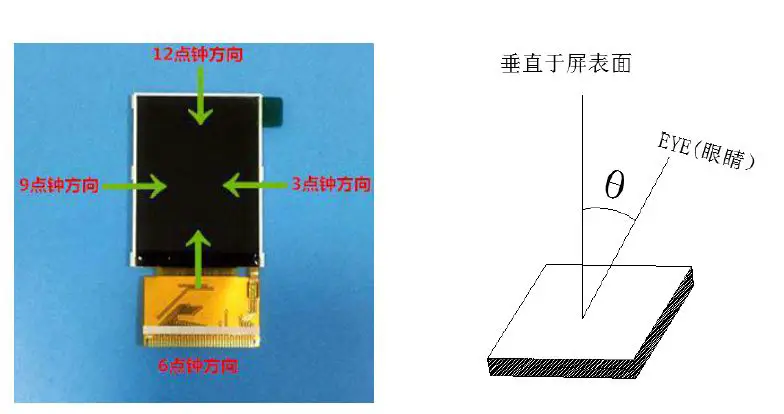
Viewing angle | Top | CR≥10 | 30 | 40 | – |
Deg. |
| Bottom | CR≥10 | 40 | 50 | – | ||
| Left | CR≥10 | 40 | 50 | – | ||
| Right | CR≥10 | 40 | 50 | – | ||
Reliability Trial
| NO. | ITEM | CONDITION | CRITERION |
| 1 | High Temperature Non-Operating Test | 80℃*120Hrs | No Defect Of |
| Operational | |||
| 2 | Low Temperature Non-Operating Test | -30℃*120Hrs | Function In Room |
| Temperature Are | |||
| 3 | High Temperature/Humidity Non Operating Test | 60℃*90%RH*120Hrs | Allowable |
| 4 | High Temperature Operating Test | 70℃*72Hrs | |
| 5 | Low Temperature Operating Test | -20℃*72Hrs | |
| 6 | Thermal Shock Test | -20 ℃ (30Min) n70 ℃ |
Inspection standards
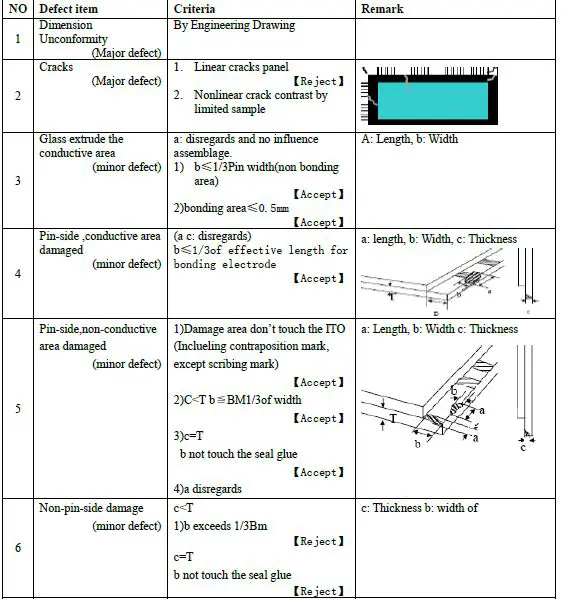
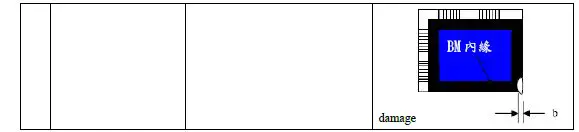
Glass defect

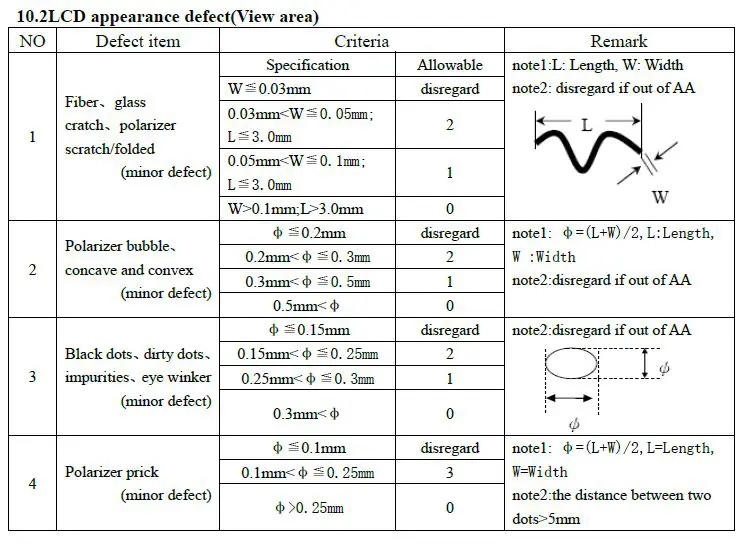
LCD appearance defect(View area)
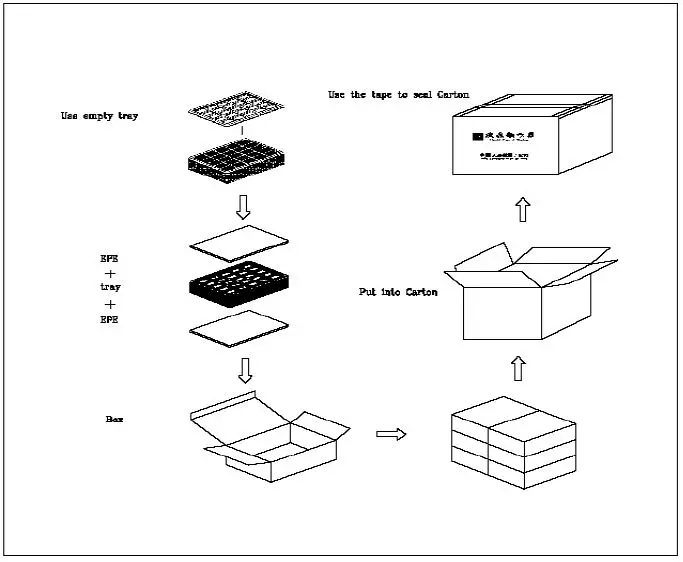
Package Method
Shenzhen Surenoo Technology Co.,Ltd.
www.surenoo.com
Skype: Surenoo365
 Surenoo Tech: Professional LCD Module Supplier Since 2005