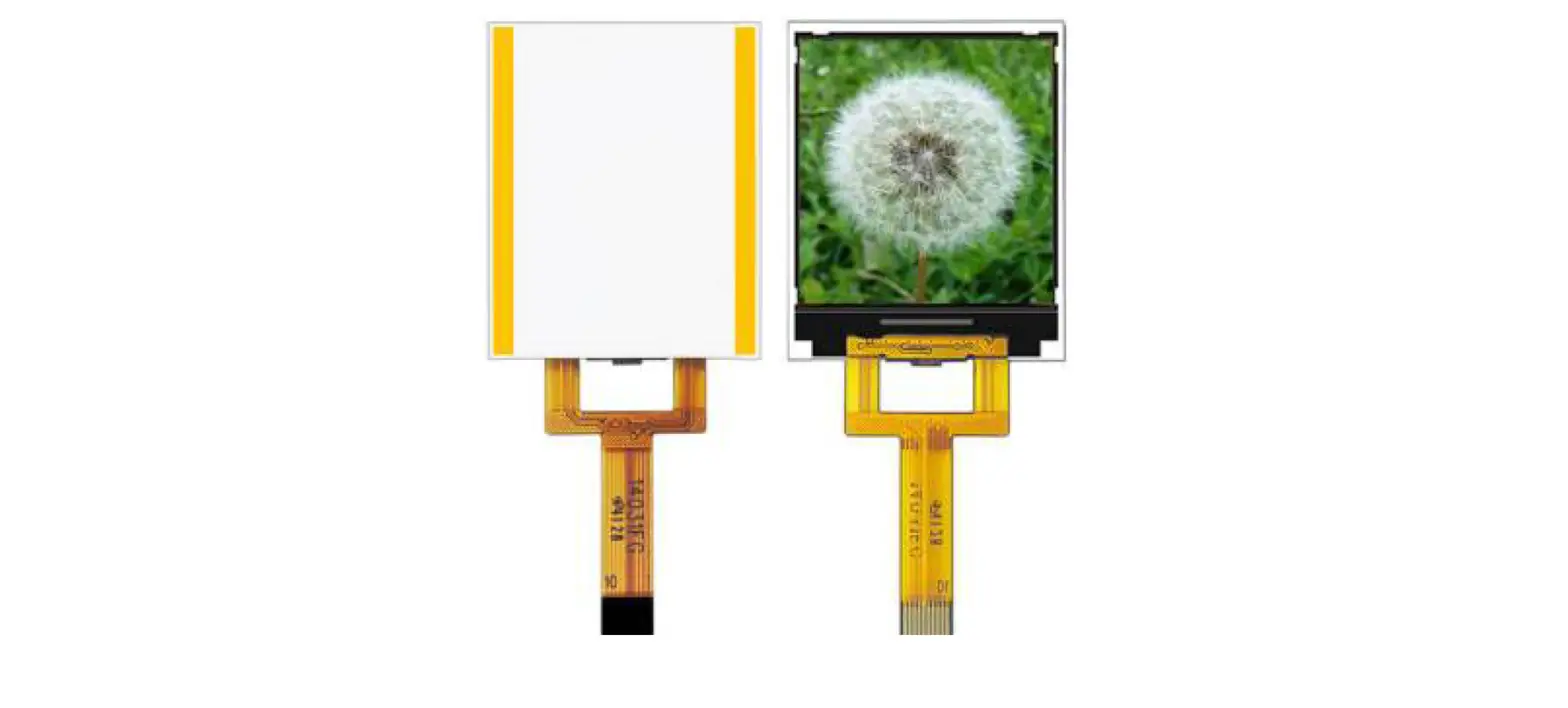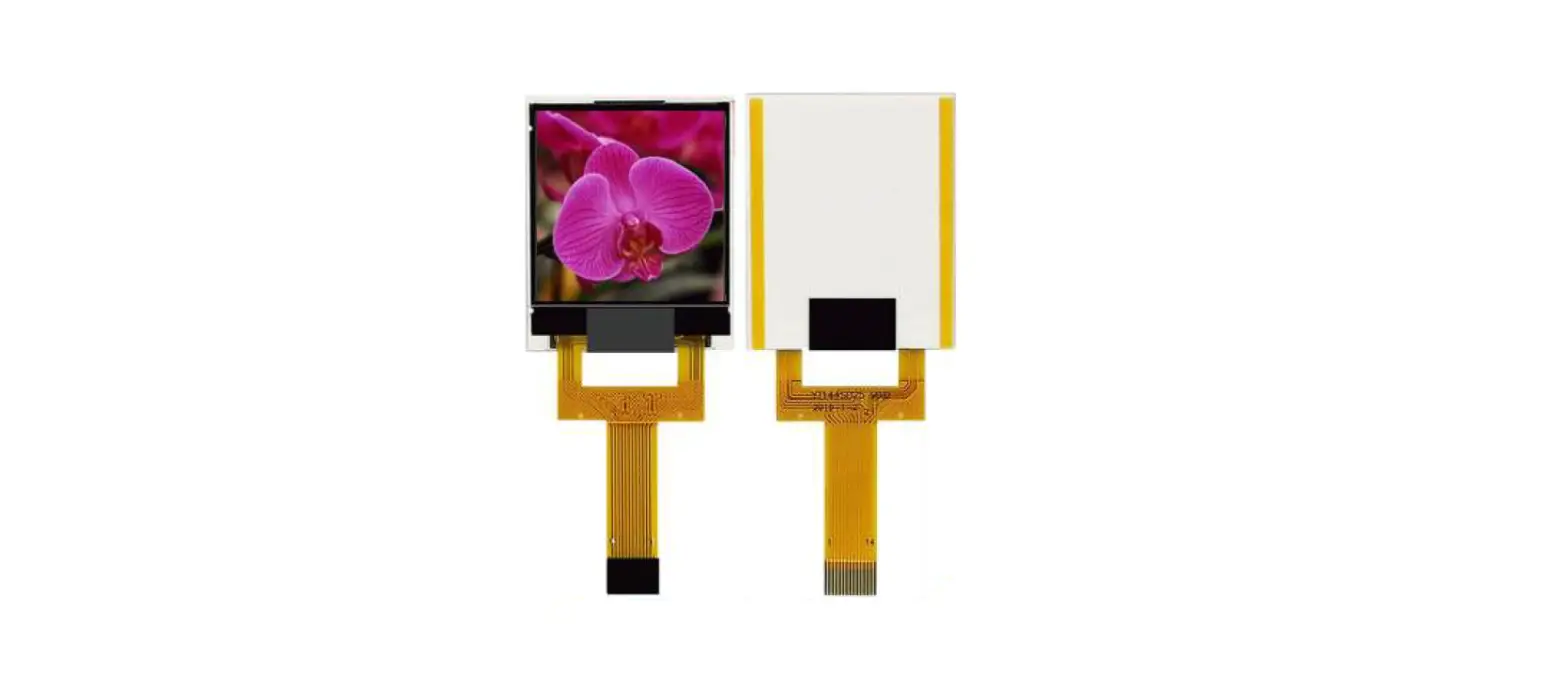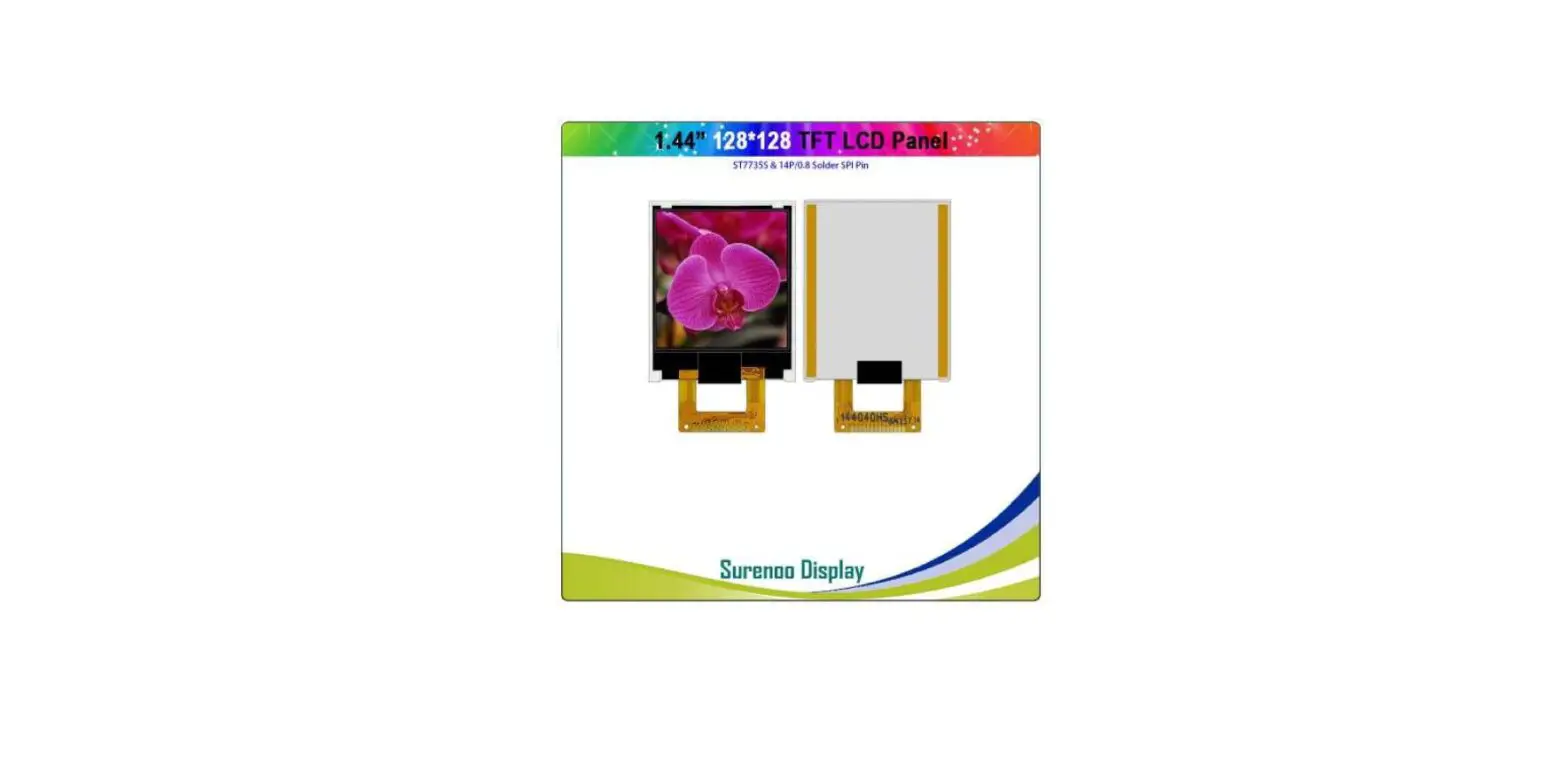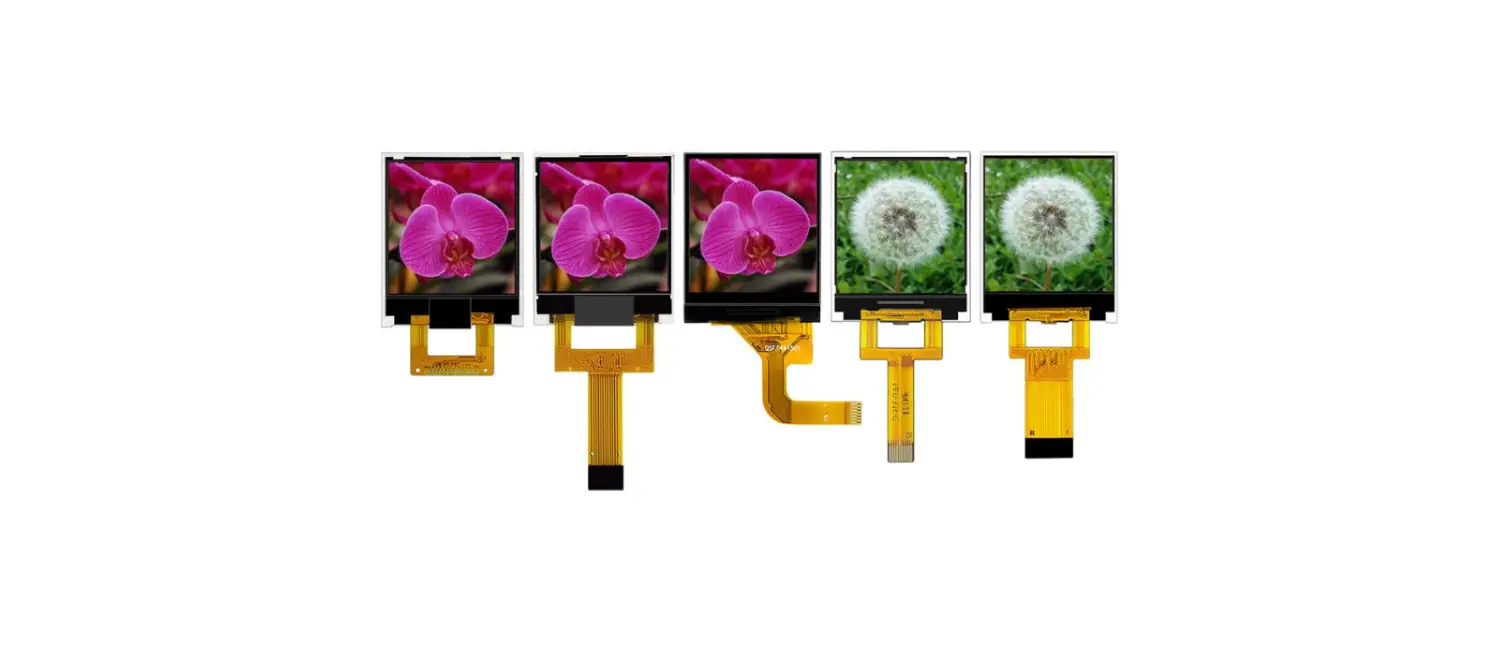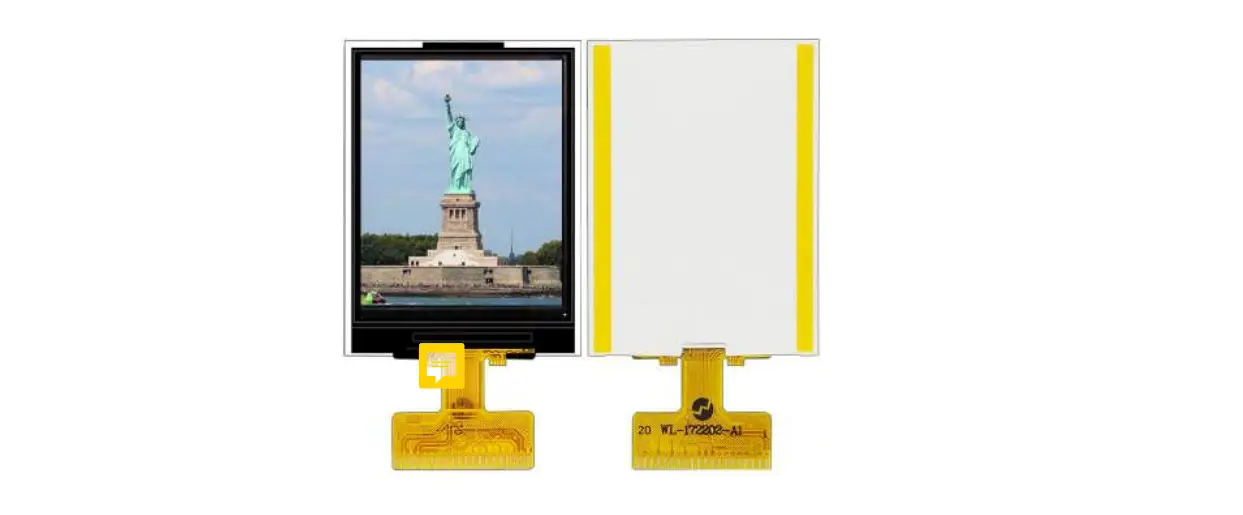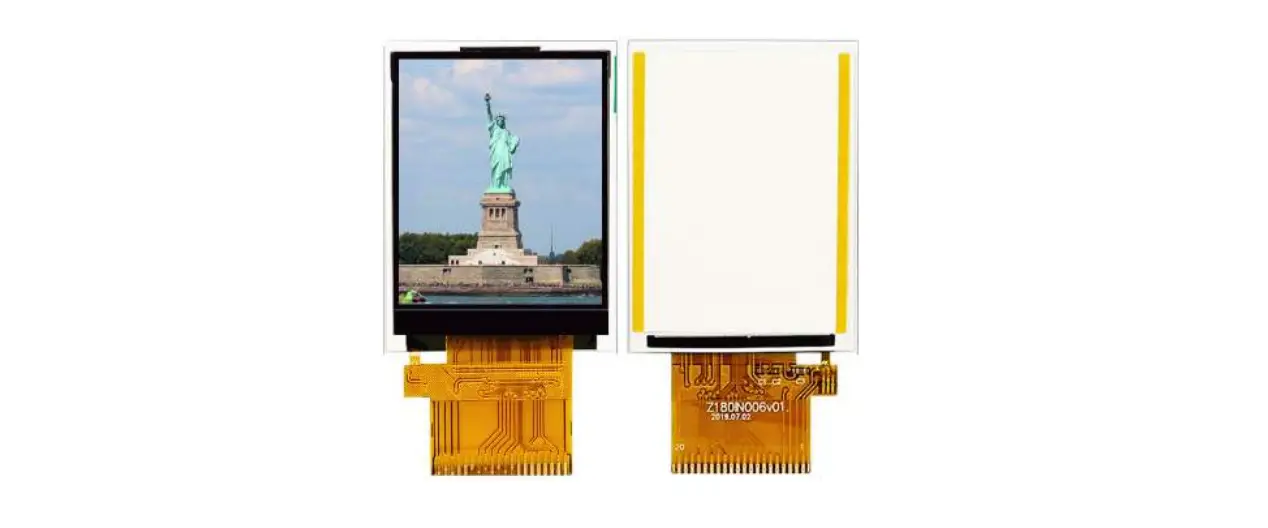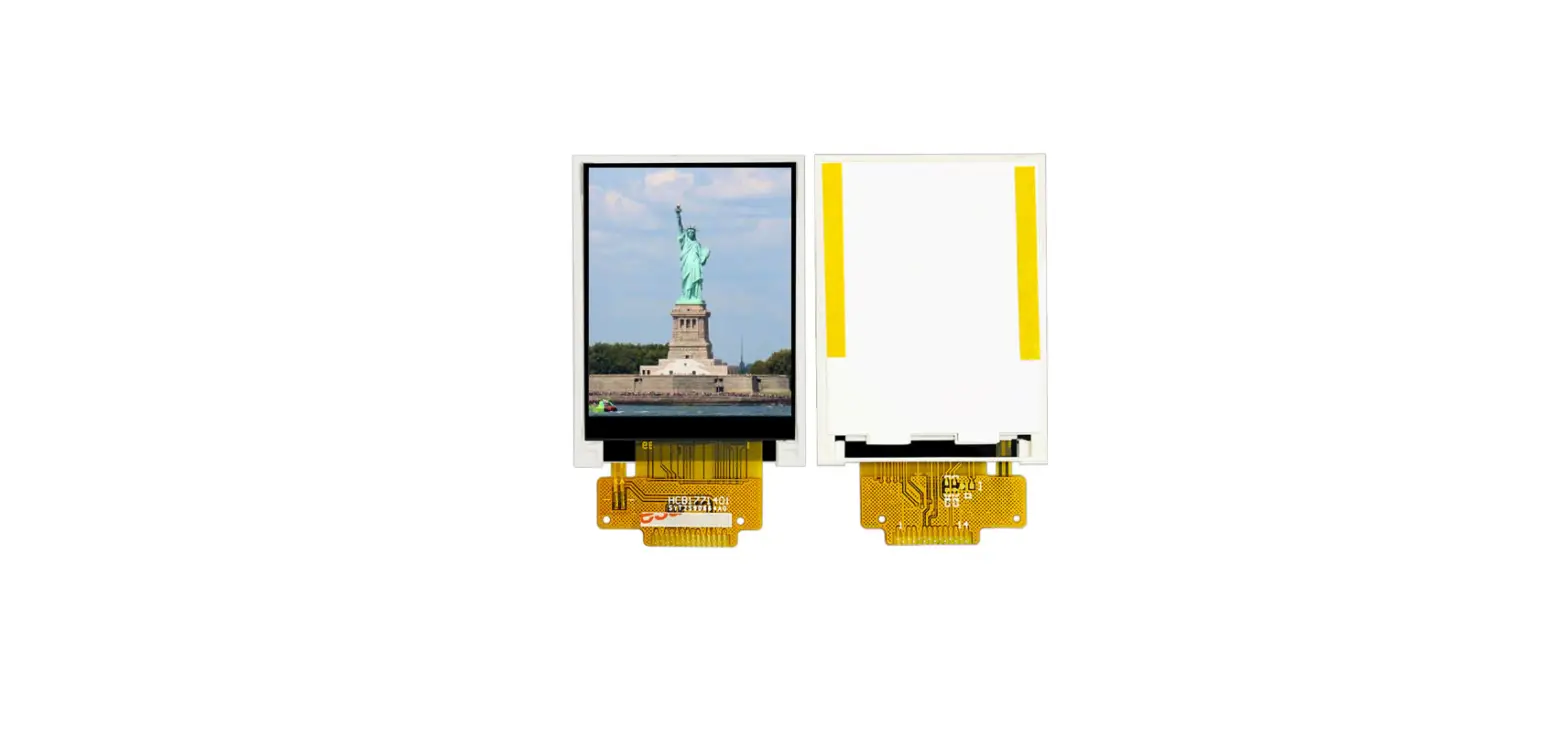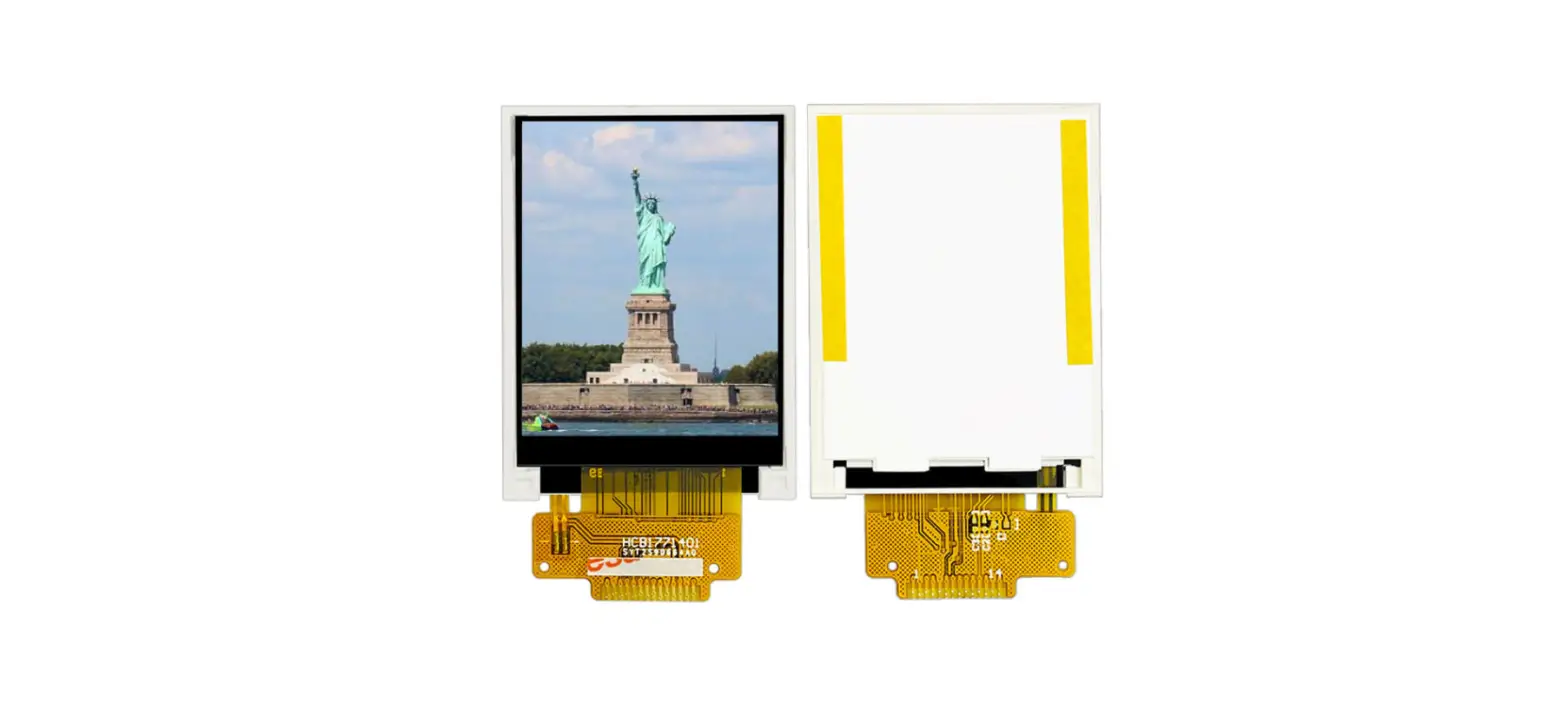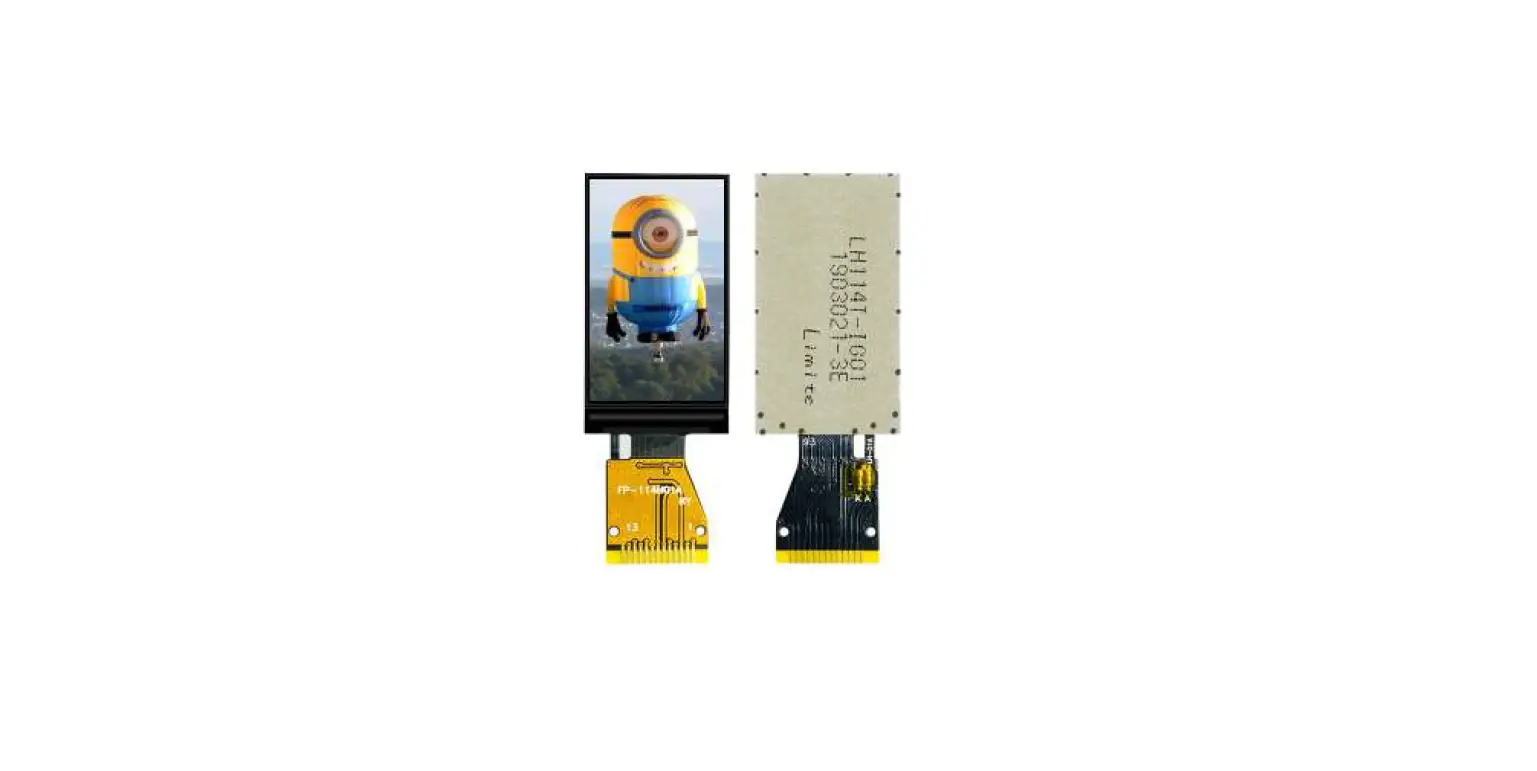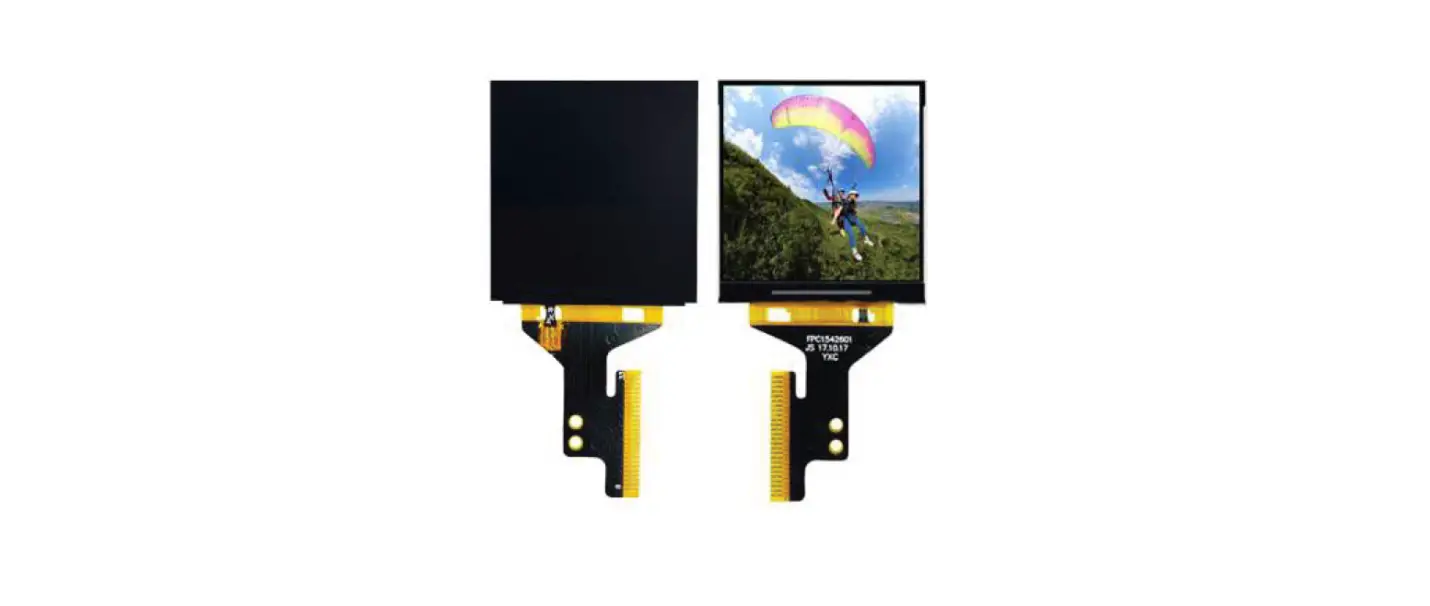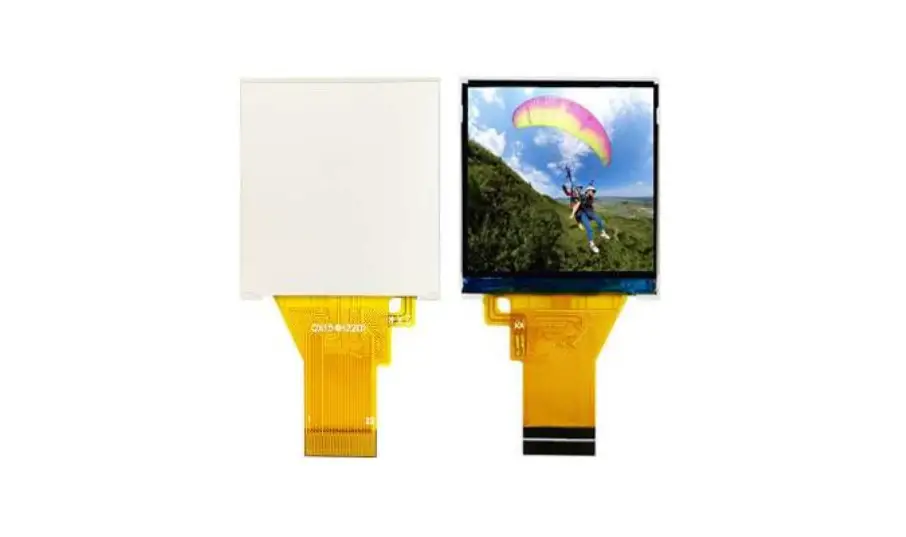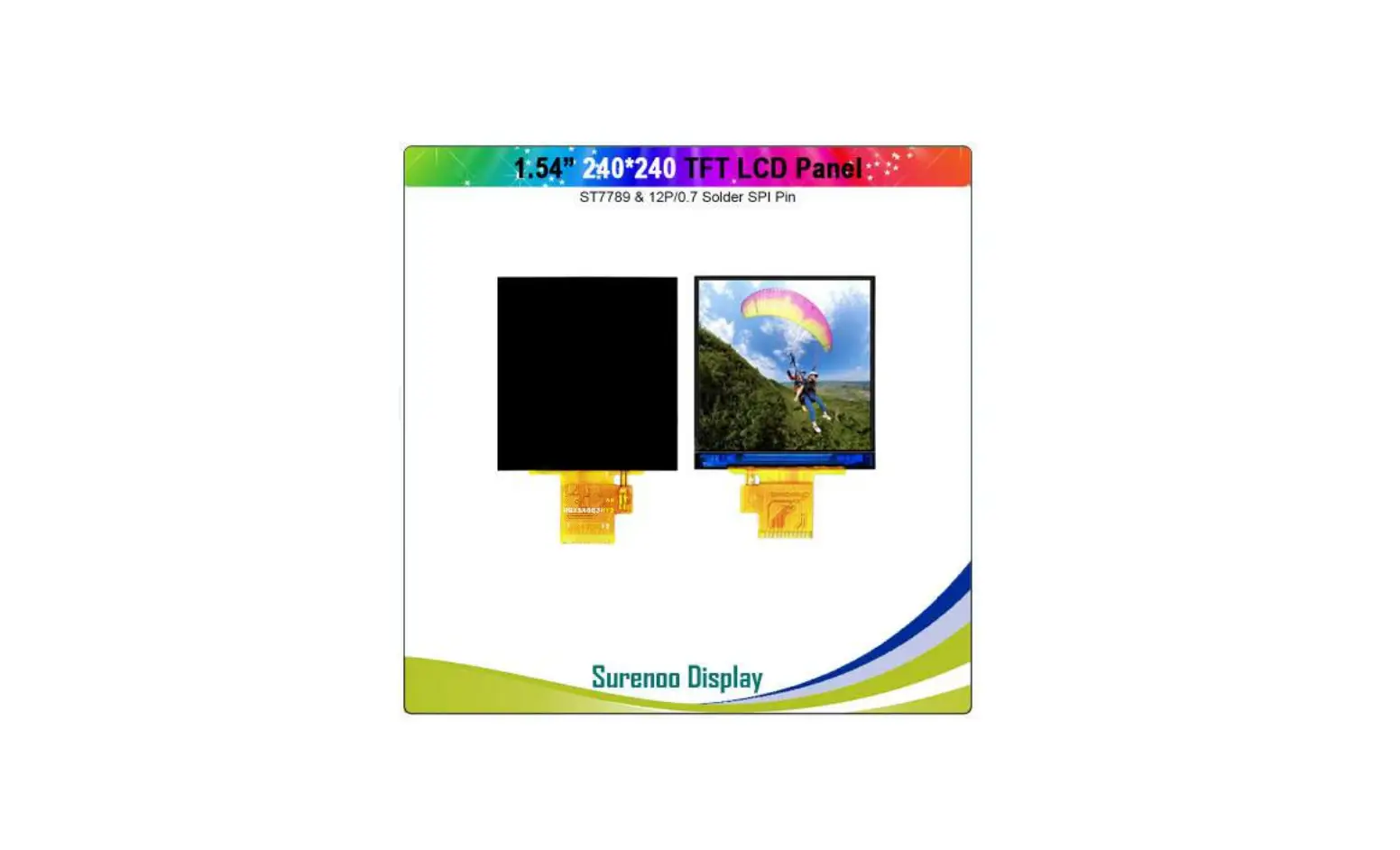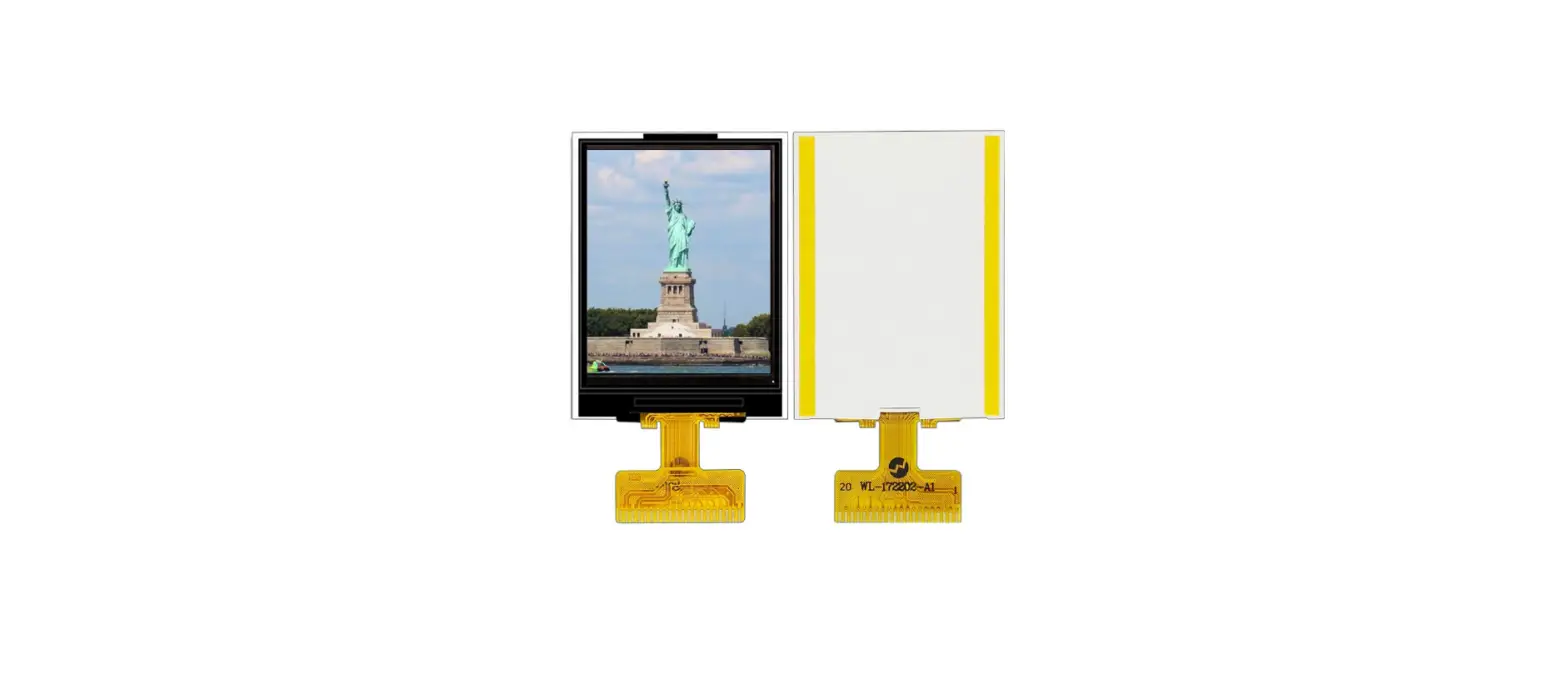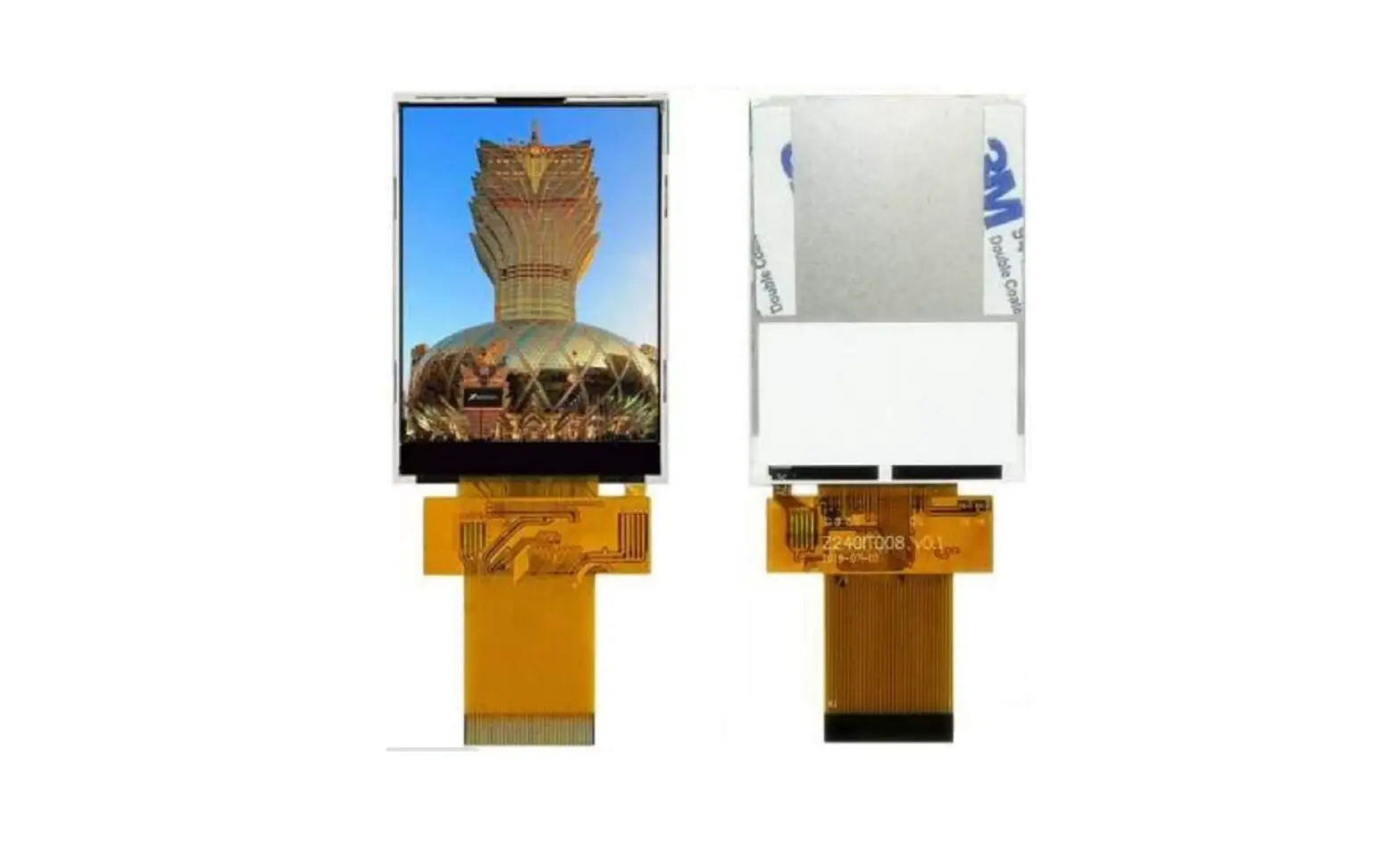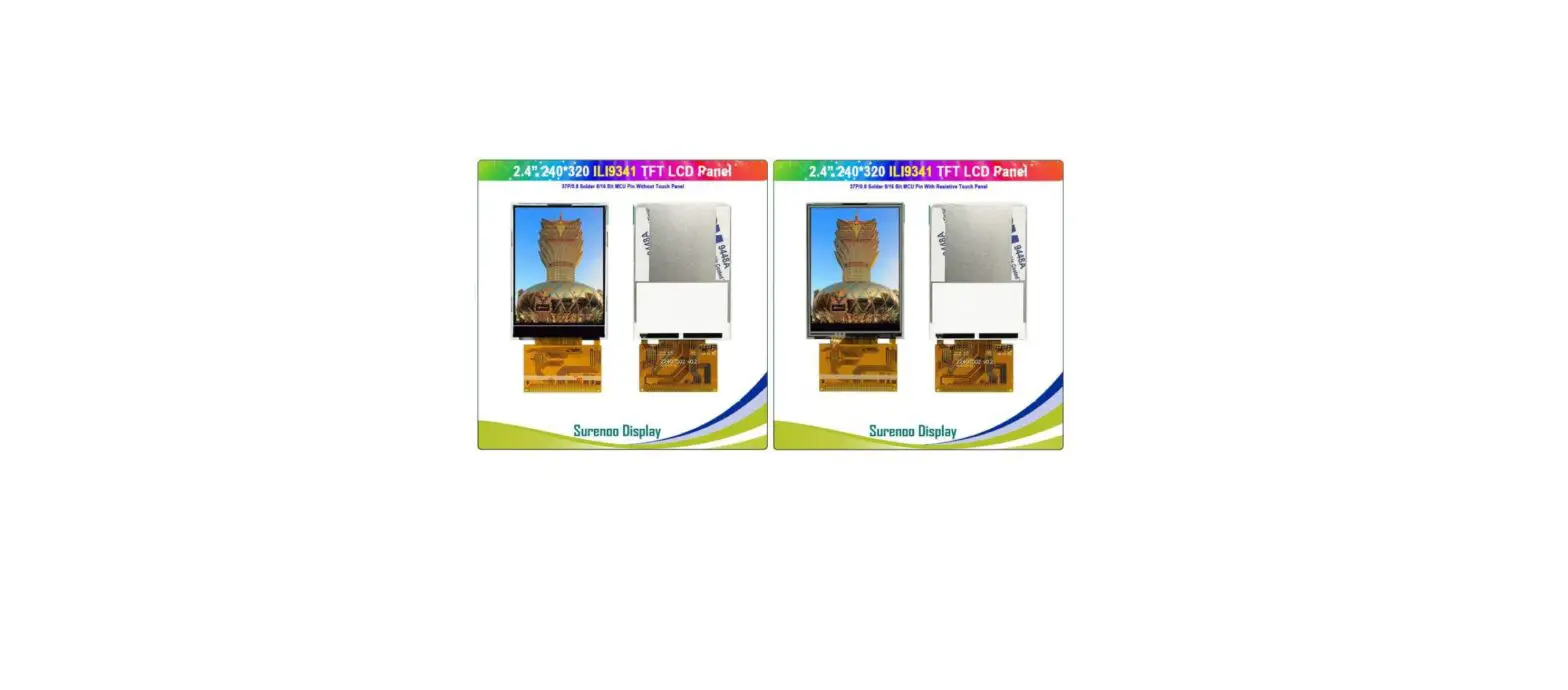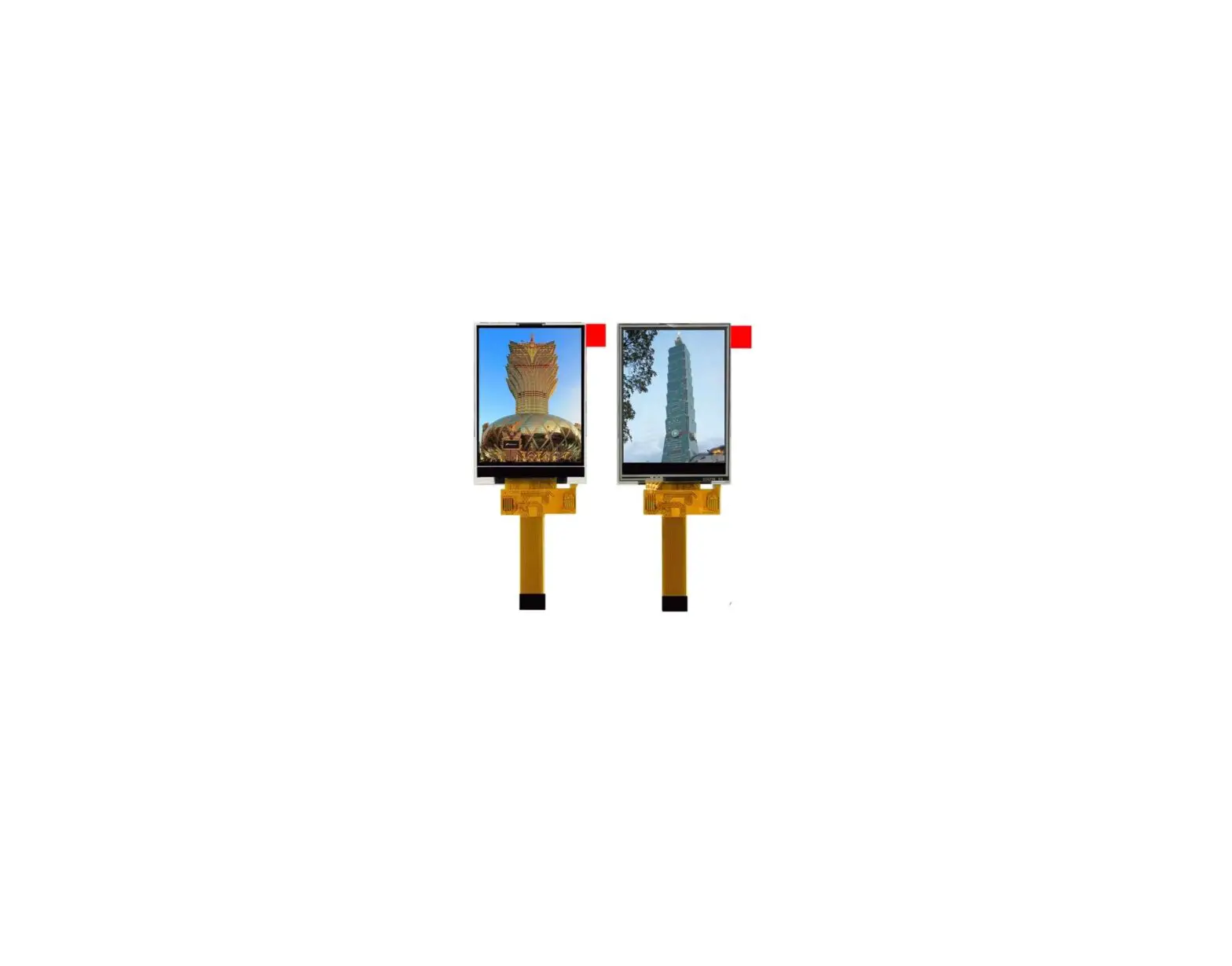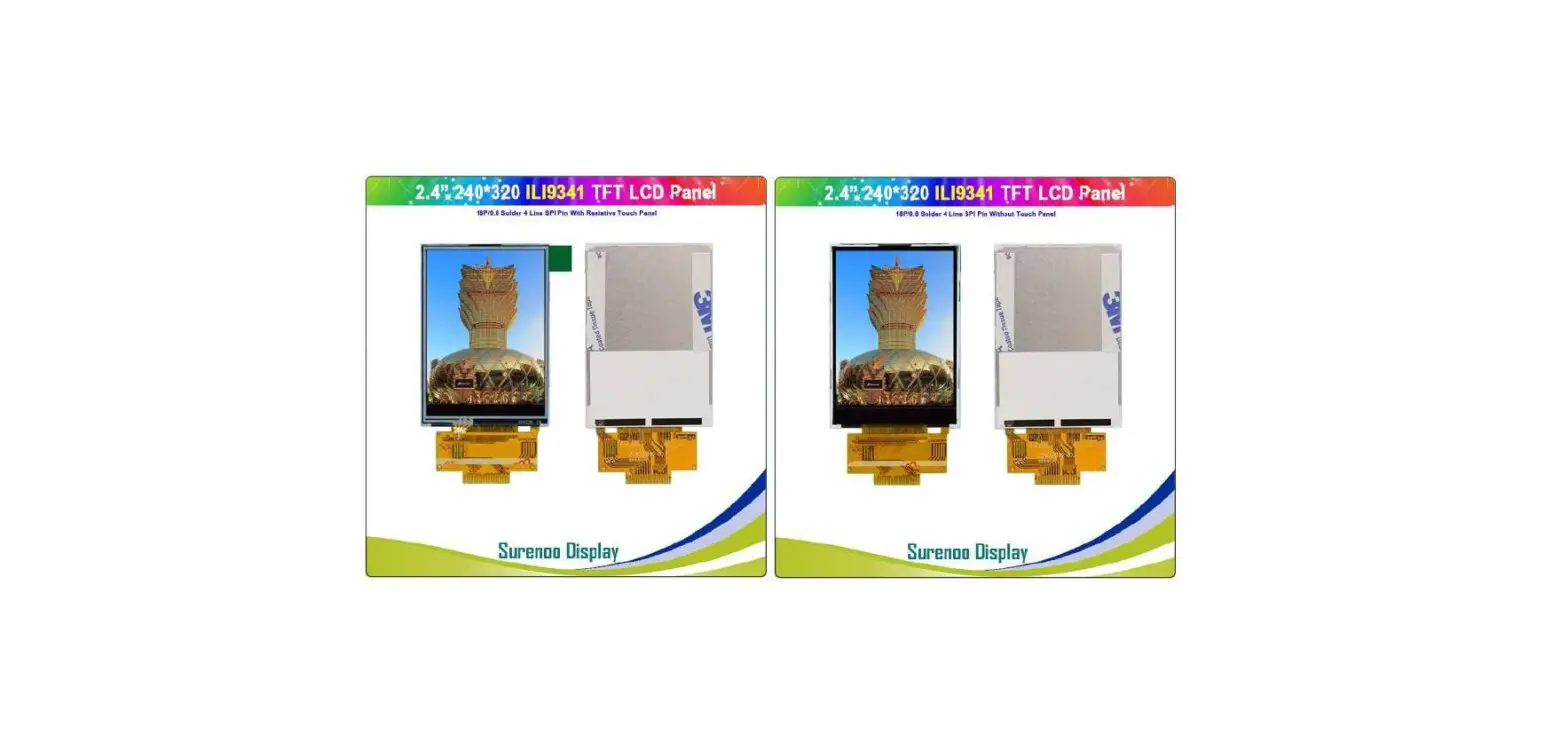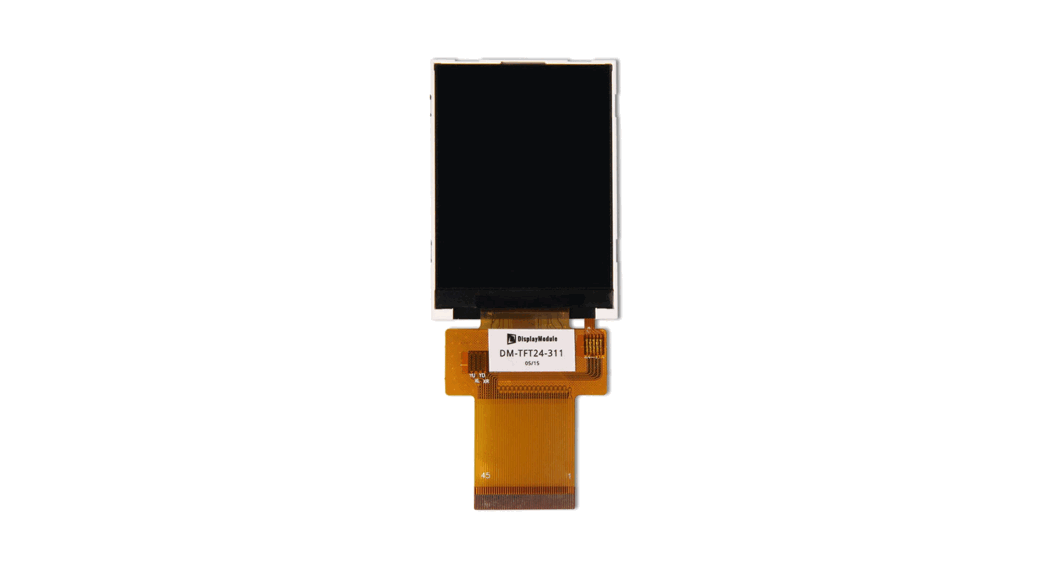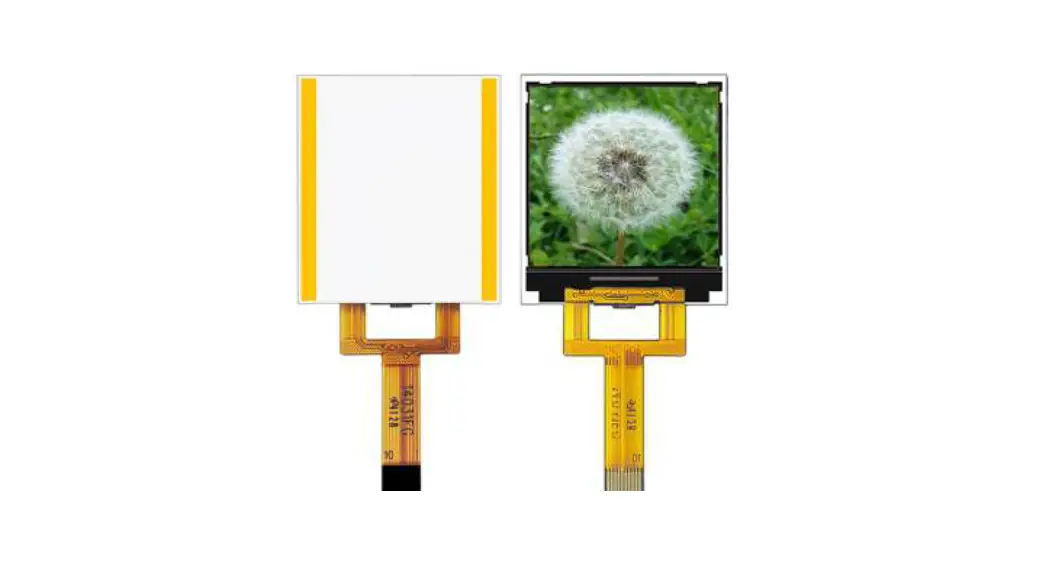
 STP0144E-128128 Series TFT LCD Panel
User Manual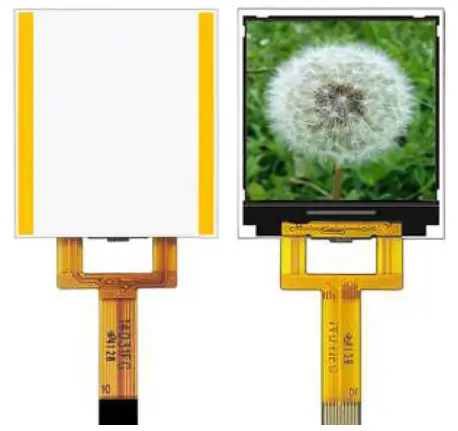
STP0144E-128128 Series TFT LCD Panel
SHENZHEN SURENOO TECHNOLOGY CO.,LTD.
STP0144E-128128 Series
TFT LCD PANEL USER MANUAL
Please click the following image to buy the sample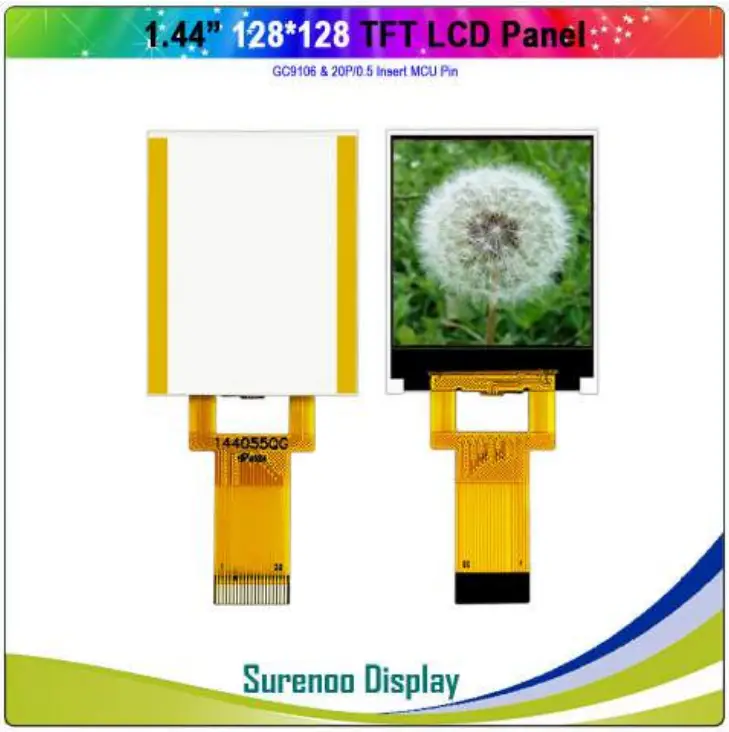
 Potter Hao Surenoo Technology 0086-17820607849 [email protected] http://www.surenoo.com
http://qr.kakao.com/talk/THom9tzJN5OMzvx1vTL1V.LvnEc-
https://wa.me/qr/4GGOIDYZ2PXXN1 https://line.me/ti/p/oas8BmVLVd
https://u.wechat.com/EAK0B_l2YfPLwx3tRqiKkf4
Shenzhen Surenoo Technology Co.,Ltd.
www.surenoo.com
Skype: Surenoo365
Reference Controller Datasheet
TFT LCD Panel Selection Guide
GC9106
| REV NO. | REV DATE | CONTENTS | REMARKS |
| V0 | 2021-9-8 | First release | Preliminary |
GENERAL INFORMATION
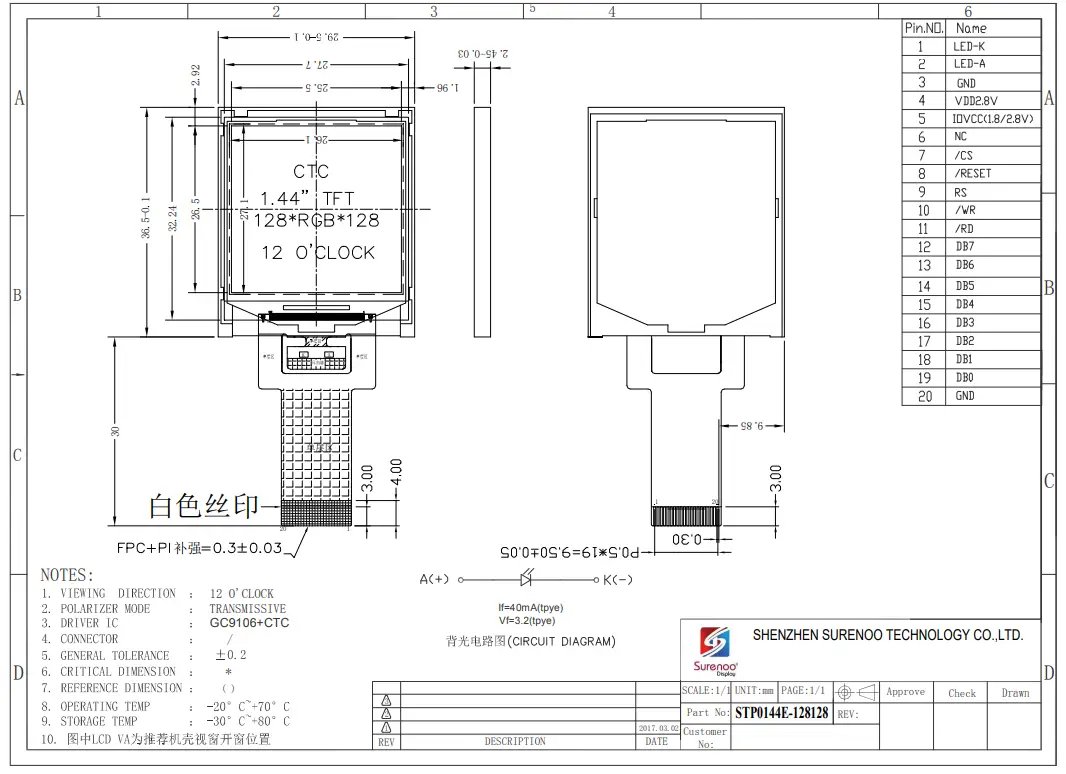
| Item | Contents | Unit |
| LCD Type | TFT/TRANSMISSIVE | — |
| Viewing Direction | Free | O’Clock |
| Outline Dimensions (W ´ H´T) | 29.5(W ) ×36.5 (H)×2.45(T) | mm |
| Viewing area | 26.1×27.1 | mm |
| Active area | 25.5(W) x26.5(H) | mm |
| Number of Dots | 128RGB x 128 Dots | — |
| Pixel pitch (W ´ H) | 0.153*0.153 | mm |
| Driver IC | CTC+GC9106 | — |
| Interface Type | MCU8 | — |
| Input voltage | 2.8V | - |
| Module Power consumption | TBD | MW |
| Colors | 262K | — |
| Backlight Type | LED | — |
ABSOLUTE MAXIMUM RATINGS
| Item | Symbol | Min | Max | Unit |
| Supply voltage for logic | VDD | -0.3 | 4.6 | V |
| Input voltage | VIN | -0.3 | VDD+ 0.3 | V |
| Operating temperature | TOP | -20 | 70 | ℃ |
| Storage temperature | TST | -30 | 80 | ℃ |
| Humidity | RH | 90%(Max60 °C) | RH |
ELECTRICAL CHARACTERISTICS
| Item | Symbol | Min | Typ | Max | Unit |
| Supply voltage for logic | VDD | 2.7 | 2.8 | 2.9 | V |
| Input Current | Idd | TBD | TBD | mA | |
| Input voltage ‘H’ level | VIH | 0.7VDD | – | VDD | V |
| Input voltage ‘L’ level | VIL | VSS | 0.3VDD | V | |
| Output voltage ‘H’ level | VOH | 0.8VDD | VDD | V | |
| Output voltage ‘L’ level | VOL | VSS | 0.2VDD | V |
BACKLIGHT CHARACTERISTICS
| Item | Symbol | Min | Typ | Max | Unit | Condition |
| Forward voltage | Vf | 3.0 | 3.2 | 3.4 | V | If=2*20mA |
| Number of LED LED | 2 | Piece | ||||
| Connection mode | P | Parallel |
Using condition: constant current driving method If=40mA(+/-10%).
ELECTRO-OPTICAL CHARACTERISTICS
| Parameter | Symbol | Values | Unit | Notes | ||
| Min | Typ | Max | ||||
| Transmittance(LCM) | T(%) | – | 5 | – | % | |
| Contrast Ratio (LCM) | C/R | – | 150 | – | ||
| Response Time (TFT) | Tr+Tf | – | 50 | – | msec | |
| Surface Luminance (LCM) | Iv | 100 | cd/m2 | |||
| CIE Color Coordinate (LCM) | Rx | 0.5156 | 0.5656 | 0.6156 | – | |
| Ry | 0.2620 | 0.3120 | 0.3620 | – | ||
| Gx | 0.2714 | 0.3214 | 0.3714 | – | ||
| Gy | 0.5400 | 0.5900 | 0.6400 | – | ||
| Bx | 0.0946 | 0.1446 | 0.1946 | – | ||
| By | 0.0415 | 0.0915 | 0.1415 | – | ||
| Wx | 0.23 | 0.26 | 0.29 | – | ||
| Wy | 0.26 | 0.29 | 0.32 | – | ||
| Viewing Angle (TFT) | θl | – | 45 | – | Degree | |
| θr | – | 45 | – | |||
| θu | – | 35 | – | |||
| θd | – | 15 | – | |||
INTERFACE DESCRIPTION
Note: The voltage power of the interface logic pin depend on IOVCC and GND, Such as DBn, IMn and function pins
| PIn.NO. | Name |
| 1 | LED-K |
| 2 | LED-A |
| 3 | GND |
| 4 | VDD2.8V |
| 5 | 10VCC41.8/2.8V) |
| 6 | NC |
| 7 | /CS |
| 8 | /RESET |
| 9 | RS |
| 10 | AIR |
| 11 | /RD |
| 12 | DB7 |
| 13 | DB6 |
| 14 | DB5 |
| 15 | DB4 |
| 16 | DB3 |
| 17 | DB2 |
| 18 | DB1 |
| 19 | DBO |
| 20 | GND |
REFERENCE APPLICATION CIRCUIT
Please consult our technical department for detail information.
RELIABILITY TEST CONDITIONS
| No. | Test Item | Test condition | Inspection after test |
| 1 | High Temperature Storage | 80℃±2℃ 96H | Inspection after 2~4hours storage at room temperature,the sample shall be free from defects: |
| 2 | Low Temperature Storage | -30℃±2℃ 96H | |
| 3 | High Temperature Operation | 70℃±2℃ 48H | |
| 4 | Low Temperature Operation | -20℃±2℃ 48H | |
| 5 | High Temperature/Humidity Storage | 60℃±2℃ 90%RH 48H | |
| 6 | Temperature Cycle | -30℃: 30min :70℃: 30min | |
| 7 | Vibration Test (package state) | 10Hz~55Hz~10Hz, X/Y/Z | Not allowed cosmetic and electrical defects. |
| 8 | Dropping test
| 08m LCD≥3.0inch |
INSPECTION CRITERION
PRECAUTIONS FOR USE OF LCD MODULES
11.1 Handling Precautions
11.1.1 The display panel is made of glass. Do not subject it to a mechanical shock by dropping it from a high place, etc.
11.1.2 If the display panel is damaged and the liquid crystal substance inside it leaks out, be sure not to get any in your mouth, if the substance comes into contact with your skin or clothes, promptly wash it off using soap and water.
11.1.3 Do not apply excessive force to the display surface or the adjoining areas since this may cause the color tone to vary.
11.1.4 The polarizer covering the display surface of the LCD module is soft and easily scratched. Handle this polarizer carefully.
11.1.5 If the display surface is contaminated, breathe on the surface and gently wipe it with a soft dry cloth. If still not completely clear, moisten cloth with one of the following solvents:
— Isopropyl alcohol
— Ethyl alcohol
Solvents other than those mentioned above may damage the polarizer.
Especially, do not use the following:
— Water
— Ketone
— Aromatic solvents
11.1.6 Do not attempt to disassemble the LCD Module.
11.1.7 If the logic circuit power is off, do not apply the input signals.
11.1.8 To prevent destruction of the elements by static electricity, be careful to maintain an optimum work environment.
a. Be sure to ground the body when handling the LCD Modules.
b. Tools required for assembly, such as soldering irons, must be properly ground.
c. To reduce the amount of static electricity generated, do not conduct assembly and other work under dry conditions.
d. The LCD Module is coated with a film to protect the display surface. Be care when peeling off this protective film since static electricity may be generated.
1.2 Storage precautions
11.2.1 When storing the LCD modules, avoid exposure to direct sunlight or to the light of fluorescent lamps.
11.2.2 The LCD modules should be stored under the storage temperature range. If the LCD modules will be stored for a long time, the recommend condition is:
| Temperature : | 0℃ ~ 40℃ |
| Relatively humidity: | ≤80% |
11.2.3 The LCD modules should be stored in the room without acid, alkali and harmful gas.
11.3.3 The LCD modules should be no falling and violent shocking during transportation, and also should avoid excessive press, water, damp and sunshine.
 Surenoo Tech: Professional LCD Module Supplier Since 2005