Dewertokin
User Manual
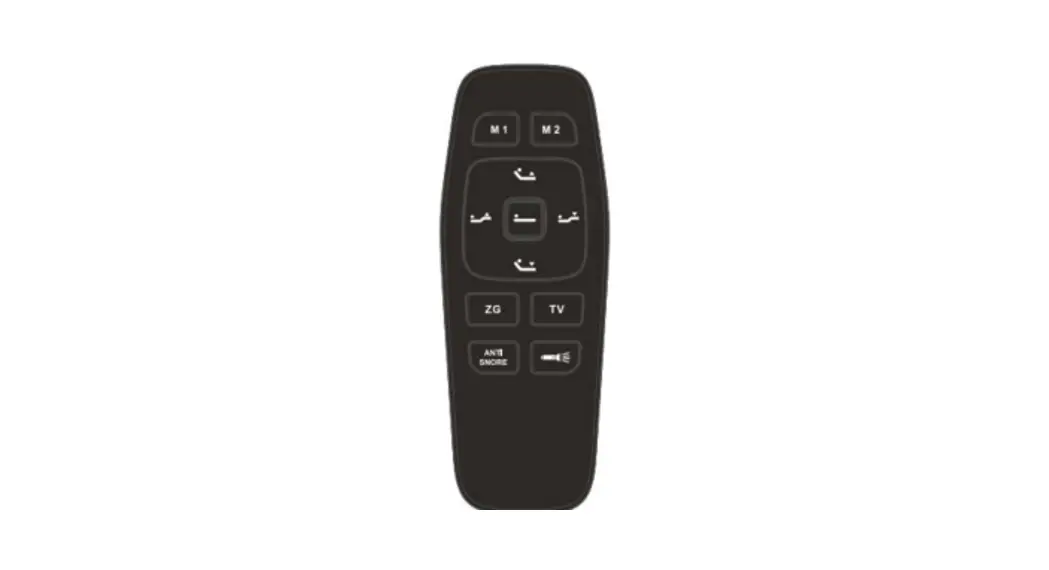
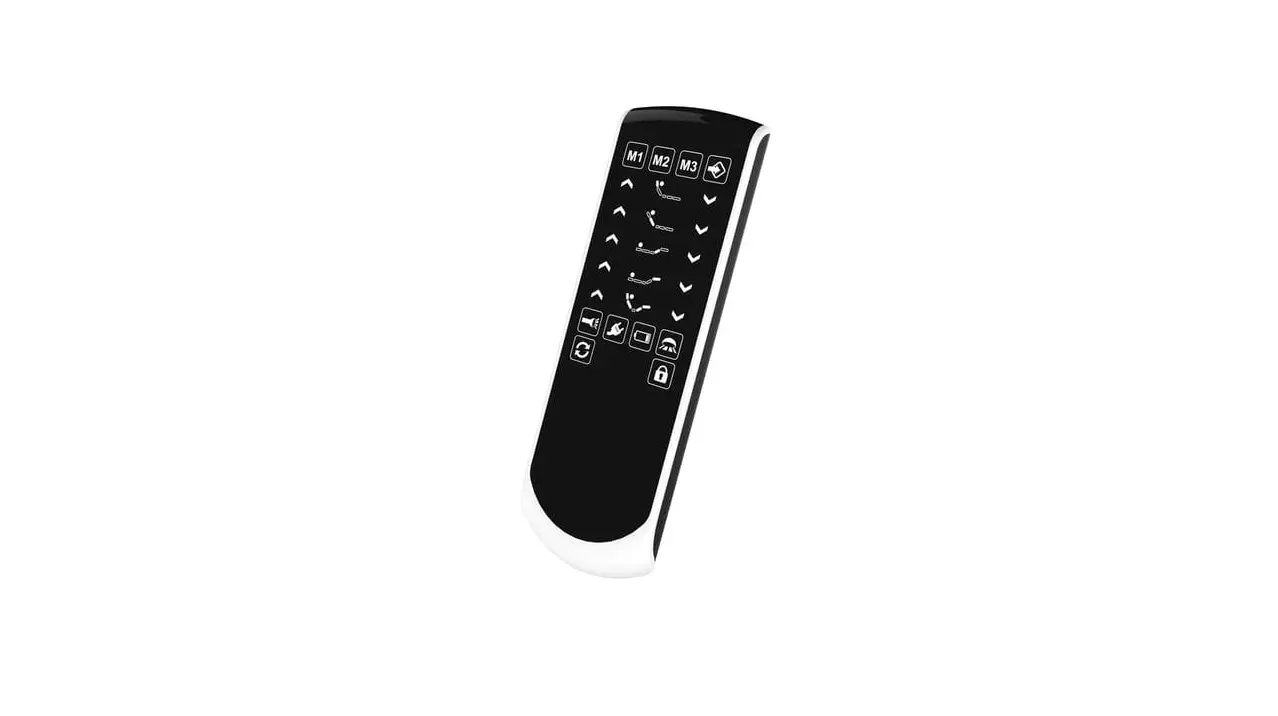
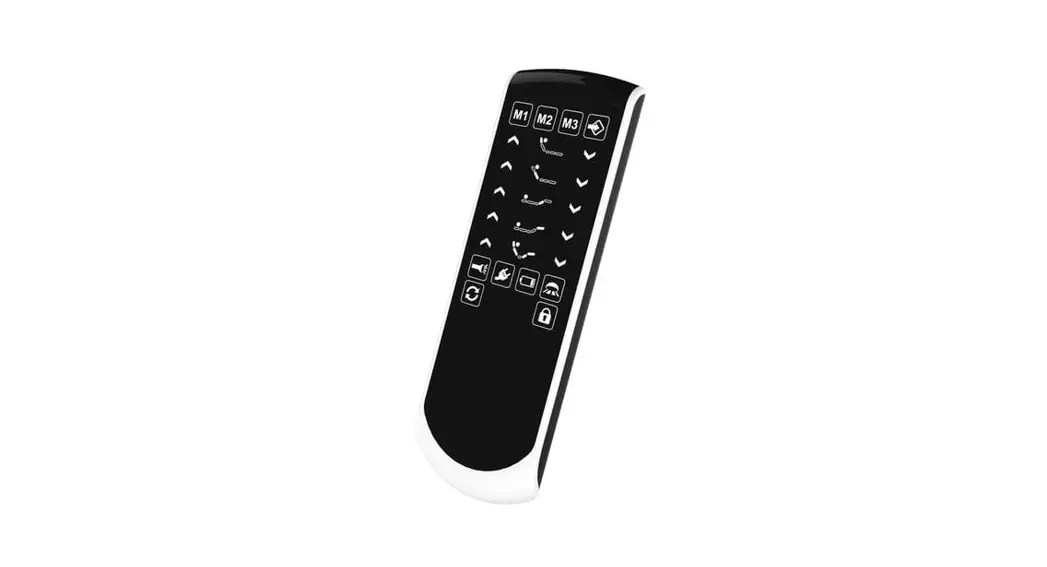
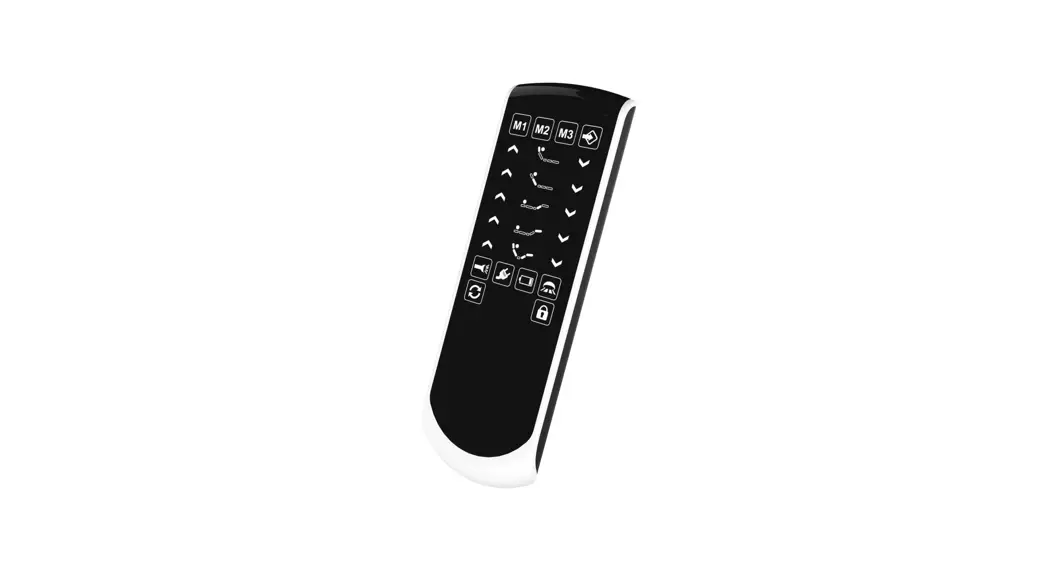
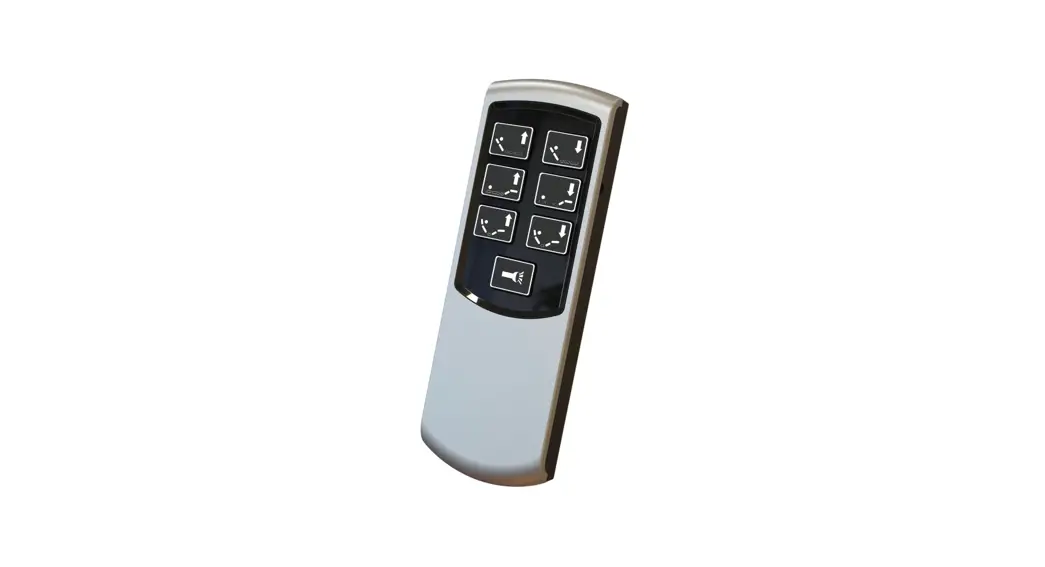
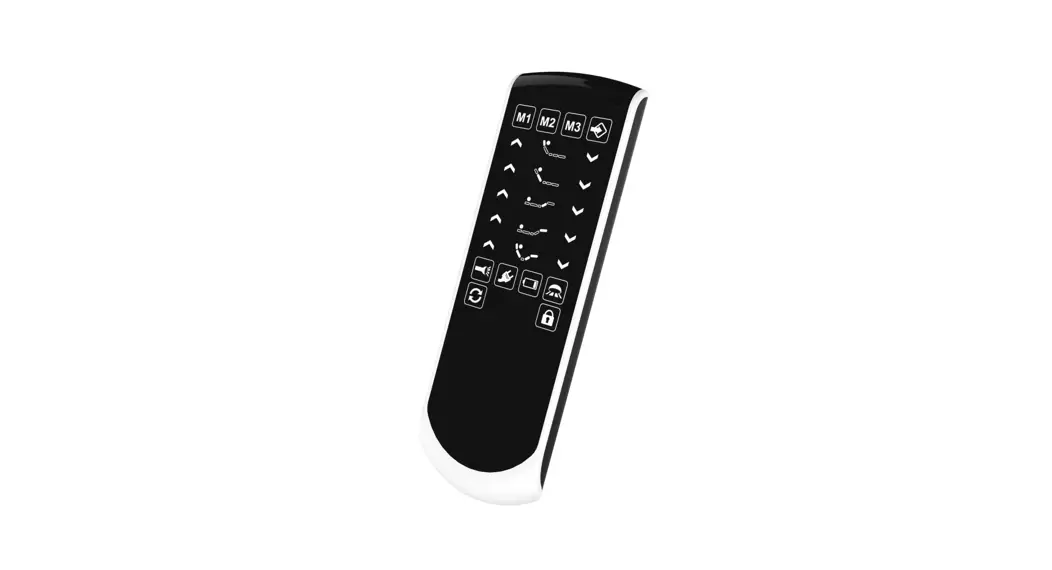
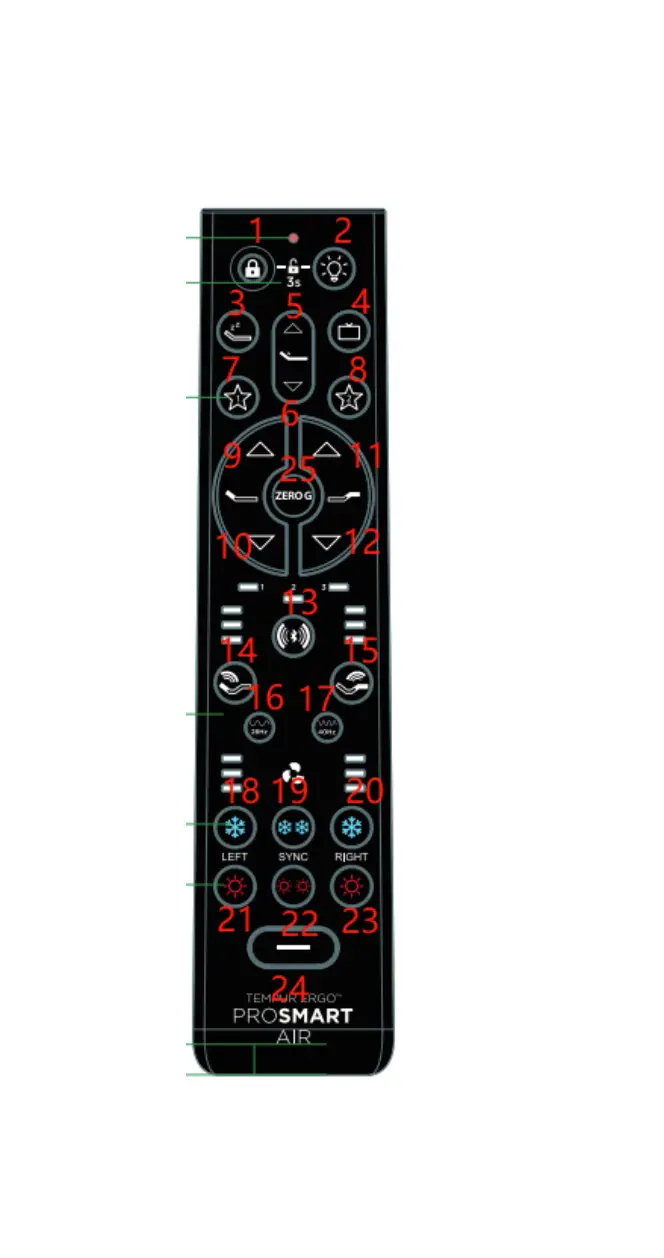
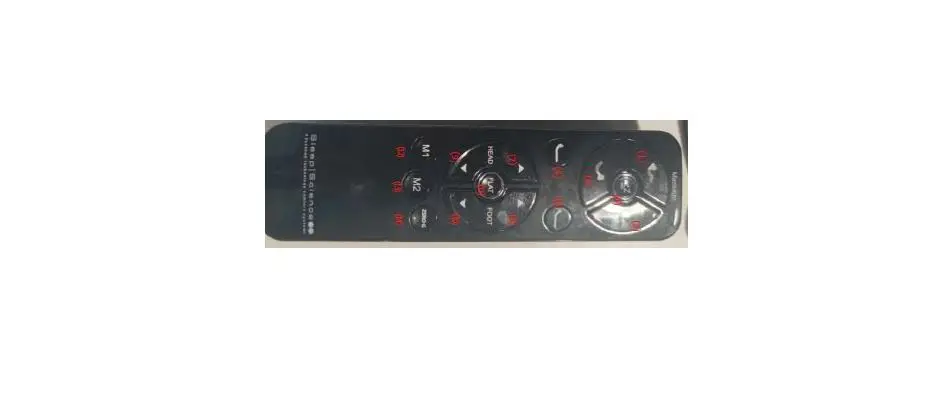
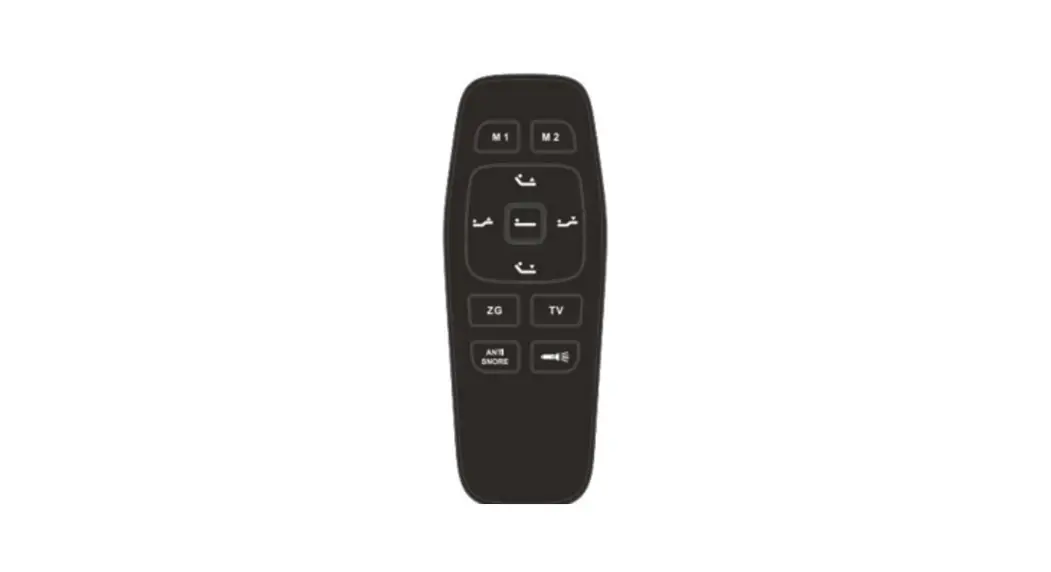
1 appearance
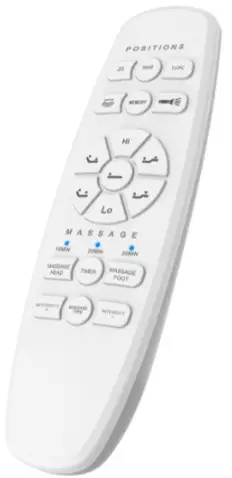
PMN: REMOTE CONTROL
HVIN:RF45
2 Key function
| Key value | Specification |
|
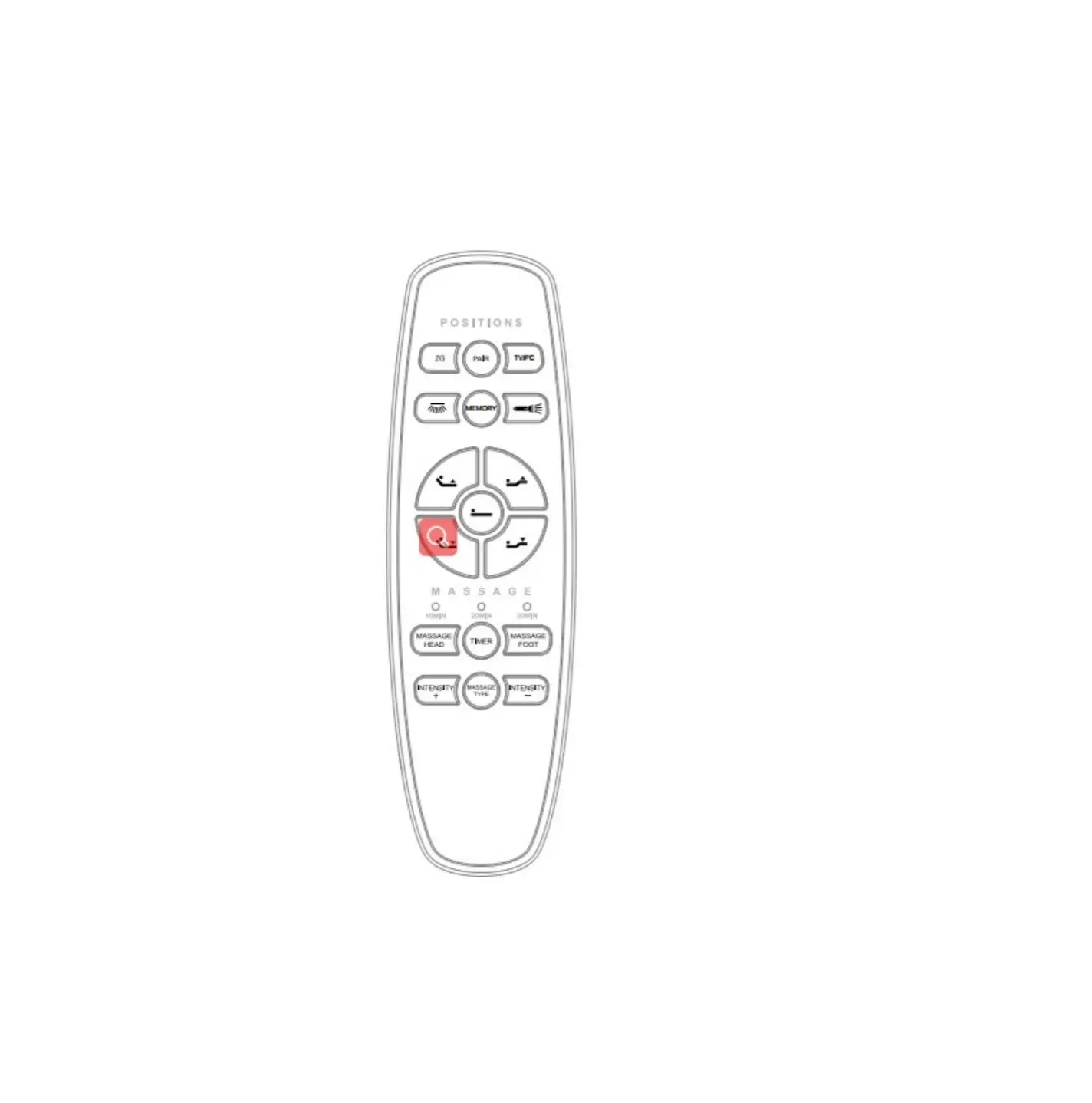
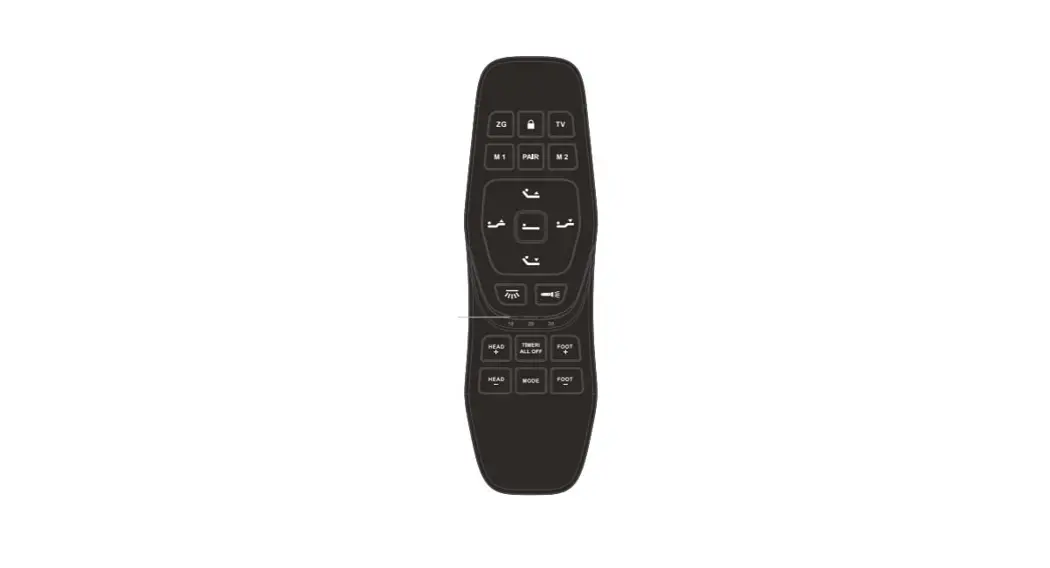
PAIR | press and hold backlight LED flashes, When the pair succeeds, the backlight stops flashing then normally on. |
| Hi | press and hold Hi button, the lumbar actuator moves out, stop when released |
| Lo | press and hold button, the lumbar actuator moves in, stop when released |
 button, the remote enters pairing mode,
| HEAD UP | Press and hold  button, head actuator moves out, stop when released button, head actuator moves out, stop when released |
| HEAD DOWN | Press and hold |
| FOOT UP | Press and hold button, foot actuator moves out, stop when released button, foot actuator moves out, stop when released |
| FOOT DOWN | Press and hold  button, foot actuator moves in, stop when released button, foot actuator moves in, stop when released |
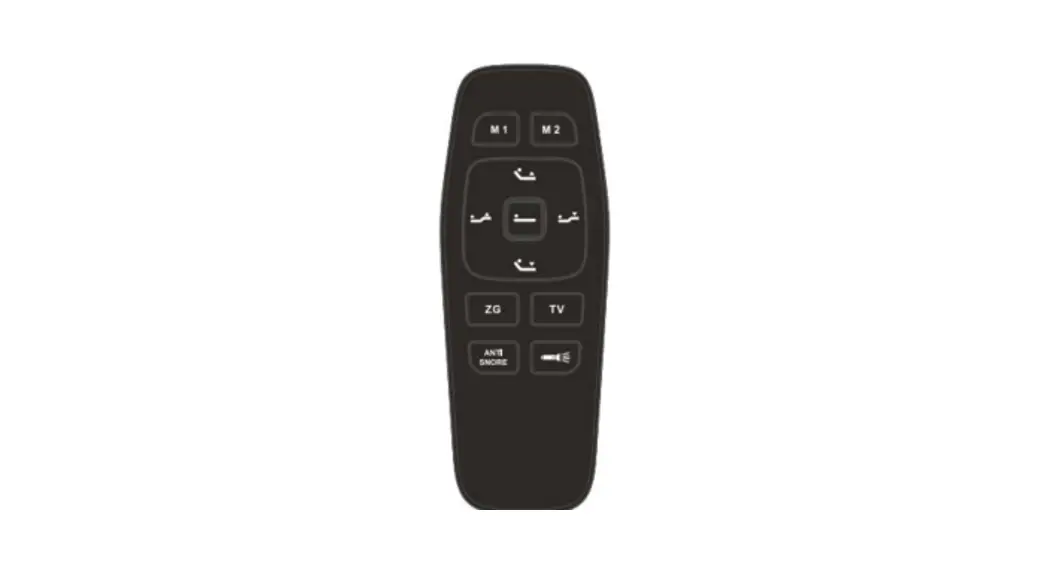
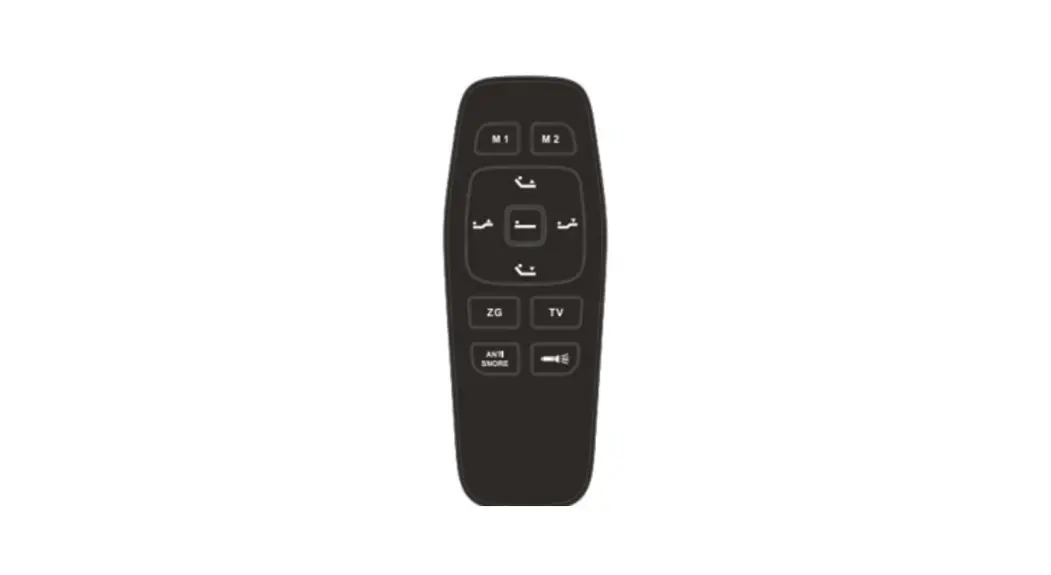
| FLAT | Click the button, the bed goes flat |
|
ZG | Click and hold zero button for 5s, until backlight flashes, the control set the current position as zero position |
|
TV/PC | Click the  button, the bed moves to TV/PC position, press and hold TV/PC button for 5s, until backlight flashes, the button, the bed moves to TV/PC position, press and hold TV/PC button for 5s, until backlight flashes, thecontrol set the current position as TV/PC position |
|
UNDER-BED LIGHT | Click  button, the under bed light switch its on/off state; button, the under bed light switch its on/off state;After the under bed light opens, if do not manually close, it will automatically turn off after 5 minutes; |
|
MEMORY |
Click press and hold MEMORY button for 5s, until backlight flashes, the control set the current position as MEMORY position |
| FLASHLIGHT | Press and hold button, open flashlight, close when released button, open flashlight, close when released |
| MASSAGE HEAD | Click  button, head massage motor switch its intensity among 1-2-3-0 button, head massage motor switch its intensity among 1-2-3-0 |
| MASSAGE FOOT | Click  button, foot massage motor switch its intensity among 1-2-3-0 button, foot massage motor switch its intensity among 1-2-3-0 |
| TIMER | If the massage motors do not work, the button is invalid, if the |
 button, the bed moves to zero position, press
 button, the bed moves to MEMORY position,
| massage motors work, click | |
| INTENSITY+ | if the massage motors work, click the  button to increase massage intensity among 1-2-3-0. button to increase massage intensity among 1-2-3-0. |
| INTENSITY- | if the massage motors work, click the  button to decrease massage intensity among 3-2-1-0. button to decrease massage intensity among 3-2-1-0. |
|
MASSAGE TYPE | Click the button, to switch the massage mode of massage motors, massage mode switches among type0à type1→type→type→type0; this button can only switch the massage mode, it can not open massage motors; the button, to switch the massage mode of massage motors, massage mode switches among type0à type1→type→type→type0; this button can only switch the massage mode, it can not open massage motors; |
 the button to switch the massage time, when massage time switch to 0, turn off the massage;
FCC Warning :
Please take attention that changes or modifications not expressly approved by the party responsible for compliance could void the user’s authority to operate the equipment.
This device complies with Part 15 of the FCC Rules. Operation is subject to the following two conditions:
- This device may not cause harmful interference, and
- This device must accept any interference received, including interference that may cause undesired operation.
ISED RSS Warning:
This device complies with Industry Canada licence-exempt RSS standard(s). Operation is subject to the following two conditions:
(1) this device may not cause interference, and (2) this device must accept any interference, including interference that may cause undesired operation of the device.