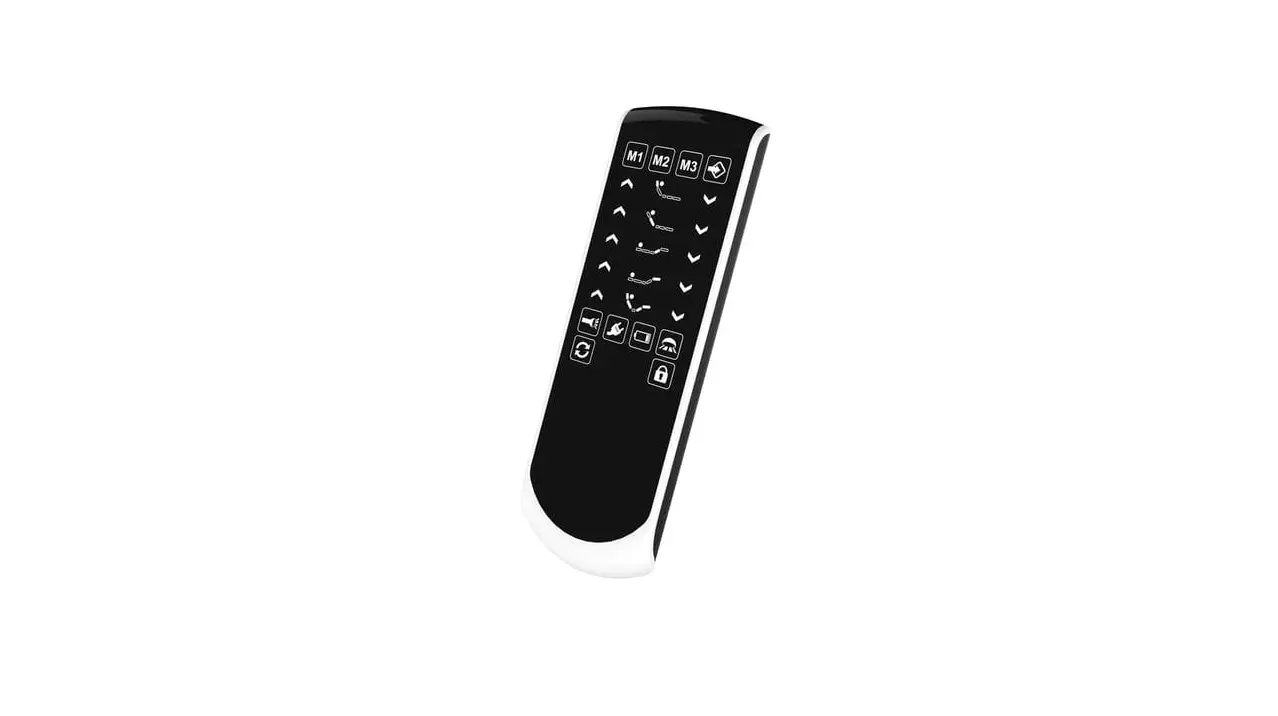

Dewertokin Technology Group RF42 Remote Control
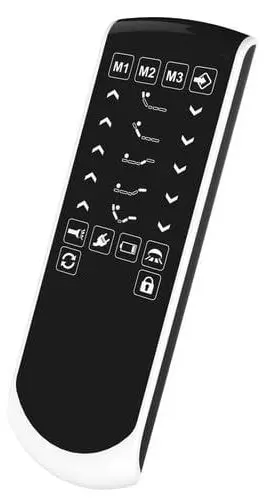
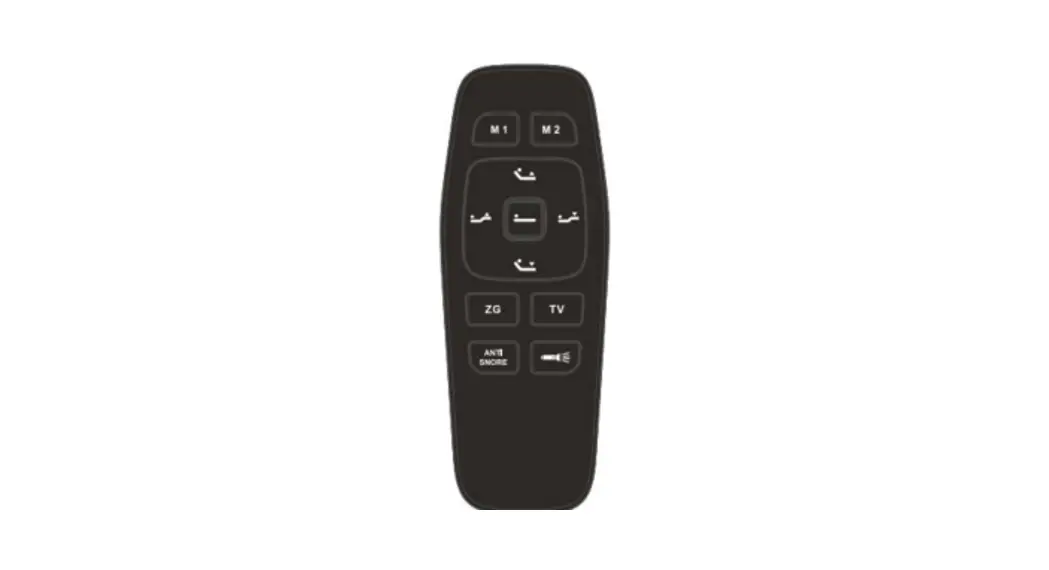
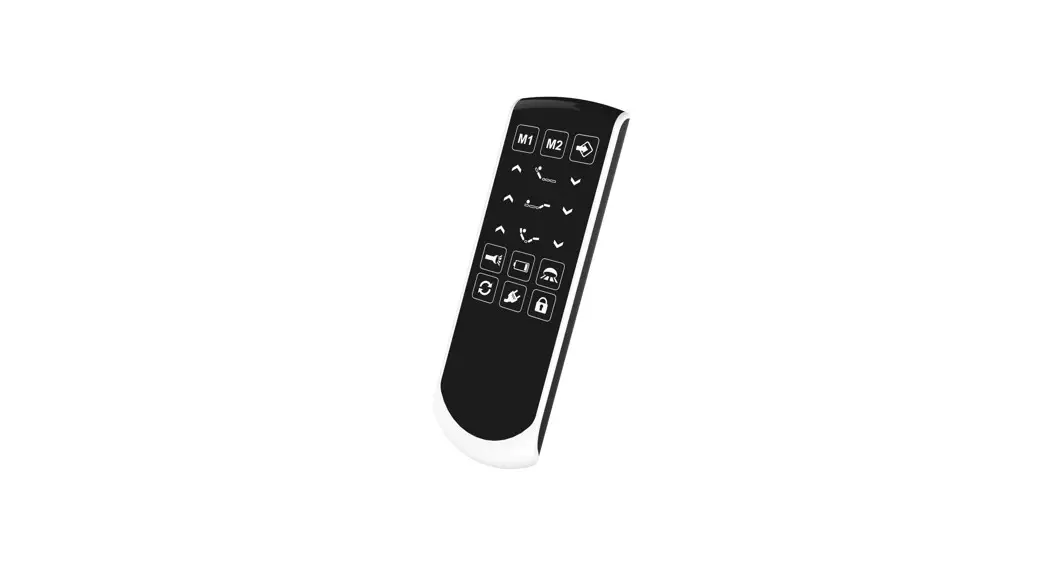
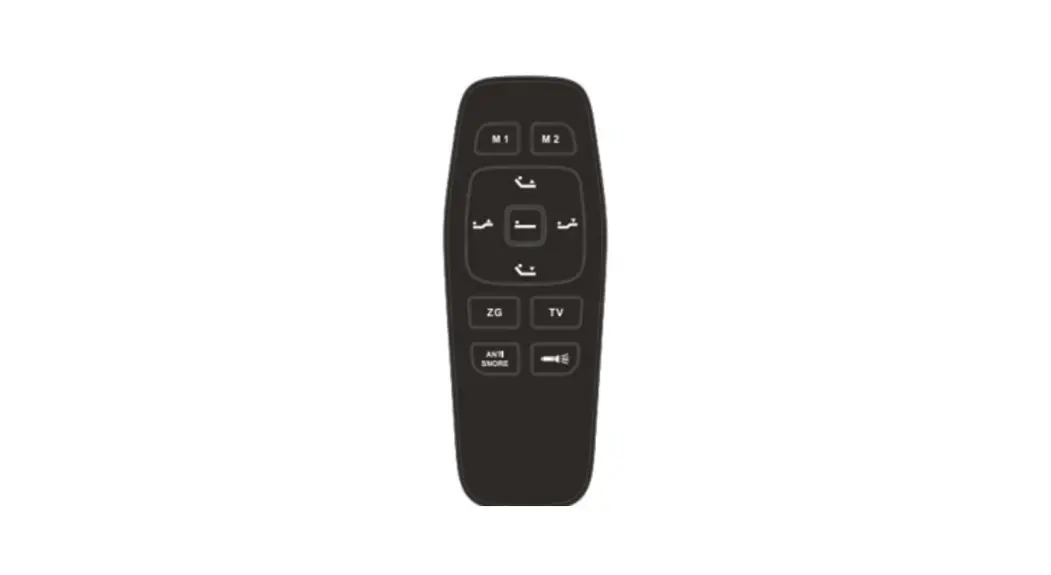
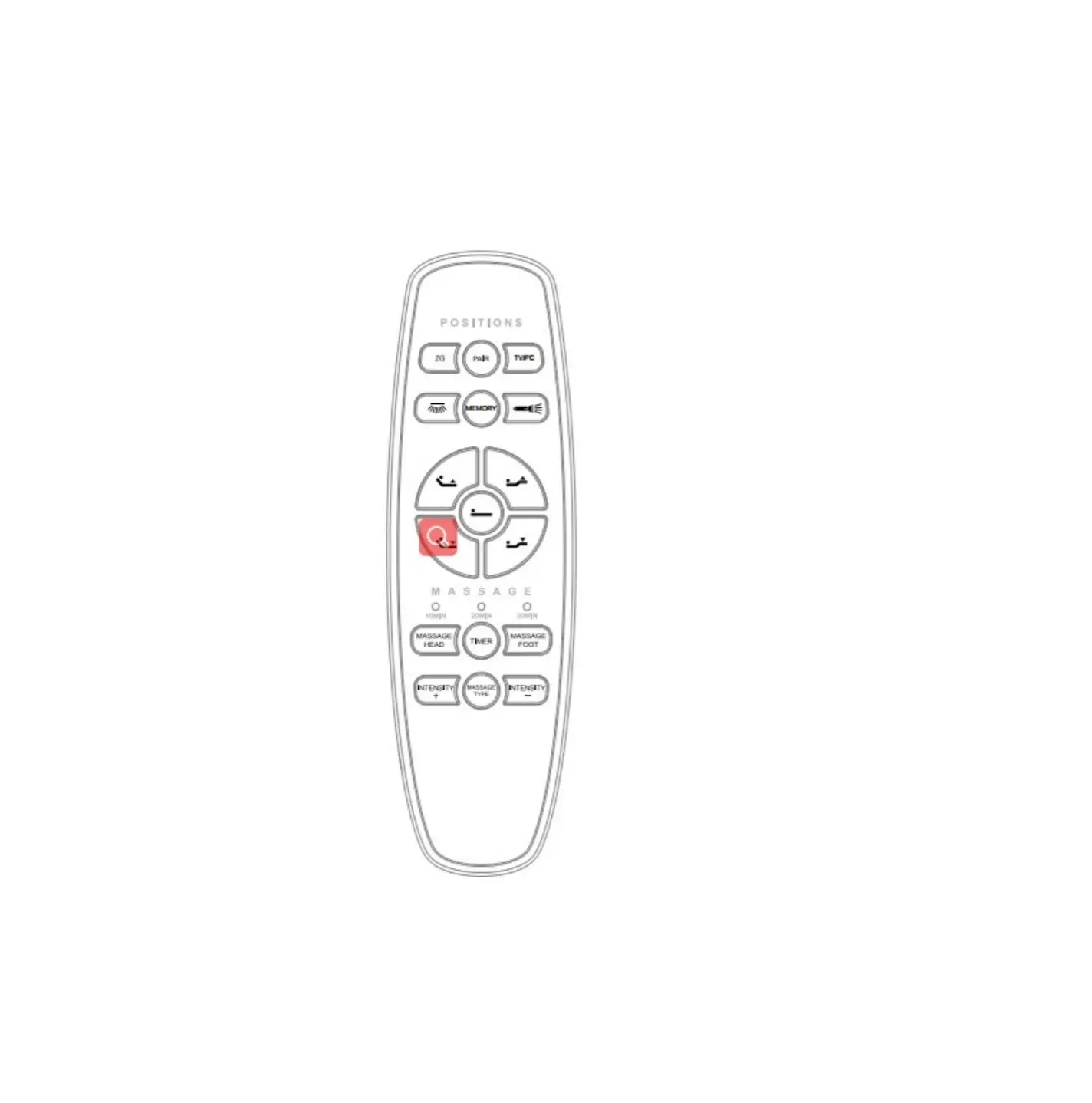
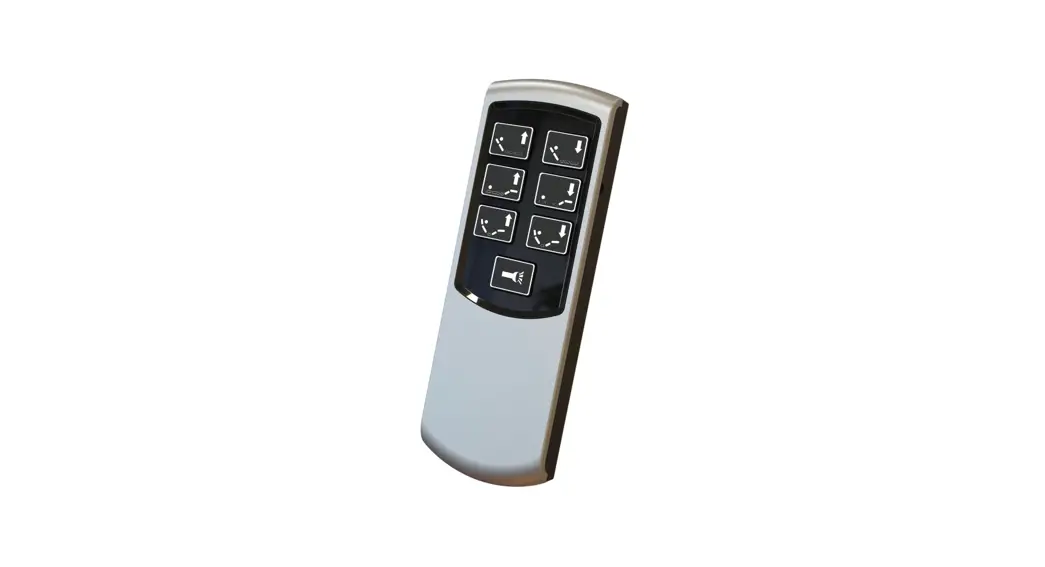
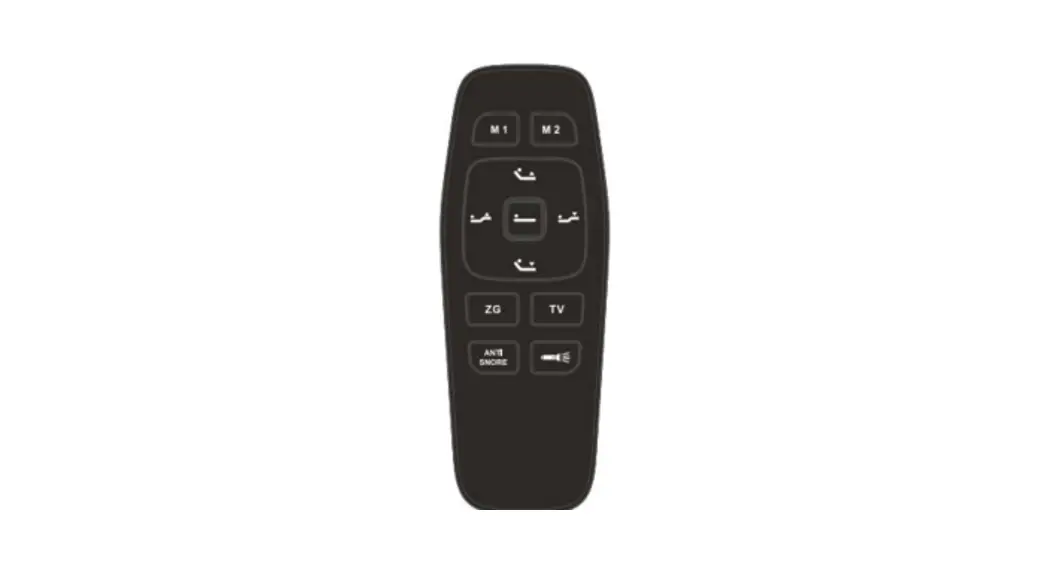
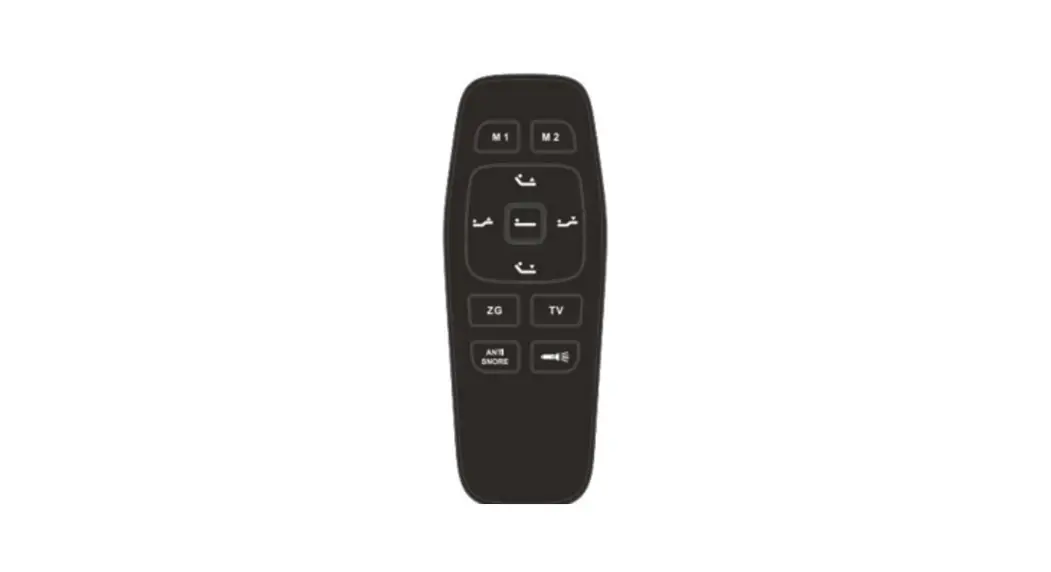
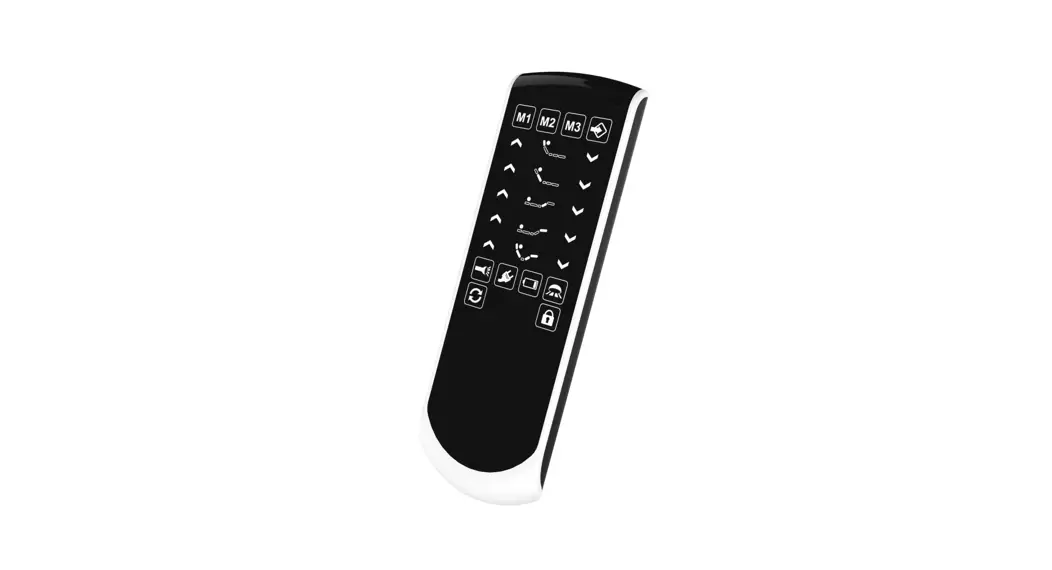
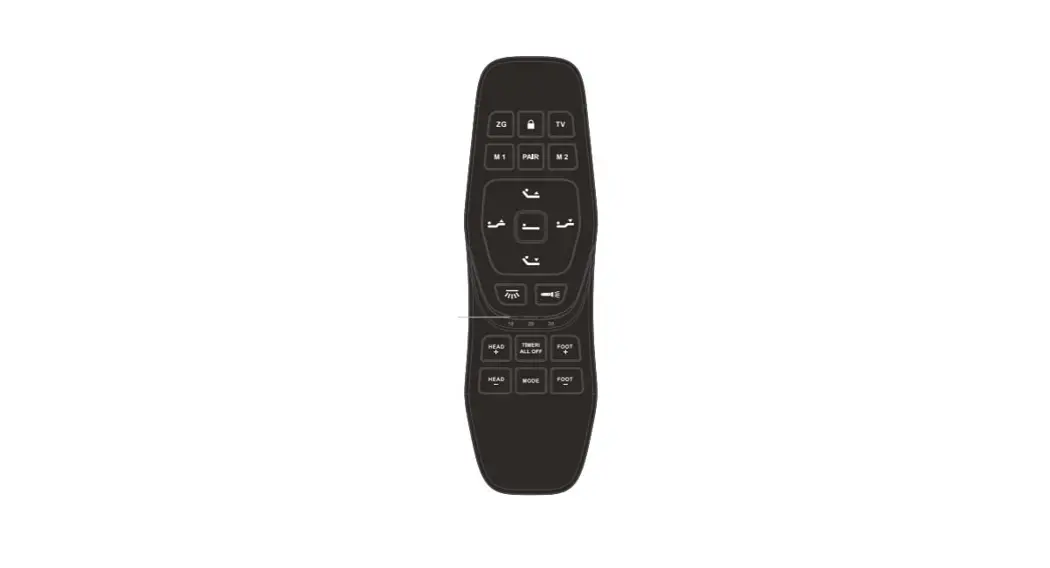
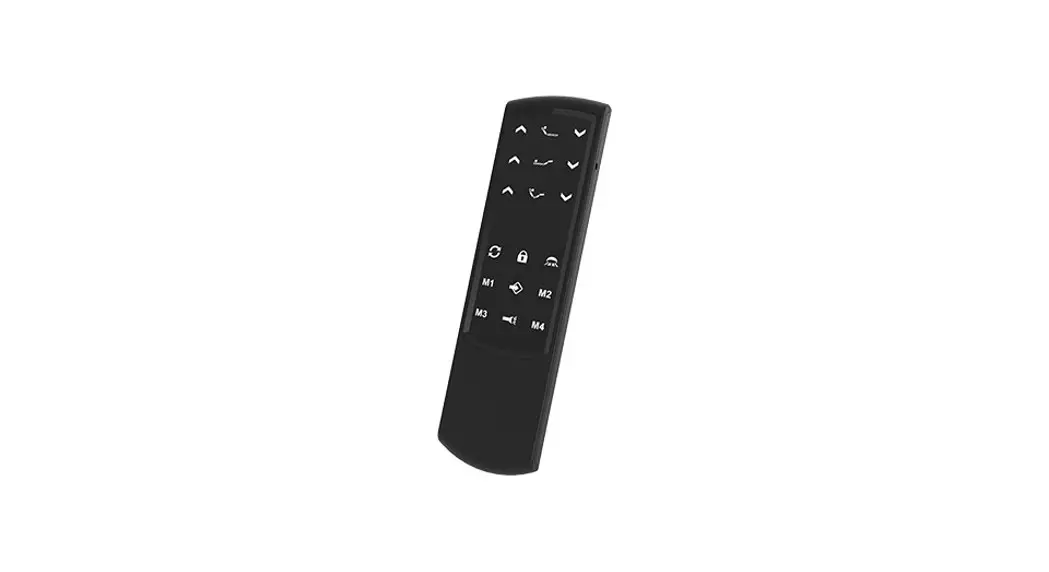
Appearance
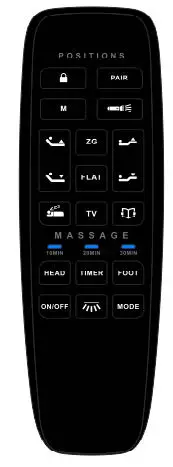
Key function
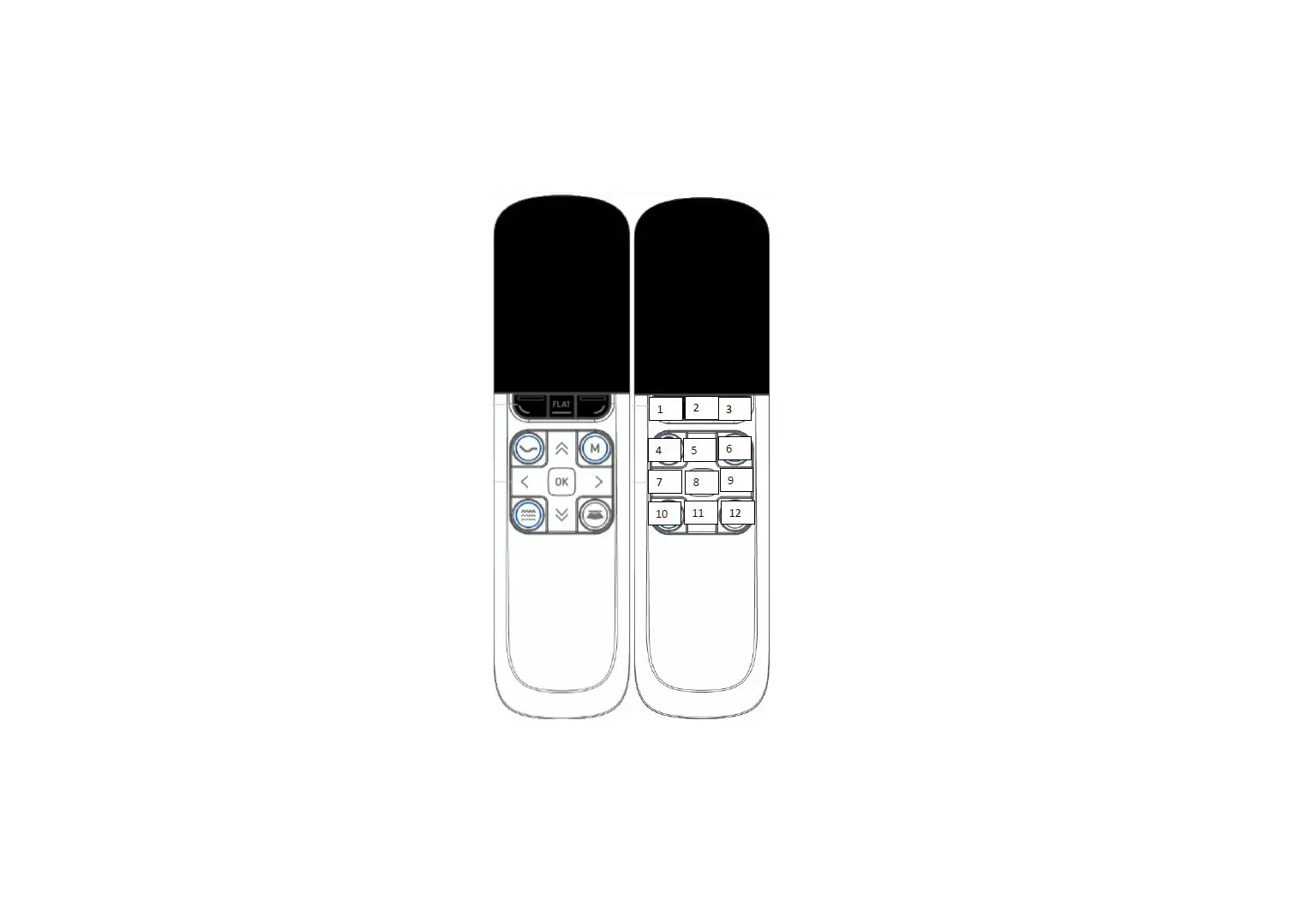
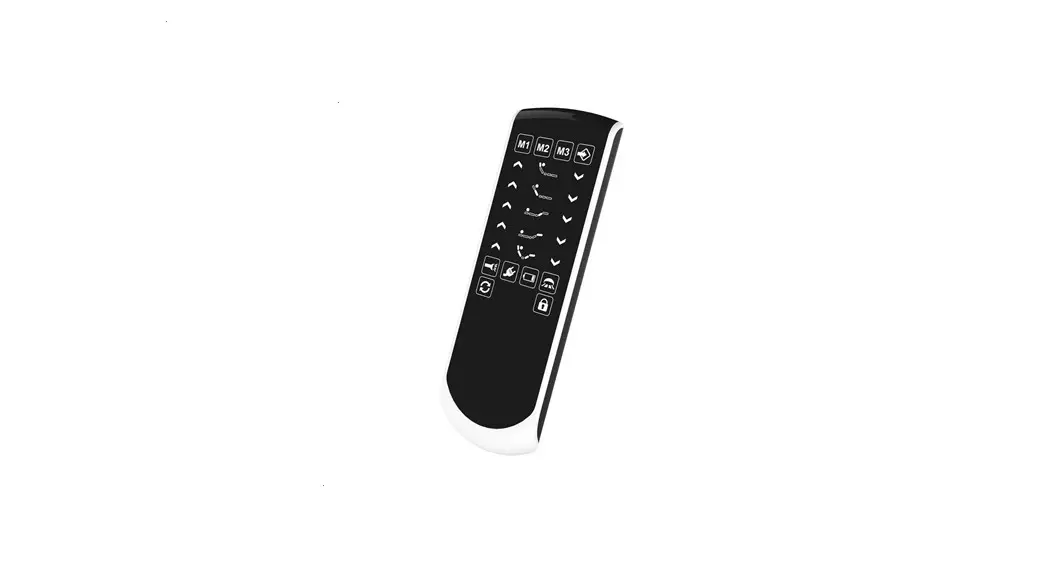
| Key-value | Specification |
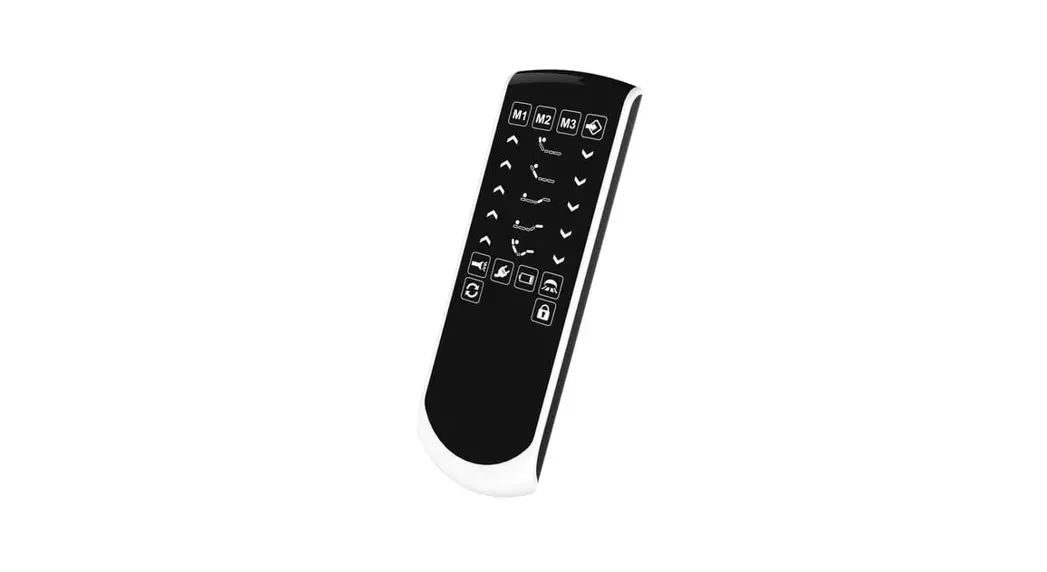
| CHILD LOCK | Press and hold the button till the backlight flashes remote enters locking or unlocking mode |
| PAIR | press and hold a ton, the remote enters pairing mode |
| M | Click the button, the bed moves to the M position, press and hold the M button for 5s, until the backlight flashes, the control set the current position as the M position |
| FLASHLIGHT | Click the button, open or close the flashlight |
| HEAD UP | Press and hold the button, the head actuator moves out, stops when released |
| HEAD DOWN | Press and hold the button, the head actuator moves in, stops when released |
| FOOT UP | Press and hold the button, foot actuator moves out, stops when released |
| FOODTOWN | Press and hold the button, foot actuator moves in, stops when released |
|
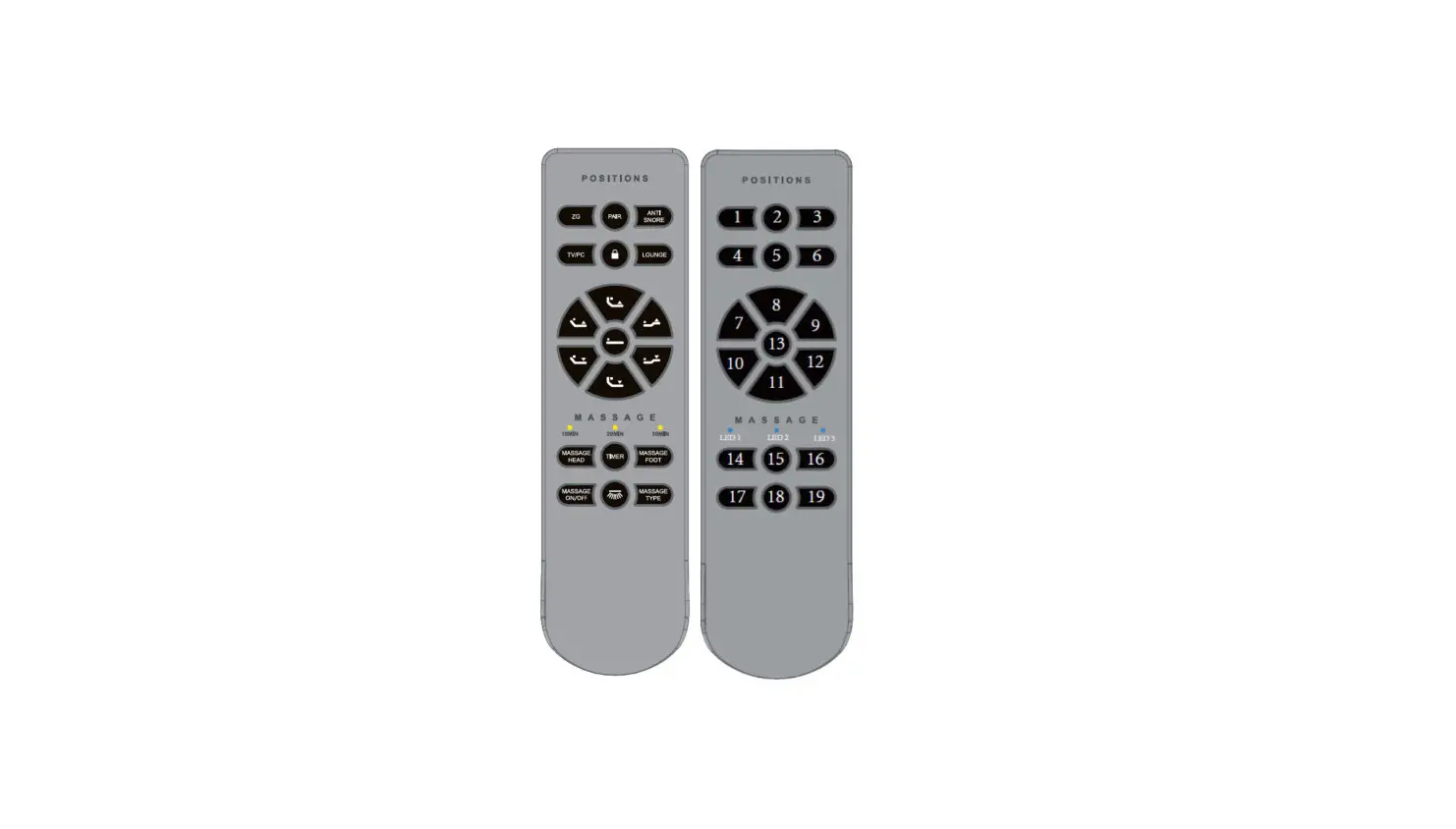
ZG | Click the button, the bed moves to zero position, press and hold zero buttons for 5s, until the backlight flashes, the control set the current position as zero position |
| FLAT | Press and hold the button, the bed goes flat |
| TV | Click the button, the bed moves to TV position, press and hold the TV button for 5s, until the backlight flashes, the control set the current position as the TV position |
| ANTI SNORE | Click the button, the bed moves to antisnore position, press and hold the antisnore button for 5s until the backlight flashes, the control set the current position as the antisnore position |
| Lounge | Click the button, the bed moves to the Lounge position, press and hold the Lounge button for 5s, until the backlight flashes, the control set the current position as Lounge position |
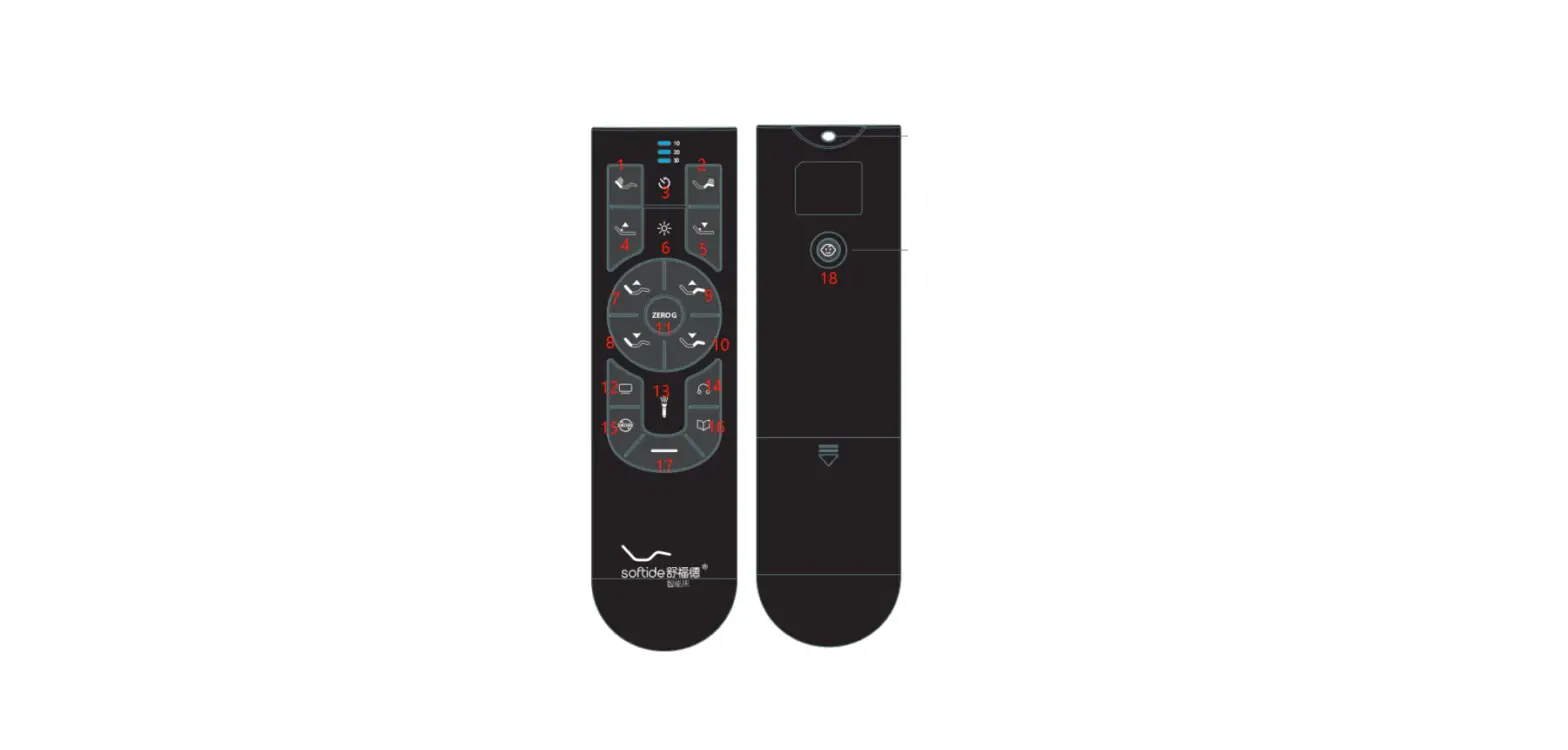
| MASSAGE HEAD | Click the button to switch the massage intensity of head massage motors |
| TIMER | Click the button to switch massage time |
| MASSAGE FOOT | Click the button to switch the massage intensity of foot massage motors |
| MASSAGE ON/OFF | Click the button to turn on/off head & foot massage motors |
| UNDER-BED LIGHT | Click the light button to turn on/off the under bed light |
| MASSAGE TYPE | Click the button to switch massage mode |
| LED 1: | 10 MIN | Massage time: 10 minutes |
| LED 2: | 20 MIN | Massage time: 20 minutes |
| LED 3: | 30 MIN | Massage time: 30 minutes |
|
Other function 1: |
Zero-G + Flat | Press and hold zero-G and flat button for 5s until the backlight flashes, the memory positions of the control box reset to default settings |
FCC Statement
Any changes or modifications not expressly approved by the party responsible for compliance could void the user’s authority to operate the equipment. This device complies with part 15 of the FCC Rules. Operation is subject to the following two conditions:
- This device may not cause harmful interference, and
- This device must accept any interference received, including interference that may cause undesired operation.
RF warning for Portable devices:
The device has been evaluated to meet general RF exposure requirements. The device can be used in portable exposure conditions without restriction.
ISED RSS Warning:
This device complies with Innovation, Science and Economic Development Canada licence-exempt RSS standard(s). Operation is subject to the following two conditions:
- l’appareil ne doit pas produire de brouillage, et
- l’utilisateur de l’appareil doit accepter tout brouillage radioélectrique subi, même si le brouillage est susceptible d’en compromettre le fonctionnement.
ISED RF exposure statement:
This equipment complies with ISED radiation exposure limits set forth for an uncontrolled environment. The device has been evaluated to meet general RF exposure requirements. Le matériel est conforme aux limites de dose d’exposition aux rayonnements énoncés pour fac un autre environnement. ce dispositif a été évalué à satisfaire l’exigence générale de l’exposition aux rf.