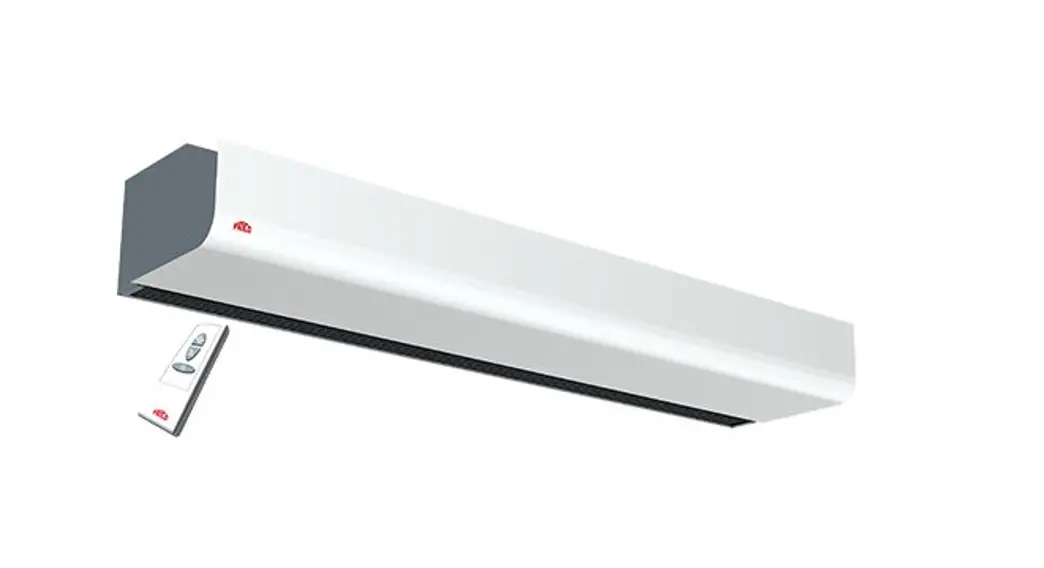
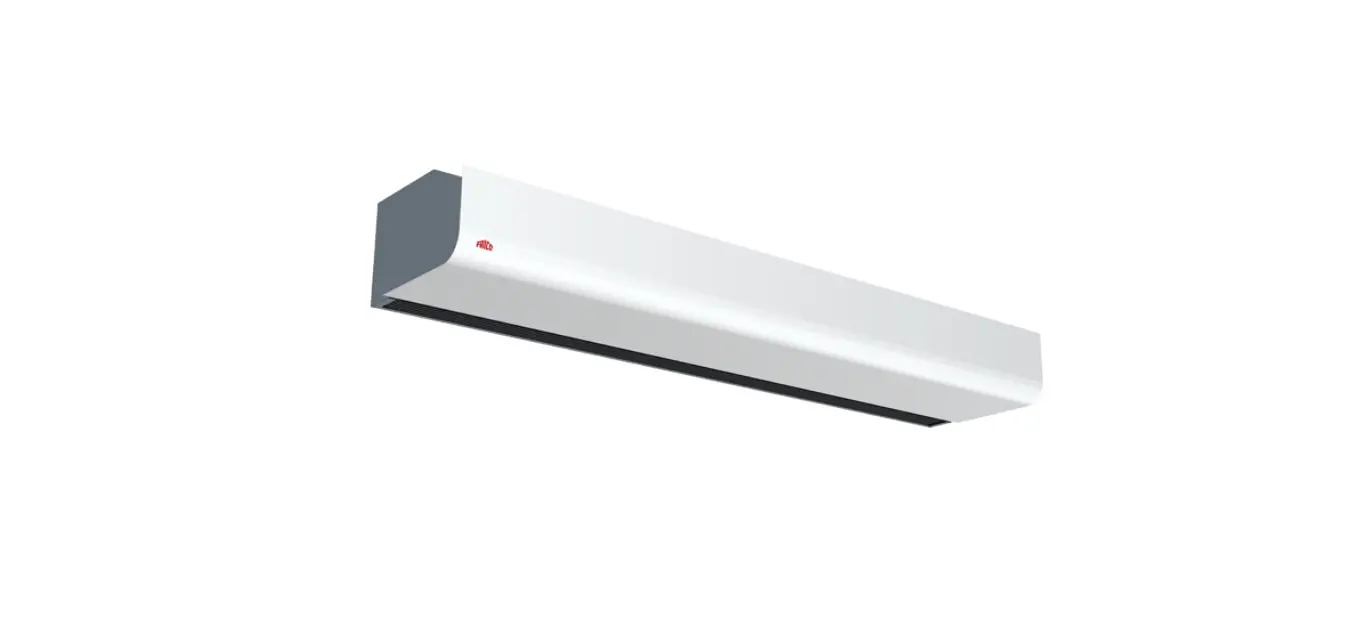
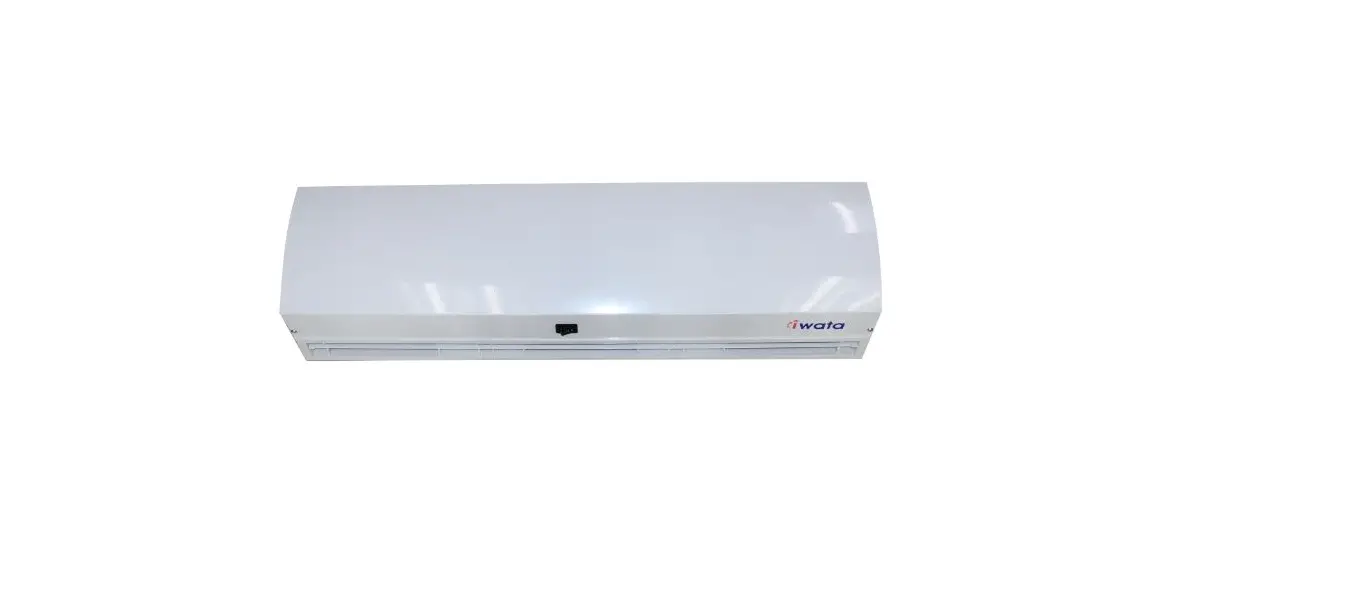
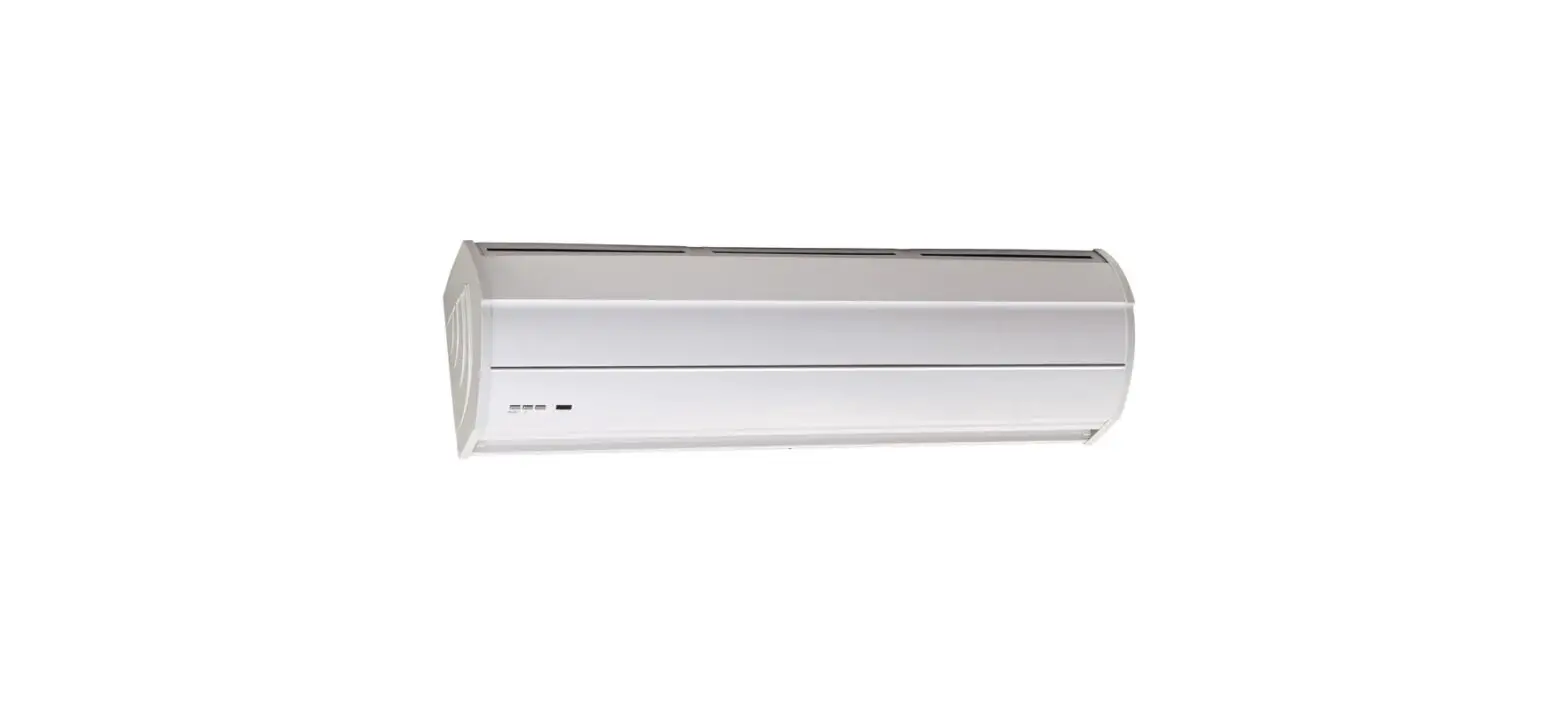
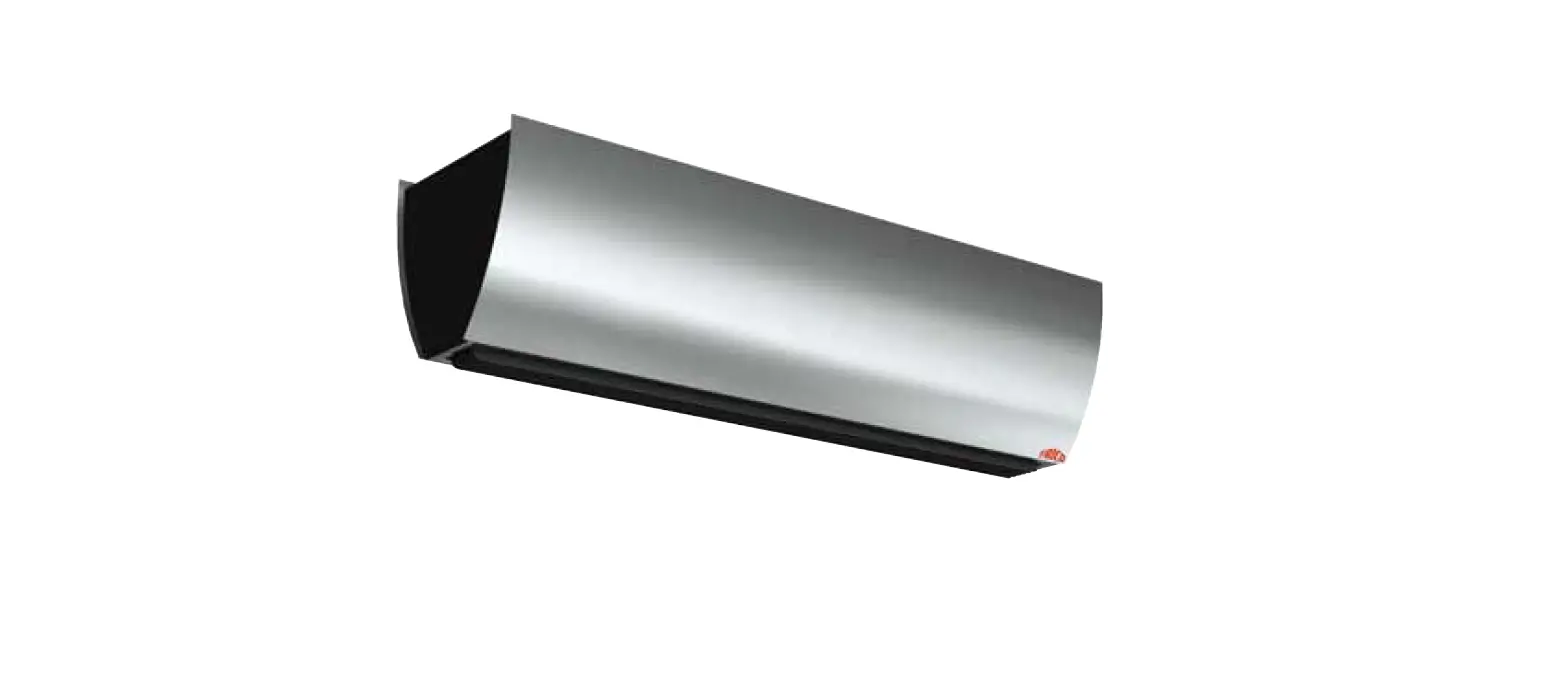
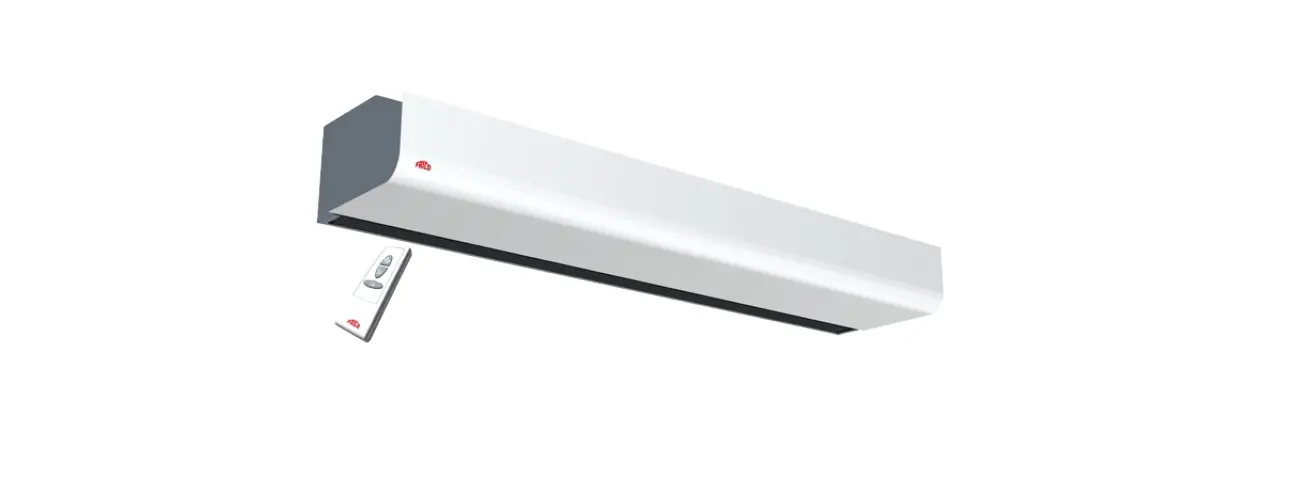
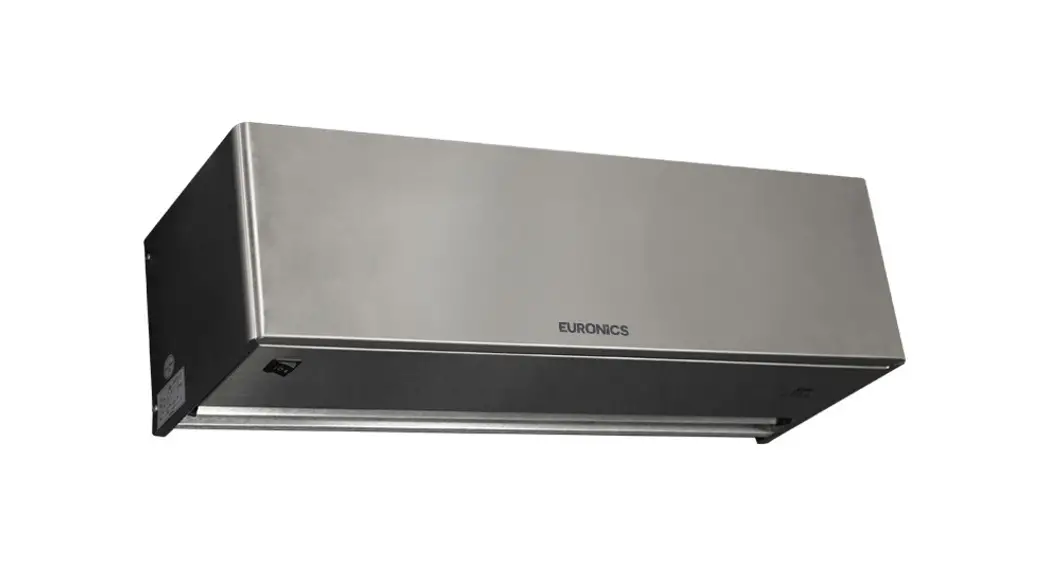
HC1500 Air Curtain
Product Information: – Product Name: HC1500 / HC2000 / HC2050 /
HC2100 / HC2200 / HC2500 / HC3100/3200 – Language: Polski (Polish)
– Description: The user manual provides information about the
different models of the product and their corresponding
elements/components. Product Usage Instructions: 1) HC1500 / HC2000
/ HC2050 / HC2200 Time Setting: – Before turning on the heater, set
the correct time. – Press the button, and the control panel will
display the current room temperature. – DAY OF THE WEEK: Press the
Set button once to set the day of the week from 1-7 (1 = Monday, 2
= Tuesday … 7 = Sunday). – HOUR: Press the Set button again to
set the hour from 01 to 00 (01 = 1st hour, 02 = 2nd hour … 00 =
24th hour). – MINUTES: Press the Set button again to set the
minutes. Note: The above instructions are specific to the HC1500,
HC2000, HC2050, and HC2200 models.
KURTYNA POWIETRZNA INSTRUKCJA OBSLUGI
AIR CURTAIN USER MANUAL LUFTSCHLEIER BENUZERHANDBUCH CORTINA DE AIRE MANUAL DE INSTRUCCIONES CORTINA DE AR MANUAL DE INSTRUÇÕES CORTINA DE AER MANUAL DE UTILIZARE VZDUCHOVÁ CLONA NÁVOD K OBSLUZE VZDUCHOVÁ CLONA POUZÍVATESKÁ PRÍRUCKA
HC1500 / HC2000 / HC2050 / HC2100 / HC2200 / HC2500 / HC3100/3200
1
POLSKI………………………………………………………………………………………………………………………………………………………………………………..s. 9 ENGLISH……………………………………………………………………………………………………………………………………………………………………………p. 25 DEUTSCH…………………………………………………………………………………………………………………………………………………………………………..s. 41 ESPAÑOL…………………………………………………………………………………………………………………………………………………………………………..p. 56 PORTUGUÊS……………………………………………………………………………………………………………………………………………………………………..p. 71 …………………………………………………………………………………………………………………………………………………………………………. 86 ROMÂN………………………………………………………………………………………………………………………………………………………………………….p. 102 CESTINA…………………………………………………………………………………………………………………………………………………………………………..s. 117 SLOVENSKÝ…………………………………………………………………………………………………………………………………………………………………….S. 131 ……………………………………………………………………………………………………………………………………………………………………. 144
HC1500/HC2000
2
HC2050
HC2100
3
HC2200
HC2500
4
HC3100/3200
1
5
2
3
6
4
5
7
6
8
POLSKI
PL
WANE RODKI BEZPIECZESTWA Dzikujemy za zakup naszego produktu. Przeczytaj uwanie niniejsz instrukcj przed uruchomieniem urzdzenia. Zachowaj t instrukcj obslugi na potrzeby ponownego uycia. 1. Urzdzenie naley zawiesi na cianie i skierowa wylot powietrza w dól. Nie naley montowa urzdzenia pospiesznie i w sposób niestabilny. 2. Nie uywaj urzdzenia w miejscu, w którym znajduje si gaz palny lub wybuchowy. Nie zakrywaj wylotu powietrza. 3. Jeli przewód zasilajcy jest uszkodzony, musi zosta wymieniony przez producenta lub jego przedstawiciela serwisowego lub osob o podobnych kwalifikacjach w celu uniknicia zagroenia. 4. Nagrzewnicy nie wolno umieszcza bezporednio pod gniazdkiem elektrycznym. Gniazdko elektryczne musi by uziemione, jego napicie powinno wynosi 220-240 V i zabezpieczone bezpiecznikiem 10A. Gniazdko i wtyczka zasilania powinny by w dobrym stanie. 5. Jeli urzdzenie nie jest uywane lub naprawiane, naley odlczy wtyczk. 6. Nie dotykaj urzdzenia wilgotn rk. 7. Jeli silnik nie dziala prawidlowo, naley go natychmiast zatrzyma. 8. Podczas korzystania z urzdzenia nie naley otwiera drzwi ani okna, poniewa moe to wplyn na efekt ogrzewania. 9. Jeli chcesz wylczy urzdzenie wcinij przycisk wlczania / wylczania. Nagrzewnica bdzie pracowala przez 30 sekund, a bdzie wydmuchiwane zimne powietrze, wtedy urzdzenie przestanie dziala i moesz wycign wtyczk. 10. Nie uywaj tego urzdzenia w lazience. 11. Timer ustawia czas pracy grzalki. 12. Pilot zdalnego sterowania dziala z 1 bateri. 13. Nagrzewnica musi by zainstalowana co najmniej 2 metry nad podlog. 14. Jeli urzdzenie wymaga naprawy, przeka je wykwalifikowanej osobie lub dostarcz do autoryzowanego serwisu. 15. To urzdzenie moe by uywane przez dzieci w wieku od 8 lat i powyej oraz osoby o ograniczonych zdolnociach fizycznych, sensorycznych lub umyslowych lub z brakiem dowiadczenia i wiedzy, jeli zostaly one objte nadzorem lub instrukcjami dotyczcymi uytkowania urzdzenia w sposób bezpieczny i zrozumialy zwizane z tym zagroenia. Dzieci nie powinny bawi si urzdzeniem. Czyszczenie i konserwacja nie powinny by wykonywane przez dzieci bez nadzoru. 16. Dzieci w wieku poniej 3 lat powinny by trzymane z dala, chyba e s nadzorowane. 17. Dzieci w wieku od 3 do 8 lat mog wlcza i wylcza urzdzenie jedynie pod
9
warunkiem, e zostalo ono umieszczone lub zainstalowane w normalnej pozycji roboczej i osoby te zostaly objte nadzorem lub instrukcjami dotyczcymi uytkowania urzdzenia w sposób bezpieczny i zrozumialy zwizane z tym zagroenia. Dzieci w wieku od 3 do 8 lat nie mog podlcza, regulowa i czyci urzdzenia ani wykonywa konserwacji. 18. UWAGA – niektóre czci tego produktu mog mocno si nagrzewa i spowodowa oparzenia. Szczególn uwag naley zwróci na dzieci i osoby wymagajce szczególnej troski.
OPIS URZDZENIA HC1500/HC2000
Nr
Nazwa elementu
1 Oslona
2 Wywietlacz
3 Panel sterowania
4 Plyta kontrolna
5 Odbiornik
6 Przycisk
7 Element grzewczy PTC
8 Klapka PTC
9 Wylot powietrza
10 Ceramiczna ochrona termiczna
11 Termostat
HC2050
Nr
Nazwa elementu
1 Oslona
2 Wywietlacz
3 Panel sterowania
4 Plyta kontrolna
5 Odbiornik
6 Przycisk
7 Element grzewczy PTC
8 Klapka PTC
9 Wylot powietrza
10 Ceramiczna ochrona termiczna
11 Termostat
Nr
Nazwa elementu
12 Piercie
13 Loysko
14 Kolo
15 Piercie mocujcy
16 Wykoczenie silnika
17 Silnik
18 Cewka ochronna
19 Uchwyt stabilizujcy przewód
20 Przewód zasilajcy
21 Tabliczka
22 Podstawa
Nr
Nazwa elementu
12 Piercie
13 Loysko
14 Kolo
15 Piercie mocujcy
16 Wykoczenie silnika
17 Silnik
18 Cewka ochronna
19 Uchwyt stabilizujcy przewód
20 Przewód zasilajcy
21 Tabliczka
22 Podstawa
10
HC2100
Nr
Nazwa elementu
1 Oslona
2 Plyta silnika
3 Silnik
4 Tuleja loyska
5 Kolo
6 Obudowa loyska 7 Plyta PTC 8 Element grzewczy PTC 9 Termostat 10 Ceramiczna ochrona termiczna 11 Wylot powietrza 12 Naklejka PCV
Nr
Nazwa elementu
13 Plyta kontrolna
14 Plytka drukowana
15 Tuleja silnika
16 Silnik
17 Przeslona
18 Kondensator 19 Cewka ochronna 20 Uchwyt stabilizujcy przewód 21 Zaciski 22 Przewód zasilajcy 23 Podstawa
HC2200
Nr
Nazwa elementu
1 Przycisk
2 Panel sterowania
3 Plytka drukowana
4 Plyty dekoracyjne
5 Oslona
6 Obudowa loyska 7 Mocowanie silnika 8 Silnik wentylatora 9 Loysko 10 Kolo 11 Element grzewczy PTC 12 Wylot powietrza 13 Ceramiczna ochrona termiczna 14 Termostat
Nr
Nazwa elementu
15 Obudowa elementu grzejnego
16 Lcznik
17 Silnik skokowy
18 Przegroda silnika krokowego
19 Prowadnica lopatek
20 Przeslona 21 Kondensator 22 Plyta zasilajca 23 Cewka ochronna 24 Uchwyt stabilizujcy przewód 25 Zacisk 26 Przewód zasilajcy 27 Dolna pokrywa
11
HC2500
Nr
Nazwa elementu
1 Dioda zasilacza
2 Oslona wywietlacza
3 Obudowa wywietlacza
4 Wywietlacz LED
5 Plytka PCB z wywietlaczem
6 Panel dekoracyjny 7 Przednia oslona 8 Termostat 9 Bezpiecznik termiczny 10 Mocowanie PTC 11 Element grzewczy PTC 12 Wylot powietrza 13 Tuleja silnika krokowego
HC3100/3200
Nr
Nazwa elementu
1 Panel dekoracyjny
2 Przednia oslona
3 Naklejka PVC
4 Wewntrzny ekran
5 Plyta drukowana PCB (panel sterowania)
6 Termostat
7 Bezpiecznik termiczny
8 Mocowanie PTC
9 Element grzewczy PTC
10 Wylot powietrza
11 Tuleja silnika krokowego
12 Silnik krokowy
13 Wahadlo
Nr
Nazwa elementu
14 Silnik krokowy
15 Wahadlo
16 Oslona wentylatora
17 Tuleja silnika
18 Silnik
19 Wentylator 20 Uchwyt przewodu 21 Przewód zasilajcy 22 Plyta zasilajca 23 Tylna oslona 24 Przelcznik zasilania 0 / I 25 Przycisk ON / OFF
Nr
Nazwa elementu
14 Oslona wentylatora
15 Tuleja silnika
16 Silnik
17 Wentylator
18 Uchwyt przewodu
19 Przewód zasilajcy 20 Plytka zasilajca 21 Tylna oslona 22 Przelcznik zasilania 0 / I 23 Przycisk ON / OFF
12
MONTA URZDZENIA Grzejnik powinien by zainstalowany i uywany zgodnie ze standardami bezpieczestwa.
Aby unikn wszystkich niebezpieczestw, postpuj zgodnie z instrukcjami bezpieczestwa. – Instalacj musi wykona serwisant lub osoba o podobnych kwalifikacjach, aby unikn zagroenia. – Wane! Upewnij si, e w pobliu otworów wiertniczych nie ma kabli elektrycznych ani innych instalacji (np. rur wodnych). Upewnij si, e urzdzenie jest bezpiecznie i pionowo przymocowane do ciany. Wykonaj dwa otwory na cianie 2 metry nad podlog i minimum 0,25 m od rogów, upewnij si, e rednica otworów jest taka sama jak rednica kolków. Zamocuj dwie ruby w kolkach, kocówki rub powinny wystawa na 10 mm. Zawie urzdzenie po odpowiednim ustawieniu rub.
HC1500/HC2000/HC2050: 385 mm
HC2100: 535 mm HC2200: 545mm HC2500: 330 mm HC3100/3200: 330 mm Patrz Rysunek 1
OBSLUGA URZDZENIA 1. Przed wloeniem wtyczki do gniazdka elektrycznego upewnij si, e zasilanie elektryczne jest zgodne z oznaczeniem na tabliczce znamionowej urzdzenia. 2. Ostronie wyjmij grzejnik z plastikowej torby i kartonu. 3. Zamontuj grzejnik na cianie, ustaw przycisk glówny na pozycj “-“. Podlcz wtyczk do gniazdka elektrycznego AC220-240V ~ Wskanik “Power” zawieci si, a grzejnik pokae domyln temperatur i bdzie miga przez 3 sekundy.
1) Ustawianie czasu HC1500 / HC2000 / HC2050 / HC2200
Przed wlczeniem grzejnika ustaw odpowiedni czas. Wcinij przycisk ” “, panel kontrolny wywietli aktualn temperatur w pomieszczeniu. DZIE TYGODNIA Wcinij przycisk “Set” jeden raz, zawieci si wskanik “I / W”
13
(HC1500/HC2000/HC2050) lub “W-Timer/W” (HC2200), uyj przycisków ”
” do
ustawienia dnia tygodnia od 1-7 (1 = poniedzialek, 2 = wtorek … 7 = niedziela)
GODZINA Wcinij przycisk “Set” ponownie, zawieci si wskanik “II / H”
(HC1500/HC2000/HC2050) lub “24h/H” (HC2200), uyj przycisków ”
” do ustawienia
godziny od 01 do 00 (01 = pierwsza godzina , 02 = druga godzina … 00 = godzina 24-ta)
MINUTY Ponownie nacinij przycisk “Set”, zawieci si wskanik “Fan / M”
(HC1500/HC2000/HC2050) lub “Auto/M” (HC2200), uyj przycisków ”
” do
ustawienia minut od 00-59 (01 = 1 minuta, 02 = 2 minuta itd.)
USTAWIANIE CZASU HC2100/HC2500/HC3100/3200
Przed wlczeniem grzejnika ustaw odpowiedni czas. Wcinij przycisk ” ” na pilocie, wywietlacz LED pokae 00:00 i zapali si wskanik “Mo”.
GODZINA Nacinij przycisk “Set”, na wywietlaczu warto “00:00″ zacznie miga, uyj
przycisków ”
” do ustawienia godziny od 01 do 00 (01 = pierwsza godzina , 02 = druga
godzina … 00 = godzina 24-ta)
MINUTY Ponownie nacinij przycisk “Set”, na wywietlaczu warto “00:00″ zacznie miga,
uyj przycisków ”
” do ustawienia minut od 00-59 (01 = 1 minuta, 02 = 2 minuta itd.)
DZIE TYGODNIA Wcinij przycisk “Set” ponownie, wskanik “Mo” miga, uyj przycisków
”
” do ustawienia dnia tygodnia od Mo do Su (Mo = poniedzialek… Su = niedziela).
PS: (dotyczy modeli HC1500/HC2000/HC2050/HC2100/HC2200/HC2500/HC3100/3200) Nacinij przycisk “Set”, na ekranie numer bdzie migal przez 5 sekund, w tym czasie ustaw warto, inaczej urzdzenie wróci do trybu gotowoci. (Urzdzenie bdzie utrzymywa odpowiedni czas do wylczenia zasilania) 2) Ogólna obsluga 1. Wlcz grzejnik, naciskajc przycisk ON / OFF, urzdzenie wydmuchuje zimne powietrze
i wieci wskanik “Fan / M” (HC1500/HC2000/HC2050) lub (HC2100/HC2500) lub “Power/Fan” (HC2200) w kolorze czerwonym. 2. Po naciniciu przycisku “MODE”, urzdzenie wydmuchuje cieple powietrze i wskaniki
“I / W” i “Fan / M” (HC1500/HC2000/HC2050) lub ” ” i ” ” (HC2100/HC2500) lub “I/II”: kolor zielony (HC2200) lub (HC3100/3200) s wlczone. 3. Ponownie nacinij przycisk “MODE”, urzdzenie wydmuchuje gorce powietrze
14
i wskaniki “II / H” “Fan / M” (HC1500/HC2000/HC2050) lub ” ” i ” ”
(HC2100/HC2500) lub “I/II”: kolor czerwony (HC2200) lub (HC3100/3200) s wlczone. 4. Nacinij przycisk “MODE” po raz trzeci – urzdzenie wydmuchuje zimne powietrze i wskanik “Fan / M” jest wlczony. PS: Panel sterowania i pilot zdalnego sterowania dzialaj w ten sam sposób. Funkcja HC2100:
PS: Nacinij przycisk ” ” na panelu sterowania: nacinij 1 raz – ZIMNE POWIETRZE; 2 razy – CIEPLE POWIETRZE; 3 razy – GORCE POWIETRZE; 4 razy FUNKCJA OSCYLACJI; 5 WYLCZONY 3) Funkcja Timer 24H 1. Wlcz urzdzenie w trybie pracy: wentylator, cieple/gorce powietrze. Przycisk “TIMER”
(HC1500/HC2000/HC2050/HC2200) lub pilocie dzialaj tak samo.
(HC2100) na panelu i przycisk ”
” na
2. Nacinij przycisk “TIMER” (HC1500/HC2000/HC2050/HC2200) lub (HC2100) lub (HC2500/HC3100/3200), ustaw czas do 24 godzin, nacinij i przytrzymaj przycisk “TIMER”
lub , aby zwikszy czas od 00 do 24 (00 = timer wylczony, 01 = 1 godzina, 02 = 2
godziny … 24 = 24 godziny), wskanik “TIMER” (HC1500/HC2000/HC2050) lub (HC2100/HC2500/HC3100/3200) lub “24h/H” (HC2200) jest wlczony. PS: “00” oznacza brak ustawionego timera, wskanik “TIMER” (HC1500/HC2000/HC2050)
lub (HC2500/HC3100/3200) lub “24h/H” (HC2200) jest wylczony. 4) REGULACJA TEMPERATURY GRZANIA (TERMOSTAT) 1. Wlcz urzdzenie w trybie pracy: wentylator lub cieple/gorce powietrze. Funkcja ta dziala tylko za pomoc pilota.
2. Nacinij ”
“, aby ustawi dan temperatur w zakresie od 10 do 49 .
3. Gdy temperatura powietrza spadnie o 2 stopnie poniej ustawionej temperatury,
urzdzenie rozpocznie nagrzewanie z ustawieniem “I / W” (1000 W).
4. Gdy temperatura powietrza spadnie o 4 stopnie poniej ustawionej temperatury,
urzdzenie rozpocznie nagrzewanie z ustawieniem “II / H” (2000 W).
5. Gdy temperatura powietrza jest wysza o 1 stopie od ustawionej temperatury,
urzdzenie wydmuchuje zimne powietrze.
5) FUNKCJA PROGRAMATORA TYGODNIOWEGO HC1500/HC2000/HC2200
1. Wlcz urzdzenie w trybie pracy: wentylator lub cieple/gorce powietrze. Funkcja ta
dziala tylko za pomoc pilota.
15
2. DZIE TYGODNIA: Nacinij przycisk ” “, wskaniki “I / W” i “W-Timer” zawiec si, “1” oznacza “Poniedzialek”.
GODZINA: Nacinij przycisk ” ” po raz drugi, wskanik “II / H”
(HC1500/HC2000/HC2050) lub “24h/H” (HC2200) zawieci si, uyj przycisków ”
” do
ustawienia godziny od 01 do 00 (01 = pierwsza godzina, 02 = druga godzina … 00 =
godzina 24-ta)
MINUTY: Nacinij przycisk ” ” po raz trzeci, wskanik “Fan / M”
(HC1500/HC2000/HC2050) lub “Auto/M” (HC2200) zawieci si, uyj przycisków ”
”
do ustawienia minut od 00-59 (01 = 1 minuta, 02 = 2 minuta itd.)
Godzina rozpoczcia pracy——————————————————–
GODZINA Nacinij przycisk ” ” po raz czwarty, wskanik “II / H”
(HC1500/HC2000/HC2050) lub “24h/H” (HC2200) zawieci si, uyj przycisków ”
” do
ustawienia godziny od 01 do 00 (01 = pierwsza godzina, 02 = druga godzina … 00 =
godzina 24-ta)
MINUTY Nacinij przycisk ” ” po raz pity, wskanik “Fan / M” (HC1500HC1500/HC2000/HC2050) lub “Auto/M” (HC2200) zawieci si, uyj przycisków ”
” do ustawienia minut od 00-59 (01 = 1 minuta, 02 = 2 minuta itd.) Godzina zakoczenia pracy———————————————————
Powysze ustawienia s zakoczone dla poniedzialku.
3. Nacinij przycisk ” ” ponownie, wskanik “I / W” (HC1500/HC2000/HC2050) lub “WTimer/W” (HC2200) zawieci si, 2 oznacza “Wtorek” . Ustawienia godziny rozpoczcia i zakoczenia pracy grzejnika s takie same jak w przypadku ustawie dla poniedzialku. 4. Po zakoczeniu wprowadzania ustawie dla dni 1-7 (1 = poniedzialek, 2 = wtorek … 7 =
niedziela), naciskaj przycisk ” ” na pilocie, aby ustawi temperatur od poniedzialku do
niedzieli i uyj przycisków ”
“, aby ustawi temperatur, w zakresie od 10 do 49 .
PS: W funkcji programatora tygodniowego, po ustawieniu temperatury dla kadego dnia,
uruchomi si funkcja termostatu, i bdzie dziala tak jak w punkcie 4) TERMOSTAT.
Moesz ustawi inny czas rozpoczcia/zakoczenia pracy i temperatur w przecigu
calego tygodnia.
FUNKCJA PROGRAMATORA TYGODNIOWEGO DLA HC2100/HC2500/HC3100/3200 16
1. Wlcz urzdzenie w trybie pracy: wentylator lub cieple/gorce powietrze. Funkcja ta dziala tylko za pomoc pilota.
2. Najpierw nacinij przycisk ” “, nastpnie uyj przycisków ”
“, aby wybra tryb. Ta
funkcja posiada 6 trybów: P1-P5 to wstpnie ustawiony harmonogram wedlug tabeli poniej:
Dzie Tryb P1 P2 P3 P4 P5
Mo/Pon. Tu/Wto. We/ro Th/Czw. Fr/Pi. Sa/Sob. Su/Niedz.
8:00-17:00 18:00-7:00 8:00-17:00 18:00-7:00 WYL.
8:00-17:00 18:00-7:00 8:00-17:00 18:00-7:00 WYL.
8:00-17:00 18:00-7:00 8:00-17:00 18:00-7:00 WYL.
8:00-17:00 18:00-7:00 8:00-17:00 18:00-7:00 WYL.
8:00-17:00 18:00-7:00 8:00-17:00 18:00-7:00 WYL.
8:00-17:00 8:00-17:00
18:00-7:00 18:00-7:00
WYL.
WYL.
WYL.
WYL.
00:00-24:00 00:00-24:00
3. P6 jest ustawiany przez uytkownika, uyj przycisków ”
“, aby wybra tryb P6:
DZIE TYGODNIA: Nacinij przycisk ” “, wskanik ” ” zawieci si, ” ” oznacza “Poniedzialek”.
GODZINA: Nacinij przycisk ” ” po raz drugi, na wywietlaczu warto “00:00″ zacznie
miga, uyj przycisków ”
” do ustawienia godziny od 01 do 00 (01 = pierwsza
godzina , 02 = druga godzina … 00 = godzina 24-ta)
MINUTY: Nacinij przycisk ” ” po raz trzeci, na wywietlaczu warto “00:00″ zacznie
miga, uyj przycisków ” minuta itd.)
” do ustawienia minut od 00-59 (01 = 1 minuta, 02 = 2
Wskanik ” ” wlczony oznacza czas rozpoczcia pracy.
GODZINA: Nacinij przycisk ” ” po raz czwarty, na wywietlaczu warto “00:00″
zacznie miga, uyj przycisków ”
” do ustawienia godziny od 01 do 00 (01 = pierwsza
godzina , 02 = druga godzina … 00 = godzina 24-ta)
MINUTY: Nacinij przycisk ” ” po raz pity, na wywietlaczu warto “00:00″ zacznie
miga, uyj przycisków ” minuta itd.)
” do ustawienia minut od 00-59 (01 = 1 minuta, 02 = 2
Wskanik ” ” wlczony oznacza czas rozpoczcia pracy. Powysze ustawienia s zakoczone dla poniedzialku.
4. Nacinij przycisk ” ” ponownie, wskanik ” ” zawieci si, oznacza “Wtorek” . Ustawienia godziny rozpoczcia i zakoczenia pracy grzejnika s takie same jak w przypadku ustawie dla poniedzialku.
17
5. Po zakoczeniu wprowadzania ustawie dla dni Poniedzialek-Niedziela, naciskaj przycisk
” ” na pilocie, aby ustawi temperatur od poniedzialku do niedzieli i uyj przycisków
”
“, aby ustawi temperatur, w zakresie od 10 do 49 .
PS: W funkcji programatora tygodniowego, po ustawieniu temperatury dla kadego dnia, uruchomi si funkcja termostatu, i bdzie dziala tak jak w punkcie 4) TERMOSTAT. Moesz ustawi inny czas rozpoczcia/zakoczenia pracy i temperatur w przecigu calego tygodnia.
6) Funkcja “Otwarte okno” 1. Wlcz urzdzenie w trybie pracy: wentylator lub cieple/gorce powietrze. Funkcja ta dziala tylko za pomoc pilota.
2. Nacinij przycisk ” “, wskanik “AUTO” zawieci si w wersji
HC1500/HC2000/HC2050, w wersji
HC2100/HC2500/HC3100/3200
pojawi si ikona , w wersji HC2200 ikona “Auto/M”. Urzdzenie dziala jako inteligentne
modele oszczdzajce energi. (W tej funkcji urzdzenie natychmiast sprawdza i rejestruje
temperatur otoczenia. Grzejnik przestanie dziala, gdy temperatura spadnie o 3 .
Uytkownik powinien zrestartowa urzdzenie przyciskiem “ON / OFF”)
3. Nacinij ponownie przycisk ” “, wskanik “AUTO” lub ikona “Otwarte okno” jest nieaktywna. 7) Funkcja opónionego startu (dotyczy HC1500/HC2000/HC2050/HC2100/HC2500/HC3100/3200) 1. Ta funkcja moe zosta wlczona w przypadku: – gdy urzdzenie znajduje si w stanie gotowoci. – przed uruchomieniem urzdzenia. – wlczenie za pomoc pilota.
zganie. Funkcja
2. Nacinij przycisk ” ” wskanik LED zawieci si, a nastpnie nacinij przycisk ” “,
wskaniki “Delay” i “I / W” zawiec si. Uyj przycisków ”
” do ustawienia godziny od
01 do 24 (01 = 1 godzina, 24 = 24 godzina … 00 = funkcja wyl.)
Godzina rozpoczcia pracy————————————————–
3. Nacinij ponownie przycisk ” “, wskaniki “Delay” i “II/ W” zawiec si. Uyj
przycisków ”
” do ustawienia godziny od 01 do 24 (01 = 1 godzina, 24 = 24 godzina …
00 = funkcja wyl.)
Godzina zakoczenia pracy————————————————–
18
PS: Nacinij przycisk ” “, na ekranie numer bdzie migal przez 5 sekund, w tym czasie ustaw warto, inaczej urzdzenie wróci do trybu gotowoci. (Ta funkcja jest jednorazowa i musi zosta zresetowana po odciciu zasilania.) 8) Zabezpieczenie przed dziemi 1. Ta funkcja moe by uruchomiona tylko za pomoc pilota. Gdy urzdzenie jest podlczone, ta funkcja moe by uywana w dowolnym trybie. 2. Nacinij przycisk ” “, wszystkie wskaniki i wywietlacz LED zostan wylczone z wyjtkiem wskanika “Power”. W tym trybie, zarówno panel sterowania, jak i pilot zdalnego sterowania s nieaktywne. 3. Ponownie nacinij przycisk ” “, wszystkie wskaniki zawiec si, a dzialanie panelu sterowania i pilota zostanie odblokowane. PANEL STEROWANIA HC1500/HC2000/HC2050:
PANEL STEROWANIA HC2100:
19
PANEL STEROWANIA HC2200: PANEL STEROWANIA HC2500
20
PANEL STEROWANIA HC3100/3200
PILOT ZDALNEGO STEROWANIA HC1500/HC2000/HC2050 Pilot dziala z bateri CR2025 3V.
1. “ON / OFF” Glówny przycisk zasilania 2. “24H” Ustawianie timera od 1-24 godzin 3. “MODE” 3 funkcje do wyboru: ZIMNY NAWIEW, CIEPLY, GORCY 4. “LOCK” Funkcja zabezpieczenia przed dziemi 5. “AUTO” Funkcja “Otwarte okno” 6. “Delay” Ustawienie czasu rozpoczcia i zakoczenia pracy urzdzenia 7. “W.Timer” Ustawienie timera na caly tydzie 8. “+” Zwikszenie temperatury 9. “-” Zmniejszenie temperatury 10. “Set” Ustawienie zegara
21
PILOT ZDALNEGO STEROWANIA HC2100 Pilot dziala z bateri CR2025 3V.
1. “ON / OFF” Glówny przycisk zasilania 2. “24H” Ustawianie timera od 1-24 godzin 3. “Mode” 3 funkcje do wyboru: ZIMNY NAWIEW, CIEPLY, GORCY 4. “Swing” Ruch lopatek: góra-dól 5. “LOCK” Funkcja zabezpieczenia przed dziemi 6. “AUTO” Funkcja “Otwarte okno” 7. “Tem.” Wywietla temperatur w pomieszczeniu 8. “Delay” Ustawienie czasu rozpoczcia i zakoczenia pracy urzdzenia 9. “W.Timer” Ustawienie timera na caly tydzie 10. “+” Zwikszenie temperatury 11. “-” Zmniejszenie temperatury 12. “Set” Ustawienie zegara
PILOT ZDALNEGO STEROWANIA HC2200 Pilot dziala z bateri CR2025 3V.
1. “ON / OFF” Glówny przycisk zasilania 2. “24H” Ustawianie timera od 1-24 godzin 3. “Mode” 3 funkcje do wyboru: ZIMNY NAWIEW, CIEPLY, GORCY 4. “Swing” Ruch lopatek: góra-dól 5. “LOCK” Funkcja zabezpieczenia przed dziemi 6. “AUTO” Funkcja “Otwarte okno” 7. “Delay” Ustawianie temperatury dni tygodnia 8. “W.Timer” Ustawienie timera na caly tydzie 9. “+” Zwikszenie temperatury 10. “-” Zmniejszenie temperatury 11. “Set” Ustawienie zegara
22
PILOT ZDALNEGO STEROWANIA HC2500 Pilot dziala z bateri CR2025 3V.
1. “ON / OFF” Glówny przycisk zasilania 2. “24H” Ustawianie timera od 1-24 godzin 3. “Mode” 3 funkcje do wyboru: ZIMNY NAWIEW, CIEPLY, GORCY 4. “Swing” Ruch lopatek: góra-dól 5. “LOCK” Funkcja zabezpieczenia przed dziemi 6. “AUTO” Funkcja “Otwarte okno” 7. “Tem.” Wywietla temperatur w pomieszczeniu 8. “Delay” Ustawienie czasu rozpoczcia i zakoczenia pracy urzdzenia 9. “W.Timer” Ustawienie timera na caly tydzie 10. “+” Zwikszenie temperatury 11. “-” Zmniejszenie temperatury 12. “Set” Ustawienie zegara
PILOT ZDALNEGO STEROWANIA HC3100/3200 Pilot dziala z bateri CR2025 3V.
1. “ON / OFF” Glówny przycisk zasilania 2. “24H” Ustawianie timera od 1-24 godzin 3. “Mode” 3 funkcje do wyboru: ZIMNY NAWIEW, CIEPLY, GORCY 4. “Swing” Ruch lopatek: góra-dól 5. “LOCK” Funkcja zabezpieczenia przed dziemi 6. “AUTO” Funkcja “Otwarte okno” 7. “Delay” Ustawienie czasu rozpoczcia i zakoczenia pracy 8. “W.Timer” Ustawienie timera na caly tydzie 9. “+” Zwikszenie temperatury 10. “-” Zmniejszenie temperatury 11. “Set” Ustawienie zegara
ZABEZPIECZENIE PRZED PRZEGRZANIEM Nagrzewnica jest chroniona przez zabezpieczenie przed przegrzaniem, które automatycznie wylcza urzdzenie w przypadku przegrzania. Na przyklad z powodu calkowitej lub czciowej niedronoci wlotu/wylotu powietrza. W takim przypadku odlcz urzdzenie, odczekaj okolo 30 minut, a ostygnie i usu obiekt, który zaslania kratki. Nastpnie wlcz urzdzenie ponownie.
23
UWAGA: Po wylczeniu kurtyny wentylator dziala jeszcze przez ok 30 sekund by schlodzi urzdzenie. CZYSZCZENIE I KONSERWACJA 1. Jeli nie bdziesz korzysta z urzdzenia przez dluszy czas, wytrzyj je i umie w pudelku. Umie karton w wentylowanym i suchym miejscu. 2. Zaczekaj, a urzdzenie bdzie schlodzone, wycignij wtyczk, a nastpnie wyczy je. Uyj czystej, wilgotnej ciereczki lub lagodnego rodka czyszczcego. Nigdy nie naley my urzdzenia bezporednio wod; nie dopuszczaj, aby woda dostala si do urzdzenia. Nigdy nie czy urzdzenia kwasami, rozcieczalnikami chemicznymi, benzyn, benzenem itp. 3. Przed ponownym uyciem sprawd urzdzenie i upewnij si, e kratka wylotu powietrza nie jest zapchana przez jakie obiekty. DANE TECHNICZNE Moc: 2000 W Zasilanie: 220-240 V ~ 50 Hz (HC1500/HC2000) / 220-240 V ~ 50/60 Hz (HC2100/HC2200) Pilot zdalnego sterowania
24
ENGLISH
EN
IMPORTANT SAFEGUARDS Thank you for buying our product. Please read this instruction carefully before operating the heater. Keep this operating instruction for future reference. 1. The heater should be hung on the wall and make the wind outlet down. You must not place it precipitantly or tipsily. 2. Please do not use the heater in the place where full of combustible or explosive gas. Don’t cover the wind outlet. 3. If the supply cord is damaged, it must be replaced by the manufacturer or its service agent or a similarly qualified person in order to avoid a hazard. 4. The heater must not be located immediately below an electrical socket. The electrical socket must be equipped with earth wire, its capacity should be 220-240 V ~10A. The socket and the power plug should be in good connecting condition. 5. If nobody is in using or you are repairing the heater, please pull off the plug. 6. Please don’t touch the heater by the wet hand or other conductor. 7. If motor is not working properly, please stop it immediately. 8. During using the heater, please do not open the door or window continually otherwise it will influence the heating effect. 9. If want to shut off the heater, press the on/off switch to off, then the heater will keep the fan working 30 seconds until it blowing out cool wind, then the heater will stop working, and you may pull off the plug. 10. Do not use this heater in bathroom. 11. Timer sets the heater working time. 12. Remote control, please use 1 battery. 13. The heater must be installed at least 2 m above the floor. 14. If the heater needs repair, please ask for special person or our company authorized maintenance department. 15. This appliance can be used by children aged from 8 years and above and persons with reduced physical, sensory or mental capabilities or lack of experience and knowledge if they have been given supervision or instruction concerning use of the appliance in a safe way and understand the hazards involved. Children shall not play with the appliance. Cleaning and user maintenance shall not be made by children without supervision. 16. Children of less than 3 years should be kept away unless continuously supervised. 17. Children aged from 3 years and less than 8 years shall only switch on/off the appliance provided that it has been placed or installed in its intended normal operating position and they have been given supervision or instruction concerning use of the appliance in a safe way and understand the hazards involved. Children aged from 3 years and less than 8
25
years shall not plug in, regulate and clean the appliance or perform user maintenance. 18. CAUTION –some parts of this product can become very hot and cause burns. Particular attention has to be given where children and vulnerable people are present.
PARTS DESCRIPTION HC1500/HC2000
No
Part name
1 Cover
2 Display
3 Panel
4 Control board
5 Receiving window
6 Button
7 PTC heating element
8 PTC flap
9 Wind outlet
10 Ceramics thermal protection
11 Thermostat
No
Part name
12 Ring
13 Bearing bar
14 Wheel
15 Locating ring
16 Motor trim
17 Shaded pole motor
18 Protective coil
19 Plate
20 Power cord
21 Power board
22 Base
PARTS DESCRIPTION HC2050
No
Part name
1 Cover
2 Display
3 Panel
4 Control board
5 Receiving window
6 Button
7 PTC heating element
8 PTC flap
9 Wind outlet
10 Ceramics thermal protection
11 Thermostat
No
Part name
12 Ring
13 Bearing bar
14 Wheel
15 Locating ring
16 Motor trim
17 Shaded pole motor
18 Protective coil
19 Plate
20 Power cord
21 Power board
22 Base
26
PARTS DESCRIPTION HC2100
No
Part name
1 Cover
2 Motor plate
3 Motor
4 Bearing sleeve
5 Wheel
6 Bearing plate
7 PTC board
8 PTC heating element
9 Thermostat
10 Ceramic thermal protection
11 Wind outlet
12 PVC sticker
PARTS DESCRIPTION HC2200
No
Part name
1 Button
2 Control panel
3 Circuit board
4 Decorative plates
5 Top cover
6 Bearing bead 7 Motor bead 8 Fan motor 9 Bearing base 10 Wheel 11 PTC heating element 12 Mesh 13 Ceramic heat protection 14 Thermal thermostat
No
Part name
13 Control board
14 Circuit board
15 Stepping motor sleeve
16 Stepping motor
17 Shutter
18 Capacitance
19 Protective coil
20 Board
21 Terminals
22 Power cord
23 Base
No
Part name
15 PTC fixed frame
16 Link
17 Stepper motor
18 Stepper motor baffle
19 Swing leaf guide shaft
20 Pendulum 21 Capacitance 22 Power board 23 Protective coil 24 Crimping board 25 Terminal 26 Power cord 27 Lower cover
27
HC2500
No
Part name
1 Light cover
2 Display
3 Decorative screen
4 Sticker
5 Power control board
6 Control board 7 Panel 8 Resettable thermal 9 Thermal protection 10 PRC baffle 11 PTC heating element 12 Air outlet 13 Stepper motor bushing
HC3100/3200
No
Part name
1 Panel
2 Front cover
3 PVC sticker
4 Inner screen
5 PCB (Control panel)
6 Thermostat 7 Thermal fuse 8 PTC fixer 9 PTC heating element 10 Air outlet 11 Locating ring for DC motor 12 DC motor 13 Louver
No
Part name
14 Stepper motor
15 Pendulum
16 Wind wheel cover
17 Motor support
18 Motor
19 Wind wheel 20 Crimping board 21 Power cord 22 Power board 23 Base 24 Power switch 25 Button ON / OFF
No
Part name
14 Wind wheel cover
15 The motor bracket
16 Fan motor
17 Wind wheel
18 Fixed plate for power supply cord
19 Power plug 20 PCB (main power) 21 Base 22 Power switch 23 One touch button
28
INSTALLATION OF THE APPLIANCE The heater should be installed and used according to the safe standard.
To avoid all dangers, follow the safety instructions. – The installation must be done by the service agent or similarly qualified persons in order to avoid a hazard. – Important! Make sure that there are no electric cables or other installations (for example water pipes) near the drill holes. Make sure that the appliance is securely and vertically fitted to the wall. Get two holes on the wall 2 m above the floor and near the corner more 0,25 m, be sure to make the diameter just as same as the expanding pipe. Fix two screws on the expanding pipe, keep the tips of the screws out for 10mm, and hang up the machine after the screws are fixed enough.
HC1500/HC2000/HC2050: 385 mm
HC2100: 535 mm HC2200: 545 mm HC2500: 330 mm HC3100/3200: 330 mm See Picture 1
OPERATION INSTRUCTIONS 1. Before inserting the plug into an electrical outlet, make sure that the electrical supply in your area matches that on the rating label on the unit. 2. Carefully remove the heater from the plastic bag and the carton. 3. Place the heater on the wall, setting the master button to “-” position. Plug the cord set into a AC220-240V~ electrical outlet, with “BEE” sounds the “Power” light is on and the heater will shows the default temperature, it will twinkle 3 seconds.
1) SET TIME HC1500/HC2000 / HC2050 / HC2200
Before turn on the heater, set the right time. Press remote control ” ” button, control panel shows current room temperature. WEEK Press “Set” button one time, “I/W” (HC1500/HC2000/HC2050) or “W-Timer/W”
(HC2200) lights on, press ” 2=Tuesday…7=Sunday)
” buttons to set the week from 1-7 (1=Monday,
29
HOUR Press “Set” button again, “II/H” (HC1500/HC2000/HC2050) or “24h/H” (HC2200)
lights on , press ”
” buttons to set the Hours from 01–00 (01=1 o’clock, 02=2
o’clock…00=24 o’clock)
MINUTE Press “Set” button again, “Fan/M” (HC1500/HC2000/HC2050) or “Auto/M”
(HC2200) lights on, press ”
” buttons to set the Minutes from 00–59 (01=1 Minute,
02=2 Minute etc.)
PS: Press “Set” button, screen shows number that will twinkle for 5 seconds, you should
operate in time, otherwise appliance will get back to standby. (Appliance will keep the right
time until power off)
SET TIME HC2100/HC2500/HC3100/3200
Before turning on the heater, set the time as right time. Press ” ” button on remote control, LED display shows 00:00 and “Mo” lights on.
HOUR Press “Set” button one time, LED displays “00:00″ twinkling, press”
to set the Hours from 01–00 (01=1 o’clock, 02=2 o’clock…00=24 o’clock)
buttons
MINUTE Press “Set” button again, LED displays “00:00″ twinkling, press ”
set the minutes from 00–59 (01=1 Minute, 02=2 Minute etc.)
buttons to
WEEK Press “Set” button again, “Mo” light twinkles,press ”
buttons to set the week
from Mo–Su (Mo=Monday…Su=Sunday etc.)
PS (HC1500/HC2000/HC2050/HC2100/HC2200/HC2500/HC3100/3200): Press “Set”
button, screen shows number that will twinkle for 5 seconds, you should operate in time,
otherwise appliance will get back to standby. (Appliance will keep the right time until power
off)
2) GENERAL OPERATION 1. Turn the heater ON by pressing the ON/OFF main button, the unit will blow the cold air
and “Fan/M” (HC1500/HC2000/HC2050) ” ” (HC2100/HC2500) or “Power/Fan” in red color (HC2200) light is on. 2. Press the “MODE” button, the unit will blow the warm air and both “I/W” and “Fan/M”
(HC1500/HC2000/HC2050) ” ” and ” ” (HC2100/HC2500) or “I/II” in green color (HC2200) or (HC3100/3200) lights are on.
3. Press the “MODE” button second time, the unit will blow the hot air and both “II/H” and
“Fan/M” (HC1500/HC2000/HC2050) ” ” and ” ” (HC2100/HC2500) or “I/II” in red color 30
(HC2200) or (HC3100/3200) lights are on. 4. Press the “MODE” button third time, the unit will blow the cold air and “Fan/M” light is on. PS: Control panel and remote control are operated the same way.
PS (HC2100):On control panel ” ” button, press 1st time: COOL AIR; 2nd time: WARM AIR; 3rd time: HOT AIR; 4th time: SWING FUNCTION; 5th time: OFF.
3) 24H TIMER FUNCTION 1.Turn on the appliance in fan, warm, hot mode. Control panel “TIMER” button
(HC1500/HC2000/HC2050/HC2200) or ” ” (HC2100) and remote control ” same way.
” work the
2. Press “TIMER” button (HC1500/HC2000/HC2050/HC2200) or ” ” (HC2100) or (HC2500/HC3100/3200), set the timer up to 24 hours, keep pressing “TIMER” button to increase the hours from 00–24 (00= off, 01=1hour, 02=2 hours…24=24 hours) and the
“TIMER” (HC1500/HC2000/HC2050) or ” ” (HC2100/HC2500/HC3100/3200) or “24h/H” (HC2200) light is on.
PS: “00” set means no timer is set, the “TIMER” (HC1500/HC2000/HC2050) or ” ” (HC2100/HC2500/HC3100/3200) or “24h/H” (HC2200) light is off.
4) THERMOSTAT INSTRUCTIONS 1. Turn on the appliance in fan, warm, hot mode. This function only works through remote control.
2. To adjust temperature, press ”
” to set the desired temperature between 10-49 .
3. When the air temperature drops 2 degree below the set temperature, the heater will start
heating with “I/W” (1000W).
4. When the air temperature drops 4 degree below the set temperature, the heater will start
heating with”II/H” (2000W).
5. When the air temperature 1 degree higher than set temperature, the heater will blow the
cold air.
5) WEEK TIMER FUNCTION (HC1500/HC2000/HC2050/HC2200)
1. Turn on the appliance in fan, warm, hot mode. This function only works through remote
control.
2. WEEK Press ” ” button, “I/W” and “W-Timer” lights are on, “1” means “Monday”.
HOUR Press ” ” button 2nd time, “II/H” (HC1500/HC2000/HC2050) or “24h/H” (HC2200)
lights on, press ”
” to set the Hours from 01–00 (01=1 o’clock, 02=2 o’clock…00=24 31
o’clock)
MINUTE Press ” ” button 3rd time, “Fan/M” (HC1500/HC2000/HC2050) or “Auto/M”
(HC2200) lights on, press ”
” to set the Minutes from 00–59 (01=1 Minute, 02=2
Minute etc.)
———————————————————This is open time
HOUR Press ” ” button 4th time, “II/H” (HC1500/HC2000/HC2050) or “24h/H” (HC2200)
lights on, press ” o’clock)
” to set the Hours from 01–00 (01=1 o’clock,02=2 o’clock…00=24
MINUTE Press ” ” button 5th time ,”Fan/M” (HC1500/HC2000/HC2050) or “Auto/M”
(HC2200) lights on, press ”
” to set the Minutes from 00–59 (01=1 Minute, 02=2
Minute etc.)
———————————————————This is close time
The above settings are finised for Monday Timer.
3. Press ” ” button once more, “I/W” (HC1500/HC2000/HC2050) or “W-Timer/W” (HC2200) lights on, “2” means “Tuesday”. Please note that the setting for open time HOUR/MINUTE and close time HOUR/MINUTE are the same as for Monday.
4. When 1-7 (1=Monday, 2=Tuesday…7=Sunday) setiings are all set, press ” ” button on
remote control 7th times to set from Monday to Sunday’s temperature and press ”
” to
select the temperature which you need, the temperature range is from 10to 49.
PS: In Week timer function,when you set today’s temperature, the thermostat function will start and function the same as in 4) THERMOSTAT INSTRUCTIONS. You can set different open time, close time and temperature within the whole week.
WEEK TIMER FUNCTION (HC2100/HC2500/HC3100/3200) 1. Turn on the appliance in fan, warm, hot mode. This function only works through remote control.
2. Frist press ” ” button, then press ”
” buttons to select which model you want. This
function have 6 models, P1-P5 is smart model where appliance have it’s own schedule,
check the details below:
32
Week Model
P1
P2 P3 P4 P5
Mo
8:0017:00 18:0007:00 8:0017:00 18:0007:00 OFF
Tu
8:0017:00 18:0007:00 8:0017:00 18:0007:00 OFF
We
8:0017:00 18:0007:00 8:0017:00 18:0007:00 OFF
Th
8:0017:00 18:0007:00 8:0017:00 18:0007:00 OFF
Fr
8:0017:00 18:0007:00 8:0017:00 18:0007:00 OFF
Sa
8:0017:00 18:0007:00 OFF
OFF
00:0024:00
Fr
8:0017:00 18:0007:00 OFF
OFF
00:0024:00
3. P6 is user-defined, press ”
” buttons to select P6 model:
WEEK Press ” ” button 1st time, ” ” lights on, means “Monday”.
HOUR Press “Set” button 2nd time, LED displays “00:00″ twinkling, press”
to set the Hours from 01–00 (01=1 o’clock, 02=2 o’clock…00=24 o’clock)
MINUTE Press “Set” button 3rd time, LED displays “00:00″ twinkling, press ”
buttons to set the minutes from 00–59 (01=1 Minute, 02=2 Minute etc.)
With the ” ” light on, it means open time.
HOUR Press “Set” button 4th time, LED displays “00:00″ twinkling, press”
to set the Hours from 01–00 (01=1 o’clock, 02=2 o’clock…00=24 o’clock)
MINUTE Press “Set” button 5th time, LED displays “00:00″ twinkling, press ”
to set the minutes from 00–59 (01=1 Minute, 02=2 Minute etc.) With the ” ” light on,it means close time.
buttons
buttons buttons
The above settings are finised for Monday Timer.
4.Press ” ” button once more, ” ” lights on, means “Tuesday”. Please note that the operations with open time HOUR/MINUTE and close time HOUR/MINUTE are the same as for Monday.
5. When Monday-Sunday timers are all set, press ” ” button on remote control 7th times to
set from Monday to Sunday’s temperature and press ”
” buttons to select the
temperature which you need, the temperature range is 10to 49.
PS: In Week timer function, when you set today’s temperature, the thermostat function will
start with the rules same as 4) THERMOSTAT INSTRUCTIONS.
You can set different open/close time and temperature within the whole week.
6) WINDOW OPEN FUNCTION 1. Turn on the appliance in fan, warm, hot mode. This function only works through remote control.
33
2. Press ” ” button, the “AUTO” (HC1500/HC2000/HC2050) or ” ” (HC2100/HC2500/HC3100/3200) “Auto/M” (HC2200) light is on. The appliance is working as smart saving energy models. (In this function, the appliance is checking and recording environment temperature. It will stop working, when the temperature drops 3 . The user should restart the appliance with “ON/OFF” button)
3. Press ” ” button again, the “AUTO” (HC1500/HC2000/HC2050) or ” ” (HC2100/HC2500/HC3100/3200) light is off. Window Open Function is off.
7) DELAY FUNCTION (HC1500/HC2000/HC2100/HC2500/HC3100/3200) 1. This function can be used in when: – the appliance is in the standby state. – before the appliance working. – this function only works through remote control.
2. Press ” ” button, the LED light is on display, then press ” ” button one time, the
“Delay” light and “I/W” light are on. Press ”
” to set the Hours from 01-24 (01=1
o’clock, 24=24 o’clock…00=off)
———————————————————This is open time
3.Press ” ” button again, the “Delay” light and “II/H” light are on. Press ” Hours from 01–24 (01=1 o’clock, 24=24 o’clock…00=off) ———————————————————This is close time
” to set the
PS: Press ” ” button, screen shows number that will twinkle for 5 seconds, you should operate in this time, otherwise appliance will get back to standby. (This function is one-time and must be reset after the power is cut off.) 8) CHILD-LOCK FUNCTION 1. This function works only through remote control. When appliance is plugged in, this function can be used in any mode.
2. Press ” ” button one time, all lights and LED display are closed, only “Power” light is on. In this condition, both control panel and remote control are inactive.
3. Press ” ” button again, all lights are on and control panel and remote control are active.
34
CONTROL PANEL HC1500/HC2000/HC2050: HC2100:
35
HC2200: HC2500:
36
HC3100/3200:
REMOTE CONTROL HC1500/HC2000/HC2050 Remote control works with Lithium battery CR2025 3V.
1. “ON/OFF” Main power button 2. “24H” Setting timer from 1-24 hours 3. “MODE” 3 settings selection: COLD, WARM, HOT 4. “LOCK” Child-Lock function for heater 5. “AUTO” Window Open Function 6. “Delay” Set the open and closed time of heater 7. “W.Timer” Set the timer for one week 8. “+” Increase temperature 9. “-” Decrease temperature 10. “Set” Set real time
37
REMOTE CONTROL HC2100 Remote control works with Lithium battery CR2025 3V.
1. “ON/OFF” Main power button
2. “24H” Setting timer from 1-24 hours
3. “MODE” 3 settings selection: COLD, WARM, HOT
4. “Swing” Louver swing up and down
5. “LOCK” Child-Lock function for heater
6. “AUTO” Window Open Function
7. “Tem.” Display room temperature
8. “Delay” Set the open and close time of heater
9. “W.Timer” Set the timer of one week
10. “+”
Increase temperature
11. “-”
Decrease temperature
12. “Set” Set real time
REMOTE CONTROL HC2200 Remote control works with Lithium battery CR2025 3V.
1. “ON/OFF” Main power button
2. “24H” Setting timer from 1-24 hours
3. “MODE” 3 settings selection: COLD, WARM, HOT
4. “Swing” Louver swing up and down
5. “LOCK” Child-Lock function for heater
6. “AUTO” Window Open Function
7. “Delay” Set week temperature
8. “W.Timer” Set the timer of one week
9. “+”
Increase temperature
10. “-”
Decrease temperature
11. “Set” Set real time
38
REMOTE CONTROL HC2500 Remote control works with Lithium battery CR2025 3V.
1. “ON/OFF” Main power button
2. “24H” Setting timer from 1-24 hours
3. “MODE” 3 settings selection: COLD, WARM, HOT
4. “Swing” Louver swing up and down
5. “LOCK” Child-Lock function for heater
6. “AUTO” Window Open Function
7. “Tem.” Display room temperature
8. “Delay” Set the open and close time of heater
9. “W.Timer” Set the timer of one week
10. “+”
Increase temperature
11. “-”
Decrease temperature
12. “Set” Set real time
REMOTE CONTROL HC3100/3200 Remote control works with Lithium battery CR2025 3V.
1. “ON/OFF” Main power button
2. “24H” Setting timer from 1-24 hours
3. “MODE” 3 settings selection: COLD, WARM, HOT
4. “Swing” Louver swing up and down
5. “LOCK” Child-Lock function for heater
6. “AUTO” Window Open Function
7. “Delay” Set the open and close time of heater
8. “W.Timer” Set the timer of one week
9. “+”
Increase temperature
10. “-”
Decrease temperature
11. “Set” Set real time
39
OVERHEAT PROTECTION The heater is protected with an overheat protector that switches off the heater automatically in case of overheat. e.g. due to the total or partial obstruction of the grids. In this case, unplug the appliance, wait about 30 minutes for it to cool and remove the object which is obstructing the grids. Then switch it back on as described above. NOTE: After switching off, the fan runs for about 30 seconds to cool down the appliance. CLEANING AND MAINTENANCE 1. If you don’t use the heater for a long time, please wipe the surface and put it into the box. Lay the carton on the ventilated and dry place. 2. Wait for the machine being cool and pull out the plug, then clean it. Wipe it clean with wet washcloth or cleaner. Never directly wash with water; do not drop the water into the machine. Never clean it with acids, chemical thinner, gasoline, benzene etc. 3. Before use it again, please check it and make sure the outlet ventilation have no any sundries. TECHNICAL SPECIFICATION Power: 2000 W Voltage: 220-240 V ~ 50 Hz (HC1500/HC2000) / 220-240 V ~ 50/60 Hz (HC2100/HC2200) Remote control
40
DEUTSCH
DE
WICHTIGE SICHERHEITSMASSNAHMEN Vielen Dank für den Kauf unseres Produkts. Bitte lesen Sie diese Benutzerhandbuch sorgfältig durch, bevor Sie das Heizgerät in Betrieb nehmen. Bewahren Sie diese Servicehandbuch zum späteren Nachschlagen auf. 1. Hängen Sie das Gerät an die Wand und richten Sie den Luftauslass nach unten. Das solltest du nicht montieren Sie die Ausrüstung hastig und instabil. 2. Verwenden Sie das Gerät nicht am Platz mit brennbaren oder explosiven Gasen. Decken Sie den Luftauslass nicht ab 3. Wenn das Versorgungskabel beschädigt ist, muss es vom Hersteller oder seinen Servicemitarbeiter oder eine ähnlich qualifizierte Person ausgetauscht werden. 4. Die Heizung darf nicht direkt unter einer Steckdose platziert werden. Die Steckdose muss geerdet sein, ihre Spannung sollte 220-240 V betragen und mit einer 10A Sicherung abgesichert. Steckdose und Stecker sollten in gutem Zustand sein. 5. Wenn das Gerät nicht verwendet oder repariert wird, ziehen Sie den Stecker ab. 6. Berühren Sie das Gerät nicht mit nasser Hand. 7. Wenn der Motor nicht richtig funktioniert, schalten Sie ihn sofort aus. 8. Öffnen Sie bei Verwendung des Geräts nicht die Tür oder das Fenster, da dies den Heizeffekt beeinträchtigen kann. 9. Wenn Sie das Gerät ausschalten möchten, drücken Sie die Ein- / Aus-Taste. Heizung Arbeitet dann 30 Sekunden lang, bis kalte Luft austritt. Das Gerät funktioniert nicht mehr und Sie können den Stecker ziehen. 10. Verwenden Sie dieses Gerät nicht im Badezimmer. 11. Timer stellt die Betriebszeit des Heizgeräts ein. 12. Die Fernbedienung arbeitet mit 1 Batterie. 13. Die Heizung muss mindestens 2 Meter über dem Boden installiert werden. 14. Wenn das Gerät repariert werden muss, bringen Sie es zu einer qualifizierten Person oder zu einem autorisierter Service. 15. Dieses Gerät darf von Kindern ab 8 Jahren und von Personen mit eingeschränkten körperlichen, sensorischen oder geistigen Fähigkeiten oder mangelnder Erfahrung und Kenntnis nur verwendet werden, wenn sie beaufsichtigt wurden oder Anweisungen zur sicheren Verwendung des Geräts erhalten haben und in der Lage sind damit verbundene Risiken zu verstehen. Kinder sollten nicht mit dem Gerät spielen. Reinigung und Wartung durch den Benutzer sollten nicht von Kindern ohne Aufsicht durchgeführt werden. 16. Kinder unter 3 Jahren sollten nur unter ständiger Aufsicht vom Gerät ferngehalten werden. 17. Kinder ab 3 Jahren und unter 8 Jahren dürfen das Gerät ein- und ausschalten, sofern es
41
in seiner normalen Betriebsposition aufgestellt oder installiert wurde und dass es auf sichere Weise überwacht oder betrieben wurde und in der Lage ist mit dieser Bedrohung zu verstehen. Kinder im Alter von 3 bis 8 Jahren dürfen das Gerät nicht anschließen, einstellen, reinigen oder Wartungsarbeiten durchführen. 18. VORSICHT! Einige Teile dieses Geräts können sehr heiß werden und Verbrennungen verursachen. Besondere Aufmerksamkeit sollte Kindern und schutzbedürftigen Personen gewidmet werden
GERÄTEBESCHREIBUNG HC1500/HC2000
Nr
Name des Elements
1 Bedeckung
2 Anzeige
3 Schalttafel
4 Steuerplatine
5 Empfangsfenster
6 Taste
7 PTC-Heizelement
8 PTC-Klappe
9 Windauslass
10 Keramik-Wärmeschutz
11 Thermostat
Nr
Name des Elements
12 Ring
13 Lagerstange
14 Rad
15 Lokalisierungsring
16 Motor fertig
17 Motor
18 Schutzspule
19 Kabelstabilisierungsgriff
20 Netzkabel
21 Schild
22 Basis
GERÄTEBESCHREIBUNG HC2050
Nr
Name des Elements
1 Bedeckung
2 Anzeige
3 Schalttafel
4 Steuerplatine
5 Empfangsfenster
6 Taste
7 PTC-Heizelement
8 PTC-Klappe
9 Windauslass
10 Keramik-Wärmeschutz
11 Thermostat
Nr
Name des Elements
12 Ring
13 Lagerstange
14 Rad
15 Lokalisierungsring
16 Motor fertig
17 Motor
18 Schutzspule
19 Kabelstabilisierungsgriff
20 Netzkabel
21 Schild
22 Basis
42
GERÄTEBESCHREIBUNG HC2100
Nr
Name des Elements
1 Bedeckung
2 Motorplatte
3 Motor
4 Lagerhülse
5 Rad
6 Lagergehäuse
7 PTC-Platte
8 PTC-Heizelement
9 Thermostat
10 Keramik-Wärmeschutz
11 Windauslass
12 PVC-Aufkleber
GERÄTEBESCHREIBUNG HC2200
Nr
Name des Elements
1 Taste
2 Schalttafel
3 Leiterplatte
4 Dekorative Teller
5 Bedeckung
6 Lagerhülse
7 Motorhalterung
8 Lüftermotor
9 Lager
10 Rad
11 PTC-Heizelement
12 Luftauslass
13 Keramik-Wärmeschutz
14 Thermostat
Nr
Name des Elements
13 Steuerplatine
14 Leiterplatte
15 Motorhülse
16 Motor
17 Verschluss
18 Kondensator
19 Schutzspule
20 Kabelstabilisierungsgriff
21 Klemmen
22 Netzkabel
23 Basis
Nr
Name des Elements
15 Heizungsgehäuse
16 Verbinder
17 Schrittmotor
18 Schrittmotor-Schallwand
19 Klingenführung
20 Blende
21 Kondensator
22 Power Plate
23 Schutzspule
24 Kabelstabilisierungsgriff
25 Klemme
26 Netzkabel
27 Untere Abdeckung
43
GERÄTEBESCHREIBUNG HC2500
Nr
Name des Elements
1 Stromversorgungsdiode
2 Displayabdeckung
3 Displaygehäuse
4 LED-Anzeige
5 Leiterplatte mit Display
6 Dekorplatte
7 Vorderseite
8 Thermostat
9 Thermosicherung
10 PTC-Montage
11 PTC-Heizelement
12 Luftauslass
13 Schrittmotor Buchse
Nr
Name des Elements
14 Schrittmotor
15 Pendel
16 Lüfterabdeckung
17 Motorhülse
18 Motor
19 Ventilator
20 Kabelhalter
21 Netzkabel
22 Power Plate
23 Basis
24 Netzschalter 0 / 1
25 AN / AUS Schalter
GERÄTEBESCHREIBUNG HC3100/3200
Nr
Name des Elements
1 Dekorplatte
2 Vorderseite
3 PVC-Aufkleber
4 Interner Bildschirm
5 Leiterplatte (Schalttafel)
6 Thermostat
7 Thermosicherung
8 PTC-Montage
9 PTC-Heizelement
10 Luftauslass
11 Schrittmotor Buchse
12 Schrittmotor
13 Pendel
Nr
Name des Elements
14 Lüfterabdeckung
15 Motorhülse
16 Motor
17 Ventilator
18 Kabelhalter
19 Netzkabel
20 Power Plate
21 Basis
22 Netzschalter 0 / 1
23 AN / AUS Schalter
44
GERÄTE MONTAGE Die Heizung sollte gemäß den Normen installiert und verwendet werden Sicherheit.
Befolgen Sie die Sicherheitshinweise, um alle Sicherheitsanleitung zu vermeiden. – Die Installation muss von einem Servicetechniker oder einer ähnlich qualifizierten Person durchgeführt werden, um dies zu vermeiden Bedrohungen. – Wichtig! Stellen Sie sicher, dass sich keine elektrischen Kabel oder Kabel in der Nähe der Bohrlöcher befinden andere Installationen (z. B. Wasserleitungen). Stellen Sie sicher, dass das Gerät sicher und aufrecht steht an der Wand befestigt. Machen Sie zwei Löcher in die Wand 2 Meter über dem Boden und mindestens 0,25 Meter von den Ecken entfernt. Befestigen Sie die beiden Schrauben bei Wandstopfen, sollten die Enden der Schrauben um 10 mm hervorstehen. Hängen Sie das Gerät nach dem entsprechenden auf Schraubenposition.
HC1500/HC2000 / HC2050: 385 mm HC2100: 535 mm HC2200: 545 mm HC2500: 330 mm HC3100 / 3200: 330 mm Siehe Abbildung 1
BETRIEB DES GERÄTS 1. Stellen Sie vor dem Einstecken des Steckers in eine Steckdose sicher, dass der Strom eingeschaltet ist entspricht der Kennzeichnung auf dem Typenschild des Gerätes. 2. Nehmen Sie die Heizung vorsichtig aus der Plastiktüte und dem Karton. 3. Montieren Sie die Heizung an der Wand und stellen Sie den Hauptschalter auf “-“. Schließen Sie den Stecker an AC220-240V AC-Steckdose ~ Die Anzeige “Power” leuchtet und die Heizung leuchtet auf Standardtemperatur und blinkt 3 Sekunden lang.
1) Zeiteinstellungen HC1500/HC2000 / HC2050 / HC2200 Stellen Sie die entsprechende Zeit ein, bevor Sie die Heizung einschalten. Drücken Sie die
Taste ” “, im Bedienfeld die Steuerung zeigt die aktuelle Raumtemperatur an.
WOCHENTAG Drücken Sie einmal die “Set”-Taste, die “I/W”-Anzeige leuchtet
(HC1500/HC2000/HC2050) oder “W-Timer/W” (HC2200) leuchtet, drücken Sie ”
”
45
-Tasten um den Tag einzustellen 1-7 (1=Montag, 2=Dienstag…7=Sonntag). STUNDE Drücken Sie die “Set”-Taste erneut, die “II/H”-Anzeige leuchtet
(HC1500/HC2000/HC2050) oder “24h/H”-Taste (HC2200) leuchtet, drücken Sie ”
“-
Tasten um das Stunde einzustellen 01–00 (01= 1 Uhr, 02= 2 Uhr..00= 24Uhr)
MINUTEN Drücken Sie “Set”-Taste erneut, die “Fan/M”-Taste (HC1500/HC2000/HC2050)
leuchtet oder “Auto/M”-Taste(HC2200) leuchtet, drücken Sie ” Minuten einzustellen 00–59 (01=1 Minute, 02=2 Minute.)
“- Tasten um die
2) Zeiteinstellungen HC2100/HC2500/HC3100/3200 Stellen Sie die entsprechende Zeit ein, bevor Sie die Heizung einschalten. Drücken Sie die
Taste ” ” auf der Fernbedienung. Die LED-Anzeige zeigt 00:00 an und die Anzeige “Mo” leuchtet auf.
STUNDE Drücken Sie einmal “Set”-Taste, “00:00″ beginnt auf Display zu blinken twinkling,
drücken Sie ”
-Tasten um die Stunde einzustellen 01–00 (01=1 Uhr, 02=2 Uhr
..00=24 Uhr)
MINUTEN Drücken Sie “Set”-Taste erneut, “00:00″ beginnt auf Display blinken, drücken Sie
”
– Tasten um die Minuten einzustellen 00–59 (01=1 Minute, 02=2 Minute etc.)
WOCHENTAG Drücken Sie “Set”-Taste erneut, die Anzeige “Mo” blinkt, drücken Sie ” -Tasten um den Wochentag von Montag nach Sonntag einzustellen Mo–Su (Mo=Montag…Su=Sonntag etc.)
Für Modelle (HC1500/HC2000/HC2050/HC2100/HC2200/HC2500/HC3100/3200): Drücken Sie “Set” -Taste, die Nummer blinkt 5 Sekunden lang auf dem Bildschirm. Während dieser Zeit stellen Sie den Wert ein. Andernfalls kommt das Gerät in den Standby-Modus zurück (das Gerät behält die entsprechende Zeit zum Ausschalten).
2) ALLGEMEINER BETRIEB 1. Schalten Sie die Heiyung durch Drücken der EIN/AUS-Taste ein. Das Gerät blast kalte
Luft aus und die Anzeige “Fan/M” (HC1500/HC2000/HC2050) ” ” (HC2100/HC2500) oder “Power/Fan” in rot (HC2200) leuchtet. 2. Beim Drücken der Taste “MODE” blast das Gerät warme Luft und Anzeigen aus “I/W” und
“Fan/M” (HC1500/HC2000/HC2050) ” ” und ” ” (HC2100/HC2500) oder “I/II” in grün 46
Farbe (HC2200) oder (HC3100/3200) leuchten. 3. Drücken Sie die Taste “MODE” erneut, blast das Gerät heiße Luft und Anzeigen “II/H” und
“Fan/M” (HC1500/HC2000/HC2050) ” ” und ” ” (HC2100/HC2500) oder “I/II” in rot Farbe (HC2200) oder (HC3100/3200) leuchten. 4. Drücken Sie die Taste “MODE” ein drittes mal, das Gerät blast kalte Luft aus und die Anzeige “Fan/M” leuchtet. PS: Das Bedienfeld und die Fernbedienung funktionieren auf die gleiche Weise.
PS (HC2100): Drücken Sie Taste ” ” , drücken einmal: COOL AIR; zweimal: WARM AIR; drei Mal: HOT AIR; vier Mal: SWING FUNCTION; fünf Mal: OFF.
3) 24H TIMER FUNKTION 1. Schalten Sie das Gerät im Betriebsmodus ein: Lüfter, warme/heiße Luft. “TIMER”-Taste
(HC1500/HC2000/HC2050/HC2200) oder ” ” (HC2100) auf dem Bedienfeld und die Taste
” ” auf der Fernbedienung funktionieren gleich. 2. Drücken Sie die Taste “TIMER” (HC1500/HC2000/HC2050/HC2200) oder ” ”
(HC2100) oder
(HC2500/HC3100/3200), stellen Sie die Zeit auf 24 Stunden ein und
halten Sie die Taste “TIMER” gedrückt oder um die Zeit von 00–24 (00= aus, 01=1 Stunde,
02=2 Stunden…24=24 Stunden) und Taste “TIMER” (HC1500/HC2000/HC2050) oder ” ” (HC2100/HC2500/HC3100/3200) oder “24h/H” (HC2200) ist ausgeschaltet. PS: “00” bedeutet, das skein Timer eingestellt ist, “TIMER”-Anzeige
(HC1500/HC2000/HC2050) oder ” ” (HC2100/HC2500/HC3100/3200) oder “24h/H” (HC2200) ist ausgeschaltet.
4) EINSTELLUNG DER HEIZTEMPERATUR (THERMOSTAT) 1. Schalten Sie das Gerät in der Betriebsart ein: Lüfter oder warme / heiße Luft. Diese Funktion funktioniert nur mit der Fernbedienung.
2. Drücken Sie Taste ”
” um die gewünschte Temperatur von 10 bis 49 einzustellen.
3. Wenn die Lufttemperatur 2 Grad unter die eingestellte Temperatur fällt, das Gerät beginnt
mit der Einstellung “I / W” (1000 W) zu heizen.
4. Wenn die Lufttemperatur 4 Grad unter die eingestellte Temperatur fällt, das Gerät beginnt
mit der Einstellung “II / H” (2000 W) zu heizen.
5. Wenn die Lufttemperatur 1 Grad höher als die eingestellte Temperatur ist, das Gerät
bläst kalte Luft.
47
5) WÖCHENTLICHE PROGRAMMERFUNKTION (HC1500/HC2000/HC2050/HC2200) 1. Schalten Sie das Gerät in der Betriebsart ein: Lüfter oder warme / heiße Luft. Diese Funktion funktioniert nur mit der Fernbedienung.
2. WOCHENTAG Drücken Sie Taste ” ” , “I/W” und “W-Timer” leuchten, “1” bedeutet “Montag”.
STUNDE Drücken Sie Taste ” ” ein zweites Mal, die Anzeige “II/H” (HC1500/HC2000/HC2050) oder “24h/H” (HC2200) leuchtet auf, verwenden Sie die Tasten
”
” um die Stunde von 01–00 einzustellen (01= 1 Uhr, 02=2 Uhr…00=24 Uhr).
MINUTEN Drücken Sie die Taste ” ” ein drittes Mal, die Anzeige “Fan/M” (HC1500/HC2000/HC2050) oder “Auto/M” (HC2200) leuchtet auf. Verwenden Sie die
Tasten ”
” um die Minuten von 00–59 einzustellen (01=1 Minute, 02=2 Minuten etc.)
Arbeitsbeginn ———————————————————
STUNDE Drücken Sie die Taste ” ” ein viertes Mal, die Anzeige “II/H” (HC1500/HC2000/HC2050) oder “24h/H” (HC2200) leuchtet auf. Verwenden Sie die Tasten
”
” um die Stunde von 01–00 einzustellen (01=1 Uhr,02=2 Uhr…00=24 Uhr).
MINUTEN Drücken Sie die Taste ” ” ein fünftes Mal, die Anzeige “Fan/M” (HC1500/HC2000/HC2050) oder “Auto/M” (HC2200) leuchtet auf. Verwenden Sie die
Tasten ”
” um die Minuten von 00–59 (01=1 Minute, 02=2 Minuten etc.)
Zeitpunkt des Arbeitsende ———————————————————
Die obigen Einstellungen sind für Montag abgeschlossen.
3. Drücken Sie die Taste ” ” erneut, die Anzeige “I/W” (HC1500/HC2000/HC2050) oder “W-Timer/W” (HC2200) leuchtet auf, “2” für “Tuesday”. Start- und Endzeiteinstellungen der Betrieb der Heizung ist der gleiche wie für die Einstellungen am Montag. 4. Nach Abschluss der Einstellungen für die Tage 1-7 (1= Montag, 2= Dienstag…7=
Sonntag), drücken Sie die Taste ” ” auf der Fernbedienung, um die Temperatur von
Montag bis einzustellen am Sonntag und verwenden Sie die Tasten ” Temperatur von 10to 49einzustellen.
” um die
PS. In der wöchentlichen Timer-Funktion wird nach dem Einstellen der Temperatur für jeden 48
Tag die Thermostatfunktion wird aktiviert und funktioniert wie unter Punkt 4) THERMOSTAT. Sie können innerhalb des Entwurfs eine andere Start- / Stoppzeit und -temperatur einstellen die ganze Woche.
WÖCHENTLICHE PROGRAMMERFUNKTION FÜR (HC2100/HC2500/HC3100/3200) 1. Schalten Sie das Gerät in der Betriebsart ein: Lüfter oder warme / heiße Luft. Diese Funktion funktioniert nur mit der Fernbedienung.
2. Drücken Sie zuerst die Taste ” ” und wählen Sie dann mit den Tasten ”
” den
Modus aus. Diese Funktion vefügt 6 Mod P1-P5 ist ein voreingestellter Zeitplan gemäß
oder folgenden Tabelle:
Tag Modus
P1
P2
P3
P4
Mo
8:0017:00 18:0007:00 8:0017:00 18:0007:00
Die
8:0017:00 18:0007:00 8:0017:00 18:0007:00
Mitt
8:0017:00 18:0007:00 8:0017:00 18:0007:00
Donn
8:0017:00 18:0007:00 8:0017:00 18:0007:00
Fr
8:0017:00 18:0007:00 8:0017:00 18:0007:00
Sa
8:0017:00 18:0007:00 AUS
AUS
So
8:0017:00 18:0007:00 AUS
AUS
P5
AUS
AUS
AUS
AUS
AUS
00:00-
00:00-
24:00
24:00
3. P6 wird vom Benutyer eingestellt. Verwenden Sie die Tasten ”
“, um den P6-Modus
auszuwählen:
WOCHE Drücken Sie die Taste ” “, die Anzeige ” ” leuchtet bedeutet “Montag”.
STUNDE Drücken Sie die Taste “Set” ein zweites Mal, auf dem Display wird “00:00″
angezeigt, beginnt zu blinken, drücken Sie Tasten ”
, um die Stunden von 01–00
(01=1 Uhr, 02=2 Uhr…00=24 Uhr).
MINUTEN Drücken Sie die Taste “Set” ein drittes Mal. Das Display zeigt den Start “00:00″
an, beginnt zu blinken. Drücken Sie die Tasten ” einzustellen (01=1 Minute, 02=2 Minuten etc.)
, um die Minuten von 00–59
Die Anzeige ” ” AN, bedeutet den Zeitpunkt des Arbeitsbeginns.
STUNDE Drücken Sie die Taste “Set” ein viertes Mal, auf dem Display wird “00:00″
angezeigt, beginnt zu blinken. Drücken Sie die Tasten ”
um die Stunden von 01–00
(01=1 Uhr, 02=2 Uhr…00=24 Uhr).
MINUTEN Drücken Sie die Taste “Set” ein fünftes Mal, auf Display wird “00:00″
angezeigt, beginnt zu blinken. Drücken Sie die Taste ” (01=1 Minute, 02=2 Minuten etc.)
, um die Minuten von 00–59
49
Die Anzeige ” ” AUS, bedeutet das Ende der Arbeitszeit.
Die obigen Einstellungen sind für Montag abgeschlossen.
4. Drücken Sie die Taste ” ” erneut, die Anzeige ” ” leuchtet auf und -Taste beduetet “Dienstag”. Die Einstellungen für die Start- und Endzeit des Heizungsbetriebs sind die gleichen wie in die Einstellungen für Montag. 5. Wenn Sie die Einstellungen für Montag bis Sonntag eingegebenen haben, drücken Sie
die Taste ” ” auf der Fernbedienung, um die Temperatur von Montag bis Sonntag
einzustellen und die Tasten zu verwenden ”
“, um die Temperatur zwischen 10to
49 einzustellen.
PS: In der wöchentlichen Timer-Funktion wird nach dem Einstellen der Temperatur für jeden
Tag Die Thermostatfunktion wird aktiviert und funktioniert wie unter Punkt 4) THERMOSTAT.
Sie können innerhalb des Entwurfs eine andere Start- / Stoppzeit und -temperatur
einstellen die ganze Woche.
6) FUNKTION “FENSTER ÖFFEN” 1. Schalten Sie das Gerät in der Betriebsart ein: Lüfter oder warme / heiße Luft. Diese Funktion funktioniert nur mit der Fernbedienung.
2. Drücken Sie die Taste ” “, die Anzeige “AUTO” leuchtet in der Version
HC1500/HC2000/HC2050 auf und das Symbol ” ” wird in der Version (HC2100/HC2500/HC3100/3200) angeizeigt. Das Symbol”Auto/M”wird in der Version HC2200 angezeigt. Das Gerät arbeitet als intelligentes Energiesparmodell. In dieser Funktion das Gerät überprüft und zeichnet sofort die Umgebungstemperatur auf. Die Heizung stoppt Funktion, wenn die Temperatur um 3 fällt. Der Benutzer sollte das Gerät neu starten mit der Taste “ON / OFF”)
3. Drücken Sie die Taste ” ” erneut, die Anzeige “AUTO” oder das Symbol ” ,,Fenster Öffen” ist OFF.
” erlischt.
7) VERZÖGERTE STARTFUNKTION (GILT FÜR HC1500/HC2000/HC2100/HC2500/HC3100/3200) 1. Diese Funktion kann im Fall von aktiviert werden: – wenn sich das Gerät im Standby-Modus befindet – vor dem Starten der Maschine – Einschalten per Fernbedienung
50
2. Drücken Sie die Taste ” “, die LED-Anzeige leuchtet auf und drücken Sie dann die
Taste ” ” bis die Anzeige “Delay” und “I/W” leuchtet auf. Verwenden Sie die Tasten ” “, um die Stunden ab einzustellen von 01-24 (01=1 Uhr, 24=24 Uhr…00= Funktion
aus).
Zeitpunkt des Arbeitsbeginns ———————————————————
3. Drücken Sie die Taste ” ” erneut. Die Anzeigen “Delay” und “II/H” leuchten auf.
Drücken Sie die Taste ” Uhr…00= Funktion aus).
” zum Einstellen der Stunden von 01–24 (01=1 Uhr, 24=24
Zeitpunkt des Arbeitsende ——————————————————————-
PS: Drücken Sie die Taste ” “, die Bildschirmnummer blinkt während dieser Zeit 5 Sekunden lang. Stellen Sie den Wert ein, sont kehrt das Gerät in den Standby-Modus zurück. (Diese Funktion ist eine einmalige Operation und muss zurückgesetzt werden, wenn die Stromversorgung unterbrochen wird.)
8) KINDERSICHERUNG 1. Diese Funktion kann nur mit der Fernbedienung bedient werden. Wenn das Gerät eingeschaltet ist, kann diese Funktion in jedem Modus verwendet werden.
2. Drücken Sie die Taste ” “, alle Anzeigen und die LED-Anzeigen warden ausgeschaltet mit Ausnahme der Anzeige “Power”. In diesem Modus das Bedienfels und die Fernbedienung Steuerelemente sind inaktiv.
3. Drücken Sie die Taste ” ” erneut, alle Anzeigen leuchten auf und das Bedienfeld wird bedient Steuerung und Fernbedienung werden entsperrt.
SCHALTTAFEL HC1500/HC2000/HC2050: Siehe Abbildung 2
1. LED-Anzeige
8. Empfängerin
2. Wochen-Timer
9. 24 Timer-Taste
3. Fenster offen
10. MODE-Taste
4. 24 Timer
11. ON/OFF-Taste
5. Verschieben
12. Power
6. 2000 W Stunde erhitzen
13. 1000 W Woche erhitzen
7. Lüfter/Minute
51
SCHALTTAFEL HC2100: Siehe Abbildung 3
1. Power
8. Thermostat
2. Lüfter
9. Verschieben
3. 1000 W erhitzen
10. 24 Timer
4. 2000 W erhitzen
11. Fenster offen
5. Schwingen
12. Wochen-Timer
6. Woche
13. Funktion schließen
7. LED-Anzeige
14. Funktion offen
SCHALTTAFEL HC2200: Siehe Abbildung 4
1. ON/OFF-Taste / MODE-Taste
5. 24 Timer / Stunde
/ Schwingen-Taste
6. Fenster offen / Minute
2. 24 Timer-Taste
7. Schwingen
3. LED-Anzeige
8. 1000 W erhitzen / 2000 W erhitzen
4. Wochentimer/Woche
9. Power / Lüfter
SCHALTTAFEL HC2500: Siehe Abbildung 5
1. Lüfter
8. Thermostat
2. 1000 W erhitzen
9. 24 Timer
3. Woche
10. Woche-timer
4. 2000 W erhitzen
11. Verschieben
5. ON/OFF-Taste / MODE-Taste
12. Schwingen
/ Schwingen-Taste
13. LED-Anzeige
6. Funktion schließen
7. Fenster offen
SCHALTTAFEL HC3100/3200: Siehe Abbildung 6
1. Energieversorgung
9. Funktion schließen
2. 1000 W erhitzen
10. Fenster offen
3. 2000 W erhitzen
11. Wochen-Timer
4. Schwingen
12. Tag-Timer
5. Temperatur
13. ON/OFF-Taste / MODE-Taste
6. Zimmertemperatur
/ Schwingen-Taste
7. Eingestellte Temperatur
14. Woche
8. LED-Anzeige
52
FERNBEDIENUNG HC1500/HC2000/HC2050 Die Fernbedienung funktioniert mit der Lithiumbatterie CR2025 3V.
1. “ON/OFF” Hauptschalter 2. “24H” Timer-Einstellung von 1-24 Stunden 3. “MODE” 3 wählbare Funktionen: COOL, WARM, HEISS 4. “LOCK” Kindersicherung 5. “AUTO” Funktion “Fenster Öffen” 6. “Delay” Start- und Endzeit der Arbeit einstellen Geräte 7. “W.Timer” Timer-Einstellung für die ganze Woche 8. “+” Temperatur erhöhen 9. “-” Temperatur reduzieren 10. “Set” Uhreinstellung
FERNBEDIENUNG HC2100 Die Fernbedienung funktioniert mit Lithiumbatterie CR2025 3V.
1. “ON/OFF” Hauptschalter
2. “24H” Timer-Einstellung von 1-24 Stunden
3. “MODE” 3 wählbare Funktionen: COOL, WARM,
HEISS
4. “Swing” Klingenbewegung: auf und ab
5. “LOCK” Kindersicherung
6. “AUTO” Funktion “Fenster Öffen”
7. “Tem.” Zeigt die Raumtemperatur an
8. “Delay” Start- und Endzeit der Arbeit einstellen
Geräte
9. “W.Timer” Timer-Einstellung für die ganze Woche
10. “+”
Temperatur erhöhen
11. “-”
Temperatur reduzieren
12. “Set” Uhreinstellung
53
FERNBEDIENUNG HC2200 Remote control works with Lithium battery CR2025 3V.
1. “ON/OFF” Hauptschalter
2. “24H” Timer-Einstellung von 1-24 Stunden
3. “MODE” 3 wählbare Funktionen: COOL, WARM,
HEISS
4. “Swing” Klingenbewegung: auf und ab
5. “LOCK” Kindersicherung
6. “AUTO” Funktion “Fenster Öffen”
7. “Delay” Einstellen der Temperatur für die Wochentage
8. “W.Timer” Timer-Einstellung für die ganze Woche
9. “+”
Temperatur erhöhen
10. “-”
Temperatur reduzieren
11. “Set” Uhreinstellung
FERNBEDIENUNG HC2500 Remote control works with Lithium battery CR2025 3V.
1. “ON/OFF” Hauptschalter
2. “24H” Timer-Einstellung von 1-24 Stunden
3. “MODE” 3 wählbare Funktionen: COOL, WARM,
HEISS
4. “Swing” Klingenbewegung: auf und ab
5. “LOCK” Kindersicherung
6. “AUTO” Funktion “Fenster Öffen”
7. “Tem.” Zeigt die Raumtemperatur an
8. “Delay” Start- und Endzeit der Arbeit einstellen
Geräte
9. “W.Timer” Timer-Einstellung für die ganze Woche
10. “+”
Temperatur erhöhen
11. “-”
Temperatur reduzieren
12. “Set” Uhreinstellung
54
FERNBEDIENUNG HC3100/3200
Remote control works with Lithium battery CR2025 3V.
1. “ON/OFF” Hauptschalter
2. “24H” Timer-Einstellung von 1-24 Stunden
3. “MODE” 3 wählbare Funktionen: COOL, WARM, HEISS
4. “Swing” Klingenbewegung: auf und ab
5. “LOCK” Kindersicherung
6. “AUTO” Funktion “Fenster Öffen”
7. “Delay” Start- und Endzeit der Arbeit einstellen
Geräte
8. “W.Timer” Timer-Einstellung für die ganze Woche
9. “+”
Temperatur erhöhen
10. “-”
Temperatur reduzieren
11. “Set” Uhreinstellung
SCHUTZ GEGEN ÜBERHITZUNG
Die Heizung ist durch einen Überhitzungsschutz geschützt, der schaltet das Gerät bei
Überhitzung automatisch aus. Zum Beispiel wegen vollständige oder teilweise Verstopfung
des Lufteinlasses / Luftauslasses. In diesem Fall trennen Warten Sie etwa 30 Minuten, bis
das Gerät abgekühlt ist, und entfernen Sie den Gegenstand, der die Gitter blockiert.
Schalten Sie dann das Gerät wieder ein.
VORSICHT: Nach dem Ausschalten des Vorhangs läuft der Lüfter etwa 30 Sekunden lang
weiter, um sich abzukühlen.
REINIGUNG UND WARTUNG 1. Wenn Sie das Gerät längere Zeit nicht verwenden, wischen Sie es sauber und legen Sie es ein Karton. Legen Sie den Karton an einen belüfteten und trockenen Platz. 2. Warten Sie, bis das Gerät abgekühlt ist, ziehen Sie den Stecker heraus und reinigen Sie ihn. Verwenden Sie ein sauberes, feuchtes Tuch oder ein mildes Reinigungsmittel. Du solltest dich niemals waschen das Geräte direkt mit Wasser; Lassen Sie kein Wasser in das Gerät eindringen. Reinigen Sie das Gerät nicht mit Säuren, chemischen Verdünnern, Benzin, Benzol usw. 3. Überprüfen Sie vor der Wiederverwendung das Gerät und stellen Sie sicher, dass das Luftauslassgitter es ist nicht mit Gegenständen verstopft.. TECHNISCHE DATEN Leistung: 2000 W stromversorgung : 220-240 V ~ 50 Hz (HC1500/HC2000) / 220-240 V ~ 50/60 Hz (HC2100/HC2200), Fernbedienung
55
ESPAÑOL
ES
IMPORTANTES SALVAGUARDIAS
1. Gracias por comprar nuestro producto. Por favor, lea atentamente estas
instrucciones antes de utilizar la estufa. Conserve estas instrucciones de uso para
futuras consultas.
2. El calentador debe colgarse en la pared y bajar la salida del viento. No debe colocarlo de forma precipitada o negligente.
3. No utilice la estufa en un lugar con gas combustible o explosivo. No cubra la salida del viento.
4. Si el cable de alimentación está dañado, debe ser sustituido por el fabricante o su servicio técnico o por una persona igualmente cualificada para evitar peligros.
5. El calentador no debe colocarse inmediatamente debajo de una toma de corriente. La toma de corriente debe estar equipada con cable de tierra, su capacidad debe ser de 220-240 V ~ 10A. La toma de corriente y el enchufe deben estar en buenas condiciones de conexión.
6. Si no hay nadie que utilice o repare el calentador, retire la toma de corriente.
7. No toque el calentador con las manos mojadas o con otro tipo de conductor.
8. Si el motor no funciona correctamente, deténgalo inmediatamente.
9. Durante el uso de la estufa, no abra la puerta o la ventana continuamente, ya que de lo contrario influirá en el efecto de calentamiento.
10. Si quieres apagar el calefactor, pulsa el botón de encendido/apagado para apagarlo, entonces el calefactor mantendrá el ventilador en funcionamiento durante 30 segundos hasta que sople un viento frío, entonces el calefactor dejará de funcionar y podrás desenchufarlo.
11. No utilice este calefactor en el baño.
12. El temporizador establece el tiempo de funcionamiento del calentador.
13. Mando a distancia, utiliza 1 pila.
14. El calefactor debe instalarse a una altura mínima de 2 m sobre el suelo.
15. Si el calentador necesita ser reparado, consulte a una persona especializada o al servicio técnico autorizado de nuestra empresa.
16. Este aparato puede ser utilizado por niños a partir de 8 años y por personas con capacidades físicas, sensoriales o mentales reducidas o con falta de experiencia y 56
conocimientos, si han recibido supervisión o instrucciones sobre el uso del aparato de forma segura y comprenden los peligros que conlleva. Los niños no deben jugar con el aparato. La limpieza y el mantenimiento del usuario no deben ser realizados por niños sin supervisión.
17. Los niños menores de 3 años se mantendrán alejados a menos que estén continuamente supervisados.
18. Los niños de entre 3 y menos de 8 años de edad no podrán encender o apagar el aparato a menos que éste se haya colocado o instalado en la posición normal de funcionamiento prevista y se les haya supervisado o instruido sobre el uso del aparato de forma que puedan comprender los peligros que conlleva. Los niños con edades comprendidas entre los 3 y los 8 años no deben conectar, ajustar y limpiar el aparato ni realizar el mantenimiento del usuario.
PRECAUCIÓN -Algunas partes de este producto pueden calentarse mucho y causar quemaduras. Debe prestarse especial atención a la presencia de niños y personas vulnerables.
DESCRIPCIÓN DE LAS PIEZAS HC1500/HC2000
No
Nombre
No
1 Cobertura
12
2 Visor
13
3 Panel
14
4 Panel de control
15
5 Ventana de recepción
16
6 Pulsador
17
7 Elemento calefactor PTC
18
8 Solapa PTC
19
9 Salida del viento
20
10 Escudo térmico de cerámica
21
11 Termostato
22
Nombre Anillo Barra antivuelco Rueda Anillo de localización Compensación del motor Motor de polos sombreados Bobina de protección Placa Bobina de protección Bobina de protección Base
57
DESCRIPCIÓN DE LA PIEZA HC2050
No
Nombre
1 Portada
2 Visor
3 Panel
4 Panel de control
5 Ventana de recepción
6 Botón
7 Elemento calefactor PTC
8 Solapa PTC
9 Salida del viento
10 Escudo térmico de cerámica
11 Termostato
No
Nombre
12 Anillo
13 Barra antivuelco
14 Rueda
15 Anillo de localización
16 Compensación del motor
17 Motor de polos sombreados
18 Bobina de protección
19 Placa
20 Cable de alimentación
21 Cuadro de mandos
22 Base
DESCRIPCIÓN DE LA PIEZA HC2100
No
Nombre
1 Portada
2 Placa del motor
3 Motor
4 Manguito rodante
5 Rueda
6 Placa de soporte
7 Placa PTC
8 Elemento calefactor PTC
9 Termostato
10 Protección térmica cerámica
11 Salida del viento
12 Adhesivo de PVC
No
Nombre
13 Panel de control
14 Placa de circuito impreso
15 Manguito del motor paso a paso
16 Motor paso a paso
17 Persiana
18 Capacitancia
19 Bobina de protección
20 Placa
21 Terminales
22 Bobina de protección
23 Base
58
DESCRIPCIÓN DE LA PIEZA HC2200
Nr
Nombre
1 Botón
2 Panel de control
3 Placa de circuito impreso
4 Placas decorativas
5 Cubierta superior
6 Talón de rodamiento 7 Talón del motor 8 Motor del ventilador 9 Base de apoyo 10 Rueda 11 Elemento calefactor PTC 12 Malla 13 Protección térmica cerámica 14 Termostato térmico
DESCRIPCIÓN DE LA PIEZA HC2500
Nr
Nombre
1 Cubierta ligera
2 Visor
3 Lona decorativa
4 Pegatina
5 Tablero de control de potencia
6 Panel de control 7 Panel 8 Térmico reajustable 9 Protección térmica 10 Deflector PRC 11 Elemento calefactor PTC 12 Salida de aire 13 Casquillo del motor paso a paso
Nr
Nombre
15 Marco fijo PTC
16 Enlace
17 Motor de paso
18 Deflector de motor paso a paso
19 Eje guía de la hoja giratoria
20 Péndulo 21 Capacitancia 22 Cuadro de mandos 23 Bobina de protección 24 Placa de friso 25 Terminal 26 Cable de alimentación 27 Cubierta inferior
Nr
Nombre
14 Pegatina
15 Péndulo
16 Cubierta de la rueda de viento
17 Soporte de motor
18 Motor
19 Rueda de viento 20 Placa de ajuste 21 Tapa inferior 22 Tapa inferior 23 Base 24 Interruptor de encendido 25 Botón ON/OFF
59
DESCRIPCIÓN DE LA PIEZA HC3100/3200
Nr
Nombre
1 Panel
2 Portada
3 Adhesivo de PVC
4 Pantalla interna
5 PCB (panel de control)
Nr
Nombre
14 Cubierta de rueda de viento
15 Apoyo al motor
16 Motor del ventilador
17 Rueda de viento
18 Placa fija para el cable de alimentación
6 Termostato
19
7 Fusible térmico
20
8 Fijador PTC
21
9 Elemento calefactor PTC
22
10 Salida de aire
23
11 Anillo de localización para el motor de corriente continua
12 Motor DC
13 Persiana
Toma de corriente PCB (alimentación principal) Base Interruptor de encendido Botón de un solo toque
INSTALACIÓN DEL DISPOSITIVO El calentador debe instalarse y utilizarse de acuerdo con la norma de seguridad. – Para evitar todos los peligros, siga las instrucciones de seguridad.
– La instalación debe ser llevada a cabo por el técnico o por personas con una cualificación similar para evitar el peligro.
– Importante! Asegúrese de que no hay cables eléctricos ni otras instalaciones (por ejemplo, tuberías de agua) cerca de los orificios de perforación. Asegúrese de que el aparato esté empotrado firme y verticalmente en la pared. – Haga dos agujeros en la pared a 2 m del suelo y cerca de la esquina más 0,25 m, asegúrese de que el diámetro sea igual al del tubo de expansión. Fije dos tornillos en el tubo de expansión, mantenga los extremos de los tornillos fuera de 10 mm y cuelgue la máquina después de que los tornillos estén suficientemente fijados.
HC1500/HC2000/HC2050: 385 mm HC2100: 535 mm HC2200: 545 mm HC2500: 330 mm HC3100/3200: 330 mm Ver Figura 1
60
INSTRUCCIONES DE USO 1. Antes de insertar el enchufe en una toma de corriente, asegúrese de que el suministro eléctrico de su zona coincide con la etiqueta de clasificación del aparato. 2. Saque con cuidado el calentador de la bolsa de plástico y de la caja. 3. Coloque la estufa en la pared, colocando el mando principal en la posición “-“. Enchufe el juego de cables en una toma de corriente AC220-240V ~, con sonidos “BEE”, la luz “Power” se encenderá y el calentador mostrará la temperatura estándar, parpadeando durante 3 segundos.
1) DEFINIR HORA HC1500/HC2000 / HC2050 / HC2200
Antes de encender la estufa, ajuste la hora correcta. Pulse el botón del mando a distancia ” “, El panel de control muestra la temperatura ambiente actual.
SEMANA Pulse el botón “Set” una vez, “I/W” (HC1500/HC2000/HC2050) o “W-Timer/W” (HC2200)
luces encendidas, pulsar botones ” 2=martes…7=domingo)
” para fijar la semana del 1 al 7 (1=lunes,
HORA Vuelva a pulsar el botón “Set”, se ilumina “II/H” (HC1500/HC2000/HC2050) o “24h/H”
(HC2200), pulse los botones ” horas…00=24 horas)
” para ajustar las horas de 01–00 (01=1 hora, 02=2
MINUTOS Vuelva a pulsar el botón “Set”, se ilumina “Fan/M” (HC1500/HC2000/HC2050) o
“Auto/M” (HC2200), pulse los botones ” Minuto, 02=2 Minutos etc.)
” para ajustar los minutos de 00–59 (01=1
PS: Pulse el botón “Set”, la pantalla muestra el número parpadeará durante 5 segundos, debe operar en el tiempo, de lo contrario la unidad volverá al modo de espera. (La unidad mantendrá la hora correcta hasta que se apague)
DEFINIR HORA HC2100/HC2500/HC3100/3200
Antes de encender la estufa, ajuste la hora correcta. Pulse el botón ” ” en el mando a distancia, la pantalla LED muestra 00:00 y las luces “Mo” se encienden. HORA Pulse el botón “Set” una vez, la pantalla LED parpadea “00:00″, pulse los botones
61
”
para ajustar los tiempos de 01-00 (01=1 hora, 02=2 horas…00=24 horas)
MINUTOS Pulse de nuevo el botón “Set”, la pantalla LED parpadea “00:00″, pulse los
botones ”
para ajustar los minutos de 00 a 59 (01=1 Minuto, 02=2 Minutos, etc.)
SEMANA Pulse de nuevo el botón “Set”, la luz “Mo” parpadea, pulse los botones ” para definir la semana de Mo–Su (Mo=lunes…Su=domingos etc.) PS (HC1500/HC2000/HC2050/HC2100/HC2200/HC2500/HC3100/3200): Pulse el botón “Set”, la pantalla muestra el número parpadeará durante 5 segundos, debe operar en el tiempo, de lo contrario la unidad volverá al modo de espera. (La unidad mantendrá la hora correcta hasta que se apague)
2) FUNCIONAMIENTO GENERAL Encienda el calentador pulsando el botón principal de ON/OFF, la unidad soplará aire frío y “Fan/M” (HC1500/HC2000/HC2050) ” ” (HC2100/HC2500) o la luz roja de “Power/Fan” (HC2200) está encendida.
1.Pulse el botón “MODE”, la unidad soplará aire caliente y tanto “I/W” como “Fan/M” (HC1500/HC2000/HC2050) ” ” y ” ” (HC2100/HC2500) o “I/II” la luz verde (HC2200) o (HC3100/3200) se enciende.
Pulse el botón “MODE” por segunda vez, la unidad soplará el aire caliente y ambos “Fan/M” (HC1500/HC2000/HC2050) ” ” y ” ” (HC2100/HC2500) o ‘I/II’ la luz en rojo (HC2200), o (HC3100/3200) se enciende. 1. Pulse el botón “MODE” por tercera vez, la unidad soplará aire frío y la luz “Fan / M” se encenderá. PS: El panel de control y el mando a distancia se manejan de la misma manera.
PS (HC2100): En el panel de control, pulse por primera vez el botón ” “: Aire frío; 2ª vez: aire caliente; 3ª vez: aire caliente; 4ª vez: FUNCIÓN DE GIRO; 5ª vez: OFF.
3) FUNCIÓN DE TEMPORIZADOR DE 24 HORAS 1.Encienda la unidad en modo ventilador, templado, caliente. Botón “TIMER” en el panel de
control (HC1500/HC2000/HC2050/HC2200) o ” ” (HC2100) y el mando a distancia ” ” funciona de la misma manera. 2. Pulse el botón “TIMER” (HC1500/HC2000/HC2050/HC2200) o ” ” (HC2100) o
(HC2500/HC3100/3200), ajustar el cronómetro a 24 horas, mantenga pulsado el botón “TIMER” para aumentar las horas de 00–24 (00 = apagado, 01 = 1 hora, 02 = 2
62
horas … 24 = 24 horas) y el botón “TIMER” (HC1500/HC2000/HC2050) o ” ” (HC2100/HC2500/HC3100/3200) o la luz “24h/H” (HC2200) está encendida.
PS: “00” significa que no se ha ajustado ningún temporizador, el “TIMER”
(HC1500/HC2000/HC2050) o u ” ” (HC2100/HC2500/HC3100/3200) o “24h/H” (HC2200) luz está apagada.
4) INSTRUCCIONES DEL TERMOSTATO
1. Encienda el aparato en modo ventilador, templado, caliente. Esta función sólo funciona con el mando a distancia.
2. Para ajustar la temperatura, pulse ” 49 .
” para ajustar la temperatura deseada entre 10-
3. Cuando la temperatura del aire desciende 2 grados por debajo de la temperatura
ajustada, el calentador comenzará a calentar con “I/W” (1000W).
4. Cuando la temperatura del aire desciende 4 grados por debajo de la temperatura ajustada, el calentador comenzará a calentar con “II/H” (2000W). 5. Cuando la temperatura del aire es 1 grado más alta que la temperatura ajustada, el calentador soplará aire frío. 4) FUNCIÓN DE TEMPORIZADOR SEMANAL (HC1500/HC2000/HC2050/HC2200) 1. 1. Encienda el aparato en modo ventilador, templado, caliente. Esta función sólo funciona con el mando a distancia.
2. SEMANA Pulse el botón ” “, Las luces “I/W” y “W-Timer” están encendidas, “1” significa “Segundo”.
HORA Pulse el botón ” ” segunda vez, se encienden las luces “II/H”
(HC1500/HC2000/HC2050) o “24h/H” (HC2200), pulse ”
” para definir as horas de 01–
00 (01=1 hora, 02=2 horas…00=24 horas) MINUTOS Pulse el botón ” ” tercera vez, se encienden las luces “Fan/M” (HC1500/HC2000/HC2050) o “Auto/M” (HC2200), pulse ”
” para ajustar los minutos de 00–59 (01=1 Minuto, 02=2 Minutos etc.) ——————————————————— Esta es la hora de apertura
HORA Pulse el botón ” ” cuarta vez, las luces “II/H” (HC1500/HC2000/HC2050) o
“24h/H” (HC2200) están encendidas, pulse ”
” para ajustar las horas de 01–00 (01=1
hora,02=2 horas…00=24 horas) MINUTOS Pulse el botón ” ” Cuando la quinta vez, las luces “Fan/M” (HC1500/HC2000/HC2050) o “Auto/M” (HC2200) se encienden, pulse ”
” para ajustar los minutos de 00–59 (01=1 Minuto, 02=2 Minutos etc.)
63
——————————————————— Este es el momento de cerrar Los ajustes anteriores están finalizados para el temporizador del lunes. 3. Pulse el botón ” ” de nuevo, las luces “I/W” (HC1500/HC2000/HC2050) o “WTimer/W” (HC2200) están encendidas, “2” significa “martes”. Tenga en cuenta que el ajuste de la hora de apertura HORA / MINUTO y de la hora de cierre HORA / MINUTO es el mismo que el del lunes.
4. Cuando los ajustes de 1 a 7 (1=lunes, 2=martes…7=domingos) estén todos
configurados, pulse la tecla ” ” en el mando a distancia 7 veces para ajustar la
temperatura de lunes a domingo y pulse ”
” para seleccionar la temperatura que
necesita, el rango de temperatura es de 10a 49.
5. P.D.: En la función de temporizador de la semana, cuando se fija la temperatura de hoy,
la función de termostato se pone en marcha y funciona de la misma manera que en 4)
INSTRUCCIONES DEL TERMOSTATO. Puede establecer diferentes horarios de apertura, cierre y temperatura a lo largo de la semana.
FUNCIÓN DE TEMPORIZADOR SEMANAL (HC2100/HC2500/HC3100/3200) 1. Encienda el aparato en modo ventilador, templado, caliente. Esta función sólo funciona con el mando a distancia.
2. Primero pulse el botón ” “, a continuación, pulse los botones ”
” para seleccionar
el modelo que desea. Esta función tiene 6 modelos, P1-P5 es el modelo inteligente en el
que el dispositivo tiene su propia programación, consulte los detalles a continuación:
Sme. Lu Melood
P1
8:0017:00
P2
18:0007:00
P3
8:0017:00
P4
18:0007:00
P5 DESL
M a
8:0017:00 18:0007:00 8:0017:00 18:0007:00 DESL
Mi 8:0017:00 18:0007:00 8:0017:00 18:0007:00 DESL
Ju 8:0017:00 18:0007:00 8:0017:00 18:0007:00 DESL
Vi 8:0017:00 18:0007:00 8:0017:00 18:0007:00 DESL
Sa
8:0017:00 18:0007:00 DESL DESL 00:0024:00
3. P6 es definida por el usuario, pulse los botones ”
Do
8:0017:00 18:0007:00 DESL DESL 00:0024:00 ” para seleccionar el modelo P6:
SEMANA Pulse el botón ” ” primera vez, ” ” luces encendidas, significa “Segundo”. HORA Pressione o botão “Set” pela segunda vez, ecrãs LED “00:00″ intermitente, pulse
los botones ” horas)
para ajustar los tiempos de 01-00 (01=1 hora, 02=2 horas…00=24
MINUTOS Pulse el botón “Set” por tercera vez, el LED muestra “00”:00″
intermitente, pulse los botones ”
para ajustar los minutos de 00 a 59 (01=1
64
Minuto, 02=2 Minutos, etc.)
Con la luz ” ” encendido, significa tiempo abierto. HOUR Pulse el botón “Set” por cuarta vez, el LED muestra “00:00″ intermitente, pulse
los botones ” horas)
para ajustar los tiempos de 01-00 (01=1 hora, 02=2 horas…00=24
MINUTE Pulse el botón “Set” por quinta vez, el LED muestra “00:00″ parpadeando, pulse
los botones ”
para ajustar los minutos de 00 a 59 (01=1 Minuto, 02=2 Minutos, etc.)
Con la luz ” ” acesa, significa tempo de fecho.
Los ajustes anteriores están finalizados para el temporizador del lunes.
4. 4.Pulse el botón ”
” otra vez, ” ” luz encendida, significa “martes”. Tenga en
cuenta que las operaciones con hora de apertura HORA / MINUTOS y hora de cierre
HORA / MINUTOS son las mismas que el lunes.
5. 5. Cuando los temporizadores de lunes a domingo estén ajustados, pulse la tecla ” ” del mando a distancia 7 veces para ajustar la temperatura de lunes a domingo y pulse el
botón ”
” para seleccionar la temperatura que necesita, el rango de temperatura es de
10 a 49.
PS: En la función de temporizador de la semana, cuando usted fije la temperatura de hoy,
la función de termostato se iniciará con las mismas reglas que 4) INSTRUCCIONES DEL
TERMOSTATO. Puede establecer diferentes horarios de apertura/cierre y temperatura a lo largo de la semana.
5) 6) FUNCIÓN DE APERTURA DE VENTANAS 1. Encienda el aparato en modo ventilador, templado, caliente. Esta función sólo funciona con el mando a distancia.
2. Pulse el botón ” ” , el “AUTO” (HC1500/HC2000/HC2050) o ” ” (HC2100/HC2500/HC3100/3200) La luz “Auto/M” (HC2200) está encendida. El aparato funciona como un modelo inteligente de ahorro de energía (en esta función, el aparato comprueba y registra la temperatura ambiente. Dejará de funcionar, cuando la temperatura baje 3 . El usuario debe reiniciar el aparato con el botón “ON/OFF”)
3. Pulse de nuevo el botón ” “, o “AUTO” (HC1500/HC2000/HC2050) o 65
” ” (HC2100/HC2500/HC3100/3200) la luz está apagada. La función de apertura de ventanas está desactivada.
7) FUNCIÓN DE RETARDO (HC1500/HC2000/HC2100/HC2500/HC3100/3200) 1. Esta función se puede utilizar cuando: – el aparato está en estado de espera. – antes de que el aparato funcione. – esta función sólo funciona con el mando a distancia.
1. Pulse el botón ” ” , la luz LED está en la pantalla, a continuación, pulse el botón
” ” una vez, se encienden las luces “Delay” y “II / H”. Pulse ” hora de 01 a 24 (01=1 hora, 24=24 horas…00=off)
” para ajustar la
——————————————————— Esta es la hora de apertura
2. Pulse el botón ” ” de nuevo, se encienden las luces “Delay” y “II / H”. Pulse ”
”
para ajustar la hora de 01–24 (01=1 hora, 24=24 horas…00=off)
——————————————————— Esta es la hora de cierre
PS: Pulse el botón ” ” , la pantalla muestra un número que parpadeará durante 5 segundos, debe funcionar en este tiempo, de lo contrario la unidad volverá al modo de espera. (Esta función es única y debe restablecerse después del corte de energía.)
8) FUNCIÓN DE BLOQUEO PARA NIÑOS 1. Esta función sólo funciona con el mando a distancia. Cuando la unidad está conectada, esta función puede utilizarse en cualquier modo.
2. Pulse el botón una vez ” ” , todas las luces y la pantalla LED están cerradas, sólo se enciende la luz “Power”. En esta condición, tanto el panel de control como el mando a distancia están inactivos.
3. Pulse de nuevo el botón ” “, todas las luces están encendidas y el panel de control y el mando a distancia están activos.
66
PANEL DE CONTROL HC1500/HC2000/HC2050: Ver Figura 2 1. Pantalla LED 2. Temporizador de semana 3. Ventana abierta 4. 24 temporizador 5. Demora 6. Calor 2000W / Hora 7. Ventilador / minuto
8. Receptor 9. Botón de temporizador 24 10. Botón de modo 11. Boton de ENCENDIDO / APAGADO 12. Energía 13. Calor 1000W / semana
HC2100: Ver Figura 3 1. Energía 2. Ventilador 3. Calor 1000W 4. Calor 2000W 5. Oscilación 6. Semana 7. Pantalla LED
8. Termostato 9. Demora 10. 24 temporizador 11. Ventana abierta 12. Temporizador de semana 13. Función cerrar 14. Función abierta
HC2200: Ver Figura 4 1. Boton de ENCENDIDO / APAGADO / Botón de modo / botón de oscilación 2. Botón de temporizador 24 3. Pantalla LED 4. Temporizador de semana/semana
5. Temporizador 24/hora 6. Ventana abierta/minuto 7. Oscilación 8. Calor 1000W / 2000W 9. Potencia del Ventilador
HC2500: Ver Figura 5 1. Ventilador 2. Calor 1000W 3. Semana 4. Calor 2000W 5. Boton de ENCENDIDO / APAGADO / Botón de modo / Botón de oscilación 6. Función cerrar
7. Ventana abierta 8. Termostato 9. 24 temporizador 10. Temporizador de semana 11. Demora 12. Oscilación 13. Pantalla LED
67
HC3100/3200: Ver Figura 6 1. Fuente de alimentación 2. Calor 1000W 3. Calor 2000W 4. Oscilación 5. Temperatura 6. Temperatura ambiente 7. Establecer la temperatura 8. Pantalla LED
9. Función cerrar 10. Ventana abierta 11. Temporizador de semana 12. Temporizador de día 13. Boton de ENCENDIDO / APAGADO / Botón de oscilación / Botón de modo 14. Semana
CONTROL REMOTO HC1500/HC2000/HC2050
El mando a distancia funciona con una batería de litio CR2025 3V.
1. “ON/OFF” Botón principal de encendido
2. “24H” Ajuste del cronómetro de 1 a 24 horas
3. “MODE” Selección de 3 ajustes: FRÍO, TEMPLADO, CALIENTE
4. “LOCK” Función de bloqueo para los niños del calentador
5. “AUTO” Función de apertura de ventanas
6. “Delay” Ajuste la hora de apertura y cierre del calefactor
7. “W.Timer” Programar el temporizador para una semana
8. “+” Aumentar la temperatura
9. “-” Disminución de la temperatura
10. “Set” Establecer el tiempo real
CONTROL REMOTO HC2100
El mando a distancia funciona con una batería de litio CR2025 3V.
1. “ON/OFF” Botón principal de encendido
2. “24H” Ajuste del cronómetro de 1 a 24 horas
3. “MODE” Selección de 3 ajustes: FRÍO, TEMPLADO,
CALIENTE
4. “Swing” El obturador se balancea hacia arriba y hacia abajo
5. “LOCK” Función de bloqueo para los niños del calentador
6. “AUTO” Función de apertura de ventanas
7. “Tem.”
Mostrar la temperatura ambiente
8. “Delay” Ajuste la hora de apertura y cierre del calefactor
9. “W.Timer” Programar el temporizador para una semana
10. “+” Aumentar la temperatura
11. “-” Disminuir la temperatura
12. “Set”Establecer el tiempo real
68
CONTROL REMOTO HC2200
El mando a distancia funciona con una batería de litio CR2025 3V.
1. “ON/OFF” Botón principal de encendido
2. “24H”
Ajuste del cronómetro de 1 a 24 horas
3. “MODE” Selección de 3 ajustes: FRÍO, TEMPLADO,
CALIENTE
4. “Swing” El obturador se balancea hacia arriba y hacia abajo
5. “LOCK” Función de bloqueo para los niños del calentador
6. “AUTO” Función de apertura de ventanas
7. “Delay” Establecer la temperatura de la semana
8. “W.Timer” Programar el temporizador para una semana
9. “+” Aumentar la temperatura
10. “-” Disminuir la temperatura
11. “Set” Establecer el tiempo real
CONTROL REMOTO HC2500
El mando a distancia funciona con una batería de litio CR2025 3V.
1. “ON/OFF” Botón principal de encendido
2. “24H” Ajuste del cronómetro de 1 a 24 horas
3. “MODE” Selección de 3 ajustes: FRÍO, TEMPLADO,
CALIENTE
4. “Swing” El obturador se balancea hacia arriba y hacia abajo
5. “LOCK” Función de bloqueo para los niños del calentador
6. “AUTO” Función de apertura de ventanas
7. “Tem.” Temperatura da sala de exposição
8. “Delay” Ajuste la hora de apertura y cierre del calefactor
9. “W.Timer” Programar el temporizador para una semana
10. “+”
Aumentar la temperatura
11. “-”
Disminuir la temperatura
12. “Set” Establecer el tiempo real
69
CONTROL REMOTO HC3100/3200
El mando a distancia funciona con una batería de litio CR2025 3V.
1. “ON/OFF” Botón principal de encendido
2. “24H” Ajuste del cronómetro de 1 a 24 horas
3. “MODE”
Selección de 3 ajustes: FRÍO, TEMPLADO,
CALIENTE
4. “Swing”El obturador se balancea hacia arriba y hacia abajo
5. “LOCK”Función de bloqueo para los niños del calentador
6. “AUTO”Función de apertura de ventanas
7. “Delay” Ajuste la hora de apertura y cierre del calefactor
8. “W.Timer” Programar el temporizador para una semana
9. “+” Aumentar la temperatura
10. “-” Disminuir la temperatura
11. “Set” Establecer el tiempo real
PROTECCIÓN CONTRA EL SOBRECALENTAMIENTO El calentador está protegido por un protector de sobrecalentamiento que lo desconecta automáticamente en caso de sobrecalentamiento, por ejemplo, debido a la obstrucción total o parcial de las rejillas. En este caso, desenchufe el aparato, espere unos 30 minutos a que se enfríe y retire el objeto que obstruye las rejillas. A continuación, vuelva a encenderlo como se ha descrito anteriormente. NOTA: Tras la desconexión, el ventilador funciona durante unos 30 segundos para enfriar el aparato.
LIMPIEZA Y MANTENIMIENTO 1. Si no utiliza el calefactor durante mucho tiempo, limpie la superficie y colóquelo en la caja. Coloque la caja en un lugar ventilado y seco. 2. Espere a que la máquina se enfríe, retire el enchufe y límpielo con un paño húmedo o un limpiador. Nunca lave directamente con agua; no deje caer agua sobre la máquina. No limpie nunca con ácidos, diluyentes químicos, gasolina, benceno, etc. 3. Antes de volver a utilizarlo, compruebe y asegúrese de que el orificio de salida no tiene ningún otro.
ESPECIFICACIÓN TÉCNICA Energia: 2000 W Voltage: 220-240 V ~ 50 Hz (HC1500/HC2000) / 220-240 V ~ 50/60 Hz (HC2100/HC2200) Control Remoto
70
PORTUGUÊS
PT
SALVAGUARDAS IMPORTANTES Obrigado por adquirir o nosso produto. Leia esta instrução cuidadosamente antes de operar o aquecedor. Guarde estas instruções de operação para referência futura. 1. O aquecedor deve ser pendurado na parede e baixar a saída do vento. Não deve colocálo precipitadamente ou negligentemente. 2. Não use o aquecedor num local cheio de gás combustível ou explosivo. Não cubra a saída do vento. 3. Se o cabo de alimentação estiver danificado, deve ser substituído pelo fabricante ou pelo seu serviço técnico ou por uma pessoa igualmente qualificada para evitar perigos. 4. O aquecedor não deve estar colocado imediatamente abaixo de uma tomada elétrica. A tomada elétrica deve ser equipada com fio terra, a sua capacidade deve ser de 220-240 V ~ 10A. A tomada e a ficha de alimentação devem estar em boas condições de ligação. 5. Se ninguém estiver usando ou reparando o aquecedor, retire a tomada. 6. Não toque no aquecedor com as mãos molhadas ou outro tipo de condutor. 7. Se o motor não estiver funcionando corretamente, pare-o imediatamente. 8. Durante o uso do aquecedor, não abra a porta ou janela continuamente, caso contrário, isso influenciará o efeito de aquecimento. 9. Se quiser desligar o aquecedor, pressione o botão ligar / desligar para desligar, então o aquecedor manterá o ventilador funcionando por 30 segundos até que sopre um vento frio, então o aquecedor irá parar de funcionar e pode retirar a tomada. 10. Não use este aquecedor na casa de banho. 11. O temporizador define o tempo de funcionamento do aquecedor. 12. Controle remoto, use 1 bateria. 13. O aquecedor deve ser instalado pelo menos 2 m acima do chão. 14. Se o aquecedor precisar de reparação, consulte uma pessoa especializada ou o departamento de manutenção autorizado da nossa empresa. 15. Este aparelho pode ser usado por crianças a partir de 8 anos e pessoas com capacidades físicas, sensoriais ou mentais reduzidas ou falta de experiência e conhecimento, se tiverem recebido supervisão ou instruções sobre o uso do aparelho de uma forma segura e compreender os perigos envolvidos. As crianças não devem brincar com o aparelho. A limpeza e manutenção do utilizador não devem ser feitas por crianças sem supervisão. 16. Crianças com menos de 3 anos devem ser mantidas afastadas, a menos que sejam supervisionadas continuamente. 17. Crianças com idade entre 3 e menos de 8 anos só devem ligar / desligar o aparelho, desde que tenha sido colocado ou instalado na posição normal de operação pretendida e
71
tenham recebido supervisão ou instruções sobre o uso do aparelho de forma a compreender os perigos envolvidos. Crianças com idade entre 3 e menos de 8 anos não devem ligar, regular e limpar o aparelho ou realizar manutenção pelo utilizador. 18. CUIDADO –algumas peças deste produto podem ficar muito quentes e causar queimaduras. Atenção especial deve ser dada onde crianças e pessoas vulneráveis estão presentes.
DESCRIÇÃO DAS PEÇAS HC1500/HC2000
No
Nome
1 Cobertura
2 Visor
3 Painel
4 Painel de controle
5 Janela de receção
6 Botão
7 Elemento de aquecimento PTC
8 Aba PTC
9 Saída de vento
10 Proteção térmica de cerâmica
11 Termóstato
No
Nome
12 Anel
13 Barra de rolamento
14 Roda
15 Anel de localização
16 Compensação do motor
17 Motor polo sombreado
18 Bobina protetora
19 Placa
20 Bobina protetora
21 Bobina protetora
22 Base
DESCRIÇÃO DAS PEÇAS HC2050
No
Nome
1
Cobertura
2
Visor
3
Painel
4
Painel de controle
5
Janela de receção
6
Botão
7
Elemento de aquecimento PTC
8
Aba PTC
9
Saída de vento
10
Proteção térmica de cerâmica
11
Termóstato
No
Nome
12 Anel
13 Barra de rolamento
14 Roda
15 Anel de localização
16 Compensação do motor
17 Motor polo sombreado
18 Bobina protetora
19 Placa
20 Cabo de alimentação
21 Placa de energia
22 Base
72
DESCRIÇÃO DAS PEÇAS HC2100
No
Nome
1
Cobertura
2
Placa do Motor
3
Motor
4
Manga de rolamento
5
Roda
6
Placa de apoio
7
Placa PTC
8
Elemento de aquecimento PTC
9
Termóstato
10 Proteção térmica de cerâmica
11 Saída de vento
12 Adesivo de PVC
DESCRIÇÃO DAS PEÇAS HC2200
Nr
Nome
1
Botão
2
Painel de controle
3
Placa de circuito
4
Placas decorativas
5
Tampa superior
6
Talão de rolamento
7
Talão do motor
8
Motor de ventilador
9
Base de apoio
10 Roda
11 Elemento de aquecimento PTC
12 Malha
13 Proteção térmica de cerâmica
14 Termóstato térmico
No
Nome
13 Painel de controle
14 Placa de circuito
15 Manga de motor passo a passo
16 Motor de passo
17 Obturador
18 Capacitância
19 Bobina protetora
20 Placa
21 Terminais
22 Bobina protetora
23 Base
Nr
Nome
15 Frame fixo PTC
16 Link
17 Motor de passo
18 Defletor de motor de passo
19 Eixo guia de folha giratória
20 Pêndulo 21 Capacitância 22 Placa de energia 23 Bobina protetora 24 Placa de friso 25 Terminal 26 Cabo de alimentação 27 Tampa inferior
73
DESCRIÇÃO DAS PEÇAS HC2500
Nr
Nome
1
Capa de luz
2
Visor
3
Tela decorativa
4
Autocolante
5
Placa de controle de energia
6
Painel de controle
7
Painel
8
Térmico reinicializável
9
Proteção térmica
10 PRC baffle
11 Elemento de aquecimento PTC
12 Saída de ar
13 Bucha de motor de passo
DESCRIÇÃO DAS PEÇAS HC3100/3200
Nr
Nome
1
Painel
2
Tampa frontal
3
Adesivo PVC
4
Visor interna
5
PCB (Painél de Controle)
6
Termóstato
7
Fusível térmico
8
Fixador PTC
9
Elemento de aquecimento PTC
10 Saída de ar
11 Anel de localização para motor DC
12 Motor DC
13 Persiana
Nr
Nome
14 Autocolante
15 Pêndulo
16 Cobertura da roda do vento
17 Suporte do Motor
18 Motor
19 Roda do vento 20 Placa de friso 21 Tampa inferior 22 Tampa inferior 23 Base 24 Interruptor de energia 25 Botão LIGAR / DESLIGAR
Nr
Nome
14 Cobertura da roda do vento
15 Suporte do motor
16 Motor de ventilador
17 Roda do vento
18 Placa fixa para cabo de alimentação
19 Tomada
20 PCB (alimentação principal)
21 Base
22 Interruptor de energia
23 Botão de um toque
74
INSTALAÇÃO DO APARELHO O aquecedor deve ser instalado e usado de acordo com o padrão de segurança. Para evitar todos os perigos, siga as instruções de segurança. A instalação deve ser feita pelo técnico ou por pessoas igualmente qualificadas, a fim de evitar perigo. Importante! Certifique-se de que não há cabos elétricos ou outras instalações (por exemplo, tubos de água) perto dos orifícios de perfuração. Certifique-se de que o aparelho está firme e verticalmente encaixado na parede. Faça dois furos na parede 2 m acima do chão e próximo ao canto mais 0,25 m, certifiquese de fazer o diâmetro igual ao do tubo expansor. Fixe dois parafusos no tubo de expansão, mantenha as pontas dos parafusos fora por 10 mm e pendure a máquina após os parafusos estarem fixados o suficiente.
HC1500/HC2000/HC2050: 385 mm HC2100: 535 mm HC2200: 545 mm HC2500: 330 mm HC3100/3200: 330 mm Veja Figura 1
aasdsd
INSTRUÇÕES DE OPERAÇÃO 1. Antes de inserir a ficha numa tomada elétrica, certifique-se de que o fornecimento elétrico na sua área corresponde ao da etiqueta de classificação na unidade. 2. Remova cuidadosamente o aquecedor do saco plástico e da caixa. 3. Coloque o aquecedor na parede, colocando o botão principal na posição “-“. Ligue o cabo definido numa tomada elétrica AC220-240V ~, com sons de “BEE”, a luz “Power” acenderá e o aquecedor mostrará a temperatura padrão, piscará por 3 segundos.
1) DEFINIR HORA HC1500/HC2000 / HC2050 / HC2200 Antes de ligar o aquecedor, ajuste a hora certa. Pressione o botão controle remoto ”
“, painel de controle mostra a temperatura ambiente atual.
SEMANA Pressione o botão “Set” uma vez, “I/W” (HC1500/HC2000/HC2050) ou “WTimer/W” (HC2200)
75
luzes acesas, pressione botões ” 2=Terça…7=Domingo)
” para definir a semana de 1-7 (1=Segunda,
HORA Pressione o botão “Set” novamente, “II/H” (HC1500/HC2000/HC2050) ou “24h/H”
(HC2200) luzes acesas, pressione botões ” hora, 02=2 horas…00=24 horas)
” para definir as horas de 01–00 (01=1
MINUTOS Pressione o botão “Set” novamente, “Fan/M” (HC1500/HC2000/HC2050)
ou “Auto/M” (HC2200) luzes acesas, pressione botões ”
” para definir os
minutos de 00–59 (01=1 Minuto, 02=2 Minutos etc.)
PS: Pressione o botão “Set”, o visor mostra o número que piscará por 5 segundos, deve operar a tempo, caso contrário, o aparelho voltará ao modo de espera. (O
aparelho manterá o tempo certo até desligar)
DEFINIR HORA HC2100/HC2500/HC3100/3200
Antes de ligar o aquecedor, ajuste a hora certa. Pressione o botão ” ” no controle remoto, o visor LED mostra 00:00 e as luzes “Mo” acendem. HORA Pressione o botão “Set” uma vez, visor LED piscando “00:00″, pressione
botões ” horas)
para definir as horas de 01–00 (01=1 hora, 02=2 horas…00=24
MINUTOS Pressione o botão “Set” novamente, visor LED piscando “00:00″,
pressione botões ” Minutos etc.)
para definir os minutos de 00–59 (01=1 Minuto, 02=2
SEMANA Pressione o botão “Set” novamente, “Mo” a luz cintila, pressione os botões”
para definir a semana de Mo–Su (Mo=Segunda…Su=Domingo etc.) PS (HC1500/HC2000/HC2050/HC2100/HC2200/HC2500/HC3100/3200): Pressione o
botão “Set”, o visor mostra o número que piscará por 5 segundos, deve operar a
tempo, caso contrário, o aparelho voltará ao modo de espera. (O aparelho manterá o
tempo certo até desligar)
2)
GENERAL OPERATION
Ligue o aquecedor pressionando o botão principal LIGAR / DESLIGAR, a
unidade irá soprar o ar frio e “Fan/M” (HC1500/HC2000/HC2050) ” ” (HC2100/HC2500) ou “Power/Fan” a luz na cor vermelha (HC2200) está acesa.
1. Pressione o botão “MODE”, a unidade irá soprar o ar quente e ambos “I / W” e “Fan/M”
(HC1500/HC2000/HC2050) ” ” e ” ” (HC2100/HC2500) ou “I/II” a luz na cor verde (HC2200) ou (HC3100/3200) está acesa.
76
Pressione o botão “MODE” pela segunda vez, a unidade soprará o ar quente e ambos
e “Fan/M” (HC1500/HC2000/HC2050) ” ” e ” ” (HC2100/HC2500) ou “I/II” a luz na cor vermelha (HC2200) ou (HC3100/3200) está acesa. 2. Pressione o botão “MODE” pela terceira vez, a unidade soprará o ar frio e a luz “Fan / M” acenderá. PS: O painel de controle e o controle remoto são operados da mesma maneira.
PS (HC2100): No painel de controle pressione a 1ª vez o botão ” “: AR FRIO; 2ª vez: AR MORNO; 3ª vez: AR QUENTE; 4ª vez: FUNÇÃO SWING; 5ª vez: DESLIGADO.
3)
FUNÇÃO DE TEMPORIZADOR 24H
1. Ligue o aparelho no modo ventilador, morno, quente. Botão “TIMER” do painel de
controle (HC1500/HC2000/HC2050/HC2200) ou ” ” (HC2100) e controle remoto ” ” trabalha da mesma maneira.
2. Pressione botão “TIMER” (HC1500/HC2000/HC2050/HC2200) ou ” ”
(HC2100) ou (HC2500/HC3100/3200), defina o cronómetro para 24 horas, continue pressionando o botão “TIMER” para aumentar as horas de 00–24 (00 = desligado, 01 = 1 hora, 02 = 2 horas … 24 = 24 horas) e o “TIMER”
(HC1500/HC2000/HC2050) ou ” ” (HC2100/HC2500/HC3100/3200) ou “24h/H” (HC2200) luz está acesa.
PS: “00” definido significa que nenhum cronómetro está definido, o “TIMER”
(HC1500/HC2000/HC2050) ou ” ” (HC2100/HC2500/HC3100/3200) ou “24h/H” (HC2200) luz está apagada. 4) INSTRUÇÕES DO TERMÓSTATO 1. Ligue o aparelho no modo ventilador, morno, quente. Esta função só funciona por controle remoto.
2. Para ajustar a temperatura, pressione ” 10-49 .
” para definir a temperatura desejada entre
3. Quando a temperatura do ar cair 2 graus abaixo da temperatura definida, o
aquecedor começará a aquecer com “I/W” (1000W).
4. Quando a temperatura do ar cair 4 graus abaixo da temperatura definida, o
aquecedor começará a aquecer com “II/H” (2000W).
5. Quando a temperatura do ar é 1 grau maior do que a temperatura definida, o
aquecedor irá soprar o ar frio.
5)
WEEK TIMER FUNCTION (HC1500/HC2000/HC2050/HC2200)
1. Ligue o aparelho no modo ventilador, morno, quente. Esta função só funciona
77
por controle remoto. 2. SEMANA Pressione o botão ” “Segunda”.
“, “I/W” e “W-Timer” luzes estão acesas, “1” significa
HORA Pressione o botão ” ” segunda vez, “II/H” (HC1500/HC2000/HC2050) ou
“24h/H” (HC2200) luzes estão acesas, pressione ”
” para definir as horas de
01–00 (01=1 hora, 02=2 hiras…00=24 horas) MINUTOS Pressione o botão ” ” terceira vez, “Fan/M” (HC1500/HC2000/HC2050) ou “Auto/M” (HC2200) luzes estão
acesas, pressione ” Minutos etc.)
” para definir os minutos de 00–59 (01=1 Minuto, 02=2
——————————————————— Esta é a hora de abertura
HORA Pressione o botão ” ” quarta vez, “II/H” (HC1500/HC2000/HC2050) ou
“24h/H” (HC2200) luzes estão acesas, pressione ”
” para definir as horas de
01–00 (01=1 hora,02=2 horas…00=24 horas) MINUTOS Pressione o botão ” ” quinta vez ,”Fan/M” (HC1500/HC2000/HC2050) ou “Auto/M” (HC2200) luzes estão
acesas, pressione ” Minutos etc.)
” para definir os minutos de 00–59 (01=1 Minuto, 02=2
——————————————————— Esta é a hora de fechar As configurações acima são finalizadas para o temporizador de segunda-feira.
3. Pressione o botão ” ” outra vez, “I/W” (HC1500/HC2000/HC2050) ou “WTimer/W” (HC2200) luzes estão acesas, “2” significa “Terça”. Observe que a configuração do horário de abertura HORA / MINUTO e horário de fecho HORA / MINUTO são os mesmos de segunda-feira.
4. Quando 1-7 (1=Segunda, 2=Terça…7=Domingo) as configurações estão todas
definidas, pressione o botão ” ” no controle remoto 7 vezes para definir a
temperatura de segunda a domingo e pressione ”
” para selecionar a
temperatura de que precisa, a faixa de temperatura é de 10até 49.
PS: Na função de cronómetro da semana, quando define a temperatura de hoje, a
função de termostato iniciará e funcionará da mesma forma que em 4) INSTRUÇÕES
DO TERMÓSTATO. Pode definir diferentes horários de abertura, fecho e temperatura durante toda a semana.
FUNÇÃO DE TEMPORIZADOR DE SEMANA (HC2100/HC2500/HC3100/3200) 78
1. Ligue o aparelho no modo ventilador, morno, quente. Esta função só funciona por controle remoto.
2. Primeiro pressione o botão ” “, então pressione os botões ”
” para
selecionar qual modelo deseja. Esta função possui 6 modelos, P1-P5 é o modelo
inteligente onde o aparelho possui a sua própria programação, verifique os detalhes
abaixo:
MeSmlooe.d
Se
P1
8:0017:00
P2
18:0007:00
P3
8:0017:00
P4
18:0007:00
P5 DESL
Te 8:0017:00 18:0007:00 8:0017:00 18:0007:00 DESL
Qu 8:0017:00 18:0007:00 8:0017:00 18:0007:00 DESL
Qu 8:0017:00 18:0007:00 8:0017:00 18:0007:00 DESL
S e
8:0017:00 18:0007:00 8:0017:00 18:0007:00 DESL
P6 é definido pelo utilizador, pressione os botões ”
Sa
Do
8:0017:00 18:0007:00 DESL
8:0017:00 18:0007:00 DESL
DESL DESL
00:00- 00:0024:00 24:00
” para selecionar o modelo P6:
SEMANA Pressione o botão ” ” primeira vez, ” ” luzes acesas, significa “Segunda”. HORA Pressione o botão “Set” pela segunda vez, LED exibe “00:00″ pisvando,
pressione os botões ” horas…00=24 horas)
para definir as horas de 01–00 (01=1 hora, 02=2
MINUTOS Pressione o botão “Set” pela terceira vez, LED exibe “00:00″
piscando, pressione os botões ”
para definir os minutos de 00–59
(01=1 Minuto, 02=2 Minutos etc.)
Com a luz ” ” acesa, significa tempo aberto. HOUR Pressione o botão “Set” pela quarta vez, LED exibe “00:00″ piscando,
pressione os botões ” hora…00=24 horas)
para definir as horas de 01–00 (01=1 hora, 02=2
MINUTE Pressione o botão “Set” pela quinta vez, LED exibe “00:00″ piscando,
pressione os botões ” Minutos etc.)
para definir os minutos de 00–59 (01=1 Minuto, 02=2
Com a luz ” ” acesa, significa tempo de fecho.
As configurações acima são finalizadas para o temporizador de segunda-feira.
1. Pressione o botão ” ” outra vez, ” ” luz acesa, significa “Terça”. Observe que as operações com horário de abertura HORA / MINUTOS e horário de fecho HORA / MINUTOS são as mesmas de segunda-feira.
79
2. Quando os cronómetros de segunda a domingo estão todos configurados,
pressione o botão ” ” no controle remoto 7 vezes para definir a temperatura de
segunda a domingo e pressione os botões ”
” para selecionar a temperatura de
que precisa, a faixa de temperatura é 10a 49.
PS: Na função de cronómetro da semana, quando definir a temperatura de hoje, a
função do termostato começará com as mesmas regras de 4) INSTRUÇÕES DO
TERMÓSTATO. Pode definir diferentes horários de abertura / fecho e temperatura durante toda a semana.
6)
FUNÇÃO DE ABERTURA DE JANELA
1. Ligue o aparelho no modo ventilador, morno, quente. Esta função só funciona
por controle remoto.
2. Pressione o botão ” ” , o “AUTO” (HC1500/HC2000/HC2050) ou ” ” (HC2100/HC2500/HC3100/3200) “Auto/M” (HC2200) a luz está acesa. O aparelho funciona como um modelo inteligente de economia de energia. (Nesta função, o aparelho está verificando e registando a temperatura ambiente. Ele irá parar de funcionar, quando a temperatura cair 3 . O utilizador deve reiniciar o aparelho com o botão “LIGAR / DESLIGAR”)
3. Pressione outra vez o botão ” “, o “AUTO”
(HC1500/HC2000/HC2050) ou ” ” (HC2100/HC2500/HC3100/3200) a luz está apagada. A função de abertura de janela está desativada.
7) FUNÇÃO DE ATRASO (HC1500/HC2000/HC2100/HC2500/HC3100/3200) 1. Esta função pode ser usada quando:
– o aparelho está no estado de espera. – antes de o aparelho funcionar. – esta função só funciona por controle remoto.
2. Pressione o botão ” ” , a luz LED está no visor, em seguida, pressione o
botão” ” uma vez, as luzes “Delay” e “II / H” estão acesas. Pressione ”
”
para definir as horas de 01-24 (01=1 hora, 24=24 horas…00=desligado)
——————————————————— Esta é a hora de abertura
3. Pressione o botão ” ” outra vez, as luzes “Delay” e “II / H” estão acesas.
Pressione ”
” para definir as horas de 01–24 (01=1 hora, 24=24
horas…00=desligado)
80
——————————————————— Esta é a hora de fecho
PS: Pressione o botão ” ” , o visor mostra um número que piscará por 5 segundos, deve operar neste tempo, caso contrário, o aparelho voltará ao modo de espera. (Esta função é única e deve ser redefinida após o corte de energia.)
8) FUNÇÃO BLOQUEIO PARA CRIANÇAS 1. Esta função funciona apenas por controle remoto. Quando o aparelho está conectado, esta função pode ser usada em qualquer modo.
2. Pressione o botão uma vez ” ” , todas as luzes e visor LED estão fechados, apenas a luz “Power” está acesa. Nesta condição, tanto o painel de controle quanto o controle remoto estão inativos.
3. Pressione outra vez o botão ” “, todas as luzes estão acesas e o painel de controle e o controle remoto estão ativos.
PAINEL DE CONTROLE
HC1500/HC2000/HC2050: Veja Figura 2
1. Visor LED
8. Receptor
2. Temporizador semanal
9. Botão temporizador 24
3. Janela aberta
10. Botão de modo
4. 24 temporizador
11. Botão LIGAR / DESLIGAR
5. Atraso
12. Potência
6. Calor 2000W / Hora
13. Calor 1000W / semana
7. Ventilador / minuto
HC2100: Veja Figura 3 1. Potência 2. Ventilador 3. Calor 1000W 4. Calor 2000W 5. Balanço 6. Semana 7. Visor LED
8. Termostato 9. Atraso 10. 24 temporizador 11. Janela aberta 12. Temporizador semanal 13. Função fechar 14. Função aberta
81
HC2200: Veja Figura 4 1. Botão LIGAR / DESLIGAR / Botão de modo / Botão de balanço 2. Botão temporizador 24 3. Visor LED 4. Temporizador seminal/semana
HC2500: Veja Figura 5 1. Ventilador 2. Calor 1000W 3. Semana 4. Calor 2000W 5. Botão LIGAR / DESLIGAR / Botão de modo / Botão de balanço 6. Função fechar
HC3100/3200: Veja Figura 6 1. Fonte de energia 2. Calor 1000W 3. Calor 2000W 4. Balanço 5. Temperatura 6. Temperatura do quarto 7. Configure a temperatura 8. Visor LED
5. Temporizador 24/hora 6. Janela aberta/minuto 7. Balanço 8. Calor 1000W / 2000W 9. Potência do ventilador
7. Janela aberta 8. Termostato 9. 24 temporizador 10. Temporizador seminal 11. Atraso 12. Balanço 13. Visor LED
9. Função fechar 10. Janela aberta 11. Temporizador semanal 12. Temporizador do dia 13. Botão LIGAR / DESLIGAR / Botão de balanço / Botão de modo 14. Semana
82
CONTROLE REMOTO HC1500/HC2000/HC2050 O controle remoto funciona com bateria de lítio CR2025 3V. 1. “ON/OFF” Botão de energia principal 2. “24H” Configurar o cronómetro de 1 a 24 horas 3. “MODE” Seleção de 3 configurações: FRIO, MORNO, QUENTE 4. “LOCK” Função de bloqueio para crianças do aquecedor 5. “AUTO” Função de abertura de janela 6. “Delay” Defina o tempo de abertura e fecho do aquecedor 7. “W.Timer” Defina o cronómetro de uma semana 8. “+” Aumentar temperatura 9. “-” Diminuir temperatura 10. “Set” Definir tempo real
CONTROLE REMOTO HC2100
O controle remoto funciona com bateria de lítio CR2025 3V.
1. “ON/OFF” Botão de energia principal
2. “24H”
Configurar o cronómetro de 1 a 24 horas
3. “MODE” Seleção de 3 configurações: FRIO, MORNO, QUENTE
4. “Swing” Persiana balançar para cima e para baixo
5. “LOCK” Função de bloqueio para crianças do aquecedor
6. “AUTO” Função de abertura de janela
7. “Tem.” Exibir temperatura ambiente
8. “Delay” Defina o tempo de abertura e fecho do aquecedor
9. “W.Timer” Defina o cronómetro de uma semana
10. “+”
Aumentar temperatura
11. “-”
Diminuir a temperatura
12. “Set”Definir tempo real
83
CONTROLE REMOTO HC2200
O controle remoto funciona com bateria de lítio CR2025 3V.
1. “ON/OFF” Botão de energia principal
2. “24H”
Configurar o cronómetro de 1 a 24 horas
3. “MODE” QUENTE
Seleção de 3 configurações: FRIO, MORNO,
4. “Swing”
Persiana balançar para cima e para baixo
5. “LOCK”
Função de bloqueio para crianças do aquecedor
6. “AUTO”
Função de abertura de janela
7. “Delay”
Definir a temperatura da semana
8. “W.Timer” Defina o cronómetro de uma semana
9. “+”
Aumentar temperatura
10. “-”
Diminuir a temperatura
11. “Set”
Definir tempo real
CONTROLE REMOTO HC2500
O controle remoto funciona com bateria de lítio CR2025 3V.
1. “ON/OFF” Botão de energia principal
2. “24H”
Configurar o cronómetro de 1 a 24 horas
3. “MODE” QUENTE
Seleção de 3 configurações: FRIO, MORNO,
4. “Swing”
Persiana balançar para cima e para baixo
5. “LOCK”
Função de bloqueio para crianças do aquecedor
6. “AUTO” Função de abertura de janela
7. “Tem.”
Exibir temperatura ambiente
8. “Delay”
Defina o tempo de abertura e fecho do aquecedor
9. “W.Timer” Defina o cronómetro de uma semana
10. “+”
Aumentar temperatura
11. “-” Diminuir a temperatura
12. “Set”Definir tempo real
84
CONTROLE REMOTO HC3100/3200
O controle remoto funciona com bateria de lítio CR2025 3V.
1. “ON/OFF” Botão de energia principal
2. “24H”
Configurar o cronómetro de 1 a 24 horas
3. “MODE” QUENTE
Seleção de 3 configurações: FRIO, MORNO,
4. “Swing”
Persiana balançar para cima e para baixo
5. “LOCK”
Função de bloqueio para crianças do aquecedor
6. “AUTO”
Função de abertura de janela
7. “Delay”
Defina o tempo de abertura e fecho do aquecedor
8. “W.Timer” Defina o cronómetro de uma semana
9. “+”
Aumentar temperatura
10. “-”
Diminuir a temperatura
11. “Set”
Definir tempo real
PROTEÇÃO CONTRA O SUPER AQUECIMENTO
O aquecedor é protegido por um protetor de super aquecimento que desliga o aquecedor automaticamente em caso de super aquecimento. por exemplo. devido à obstrução total ou parcial das grades. Neste caso, desligue o aparelho da tomada, aguarde cerca de 30 minutos para que arrefeça e retire o objeto que está a obstruir as grelhas. Em seguida, ligue-o novamente conforme descrito acima.
NOTA: Após desligar, o ventilador funciona por cerca de 30 segundos para esfriar o aparelho.
LIMPEZA E MANUTENÇÃO
1. Se não usar o aquecedor por um longo tempo, limpe a superfície e coloque-o na caixa. Coloque a caixa em local ventilado e seco.
2. Espere que a máquina esfrie, retire a ficha e limpe-a. Limpe-a com um pano húmido ou limpador. Nunca lave diretamente com água; não deixe cair água na máquina. Nunca limpe com ácidos, diluente químico, gasolina, benzena etc.
3. Antes de usá-lo novamente, verifique e certifique-se de que a ventilação de saída não tenha nenhum outro.
ESPECIFICAÇÃO TÉCNICA
Energia: 2000 W
Voltagem: 220-240 V ~ 50 Hz (HC1500/HC2000) / 220-240 V ~ 50/60 Hz (HC2100/2200)
Controle Remoto 85
GR
. . . 1. . . 2. . . 3. , . 4. . , 220-240 V 10. . 5. , . 6. . 7. , . 8. , . 9. , /. 30 , . 10. . 11. . 12. 1 . 13. 2 . 14. , . 15. 8 , , , . . . 16. 3 , .
86
17. 3 8 . 3 8 , , . 18. . .
HC1500/HC2000/HC2050
.
1
2
3
4
5
6
7 PTC
8 PTC
9
10
11 HC2100
.
1
2
3
4
5
6 7 PTC 8 PTC 9 10 11 12 PCV
.
12
13
14
15
16
17
18
19
20
21
22
.
13
14
15
16
17
18 19 20 21 22 23
87
HC2200
.
1
2
3
4
5
6 7 8 9 10 11 PTC 12 13 14
.
15
16
17
18
19
20 21 22 23 24 25 26 27 pokrywa
HC2500
Nr
Nazwa elementu
Nr
Nazwa elementu
1 14
2
15
3
16
4 LED
17
5 PCB
18
6 7 8 9 10 PTC 11 PTC 12 13
19 20 21 22 23 24 0 / I 25 ON / OFF
88
HC3100/3200
Nr
Nazwa elementu
1
2
3 PVC
4
5 PCB ( )
6 7 8 PTC 9 PTC 10 11 12 13
Nr
Nazwa elementu
14
15
16
17
18
19 20 21 22 0 / I 23 ON / OFF
. , . – . – ! (.. ) . . 2 0,25 , . , 10mm. .
HC1500/HC2000/HC2050: 385 mm
HC2100: 535 mm HC2200: 545 mm HC2500: 330 mm HC3100/3200: 330 mm 1
89
1. , . 2. . 3. , “-“. AC220-240V. “Power” 3 .
1) HC1500/HC2000/HC2050/HC2200 , .
” “, . “Set”, “II / H”
(HC1500/HC2000/HC2050) “24h/H” (HC2200), ”
”
01 00 (01 = , 02 = … 00 = 24
)
“Set”, “Fan / M”
(HC1500/HC2000/HC2050) “Auto/M” (HC2200), ”
”
00-59 (01 = 1 , 02 = 2 …)
“Set” ,
“I / W” (HC1500/HC2000/HC2050) “W-Timer/W” (HC2200), ”
”
1-7 (1 = , 2 = … 7 = )
HC2100HC2100/HC2500/HC3100/3200
, . ” ” , LED 00:00 “Mo”.
“Set”, “00:00″ ,
”
” 01 00 (01 =
, 02 = … 00 = 24 )
“Set”, “00:00″
, ”
” 00-59
(01 = 1 , 02 = 2 …)
“Set” , “Mo”
, ”
”
90
Mo Su (Mo = … Su = ). : ( HC1500/HC2000/HC2050/HC2100/HC2200/HC2500/HC3100/3200) “Set”, 5 , , . ( )
2) 1. ON / OFF,
“Fan / M” (HC1500/HC2000/HC2050) (HC2100/HC2500) “Power/Fan” (HC2200) . 2. “MODE”,
“I / W” “Fan / M” (HC1500/HC2000/HC2050) ” ” ” ” (HC2100/HC2500) (HC3100/3200) “I/II” (HC2200) . 3. “MODE”,
“I / W” “Fan / M” (HC1500/HC2000/HC2050) ” ” ” ” (HC2100/HC2500) (HC3100/3200) “I/II” (HC2200) . 4. “MODE” “Fan / M” . : . HC2100:
: ” ” : 1 · 2 · 3 · 4 · 5 3) Timer 24H 1. : , /
. “TIMER” (HC1500/HC2000/HC2050/HC2200) (HC2100)
” ” .
2. “TIMER” (HC1500/HC2000/HC2050/HC2200) (HC2100) (HC2500/HC3100/3200), 24, “TIMER”, 00 24 (00 = , 01 =
1 , 02 = 2 … 24 = 24 ), “TIMER” (HC1500/HC2000/HC2050) (HC2100/HC2500/HC3100/3200) “24h/H” (HC2200) .
91
: “00” , “TIMER”
(HC1500/HC2000/HC2050) (HC2100/HC2500/HC3100/3200) “24h/H” (HC2200) . 4) () 1. : / . .
2. ”
“, 10
49 .
3. 2
, “I / W” (1000 W).
4. 4
, “II / H” (2000 W).
5. 1
, .
5) HC1500/HC2000/HC2050/HC2200 1. : /. .
2. ” “, “I / W” “W-Timer” , “1” .
: ” ” , “II / H” (HC1500/HC2000/HC2050) “24h/H” (HC2200) , ”
” 01 00 (01 = , 02 = … 00 = 24 )
: ” ” , “Fan / M” (HC1500/HC2000/HC2050) “Auto/M” (HC2200) , ”
” 00-59 (01 = 1 , 02 = 2 .) ——————————————————-
” ” , “II / H” (HC1500/HC2000/HC2050) “24h/H” (HC2200) , ”
” 01 00 (01 = , 02 = … 00 = 24 )
92
: ” ” , “Fan / M” (HC1500/HC2000/HC2050) “Auto/M” (HC2200) , ”
” 00-59 (01 = 1 , 02 = 2 .) ——————————————————– .
3. ” ” , “I / W” (HC1500/HC2000/HC2050) “WTimer/W” (HC2200) , 2 “” . . 4. 1-7 (1 = , 2 = … 7 = ),
” ” ,
” 49 .
” , 10
: , , 4) . / ‘ .
HC2100/HC2500/HC3100/3200 1. : / . .
2. ” “, ”
“, .
6 : P1-P5
:
Mo/. Tu/.
We/. Th/. Fr/. Sa/. Su/.
P1
8:00-17:00 8:00-17:00 8:00-17:00 8:00-17:00 8:00-17:00 8:00-17:00 8:00-17:00
P2
18:00-7:00 18:00-7:00 18:00-7:00 18:00-7:00 18:00-7:00 18:00-7:00 18:00-7:00
P3
8:00-17:00 8:00-17:00 8:00-17:00 8:00-17:00 8:00-17:00
P4
18:00-7:00 18:00-7:00 18:00-7:00 18:00-7:00 18:00-7:00
P5
00:00-24:00 00:00-24:00
93
3. P6 , ” P6:
“,
: ” “, ” ” , ” ” “”.
: ” ” , “00:00″
, ”
” 01 00 (01 = ,
02 = … 00 = 24 )
: ” ” , “Fan / M”
, ” , 02 = 2 .)
” 00-59 (01 = 1
” ” .
: ” ” , “00:00″
, ”
” 01 00 (01 = ,
02 = … 00 = 24 )
: ” ” , “Fan / M”
, ” , 02 = 2 .)
” 00-59 (01 = 1
” ” . .
4. ” ” , ” ” , “” . .
5. -, ” ” ,
”
” , 10 49 .
: , , 4) .
94
/ ‘ .
6) ” ” 1. : / . .
2. ” “, “AUTO” HC1500/HC2000/HC2050, HC2100/HC2500/HC3100/3200
“Auto/M” (HC2200). . ( , 3 . “ON / OFF”.
3. ” “, “AUTO” ” ” .
.
7) (HC1500/HC2000/HC2050/HC2100/HC2500/HC3100/3200) 1. : – . – . – .
2. ” ” LED, ” “,
“Delay” “I / W” . ”
” 01 24
(01 = 1 , 24 = 24 … 00 = .)
————————————————–
3. ” “, “Delay” “II/ W” .
”
” 01 24 (01 = 1 , 24 = 24 … 00 =
.)
————————————————–
: ” “, 5 , , .
95
( / ). 8) 1. . , . 2. ” “, LED “Power”. , . 3. ” “, . HC1500/HC2000/HC2050
96
HC2100 HC2200
97
HC2500 HC3100/3200
98
HC1500/HC2000/HC2050 CR2025 3V.
1. “ON / OFF” 2. “24H” 1-24 3. “MODE” 3 : , , 4. “LOCK” 5. “AUTO” ” ” 6. “Delay” 7. “W.Timer” 8. “+” 9. “-” 10. “Set”
HC2100 CR2025 3V.
1. “ON / OFF” 2. “24H” 1-24 3. “MODE” 3 : , , 4. “Swing” : – 5. “LOCK” 6. “AUTO” ” ” 7. “Tem.” 8. “Delay” 9. “W.Timer” 10. “+” 11. “-” 12. “Set”
99
HC2200 CR2025 3V.
1. “ON / OFF” 2. “24H” 1-24 3. “MODE” 3 : , , 4. “Swing” : – 5. “LOCK” 6. “AUTO” ” ” 7. “Delay” 8. “W.Timer” 9. “+” 10. “-” 11. “Set”
HC2500 CR2025 3V.
1. “ON / OFF” 2. “24H” 1-24 3. “MODE” 3 : , , 4. “Swing” : – 5. “LOCK” 6. “AUTO” ” ” 7. “Tem.” 8. “Delay” 9. “W.Timer” 10. “+” 11. “-” 12. “Set”
100
HC3100/3200 CR2025 3V.
1. “ON / OFF” 2. “24H” 1-24 3. “MODE” 3 : , , 4. “Swing” : – 5. “LOCK” 6. “AUTO” ” ” 7. “Delay” 8. “W.Timer” 9. “+” 10. “-” 11. “Set”
, . , / . , , 30 . . : , 30 . 1. , . . 2. , . , . . . , , , . 3. , . : 2000 W : 2220-240 V ~ 50 Hz (HC1500/2000) / 220-240 V ~ 50/60 Hz (HC2100/2200)
101
ROMÂN
RO
MSURI DE SIGURAN IMPORTANTE V mulumim c ai cumprat produsul nostru. V rugm s citii cu atenie aceste instruciuni înainte de a utiliza înclzitorul. Pstrai aceste instruciuni de utilizare pentru referine viitoare. 1. Înclzitorul ar trebui s fie agat de perete i s scoat vântul în jos. Nu trebuie s-l aezai înclinat. 2. V rugm s nu utilizai înclzitorul în locuri pline de gaze combustibile sau explozive. Nu acoperii orificiul de vânt. 3. În cazul în care cablul de alimentare este deteriorat, acesta trebuie înlocuit de productor, de agentul de service sau de o persoan calificat în mod similar pentru a evita un pericol. 4. Înclzitorul nu trebuie amplasat imediat sub o priz electric. Priza electric trebuie s fie echipat cu fir de împmântare, capacitatea sa trebuie s fie de 220-240 V ~ 10A. Priza i stecherul de alimentare trebuie s fie în bune condiii de conectare. 5. Dac nu este în folosin sau trebuie reparat, v rugm s scoatei techerul din priz pentru a evita accidentrile. 6. V rugm s nu atingei înclzitorul cu mâna umed. 7. Dac motorul nu funcioneaz corect, oprii-l imediat. 8. În timpul utilizrii înclzitorului, v rugm s nu inei ua sau fereastra continuu deschis pe perioada utilizrii aparatului, altfel va avea un randament sczut. 9. Dac dorii s oprii înclzitorul, apsai comutatorul de pornire / oprire pentru a opri, apoi înclzitorul va menine ventilatorul funcional 30 de secunde pân când sufl vântul rece, atunci înclzitorul va înceta s funcioneze i putei scoate techerul . 10. Nu utilizai acest înclzitor în baie. 11. Temporizatorul seteaz timpul de lucru al înclzitorului. 12. La telecomand, v rugm s folosii o baterie. 13. Înclzitorul trebuie instalat la cel puin 2 m deasupra podelei. 14. Dac înclzitorul are nevoie de reparaii, v rugm s solicitai o persoan special sau departamentul de întreinere autorizat al companiei noastre. 15. Acest aparat poate fi utilizat de copii cu vârsta de peste 8 ani i de persoane cu capaciti fizice, senzoriale, mentale reduse sau cu lips de experien i cunotine dac li s-a acordat supraveghere sau instruciuni privind utilizarea aparatului într-un mod sigur i îneleg pericolele implicate. Copiii nu trebuie s se joace cu aparatul. Curarea i întreinerea utilizatorului nu trebuie fcute de copii fr supraveghere. 16. Copiii cu vârsta mai mic de 3 ani trebuie inui departe de aparat sau trebuie supravegheai. 17. Copiii cu vârsta cuprins între 3 ani i 8 ani pot s porneasc / opreasc aparatul numai
102
cu condiia ca acesta s fi fost plasat sau instalat în poziia normal de funcionare prevzut i s li se ofere supraveghere sau instruciuni cu privire la utilizarea aparatului. Copiii cu vârsta cuprins între 3 ani i 8 ani nu trebuie s conecteze, s regleze, s cure aparatul sau s efectueze întreinerea acestuia. 18. ATENIE – unele pri ale acestui produs pot deveni foarte fierbini i pot provoca arsuri. O atenie special trebuie acordat acolo unde sunt prezeni copii i/ sau persoane vulnerabile.
DESCRIEREA PIESELOR HC1500/HC2000
Nr.
Numele piesei
1 Carcasa
2 Afiaj
3 Panou
4 Tabel de control
5 Fereastra de primire
6 Buton
7 Element de înclzire PTC
8 Clapeta PTC
9 Ieire de aer
10 Protecie termic din ceramic
11 Termostat
Nr.
Numele piesei
12 Inel
13 Bara de rulment
14 Roat
15 Inel de localizare
16 Decuparea motorului
17 Motor cu stâlp umbrit
18 Bobin de protecie
19 Plac
20 Cablu de alimentare
21 Plac de alimentare
22 Baz
DESCRIEREA PIESELOR HC2050
Nr.
Numele piesei
1 Carcas
2 Afiaj
3 Panou
4 Tabel de control
5 Fereastra de primire
6 Buton
7 Element de înclzire PTC
8 Clapeta PTC
9 Ieire de aer
10 Protecie termic de ceramic
11 Termostat
Nr.
Numele piesei
12 Inel
13 Bara de rulment
14 Roat
15 Inel de localizare
16 Decuparea motorului
17 Motor cu stâlp umbrit
18 Bobin de protecie
19 Plac
20 Cablu de alimentare
21 Plac de alimentare
22 Baza
103
DESCRIEREA PIESELOR HC2100
Nr.
Numele piesei
1 Carcas
2 Placa motorului
3 Motor
4 Manon de rulment
5 Roat
6 Plac de rulment
7 Placa PTC
8 Element de înclzire PTC
9 Termostat
10 Protecie termic ceramic
11 Ieire de vânt
12 Autocola
 Comtel Group - AGD i RTV dla Ciebie
 Comtel Group - AGD i RTV dla Ciebie