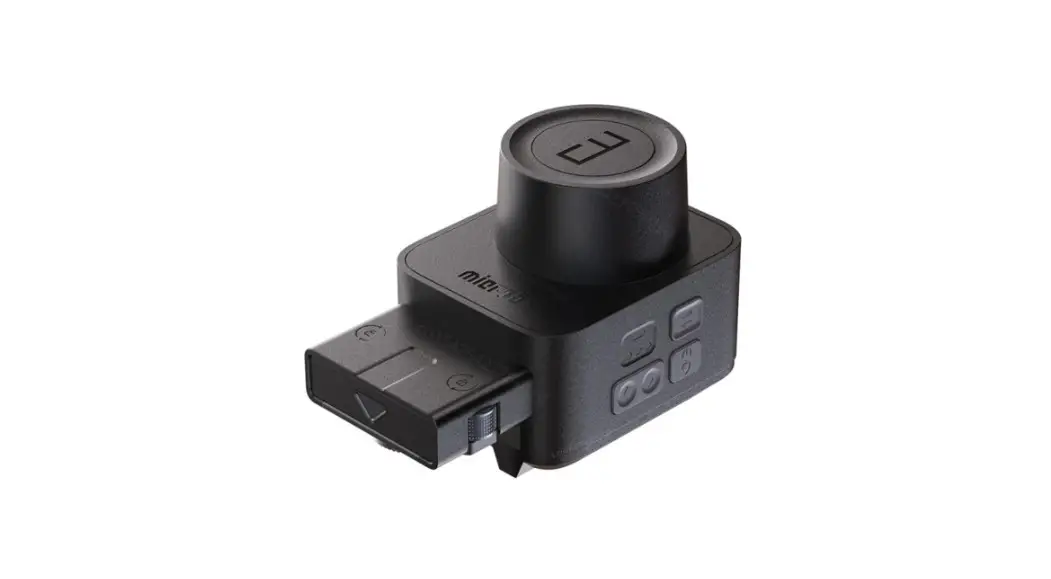
 AA-E1 Micro3 Slider Motor
User Manual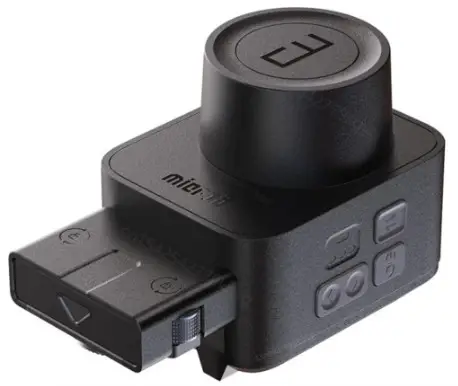
Function Description
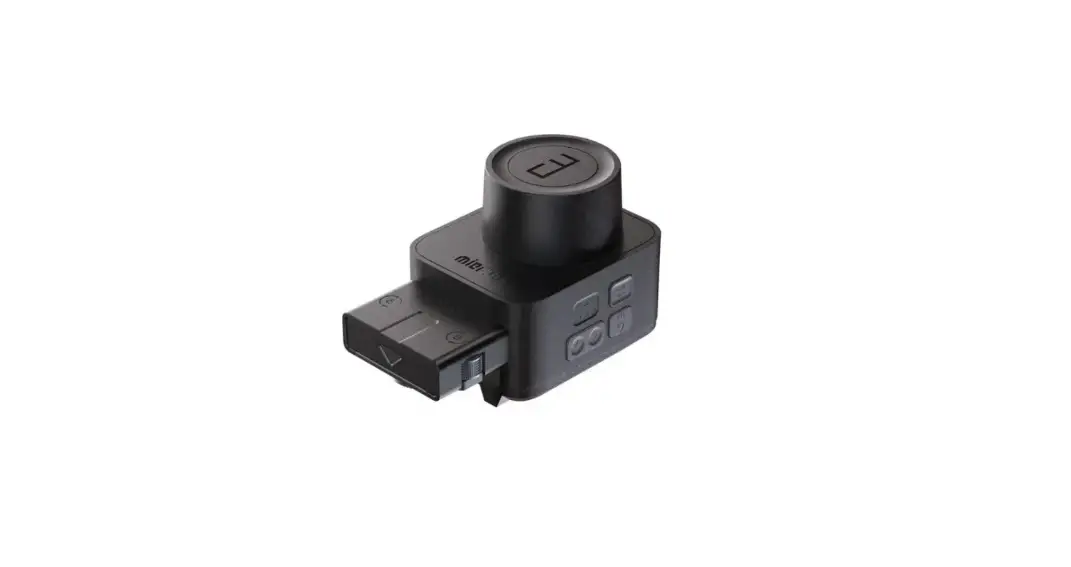
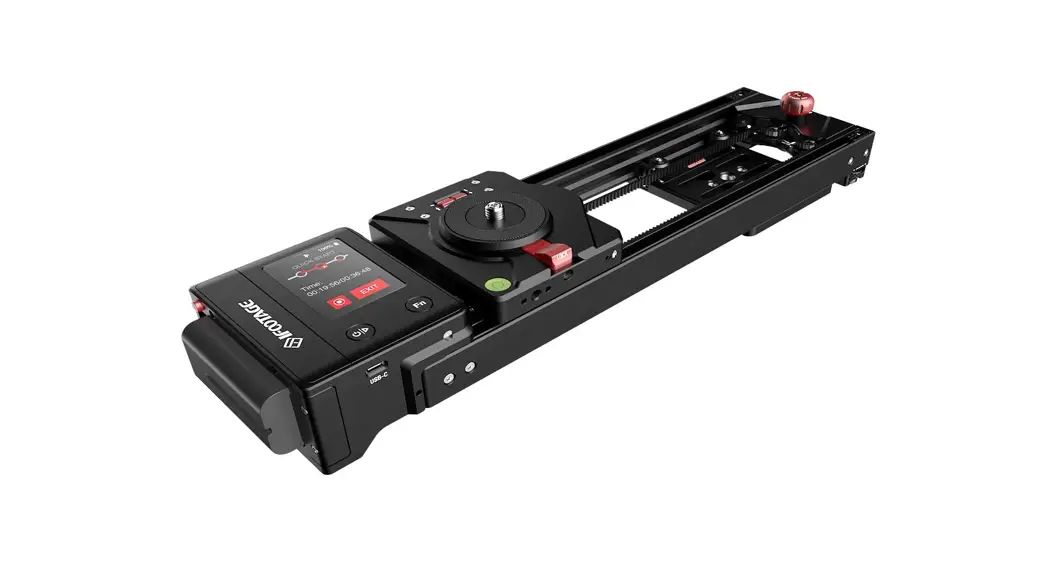
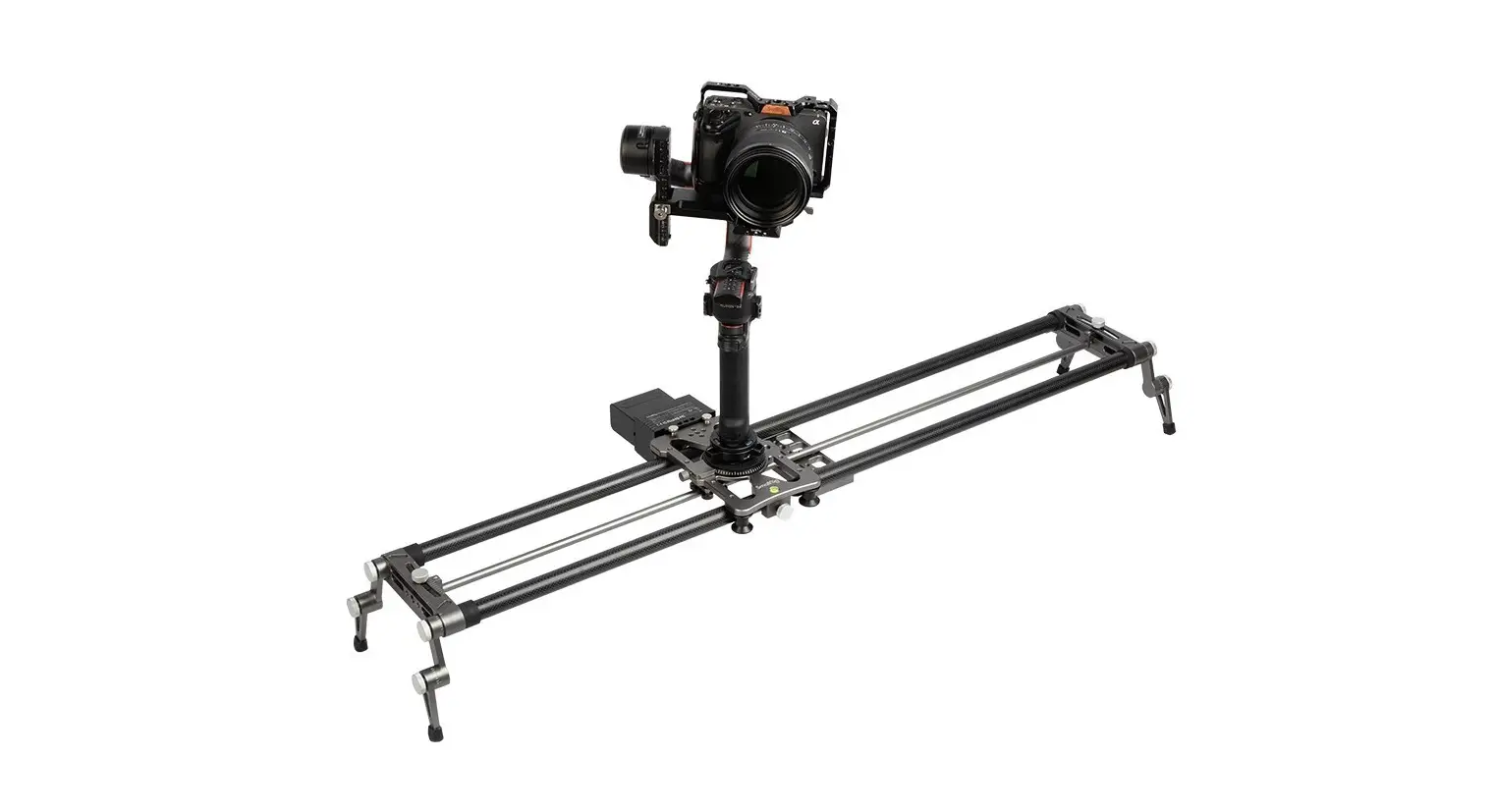
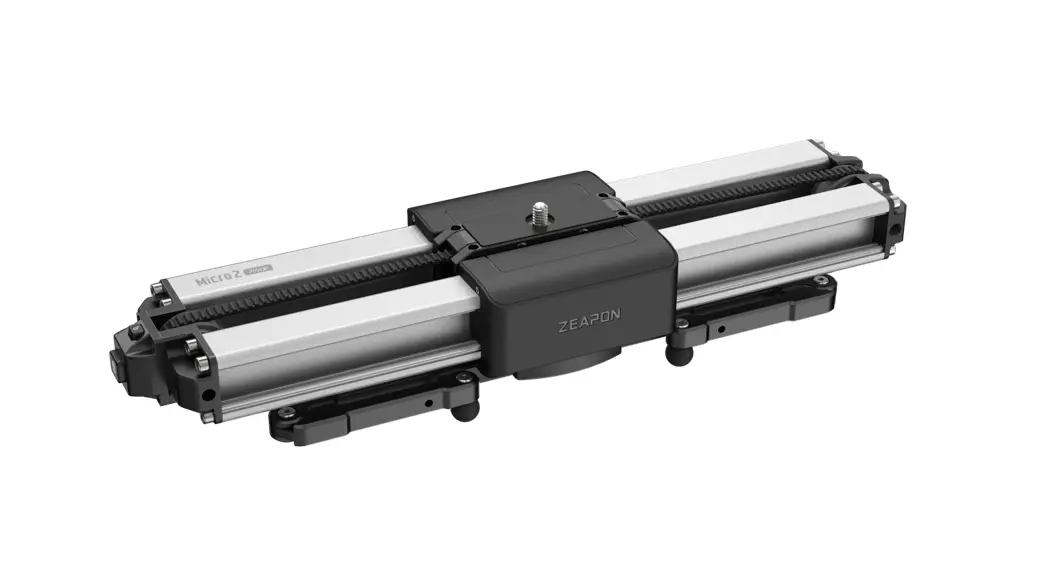
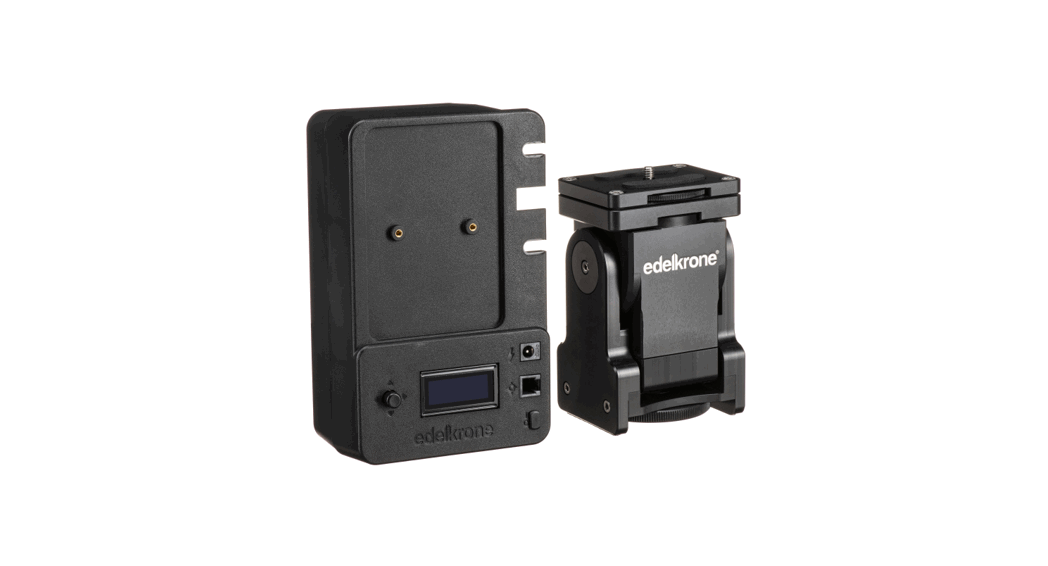
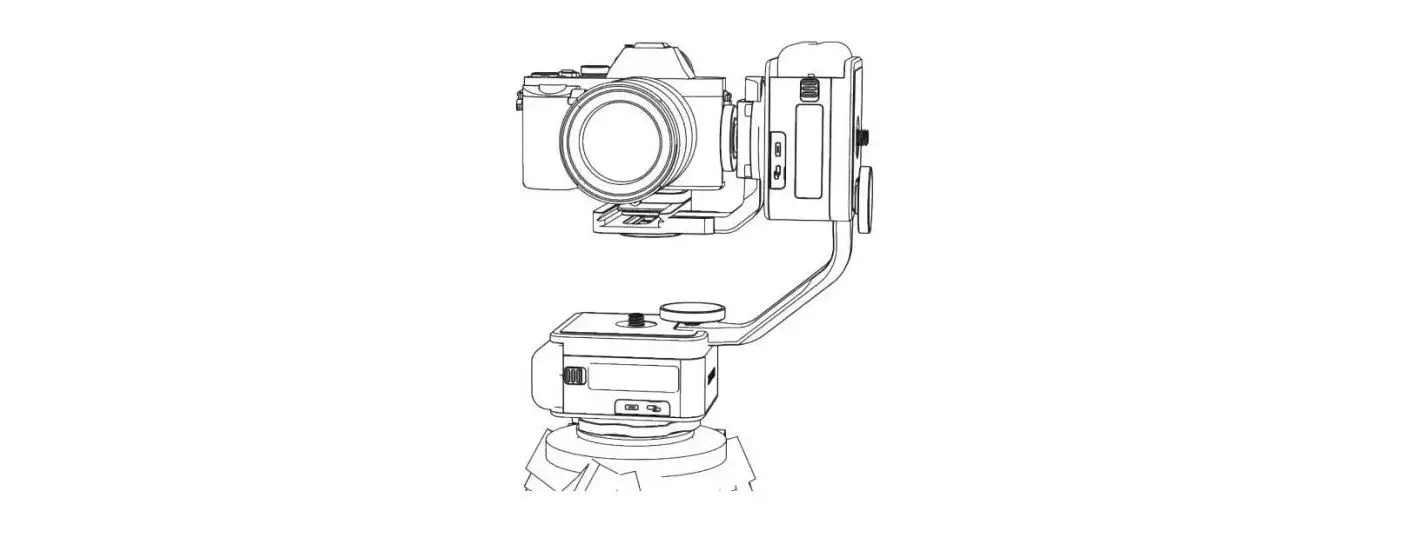
‘Micro3 slider motor is compatible with of lengths of 500/70011000 sliders
Function Introduction
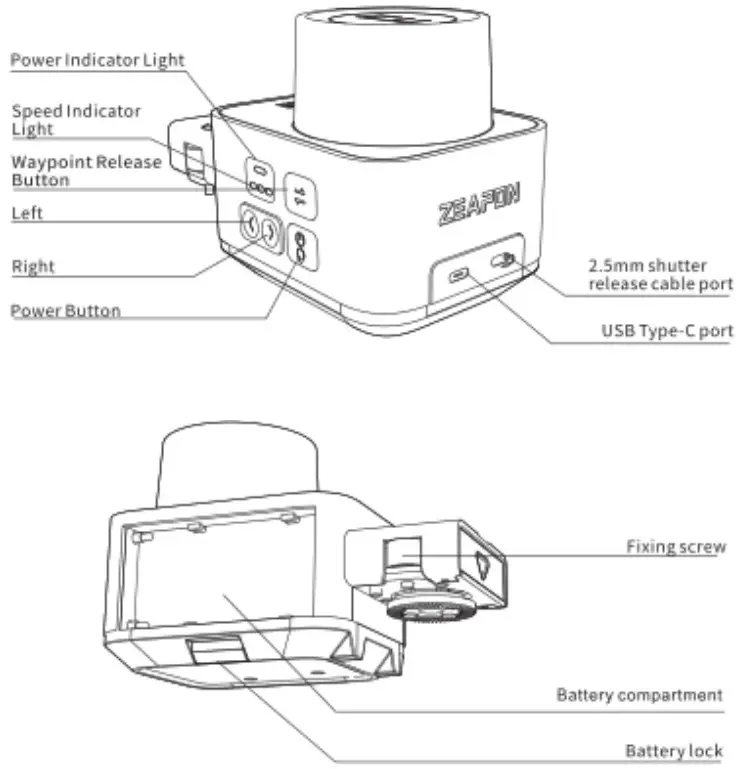
| Name | Function |
| Power Indicator Light | Green; full powerYellow; medium power Red: low power Blue: on |
| Speed indicator Light | The number of lights from 1 to 3 represent the low, medium and high speed respectively |
| Waypoint Release Button | Holding the Waypoint Release Button for ls, after the green light flashes, the motor stops, and starts to set the waypoint, you can manually drag the sliderAfter selecting the waypoint, press the Waypoint Release Button again, the green light is always on, the motor starts, and the waypoint setup over |
| Left | Slider moves to the left |
| Right | Slider moves to the right |
| Power Button | Power switch/waypoint creating |
| 2.5mm shutter release cable port | The slider can be d erectly connected to the camera through the shutter cable to control the camera’s photo function |
| USB Type-C port | Power supply to the slider motor (5V/2A) |
| Axing screw | For fixing the motor on the slider |
| Battery compartment | Compatible with F550/F750/F970 lithium batteries |
| Battery lock | For fixing the battery to the battery compartment |
| Function | Pressing the button | Beep |
| Turn on the power | Long press the power button 3s | / |
| Turn off the power | Long press the power button 3s | / |
| Move left | Long press the left button | / |
| Move right | long press on the right button | / |
| Speed Adjust men: | Clock the power button | / |
| create waypoi nt | Double click the power button | waypoint 1 set, beep once |
| waypoint 2 set, beep twice | ||
| clear all waypoint | Lang press left button 4 right button | One long beep |
| Getting Started | Double click the power button | / |
| Loop starts/pauses | Click (left button/right button + power button’ | Beep once |
| Auto left right ight movement | Double click left/right button | / |
| Setting way point manually _____ | Holding the Waypoint Release Button Is and the green light of the button flashes, Drag the slider to set up waypoints manually | / |
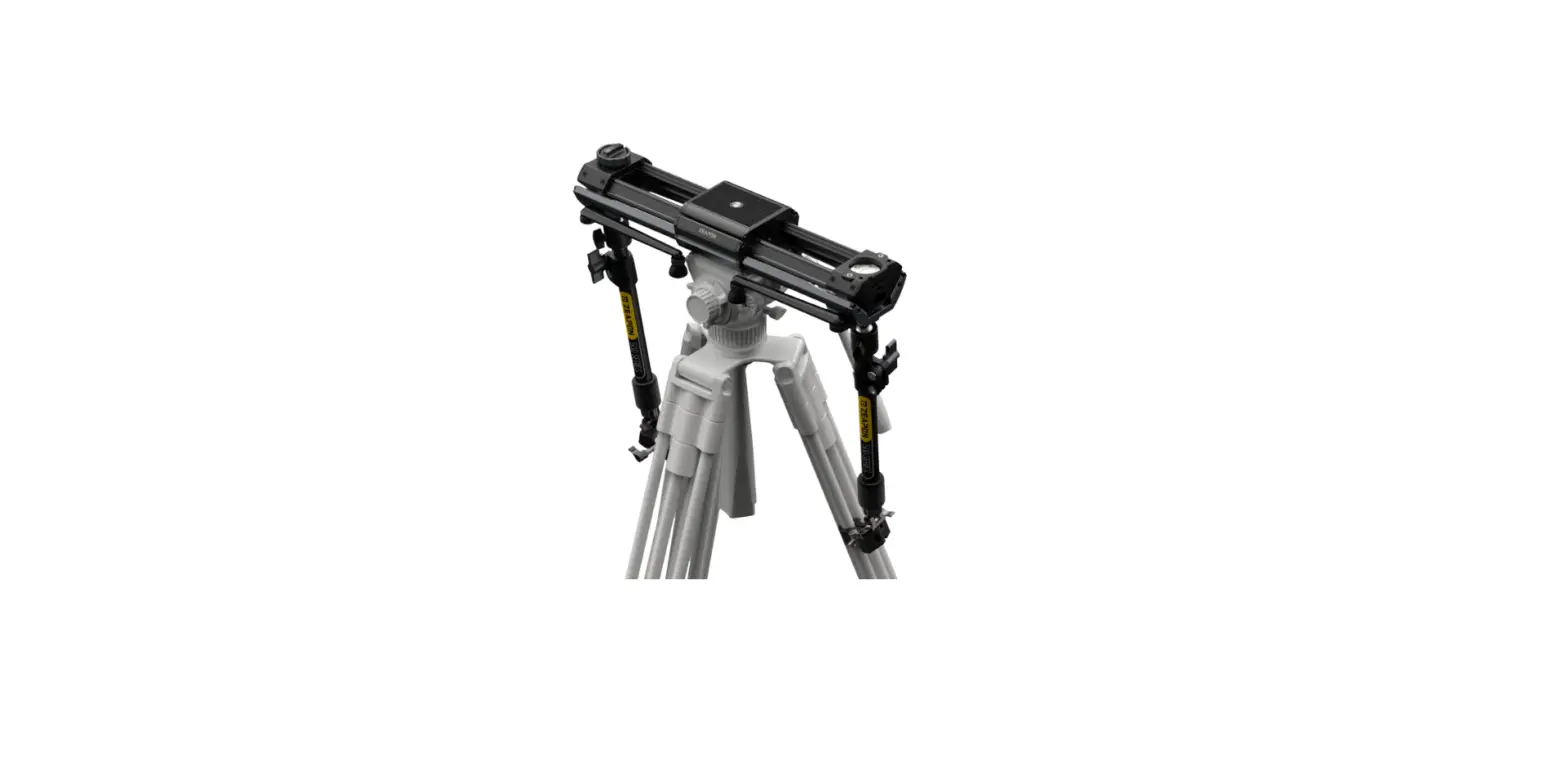
Slider motor installation
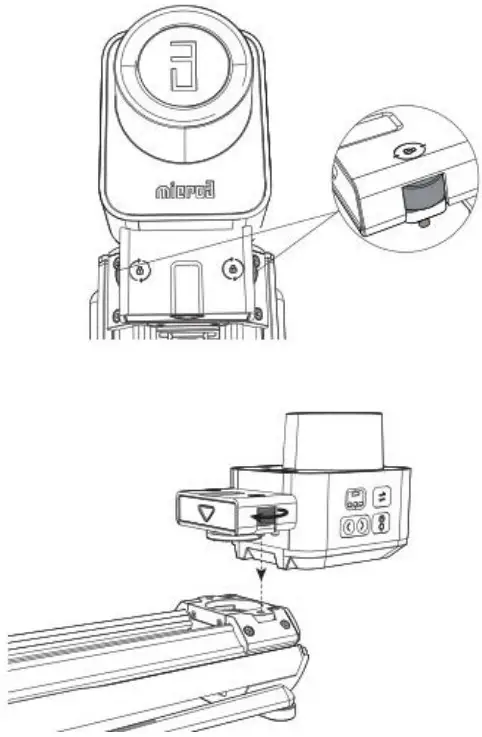
 A detailed video of operation can be viewed on the official website: https://www.zeapon.com
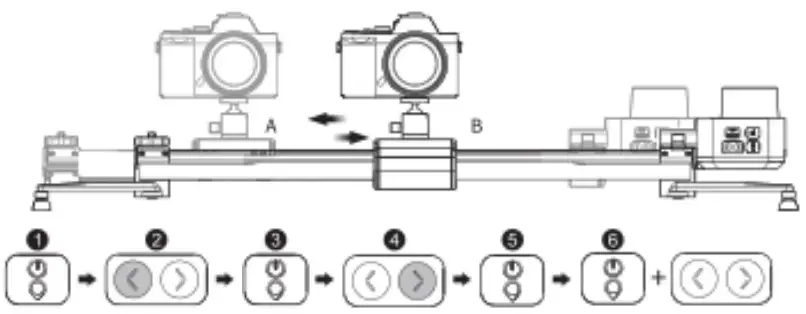
- Press and hold the power button 3s to power on
- Press and hold the left button to make the slider run to the desired position
- Double-click the power button to set the A point
- Long press the right button to make the %I ide run to the desired position
- Double-click the power button to set point B
- Double-click the power button to start or click Belt buttonfright button * power button, to start looping
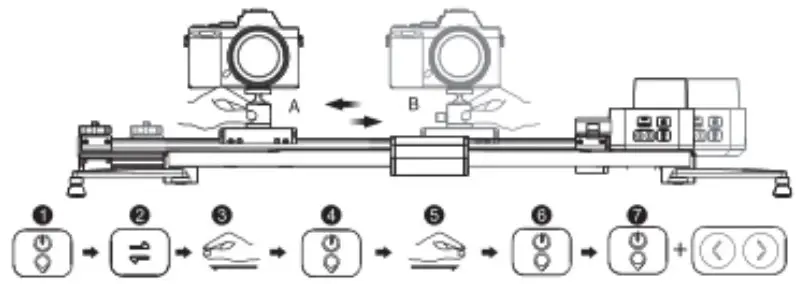
- Press and hold tie power button 3s to power on
- Holding the Waypoint Release Button is and flash green tight
- Drag the platform an the !Alder to your preferred pas tion
- Double click the power button to set point A
- Drag the platform on the slider to your preferred position
- Double click the power button to set point B
- Double click the power button to start or click Ilelt button,’ right button + power button) to start looping
Due to the large torque of the motor, more force is required when dragging the platform, please hold the support leg of the slider with one hand, and drag the platform with the another hand to set up waypoirt!
* physical button can only set AB two points, cell phone APP can set multi-point track A detailed video of operation can be viewed on the official website: https://www.zeapon.com
Setting waypoint through APP
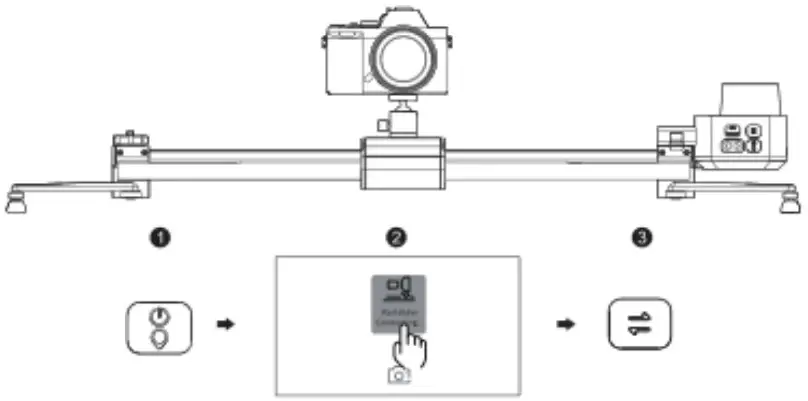
- Press and hold the slider motor power button 3s to power on
- Open the app and connect the corresponding slider
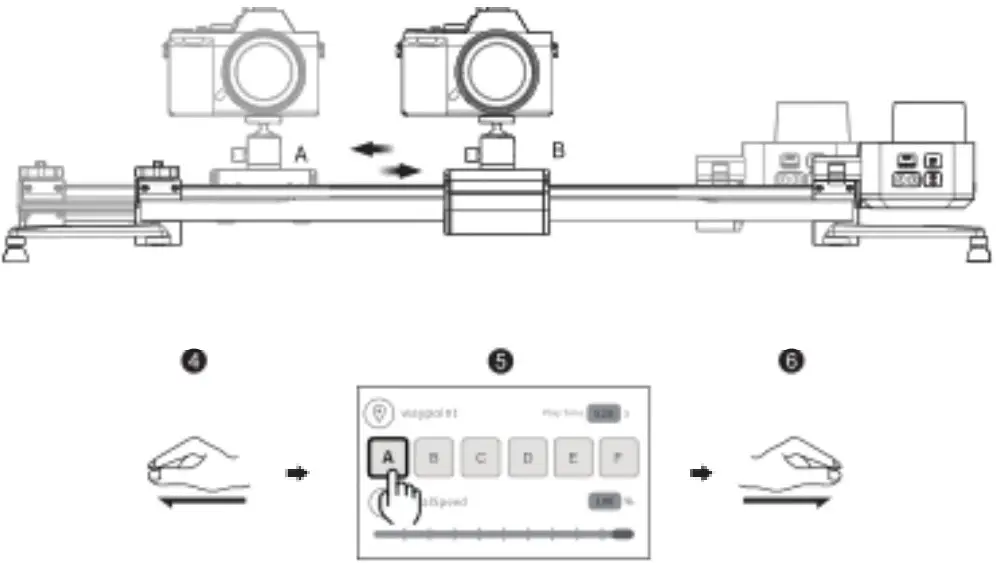
- Holding the Waypoint ielease Button is a nt flash grain light

- Drag the platform on the slider to your preferred position
- Click the posrl ion to set the as point A
- Drag the platform on the slider to your preferred position
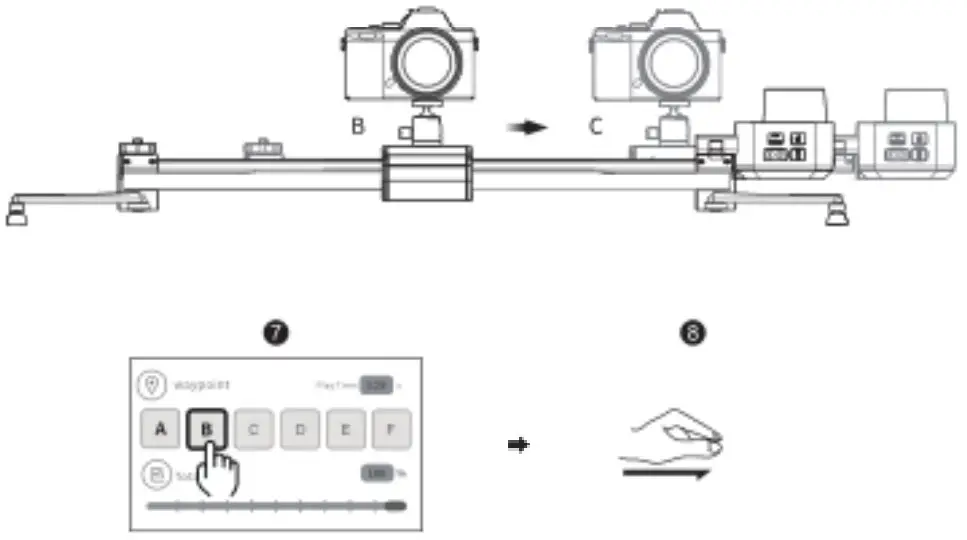
 A detailed video of operation can be viewed on the official waebsite https://www.zeapon.com
- Click the posiiion to E,et the print
- Drag the platform on the skier to your preferred position

- Click the posh ion to set the is point C
- Click the start button, theslide will run from point C to point A
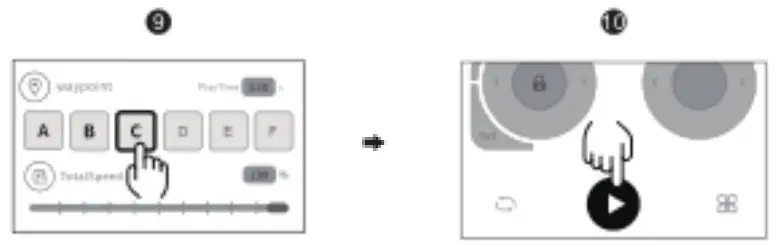
Five waypoints from A-E can be set via the APP A detailed video of operation can be V sewed on the offici al website: https://www.zeapon.com
FCC Statement
This equipment has been tested and found to comply with the knits for a Class R digital device, pursuant to Part 15 of the FCC Rules. These limits are designed to provide reascnable protection against harmful interference in a residential installation. This equipment generates, uses and can radiate radio frequency energy and, if not installed and used in accordance with the instructions, may cause harmful interference to radio communications. However, there is no guarantee that interference will not occur in a particular installation. If this equipment does cause harmful interference to racio or te.evision reception, which can be determined by turning the equipment off and on, the user is encouraged to try to correct the interference by one or more of the following measures:
- Reorient or relocate the receiving antenna
- Increase the separation between the equ pment and receiver.
- Connect theequipment into an outlet on a circuit different from that to which the receiver is connected
- Consult the dealer or an experienced radio,:TV technician for help
This device complies with Part 15 of the FCC Rules. Operation is subject to the following two conditions:
- This device may not cause harmful interference, and
- This device must accept any interference received, including interference that may cause undesired operation.
Changes or modifications to this unit not expressly approved by the party responsible for compliance could void the user’ s authority to operate the equipment.
This equipment complies with FCC radiation exposure limits set forth for an uncontrolled environment. This equipment should be installed and operated with minimum distance 20cm between the radiator & your body.
Tips
Please go to the major application markets to search for “Zeapon Lab” or ZEAPON official website to download and install the APP!
 https://www.zeapon.com/down_279.html
Please note: This product does not provide batteries and battery chargers, if necessary, please purchase separately!
Thank you for using it !
※ In case of unauthorized disassembly of the internal structure of the slider motor, the warranty will not be honored!