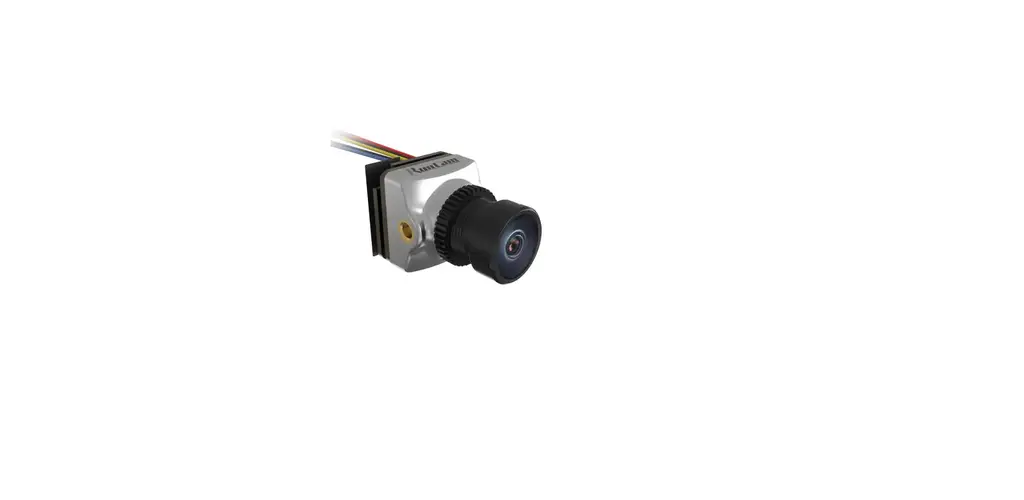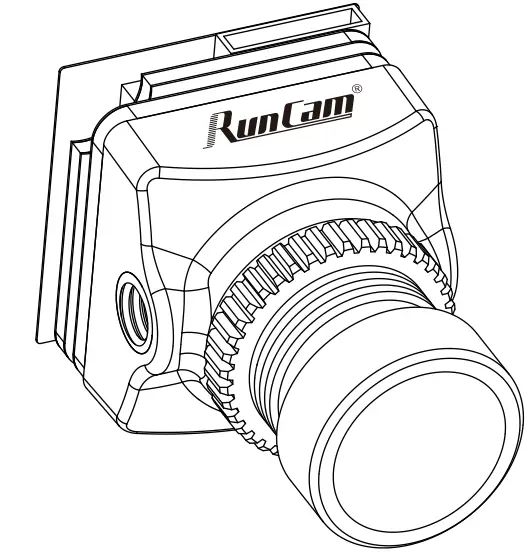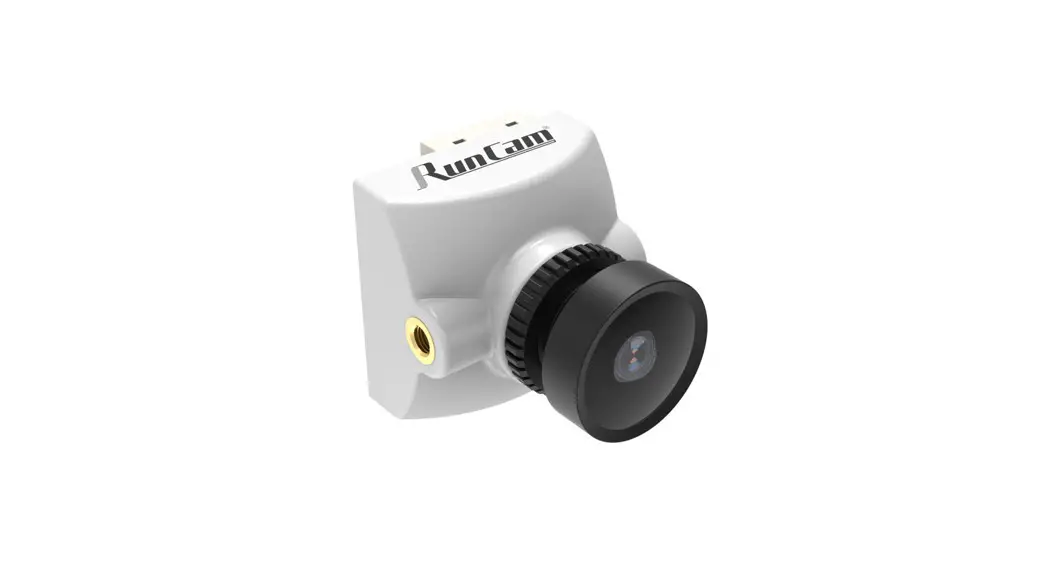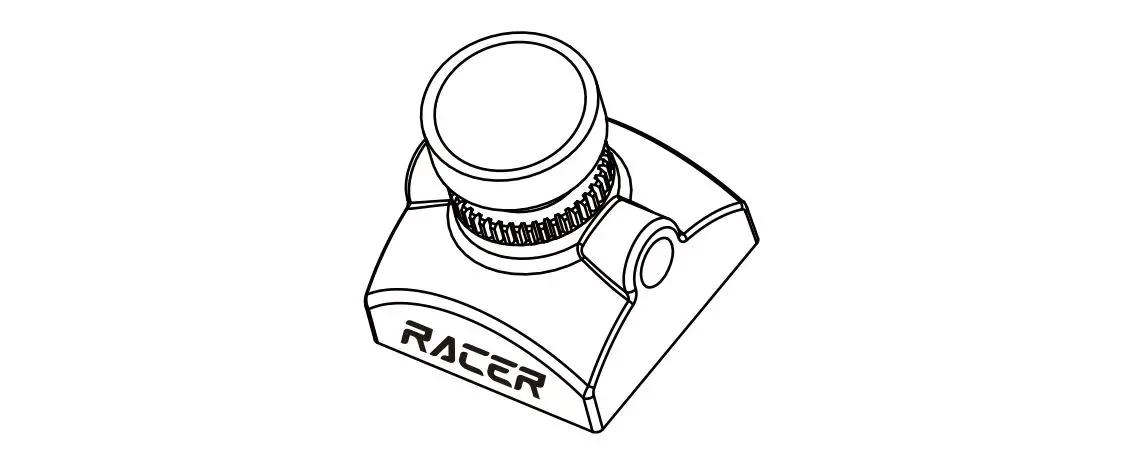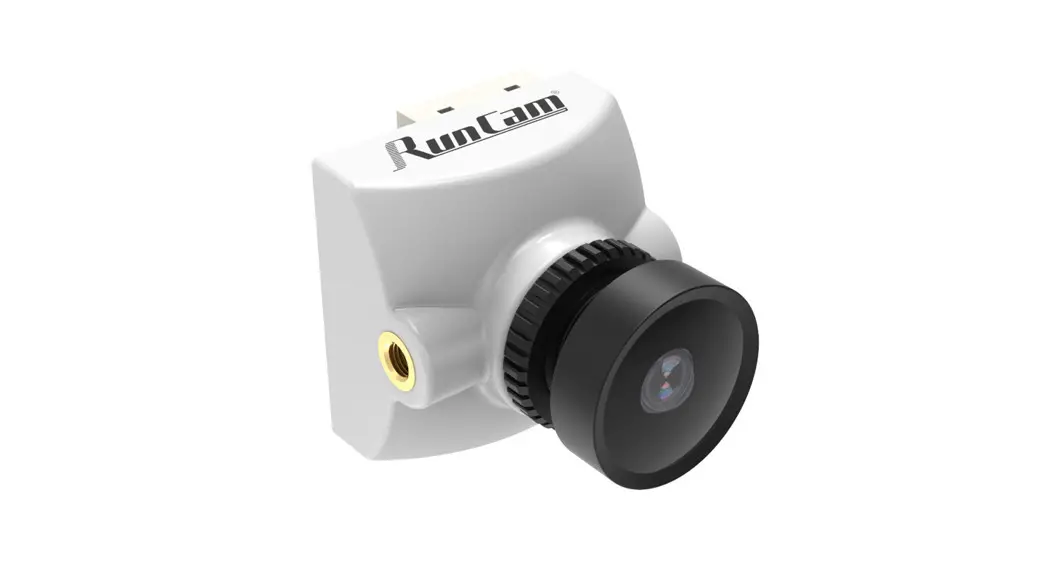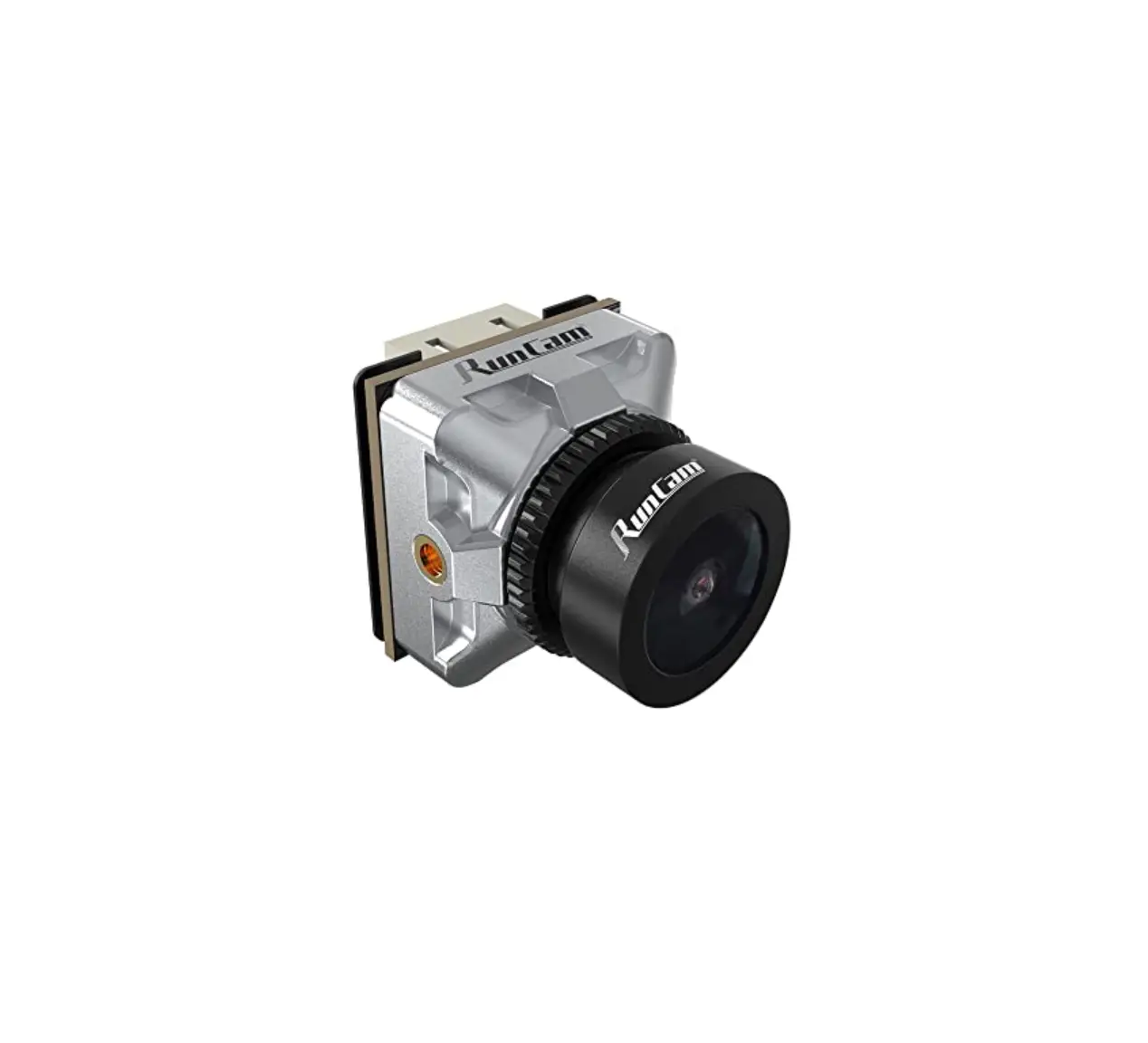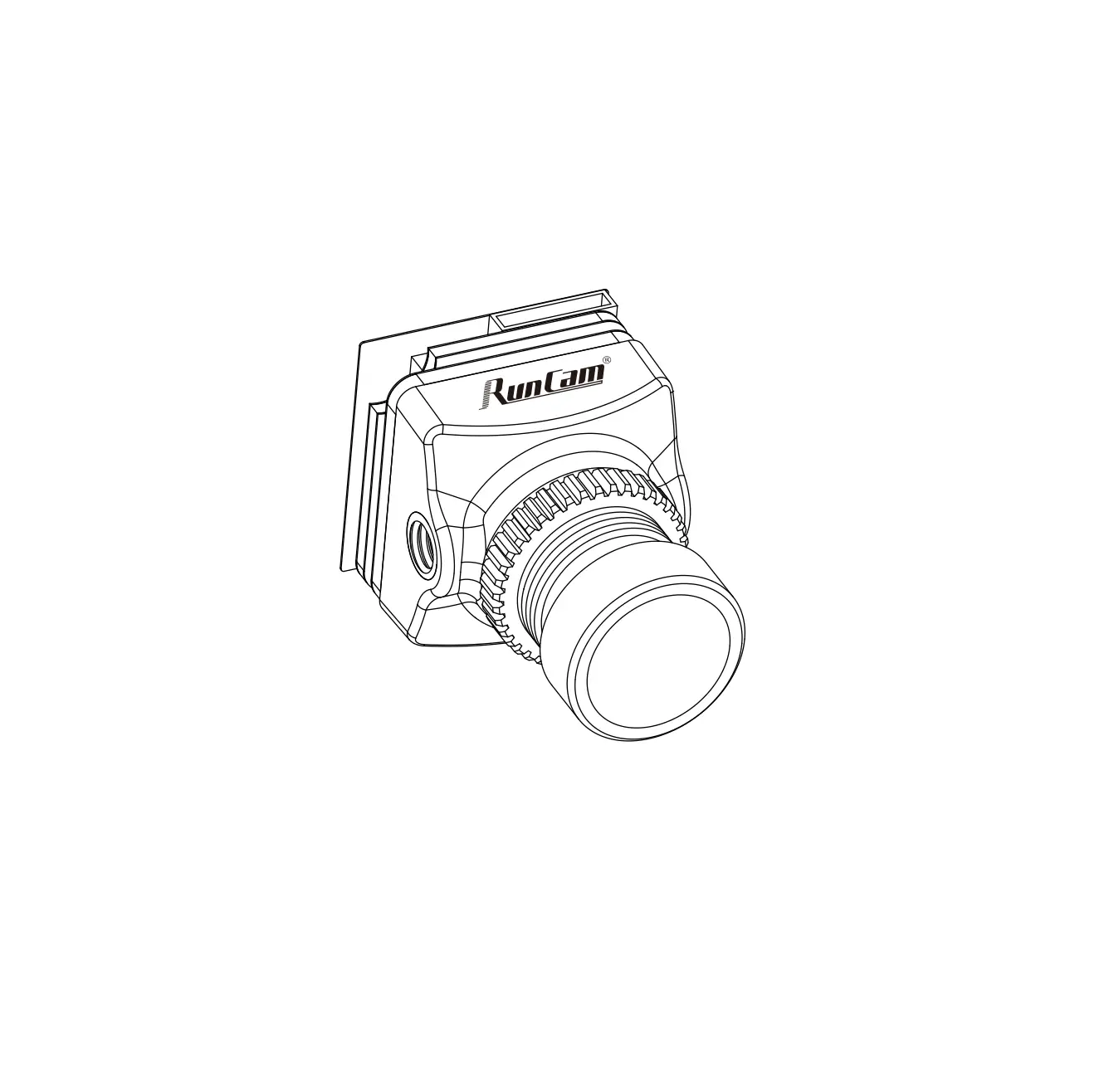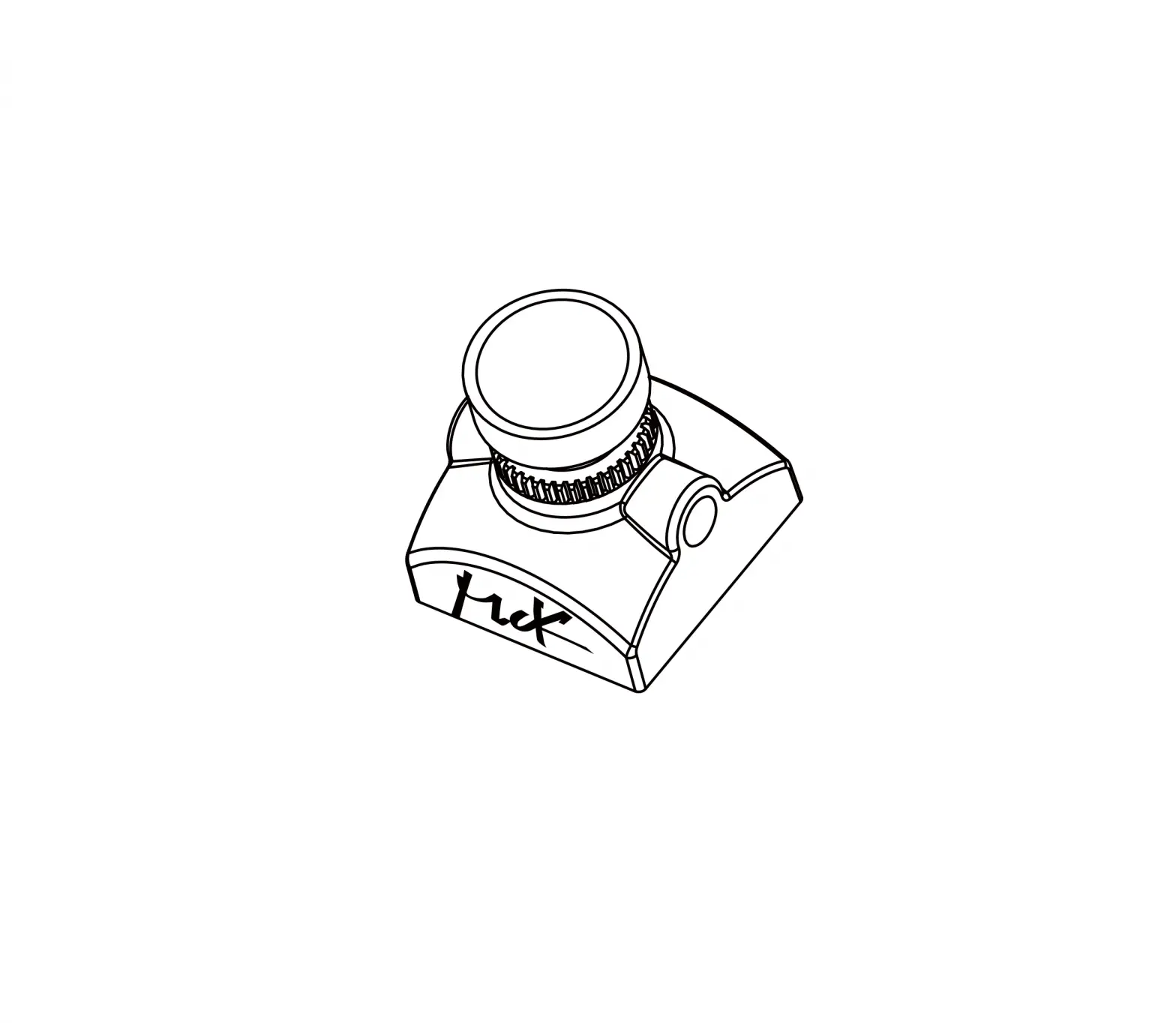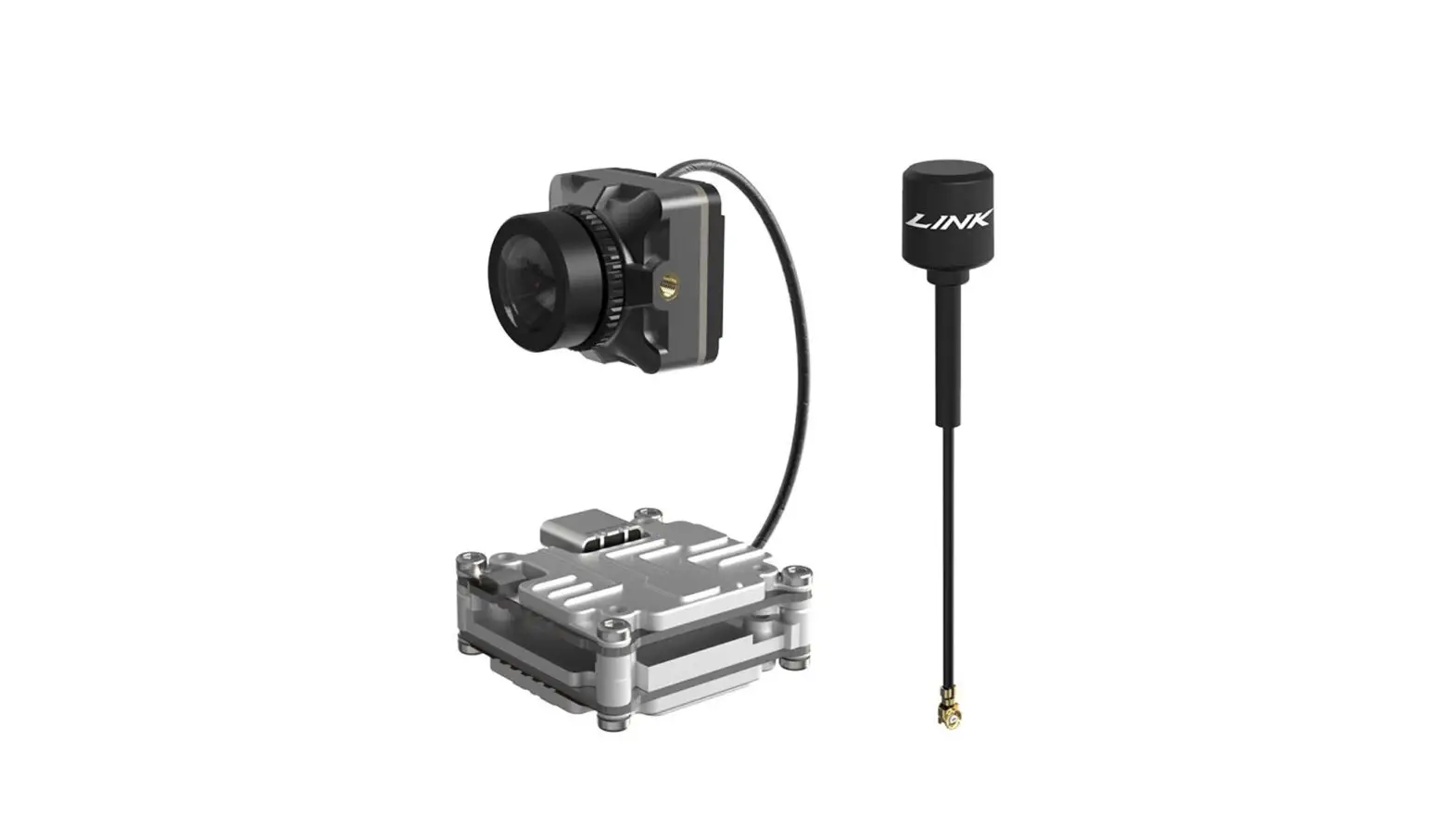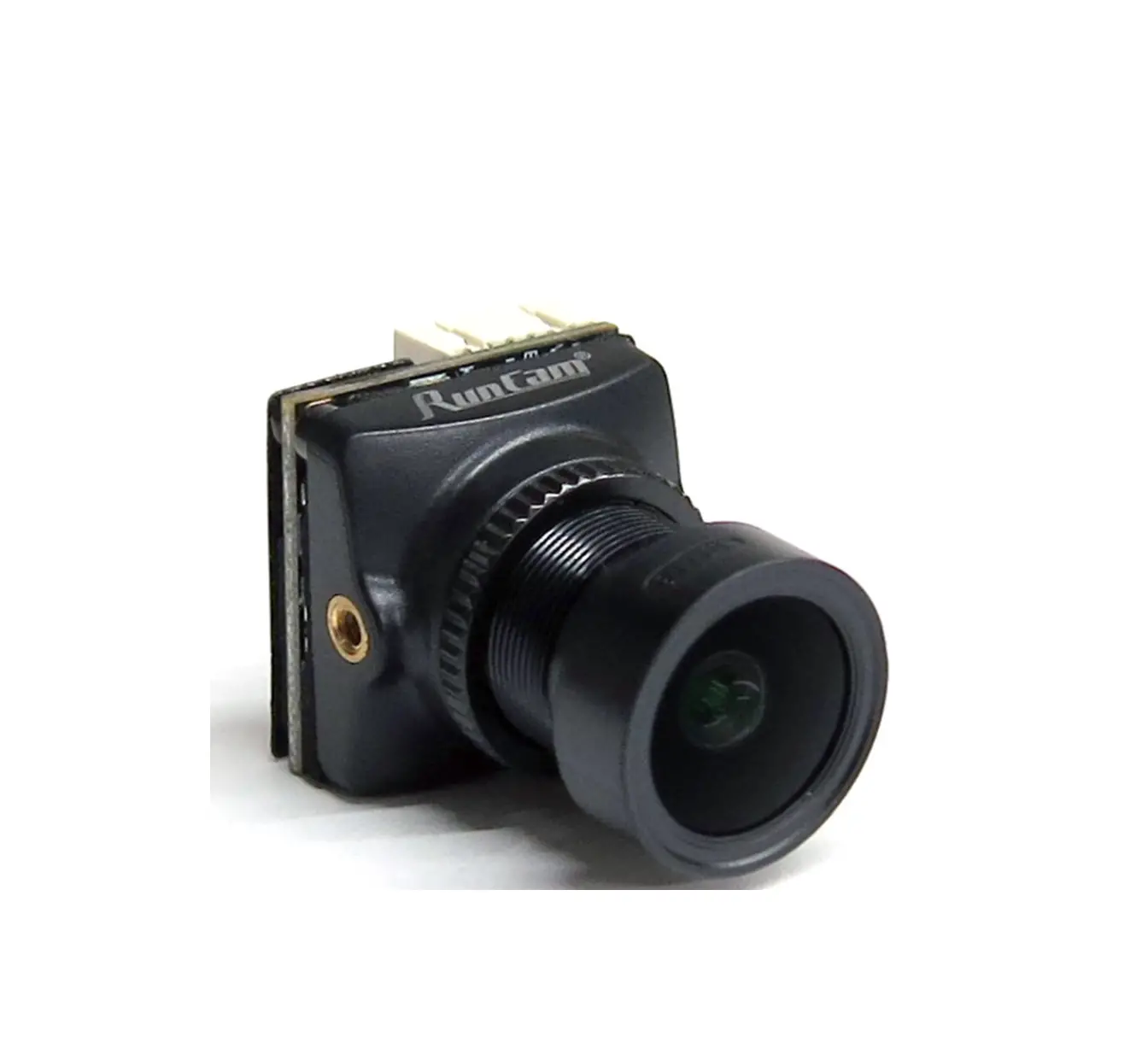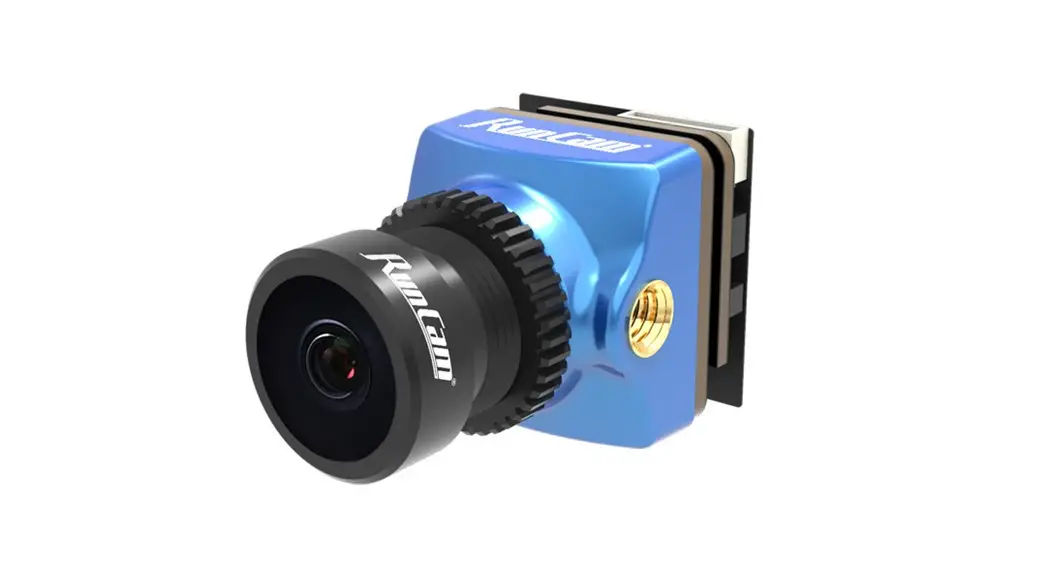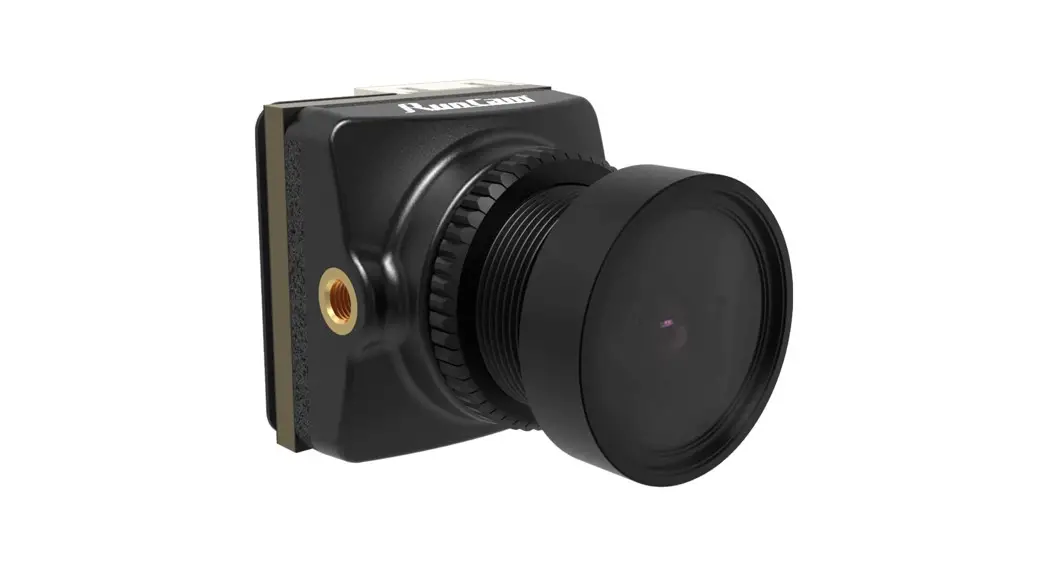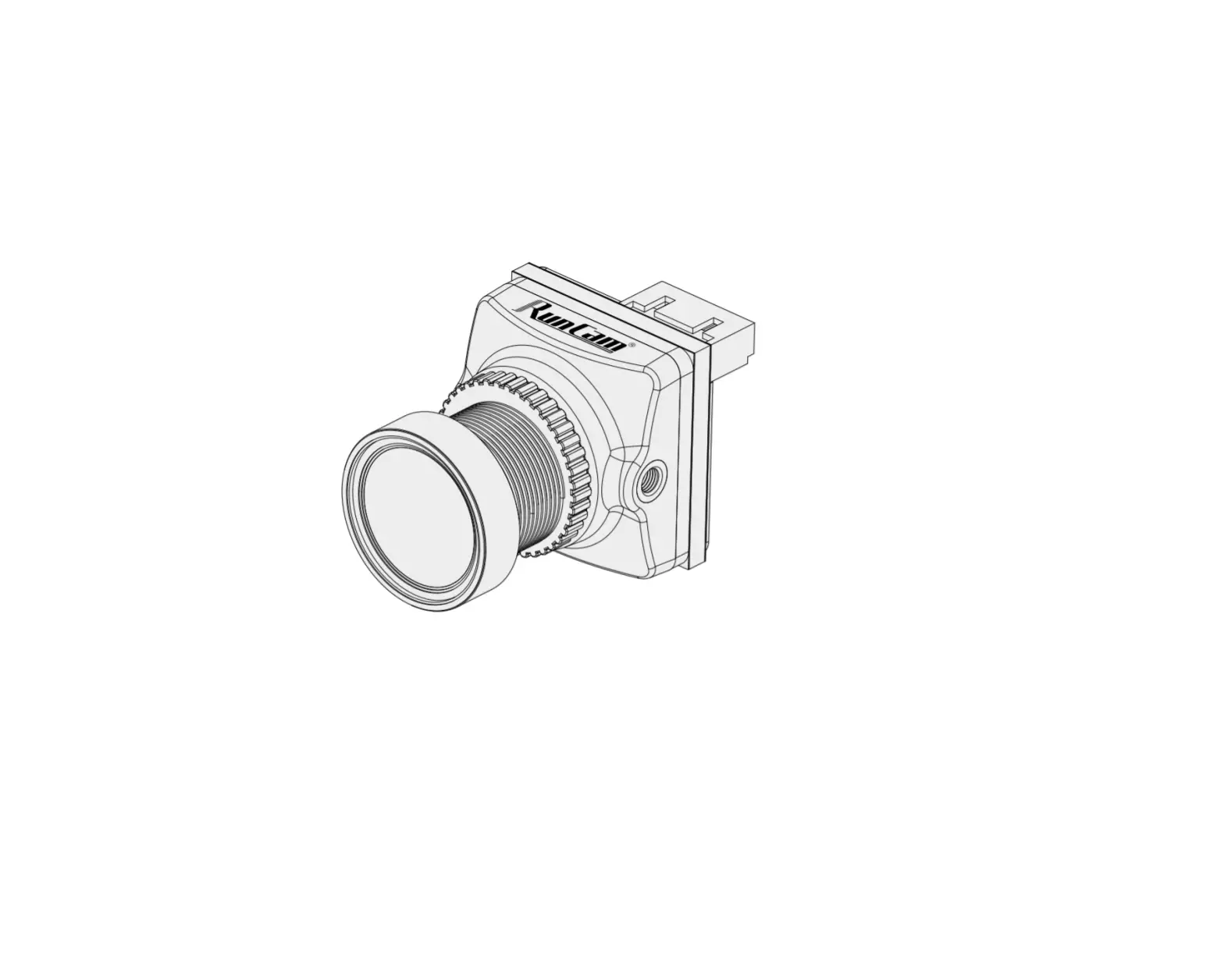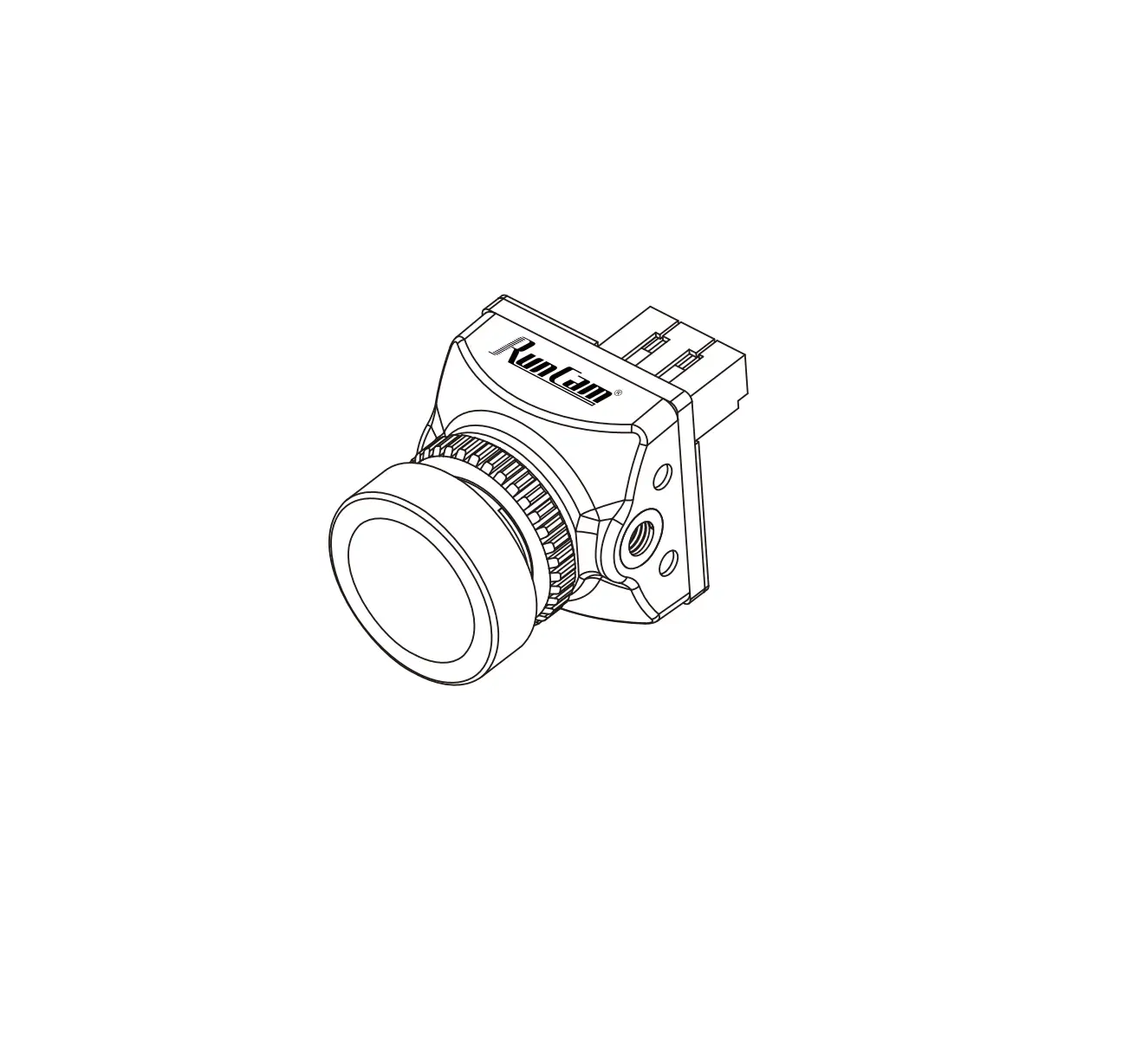
RunCam Racer Nano 2 FPV Camera
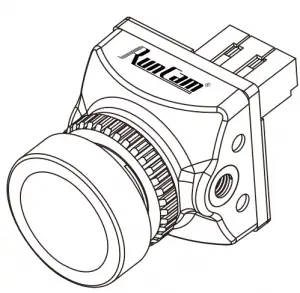
Dimensions & Installation
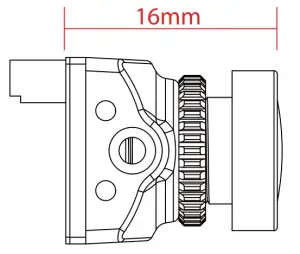
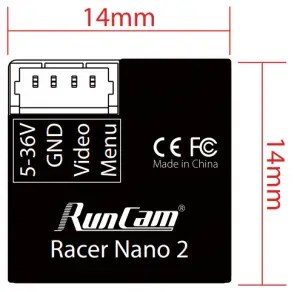
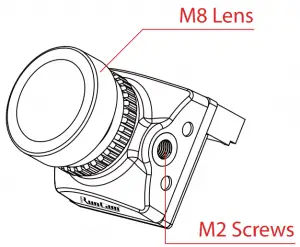
QUICK SETTINGS
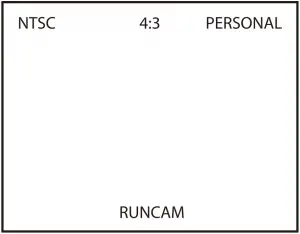
- Long press UP button for three seconds to access to the OSD setting‘s screen
- Long press DOWN button for six seconds to reset OSD settings to default
- Long press RIGHT button for three seconds to switch between the camera presets

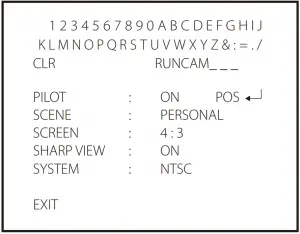
- CLR: clear the ID character;
- Press the middle button to switch ON / OFF, then move to POS to enter the position adjustment.
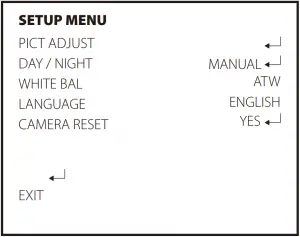
- LANGUAGE ( ENGLISH / DEUTSCH / FRANCAIS / PYCCKNN / PORTUGUES / ESPANOL / 中文 )
- DAY / NAGHT ( MANUAL / AUTO )
- WHITE BAL (ATW / PUSH / USER1 / USER2 / MANUAL / PUSH LOCK )

- FLIP ( OFF / H-FLIP / V-FLIP / HV-FLIP )
- BRIGHTNESS ( 128/ 0-255
- CONTRAST ( 138 / 0-255 )
- SHARPNESS ( 128 / 0-255 )
- HUE ( 90 / 0-180 )
- COLOR GAIN ( 138 / 0-255 )
Parameters
| Model | RunCam Racer nano 2 |
| Image Sensor | Super WDR CMOS Sensor |
| Horizontal Resolution | 1000TVL |
| Lens | 2.1mm (M8) FOV145° / 1.8mm (M8) FOV 160° |
| Screen Format | 4:3 / 16:9 Switchable |
| Signal System | NTSC / PAL Switchable |
| Mirror System | Available |
| Integrated OSD | Yes |
| One touch Scene Setting | Personal / Lightrax |
| S/N Ratio | >50dB |
| Electronic Shutter Speed | Auto |
| Min. Illumination | 0.01L[email protected] |
| WDR | Super WDR |
| Day/Night | Color |
| Menu Control | Joystick Control |
| Power | DC 5-36V |
| Working Current | 100mA@5V / 40mA@12V |
| Housing Material | ABS |
| Net Weight | 3.6g |
| Dimensions | L14mm*W14mm*H16mm |
 RunCam