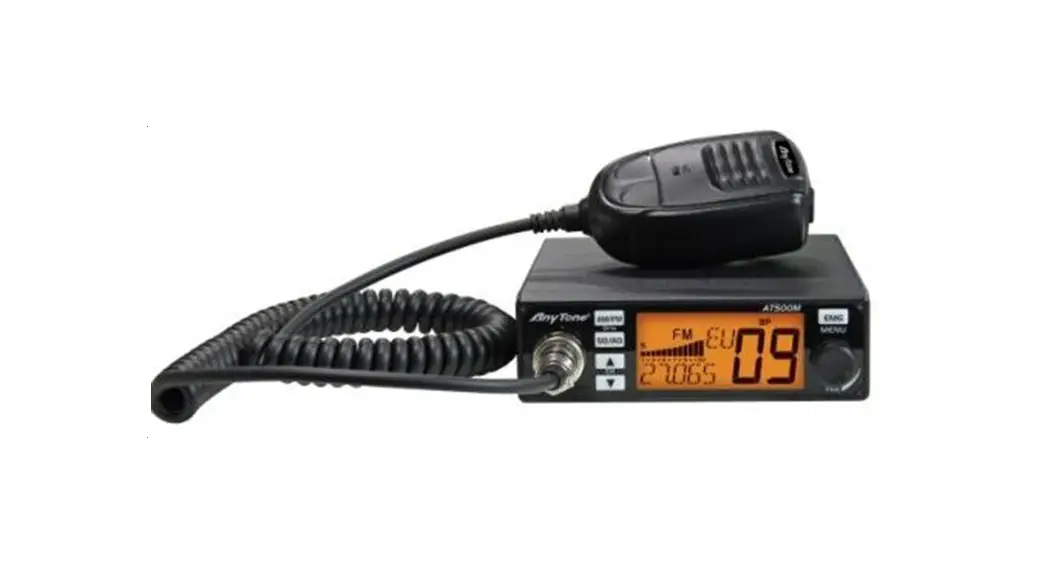

AT-500M
10 METER RADIO
Instruction Manual
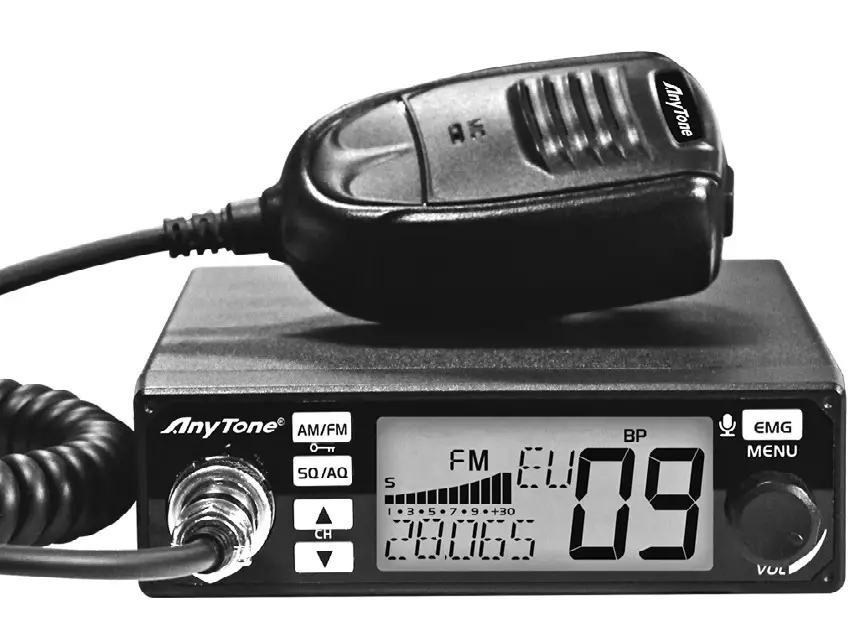
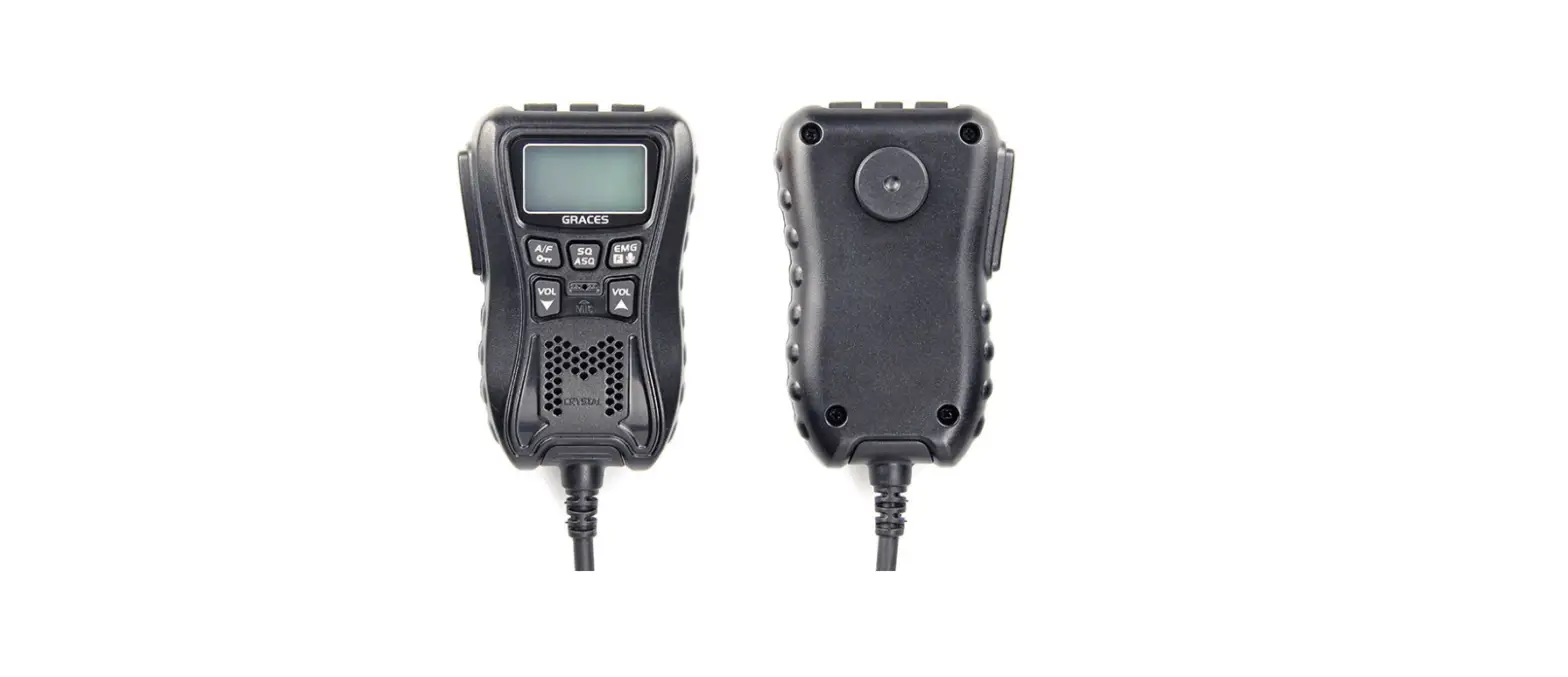
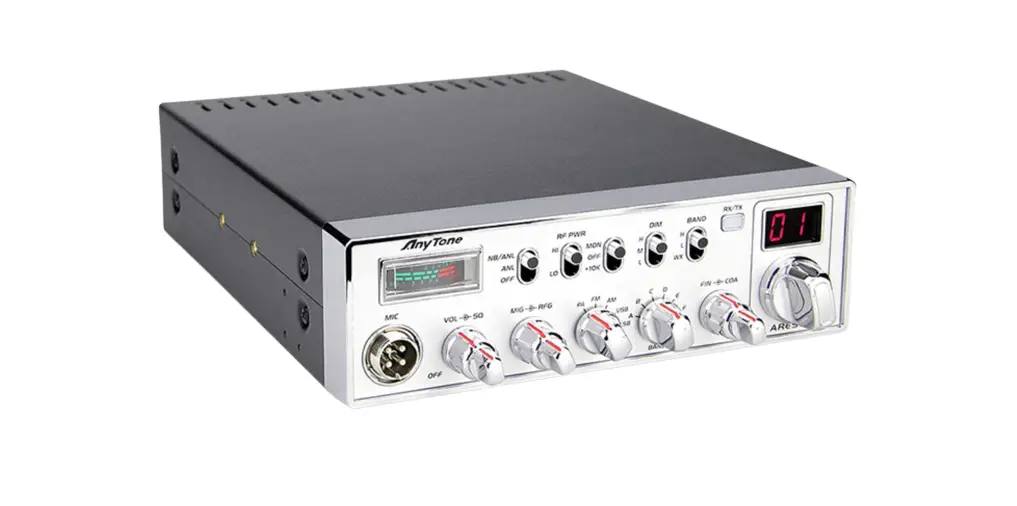
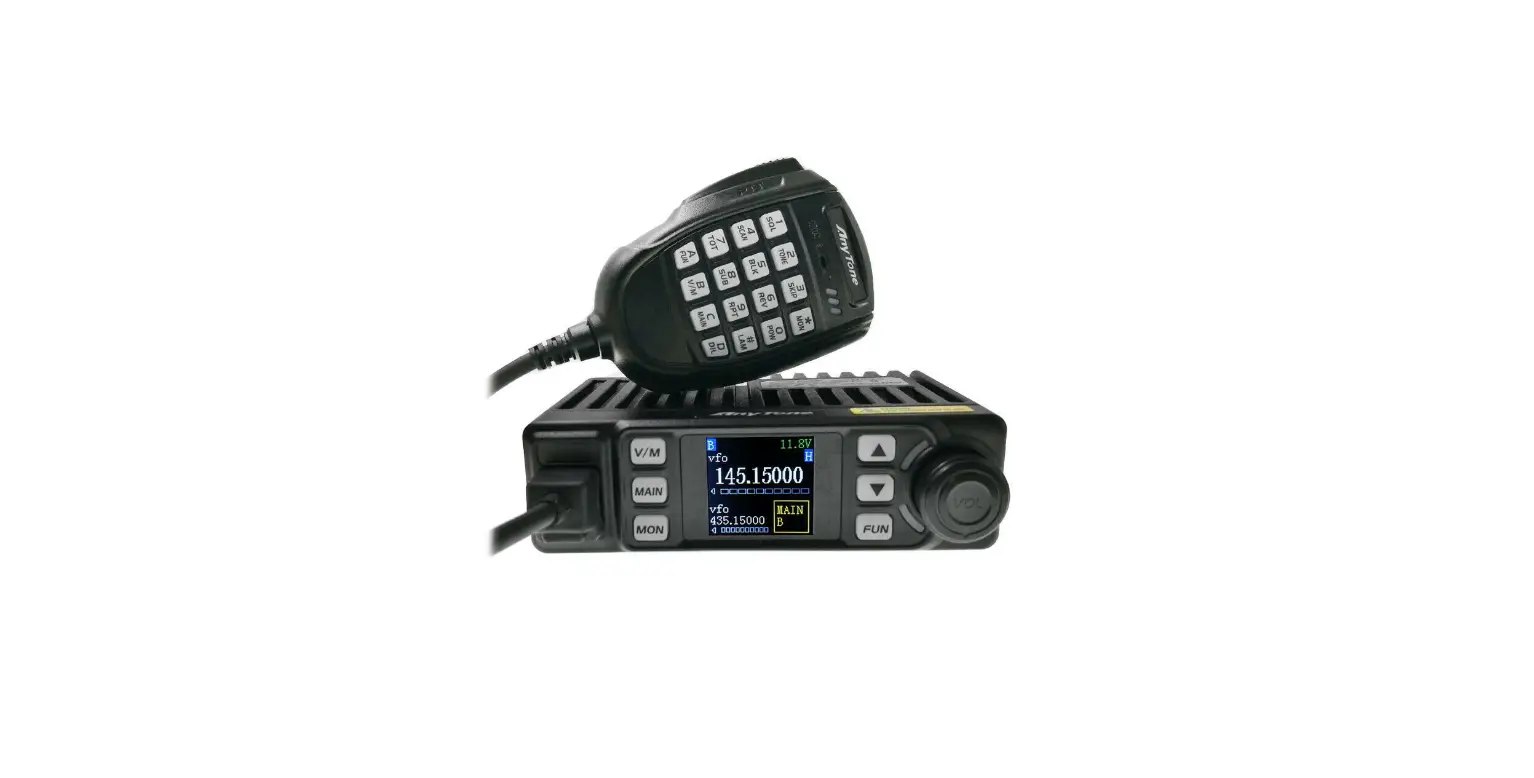
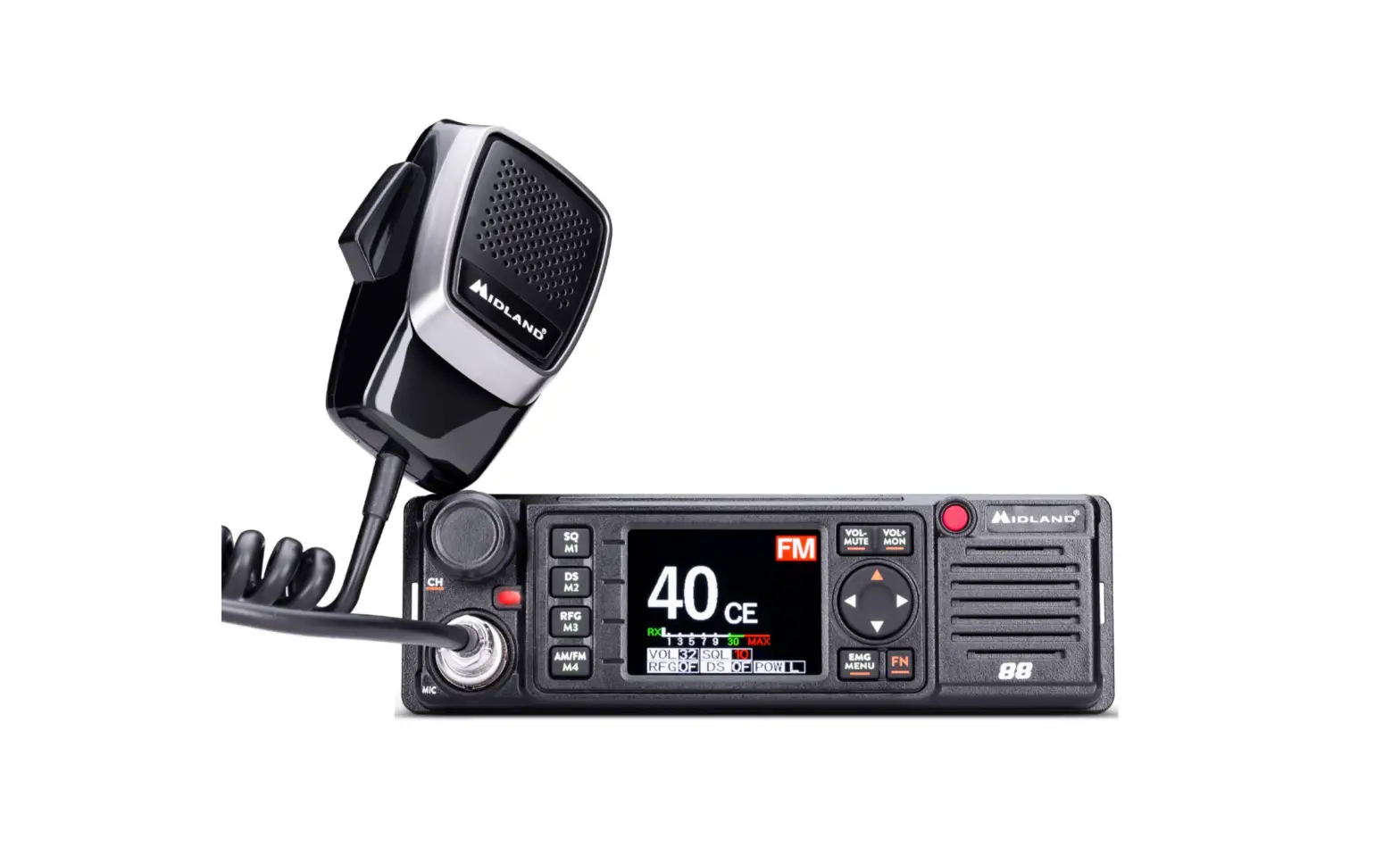
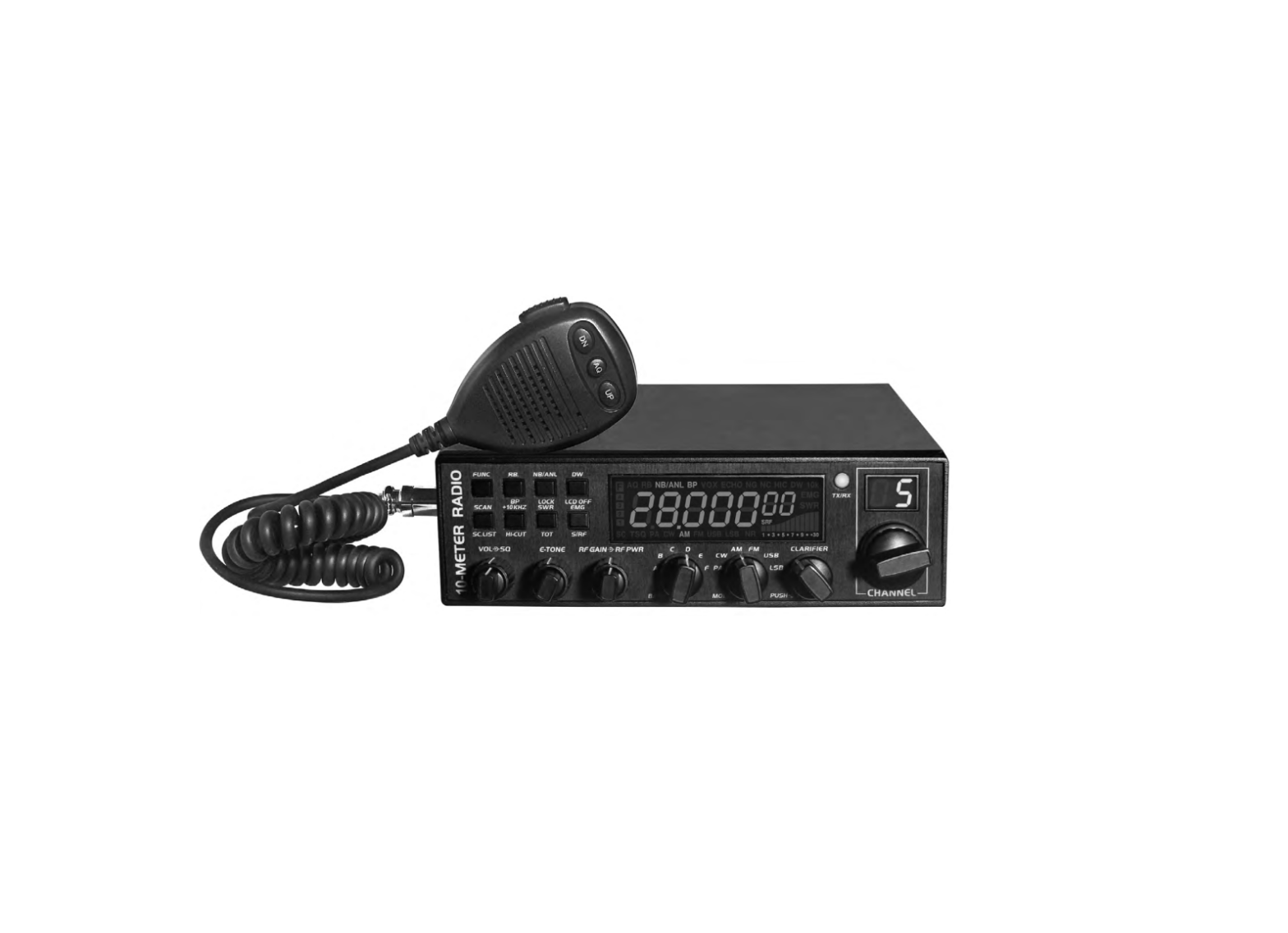
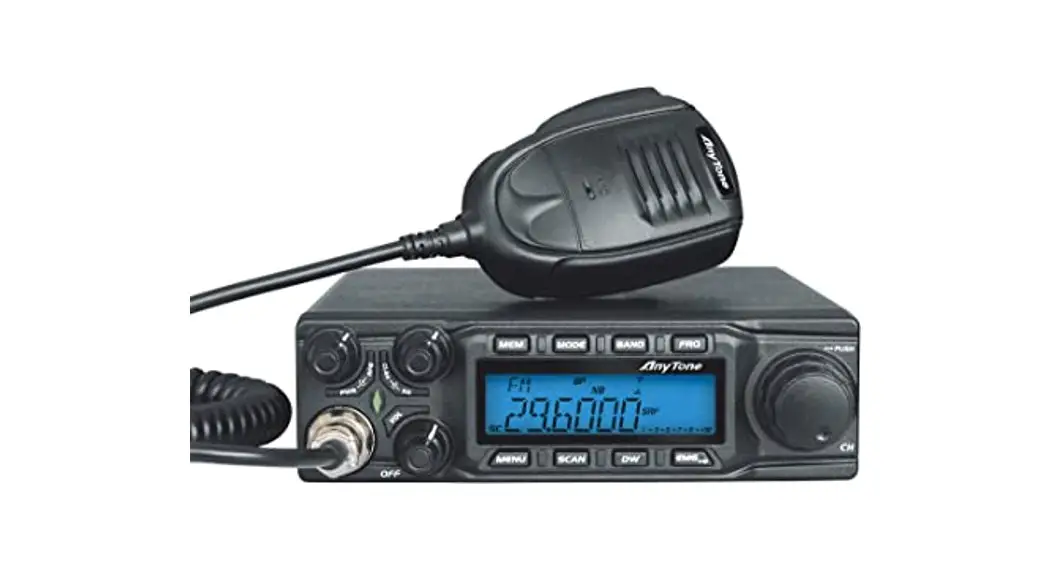
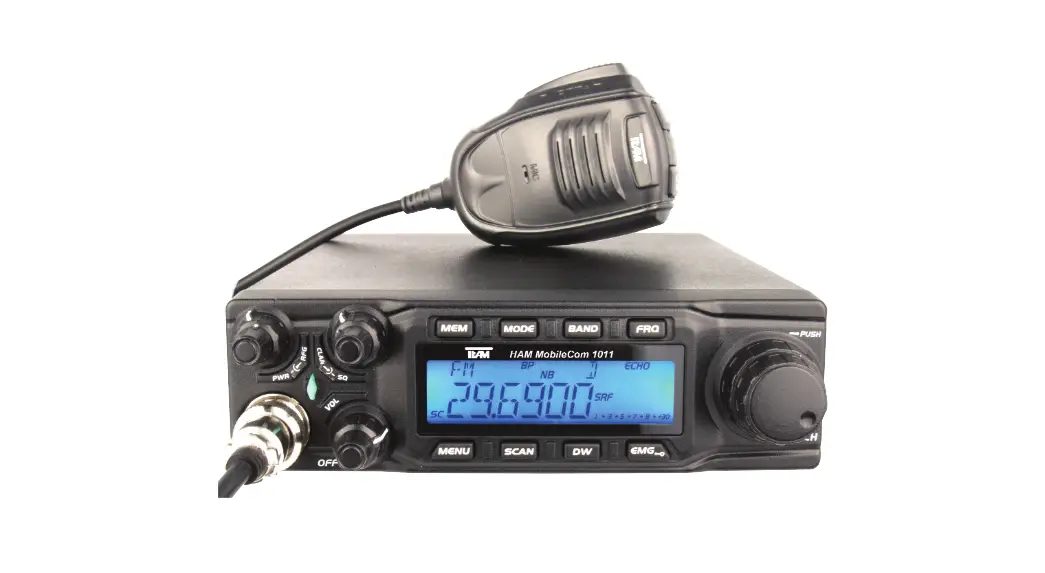
KNOW ABOUT THIS RADIO
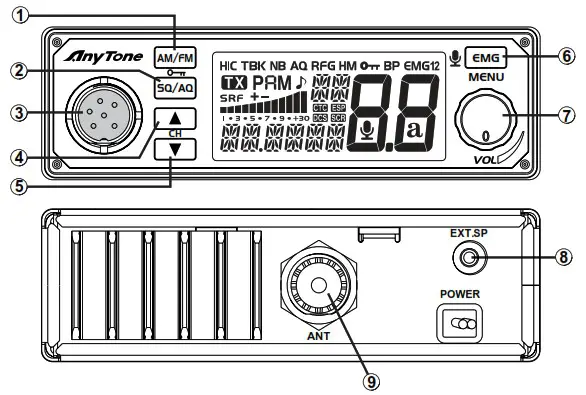
| 1 | Mode/Keypad lock |
| 2 | Squelch control, SQ, ASQ switch key |
| 3 | Microphone Jack |
| 4 | Channel up selector |
| 5 | Channel down selector |
| 6 | Emergency channel |
| 7 | Power On/Off Volume control |
| 8 | External speaker Jack |
| 9 | Antenna Jack |
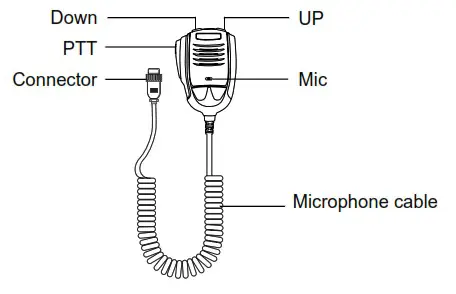
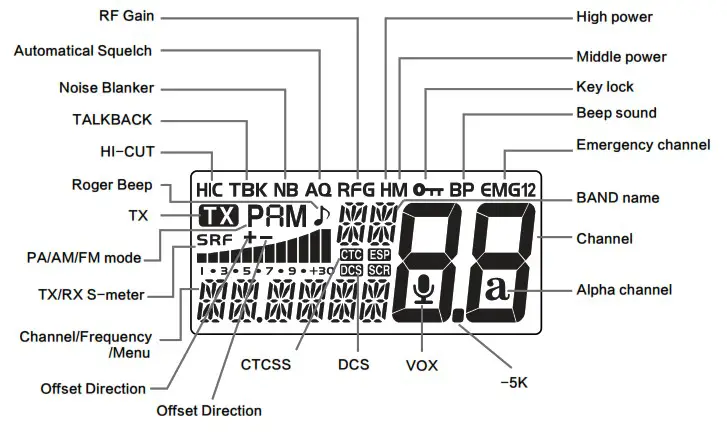
LCD
| 1. AM/FM/PA MODE 2. 7 COLOR DISPLAY 3. VOX FUNCTIONS( TRANSMIT WITHOUT PRESS PTT) 4. SQ, ASQ FUNCTION 5. RF GAIN FUNCTION 6. SCAN FUNCTION 7. RB FUNCTION 8.. NB FUNCTION 9. DUAL-WATCH FUNCTION 10. BEEP SOUND | 11. TOT FUNCTION 12. HI-CUT FUNCTION 13. EMG CALL 14. SUIT DYNAMIC AND ELECTRONIC MICROPHONE 15. BACKLIGHT BRIGHTNESS ADJUSTABLE – 16. 5KHZ FUNCTION 17 OFFSET FUNCTION 18. KEY LOCK FUNCTION 19. CTCSS/DCS CODE ( OPTIONAL) 20. BUILT IN 12/24V CONVERTER (OPTIONAL) |
HOW TO USE THIS RADIO
Power On/Off the Radio ………………………………………………………..
- Turn VOL switch clockwise to power on the radio, the LCD displays the Norms and then displays channel number.
- Turn VOL switch anti-clockwise, until hear Ka Ta, the radio is powered off.
Note: The standard version support 12V DC power supply. optional version support 12+24V check your version before connect the power supply.
Volume Control …………………………………………………………………….
Turn clockwise to increase volume, anti-clockwise to decrease volume.
Channel Control ……………………………………………………………………
- Short press
[UP]/[DN]key to change channel by one step. - Hold
[UP]/[DN]can fast-changed channel.
SQ/AQ .……………………………………………………………………………………..
※Squelch level Control (short press)
- Short press
SQ/AQ, until LCD displays stands for SQ/AQ level, the bigger value stands for high squelch level.
 - Short press microphone [ UP ] or [ DN ] to change SQ/AQ level.
- Long press microphone [ UP ] or [ DN ] can fast change SQ/AQ level.
- Short press
SQ/AQor wait for 10 seconds to store and exit.
 stands for SQ/AQ level, the bigger value stands for high squelch level.
Note: The higher SQ level selected, the stronger signal required to open speaker and hear the calling.
※ASQ Control (long press)
- Long press
SQuntil LCD displays “AQ”, the ASQ function turned on. - Short press,
SQuntil LCD displays stands for ASQ level, the bigger value stands for high squelch level.
 - Short press [UP]/[DN] to change ASQ level.
- Hold [UP]/[DN] can fast change ASQ level.
- Short press
SQor wait for 10 seconds to store and exit. - Long press
SQkey again to turn on SQL function.
 stands for ASQ level, the bigger value stands for high squelch level.
Note: The higher ASQ level selected, the stronger signal required to open speaker and hear the calling.
AM/FM ……………………………………………………………………………………..
※Mode Control (short press)
- Short press,
AM/FMkey to switch between AM/FM mode. - The LCD displays the selected mode.
※Keypad Lock (long press)
- Long press
AM/FMkey for over 2 seconds to lock the keys, LCD displays
- Long press
AM/FMkey for over 2 seconds again to unlock the keysdisappears form LCD.

Note: In lock Mode all keys except PTT is valid.
EMG ………………………………………………………………………………………..
※Emergency Channel (short press)
- First press,
EMGkey to choose the first programmed emergency channel, LCD displays EMG1. - Second press,
EMGkey to choose the second programmed emergency channel. - Third press,
EMGkey to return to last normal channel, LCD displays EMG2.
Note: The default emergency channel are channel 9 and channel 19. See menus Emergency Channel Set page 8 for the emergency channel configuration.
※Functions (long press)
Long press key to enter in memu and set different function.
Scan Function ………………………………………………………………………..
- Hold [UP ]/[DN] for over 5 seconds, when you hear /di di/, scan started.
- Short press [UP ]/[DN] key to change scan direction.
- Short press [AM]/[FM] to change mode, short press EMG or [PTT] to exit scan.
VOX function ………………………………………………………………………….
The VOX function allows transmitting by speaking into the original microphone without pressing the PTT switch. Press [PTT] + [EMG] key to activate VOX function, LCD displays microphone icon, and then press [PTT] + [EMG] key to disable VOX function. The microphone icon disappeared.
Note: When turn on VOX, the mic icon flashes, VOX sensitivity, and time setting refer to page 6.
PA Function ……………………………………………………………………………
This function allows you to select the mode of operation for public broadcasting.
Turn on PA mode: “PA” and modulation mode (AM/FM) flicker alternately.
The volume switch knob is used to adjust the audio level of mode PA.
Talkback Level …………………………………………………………………….
This function allows you to adjust the volume of your walkie-talkie.
- Start the intercom function (see “intercom” on page 8).
- Hold down the PTT switch, then the [up] key increases or the [down] key decreases the Talkback Level
- Release PTT switch and save Talkback Level.
Norms Control ……………………………………………………………………..
- Hold
AM/FMto power on radio, until LCD displays the norms. - Short press
 or
or or microphone [UP ]/[DN].
 - Power off and power on again.
 or
or or microphone [UP ]/[DN].
Install External Speaker ……………………………………………………..
Choose a 8Ω external speaker with 3.5 mm mono connector.
- Long press
EMGkey to enter menu list. - Short press microphone [ UP ] or [ DN ] or or to choose menu to be.
- Short press
EMGkey to enter function setting parameter of the chosen function, the parameter blinks on LCD. - Short press microphone [ UP ] or [ DN ] or or to choose wanted setting.
- Short press
EMGkey to validate the mode and exit setting. - Long press
EMGkey or wait 10 seconds to store exit MENU.
| NO. | LCD display | Function detail | Setting details |
| 1 | 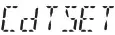 | CTCSS/DCS encode/decode | oF: CTCSS/DCS is OFF; CT: 67.0Hz-250.3Hz; DT: D023N-D754N; Note: This function is optional. |
| 2 |  | Beep sound | On: turn on beep sound oF: turn off beep sound Default: on |
| 3 | 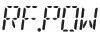 | setting RF power | LO: low power nl: middle power HI: high power Default: LO Note: This function is valid only when the radio work In HF model or HAM model. |
| 4 |  | Scan type setting | Sq: squelch scan tl: time scan Default: 50 |
| 5 |  | HI-CUT setting | OF: turn off HI-CUT function On turn on HI-CUT function Default OF |
| 6 | 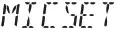 | Microphone gain | 1-9. Total 9 levels Default: 6 |
| 7 | 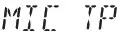 | Microphone type dy:1Dynamic | EL: Electronic dy: Dynamic Default: EL Note: Speak Into microphone and watch the S-meter to choose wanted mic gain . |
| o |  | VOX Sensitivity | 1-9: total 9 levels Default: 3 |
| 9 | 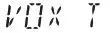 | VOX Time | 1-9: Total 9 levels Default: 4 |
| 10 .„, | 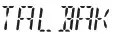 | Talkback level control | oF, 1-9 Default: OF |
| 11 | 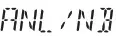 | Noise blanker | oF: turn off ANUNB function On: turn on ANUNB function Default: OF |
| 12 | 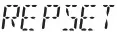 | Offset directi direction | oF: Turn off offset; —: negative offset, TX frequency low than RX frequency; +: minus offset, TX frequency high than RX frequency; Note’ Valid only In HF or HAM mode. |
| 13 | 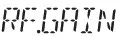 | RF gain level control | Level AU 03,06,09-48 Default: of Note: If the AUTO RFG function is on, the radio will turn on the automatic RFG function. |
| 14 | 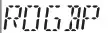 | RB sound setting | 0F, 1-5 OF: turn off RB sound function. Default: OF |
| 15 | 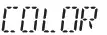 | Backlight color setting | OR: Orange gr: Green bL: Blue Cy: Cyan yE: Yellow PU: Purple CL: White Default: OR |
| 16 | 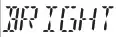 | Backlight brightness | Level 1-6 Default: 4 |
| 17 |  | Time out timer | OF, 1-10Min Default: 1 |
| 18 | 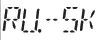 | Frequency -5KHz function | On: turn on -5KHz function oF: tum off -5KHz function Default: oF Note: This function is only valid for radio operating in HAM mode. |
Band Name Setting …………………………………………………………….
- Choose a band to be modified.
- Long press
ENGkey to enter menu list. - Short press microphone [ UP ] or [ DN ] or or to choose BAND name function memu, LCD displays

- Short press
ENGkey, the first digit blinks on LCD. - Short press microphone [ UP ] or [ DN ] or or to choose the character of the first digit.
- Short press
ENGkey to validate the first digit. The second digit blinks on LCD. - Short press microphone [ UP ] or [ DN ] or or to choose the character of the second digit.
- Short press
ENGkey to validate the second digit and exit setting. - Long press
ENGkey or wait 10 seconds to store exit MENU.

Emergency Channel Setting ……………………………………………….
- Long press
ENGkey to enter menu list. - Short press microphone [ UP ] or [ DN ] or or to choose EMG function memu, LCD displays EMG1–09 on or EMG2–19 on.
- Short press EMG key, the character “on” or character “oF” blinks on LCD.
- Short press microphone [ UP ] or [ DN ] or or to choose the emergency channel is valid.
OOF: stands for turn off current emergency channel. - Short press
ENGkey, the band name blinks on LCD. - Short press microphone [ UP ] or [ DN ] or or to choose the frequency band.
Note: This frequency band selection is valid only when the radio work in HF model or HAM model. - Short press
ENGkey to validate the frequency band, and the channel blinks on LCD. - Short press microphone [ UP ] or [ DN ] or or to choose the channel.
- Short press
ENGkey to validate the channel,and the mode blinks on LCD. - Short press
ENGmicrophone [ UP ] or [ DN ] oror to choose the mdoe AM or FM. - Short press
ENGkey to validate the mode and exit setting. - Long press
ENGkey or wait 10 seconds to store exit MENU.
Note: Choose the frequency band is valid only when the radio work in HF model or HAM model.
Resume Factory Default ……………………………………………………
- Long press
ENGkey to enter menu list. - Short press microphone [ UP ] or [ DN ] or or to choose reset function memu, LCD displays

- Short press
ENGkey to enter menu selection, falshes in the LCD. - Long press
ENGkey key until LCD only displays - Release
ENGkey, the radio automatically reseted.

SPECIFICATION
| GENERAL | ||
| Modulation Mode | AM/FM | |
| Frequency Range | 28-29.7MHz | |
| Frequency Tolerance | ± 5.0ppm | |
| Input Voltage | 13.8V | |
| Dimensions | 185x124x38mm | |
| Weight | 620g | |
| Operating Temperature Range | -20°C to +50t | |
| Current Drain | Transmit | 5A MAX |
| Receive | Squelched 0.3A | |
| VOL Max | 0.7A | |
| Antenna Connector | UHF, SO-239 | |
| TRANSMITTER | ||
| Power Output | AM 7W, FM15W | |
| Transmission interference | inferior to 4nW | |
| Frequency Response | 300-3000Hz | |
| Modulated signal distortion | inferior to 5% | |
| Output Impedance | 50 ohms | |
| RECEIVER | ||
| Sensitivity | Less than luV for 10dB(S+N)/N | |
| Image Rejection | 70dB | |
| Adjacent Channel Rejection | 60dB | |
| IF Frequencies | 1st 10.695MHz | |
| 2nd 455KHz | ||
| Automatic Gain Control(AGC) | Less than 10dB change in audio | |
| Output for inputs from 10 to 50000uV | ||
| Squelch | less than Luv | |
| Audio Output Power | 2Watts at 80 less than 10% distortion | |
| Frequency Response | 300-3000Hz | |
WARNING
This device complies with Part 15 of the FCC Rules. Operation is subject to the following two conditions: (1) this device does not cause any harmful interference; and (2) this radio must accept any interference that may cause undesired operations.
Note: This equipment has been tested and found to comply with the limits for a Class B digital device, pursuant to part 15 of the FCC Rules. These limits are designed to provide reasonable protection against harmful interference in a residential installation. This equipment generates, uses, and can radiate radio frequency energy and, if not installed and used in accordance with the instructions, may cause harmful interference to radio communications. However, there is no guarantee that interference will not occur in a particular installation. If this equipment does cause harmful interference to radio or television reception, which can be determined by turning the equipment off and on, the user is encouraged to try to correct the interference by one or more of the following measures:
- Reorient or relocate the receiving antenna.
- Increase the separation between the equipment and receiver.
- Connect the equipment into an outlet on a circuit different from that to which the receiver is connected.
- Consult the dealer or an experienced radio/TV technician for help.
Licensing Information
Use our radio in USA is subject to the rules & regulations of FCC. Changes or modifications not expressly approved by our may void the user authority granted by the FCC to operate this radio and should not be made. To comply with FCC requirements, transmitter adjustments should be made only by or under the supervision of a person certified as technically qualified to perform transmitter maintenance and repairs in the private land mobile and fixed services as certified by an organization representative of the user of those services. Replacement of any transmitter component (crystal, semiconductor, etc) not authorized by the FCC equipment authorization for this radio could violate FCC rules.
Note: Use of this radio outside the country where it was intended to be distributed is subject to government regulations and may be prohibited.
Important: Any changes or modifications not expressly approved by the party responsible for compliance could void the user’s authority to operate this device. Your radio is set up to transmit a regulated signal on an assigned frequency. It is against the law to alter or adjust the settings inside the radio to exceed those limitations. Any adjustments to your radio must be made by qualified technicians.
WARNING: MODIFICATION OF THIS DEVICE TO RECEIVE CELLULAR RADIOTELEPHONE SERVICE SIGNALS IS PROHIBITED UNDER FCC RULES AND FEDERAL LAW.
Qixiang Electon Science & Technology Co., Ltd.
www.anytone.net
 Handheld Two Way Radio Manufacturer / Walkie Talkie Supplier | Anytone