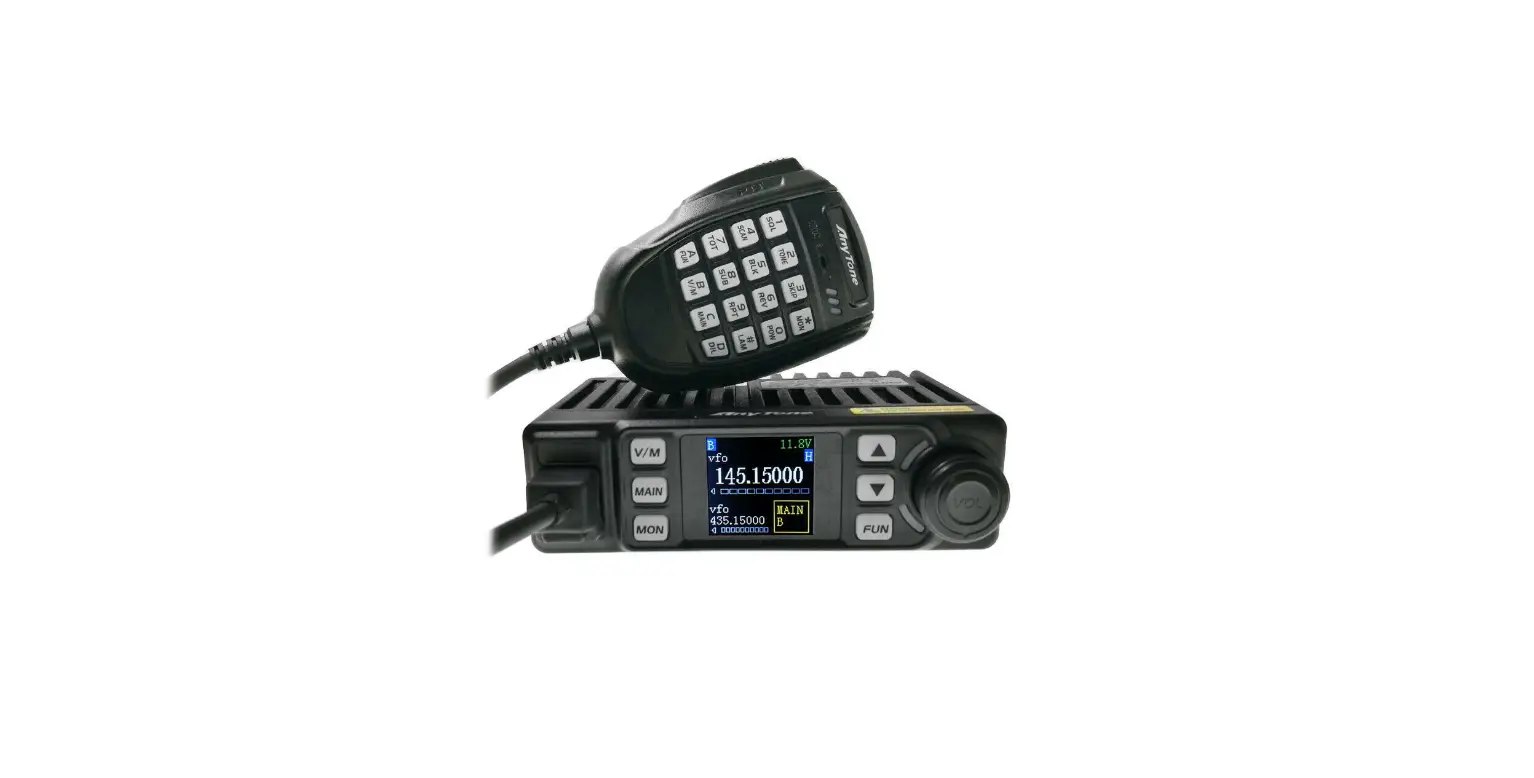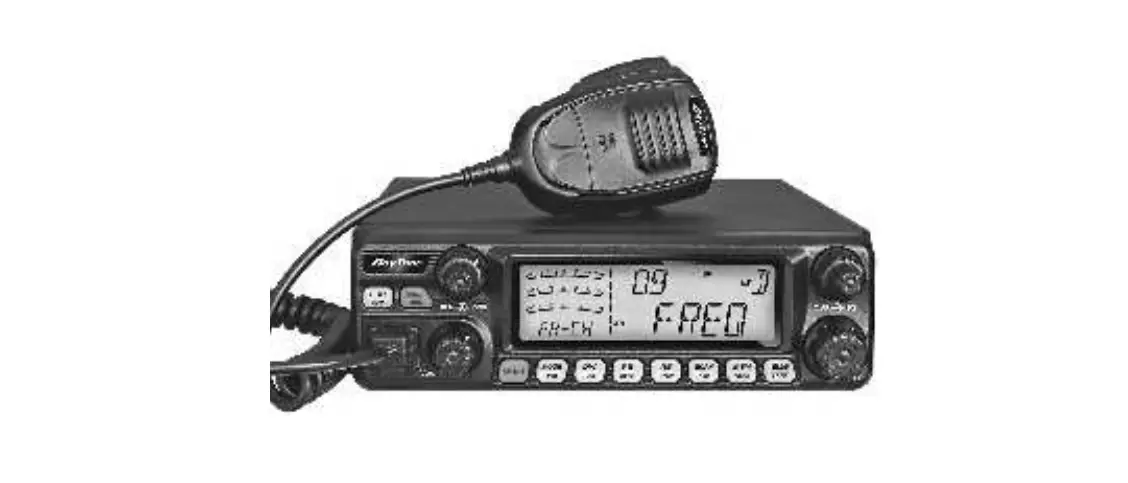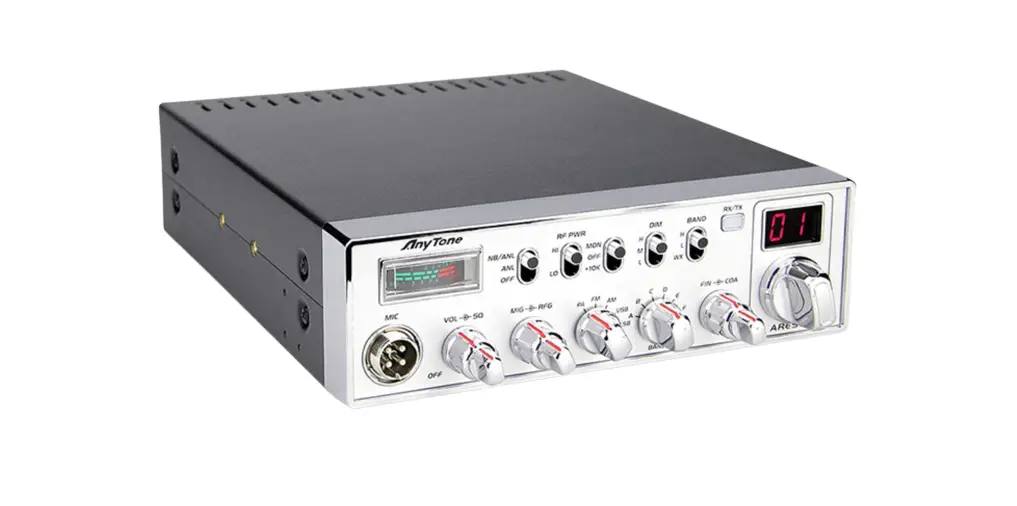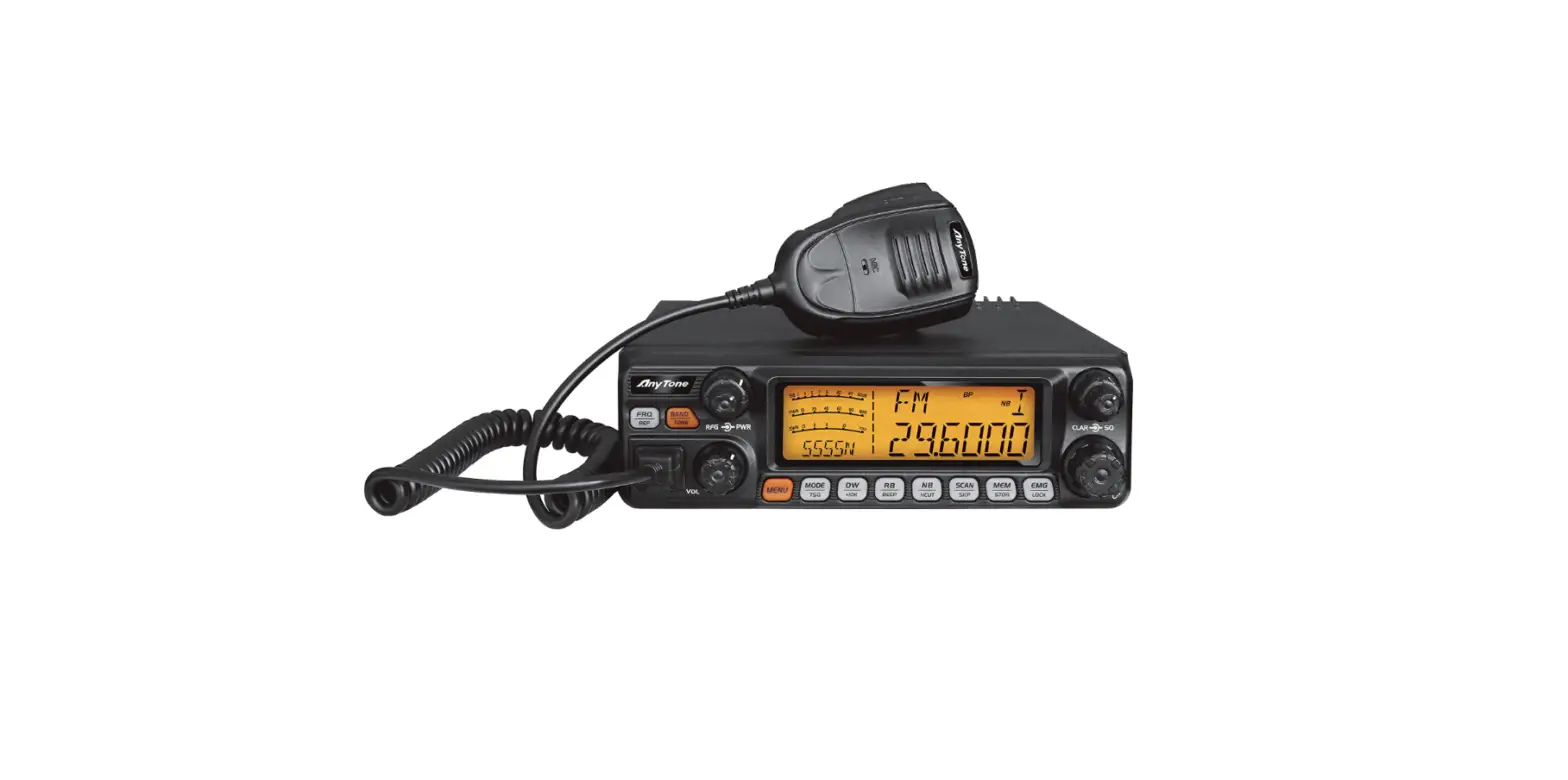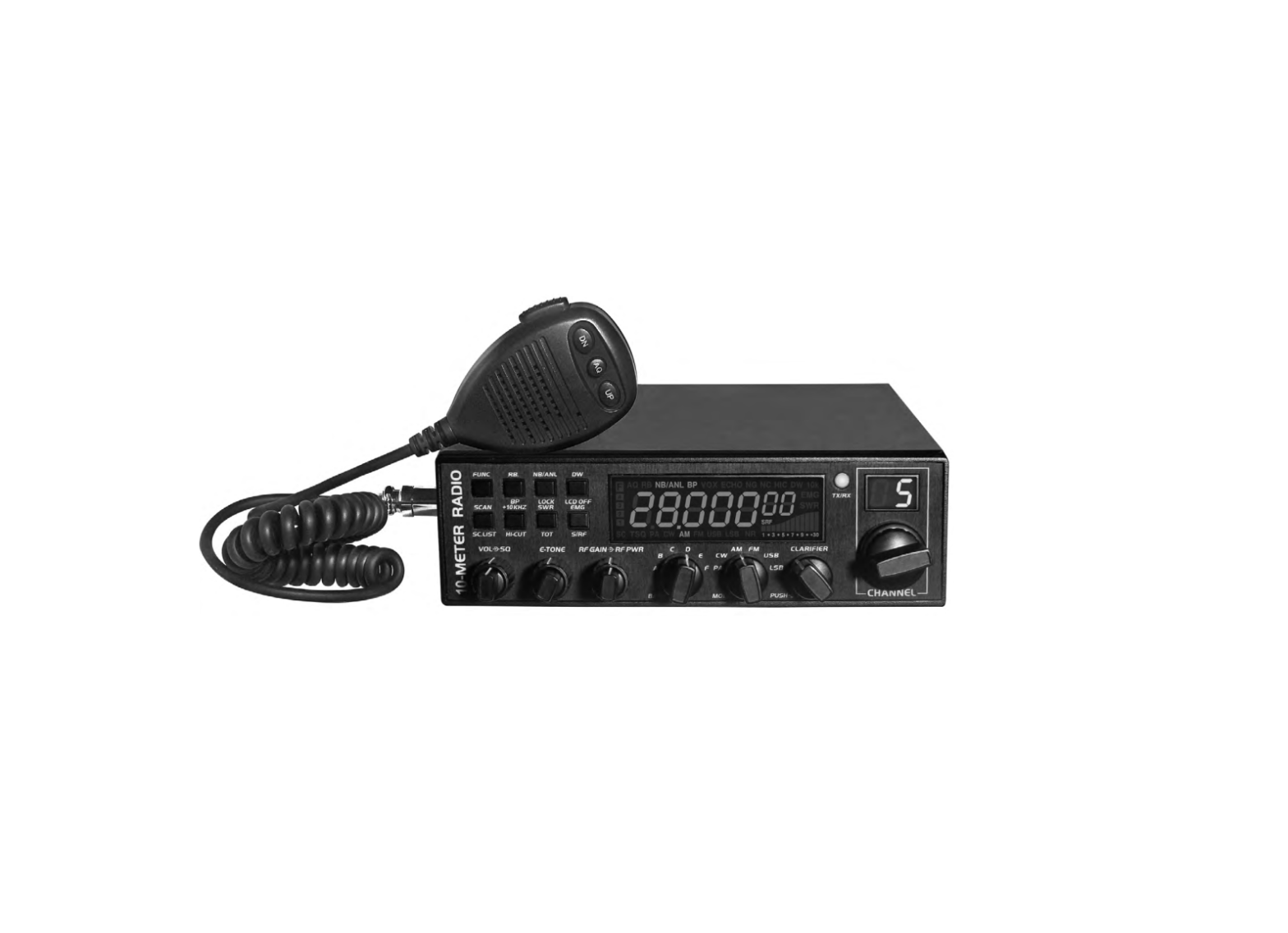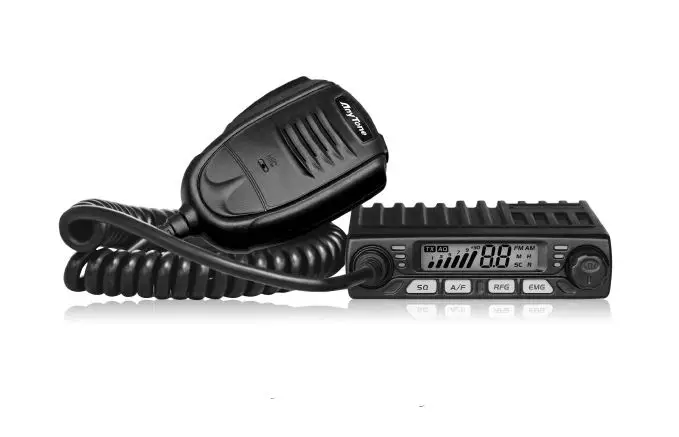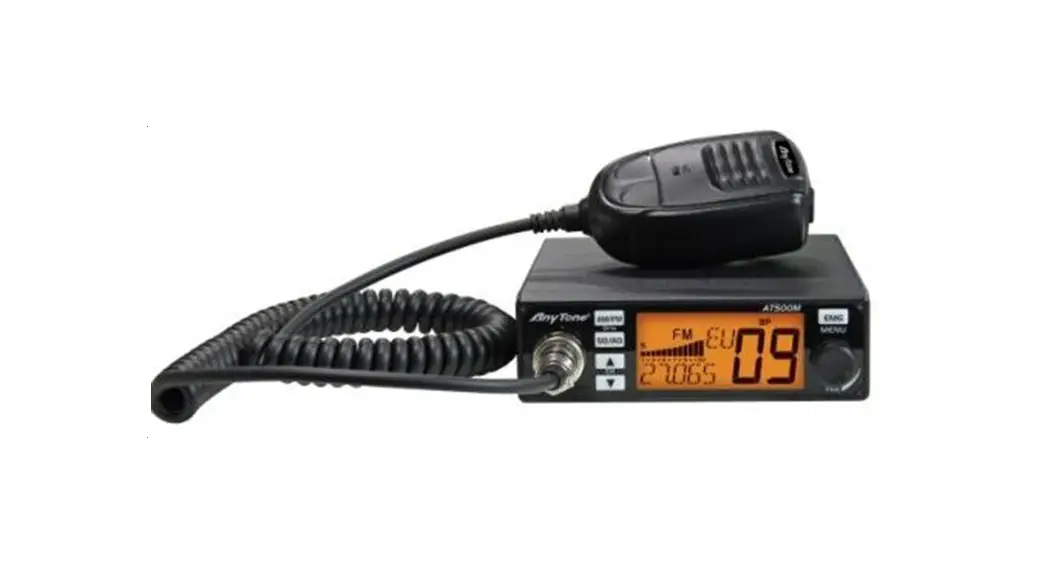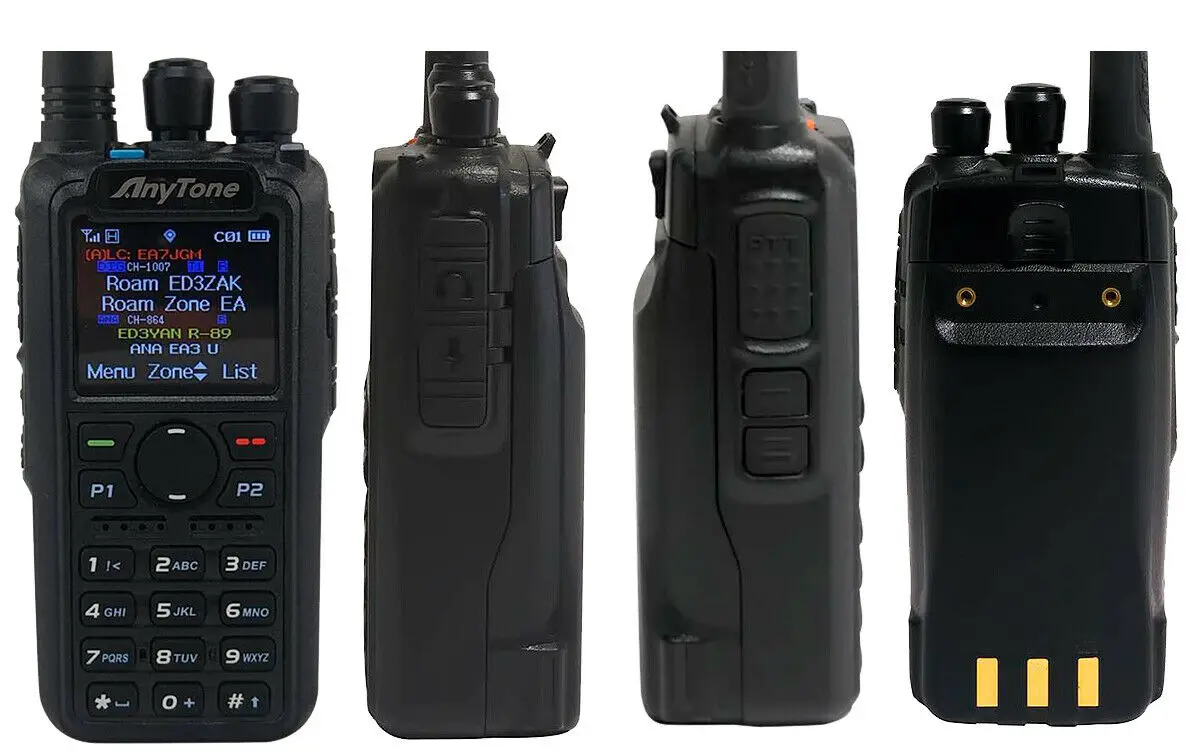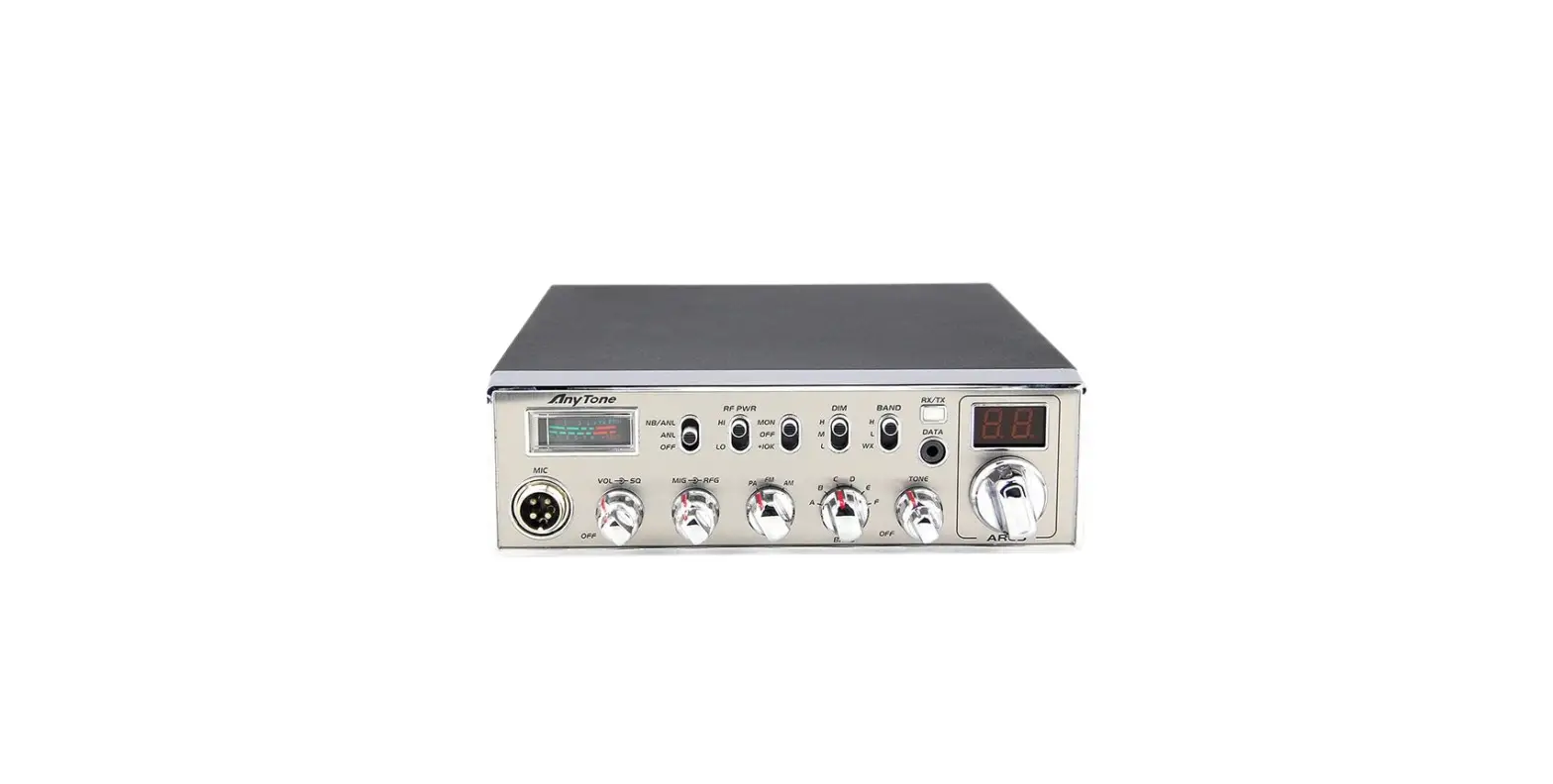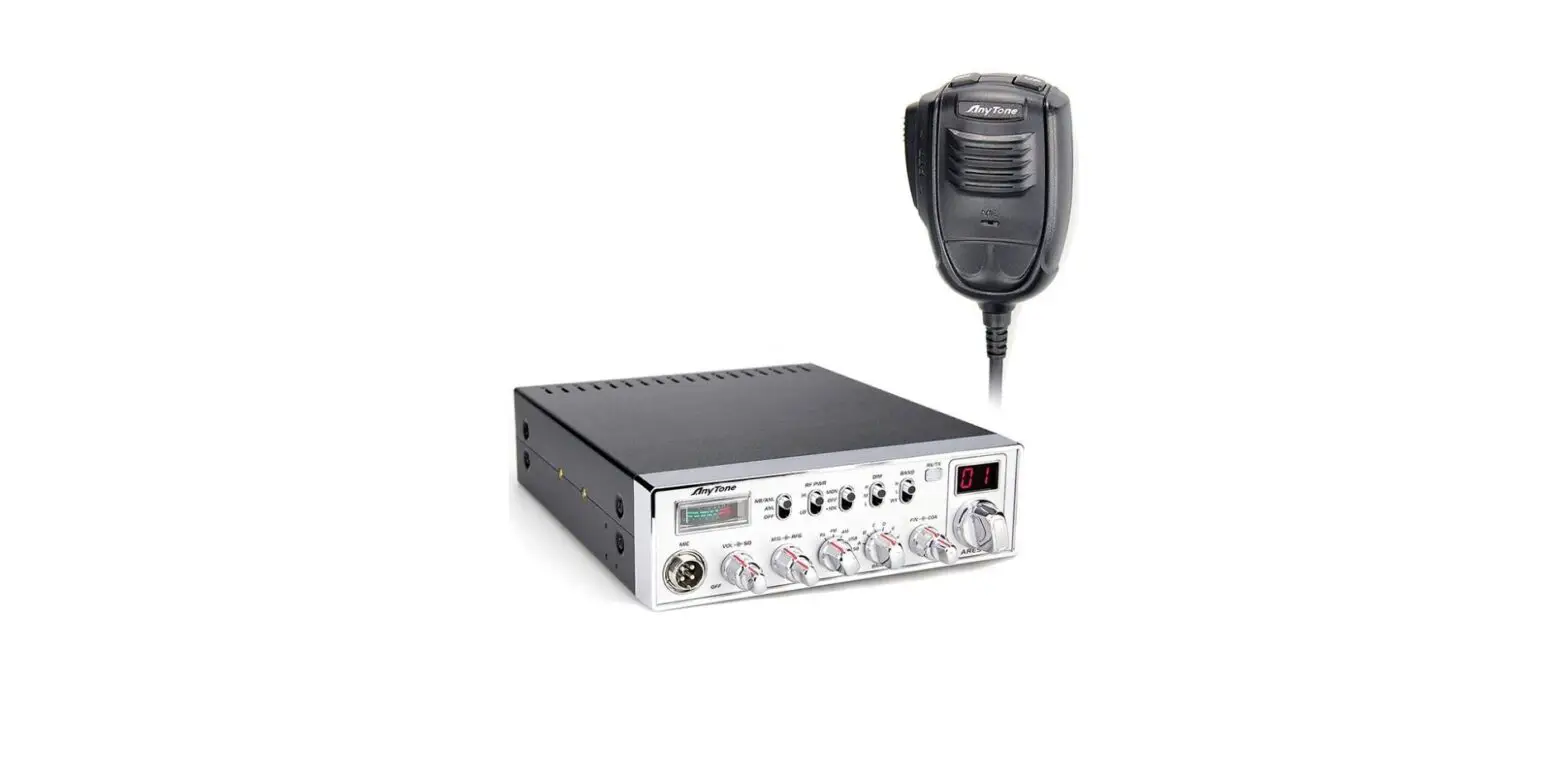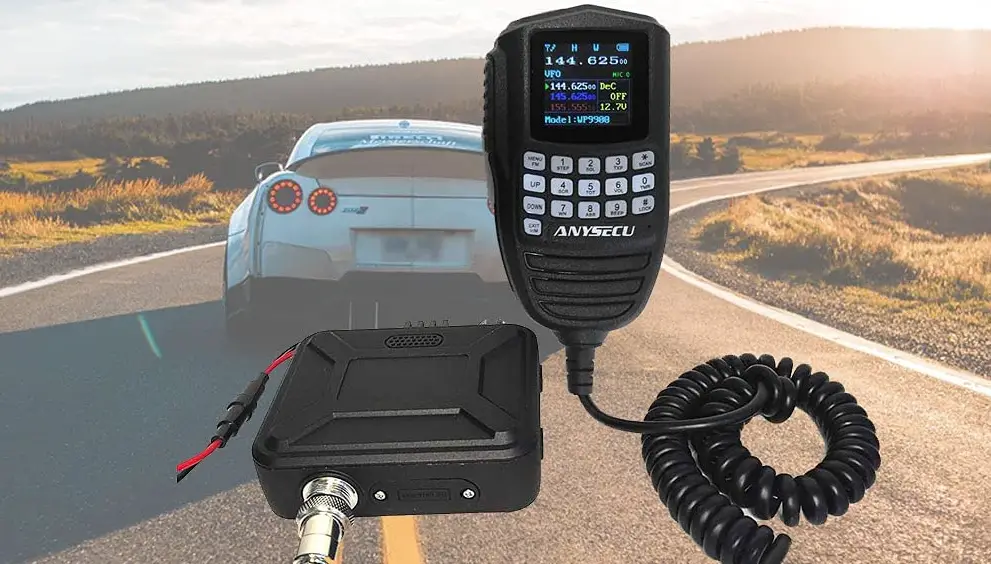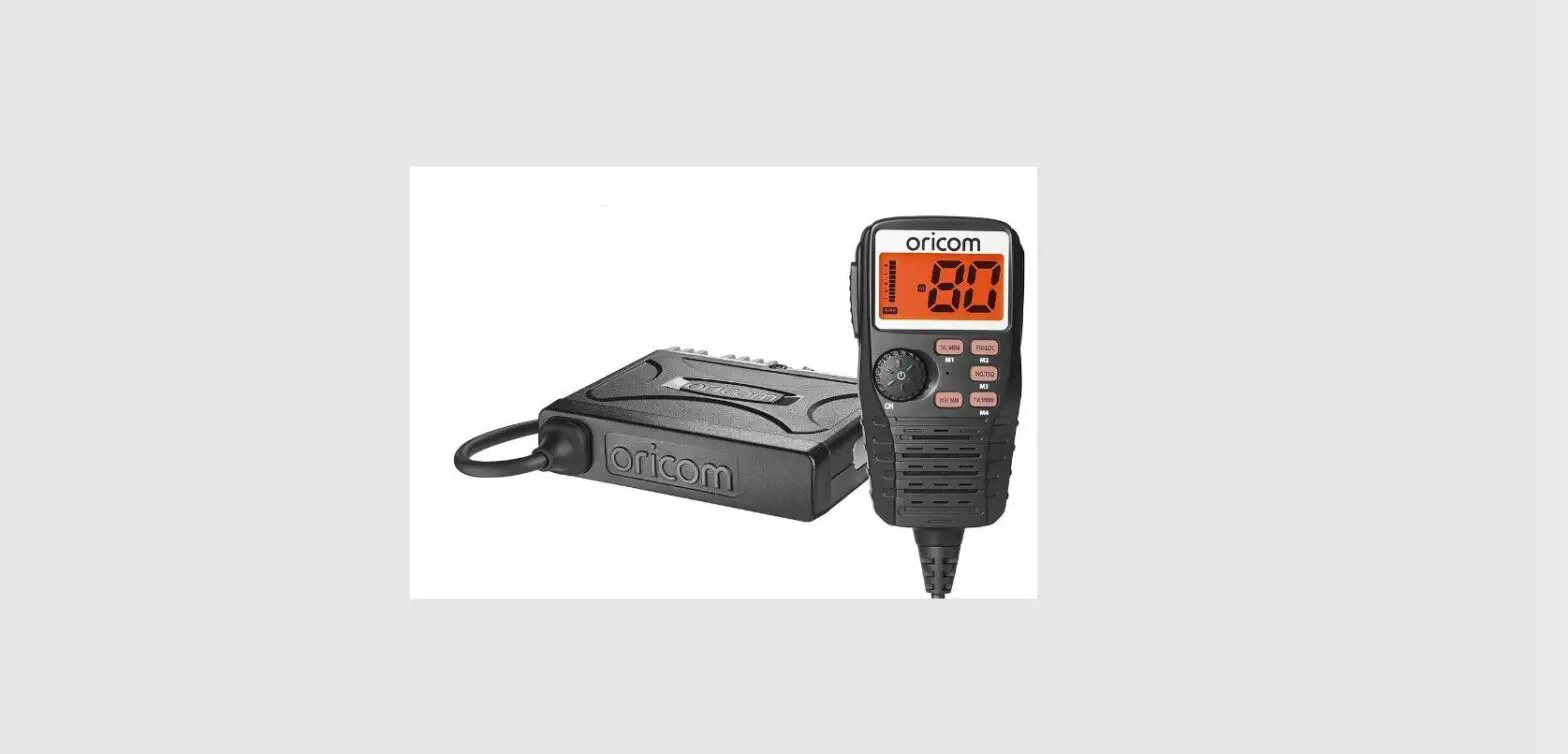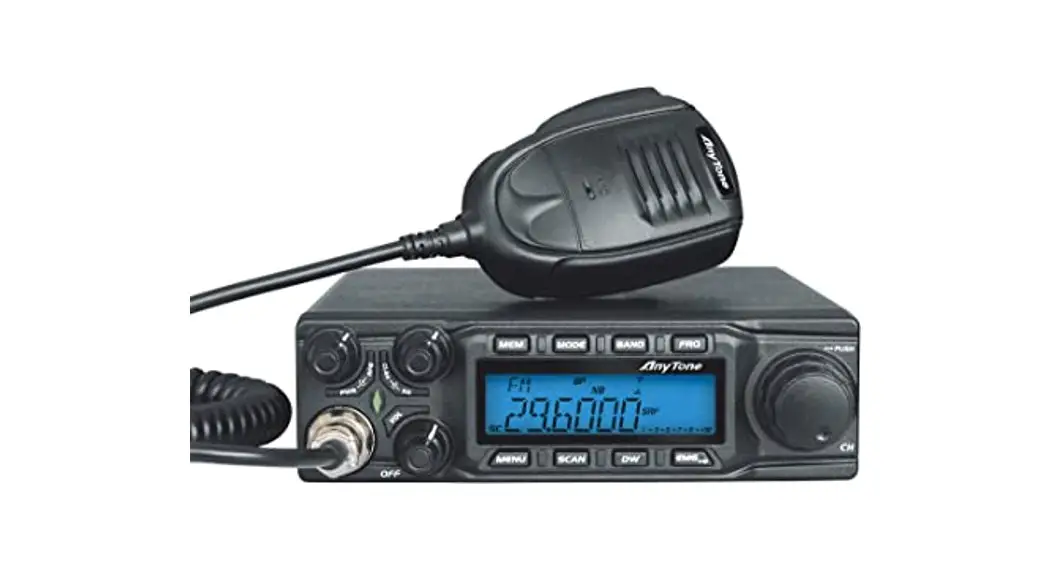
 AT-6666 10 Meter Radio High Power 60W 40CH Mobile Transceiver
User Manual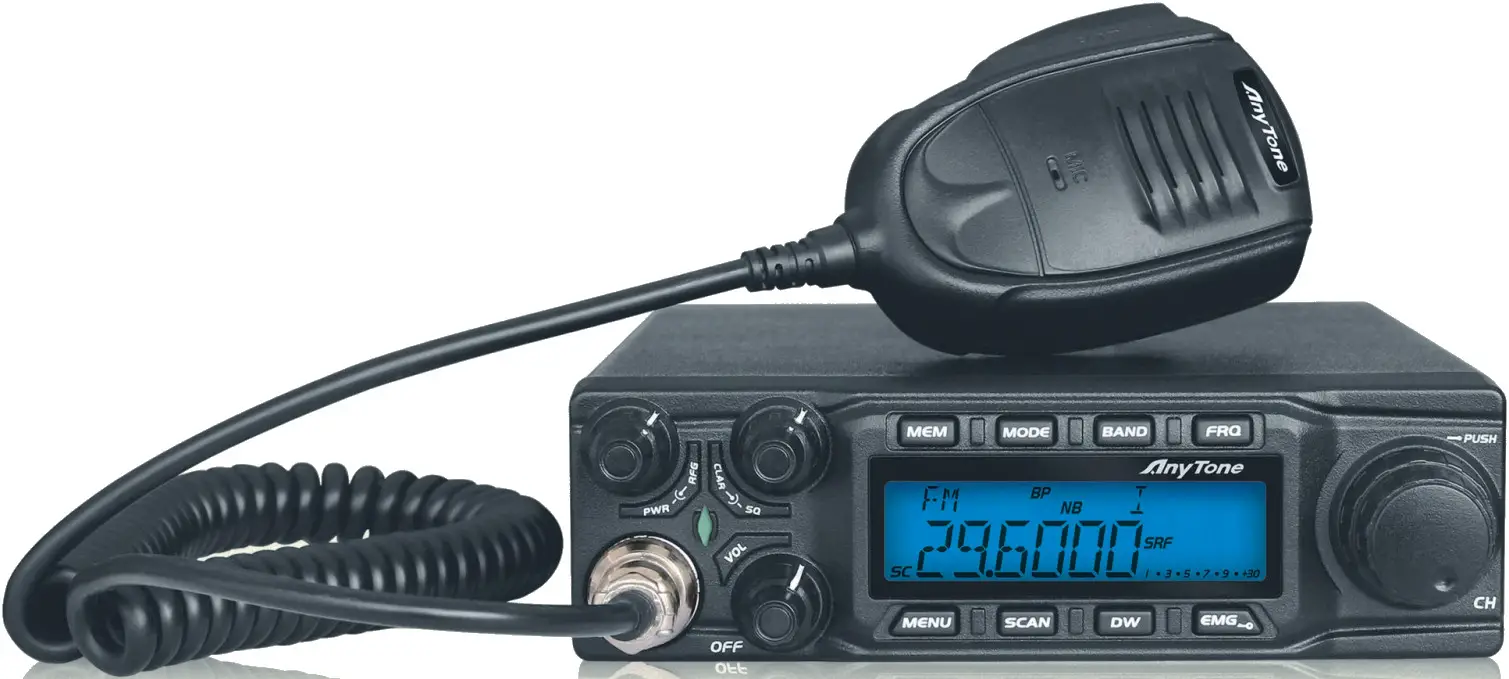

 FUNCTIONS & FEATURES
 FUNCTIONS & FEATURES
- Big LCD displays frequency and all kinds of information
- FM 、AM、USB、LSB 、PA mode
- Frequency Tuning Step 100Hz, 1KHz, 10KHz, 100KHz, 1MHz
- ± 1.5KHz Clarifier
- Flexible menu function and PC programming software
- ECHO Function
- SQ, ASQ Function (FM and AM mode only)
- RF GAIN Adjustment
- RF PWR Adjustment
- SCAN Function
- Programmable RB Function
- NB/ANL Function
- DW DUAL-WATCH Function
- BEEP Voice Prompt
- +10KHZ Function
- SWR 161 、S/RF function
- TOT function
- HI-CUT Function
- EMG CALL
- SWR PROTECTION
- Power Supply Voltage Protection
- Key-Lock Function
- Seven (7) Color LCD Display
- Six(6) Groups Memory Channel
- CTCSS/DCS Code(Optional)
- DTMF Function 261
STANDARD ACCESSORIES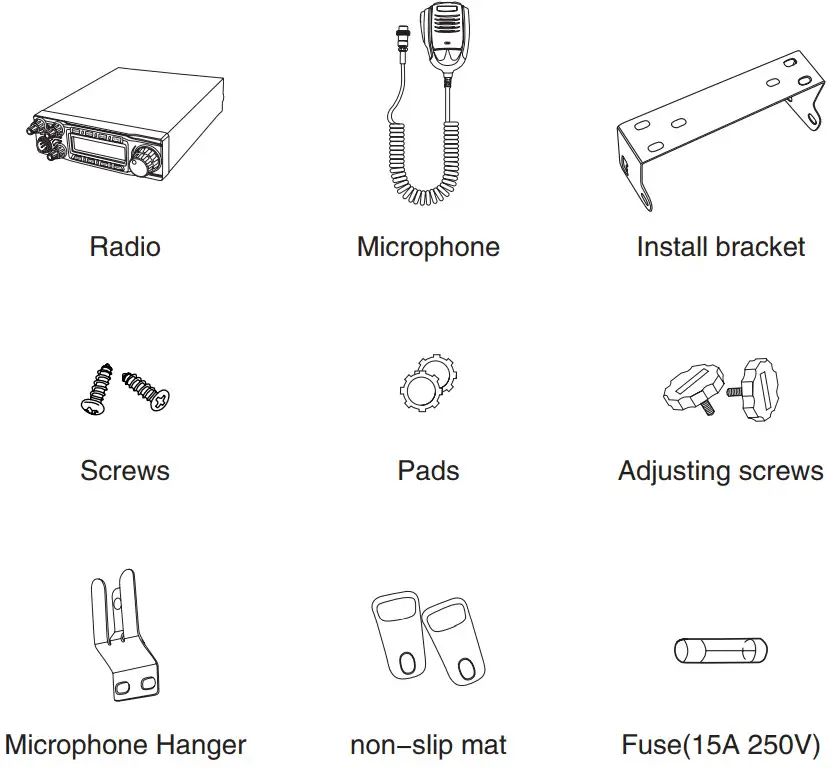
INSTALLATION
Choose the most appropriate setting from a simple and practical point of view. Your radio should not interfere with the driver or crash the driver’s knee or leg when rush brake.
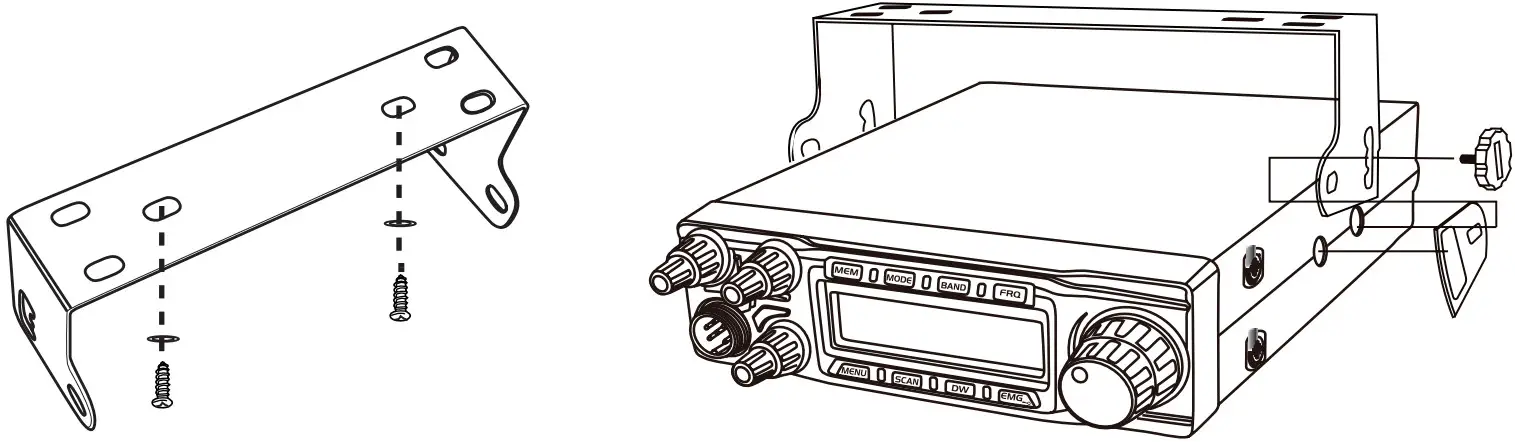
- Using the self-tapping screws and pads(2 sets) to fix the bracket.
- Put the Non-slip mat on the 2 ends of the bracket and put in the radio. Then insert the adjusting screws and check carefully each screw, making sure the screws and machine will not loose when the car shakes.
- Choose a suitable angle by the 3 screw holes in the two ends of the bracket.

 ANTENNA INSTALLATION
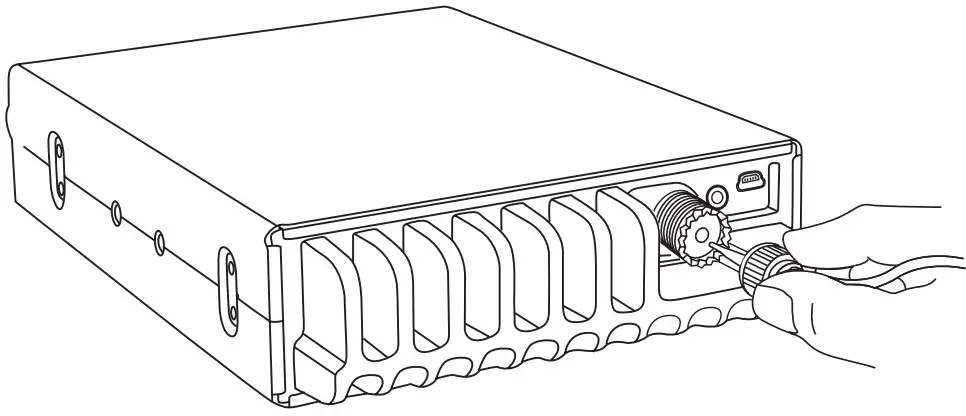
Before using this radio, please install a highly efficient and harmonious adjusted CB antenna, the suitable antenna type, and correct installation will bring excellent communication.
To match with the radio, the antenna and cable shall with a characteristic impedance of 50ohm, or the antenna system will coefficient enough and will disturb TV, radio, or other electronics.
- Screw the antenna connector into the antenna jack.
- Grounding the antenna system to ensure the best performance of this radio.
 WARNING:
▲ Connect the antenna first before transmitting, or it might damage the radio.
▲ To avoid the risk of fire, electric shock, and radio damage, all base stations shall equip with a lightning protector
▲ Be sure to choose a matching antenna, you may inquiry our dealers. - The position of the antenna can be put as the following example:

 WARNING:
POWER CONNECTION
This radio adopts a 13.8V power supply, never connect it to a 24V battery, And the 13.8V car battery shall with sufficient current, or the LCD will become dark and Transmit power will drop down.
- Connect the positive red power cable with the + terminal of the battery.
- Connect the negative black power cable with the – terminal of the battery.
▲ We suggest not using a cigar lighter as it often brings down the voltage.
▲ Locate the power cable away from high temperature, moisture, portfire, and cable insulator.
▲ Use a full power cable even if it is longer than needed, do not take off the fuse holder from the cable. Replacing Fuse
This radio adopts a 15A, 250V fuse.
If the fuse blows, determine the reason, then correct the problem.
After the problem is resolved, replace the fuse. If newly installed fuses continue to blow, disconnect the power cable and contact your authorized dealer or an authorized service center.
- Pull the two fuse covers in a different direction and open them.
- Replace the broken fuse with a good one, and close the fuse holder.
- Be sure to use the suggested fuse, or it might damage the radio.


Install Microphone Hanger
Choose an ideal location that will not interfere with the driver. Using supplied self-tapping screws and pads(2 sets) to fix the hanger Install External Speaker
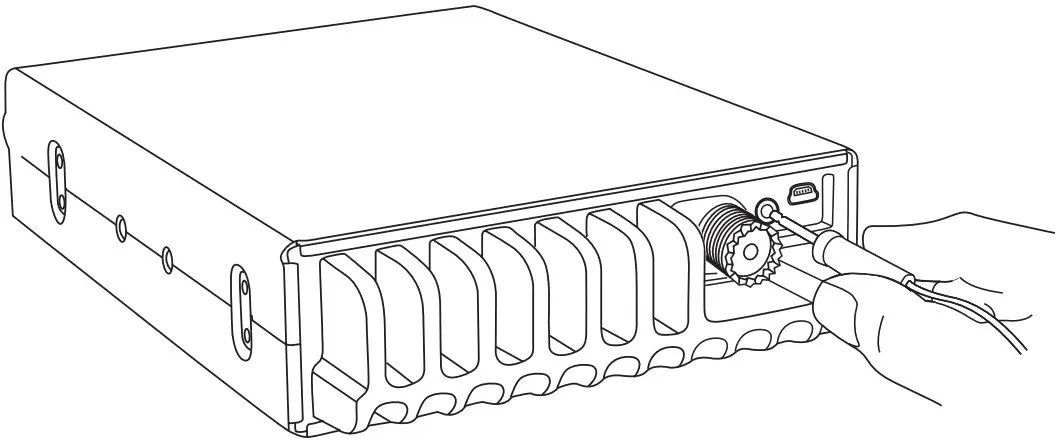
If using an external speaker, please choose an 8-ohm speaker with a 3.5mm monoband (double cable) plug.
- Locate the external speaker in a suitable place.
- Plug into the speaker jack.

GETTING ACQUAINTED
Front Panel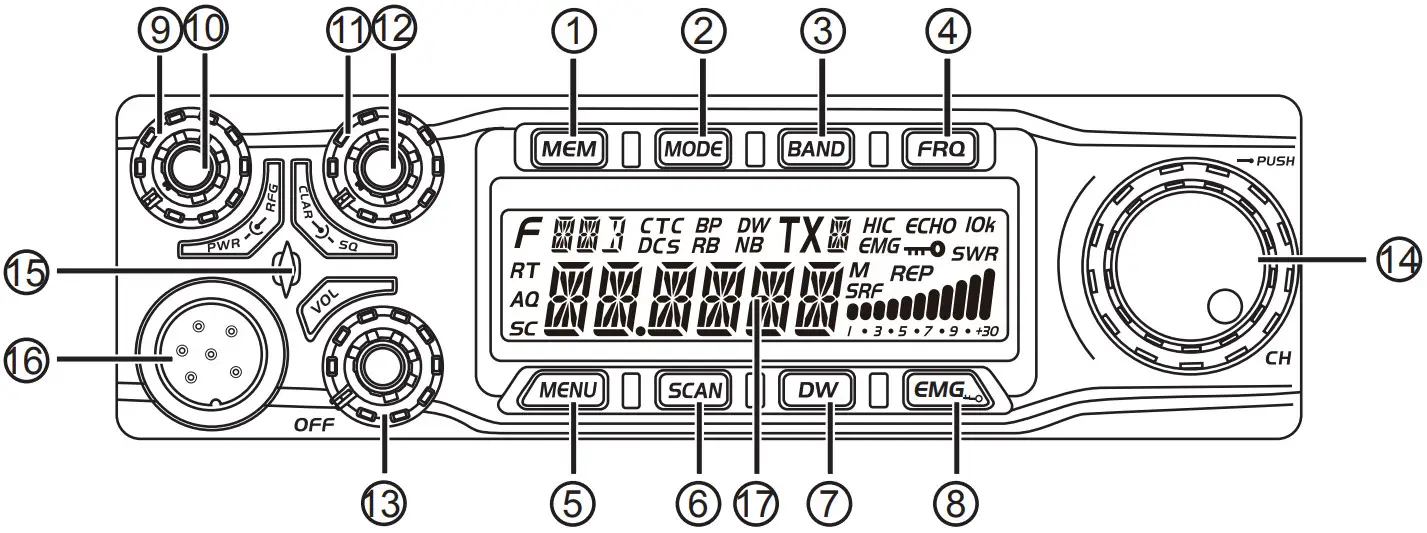
| No. | Key | Functions |
| 1 | MEM | Use, store or delete memory channel |
| 2 | MODE | Switch mode: FM、AM、USB、LSB、PA |
| 3 | BAND | Switch band: A-I |
| 4 | FRQ | Switch between channel mode and frequency mode |
| 5 | MENU | Function Menu key |
| 6 | SCAN | Scan, Scan add, Scan delete |
| 7 | DW | Dual-watch scan, Dual-watch setup |
| 8 | EMG | Emergy Channel; Keypad lock. |
| 9 | PWR | RF Power Control |
| 10 | RFG | RF Gain Control |
| 11 | SQ | Squelch Control |
| 12 | CLAR | SSB Clarifier switch |
| 13 | VOL/OFF | Power On/Off; Volume Control. |
| 14 | CH | Channel Switch, Push key. |
| 15 | RX/TX Indicator | |
| 16 | Microphone Jack | |
| 17 | LCD Display |
Rear Panel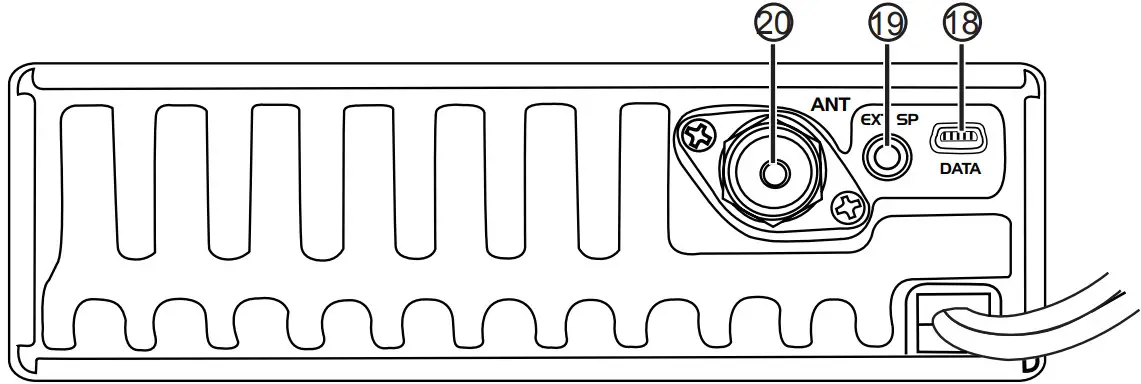
| 18 | PC Cable Jack |
| 19 | External Speaker Jack |
| 20 | Antenna Jack |
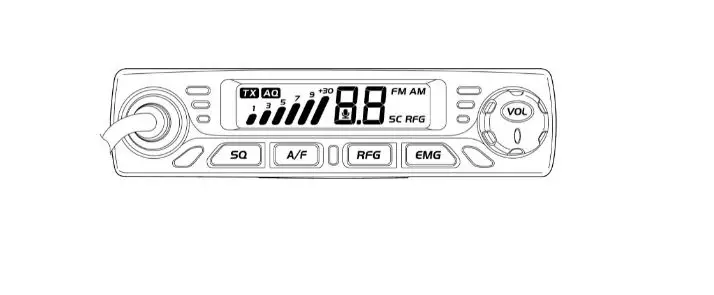
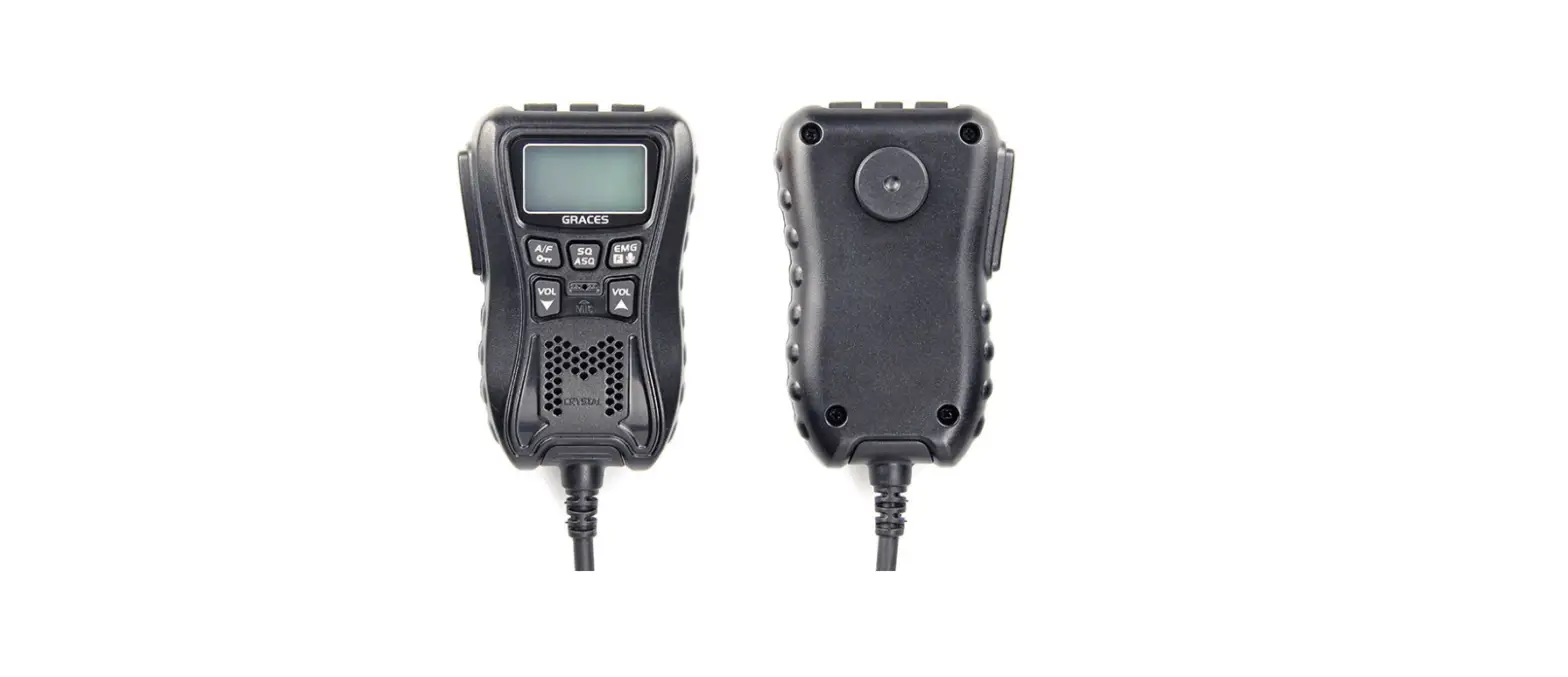
Microphone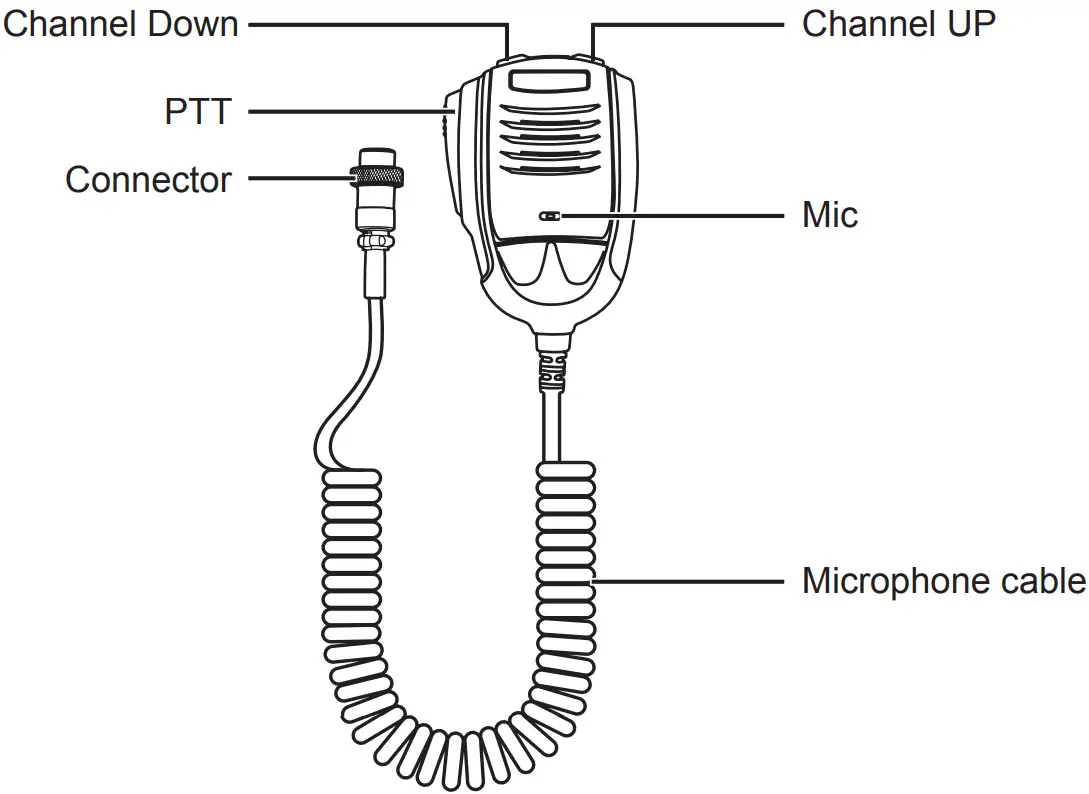 LCD Display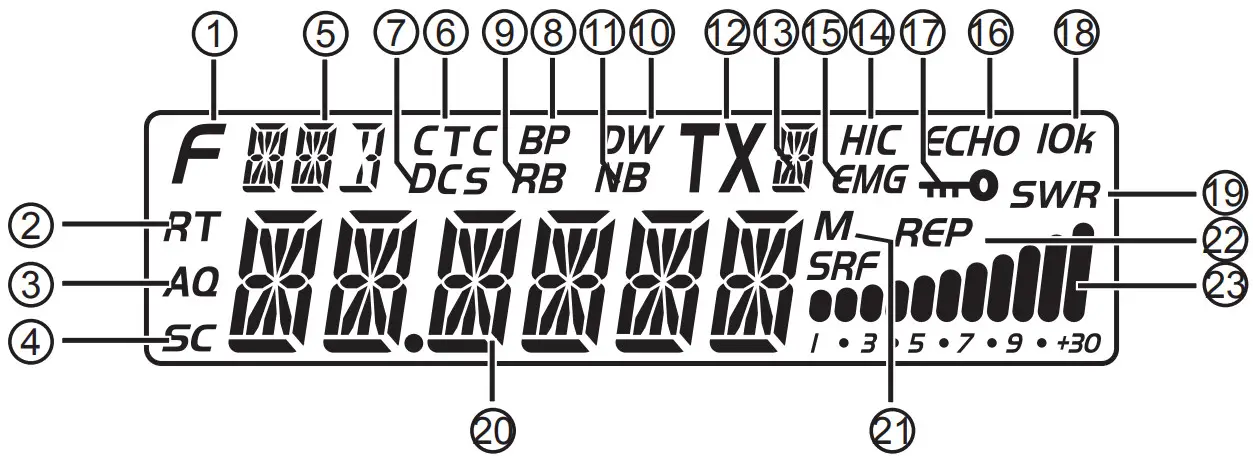
| 1 | F | Appears when pressing the MENU key. |
| 2 | RT | This appears when adjusting SSB clarifier frequency. |
| 3 | AQ | Appears when using ASQ. |
| 4 | SC | Appears during scan function. |
| 5 |  | Indication of working mode. |
| 6 | CTC | Appears when set with CTCSS code. |
| 7 | DCS | Appears when set with DCS code. |
| 8 | BP | Appears when Beep’s voice is ON. |
| 9 | RB | Appears when the RB function is ON. |
| 10 | DW | Appears when the Dual-watch function is ON. |
| 11 | NB | Appears when adjusting Noise Blanker is ON. |
| 12 | TX | Appears during transmitting. |
| 13 |  | Indication of a working band. |
| 14 | HIC | Appears when the Hi-cut function is ON. |
| 15 | EMG | Appears when using the Emergency channel. |
| 16 | ECHO | Appears when the Echo function is ON. |
| 17 |  | Appears when the Keypad lock function is ON. |
| 18 | IOk | Appears when the +10Khz function is ON. |
| 19 | SWR | Indication of SWR level. |
| 20 |  | Display of frequency and channel. |
| 21 | M | Appears when using memory channels |
| 22 | REP | Appears when the repeater function is ON. |
| 23 | 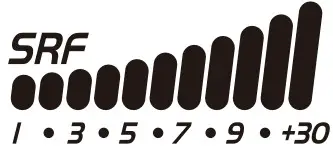 | Display of TX/RX Signal strength. |
HOW TO USE YOUR RADIO
OFF/ONRadio
- Turn VOL clockwise to switch on the radio, the radio emits a beep.
When the LCD displays frequency or channel, the radio is on. - Turn VOL anti-clockwise to switch off the radio, the radio is OFF
when hearing Ka Ta from the switch.
Volume Control
When the radio is turned on, turning VOL clockwise will increase the volume, turn VOL anti-clockwise will reduce the volume. The LCD displays VOL: XX (XX stands for the volume level, total 1-36 levels).
Note: Adjust the volume during communication to get a suitable level. RF Power Control
When the radio is transmitting, turn PWR outer shaft to adjust power.
Turn it clockwise to increase power, and anti-clockwise to reduce power. RF Gain Control
When the radio is receiving, turn RFG inner shaft to adjust RF gain.
Turn it clockwise to increase gain, and anti-clockwise to reduce the gain. SQUELCH Control
When the radio is on standby, turn SQ outer shaft clockwise to adjust the squelch level. The LCD displays SQ: XX. (XX stands for the squelch level, total 1-36 levels). SSB Clarifier control
When the radio is transmitting or receiving, turn CLAR inner shaft to adjust USB/LSB TX or RX frequency. Turn it clockwise to increase frequency, and anti-clockwise to reduce frequency. Channel Selection
When the radio is in channel mode, turn the channel knob to select the desired channel. Clockwise to increase, anti-clockwise to reduce channel.
Note: In channel display mode, each press【PUSH】key will increase the frequency by 10 times of channel step size. Frequency control
- In frequency mode, press 【PUSH】key, then you can adjust the frequency for the present channel.
- When the frequency is flashing, turn CH clockwise to increase frequency, and anti-clockwise to reduce frequency.
- When the frequency is flashing, press 【PUSH】again to adjust the frequency step size.
KEYPAD FUNCTION
【MEM】
Using memory channel:
- Short press 【MEM】to To enter the memory channel, turn CH to choose the memory channel.M1-M6, Total 6 memory channels.
- Short press 【MEM】again to exit memory channel mode.
Store/Delete memory channel:
- Store memory channel:
When the radio is not in memory channel mode, choose the channel to be stored, and hold【MEM】enter storage mode, the channel number flashes, Turn the Channel switch to choose the location to be stored (M1-M6), then hold【MEM】until the flashing channel number disappears, the storage is done. - Delete memory channel:
In channel mode, hold【MEM】for over 2 seconds, and the memory channel number flashes, turn the CH switch to choose the memory to be deleted. Then hold【MEM】until the flashing channel number disappears, and the delete is done.
【MODE】
Short press【MODE】to choose mode FM-AM-USB-LSB-PA.【BAND】
Short press【BAND】to choose band A-B-C-D-E-F-G-H-I.【FRQ】
Short press【FRQ】to switch between frequency display mode and channel display mode.【MENU】
- Short press 【MENU】, the top left of LCD display “F”, Press 【PUSH】 to enter the channel function menu list.
- Long press 【MENU】for 2 seconds to enter the Background Function menu.
【SCAN】
Scan function
- Short press 【SCAN】to start the scan function, and “SC” flashes in the LCD.
- In scan mode, the Turn Channel switch will change the scan direction.
- Short press 【SCAN】again to exit scan.
Add/delete scan list
In channel mode, Long press【SCAN】for over 2 seconds will add or delete a present channel from the scan list.
- When LCD displays ” SC”, the present channel is added to the scan list.
- When LCD does not display ” SC”, the present channel is not added to the scan list.
Note: This function is equal to the operation in Channel data function No.05 menu.【DW】
Dual-Watch function
- Short press 【DW】to turn on the Dual watch, LCD displays “DW”;
- Short press 【DW】again or press PTT to exit DW mode;
Dual-Watch channel setup
- Choose the first Dual-Watch channel.
- Hold 【DW】for 2 seconds, LCD displays “DW”;
- Turn the Channel switch to choose the second dual watch channel.
Long press DW again to store and exit.
【EMG】
Choose EMG channel:
Short press【EMG】 to use the Emergency channel, LCD displays “EMG”.
- Short press 【EMG】once to choose CH9;
- Short press 【EMG】again to choose CH19;
- Short press 【EMG】thrice to return to the last normal channel.
Keypad Lock Function:
Long press 【EMG】to lock keys, LCD displays ” “;
Long press 【EMG】again to unlock the keys.
Note: When this function is turned on, only the PTT button is valid.
CHANNEL FUNCTION MENU OPERATION
- 【MENU】, the top left of LCD display “F”, Press【PUSH】to enter menu list.
- Turn the Channel switch to find the No.1- No.5 menus.
- Press 【PUSH】to choose the menu.
- Turn the Channel switch to choose a wanted value.
- Press 【PUSH】to return to the previous menu, press any other key, or wait 5 seconds, the setting will be stored and exit.
| No. | Function | LCD Display | Values and Descriptions |
| 1 | Busy Channel Lockout | 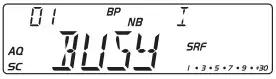 | OFF: Shut busy channel lockout function; ON: Open busy channel lockout function; Default: OFF. |
| 2 | Offset Direction | 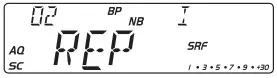 | REP+: Open offset direction function, TX frequency> RX frequency; REP-: Open offset direction function, RX frequency> TX frequency; OFF: Shut offset direction function Default: OFF. |
| 3 | CTCSS/DCS | 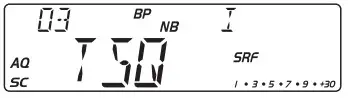 | CTCSS: 67.0~250.3Hz, Total 38 groups; DCS: D023N~D754N, Total 104 groups; OFF: Shut CTCSS/DCS code function. Default: OFF Note: This function is available only when installing the Optional CTC board. |
| 4 | Add/delete Scan list | 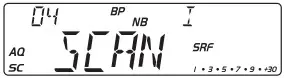 | ADD: LCD displays “SC”, present channel is added to scan list. DEL: LCD does not display “SC”, present channel is not added to the scan list. Default: OFF |
| 5 | Public Data | 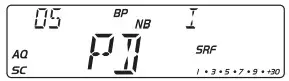 | OFF: Choose the independent channel menu; ON: Choose public channel menu; Default: ON Note: If choose OFF, The hidden channel menu 6-11 will appear. These 6 menus are the same as the 6 menus in the Public data menus. |
Note: The channel function menu is used to edit the setting for the current channel.
PUBLIC DATA FUNCTION MENU OPERATION
- Hold 【PUSH】for 2 seconds to enter the menu list;
- Turn the Channel switch to find menus 1-6;
- Press 【PUSH】to choose the menu;
- Turn the channel switch to choose a wanted value.
- Press 【PUSH】to return to the previous menu, press any other key, or wait 5 seconds, the setting will be stored and exit.
| No. | Function | LCD Display | Values and Descriptions |
| 1 | Hi-cut | 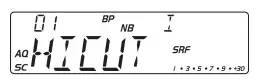 | OFF: Shut HI-CUT function; ON: Open HI-CUT function; Default: OFF. |
| 2 | NB/ANL | 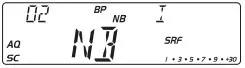 | OFF: Shut NB/ANL function; ON: Open NB/ANL function; Default: ON. |
| 3 | ECHO | 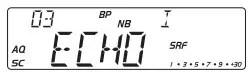 | OFF: Shut ECHO function; ON: Open ECHO function; Default: OFF |
| 4 | 10KHz | 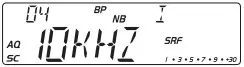 | OFF: Shut +10KHz function; ON: Open +10KHz function; Default: OFF |
| 5 | ROGER | 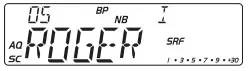 | OFF- 5, Total 6 groups. Default: OFF, Off means shut off Roger. |
| 6 | DTMF PTT ID | 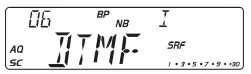 | BOT: Press PTT to send DTMF to encode; EOT: Release PTT to send DTMF to encode; CALL: Hold PTT+EMG to send DTMF encode; Note: If the M1-M16 storage has no PTT ID, the DTMF function is defaulted OFF. Users are able to choose the DTMF group only when programmed with code. |
Note: Public function menu offer a one-time setting for all channels.
BACKGROUND FUNCTION MENU OPERATION
- Hold【MENU】for 2 seconds to enter the menu list;
- Turn the Channel switch to and menu No.1 to No.15;
- Press 【PUSH】to choose the menu;
- Turn the channel switch to choose the wanted value;
- Press 【PUSH】to return to the previous menu, press any other key, or wait 5 seconds, the setting will be stored and exit.
| No. | Function | LCD Display | Values and Descriptions |
| 1 | BEEP | 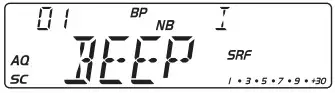 | OFF: Shut BEEP function; ON: Open BEEP function; Default: ON. |
| 2 | LCD display in TX mode | 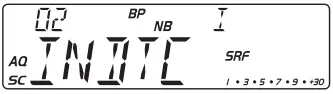 | OFF: Displays TX frequency when TX; SWR: Displays SWR value when TX TOT: displays TOT remaining time when TX; DC: Displays voltage when TX; Default: OFF. |
| 3 | Mic Gain | 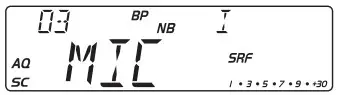 | 1-36, a total of 36 levels available. Default: 30. |
| 4 | Monitor Gain | 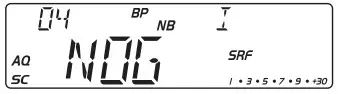 | 1-32, of, Total of 33 levels available; Default: OFF (Shut NOG function) |
| 5 | TOT | 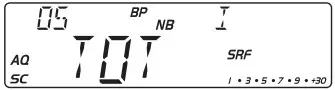 | 1-600s, OFF, Total 10 minutes available; Default: 180S (Shut TOT function) |
| 6 | SWR Protection | 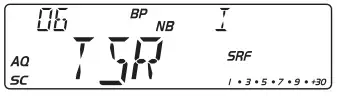 | OFF: Shut SWR function; ON: Open SWR function; Default: ON |
| 7 | Voltage Protection |  | OFF: Shut voltage protection function; ON: Open voltage protection function; Default: ON |
| 8 | Scan Type | 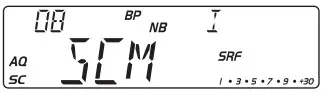 | SQ: SQ scan function; TI: Time scan function; Default: SQ |
| 9 | Clarifier | 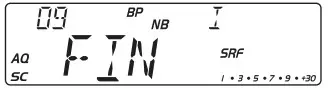 | OFF: Shut frequency adjustment R: Open RX frequency adjustment; T: Open TX frequency adjustment; RT: Open TX/RX frequency adjustment; Default: R |
| 10 | Backlight | 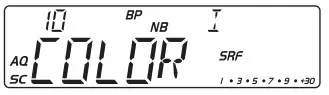 | WHITE, BLUE, GREEN, YELLOW, RED, PURPLE, CYAN Default: WHITE |
| 11 | REP frequency | 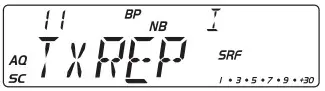 | Frequency Range: 100Hz-5MHz Default: 100KHz |
| 12 | Channel Switch Setup | 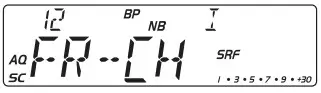 | CHAN: Choose to adjust the channel FREQ: Choose to adjust the frequency Default: FREQ |
| 13 | ASQ level | 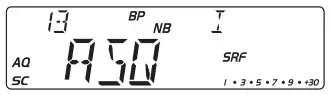 | 01-09, a total of 9 levels are available Default: 05 |
| 14 | DTMF Encode | 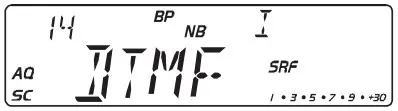 | S TIME: DTMF transmit time; DELAY: First digital time; C TIME: Pre-carrier time; *# TIME: *and # delay time; D CODE: D code setting time; TXDIS: Display setting for DTMF transmit; MEM: DTMF encodes storage list; Note: In the DTMF encode storage list (M1-M16), press PUSH to edit the DTMF code, then turn the channel knob to choose the desired value, and press PUSH again to edit the next list, after finishing the setting, hold PUSH to store it, and back to the main menu. |
| 15 | Reset | 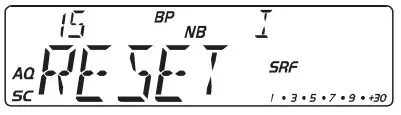 | OPT: All function setup resume default; ALL: All channels and setup resume default; Default: OPT |
SPECIFICATIONS
| GENERAL | |
| Frequency Range | 28.000-29.700MHz(Programmable) |
| Frequency Band | A/B/C/D/E/F/G/H/I |
| Channel | 40channels(programmable)in each band |
| Frequency Control | Phase-Locked-Loop Synthesizer |
| Frequency Step | 100Hz、1KHz、10KHz、100KHz、1MHz |
| Frequency Tolerance | ±5.0 ppm |
| Temperature Range | -20℃to +50℃ |
| Microphone | with push-to-talk /UP/DN and coiled cord |
| Input Voltage | 13.8V |
| Dimensions (in mm) | 245(L) x 158(W) x 48(H) |
| Weight | 1.5kg |
| Antenna Connector | UHF, SO239 |
| TRANSMITTER | |
| Power Output | AM: 15W / FM:45W / SSB: 60W(PEP) |
| Drain | 12A(with modulation) |
| Modulation | FM/AM/USB/LSB |
| Inter-modulation | SSB: 3rd order, more than -25dB; 5th order, |
| Distortion | more than -35dB |
| SSB Carrier | 55dB |
| Suppression | 50dB |
| Unwanted Sideband | AM/FM: 300 to 3000Hz |
| Frequency Response | SSB: 450 to 2500Hz |
| Output Impedance | 50ohms, unbalanced |
| RECEIVER | |
| Sensitivity | SSB: 0.25μV for 10dB(S+N)/N AM:1.0μV for 10dB(S+N)/N FM: 1.0μV for 20 dB (S+N)/N (All at greater than 1/2 watt of audio output) |
| Adjacent-Channel Selectivity | AM/FM: 60dB SSB: 70dB |
| Image Rejection | More than 65dB |
| IF Frequency | AM/FM: 10.695MHz 1st IF, 455KHz 2nd IF SSB: 10.695MHz |
| RF Gain Control | 45dB adjustable for optimum signal reception |
| Automatic Gain Control(AGC) | Less than 10dB change in audio output for inputs from 10 to 100,000 microvolts. |
| Squelch | Adjustable; threshold less than 1.0μV. Automatic Squelch Control(only AM/FM)1.0μV |
| Audio Output Power | 3 watts into 8 ohms |
| Frequency Response | AM/FM: 300 to 3000Hz SSB: 450 to 2500Hz |
| Built-in Speaker | 8 ohms, round. |
| External Speaker(Not Supplied) | 8 ohms; disables internal speaker when connected. |
 Qixiang Electron Science & Technology Co., Ltd.
www. qxdz.cn